Best AI Art Generator: 10 Best AI Art Generators to Try in 2026
Explore the best AI art generators for 2026. Compare free and paid tools for creating anime, line art, illustrations, product visuals, and creative artwork with Vmake Labs for creators and businesses.

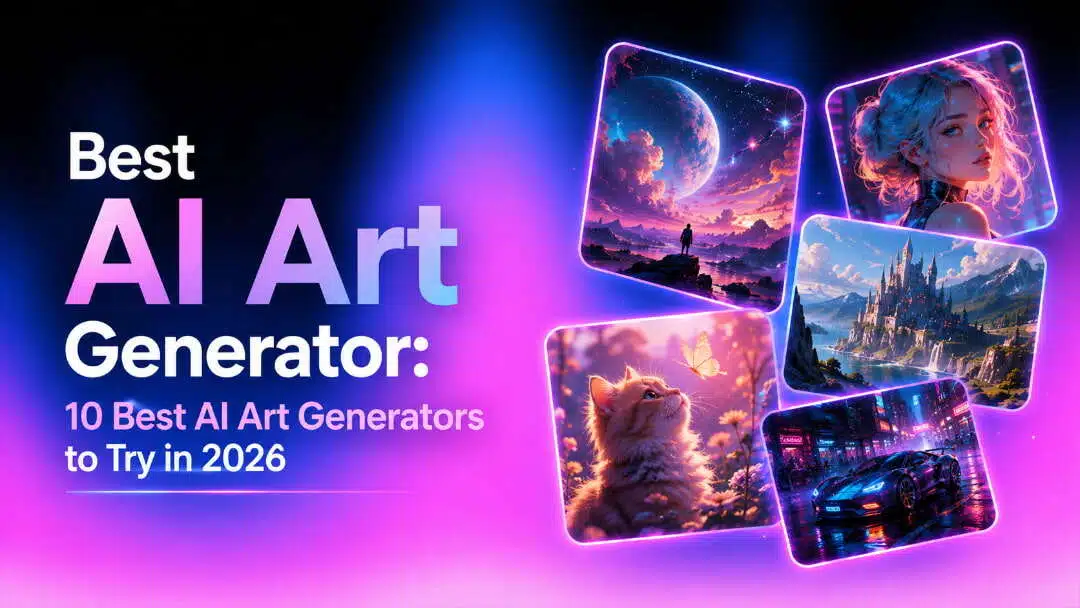
AI art generators can turn simple ideas into illustrations, product visuals, anime images, and other creative artwork within seconds. The best tool depends on the image quality, creative control, reference-image support, available features, and how easily it fits into your existing creative workflow.
Brief Overview: Best AI Art Generators in 2026
|
AI Art Generator |
Best Use Case |
Key Strength |
Free Access |
Platform |
|---|---|---|---|---|
|
Vmake Labs AI Image Generator |
Marketing, product, and social visuals |
Multi-model and reference-based image creation |
Yes |
Web |
|
Adobe Firefly |
Professional creative projects |
Generative AI with creative controls |
No |
Web |
|
Canva AI |
Social media and marketing graphics |
AI generation within a design platform |
Yes |
Web, Mobile |
|
NightCafe |
Artistic experimentation |
Multiple AI models and styles |
Yes |
Web |
|
ImagineArt |
Multi-model image creation |
Broad model selection and creative controls |
Yes |
Web |
|
Leonardo AI |
Concept art and creative assets |
Image generation, refinement, and customization |
Yes |
Web |
|
DeepAI |
Quick creative image generation |
Simple image-generation workflow |
Yes |
Web |
|
Craiyon |
Accessible AI artwork |
Simple generation and creative tools |
Yes |
Web |
|
Magic Studio |
Quick AI image creation |
Simple browser-based workflow |
Yes |
Web |
|
Deep Dream Generator |
Experimental AI artwork |
Multiple AI models and creative styles |
Yes |
Web |
What Is the Best AI Art Generator in 2026?
There are many AI art generators available, each offering different features and options, and none can be considered the best choice for everyone. Adobe Firefly offers more control over AI-generated content, while Canva lets users create images within its design tools. Some focus on artistic styles, while others emphasize design workflows, professional editing, or multiple AI models.
Vmake Labs AI Image Generator supports text prompts and existing images for creating marketing visuals, product imagery, social content, and other creative assets.
How to Choose the Best AI Art Generator
You can't pick an AI art generator just by looking at its sample images. Consider how well each tool matches your preferred style and workflow, including image quality, creative controls, reference images, editing features, and ease of use.
-
Image Quality and Prompt Accuracy: Pick a tool that can accurately interpret details such as the subject, composition, lighting, colors, and style. You can also compare multiple outputs and refine your preferred image.
-
Styles and Creative Control: Choose styles and controls that fit your needs, whether you're working on line art, illustrations, anime art, or realistic images.
-
Reference Images and Image Enhancement: Use reference images to guide the visual direction, then use the image enhancer to improve image quality and clarity after generation. If you need to modify the image content itself, return to the Image-to-Image workflow.
Ease of Use and Workflow: Consider how easily you can enter a prompt, select settings, generate an image, review the result, and download the final artwork.
Top 10 Best AI Art Generators in 2026
Here are the detailed breakdowns of the top-tier generator. For a fair comparison, we will use the same prompts to test their ability:
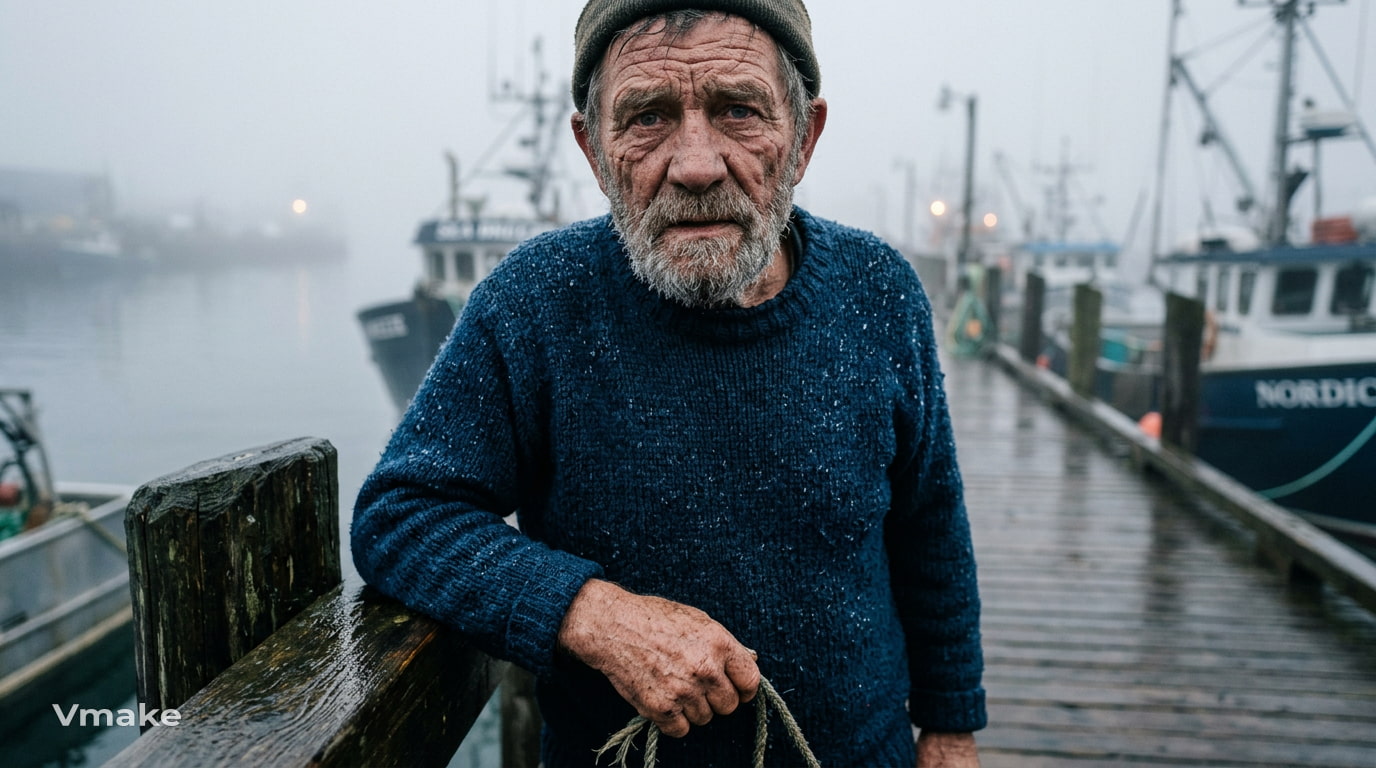
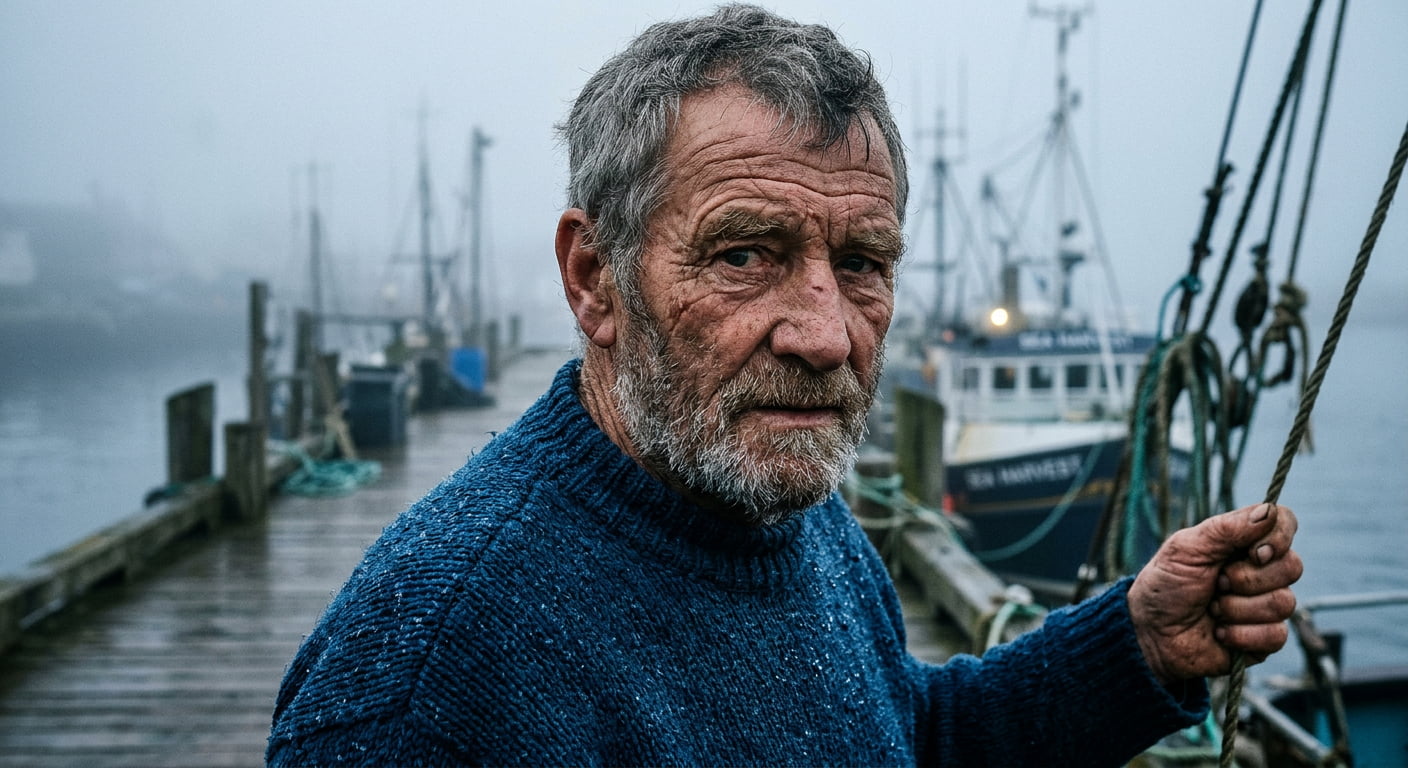
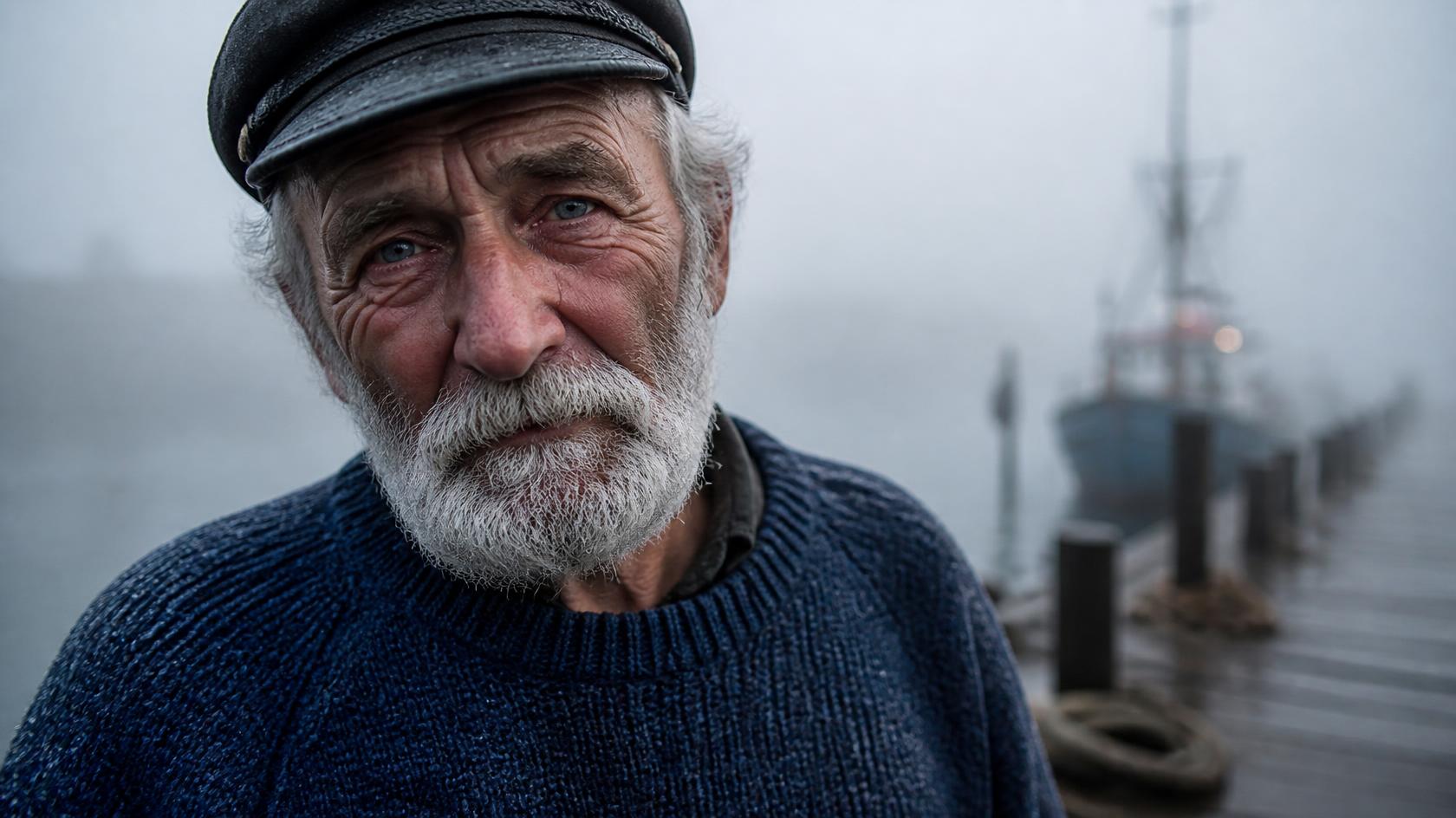
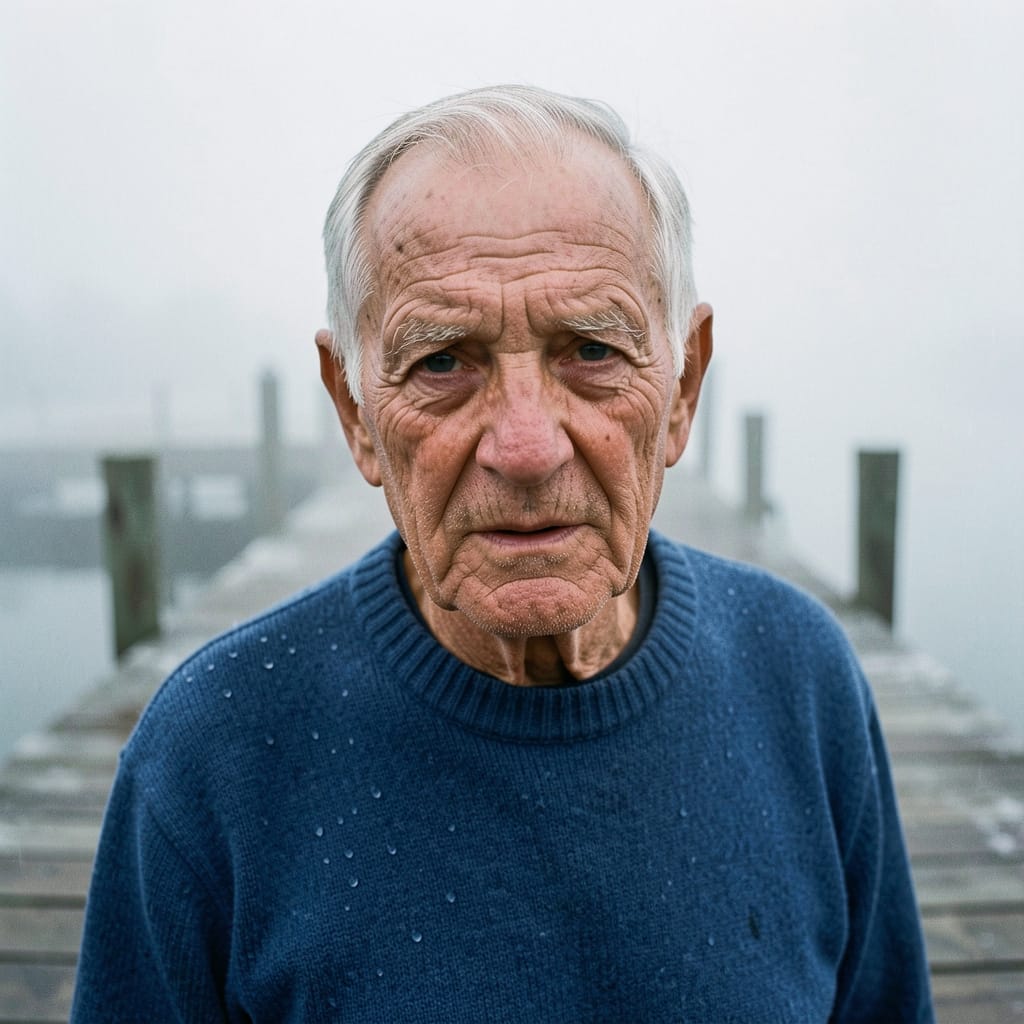
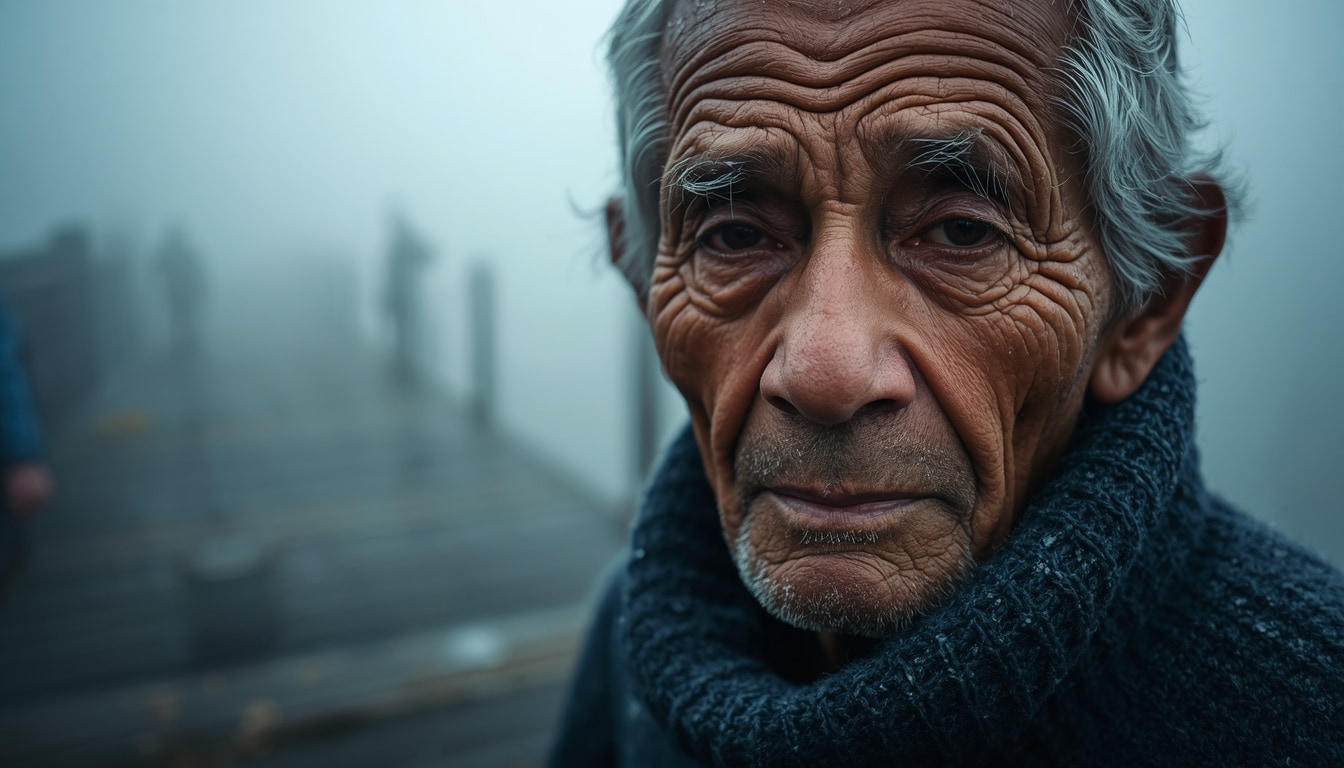
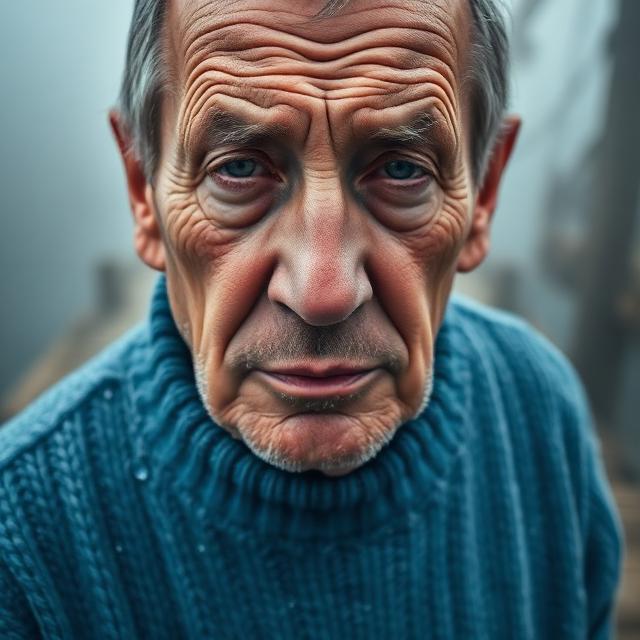
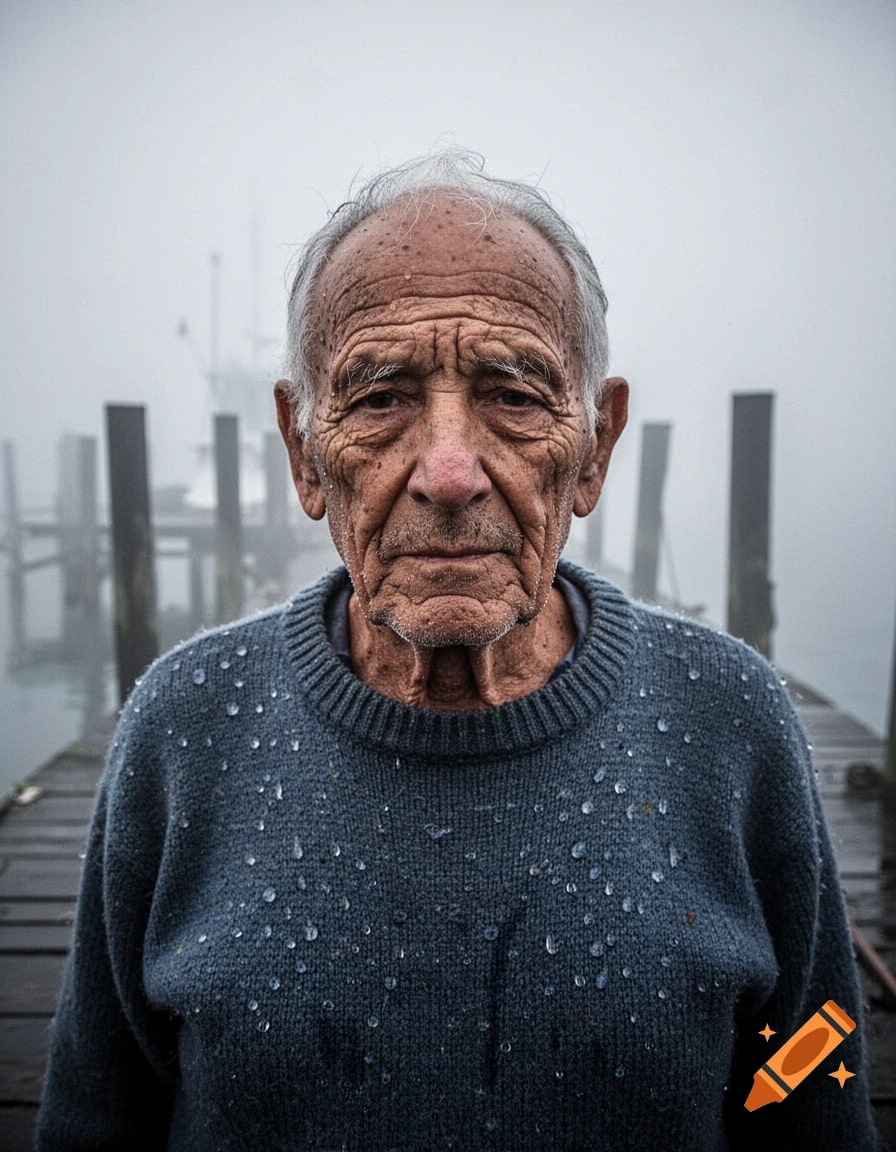
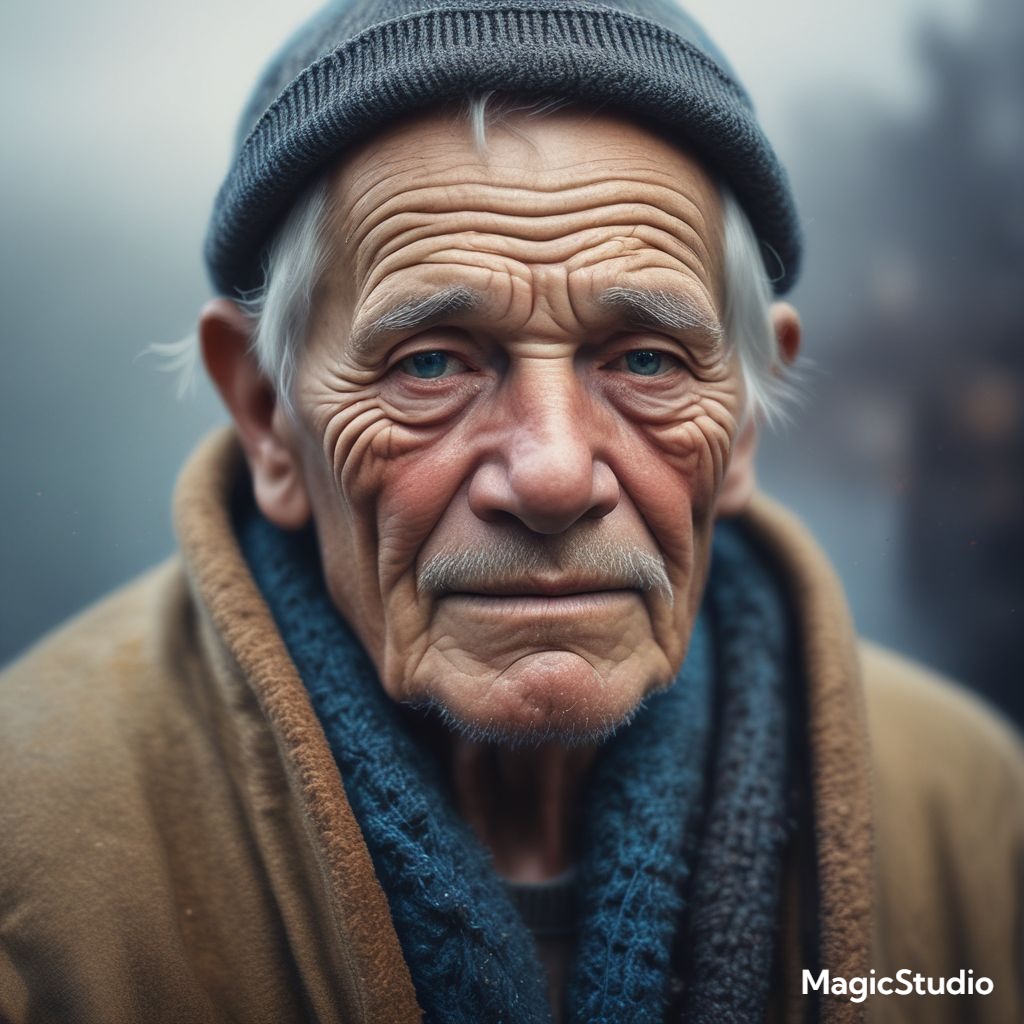
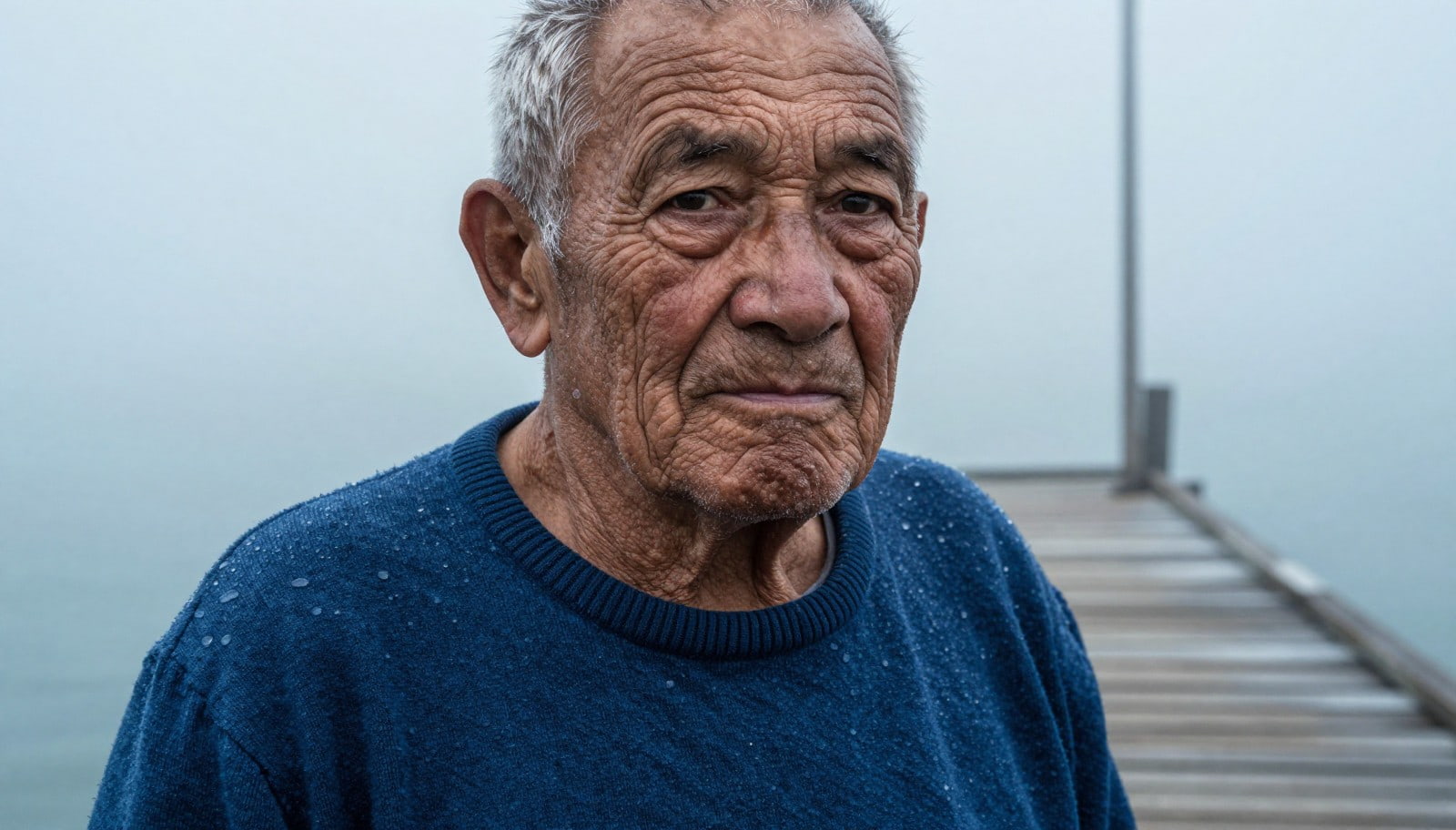
Prompt: "A dramatic close-up portrait of an elderly fisherman with deep, weathered wrinkles, standing on a misty wooden dock in cold morning fog. Soft, diffused light, ocean-blue sweater, water droplets on wool, realistic skin texture, shallow depth of field, raw street photography style."
-
Vmake Labs
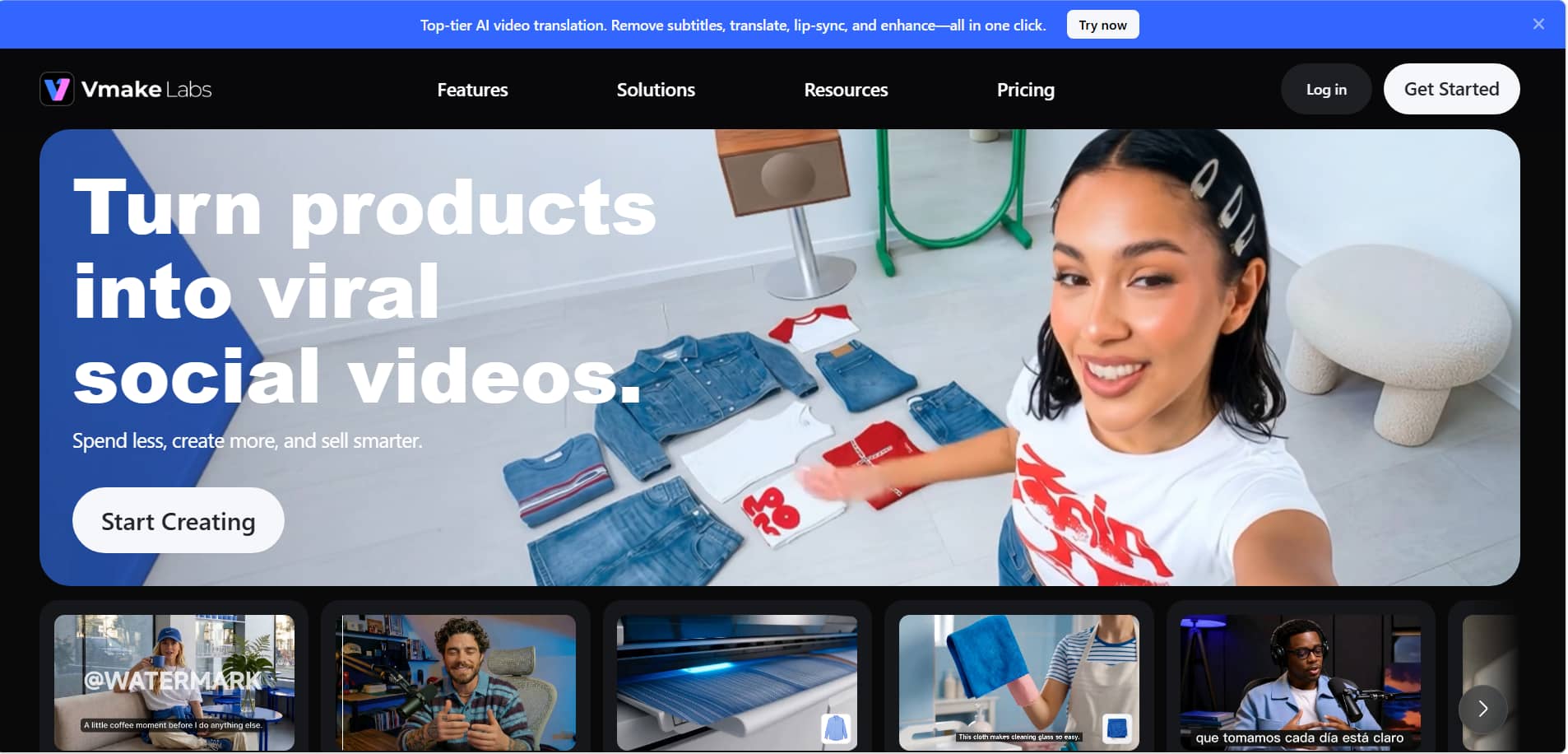
With its AI Image Generator, creators can turn text prompts and existing images into artwork. Vmake Labs is an AI social video studio that helps small businesses create and optimize visual content. With multiple AI models and image-generation options, it can be useful for marketing, e-commerce, product imagery, and social media content.
Key Features:
-
Choose from multiple AI models to compare different image-generation results.
-
Turn detailed text prompts into artwork.
-
Use image-to-image generation to create a new visual from an existing image.
-
Add a reference image when you want the output to follow a particular visual direction.
How to Use Vmake Labs AI Image Generator
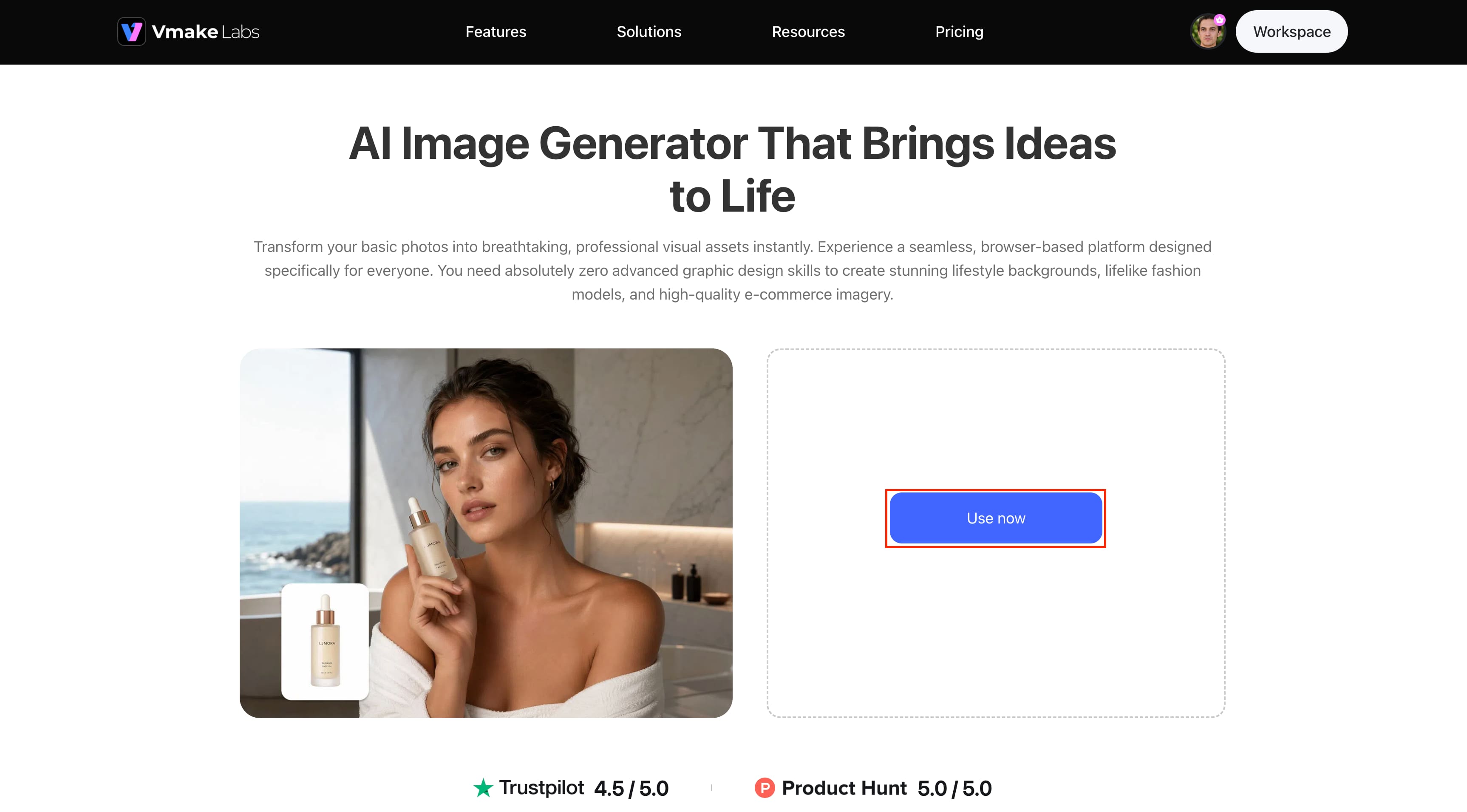
Step 1: Enter Your Text Prompt
Enter a detailed description of the image you want to create in the prompt box. Include the subject, setting, style, lighting, and other visual details that can help guide the result.
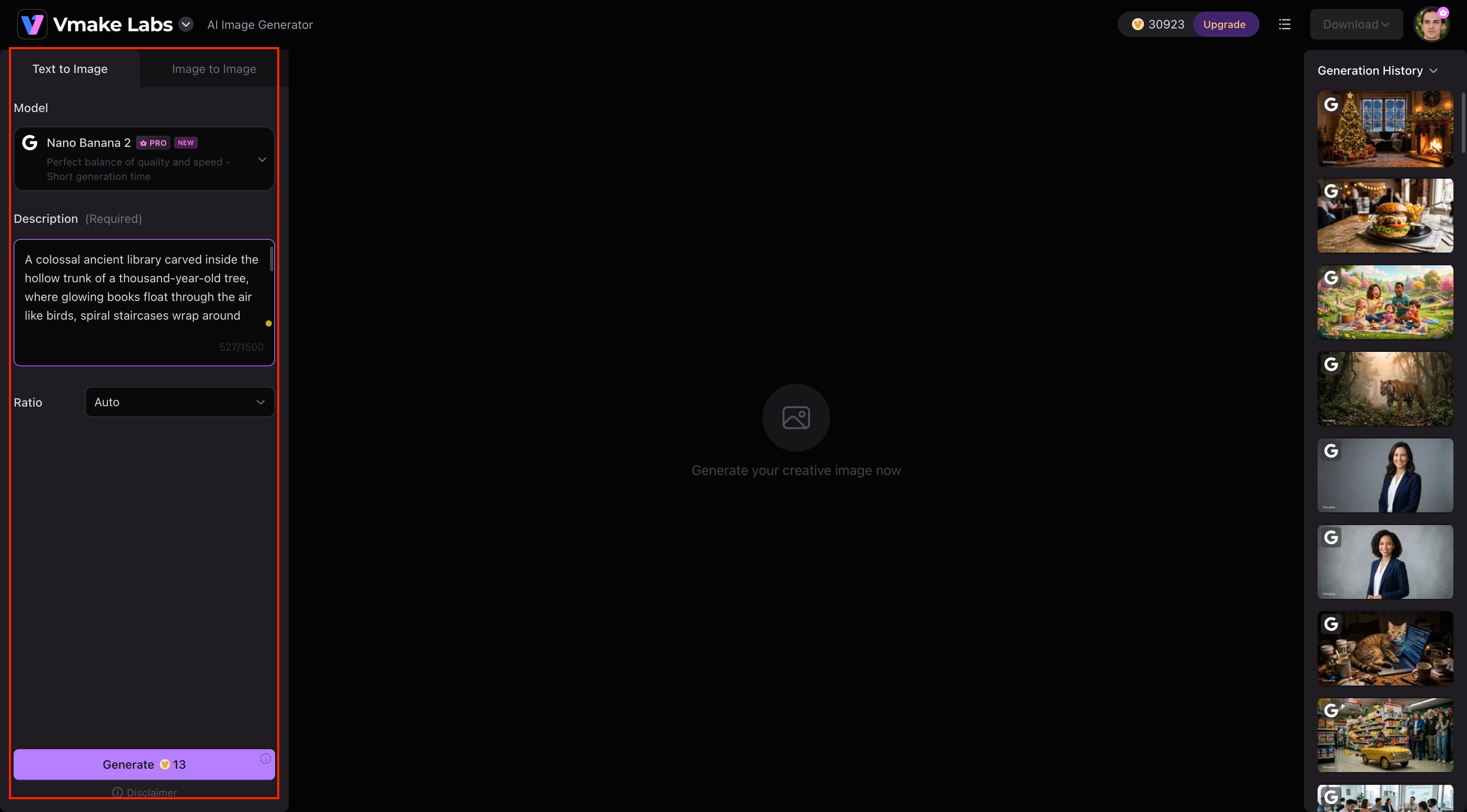
Step 2: Choose Your AI Model and Aspect Ratio
From the list of alternatives, choose an AI model and select the aspect ratio that best suits the format of the picture you want. You can also switch to the Image to Image workflow when working from an existing visual.
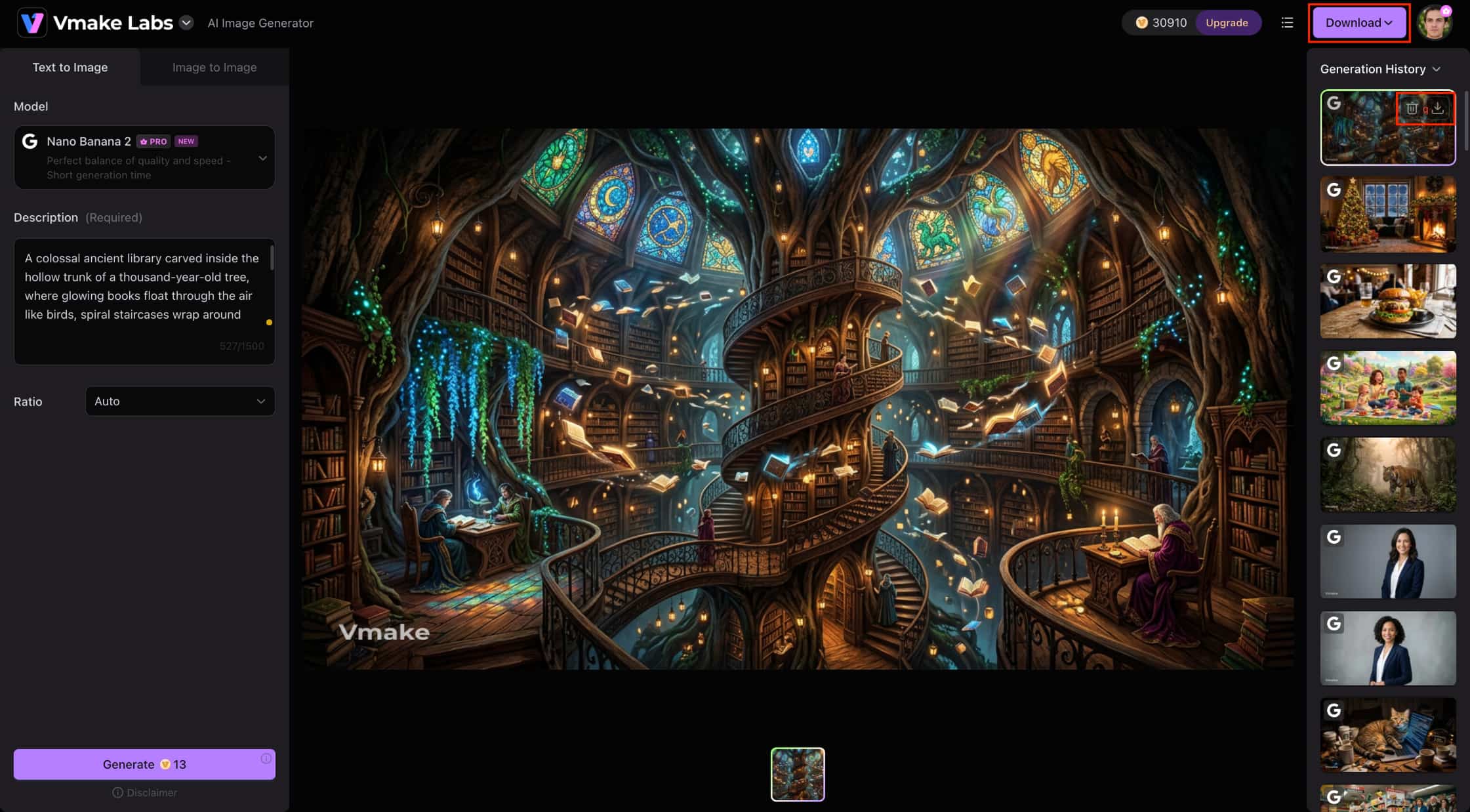
Step 3: Generate, Review, and Download Your Image
Click Generate to create the image and review the result in the workspace. Once you are satisfied with the output, use the Download option to save the generated artwork.
Pros and Cons:
|
Pros |
Cons |
|---|---|
|
Multiple AI models give users flexibility when exploring different image styles and results. |
Users may need to test different models and prompts to find the desired result. |
|
Supports both text-to-image and image-to-image generation. |
Available models and generation limits can vary by plan. |
|
Reference-image support helps users create visuals based on existing images. |
More frequent image generation may require a paid plan. |
|
Useful for marketing, product, e-commerce, and social media visuals. |
Results can vary depending on the prompt, reference image, and selected model. |
Test result:
Pricing:
|
Plan |
Price |
Best For |
|---|---|---|
|
Free |
$0 |
Users exploring AI art generation and creating occasional images |
|
Pro |
$9.99/month |
Regular creators generate AI artwork for creative projects |
|
Premium |
$29.99/month |
Creators and businesses producing AI artwork more frequently |
-
Adobe Firefly
Adobe Firefly is a low-friction fit in Adobe's creative ecosystem and makes sense for users who already work with Adobe's design and editing tools. It combines AI image generation with controls to refine the output.
☞Curious about Adobe Firefly? Our in-depth review of Adobe Firefly covers everything.
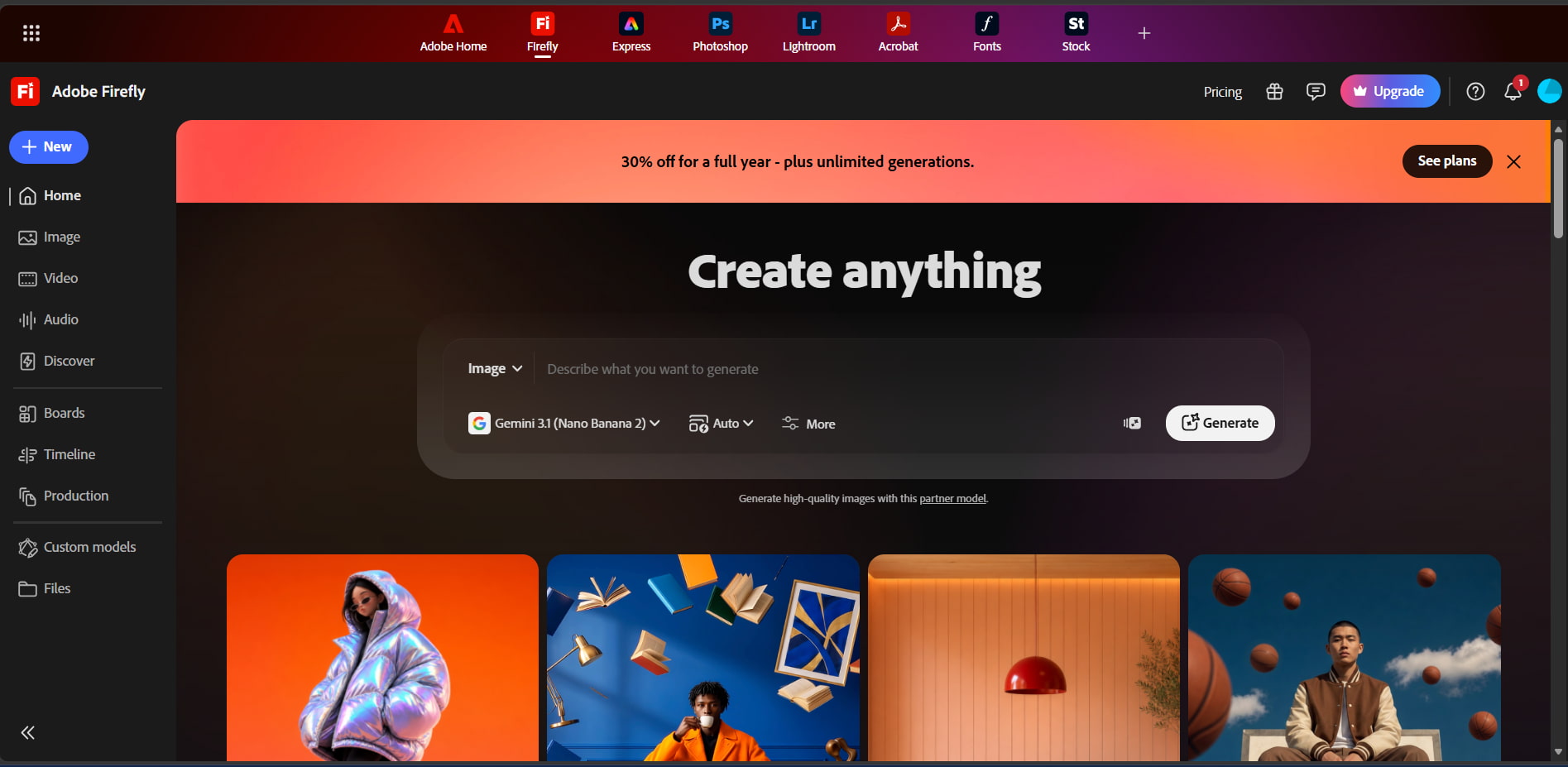
Key Features:
-
Generate images from text descriptions.
-
Make AI-assisted changes to generated or existing images.
-
Adjust visual elements such as style, color, lighting, and composition.
Pros and Cons:
|
Pros |
Cons |
|---|---|
|
Integrates AI image generation with Adobe's creative ecosystem. |
Generation limits depend on the selected plan and credits. |
|
Offers generative editing for refining images. |
Some advanced features require a paid plan. |
|
Provides controls for styles, colors, lighting, and composition. |
New Adobe users may need time to learn the workflow. |
Test result
Pricing:
|
Plan |
Price |
Best For |
|---|---|---|
|
Firefly Standard |
$9.99/month |
Regular AI image generation |
|
Firefly Pro |
$19.99/month |
More generative credits and creative capabilities |
|
Firefly Pro Plus |
$34.97/month |
Higher AI generation needs |
|
Firefly Premium |
$139.91/month |
Very high-volume professional use |
-
Canva AI
Canva AI works well for users who want to generate an image and continue editing it within a design editor. Its combination of AI tools, templates, and editing features is particularly useful for social and marketing content.
☞If you want to learn more about Canva, check the detailed review of the Canva AI image generator.
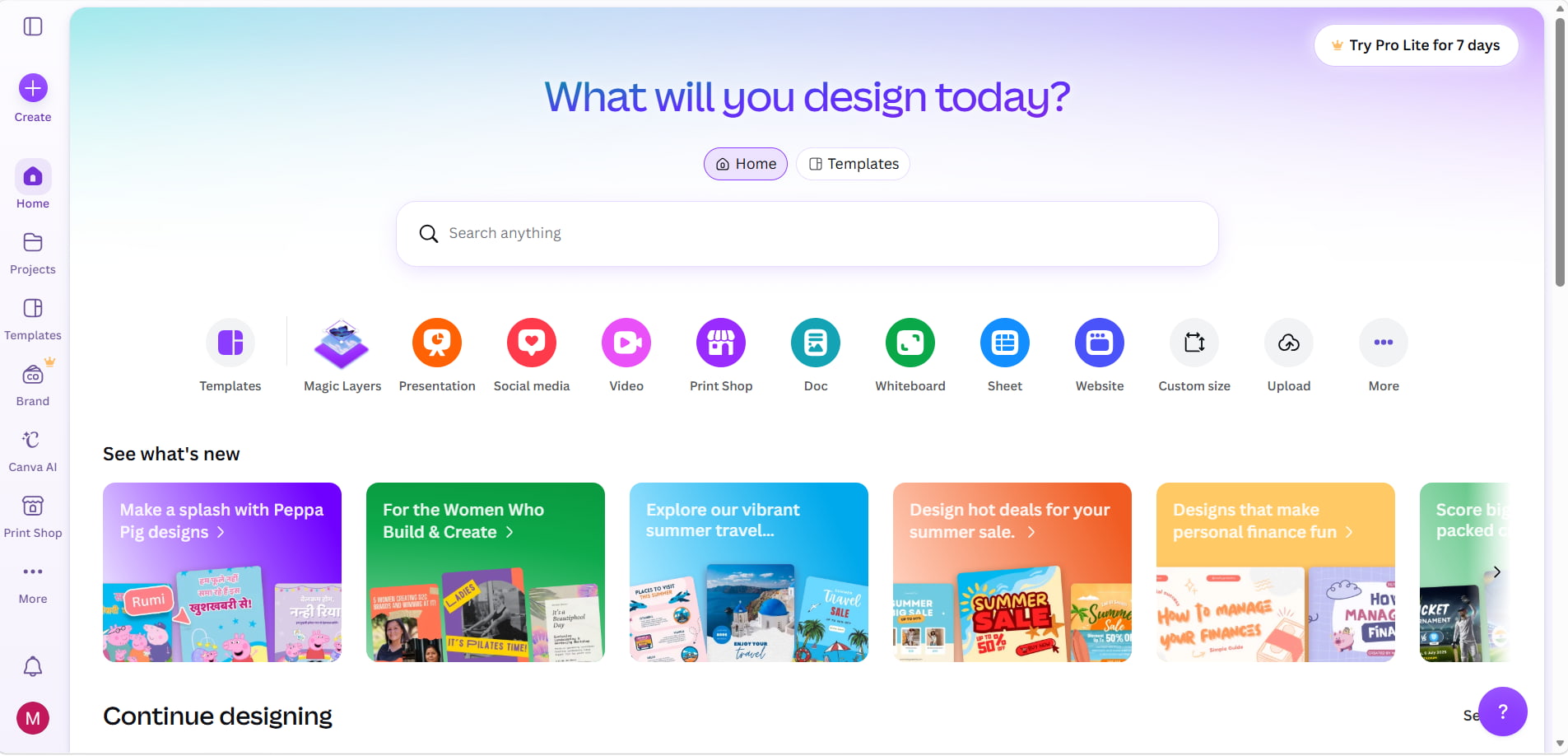
Key Features:
-
Generate visuals from text prompts within Canva.
-
Adapt generated images through Canva's templates and design tools.
-
Edit and customize the generated visual without leaving the platform.
Pros and Cons:
|
Pros |
Cons |
|---|---|
|
Beginner-friendly interface. |
Less focused on dedicated AI art generation. |
|
Combines AI generation with templates and design tools. |
Advanced AI art controls may be limited compared with specialized platforms. |
|
Useful for social media and marketing visuals. |
Some premium features require a paid plan. |
Test result:
Pricing:
|
Plan |
Price |
Best For |
|---|---|---|
|
Free |
$0/month |
Exploring Canva's AI capabilities |
|
Pro |
$18/month |
Individual creators |
|
Business |
$25/month per person |
Individuals and teams |
|
Enterprise |
Let's talk |
Organizations |
-
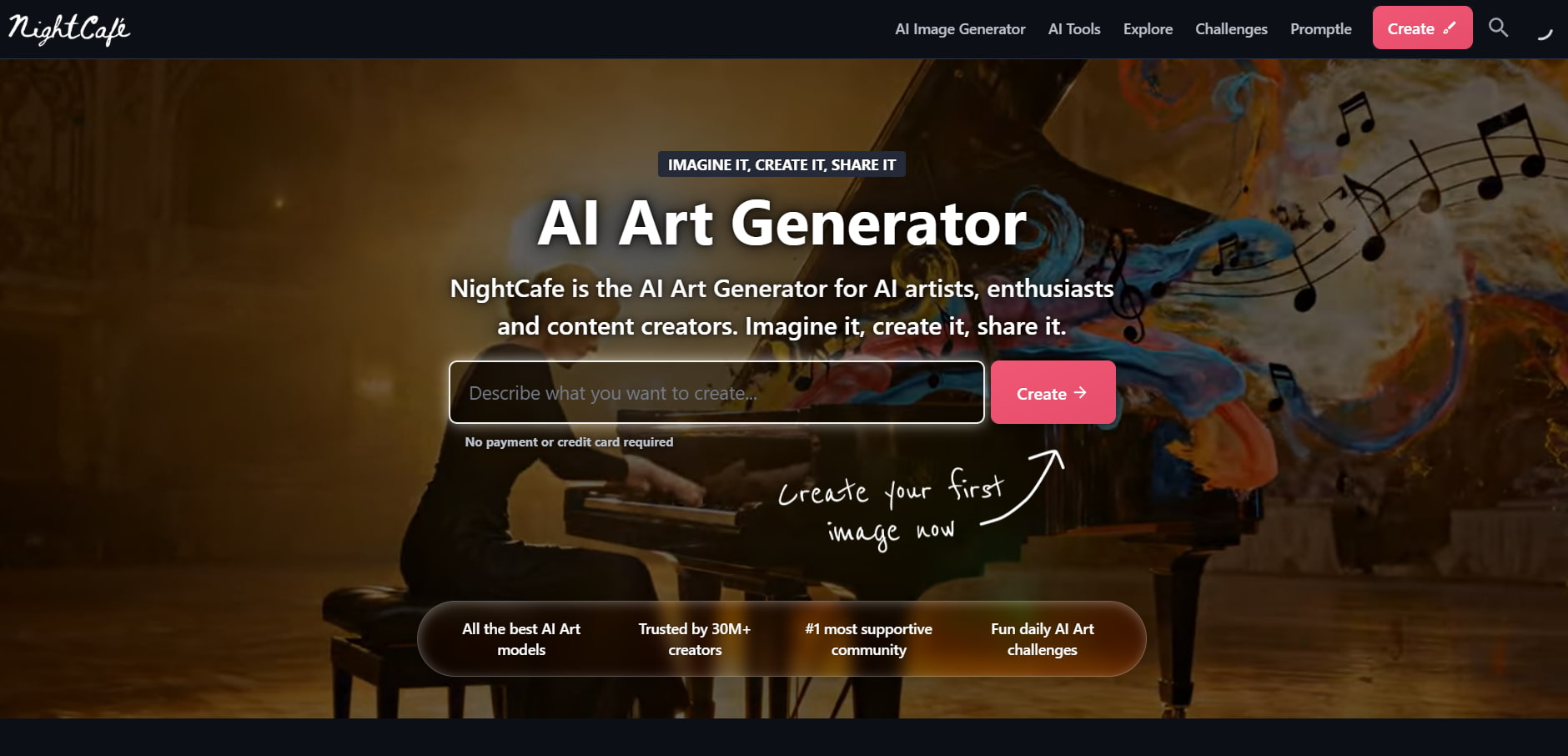
NightCafe
NightCafe is geared toward experimentation, with a range of AI models and styles for creating different types of offering work. Its community features add another diverse way and see how other users approach AI art.
☞ Curious about NightCafe? Our in-depth review of the NightCafe AI image generator covers everything.
Key Features:
-
Try different AI image models and generation approaches.
-
Experiment with a variety of AI art styles.
-
Browse other creators' work and take part in AI art challenges.
Pros and Cons:
|
Pros |
Cons |
|---|---|
|
Wide selection of AI image models. |
Higher-tier plans may not suit casual users. |
|
A good range of styles for experimentation. |
Paid image generation uses credits. |
|
Community features provide additional creative inspiration. |
Finding the right model may take some trial and error. |
Test Result:
Pricing:
|
Plan |
Price |
Best For |
|---|---|---|
|
Free |
Free access |
Beginners exploring AI art |
|
AI Hobbyist |
$12.49/month |
Casual creators |
|
AI Enthusiast |
$24.99/month |
Regular creators |
|
AI Creator |
$39.99/month |
Prolific artists and content creators |
|
AI Artist |
$62.49/month |
Serious creators needing higher credits |
-
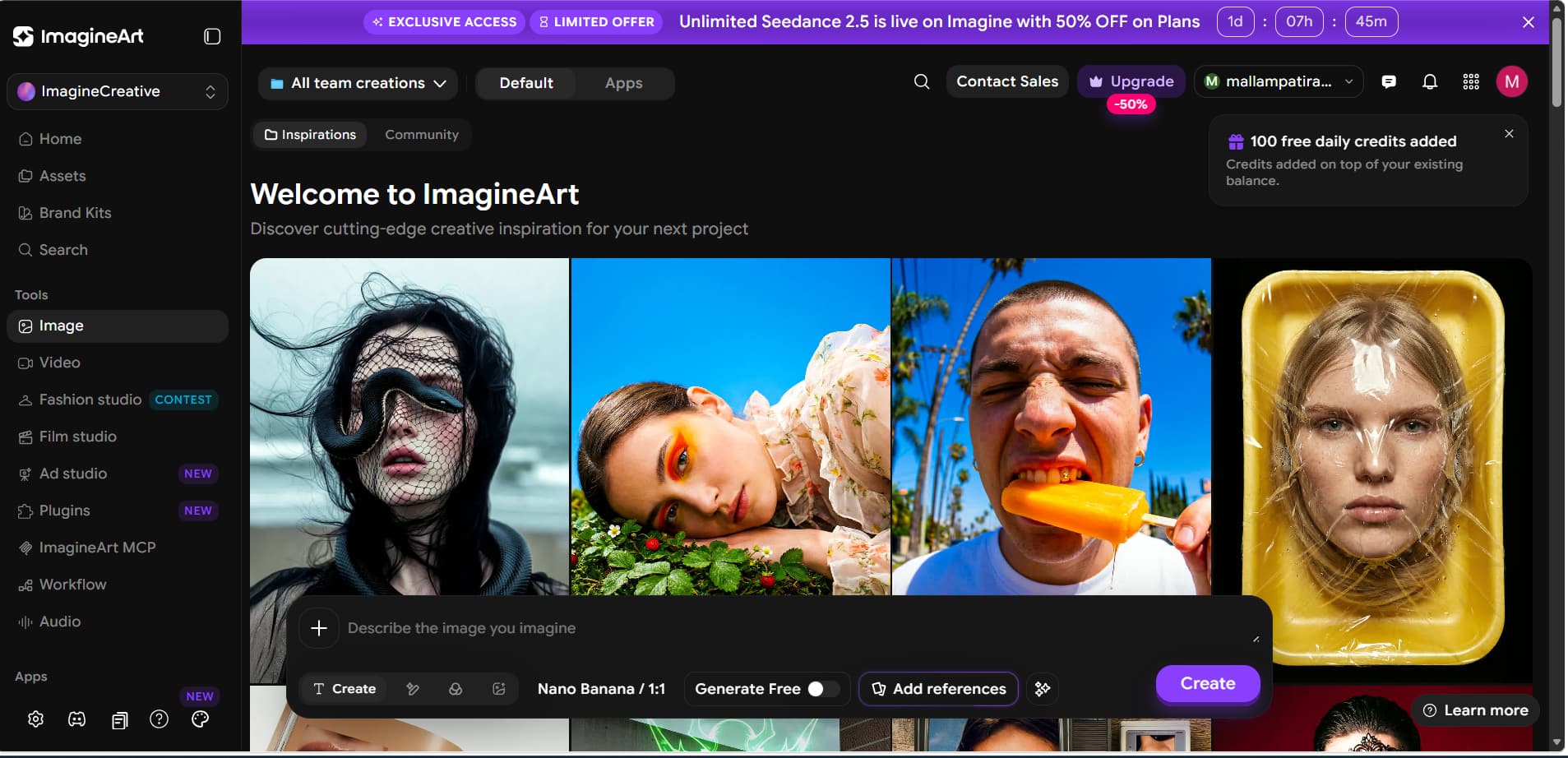
ImagineArt
ImagineArt brings multiple AI models into one platform, so creators can compare different approaches without switching between separate tools. It also supports text prompts, reference images, and adjustable aspect ratios.
Key Features
-
Compare outputs from multiple AI models.
-
Generate artwork from written prompts.
-
Use a reference image to guide the result.
-
Select an aspect ratio suited to the intended output.
Pros and Cons:
|
Pros |
Cons |
|---|---|
|
Brings multiple AI models into one platform. |
The number of options can take time to explore. |
|
Supports text prompts and reference images. |
Higher usage consumes paid credits. |
|
Offers flexible aspect-ratio options. |
Results can differ significantly between models. |
Test Result:

Pricing:
|
Plan |
Price |
Credits/Month |
Best For |
|---|---|---|---|
|
Free |
Free |
Free daily credits |
Beginners |
|
Basic |
$13/month |
3,000 |
New creators |
|
Standard |
$30/month |
8,000 |
Growing creators |
|
Ultimate |
$50/month |
16,000 |
High-volume creators |
-
Leonardo AI
Leonardo AI is for creators who want more control and detail in the generation process. It can be useful for concept art, creative assets, and projects where generated images require further refinement.
☞ To learn more about what Leonardo AI can do, check out our Leonardo AI image generator review.
Key Features:
-
Generate detailed visuals from text prompts.
-
Refine images to bring the result closer to the intended look.
-
Upscale generated artwork when a higher-resolution output is needed.
Pros and Cons:
|
Pros |
Cons |
|---|---|
|
Provides extensive customization options. |
Its range of tools can take time to learn. |
|
Well suited to detailed concept art and creative assets. |
Casual users may not need all of its capabilities. |
|
Includes refinement and upscaling tools. |
Higher-volume use requires a paid plan. |
Test Result:
Pricing:
|
Plan |
Price |
Fast Tokens |
Best For |
|---|---|---|---|
|
Free |
$0/month |
150/day |
Casual creators |
|
Essential |
$12/month |
8,500/month |
AI art enthusiasts |
|
Premium |
$30/month |
25,000/month |
Active creators |
|
Ultimate |
$60/month |
60,000/month |
Professional creators and businesses |
-
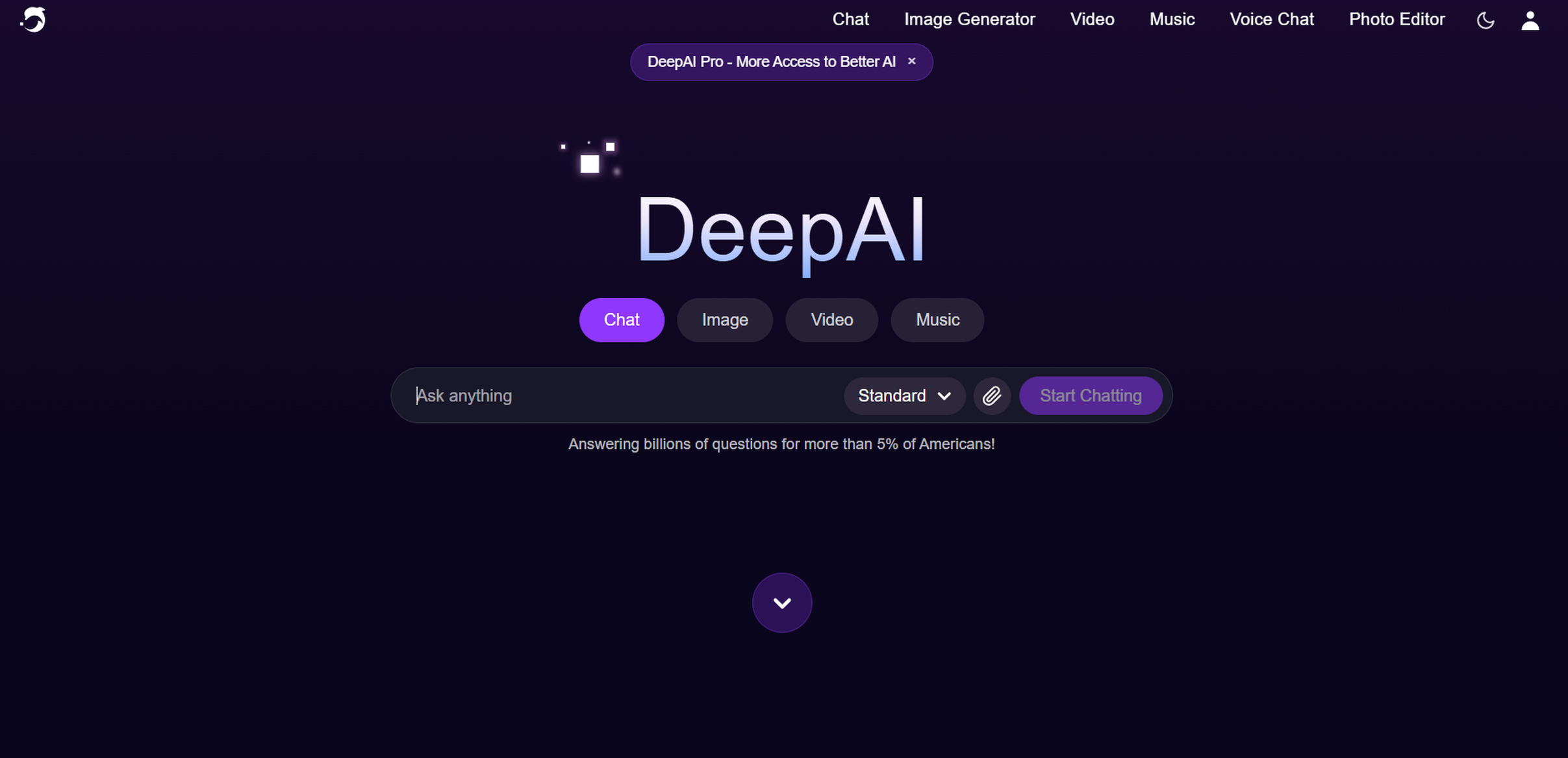
DeepAI
DeepAI keeps AI image generation simple, making it a reasonable starting point for users who want to experiment without a complicated workflow. The platform also includes several other AI-powered tools.
☞ If DeepAI sounds interesting, our detailed DeepAI AI image generator review is worth a read.
Key Features:
-
Generate artwork from text prompts.
-
Create images without a complex setup.
-
Use image generation alongside DeepAI's other AI tools.
Pros and Cons:
|
Pros |
Cons |
|---|---|
|
Simple approach to AI image generation. |
Fewer advanced controls than specialized AI art platforms. |
|
Includes several AI tools beyond image generation. |
Additional Pro benefits require paid access. |
Test Result:
Pricing:
|
Plan |
Price |
Best For |
|---|---|---|
|
Free |
$0 |
Trying AI image generation |
|
Monthly Pro |
$9.99/month |
Regular users |
|
Yearly Pro |
$89.99/year |
Long-term Pro users |
-
Craiyon
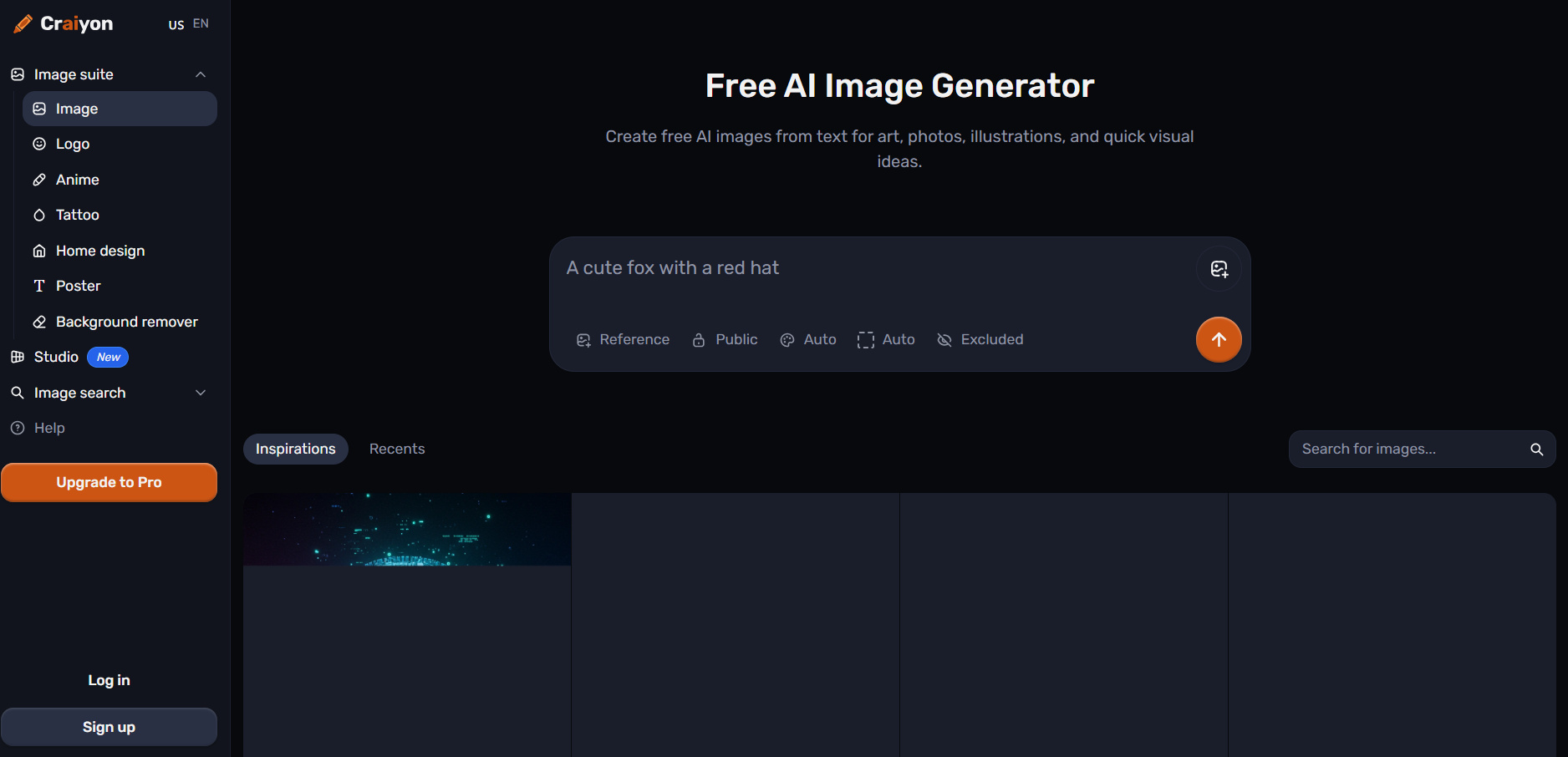
Craiyon makes AI image creation accessible through a simple text-to-image workflow. Beyond general artwork, it provides tools for areas such as anime, logos, posters, tattoos, and home design.
☞ Thinking about trying Craiyon? Read our complete review of the Craiyon AI image generator first.
Key Features:
-
Generate visuals from written prompts.
-
Add a reference image to influence the result.
-
Explore dedicated tools for anime, logos, posters, tattoos, and other creative uses.
Pros and Cons:
|
Pros |
Cons |
|---|---|
|
Straightforward image-generation interface. |
Free access comes with fewer features. |
|
Supports reference images. |
Advanced editing tools are available only on paid plans. |
|
Offers several creative-use options. |
More edit credits require a higher-priced plan. |
Test Result:
Pricing:
|
Plan |
Price |
Best For |
|---|---|---|
|
Free |
$0 |
Exploring AI image generation |
|
Supporter |
$12/month |
Casual creators |
|
Professional |
$24/month |
Regular creators |
|
Ultra |
$84/month |
High-volume creators |
-
Magic Studio
Magic Studio focuses on quick AI image creation rather than a complicated design process. It can be used to produce visuals for product pages, advertisements, social media, and similar content.
Key Features:
-
Generate visuals for marketing and creative tasks.
-
Create images without advanced design skills.
-
Produce visuals quickly for everyday content needs.
Pros and Cons:
|
Pros |
Cons |
|---|---|
|
Simple workflow for beginners. |
Free access is limited to 40 generations. |
|
Useful for product and marketing visuals. |
Free downloads have resolution and watermark restrictions. |
|
Pro offers unlimited AI generation. |
Advanced benefits require a paid plan. |
Test Results:
Pricing:
|
Plan |
Price |
Best For |
|---|---|---|
|
Free |
$0/month |
Occasional users |
|
Pro |
$14.99/month |
Regular creators and businesses |
-
Deep Dream Generator
Deep Dream Generator is geared toward experimentation with AI-generated artwork and different visual approaches. It combines multiple AI models with image-generation and editing tools.
Key Features:
-
Generate artwork from text prompts.
-
Explore more than 30 AI models.
-
Edit and enhance existing images with AI tools.
Pros and Cons:
|
Pros |
Cons |
|---|---|
|
Large selection of AI models for experimentation. |
Higher usage depends on the selected plan and available energy. |
|
Supports both generation and image editing. |
Monthly image allowances vary by plan. |
|
Useful for exploring different artistic styles. |
Its broader feature set may be unnecessary for basic image generation. |
Test Result:
Pricing:
|
Plan |
Price |
Best For |
|---|---|---|
|
Free |
$0/month |
Exploring AI art |
|
Basic |
$9/month |
Casual creators |
|
Advanced |
$19/month |
Regular creators |
|
Professional |
$39/month |
Active creators |
|
Ultra |
$99/month |
High-volume professionals |
AI Art Trends Shaping 2026
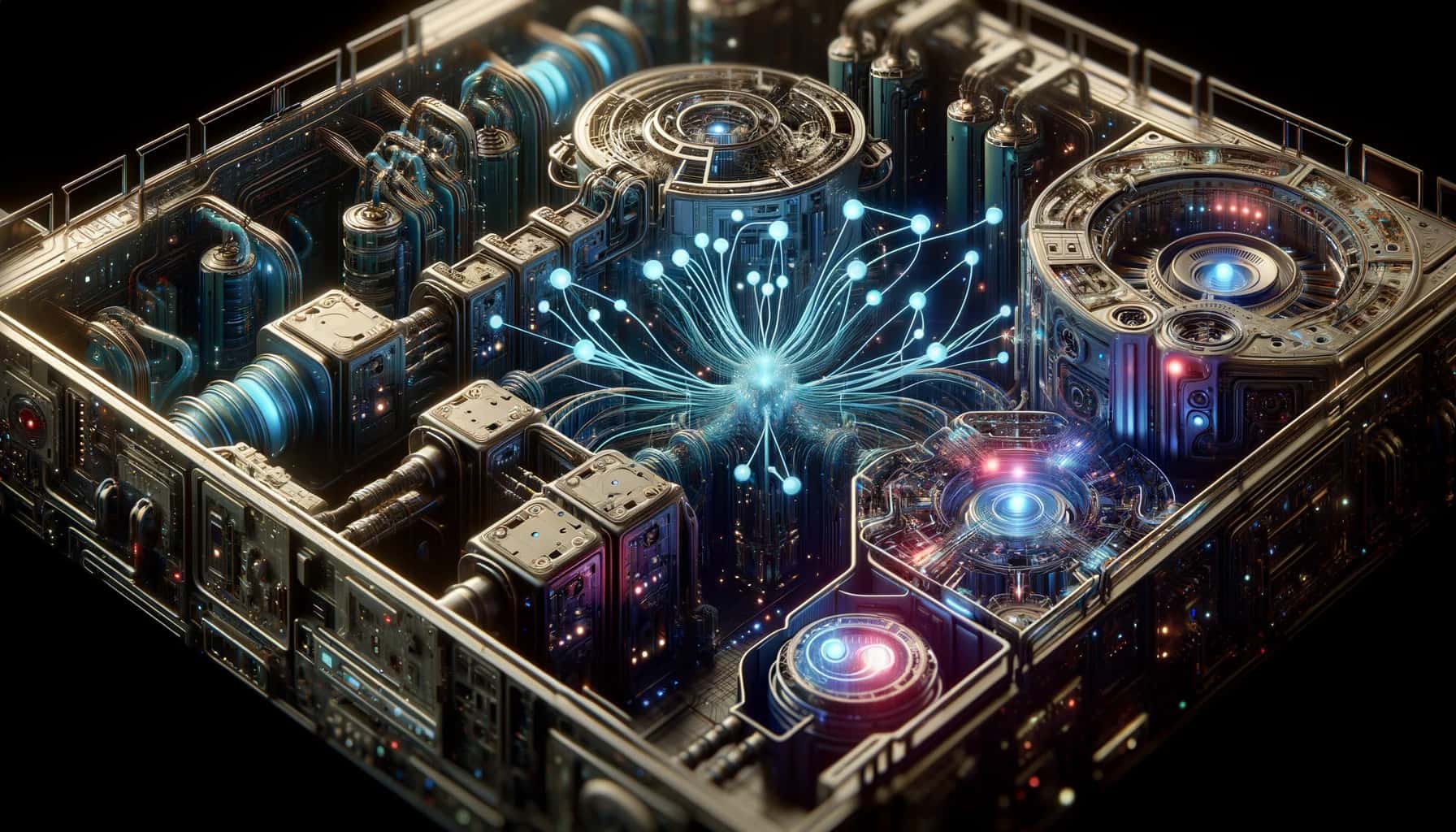
AI art is extending beyond image generation, with artists using it for more flexible, editable, and functional visual workflows.
-
Multi-Model AI Is Becoming More Common: More AI art platforms are offering access to multiple models, giving creators more choices for different types of visual projects.
-
Reference-Driven Creation Is Becoming More Common: Reference images let creators guide the subject, style, or overall visual direction instead of relying only on text prompts.
-
AI Art Is Becoming More Editable: Creators can increasingly make targeted changes to generated images, making it easier to refine a result without starting from scratch.
-
AI Art Is Moving Into Everyday Content Creation: AI-generated visuals are increasingly being used for social media, marketing, product imagery, advertisements, and other digital content.
Tips for Writing Better AI Art Prompts
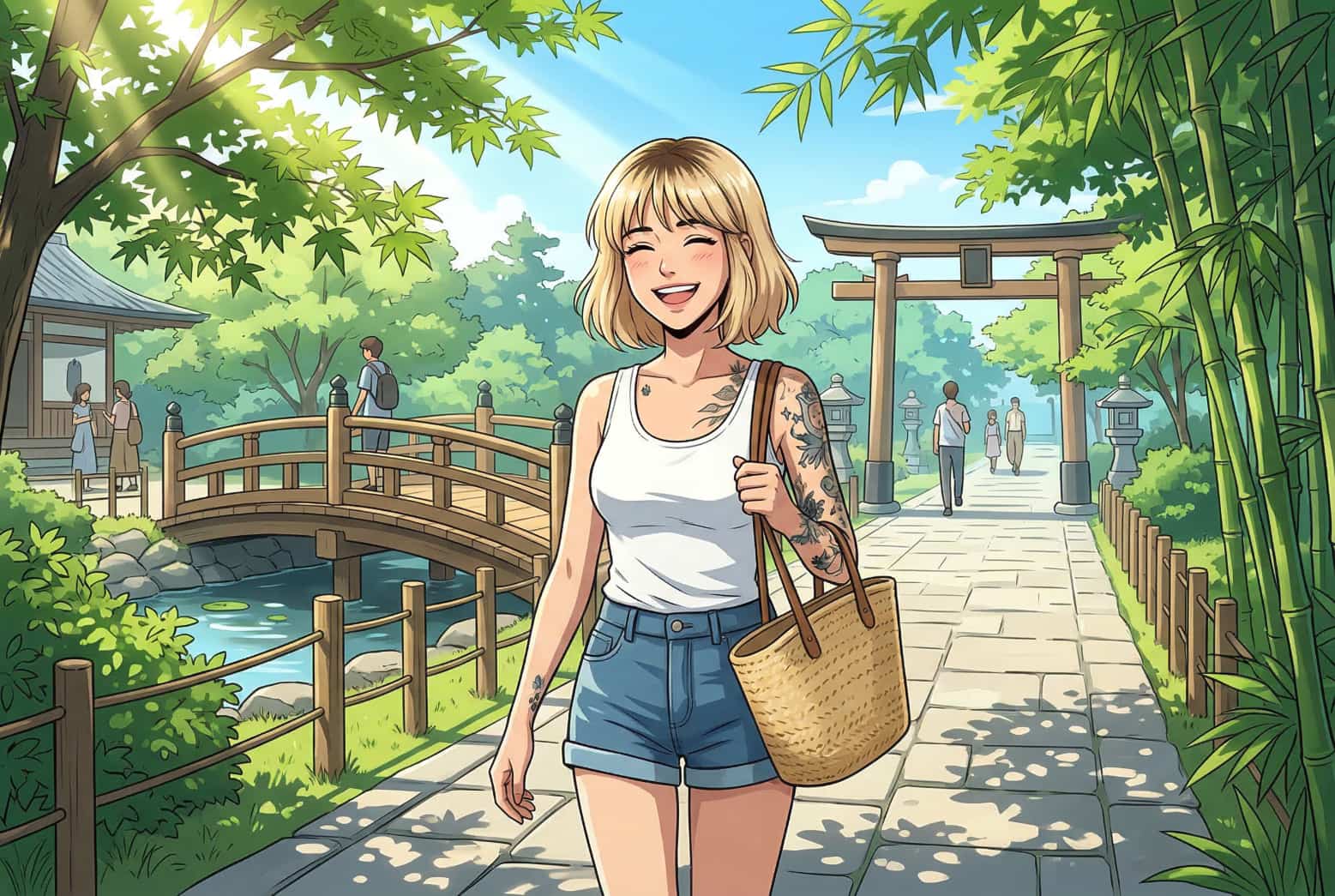
Instead of simply adding more descriptive words, structure your prompt around the information the generator needs to understand the intended result.
-
Start with the main concept: Identify the subject, action, and most important elements of the image.
-
Define the visual direction: Use specific terms to communicate whether you want a photographic, illustrative, anime, cinematic, or other visual treatment.
-
Build the scene: Add relevant details about the environment, lighting, colors, atmosphere, and background.
-
Control the framing: Include details such as close-up, wide shot, overhead view, perspective, or subject placement when they are important.
-
Iterate based on the result: If the output is close but not correct, change the specific instruction that needs improvement rather than replacing the entire prompt.
-
Match the output to its purpose: Consider the platform or use case and select an appropriate aspect ratio and resolution before generating.
Conclusion
The best AI art generator depends on what you need, your budget, and what you want to do with it. If you're a creator who needs multiple AI models, text-to-image and image-to-image generation, and reference-image support, Vmake Labs is a good choice. Other tools may be better for professional editing, design, artistic experimentation, or concept art. Compare features, pricing, and creative controls to find a tool that works for your projects.
FAQs
What is the best AI art generator in 2026?
One size does not fit all, and Vmake Labs is a good option for creators who want flexible image generation, multiple AI models, and reference-image support, while other platforms may be better suited to specific creative needs.
What's the best free AI art generator?
This list of free tools includes Vmake Labs, Canva AI, Leonardo AI, Craiyon, and DeepAI. The best choice depends on the features, generation limits, and creative control you need.
Which is the best AI art generator for line art?
The ideal option depends on the kind of line art you want to create and the level of control you need. Vmake Labs allows you to experiment with AI models and prompts to explore different visual styles, while other platforms may be better suited to specialized artistic workflows.
What is the best anime AI art generator?
Several AI art generators can create anime-style artwork, including Craiyon, NightCafe, Leonardo AI, and Vmake Labs. Your choice may depend on the models, styles, and level of customization available.
Can AI-generated artwork be used commercially?
Commercial use depends on the platform's terms, the plan you use, and how the artwork is generated. Always check the tool's current licensing conditions before using AI-generated artwork for commercial projects. For commercial image creation, you can also check out Vmake Labs.

You May Be Interested
20+ AI Art Prompts for Stunning AI-Generated Artwork
AI Art Styles Explained: Stunning Styles with Ready-to-Use Prompts
AI Art Tools: 8 Best AI Art Generators to Try in 2026
Aiarty Image Enhancer Review: Is It Worth It for 2026?