AI art tools: 8 best AI art generators for creators in 2026
Create stunning artwork with the best AI art tools. Compare leading AI art generator tools for illustrations, concept art, and commercial designs, and discover why Vmake Labs is a smart choice.

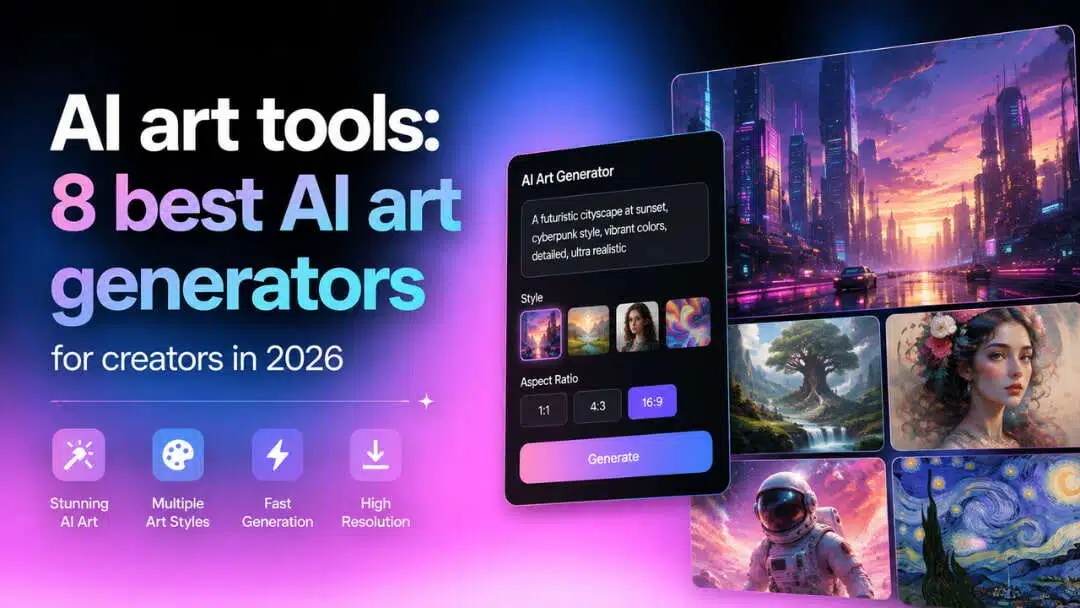
Art created by AI is changing the way creators bring their ideas to life. Whether you’re making concept art, realistic illustrations, social media graphics, or marketing visuals, today’s AI art tools can speed up the process and make it more accessible. This guide reviews 8 top platforms to help you choose the right solution for your creative projects.
Compare the best AI art tools at a glance
Every AI art tool has its own offering. Some are designed for creating artistic illustrations, while others are geared toward marketing visuals, concept art, or commercial design. Before we get started, here’s a side-by-side comparison that highlights the strengths of each platform.
|
AI Art Tool |
Best For |
Art Quality |
Free Plan |
Platform |
|---|---|---|---|---|
|
Vmake Labs |
Marketing visuals, concept art & creative images |
Excellent |
Yes |
Web |
|
Midjourney |
Digital paintings & fantasy art |
Excellent |
No |
Web |
|
Leonardo AI |
Concept art & game assets |
Excellent |
Yes |
Web |
|
Adobe Firefly |
Commercial artwork & design |
Excellent |
Limited |
Web |
|
NightCafe |
Creative styles & AI art community |
Very Good |
Yes |
Web, Mobile |
|
OpenArt |
Prompt experimentation & AI models |
Excellent |
Yes |
Web |
|
Ideogram |
Typography & poster design |
Excellent |
Yes |
Web |
|
Canva AI |
Social media graphics & illustrations |
Very Good |
Yes |
Web, Mobile |
How we evaluated the best AI art tool
Choosing the right platform involves more than image quality. We evaluated each AI art tool based on creativity, usability, customization, pricing, and licensing to identify the options that deliver the best experience for artists, designers, marketers, and everyday creators.
-
Artistic quality and style diversity - Ability to create realistic portraits, digital paintings, anime, fantasy art, and illustrations across multiple artistic styles.
-
Prompt understanding and creative control - How accurately the AI interprets prompts while allowing users to influence composition, style, and visual details.
-
Editing features and customization - Availability of image refinement, variations, editing options, and style controls that improve creative flexibility.
-
Speed and ease of use - Generation speed, interface design, and overall workflow for beginners and experienced users.
-
Free plan and pricing - Free credits, subscription costs, and whether the platform provides good value for different creative needs.
-
Commercial licensing - Permission to use generated artwork for business, marketing, client work, or other commercial purposes.
8 best AI art tools to try in 2026
Good image quality, creative flexibility, and intuitive user experience are the key factors in the best AI art tools. The following platforms have been selected based on their features, artistic capabilities, pricing, and feedback from creators from various industries.
-
Vmake Labs AI Image Generator
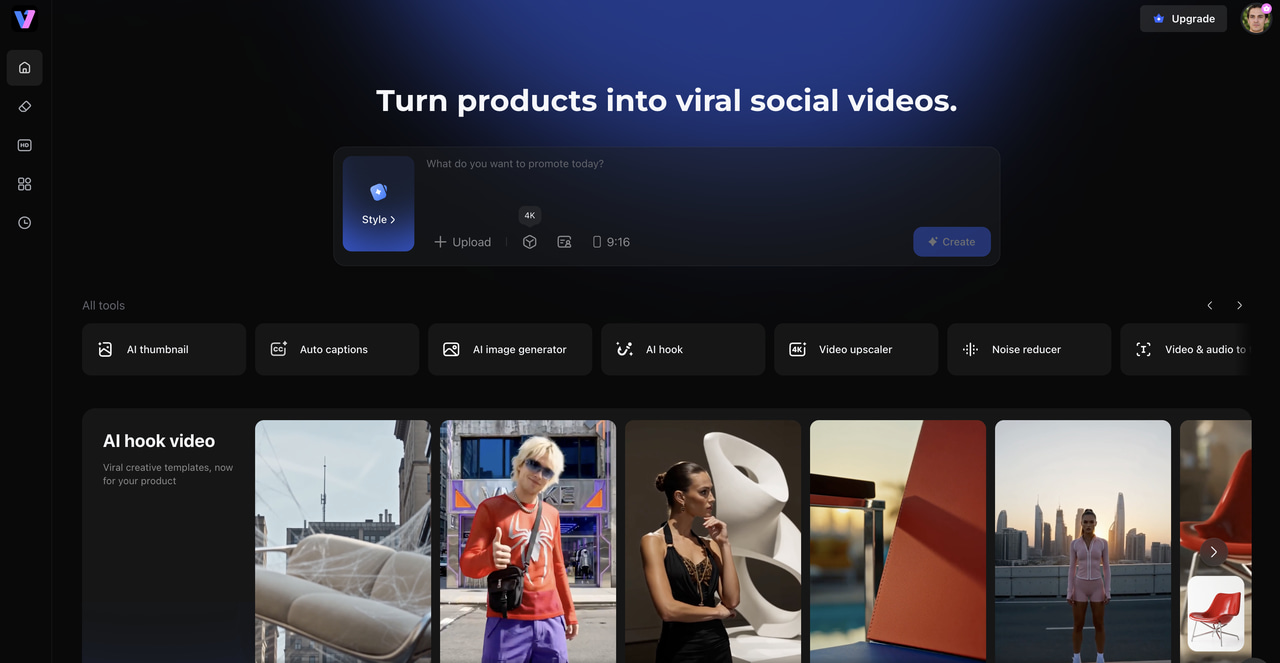
Vmake Labs offers the AI image generator that runs in the browser and lets creators produce high-quality artwork from simple text prompts. It provides access to multiple AI models for a wide range of creative needs, including concept art, realistic portraits, anime illustrations, marketing graphics, and other custom image designs. With flexible aspect ratios, fast cloud-based generation, and an intuitive interface, Vmake Labs makes it easy for both beginners and professionals to create impressive visuals without installing any software.
Key features
-
Generate artwork with multiple AI models: Create everything from realistic portraits and fantasy scenes to illustrations and product images by choosing the AI model that best matches your creative vision.
-
Create images for different creative projects: Produce concept art, social media graphics, marketing materials, anime artwork, and commercial visuals from a single platform.
-
Choose aspect ratios for every platform: Select image dimensions optimized for Instagram, YouTube, presentations, websites, advertising, and print projects.
-
Fast browser-based image generation: Generate artwork directly online without downloading software, making it easy to create images from virtually any device.
-
Produce high-resolution AI artwork: Create detailed images suitable for digital content, promotional campaigns, presentations, and creative portfolios.
-
Easy-to-use interface for every creator: A clean workspace and straightforward controls help beginners start quickly while offering flexibility for advanced users.
Step-by-step guide
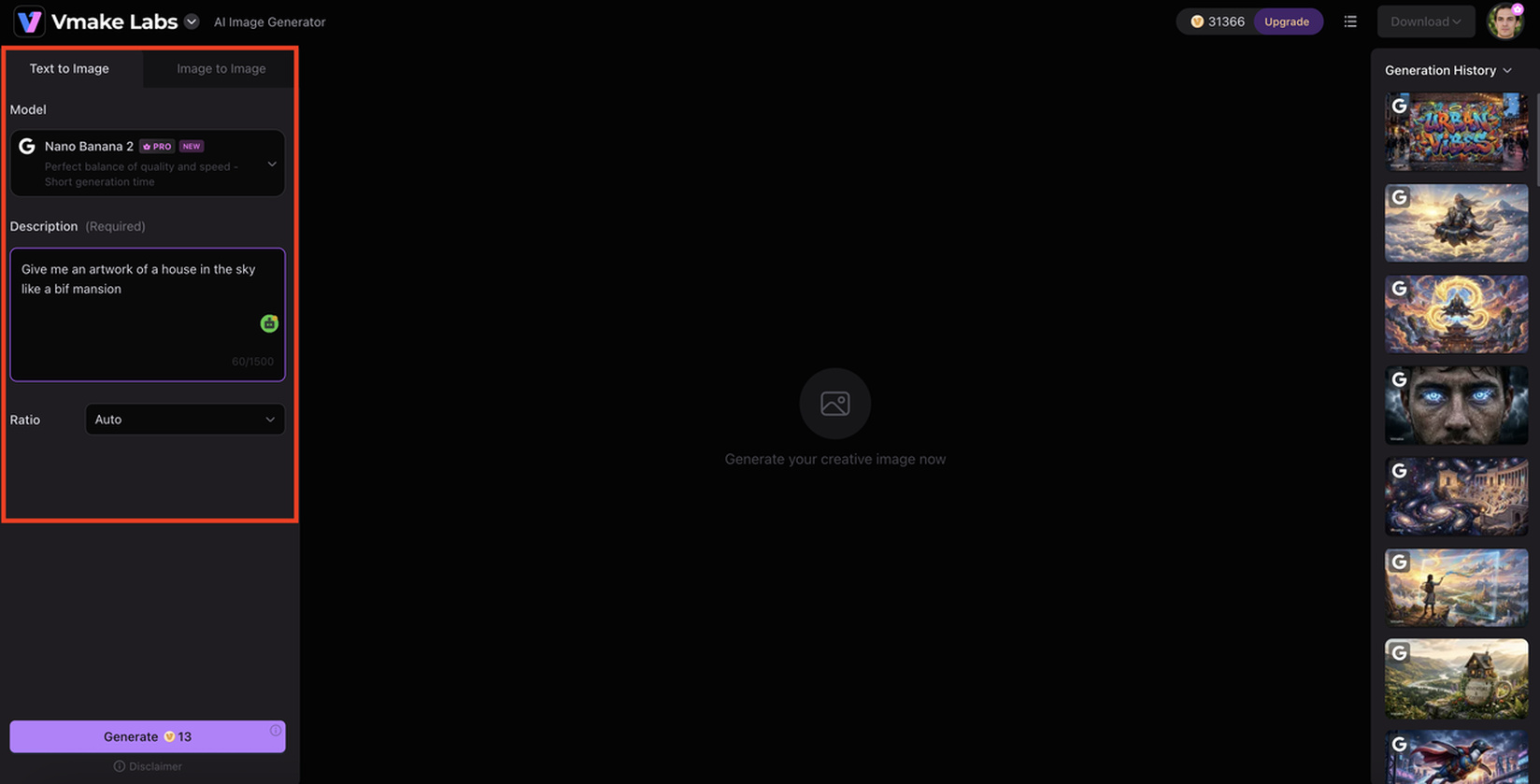
Step 1: Describe your artwork with a text prompt
Enter a clear description of the image you want to create. Include details such as the subject, style, lighting, colors, and background to achieve more accurate results.
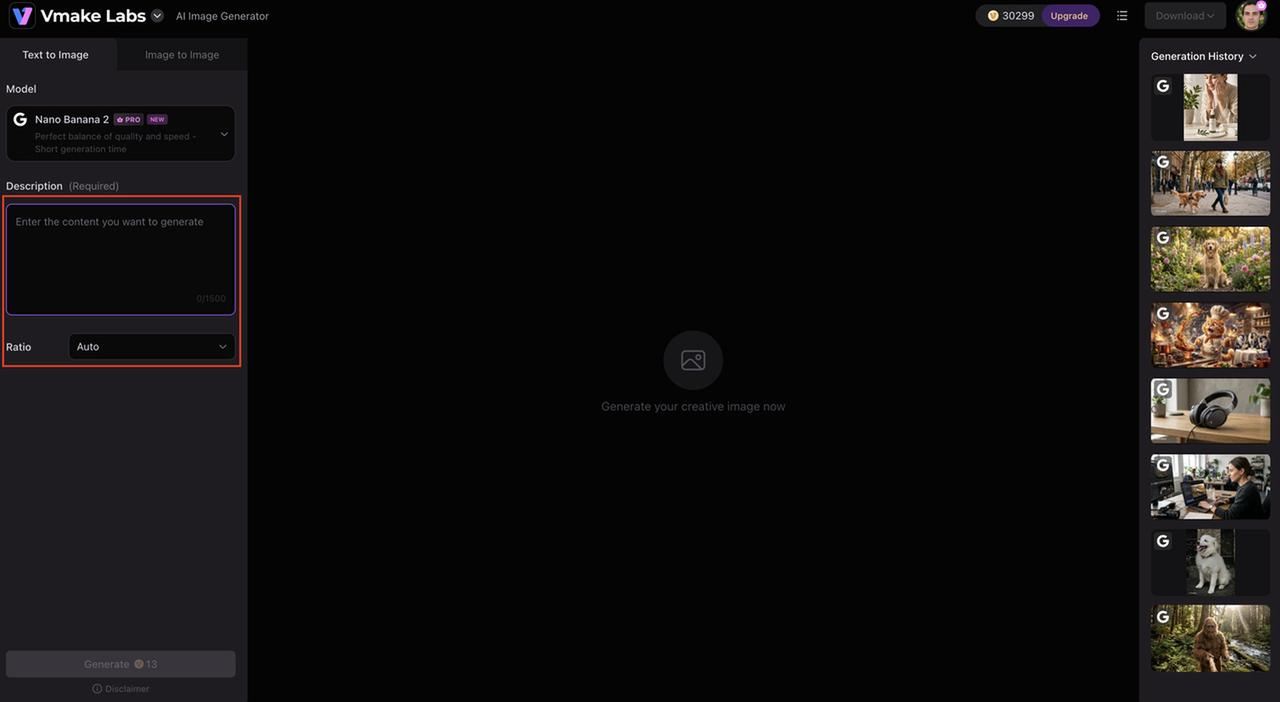
Step 2: Select an AI model and image ratio
Choose the AI model that best suits your creative style, then pick an aspect ratio based on where you'll use the image, such as social media, presentations, or print.
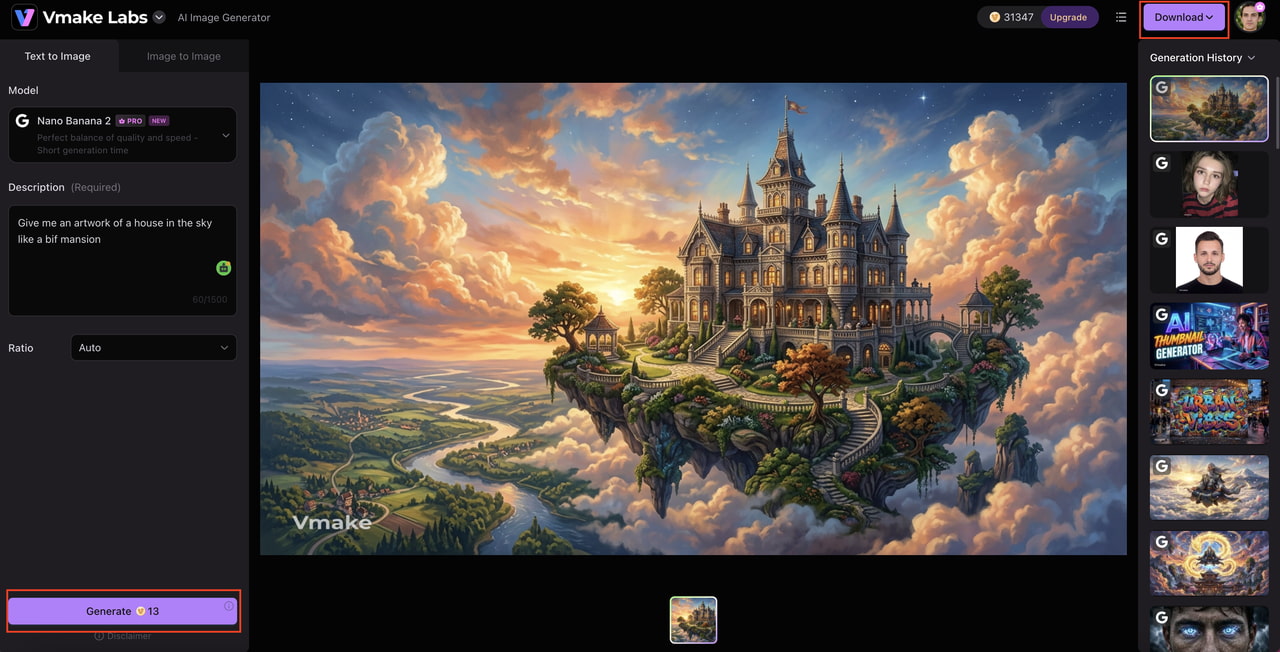
Step 3: Generate, refine, and download your artwork
Click Generate to create your image. If needed, adjust your prompt or settings to refine the results, then download your favorite version in high quality.
Pros and Cons
|
Pros |
Cons |
|---|---|
|
Multiple AI models for different artistic styles |
Some advanced models require credits |
|
High-quality artwork with detailed outputs |
Premium features require a subscription |
|
Beginner-friendly interface |
|
|
Multiple aspect ratios for different platforms |
|
|
Fast browser-based workflow |
Pricing
|
Plan |
Price |
Details |
|---|---|---|
|
Free Plan |
$0/month |
Includes 50 starter credits, 20 daily credits, and limited model access. Exports include a watermark with standard 720p resolution. |
|
Plus Plan |
$9.99/month |
Includes 1,000 monthly credits with 1080p export capabilities. Supports up to 10 processing tasks daily across AI enhancement, upscaling, and background removal tools. |
|
Pro Plan |
$29.99/month |
Includes 4,500 monthly credits with up to 2K/4K high-resolution exports. Supports up to 50 daily tasks with commercial usage rights and full access to advanced AI models. |
Best for
Creators, marketers, designers, businesses, educators, and anyone looking for a versatile AI art tool that can generate high-quality artwork for personal or commercial projects.
-
Midjourney AI Art Tool
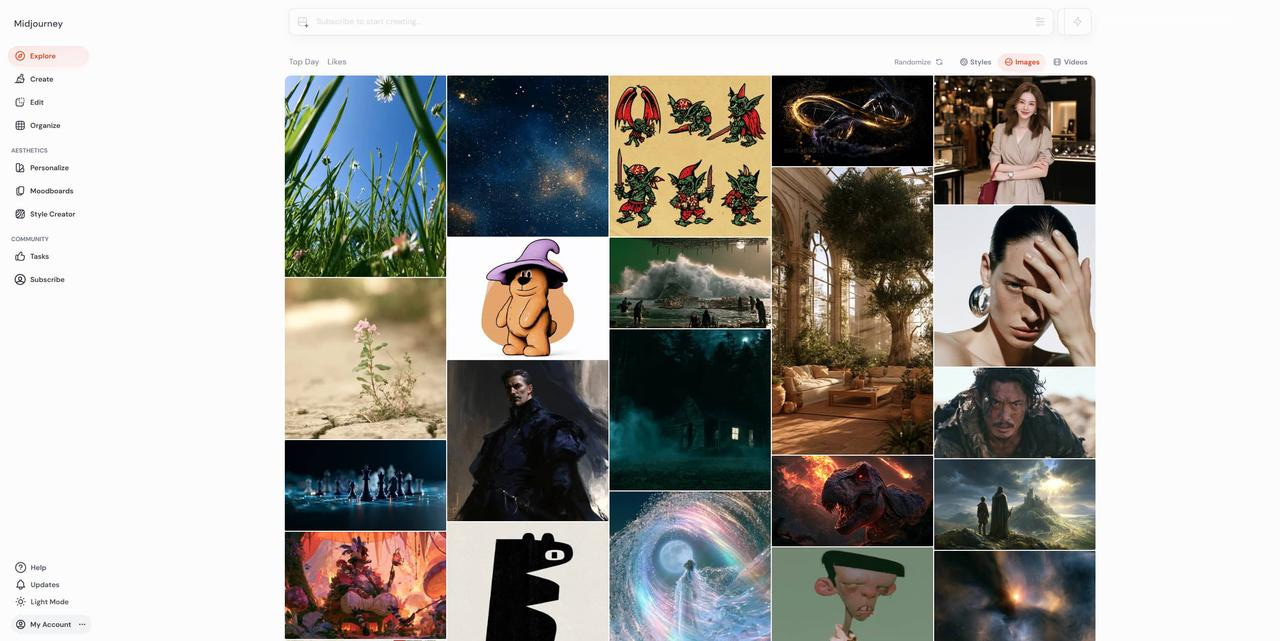
Midjourney is one of the most popular AI art tools for creating detailed and imaginative artwork. Great for painting fantasy scenes, cinematic illustrations, concept art and painterly images with great visual quality. Its advanced prompt understanding makes it popular among artists and designers for creative and expressive results.
Pros and Cons
|
Pros |
Cons |
|---|---|
|
Exceptional artistic image quality |
No free plan |
|
Excellent prompt interpretation |
Paid subscription required |
|
Ideal for fantasy and concept art |
Limited editing tools |
|
Large creator community |
Slight learning curve |
Pricing
|
Plan |
Price |
Details |
|---|---|---|
|
Basic Plan |
$10/month ($8/month billed annually) |
Includes 3.3 hours of Fast GPU time per month (~200 generations). No Relax Mode or Stealth Mode; supports 3 concurrent fast jobs. |
|
Standard Plan |
$30/month ($24/month billed annually) |
Includes 15 hours of Fast GPU time per month and unlimited Relax GPU time. No Stealth Mode; supports 3 concurrent fast jobs. |
|
Pro Plan |
$60/month ($48/month billed annually) |
Includes 30 hours of Fast GPU time per month, unlimited Relax GPU time, and Stealth Mode. Supports 12 concurrent fast jobs and 3 relax jobs. |
|
Mega Plan |
$120/month ($96/month billed annually) |
Includes 60 hours of Fast GPU time per month, unlimited Relax GPU time, and Stealth Mode. Supports 12 concurrent fast jobs and 3 relax jobs. |
Best for
Professional artists, illustrators, concept designers, and creators who want highly artistic AI-generated images with exceptional visual quality.
-
Leonardo AI
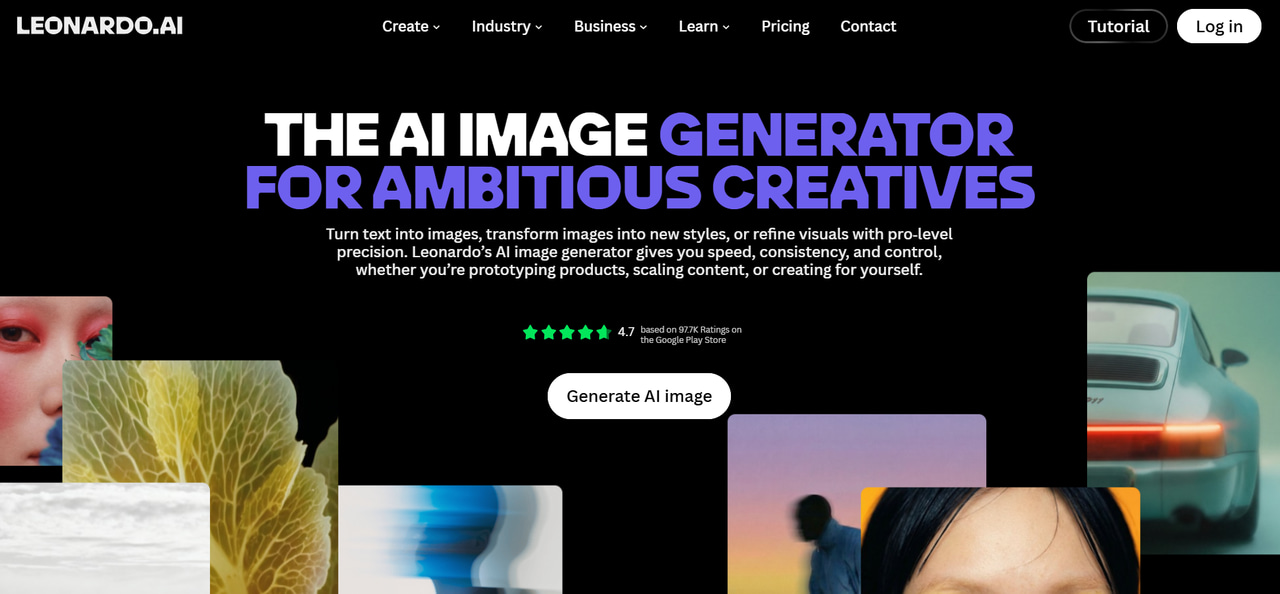
Leonardo AI is an all-purpose AI art generator for concept artists, game developers, and creative professionals. It has several AI models, prompt customization, and editing features to help users create anything from character designs to detailed environments. Its free plan and flexible creative controls make it a popular choice for users experimenting with different artistic styles.
Pros and Cons
|
Pros |
Cons |
|---|---|
|
Strong free plan with daily tokens |
Daily generation limits on free plan |
|
Excellent concept art and game assets |
Some advanced features require a paid plan |
|
Multiple AI models and presets |
Interface may feel overwhelming for beginners |
|
Built-in editing and image refinement |
Processing can slow during peak hours |
Pricing
|
Plan |
Price |
Details |
|---|---|---|
|
Free Plan |
$0/month |
Includes 150 daily fast tokens with public creations access. Limited features with 1 max concurrent generation. |
|
Essential Plan |
$12/month |
Includes 8,500 fast tokens/month and 2 concurrent generations. Features private creations, enhanced quality, and 10 personal AI models. |
|
Premium Plan |
$30/month |
Includes 25,000 fast tokens/month and 3 concurrent generations. Features private creations, 20 personal AI models, and unlimited relaxed generations for selected models. |
|
Ultimate Plan |
$60/month |
Includes 60,000 fast tokens/month and 6 concurrent generations. Features 50 personal AI models along with unlimited relaxed image and video generation. |
Best for
Concept artists, game developers, illustrators, and creators who need detailed artwork with advanced customization.
-
Adobe Firefly
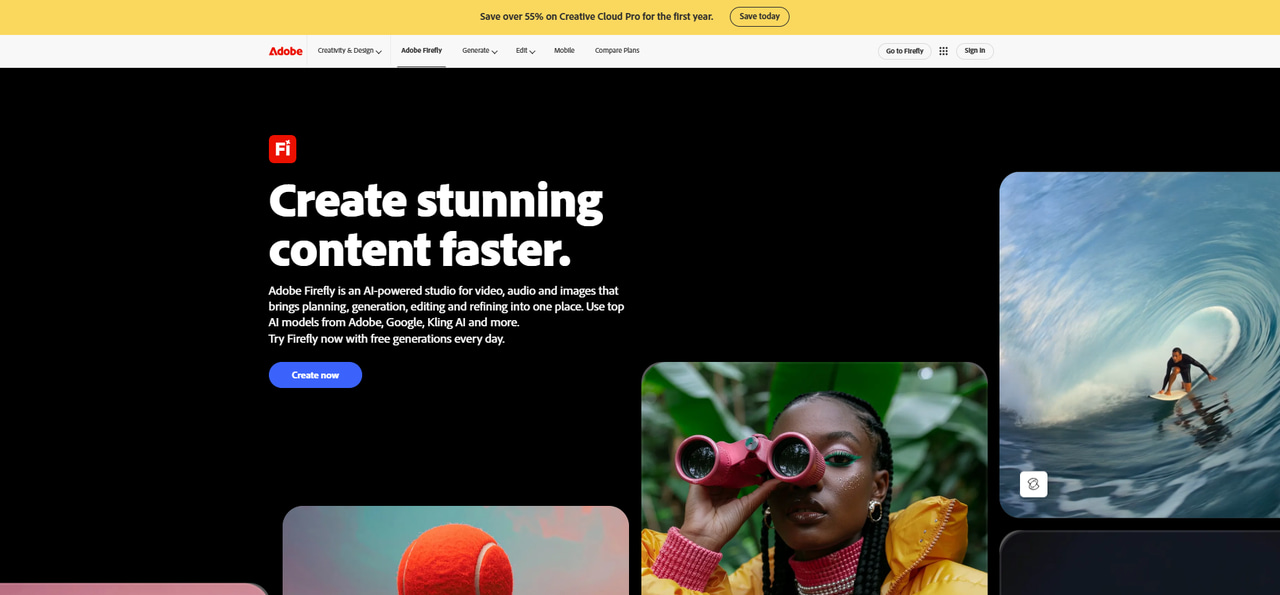
Adobe Firefly is for designers who want to create AI art in the Adobe Creative Cloud ecosystem. It uses commercially focused AI models to generate illustrations, graphics, and marketing visuals, so it’s a good fit for companies and professionals who already use Adobe applications.
Pros and Cons
|
Pros |
Cons |
|---|---|
|
Commercial-friendly AI generation |
Limited free credits |
|
Works seamlessly with Adobe apps |
Best experience requires Adobe subscription |
|
High-quality image generation |
Fewer artistic styles than some competitors |
|
Easy-to-use interface |
Premium features require paid plans |
Pricing
|
Plan |
Price |
Details |
|---|---|---|
|
Adobe Express Free |
$0/month |
Includes basic photo/video editing tools, 250 monthly generative credits, 100k+ templates, and 5GB cloud storage. Free to use with no credit card required. |
|
Adobe Express Premium |
$9.99/month |
Includes 250 generative credits/month, 200M+ Adobe Stock assets, complete font library, 1-click resize, social content scheduler, and 100GB cloud storage. |
|
Adobe Firefly Pro |
$19.99/month |
Includes all Express Premium features plus 4,000 monthly generative AI credits, Photoshop on web/mobile, and text-to-video AI generation capabilities. |
Best for
Graphic designers, marketing teams, businesses, and Adobe Creative Cloud users.
-
NightCafe
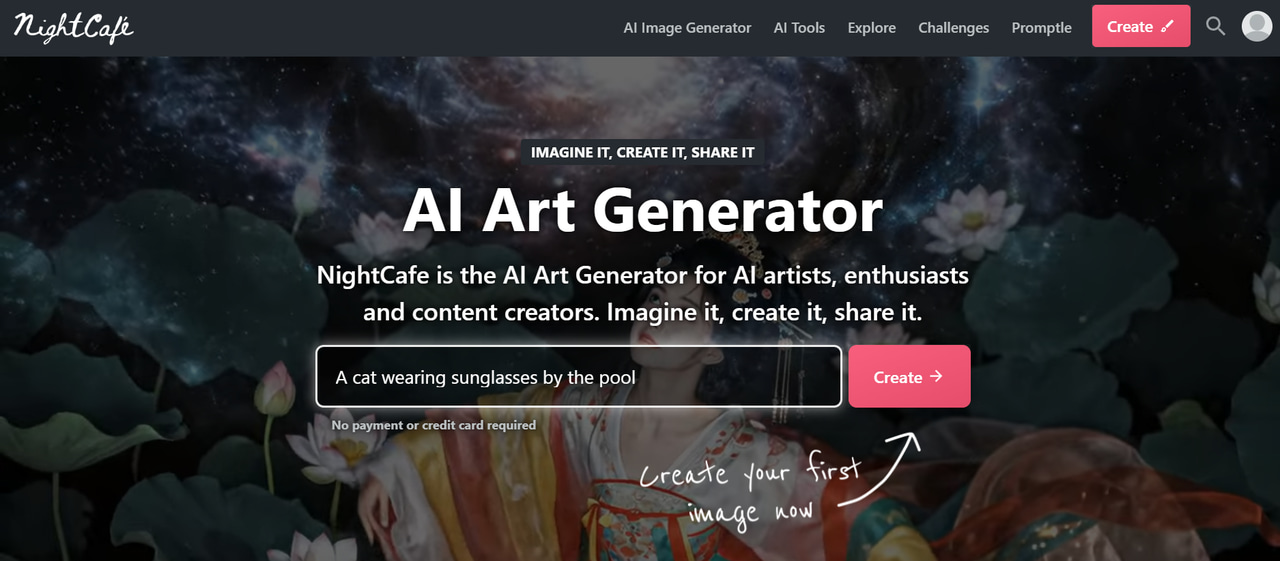
NightCafe is a community-driven AI art platform that supports multiple image generation models and artistic styles. Along with creating unique artwork, users can participate in daily challenges, share creations, and discover prompts from other artists, making it an engaging choice for creative experimentation.
Pros and Cons
|
Pros |
Cons |
|---|---|
|
Multiple AI models available |
Free credits are limited |
|
Active creator community |
High-quality generations consume more credits |
|
Daily challenges and prompt sharing |
Advanced features require subscriptions |
|
Available on web and mobile |
Image quality varies by selected model |
Pricing
|
Plan |
Price |
Details |
|---|---|---|
|
AI Hobbyist |
$7.49/month ($89.91 billed annually) |
Includes 200 fast credits/month, access to all AI image models, basic AI video models, and 600+ relax credits/month. |
|
AI Enthusiast |
$14.99/month ($179.91 billed annually) |
Includes 500 fast credits/month, access to all AI image and video models, and 600+ relax credits/month. |
|
AI Creator |
$23.99/month ($287.93 billed annually) |
Includes 850 fast credits/month, access to all AI image and video models, and 600+ relax credits/month with support for 20 consistent characters. |
|
AI Artist |
$37.49/month ($449.91 billed annually) |
Includes 1,400 fast credits/month, access to all AI image and video models, and support for up to 50 consistent characters. |
Best for
Hobbyists, artists, and creators who enjoy experimenting with different AI art styles.
-
OpenArt
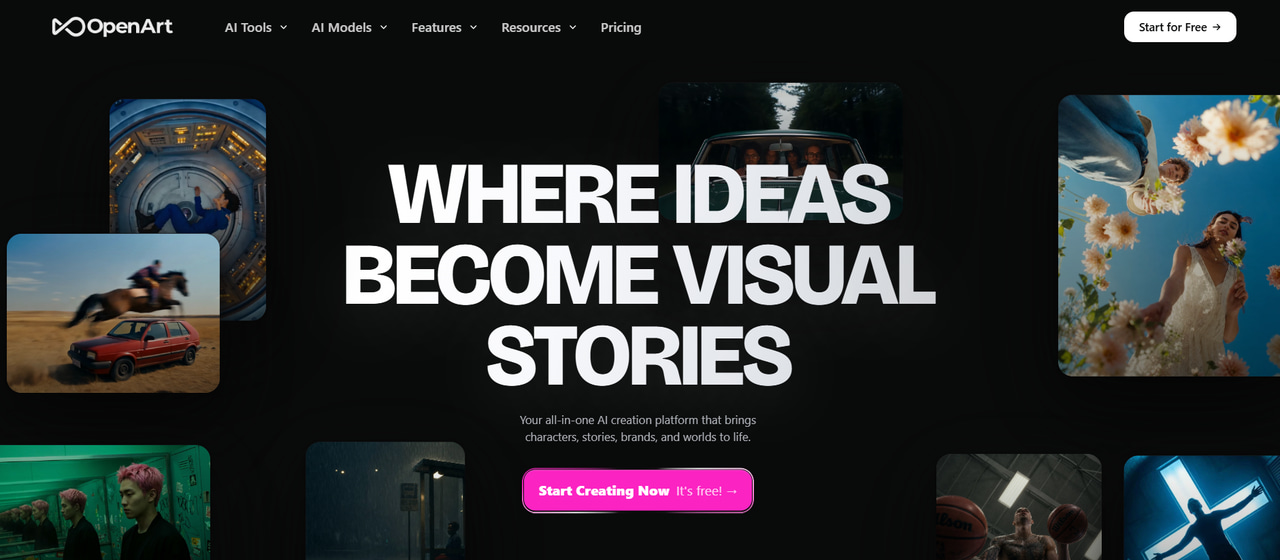
OpenArt provides access to multiple AI image generation models through a single platform. It combines prompt experimentation, image editing, and community-created styles, making it suitable for users who want flexibility while exploring different creative workflows.
Pros and Cons
|
Pros |
Cons |
|---|---|
|
Supports multiple AI models |
Credit-based generation |
|
Extensive style library |
Some premium models require paid access |
|
Built-in editing tools |
Advanced features may require practice |
|
Active prompt-sharing community |
Free plan has generation limits |
Pricing
|
Plan |
Price |
Details |
|---|---|---|
|
Starter Plan |
$14/month ($13/month billed annually) |
Includes 4,000 credits/month (~4,000 images or ~50 videos), 8 parallel generations, and access to 100+ premium AI models. |
|
Plus Plan |
$34/month ($27/month billed annually) |
Includes 12,000 credits/month (~12,000 images or ~150 videos), 16 parallel generations, commercial use rights, and support for 40 consistent characters. |
|
Pro Plan |
$56/month ($44/month billed annually) |
Includes 24,000 credits/month (~24,000 images or ~300 videos), 32 parallel generations, priority support, and support for 80 consistent characters. |
|
Wonder Plan |
$240/month ($175/month billed annually) |
Includes 106,000 credits/month (~106,000 images or ~1,300 videos), 32 parallel generations, unlimited creation features, and support for 353 consistent characters. |
Best for
Artists, designers, and creators are looking for a flexible AI image generation platform.
-
Ideogram
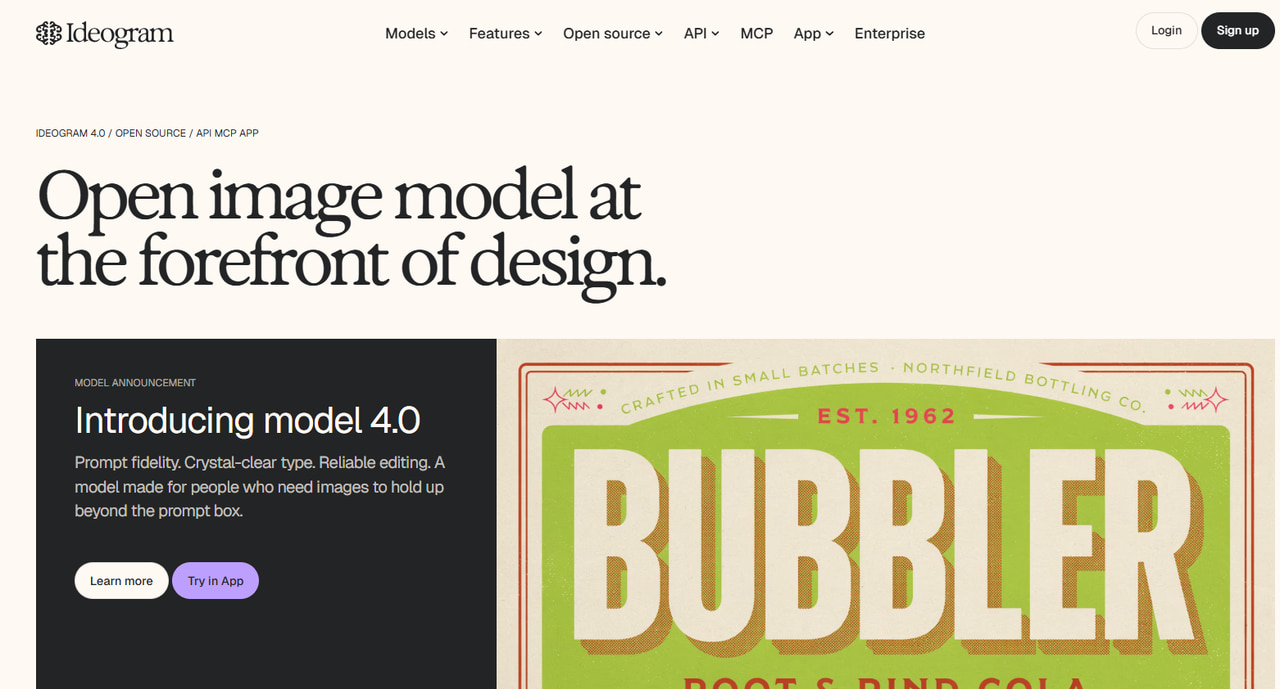
Ideogram stands out for generating artwork that includes accurate and readable text. It performs especially well for posters, logos, advertisements, and social media graphics where typography is an important part of the design.
Pros and Cons
|
Pros |
Cons |
|---|---|
|
Excellent text rendering |
Limited editing features |
|
High-quality graphic designs |
Some premium features require a subscription |
|
Simple prompt interface |
Fewer artistic presets than some competitors |
|
Free plan available |
Generation limits on free accounts |
Pricing
|
Plan |
Price |
Details |
|---|---|---|
|
Plus Plan |
$15/month ($20/month billed monthly) |
Includes 1,000 priority credits/month, unlimited slow credits, private generations, unlimited character consistency, and quality exports. |
|
Pro Plan |
$42/month ($60/month billed monthly) |
Includes 3,500 priority credits/month, the best cost per credit, private generations, batch generation, and unlimited character consistency. |
|
Team Plan |
$20/user/month (billed annually) |
Includes 1,500 priority credits per user/month, central billing and administration, private generations, and collaboration features. |
Best for
Graphic designers, marketers, and creators produce posters, advertisements, and branded visuals.
-
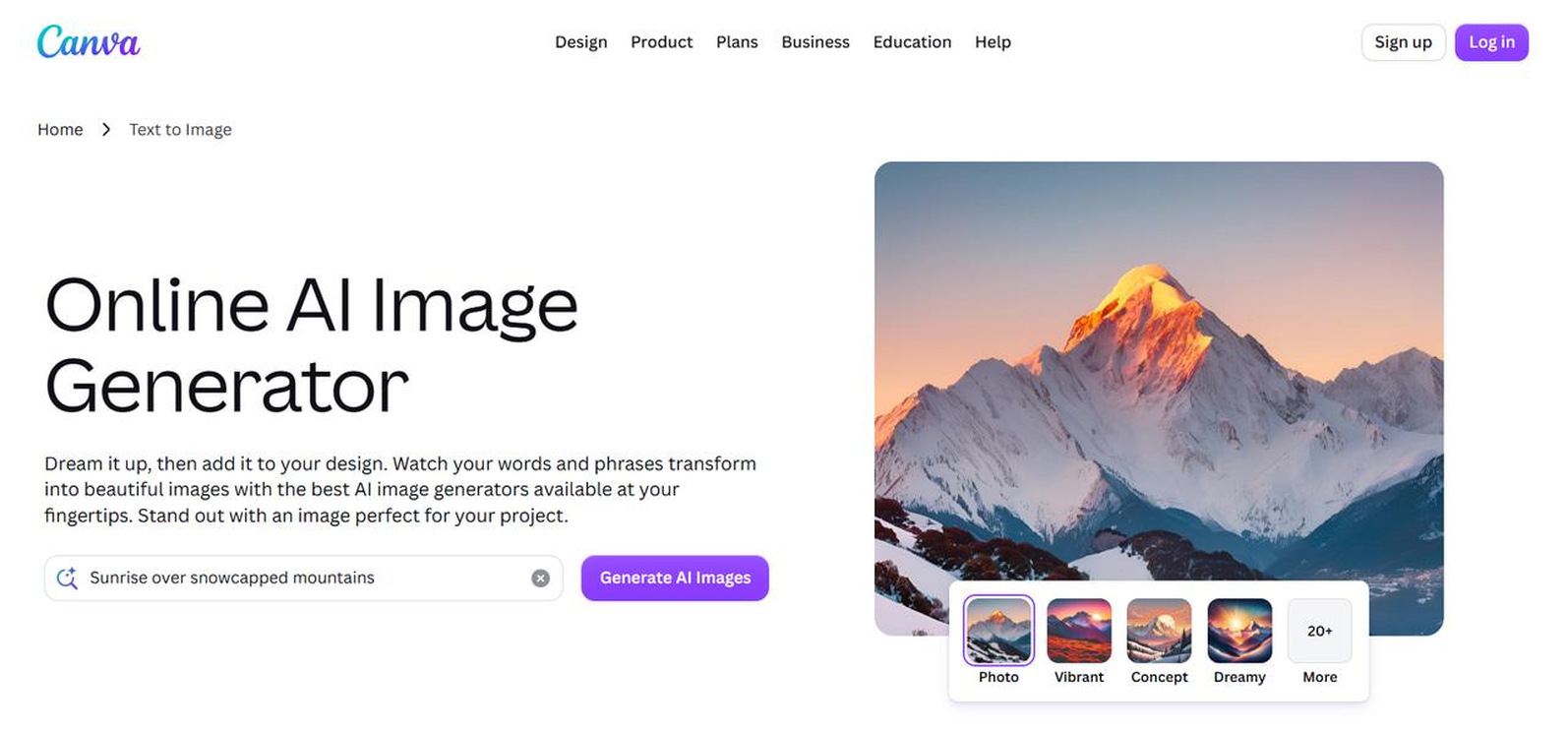
Canva AI
Canva AI combines AI image generation with Canva's popular design platform, allowing users to create artwork and immediately use it in presentations, social posts, flyers, and other visual projects. Its beginner-friendly interface makes creative design accessible to users with little or no design experience.
Pros and Cons
|
Pros |
Cons |
|---|---|
|
Easy for beginners |
Limited free AI generations |
|
Integrated with Canva's design tools |
Advanced editing options are limited |
|
Large template library |
Premium features require Canva Pro |
|
Fast image generation |
Less creative control than dedicated AI art tools |
Pricing
|
Plan |
Price |
Details |
|---|---|---|
|
Free Plan |
$0/year |
Includes drag-and-drop editor, 1.6M+ templates, 4.7M+ free media assets, 5GB of cloud storage, and basic AI creation tools. |
|
Pro Plan |
$180/year (for one person) |
Includes premium tools like background remover and resize, 141M+ premium media assets, 5 Brand Kits, 100GB of cloud storage, and expanded AI allowances. |
|
Business Plan |
$250/year (per person) |
Includes advanced team collaboration tools, 100 Brand Kits, access to Leonardo.Ai and Flourish, 500GB of cloud storage, and higher AI limits. |
Best for
Content creators, educators, small businesses, marketers, and anyone creating graphics for everyday use.
Tips for creating better AI-generated artwork
Even the best AI art tools produce better results when paired with effective prompts. These simple practices can help you create more accurate, detailed, and visually appealing artwork regardless of the platform you choose.
-
Write descriptive prompts: Mention the subject, setting, lighting, composition, colors, and mood instead of using only a few keywords.
-
Specify an artistic style: Include styles such as watercolor, oil painting, anime, cyberpunk, pixel art, or photorealism to guide AI.
-
Use composition details: Describe camera angles, perspectives, focal lengths, or framing to improve the overall composition.
-
Generate multiple variations: Create several versions of the same prompt and compare them before selecting the best image.
-
Refine instead of restarting: Add or remove prompt details gradually to improve the output without changing your original idea completely.
-
Upscale your final image: Increase the resolution only after you're satisfied with the composition and details.
-
Check commercial usage rights: Review each platform's licensing policy before using AI-generated artwork for business or client projects.
Conclusion
AI art tools make it easier than ever to create illustrations, concept art, marketing visuals, and realistic images from simple text prompts. Each platform offers unique strengths, whether you prioritize artistic creativity, commercial design, or ease of use. If you're looking for a versatile solution that combines multiple AI models, high-quality image generation, and a beginner-friendly workflow, Vmake Labs is an excellent place to start. Explore its features and create professional AI artwork in just a few clicks.
FAQs
-
What are the best AI art tools in 2026?
Some of the best AI art tools include Vmake Labs, Midjourney, Leonardo AI, Adobe Firefly, NightCafe, OpenArt, Ideogram, and Canva AI. Each platform offers different strengths, from realistic image generation to concept art and marketing visuals. Compare their features, pricing, and creative capabilities to find the best fit for your projects.
-
Does Vmake Labs offer a free AI art generator?
Yes. Vmake Labs offers a free trial that lets you generate AI artwork from text prompts without installing software. You can explore multiple AI models and create images in different styles before upgrading to a paid plan for additional credits and advanced features.
-
What types of artwork can I create with Vmake Labs?
Vmake Labs supports a wide range of creative projects, including concept art, realistic portraits, anime illustrations, fantasy scenes, product images, and marketing graphics. With multiple AI models and flexible aspect ratios, you can create artwork for social media, presentations, advertising, and personal projects.
-
Is Vmake Labs suitable for beginners?
Absolutely. Vmake Labs features an intuitive browser-based interface that makes AI image generation easy for first-time users. Simply enter a text prompt, choose an AI model, and generate artwork in a few clicks, while advanced options remain available for experienced creators.
-
Is Midjourney the best AI art tool for artists?
Midjourney is widely known for producing highly artistic and cinematic images, making it a popular choice among digital artists. However, if you need multiple AI models, a simpler workflow, and support for both creative and commercial image generation, Vmake Labs is an excellent alternative worth considering.

You May Be Interested
Digital Artwork: How to Create, Sell & Digitize Your Art
[2026] How to Make Background Transparent (Free & Easy)
Inspire Art AI Image Generator Review: 2026 Tests & Prices
Funny AI Generated Images: Create Hilarious AI Art Fast
Resize Videos Online Without Losing Quality: A Smarter Way in 2026