
Nano Banana 2 vs. Nano Banana Pro: What's the Actual Difference?
 Ken DawsonFebruary 27, 2026
The landscape of generative visuals is shifting rapidly, and Google's Nano Banana 2 has emerged as a premier advancement this year. Designed to outright replace both the standard Nano Banana and the previous Nano Banana Pro within the Gemini ecosystem, this upgraded architecture redefines how teams translate concepts into striking graphics.
However, before deploying it for your next major promotional cycle, it is crucial to understand its new mechanics and inherent boundaries. The model is currently live and operating as the default generation engine across Gemini tiers. Let's explore exactly what has changed.
What Sets Nano Banana 2 Apart?
Intelligence and Visual Quality at Flash Speed: Combines the advanced knowledge, quality, and reasoning of Nano Banana Pro with the high-speed processing of Gemini Flash, allowing for rapid edits and faster iteration.
Advanced World Knowledge: Powered by Gemini's real-world knowledge base and real-time information from web search, allowing it to accurately render specific subjects, create infographics, and generate data visualizations.
Precision Text Rendering and Translation: Generates accurate, legible text for mockups or designs. It also supports in-image text translation and localization to adapt concepts globally.
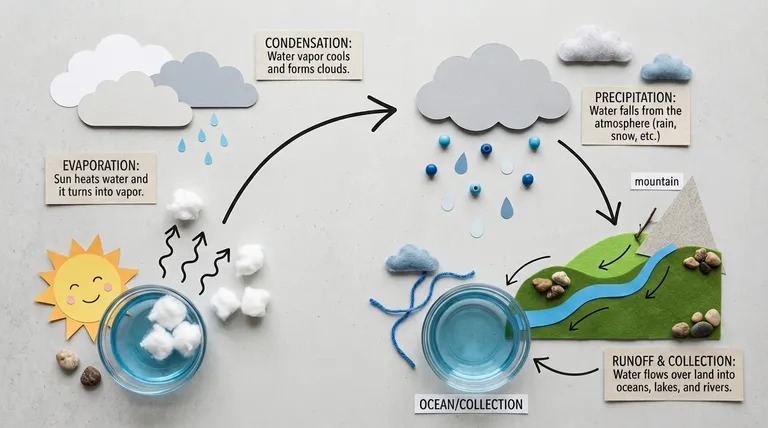 Source: Google Blog
Enhanced Subject Consistency: Maintains the character resemblance of up to 5 characters and the fidelity of up to 14 objects within a single workflow, making it ideal for storyboarding without altering input appearances.
Precise Instruction Following: Strictly adheres to complex, nuanced requests so the final image closely matches the user's specific prompt.
Production-Ready Specs: Offers full control over aspect ratios and resolutions from 512px up to 4K, ensuring visuals remain sharp across different formats (e.g., vertical social posts or wide-screen backdrops).
Visual Fidelity Upgrade: Delivers photorealistic imagery with vibrant lighting, richer textures, and sharper details while maintaining fast generation speeds.
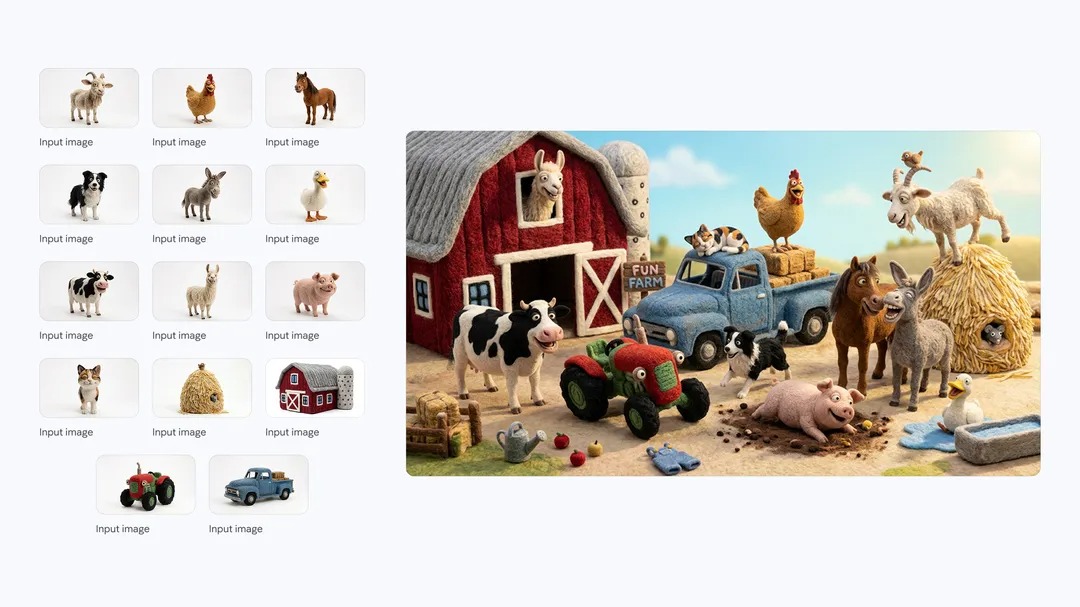 Source: Google Blog
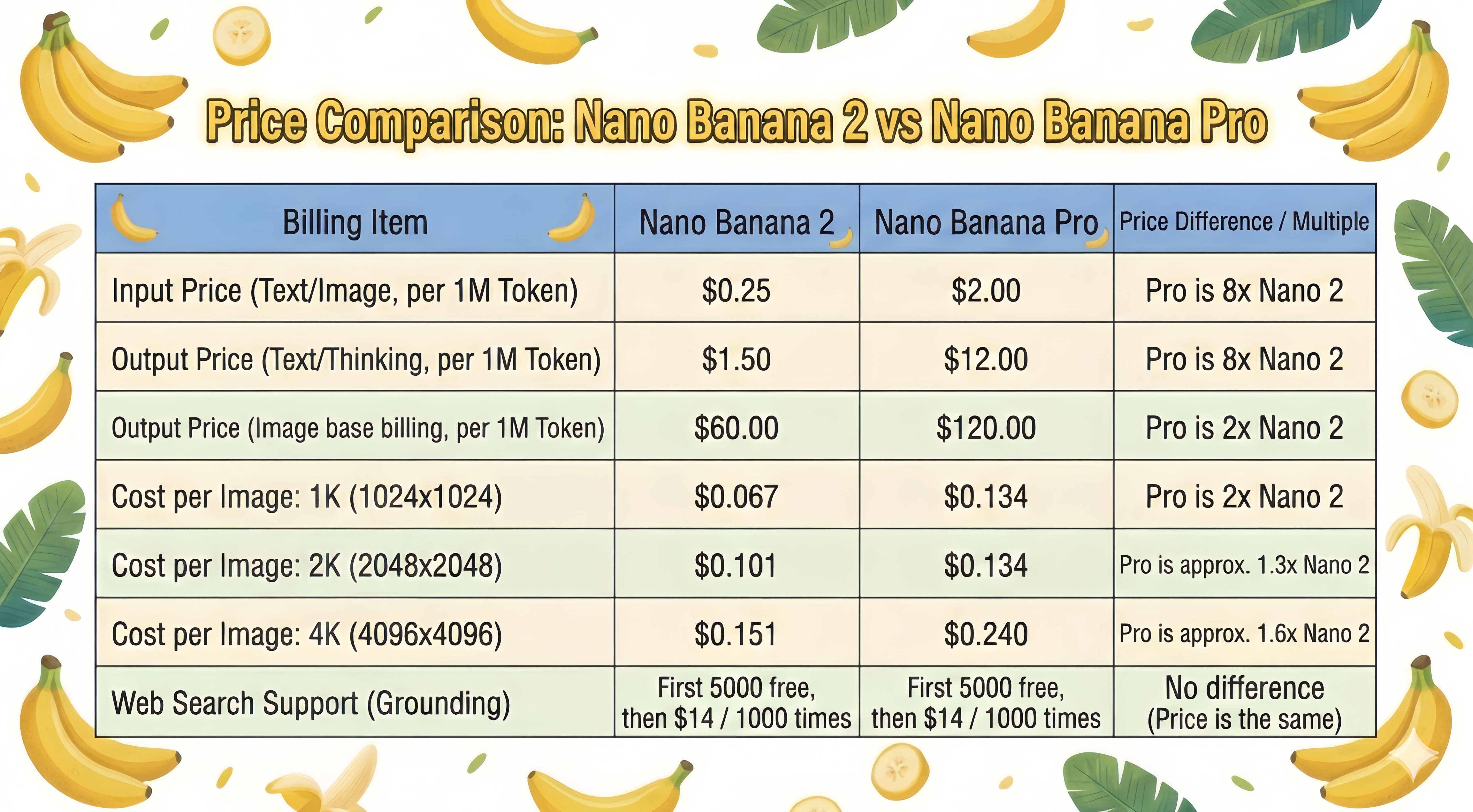
Nano Banana 2 vs. Pro: Pricing Comparison
The image below provides a detailed comparison of the cost differences between using Nano Banana 2 and Nano Banana Pro.
How to Access Nano Banana 2
Nano Banana 2 is being integrated across the entire Google ecosystem, providing a versatile tool for various professional workflows:
The Gemini Ecosystem: Nano Banana 2 has officially taken over as the primary engine for the Fast, Thinking, and Pro tiers within the Gemini app. For those requiring the specific output of Nano Banana Pro, subscribers on the Google AI Pro and Ultra plans can still trigger it by choosing to "regenerate" via the image settings menu.
Google Search & Lens: Users can utilize this model directly through AI Mode and Lens on mobile apps or desktop browsers. This deployment covers a massive global footprint, reaching 141 additional regions and supporting eight new languages.
Creative Marketing in Flow: Within the Flow platform, Nano Banana 2 is now the standard generation model. It is accessible to every user on the platform without any credit deductions.
Enterprise & Developer Tools: For technical integration, the model is currently in preview via AI Studio and the Gemini API, as well as Google Antigravity. Enterprise clients can also explore these capabilities through Vertex AI on Google Cloud.
Streamlined Google Ads: The engine is live within Google Ads, where it assists marketers by generating high-quality creative suggestions during the campaign build process.
The Drawbacks: Crucial Considerations
Even with its advanced capabilities, Nano Banana 2 carries specific constraints that require attention before final publication:
Embedded Branding: Outputs generally contain Gemini watermarks. If you are prepping assets for professional storefronts or paid social media ads, these marks can severely compromise the premium feel of the material.

Artifacts and Softness: While highly advanced, complex multi-image composites might occasionally yield soft edges, slight blurs, or minor digital artifacts, which remains a common hurdle in current generative media.
Elevating Your Output with Vmake's Toolkit
This is precisely where the Vmake ecosystem bridges the gap between a raw AI draft and a polished, deployment-ready asset.
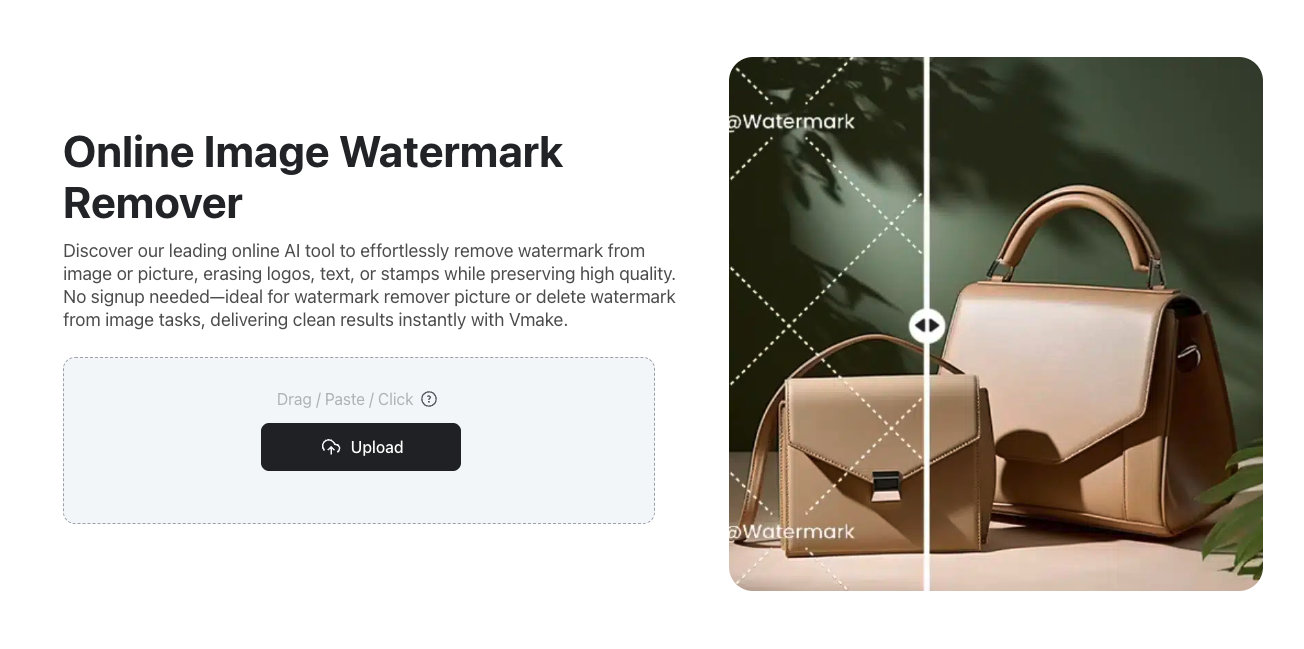
1. Eradicate Distractions using Vmake Image Watermark Remover
Systemic watermarks are a dealbreaker for professional branding. Vmake's dedicated cleanup utility allows you to:
Seamlessly wipe away unwanted Gemini watermark.
Preserve the natural texture and background of your graphic.
Ensure your visuals are pristine and ready for high-converting landing pages or email newsletters.
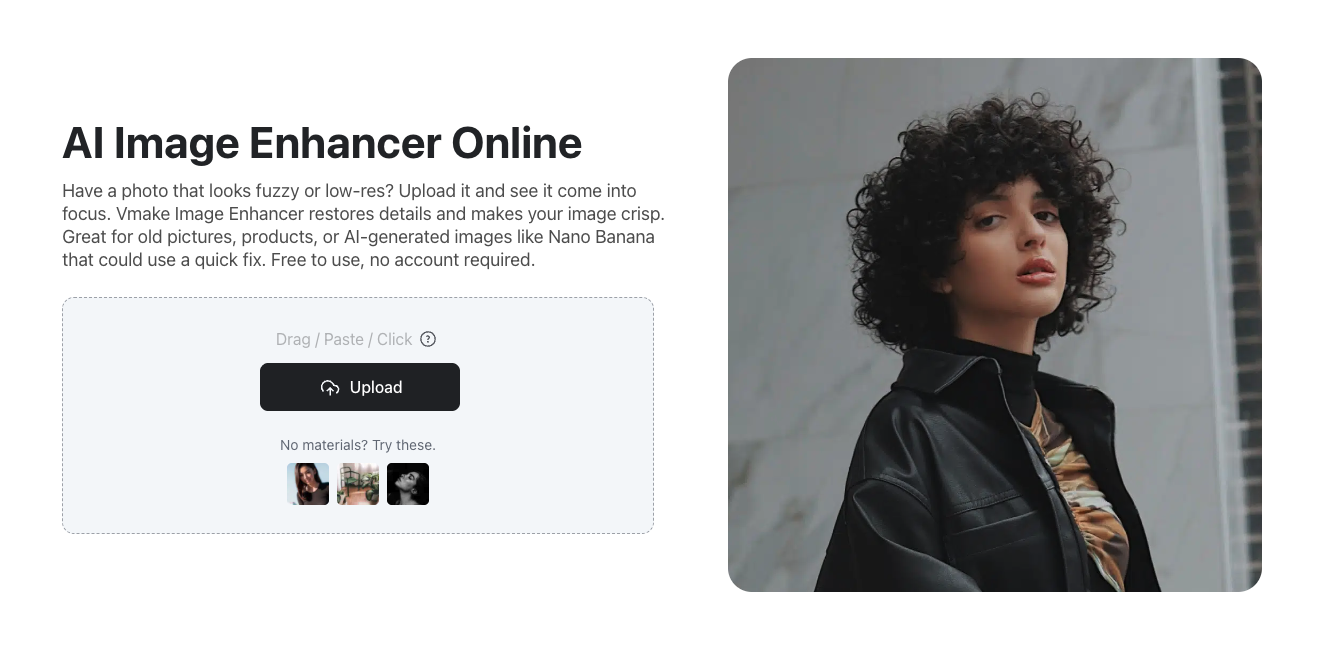
2. Maximize Crispness with Vmake Image Enhancer
If your generated asset suffers from slight softness or lacks the high-fidelity punch needed for hero banners, Vmake's enhancement algorithms step in to:
Dramatically upscale resolution and edge clarity.
Clean up residual digital noise.
Deliver a crisp, professional-grade visual that commands consumer trust.
Final Thoughts
Nano Banana 2 has successfully consolidated Google's imaging power into a formidable, accessible engine. It grants teams the leverage to execute complex visual storytelling and rapid prototyping with remarkable ease. However, raw AI generation rarely represents the finish line. The inherent watermarks and occasional resolution limits necessitate a reliable post-production workflow. By pairing the creative speed of Nano Banana 2 with the refining power of Vmake's enhancement suites, you guarantee that every piece of media you publish is immaculate, authoritative, and optimized for commercial success.

You May Be Interested

123APPS Watermark Remover Review (2026): Pros, Cons, and Pricing

Seedance 2.0 vs Sora 2: Which AI Video Generator Wins in 2026?
Top 20 Captions to Make Your YouTube Shorts Go Viral

Google Gemini|Copy Paste This Simple Prompts to Create “Hug my younger self ” Photos

How to Create a YouTube Thumbnail? Create YouTube Thumbnails Using AI
