
Remove Gemini Watermark from Images Online
AI removes the Gemini sparkle logo and Nano Banana watermarks instantly. Pixel perfect background restoration with zero quality loss. The fast, free solution to clean up AI generated marketing assets without design skills.




How to remove gemini watermark from your images
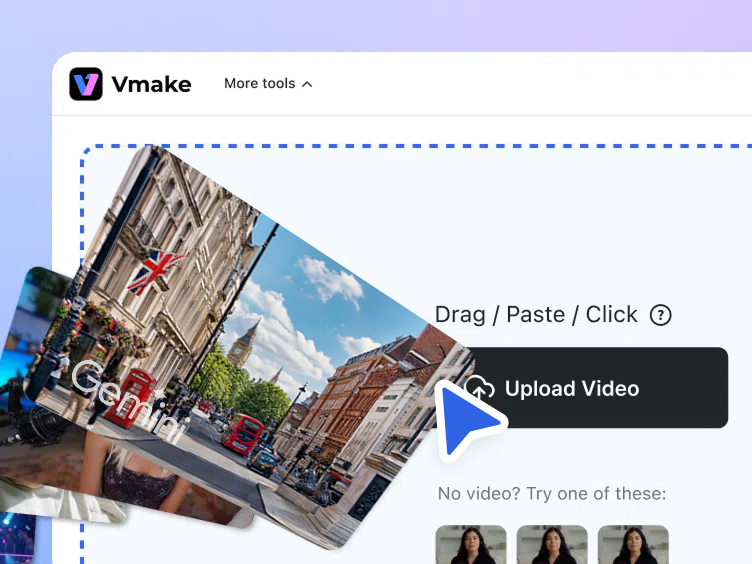
Step 1. Upload
Drag, paste or click to upload your Gemini or Nano Banana generated image directly into the workspace.
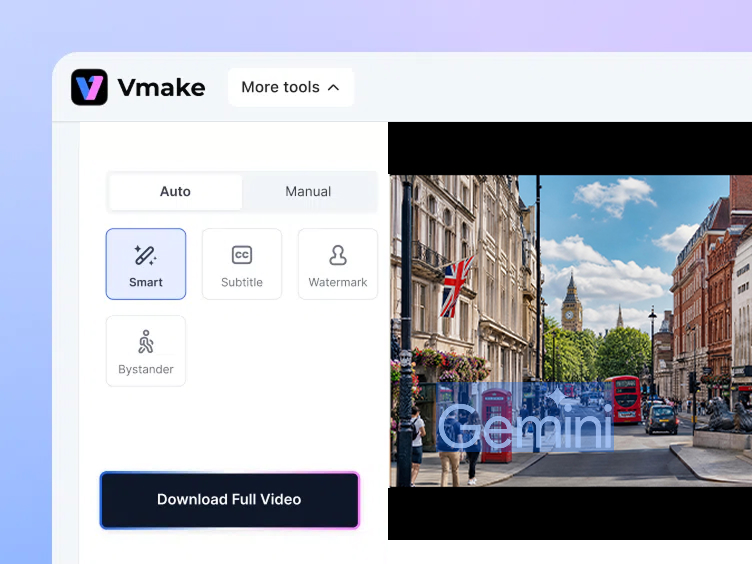
Step 2. Select removal type
Choose Auto or Manual mode, select a removal type, and let AI remove the selected element.
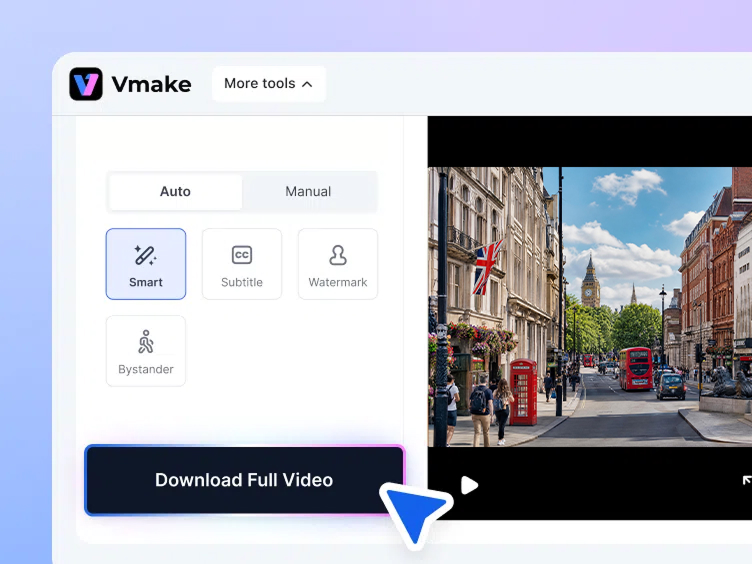
Step 3. Download
Preview the clean result and click Download to save your watermark-free image.
What you can achieve with our Google Gemini watermark remover








Inside our Gemini watermark remover
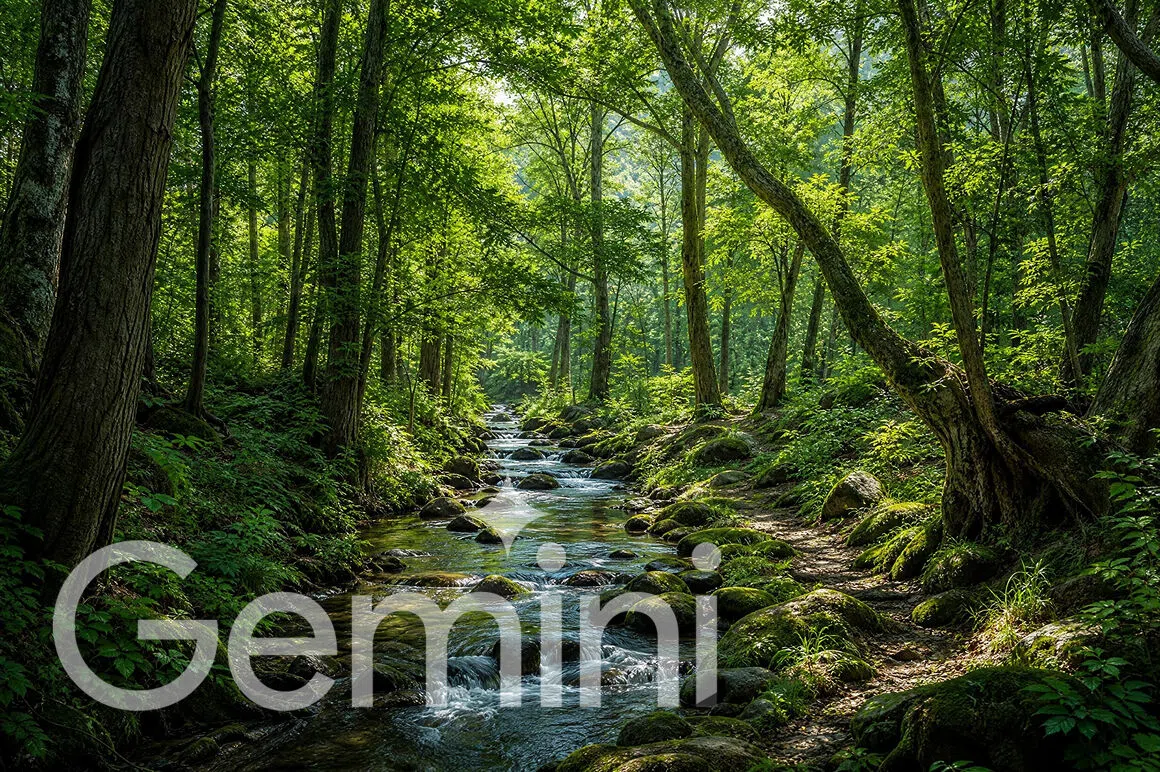

Pixel perfect background reconstruction
Advanced algorithm precisely reconstructs the original pixels hidden beneath the logo. No simple blurring or cropping applied to the surrounding area. The result blends naturally with the rest of the image so the removal is invisible to the viewer even on close inspection.


Fast automated logo detection
Intelligent Auto mode instantly identifies the exact placement of the sparkle symbol and removes it automatically. No manual selection or brushing required for standard Gemini watermark positions. Detection works consistently across different image sizes, crops and compositions generated by Gemini and Nano Banana models.


Completely maintained image quality
Preserves original resolution and vibrant colors throughout the removal process. Zero compression or quality degradation applied on export. The image that downloads is identical in quality to the original generation with only the watermark removed and nothing else changed.


Batch processing up to 30 files
Upload and process up to 30 images simultaneously in one session. Practical for marketing teams, agencies and content producers working with large volumes of Gemini generated assets. For broader image watermark removal needs, the handles text, logos and other marks across any image type.
Who needs to remove gemini watermark free online
Social media managers
Daily content production using AI generated images becomes unpublishable when sparkle logos appear across every generation. Vmake Labs' Auto detection removes the Gemini watermark instantly across batches. Feeds stay premium and authentic without complex software or manual editing work on each individual post.

Ecommerce store owners
AI generated product mockups and promotional banners carry visible watermarks that undermine buyer trust on store pages. Vmake Labs removes the logo automatically and preserves the original image quality. Product listings and banners look clean and professional without any design skills or additional software investment.

Digital content creators
Blog graphics and YouTube thumbnails generated with Gemini carry sparkle logos that undercut the professional look of published content. Vmake Labs detects and removes the watermark precisely without touching surrounding pixels. Every asset downloads clean and ready to publish across all channels without a redesign step.

Frequently Asked Questions
Does this tool remove the invisible embedded data?
Can I process images generated by the Nano Banana model?
Will using the tool reduce my original picture resolution?
Is it safe to process my private business images here?
How do I get started with the Gemini watermark remover?
Do I need to download an app to use this remover?
Why choose our Gemini remove watermark tool

Get your cleaned photos back in seconds without waiting in server queues or dealing with slow software loading times. Results are delivered quickly enough to fit into any active content production workflow.

Maintain the crisp details and vibrant colors of the original generation without any compression or unwanted blurring artifacts. The exported image is identical in quality to the source with only the watermark removed.

Upload an image and test the watermark remover directly in your browser. No account or subscription needed to see the result before deciding whether to download the cleaned file.

Clean your generated images directly from your web browser without downloading heavy software or mobile applications. The full removal workflow runs in the browser from any desktop device.

Advanced AI targets exactly where the logo sits without altering the surrounding visual elements. Pixel level accuracy means the removal is invisible in the final image regardless of the original composition.

Uploaded files are processed securely and deleted from servers after processing. Unreleased marketing assets and private business images stay strictly confidential throughout the entire workflow.
Discover More Features

Video & Image Enhancer

Watermark & Text Remover

Video Upscaler

AI Video Generator

Video Background Remover

Video & Audio to Text

Video Noise Reducer

AI video translator
Ready to remove Gemini watermark free today
Start using the tool today and elevate your visual content in seconds to boost your business marketing.
What creators say about our Gemini watermark remover
We use Gemini heavily for campaign visuals and the watermark was stopping us from publishing directly. Vmake Labs removes it cleanly every time without touching the rest of the image. The batch option means we can process a full asset set in one go rather than file by file. Honestly should have found this months ago — would have saved a lot of manual workarounds.
the reconstruction around where the logo was is genuinely impressive. i was expecting a blurry patch or obvious edit but it blends in completely. been using it on product background generations from nano banana and the results are clean enough to go straight onto the listing without any touching up afterward.
I present AI-generated concepts to clients regularly and the sparkle logo in the corner always made it look unfinished. Removing it takes about ten seconds now. Clients have no idea the assets are AI-generated which is honestly the point — the ideas should speak for themselves, not the tool that made them.
ok so i didnt realise there was a manual mode until like my third session lol. auto mode works fine for most images but for one particular nano banana generation the logo was overlapping with part of the design and auto wasnt getting it cleanly. switched to manual, used the brush, sorted in about a minute. good to have both options.
The speed is what impresses me every time. I can generate an image, remove the watermark, resize it, and post it—all in about three minutes. Before using Vmake Labs, removing the watermark alone took forever because I had to do it in Photoshop, and I'm not exactly great at it. Now the whole process is much faster, and the results are just as good, if not better.
I tried it first time expecting it to leave some kind of visible mark or discolouration where the logo was. it genuinely doesnt. posted three gemini generations on instagram this week, all cleaned with vmake, and nobody in the comments questioned whether they were real photos. that's the bar i needed it to clear and it cleared it easily.