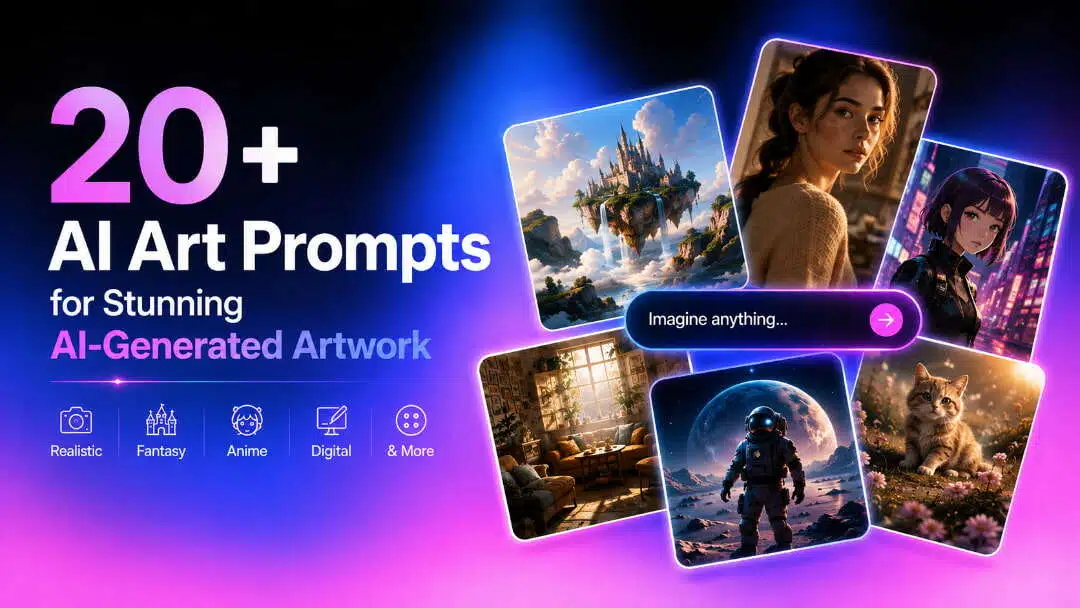
20+ AI Art Prompts for Stunning AI-Generated Artwork
Discover AI art prompts for realistic, fantasy, anime, and digital artwork. Learn how to write better prompts and create original AI images with Vmake Labs AI Image Generator.

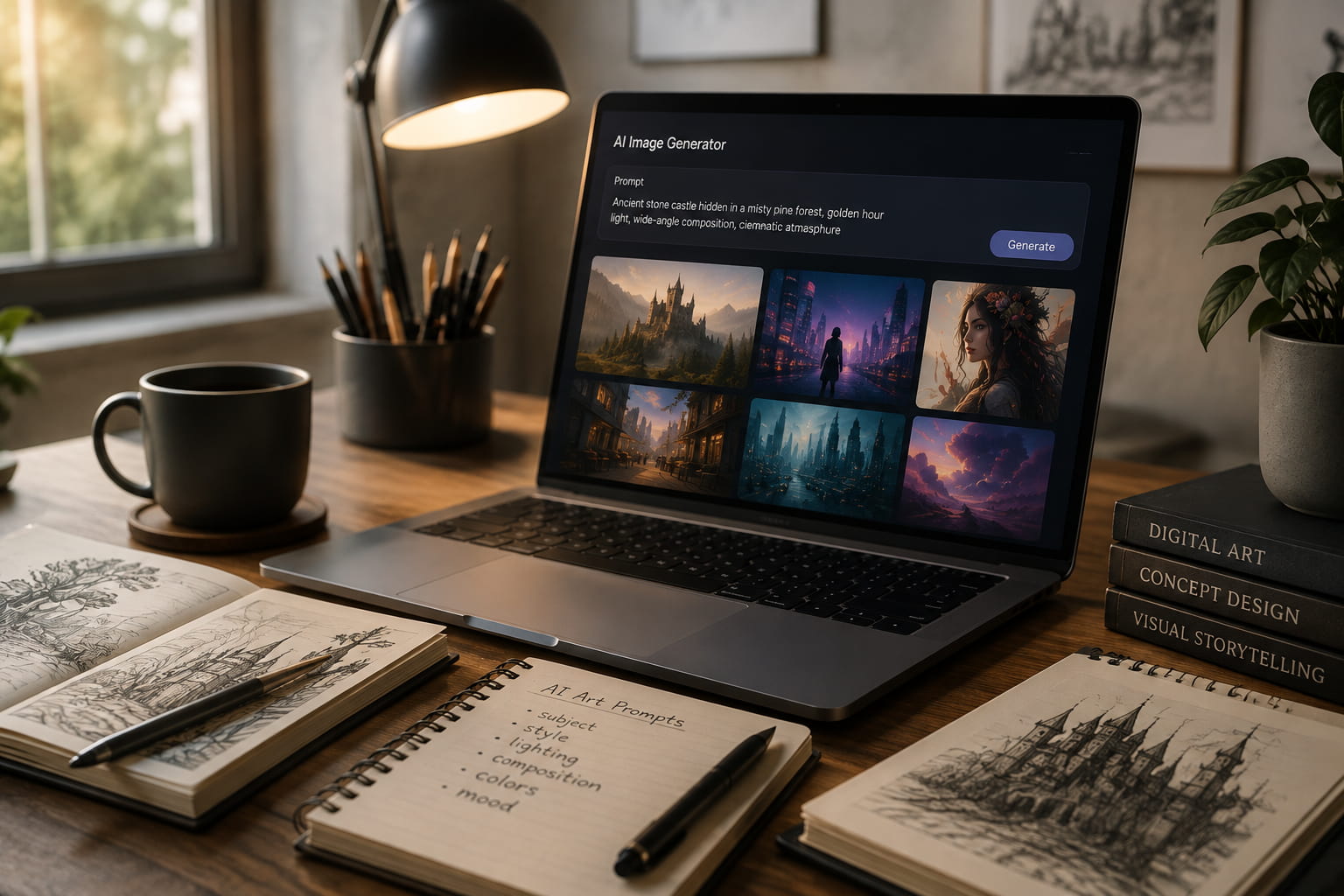
AI art prompts are written instructions that tell an AI image generator what to create. They can choose the subject, art style, lighting, composition, colors, mood and help the generator produce visuals closer to your idea.
What are AI art prompts?
AI art prompts are written instructions that describe the image you want an AI image generator to create. You can use them for realistic portraits, fantasy scenes, anime characters, concept art, illustrations, marketing visuals, and many other creative projects. The difference between a vague prompt and a useful one usually comes down to detail. “A castle in a forest" gives the generator a basic idea. “An ancient stone castle hidden in a misty pine forest, golden-hour light, wide-angle composition, muted green and brown palette, cinematic fantasy atmosphere" gives it far more to work with.
Essential elements of an AI art prompt
|
Element |
Purpose |
Example |
|---|---|---|
|
Subject |
Main focus |
Ancient castle |
|
Art style |
Defines appearance |
Watercolor painting |
|
Lighting |
Sets atmosphere |
Golden hour |
|
Composition |
Controls framing |
Wide-angle |
|
Color palette |
Creates visual tone |
Warm earth tones |
|
Mood |
Adds emotion |
Dreamlike |
A useful AI art prompt does not have to be extremely long. It needs to contain the details that matter to the image you have in mind.
AI art prompt template
Instead of writing each prompt from scratch, use a simple template with the visual details an AI image generator needs. You can customize each part according to the type of creation, such as a realistic portrait, fantasy scene, anime art or digital illustration.
Template: Create a [subject] in [art style] with [lighting], [composition], [color palette], [mood], and [quality details].
Example: Create an ancient castle surrounded by a misty pine forest in detailed fantasy concept art, with soft golden-hour lighting, a wide-angle composition, deep green and warm brown tones, a mysterious, dreamlike mood, and highly detailed stone and foliage textures.
This framework provides a well-defined entry point without making the prompt too long. Once you have an image, you can change one thing at a time (lighting, camera angle, colors, background, etc.) instead of rewriting the whole prompt.
How to write AI art prompts
A good AI art prompt gives the generator a clear visual direction without trying to describe every possible detail.
-
Start with a clear subject: Describe exactly what you want the image to focus on, such as a person, animal, building, product, or landscape.
-
Add an artistic style: Choose the type of visual treatment you want, for example realistic photography, watercolor, digital painting, anime, or fantasy concept art.
-
Describe lighting and colors: Mention details such as golden-hour sunlight, soft studio lighting, neon glow, muted earth tones, or vibrant colors to shape the atmosphere.
-
Include composition: Tell the generator how the scene should be framed, such as a close-up portrait, wide-angle landscape, centered composition, or overhead view.
-
Mention perspective or camera angle: For realistic artwork, details such as eye-level, low-angle, aerial view, or 85mm portrait photography can provide more visual direction.
-
Add quality details: Include relevant details such as realistic textures, fine linework, sharp details, natural shadows, or cinematic depth when they contribute to the desired result.
20+ AI art prompts by style
Different art styles require different details in the prompt. Photography and lighting cues help with realism, while fantasy and anime prompts can be more about atmosphere, character design, and visual storytelling. The 20+ AI art prompts below are for five popular styles and ready to copy, customize and use with an AI art generator.
Realistic AI art prompts
Create realistic portraits, wildlife, landscapes, architecture and travel scenes with natural lighting, textures and photo details. Portrait prompts can also be adapted for AI avatars and profile visuals.
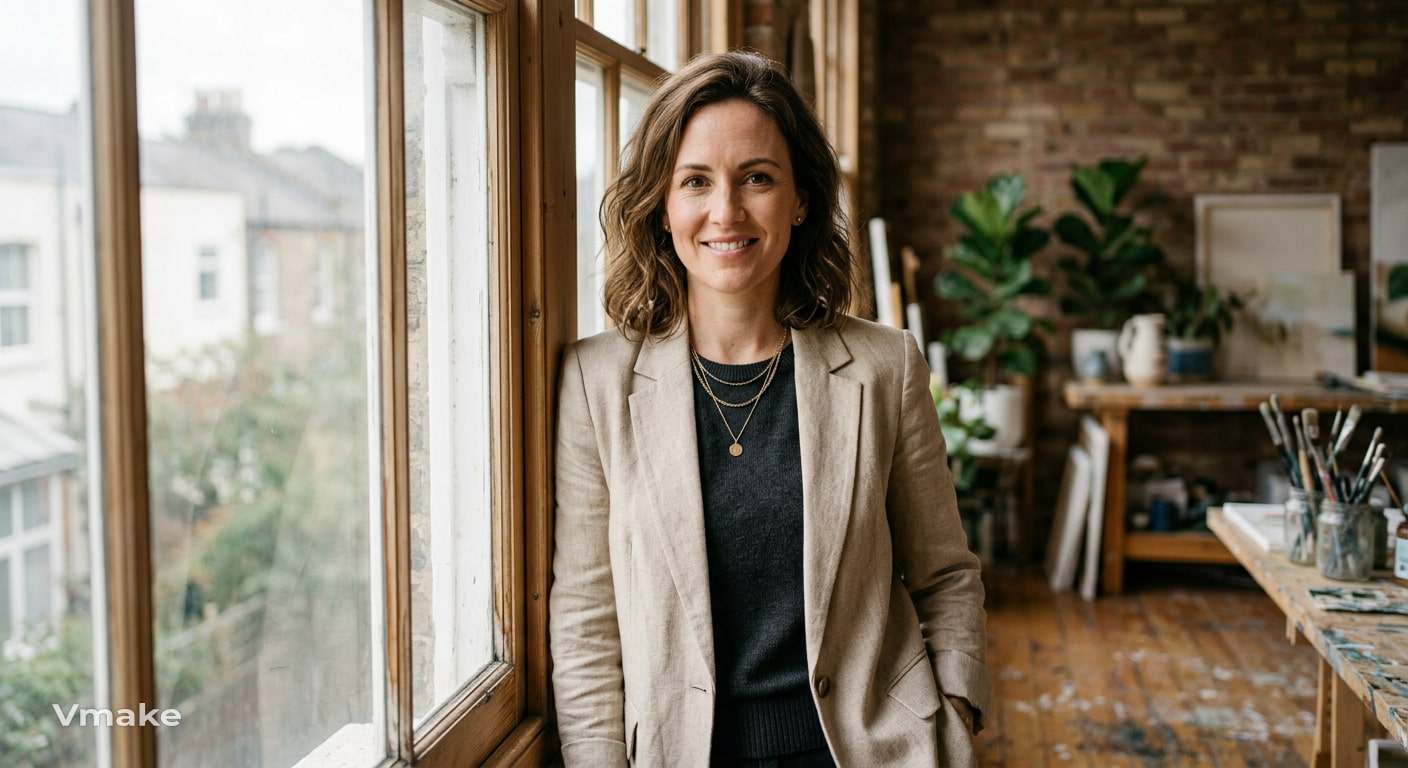
1. Realistic portrait Prompt: Create a realistic portrait of a confident woman in a beige blazer beside a studio window, soft natural light, subtle skin texture, shallow depth of field, 85mm photography.
2. Wildlife photography Prompt: Create a Bengal tiger walking through a misty jungle at sunrise, detailed fur, natural vegetation, golden light, shallow depth of field, documentary wildlife photography.
3. Mountain landscape Prompt: Create a photorealistic mountain landscape with snow-covered peaks, a clear alpine lake, morning mist, golden sunlight, natural colors, and wide-angle photography.
4. Modern architecture Prompt: Create a realistic photograph of a contemporary glass house overlooking the ocean, geometric lines, reflective windows, coastal plants, warm sunlight, and architectural photography.
5. Travel destination Prompt: Create a realistic travel photograph of a narrow Santorini street with white buildings, blue domes, colorful flowers, ocean views, bright Mediterranean sunlight, and authentic travel photography.
Fantasy AI art prompts
Build vivid, detailed pictures of magical creatures, mythical scenery and moody atmospherics. These 5 prompts include dragons, floating islands, wizards, magic forests, and mythical creatures.
1. Dragon
Prompt: Create a majestic red dragon sitting on a rocky mountain above an ancient kingdom, glowing windows below, dramatic clouds, warm sunset lighting, detailed cinematic fantasy artwork.
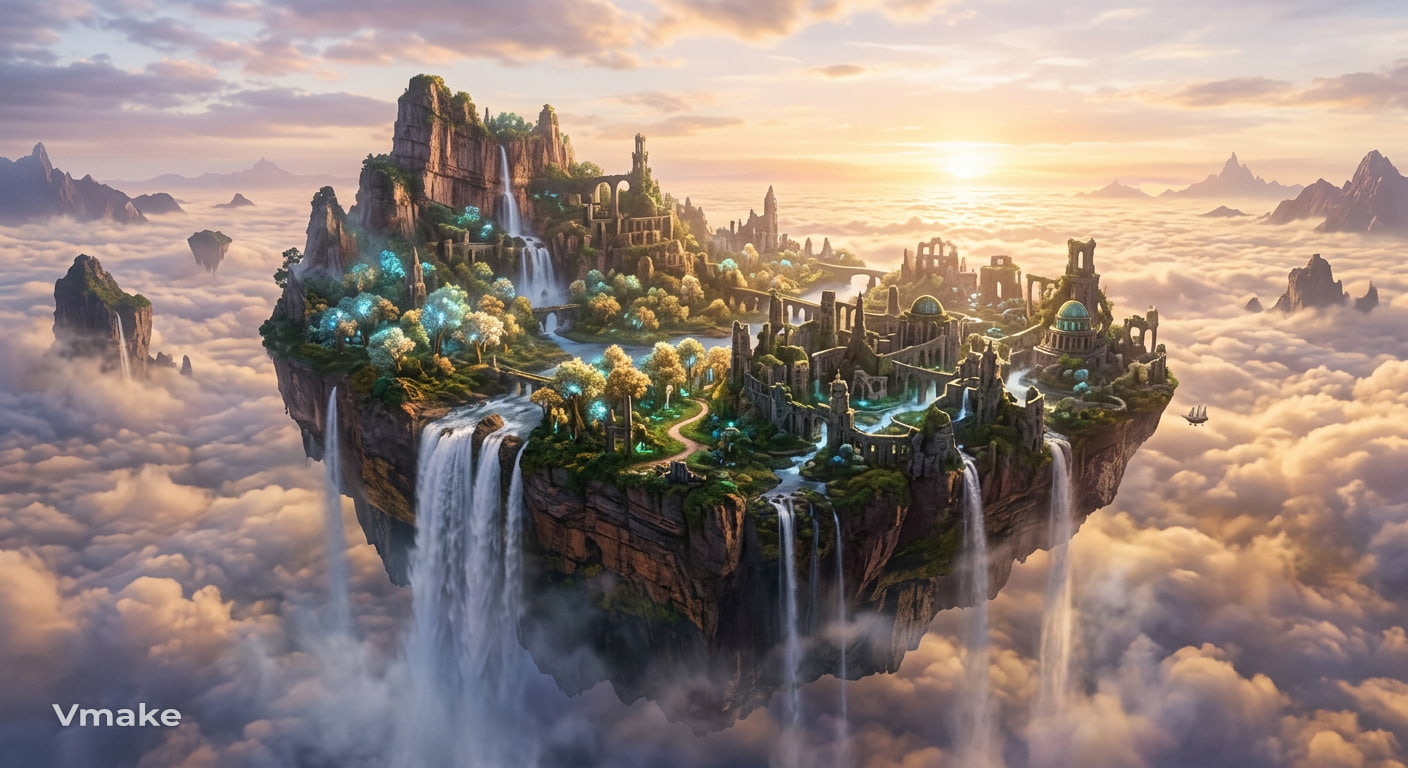
2. Floating island
Prompt: Create a विशाल floating island above a sea of clouds, cascading waterfalls, ancient ruins, glowing trees, soft sunrise light, and an expansive fantasy landscape.
3. Wizard
Prompt: Create a young wizard casting a glowing spell inside an ancient stone library, floating books, magical symbols, blue atmospheric lighting, and detailed fantasy illustration.
4. Magic forest
Prompt: Create an enchanted forest filled with towering trees, glowing flowers, floating fireflies, winding paths, and soft moonlight, with a mysterious dreamlike fantasy atmosphere.
5. Mythical creature
Prompt: Create a majestic griffin standing on a cliff above a misty valley, golden feathers, distant mountains, dramatic clouds, and highly detailed fantasy concept art.
Anime art style prompts for AI
Create anime artwork with expressive characters, dynamic settings, distinctive lighting, and strong visual storytelling across different anime styles.
1. Shonen hero Prompt: Create a determined young anime hero standing on a rooftop at sunset, windswept hair, dynamic pose, vibrant colors, dramatic lighting, and shonen-style artwork.
2. Shojo romance Prompt: Create a shy anime girl walking through a flower-filled school courtyard, soft pink sunset light, gentle expression, pastel colors, and romantic shojo-style illustration.
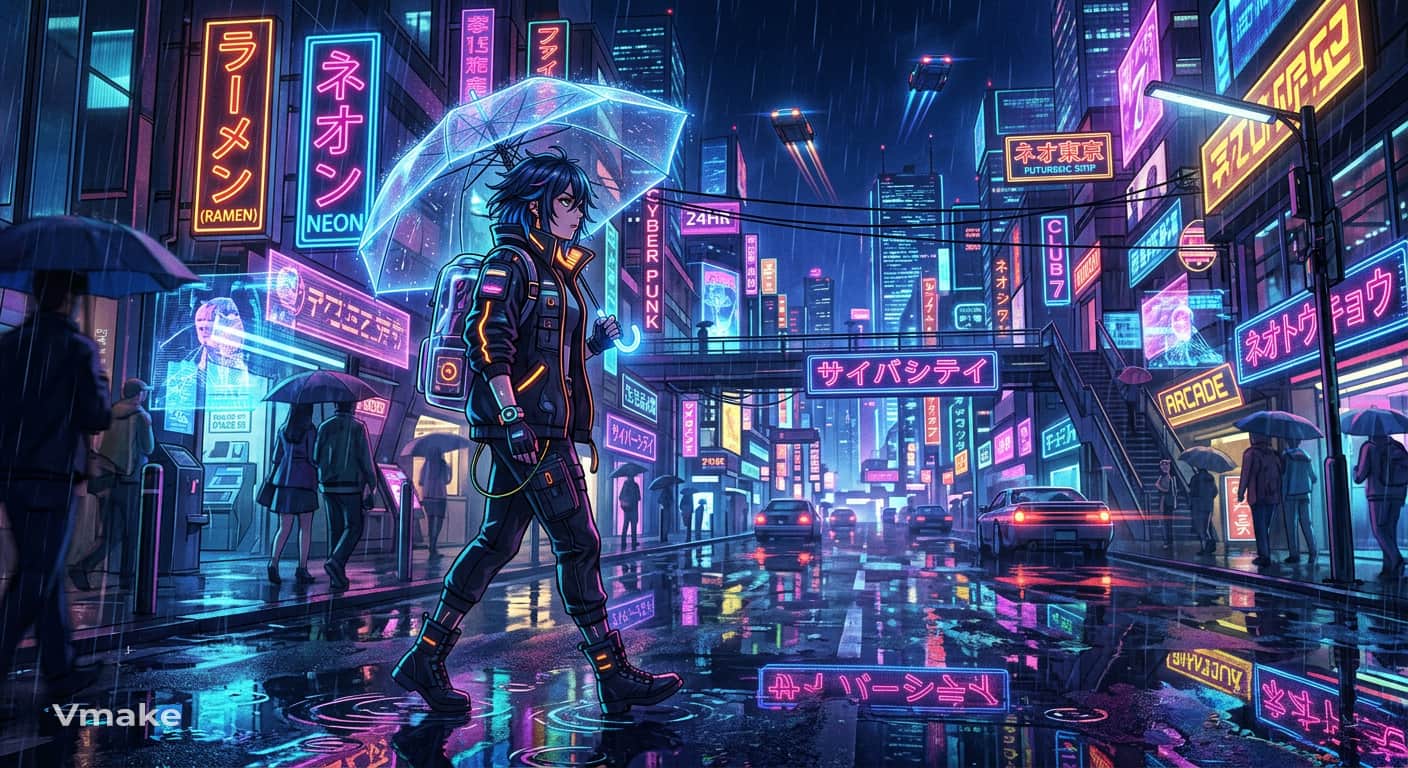
3. Cyberpunk anime Prompt: Create an anime character walking through a neon-lit futuristic city at night, glowing signs, light rain, reflective streets, vibrant colors, and cyberpunk anime style.
4. Ghibli-inspired scene Prompt: Create a peaceful village in the countryside surrounded by green hills, a young girl riding a bicycle on a road adorned with flowers, warm sunlight, soft colors, and a whimsical hand-painted animation style.
5. Mecha warrior Prompt: Create a futuristic mecha warrior standing in a ruined city, glowing armor details, dramatic clouds, cinematic lighting, dynamic perspective, and detailed anime concept art.
Digital illustration prompts
Design stylized art for books, posters, editorial work, children’s stories and character design with a strong visual direction.
1. Book cover Prompt: Create a fantasy book cover featuring an ancient castle beneath a glowing full moon, misty mountains, deep blue tones, dramatic lighting, and detailed digital illustration.
2. Poster design Prompt: Create a vibrant travel poster featuring a tropical island, turquoise water, palm trees, bold geometric shapes, warm colors, and a clean modern illustration style.
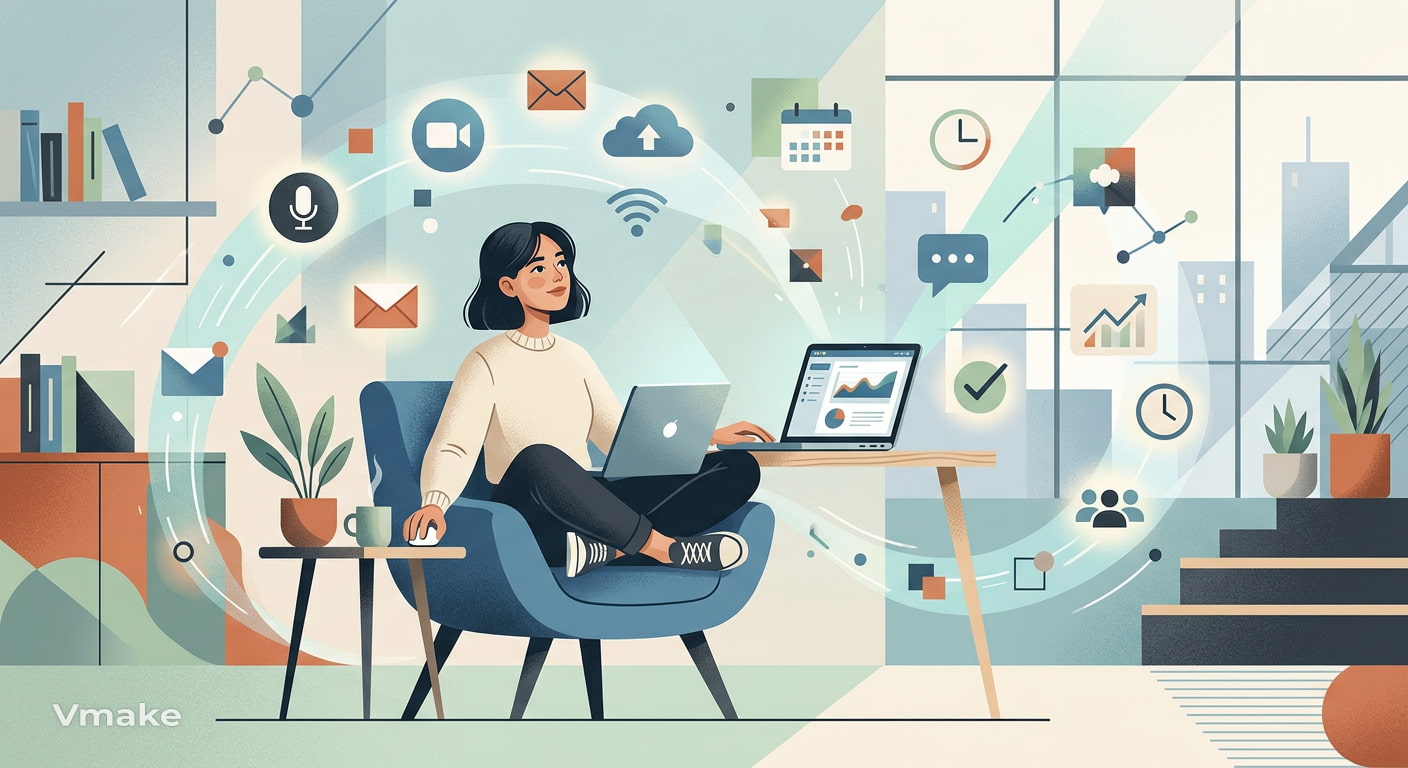
3. Editorial illustration Prompt: Create a modern editorial illustration of a person working remotely among floating digital icons, clean composition, muted colors, geometric shapes, and contemporary digital art.
4. Children's book Prompt: Create a cheerful children's book illustration of woodland animals having a picnic beneath a large tree, soft pastel colors, playful characters, and whimsical hand-drawn details.
5. Character concept Prompt: Create a futuristic explorer character wearing advanced utility gear, layered clothing, technical accessories, neutral colors, full-body composition, and detailed digital concept art.
Concept art prompts
Design detailed worlds, environments, vehicles and characters for sci-fi, fantasy and game concept projects.
1. Sci-fi city Prompt: Create a futuristic city filled with towering skyscrapers, flying vehicles, glowing advertisements, elevated walkways, and cinematic night lighting, detailed sci-fi concept art.
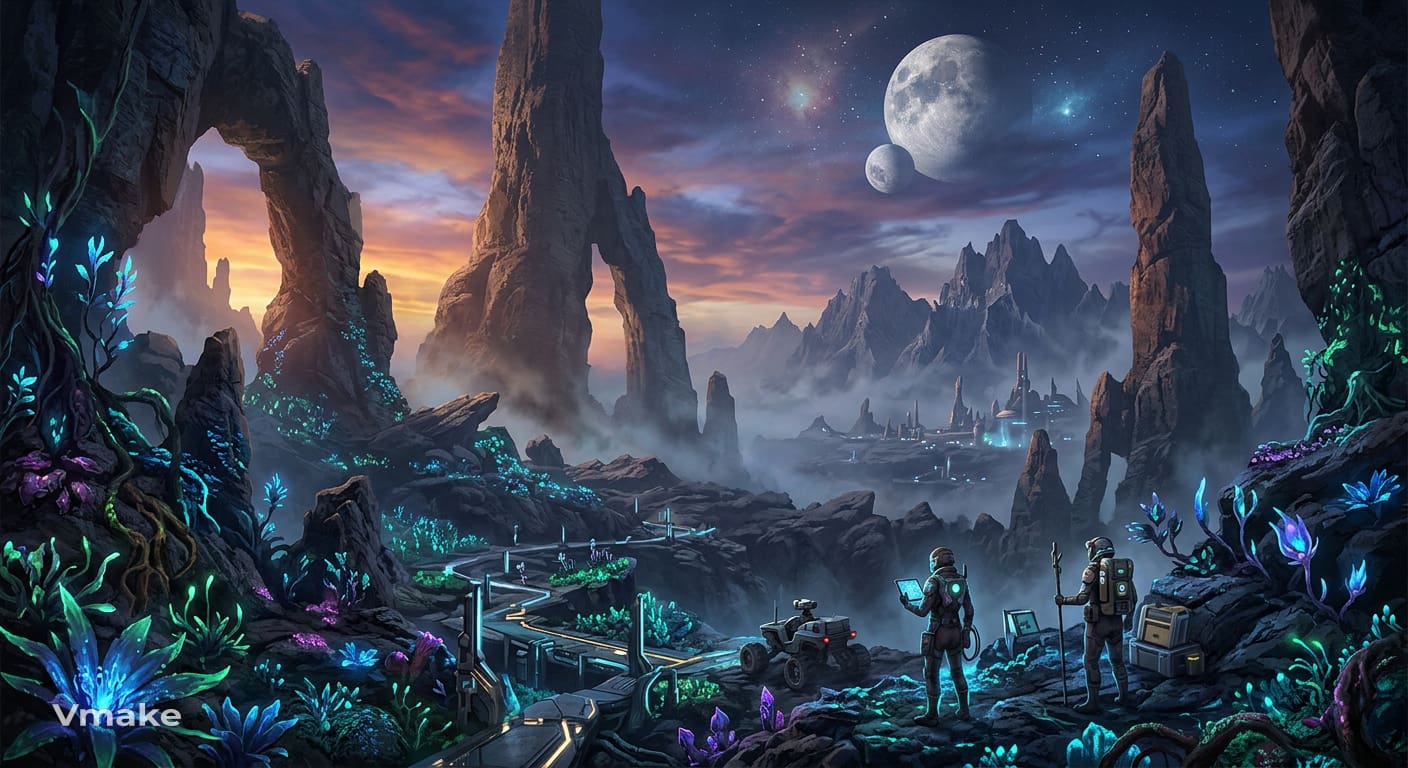
2. Alien world Prompt: Create an alien planet with enormous rock formations, glowing plants, two moons, distant mountains, atmospheric fog, and detailed science-fiction environment art.
3. Medieval kingdom Prompt: Create a medieval kingdom surrounded by massive stone walls, a grand castle, village houses, green valleys, and distant mountains, detailed fantasy game concept art.
4. Futuristic vehicle Prompt: Create a sleek futuristic exploration vehicle designed for an alien planet, rugged wheels, advanced technology, metallic textures, dramatic lighting, and detailed vehicle concept art.
5. Game environment Prompt: Create an abandoned underground temple for a fantasy adventure game, ancient stone structures, glowing symbols, overgrown vegetation, atmospheric lighting, and detailed environment concept art.
AI art prompt examples for different creative projects
AI art prompts can be adapted to the purpose of the image. A social post may need a bold focal point and space for text, while an ecommerce visual may need clean product placement and controlled backgrounds.
Social media prompts
Create engaging visuals with a strong center of attention, thoughtful composition, and plenty of space for text for a variety of social platforms.
1. Instagram post Prompt: Create a stylish coffee shop scene with a latte on a marble table, morning sunlight, warm tones, soft shadows, editorial photography, and square composition.
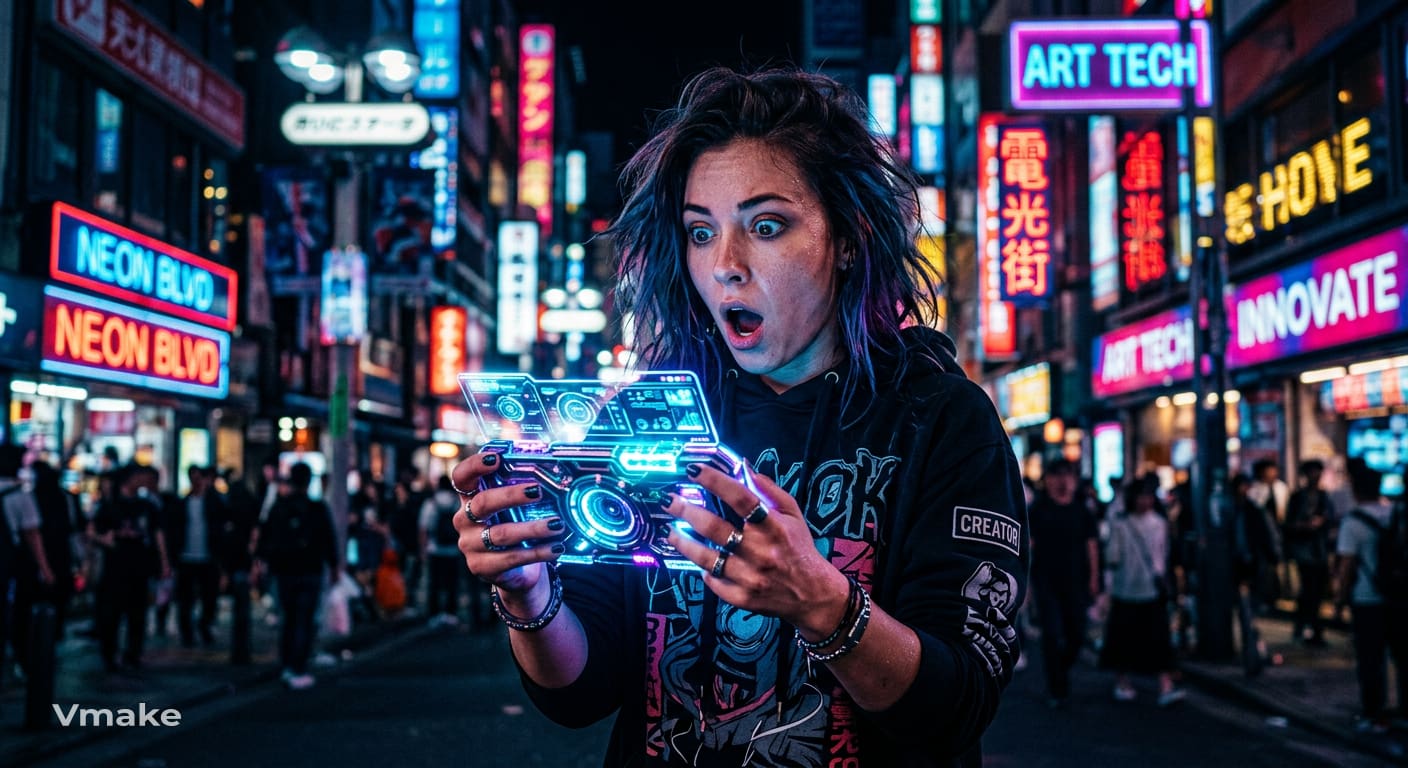
2. YouTube thumbnail Prompt: Create a surprised creator holding a glowing futuristic device, dramatic expression, bold background, high contrast, vibrant colors, and clear subject separation.
3. Facebook banner Prompt: Create a wide panoramic mountain scene at sunrise with golden peaks, blue skies, natural colors and large negative space for a headline.
Marketing and ecommerce prompts
Create polished visuals for product promotion, ecommerce pages, campaigns, mockups, and seasonal marketing materials.
1. Product advertisement Prompt: Create a luxury perfume bottle on black marble, soft spotlighting, subtle reflections, elegant shadows, dark neutral tones, and premium commercial photography.
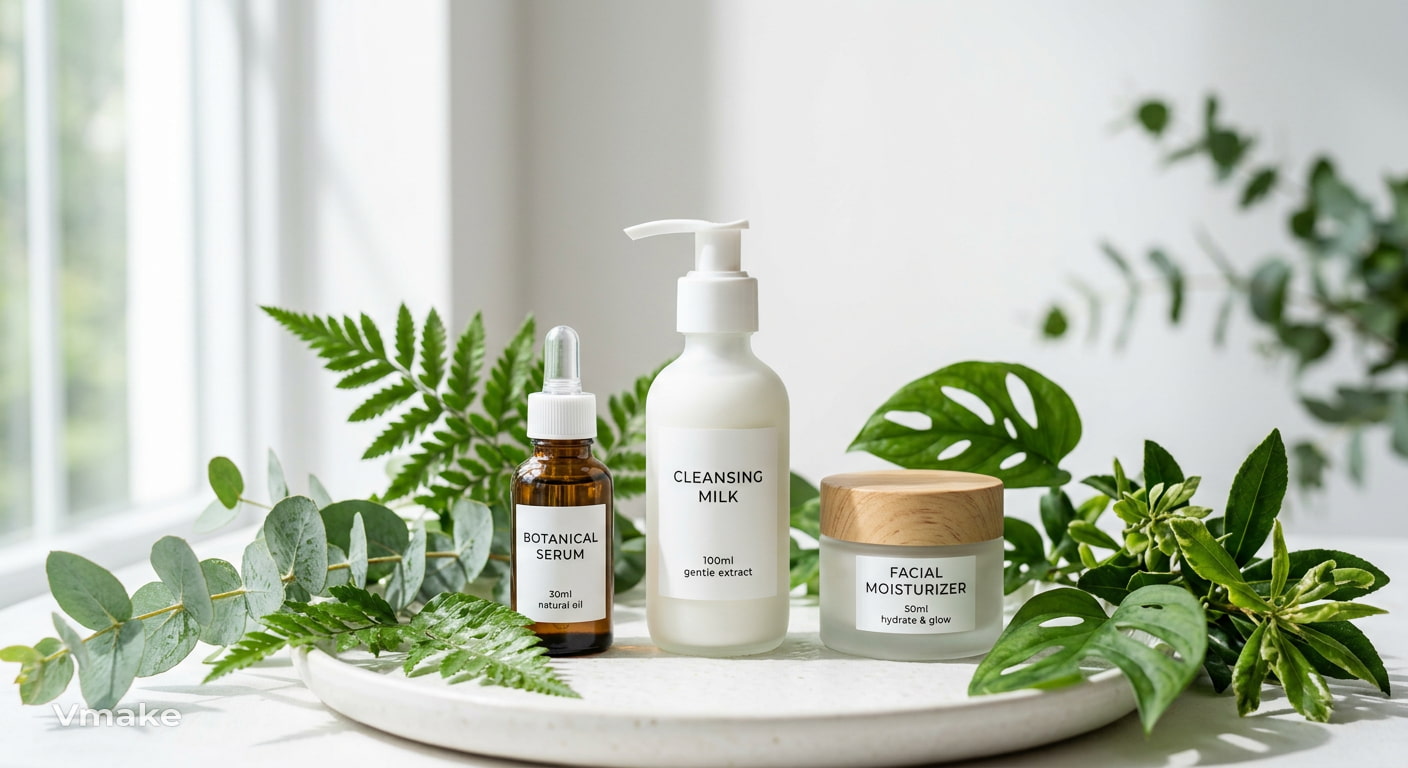
2. Ecommerce hero image Prompt: Create minimalist skincare bottles surrounded by fresh green leaves, soft daylight, clean white background, natural shadows, and professional product photography.
3. Promotional campaign Prompt: Create stylish running shoes on a wet urban street at sunrise, dynamic perspective, energetic lighting, motion effects, and modern sports advertising photography.
These ideas can also be adapted for AI product photography when you need more polished product-focused visuals.
Branding and design prompts
Create cohesive visuals for brand illustrations, posters, packaging, websites, and presentations with clear layouts and consistent visual styles.
1. Brand illustration Prompt: Create a modern illustration of a creative workspace with plants, laptops, and geometric elements, clean composition, muted colors, and contemporary digital art.
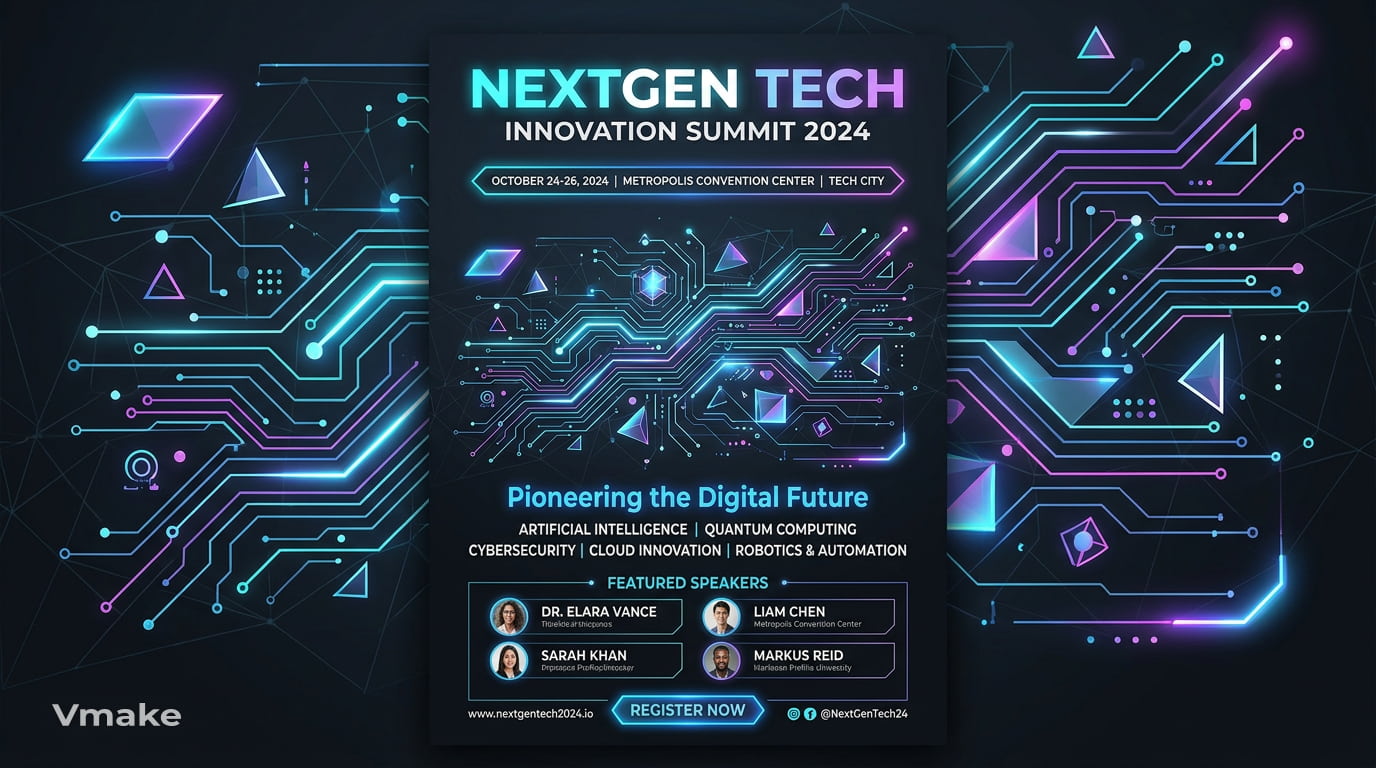
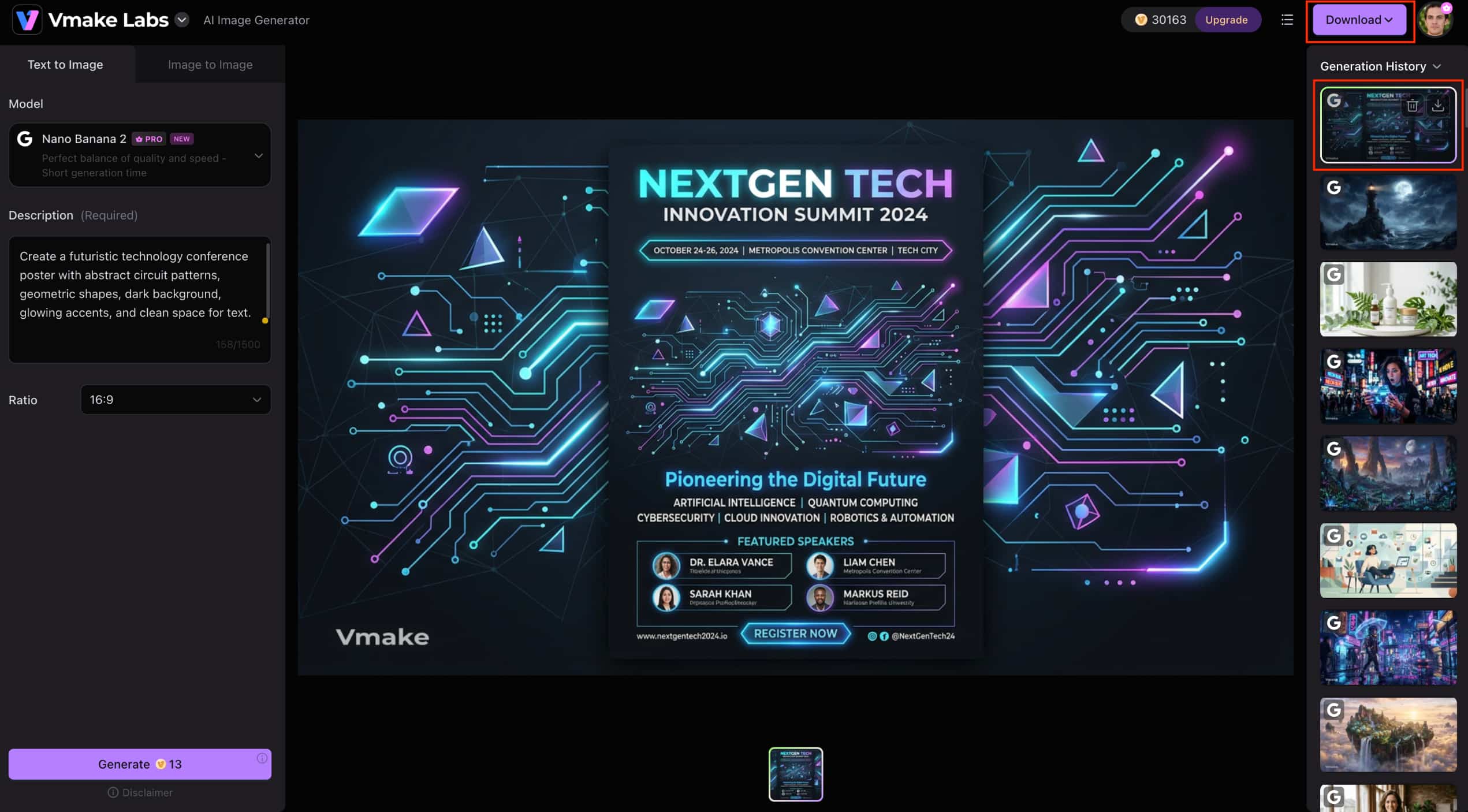
2. Poster design Prompt: Create a futuristic technology conference poster with abstract circuit patterns, geometric shapes, dark background, glowing accents, and clean space for text.
3. Packaging concept Prompt: Create premium skincare packaging with minimalist botanical illustrations, soft neutral colors, elegant typography, clean composition, and realistic product presentation.
Personal and creative prompts
Design art for personal use, like wallpapers, book covers, greeting cards, home decor, creative portfolios, etc.
1. Wallpaper Prompt: Create a peaceful mountain landscape beneath a star-filled night sky, deep blue tones, glowing stars, soft moonlight, and cinematic digital painting.
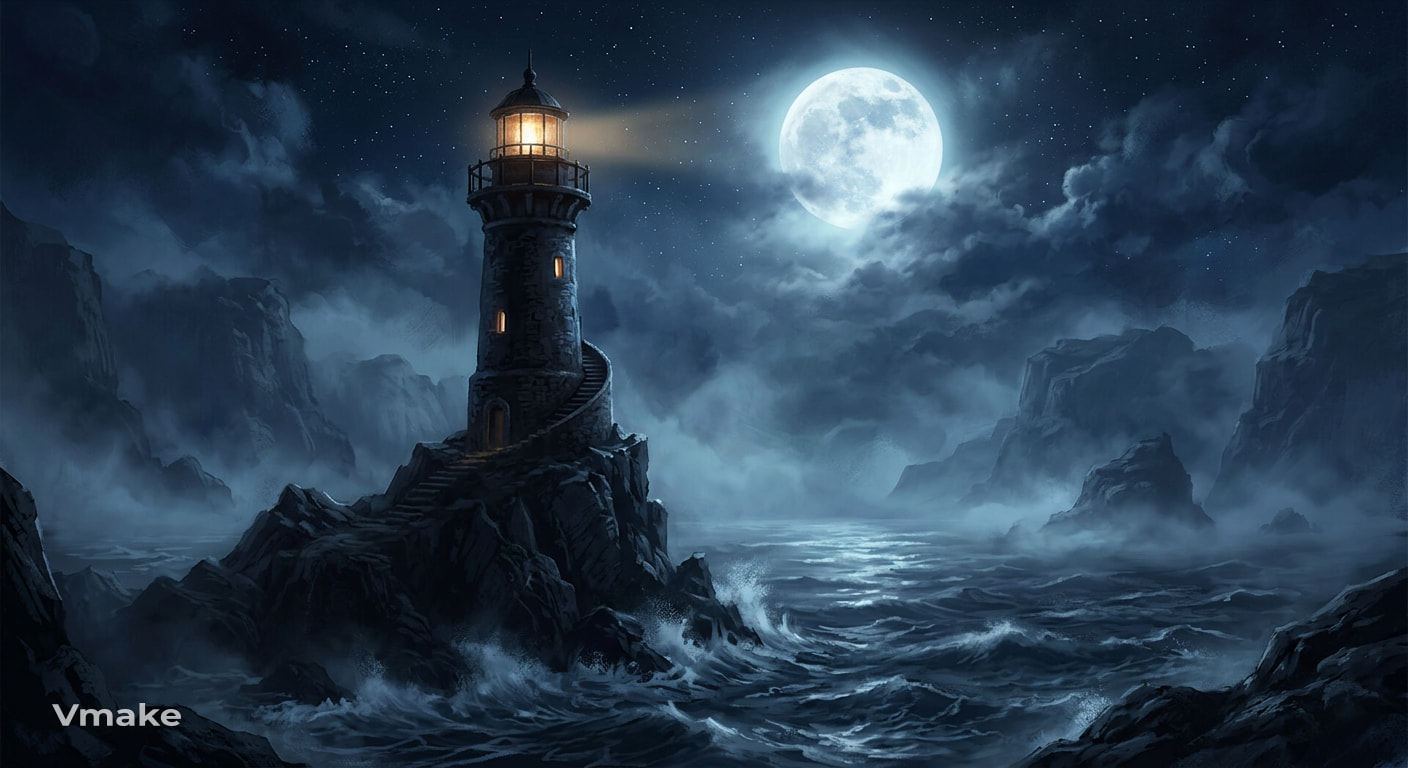
2. Book cover Prompt: Create a mysterious lighthouse surrounded by ocean fog beneath a full moon, dark blue tones, dramatic lighting, and atmospheric fantasy illustration.
3. Greeting card Prompt: Create a happy garden scene, with lots of colorful flowers and butterflies, soft pastel colors, hand-painted textures, clean space for a greeting message.
Create AI artwork with Vmake Labs
Once you have an AI art prompt you like, you can turn it into artwork with the Vmake Labs AI Image Generator. The workflow supports both Text to Image and Image to Image, giving you the option to start with a written idea or a reference image. You can also experiment with available image-generation models and different image formats.
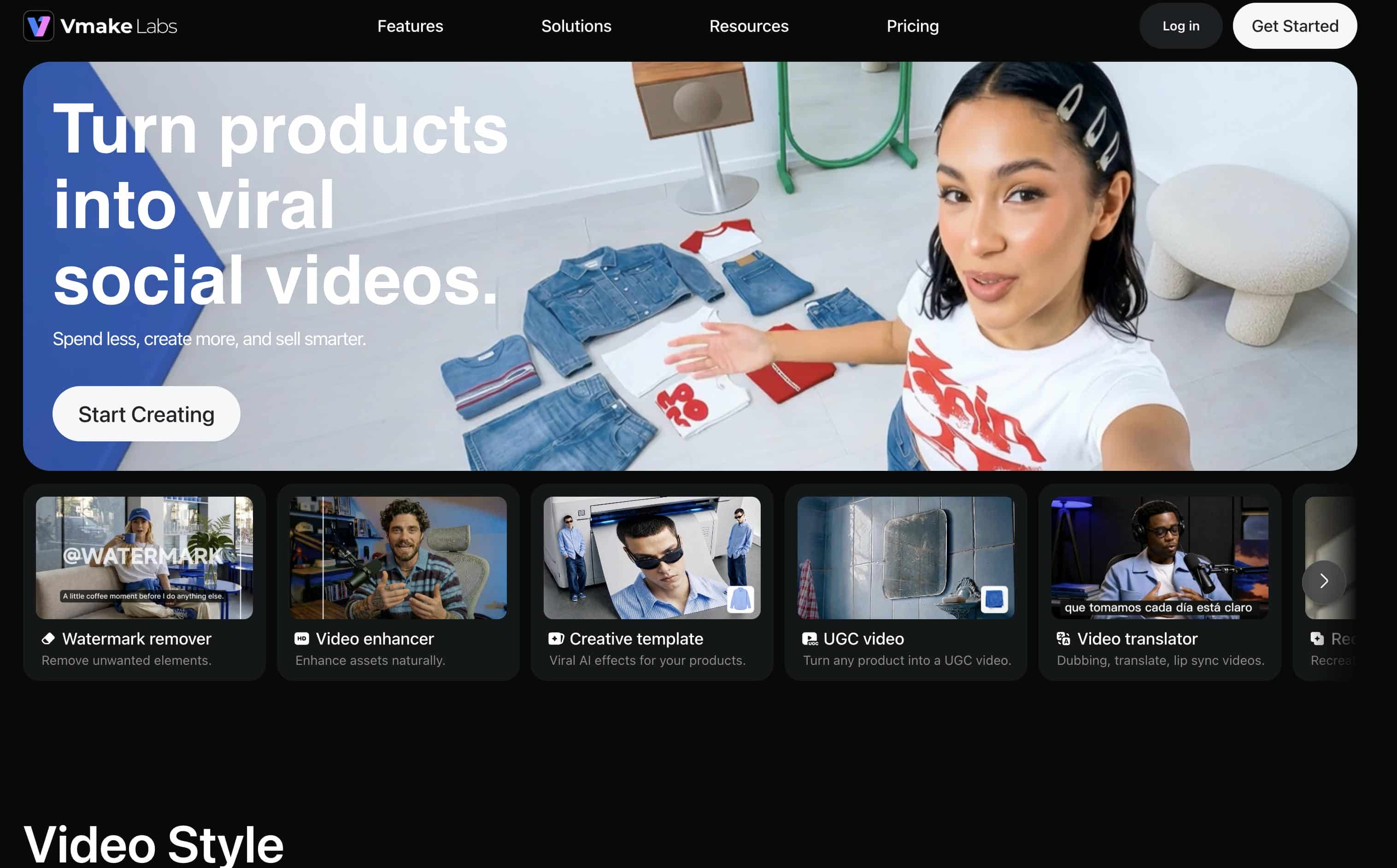
How to create AI artwork with Vmake Labs
Step 1: Choose Text to Image or Image to Image
Open the Vmake Labs AI Image Generator and select the workflow that best fits your project. Use Text to Image when you have an idea to begin with, or Image to Image when you have a reference image to guide the outcome.
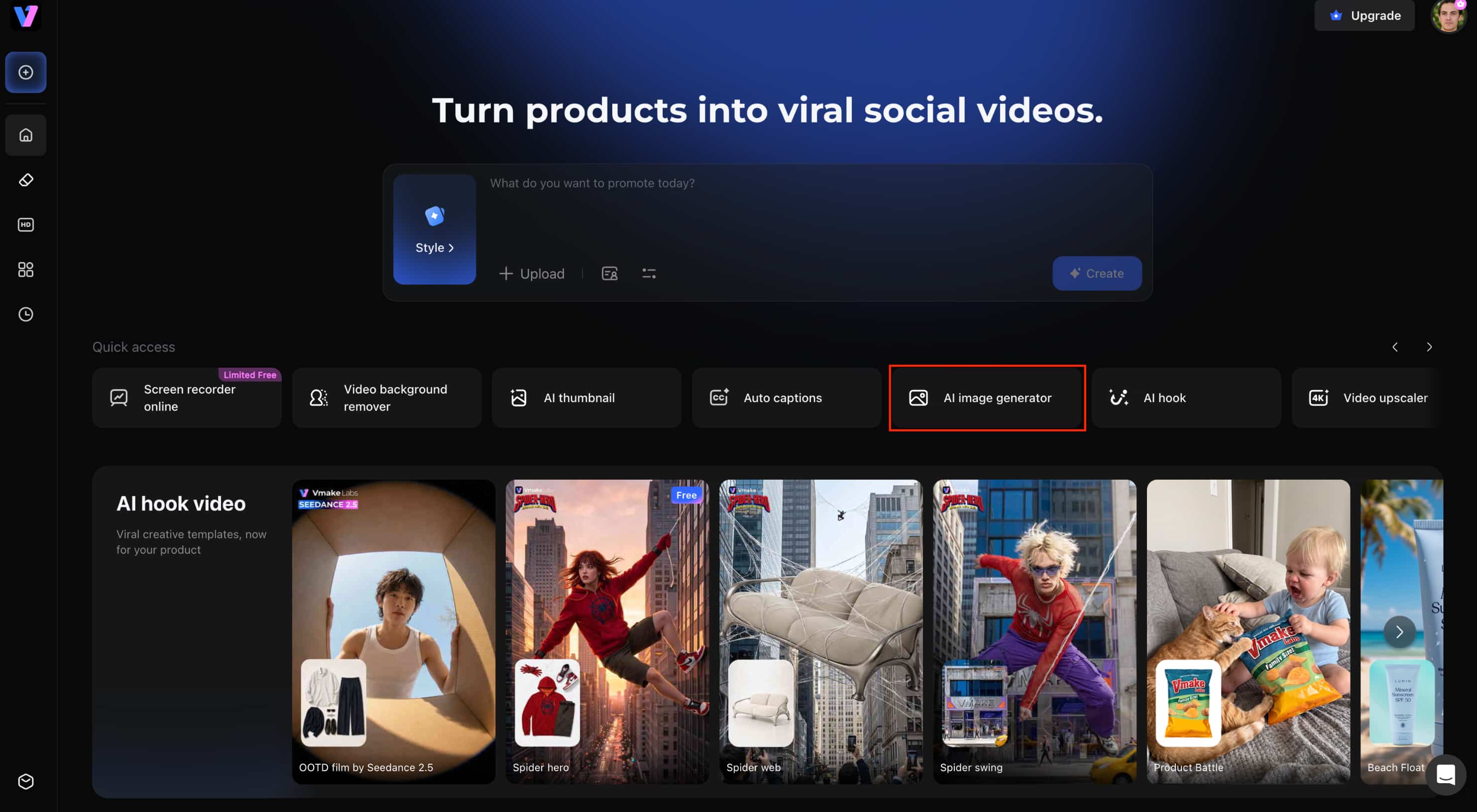
Step 2: Enter your AI art prompt or upload a reference image
Paste your prompt into the description field and add the details that matter most to the image. If you are using Image to Image, upload your reference image and describe how you want the new artwork to look.
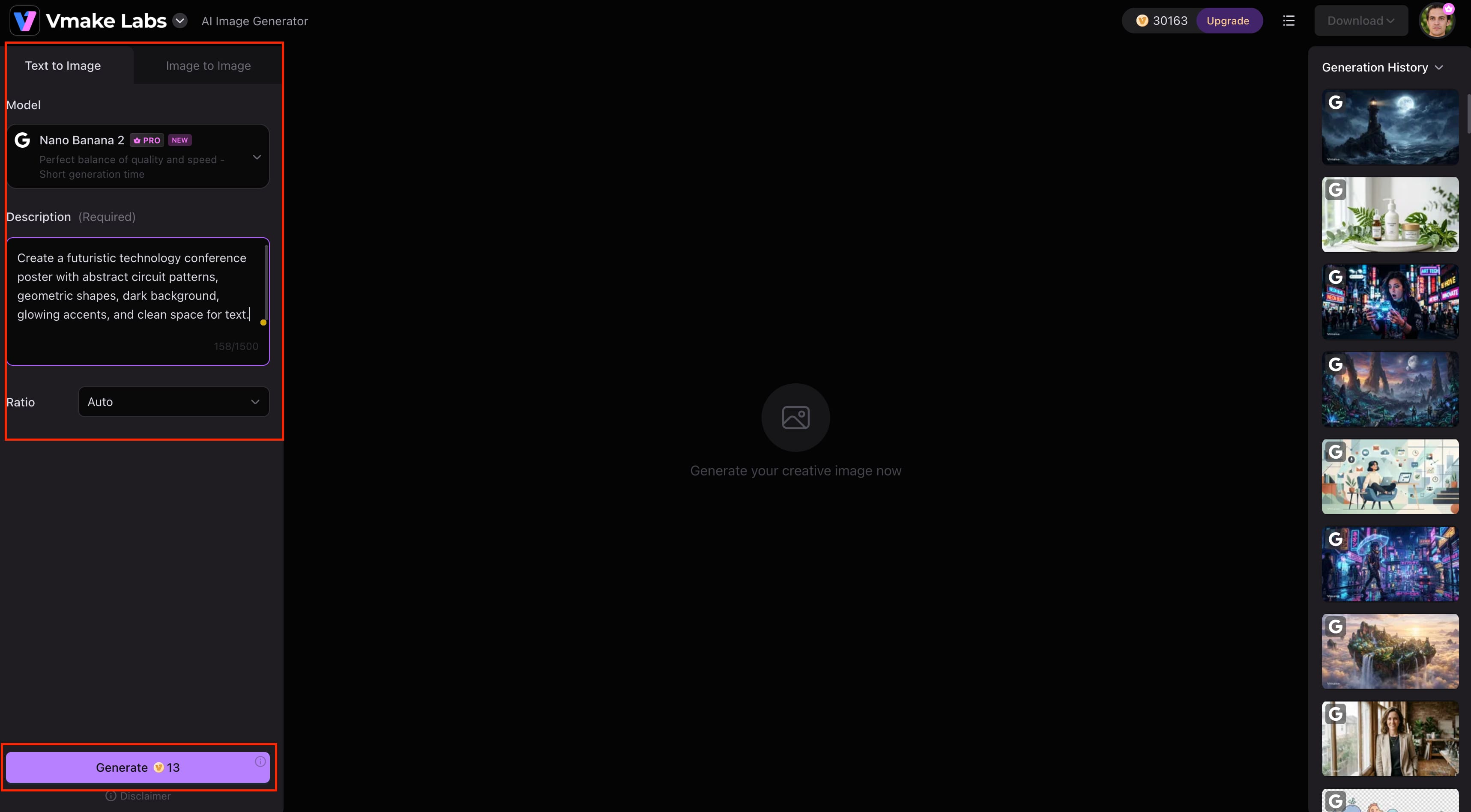
Step 3: Generate, review, and download your artwork
Generate the image and check the subject, composition, colors, and style. If the result misses something important, change one or two prompt details and generate another version. Once you are happy with the result, download the artwork.
Key features of Vmake Labs AI Image Generator
Vmake Labs AI Image Generator gives you several ways to turn your prompts into polished visuals. Whether you are starting with a text description or an existing image, you can adjust the generation approach to suit the project.
-
Text-to-image generation: Turn written AI art prompts into original visuals without starting with an existing image.
-
Image-to-image generation: Upload a reference image and use a prompt to explore a different style, setting, or visual treatment while building from the original.
-
Multiple AI image models: Experiment with different available models to compare how they interpret the same prompt and find a result that fits your creative direction.
-
Flexible aspect ratios: Choose an image format that works for different uses, including social media posts, website visuals, marketing graphics, and other creative assets.
-
Prompt-based workflow: Refine individual parts of your prompt, such as the subject, lighting, style, or composition, and generate new variations as you develop the idea.
-
High-quality image generation: Create detailed artwork that can be adapted for creative projects, promotional visuals, and other image-based content.
Prompt enhancement techniques
A good prompt might need some tweaking before it yields the desired outcome. Small changes to details, style, lighting or composition can help you get closer to the intended image without rewriting the entire prompt.
Common prompt mistakes
-
Being too vague: Replace broad descriptions with specific subjects, settings, and visual details.
-
Mixing conflicting art styles: Choose a consistent visual direction instead of combining unrelated styles.
-
Missing lighting descriptions: Add lighting details to control the atmosphere, shadows, and overall tone.
-
Ignoring composition: Add lighting details to establish the mood, create shadows, and establish the overall tone.
-
Adding unnecessary details: Keep the prompt focused on elements that directly affect the final image.
Prompt refinement tips
-
Add descriptive details: Clarify the subject, environment, textures, or appearance.
-
Experiment with art styles: Try realistic photography, digital painting, watercolor, anime, or other suitable styles.
-
Improve lighting and colors: Adjust the light source, color palette, contrast, or atmosphere.
-
Adjust composition and perspective: Try a close-up, wide shot, overhead view, or different camera angle.
-
Generate multiple variations: Compare several versions and refine the prompt based on the strongest result.
Conclusion
AI art prompts are most effective when they provide clear guidance without being overly detailed. It allows you to generate more consistent results across realistic, fantasy, anime, illustration and concept art by defining the subject, style, lighting, composition, colors and mood. This guide contains 25 practical prompts that you can customize for different creative projects. If your first result isn’t quite right don’t rewrite everything just focus on improving certain parts and creating new variations. Once you have your prompt ready, you can use Vmake Labs AI Image Generator to turn your ideas into visuals with Text to Image and Image to Image workflows.
FAQs
-
What are AI art prompts?
AI art prompts are written instructions that describe the subject, style, lighting, composition, and mood of an image. You can use them with Vmake Labs to turn your ideas into AI-generated artwork.
-
How do I write AI art prompts?
Begin with a good subject, then add style, lighting, colors, composition and other details that may be relevant. Vmake Labs allows you to play with and optimize these prompts using Text to Image generation.
-
What are the best AI art prompt examples?
The best examples depend on your creative goal, from realistic portraits to fantasy scenes and anime artwork. You can customize the examples in this guide and try them with Vmake Labs.
-
What are the best anime art style prompts for AI?
Good anime prompts describe the character or scene, visual style, lighting, colors, and mood. Vmake Labs can turn these prompts into anime-inspired visuals while letting you experiment with different models.
-
Can I use the same prompts with different AI art generators?
Yes, most prompts can be adapted across different AI image generators, although results may vary by model. Vmake Labs lets you experiment with multiple AI image models using the same prompt.
-
Which AI image generator works well with AI art prompts?
The right tool depends on your creative needs and your preferred workflow. Vmake Labs offers Text to Image, Image to Image, various models and flexible aspect ratios to experiment with AI art prompts.

You May Be Interested
AI Art Styles Explained: Stunning Styles with Ready-to-Use Prompts
AI Art Tools: 8 Best AI Art Generators to Try in 2026
Aiarty Image Enhancer Review: Is It Worth It for 2026?
Digital Artwork: How to Create, Sell & Digitize Your Art
Video Compression Artifacts: Causes & AI Fixes in 2026
Vmake Small Business Growth Partner Program