Create Facebook Video Ads Fast: 7 Best Online Tools for 2026
Boost your ad performance with scroll-stopping video creatives. Discover the 7 best tools to create Facebook video ads that capture attention, increase engagement, and drive more conversions with less effort.

Facebook video ads remain one of the best ways to capture attention, boost engagement and deliver conversions. AI-based video creation tools let anyone create high-quality ad creatives in minutes. This guide will go over the seven best online tools to create engaging video ads for Facebook, even if you don't have any professional editing experience.
What makes a great Facebook video ad tool?
A standout Facebook video ad tool should be intuitive, fast, and packed with features that match Meta's dynamic platform. Key elements include AI-powered generation for quick creation, a vast library of stock assets and templates tailored for ads, easy customization for branding, auto-captions for silent viewing, and seamless export options that meet Facebook's specs.
The best tools minimize the learning curve while maximizing output quality, enabling A/B testing of variations without hours of editing. They support short, engaging formats (ideally 10-15 seconds) with strong hooks, and offer scalability for growing campaigns. In 2026, AI capabilities are non-negotiable for turning ideas or product images into professional UGC-style videos that boost engagement and conversions.
Top 7 tools to create Facebook video ads
Here are the top 7 online tools to create engaging Facebook video ads in 2026. From AI-powered UGC generators to easy template editors, these platforms help you produce scroll-stopping creatives.
Quick comparison of the best Facebook video ad tools
|
Tool |
Best For |
AI Strength |
Ease of Use |
Pricing |
Standout Feature |
|---|---|---|---|---|---|
|
Vmake Labs |
UGC & product videos |
Very High |
Excellent |
Free tier / Paid from $9.99/mo |
Instant UGC from single image |
|
InVideo AI |
Prompt-to-full ad |
Very High |
High |
Free / Premium from $20/mo |
Complete AI automation |
|
Clideo |
Quick edits & assembly |
Medium |
Excellent |
Free / Paid from $9/mo |
Super-fast online toolkit |
|
Canva |
Templates & design |
High |
Excellent |
Free / Canva Pro $15/mo |
Beginner-friendly visuals |
|
VEED |
Subtitles & polishing |
High |
High |
Free / Paid from $18/mo |
AI eye contact & audio cleanup |
|
Adobe Express |
Professional branding |
High |
High |
Free / Premium $9.99/mo |
High-quality animations & assets |
|
Lumen5 |
Text/content repurposing |
High |
High |
Free / Paid from $19/mo |
Blog-to-video conversion |
Vmake Labs
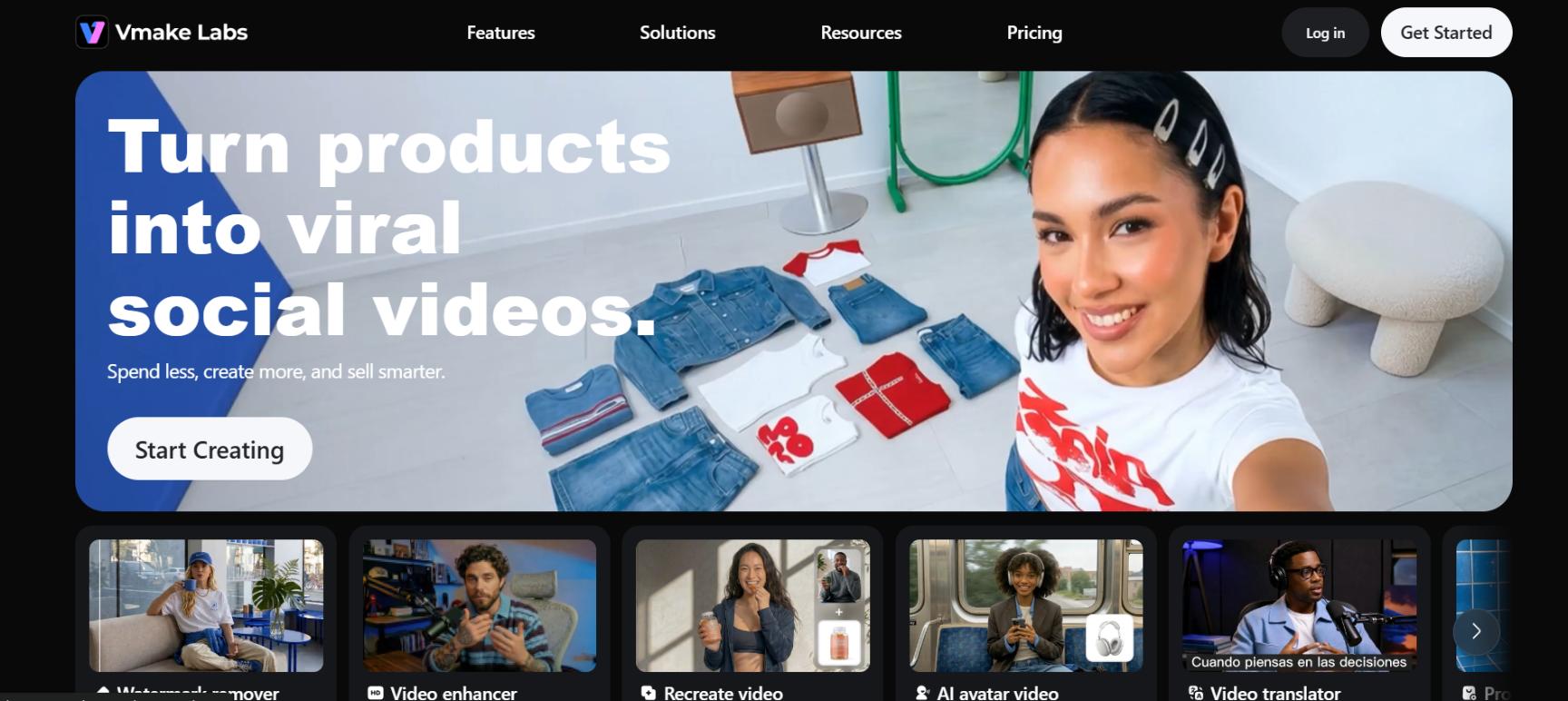
Vmake Labs is an innovative all-in-one UGC video generator designed specifically for creating high-converting Facebook video ads. With Vmake, you will turn any picture, link, or text prompt into professional-grade, shoppable videos within minutes. Built for e-commerce and marketers, Vmake combines AI video generation, realistic avatars, viral template recreation, and advanced editing tools in one seamless platform. No experience in video editing is necessary to create your Facebook ad creative videos.
Best for: Creating AI-powered UGC product videos for high-converting Facebook ads.
Key features
-
Product showcase: Turn any product photo into eye-catching, shoppable UGC videos optimized for Facebook ads. Add dynamic angles, text overlays, and calls-to-action to boost engagement and conversions.
-
AI avatar video: Create realistic talking-head videos with AI avatars without appearing on camera. Perfect for personalized, trustworthy Facebook ad creatives that connect with audiences instantly.
-
Recreate video: Instantly recreate viral video styles and trends with your own products. Generate scroll-stopping Facebook ad variations that match proven high-performing formats.
-
AI video enhancer: Upscale, sharpen, and polish low-quality clips into professional 4K videos. Remove noise, add smooth motion, and optimize for Facebook's feed and Reels placements.
Pros and cons
|
Pros |
Cons |
|---|---|
|
|
Steps to create a Facebook ad video with Vmake Labs
Follow these simple steps to create compelling Facebook video ads with Vmake Labs effortlessly.
Step 1: Choose your workflow
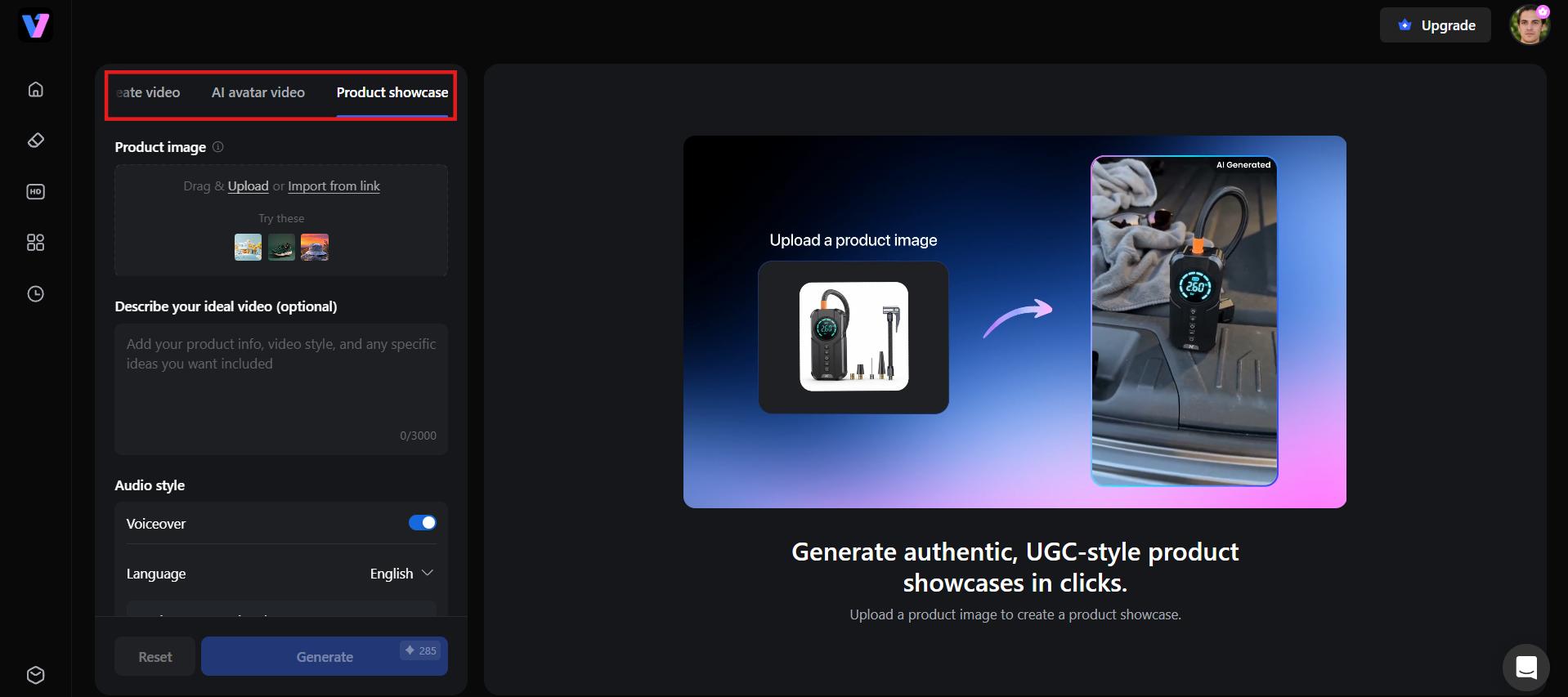
Head to Vmake Labs and pick the workflow that fits your ad idea. Options include AI Avatar Video, Product Showcase, and Recreate Video, so you can match the format to your product, style, and campaign goal.
Step 2: Fill in the form
Add your product details by uploading an image or pasting a product link. Vmake Labs fills in the rest automatically, so there's no need to write out a detailed prompt.
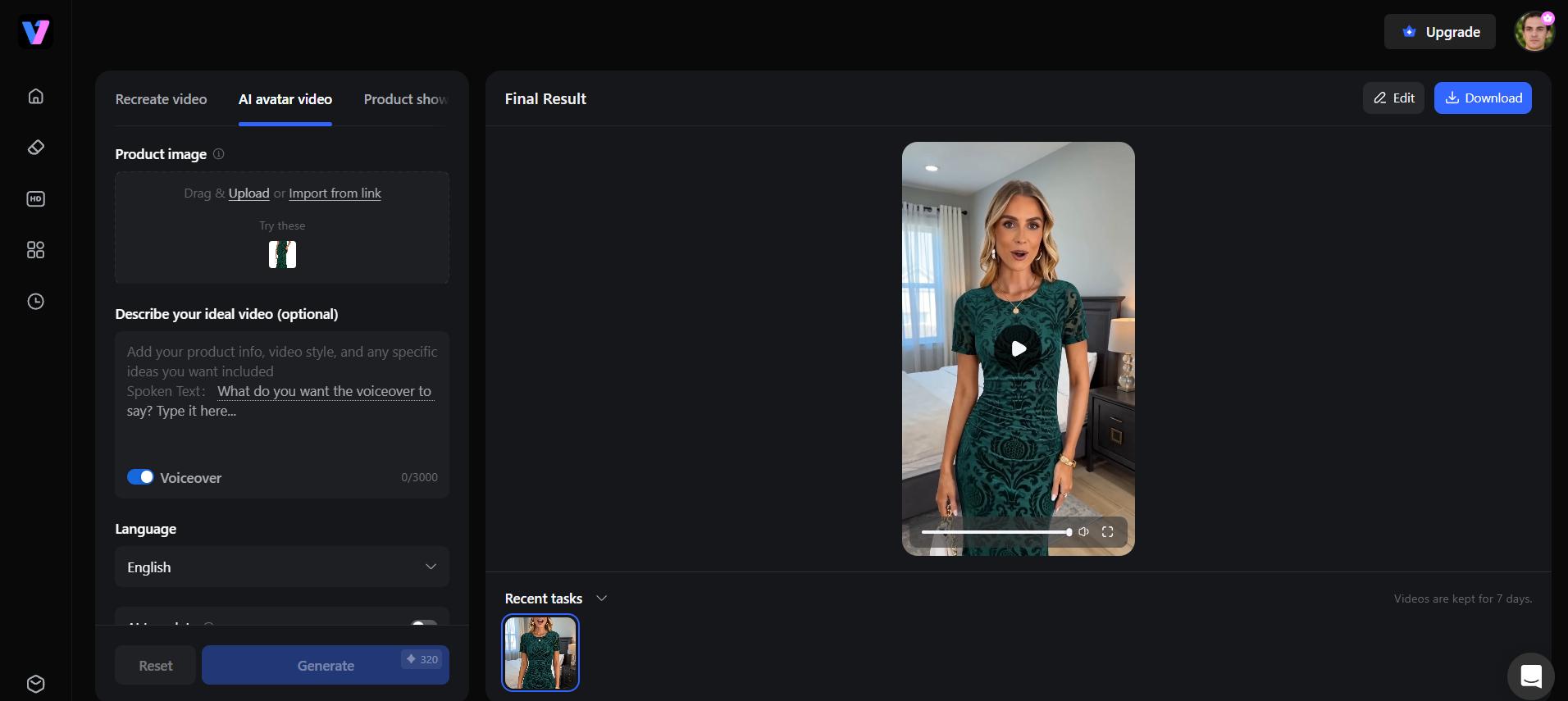
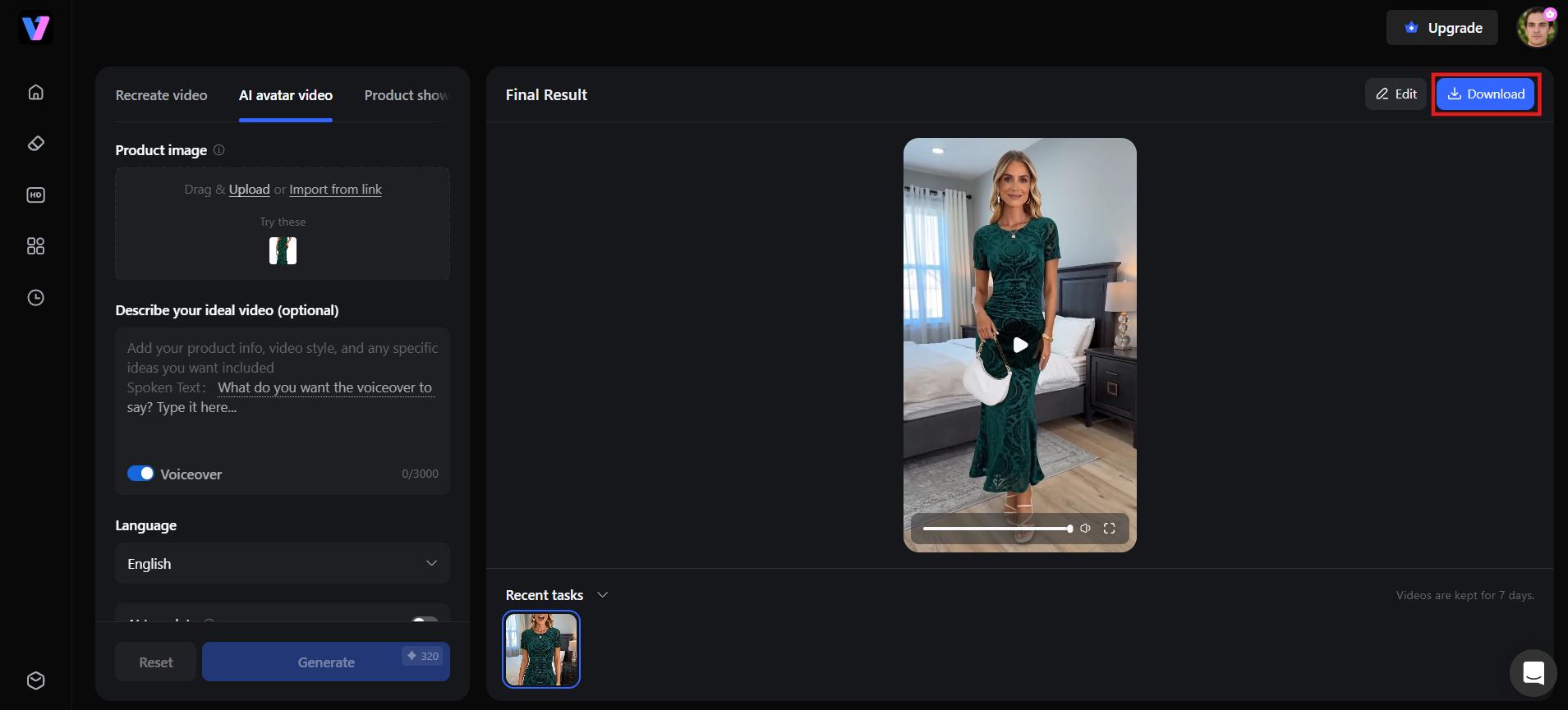
Step 3: Generate and download video
Click Generate and let Vmake Labs put together your video, complete with visuals, voiceover, and background music. Once it's ready, hit the Download button and export it, ready to publish across Feed, Stories, or Reels.
InVideo AI
InVideo AI is a powerful online video creation platform that helps businesses create Facebook video ads from simple text prompts. Its AI-powered workflow automates scripting, scene selection, voiceovers, and editing, making it ideal for marketers with little to no video editing experience. With ready-made templates and stock assets, you can produce engaging ad creatives in just a few minutes.
Best for: Turning text prompts into complete Facebook video ads with minimal effort.
Key features
-
Text-to-video ad generation from a single prompt
-
AI voiceover with multiple voice and tone options
-
Facebook and Instagram ad size presets built in
-
Auto-generated captions synced to the voiceover
Pros and cons
|
Pros |
Cons |
|---|---|
|
|
Clideo
Clideo offers a straightforward online video editor perfect for quick tweaks and assembling Facebook ads from existing clips or images. Its no-frills approach makes it accessible for simple projects. It's perfect for marketers who already have raw footage and need to quickly tailor it for Facebook's platform requirements.
Best for: Quick edits and resizing of existing footage to meet Facebook's ad specs.
Key features
-
Video trimmer, resizer, and merger for quick fixes
-
Resize videos for Facebook Feed, Stories, and Reels
-
Supports multiple video formats
-
Instant browser-based editing with no download required
Pros and cons
|
Pros |
Cons |
|---|---|
|
|
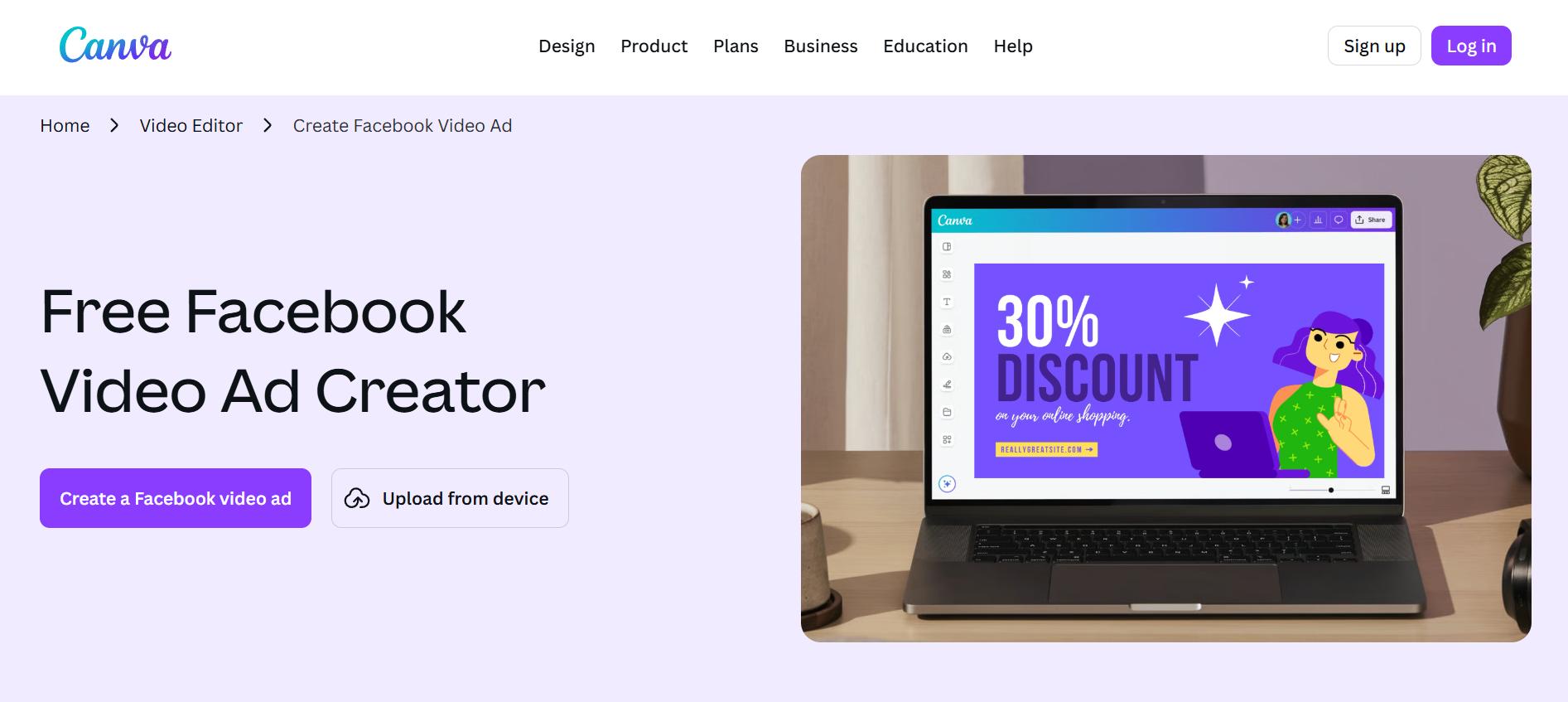
Canva
Canva makes it simple to create engaging Facebook video ads using professionally designed templates and drag-and-drop editing tools. Whether you're promoting products, services, or events, Canva offers an easy way to produce branded video ads without requiring professional design skills.
Best for: Beginners who want to create branded Facebook video ads using templates.
Key features
-
Thousands of Facebook video ad templates
-
Brand kit for consistent colors, fonts, and logos
-
Magic Studio AI tools for backgrounds, resizing, and text
-
Stock video and audio library built into the editor
Pros and cons
|
Pros |
Cons |
|---|---|
|
|
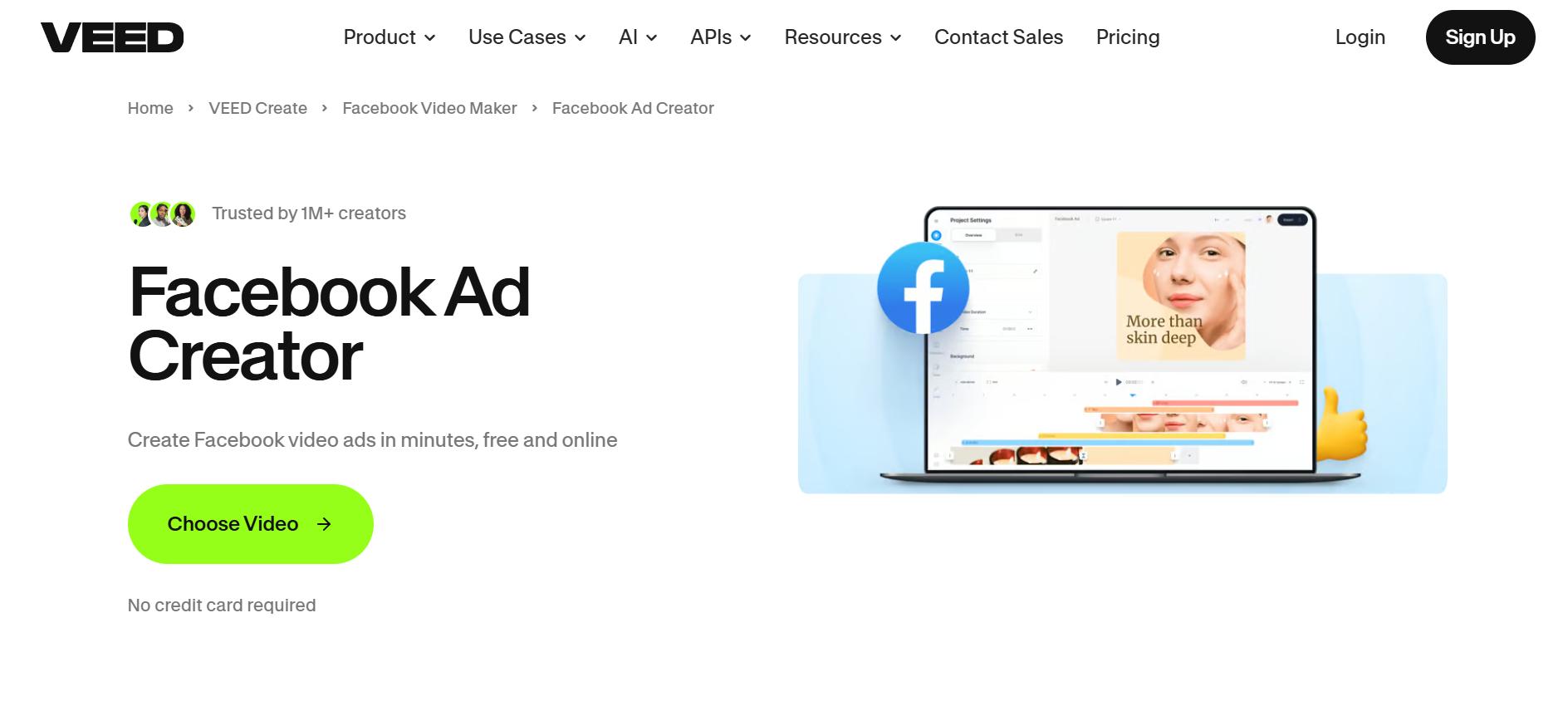
VEED
VEED is an online AI video editor built for creating professional social media content quickly. It helps marketers create Facebook video ads with automatic subtitles, AI voiceovers, and editing tools that improve viewer engagement while reducing production time.
Best for: Teams that need polished captions, AI voiceovers, and clean audio to boost engagement.
Key features
-
Auto-captions with customizable fonts, colors, and styles
-
AI script-to-video generation from text input
-
Facebook and Instagram video size presets
-
Background removal and audio noise reduction
Pros and cons
|
Pros |
Cons |
|---|---|
|
|
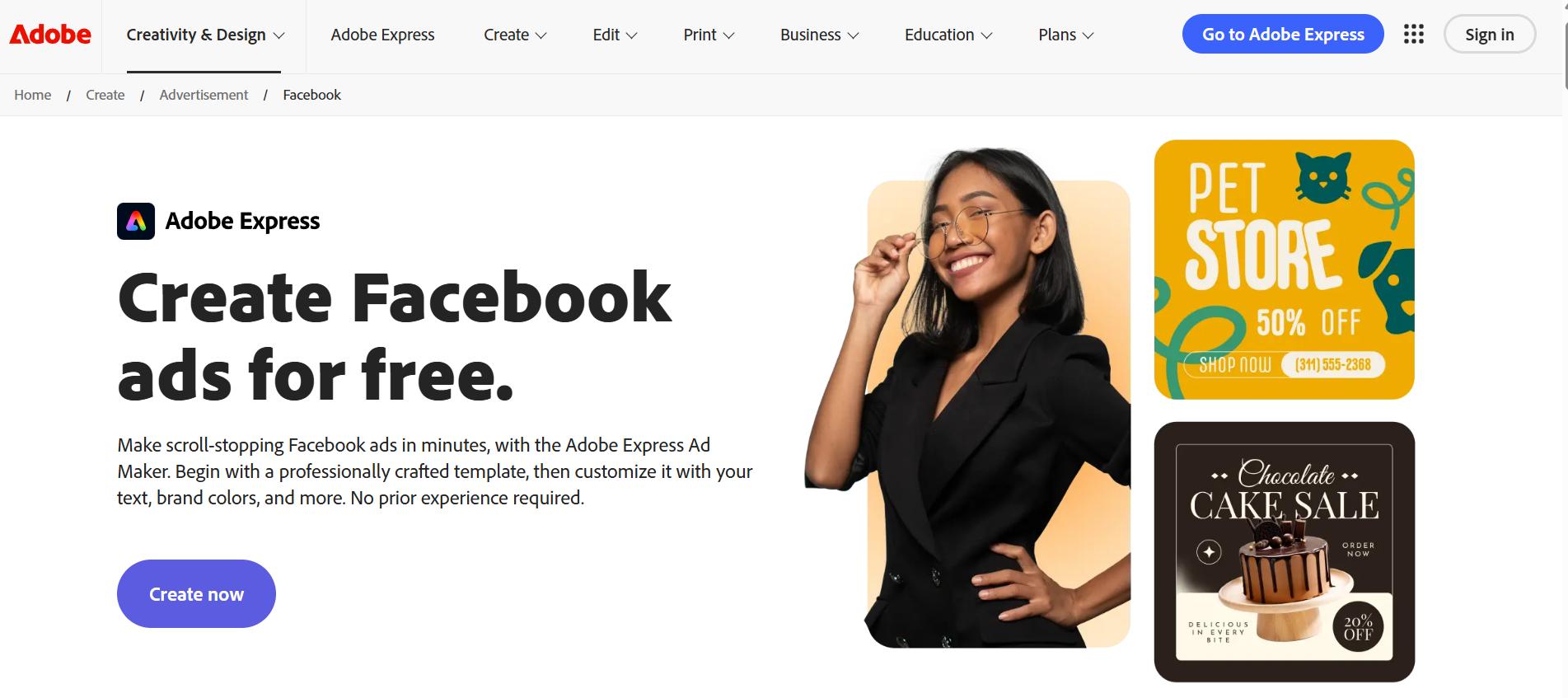
Adobe Express
Adobe Express is an all-in-one content creation platform that enables users to create polished Facebook video ads with minimal effort. It combines professionally designed templates, Adobe Stock assets, and AI-powered editing features to help businesses build consistent, high-quality marketing campaigns.
Best for: Brands wanting professional-grade templates backed by the Adobe Creative Cloud ecosystem.
Key features
-
Facebook ad templates with Adobe's design quality
-
Integration with Photoshop and Premiere assets
-
AI-powered background and object removal
-
Brand kit for consistent assets across campaigns
Pros and cons
|
Pros |
Cons |
|---|---|
|
|
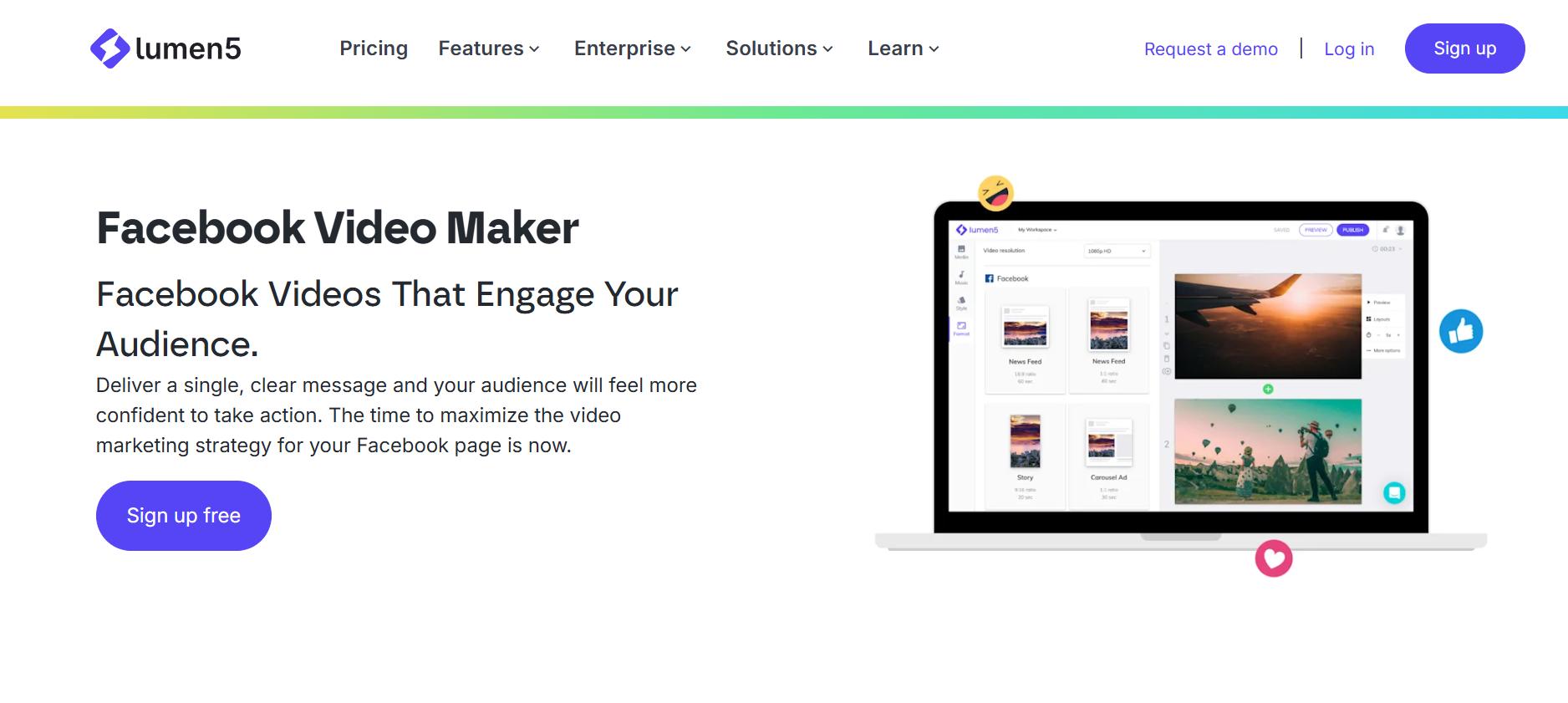
Lumen 5
Lumen5 uses AI to transform written content into engaging marketing videos, making it an excellent choice for content marketers and businesses. You can quickly convert blog posts, product descriptions, or promotional copy into Facebook-ready video ads without starting from scratch.
Best for: Repurposing blogs, articles, and marketing copy into Facebook-ready video ads.
Key features
-
Text-to-video conversion from URLs or pasted text
-
Large stock media and music library
-
Facebook-optimized export formats
-
AI scene matching based on your input text
Pros and cons
|
Pros |
Cons |
|---|---|
|
|
Facebook video ad specs and best practices
Creating effective Facebook video ads requires following Meta's technical requirements while applying proven creative best practices. Here's what you need to know in 2026:
Recommended Facebook video ad specs
|
Specification |
Recommendation |
|---|---|
|
Video Format |
MP4, MOV, or GIF |
|
Aspect Ratio |
1:1 (Square), 4:5 (Vertical), 9:16 (Stories & Reels), or 16:9 (Landscape) |
|
Resolution |
At least 1080 × 1080 pixels |
|
Maximum File Size |
Up to 4 GB |
|
Video Length |
15–30 seconds recommended (up to 241 minutes supported) |
|
Frame Rate |
30 FPS or higher |
|
Thumbnail |
High-quality custom image with minimal text |
|
Captions |
Recommended for silent viewing |
Facebook video ad best practices
-
Capture attention in the first 3 seconds: Start with a strong hook, bold visuals, or an engaging question to stop users from scrolling.
-
Design for mobile-first viewing: Use vertical or square formats to maximize screen space on smartphones.
-
Include captions: Many users watch videos without sound, so captions help improve accessibility and engagement.
-
Highlight benefits early: Focus on how your product or service solves a problem instead of listing features.
-
Use a clear call-to-action (CTA): Encourage viewers to shop, sign up, learn more, or visit your website.
-
Maintain consistent branding: Include your logo, brand colors, and messaging throughout the video to improve recognition.
How to choose the best online tool for creating engaging Facebook video ads
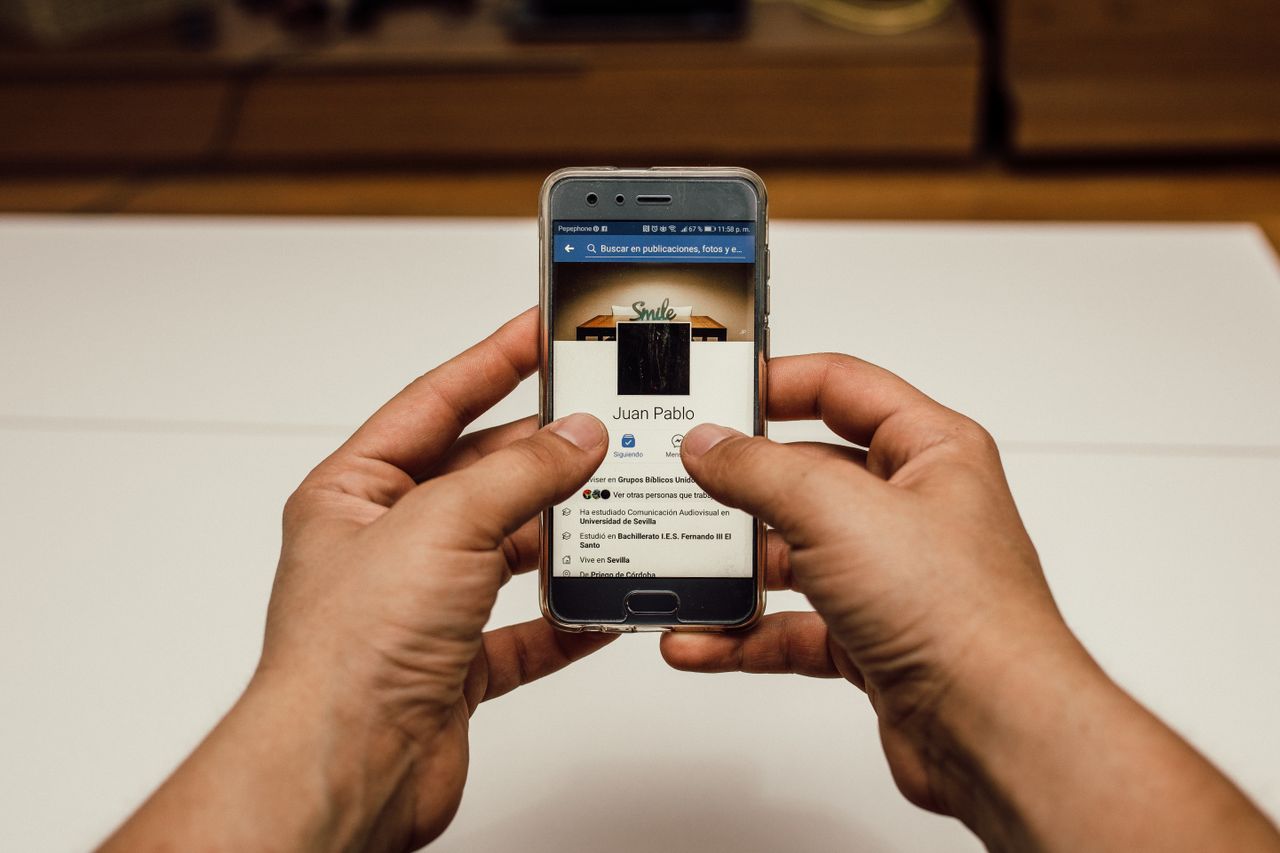
Choosing the right Facebook video ad tool depends on your marketing goals, budget, and workflow. Consider these essential factors to find a platform that helps you create high-quality video ads efficiently.
-
Ease of use: Look for intuitive drag-and-drop interfaces or simple prompt-based systems. The best tools require no prior video editing experience, allowing beginners to create professional Facebook ads in minutes.
-
AI capabilities: Look for AI features like text-to-video generation, AI avatars, automatic subtitles, script writing, and voiceovers. These tools save time while improving creativity and production efficiency.
-
Stock assets & templates: A large collection of stock videos, images, music, and Facebook-ready templates makes creating engaging ad creatives easier without the need for additional design resources.
-
Customization & branding: Select a platform that supports custom logos, brand colors, fonts, and personalized templates. Consistent branding helps improve recognition and builds trust across advertising campaigns.
-
Pricing & scalability: Compare pricing plans based on your budget and content needs. Choose a solution that offers flexible features and can scale as your Facebook advertising campaigns grow.
Tips for creating more effective Facebook video ads
To create a video ad for Facebook that captures attention and drives conversions, follow these proven best practices to improve engagement and campaign performance.
-
Keep videos short and engaging: Aim for videos between 15 and 30 seconds. Deliver your message quickly with an attention-grabbing opening to encourage viewers to watch until the end.
-
Highlight benefits over features: Focus on how your product solves problems or improves lives rather than listing specs. Emotional storytelling and customer benefits make your Facebook video ads more relatable and persuasive.
-
Use captions for silent viewing: Add bold, easy-to-read captions since most users watch without sound. Well-timed captions ensure your message lands clearly when creating a video ad for Facebook across all placements.
-
Test multiple creatives: Experiment with different hooks, visuals, headlines, and CTAs to identify the best-performing ad variations.
-
Optimize for different Facebook placements: Design vertical (9:16) videos for Reels/Stories and 4:5 for Feed. Tailoring format and content to each placement maximizes visibility and performance when you create a video ad for Facebook.
Conclusion
Creating Facebook video ads doesn't require a studio, a film crew, or advanced editing skills. From AI prompt-based generators to template-driven editors, each tool on this list offers a faster path to scroll-stopping creative. But if you want product-based ads that feel authentic and native to the feed, Vmake Labs stands out, turning a single product image into a complete, shoppable UGC-style video in minutes.
Ready to elevate your Facebook ad campaigns? Start creating compelling video ads today with Vmake Labs and see the difference professional creatives can make for your business.
FAQs
What is the best online tool for creating engaging Facebook video ads?
Vmake Labs is one of the best online tools for creating engaging Facebook video ads thanks to its AI-powered UGC video generation, customizable avatars, and easy-to-use interface. Other popular options include Canva, VEED, InVideo AI, Adobe Express, Clideo, and Lumen5.
What video length works best for Facebook ads?
Facebook video ads typically perform best when they are 15–30 seconds long. This length is ideal for capturing attention, delivering your message quickly, and encouraging viewers to take action without losing interest.
Do I need video editing experience to create effective Facebook ads?
No. Modern AI-powered platforms like Vmake Labs make it easy to create professional Facebook video ads without editing experience. With ready-made templates, AI avatars, and automated video generation, beginners can produce engaging ads in just a few clicks.
How much does it cost to create Facebook video ads?
The cost depends on the tool you choose. Many platforms, including Vmake Labs, offer free or trial plans, while premium subscriptions unlock advanced AI features, branding options, higher-quality exports, and additional customization tools.
What video specs should I use for Facebook ads?
For the best results, use MP4 or MOV format with at least 1080 × 1080 resolution. Square (1:1) and vertical (9:16) aspect ratios are recommended, especially for Facebook Feed, Stories, and Reels placements.

You May Be Interested
Master In-Stream Ads for Facebook: The Ultimate 2026 Guide
Real Estate Facebook Ads Guide 2026: Strategies & Examples

UGC Ads: How to Create High-Converting AI UGC Video Ads
What Is Video Translation and How Does AI Work?