Best Twitter Video Tools: 7 Tools for Creating Short-Form Videos
Compare the best Twitter video tools for creating engaging short-form videos. Explore AI-powered solutions, compare key features, and create high-quality Twitter-ready content faster with Vmake Labs.

X (formerly Twitter) is still very successful with short-form videos that help creators and brands increase their engagement and reach. Whether you're making AI-generated videos, editing clips, or downloading content for reference, the best Twitter video tool can make your workflow easier. This guide compares 7 popular tools to help you choose the best option.
How we evaluated these Twitter video tools
To make this comparison as practical as possible, we evaluated each Twitter video tool using the criteria that matter most to creators, marketers, and businesses. Rather than focusing on features alone, we looked at how well each platform supports real-world Twitter/X content workflows.
We considered the following factors:
-
Ease of use: How simple it is to create, edit, or download videos, especially for beginners.
-
AI video capabilities: The quality and flexibility of AI-powered features, such as video generation, editing, or enhancement.
-
Twitter/X compatibility: How well the tool supports short-form videos suitable for Twitter/X, including export options and publishing workflows.
-
Export quality: Available resolutions, output quality, and customization options.
-
Pricing and value: Free plans, subscription costs, and whether the available features justify the price.
-
Overall workflow: How efficiently the tool helps users create, edit, manage, or download Twitter videos based on its intended purpose.
The table below summarizes how each tool performed across our evaluation criteria.
|
Tool |
Best For |
Tool Type |
Platform |
|---|---|---|---|
|
Vmake Labs |
AI-powered short-form video creation |
AI video generator |
Web |
|
Creatify AI |
AI product marketing videos |
AI video generator |
Web |
|
Wideo |
Marketing and explainer videos |
Video creator |
Web |
|
Nemo Video |
Video editing and optimization |
Video editor |
Web/Desktop |
|
SuperX |
Twitter/X content management |
Twitter productivity tool |
Web |
|
TwMate |
Downloading Twitter videos |
Video downloader |
Web |
|
Twitter Video Downloader |
Quick Twitter video downloads |
Video downloader |
Web |
Some of these platforms are built for creating AI-powered videos from scratch, and others are built for editing, managing or downloading Twitter videos. Your best tool will depend on how you create and publish your short-form content.
What is a Twitter video tool?
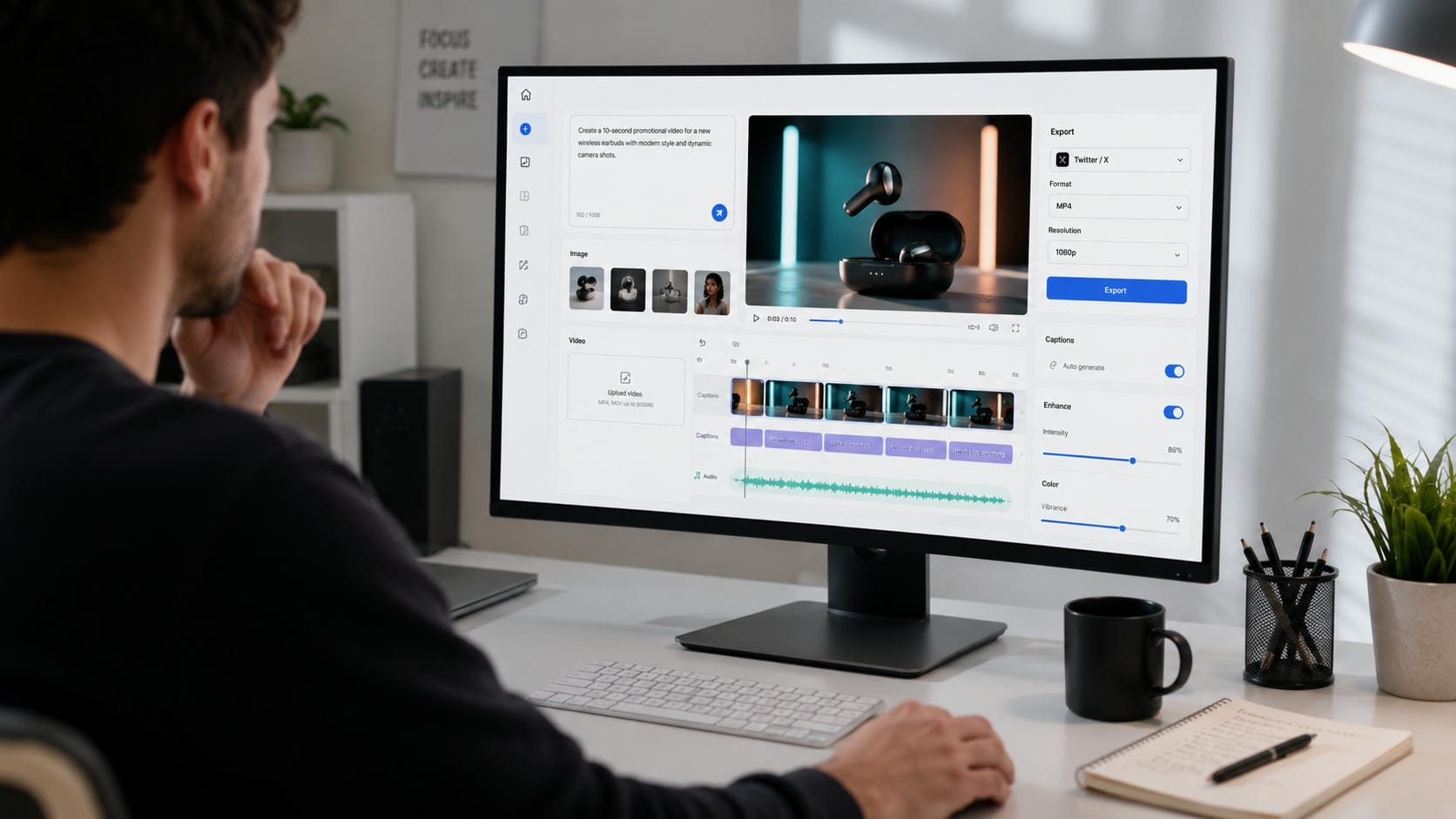
A Twitter video tool is software that enables users to create, edit, optimize or download videos for X (formerly Twitter). Some platforms allow you to create AI videos from text prompts, convert photos to videos, enhance existing footage, add captions, or download videos for offline viewing.
These tools will make it easier to create content by reducing editing time and making it easier for you to post videos in Twitter's preferred formats. Whether you are creating promotional videos, product demos, or educational content, the right Twitter video tool can simplify your workflow.
Types of Twitter video tools
Different tools serve different purposes. Understanding the available categories makes it easier to choose one that fits your workflow.
|
Tool Category |
Core Functionality |
Best Used For |
|---|---|---|
|
Generates completely unique videos from text prompts, images, or existing clips using AI. |
Creators and businesses are looking to quickly scale short-form content without heavy manual editing. |
|
|
Video Editors |
Refines pre-existing footage using traditional controls like trimming, transitions, effects, and audio adjustments. |
Polishing, structuring, and finalizing raw footage before publishing. |
|
Caption Generators |
Automatically generates and burns subtitles for video projects. |
Boosting engagement, improving accessibility, and capturing viewers who watch videos on mute. |
|
Uses AI algorithms to upscale resolution, sharpen details, remove noise, and restore clarity. |
Upgrading older, pixelated, or lower-quality footage to make it look professional. |
|
|
Video Downloaders |
Extracts and saves public videos (like those on Twitter/X) in various resolutions. |
Fetching offline copies of videos for reference, creative inspiration, or offline viewing. |
7 best Twitter video tools
From AI video generators to Twitter video downloaders, each tool offers a different set of features for creating or managing short-form content. Below is a comparison of seven popular Twitter video tools to help you find the one that best suits your workflow.
-
Vmake Labs
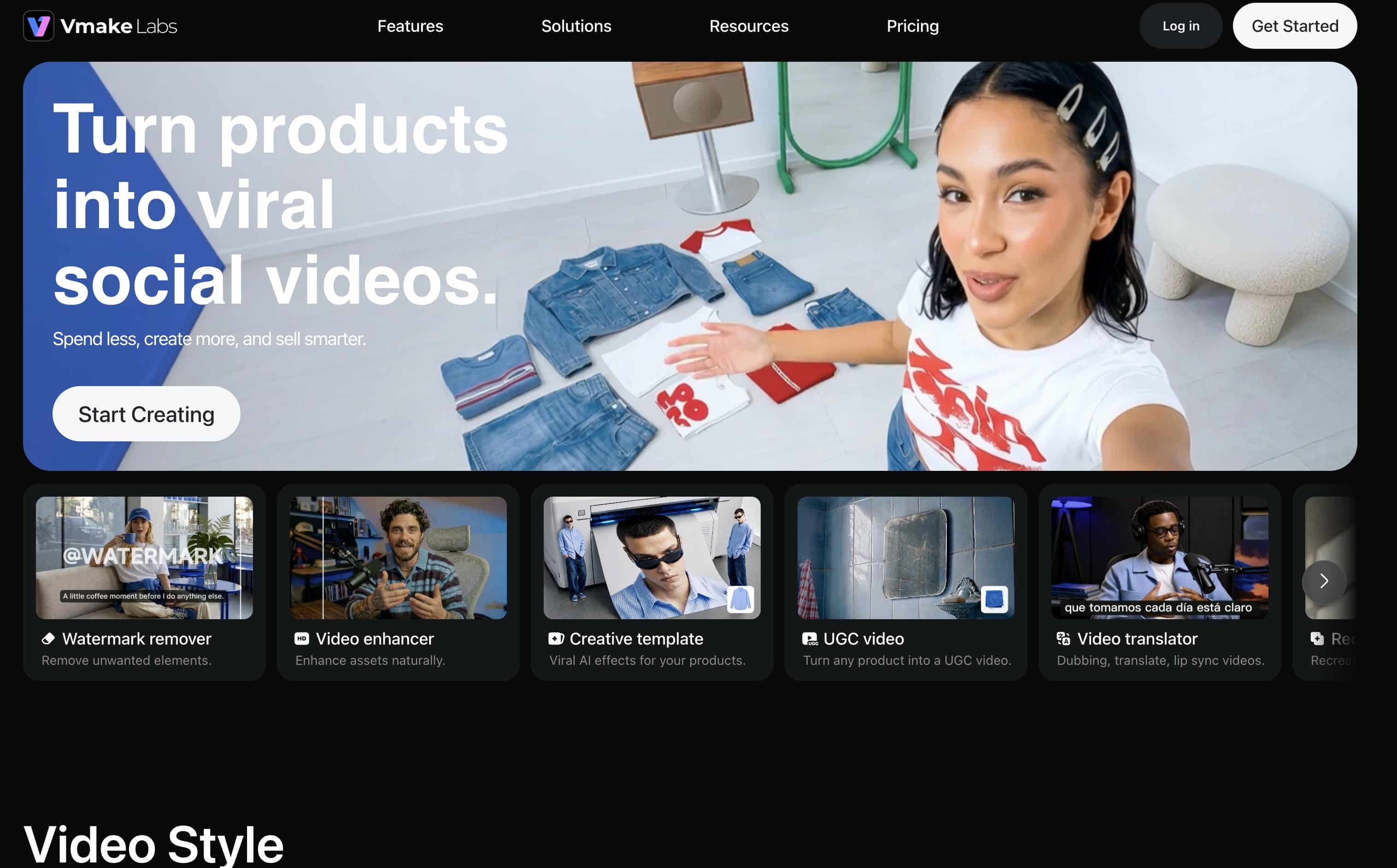
Vmake Labs is an AI video generator for creating short-form videos for Twitter/X and other social media platforms. It supports multiple creation workflows, including Text to Video, Image to Video, and Video to Video, along with a range of AI video models. Users can customize video duration, aspect ratio, and generation settings before exporting high-quality videos for marketing, product promotions, and social media content.
How to create a Twitter video with Vmake Labs
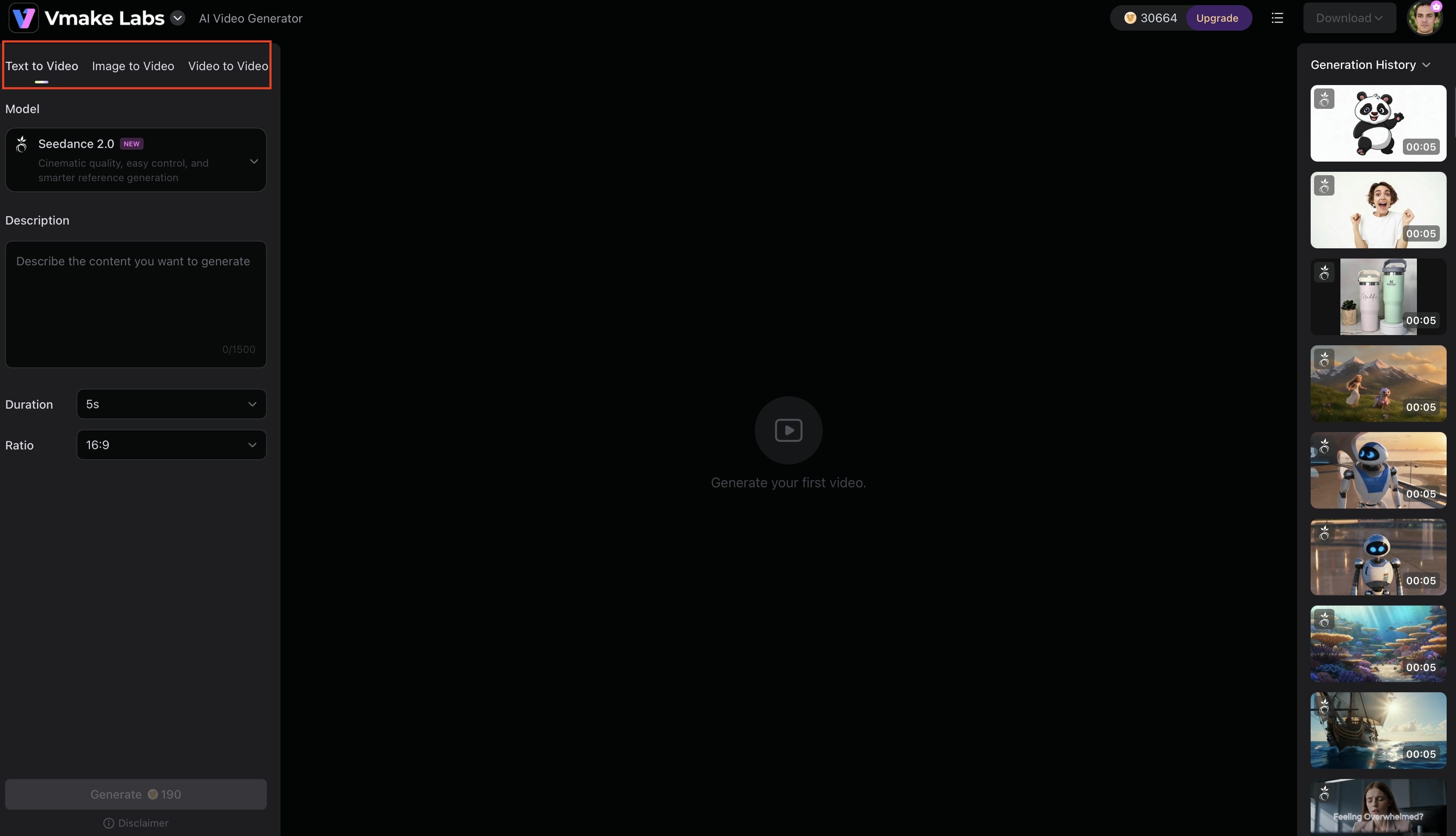
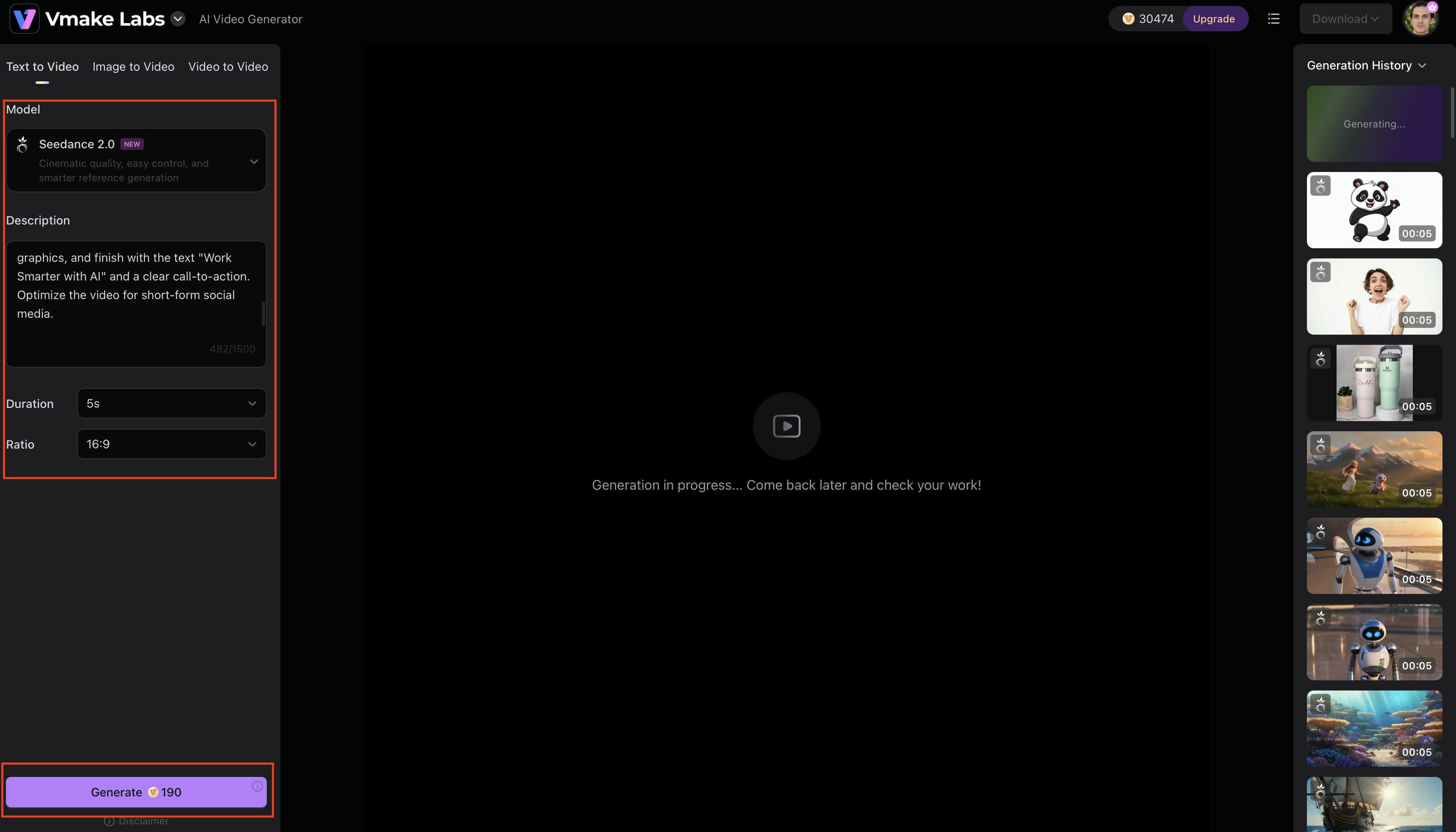
Step 1: Choose a video generation workflow
Open the Vmake Labs AI Video Generator and select one of the available workflows: Text to Video, Image to Video, or Video to Video, depending on the type of content you want to create.
Step 2: Add your content and customize settings
Enter a text prompt or upload an image or video based on the selected workflow. Then choose the AI model, video duration, aspect ratio, and other available settings before generating the video.
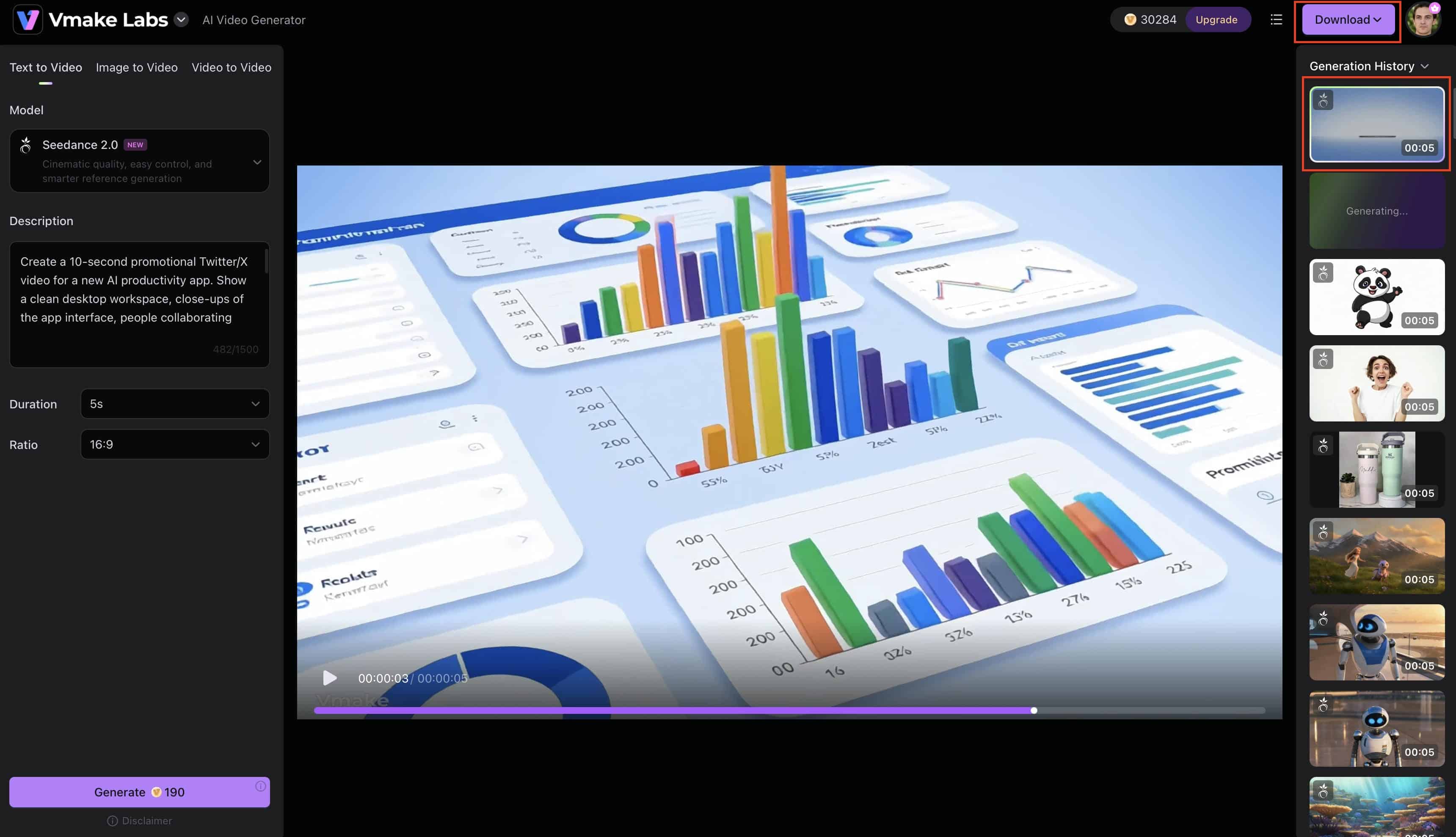
Step 3: Preview and download
Preview the generated video and make any necessary adjustments if required. Once you're satisfied with the result, download the video and share it on Twitter/X or other social media platforms.
Key features
-
Text to Video: Generate short-form videos from text prompts by describing your idea, making it easy to create promotional, educational, or social media content.
-
Image to Video: Upload one or more images and transform them into engaging AI-generated videos with customizable motion and visual effects.
-
Video to Video: Upload an existing video and use AI to apply a new visual style or creative effect while preserving the original content.
-
Multiple AI video models: Choose from leading AI models, including Seedance 2.0, Kling 3.0, Veo 3.1, Sora 2, Wan 2.2, Hailuo 2.3, and more, to achieve different visual styles and generation results.
-
Adjustable duration and aspect ratio: Generate videos between 2 and 15 seconds and select the aspect ratio that best fits Twitter/X and other social media platforms.
-
Generation history: Access previously generated videos from your account, allowing you to revisit, regenerate, or download projects whenever needed.
-
High-quality video export: Download generated videos in high resolution, making them suitable for social media publishing and marketing campaigns.
Pros
-
Supports Text to Video, Image to Video, and Video to Video workflows.
-
Multiple AI video models for different creative styles.
-
Adjustable video duration and aspect ratio.
-
Beginner-friendly web interface.
-
High-quality video exports.
Cons
-
Advanced AI models require credits.
-
The maximum generated video duration is 15 seconds.
Pricing
|
Plan |
Price |
|---|---|
|
Free |
$0 |
|
Plus |
$9.99/month |
|
Pro |
$29.99/month |
-
Creatify AI
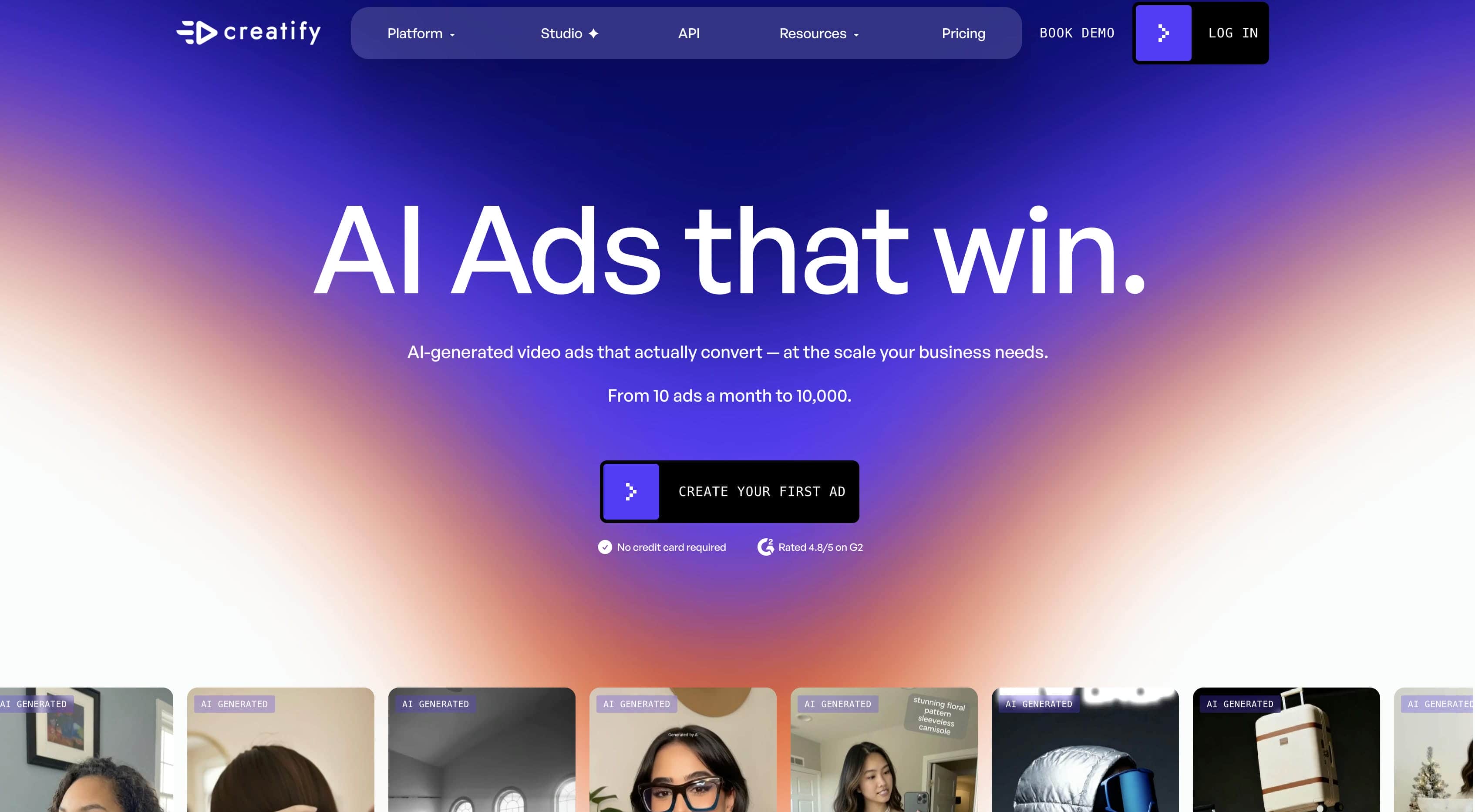
Creatify AI is an AI video generator designed for businesses and marketers creating product-focused videos. It allows users to generate promotional content from product URLs, images, or text using AI avatars, voiceovers, and customizable templates, making it suitable for advertising and e-commerce campaigns.
Pros
-
Creates videos from product URLs, images, and text.
-
Supports AI avatars and AI voiceovers.
-
Offers customizable templates for marketing videos.
-
Suitable for e-commerce and product advertising.
Cons
-
Primarily focused on marketing and promotional content.
-
Some advanced AI features are available only on paid plans.
Pricing
|
Plan |
Pricing |
|---|---|
|
Free |
Available |
|
Starter |
$39/month |
|
Pro |
Starts at $99/month |
|
Enterprise |
Custom pricing |
-
Wideo
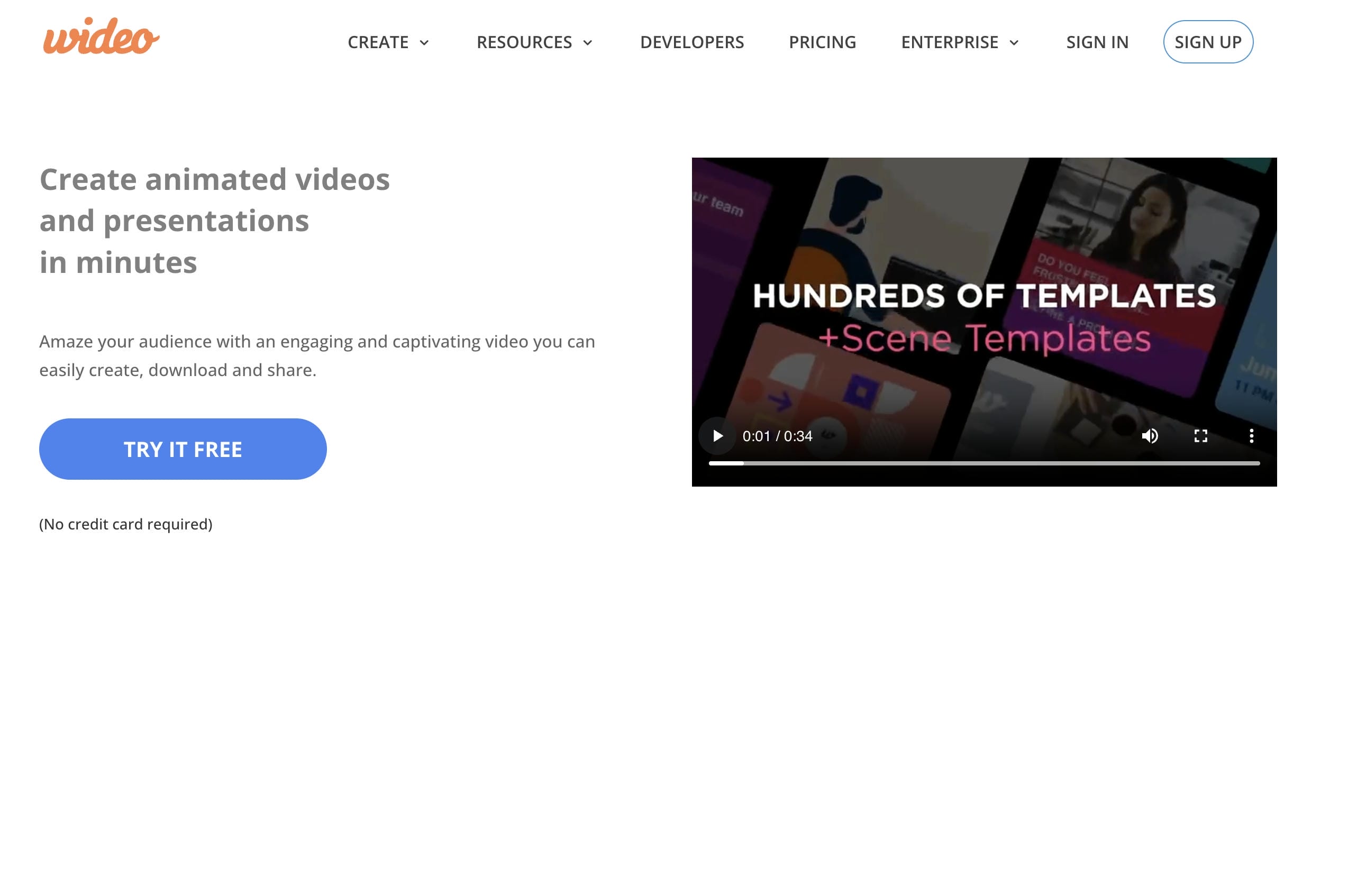
Wideo is an online video creation platform that helps people make explainer, marketing and promotional videos. Its drag-and-drop editor, animated templates and branding tools make it a practical choice for businesses wanting to create professional videos without advanced editing skills.
Pros
-
Drag and drop editor for beginners.
-
Customisable templates in a wide range.
-
Supports animated marketing and explainer videos.
-
Cloud based platform, no software to install.
Cons
-
Limited AI-powered video generation features.
-
Creating videos manually may take more time than AI tools.
Pricing
|
Plan |
Pricing |
|---|---|
|
Free Trial |
Available |
|
Pro |
Starts at $19/month |
|
Enterprise |
Custom pricing |
-
Nemo Video
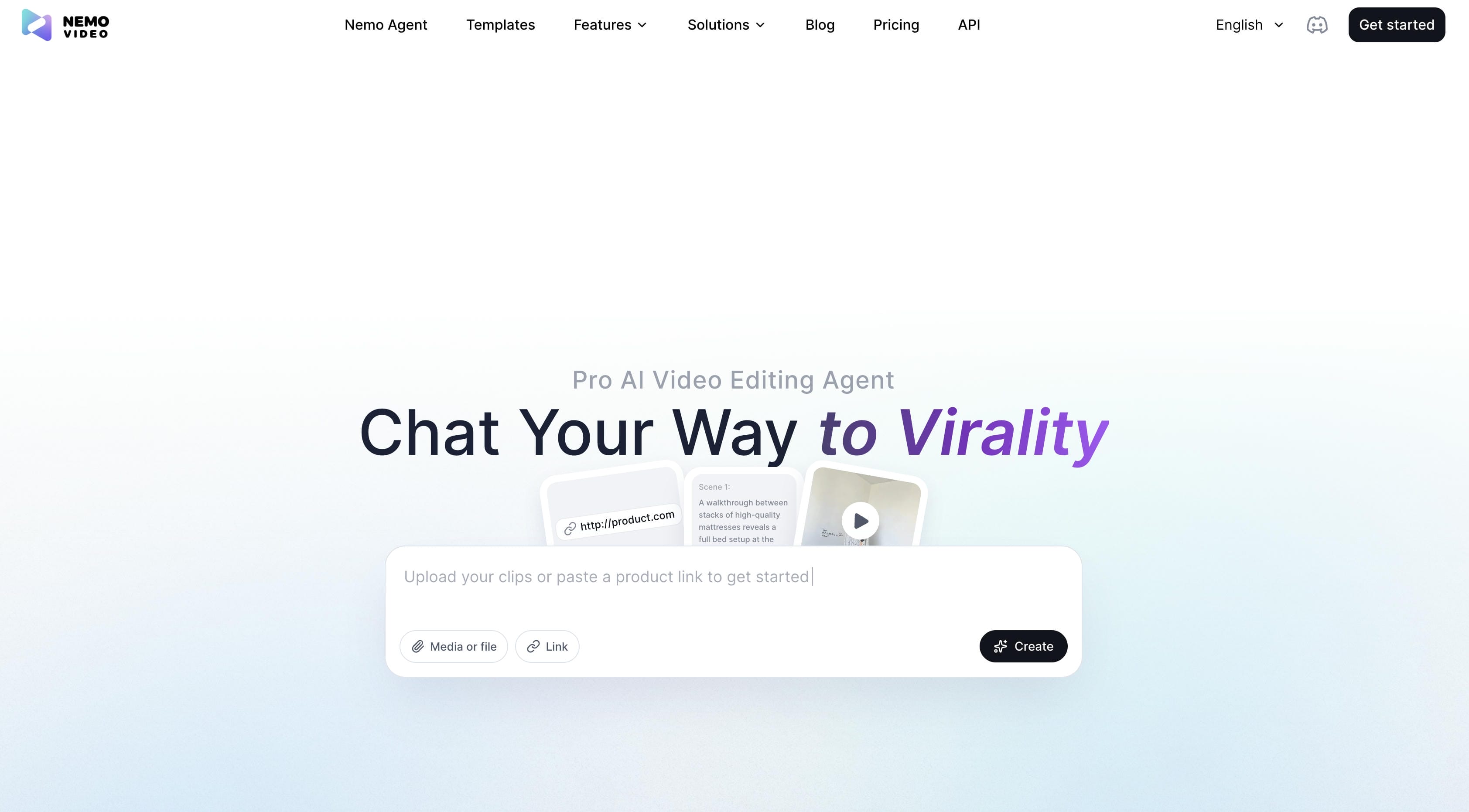
Nemo Video is a video editing and optimization tool for refining videos before publishing on social media. It includes editing, subtitle, and enhancement features that help improve video quality and prepare content for platforms like Twitter/X.
Pros
-
Includes essential video editing tools.
-
Supports subtitle creation and video optimization.
-
Helps improve overall video quality.
-
Suitable for social media content editing.
Cons
-
Focuses on editing rather than AI video generation.
-
Some advanced features may require a subscription.
Pricing
|
Plan |
Pricing |
|---|---|
|
Free |
$0/month |
|
Starter |
$19.99/month |
|
Pro |
Starts at $39.99/month |
-
SuperX
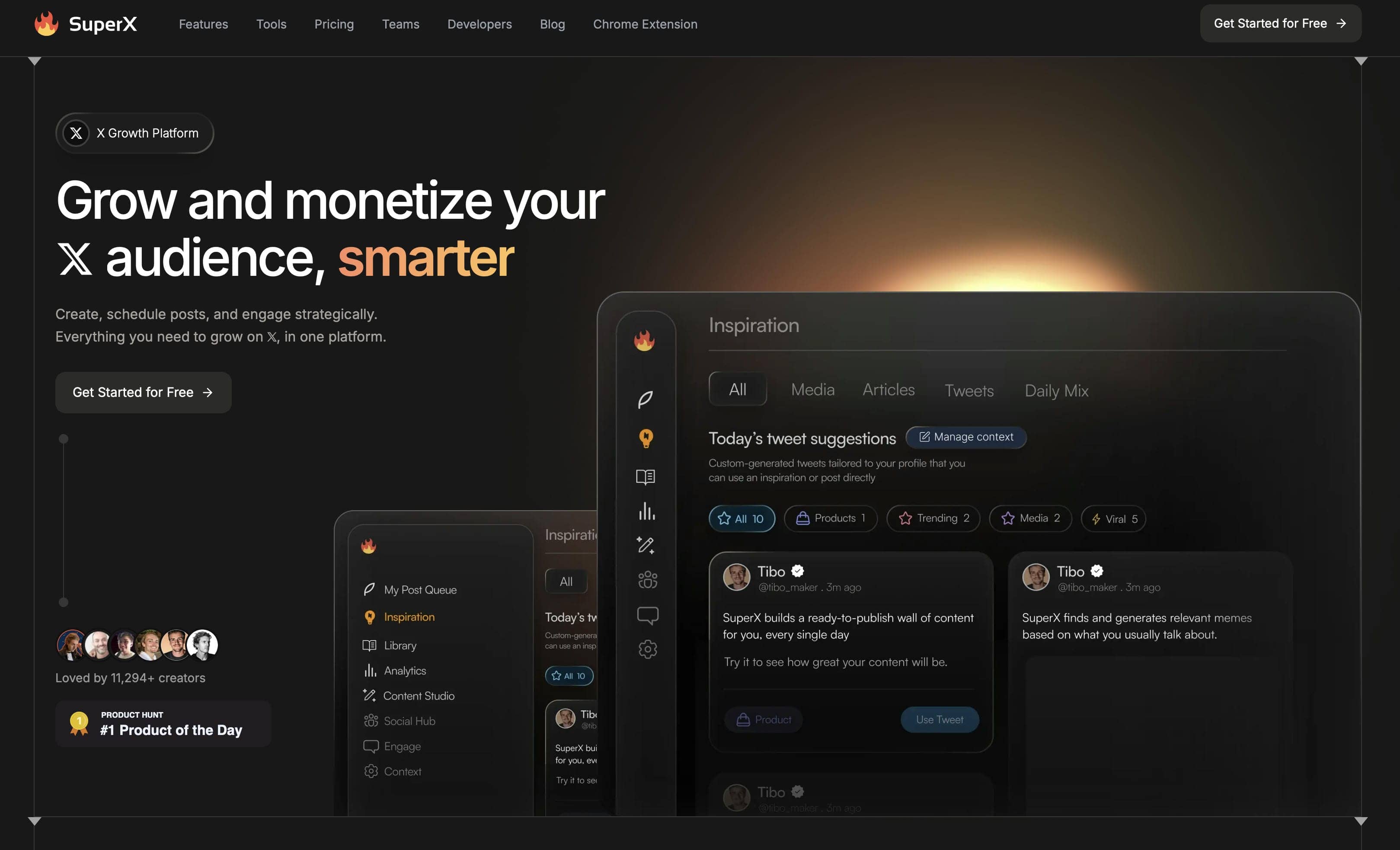
SuperX is a productivity platform built for users who actively manage content on X (formerly Twitter). It combines analytics, content management, and creator-focused tools to help users organize, optimize, and grow their presence on the platform.
Pros
-
Provides Twitter analytics and performance insights.
-
Helps organize and manage Twitter content.
-
Includes productivity features for creators.
-
Browser-based platform with an intuitive interface.
Cons
-
Not designed for AI video creation or editing.
-
Some advanced analytics require a paid subscription.
Pricing
|
Plan |
Pricing |
|---|---|
|
Pro |
$49/month |
|
Advanced |
$49/month (Launch offer) |
|
Ultra |
$199/month |
-
TwMate
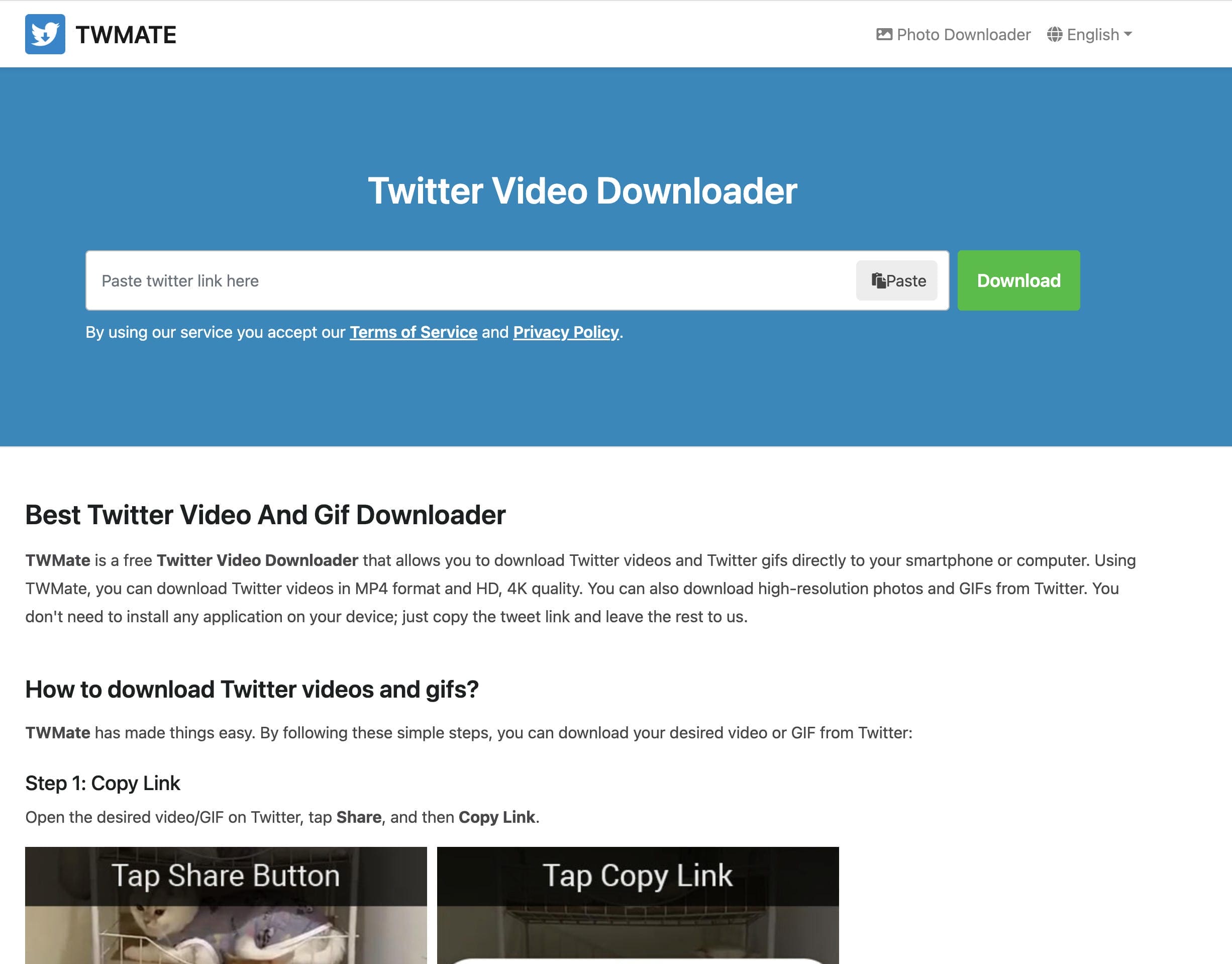
TwMate is a web-based Twitter video downloader that lets users save public Twitter videos for offline viewing. Simply paste the tweet URL to download videos in different available resolutions without installing software or creating an account.
Pros
-
Simple and easy-to-use interface.
-
No registration required.
-
Supports multiple video resolutions.
-
Works directly in a web browser.
Cons
-
Download free twitter videos only.
-
No video editing or AI creation capabilities.
Pricing
TwMate is free to use.
-
Twitter Video Downloader
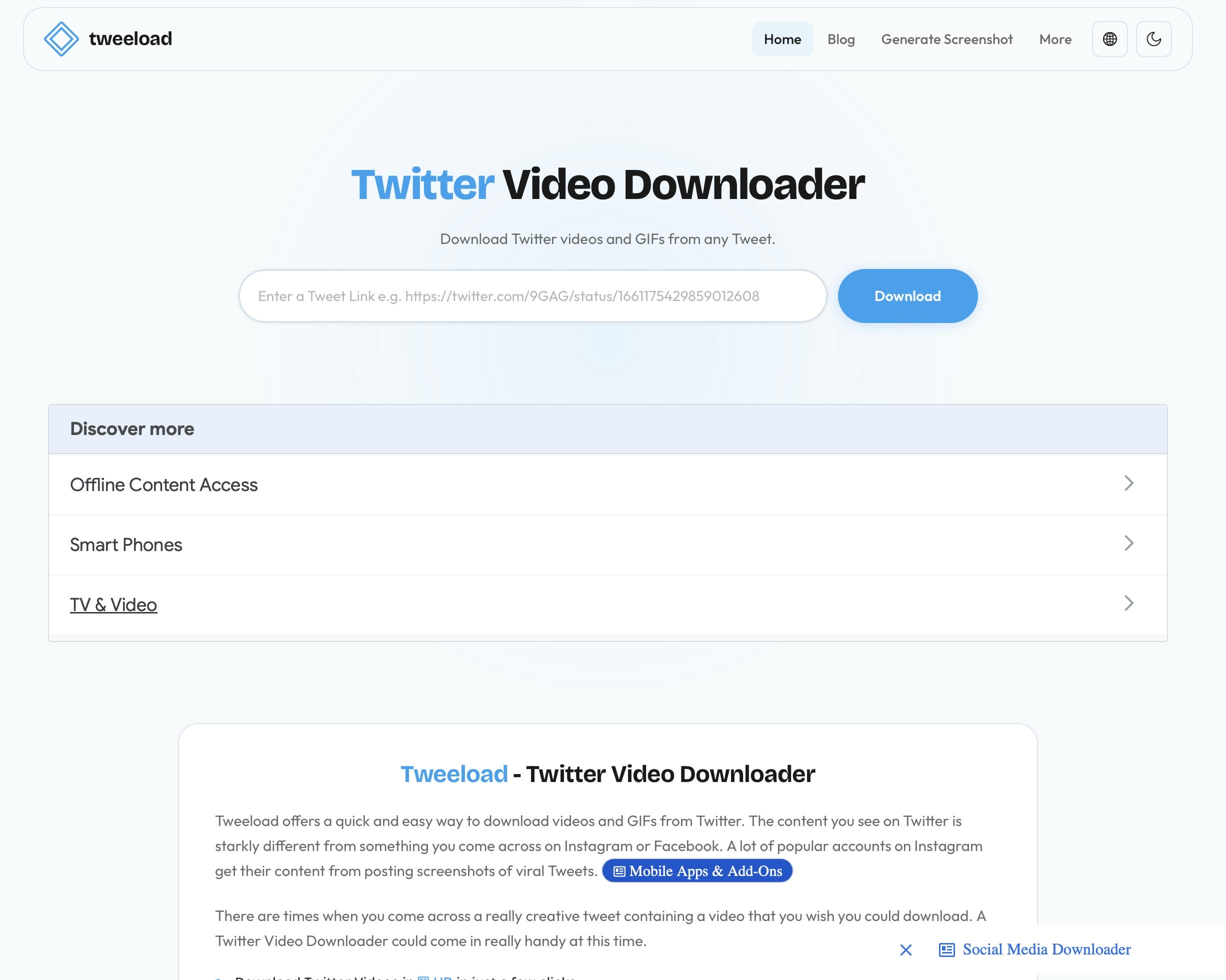
Twitter Video Downloader is a browser-based tool for quickly downloading public videos from X (formerly Twitter). Users only need to copy and paste a tweet URL to save videos for offline viewing or future reference.
Pros
-
Fast video downloads through a tweet URL.
-
No software installation is required.
-
Simple browser-based interface.
-
Supports multiple download resolutions.
Cons
-
Only supports downloading public Twitter videos.
-
No editing, enhancement, or AI video generation features.
Pricing
Twitter Video Downloader is free to use.
How to choose the best Twitter video tool
Before choosing a Twitter video tool, think about how you create and publish content. Different tools are designed for different workflows, so matching your goal with the right type of tool can save time and improve your results.
|
If you want to... |
Recommended tool |
Why |
|---|---|---|
|
Create AI-powered Twitter videos from text or images |
Vmake Labs |
Supports Text to Video, Image to Video, and Video to Video workflows with customizable settings. |
|
Create product marketing videos |
Creatify AI |
Generates promotional videos from product URLs, images, and text for ecommerce campaigns. |
|
Edit existing videos before posting |
Nemo Video |
Includes video editing, subtitle generation, and quality enhancement tools. |
|
Design explainer or marketing videos |
Wideo |
Offers templates and a drag-and-drop editor for creating branded videos. |
|
Manage your Twitter/X content and analytics |
SuperX |
Helps organize content, monitor performance, and improve your publishing workflow. |
|
Download Twitter videos for offline viewing |
TwMate or Twitter Video Downloader |
Quickly saves public Twitter videos without requiring software installation. |
|
Repurpose Twitter videos for multiple platforms |
Vmake Labs |
Lets you customize video duration and aspect ratio, making it easier to repurpose videos for Twitter, Instagram Reels, TikTok, and YouTube Shorts. |
Tips for creating engaging short-form Twitter videos
Creating effective Twitter videos involves more than editing clips. Since users often scroll through fast-moving conversations and timelines, your videos should grab attention quickly, communicate clearly, and encourage interaction. Keep these Twitter/X-specific best practices in mind:
-
Capture attention within the first three seconds: Start with a compelling visual or statement to stop users from scrolling through their feeds.
-
Keep videos short and easy to consume: Shorter videos are more likely to be watched in full as users quickly browse their timelines.
-
Design for autoplay without sound: Use captions or on-screen text so viewers can understand your message even when videos are muted.
-
Pair videos with engaging post copy: Add a compelling caption, question, or opinion to encourage replies, reposts, and discussions.
-
Post alongside relevant trending conversations: Sharing videos that relate to trending topics or hashtags can increase visibility and encourage more engagement.
-
Use high-quality visuals: Clear, high-resolution videos create a more professional impression and improve the viewing experience.
-
Include a clear call-to-action: Encourage viewers to comment, repost, visit your website, or learn more after watching.
Conclusion
In a nutshell, the best Twitter video tool will depend on your content goals, your workflow, and your budget. Some platforms specialize in AI video creation, while others focus on editing, enhancing, or downloading existing content. Review their features, ease of use and price to find the right solution for your needs. Vmake Labs is a good option if you want to create engaging short-form videos without much effort. With its Text to Video, Image to Video, and Video to Video workflows, several AI video models, and customizable settings, it serves as a functional option for creating Twitter-ready videos and other social media content.
FAQs
What is the best Twitter video tool?
The best Twitter video tool for you will depend on what you are trying to achieve. AI video generators are perfect for generating new material, while editing and downloading tools are better used to polish or save existing videos. If you want to create short-form videos efficiently, Vmake Labs has various AI-powered workflows such as Text to Video, Image to Video, Video to Video and generation settings to customize your videos.
Which Twitter video tool is free?
There are many Twitter video tools that offer a free plan or free access with some limitations. Public videos can be downloaded for free using downloaders such as TwMate and Twitter Video Downloader, whereas AI platforms typically offer limited free credits. Vmake Labs also offers free credits for new users, so you can try out its AI video generation features before upgrading.
Can I create AI videos for Twitter?
Yes. AI video generators let you create videos from text prompts, images, or existing footage without the need for advanced editing skills. Vmake Labs supports Text to Video, Image to Video, and Video to Video workflows for an AI-powered solution. It's easy to create content optimized for Twitter/X and other social media platforms.
What makes a good short-form Twitter video?
A good short-form Twitter video captures attention within the first few seconds, communicates one clear message, uses high-quality visuals, and includes captions for viewers watching without sound. If you're creating AI-generated content, tools like Vmake Labs also let you customize video settings to produce social media-ready videos.
Can I use the same video on Twitter and other social media platforms?
Yeah. Most short-form videos can be repurposed on platforms such as Instagram Reels, YouTube Shorts, TikTok and LinkedIn with just simple adjustments to the aspect ratio or duration. With Vmake Labs, you can customize these settings before export, making it easier to adapt one video to multiple social media channels.
Which Twitter video tool is best for businesses?
Choose the right tool for your content creation needs, marketing goals, and workflow. Editing tools help to refine existing content, but AI video generators are well suited for producing promotional videos quickly. Vmake Labs provides flexible AI workflows and customizable settings to simplify video production for businesses that often create short-form marketing videos.

You May Be Interested

Best Instagram Hook Generator Tools in 2025
Demystifying 2K Video Resolution: The Ultimate Guide
Best AI Video Generator: Top Tools Tested (2026)
Best AI Video Translator Tools in 2026: Compare Features, Accuracy & Pricing