
AI Image Generator That Brings Ideas to Life
Transform your basic photos into breathtaking, professional visual assets instantly. Experience a seamless, browser-based platform designed specifically for everyone. You need absolutely zero advanced graphic design skills to create stunning lifestyle backgrounds, lifelike fashion models, and high-quality e-commerce imagery.
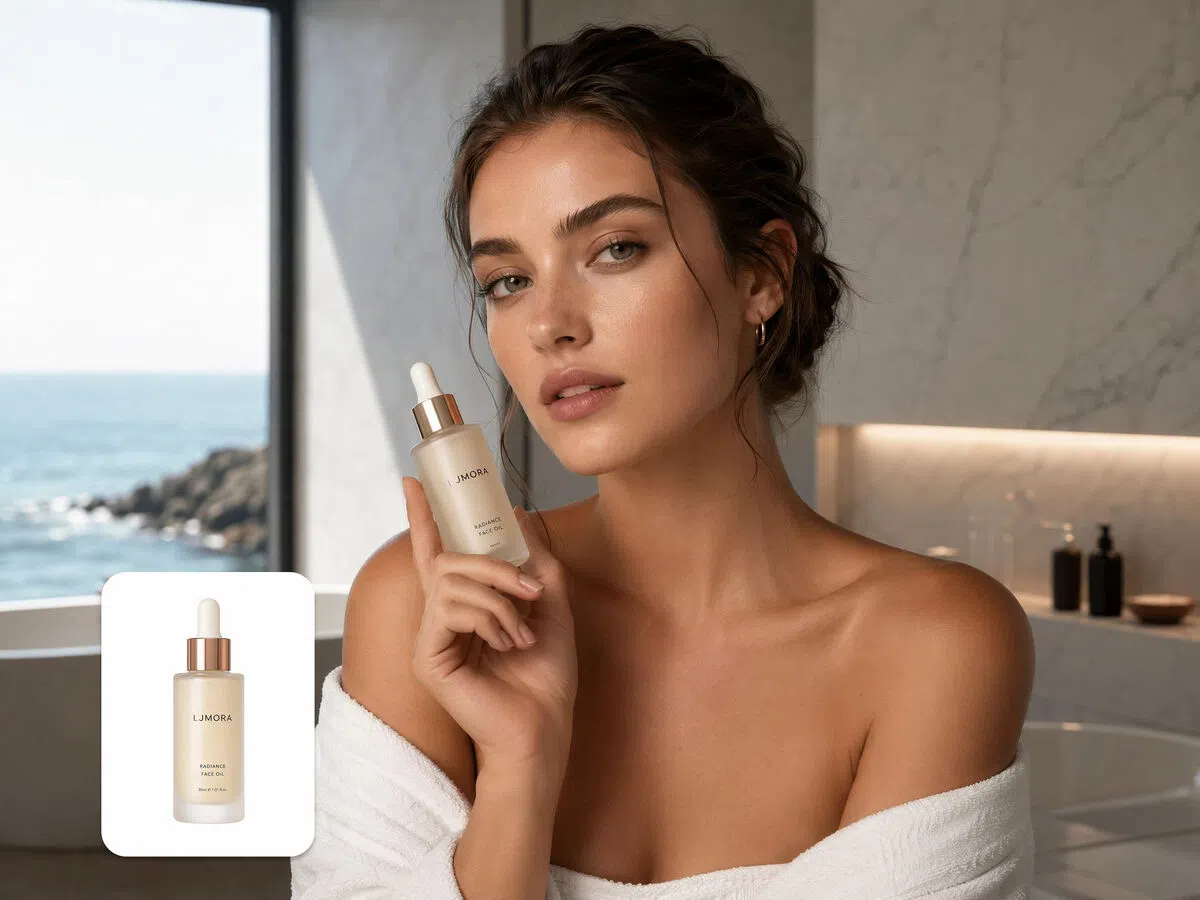


How to generate stunning AI images in 3 simple steps
Step 1. Select your AI model
Launch Vmake Labs AI image generator and first choose the AI image generation model that you will be using. You can choose between options such as Nano Banana, Seedream, and GPT Image.
Step 2. Enter your detailed prompt
Next, you need to provide a detailed prompt regarding the type of image you want to create. Keep in mind to mention the style and select the aspect ratio. Vmake Labs also gives you the option to add a reference image.
Step 3. Generate and download your image
Once done, click on "Generate". Vmake Labs will start creating your image and once completed, you will be able to download the same to your device, for sharing.
Unlock endless creative image possibilities with Vmake Labs
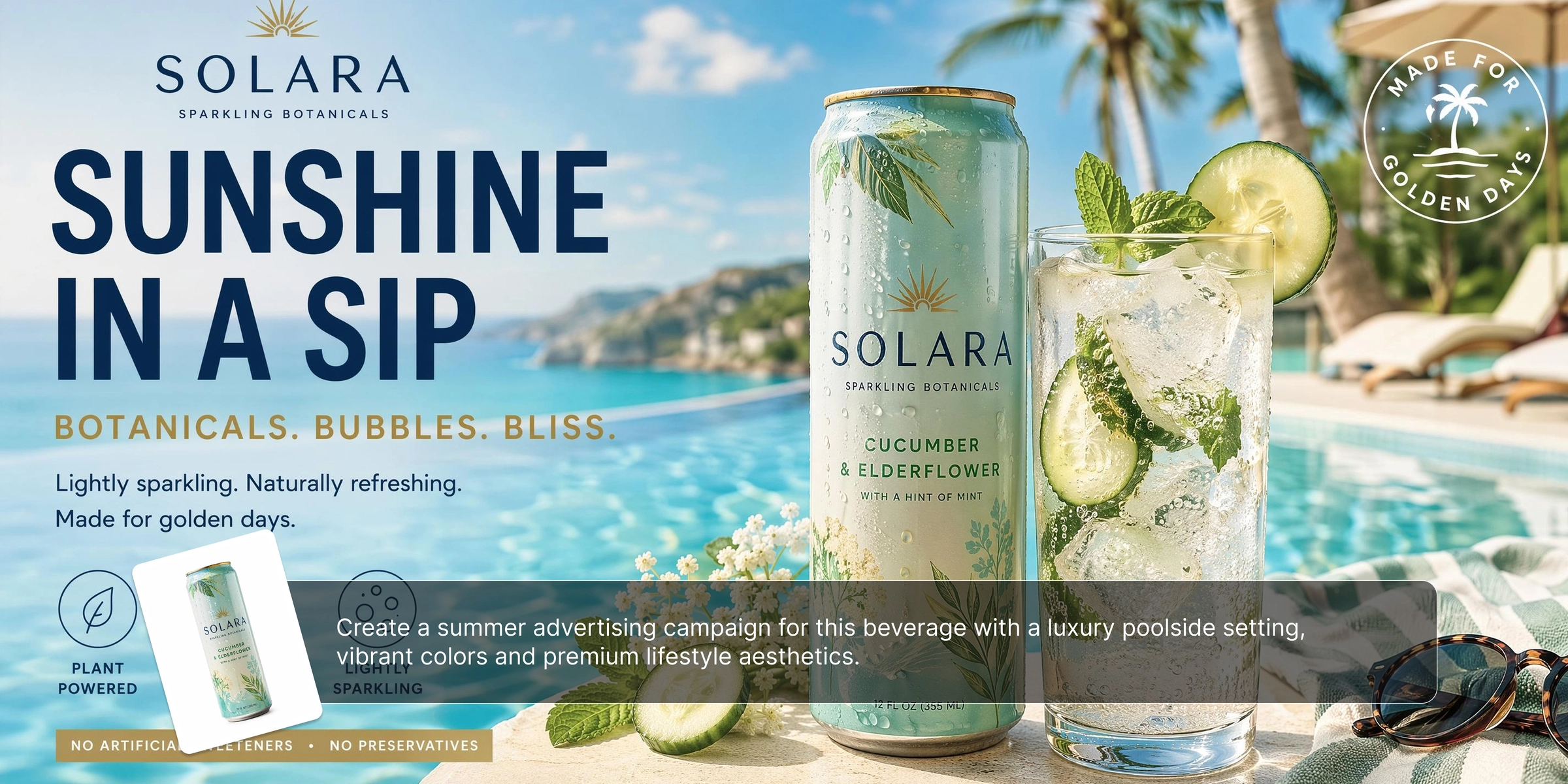
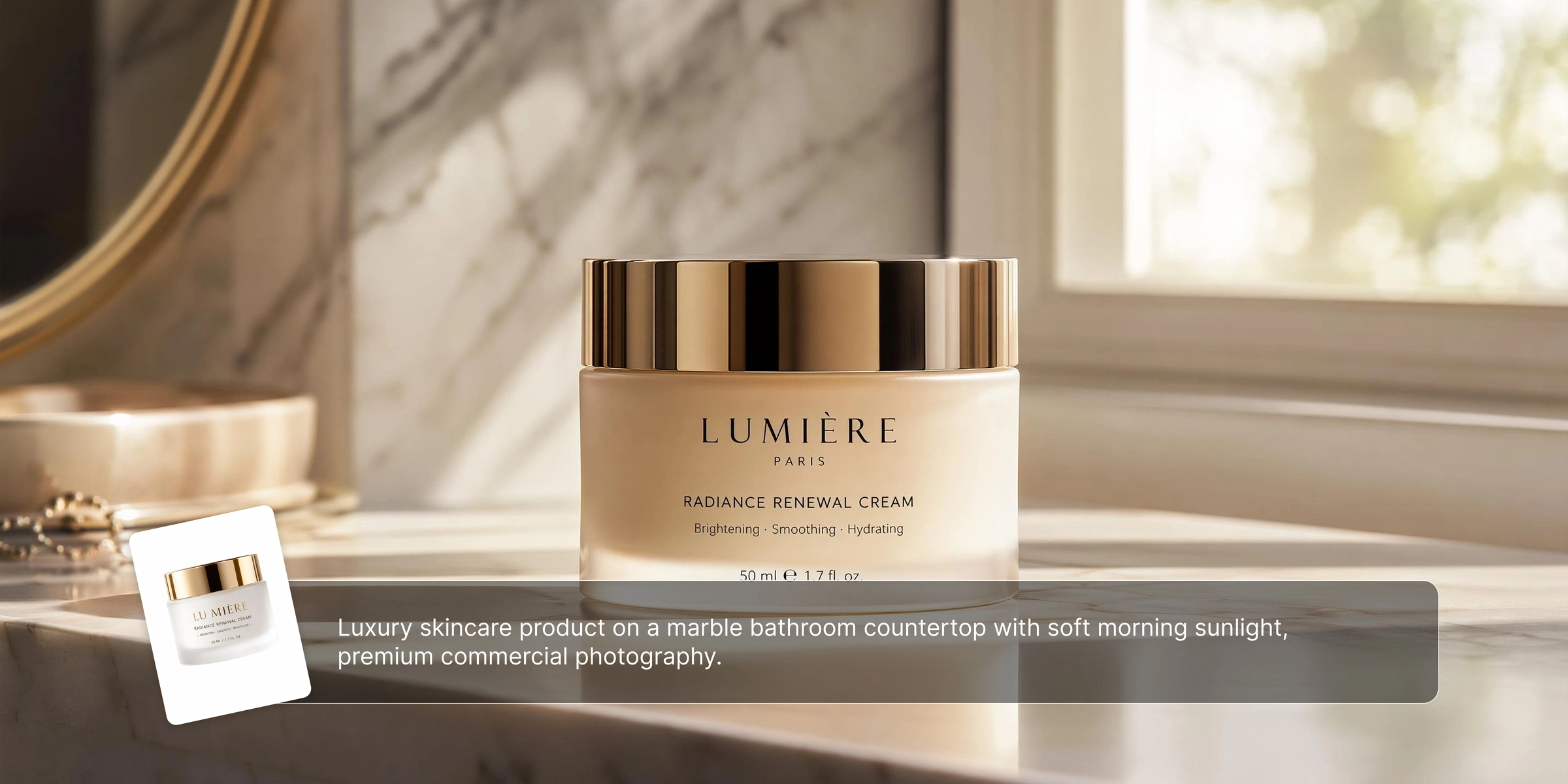
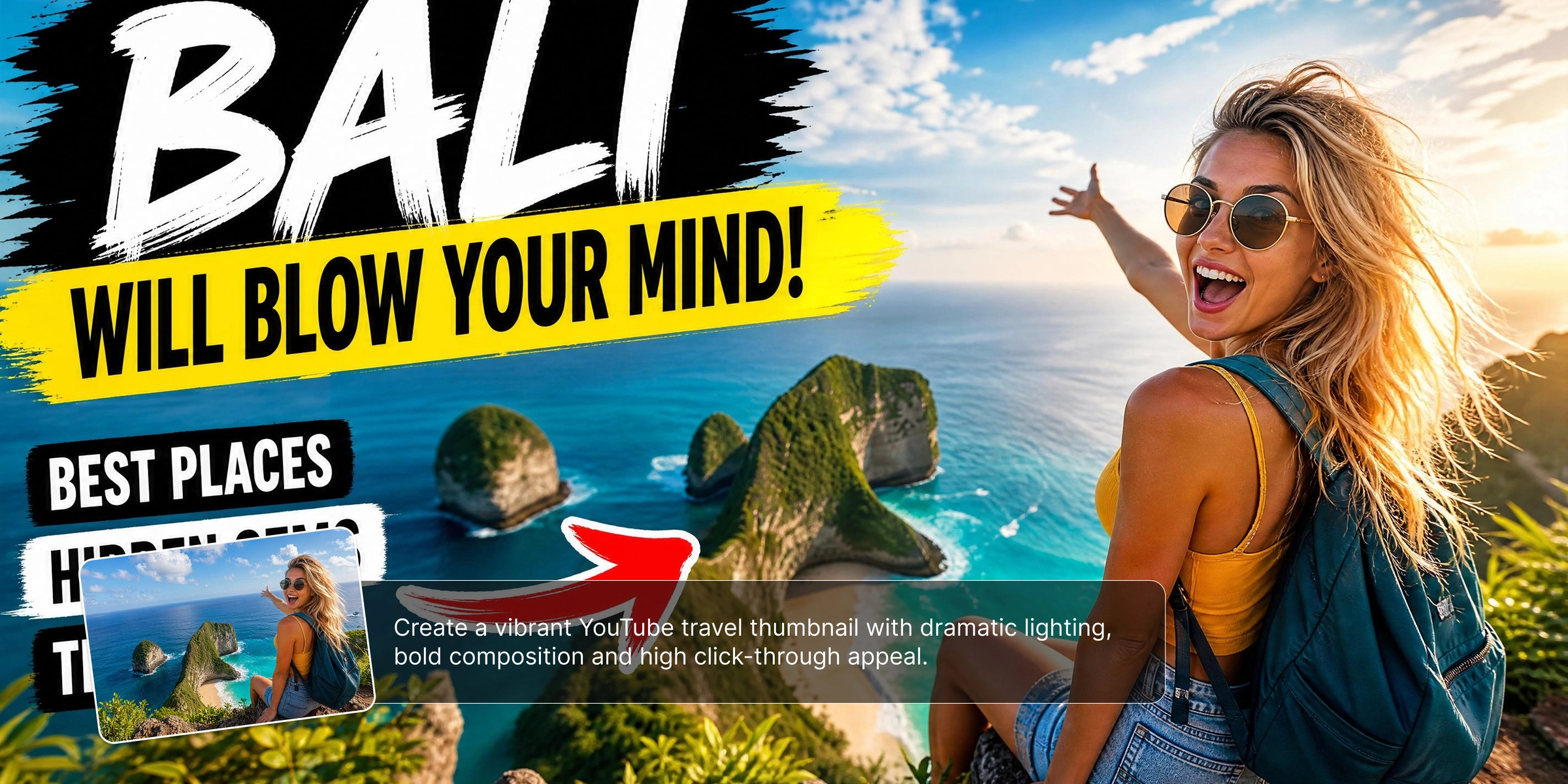


Discover cutting-edge AI image generation capabilities with Vmake Labs
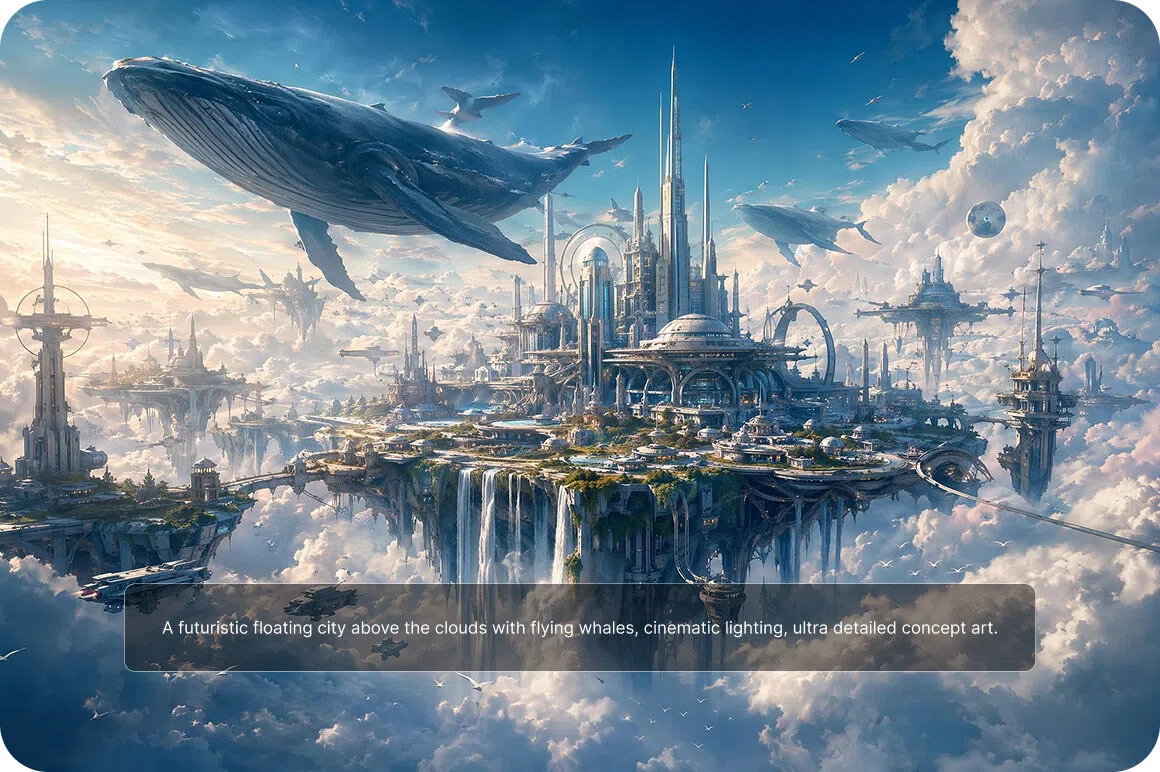
Turn text into stunning images
Describe your exact creative vision using simple words, and watch our artificial intelligence generate high-quality visual art instantly. Whether you need abstract conceptual art or hyper-realistic product illustrations, our powerful text-to-image engine brings your wildest imagination to life, providing unique assets for all your marketing and branding needs effortlessly.
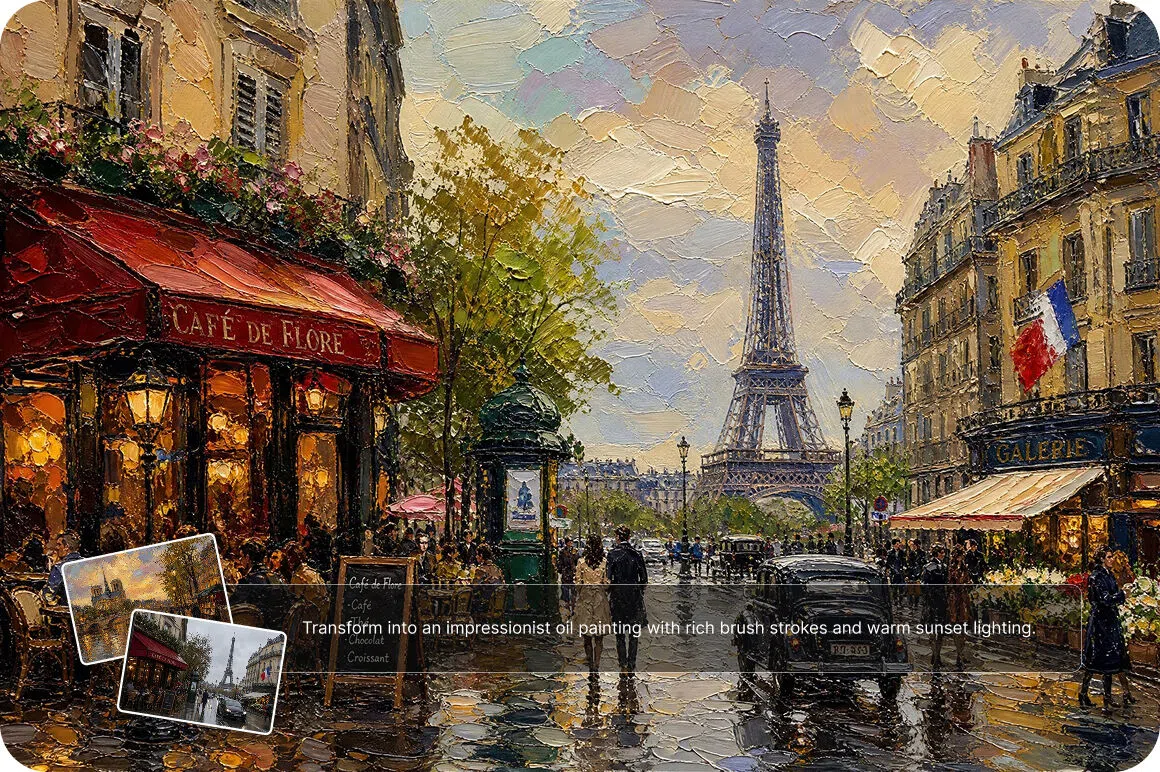
Transform styles with image-to-image
Upload any base photograph and apply unique artistic styles to generate completely new, visually striking images. Turn a basic sketch into a photorealistic masterpiece, or give your standard product shots a trendy watercolor aesthetic. Push your creative boundaries and produce scroll-stopping artwork tailored precisely to your current brand identity.
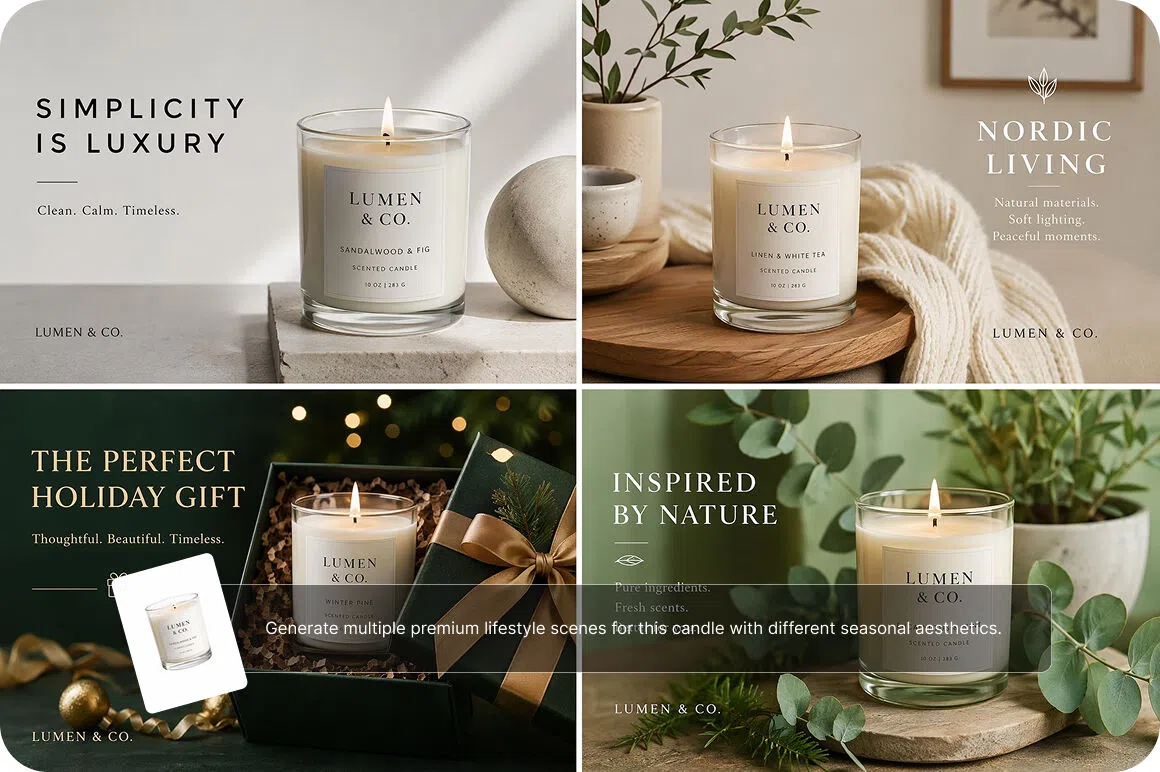
Generate limitless creative image variations
Upload an existing reference photo to instantly generate multiple unique, beautifully restyled visual alternatives. This feature is perfect for A/B testing ad creatives or finding that perfect aesthetic balance. Refresh your older content effortlessly and keep your social media feeds incredibly dynamic without ever having to plan another extensive photoshoot.
Our powerful image generator is made for everyone
E-commerce store owners
They desperately need high-quality product photos to increase conversion rates and heavily boost online sales. Our tool allows them to quickly generate professional visuals without the massive overhead of traditional photography, ensuring their digital storefront always looks premium, trustworthy, and appealing to every potential buyer.
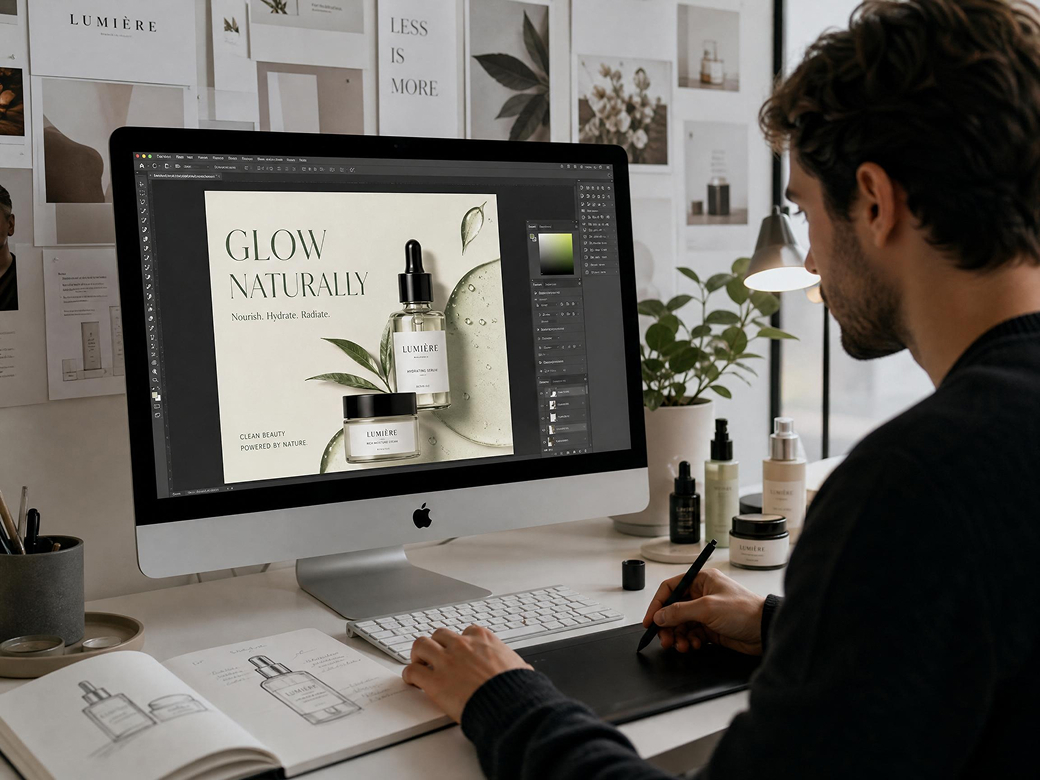
Social media influencers
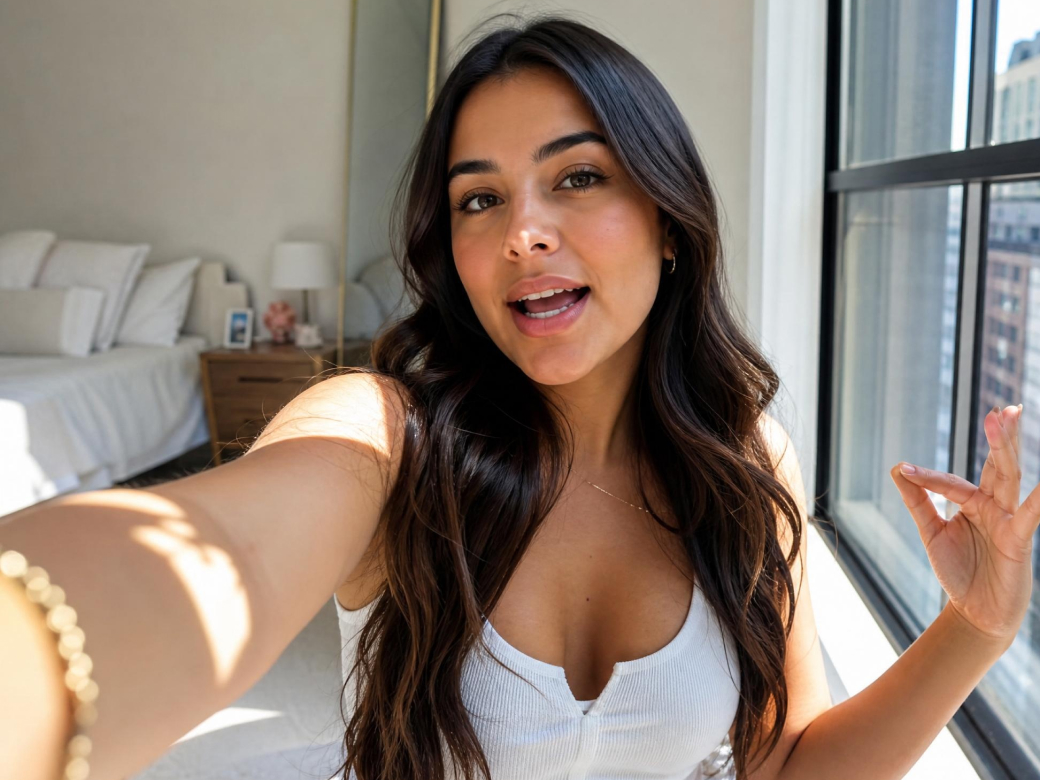
They require captivating, daily visual content to maintain high engagement and consistently grow their audience. By using our seamless platform, they can rapidly produce beautiful lifestyle aesthetics and unique visual variations, keeping their followers excited without suffering from creative exhaustion or using complex editing software.
Fashion brand managers
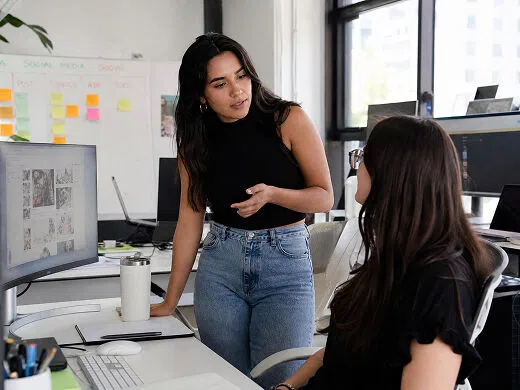
They constantly want to showcase exciting new clothing lines dynamically without coordinating expensive, time-consuming model photoshoots. With simple AI generation, they instantly turn basic flatlays into stunning, diverse on-model lifestyle imagery, significantly accelerating their time-to-market and keeping their seasonal digital catalogs flawlessly fresh and engaging.
Frequently Asked Questions
Do I need advanced design skills to use this AI image generator?
How fast does the AI generate the final image?
Does the platform offer a free trial for beginners?
What types of text prompts work best for generating?
Can I choose the aspect ratio for generated images?
Why select Vmake Labs AI image generator?

Save thousands of dollars on expensive traditional photography and professional studios. Our tool provides limitless premium visual assets at a fraction of the cost, massively increasing your overall business profitability.

Work entirely online without ever downloading heavy or complicated software programs. You can effortlessly generate stunning AI visuals directly from your favorite web browser anywhere, instantly boosting your daily productivity.

Generate exceptionally professional quality visuals in a mere fraction of the time. Our advanced servers ensure your breathtaking images are incredibly ready in seconds, keeping your urgent marketing campaigns moving.
Explore more Al tools

Video & Image Enhancer

Watermark & Text Remover

Video Upscaler

AI Video Generator

Video Background Remover

Video & Audio to Text

Video Noise Reducer

AI video translator
Start creating stunning images today with Vmake Labs
Join millions of successful creators and brands scaling their visual content, by unlocking your creative potential and transforming your ideas into reality.
See why global creators trust Vmake Labs AI image generator
Before Vmake, coordinating fashion shoots was an absolute nightmare. I honestly saved thousands of dollars on fashion model photoshoots this quarter alone. The AI models look incredibly realistic, and nobody can even tell the difference. It has completely transformed how we run our clothing business!
I was struggling to keep up with the constant demand for fresh content. Using this generator boosted social media engagement very quickly! I can create stunning lifestyle variations from just one product photo. My clients are absolutely thrilled, and it saves me countless stressful hours.
The ability to customize environments is a total game changer for our ad campaigns. Our product backgrounds look incredibly realistic now, effortlessly matching the specific aesthetic of any target audience. Click-through rates have skyrocketed, and I highly recommend this tool to any serious marketing team.
Being an artist, I often need quick inspiration or specific visual elements for my composite pieces. With this platform, I literally generated stunning original artwork in seconds. The text-to-image capabilities are frighteningly accurate, allowing me to fully explore my wildest creative concepts without any limitations.
I run a small shop and cannot afford a dedicated graphic designer. Vmake perfectly replaced expensive graphic design software for me. It is so unbelievably user-friendly that I can create professional, high-converting product shots in just a few clicks. Absolutely worth every single penny.
Running huge campaigns requires constant visual testing to avoid audience fatigue. This fantastic AI seamlessly scaled our advertising creatives so easily. We upload one base image and instantly generate dozens of high-quality variations. Our acquisition costs dropped significantly, making my job so much easier.