
Recreate Video: Complete Shoppable Video
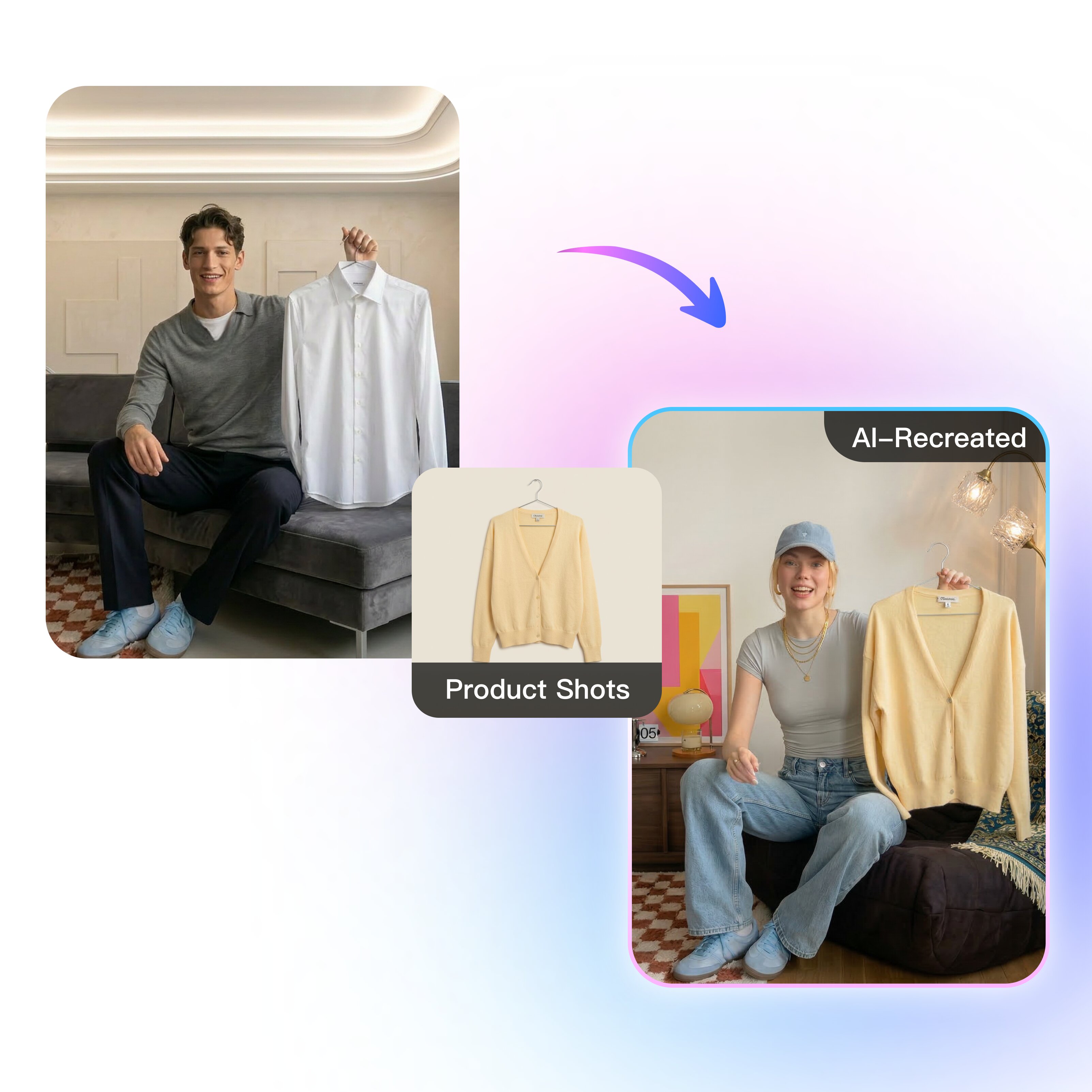


How to recreate videos with Vmake Labs?
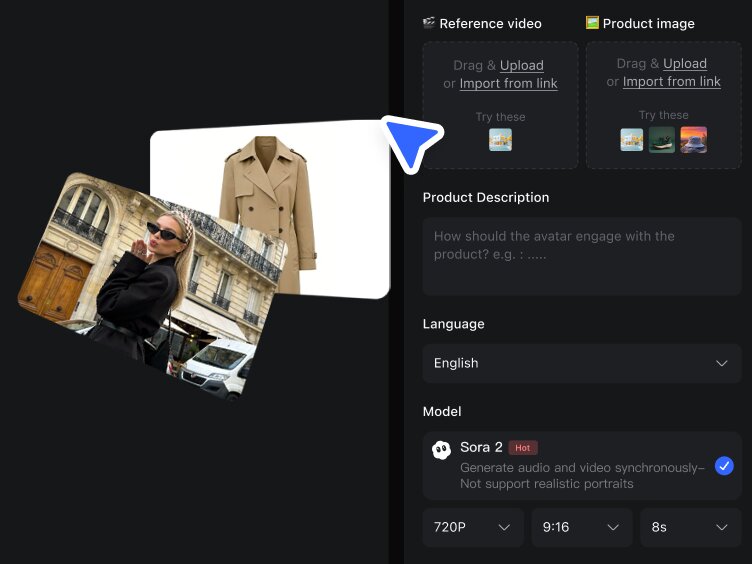
Upload your assets
Add a reference video or URL (optional) to recreate the structure and pacing. Then upload your product image and enter product details, such as key benefits, target audience, offer or price, use cases, and any notes you want included.
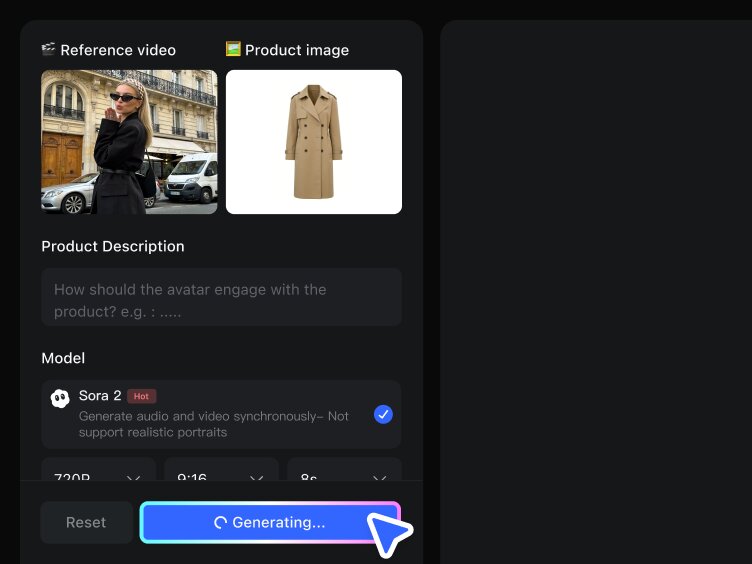
Recreate in one click
Hit generate and Vmake Labs recreates the key beats from the reference, then plugs your product details into the same flow. No scripting, no shot planning, and no stitching clips. You get a complete, usable video output.
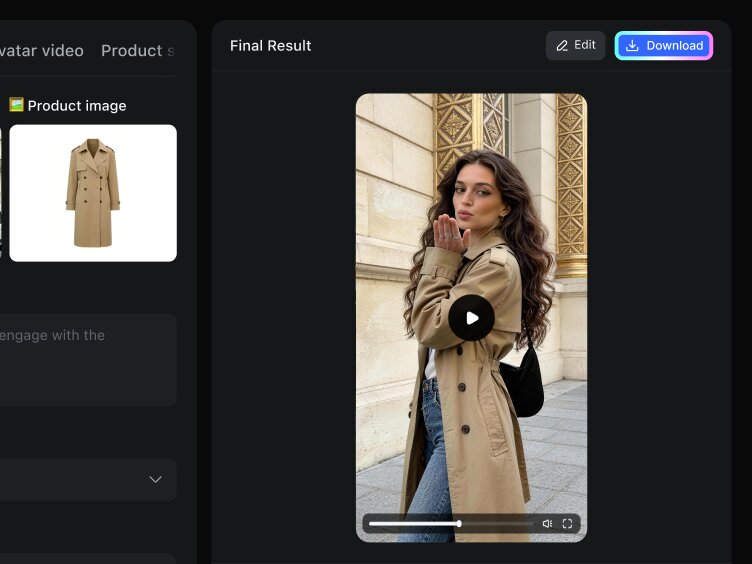
Export and publish across platforms
Preview and export the final video for multi-platform posting. Share it on TikTok, Reels, and Shorts, or reuse the same format to produce your next variation quickly.
Shoppable videos from a single image
Standout features of the Vmake Labs recreate video
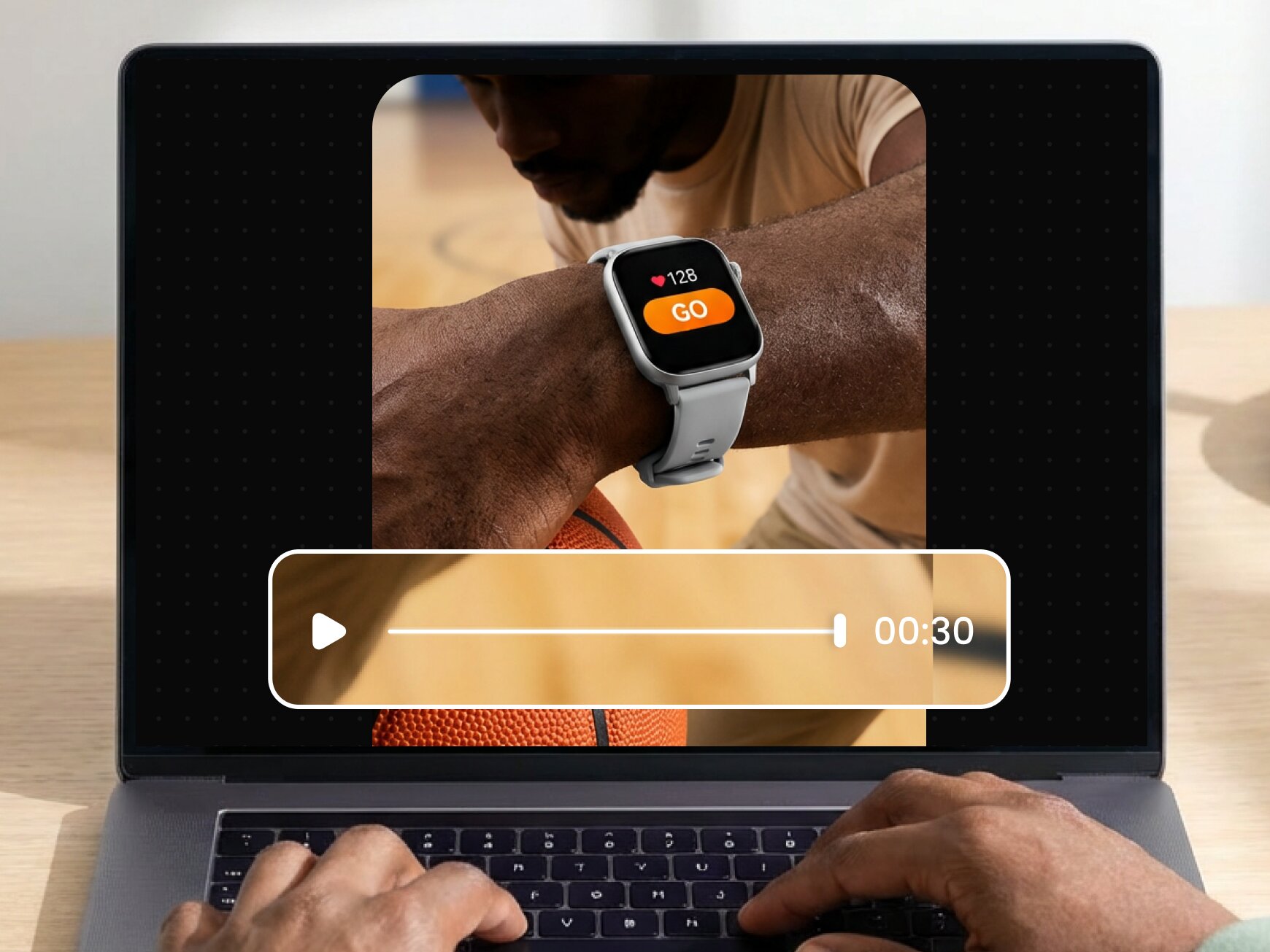
A complete video, ready to publish
No more scattered clips. You get a full 30-second video with a strong hook, clear product story, and a clean close—ready to post to TikTok, Reels, or Shorts without stitching, filling gaps, or re-editing.
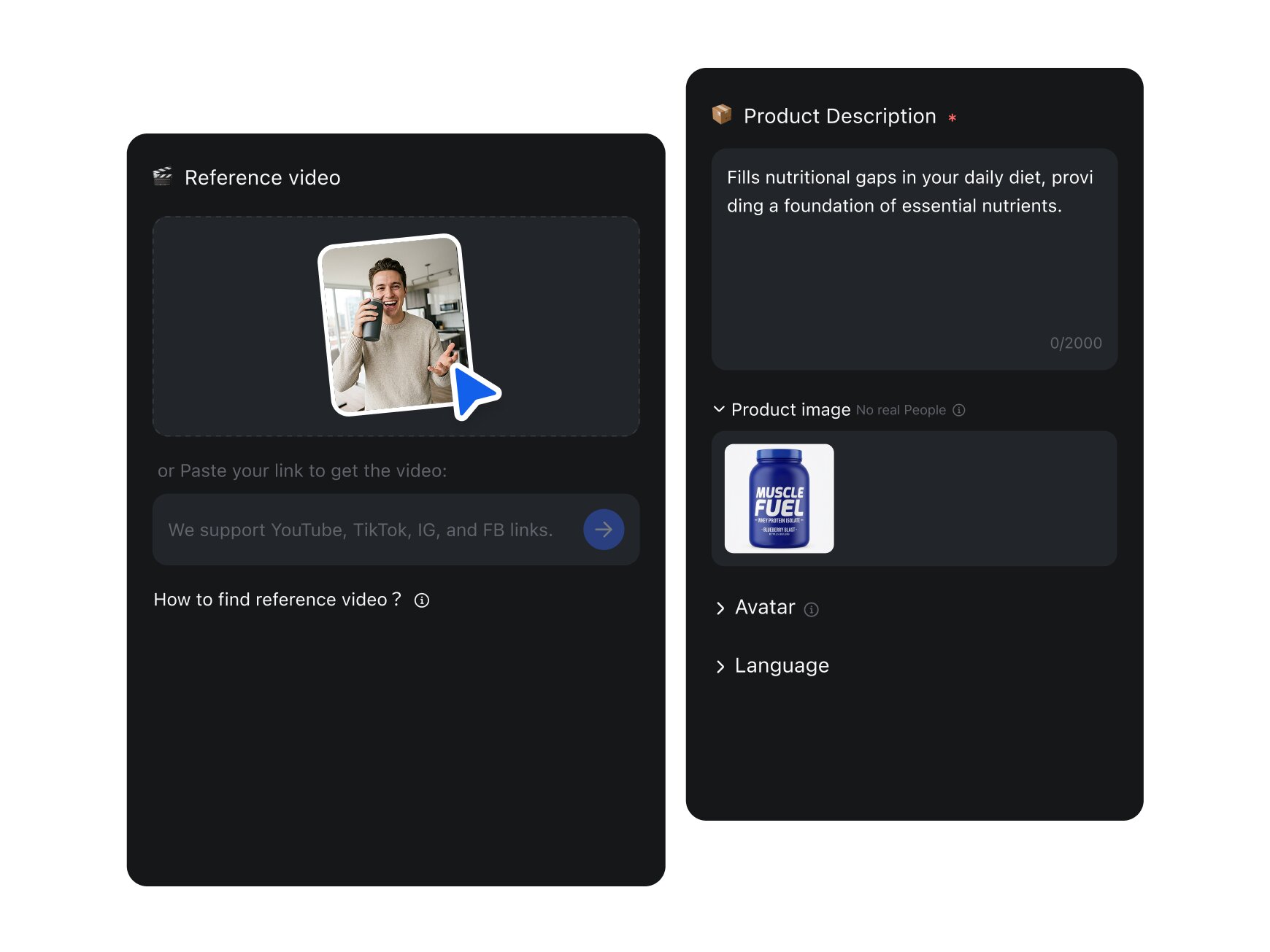
Viral framework analysis with your product plugged in
It identifies the pacing and selling beats that make the reference work, then inserts your product’s key points where they belong—so your video follows a proven structure while staying uniquely yours.
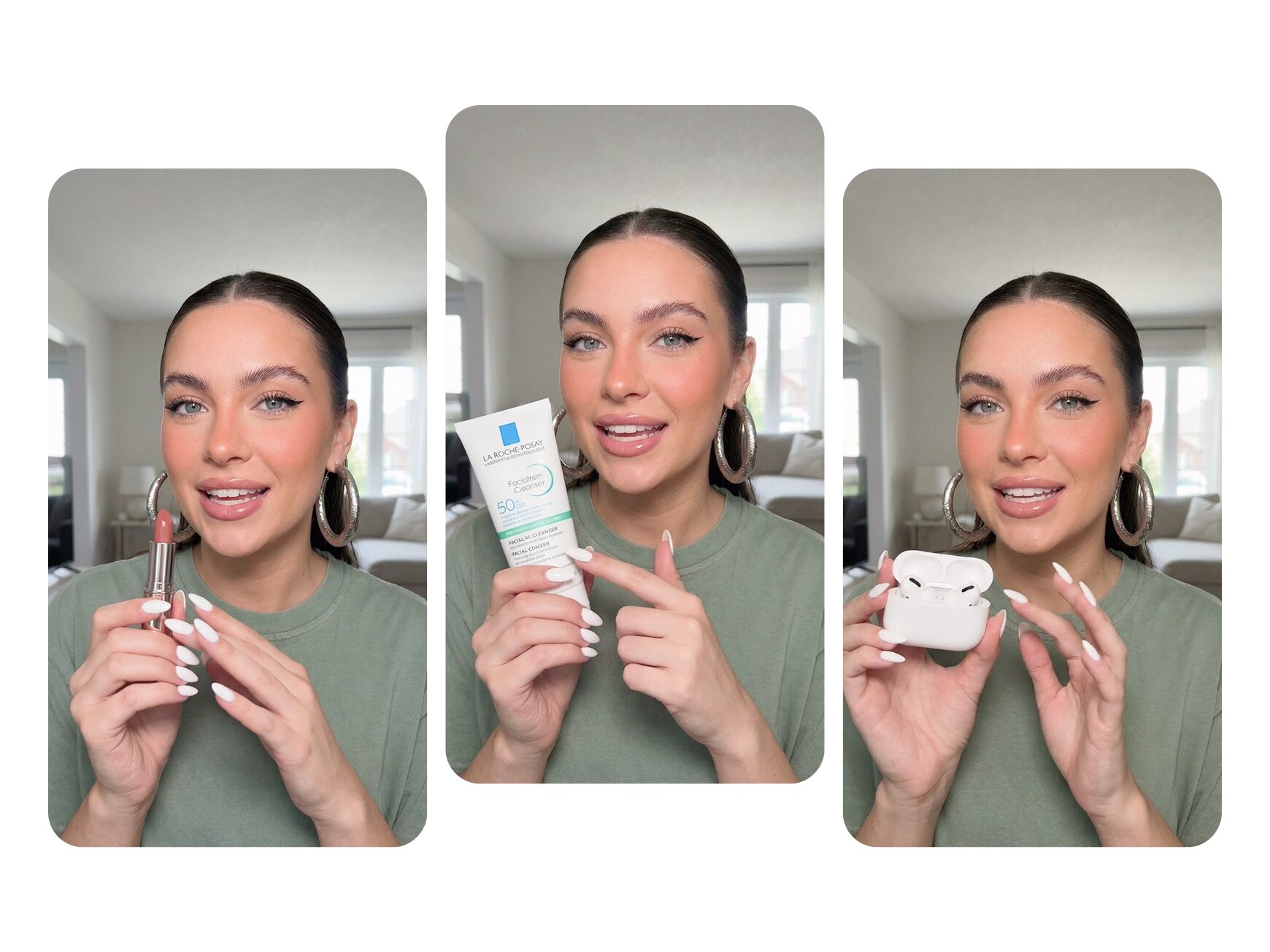
Choose your model, keep your look consistent
Lock in your own selected model/character so the person and style stay consistent from scene to scene—no “style drift,” no random changes, and a cleaner brand feel.
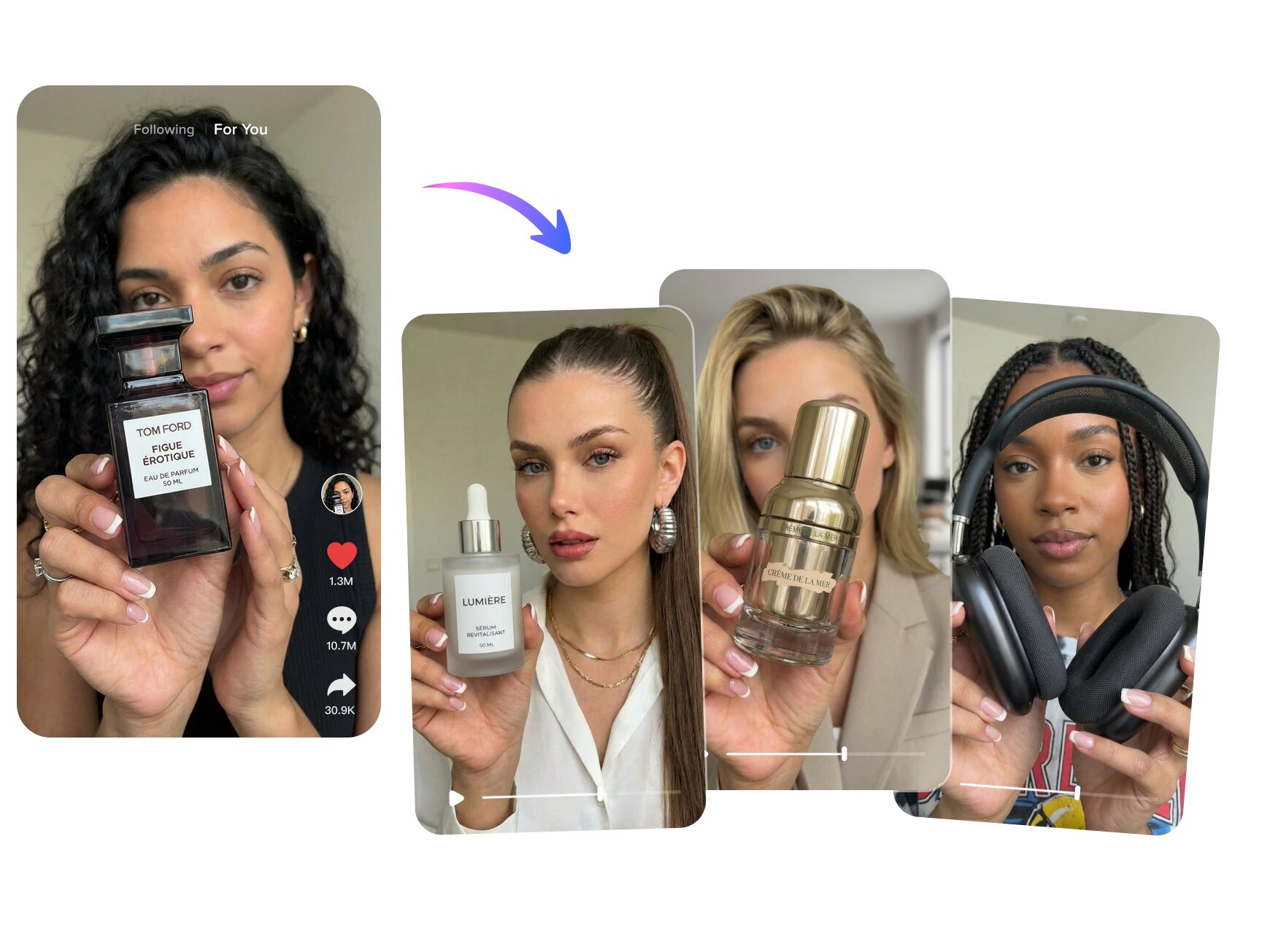
A repeatable method works across products
Reuse the same winning structure for different products. It adapts the angles and use cases automatically, making the process scalable—not a one-off.
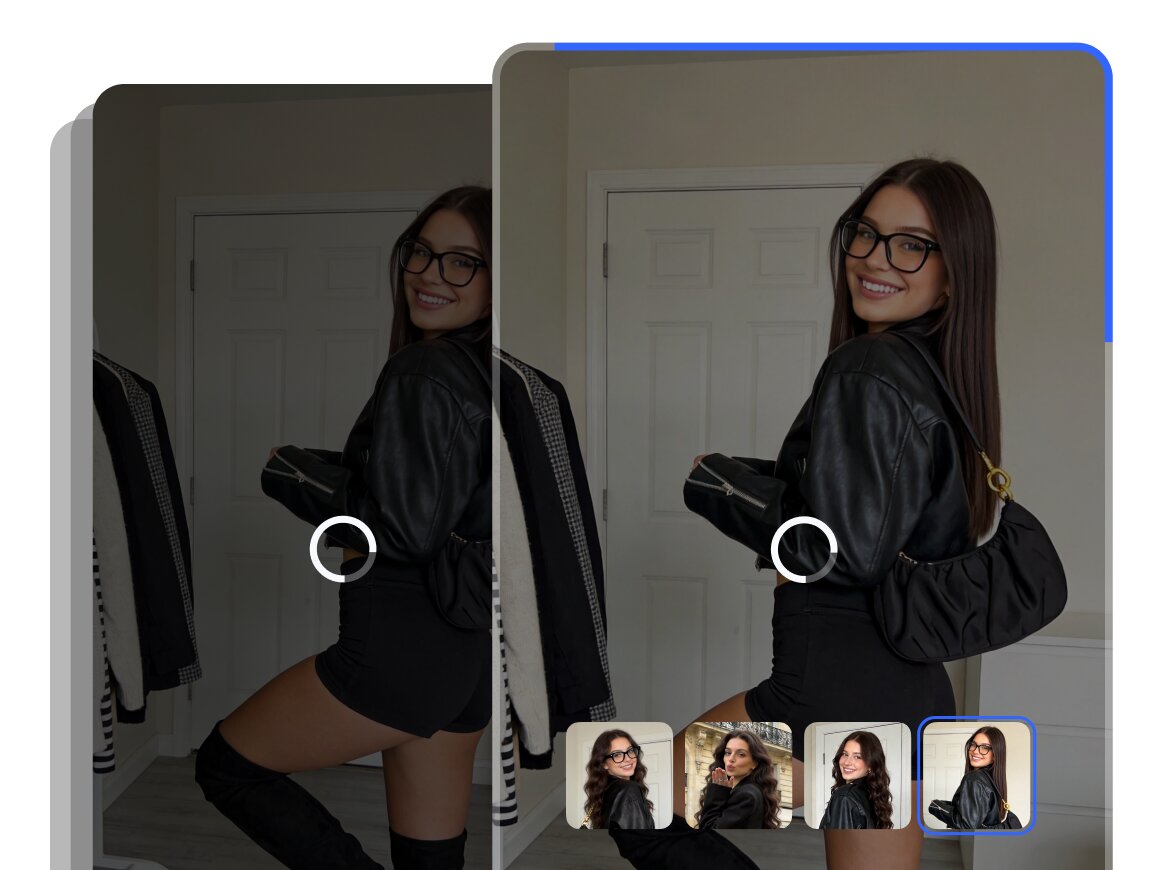
Batch out more creative directions at once
Update the form inputs and generate fresh versions in minutes. Launch multiple tasks at once and test different hooks, angles, and product messages without rewriting scripts or starting the edit over.
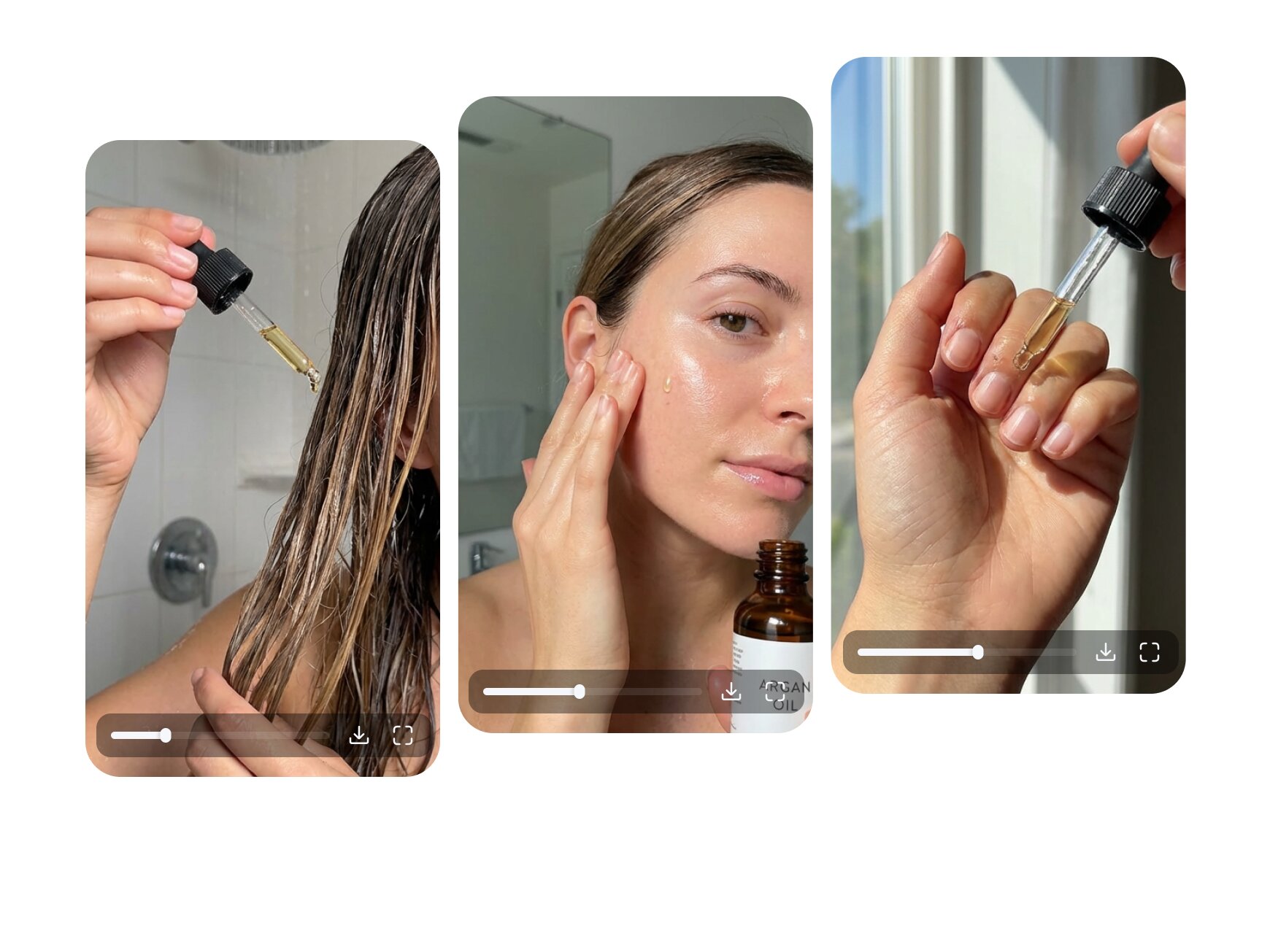
Made for native-feeling UGC
Fine-tuned for authentic UGC-style output, so videos feel more real, more trustworthy, and less artificially generated. Better fit for TikTok shop, Amazon, and other social platforms.
Who's It For
E-commerce sellers
- Turn a product image and a few key points into a shoppable short video for listings, ads, and campaigns—fast.
- Run creative tests without extra production overhead by generating multiple hooks and angles from the same product input.
- Keep always-on posting going for TikTok Shops, Reels, and Shorts while staying within a lean budget.
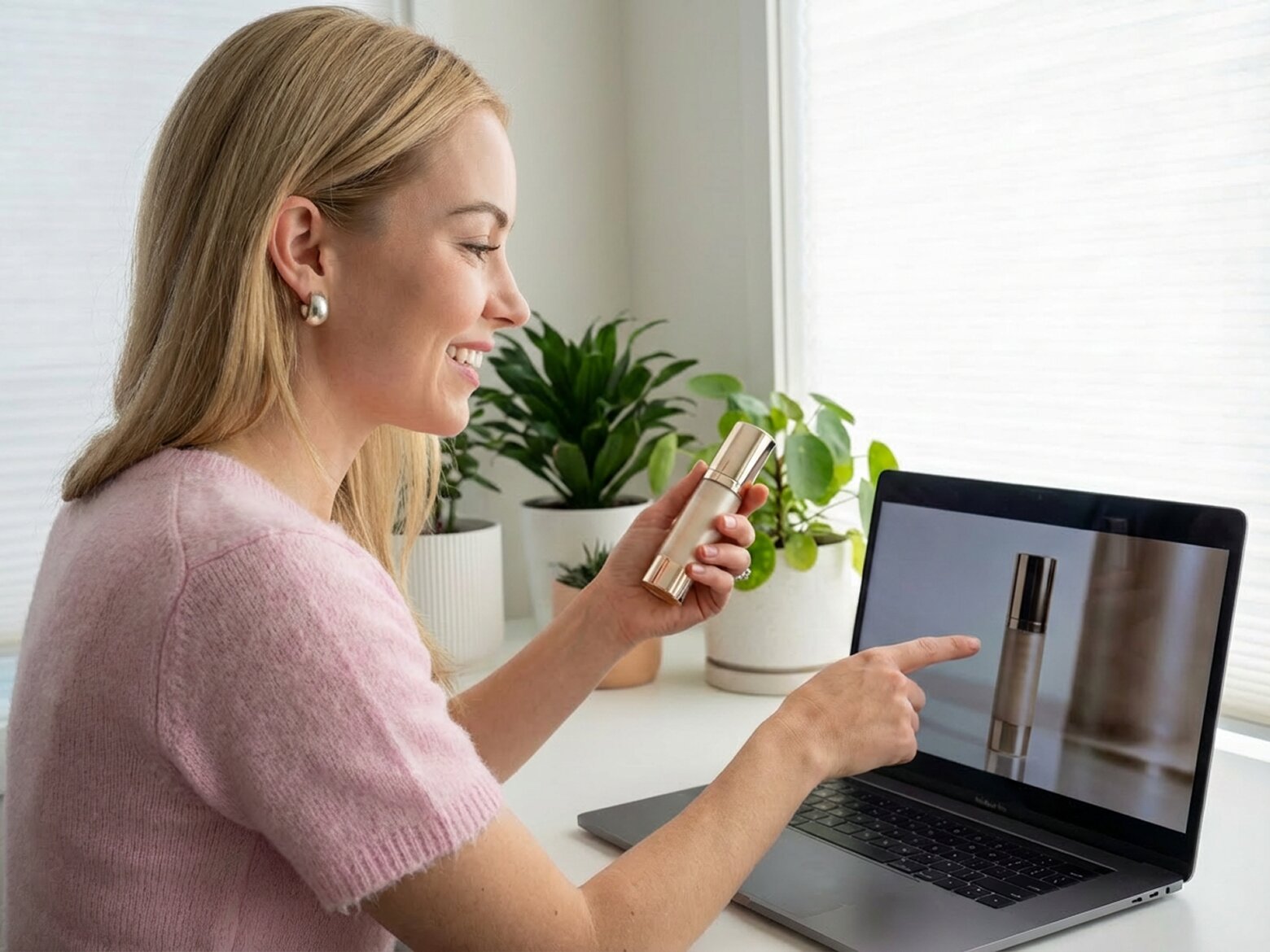
Affiliate & shoppable creators
- Batch-produce conversion creatives across multiple offers instead of rebuilding scripts and visuals every time.
- Reuse a proven structure across different landing pages, then swap in the right hook, benefits, and CTA for each offer.
- Launch more variations per week to capture more clicks and turn traffic into purchases.
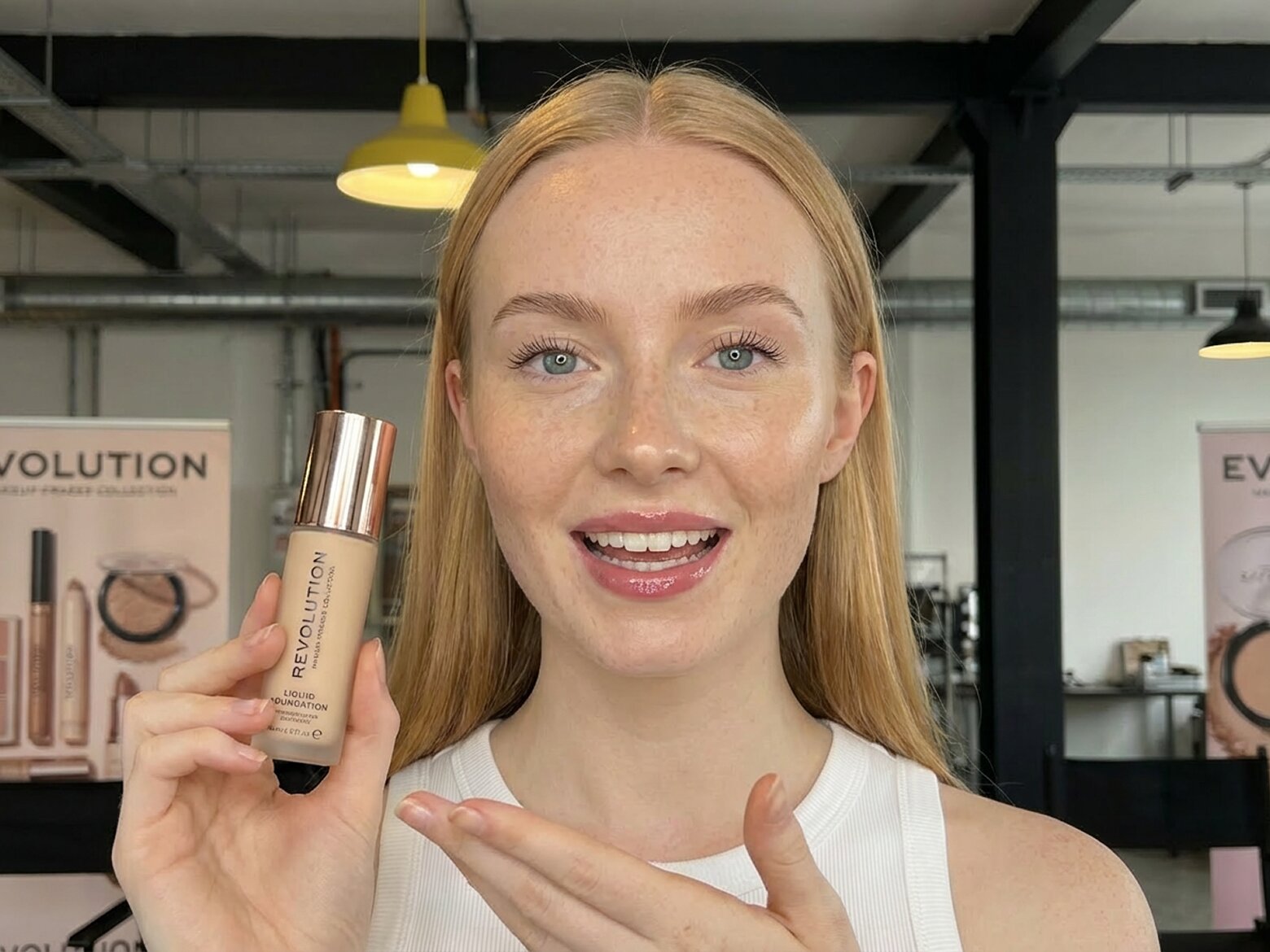
Marketing team
- Faster turnaround for campaign videos tied to promotions, launches, and seasonal pushes without slowing down productiom.
- Scalable production that makes it easier to generate more variations for different audiences, offers, and campaign angles.
- Consistent brand output that keeps messaging, visual direction, and product presentation aligned across campaigns.

Why Choose Us

Generate a complete shoppable video with a clear hook, selling points, and CTA—ready to post to TikTok, Reels, and Shorts.

Vmake maps out pacing and key beats from high-performing formats, then plugs in your product details where they work best.

Ship quick variations in Fast Mode, or lock key shots, product placement, and pacing in Advanced Mode before final export.

Use your chosen model/character to keep the same look across scenes—no style drift, no random changes.

Your uploads are processed securely and kept private. We don’t use your content to train public models, and you stay in control of what you upload and export.

Create multiple hooks, angles, and versions from the same product input—so you can test creatives faster without raising production cost.
FAQ about Vmake Labs recreate video
How do I create a product video online?
Can AI generate a product video from an image?
Yes. Vmake Labs can generate a product video from a single product image plus your product details. It builds a structured short video with a strong opening, clear selling points, and a call-to-action—so you get a full video, not just scattered clips.
What app can make product promo videos for eCommerce?
Vmake Labs Recreate Product Video is an eCommerce product video tool designed for sellers, marketers, and creators who need fast, repeatable promo content. It helps you turn product images into shoppable short videos, with options to generate quickly (Fast Mode) or refine key scenes and pacing (Advanced Mode).
Can I use my own product photos and brand assets?
Absolutely. You can upload your own product images, add text details, and keep your branding consistent. If you have specific product angles, logo placement, or preferred messaging, you can include them in the product info so the output matches your store and campaign style.
Are AI avatars suitable for every product category?
AI avatars work best for products that benefit from demonstration, lifestyle context, or a spokesperson-style delivery (beauty, accessories, home goods, gadgets, digital products, and more). For highly regulated or sensitive categories, you should choose safer creative approaches (e.g., product-focused visuals and compliant wording) and review platform policies before publishing.
Can I use these product videos for paid ads on TikTok, Instagram, and YouTube?
Yes. Many users create Vmake videos for paid advertising and performance campaigns. For best results, generate multiple variations (different hooks and selling angles), then test them in your ad account. Always review the final video for platform compliance and add any required disclaimers for your product category.
Discover More Features

Video & Image Enhancer

Watermark & Text Remover

Video Upscaler

Video Translator

AI Video Generator

Video Background Remover

Video & Audio to Text

Video Noise Reducer
Generate a Full Product Video with Vmake Labs Now
Upload a product image to get a ready-to-post shoppable video in minutes.
Real Stories, Real Results: Voices of Our Users
Likely the best AI generation system on the Internet.
Likely the best AI generation system on the Internet. Fair prices (not like a lot of the rip-offs that overcharge for sub-par results), good customer service and excellent results.
Vmake Labs has been an important tool in my video editing and graphic design workflow over the past year.
Vmake Labs has been an important tool in my video editing and graphic design workflow over the past year. I’m really happy with how they continue to improve the service every day, making my creative process smoother and more efficient.
It’s the first time a viral-style format felt repeatable—and it helped us sell.
It’s the first time a viral-style format felt repeatable—and it helped us sell. We can plug in a new product, keep the same winning flow, and turn more views into orders.
We stopped shooting quick promos.
We stopped shooting quick promos. These storyboards let us put out shoppable videos fast, and we actually see more customers clicking through and buying.
We went from “cool reference” to a sales-ready script in one pass.
We went from “cool reference” to a sales-ready script in one pass. Less back-and-forth, faster launches—and creatives that drive purchases, not just engagement.
The product placement feels natural and clear, which makes a big difference for sales.
The product placement feels natural and clear, which makes a big difference for sales. Shoppers immediately get what it is and why they need it—so more of them end up checking out.