Transcribe MP4 to Text: Compare the 10 Best AI Tools
Find the best AI tool to transcribe MP4 to text. Compare leading transcription platforms, explore free AI options, convert MP4 videos into accurate text, and streamline your workflow with Vmake Labs.

Transcribing MP4 videos into text is faster than ever with AI. Whether you're creating subtitles, meeting notes, or content, the right tool can save time. This guide compares the 10 best tools to transcribe MP4 to text, covering their features, pricing, and overall value to help you choose the right one.
What Is MP4 to Text Transcription?
MP4 to text transcription is the process of converting spoken audio from an MP4 video into written text using artificial intelligence. Instead of listening and typing manually, AI speech recognition automatically detects spoken words and generates an editable transcript within minutes. Many transcription tools also support subtitle creation, speaker identification, translation, and multiple export formats.
What Does It Mean to Transcribe MP4 to Text?
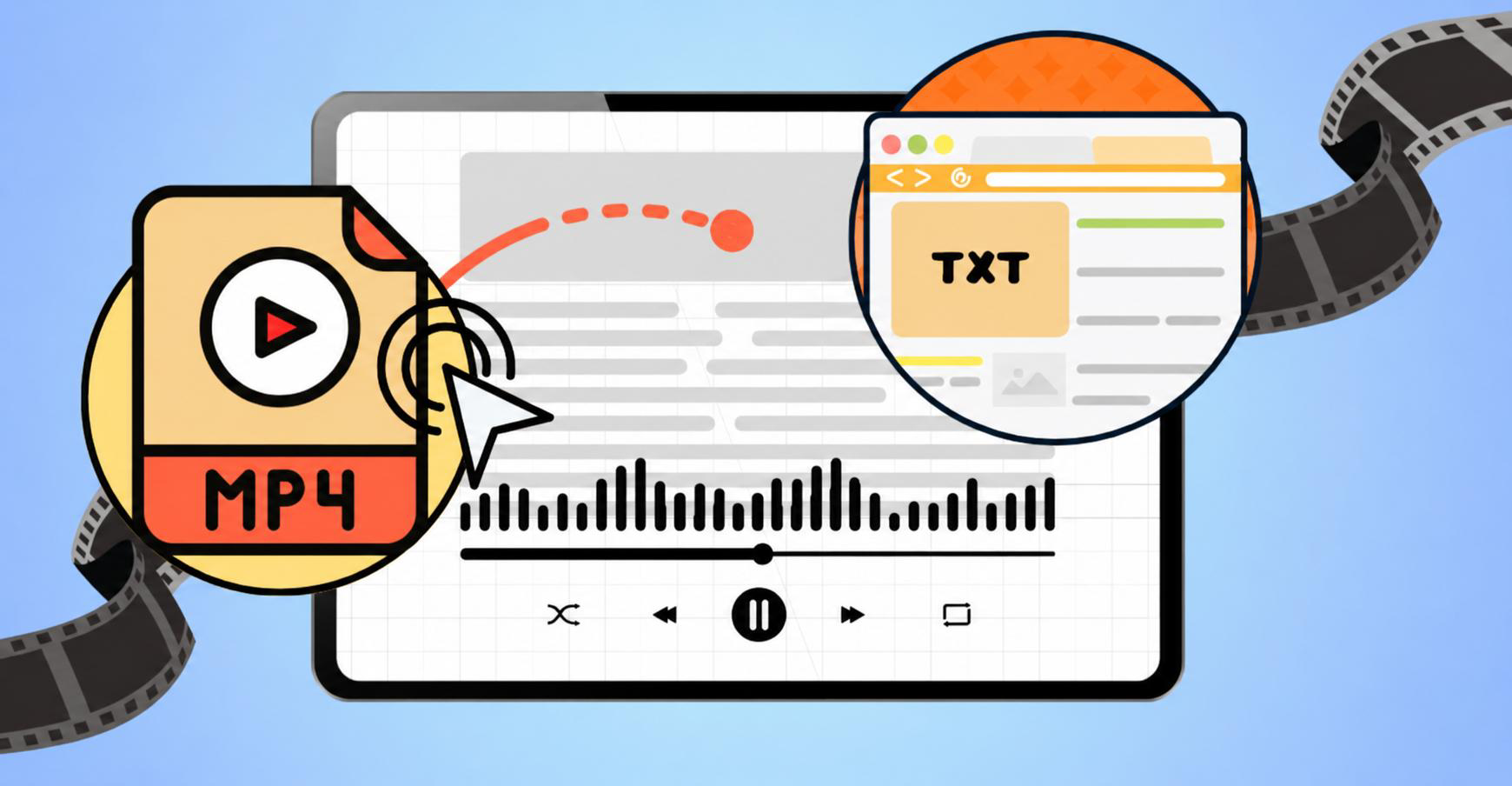
Transcribing an MP4 file means extracting speech from a video and converting it into readable text. The transcript can be edited, searched, translated, or exported for captions, documentation, blogs, meeting notes, or accessibility purposes. Modern AI tools significantly reduce transcription time while maintaining high accuracy for clear recordings.
How We Evaluated the Best MP4 to Text Tools
To make this comparison as useful as possible, we evaluated each MP4 to text tool based on the features that matter most in everyday use. We looked at transcription quality, ease of use, language support, editing options, and overall value to see how well each platform performs for different transcription needs.
|
Evaluation Criteria |
What We Considered |
|---|---|
|
Transcription Accuracy |
How accurately the tool converts spoken audio into text. |
|
Ease of Use |
How simple it is to upload files, navigate the interface, and generate transcripts. |
|
Language Support |
The number of supported transcription and translation languages. |
|
Editing & Export Options |
Available editing features and export formats for transcripts and subtitles. |
|
Pricing & Value |
Free plans, paid pricing, and the features offered at each price point. |
10 Best Tools to Transcribe MP4 to Text
AI-powered transcription tools make it easy to convert MP4 videos into editable text using a video transcript generator for meetings, interviews, lectures, podcasts, and social media content. To help you find the right option, we've compared the best MP4 to text tools based on their features, ease of use, pricing, and overall value.
|
Tool |
Best For |
Key Strength |
Free Tier |
|---|---|---|---|
|
Vmake Labs |
Creators, marketers, and businesses |
AI-powered MP4 transcription with multilingual support, transcript editing, and flexible export options. |
Free plan. |
|
Otter |
Meetings and team collaboration |
AI-powered MP4 transcription with real-time meeting notes, speaker identification, and AI summaries. |
Free plan. |
|
Rev |
Professional and business transcription |
AI and human MP4 transcription with high accuracy and professional transcription services. |
Free plan |
|
ElevenLabs |
Content creators and multilingual transcription |
AI-powered MP4 transcription with multilingual support and high transcription accuracy. |
Free plan. |
|
Happy Scribe |
Researchers, educators, and media professionals |
AI and human MP4 transcription with subtitle generation and human review options. |
Free trial. |
|
TurboScribe |
High-volume transcription |
AI-powered MP4 transcription for long recordings with multiple export options |
Free plan. |
|
Canva |
Video creators and marketers |
AI-powered MP4 transcription with built-in caption generation and video editing tools |
Free plan. |
|
Clipto |
Students and professionals |
AI-powered MP4 transcription with browser-based editing and export capabilities |
Free trial. |
|
Uniscribe |
Business documentation and meetings |
AI-powered MP4 transcription with collaboration and export features |
Free plan. |
|
Any2Text |
Casual users and quick transcription |
AI-powered MP4 transcription with a simple, browser-based conversion workflow |
Limited free usage. |
-
Vmake Labs
In only a few minutes, Vmake, an AI transcription tool, can turn MP4 films into editable text. It is appropriate for professionals, corporations, schools, and artists since it provides multilingual transcription, transcript editing, and versatile export choices.
Key Features of Vmake Labs
-
Transcribe TikTok Videos and More: Transcribe TikTok videos by pasting supported TikTok, YouTube, Instagram, or Facebook video links, or uploading local video and audio files for transcription.
-
Multilingual Transcription with Translation: Generate transcripts in multiple languages and translate them into another supported language during the transcription process.
-
Browser-Based Transcription: Convert MP4 files into text directly from your browser without installing additional software.
-
TXT and SRT Export in One Workflow: Review your transcript and download it in TXT or SRT format for documentation, subtitles, or content creation.
-
Flexible Input Options: Start with local uploads or supported social media video links, depending on how your content is stored.
How to Transcribe MP4 to Text with Vmake Labs
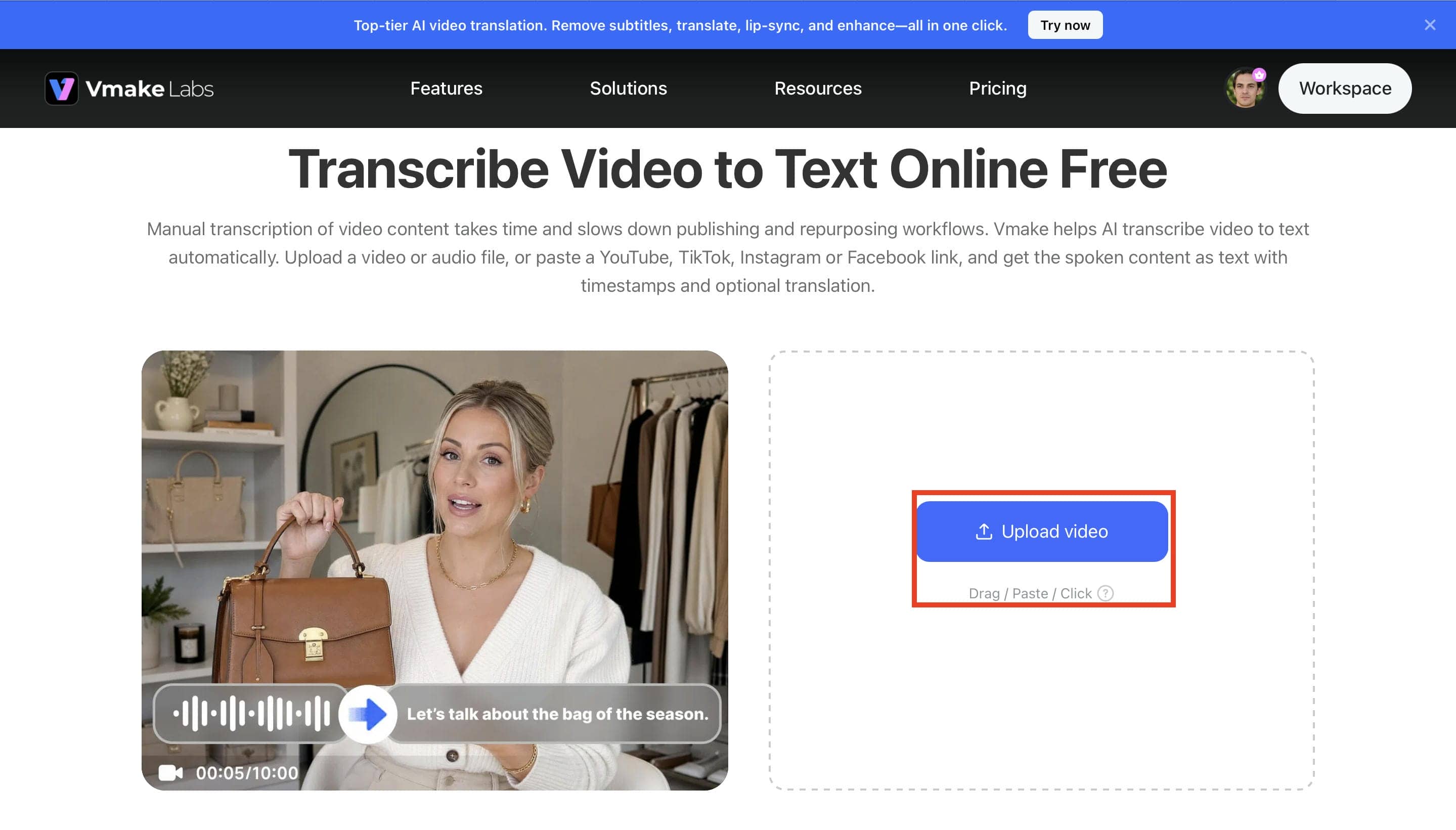
Step 1. Upload Your MP4 File or Paste a Video Link. Open the Video & Audio to Text tool and upload your MP4 file by clicking Upload Video, dragging and dropping the file, or pasting a supported YouTube, TikTok, Instagram, or Facebook video link. Once the file is uploaded, you're ready to start the transcription process.
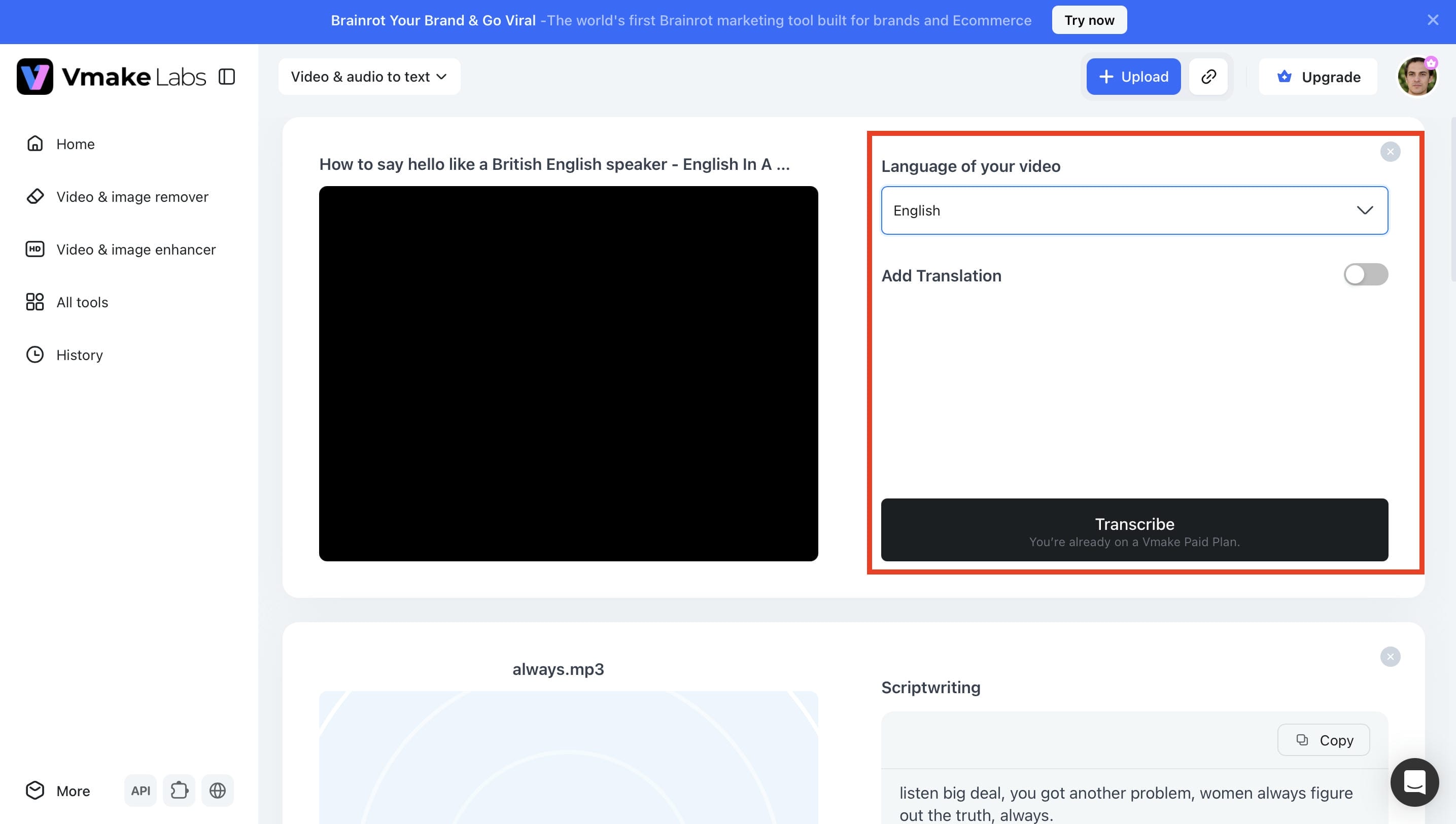
Step 2. Select the Transcription Language Choose the language spoken in your MP4 file and enable Add Translation if you want the transcript translated into another supported language. Then click Transcribe to generate the transcript.
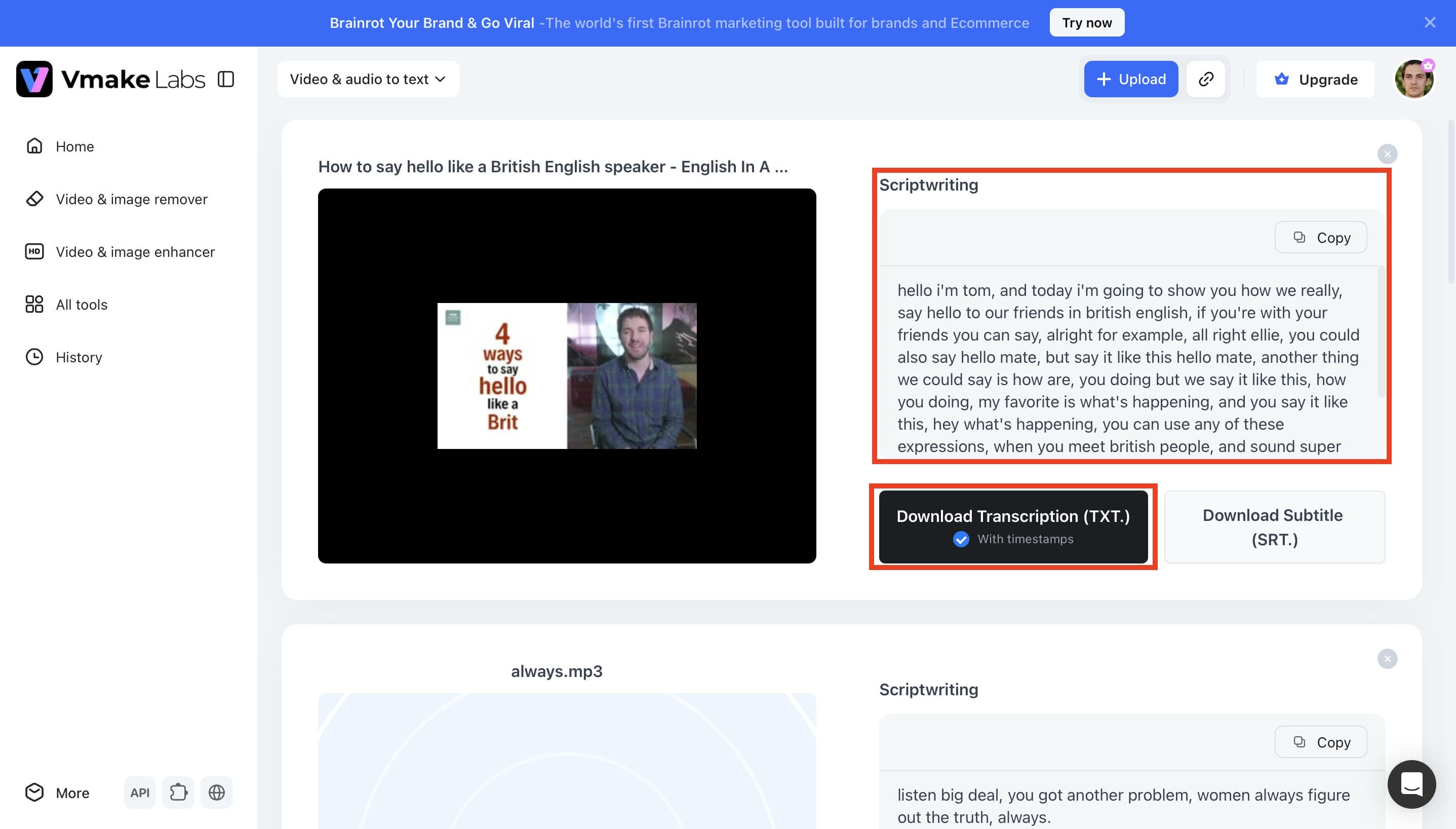
Step 3. Review, Edit, and Export Your Transcript. Once the transcription is complete, review the generated text in the Scriptwriting panel. You can copy the transcript directly or download it in TXT or SRT format for documents, subtitles, or other projects.
Pros and Cons
|
Pros |
Cons |
|---|---|
|
Supports video, audio, and video link transcription. |
The free plan has limited usage. |
|
Multilingual transcription with optional translation. |
Higher usage requires a paid plan. |
|
Exports transcripts in TXT and SRT formats. |
Premium features are available on paid plans. |
|
Simple and beginner-friendly workflow. |
|
|
Suitable for multiple transcription use cases. |
|
Pricing
|
Plan |
Price |
Video & Audio to Text |
|---|---|---|
|
Free |
$0 |
Up to 3 files |
|
Plus |
$9.99/month |
Up to 10 files per day |
|
Pro |
$29.99/month |
Up to 50 files per day |
-
Otter.ai
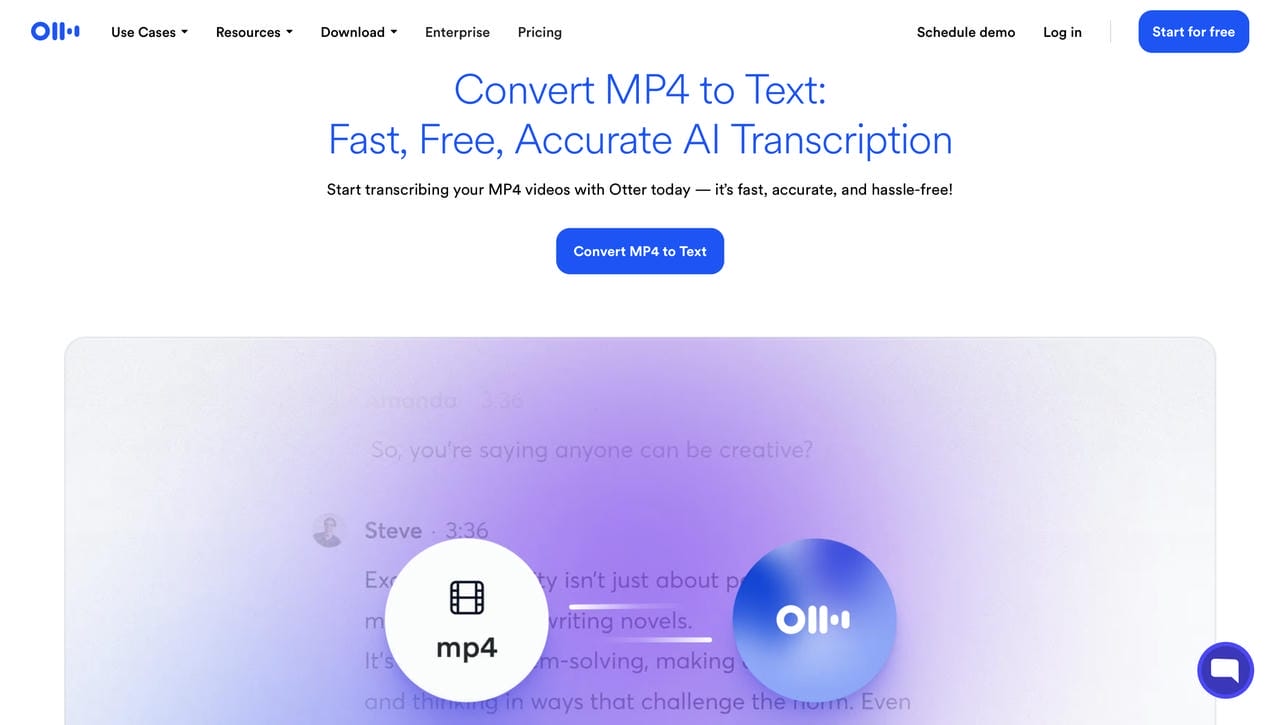
Otter.ai is an AI-powered transcription platform built for meetings, interviews, lectures, and business conversations. It provides real-time transcription, speaker identification, meeting summaries, and integrations with Zoom, Google Meet, and Microsoft Teams. It's a popular choice for professionals who need collaborative transcription.
Pros and Cons
|
Pros |
Cons |
|---|---|
|
Real-time transcription |
Limited free plan |
|
AI meeting summaries |
Best features require a paid plan |
|
Speaker identification |
Less suitable for subtitle creation |
|
Strong collaboration features |
|
Pricing
|
Plan |
Starting Price |
|---|---|
|
Basic |
Free |
|
Pro |
$8.49/user/month |
|
Business |
$24/user/month |
|
Enterprise |
Custom pricing |
-
Rev
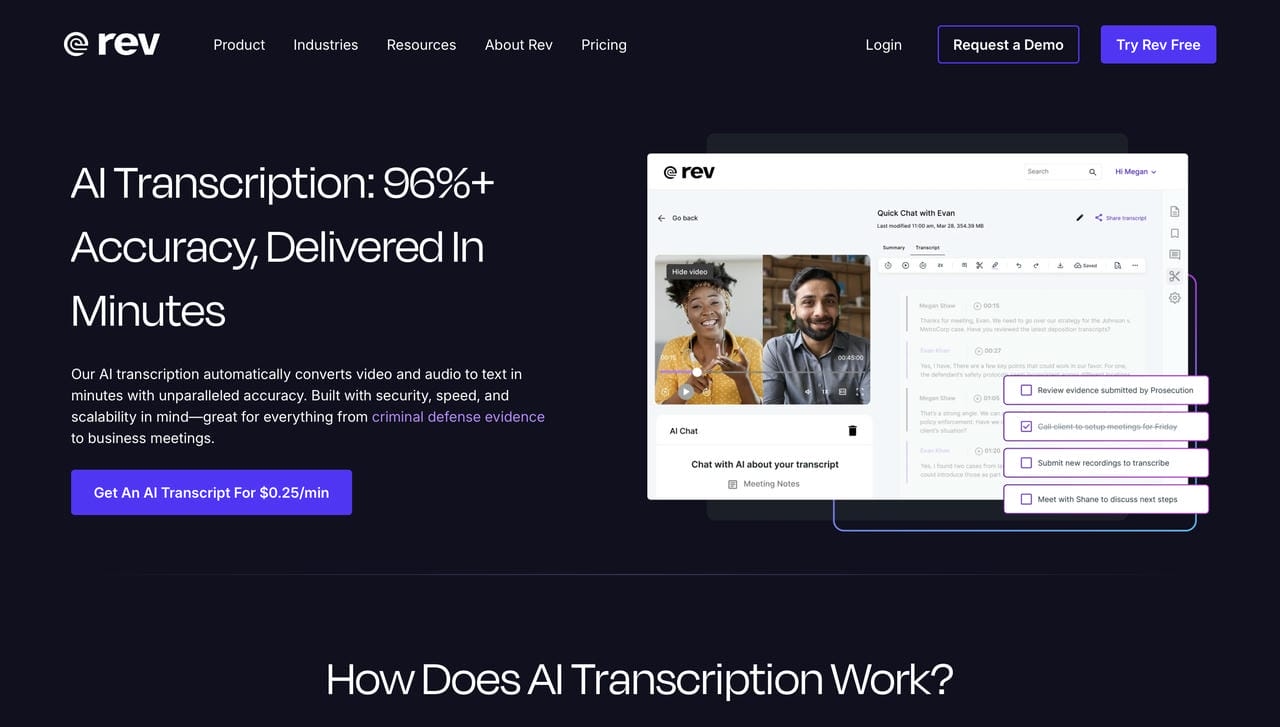
Rev offers both AI-powered and human transcription services, making it suitable for businesses, legal professionals, journalists, and researchers. It delivers fast AI transcripts with optional human review for higher accuracy, along with captions, subtitles, and translation services.
Pros and Cons
|
Pros |
Cons |
|---|---|
|
AI and human transcription |
Human transcription is more expensive |
|
High transcription accuracy |
Limited free features |
|
Supports captions and subtitles |
Fewer editing tools than competitors |
|
Multiple export formats |
|
Pricing
|
Plan/Service |
Starting Price |
|---|---|
|
Free |
$0 |
|
AI Transcription |
$0.25/minute |
|
Essentials |
$25.49/seat/month |
|
Pro |
$47.99/seat/month |
|
Enterprise |
Custom pricing |
-
ElevenLabs
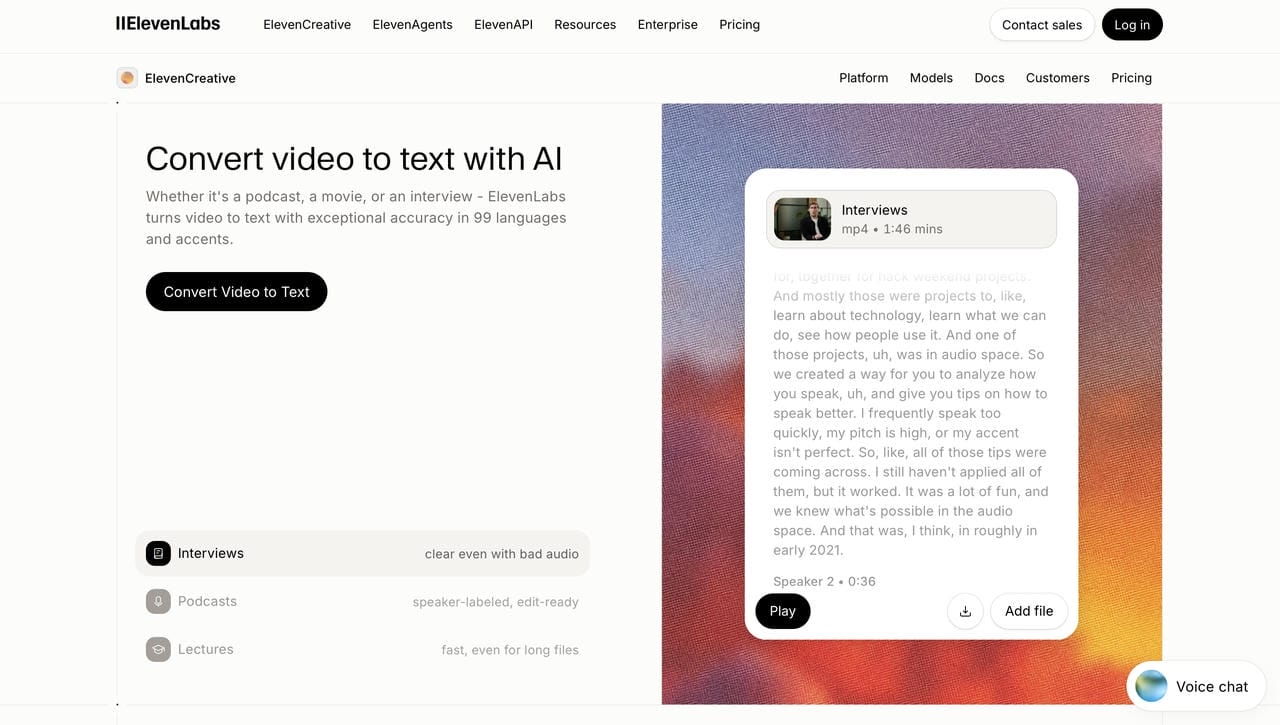
ElevenLabs is widely recognized for AI voice generation and voice cloning, while also offering accurate speech-to-text transcription. It supports over 99 languages and delivers fast transcription for podcasts, interviews, meetings, and videos with multilingual capabilities.
Pros and Cons
|
Pros |
Cons |
|---|---|
|
Excellent multilingual support |
Primarily focused on AI voice tools |
|
High transcription accuracy |
Advanced features require paid plans |
|
Fast processing |
Limited collaboration features |
|
Supports long-form audio |
|
Pricing
|
Plan |
Starting Price |
|---|---|
|
Free |
$0 |
|
Starter |
$6/month |
|
Creator |
$11/month |
|
Pro |
$99/month |
-
Happy Scribe
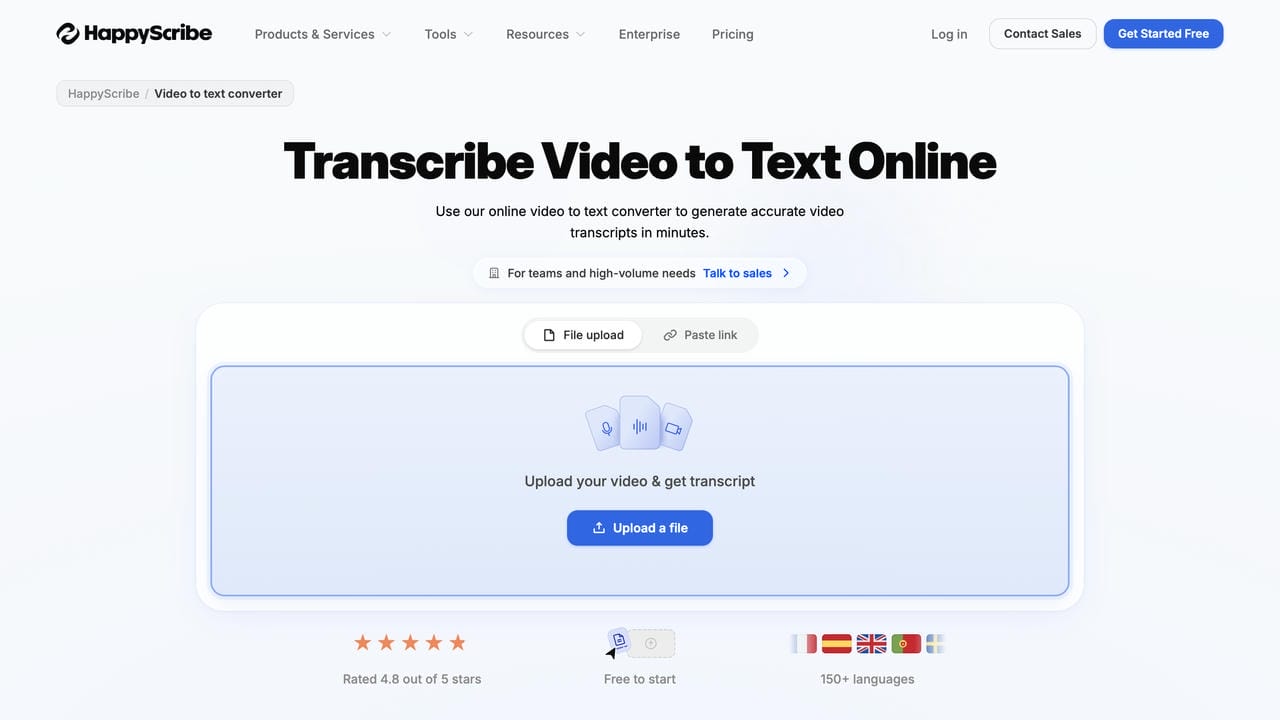
Happy Scribe provides AI and human transcription services for businesses, educators, and media teams. It supports over 150 languages, subtitle generation, translations, and collaborative editing, making it suitable for professional transcription workflows.
Pros and Cons
|
Pros |
Cons |
|---|---|
|
AI and human transcription |
Human transcription costs more |
|
Supports 150+ languages |
Free plan has limitations |
|
Subtitle and translation tools |
Large projects can become costly |
|
Team collaboration |
|
Pricing
|
Plan |
Starting Price |
|---|---|
|
Free |
$0 |
|
Basic |
$8.50/month |
|
Pro |
$19/month |
|
Business |
$59/month |
-
TurboScribe
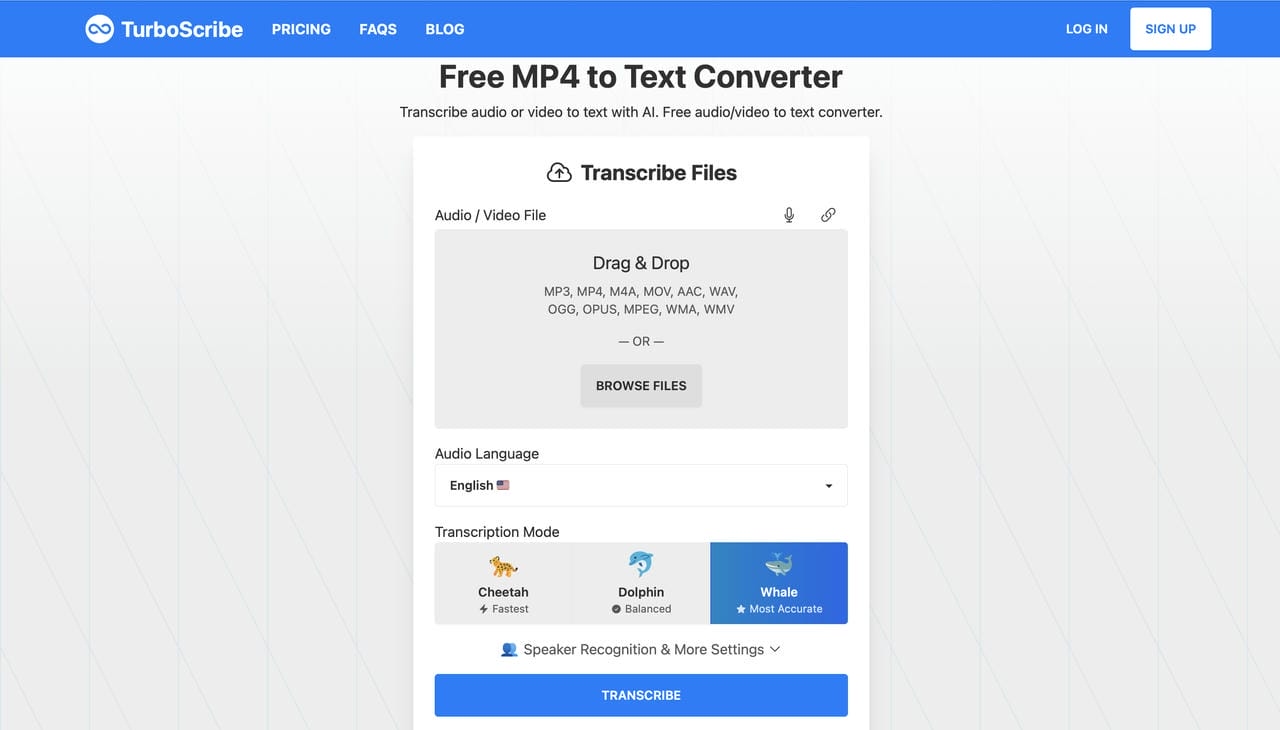
TurboScribe is an AI transcription tool designed for users who frequently process lengthy audio and video files. It supports over 130 languages, multiple export formats, speaker recognition, and unlimited transcription on its paid plan.
Pros and Cons
|
Pros |
Cons |
|---|---|
|
Unlimited transcription plan |
Free plan limits daily usage |
|
Supports long files |
Requires internet connection |
|
Multiple export formats |
Fewer collaboration features |
|
Speaker recognition |
|
Pricing
|
Plan |
Starting Price |
|---|---|
|
Free |
$0 |
|
Unlimited |
$10/month (billed annually) |
-
Canva
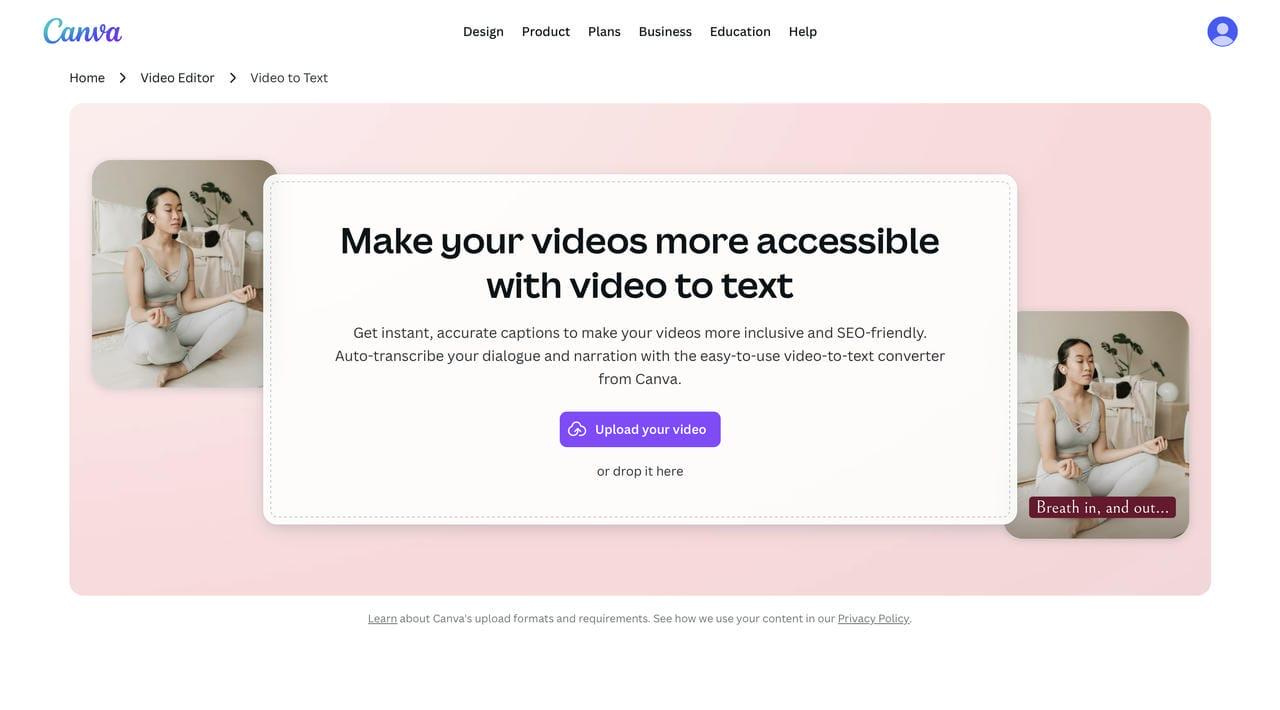
Canva includes an AI-powered video-to-text feature within its online design platform. Users can automatically generate captions, edit transcripts, and create accessible videos without switching between multiple editing tools, making it ideal for content creators and marketers.
Pros and Cons
|
Pros |
Cons |
|---|---|
|
Easy to use |
Best for Canva ecosystem |
|
Built-in video editor |
Limited transcription controls |
|
Automatic captions |
Advanced features require Pro |
|
Great for social media content |
|
Pricing
|
Plan |
Pricing |
|---|---|
|
Free |
Free |
|
Canva Pro |
$18/month |
|
Canva Business |
$25/month |
|
Enterprise |
Contact sales |
-
Clipto
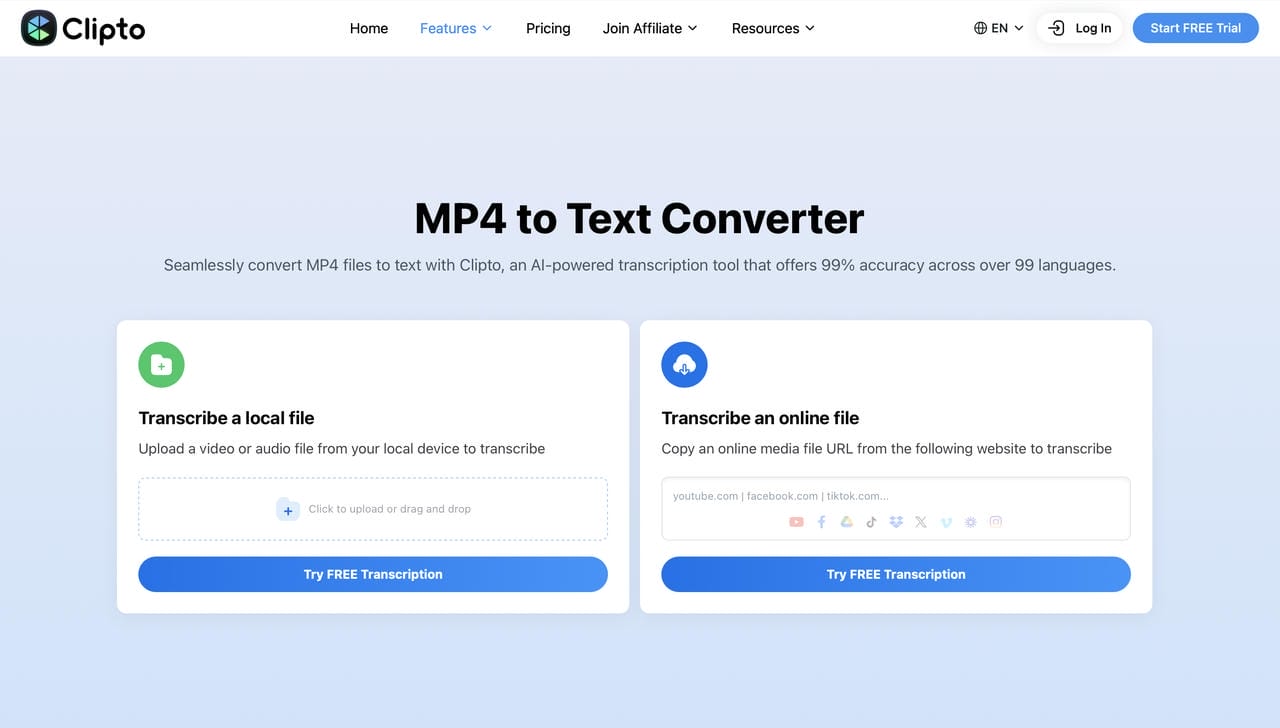
Clipto is an AI-powered transcription platform that converts audio and video into editable text with support for over 99 languages. It also offers video search, speaker recognition, and cloud-based transcription for individuals and professionals.
Pros and Cons
|
Pros |
Cons |
|---|---|
|
Supports 99+ languages |
No permanent free plan |
|
Fast transcription |
Fewer collaboration tools |
|
Speaker recognition |
Subscription required for full access |
|
Cloud-based workflow |
|
Pricing
|
Plan |
Starting Price |
|---|---|
|
Monthly |
$9.99/month (introductory) |
|
Yearly |
$8.99/month (billed annually) |
-
Uniscribe
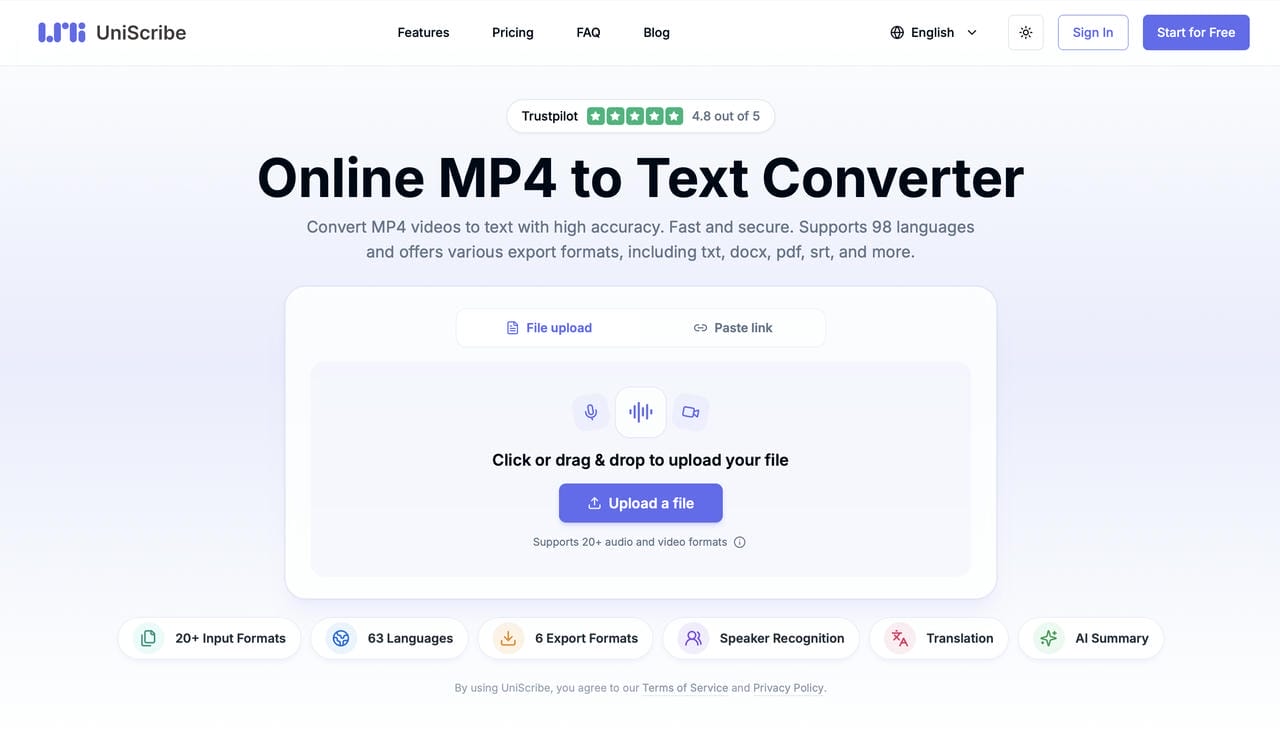
UniScribe is an AI transcription platform that converts MP4, audio, and meeting recordings into searchable text. It supports dozens of languages, speaker recognition, AI summaries, and multiple export formats for personal and business use.
Pros and Cons
|
Pros |
Cons |
|---|---|
|
AI summaries |
Free plan has usage limits |
|
Multiple export formats |
Smaller user community |
|
Speaker recognition |
Paid plans unlock advanced features |
|
Supports many file formats |
|
Pricing
|
Plan |
Starting Price |
|---|---|
|
Free |
$0 |
|
Basic |
$6/month |
|
Standard |
$12/month |
|
Pro |
$18/month |
-
AnytoText
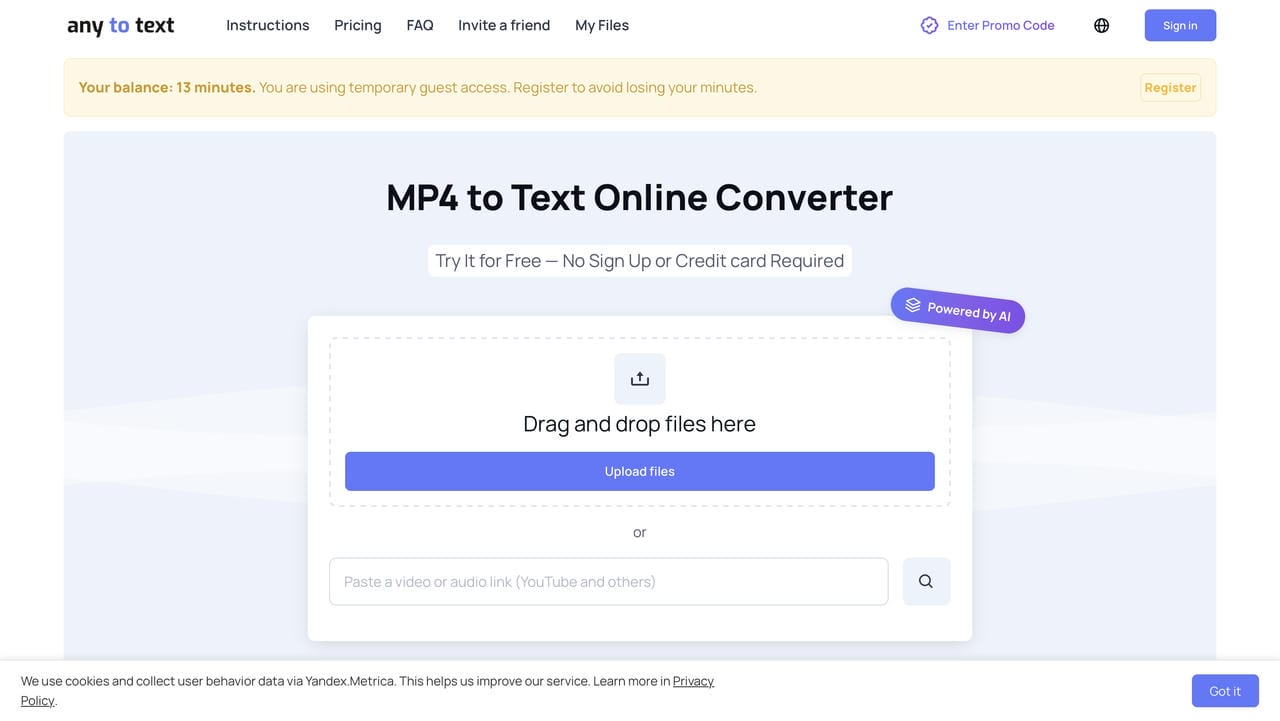
AnytoText is an AI transcription tool that converts MP4 videos and audio recordings into editable text through a simple browser interface. It supports multiple uploads, online video links, and several export options, making it suitable for quick transcription tasks.
Pros and Cons
|
Pros |
Cons |
|---|---|
|
Supports video links and uploads |
Free usage is limited |
|
Simple browser-based interface |
Fewer advanced editing features |
|
Multiple file uploads |
Smaller feature set than leading competitors |
|
Fast AI transcription |
|
Pricing
|
Plan |
Starting Price |
|---|---|
|
Pay per File |
$0.035/minute |
|
Basic |
$4.99/month |
|
Premium |
$19.99/month |
How to Choose the Right MP4 Transcription Tool
The best MP4 transcription tool depends on your workflow. Some platforms focus on meetings and collaboration, while others are better for subtitles, multilingual content, or social media videos. Before choosing a tool, consider the features that matter most to your needs.
|
Use Case |
Recommended Tool |
Why It Stands Out |
|---|---|---|
|
Content creators |
Vmake Labs |
Supports video links, multilingual transcription, and TXT/SRT exports. |
|
Business meetings |
Otter.ai |
Real-time transcription, AI summaries, and collaboration tools. |
|
Professional transcription |
Rev |
AI and human transcription for higher accuracy. |
|
Long recordings |
TurboScribe |
Handles lengthy audio and video files efficiently. |
|
Multilingual projects |
Happy Scribe or ElevenLabs |
Broad language support with translation features. |
|
Subtitle creation |
Vmake Labs or Canva |
Easy transcript editing and subtitle-ready exports. |
|
Budget-friendly option |
Vmake Labs, Otter.ai, or Canva |
Free plans for getting started. |
If you mainly create videos for social media, marketing, or online courses, Vmake Labs is a practical choice because it supports direct video links, multilingual transcription with translation, and TXT or SRT exports in a browser-based workflow. For meeting collaboration or human-reviewed transcripts, Otter.ai and Rev may be better suited.
Common Challenges When Transcribing MP4 Files
Even with AI-powered transcription tools, certain factors can affect the quality and speed of MP4 transcription. Understanding these common challenges can help you choose the right tool and improve transcription accuracy.
-
Poor Audio Quality and Background Noise: Low-quality recordings are one of the biggest obstacles to accurate transcription. Background conversations, traffic noise, echoes, microphone distortion, and low speaker volume can cause AI to misinterpret words or miss parts of the conversation. Recording in a quieter environment improves transcription results.
-
Multiple Speakers and Mixed Languages: MP4 files often include multiple speakers, overlapping conversations, regional accents, or more than one language. These situations make it harder for transcription tools to correctly identify who is speaking and accurately convert speech into text.
-
Long Recordings and Large MP4 Files: Long MP4 files usually need more processing time and may exceed the upload limits of some transcription platforms. Files containing hours of meetings, interviews, or lectures require stable processing. Choosing a tool that supports long recordings and larger file uploads helps improve the transcription workflow.
Conclusion
Transcribing MP4 files into text makes it easier to search, edit, repurpose, and share video content. With so many AI transcription tools available, the best choice depends on your workflow, budget, and feature requirements. If you're looking for multilingual transcription, support for video links, and convenient TXT or SRT exports, Vmake Labs is a practical option for converting MP4 files into accurate, editable text.
FAQs
Can I transcribe MP4 files with multiple speakers?
Yes, AI transcription tools can identify multiple speakers and separate the speech of each. Accuracy is affected by recording quality, speaker overlap and background noise. And for best results, it is still recommended to review the transcript afterwards.
Can I transcribe long MP4 videos with AI?
Yes. Most AI transcription tools support long MP4 videos, although maximum file size and duration vary by platform. Processing time depends on the length and quality of the recording. If you regularly work with longer videos, choose a tool that supports extended uploads and efficient processing.
What file formats can I export after transcribing an MP4 file?
Most transcription platforms allow you to export transcripts in TXT, SRT, DOCX or PDF formats, depending on the service. Vmake Labs offers simple TXT and SRT export options for subtitle or documentation transcripts.
Is my MP4 file secure when using an online transcription tool?
A good transcription service will generally keep your MP4 file safe. Most platforms use security measures such as encrypted uploads to help keep your data safe. That said, privacy policies differ, so it's worth checking out the platform's privacy policy and data retention practices before uploading sensitive recordings.
Can I transcribe MP4 files without installing software?
The majority of AI transcription tools allow you to transcribe MP4 files without installing any software. They work right in your browser, so upload an MP4 file or paste a supported video link to begin. Vmake Labs uses the same browser-based approach that makes it easy to convert MP4 files to text without downloading additional software.

You May Be Interested
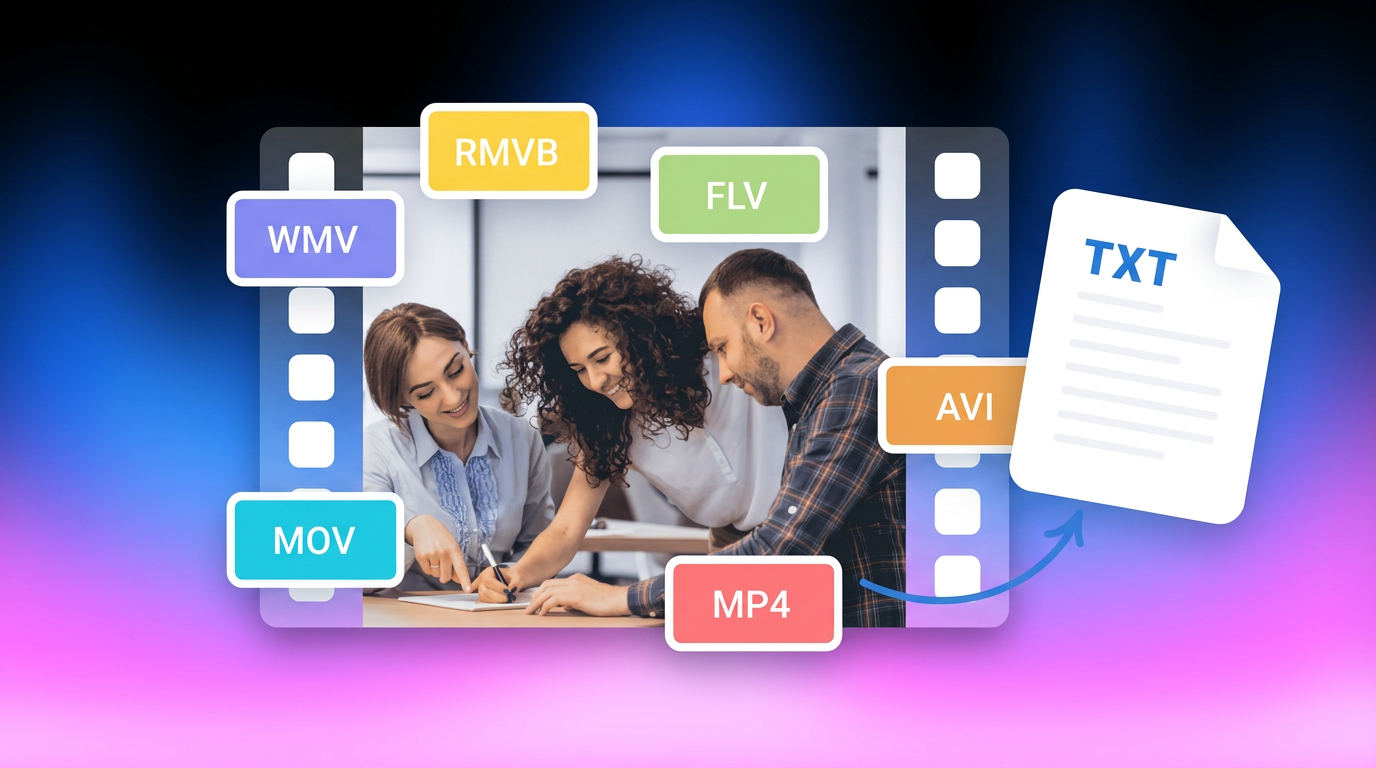
How to Transcribe Video to Text in 2026: Free Online AI Tool
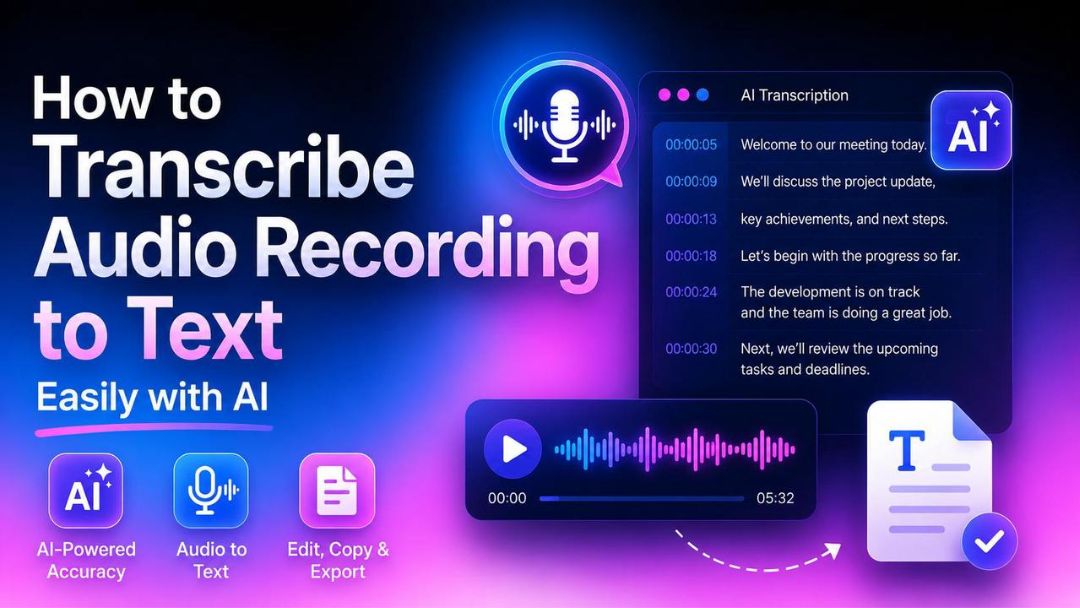
How to Transcribe Audio Recording to Text in Minutes
avi vs mp4: Which Video Format Should You Actually Use?

MKV vs MP4 Explained: Which Video Format Should You Choose?
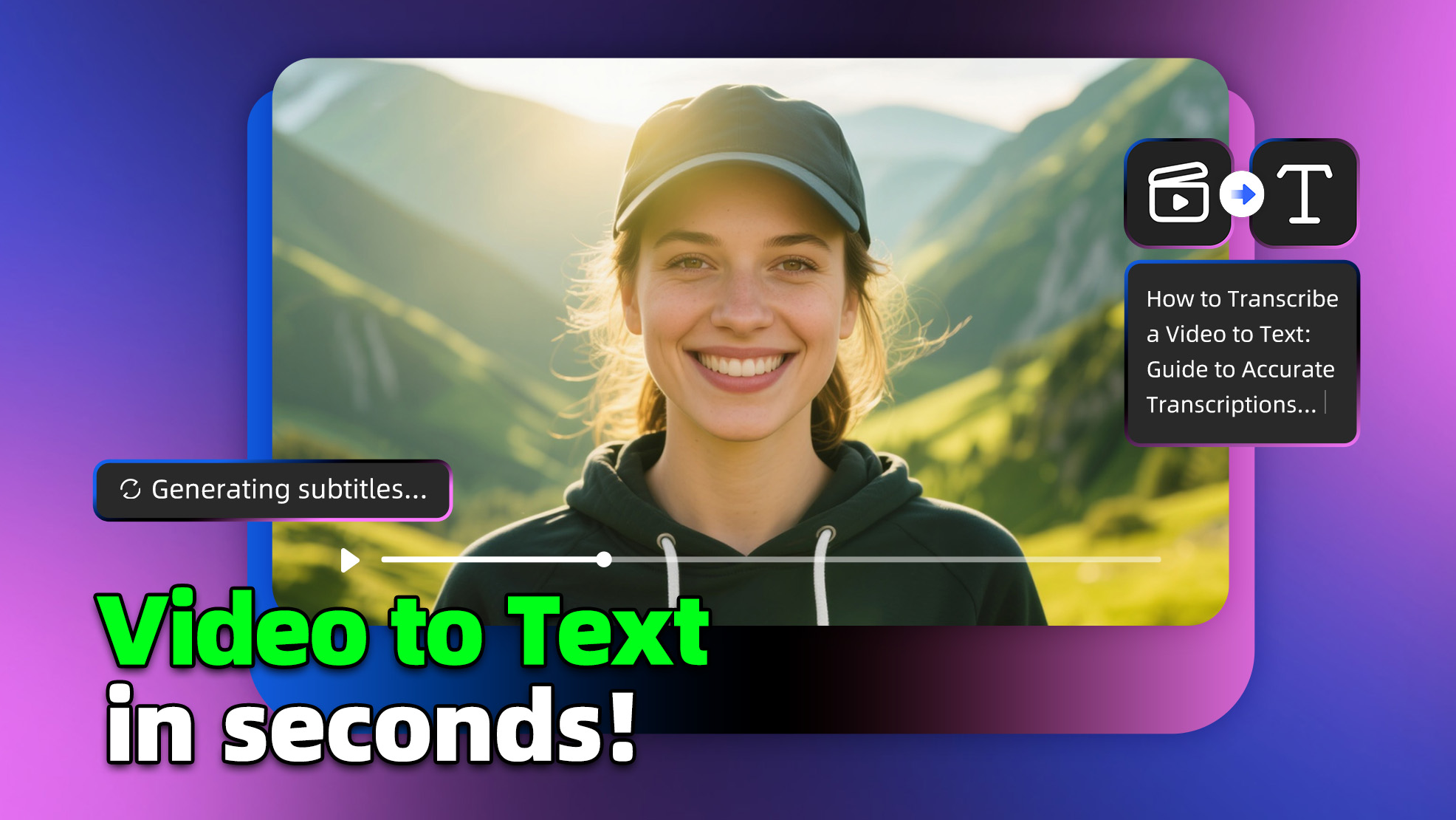
How to Transcribe a Video to Text: Guide to Accurate Transcriptions
The Ultimate Guide to Transcribe YouTube Video to Text [2026]