
NightCafe AI Image Generator Review: Is It Worth It in 2026?
Discover our NightCafe AI image generator review covering image quality, supported AI models, pricing, strengths, limitations, and why Vmake Labs is an excellent alternative for fast, high-quality AI image creation.

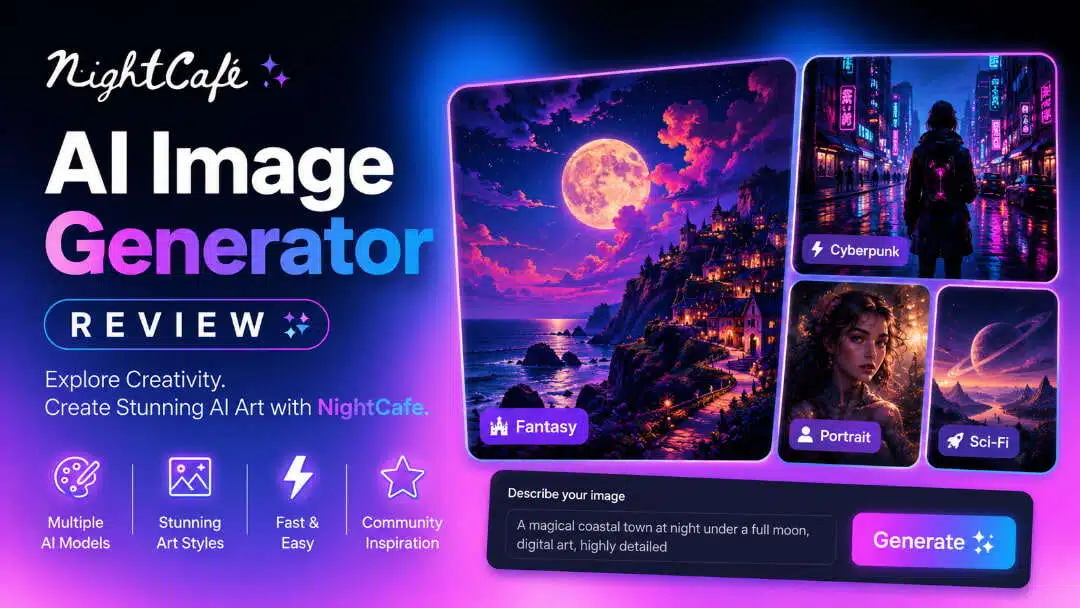
The NightCafe AI image generator has remained a popular choice for AI art since its launch in 2019, but is it still worth using in 2026? We tested NightCafe across multiple creative workflows to evaluate its image quality, AI models, pricing, ease of use, and overall value compared with today's leading alternatives.
What is NightCafe AI image generator?
NightCafe (often called NightCafe Studio) remains one of the longest-running and most community-driven AI art platforms. Launched in 2019 as one of the earliest accessible text-to-image tools, it has evolved into a multi-model hub with image generation, video tools, daily challenges, and a large creator community. It suits hobbyists, AI artists, beginners exploring different models, and anyone who enjoys sharing work and participating in challenges.
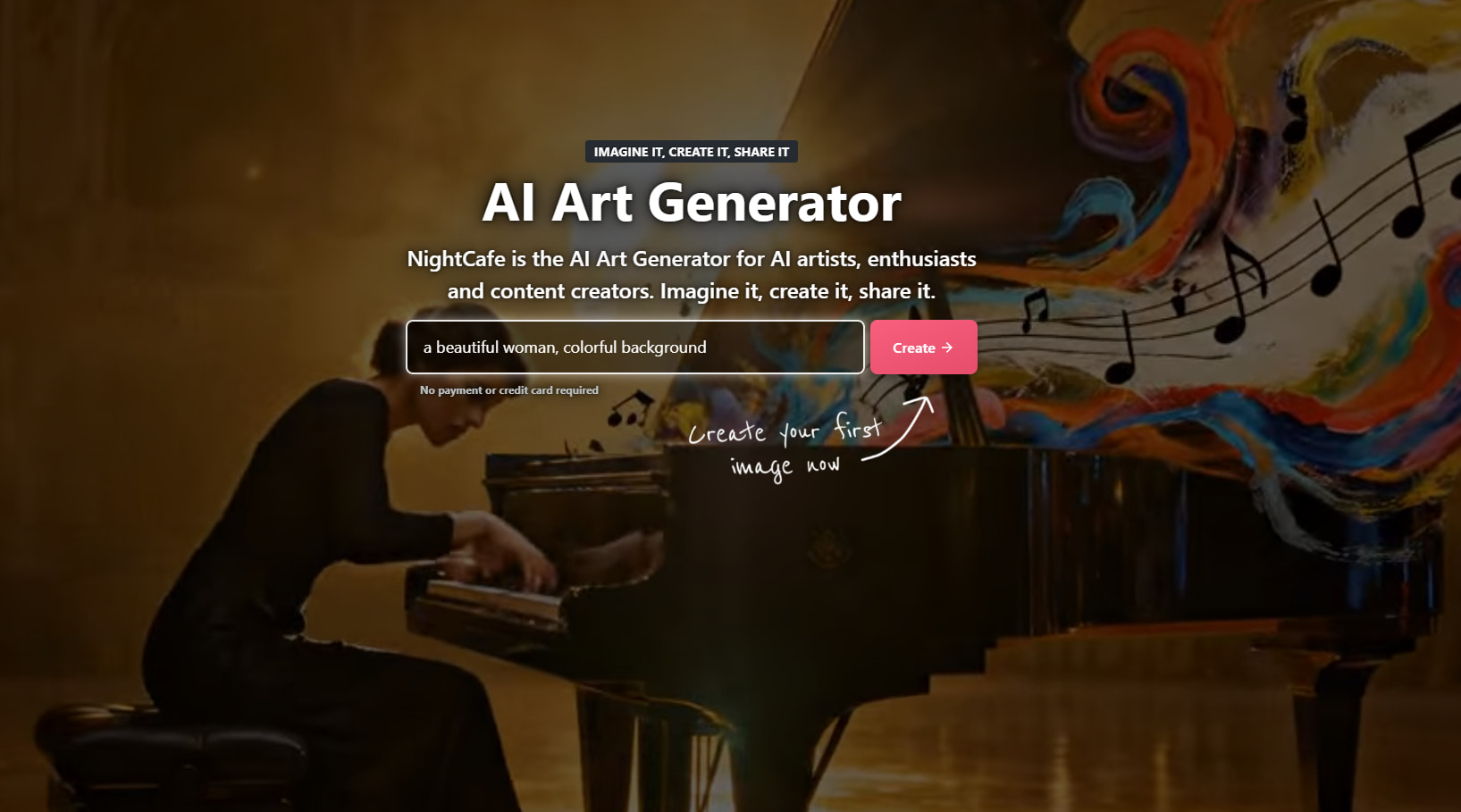
Key features of NightCafe Studio AI image generator
-
Text-to-image and Image-to-Image: Whether you are starting from a blank prompt or transforming an existing photo, NightCafe gives you the tools to get there without switching platforms. Prompt-to-edit, multi-image fusion, and style transfer let you move from rough idea to finished artwork faster than working across separate tools.
-
Multi-model access: Access dozens of top AI models including Flux variants, Nano Banana Pro, GPT Image 2, Seedream 4, SDXL, and Ideogram without paying for multiple subscriptions. You can match the right engine to the right task, whether that is photorealism, illustration, or speed, all from one place.
-
Active community and daily challenges: Beyond generation, NightCafe gives you a reason to keep creating. Daily challenges, shared galleries, and prompt discovery help you improve your skills, find inspiration, and connect with other creators in a way that most standalone generators do not offer.
-
Print-on-demand options: Turn your AI creations into physical products without leaving the platform. Ordering prints, canvases, or merchandise directly through NightCafe makes it practical to showcase or sell your work as tangible items without managing a separate fulfilment service.
-
AI upscaling and editing tools: Enhance resolution , fix details with inpainting, and maintain character consistency across a series of images without exporting to a separate editor. These tools help you take a good generation and push it to a level that is ready for professional or commercial use.
How to use NightCafe AI image generator
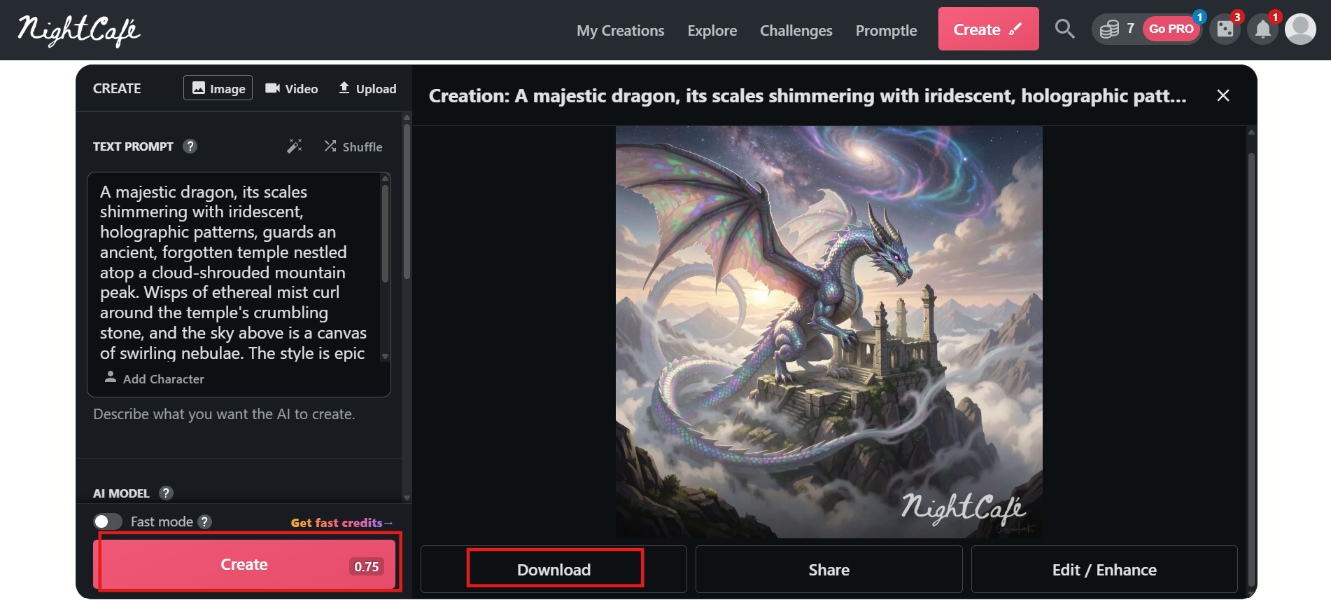
Getting started with NightCafe is straightforward and takes just a few minutes. Follow these simple steps to create your first AI image:
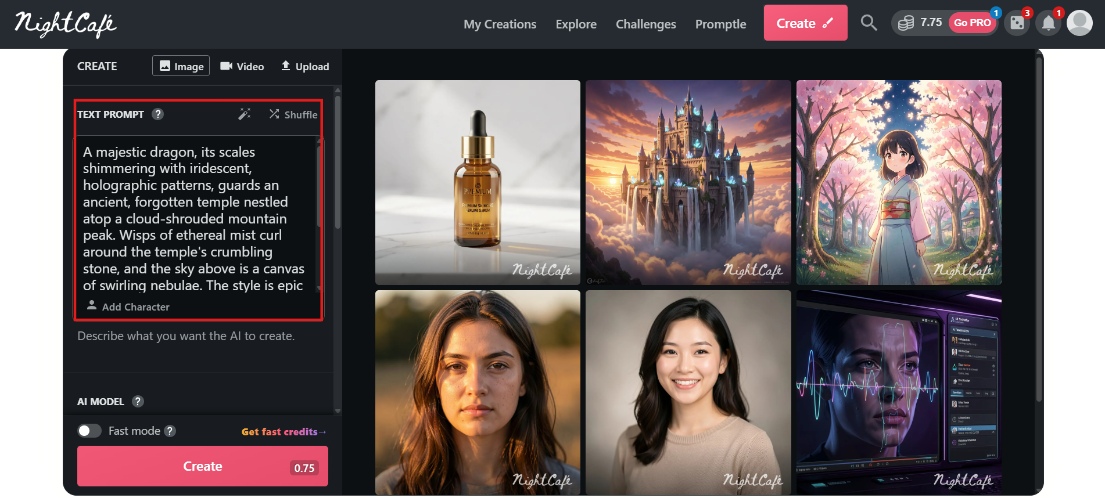
Step 1: Enter prompt
Type a clear description of the image you want, including subject, style, lighting, and mood. You can also click Add Character for consistency or shuffle for inspiration.
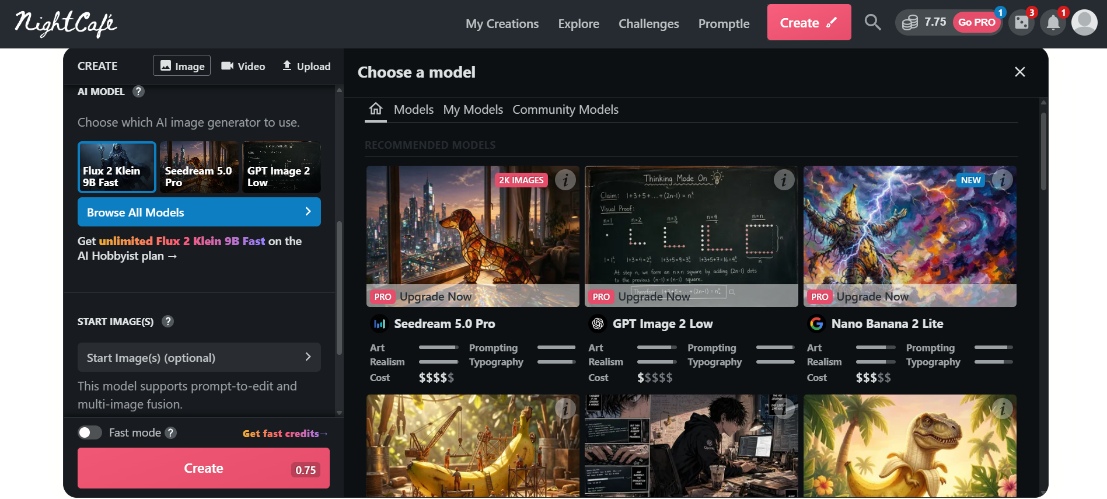
Step 2: Select a model and style
Choose from the available AI models (such as Flux, Nano Banana, GPT Image, or Seedream). Pick an artistic preset or visual style if desired.
Step 3: Generate and download
Click Create to generate your image. Once ready, download it in high-quality or share it with the NightCafe community and daily challenges.
NightCafe AI image generator review
Rather than relying solely on feature lists, we tested the NightCafe AI image generator across multiple creative workflows to see how it performs in real-world use.
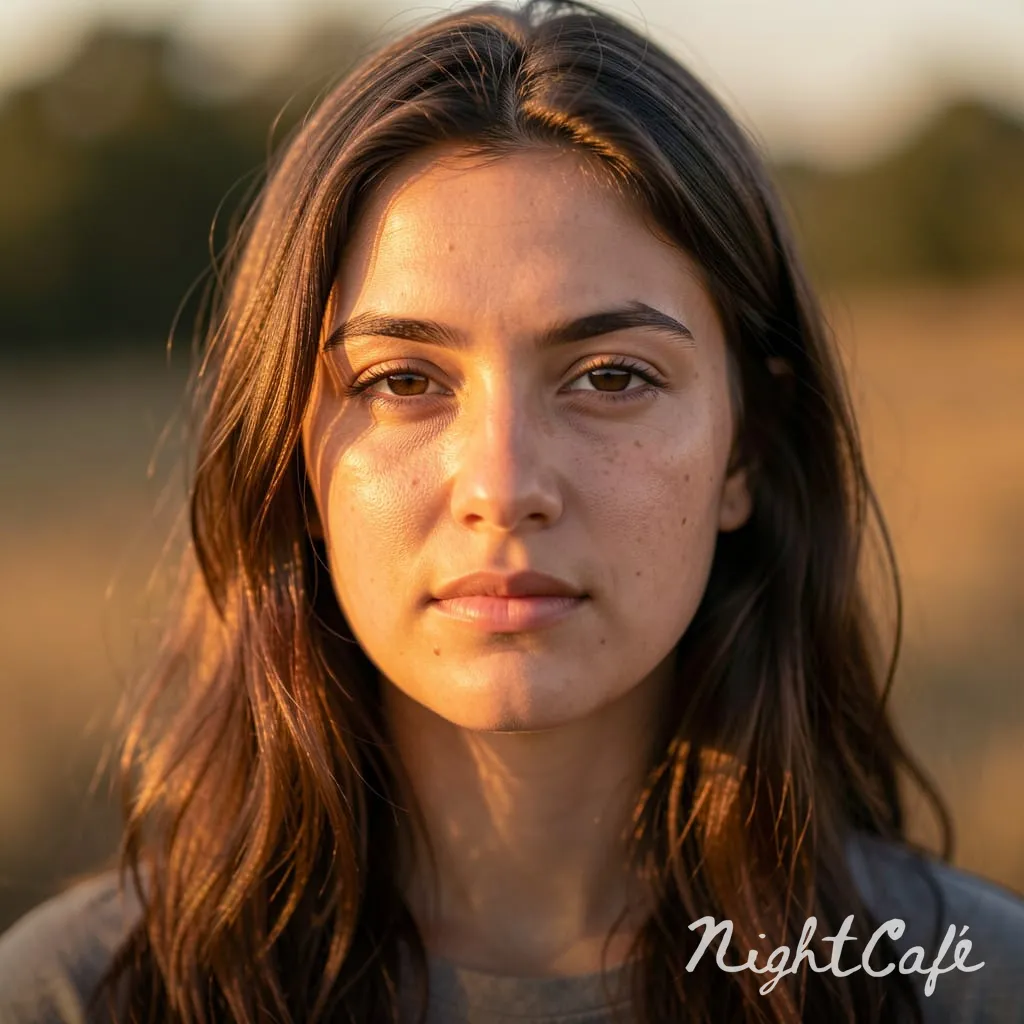
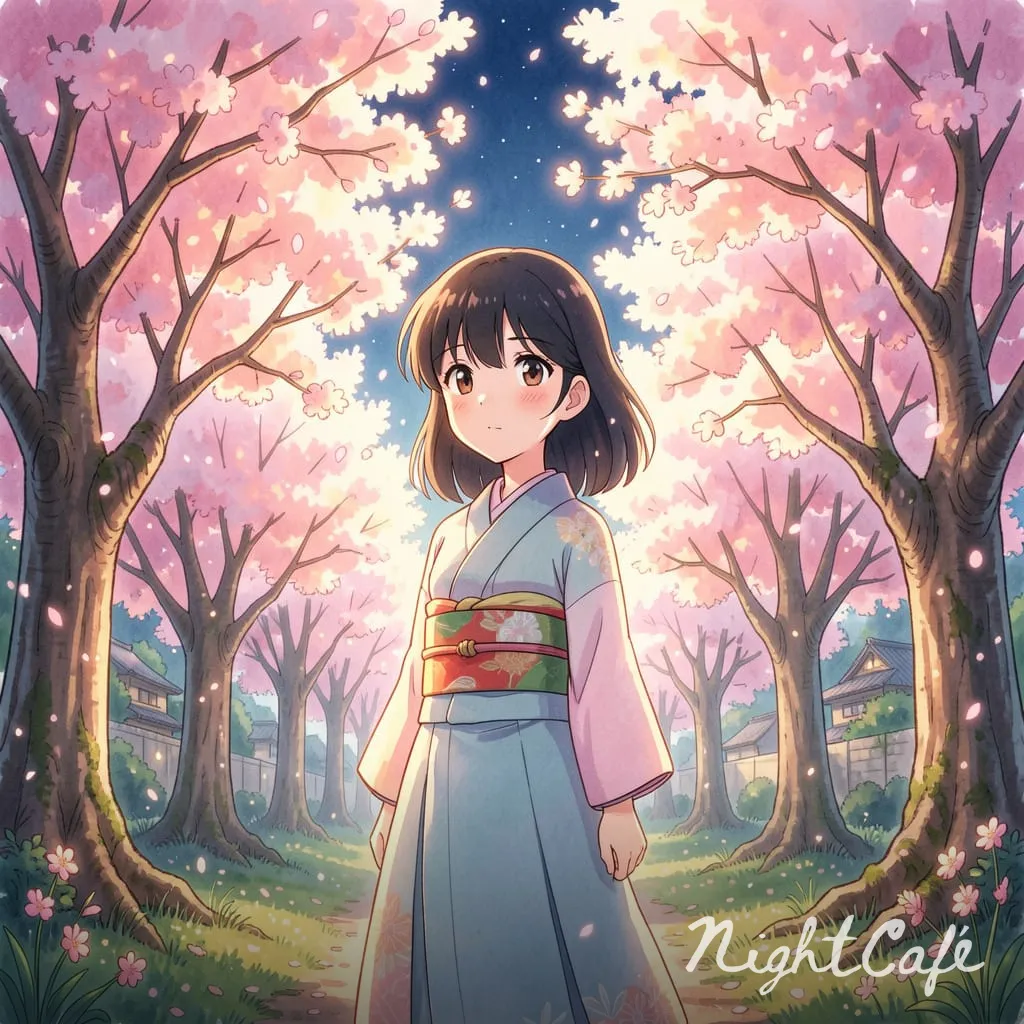
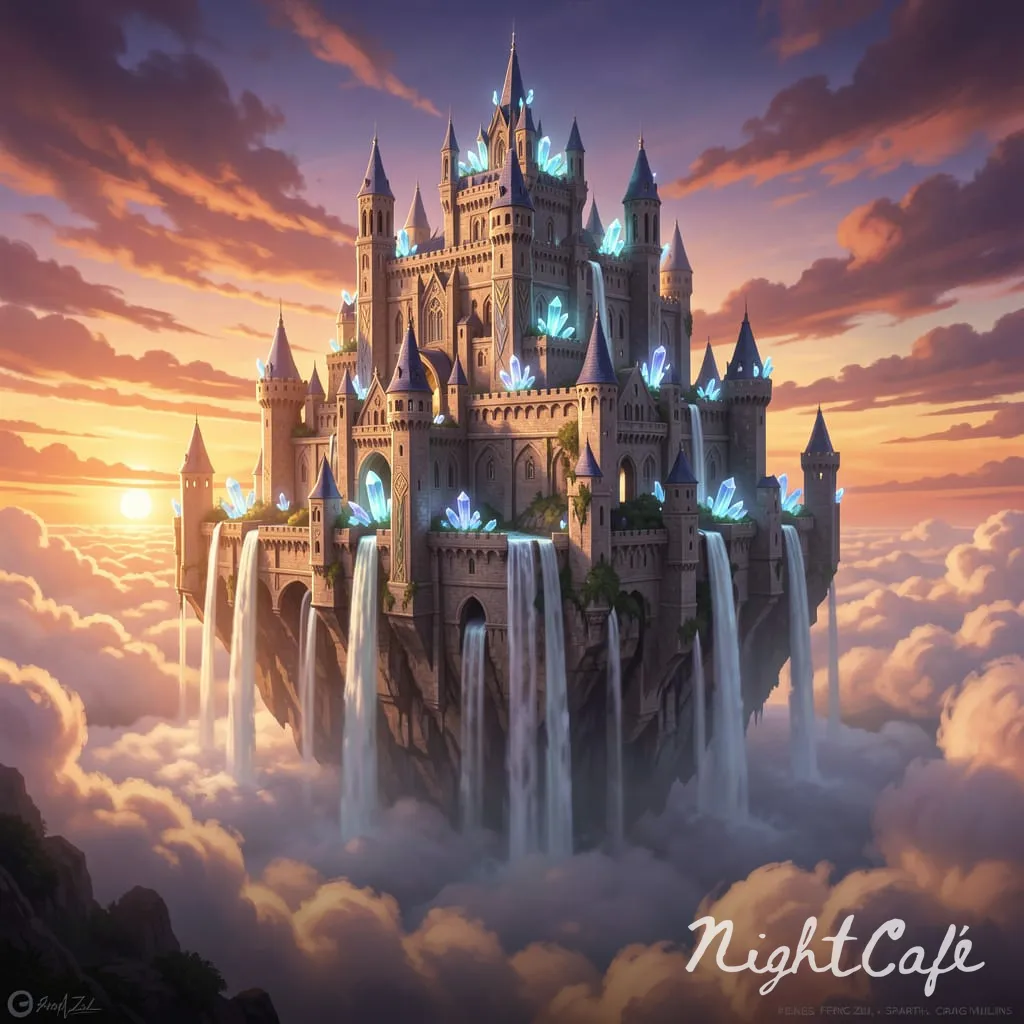
While our evaluation also considered use cases like product photography, cinematic landscapes, digital paintings, character concepts, and logo-style illustrations, the examples below highlight a few representative tests covering photorealistic, anime, and fantasy image generation.
We evaluated the platform based on image quality, prompt accuracy, generation speed, ease of use, creative flexibility, and overall user experience.
Test results
Photorealistic portrait
Anime illustration
Fantasy environment
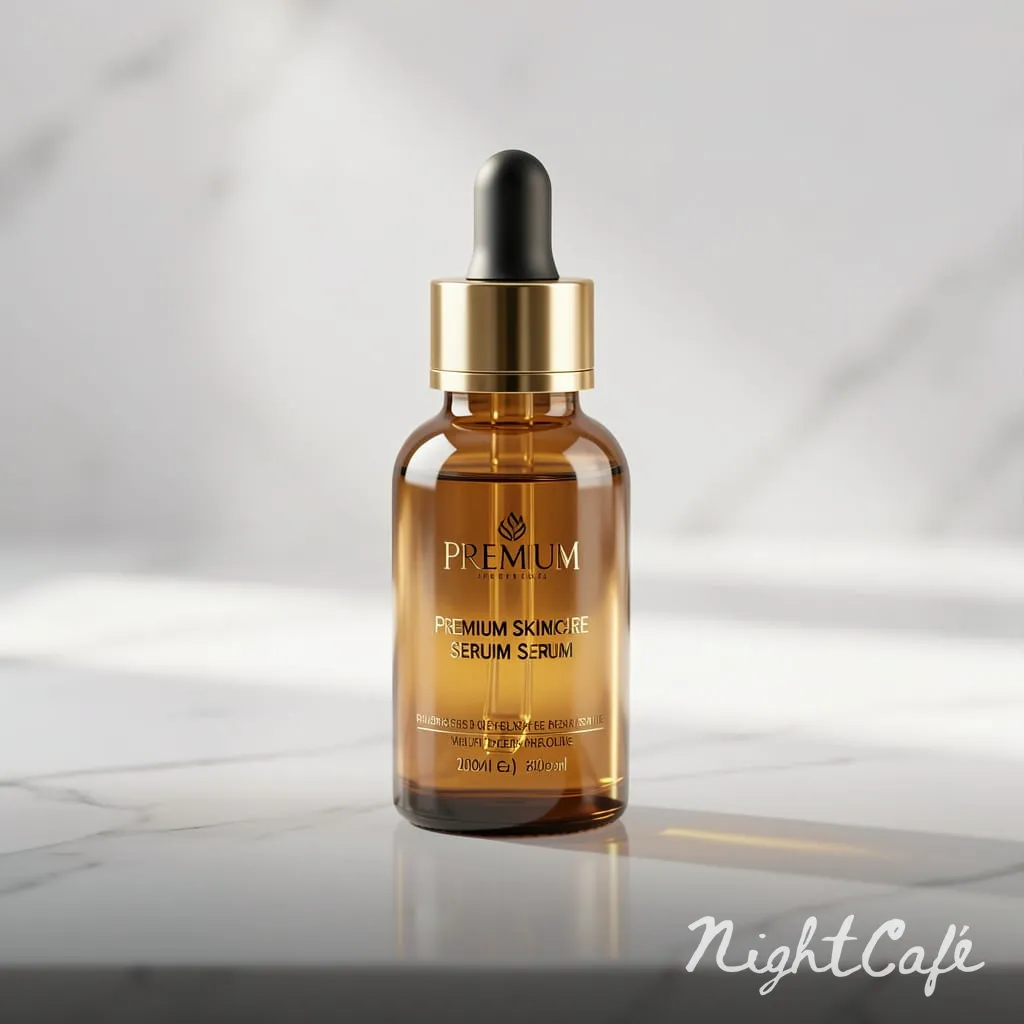
Product photography
Hands-on testing
-
Image quality across different prompts
We tested NightCafe with a variety of prompts, including photorealistic portraits, anime artwork, fantasy environments, product photography, and more. The platform consistently generated visually appealing images with strong lighting, colors, and composition. Premium AI models delivered noticeably sharper details and more polished results than entry-level options.
-
Prompt accuracy and consistency
Short prompts were handled well across the board. Once we stacked in more specific details, like exact lighting, camera angle, and color palette in a single prompt, some models started dropping details rather than including everything we asked for. Simpler models followed the gist of the prompt but ignored the finer instructions, while more advanced models on higher tiers stuck closer to the full request.
-
Generation speed
We measured generation speed using different AI models and account settings. Standard models typically generated images within seconds, while premium models occasionally required longer processing times during peak usage. Fast Credits noticeably reduced waiting times, providing a smoother experience for users who generate images frequently.
-
Ease of use and creative control
The core flow, type a prompt, pick a model, hit create, is genuinely simple and you don't even need an account to try it. Where it gets more complex is on the model selection screen, which lists dozens of options with little guidance on which one matches which use case. New users will probably just stick with the default model, rather than digging through the full list, which means that a chunk of NightCafe's multi-model advantage goes unused unless you're willing to experiment.
Pros and cons
|
Pros |
Cons |
|---|---|
|
|
Community Feedback
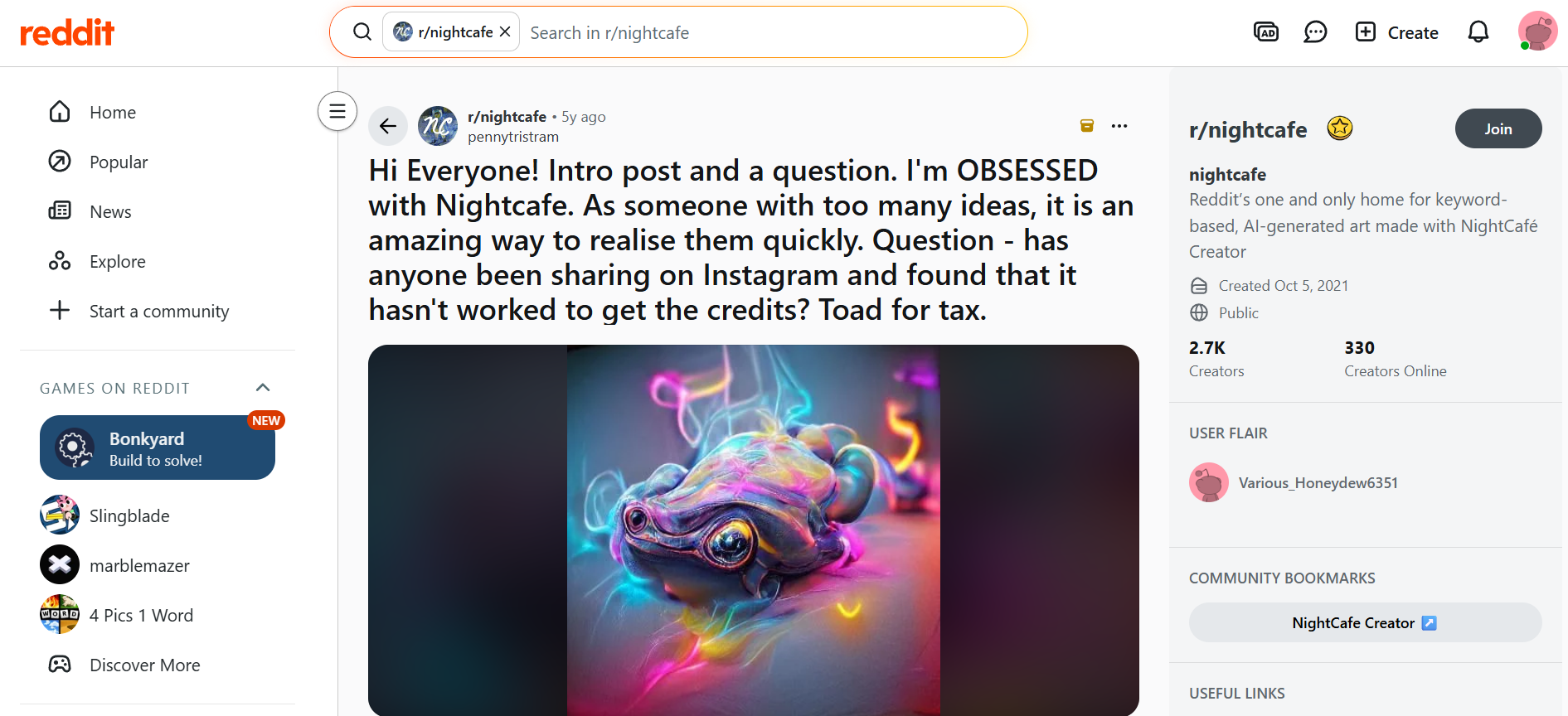
Reddit users frequently highlight NightCafe's active community, daily challenges, and wide selection of AI models. Many enjoy experimenting with different artistic styles and appreciate the platform as a creative space rather than just an AI image generator. However, some discussions mention that generating multiple images can quickly consume credits, especially when using premium models.
Trustpilot
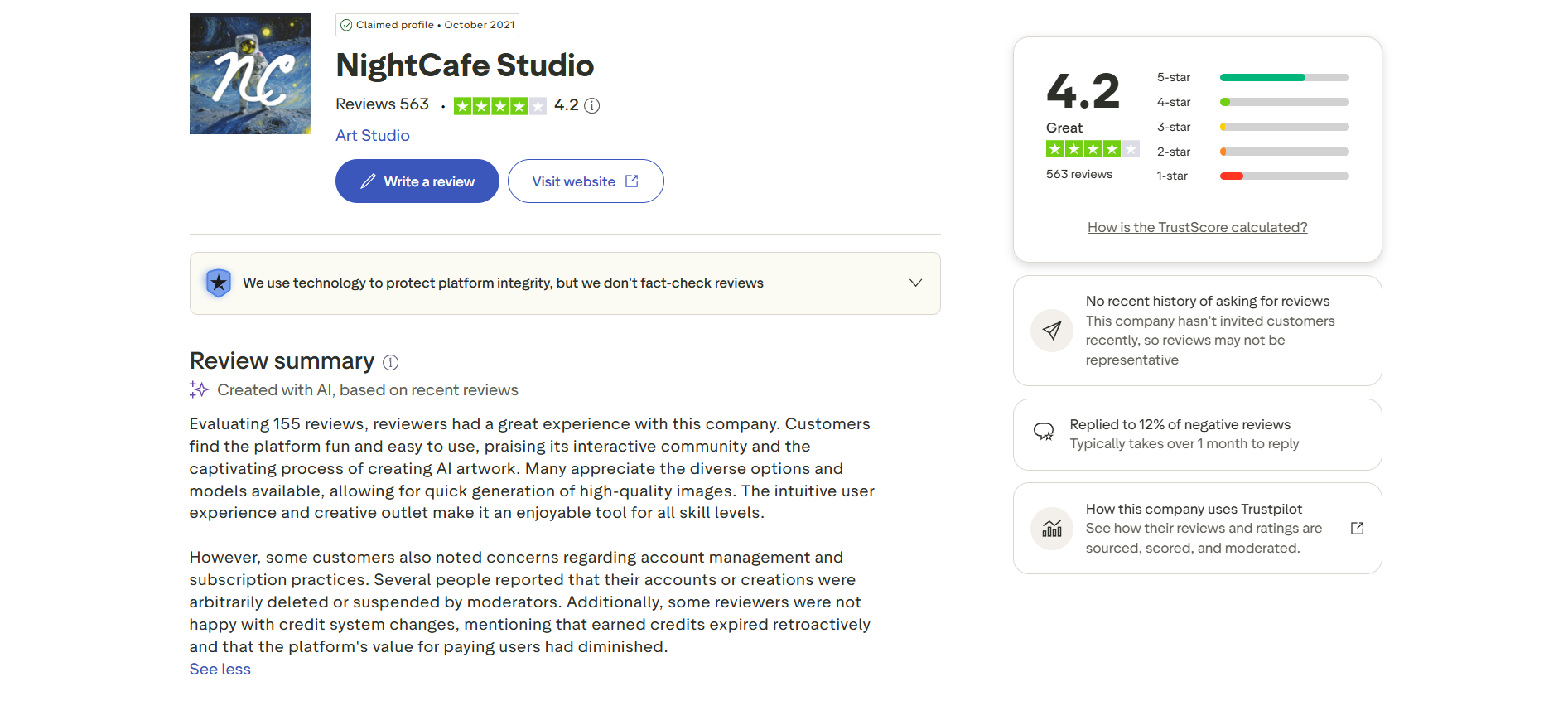
NightCafe is easy for beginners and fun to generate AI artwork with, according to Trustpilot reviews. Users frequently praise its ease of use, creative potential, and supportive community. Typical complaints include the pay-per-credit pricing model, occasional inconsistent image quality, and the need to generate multiple images to get the desired result.
G2
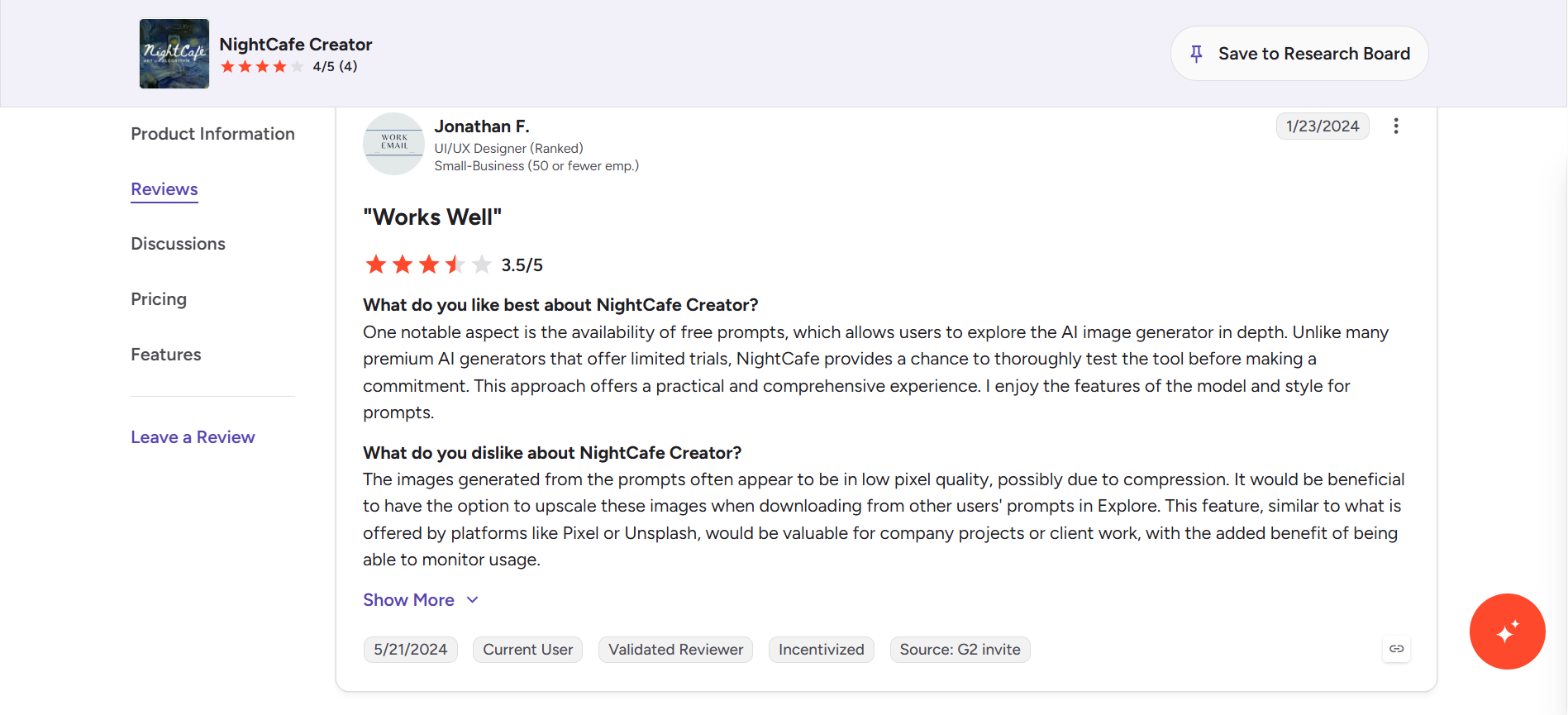
G2 reviewers appreciate that NightCafe allows users to explore the platform thoroughly before subscribing. Many also appreciate the array of AI models and prompt customization options. On the downside, some users say that downloaded images can look compressed or of lower resolution, meaning that you need to upscale them further for professional or commercial projects.
Our findings closely matched community feedback. Most users enjoy NightCafe for creative exploration, model variety, and its vibrant community, while the credit system and occasional inconsistencies in image quality remain the most commonly mentioned drawbacks.
NightCafe AI image generator pricing
NightCafe runs on a freemium credit system that balances free access with paid priority and premium models.
Free credits
NightCafe gives every user 5 free credits daily just for logging in, plus 3 more for entering and voting in the daily challenge. Unlimited free generations on base Stable Diffusion models are also included, so casual use doesn't require paying at all.
Paid plans
PRO subscriptions add Fast Credits for priority (no-queue) generation, unlock higher-tier models, and remove ads. Annual billing offers the best rates:
|
Plan |
Monthly Price (Annual) |
Fast Credits / Month |
Key Unlimited Models |
Other Highlights |
|---|---|---|---|---|
|
AI Hobbyist |
$7.49 |
200 |
Flux 2 Klein, Z-Image Turbo + others |
All image models, basic video, 5 consistent characters |
|
AI Enthusiast |
$14.99 |
500 |
HiDream, Fine-tuned Flux + more |
All image + all video models, 10 characters |
|
AI Creator |
$23.99 |
850 |
GPT Image 2 Low, Flux 2 Dev + more |
All models, 20 characters |
|
AI Artist |
$37.49 |
1,400 |
Seedream 4, Nano Banana + higher tier |
All models, 50 characters |
Notes on PRO plans:
-
Fast Credits deliver priority generation, never expire, and roll over month to month.
-
Higher plans unlock more powerful unlimited models.
-
All plans include: no ads, PRO badge, templates, tip other creators, advanced search, earn relax credits, first creation of the day free.
-
Monthly and quarterly billing are available at higher effective prices.
-
Additional Fast Credits can be topped up at discounted rates based on your plan.
Key points:
-
Credits never expire.
-
Some high-cost models (e.g. top Nano Banana Pro, certain video models) require Fast Credits.
-
You can cancel, pause, or delay PRO subscriptions anytime.
-
Pricing and model access can change; always check the official page for the latest.
The best alternative to NightCafe: Vmake Labs AI image generator
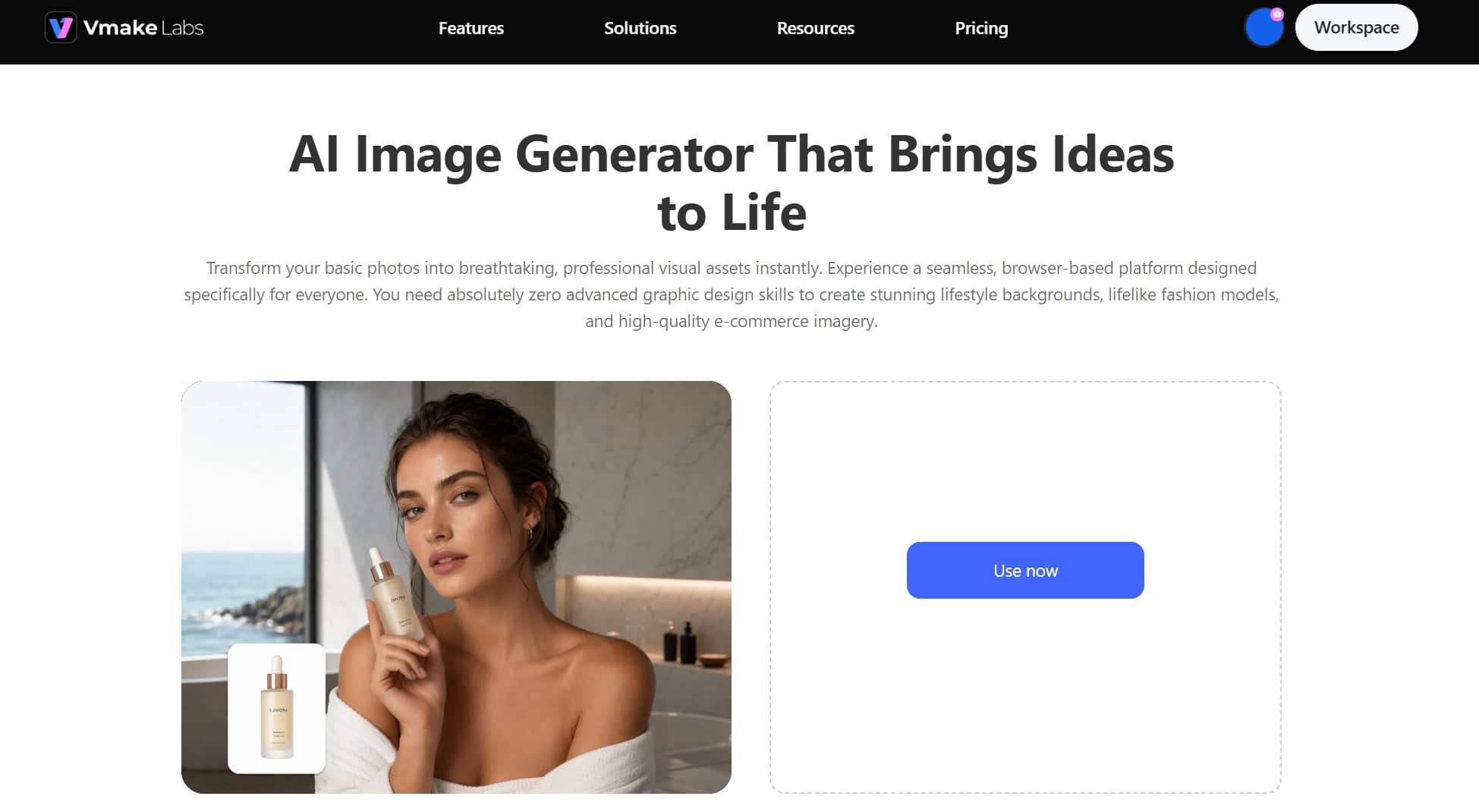
While NightCafe excels with its creative community and broad selection of AI models, we find that creators looking for a faster, more streamlined image generation experience should also consider Vmake Labs AI Image Generator. It combines multiple leading AI models with flexible generation workflows, making it easy to create high-quality visuals for marketing, social media, product photography, concept art, and creative projects from a single platform.
Why choose Vmake Labs AI image generation
-
Multiple generation methods: Vmake Labs handles text-to-image, image-to-image, and style transformation in one workflow, so you are not stitching together multiple tools to get from idea to finished visual. Marketers and creators can move faster without learning complex software or switching platforms mid-project.
-
Multi-model access: Choosing between Nano Banana, Seedream, and GPT Image means you can match the right engine to the job, whether that is a realistic product shot, a lifestyle scene, or a polished marketing asset. You get better results with less trial and error compared with tools locked to a single model.
-
Generate multiple creative variations: From one prompt or reference image, Vmake Labs produces several distinct versions at once. This makes A/B testing ads, refreshing social content, and exploring creative directions significantly faster without starting from scratch each time.
-
Multi-platform aspect ratio and format control: Select the right aspect ratio for your platform from the start, whether that is a vertical reel or a wide website banner. Getting the format right immediately means less time resizing and editing after export, which adds up quickly across high-volume commercial workflows.
Steps to generate AI images with Vmake Labs
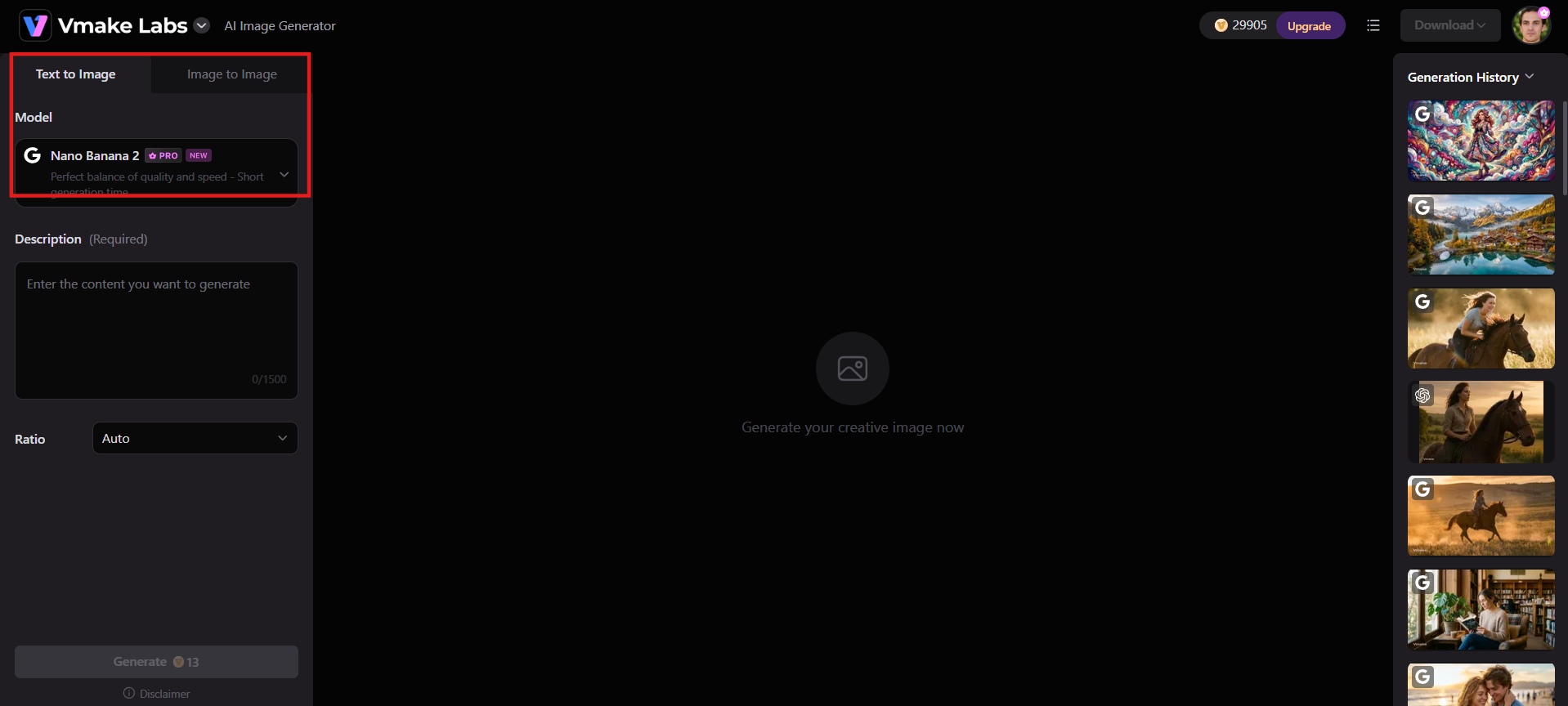
Step 1: Choose image generation mode
Launch Vmake Labs AI image generator, and at the top of the workspace, toggle between "Text to Image" and "Image to Image" depending on whether you're starting from scratch or transforming an existing photo. Then pick a model, like Nano Banana 2, Seedream, or GPT Image, from the dropdown below it.
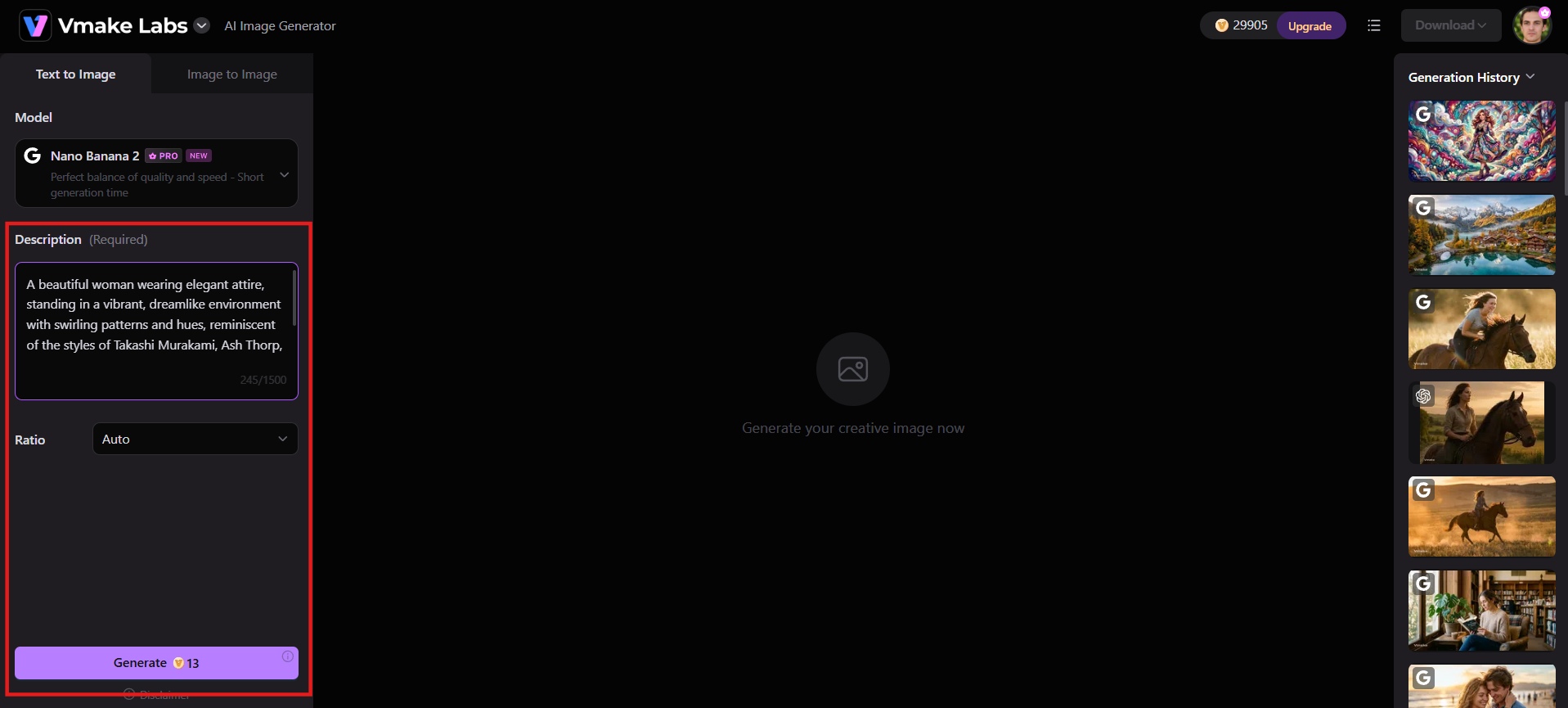
Step 2: Add prompt or reference images
Write a detailed description of the image you want, including style and lighting, or upload a reference photo if you're transforming an existing image. Then choose aspect ratio and other generation settings.
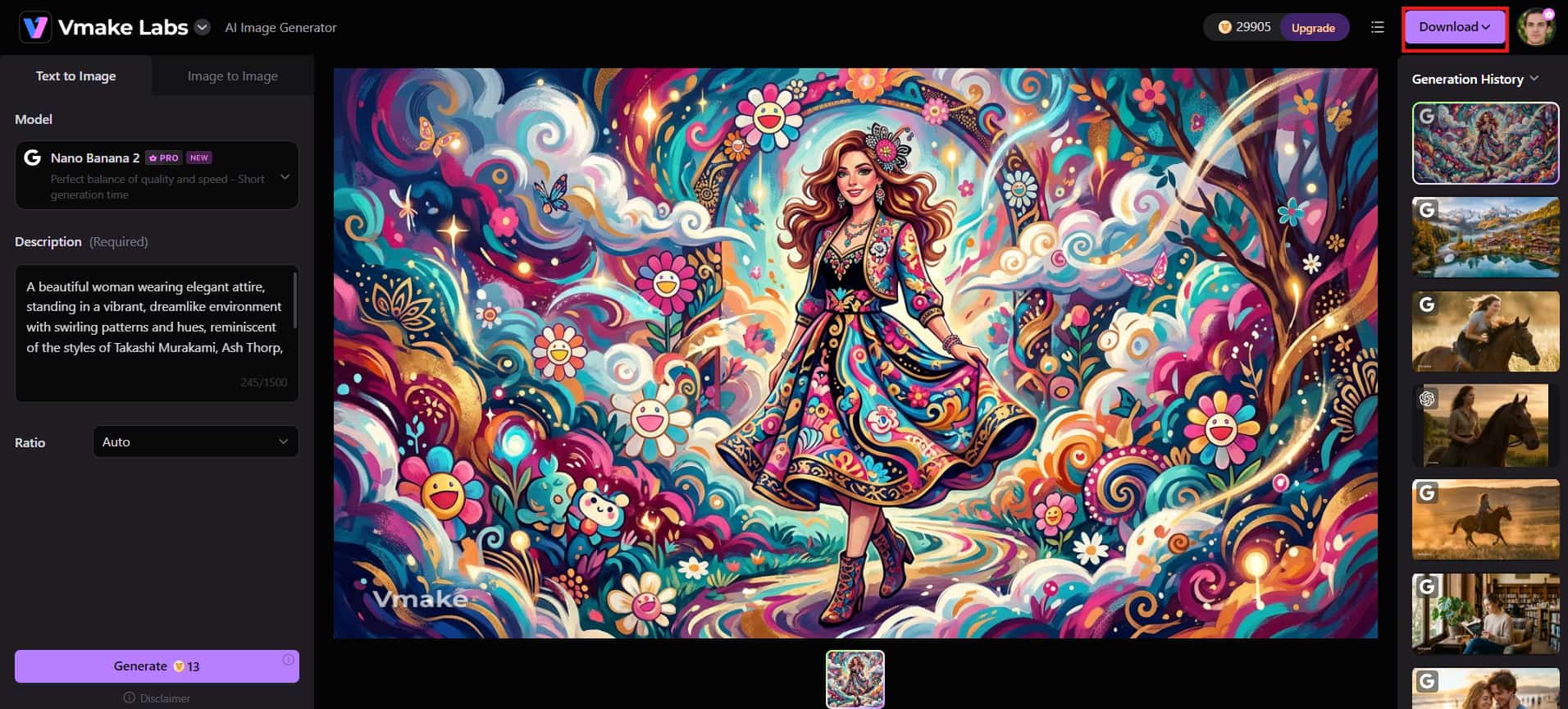
Step 3: Generate and download
Click Generate to create your image in seconds. Review the generated variations, choose your favorite result, and download it in your preferred format and aspect ratio, ready for use on social media, websites, marketing materials, or creative projects.
NightCafe vs. Vmake Labs AI image generator
Both platforms generate AI images fast, but they serve different needs. Here's how NightCafe and Vmake Labs compare side by side.
|
Aspect |
NightCafe Studio |
Vmake Labs |
|---|---|---|
|
Best For |
Hobbyists, AI artists, community creators, daily challenges |
E-commerce, marketers, social media, product & UGC visuals |
|
Core Focus |
Creative exploration + social community |
Practical, commercial-ready visuals (products, ads, thumbnails) |
|
AI Models |
Very wide selection (Flux variants, Nano Banana Pro, GPT Image, Seedream, SDXL, Ideogram, Google models, video models, etc.) |
Strong selection focused on quality (Nano Banana/Pro/ 2, Seedream, GPT Image + others) |
|
Generation Modes |
Text-to-image, prompt-to-edit, multi-image fusion, style transfer, image-to-image, character consistency |
Text-to-image, Image-to-image, style transformation, multiple variations from one reference |
|
Speed |
Fast (seconds), but free users shift to Relax queue after initial generations |
Lightning-fast, optimized for quick iterations |
|
Free Tier |
Generous: daily credits + streak + challenge rewards + unlimited base Stable Diffusion |
Limited models + watermarks + daily credits |
|
Paid Plans (starting) |
AI Hobbyist ~$7.49/mo (annual) → up to AI Artist $37.49/mo |
Plus $9.99/mo → Pro $29.99/mo |
|
Community Features |
Excellent – daily challenges, galleries, voting, chat rooms, streaks, badges |
Minimal / none (tool-focused) |
|
Commercial Use |
Allowed even on free plan (with conditions on reference assets) |
Included on paid plans |
|
Output Quality Focus |
Artistic & experimental (varies by model) |
Realistic product, lifestyle, thumbnail & marketing visuals |
|
Ease of Use |
Very beginner-friendly + community support |
Extremely simple, browser-based, zero design skills needed |
|
Mobile Experience |
Strong (installable PWA + account sync) |
Browser-based (works on mobile) |
|
Ideal User |
People who enjoy creating AI art as a hobby and sharing |
Sellers, marketers, content creators needing fast professional assets |
Choose NightCafe if:
-
You want a social, community-driven experience with daily challenges and public galleries.
-
You like exploring dozens of models and experimenting with styles rather than settling on one.
-
You're a hobbyist creating art for fun, not on a tight commercial deadline.
-
You want a generous free tier to test things out before paying for anything.
Choose Vmake Labs if:
-
You want a clean, no-frills interface without a community layer to navigate around.
-
You need commercial-ready visuals like product shots or marketing creatives, fast.
-
You want to generate multiple variations from one reference image for A/B testing.
-
You want access to multiple leading AI models from one interface.
Conclusion
NightCafe AI image generator remains a strong choice for artists, hobbyists, and creators who enjoy experimenting with multiple AI models and engaging with an active creative community. However, its credit-based system and busy interface may not suit everyone. If you're looking for a faster, more streamlined AI image generation experience with flexible generation modes and powerful model options, Vmake Labs AI Image Generator is an excellent alternative. Start generating images now and discover the workflow that best fits your creative needs.
FAQs
Is NightCafe AI image generator free to use?
Yes. Every user gets 5 free daily credits plus 3 more for entering the daily challenge, and unlimited free generations on base Stable Diffusion models. No credit card is required to start creating.
Can I use NightCafe AI-generated images commercially?
Yes, even on the free plan, as long as you own or have permission for any reference images used. Copyright laws around generative AI vary by country, so confirm your local regulations before commercial use.
What AI models does NightCafe support?
NightCafe supports hundreds of models, including Nano Banana Pro, Flux, GPT Image, Seedream, Stable Diffusion, and DALL-E 3. Free users access many models directly, while PRO plans unlock additional premium and unlimited model options.
How do I earn more free credits at NightCafe?
Log in daily for your 5 free credits, enter and vote in daily challenges for 3 more, maintain a 5-day login streak for bonus credits, and earn badges through the Master NightCafe page.
What is the best alternative to the NightCafe AI image generator?
Vmake Labs AI image generator is the best alternative, offering multi-model access, multiple generation methods, and fast creative variations without NightCafe's credit complexity or crowded interface, ideal for commercial and marketing visual needs.

You May Be Interested

FLUX AI Image Generator Review 2026: Is It Worth Using?

Raphael AI Image Generator Review 2026: Worth Trying?
Topaz Labs Image Enhancer Review: Is the hype worth it?
Artguru Image Upscaler Review: Features & Best Alternative
How to Create Professional YouTube Thumbnails with AI: A Creator’s 2026 Strategy
