
Easily Create Videos that Drive More Sales
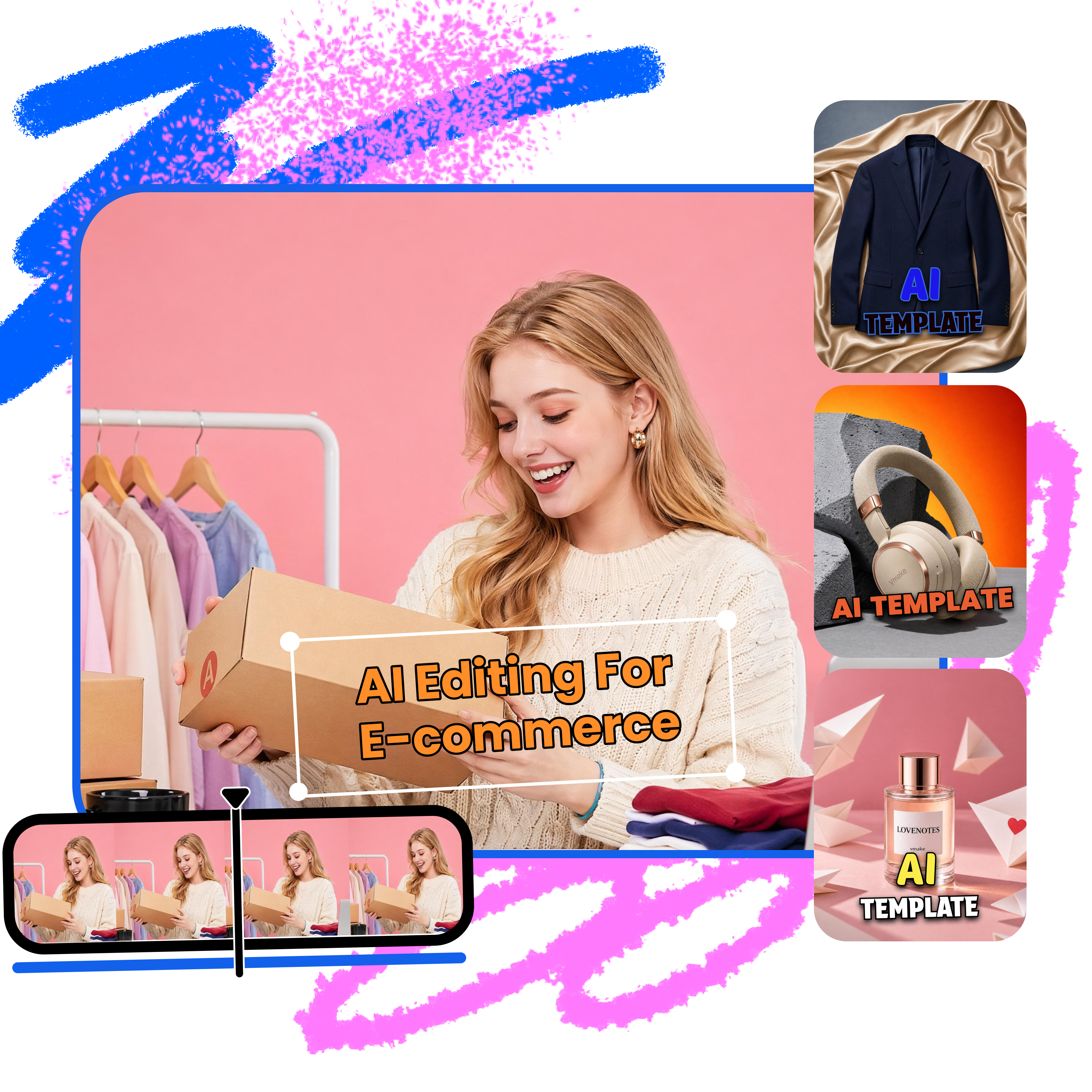


How to use AI templates
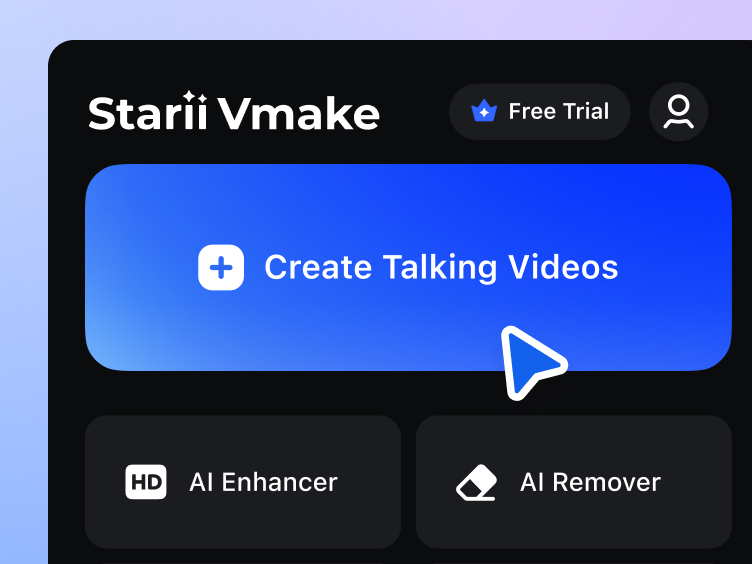
Upload product assets
Upload product videos, images, or everyday footage to quickly start creating ecommerce content ideal for social media.
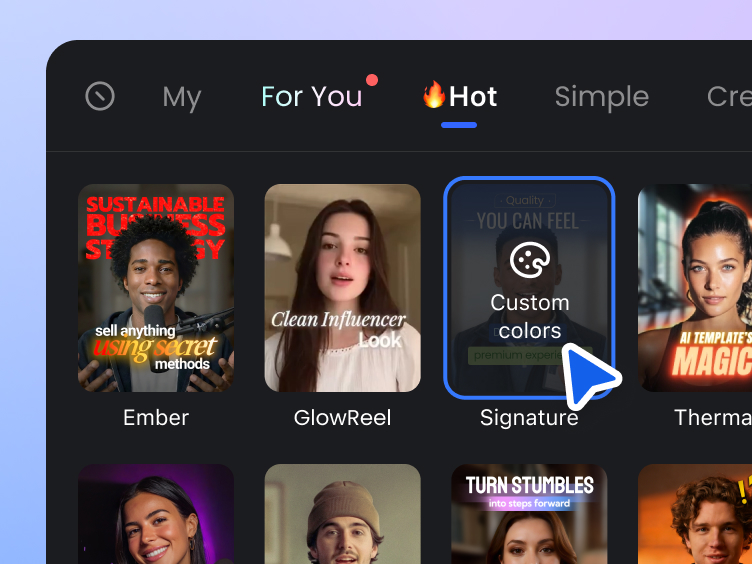
Select AI templates
Choose from a variety of AI templates to automatically add animated captions, trending effects, and smooth transitions.
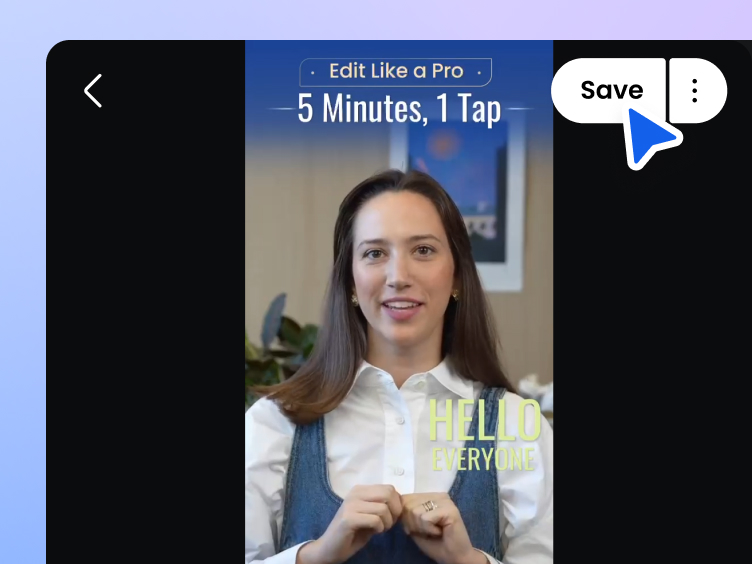
Export your videos
Generate polished ecommerce videos in just minutes and publish them directly to your social channels.
AI template use cases for ecommerce

New product launches
Quickly turn new arrivals into polished product videos with AI templates. Automatically add captions, effects, and cover visuals to create more engaging launch content in minutes.

Quick editing for raw footage
Whether you’re working with casual phone shots or quick reshoots, Vmake Labs helps you instantly turn raw footage into polished, appealing videos with AI templates.

Fast video creation for campaigns
During big sales events, you can quickly generate marketing videos for platforms like Amazon and TikTok Shop, helping you launch promotional content faster and keep up with demand.
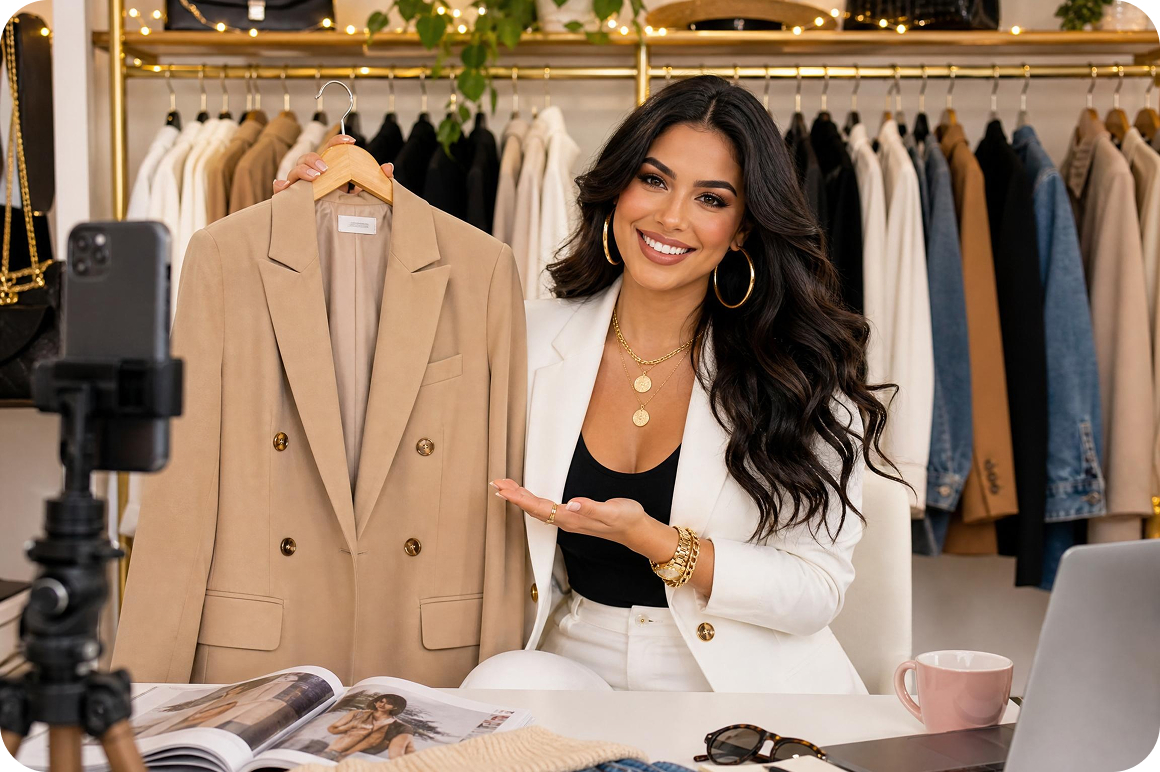
Daily social media content update
As you keep up with daily posting, AI templates can automatically handle captions, pacing, and music, helping you create more engaging videos that drive sales.
key features built for ecommerce
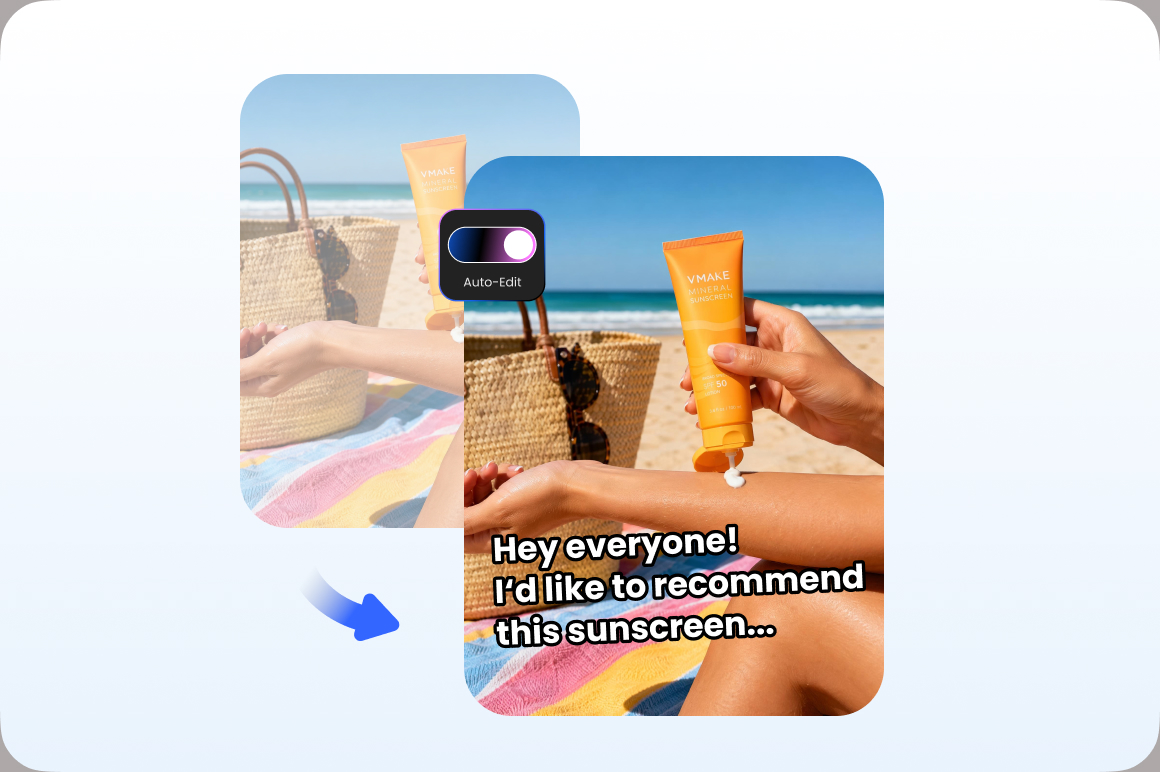
Automatically edit clips into polished videos
Vmake Labs automatically handles captions, pacing, effects, and cover visuals, helping you turn everyday product footage into polished, engaging videos, no advanced editing skills needed.

High-conversion content production
With optimized hooks, dynamic captions, and social-first pacing, Vmake Labs can help you create videos that capture attention and drive more conversions.

Extensive AI template options
Vmake Labs offers a variety of trending templates for different ecommerce needs, including product launches, influencer recommendations, and promotional campaigns, helping you produce content faster and more easily.
Why choose us

Add captions, effects, and pacing in one click. Turn raw footage into high quality ecommerce videos in just minutes.

Access a wide range of AI templates designed for social media, easily matching different ecommerce content needs.

No editing experience needed,even beginners can create professional videos with ease.

Vmake Labs employs strict encryption for both transmission and storage, ensuring your trade secrets and unpublished content remain secure.

We provide a clean environment, free from annoying pop-up ads and potential security risks, ensuring a smooth workflow.

Vmake stays up to date with the latest social media trends, constantly updating popular templates and features to help you keep your content competitive.
FAQ about Vmake Labs AI templates
What is Vmake Labs AI templates?
Do I need professional editing skills to use Vmake Labs?
No! Vmake Labs is built for fast ecommerce content production workflows, allowing even non-editors to create polished, professional videos using our proven AI templates.
Can Vmake Labs really help speed up ecommerce content creation?
Yes. Vmake Labs helps ecommerce teams reduce repetitive editing work by automatically handling subtitles, pacing, transitions, effects, and formatting, making content production and publishing much faster.
Is my content secure?
Yes. Vmake Labs uses secure transmission and storage systems to protect your uploaded and unpublished content, ensuring your creative and business materials remain fully safe.
Discover more features
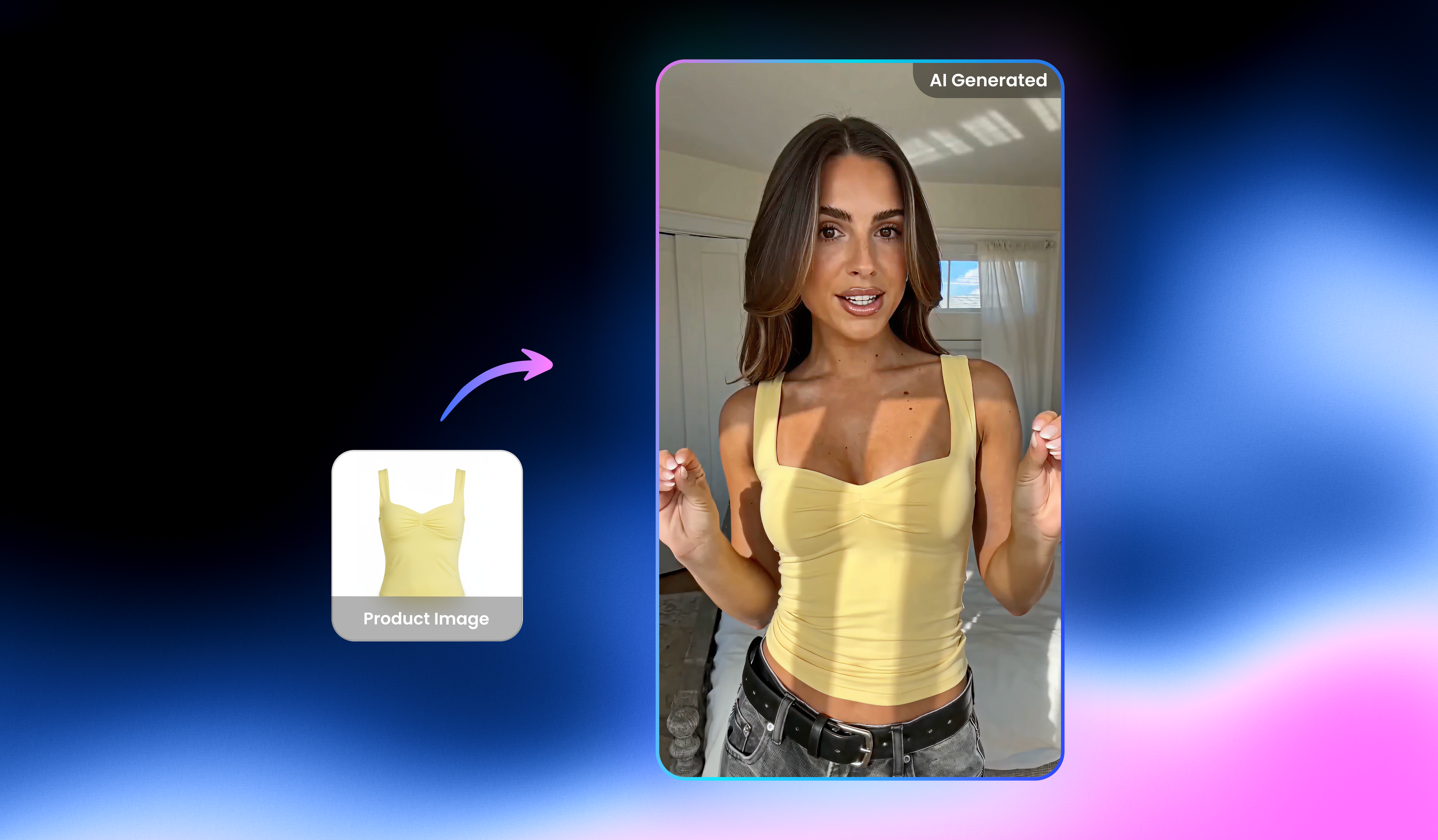
UGC video

Video & image enhancer

Watermark & text remover

Video upscaler

AI video generator

Video background remover

Video & audio to text

Video noise reducer
Create ecommerce videos faster with Vmake Labs
Use Vmake Labs AI templates to turn raw clips into polished videos without complicated editing workflow!