HDR vs SDR: Understanding the Real Difference in Video Quality
Learn the difference between HDR vs SDR video, how brightness and color quality affect viewing, and how Vmake AI helps improve video clarity and visual performance.

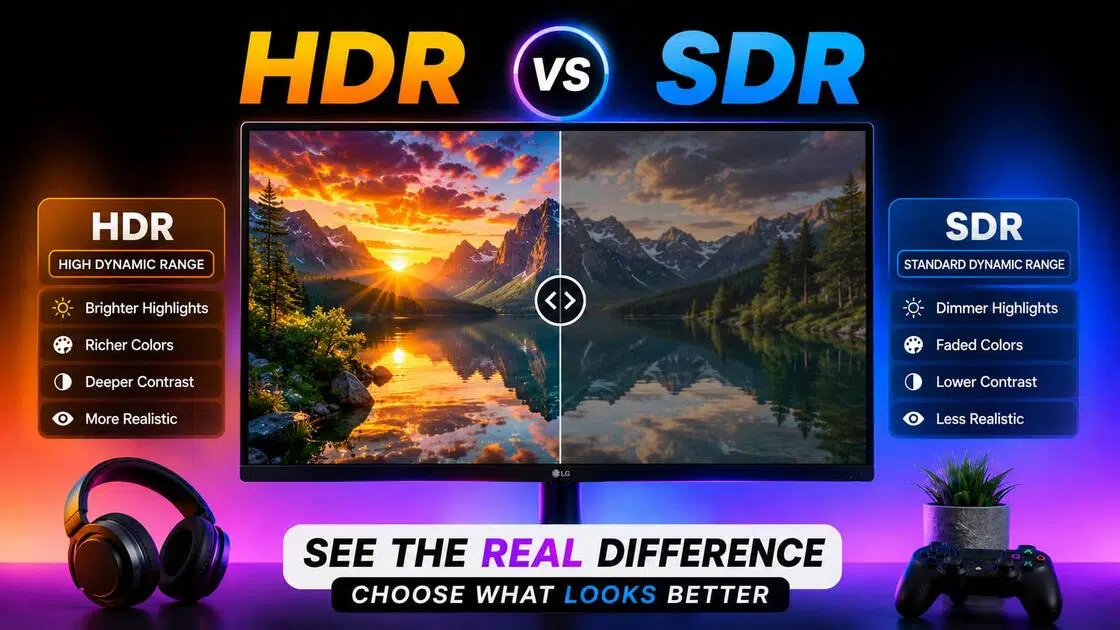
Ever notice how a dark movie scene can get swallowed by a muddy black blur, while a bright sunset looks like a blinding sheet of white paper? That is the classic headache of standard screens. To understand why this happens, let's dive into this guide and understand how these two formats handle light, contrast, and color.
What is HDR and SDR?
When you look over the specs on a new monitor or TV, these two labels pop up everywhere. They aren't about resolution or pixel counts, though. They dictate how a screen handles light, darkness, and color depth.
What is HDR
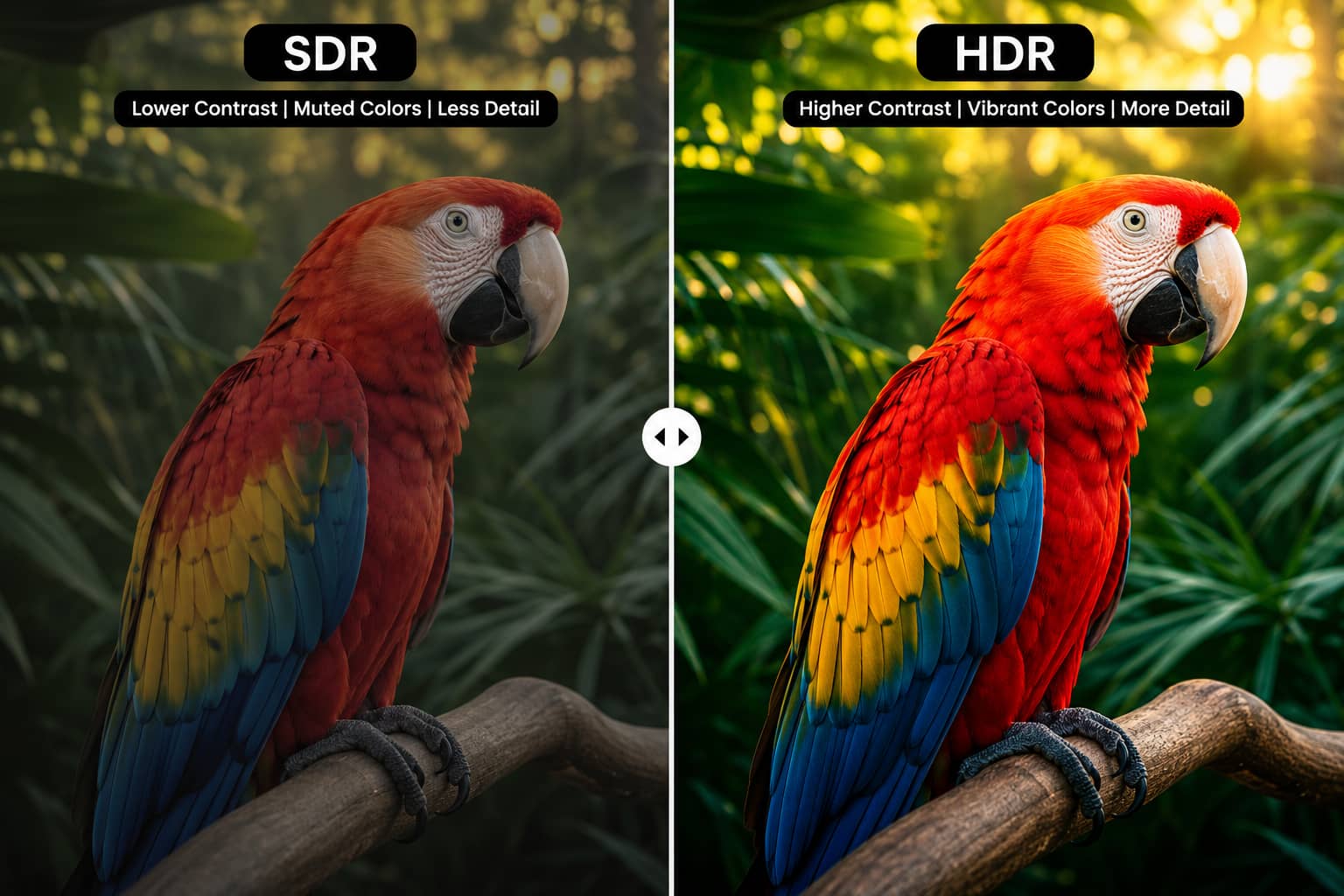
HDR stands for High Dynamic Range. It is a technology designed to make digital screens mimic the actual range of light your eyes see outside. Instead of flattening a scene, it forces a display to show intense, brilliant highlights right alongside deep, real shadows. It also brings out a massive palette of rich, nuanced colors that older screens can't even try to replicate.
What is SDR
SDR means Standard Dynamic Range. This is the legacy format that has run our screens for decades, from bulky box TVs to basic office monitors. It gets the job done for scrolling through text or watching casual content, but it has very narrow limits. When things get too bright, the image clips into flat white. When things go dark, the subtle textures turn into a single gray block.
Differences between SDR and HDR
While understanding the technical definitions of both formats is helpful, seeing how they stack up side-by-side reveals the true impact on your viewing experience. Below is a direct comparison of how SDR and HDR handle critical visual elements like light, color depth, and detail:
|
Feature |
SDR(Standard Dynamic Range) |
HDR(High Dynamic Range) |
|---|---|---|
|
Color Depth |
8-bit |
10-bit or higher |
|
Brightness |
Standard |
Much brighter highlights |
|
Contrast |
Limited |
Deeper blacks and stronger contrast |
|
Color Range |
Smaller gamut |
Wider color gamut |
|
Visual Detail |
Less detail in bright and dark scenes |
Preserves more highlight and shadow detail |
|
Best Use Case |
Casual streaming, office displays, standard playback |
Gaming, movies, cinematic content, OLED displays |
Why do some HDR videos look better than others?
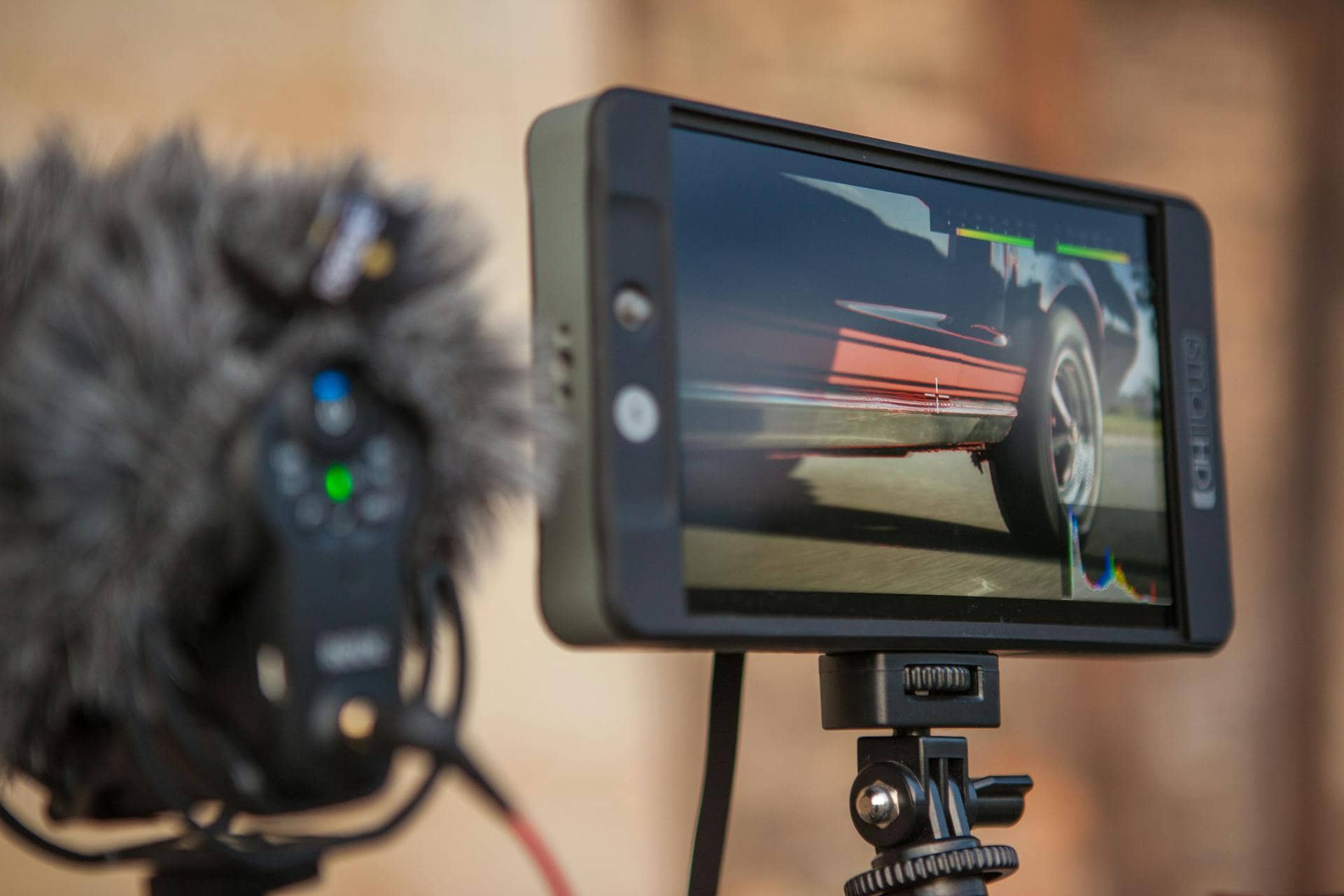
Good HDR depends on a lot more than just turning the setting on and hoping the picture suddenly looks better. The screen matters. The HDR format matters too. So does the original footage, honestly. Some HDR videos look incredibly realistic with deep contrast and bright highlights that actually feel natural. Others barely look different from SDR because the source video was poorly mastered from the start.
-
Dolby Vision: This format uses dynamic metadata to adjust brightness and contrast frame by frame. It keeps a dim hallway scene and a sunny outdoor shot, looking individually optimized. It shows up mostly on premium displays and major streaming apps.
-
HDR10: The universal baseline. Every single HDR screen understands HDR10. It relies on static metadata, applying one blanket rule across an entire video file instead of adjusting scene by scene.
-
HDR10+: An updated, royalty-free take on HDR10 that adds dynamic metadata, tweaking the contrast levels as the video tracks forward.
-
HLG (Hybrid Log-Gamma): Built by TV broadcasters for live sports and television streams. It lets older screens read a standard signal while newer TVs pull an HDR image from the exact same broadcast stream.
At the same time, HDR cannot completely rescue bad footage. If the original video is blurry, heavily compressed, poorly exposed, or poorly exported, those flaws remain visible. Sometimes even more noticeable. That's usually when enhancement tools start becoming useful before the final upload or export.
Improve HDR and SDR video quality with Vmake AI
Whether you are working on old home video restoration, pixelated video repair, or trying to polish up a modern HDR clip, manual color correction can be complex and time-consuming. Vmake AI simplifies this entire process, using automated machine learning to instantly elevate your visual assets.
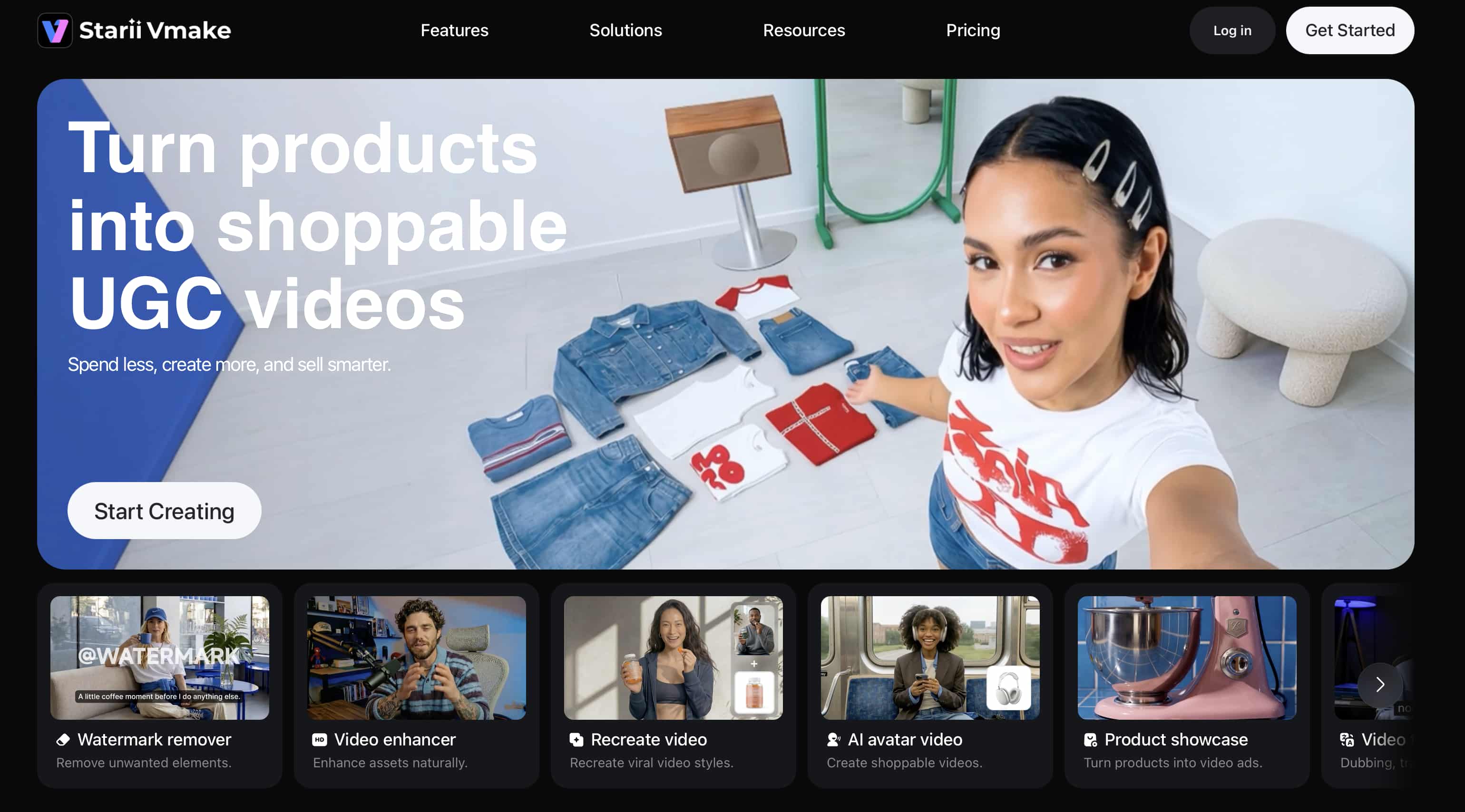
-
AI sharpening for soft-looking footage: Acts as a video blur remover, reducing blur and sharpening soft edges, making details like textures, clothing, and facial features look crisp.
-
Color recovery and detail restoration: Salvages lost information from overly dark shadows or blown-out highlights, pulling back rich details and balanced contrast.
-
High-quality exports for streaming and social platforms: Optimizes your final files so they don't lose their vibrancy or clarity when uploaded to highly compressed platforms.
-
Batch enhancement for multiple files: Saves a massive amount of time by allowing you to upload and enhance multiple clips simultaneously without sacrificing quality.
Quick tutorial: Enhancing HDR and SDR videos with Vmake AI
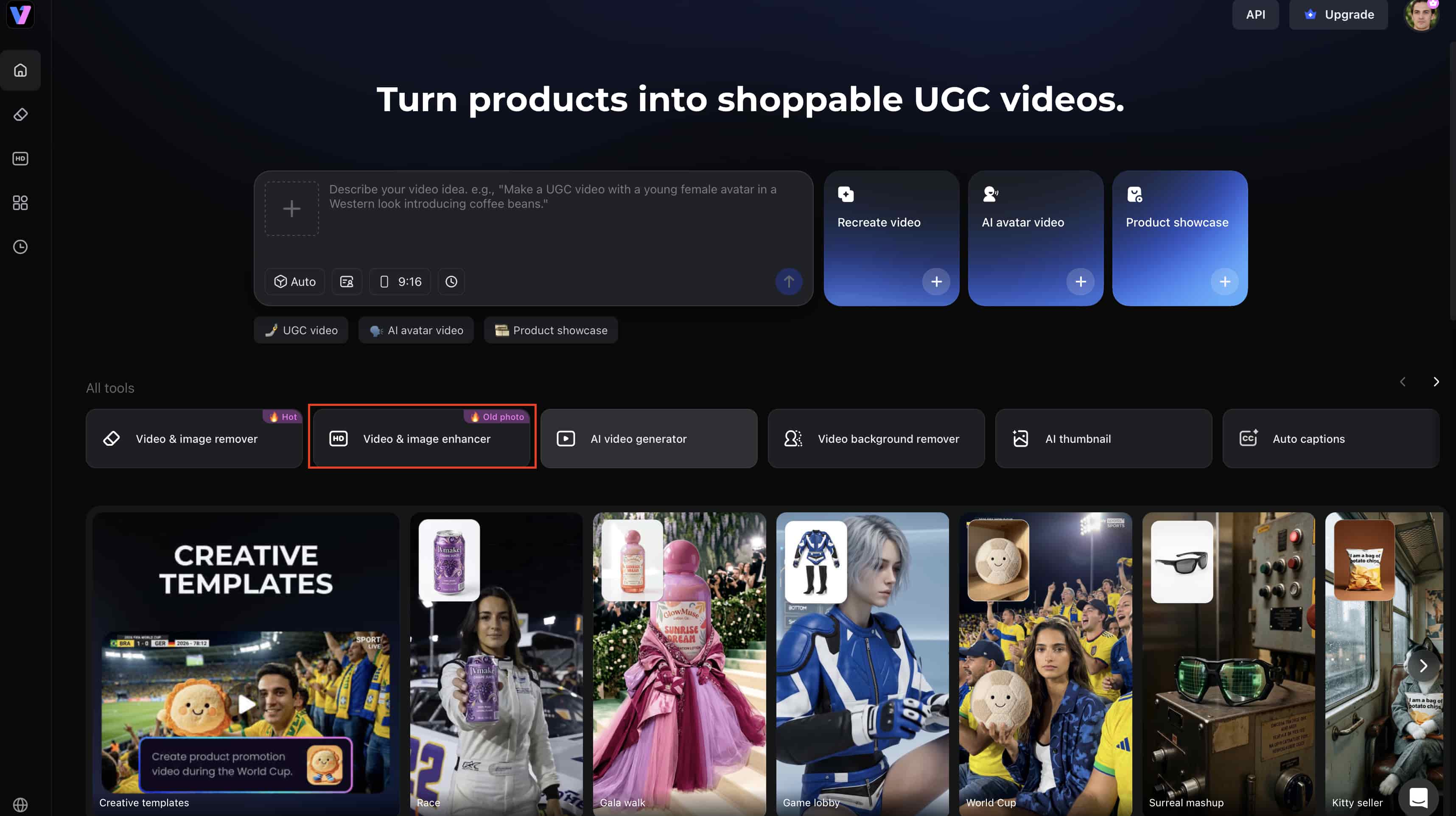
Step 1: Upload your HDR or SDR video
Import your HDR or SDR video into the Vmake AI workspace. Make sure to capture a clean screenshot of the upload interface for reference.
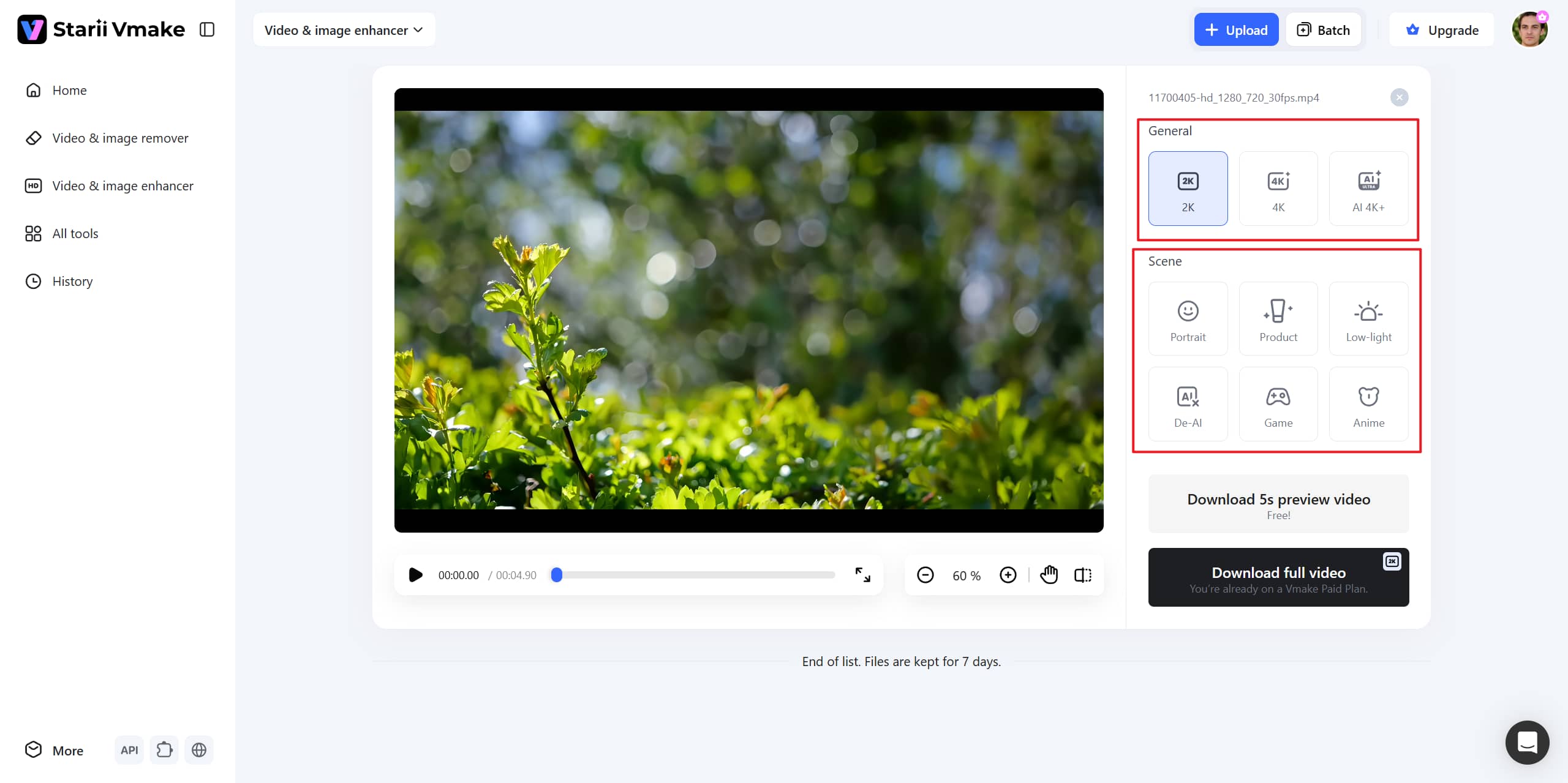
Step 2: Select enhancement settings
Choose your desired resolution, such as 2K, 4K, or AI 4K+, and switch the "Scene" to the Mode you prefer.
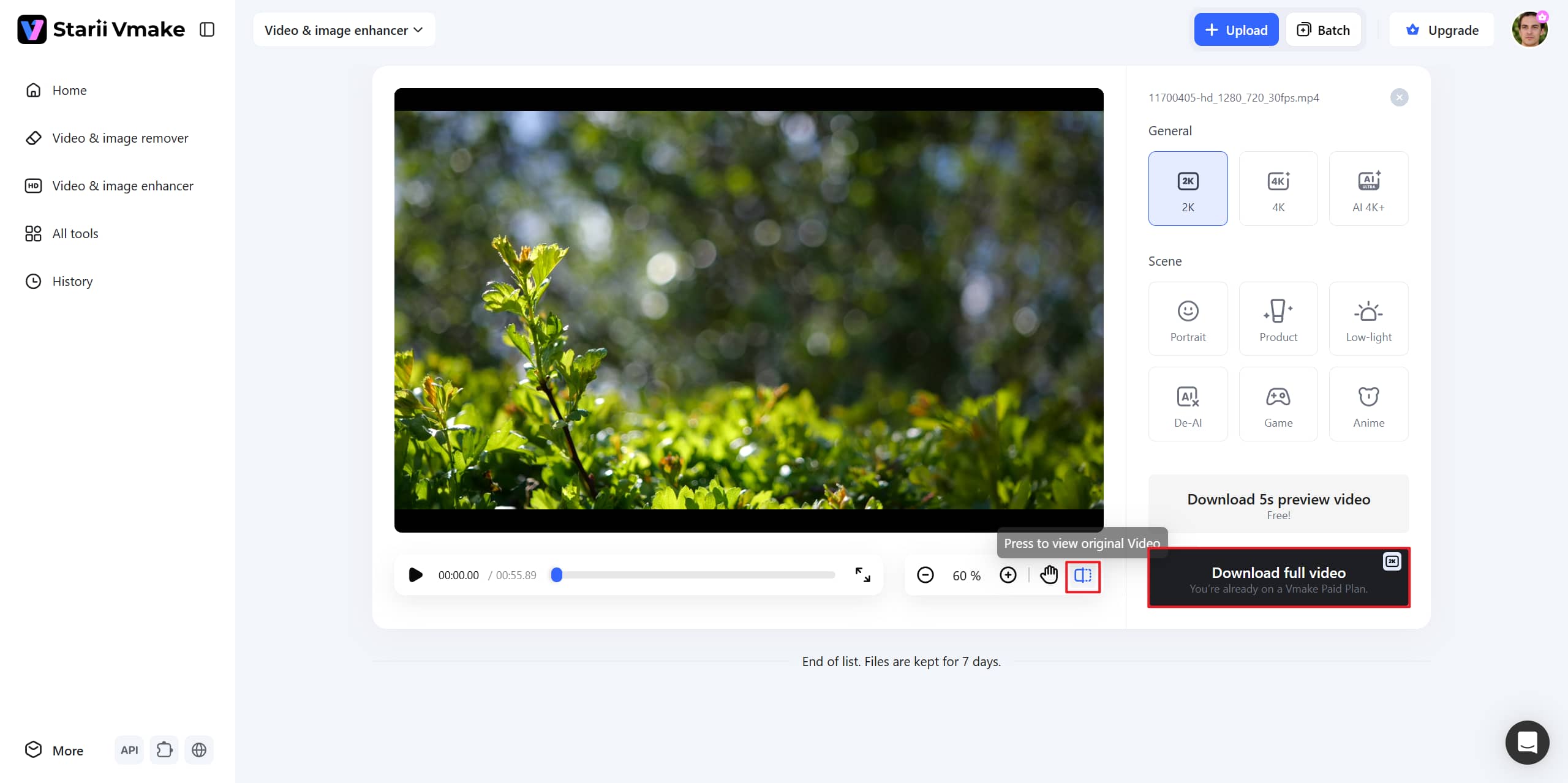
Step 3: Preview and Export
Compare the original and enhanced video quality side by side using the real-time player. Hit "Download" and save the improved HDR or SDR video in high quality to your local storage device.
Expert tips for getting better HDR and SDR video quality
-
Use HDR-compatible displays: Experience HDR content the way creators intended by monitoring your work on screens that support high peak brightness.
-
Avoid over-compressing HDR video files: High compression levels cause severe color banding, destroying smooth lighting gradients before uploading them online.
-
Record high-quality source footage: Ensure clean exposure at the recording stage to ensure a sharper, cleaner final HDR and SDR output.
-
Sharpen before publishing: Use Vmake.ai to sharpen details and improve clarity before publishing content to combat aggressive platform compression.
-
Enhance compressed or low-contrast footage: Use Photoshop's brightness tool or Vmake AI enhancer to restore clarity, improve sharpness, and recover visual details in compressed HDR and SDR video.
Conclusion
Understanding HDR vs SDR really shows how much modern displays have changed over the years. HDR pushes brightness, contrast, and color much further, which is why movies, games, and nature footage often feel more immersive on HDR screens. SDR still holds up well, though. It remains the standard format across a huge number of devices because it's stable, lightweight, and widely supported almost everywhere.
You also do not need professional editing skills to improve how footage looks on either format. Tools like Vmake AI can help clean up softer details, improve contrast, and sharpen videos without turning the process into a complicated editing project.
FAQs
What does SDR vs HDR meaning actually refer to?
It points to how a clip handles contrast and color. SDR keeps things within tight, older boundaries, while HDR blows those walls down, offering a wider color spectrum and much brighter highlights.
Is HDR always better than SDR for movies and gaming?
Not automatically. Good HDR can look incredible on a proper HDR display because lighting and colors appear much more realistic. But on weaker screens, HDR sometimes ends up looking dim or uneven instead. A lot still depends on the display quality and the source footage itself. Some creators use Vmake AI beforehand to clean up videos and improve overall visual consistency across different screens.
Can Vmake AI improve HDR vs SDR video quality automatically?
Yes. The tool reads your file, looks for muddy shadows or blurry edges, and cleans them up on its own. You can test it by dropping a quick test clip right into the Vmake.ai workspace.
What is the biggest visual difference between HDR vs SDR?
It is all about the highlight pop. In HDR, a bright light like a streetlamp or a sunbeam looks intensely bright without turning the rest of the image white. SDR flattens those highlights out. To fix those heavy contrast gaps automatically, let Vmake.ai scan your footage.
How can I improve HDR vs SDR video quality for social media?
Export with a high bitrate and don't re-compress the same file over and over. Pre-sharpening your clips through Vmake.ai before you hit upload helps your textures survive the harsh compression used by social platforms.

You May Be Interested
2026 Fotor Video Enhancer Review: Features and Top Alternatives
How to Change Video Resolution Without Losing Quality

Seedance 2.0 vs Sora 2: Which AI Video Generator Wins in 2026?
Demystifying 2K Video Resolution: The Ultimate Guide

Best AI Video Generator: Top Tools Tested (2026)
Video Color Correction vs. Color Grading: What's the Difference?

MOV vs MP4: What's the difference and which is better?