
Seedance 2.0 vs. Sora 2: The Ultimate Battle for AI Video Supremacy (2026 Guide)
 Ken DawsonFebruary 10, 2026
The "Sora era" has officially met its match. When OpenAI first previewed Sora in 2024, the world was stunned by its ability to generate 60-second clips of a woman walking through Tokyo. But by early 2026, the industry has realized that "realism" is only half the battle. To be useful for a professional director or a small business owner, an AI needs to be controllable.
This is where the rivalry heats up. Sora 2 remains the king of hyper-realistic physics, but Seedance 2.0—released by ByteDance—has introduced a "Multimodal Reference" system that is fundamentally changing how we direct AI.
To choose the right tool, you first have to understand the philosophy behind the code.
Sora 2: The Physics Engine
OpenAI’s goal with Sora 2 wasn't just to make "pretty videos"—it was to build a world simulator. Sora 2 excels at understanding the "why" of movement. If a character drops a glass, Sora 2 calculates the trajectory, the shatter pattern, and the way liquid splashes based on internal physics models. It is the gold standard for high-fidelity, single-shot realism.
Seedance 2.0: The Multimodal Director
Seedance 2.0 (the successor to the widely popular 1.5 Pro) takes a different approach. ByteDance built this model for creators. It treats video generation like a movie set. Instead of just relying on a text prompt, it allows you to "cast" your character with an image, "scout" your location with a photo, and "conduct" the movement with a reference video. It is a tool built for people who have a specific vision and don't want to leave it to the "AI lottery."
Head-to-Head Comparison: 5 Key Factors
Key Factor |
Seedance 2.0 |
Sora 2 |
Input System |
@ Mention System: Call up to 12 specific assets (images/audio/video) in one prompt. |
Text-Dominant: Relies on complex prompting; limited multi-modal referencing. |
Consistency |
Character Persistence: Hard-locks features, jewelry, and clothing across shots. |
Character Cameos: Reusable likenesses, but restricted by strict safety guardrails. |
Audio Sync |
Native Sync: Frame-perfect lip-sync and rhythmic hits (e.g., footsteps/drums). |
Atmospheric Foley: Focuses on immersive environment sounds and cinematic "mood." |
Speed & Shot |
30% Faster: 10s clip in <2 mins. Best for high-speed production. |
Longer Takes: Slower generation but supports continuous shots up to 30s. |
Workflow |
Auto Storyboarding: Automatically splits a paragraph into 4–5 coherent shots. |
One-Shot Engine: Requires manual stitching of individual clips for a story. |
1. Input Modalities (The @ Reference System)
The standout feature of Seedance 2.0 is its @ mention system. You can upload up to 12 different files—images, audio clips, and reference videos—and "call" them in your prompt.
-
Seedance 2.0: You can prompt: "Take @Image1 as the character, follow the camera movement of @Video1, and sync the footsteps to @Audio1." This level of granular control is unprecedented.
-
Sora 2: While Sora 2 has introduced "Image-to-Video" for friends and family photos (as of Feb 2024), its multimodal capabilities are still more restrictive. It relies heavily on text-to-video, which can lead to "prompt fatigue" when trying to describe complex scenes.
2. Character and Visual Consistency
The biggest "pain point" in AI video has always been character morphing.
-
Seedance 2.0: Uses a sophisticated "Character Persistence" architecture. Once you upload a reference photo, the AI locks in facial features, jewelry, and clothing patterns across multiple shots.
- Sora 2: Sora 2 counters with "Character Cameos." This allows users to create a digital likeness once and reuse it. However, Sora 2’s safety guardrails are significantly stricter, often refusing to animate faces that look "too real" to avoid deepfake issues.
3. Audio-Visual Synchronization
In 2026, silent AI video is a thing of the past.
- Seedance 2.0: Offers Native Audio Sync. If you generate a video of a person speaking or a drummer playing, the lip-sync and the rhythmic hits are generated simultaneously with the pixels. There is zero "lag" between the action and the sound.
- Sora 2: Sora 2 also features synchronized dialogue and foley (sound effects), but its strength lies in atmospheric soundscapes—the sound of wind, city bustle, or cinematic orchestral swells that match the "mood" of the lighting.
4. Generation Speed and Resolution
- Speed: Seedance 2.0 is roughly 30% faster than its predecessor, generating a high-quality 10-second clip in under two minutes. Sora 2, due to its complex physics calculations, tends to take longer but offers longer continuous shots (up to 25–30 seconds).
- Resolution: Both models now support 2K native output. However, even "native 2K" can look a bit soft when viewed on a 4K monitor or a large TV. This is where post-production tools become mandatory.
5. Multi-Shot Storyboarding
Seedance 2.0 introduced Automatic Storyboarding. You can input a paragraph of a story, and the AI will automatically break it down into 4 or 5 coherent shots, maintaining the same actors and environment across the entire sequence. Sora 2 is still primarily a "one shot at a time" tool, requiring the user to manually stitch clips together.
The Professional Workflow: Bridging the Gap with Vmake
Even with the power of Sora 2 and Seedance 2.0, "raw" AI video rarely meets the standards of a professional ad agency or a high-end YouTuber. AI videos often suffer from three specific issues:
1.
Resolution "Fuzz": 2K AI video often looks like 720p because of "diffusion noise."
2.
Unwanted Artifacts: A third hand appearing for a split second or a distorted background.
3.
Branding Needs: The need to remove watermarks or change background colors to match a brand palette.
How to use Vmake in your 2026 AI Workflow:
Step 1: Generate with Seedance 2.0. Create your 15-second cinematic clip using the multimodal references to ensure your character looks exactly right.
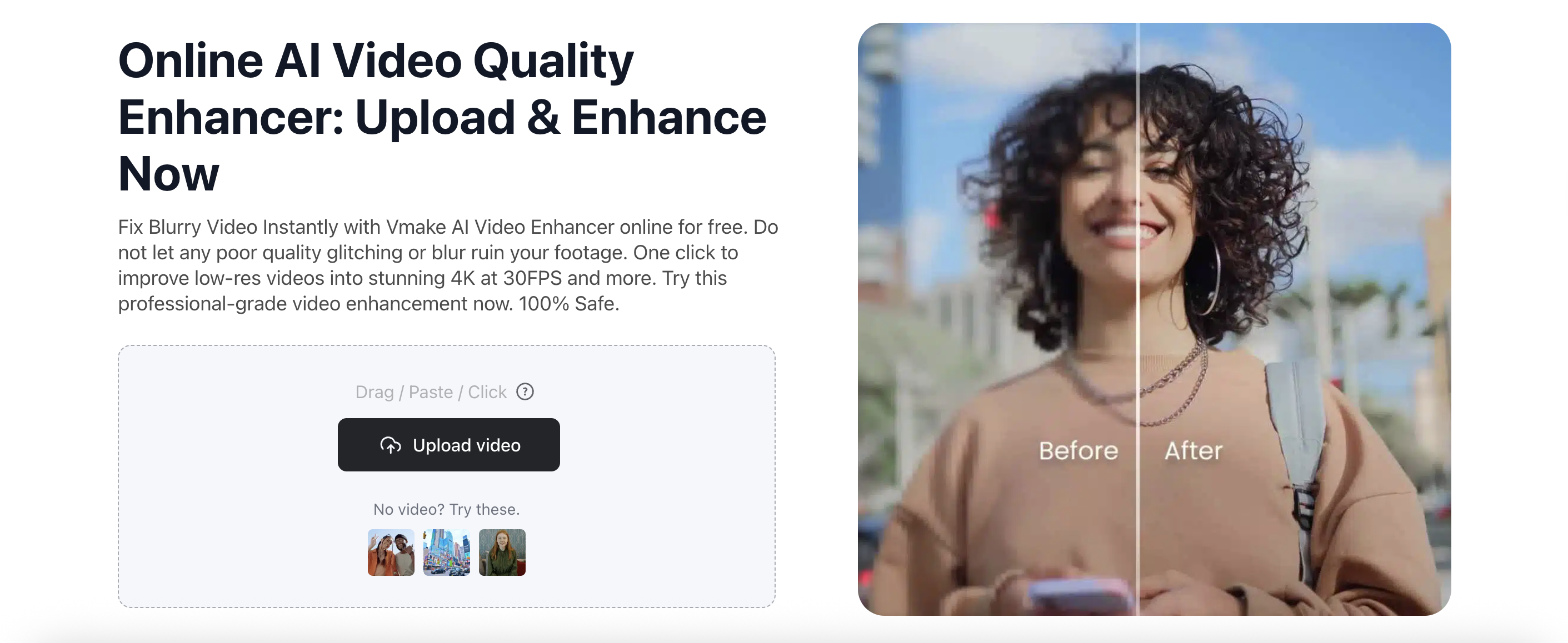
Step 2: Upscale with Vmake AI Video Enhancer. Take that 2K file and run it through vmake. The AI Video Enhancer doesn't just "stretch" the video; it uses deep learning to reconstruct details, turning that soft AI output into crisp, professional 4K or 8K footage.
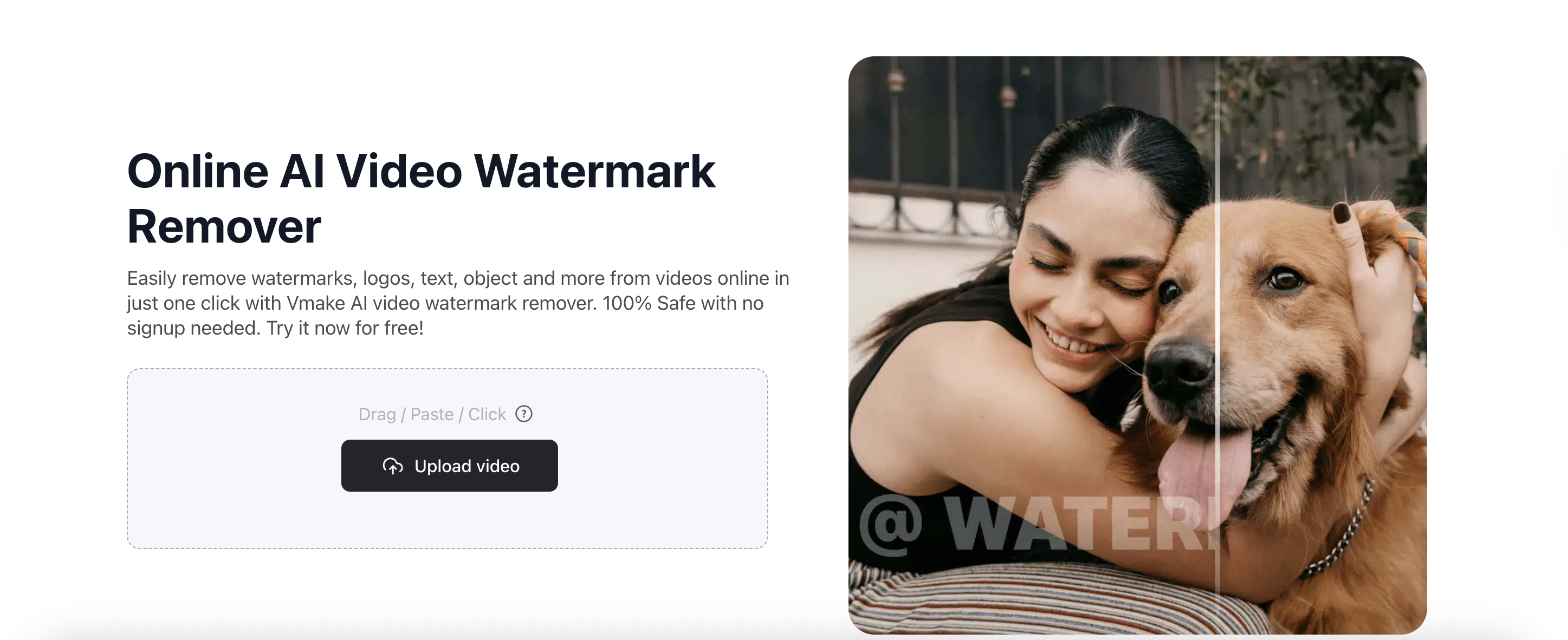
Step 3: Background Cleaning. Use Vmake Background Remover/Changer to swap out the AI-generated background for a clean studio environment or a branded landscape. 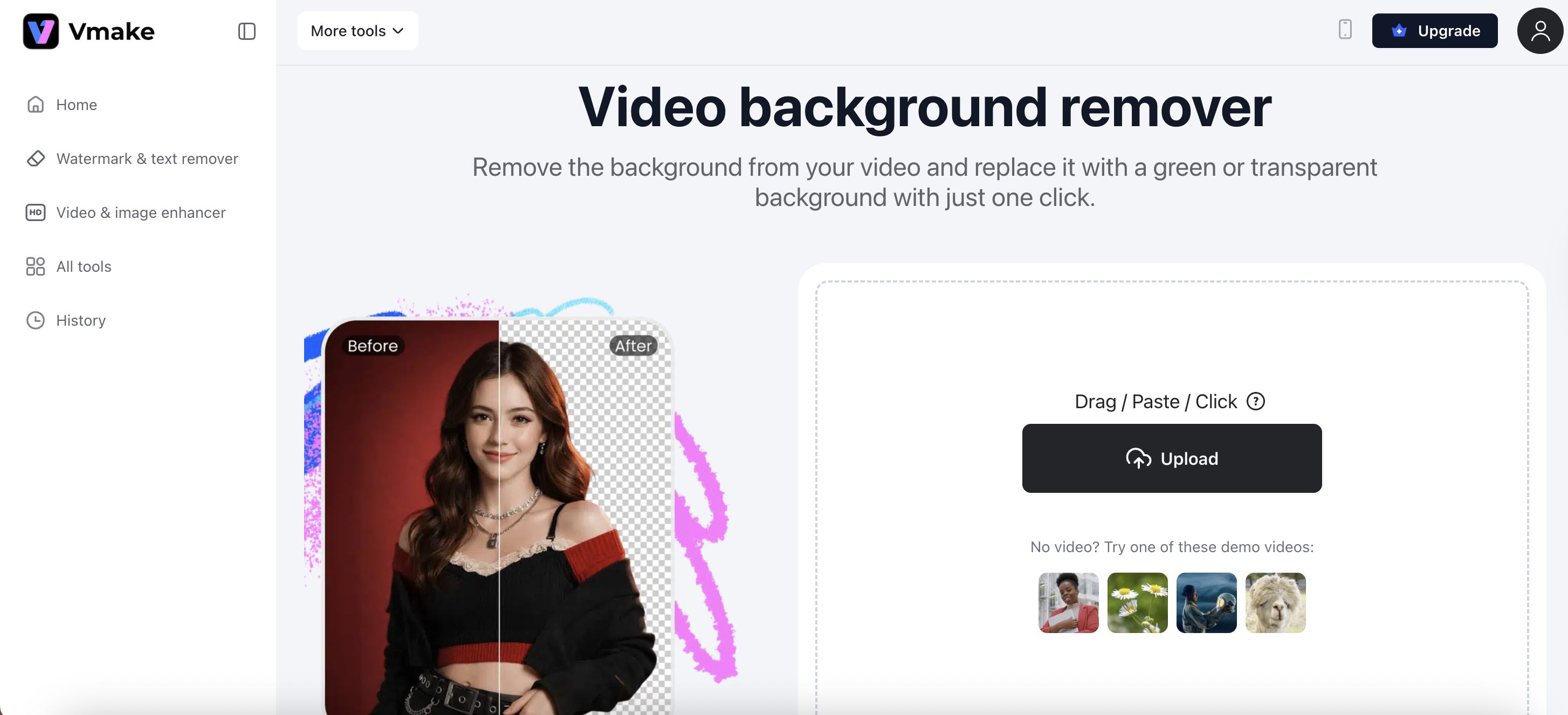 Step 4: Remove watermark from video. If you are using the free tiers of these models for prototyping, vmake can cleanly remove watermarks to give you a "client-ready" preview.
Verdict: Which One Should You Choose?
Choose Seedance 2.0 if:
You are a social media marketer, a small business owner, or a creator who needs precision. If you have a specific character and a specific script, Seedance’s multimodal control will save you hours of "re-rolling" prompts.
Choose Sora 2 if:
You are working on a high-concept film where physics and realism are everything. If you need a shot of water reflecting a sunset with perfect accuracy, Sora 2 is still the master of light and shadow.
1. Is Seedance 2.0 free to use?
Seedance 2.0 is typically available through ByteDance's creative platforms (like Dreamina or Jimeng). It uses a credit-based system, where users get a certain number of free daily generations, with premium tiers for higher resolution and faster processing.
2. Can Sora 2 generate audio?
Yes. As of late 2025/early 2026, Sora 2 includes native audio generation that matches the physical actions in the video, such as footsteps, speech, and environmental sounds.
3. How do I fix "blurry" AI videos?
The best way to fix the inherent "softness" of AI video is to use a dedicated upscaler. Tools like vmake's AI Video Enhancer are specifically designed to sharpen AI-generated pixels and increase the frame rate for smoother motion.
4. Which model is better for TikTok and Reels?
Seedance 2.0 is generally better for social media because it is optimized for the vertical (9:16) format and features "beat-sync" technology that makes it much easier to create content that feels "native" to TikTok.
Conclusion
The "AI Video War" of 2026 has given creators more power than ever before. Whether you choose the physics-bending realism of Sora 2 or the director-level control of Seedance 2.0, the secret to success lies in the workflow.
Don't settle for raw, low-resolution AI clips. By combining the creative power of Seedance with the professional polishing tools of vmake, you can produce videos that are indistinguishable from high-budget studio productions.
Ready to turn your AI generations into masterpieces? Check Vmake AI Video Enhancer and upgrade your Seedance or Sora clips to stunning 4K quality in seconds.

You May Be Interested

Seedance 2.0: What's New & How to Use It

123APPS Watermark Remover Review (2026): Pros, Cons, and Pricing

5 Best Valentine's Day Video Ideas for eCommerce in 2026

How to Create a YouTube Thumbnail? Create YouTube Thumbnails Using AI
