7 Best Avatar AI Video Makers for Business Advertising in 2026
Explore the best avatar AI video makers for business advertising. Compare top tools for creating ads, product videos, and multilingual campaigns, then create your own with Vmake AI.

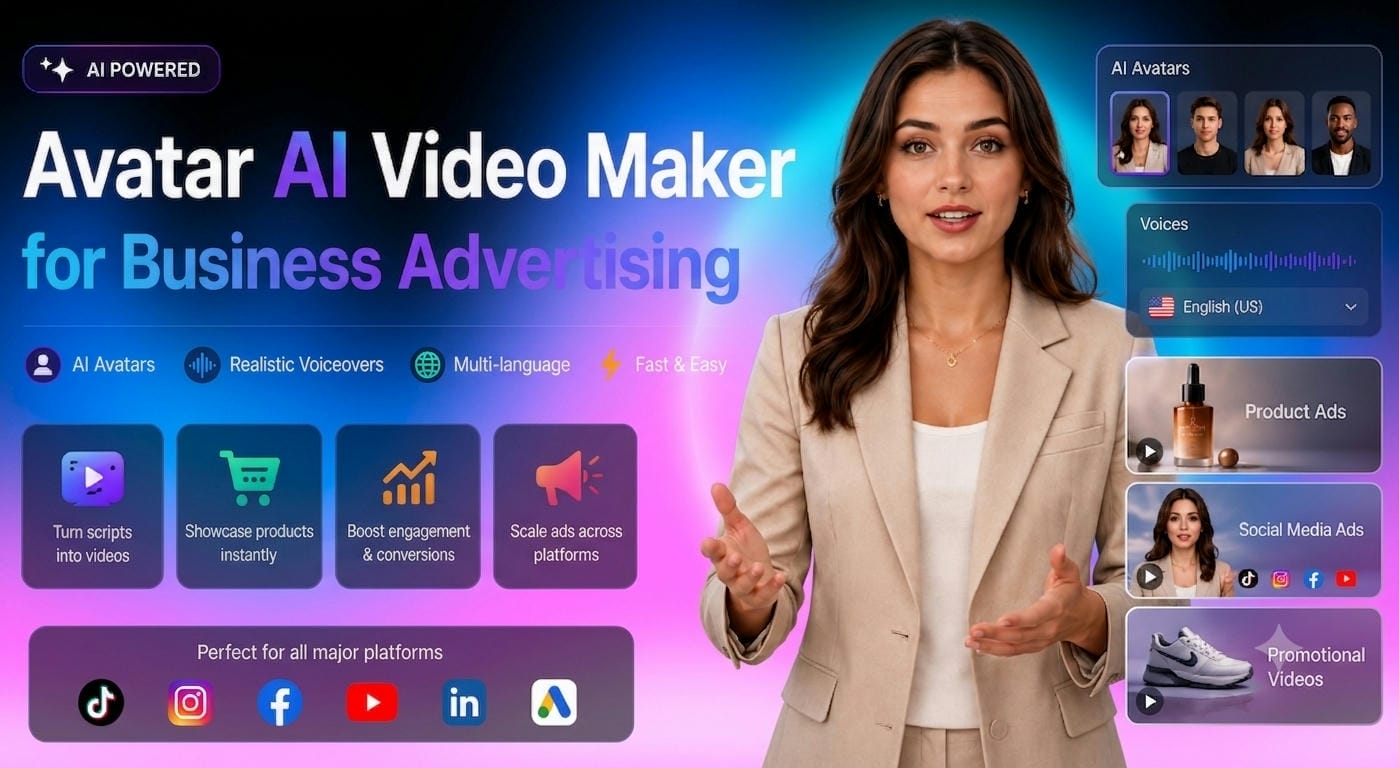
Video marketing drives modern advertising, but traditional production can be costly and time-consuming. Avatar AI video makers simplify the process by turning scripts and product visuals into engaging spokesperson videos. This guide compares the best tools for creating business advertising content in 2026.
What Is an Avatar AI Video Maker for Business Advertising?
A business avatar AI video maker for advertising uses AI to create realistic virtual presenters that deliver promotional messages. Create professional videos from scripts, product photos, or website content with real lip-sync and face expressions.
Many companies are employing these technologies to cut down the costs and time of traditional video creation. AI avatars make it easy to create product advertising, launch videos, and social media promos, allowing for fast content creation and effective scaling.
Why Companies Are Using AI Avatar Video Generators
As companies look for faster, cheaper ways to generate marketing videos, demand is growing for AI avatar solutions like these.
-
Growing demand for video advertising: Video is still the king of internet marketing. It’s an important part of modern advertising, and platforms like TikTok, Instagram reels, YouTube Shorts, and Facebook reward video content that gets engagement.
-
Challenges of traditional video production: Usually, video creation takes a lot of time and money. Finding presenters, arranging studios, and editing footage may often be very resource-intensive.
-
Advantages of AI-powered avatar marketing: AI avatar generators help businesses produce films faster, save money, maintain brand consistency, and scale content production for many campaigns.
-
How businesses use AI avatars across campaigns: Businesses employ AI avatars for product promotions, commercials on social media, landing site videos, customer education, and multilingual marketing efforts.
The 7 Best Avatar AI Video Makers for Business Advertising
|
Tool |
Best For |
Avatar Realism |
Multilingual Support |
Ad Creation Features |
Free Plan Available |
|---|---|---|---|---|---|
|
Vmake AI |
Business advertising and promotional videos |
Excellent |
Yes |
Excellent |
Yes |
|
Synthesia |
Corporate marketing and training videos |
Excellent |
Yes |
Good |
Limited Trial |
|
HeyGen |
Social media and marketing campaigns |
Excellent |
Yes |
Excellent |
Yes |
|
Admove AI |
AI-powered advertising creatives |
Good |
Yes |
Excellent |
Trial Available |
|
Elai.io |
Product demos and educational content |
Good |
Yes |
Good |
Trial Available |
|
D-ID |
Talking avatar and spokesperson videos |
Very Good |
Yes |
Good |
Limited Trial |
|
Canva AI |
Small business marketing content |
Moderate |
Yes |
Good |
Yes |
-
Vmake AI (Best Overall for Business Advertising)
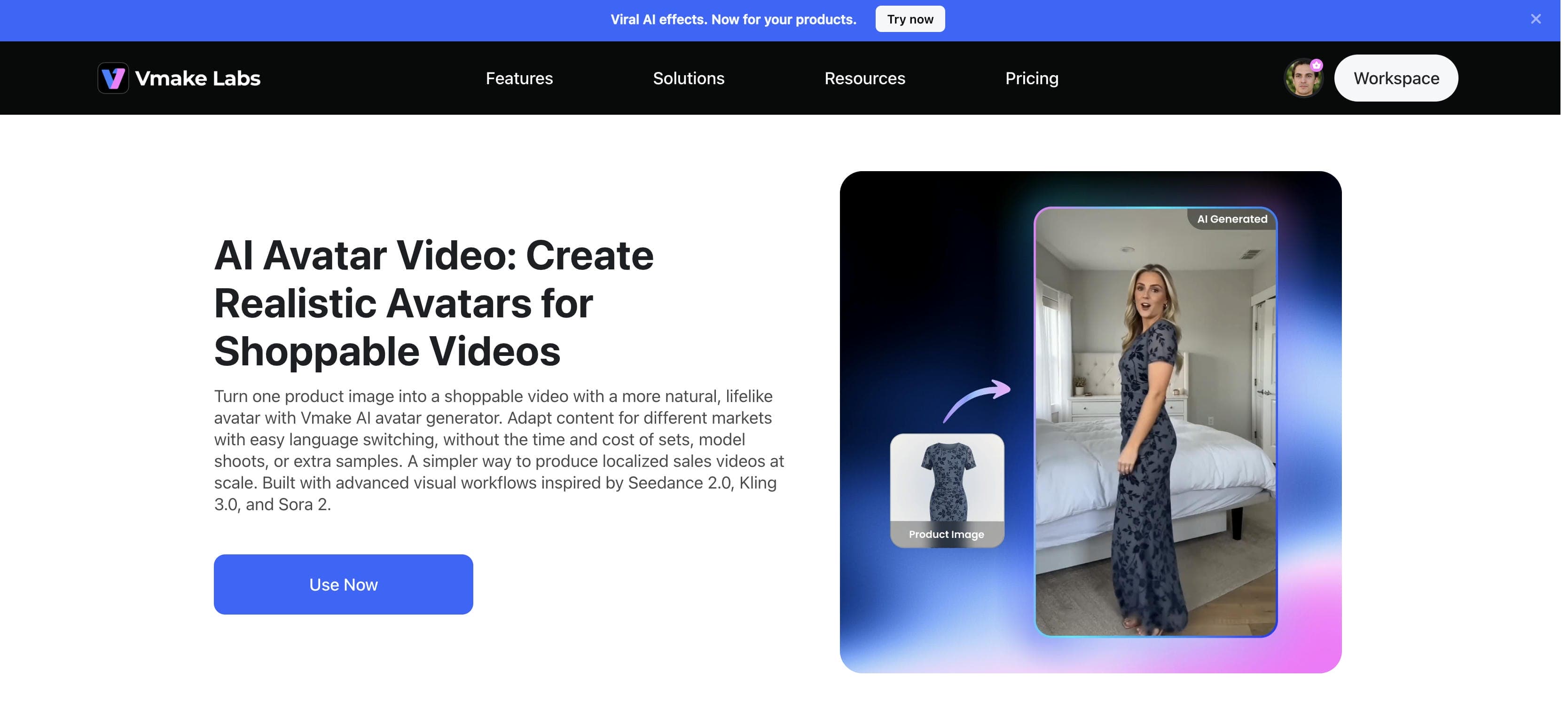
Vmake AI stands out as one of the most practical solutions for businesses that need advertising videos quickly. The platform focuses on transforming product assets into marketing-ready videos while simplifying the creative process for teams without advanced editing experience. Its AI avatar capabilities combine well with advertising workflows, making it especially useful for ecommerce brands, online retailers, agencies, and marketing departments.
Key Features
-
AI avatar generation: Create professional spokesperson-style videos using AI avatars that deliver marketing messages with natural speech and realistic lip-sync.
-
Product-focused workflows: Transform product images, descriptions, and key selling points into engaging promotional videos without complex editing.
-
Prompt-based video creation: Describe your marketing goal and let AI generate a promotional video concept.
-
Multilingual support: Produce localized videos in multiple languages, helping businesses reach international audiences more effectively.
Pros
-
Designed specifically for creating advertising and promotional videos.
-
Converts product images and marketing messages into engaging avatar-led content quickly.
-
Supports multilingual video creation for global campaigns.
-
Simple workflow makes it accessible for beginners and marketing teams.
-
Includes branding and customization options for consistent campaign visuals.
Cons
-
Although the free plan is enough for amateurs, paid plans are better suited for professionals or marketing teams.
Pricing
-
Free plan includes daily credits for 720p video generation, while paid plans start at $9.99/month and unlock 1080p, 4K, and advanced editing features.
Bonus: Step-by-Step: How to Create an Advertising Video with Vmake AI
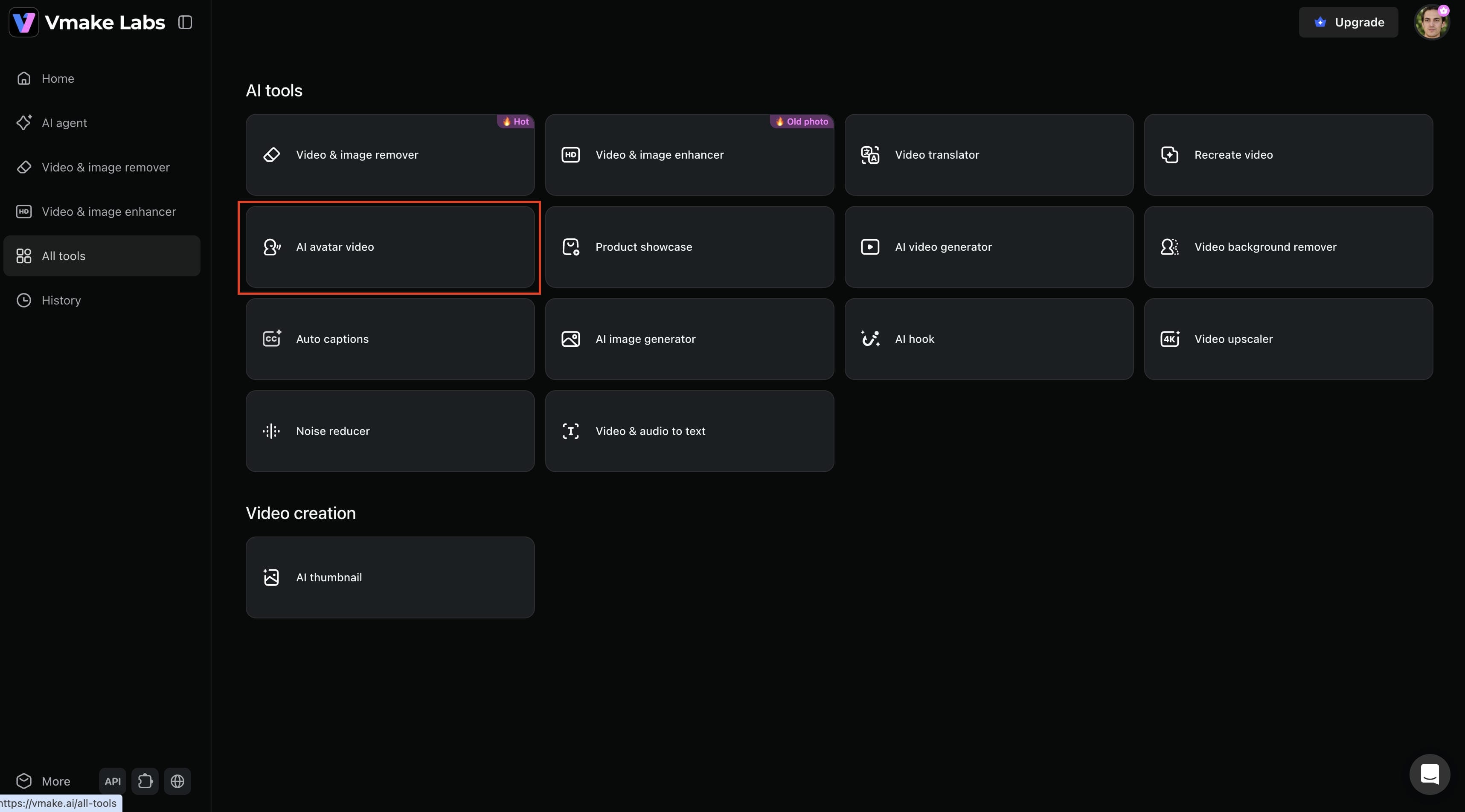
Step 1: Access the AI Avatar Video tool
From the Vmake AI dashboard, click All Tools and select AI Avatar Video. This opens the workspace where you can create avatar-led promotional videos from product images and text prompts.
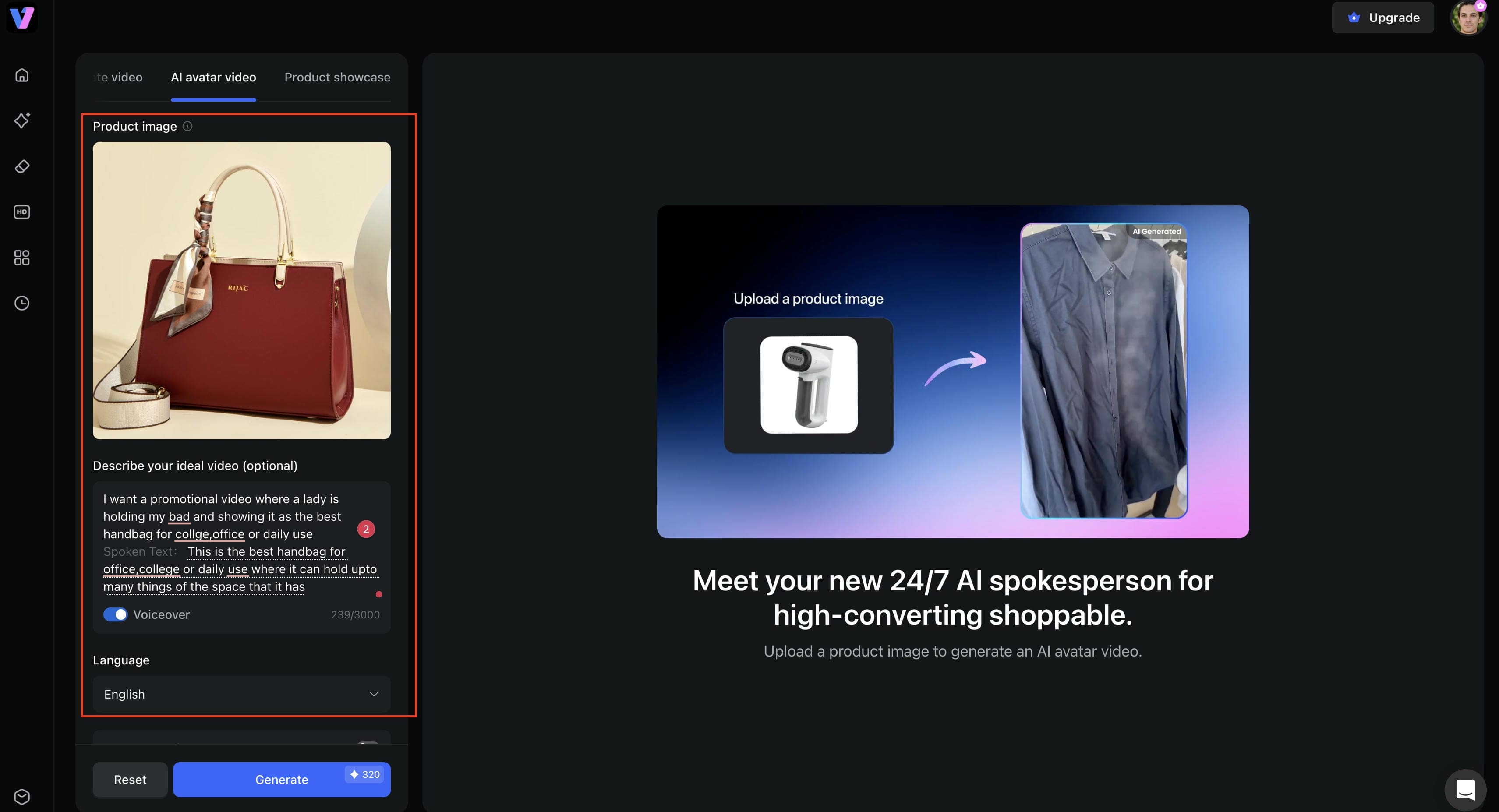
Step 2: Upload your product image and define your advertising goals
Upload a product image and describe the type of promotional video you want to create. You can specify the product benefits, target audience, marketing message, and spoken text. Select your preferred language and enable voiceover if needed.
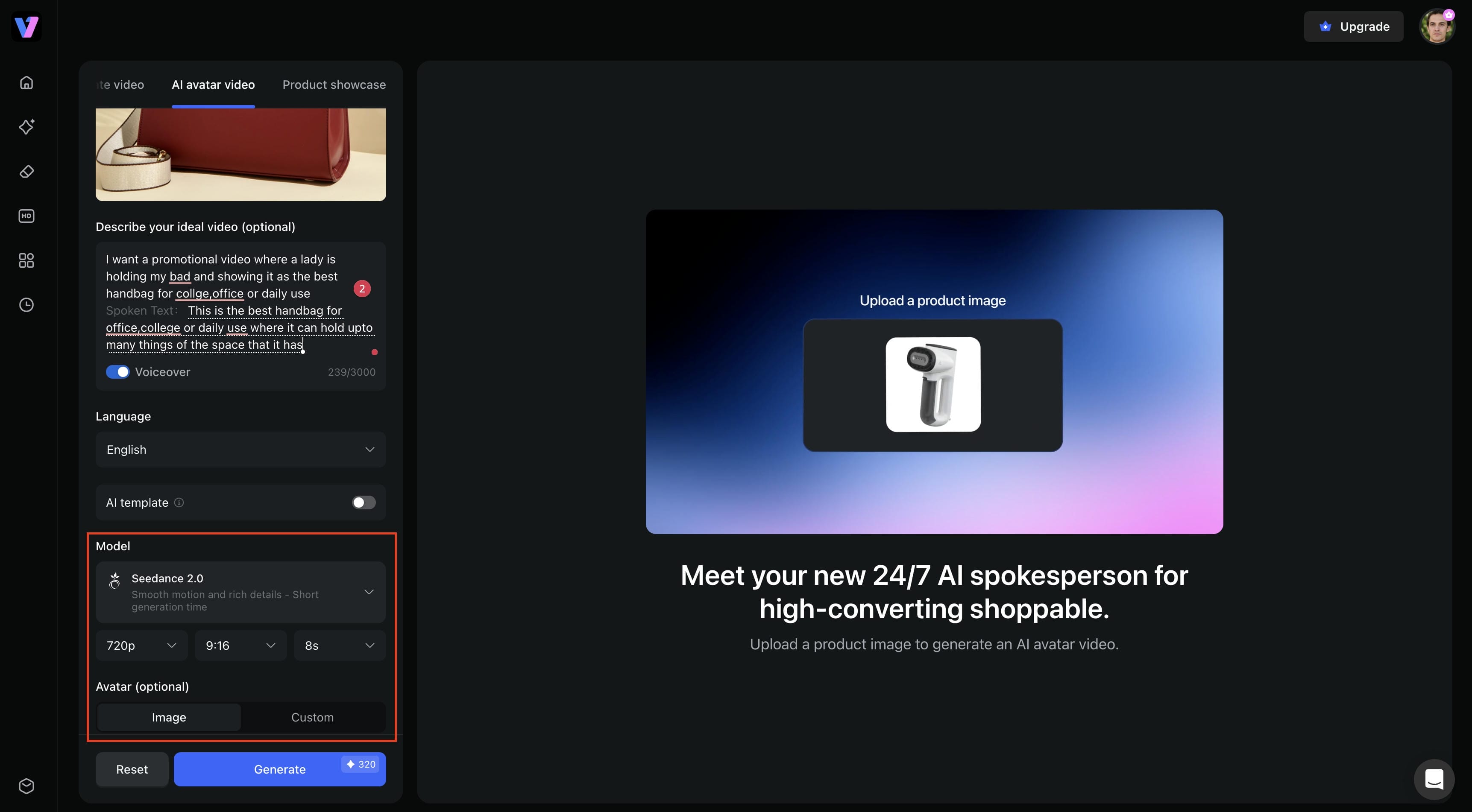
Step 3: Configure video settings and generate
Choose your AI model, video resolution, aspect ratio, and duration. You can also select whether to use an image-based avatar or a custom avatar. Once your settings are ready, click Generate to create the video.
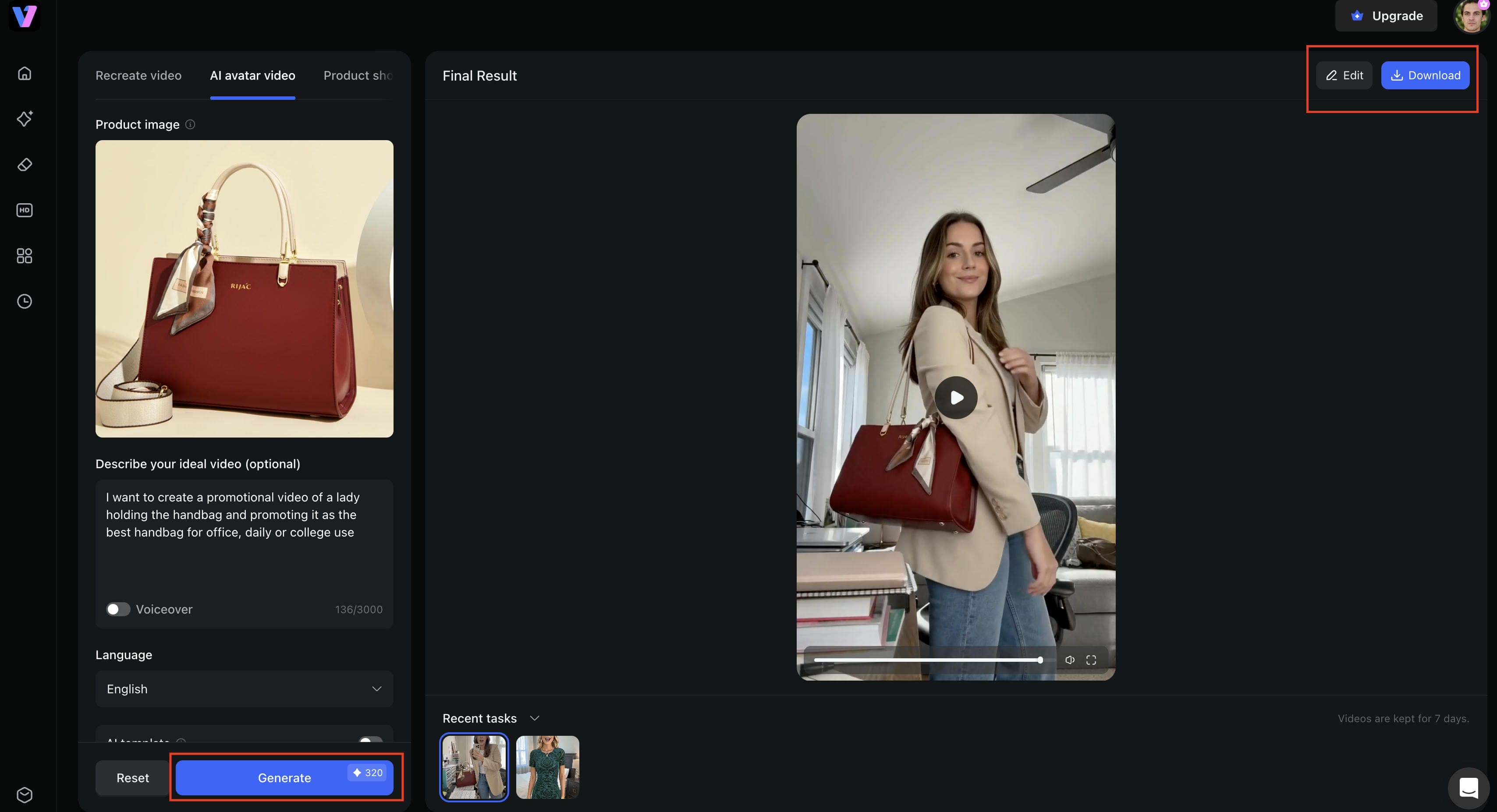
Step 4: Review, edit, and download the final video
Preview the generated avatar video in the results panel. If adjustments are needed, click Edit to refine the output. When you're satisfied with the result, click Download to export the finished advertising video for publishing across your marketing channels.
-
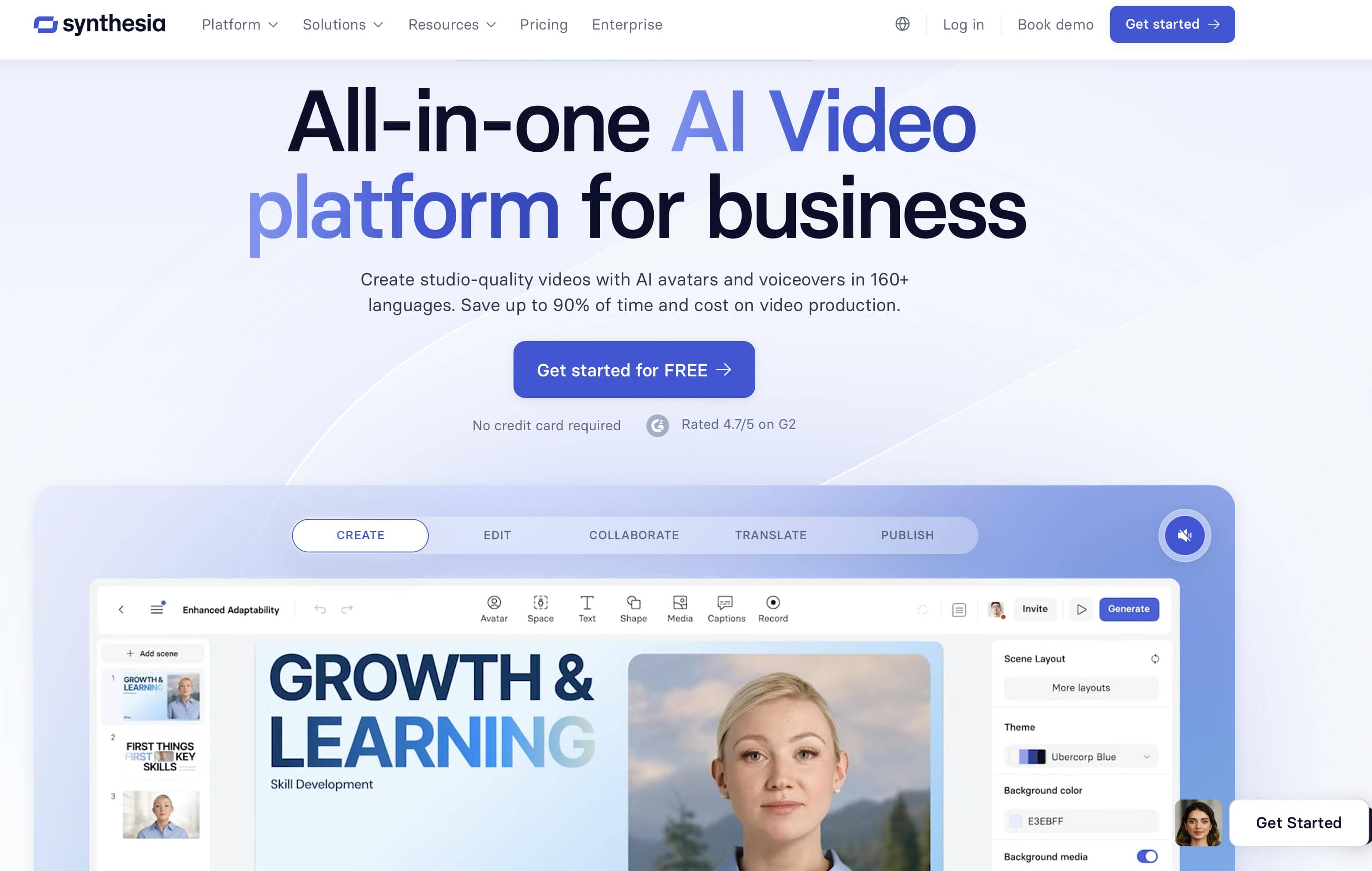
Synthesia
Synthesia is a business avatar AI video maker that creates realistic virtual presenters for advertising, marketing, training, and corporate communications. It turns scripts into professional videos with AI avatars that deliver promotional messages while maintaining brand consistency across audiences.
Pros
-
Exceptional structural stability for corporate explainers.
-
Expansive custom avatar capture solutions for executive cloning.
-
Smooth integration with comprehensive learning management platforms.
Cons
-
Lacks native, casual behavioral traits required for social commerce.
-
Subscription commitments require higher budgets for multi-seat marketing teams.
Pricing
-
Starter plan at $22/month for individuals, Creator at $67/month for professionals, Enterprise pricing available on request with custom features.
-
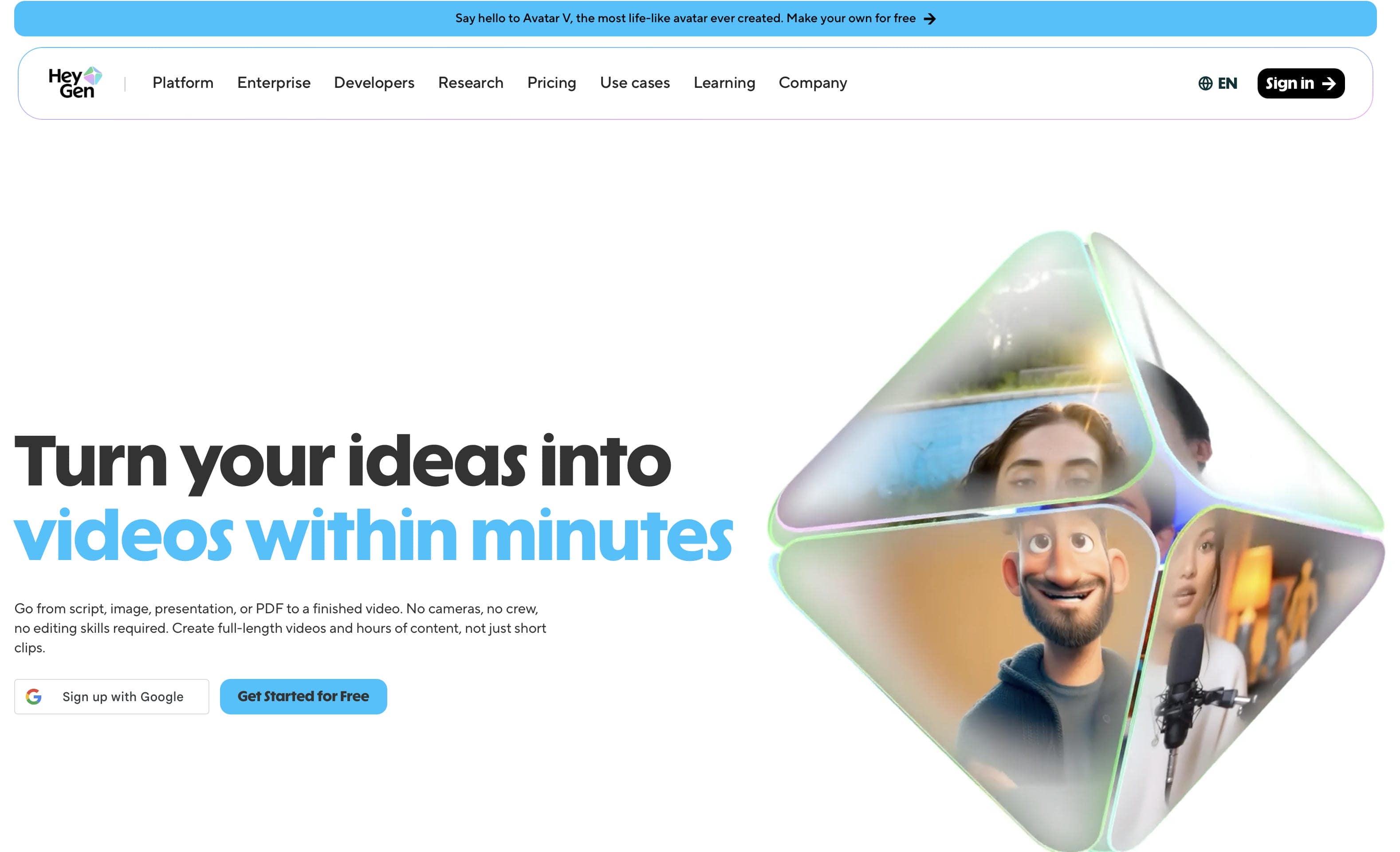
HeyGen
HeyGen is an AI avatar video maker for advertising, marketing, and business communications. It helps users create videos with virtual presenters, supports multiple languages, and offers API access for content production and localization.
Pros
-
Outstanding behavioral realism with organic shoulder movements.
-
Advanced real-time translation features that maintain matching lip movements.
-
Robust developer API configurations that streamline automated batch processing.
Cons
-
High-definition exports use up credit allocations quickly.
-
Advanced custom avatar training processes require premium investments.
Pricing
-
Free plan available with limitations. Creator plan starts at $24/month, Team plans from $120/month with additional collaboration features.
-
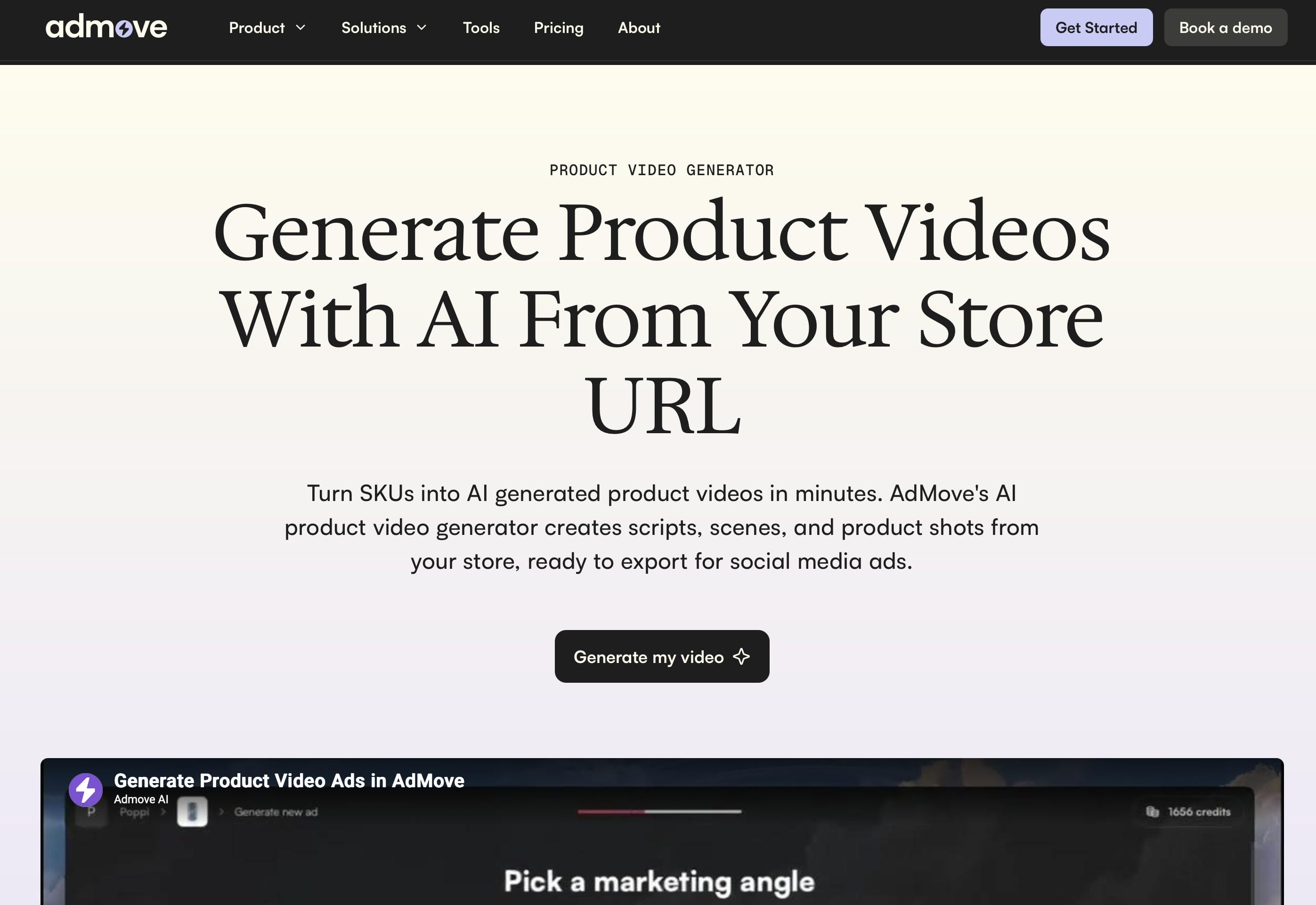
Admove AI
Admove AI is an AI avatar video maker for advertising and campaign creation. It helps users generate marketing videos with virtual presenters, create script variations, and produce multiple ad assets for testing and deployment.
Pros
-
Builds entire ad sets directly from simple product destination links.
-
Automated variation engines simplify extensive creative testing.
-
Direct synchronization with advertising networks speeds up deployment.
Cons
-
Focuses heavily on promotional layouts, offering limited flexibility for custom creative changes.
-
Interface is geared toward performance marketers, which might feel restrictive for pure video editors.
Pricing
-
Trial Window: Limited initial evaluations available upon request.
-
Agency Packages: Structured around professional ad account tracking requirements.
-
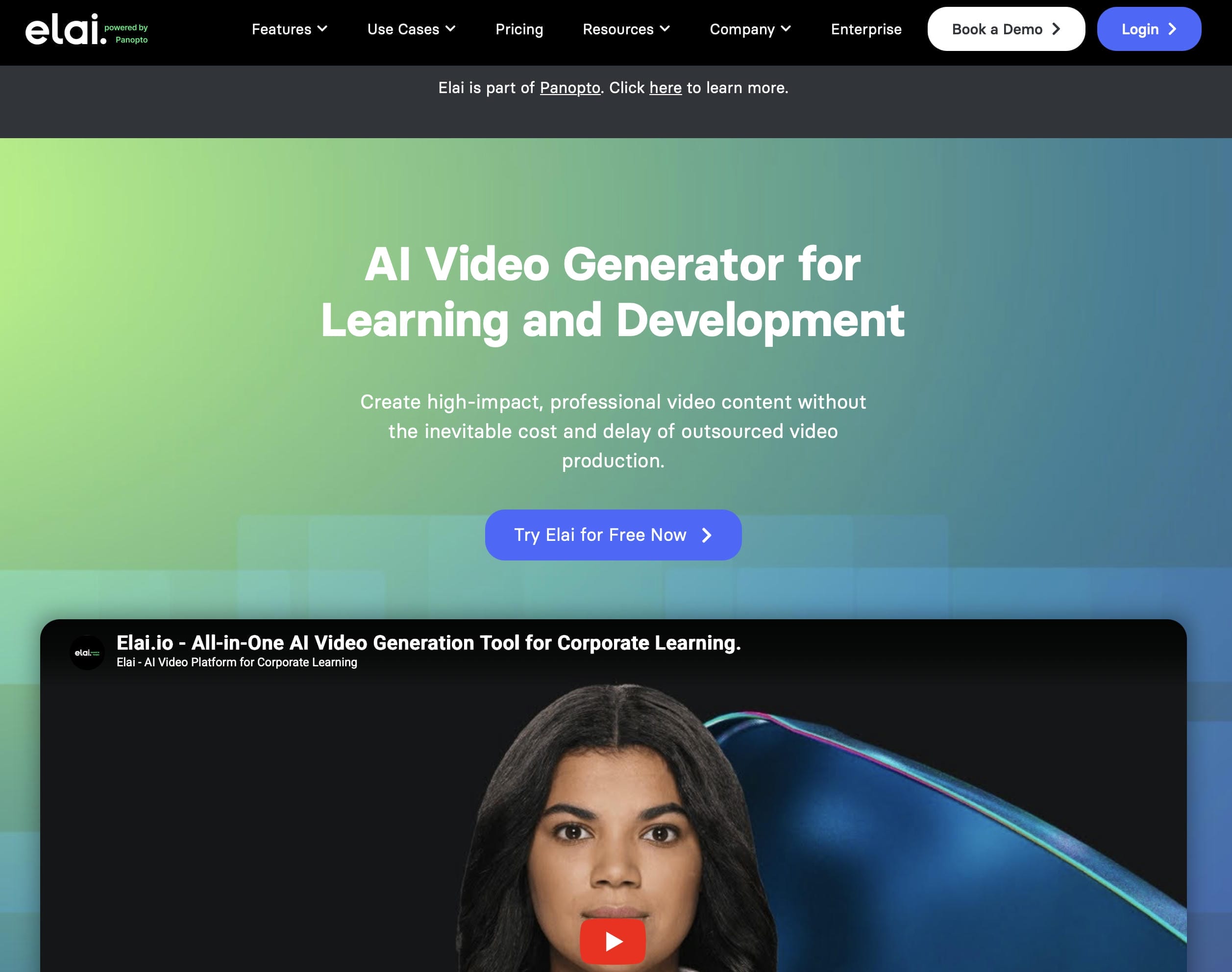
Elai.io
Elai.io is an AI avatar video maker for training, product overviews, and explainer videos. It converts articles, documents, and blog posts into video presentations, helping teams create instructional content with a slide-based workflow.
Pros
-
Converts text-heavy web links into structured presentation slides seamlessly.
-
Clean, layer-based timeline simplifies desktop adjustments.
-
A diverse selection of casual and professional digital characters.
Cons
-
Rendering processing durations slow down during complex asset tasks.
-
Lacks specialized, high-conversion visual templates built for social commerce.
Pricing
-
Free plan available with a watermark. Basic plan at $23/month for watermark removal, Advanced at $100/month with additional features.
-
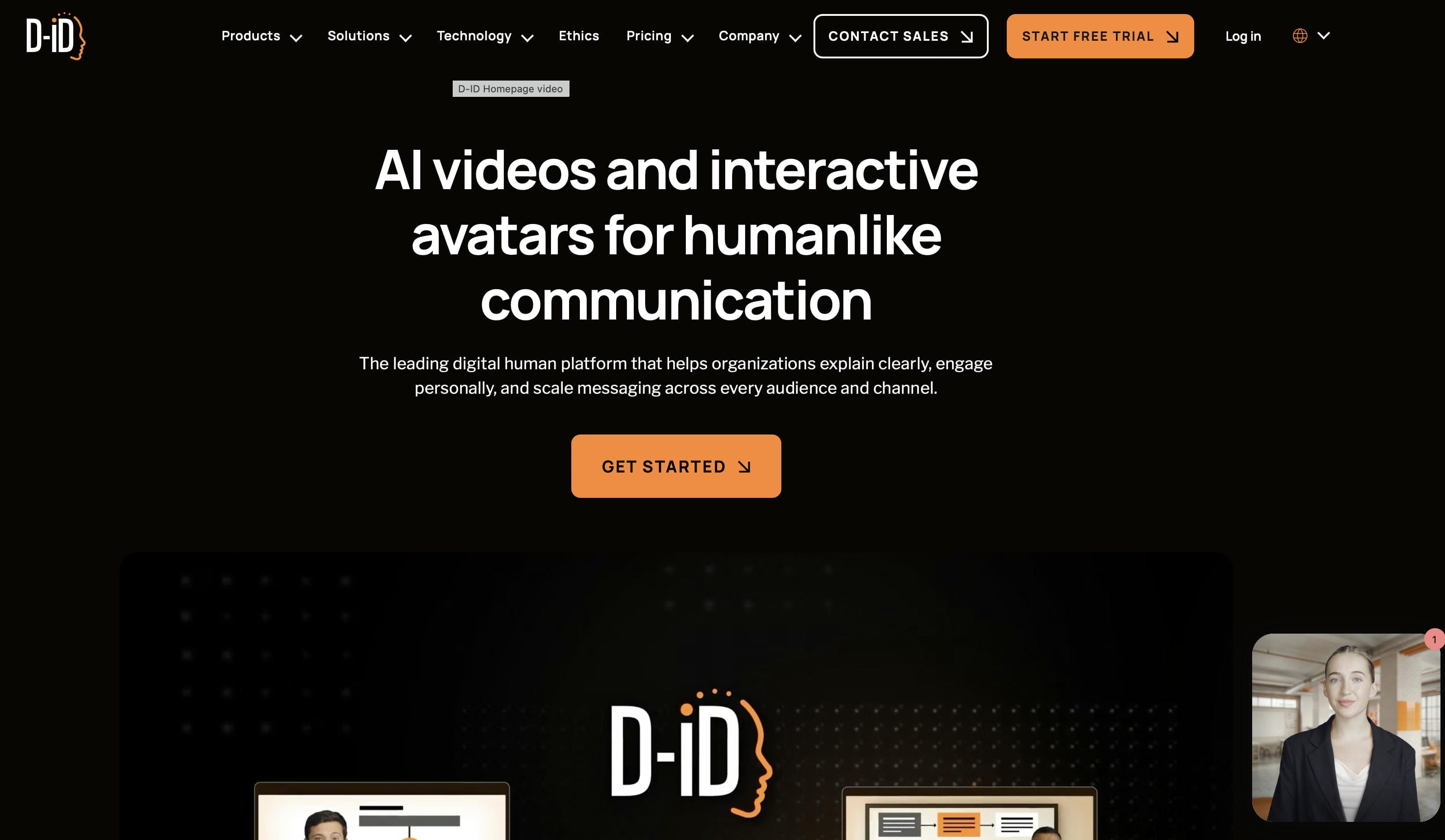
D-ID
D-ID is an AI avatar video maker that turns photos and portraits into talking videos. It uses audio or text to animate faces, helping users create social media content, brand videos, and interactive experiences.
Pros
-
Animates flat portraits or custom illustrations into talking presenters instantly.
-
Low computing requirements ensure fast processing turnarounds.
-
Flexible API tools support unique interactive web placements.
Cons
-
Fixed-position face animations can look rigid compared to full-body video models.
-
Lacks built-in multi-asset editing timelines and automated caption layouts.
Pricing
-
Free trial available for testing. Lite plan at $5.90/month, Pro at $49/month, and Advanced at $299/month with higher API limits.
-
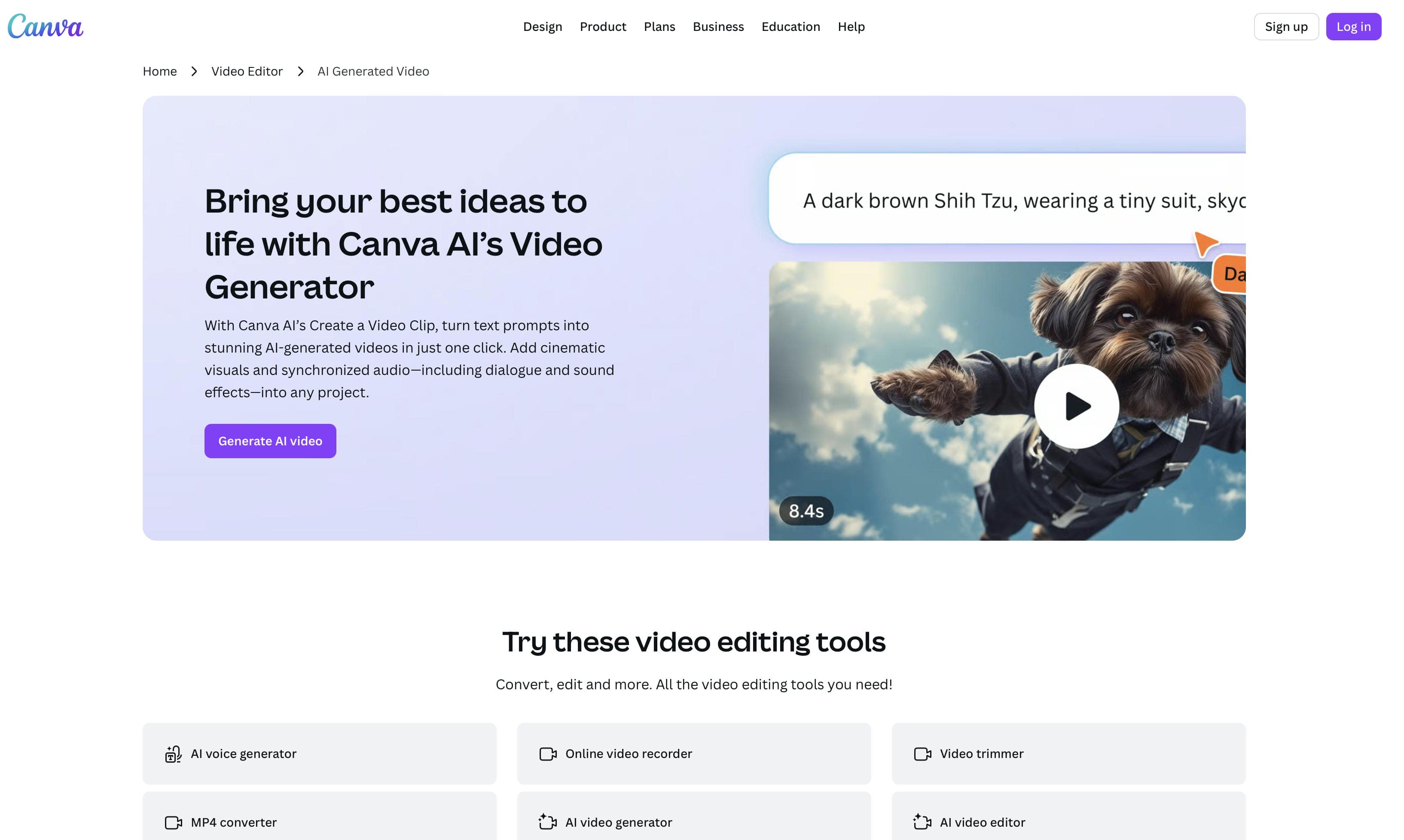
Canva AI
Canva AI is an AI avatar video maker built into Canva's design platform. It allows users to add virtual presenters to presentations, social media content, and marketing materials, helping teams create video content within their existing workflow.
Pros
-
Integrates seamlessly with existing asset libraries and layout tools.
-
Perfect for making quick, simple social media adjustments.
-
Accessible entry path with no separate software downloads required.
Cons
-
Avatar libraries and movement realism are limited compared to standalone tools.
-
Lacks advanced script generation tools and detailed lip-sync fine-tuning.
Pricing
-
Free plan available; Canva Pro starts at $12.99/month, Canva Business at $15.99/month, and Enterprise offers custom pricing with advanced collaboration, security, branding, and AI-powered creative tools.
Business Advertising Use Cases for AI Avatar Videos

-
Ecommerce product advertisements: AI avatar videos help ecommerce brands showcase products with virtual presenters who explain features and benefits. This creates engaging product promotions without the cost of traditional video production.
-
Social media marketing campaigns: It allows companies to swiftly produce short-form promotional films for TikTok, Instagram, Facebook, and YouTube. This makes it easy to have a regular content schedule.
-
Direct response advertising: Virtual spokespersons can deliver clear sales messages and strong calls to action. Marketers can also test multiple creative variations to improve campaign performance.
-
Product launch videos: AI avatars allow firms to produce announcement movies, feature highlights, and promotional content for product debuts in minutes instead of days.
-
Small business promotions: Small businesses can generate sophisticated advertising films without the need to hire actors, agencies, or production teams. This helps cut expenses, while preserving quality.
-
Multilingual advertising campaigns: AI avatar technologies are multilingual, making it easy to localize campaigns for diverse markets. Businesses can target global consumers while maintaining messaging consistency.
Tips for Creating High-Converting AI Avatar Ads
-
Draft Trimmed Scripts: Center your message on one clear solution. Keep your scripts short and to the point, because viewers scroll quickly through social feeds.
-
Select Appropriate Talent: Pick virtual presenters whose appearance, manner, and tone match your target demographic's expectations and brand values.
-
Emphasize Primary Value: Get your main value or solution over in three seconds to hold viewers before they scroll past.
-
Run Diversified Framework Testing: Create different combinations of opening hooks, visual styles, and background.
-
Format for Target Networks: Adjust aspect ratios, visual pacing, and subtitle styles to match the natural viewing habits of each specific social platform.
Conclusion
To avoid creative bottlenecks and manage escalating agency expenses, modern organizations are moving away from slow and old media production approaches. Digital firms can turn simple text outlines or product photos into high-converting, platform-ready marketing videos in minutes with adaptable systems like Vmake AI. These automated production environments deliver the speed, size, and agility that organizations need to do effective creative testing, launch localized global campaigns, and maintain a lively and engaging social presence that delivers measurable company success.
FAQs
What is an avatar AI video maker for business advertising?
An avatar AI video maker is a tool that creates promotional videos using AI-generated presenters. Businesses can transform scripts, product images, and marketing messages into professional advertising content without traditional filming. Platforms such as Vmake AI simplify this process by helping teams create marketing videos from product assets and text prompts.
Which is the best AI avatar video generator for marketing?
The best AI avatar video generator for you will rely on your goals, budget, and content approach. If your firm relies on advertising and product promotions, consider Vmake AI as a great choice, with its AI avatars, product-centric processes, multilingual capabilities, and adjustable video settings built for marketing.
Can AI avatar videos be used for commercial advertising?
Yes. Most leading AI avatar platforms like Vmake AI allow businesses to create commercial advertisements for websites, social media campaigns, ecommerce promotions, and paid advertising across platforms like Meta, Google, TikTok, and YouTube.
How realistic are AI avatar video generators?
Today’s AI avatar generators can create realistic facial expressions, lifelike voice-overs, and accurate lip-syncing, making videos more entertaining and authentic. Realism levels vary per platform, but tools like Vmake AI and other top solutions are constantly improving the quality of avatars used in customer-facing marketing content.
Can AI avatar videos support multiple languages?
Yes. Most AI avatar video makers support multiple languages and localization features, allowing businesses to adapt campaigns for different regions without creating separate videos from scratch. Vmake AI, for example, offers language options that help brands create localized advertising content more efficiently.
Are AI-generated avatars effective for social media advertising?
Yes. AI-generated avatars help marketers create content faster, test multiple ad variations, and maintain a consistent publishing schedule. This makes them a practical solution for brands running social media campaigns and performance-driven advertising.

You May Be Interested

AI TikTok Video Generator | Create High-Quality AI Videos

Best AI Video Generator: Top Tools Tested (2026)
Best AI Avatar Tools for Business Growth (2026 Guide)
Valentine's Day UGC Video Marketing Guide for Small Businesses (2026)