
Remove Noise from Video Free Online
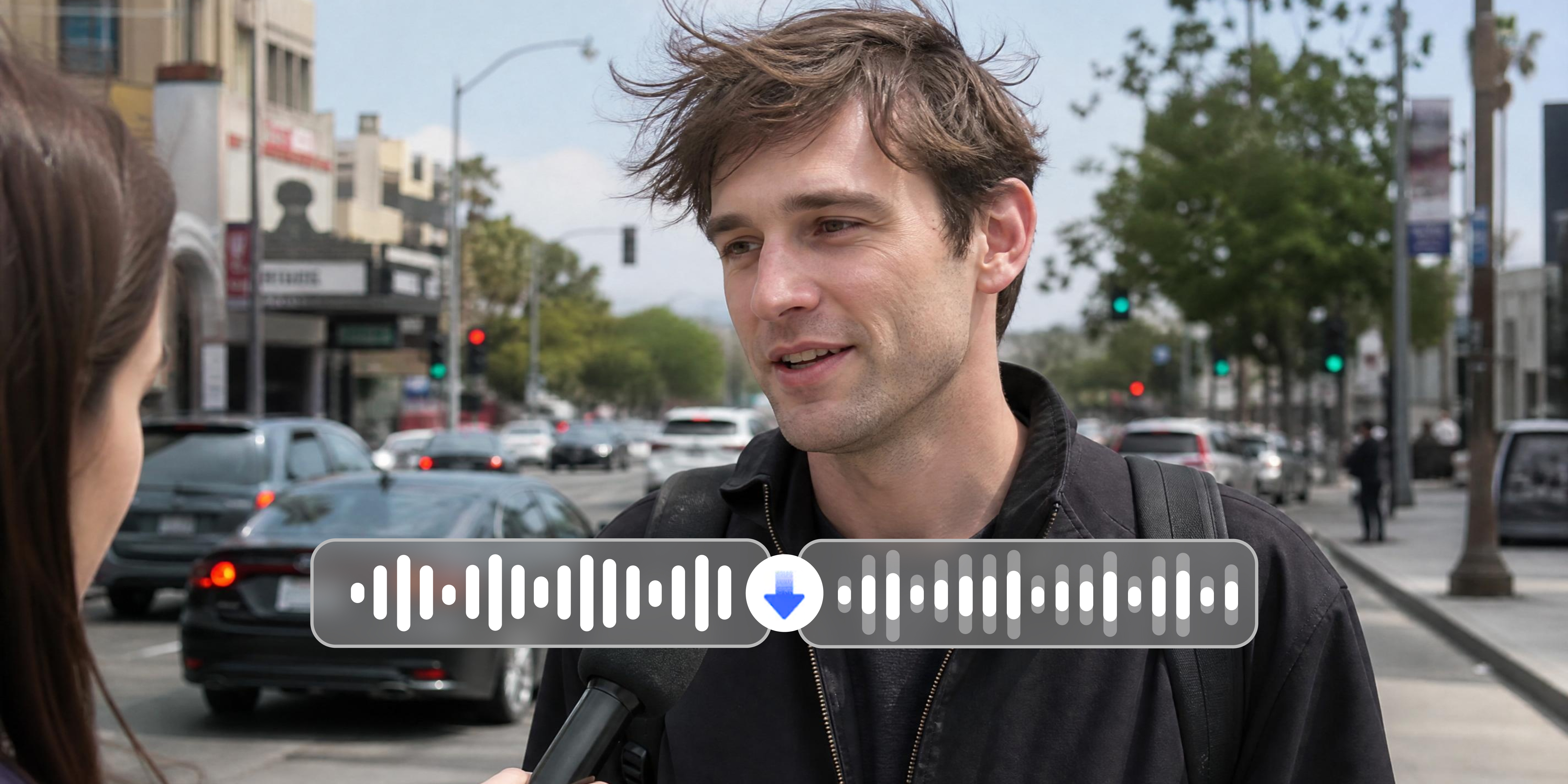
Wind, fan hum, traffic, crowd noise ruins audio. However, you can't always control your environment, but you can control your output. Vmake Labs detects and removes noise from video automatically. Use this tool and bring true sounds back.
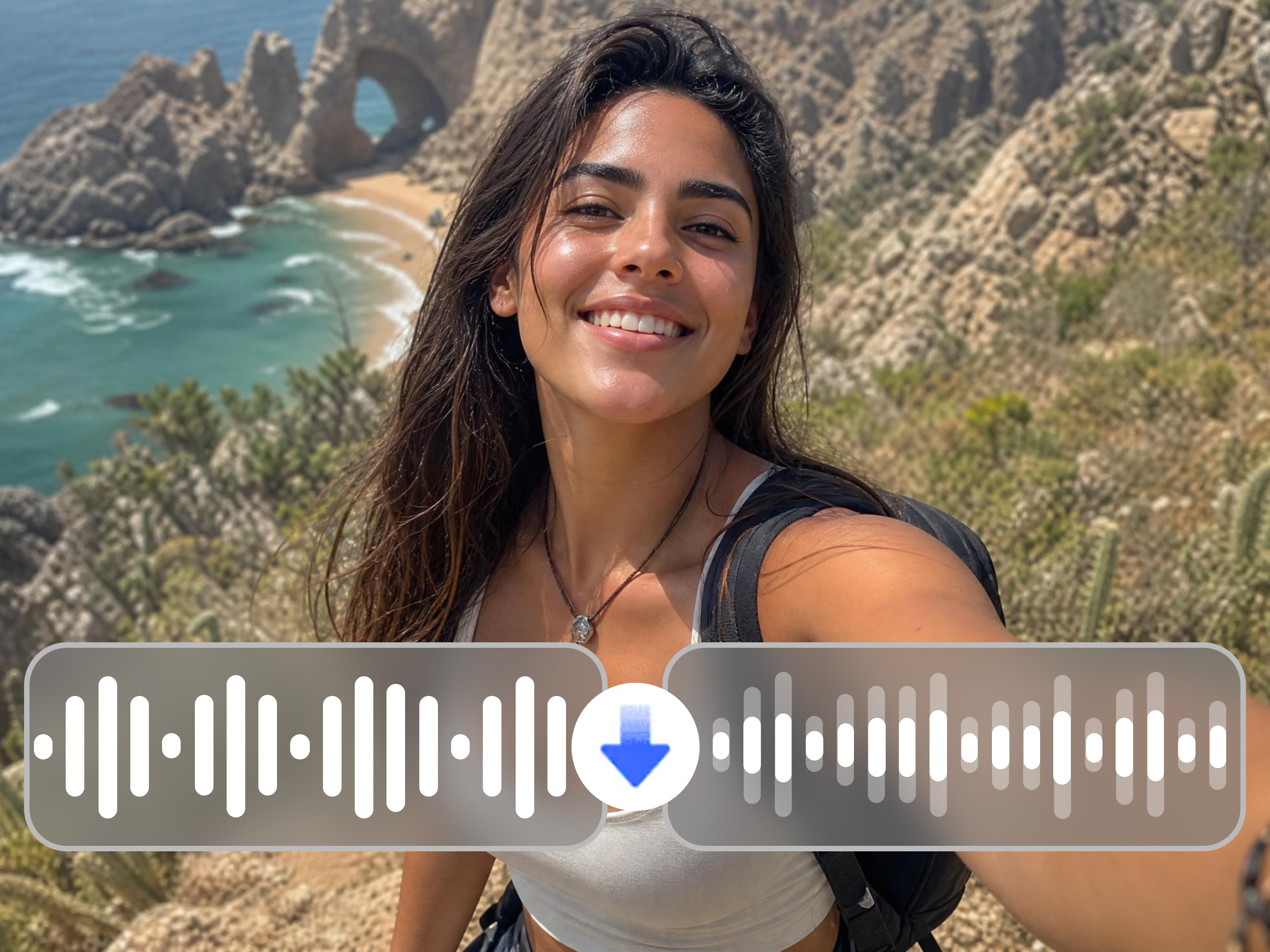


How to remove noise from your video in 3 steps
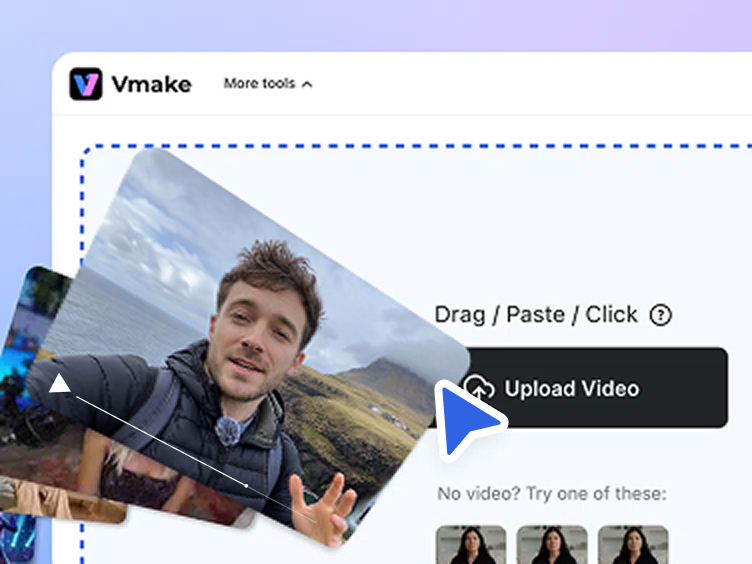
Upload your video
Drop your video into Vmake Labs or click to browse from your device. Most common video formats upload directly without extra conversion steps.
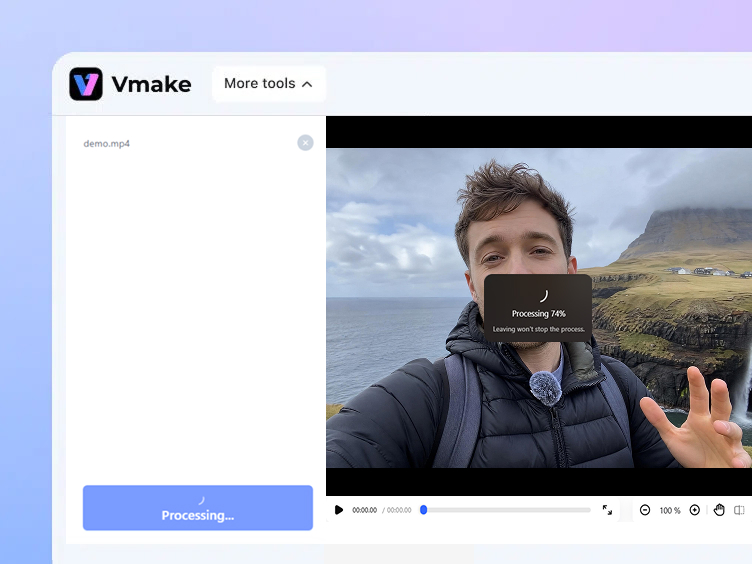
AI removes the background noise
Vmake Labs scans the audio, detects noise patterns and removes them automatically. Wind, fan, traffic, crowd and static handled in one click.
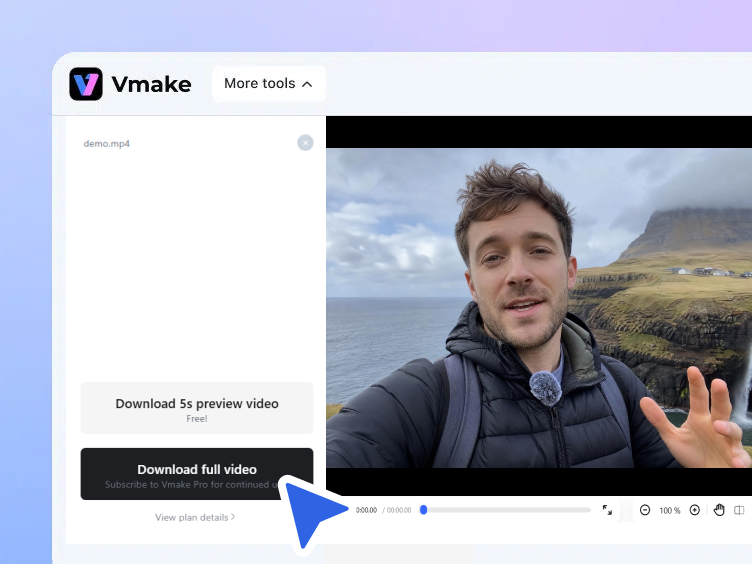
Download your clean video
All Done! Now you can listen to the result and download your noise-free video with one click!
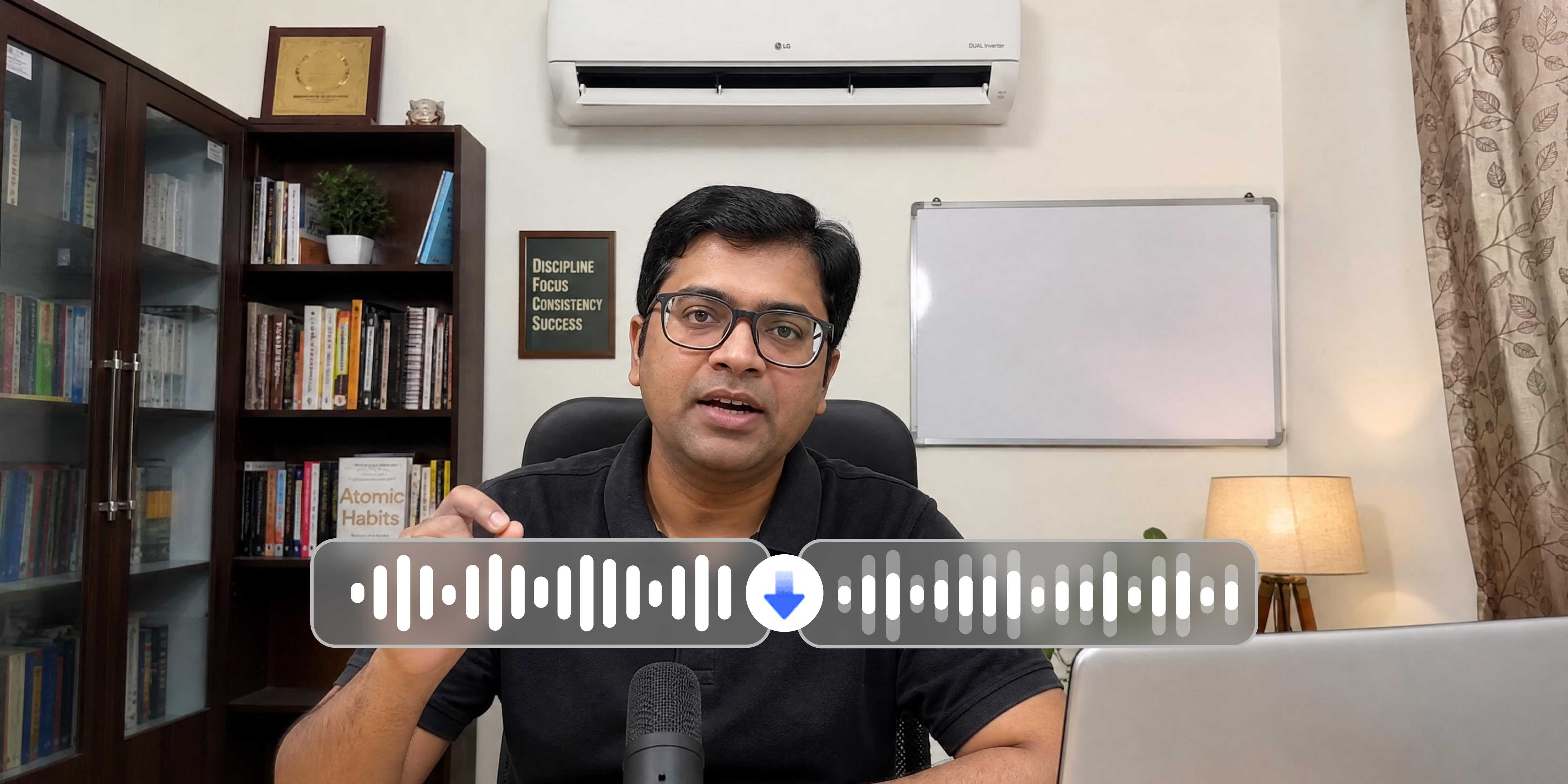
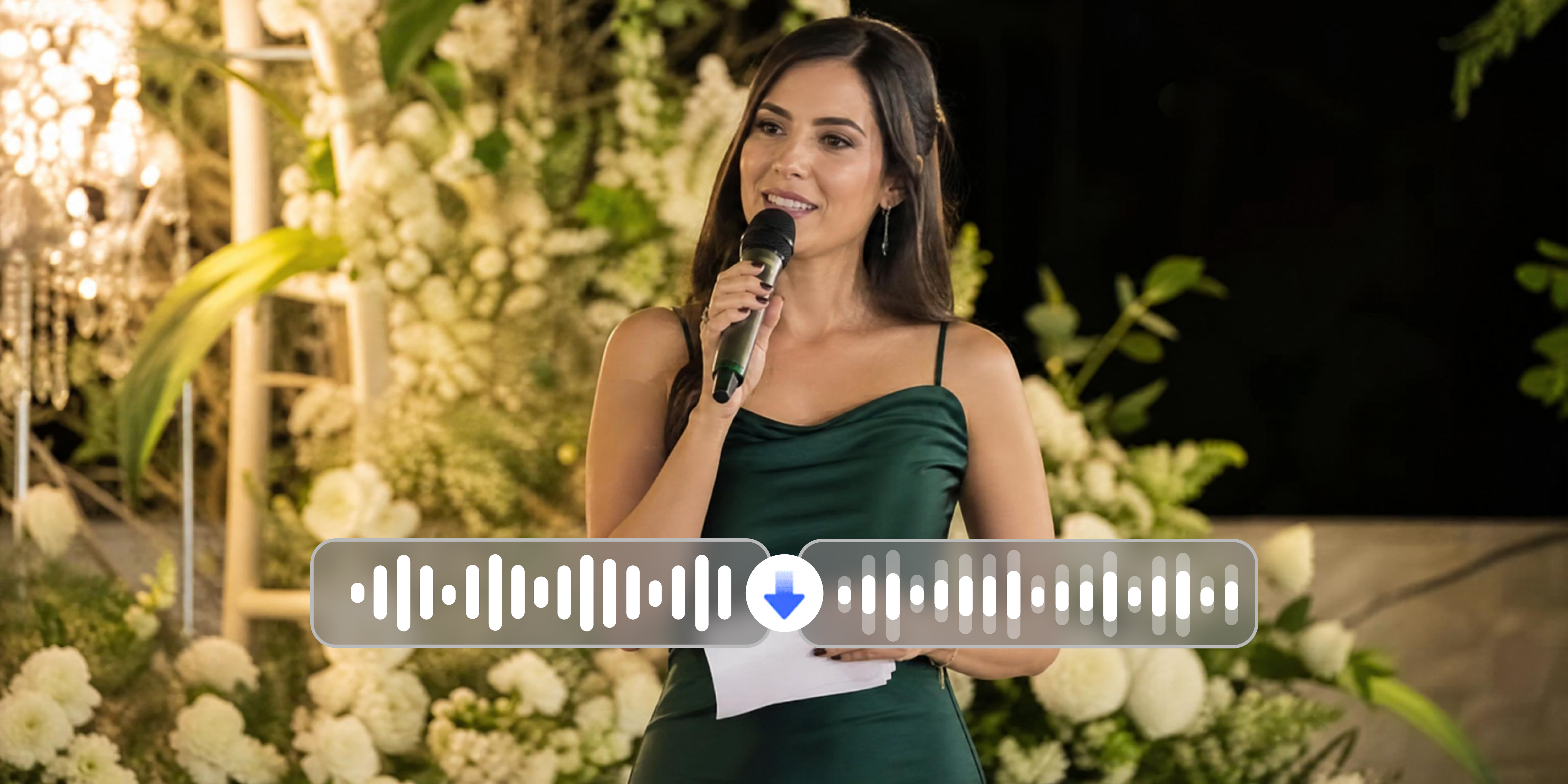
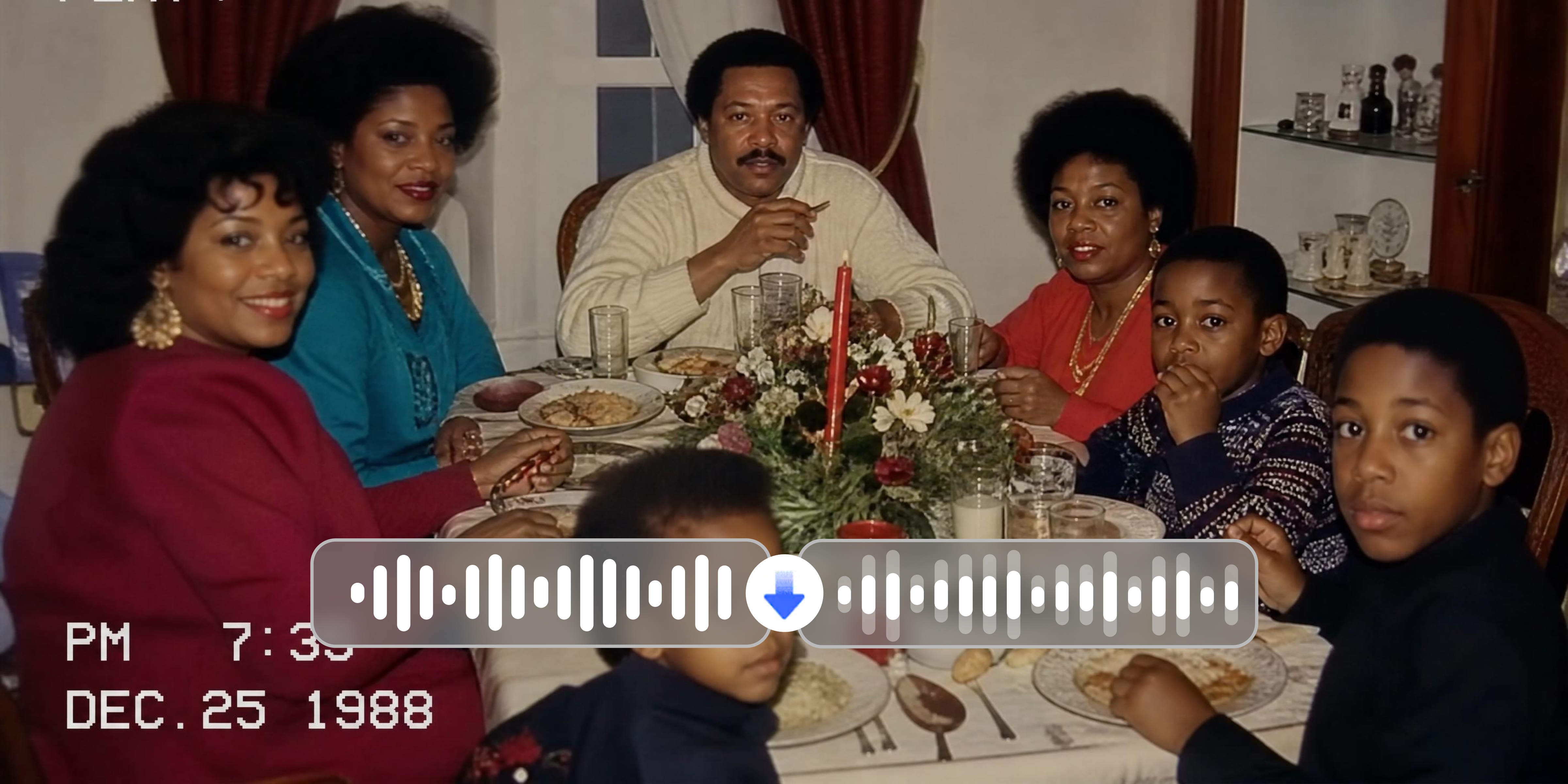
What noise Vmake Labs can remove
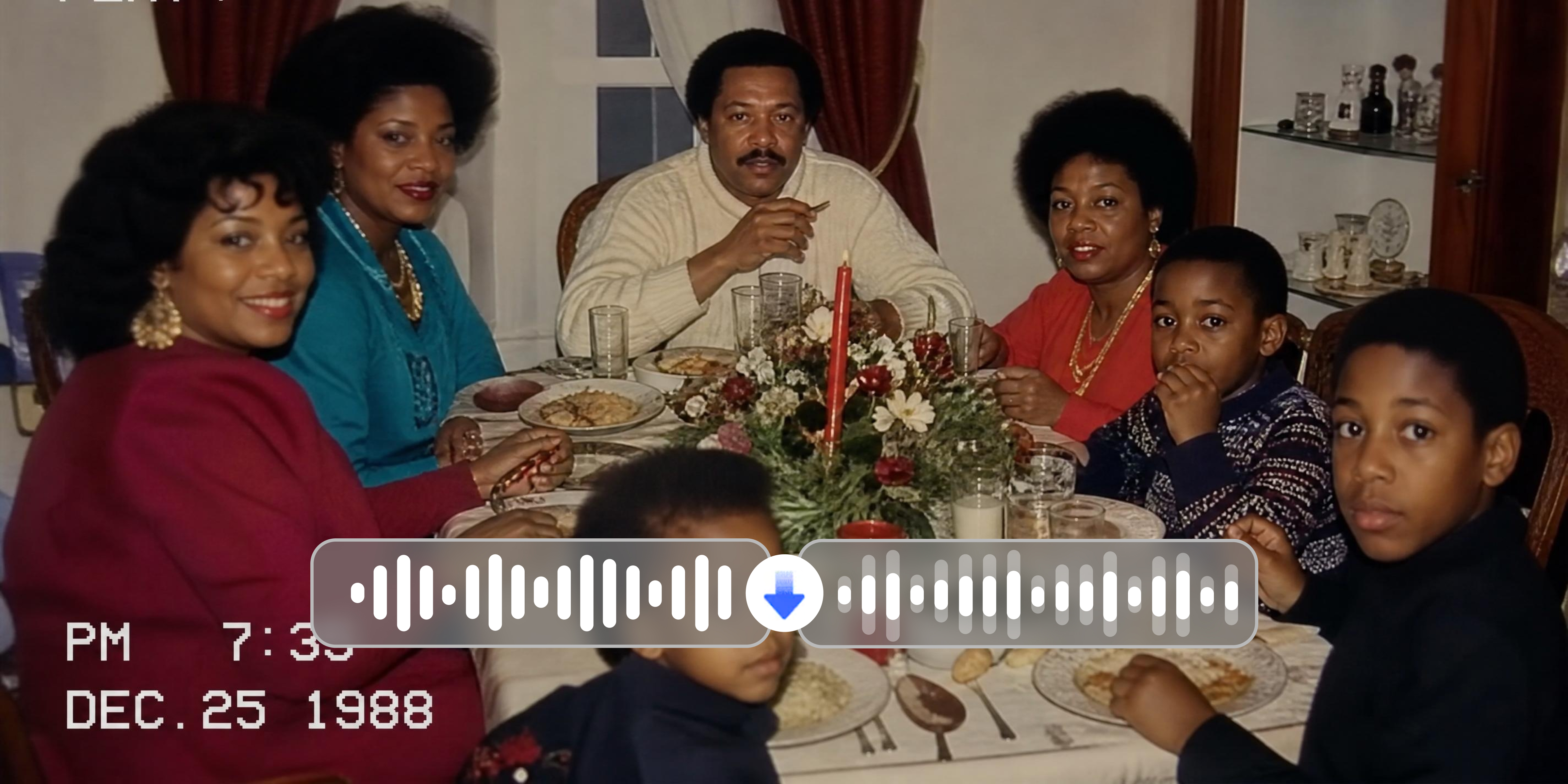
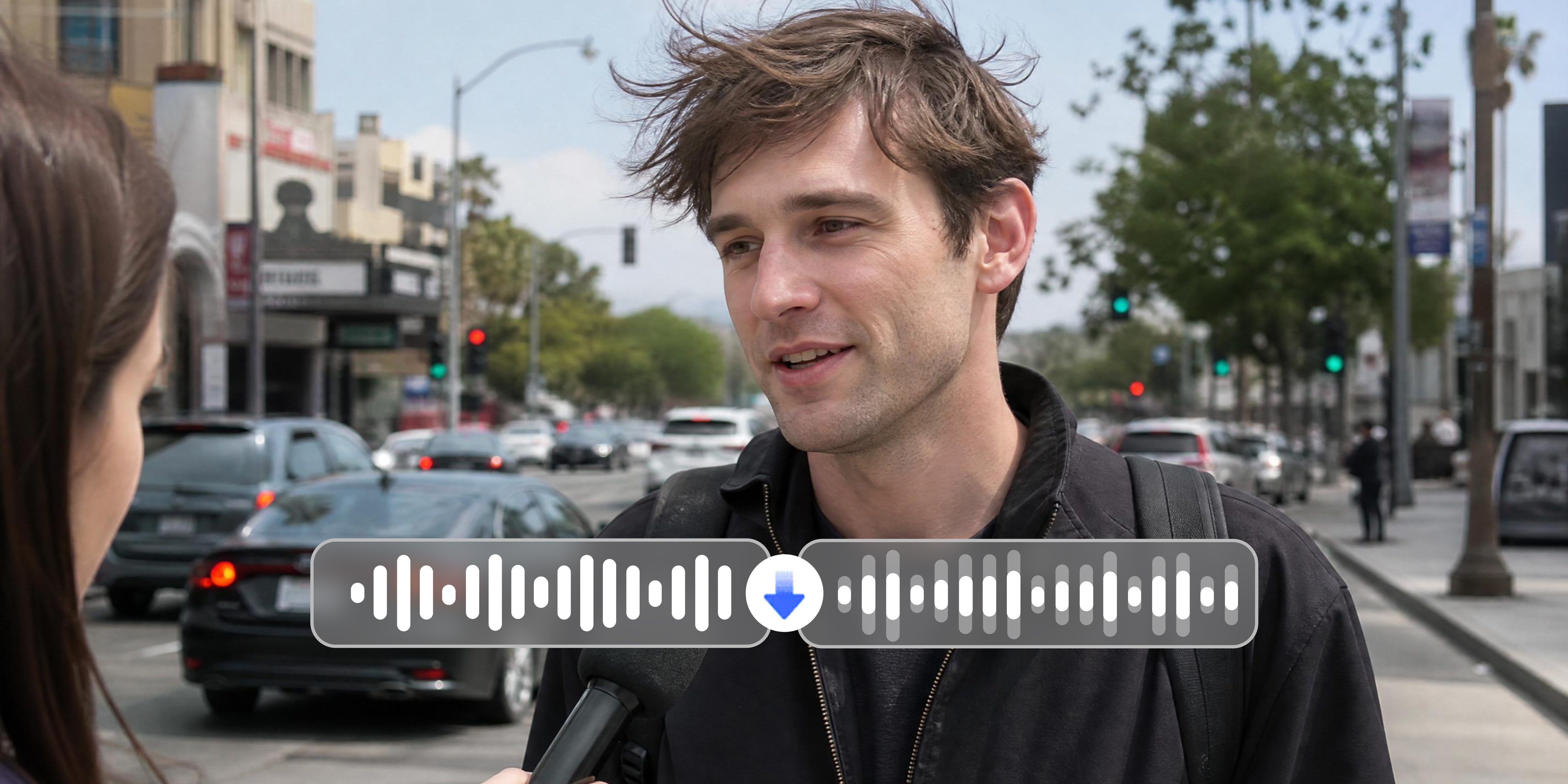
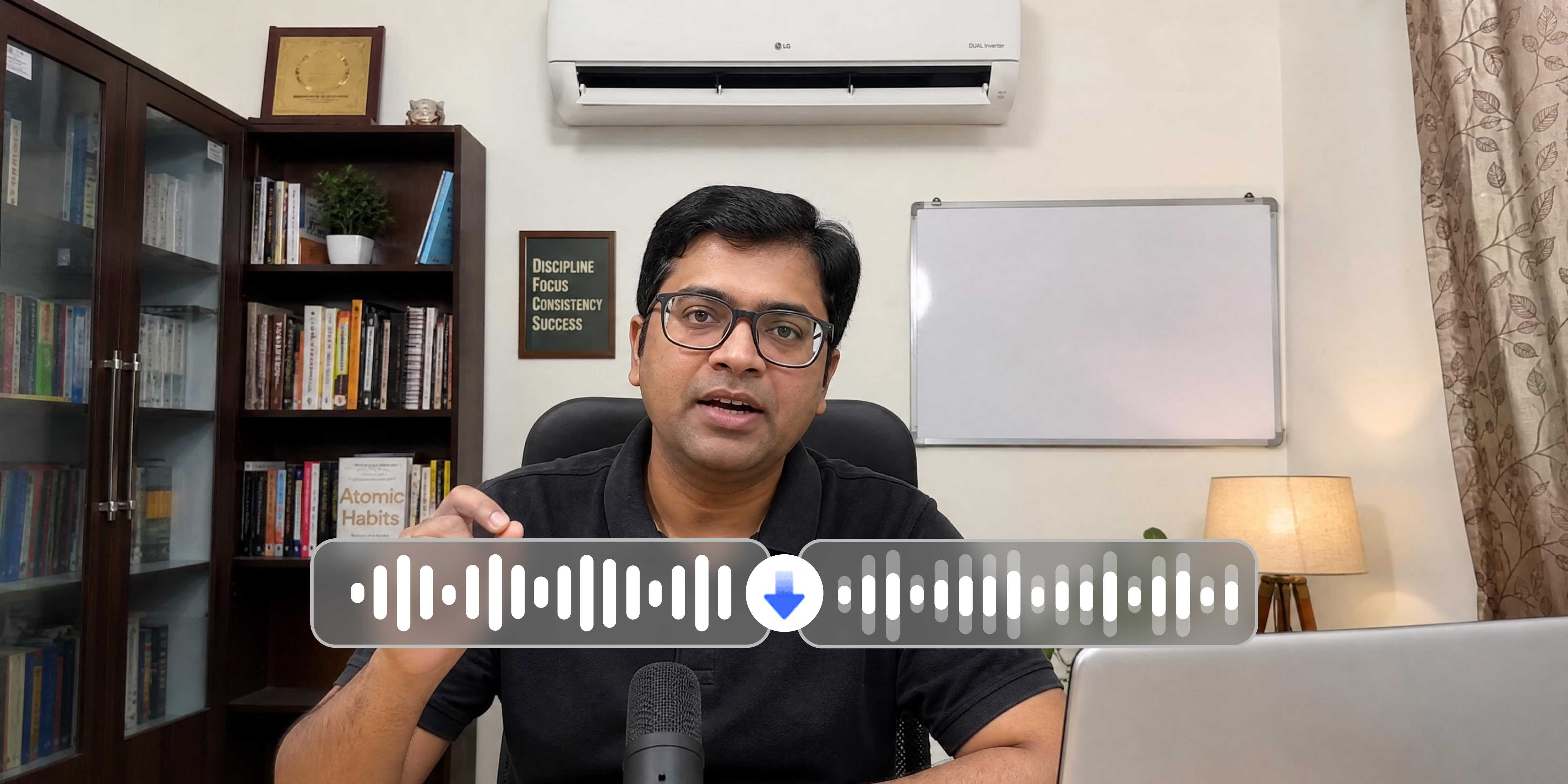
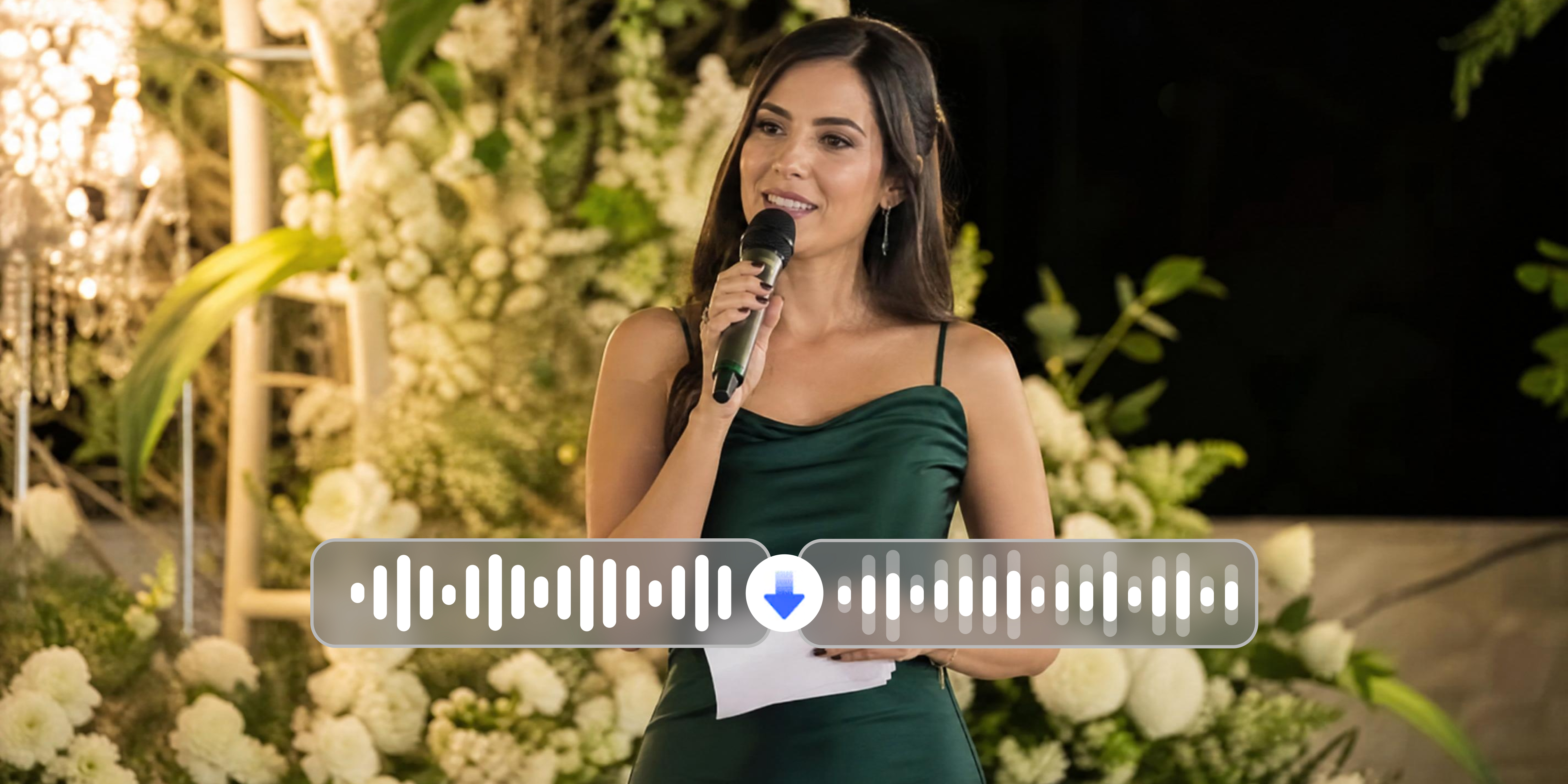
Why Vmake Labs noise remover from video works
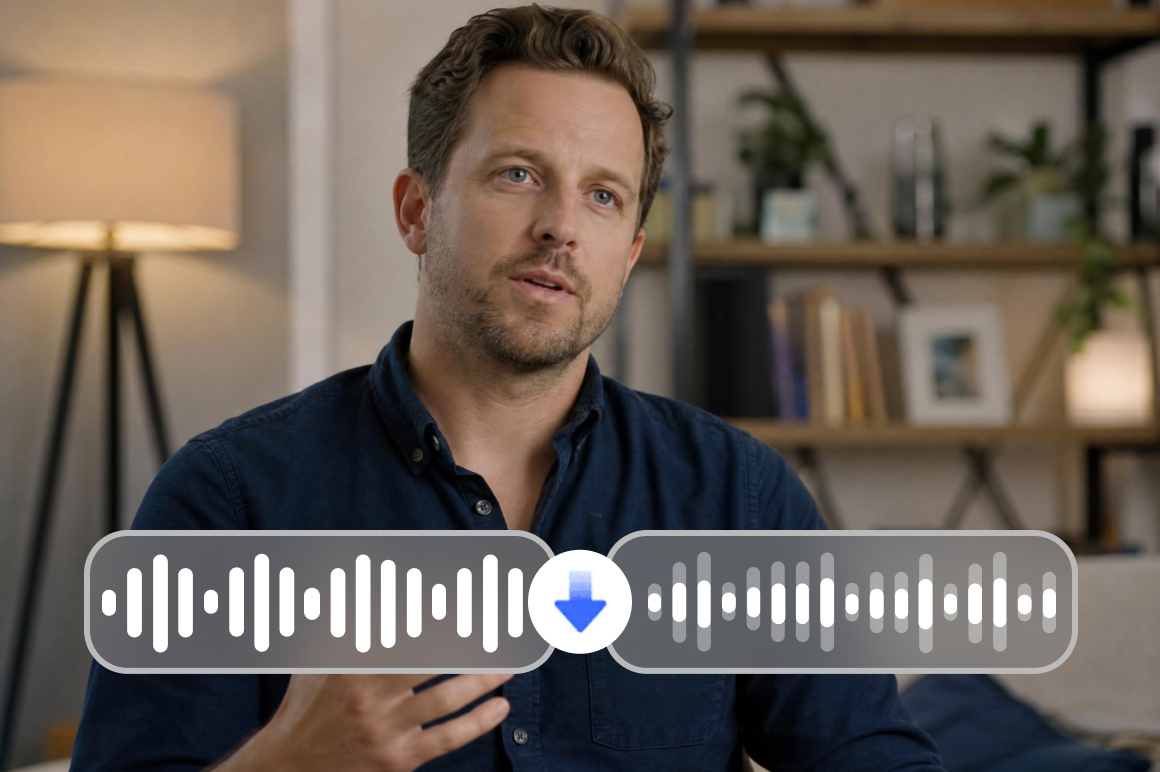
Auto-detection, no setup
Upload your video and let the AI do the rest. Auto-detection means the noise removal from video tool instantly identifies every unwanted sound in your recording and clears it out, with no configuration, no learning curve, and no guesswork.
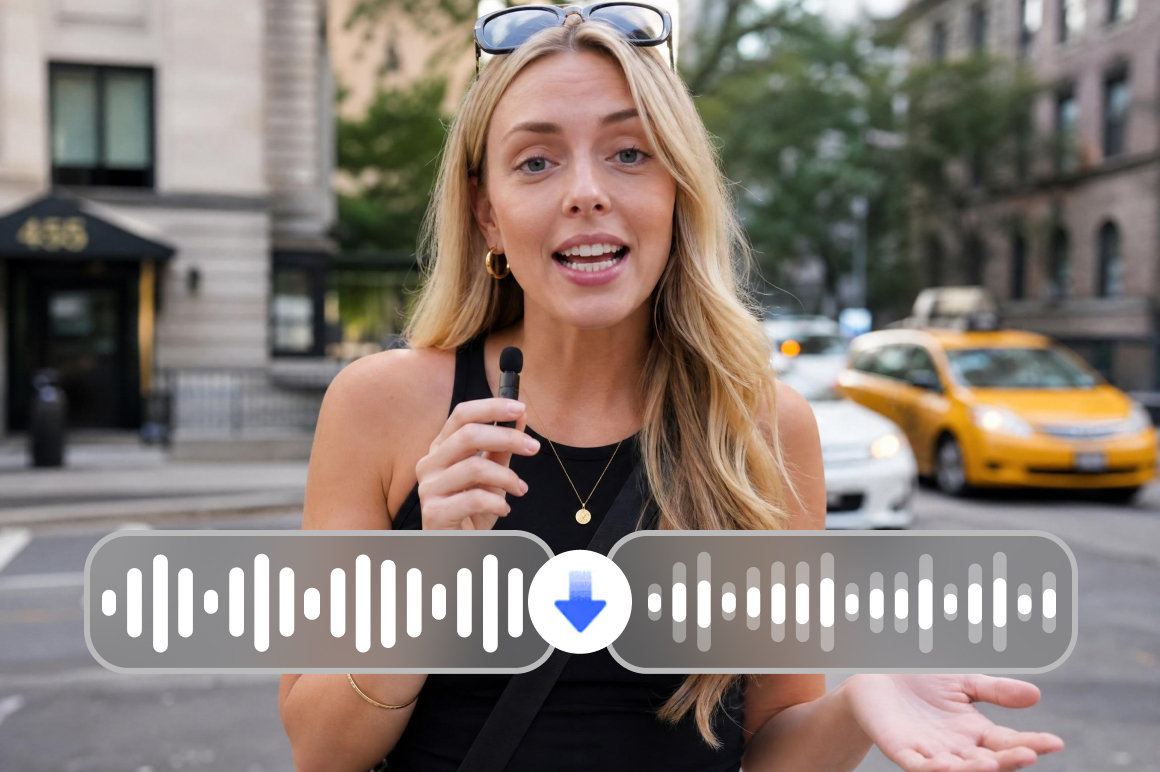
Speech-focused audio enhancement
Not all sound in your video deserves equal attention. The AI noise removal from video tool is built around speech, enhancing vocal clarity while pushing everything else to the background so your message always cuts through.
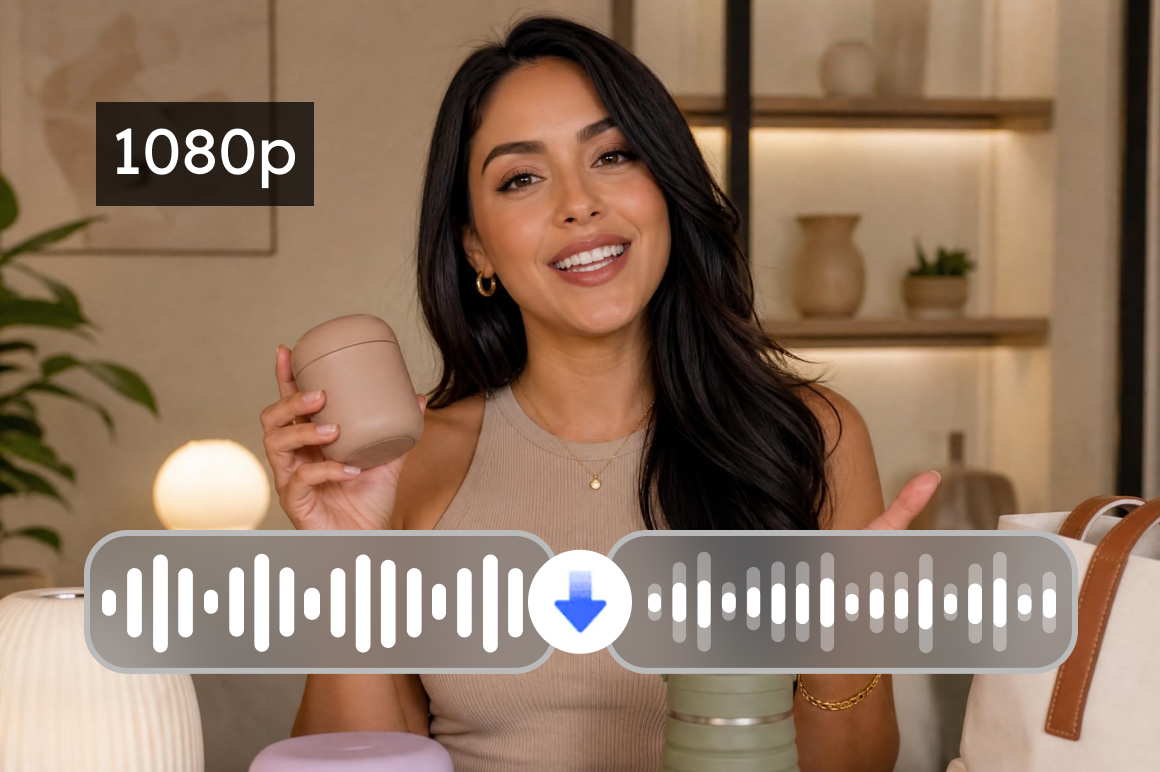
High-quality video export
Clean audio deserves a video to match. Export your finished recording in high quality and every frame holds up, so the final file is ready to publish, share, or present without any extra steps.
Who uses Vmake Labs to remove video noise
Content creators and vloggers
Unpredictable environments make clean audio hard to guarantee. Background noise causes viewers to disengage within seconds, regardless of visual quality. Vmake Labs removes it automatically, so every upload sounds professional and holds the audience attention your content deserves.

Educators and course creators
Home recording environments introduce fan noise and AC hum that distract learners and reduce comprehension. Vmake Labs removes these automatically, delivering clear, focused speech that reflects the quality of your instruction and keeps students engaged throughout.

Marketing teams and video editors
Background noise in raw footage extends post-production timelines and adds unnecessary revision cycles. Vmake Labs removes it automatically at the upload stage, delivering clean audio that is edit-ready and keeps production moving on schedule.

Frequently asked questions
What does removing noise from video mean?
Is it free to remove noise from video online?
Yes. Upload and try free. Full export uses credits.
What noise types can Vmake Labs remove?
Wind, traffic, fan hum, AC noise, crowd noise, static electrical hiss and echo noise.
Does noise removal affect the video picture quality?
No. Only the audio track is processed. Video quality stays exactly as it was.
Integrate Vmake Labs to remove noise from video with editors?
Yes, export for Premiere/CapCut. API for automation (/api). Flexible for workflows, unlike basic apps.
Why choose Vmake Labs to remove video noise

Vmake Labs automatically reduces background noise in recorded videos, helping speech sound clearer and more natural — without manual audio editing.

Start removing wind noise from video online for free without installing any tools or learning complicated software. Works on any browser, any device.

Designed for ecommerce sellers, content creators, and marketing teams who need to clean video audio quickly before publishing — no technical skills required.
Discover More Features

Video & Image Enhancer

Watermark & Text Remover

Video Upscaler

AI Video Generator

Video Background Remover

Video & Audio to Text

Video Noise Reducer

AI Video Translator
Ready to clean up your video audio?
Upload your video, let the AI remove the background noise and download clean audio. Free to start!
What our users say
Wind noise stopped me from using otherwise great outdoor clips. Vmake Labs removes it without the audio sounding hollow. Every outdoor clip goes through it before I publish now.
My home office fan shows up in every recording. Vmake Labs removes it cleanly. The audio sounds like a treated room and students have noticed without me saying anything.
UGC content from customers has variable audio. Vmake Labs normalizes it before we use anything in a campaign. The ai noise removal from video handles a wide range of noise types reliably.
Event recordings always have crowd noise competing with the speaker. Vmake Labs reduces it so the main audio is clear and usable.
The file deletion after 24 hours is the detail that made me comfortable using Vmake Labs for sensitive content. Clean audio output and privacy handled at the same time.
Long-form brand video with background noise throughout. Vmake handles it without issues. Batch mode means we do not have to process one clip at a time.