Sora 2 Video Prompt Guide: How to Write Prompts That Go Viral
Master the art of writing a powerful Sora 2 video prompt. Explore viral prompt frameworks, storytelling methods, and creative AI video techniques to create standout content with Vmake AI.

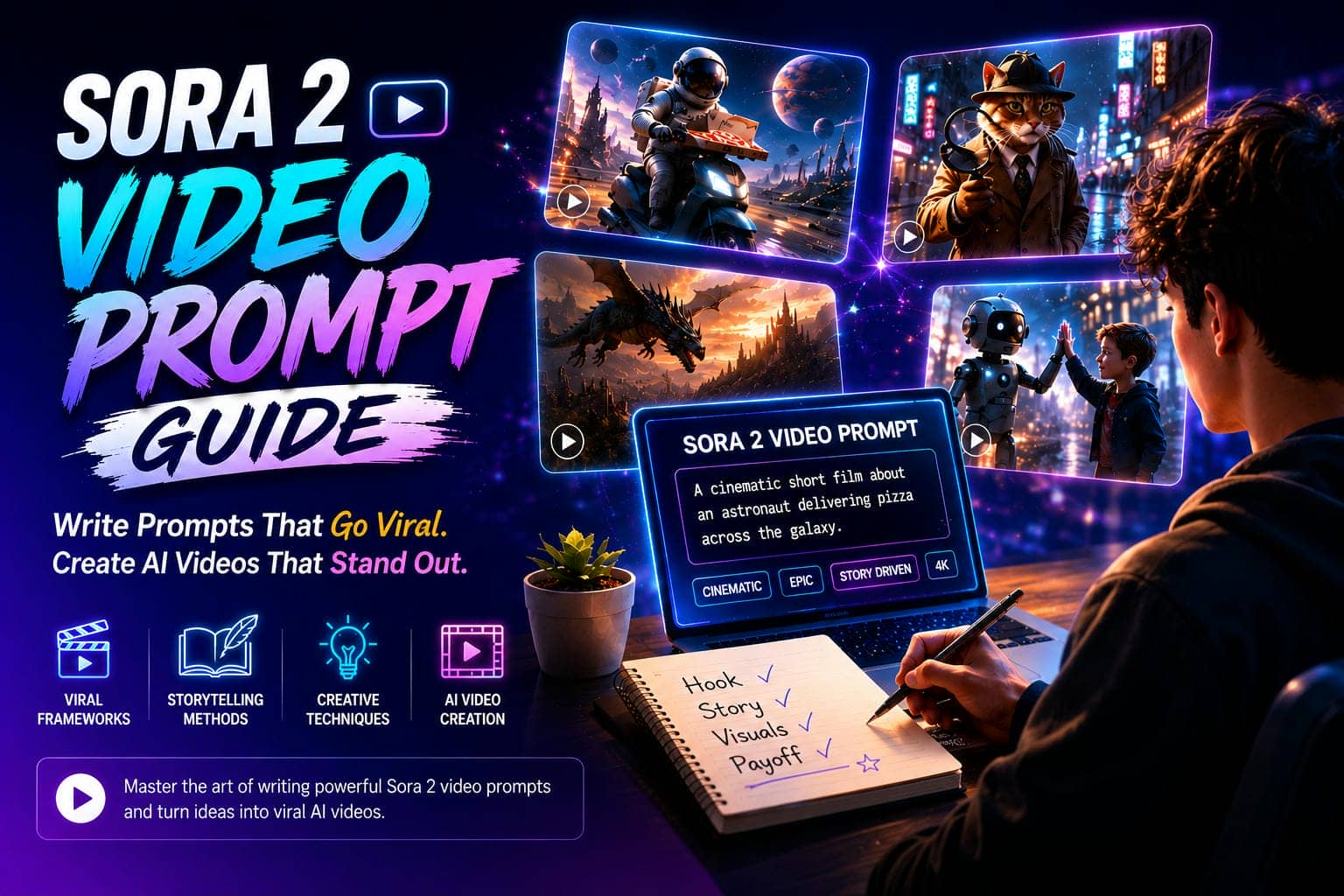
Creating AI videos isn't the hard part anymore. Writing a great Sora 2 video prompt is the difference between a forgettable clip and a video people actually share. Often, it comes down to how well you describe the scene, story, and emotion. This guide breaks down the frameworks, prompt structures, and creative techniques that help generate better AI videos.
Why do People Need Sora 2 Video Prompt?
Standard AI tools excel at churning out flashy but empty visuals, whereas Sora 2 sets itself apart by tracking narrative structure and scene continuity. Because the model processes data with this level of depth, typing a generic phrase like "a robot walking through a city" yields a completely forgettable clip. To genuinely hold a viewer's attention, a solid Sora 2 video prompt must supply specific environmental context alongside clear emotional stakes. Providing precise camera directions is what ultimately transforms a random, algorithmically generated snippet into a legitimate and compelling short film.
Why Sora 2 prompting differs from other AI video generators
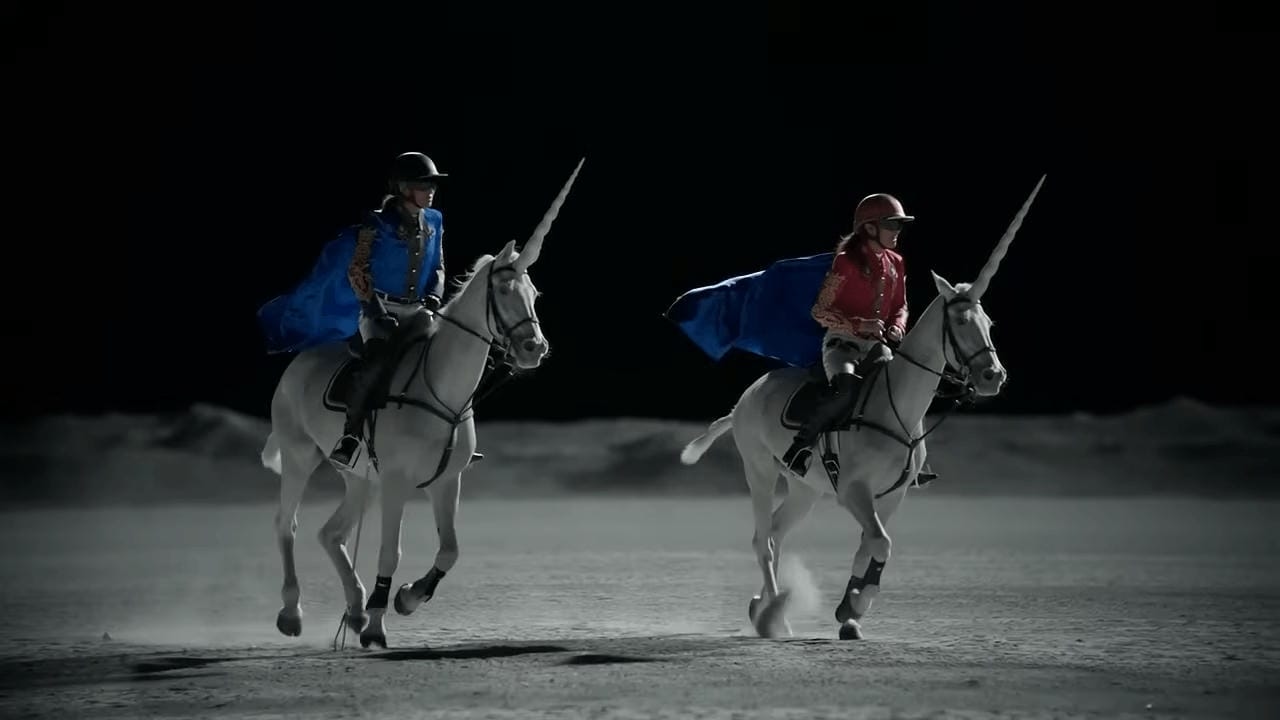
The fundamental difference here is that older AI platforms focus almost entirely on generating static visual assets, whereas Sora 2 operates much better when you feed it specific character behaviors and cinematic directions. Instead of trying to describe a flat image to a computer, you have to approach the text box like a director running a physical movie set.
How prompt quality affects output quality
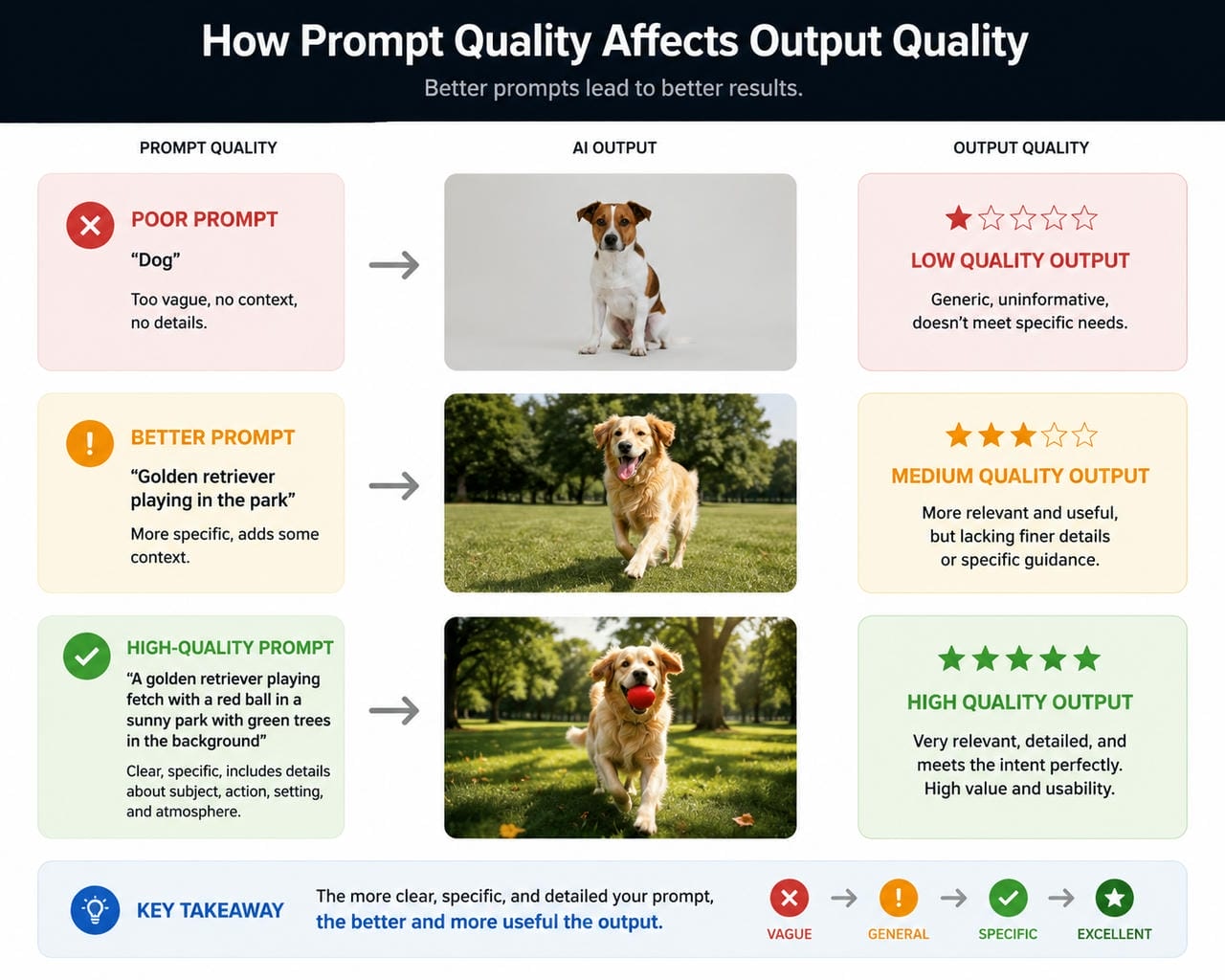
The model can only work with the information it receives. When important details such as the character, setting, actions, and purpose of the scene are missing, the final result often feels generic. Better prompts create stronger visual consistency, more believable actions, and scenes that feel intentional.
4 Essential Elements of a Viral Sora 2 Video Prompt
A lot of viral AI videos follow a surprisingly similar structure. They start with something unusual, develop a clear visual story, and end with a moment people remember. The idea itself doesn't always need to be complicated.
-
Start with a Strong Hook: You have to hook your audience within the first two seconds. Leaning into a visual hook, like an astronaut throwing a pizza across space, stops them from bailing before your story has a chance to get moving.
-
Add Clear Visual and Emotional Details: A lot of creators completely tank their final video quality because they describe the main subject but leave vague prompts that give the AI way too much room to guess.
-
Choose the Right Prompt Format: How you physically structure your text box matters way more than people realize when it comes to guiding the machine's creative behavior.
-
End with a Memorable Payoff: Do not spend hours perfecting a killer opening sequence only to let the final few seconds completely fizzle out into nothing. Audiences share a climax that features a sharp visual punchline or a deliberate camera pan.
10 Ready-to-Use Sora 2 Video Prompts Ideas for Viral Content
Coming up with ideas is usually harder than writing the prompt itself. A lot of creators stare at a blank screen waiting for inspiration, when it's often easier to start with a strong concept and build from there. The following Sora 2 viral video prompts combine unusual characters, familiar situations, and visual storytelling, three ingredients that show up in a surprising number of viral AI videos.
-
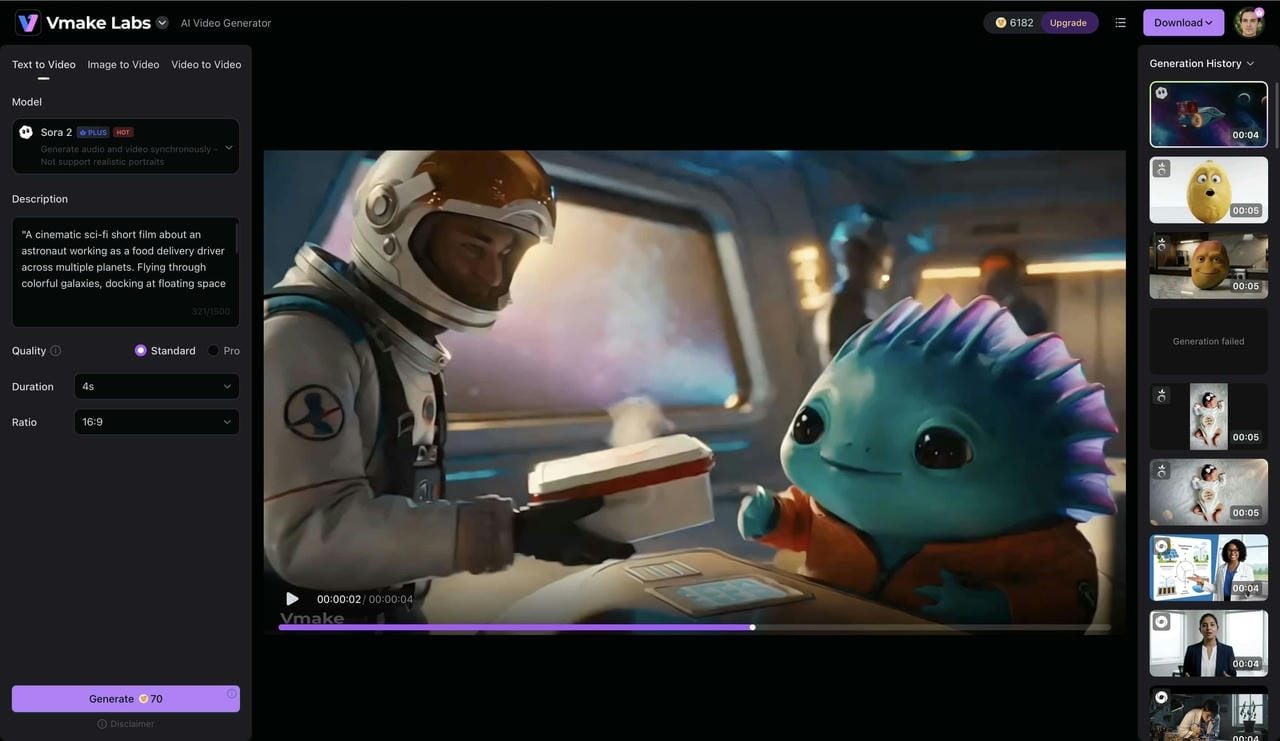
Prompt: The Astronaut Delivery Service
"A cinematic sci-fi short film about an astronaut working as a food delivery driver across multiple planets. Flying through colorful galaxies, docking at floating space stations, interacting with alien customers, realistic space environments, cinematic lighting, dynamic camera movements, humorous but heartwarming tone."
-
Prompt: The World's Smartest Cat Detective
"A highly intelligent orange cat detective solving a mysterious jewel theft in a rainy neon-lit city. Wearing a trench coat, investigating clues, dramatic close-up shots, cinematic noir atmosphere, detailed fur textures, suspenseful storytelling, realistic camera movements."
-
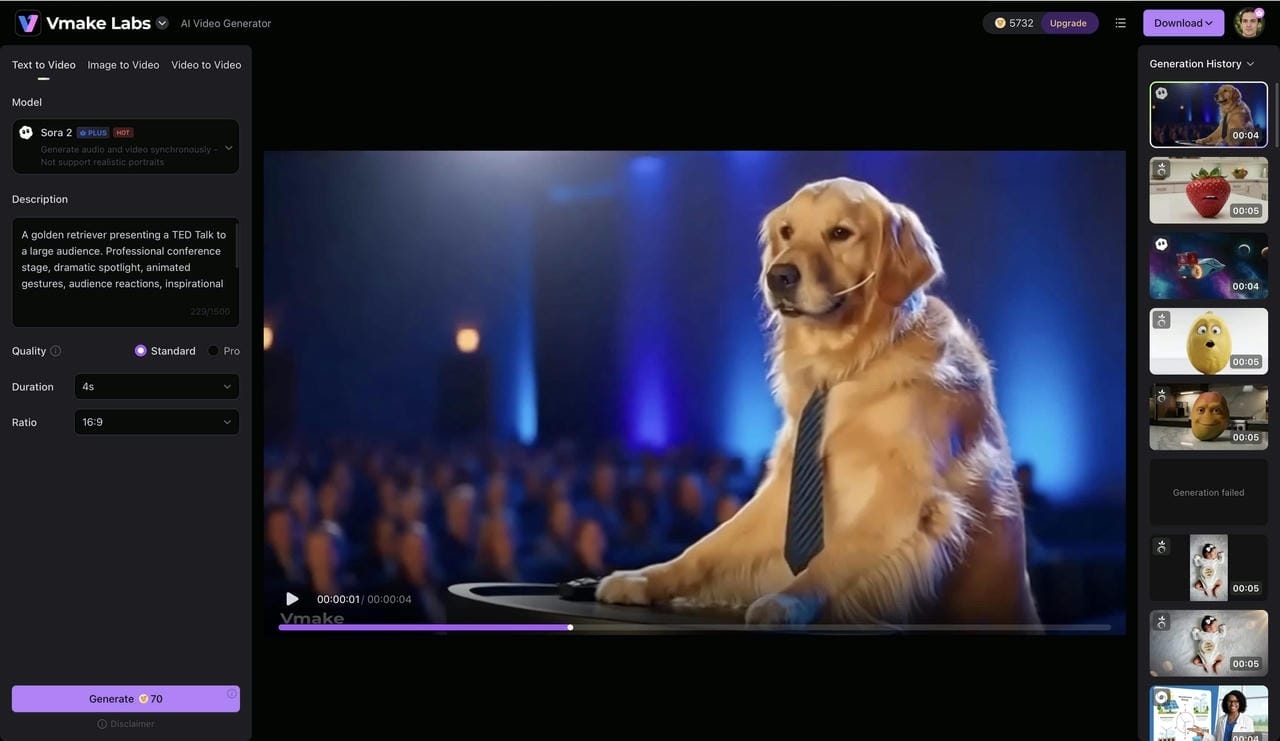
Prompt: The Dog TED Talk
"A golden retriever presenting a TED Talk to a large audience. Professional conference stage, dramatic spotlight, animated gestures, audience reactions, inspirational tone, realistic dog expressions, cinematic presentation style."
-
Prompt: The Robot Courtroom Trial
"A futuristic courtroom where a robot is defending itself in front of human judges. High-tech courtroom design, emotional robot expressions, dramatic legal arguments, cinematic close-ups, suspenseful atmosphere, realistic science-fiction visuals."
-
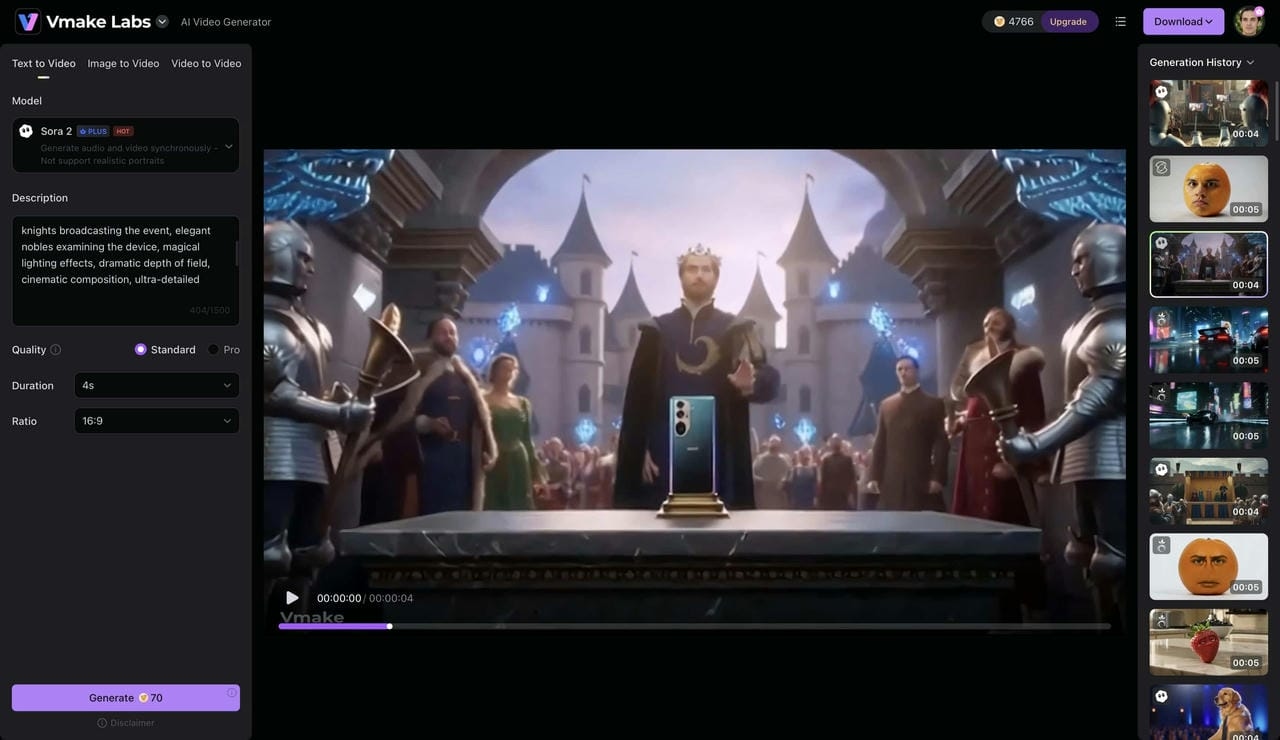
Prompt: The Medieval Smartphone Launch
"A medieval kingdom hosting the grand launch of a new smartphone. Knights livestreaming the event, villagers reacting to futuristic technology, royal presentation stage, humorous storytelling, cinematic fantasy visuals, detailed medieval environment."
-
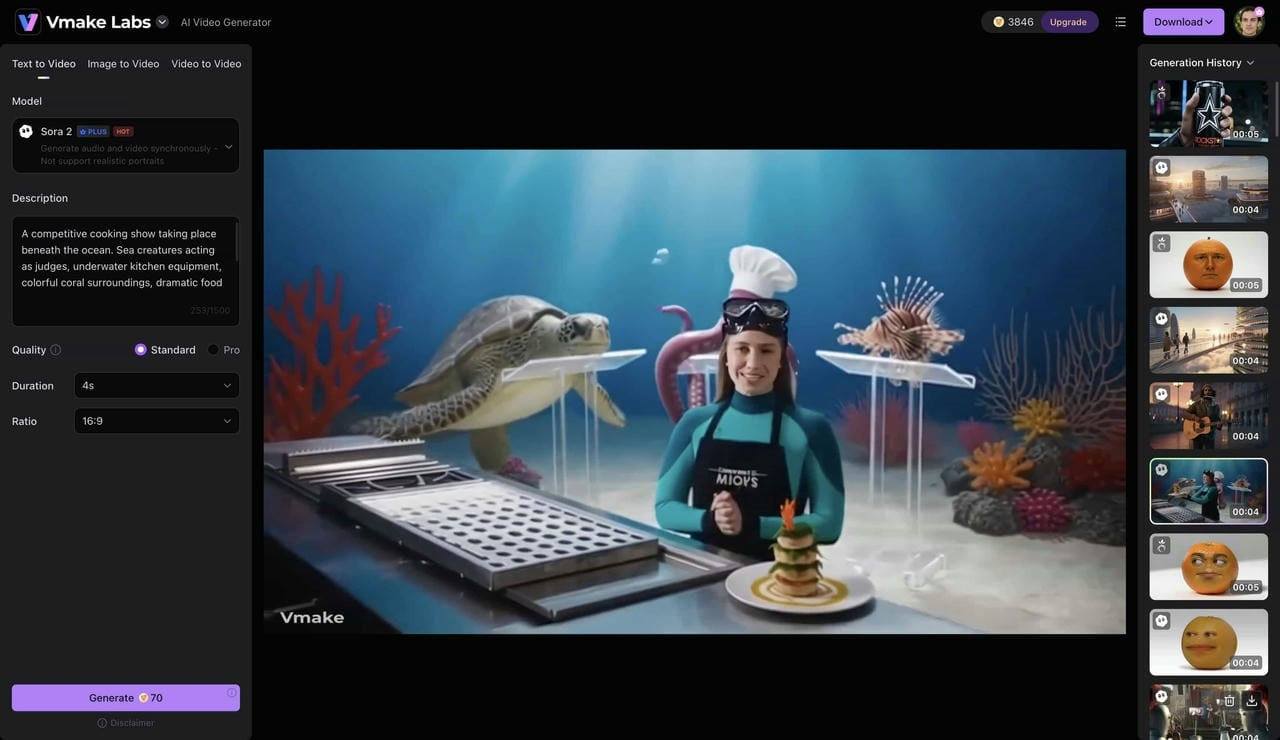
Prompt: The Underwater Chef Competition
"A competitive cooking show taking place beneath the ocean. Sea creatures acting as judges, underwater kitchen equipment, colorful coral surroundings, dramatic food presentation, cinematic underwater cinematography, lighthearted and humorous atmosphere."
-
Prompt: The Tiny CEO Board Meeting
"A miniature CEO leading an important board meeting from a tiny office built on a desktop workspace. Massive coffee mugs and keyboards towering overhead, dramatic business presentation, humorous perspective shots, cinematic storytelling."
-
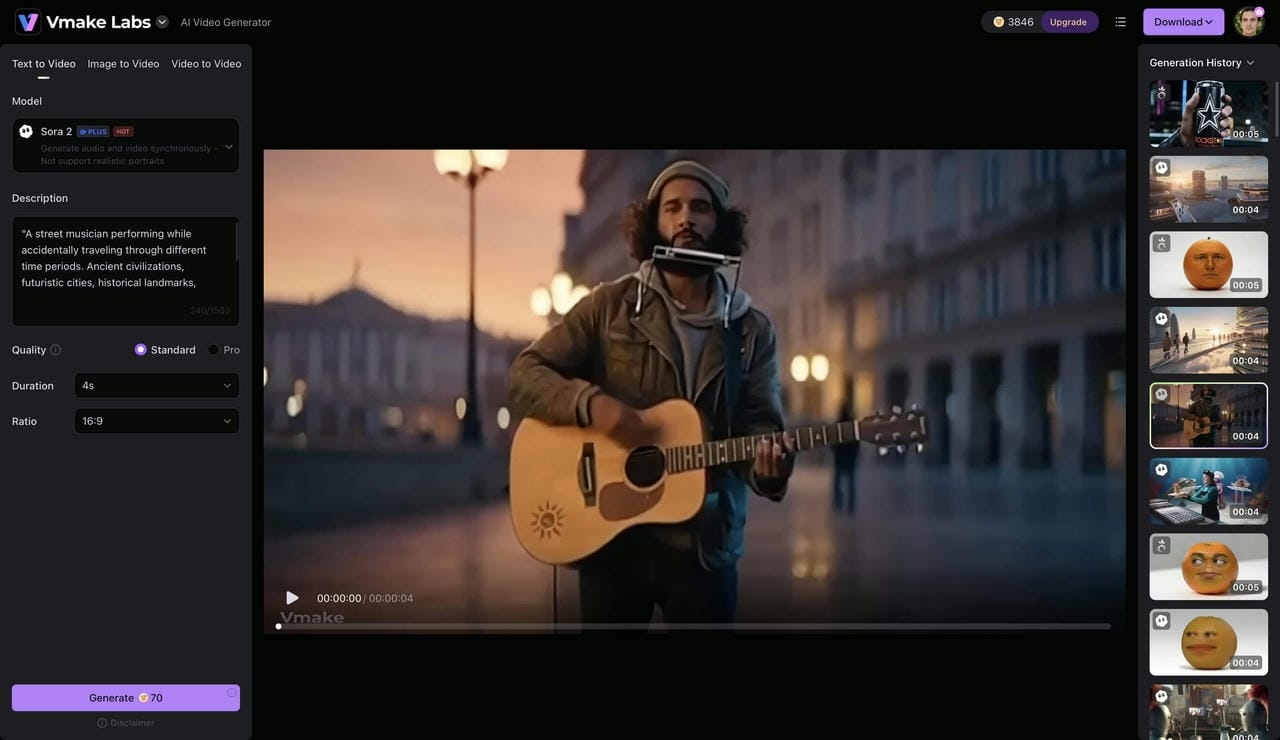
Prompt: The Time-Traveling Street Musician
"A street musician performing while accidentally traveling through different time periods. Ancient civilizations, futuristic cities, historical landmarks, smooth transitions between eras, emotional storytelling, cinematic camera movements."
-
Prompt: The AI-Powered Wildlife Documentary
"A nature documentary narrated by overly confident artificial intelligence. Exotic animals perform unusual behaviors, humorous observations, cinematic wildlife footage, documentary-style narration, visually stunning environments."
-
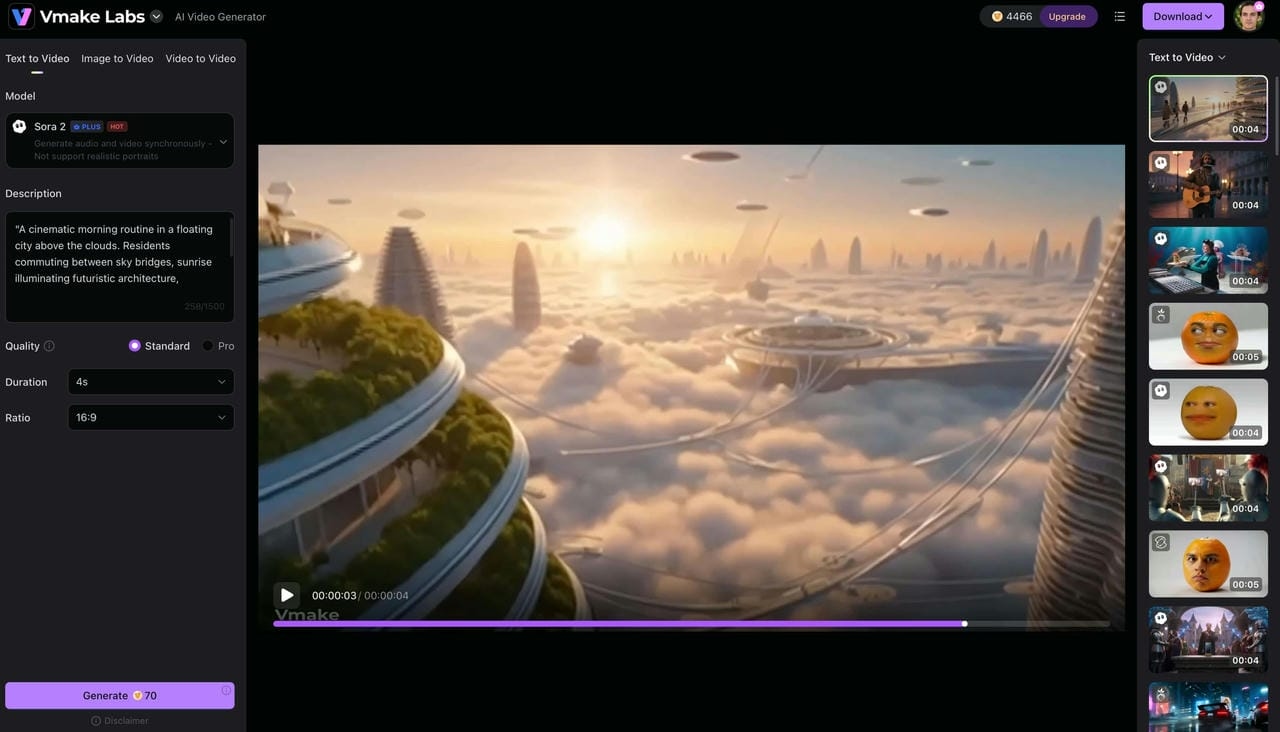
Prompt: The Floating City Morning Routine
"A cinematic morning routine in a floating city above the clouds. Residents commuting between sky bridges, sunrise illuminating futuristic architecture, peaceful atmosphere, highly detailed environments, cinematic drone shots, realistic visual storytelling."
The Blueprint Behind Viral Sora 2 Prompts
You'll notice almost every viral Sora 2 video relies on the exact same framework. Figure out this recurring setup and you'll easily generate your own unique concepts.
-
The Subject: Name a highly specific character or a bizarre object right away to grab eyes.
-
The Action: Hand your character a concrete task because watching someone just stand there is boring.
-
The Environment: Lock down the exact background layout so the algorithm stops guessing random locations.
-
The Camera Direction: Spell out specific framing like drone shots, though the machine sometimes completely ignores them.
-
The Emotional Tone: Force a definitive vibe onto the scene, like deep suspense or cheap humor.
Sticking to this blueprint helps you churn out fresh prompts without hitting a creative wall. It makes turning wild thoughts into actual clips way faster, even if rendering times still suck.
Create Sora 2-Style Videos Faster With Vmake AI
Once you have your prompt dialed in, Vmake AI handles heavy lifting, so you can customize and export your clip in just a few quick steps. This streamlined approach protects your creative productivity by letting you jump straight from a text concept to a finished video without any typical rendering headaches.
Step-by-Step Guide to Creating Sora 2-Inspired AI Videos
Step 1: Open Vmake AI Video Generator and Build Your Prompt
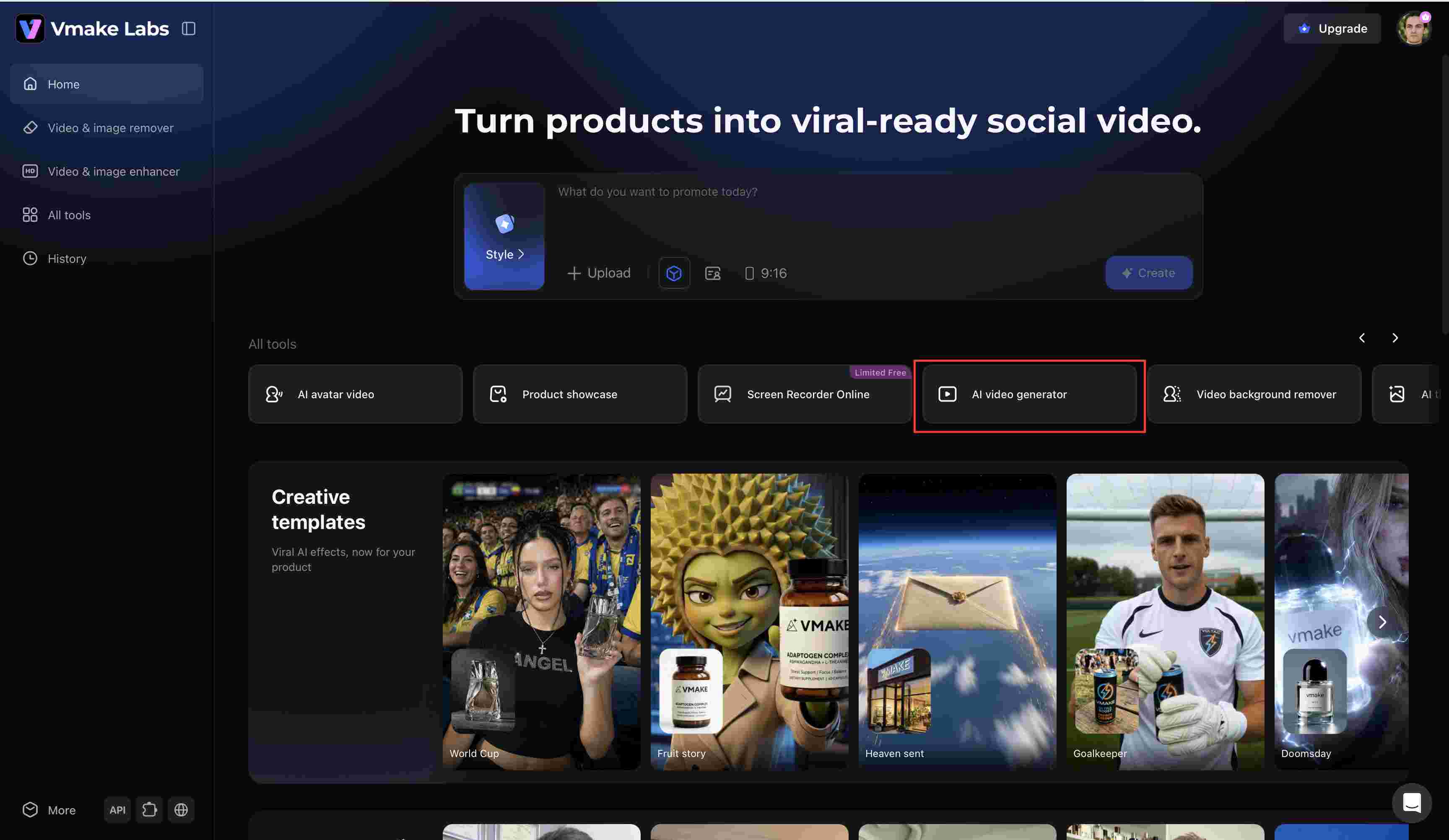
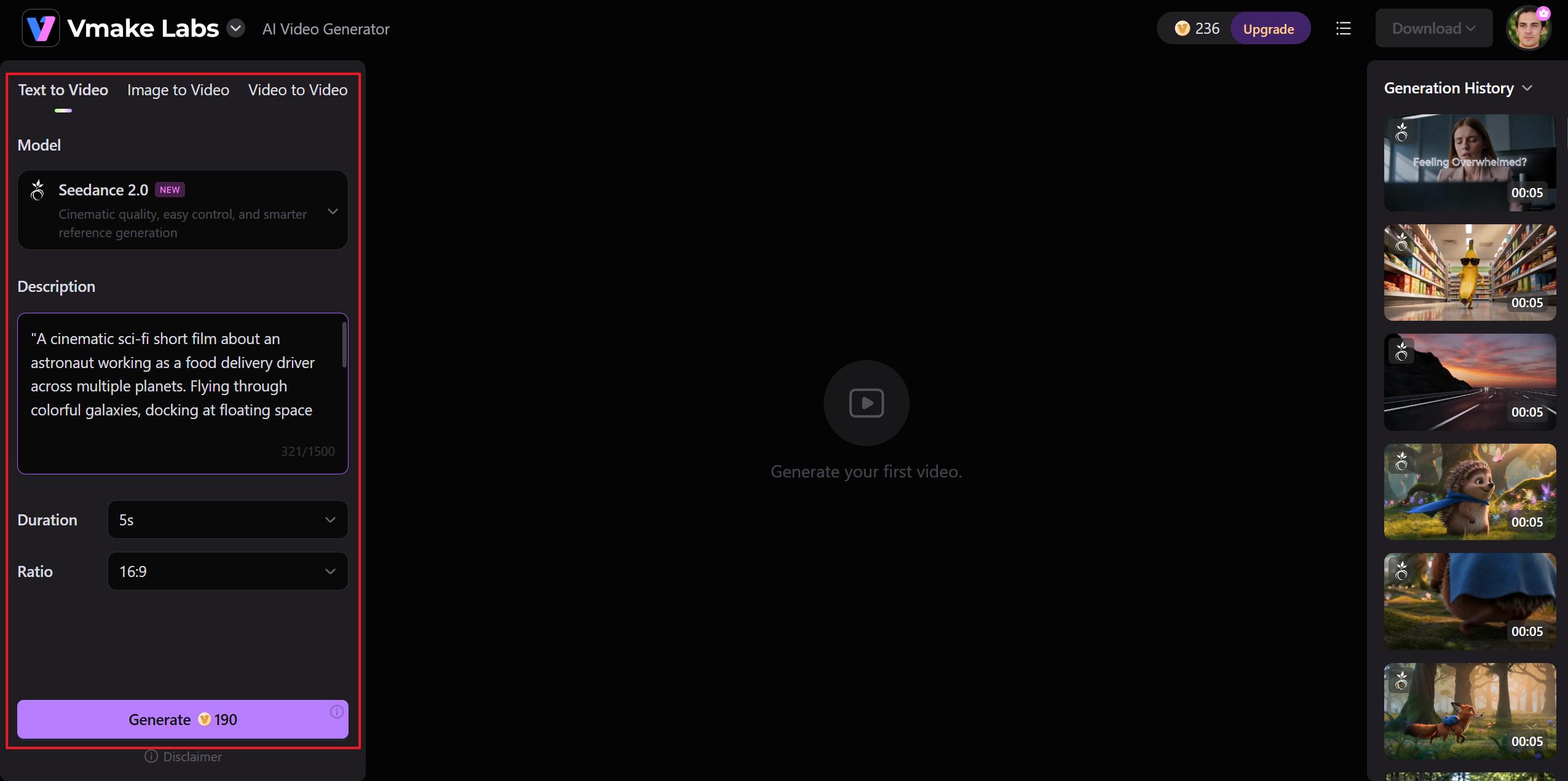
From the Vmake AI dashboard, navigate to All Tools and click AI Video Generator. This opens the video creation workspace where you can create videos using text prompts, images, or existing videos.
Step 2: Select the Sora 2 Model and Enter Your Prompt
Choose Text to Video and select the Sora 2 model from the available options. Paste your completed prompt into the description box. Then, select your preferred Quality, Duration, and Aspect Ratio. For Shorts, Reels, and TikTok content, a 9:16 vertical format is often the best choice, while wider formats work well for traditional YouTube videos.
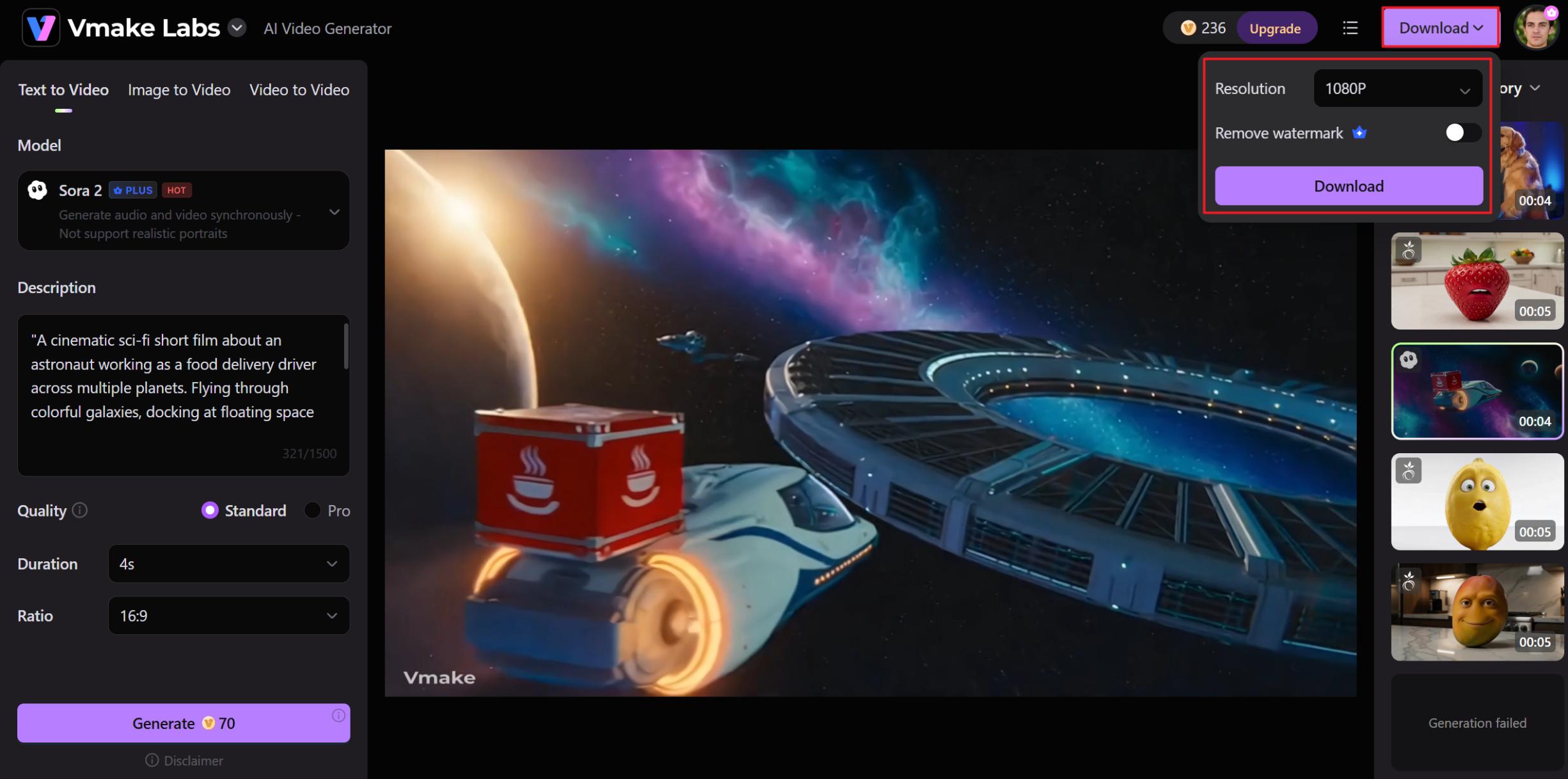
Step 3: Generate, Download, and Share Your Video
Click Generate to create your video. Once processing is complete, review the result in the preview window and check the Generation History panel. If you're satisfied with the output, click Download to save and share your finished video.
Conclusion
Creating viral AI videos often starts with a well-crafted Sora 2 video prompt. Whether you're building a detective cat story, a futuristic sci-fi scene, or a comedic short, the quality of your prompt shapes the final result. Strong hooks, clear visual details, structured storytelling, and memorable payoffs can make a significant difference. As you experiment with different prompt formats and creative ideas, you'll discover what resonates most with viewers. Tools like Vmake AI can also help you turn those concepts into engaging videos faster and test new ideas more efficiently.
FAQs
What is the best format for a Sora 2 video prompt?
The best format depends on your goal. Context prompting works well for simple scenes, script prompting helps control actions and dialogue, and storyboard prompting is useful for videos with multiple scenes. Testing different formats can help you find what works best for your content. You can also experiment with these approaches inside Vmake AI when creating Sora 2-style videos.
How long should my Sora 2 video prompts be?
Without being too complicated, a prompt should be descriptive enough to illustrate the issue, location, actions, visual style, and mood. The majority of effective prompts prioritize clarity over length. Vmake AI makes it simple to test and improve prompts until you get the desired outcome needed.
Can I control camera angles with a Sora 2 video prompt?
Yes. Camera instructions, such as close-up, wide shot, drone view, tracking shot, slow zoom, or handheld movement, can help guide the final output. Including these details often creates more cinematic and visually consistent videos. Similar camera directions can also be used when generating videos with Vmake AI.
Why do some Sora 2 viral video prompts fail to generate correctly?
Cramming too many conflicting concepts or vague instructions into a single prompt is a fast way to ruin a render. You will get much cleaner results by keeping the core idea dead simple and focusing entirely on clear visual guidance. To figure out what actually clicks without wasting time, experienced creators use tools like Vmake AI to test and iterate through different prompt variations rapidly.
Can I include real celebrities in my Sora 2 prompts?
Instead of dropping a massive star's name, you're way better off describing the actual vibe, like the sharp jawline, the scruffy jacket, and the tired eyes. Dropping famous names usually just triggers safety filters or gives you a weird, uncanny valley clone that you can't actually tweak. Describing the character from scratch gives you all the control, and the exact same rule of thumb applies when you are building AI generated videos with Vmake AI, too.

You May Be Interested

Seedance 2.0 vs Sora 2: Which AI Video Generator Wins in 2026?