
Online Nano Banana Watermark Remover
Remove the Nano Banana watermark from AI-generated images in seconds. Upload your image and let Vmake Labs nano banana watermark remover automatically detect and clean the watermark while preserving image quality. Fast, free, and online—no sign-up needed.




How to remove Nano Banana watermark in 3 Steps
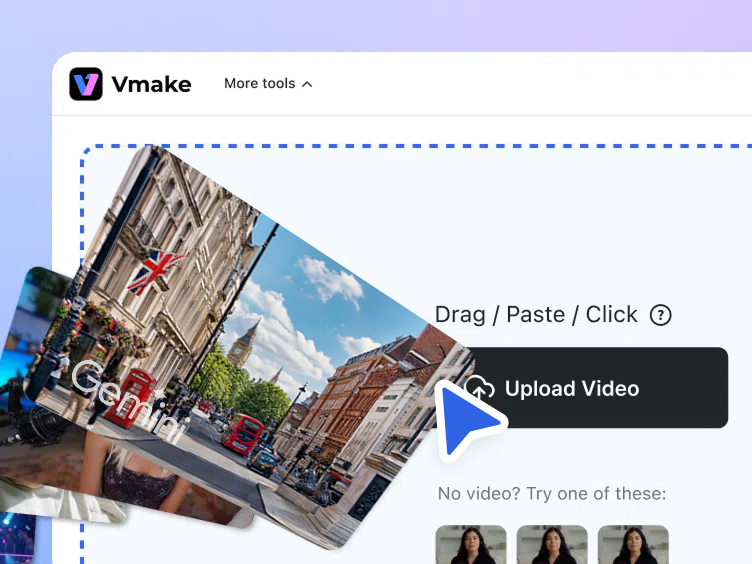
Upload your Nano Banana image
Upload the image generated with Nano Banana or Nano Banana2 (Gemini) that contains the watermark. Simply drag and drop your file or click Upload to start processing with the Vmake Labs nano banana watermark remover.
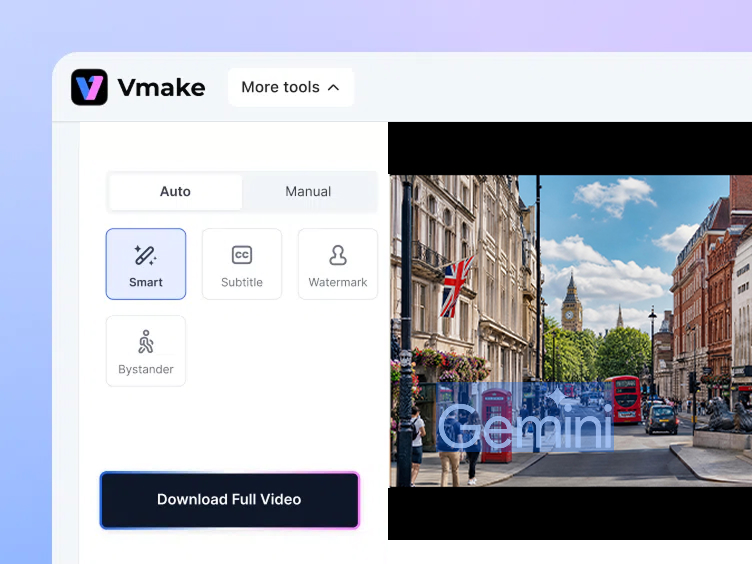
Detect and remove the watermark
Vmake Labs automatically scans the image and detects the Nano Banana watermark. The AI removes the mark and intelligently reconstructs the background so the edited area blends naturally with the rest of the image.
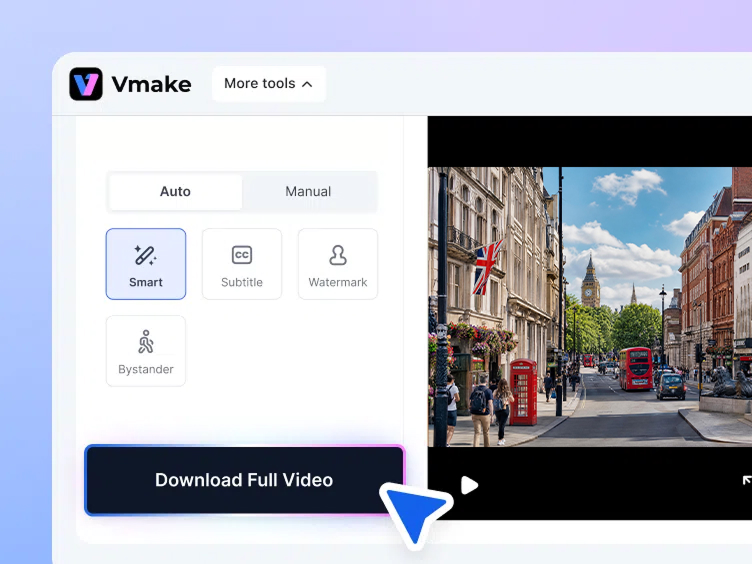
Download your clean image
Preview the result and download your watermark-free Nano Banana image instantly. The cleaned image keeps its original clarity and is ready to use for social media, design projects, or marketing visuals.
Vmake Labs: The Flawless Nano Banana 2 Watermark Remover


Prepare AI images for publishing
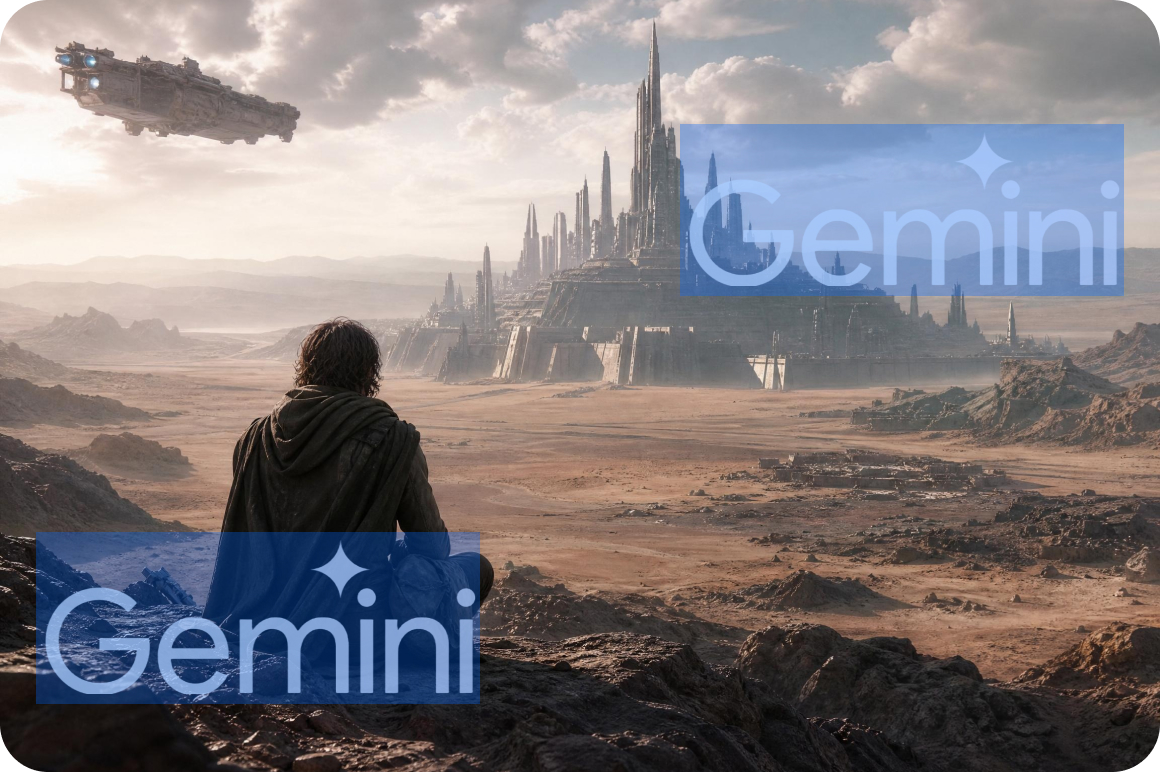
Remove the Nano Banana watermark before publishing AI-generated images on websites, blogs, or social media platforms. Watermark-free images look more polished and professional in published content compared to outputs with the visible Gemini sparkle mark.


Create cleaner ecommerce visuals
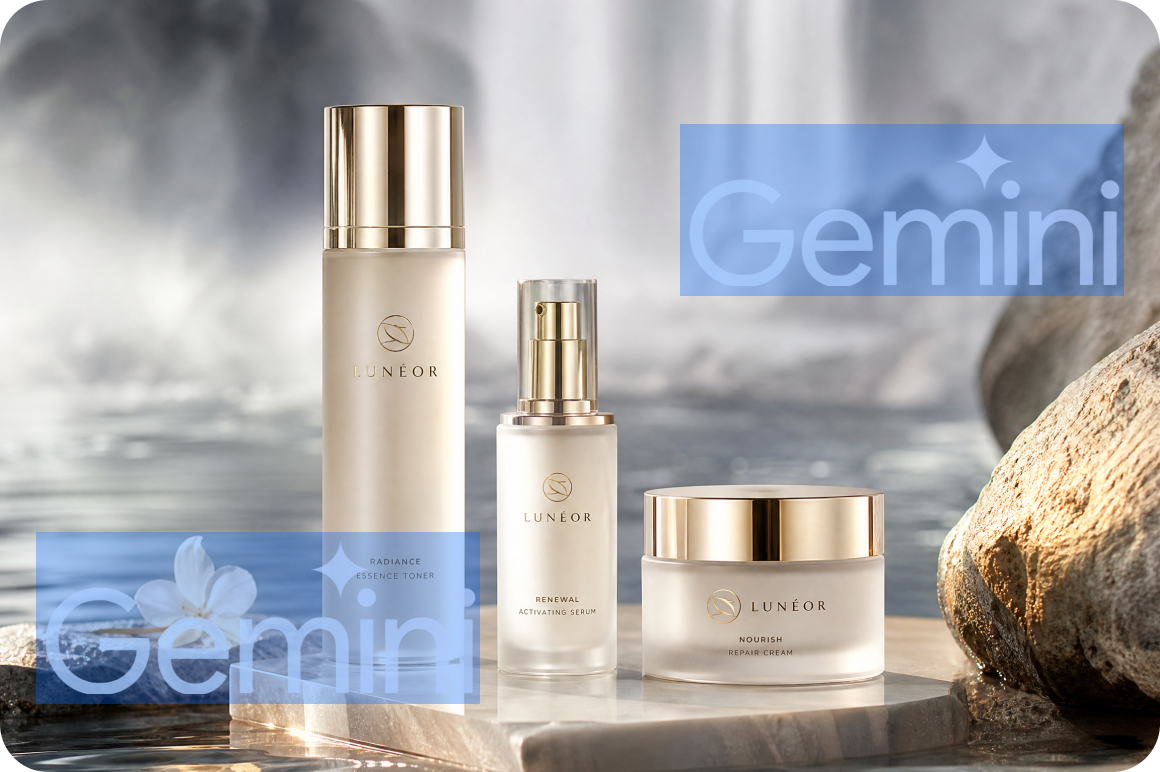
Ecommerce sellers using Nano Banana to generate product-style AI images can remove the watermark overlay to create cleaner promotional visuals for listings, ads, and storefronts. A clean image without visible AI branding keeps the focus on the product.

Use AI images in marketing materials
Marketing teams can remove the Nano Banana watermark from AI-generated images before adding them to presentations, ads, or campaign assets. Consistent, watermark-free visuals look more professional across all marketing touchpoints.

Edit and reuse AI-generated images
After removing the Nano Banana watermark, images can be freely edited, resized, or reused in creative designs and visual projects. A clean base image without overlays is easier to work with in design tools and photo editors.
Remove Nano Banana watermarks with AI


AI watermark detection
Vmake Labs automatically scans images generated by Gemini Nano Banana and detects the watermark without manual selection. The AI identifies the watermark area precisely and prepares it for clean removal.


Natural image reconstruction
After removing the Nano Banana watermark, Vmake Labs rebuilds the missing area using surrounding textures and colors. Vmake Labs fills the space naturally so the edited image remains visually consistent.


Clean high-resolution output
Preserve the original image quality while removing the visible watermark elements. The output file downloads at the same resolution as the original.
Batch image processing
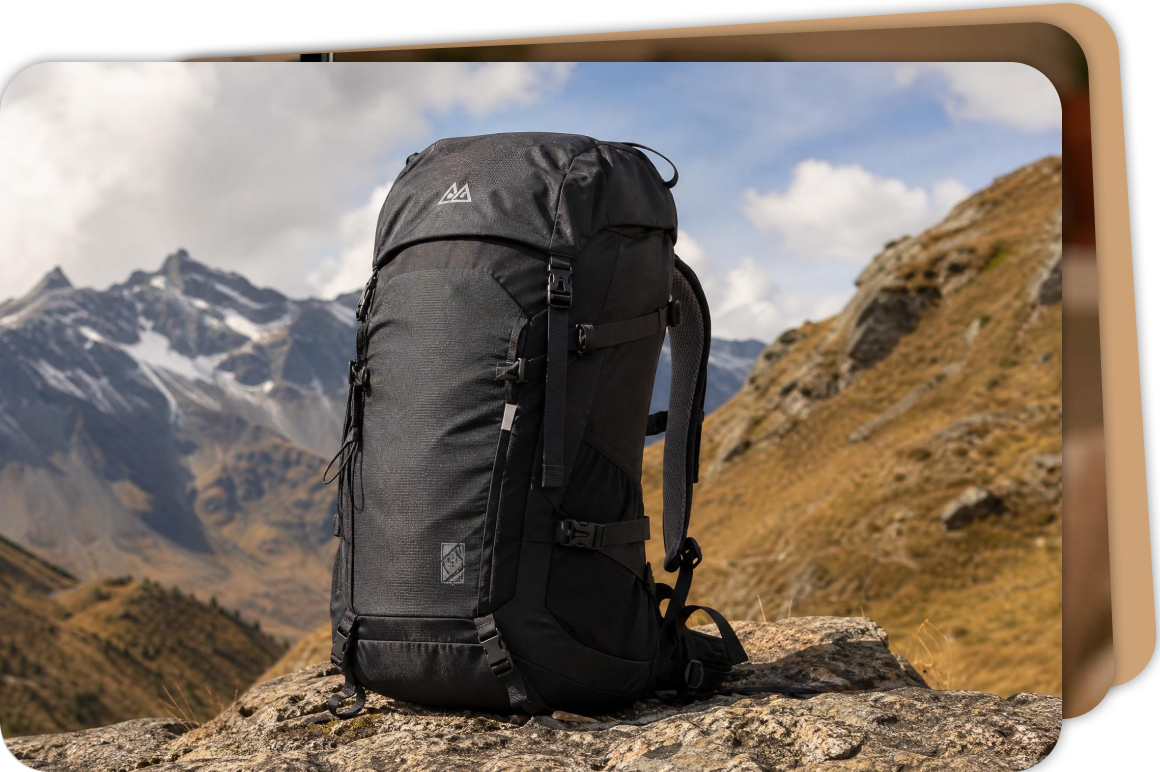
Upload multiple images generated with Nano Banana or Nano Banana 2 and remove watermarks in one workflow. Vmake Labs processes several images at once, helping you clean large sets of AI visuals faster.
Who uses Vmake Labs Nano Banana watermark remover
Designers and creators
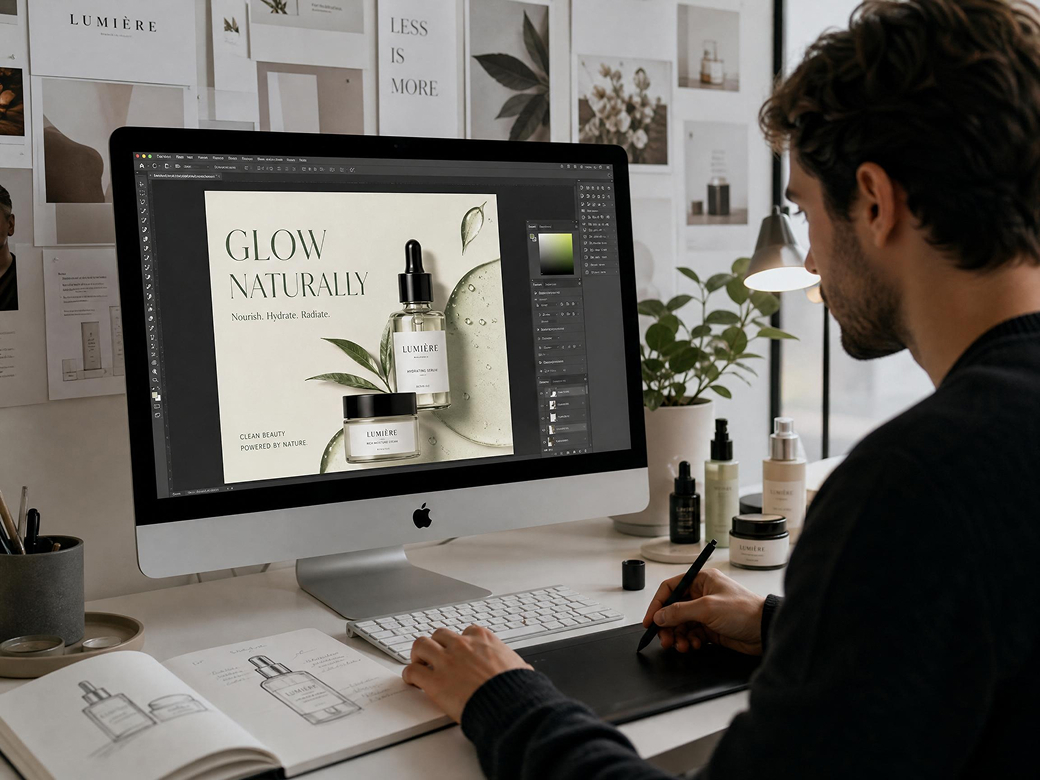
Designers working with visuals generated by Gemini Nano Banana can use Vmake Labs nano banana watermark remover to clean watermark marks before editing, resizing, or integrating images into creative projects.
Ecommerce sellers
Online sellers using Nano Banana AI images for product promotion can remove the visible watermark to create cleaner visual materials for listings, ads, and storefronts. Watermark-free product images look more professional and help maintain consistent branding.

Marketing teams
Marketing teams preparing visual content for campaigns can remove Nano Banana watermark overlays to keep visuals consistent across all assets. Faster than manual editing — upload, remove, and download in seconds.

FAQ
How can I remove the Nano Banana watermark from an image?
Why do Nano Banana images include a watermark?
Images generated with Gemini Nano Banana may include a watermark to indicate that the content was created using AI tools. If you want to reuse the image for design or marketing projects, you can remove the watermark using an AI tool such as Vmake Labs.
Can I remove a Gemini Nano Banana watermark without Photoshop?
Yes. Instead of manual editing, you can use an online AI tool to remove Nano Banana watermark automatically. Tools like Vmake Labs allow you to upload the image, detect the watermark, and download a clean version in seconds—no software installation required.
Will removing the Nano Banana watermark reduce image quality?
Not when using AI-based tools. Vmake Labs nano banana watermark remover removes the watermark and reconstructs the surrounding area so the image keeps its original clarity and resolution.
Can I remove watermarks from multiple Nano Banana images at once?
Yes. Many AI watermark removers support batch processing. With Vmake Labs, you can upload multiple images generated by Nano Banana or Gemini AI and remove the watermark from all of them in one workflow.
How do I remove a Gemini watermark from AI-generated images?
If your image contains a Gemini watermark, you can use an AI watermark remover to clean it automatically. For example, Vmake also provides a dedicated Gemini watermark remover tool that helps remove watermark overlays from Gemini-generated images quickly.
Why choose Vmake Labs Nano Banana watermark remover

AI detects and removes Nano Banana watermark regions including the Gemini sparkle mark from both standard and Pro outputs — without manual selection or editing.

Uploads are encrypted during processing and deleted right after completion. No hidden storage, no training use, your content stays yours.

Remove the Nano Banana watermark directly in your browser with Vmake Labs. Simply upload your image, let the AI process it in seconds, and download a clean version—no software required.
Discover More Features

Video & Image Enhancer

Watermark & Text Remover

Video Upscaler

AI Video Generator

Video Background Remover

Video & Audio to Text

Video Noise Reducer

AI Video Translator
Ready to remove the Nano Banana watermark from your image?
Upload your image and let Vmake Labs nano banana watermark remover automatically detect and remove the Nano Banana watermark in seconds. Get a clean, high-quality image ready for editing, publishing, or design.Free to start. No account required. Files deleted after 7 days.
What our users say
I generated several images with Gemini Nano Banana, and the watermark was always in the corner. Vmake Labs detected and removed it automatically, and the edited area looked natural.
I often use AI-generated visuals for social media posts. With the Vmake Labs nano banana watermark remover, I can quickly remove the Nano Banana watermark and download a clean image ready to publish.
Our team experiments with images created using Nano Banana. Vmake Labs makes it easy to remove the watermark before adding the images to presentations or campaign materials.
I tried several tools to remove Nano Banana watermark, but many left visible artifacts. Vmake Labs did a much better job reconstructing the background and keeping the image quality intact.
I uploaded multiple AI images generated with Nano Banana 2, and Vmake Labs removed the watermark from all of them quickly. The batch processing feature saves a lot of time.
The workflow is simple—upload the image, let the AI remove the watermark, and download the result. The nano banana watermark remover works directly in the browser, which makes the process really convenient.