
How to Remove Nano Banana 2 (Gemini) Watermark with Vmake
 Ken DawsonFebruary 27, 2026
Nano Banana 2 (powered by Gemini) is an incredible AI image generator that instantly produces striking visuals. But, there is a common downside: the persistent Nano Banana 2 watermark left on your final renders. This small addition can easily distract viewers and strip away the premium feel of your marketing assets, website graphics, or product showcases.
This guide delivers a fast, frictionless method to erase the Gemini watermark utilizing the Vmake Image Watermark Remover, ensuring your assets look professionally tailored.
Why removing the Nano Banana 2 watermark is crucial
A watermark might look minor, but it severely degrades the commercial viability of your media:
-
Compromises brand authority: Watermarks look highly amateurish when featured on your e-commerce landing pages or storefront banners.
-
Damages ad performance: In paid media or static social posts, an obvious AI platform watermark shatters the visual immersion, directly reducing your click-through rates.
-
Hinders creative flexibility: Leaving a watermark on your image prevents you from seamlessly cropping, adjusting, or merging the asset into larger marketing layouts.
If you are generating assets for your business, erasing this watermark is the highest-leverage visual upgrade you can execute.
Essential items to prepare beforehand
-
A downloaded visual from Nano Banana 2: You will usually find the watermark resting in the corner.
-
Direct access to the Vmake Image Watermark Remover.
Step-by-Step Guide to Removing the Nano Banana 2 (Gemini) Watermark with Vmake
Step 1: Launch the Vmake Image Watermark Remover
Head straight to the Vmake Image Watermark Remover web portal.
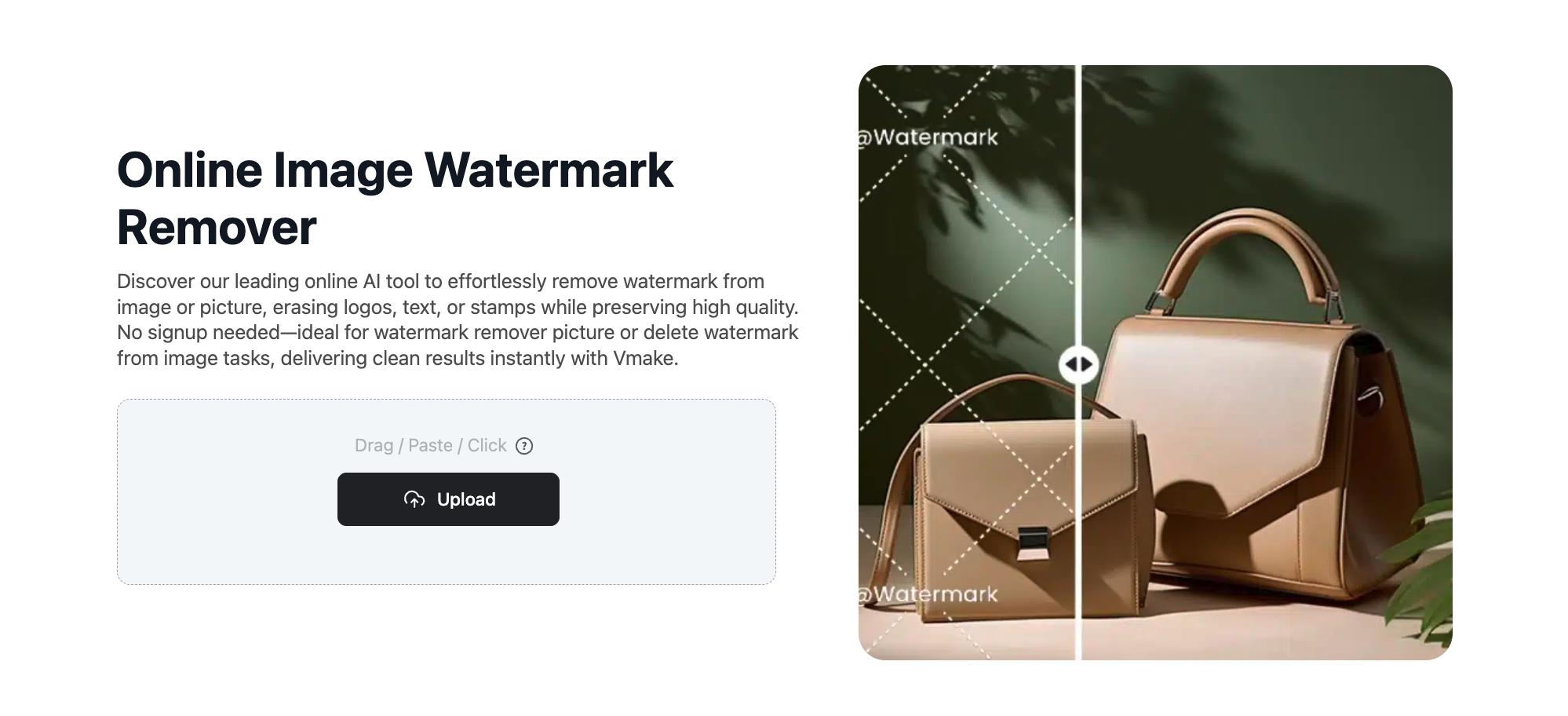
Step 2: Import your Nano Banana 2 graphic
Simply upload your picture into the Vmake interface.
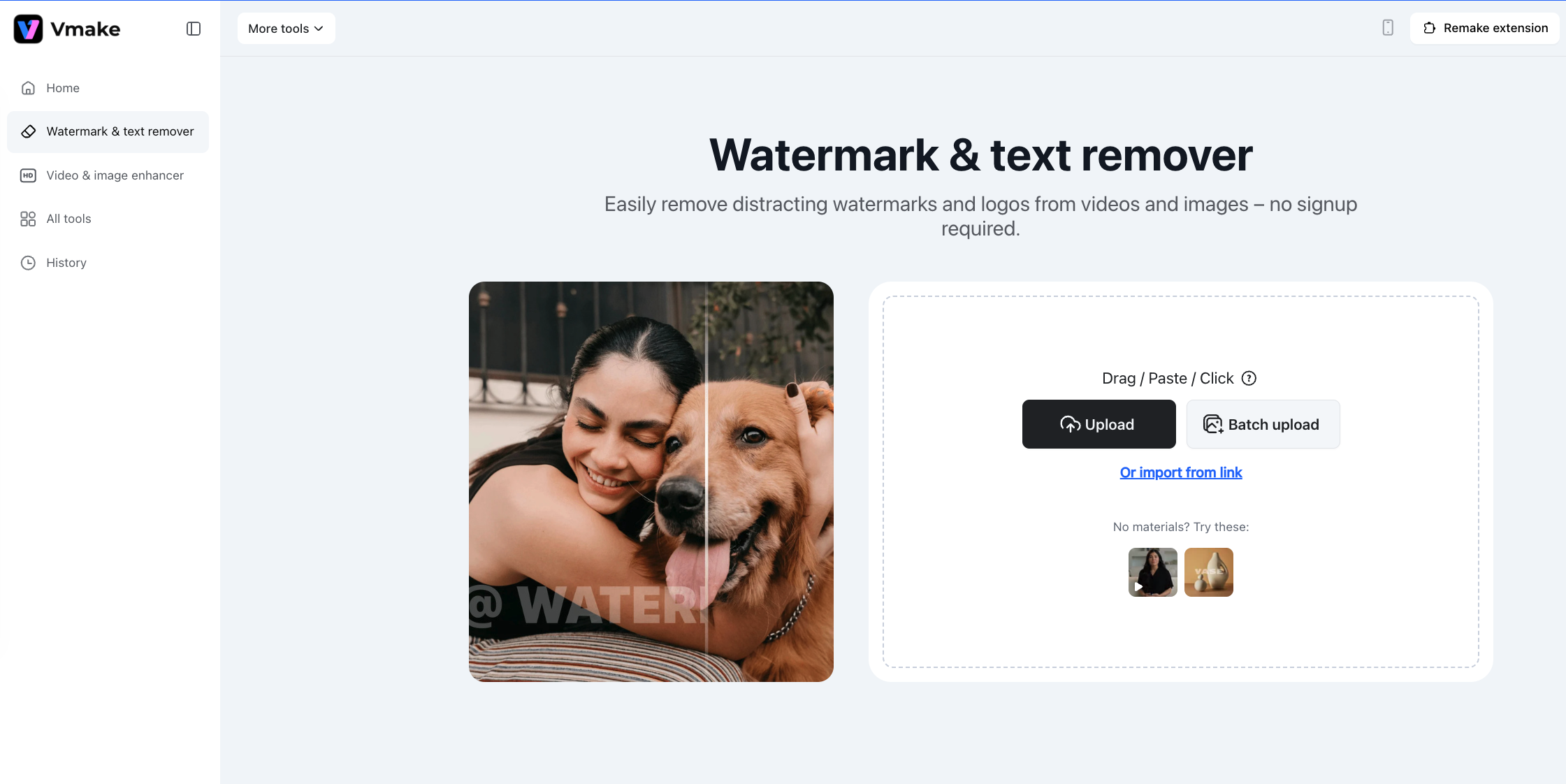
Pro Tip: Preparing for a massive promotional push? Leverage the bulk upload functionality to scrub watermarks from multiple files simultaneously, rescuing hours of manual work.
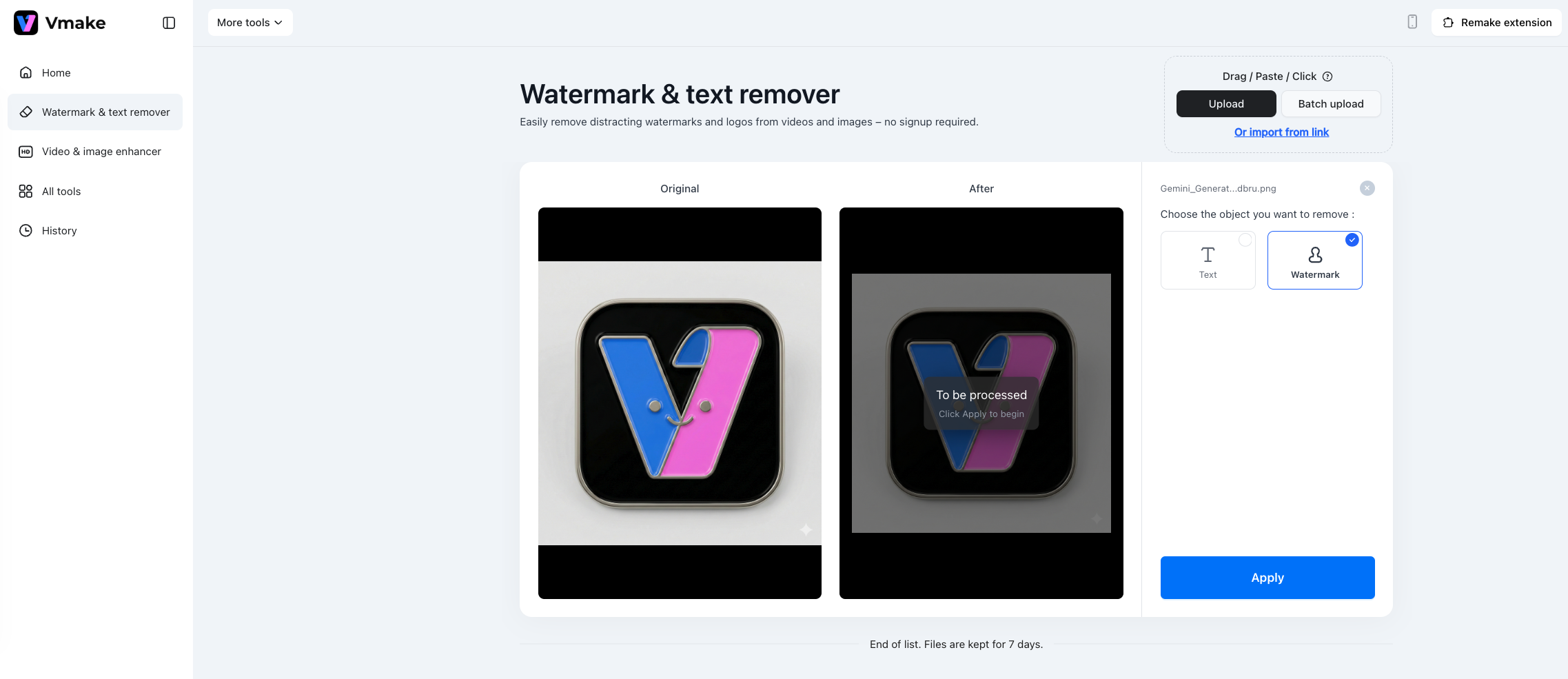
Step 3: Choose the Watermark Mode With your graphic loaded, click on Watermark Mode. Vmake’s algorithm will instantly target the Gemini watermark, intelligently patching the underlying pixels so the background remains perfectly continuous and authentic.
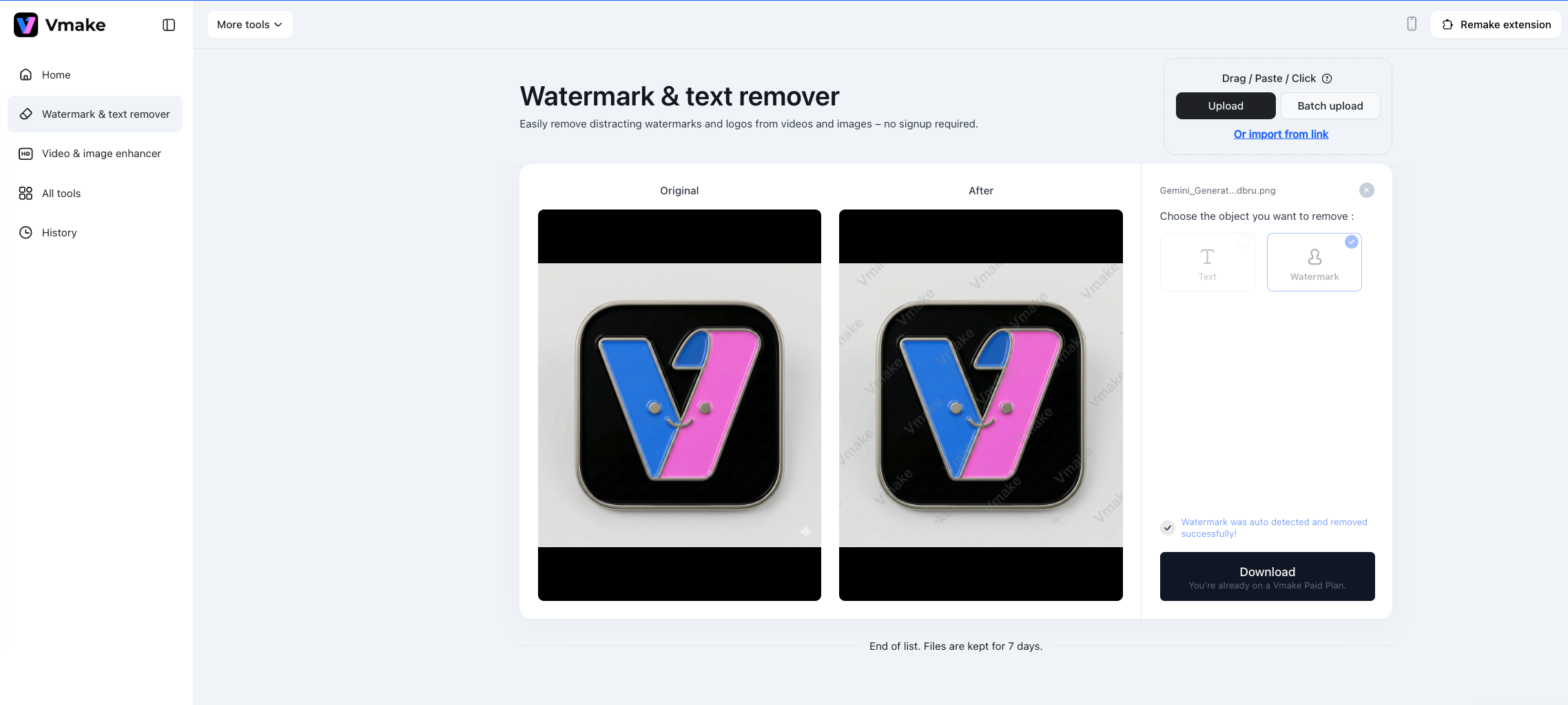
Step 4: Download the pristine visual Once the watermark vanishes and the area looks flawless, save the finalized picture to your device.
 Bonus: What about Veo 3.1 Video Watermarks?
While Nano Banana 2 excels at static imagery, you might be diving into the Gemini ecosystem for video content. If you are producing clips via Veo 3.1 for your ad campaigns, you will likely encounter similar video watermark roadblocks.
Thankfully, Vmake provides a robust Video Watermark Remover designed specifically to clean up moving footage flawlessly.
 Final Thoughts
Deleting the Nano Banana 2 watermark and leveraging Vmake’s editing suite is far more than a minor tweak—it is a critical step in elevating your brand. You are taking a raw AI output and transforming it into a high-converting, trustworthy asset that scales your visual strategy seamlessly.

You May Be Interested

123APPS Watermark Remover Review (2026): Pros, Cons, and Pricing

Seedance 2.0 vs Sora 2: Which AI Video Generator Wins in 2026?

Top 20 Captions to Make Your YouTube Shorts Go Viral

Google Gemini|Copy Paste This Simple Prompts to Create “Hug my younger self ” Photos
