
Create UGC videos that sell with Vmake Labs AI agent
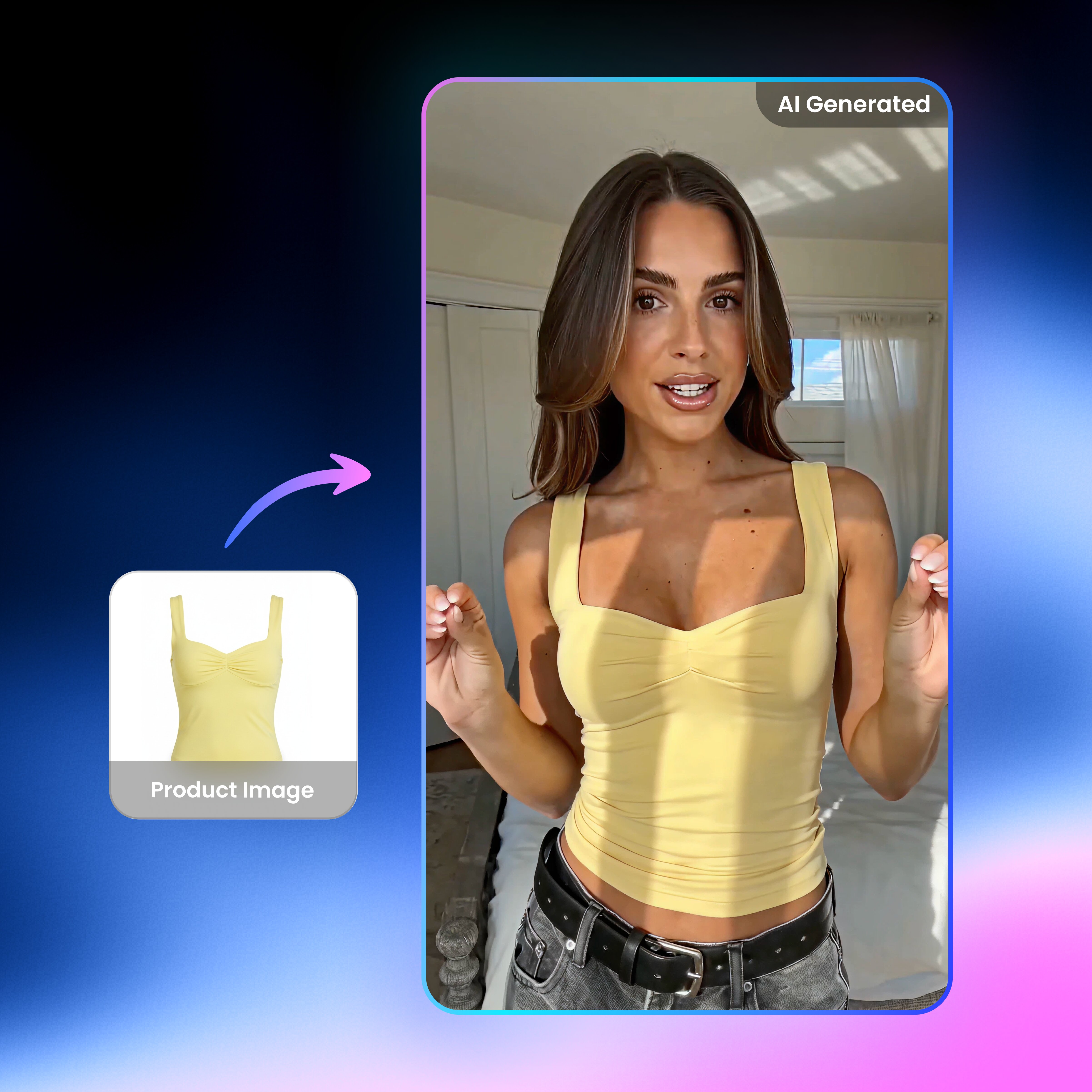


How to use Vmake Labs UGC video?
Choose your workflow
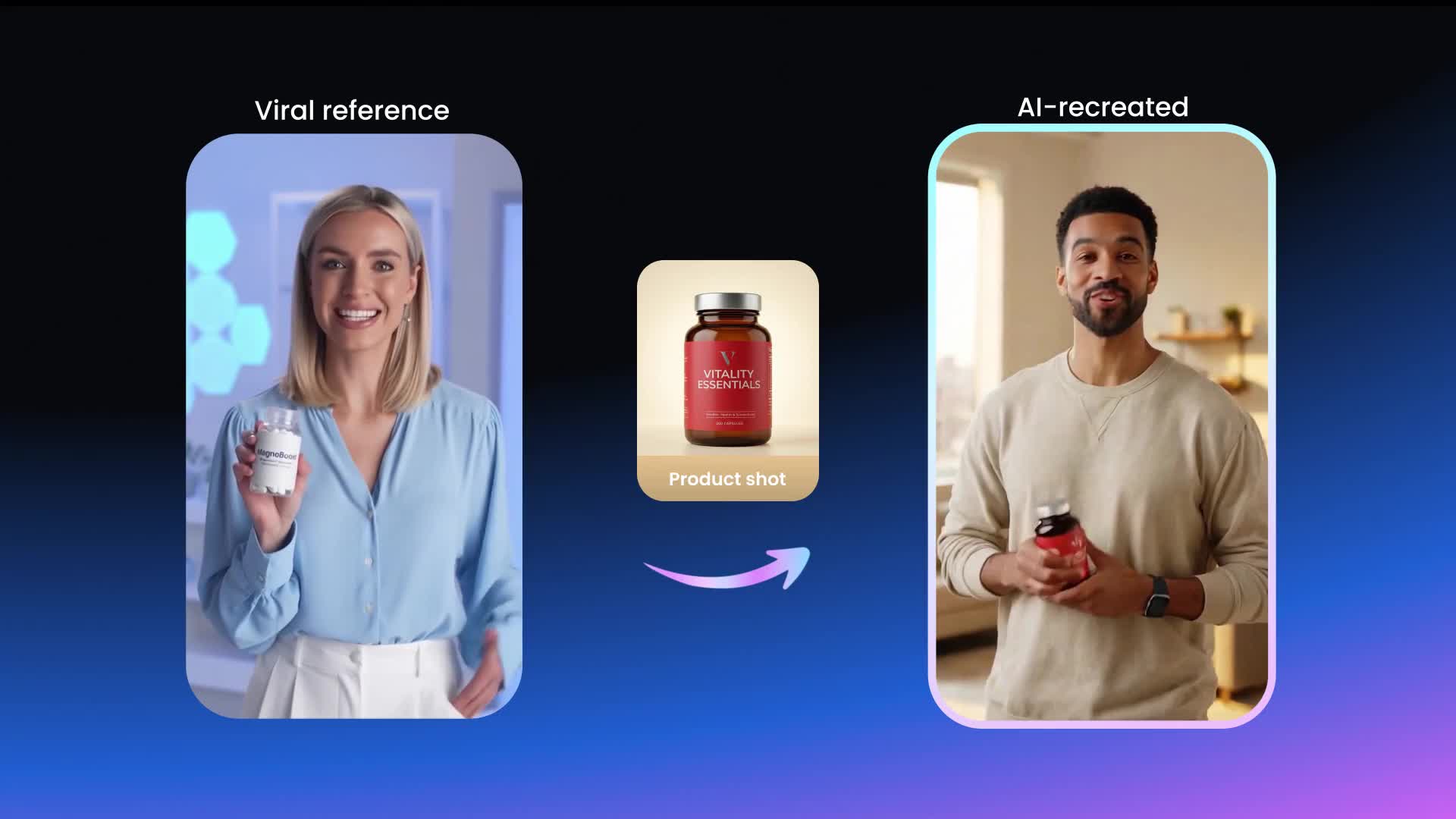
Start in Vmake Labs by selecting the workflow that matches what you want to create. You can choose from AI avatar video, product showcase, or recreate video based on your product, content style, and campaign goal.
Fill in the form
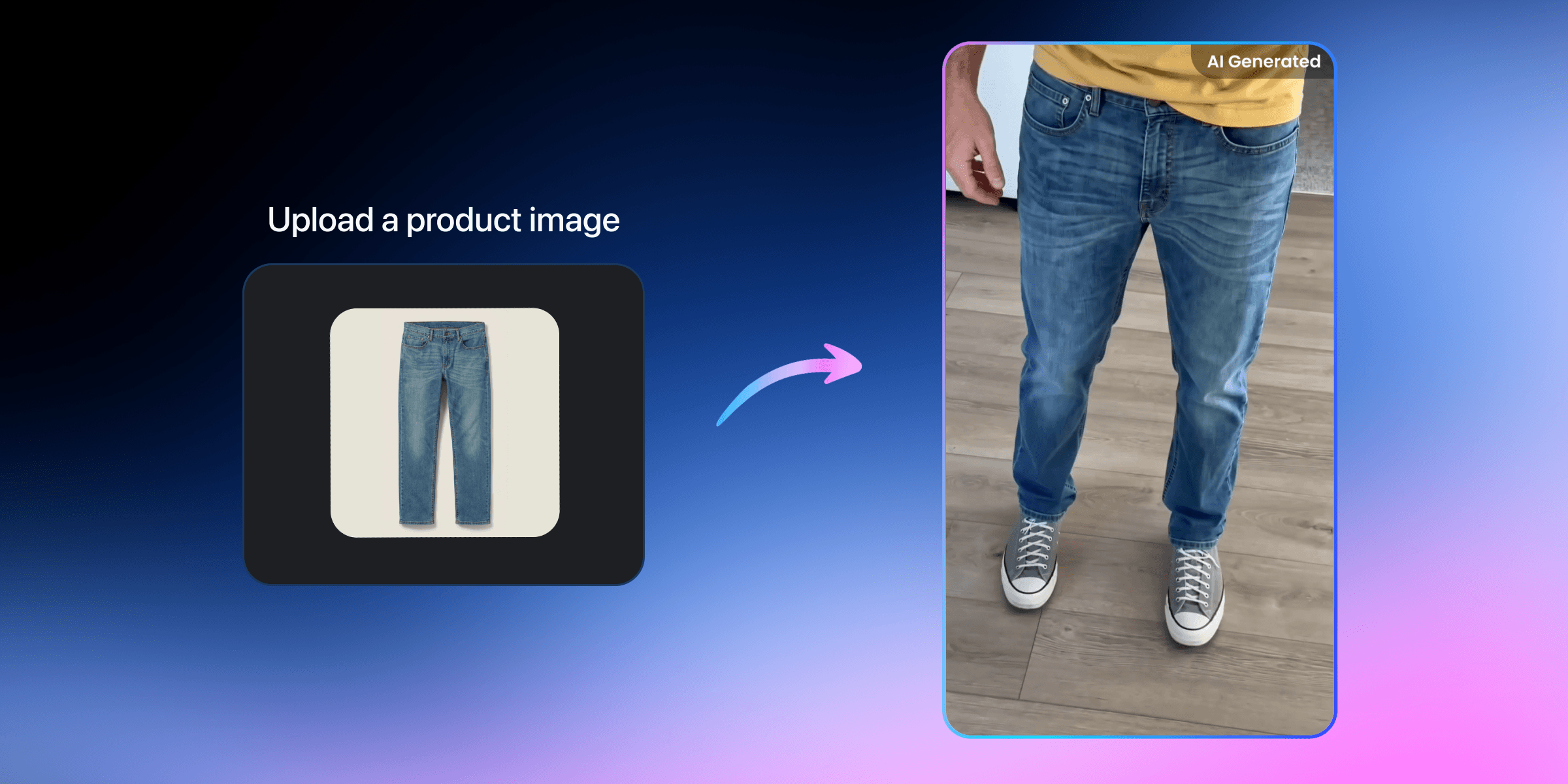
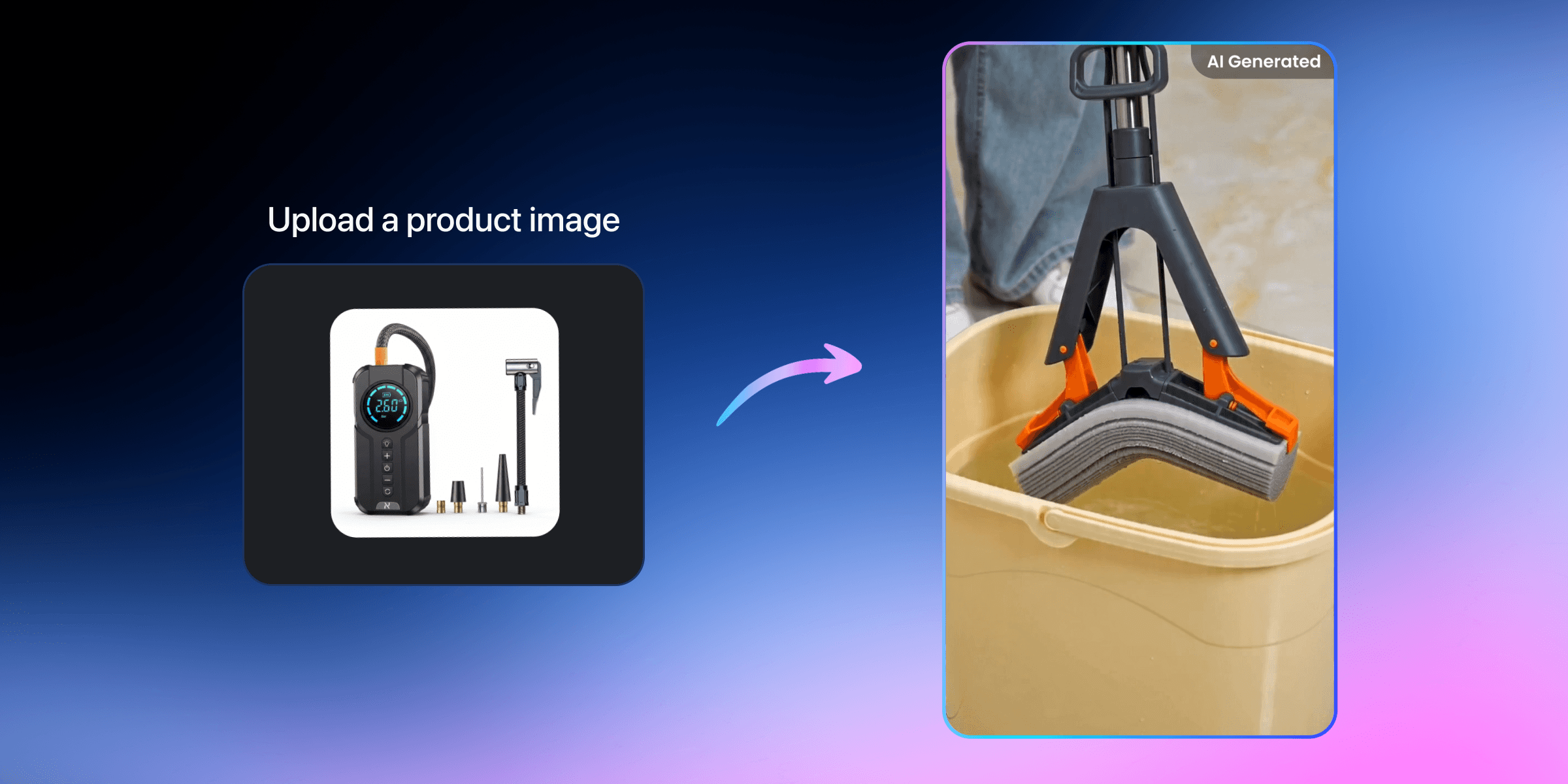
Upload your product image or simply paste your product url in a structured form. There is no need to write complicated prompts. Just fill in the information and the workflow takes care of the setup for you.
Generate in one click
Once everything is ready, generate your video with one click. Vmake Labs turns your inputs into a complete UGC style video, so you can move from idea to content much faster.
Shoppable videos from a single image
Standout features of the Vmake Labs UGC video generator
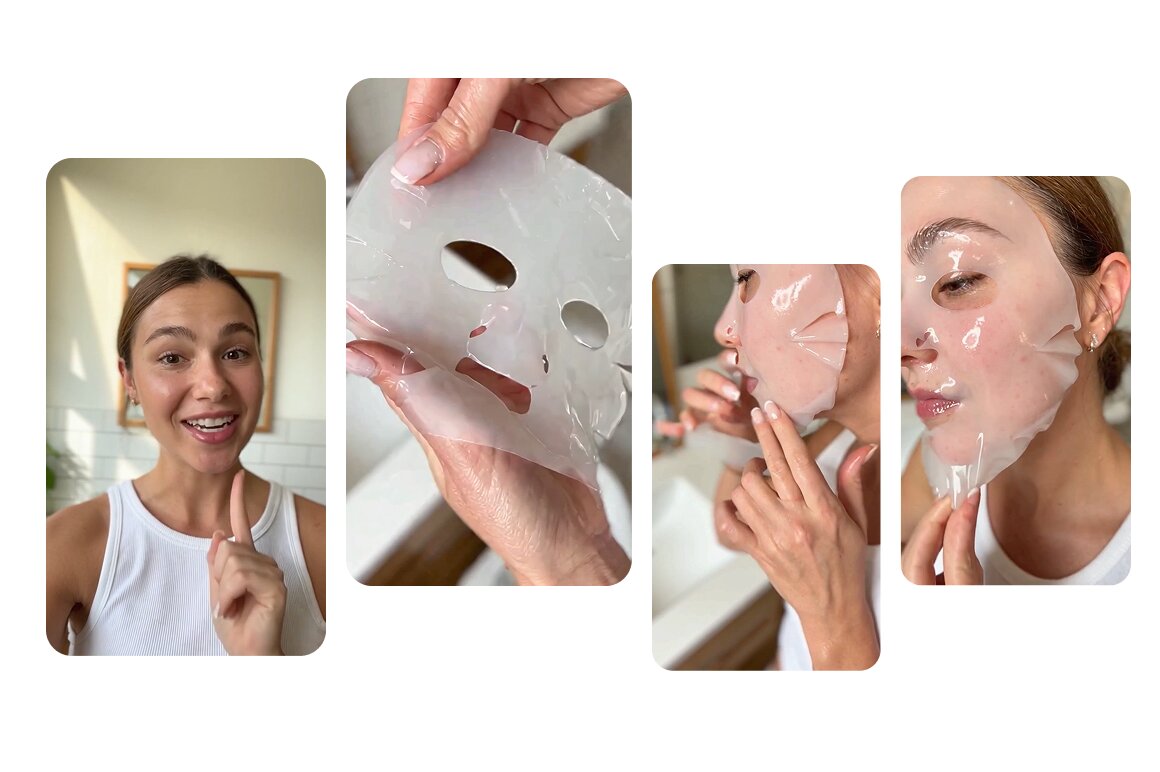
UGC style that feels more natural
The output is optimized for UGC style, with a more authentic, handheld look that feels closer to real creator content. It avoids the stiff, overly polished feel common in traditional AI videos, helping your content feel more believable and easier to trust.
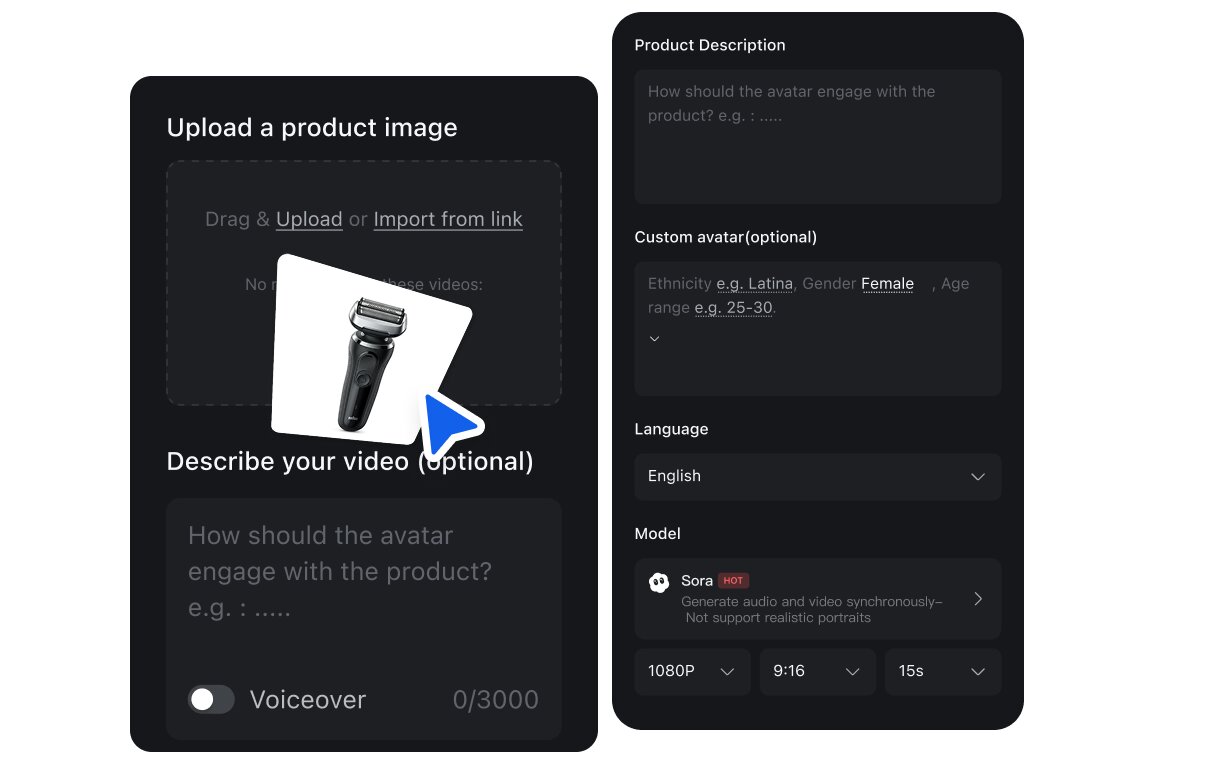
Simple to use, even for beginners
Instead of writing long prompts, you just fill out a structured form. It makes video creation much easier for first time users and gives you a more stable way to generate usable results.
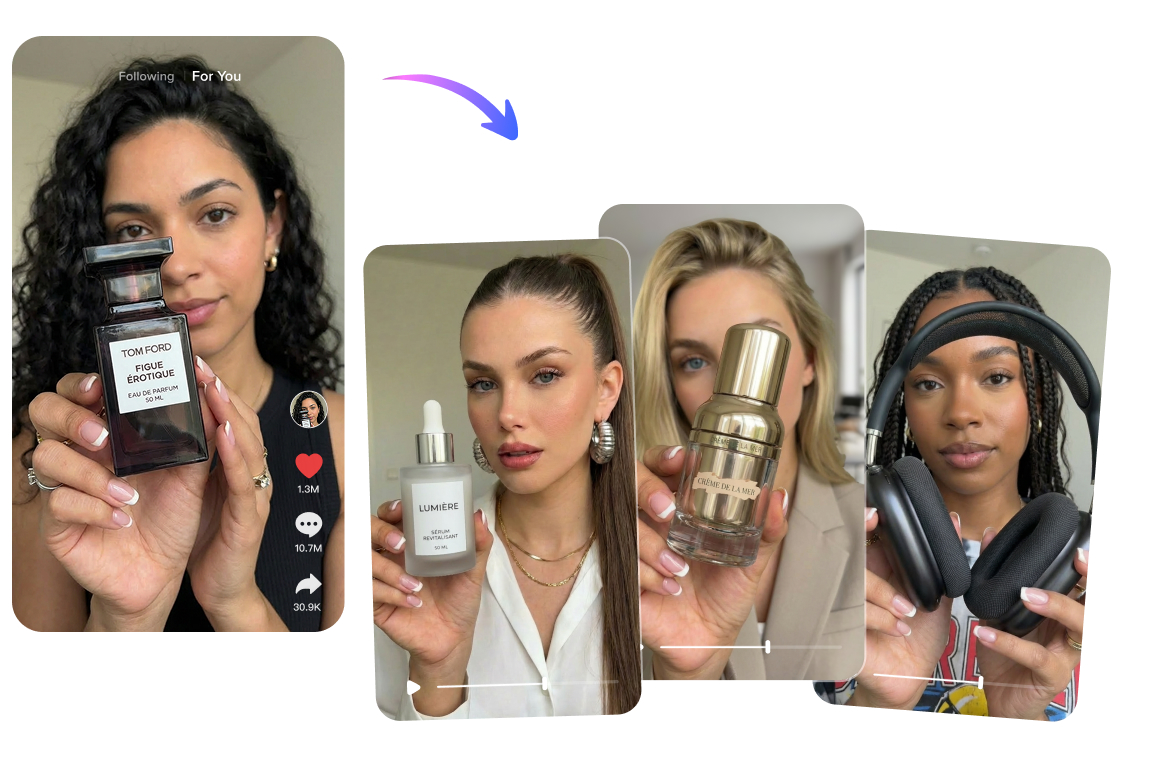
No models or filming required
Skip the time and cost of finding talent, setting up shoots, and filming from scratch. You can create product videos faster while keeping production more efficient.
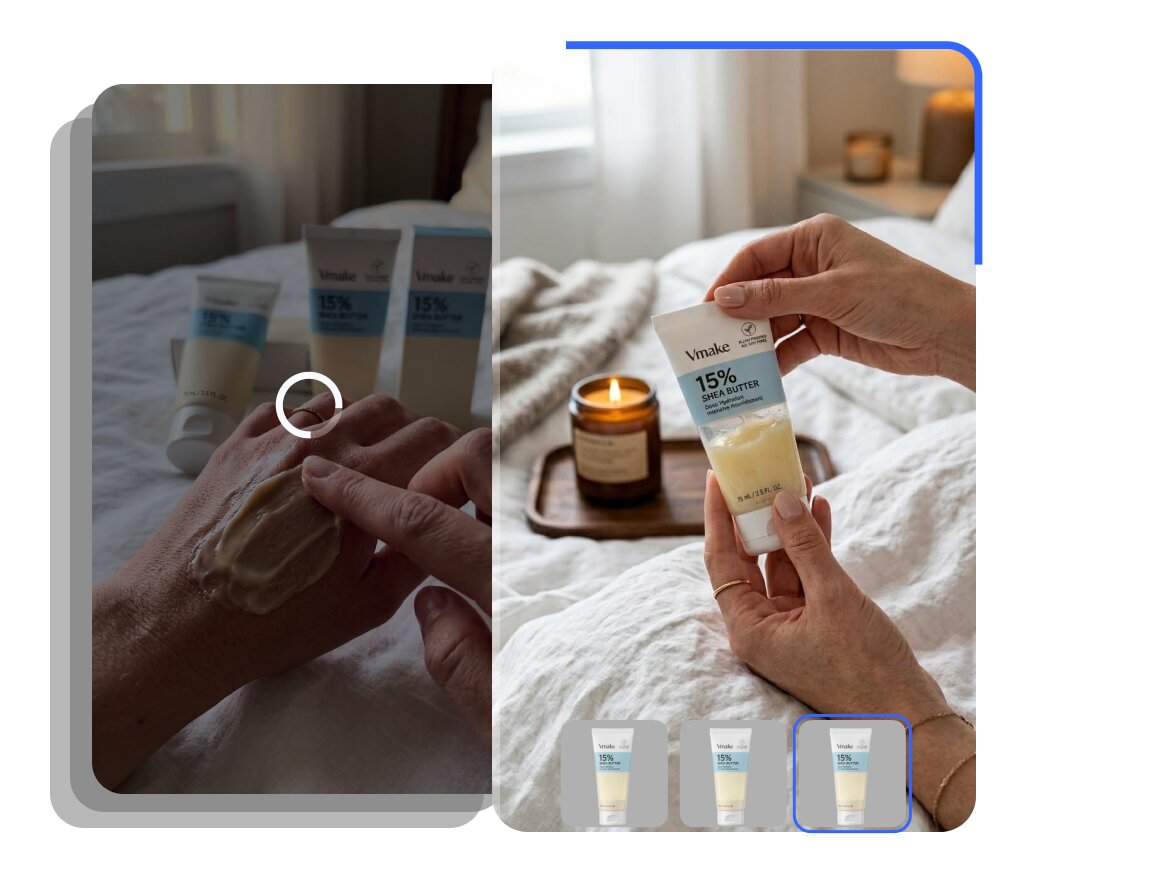
Easy to create multiple versions
Just update the inputs in the form to generate new versions quickly. You can also launch multiple generation tasks at the same time, making it easier to test different angles, messages, and product hooks.
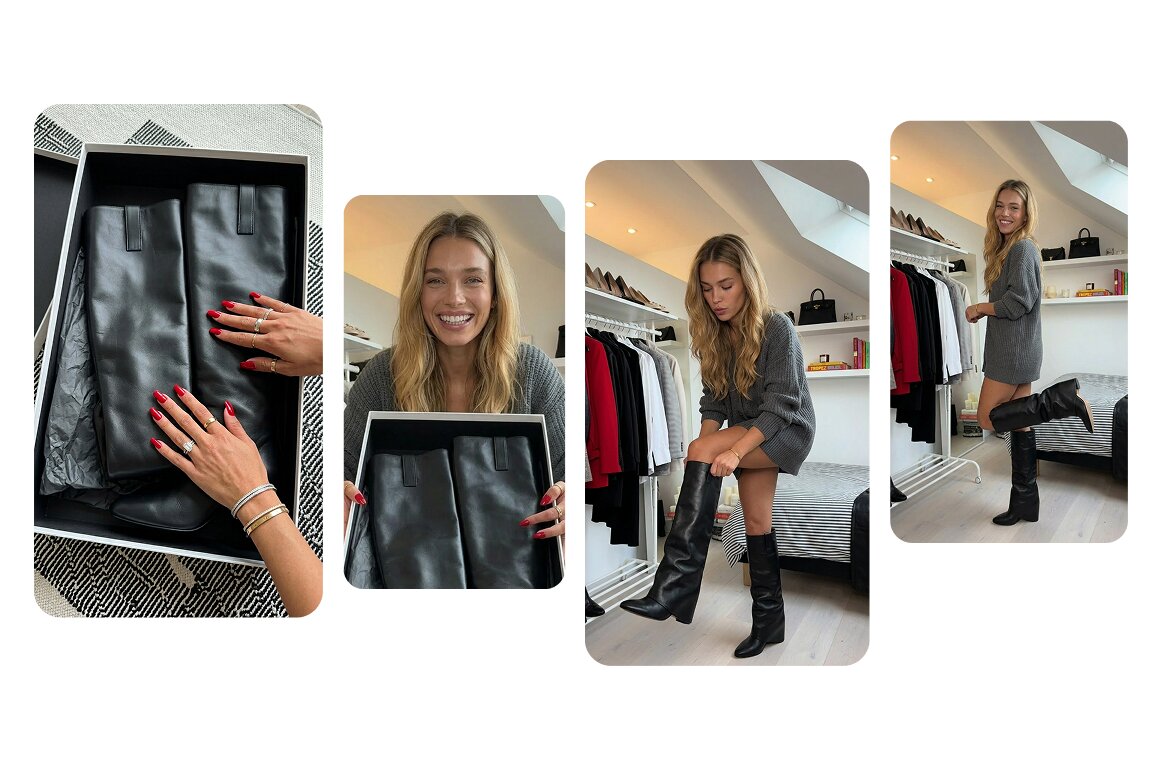
Strong product consistency with realistic detail
Your product stays visually consistent throughout the video, with key details accurately preserved. This helps the final result feel more trustworthy and closer to what customers expect to receive.
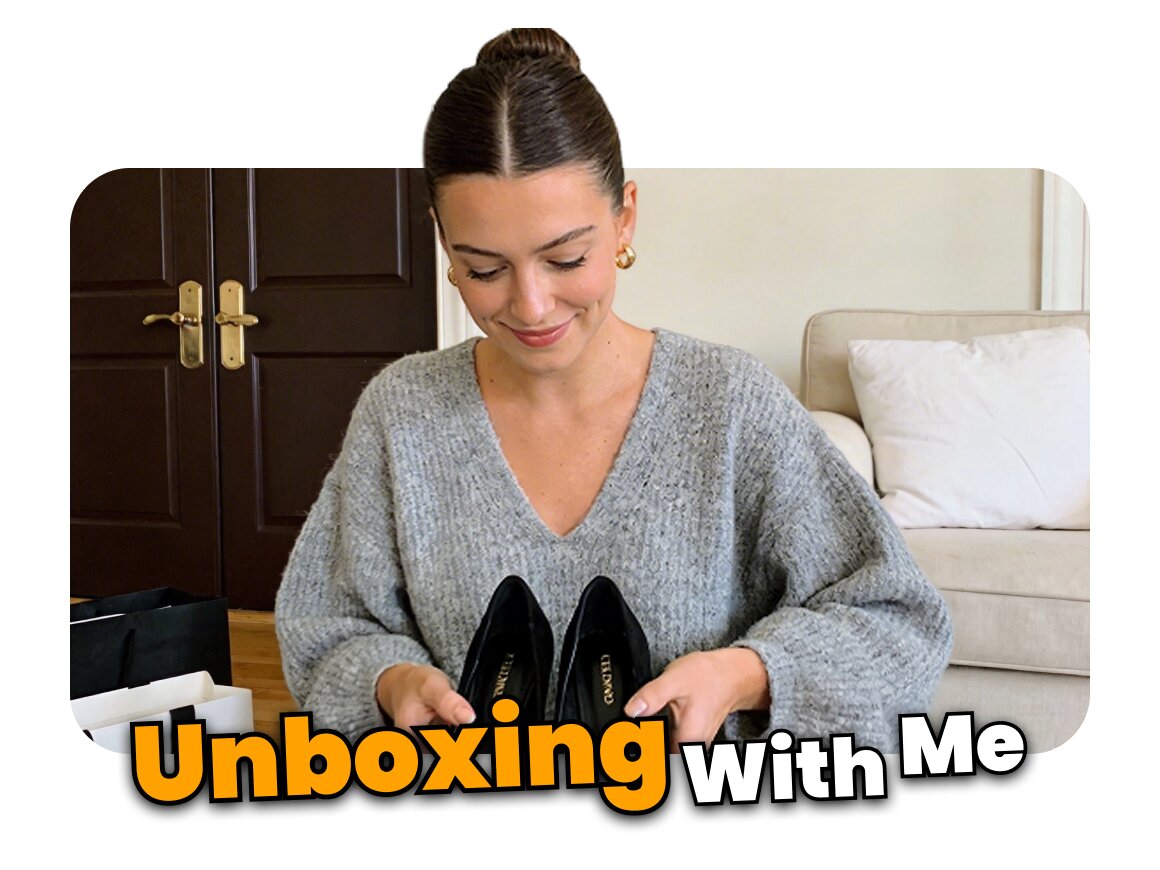
All in one video creation workflow
A single generation gives you the visuals, spoken script, and background music together. There is no need to move assets into another editing tool just to piece everything together afterward.
Who's it for
Affiliate & shoppable creators
- One product, many variations to turn a single item into multiple video angles for different posts, audiences, and content needs.
- Consistent output with a repeatable video structure that helps you scale content without losing quality or clarity.
- Faster testing loops so you can produce more creatives each week and test new hooks with less time and cost.

Small business owners
- Always-on posting to keep TikTok, Reels, and Shorts active during every key selling moment.
- Product image-first workflow that lets you start from a product image instead of planning a shoot or creating content from scratch.
- Brand consistency to keep your product visuals, campaign style, and content presence cohesive across every channel.
Marketing teams
- Faster turnaround for campaign videos tied to promotions, launches, and seasonal pushes without slowing down production.
- Scalable production that makes it easier to generate more variations for different audiences, offers, and campaign angles.
- Consistent brand output that keeps messaging, visual direction, and product presentation aligned across campaigns.

Why choose Vmake Labs for UGC video

Your uploads are processed securely and kept private. We don’t use your content to train public models, and you stay in control of what you upload and export.

Traditional creator shoots take time, coordination, and budget. With Vmake Labs UGC video workflows, teams can reduce costs and improve efficiency without sacrificing output volume.

You do not need a complicated production setup to get started. A single product image plus a few structured inputs can quickly turn into a usable video, making it easier for lean teams to test, launch, and scale content.
FAQ about Vmake Labs UGC video
What is a UGC video?
Why do UGC videos work so well for ecommerce?
UGC videos tend to feel more authentic and easier to trust. They show products in a more natural way, which can help viewers quickly understand the value of what you are selling and feel more confident about buying.
What kinds of UGC videos can I create with Vmake Labs?
You can create different types of UGC style videos with Vmake Labs, including Recreate Video, AI Avatar Video, and Product Showcase. This gives you flexible ways to turn product ideas, product images, or existing content directions into videos that fit social and ecommerce use cases.
Do I need filming experience to make a UGC video?
No. You do not need filming, editing, or prompt writing experience. Vmake Labs uses a structured workflow that helps you create videos by filling in key information, so the process is much easier for beginners.
Do I need to hire creators or models?
No. You can create UGC style content without hiring talent, booking a shoot, or preparing a filming setup. This helps reduce production costs and makes it easier to produce more content in less time.
Can I make UGC videos from product images?
Yes. Depending on the workflow you choose, you can start from product images and turn them into ready to use UGC style videos. This is especially useful when you need content quickly but do not have time to film from scratch.
Discover More Features

Video & Image Enhancer

Watermark & Text Remover

Video Upscaler

Video Translator

AI Video Generator

Video Background Remover

Video & Audio to Text

Video Noise Reducer
Best UGC video generator right next to you
Upload your product image now and create shoppable UGC videos in minutes! See how businesses like yours scale content creation and drive growth with Vmake Labs.
Real Stories, Real Results: Voices of Our Users
We don’t always have the time to organize a shoot just to explain one product. Being able to work from a product image and a script made things a lot easier on our side.
What helped most wasn’t just the language switch. Being able to change the presenter style and scene made the videos feel less generic across markets.
I tried it for a few product promos first, and it was better than I expected. It still saved us a lot of back-and-forth compared with filming every version manually.
I used to treat localized video as a separate production job every time. It feels a lot more manageable to make versions for different markets without starting over with Vmake Labs.
The best AI out of all the recent releases.
I am using VMake for about 3 months now and am really glad I took the decision. It is straight forward and has a varied set of options to use AI as well as simple image/video editing. If you are searching for an all-rounder to help you with content creation on various social media platforms, VMake is a solid choice at fair pricing.