Automatic Transcription Software: 6 Best AI Transcription Tools
Transform audio and video into accurate transcripts using automatic transcription software. Edit, export, and repurpose your content faster with AI-powered transcription from Vmake Labs.

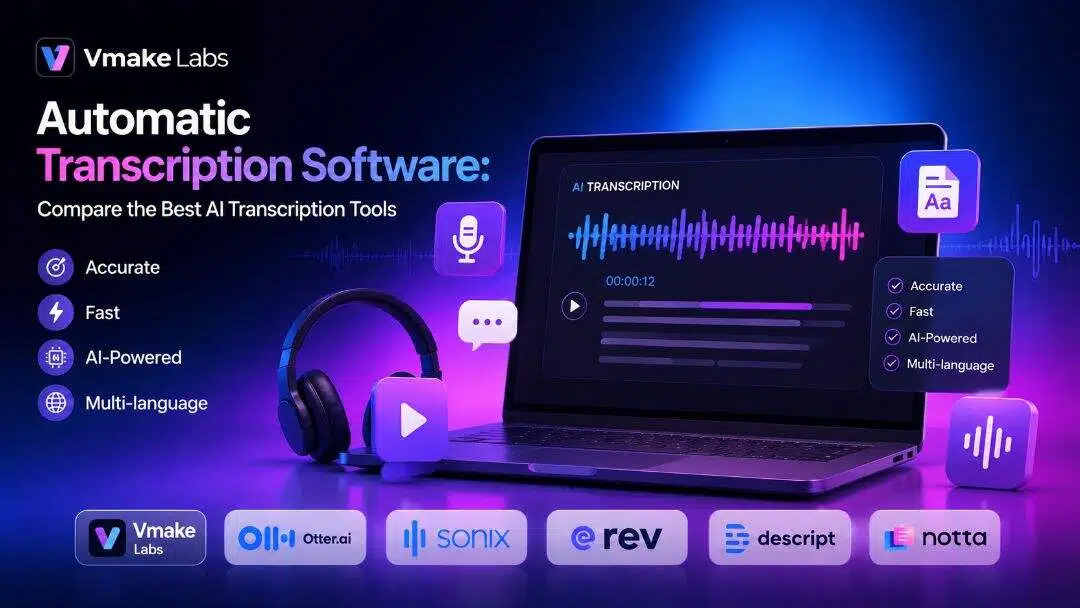
The automated transcription software has revolutionized how individuals write down spoken words. Whether you're producing videos, recording meetings, launching podcasts or interviewing, AI transcription technologies save you precious time and improve accuracy. This article examines today's top options and helps you pick the best software for your workflow.
Why do creators and businesses need automatic transcription software?
Automatic transcription is transforming the way people work with audio and video content by converting spoken words into editable text in a matter of clicks. It helps creators, businesses, educators, and professionals save time while making it easier to create meeting notes, articles, subtitles, and other written content. Transcripts are searchable, so they improve accessibility and help content reach a wider audience. Using a video transcript generator further simplifies content management while increasing the reach and value of every recording.
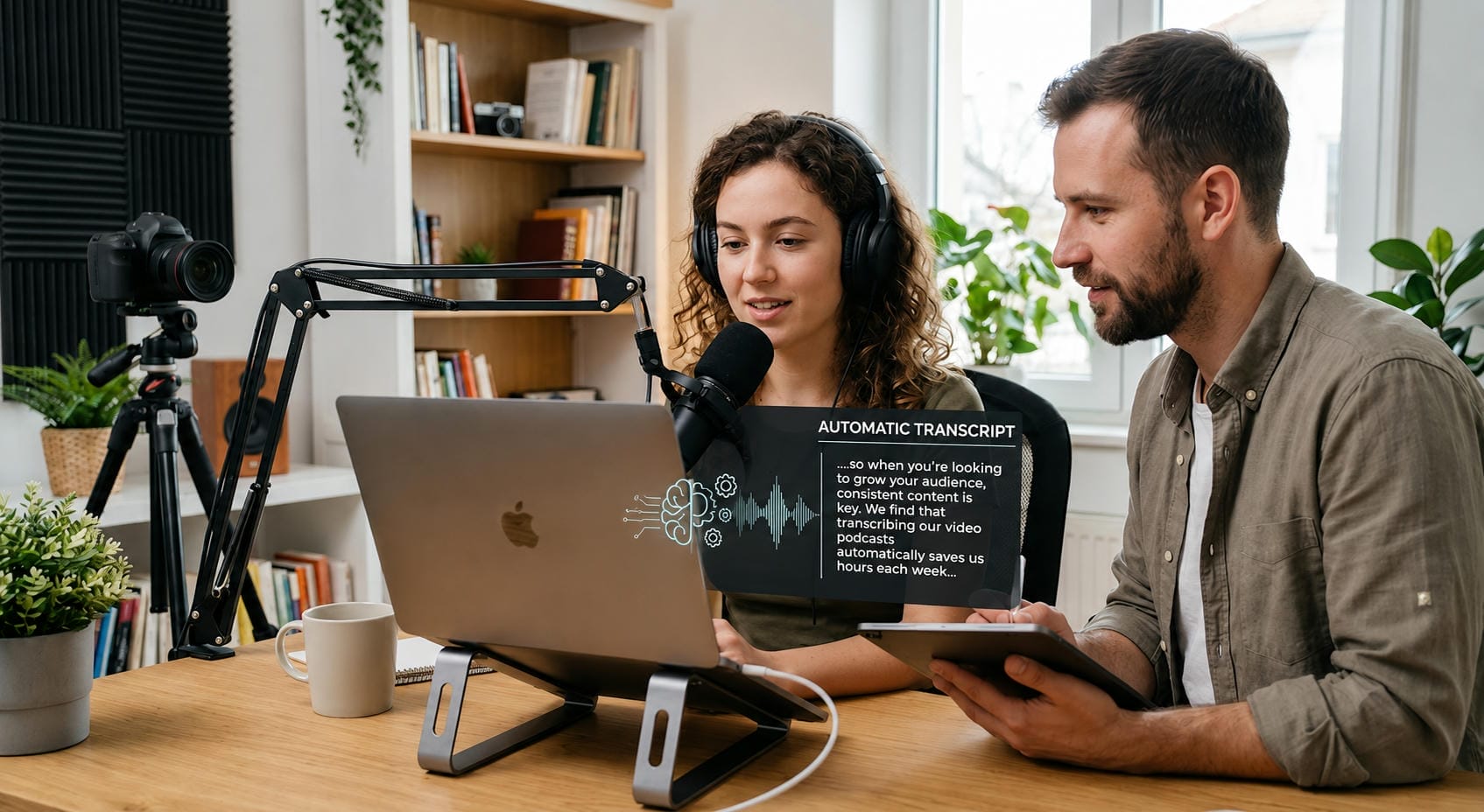
Key features to look for in an automatic transcription tool
Not all transcription software has the same features. Before picking a platform, evaluate the features that have the biggest effect on accuracy, efficiency, and usability.
-
AI Transcription Accuracy: Accuracy is the foundation of any transcription tool. Advanced AI models can understand natural speech, punctuation, and context with minimal editing after transcription.
-
Speaker identification: Meeting recordings and interviews usually have several participants. It automatically separates conversations to make transcripts much easier to read with speaker detection.
-
Multi-language support: Multilingual transcription is a must if you create global content. Many AI platforms understand dozens of languages and dialects, enabling international teams to work more efficiently.
-
Subtitle and caption generation: Many creators want subtitles as well as transcripts. AI subtitle generator platforms allow you to quickly export captions to YouTube, online courses, webinars, and social media platforms.
-
Editing and Exporting Features: Top transcription software allows you to edit your transcripts before exporting them as TXT or SRT, for example. With flexible export options, publishing and collaboration are easy.
-
Fast, cloud-based processing: Cloud-based transcription means you don't have to wait for long software installations. Upload your files, choose a language, and get your transcripts in minutes, whether you are using a phone, tablet, or desktop.
Brief overview: Best automatic transcription software
With so many different AI transcription tools on the market, which is best for you will depend on your workflow, accuracy needs, and collaboration requirements. Here's a comparison of some of the best automatic transcription software to help you find a solution for everything from content creation and meetings to multilingual transcription and media editing.
|
Tool |
Best feature |
Key Strength |
|---|---|---|
|
Vmake Labs |
AI audio & video transcription |
Fast browser-based transcription with editable transcripts and subtitle exports |
|
Otter.ai |
Live meeting transcription |
Real-time transcription, speaker identification, and collaboration tools |
|
Sonix |
Multi-language transcription |
High transcription accuracy with support for multiple languages |
|
Rev |
AI + human transcription |
Flexible transcription options with professional-grade accuracy |
|
Descript |
AI-powered media editing |
Edit audio and video by editing the transcript |
|
Notta |
AI meeting assistant |
Automatic meeting notes, summaries, and transcript sharing |
-
Vmake Labs
Vmake Labs uses AI-based speech recognition to help creators and businesses convert speech from audio and video into accurate and editable transcripts. Upload files or supported links, edit and export transcripts for blogs, subtitles, meeting notes or documentation directly from your browser.
Key features of Vmake Labs
-
Supports both audio and video transcription: Vmake Labs supports both audio and video transcription, making it easy to convert recordings into editable text from a single platform. It's ideal for podcasts, interviews, meetings, webinars, and video content.
-
AI-powered automatic transcript generator: State-of-the-art AI transforms spoken language into accurate, editable transcripts in minutes. It saves the user time, reduces the amount of manual work, and helps keep the transcription workflow running smoothly.
-
Import videos using supported links: Instead of uploading a file, users can simply paste a supported video link from platforms like YouTube, TikTok, Instagram, or Facebook to begin transcription. This saves time by eliminating the need to download videos before converting speech into text.
-
Fast browser-based workflow with no software installation: Vmake Labs works entirely in your web browser, so there's no need to download or install software. Simply upload your file, generate the transcript, and export the results from any device.
-
Editable transcripts with TXT and SRT export options: After transcription, you can review and edit the generated text before exporting it as TXT or SRT. TXT files are ideal for saving and sharing plain text transcripts, while SRT files include timestamps, making them perfect for adding subtitles and captions to videos.
-
Multi-language transcription support: The platform supports transcription in multiple languages, making it suitable for global teams and multilingual content creators. This helps users transcribe recordings accurately for a wider audience.
How to Use Vmake Labs for automatic video transcription
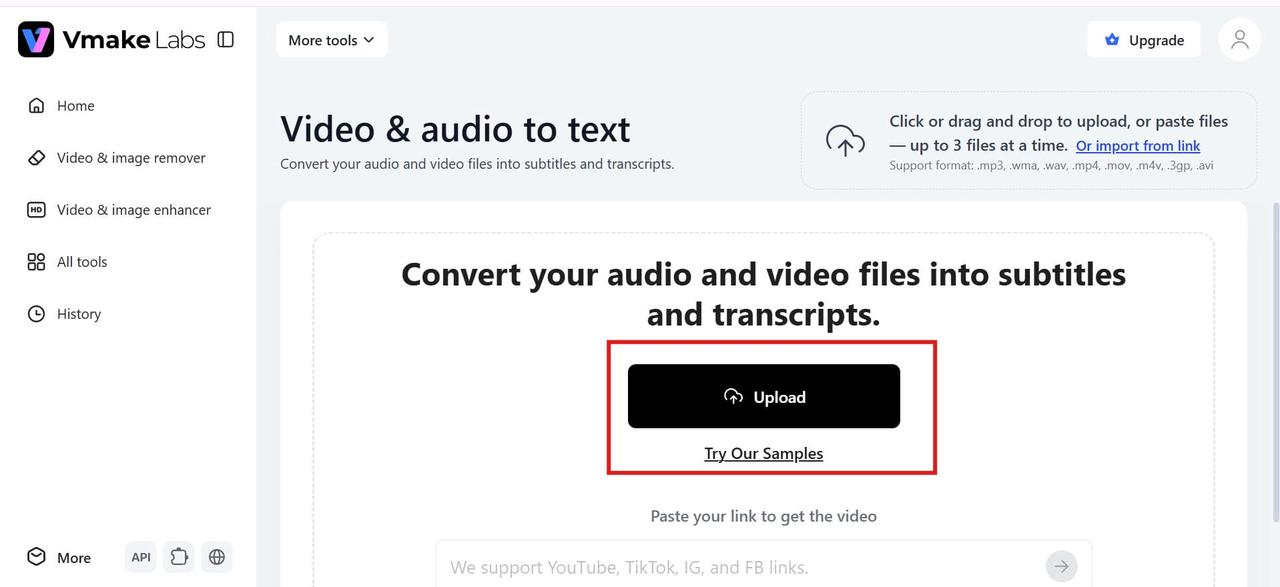
Step 1: Upload your audio or video file
Upload your audio or video file directly through Vmake Labs' browser-based interface. The platform supports a quick upload process, so you can start transcription in just a few clicks.
Step 2: Select the transcription language
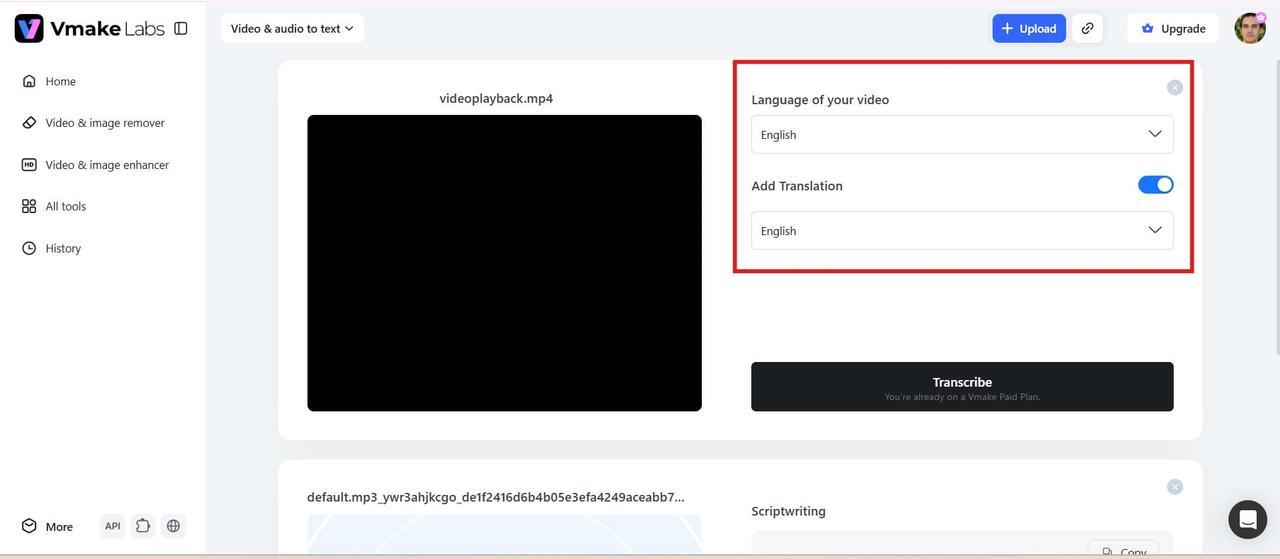
Choose the language spoken in your recording before starting the transcription. Selecting the correct language helps improve the accuracy of the generated transcript.
Step 3: Generate the automatic transcript
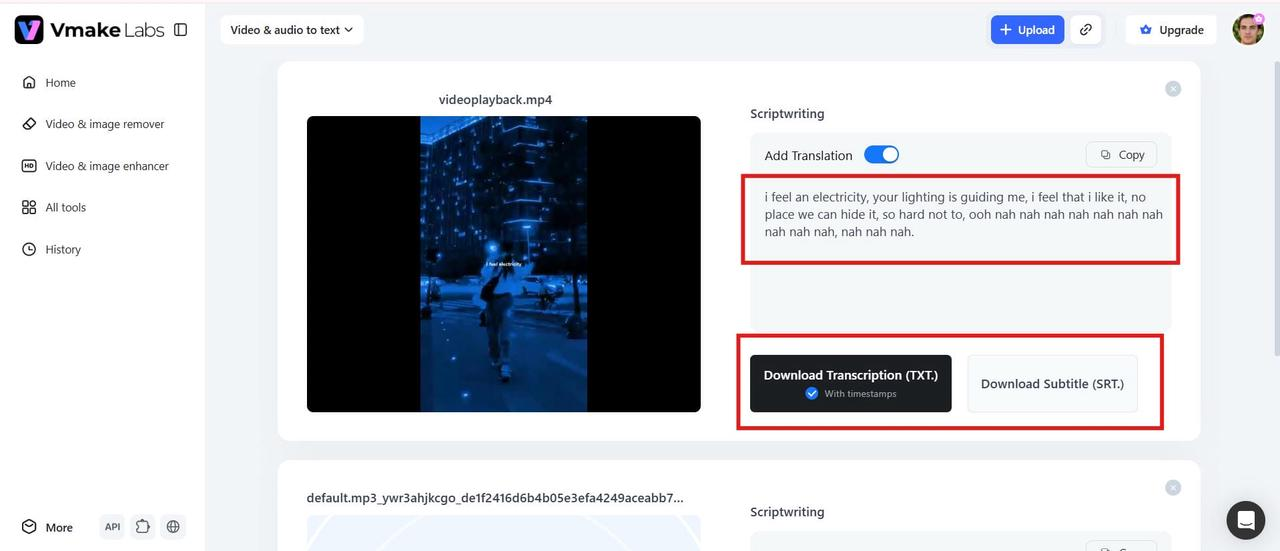
Click Transcribe to convert your recording into editable text. Once the transcript is ready, review it, make any necessary edits, and export it in your preferred format.
Pros and Cons
|
Pros |
Cons |
|---|---|
|
Fast browser-based AI transcription
Supports audio and video files plus supported links
Editable transcripts and subtitle exports
Multilingual transcription support |
Advanced collaboration features are more limited
Recordings with heavy background noise may need manual editing |
Pricing
|
Plan |
Price |
|---|---|
|
Free
Plus
Pro |
$0
$9.99/month
$29.99/month |
-
Otter.ai
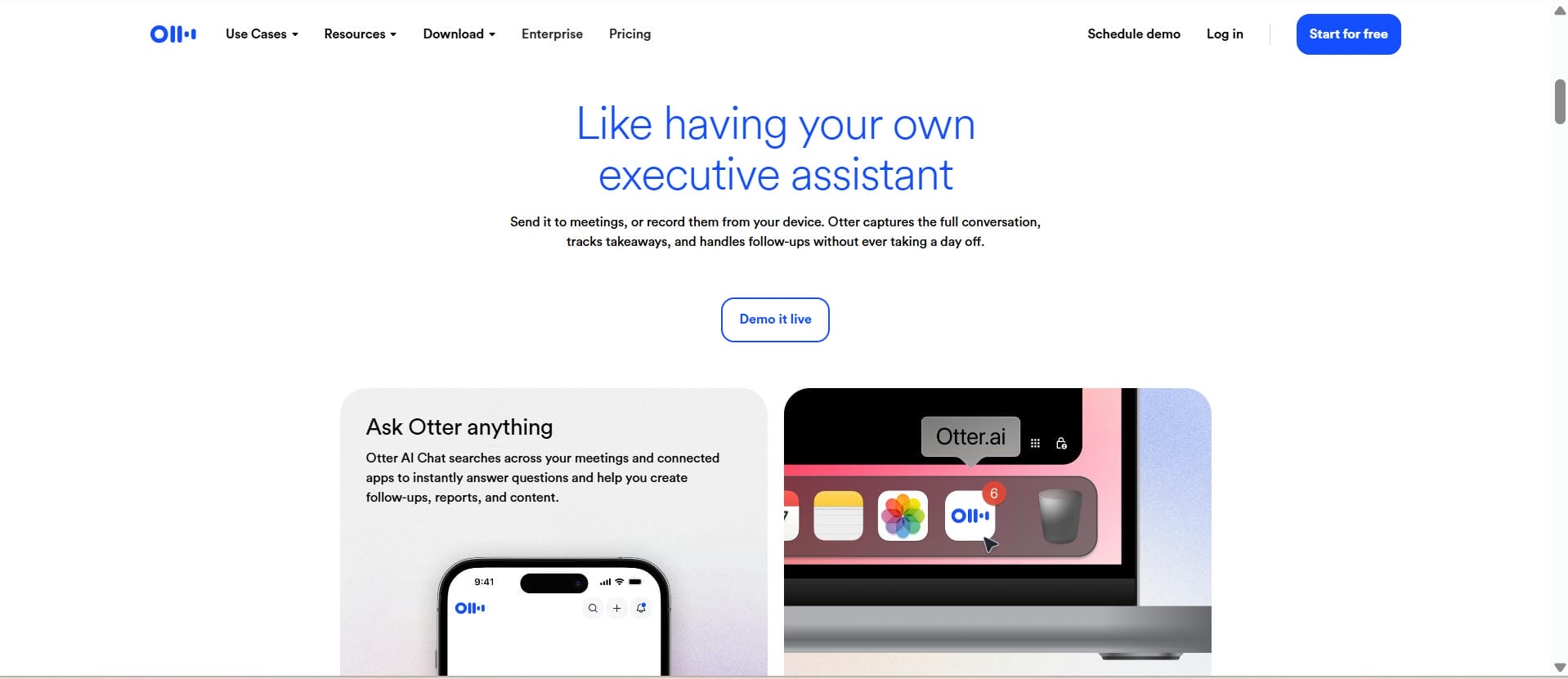
Otter.ai was designed primarily for meetings and team collaboration. It auto-records conversations, transcribes in real-time, tags speakers, and generates AI-driven summaries. It works with popular meeting platforms, making it a go-to for remote teams and businesses.
Pros and Cons
|
Pros |
Cons |
|---|---|
|
Real-time AI transcription for meetings and conversations
Automatically identifies speakers and adds timestamps
Integrates with Zoom, Google Meet, and Microsoft Teams |
Accuracy may decrease with strong accents or background noise
Advanced features require a paid subscription
Free plan has limited transcription minutes |
Pricing
|
Plan |
Price |
|---|---|
|
Basic |
Free |
|
Pro |
$4.17/user/month |
|
Business |
$19.99/user/month |
-
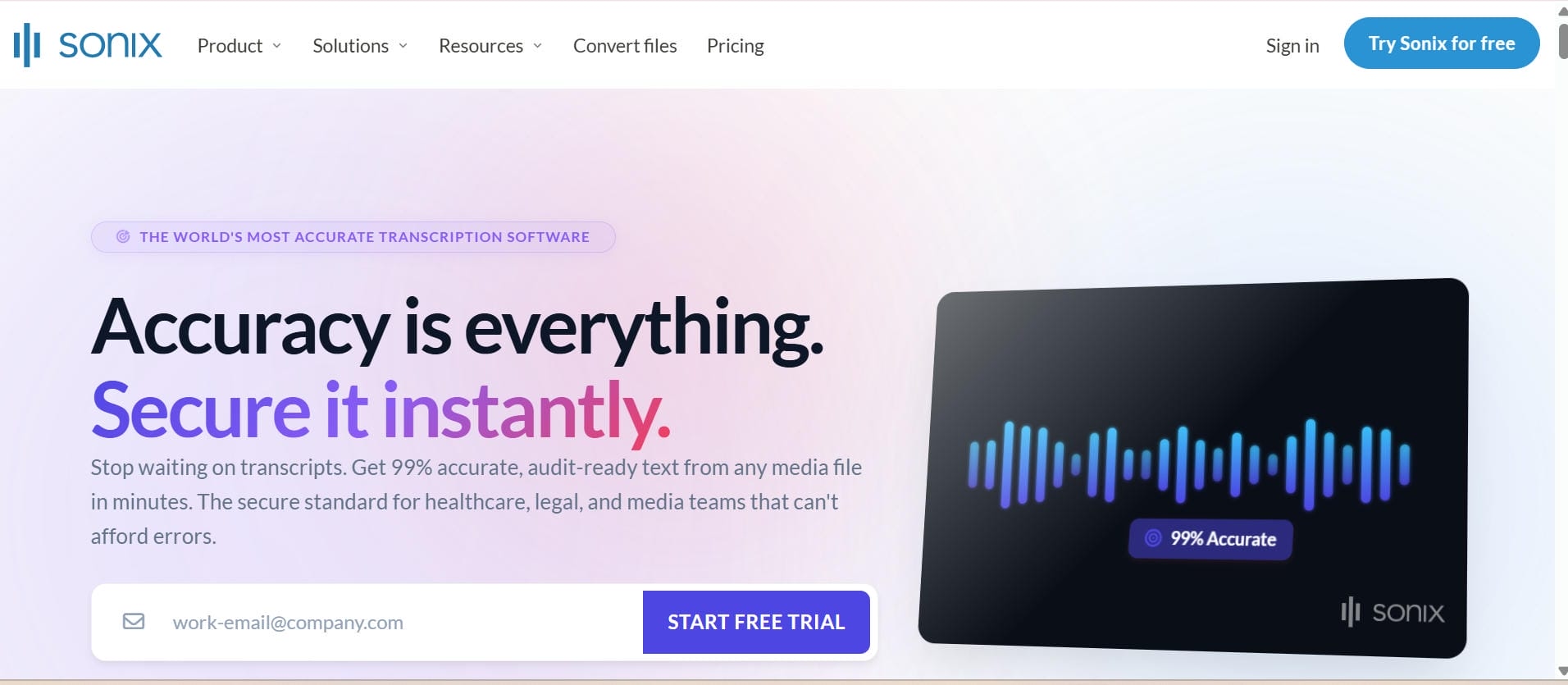
Sonix
Sonix is a cloud-based transcription platform designed for professionals who require fast, accurate transcripts in multiple languages. It includes AI transcription, automated translation, subtitles, and collaborative editing, making it a good choice for agencies, production teams, and enterprises that deal with a lot of audio.
Pros and Cons
|
Pros |
Cons |
|---|---|
|
High accuracy across multiple languages |
No permanent free plan |
|
Translation and subtitle tools included |
Can become expensive for frequent users |
|
Strong collaboration features for teams |
Pay-as-you-go pricing may not suit every budget |
Pricing
|
Plan |
Price |
|---|---|
|
Pay As You Go
Core
Advanced
Pro |
$10/hr
$25/month
$50/month
$80/month |
-
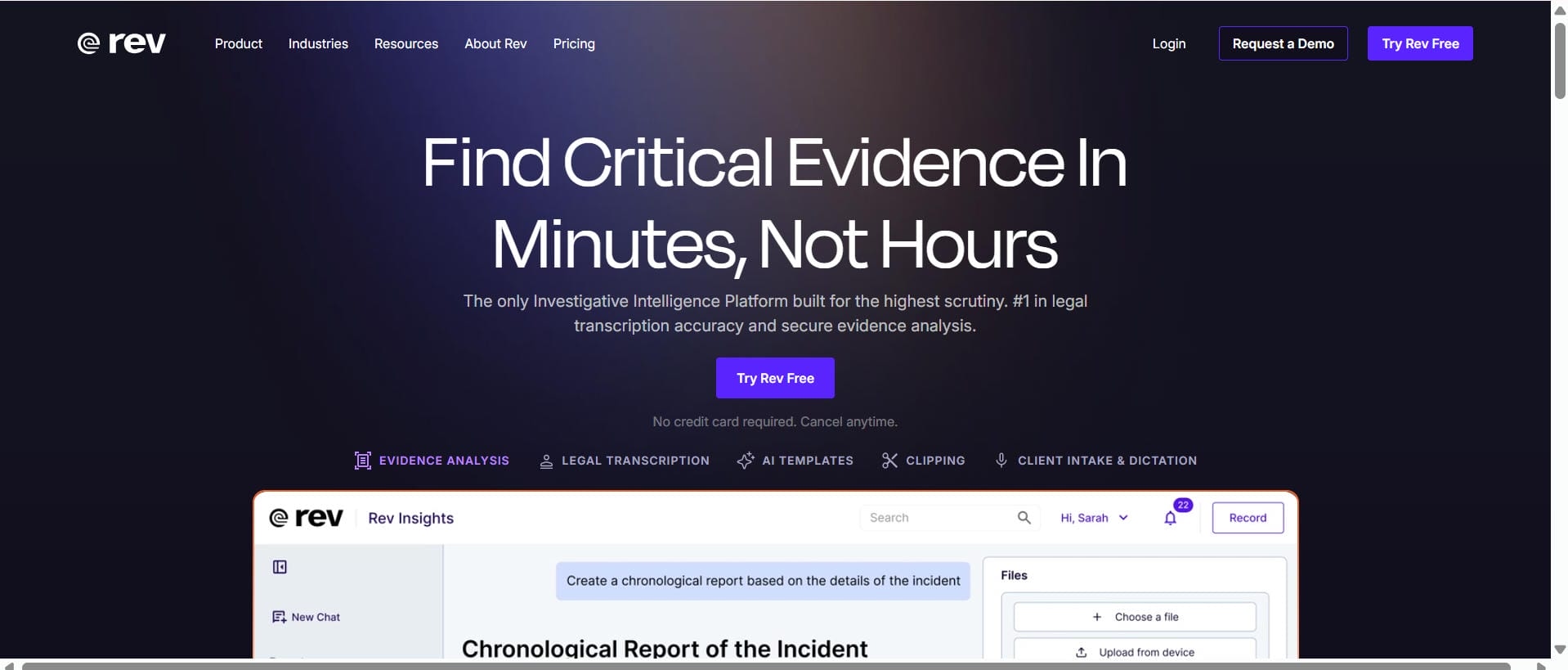
Rev
Rev is a popular transcription platform that offers both AI-powered and human transcription services to suit different needs. Its AI transcription delivers fast results for everyday content, while professional human transcription provides higher accuracy for legal, academic, medical, and journalistic projects. Users can also generate captions and subtitles, making it a reliable choice for creators and businesses that prioritize transcription quality.
Pros and Cons
|
Pros |
Cons |
|---|---|
|
High transcription accuracy |
Human transcription is relatively expensive |
|
Offers both AI and human transcription |
Longer turnaround time for human-reviewed transcripts |
|
Strong subtitles and caption support |
Less focused on content repurposing workflows |
Pricing
|
Plan |
Price |
|---|---|
|
Free
Essentials
Pro |
Limited Free Access
$25.49 per seat/month
$47.99 per seat/month |
-
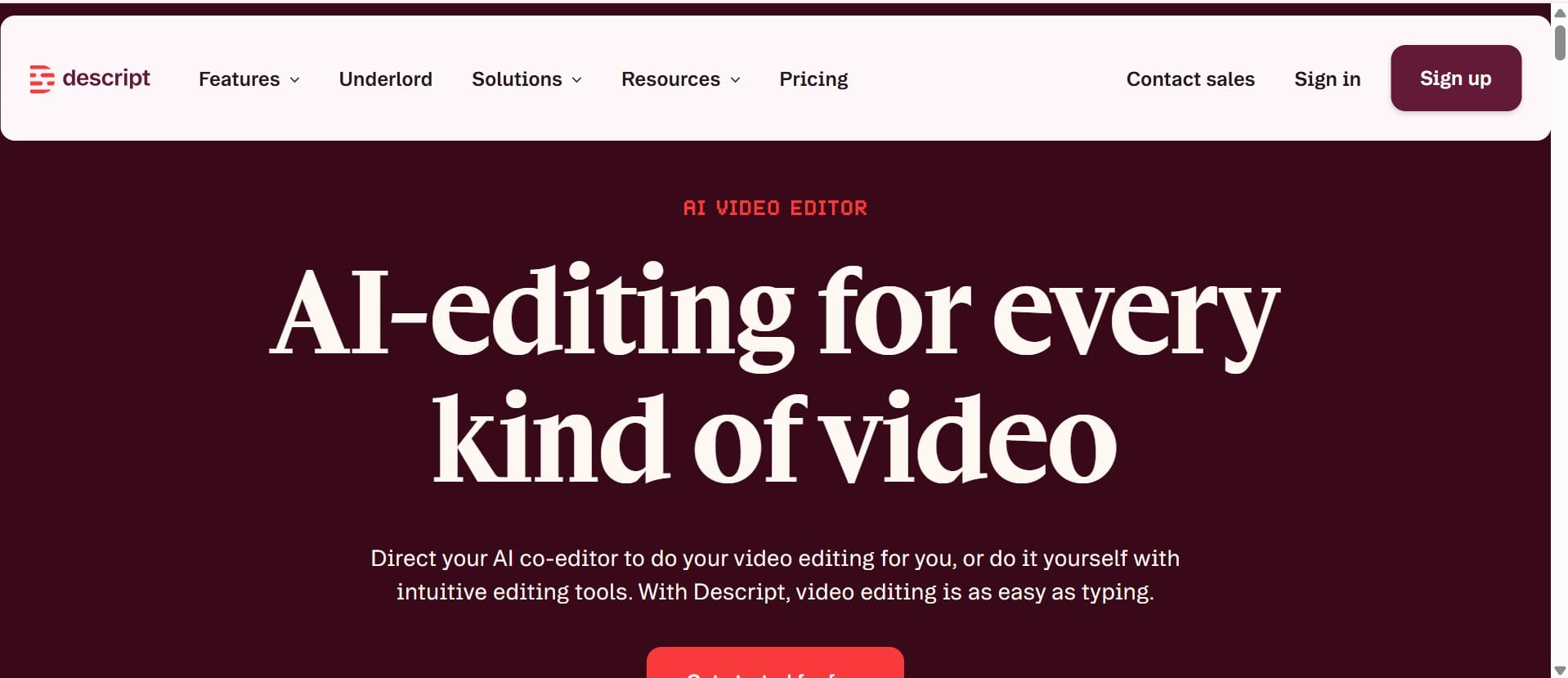
Descript
Descript is an AI-powered tool that combines transcription and audio and video editing into a single workspace. It makes it easier for users to edit recordings by editing the transcript, so they can create content faster. This is why it is a popular choice for podcasters, YouTubers and other video creators.
Pros and Cons
|
Pros |
Cons |
|---|---|
|
Edit audio by editing text |
Learning curve for new users |
|
Built-in screen recording and captions |
Many advanced features require a paid plan |
|
Great for podcasts and YouTube content |
Can feel complex for simple transcription tasks |
Pricing
|
Plan |
Price |
|---|---|
|
Hobbyist
Creator
Business |
$16 per person/month
$24 per person/month
$50 per person/month |
-
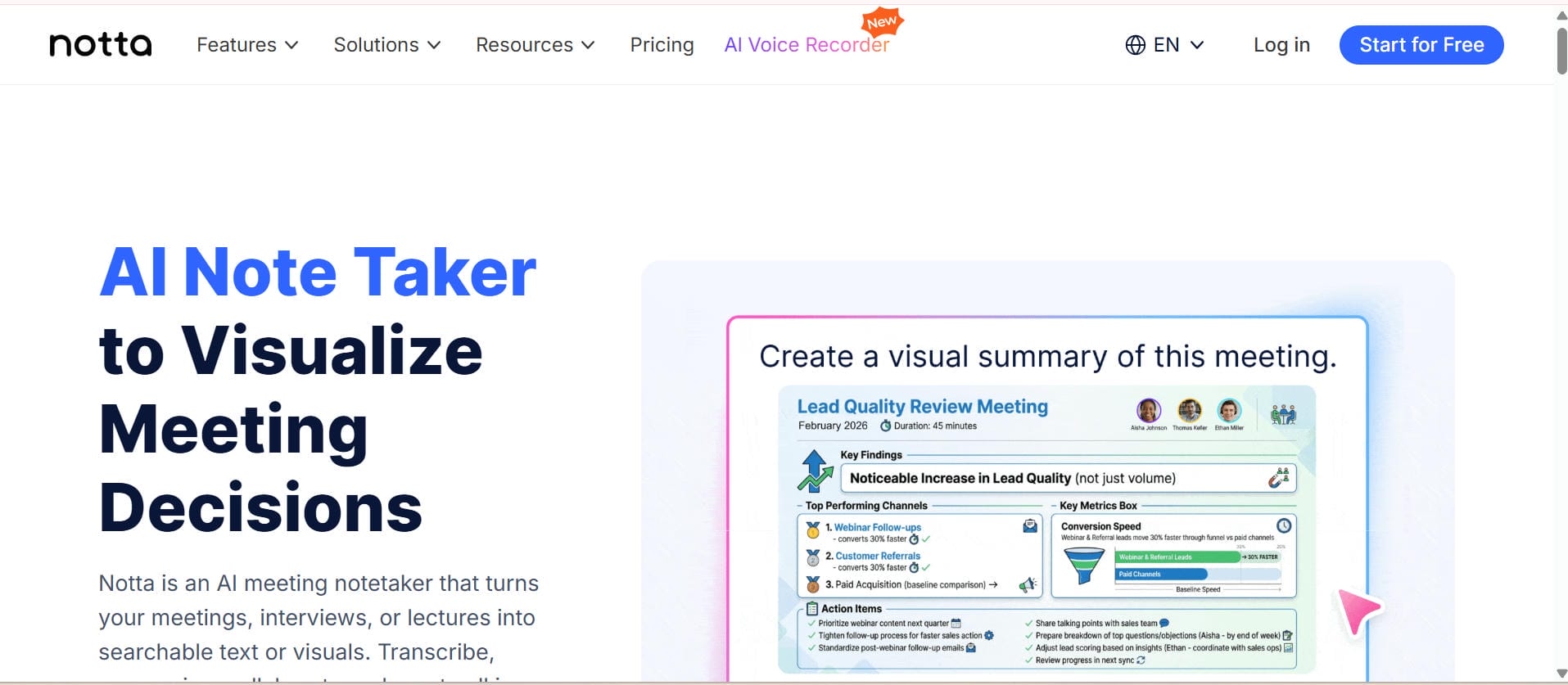
Notta
Notta is an AI-powered transcription platform designed for meetings, interviews, lectures, podcasts, and business conversations. It supports multiple languages, automatically converts speech into editable text, and offers cloud synchronization for easy access across devices. With built-in collaboration features and automatic meeting transcription, Notta helps teams capture, organize, and share conversations more efficiently.
Pros and Cons
|
Pros |
Cons |
|---|---|
|
Strong multilingual transcription support |
Free plan includes transcription limits |
|
Cloud synchronization and collaboration tools |
Advanced features require higher-tier plans |
|
Good for meetings, lectures, and interviews |
Interface can feel busy for first-time users |
Pricing
|
Plan |
Price |
|---|---|
|
Free
Pro
Business |
$0 USD
$8.17 USD/month
$16.67 USD/month |
Common use cases for automatic transcription software
-
Podcast transcription: Podcast transcription converts spoken episodes into searchable, editable text, making content easier to discover and access. It also allows creators to repurpose podcast content into blogs, newsletters, and social media posts.
-
Meeting and interview transcription: Automatically turn meetings and interviews into editable text so teams can keep accurate records and reduce the need for manual note-taking. It also makes reviewing, sharing, and referencing key discussions much more efficient.
-
Video Transcription and Subtitling: Video transcription turns spoken content into editable text, while subtitling makes videos more accessible and engaging for a broader audience. Tools like auto-generated captions and Instagram Reels caption maker also help creators post faster across multiple platforms.
-
Transcription of lectures and webinars: Transcribing lectures and webinars produces searchable, editable notes that are fast to review and share. This allows students, educators, and professionals to find the relevant information quickly, without having to listen to the whole recording again.
-
Automatic music transcription: Automatic music transcription is the transcription of melodies and instruments into sheet music or MIDI. Automatic music transcription is different from speech transcription. AI speech transcription is more about transcribing audio and video speech into text that can be edited.
-
Business documentation and compliance: Automatic transcription helps organizations maintain accurate records of meetings, interviews, and training sessions for documentation and compliance. Marketing teams also transcribe TikTok videos to repurpose video content into blogs, newsletters, and other marketing materials.
Conclusion
Automatic transcription software is an absolute lifesaver for creators, educators, and professionals. The best tools give you fast, accurate results, easy editing, and instant subtitles without a headache. While there are plenty of solid options, Vmake Labs really shines with its incredibly simple browser-based setup that handles both audio and video effortlessly. Whether you're cutting up a podcast, captioning an online course, or just trying to survive long meetings, finding the right tool takes the tedious manual work off your plate and gives you back hours of your day.
FAQs
What is automatic transcription software?
Automatic transcription software uses AI and speech recognition to convert spoken audio or video into editable text automatically. It helps users save time, reduce manual typing, and create searchable transcripts that can be used for documentation, subtitles, blogs, and other content.
How accurate is Vmake Labs automatic transcription?
Vmake Labs uses AI-powered speech recognition to generate highly accurate transcripts in just a few minutes. The final accuracy depends on factors such as audio quality, speaker clarity, and background noise, and users can easily review and edit the transcript before exporting.
Can automatic transcription software transcribe video files?
Yes. Vmake Labs supports both audio and video transcription, allowing users to upload their files directly through a web browser. Once the transcription is complete, the text can be edited and exported along with subtitle files for different content needs.
What file formats can Vmake Labs transcribe?
Vmake Labs supports a variety of popular video and audio formats, including MP4, MOV, M4V, 3GP, AVI, MP3, and WAV. You can upload a supported file directly or paste a compatible video link to quickly convert spoken content into accurate, editable transcripts, subtitles, and captions.
What is the difference between automatic transcription and automatic music transcription?
Automatic transcription converts spoken audio or video into editable text. Automatic music transcription converts music into sheet music or MIDI. Vmake Labs supports speech-to-text transcription for audio and video, not music notation or MIDI.
Is automatic transcription software suitable for podcasts, meetings, and interviews?
Yes. Automatic transcription software is widely used for podcasts, meetings, interviews, webinars, and lectures because it quickly converts conversations into searchable text. This makes it easier to review discussions, improve accessibility, and repurpose content across multiple platforms.

You May Be Interested
How to Transcribe Video to Text in 2026: Free Online AI Tool
How to Transcribe Audio Recording to Text in Minutes
The Ultimate Guide to Transcribe YouTube Video to Text [2026]
Call Transcription: Top 5 Apps and Best Practices