AI Art Styles Guide: Styles, Examples, and How to Create Them
Explore popular AI art styles, from anime to cyberpunk, with ready-to-use prompts and expert tips for creating high-quality AI-generated images.

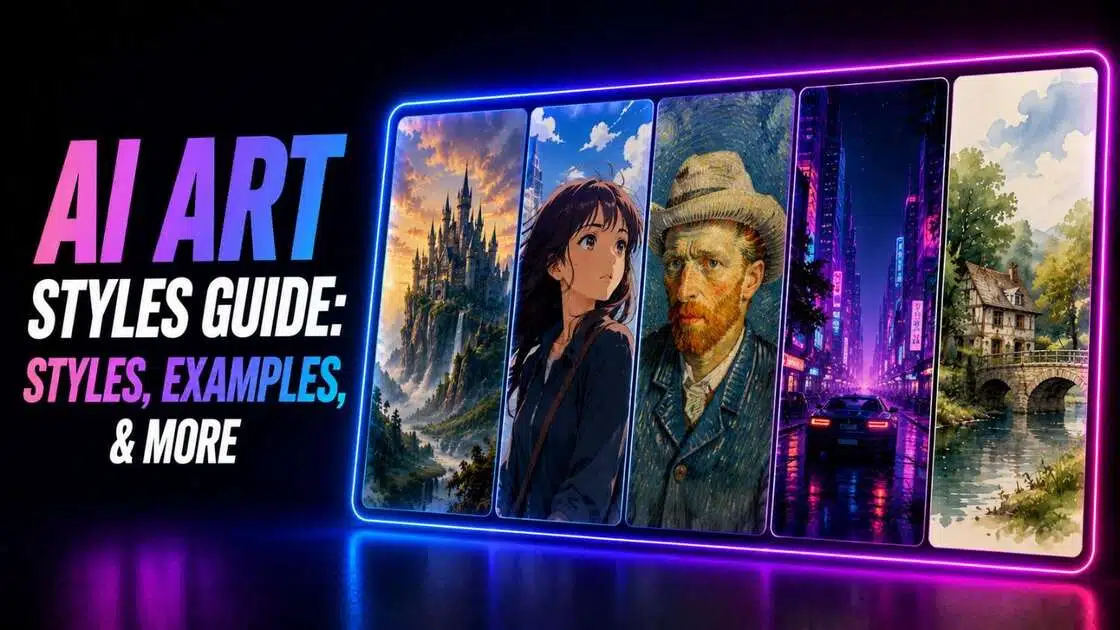
AI image generation has made it easier than ever to transform ideas into eye-catching artwork. However, the final result depends heavily on the art style you choose and how you describe it in your prompt. From realistic portraits to imaginative fantasy scenes, understanding AI art styles helps you create visuals that match your creative vision with greater consistency and artistic appeal.
What are AI art styles?
AI art styles are visual aesthetics that guide how an AI image generator interprets and renders your prompt. They can imitate traditional mediums like oil paintings and watercolor illustrations or recreate distinctive digital looks such as cartoon images, anime, cyberpunk, or 3D animation.
Selecting a specific style influences colors, textures, lighting, composition, and overall mood, giving your generated image a recognizable artistic identity. By combining a clear subject description with the right style, creators can produce images suited for storytelling, marketing, social media, concept art, personal projects, and many other creative applications.
Popular AI art styles and prompt ideas
Whether you're creating illustrations for social media, designing concept art, or experimenting with creative projects, the right art style can completely change the final image. Below are some of the most popular AI art styles with examples, along with ready-to-use prompts that you can customize for your own creations.
-
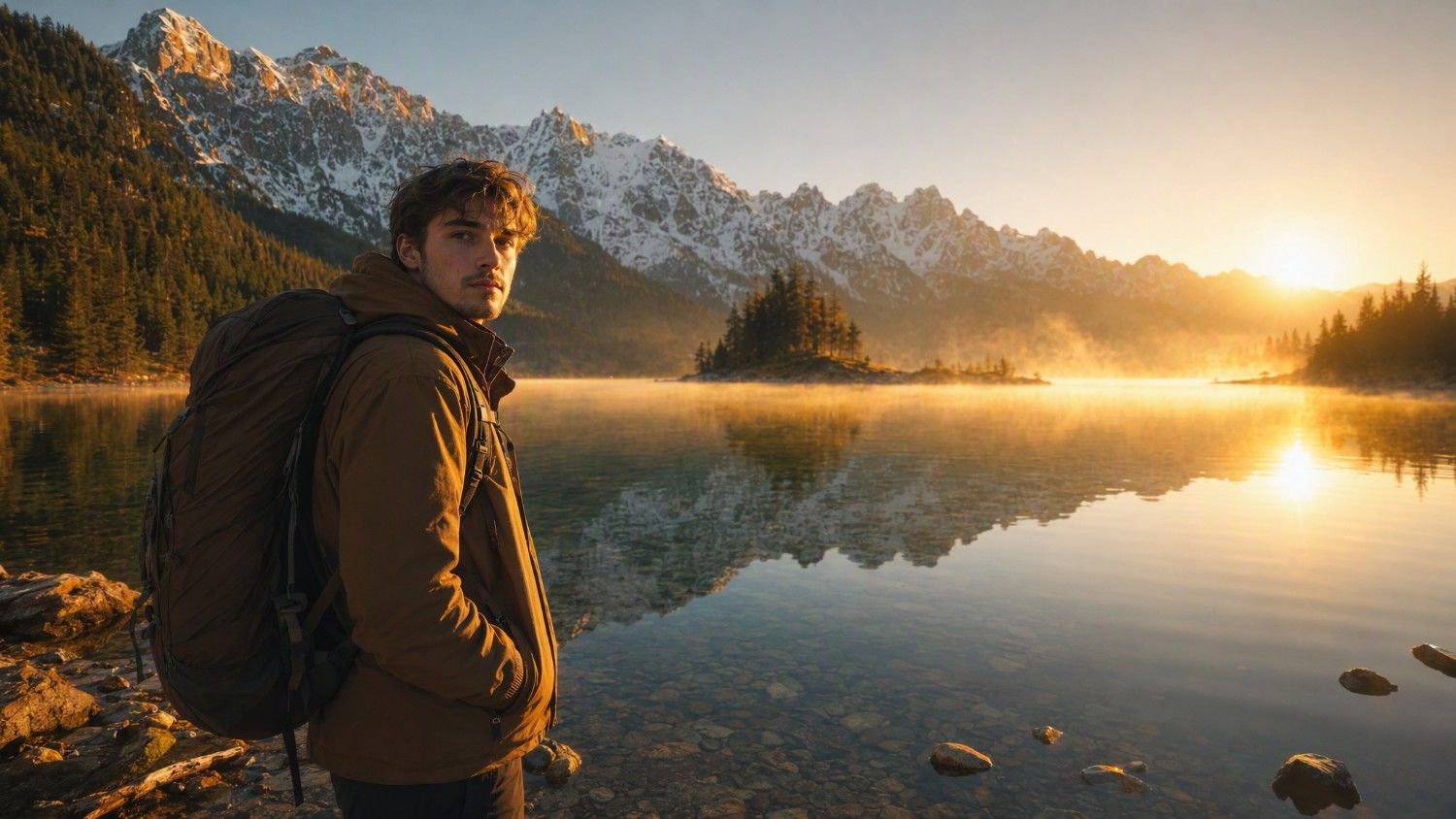
Realistic AI art
Realistic AI art focuses on lifelike details, natural lighting, authentic textures, and accurate proportions, making it ideal for portraits, landscapes, product visuals, and architectural concepts.
Prompt:
A young traveler standing beside a crystal-clear alpine lake at sunrise, snow-capped mountains in the background, realistic photography, golden hour lighting, ultra-detailed facial features, natural skin texture, cinematic composition, DSLR quality, 8K.
-
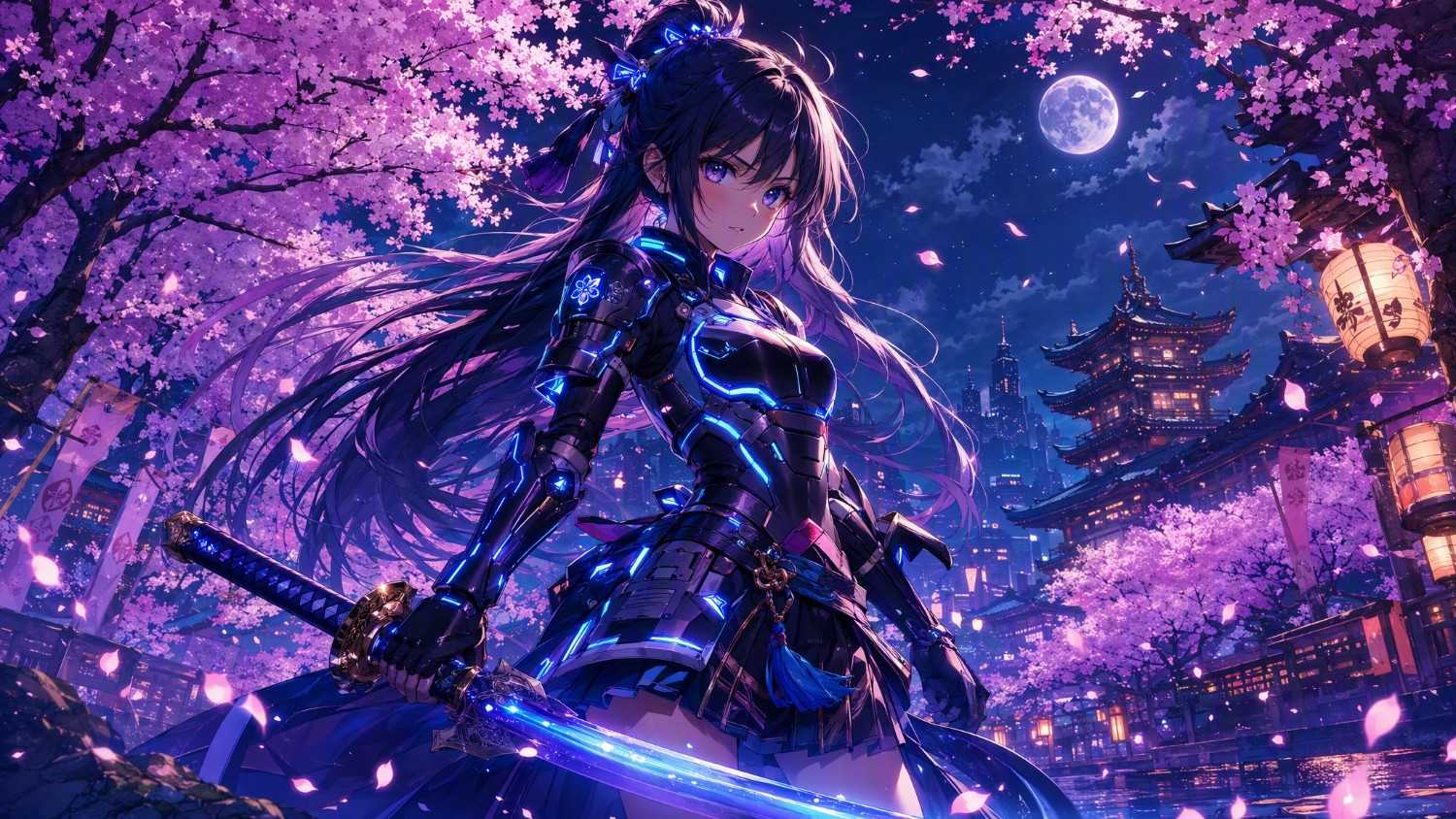
Anime art style
Anime art emphasizes expressive characters, vibrant colors, dramatic lighting, and stylized environments, making it perfect for character creation, fantasy worlds, and action scenes.
Prompt:
A fearless teenage swordswoman wearing futuristic armor, standing beneath glowing cherry blossom trees at night, vibrant anime illustration, dynamic pose, detailed eyes, cinematic lighting, highly detailed background, colorful fantasy atmosphere.
-
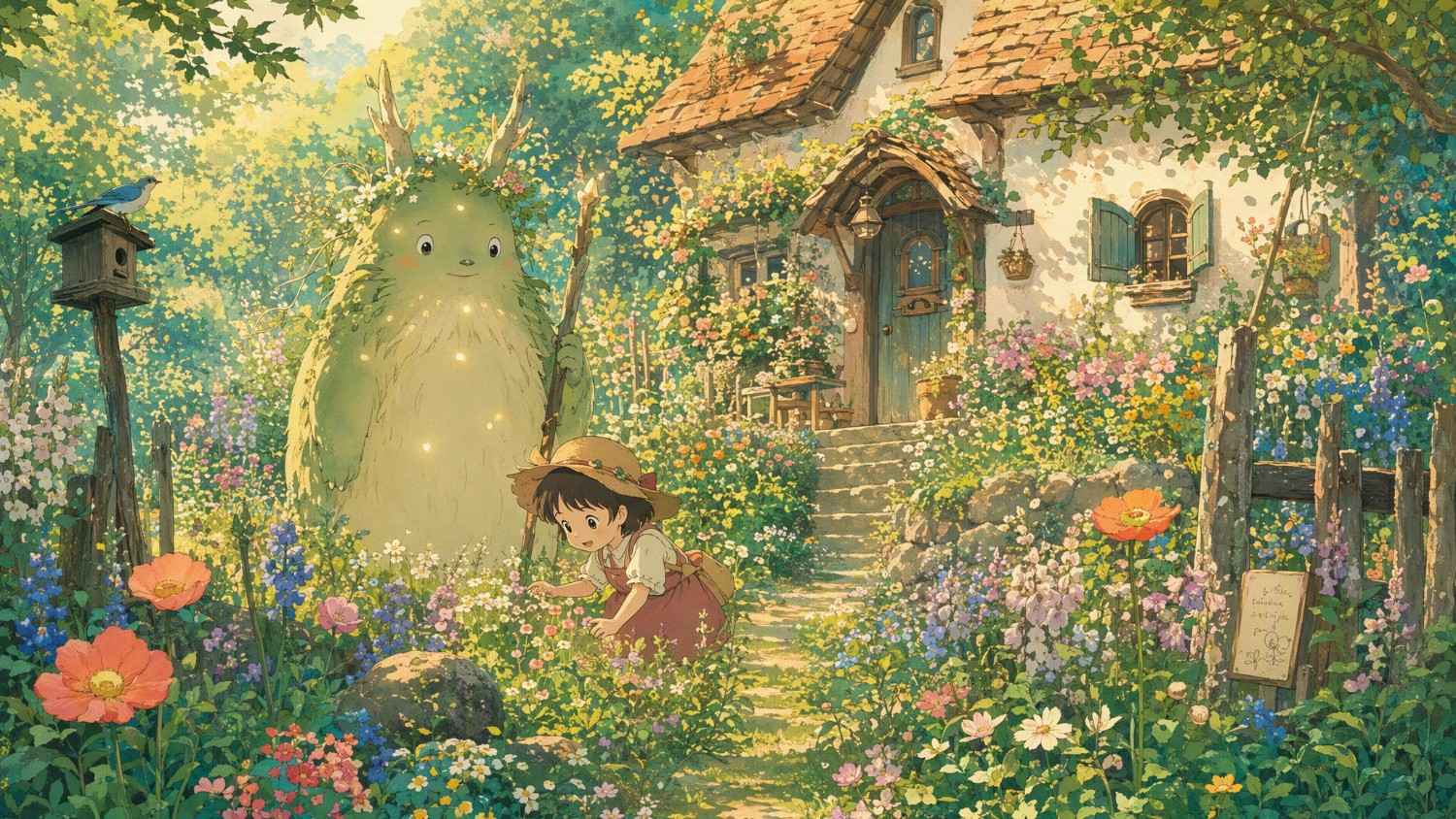
Studio Ghibli inspired style
Inspired by hand-painted animated films, this style features warm colors, charming landscapes, whimsical characters, and peaceful storytelling moments.
Prompt:
A cozy countryside cottage surrounded by wildflowers, a curious child exploring with a friendly forest spirit, soft watercolor textures, warm sunlight, whimsical atmosphere, lush greenery, hand-painted animation style.
-
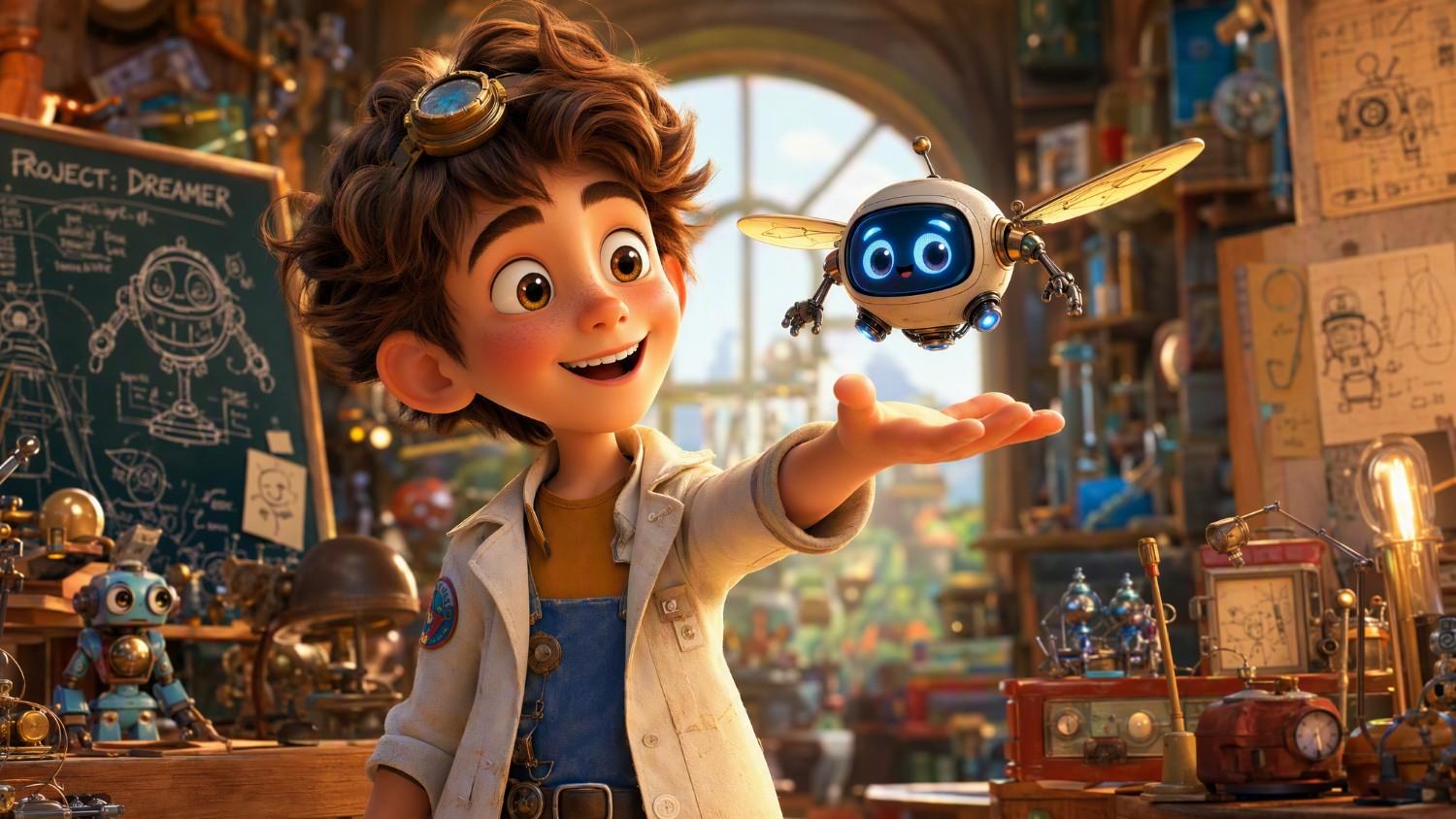
Pixar inspired 3D style
This style creates expressive 3D characters with polished lighting, playful proportions, and vibrant environments suitable for storytelling and family-friendly illustrations.
Prompt:
A cheerful young inventor presenting a tiny flying robot in a colorful workshop, expressive facial expressions, vibrant 3D animation, cinematic lighting, highly detailed textures, playful storytelling scene.
-
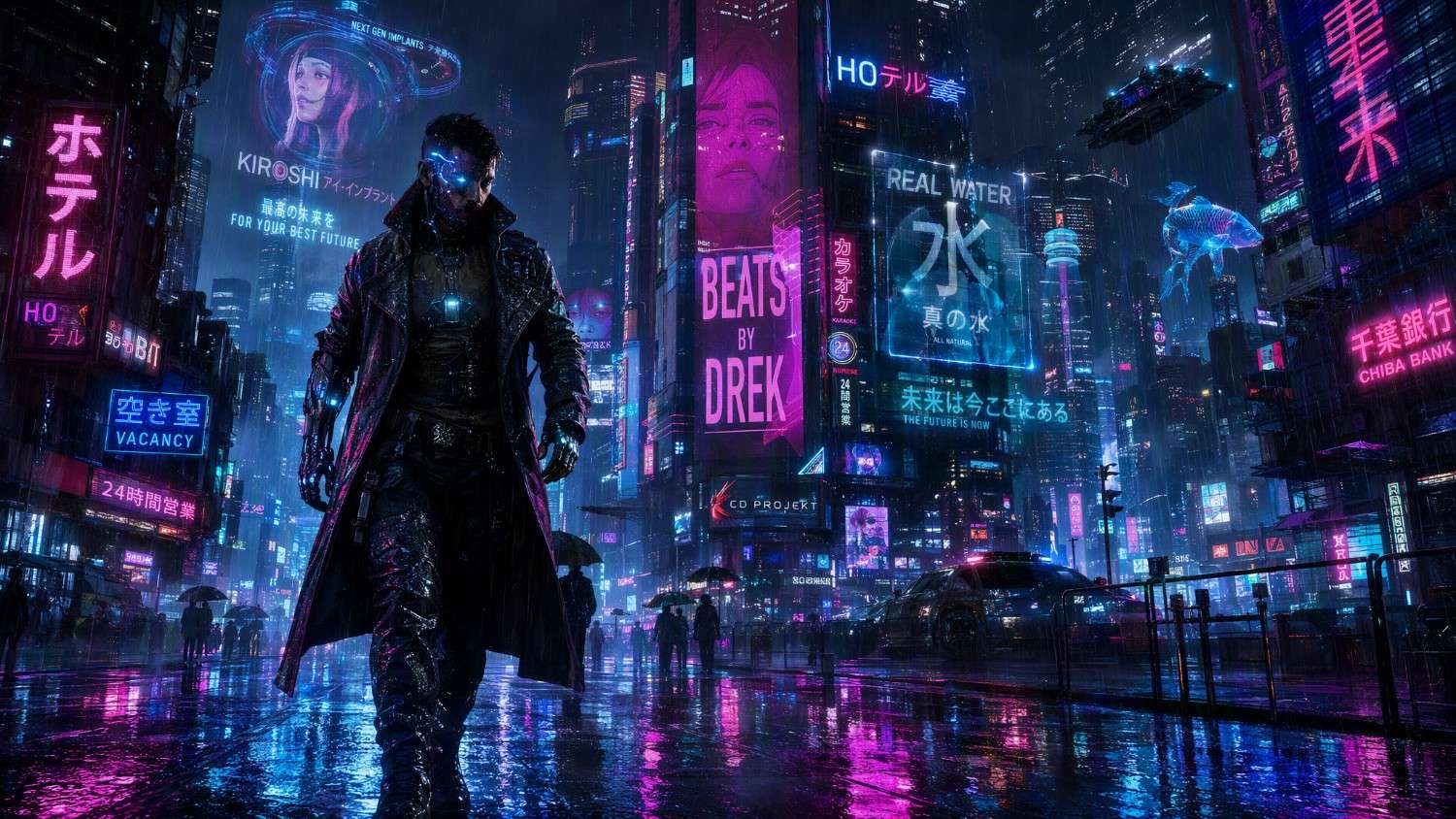
Cyberpunk style
Cyberpunk artwork combines futuristic cities, glowing neon lights, advanced technology, and dark urban environments for dramatic science-fiction visuals.
Prompt:
A cybernetic detective walking through a neon-lit futuristic street during heavy rain, holographic advertisements, glowing reflections, cinematic perspective, detailed futuristic architecture, vibrant cyberpunk aesthetic.
-
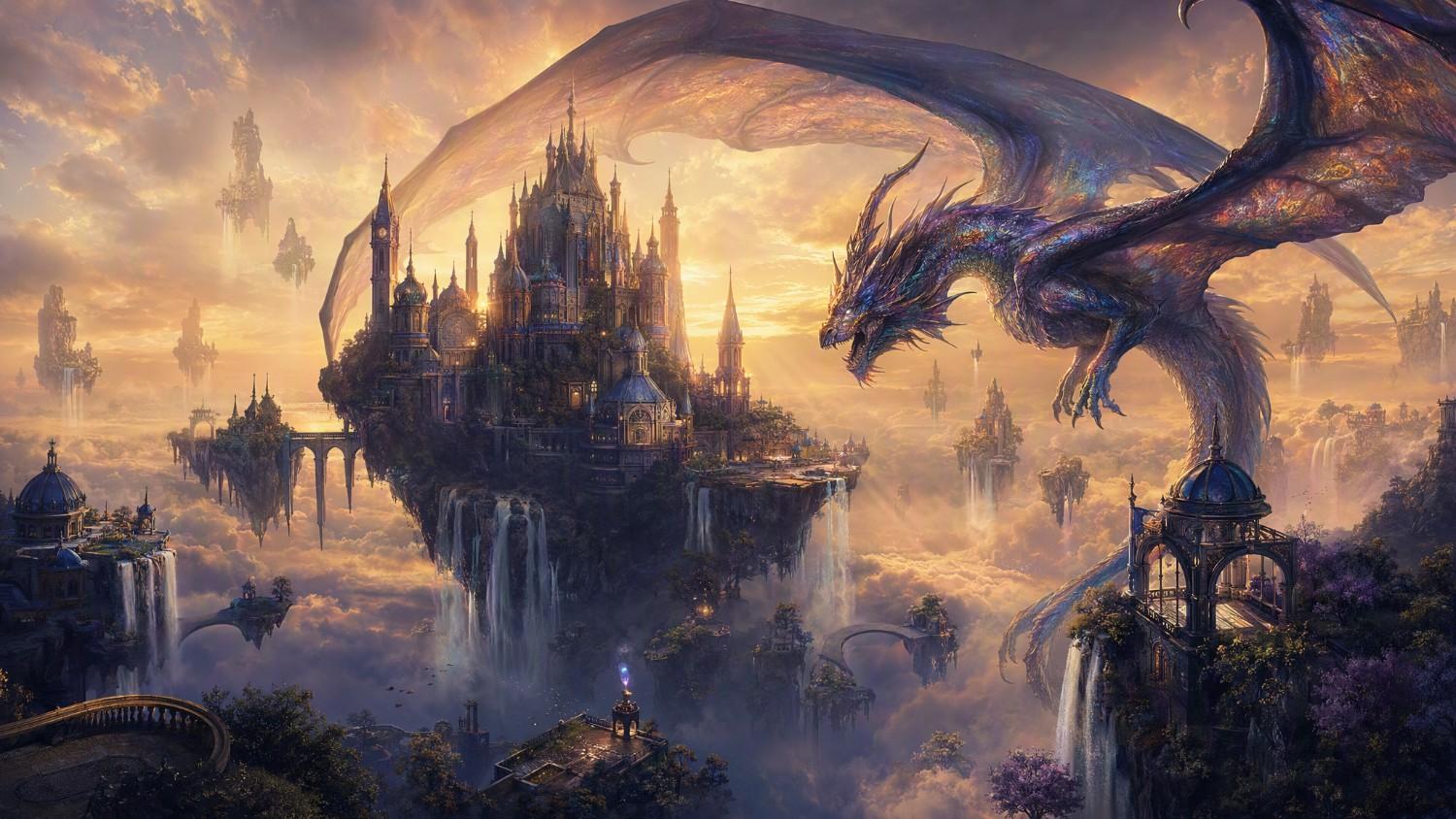
Fantasy art style
Fantasy art showcases magical kingdoms, mythical creatures, enchanted forests, and epic adventures with dramatic lighting and imaginative environments.
Prompt:
An ancient dragon soaring above a floating castle surrounded by waterfalls and glowing clouds, magical atmosphere, epic fantasy landscape, highly detailed environment, dramatic golden sunset, cinematic fantasy artwork.
-
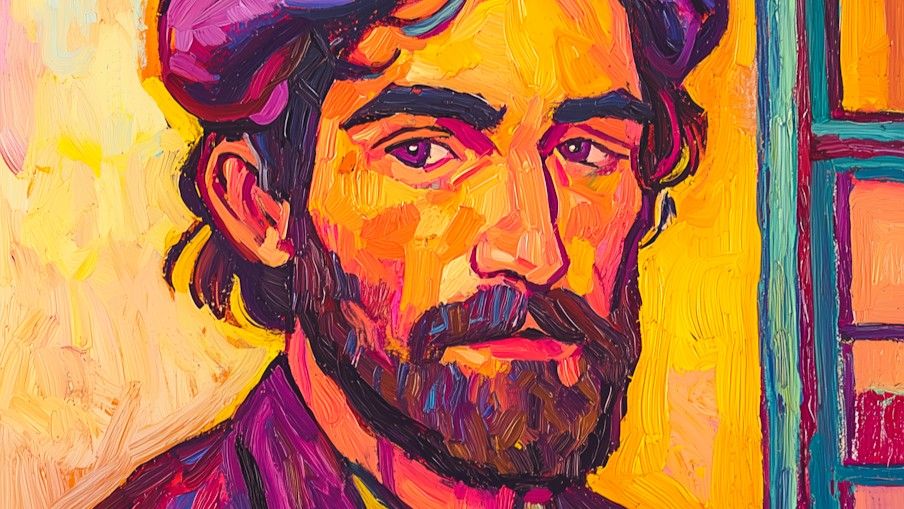
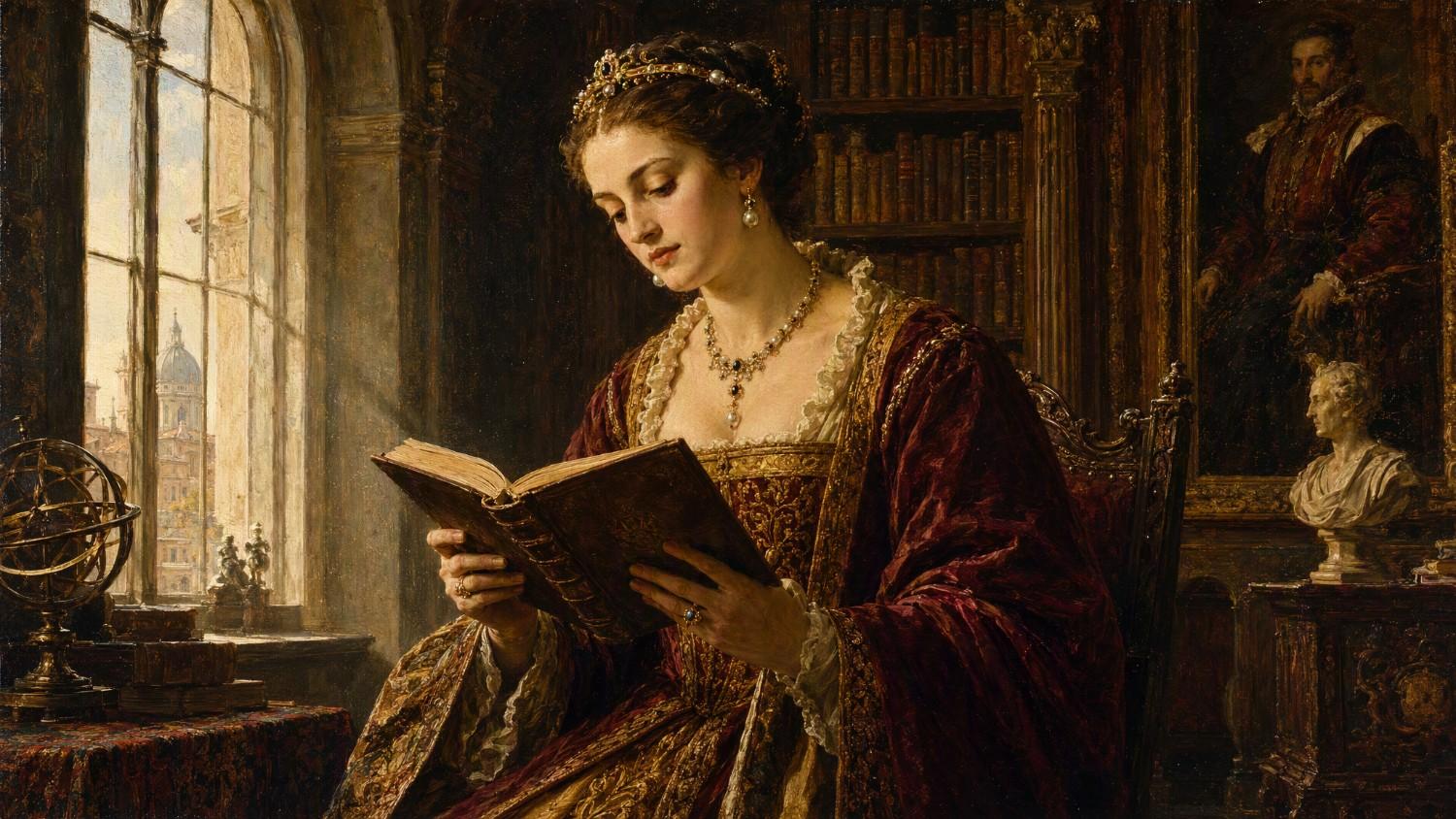
Oil painting style
Oil painting recreates the rich brushstrokes, layered textures, and timeless elegance found in classical fine art.
Prompt:
A noblewoman reading beside a large window inside a grand European library, classical oil painting, rich brush textures, warm natural lighting, Renaissance-inspired composition, museum-quality artwork.
-
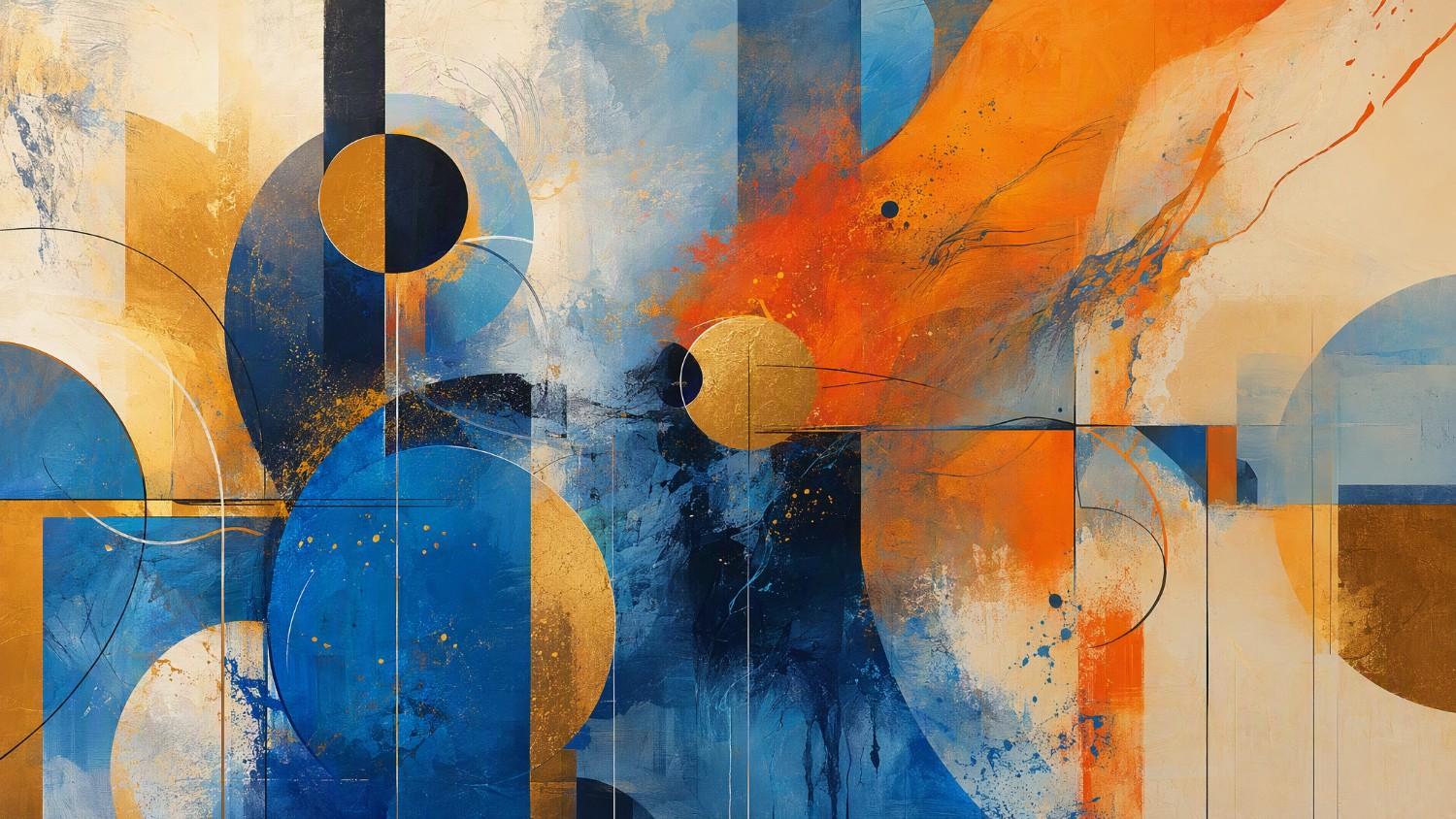
Abstract art style
Abstract art transforms shapes, colors, patterns, and textures into imaginative compositions that emphasize creativity over realism.
Prompt:
Flowing geometric shapes blending with vibrant splashes of blue, orange, and gold, layered textures, modern abstract composition, expressive brush effects, gallery-quality contemporary artwork.
Essential prompt elements for creating better AI art styles
A well-written prompt does more than describe the subject; it also tells the AI how the image should look and feel. Including the following elements can help produce artwork that better matches your creative vision.
-
Describing the subject clearly: Start by identifying the main subject with specific details instead of broad descriptions. Mention appearance, clothing, objects, or surroundings, so the AI has enough context to generate a focused and visually accurate image.
-
Using lighting and color effectively: Lighting and color shape the mood of an artwork. Include descriptions like golden hour, soft ambient light, neon glow, pastel palette, or dramatic shadows to create a stronger atmosphere and visual depth.
-
Selecting camera angles and composition: Perspective affects how viewers experience an image. Specify close-up, wide-angle, aerial view, eye-level, or cinematic composition to help the AI frame the subject exactly as you imagine.
-
Adding texture, mood, and artistic details: Include descriptive words that define the overall artistic feel, such as painterly brushstrokes, glossy reflections, dreamy atmosphere, vintage textures, or intricate details to make your artwork richer and more distinctive.
-
Specifying aspect ratio and image quality: Finish your prompt with technical preferences like portrait or landscape orientation, square composition, high resolution, ultra-detailed rendering, or 8K quality to better match your intended platform or project.
Common mistakes to avoid when writing AI art style prompts
Even the best AI image generators depend on clear instructions. Avoiding these common prompt-writing mistakes can improve consistency and help generate artwork that more closely matches your expectations.
-
Overloading prompts with too many styles: Combining several unrelated styles in one prompt can confuse the AI and produce inconsistent visuals. Focus on one primary art style with a few complementary descriptors for more coherent results.
-
Using vague or generic descriptions: Prompts like "beautiful artwork" or "nice landscape" provide very little guidance. Replace generic wording with specific details about the subject, environment, lighting, colors, and artistic style for better output.
-
Ignoring composition and lighting: Many users focus only on the subject while overlooking camera angles and lighting. Specifying composition, perspective, and light sources helps create images with stronger depth, balance, and visual storytelling.
-
Forgetting negative prompts: Negative prompts tell the AI what to avoid, such as blurry details, extra limbs, distorted faces, unwanted text, or low-quality artifacts. They can significantly improve the overall quality and cleanliness of generated images.
Create AI art in any style with Vmake Labs AI image generator
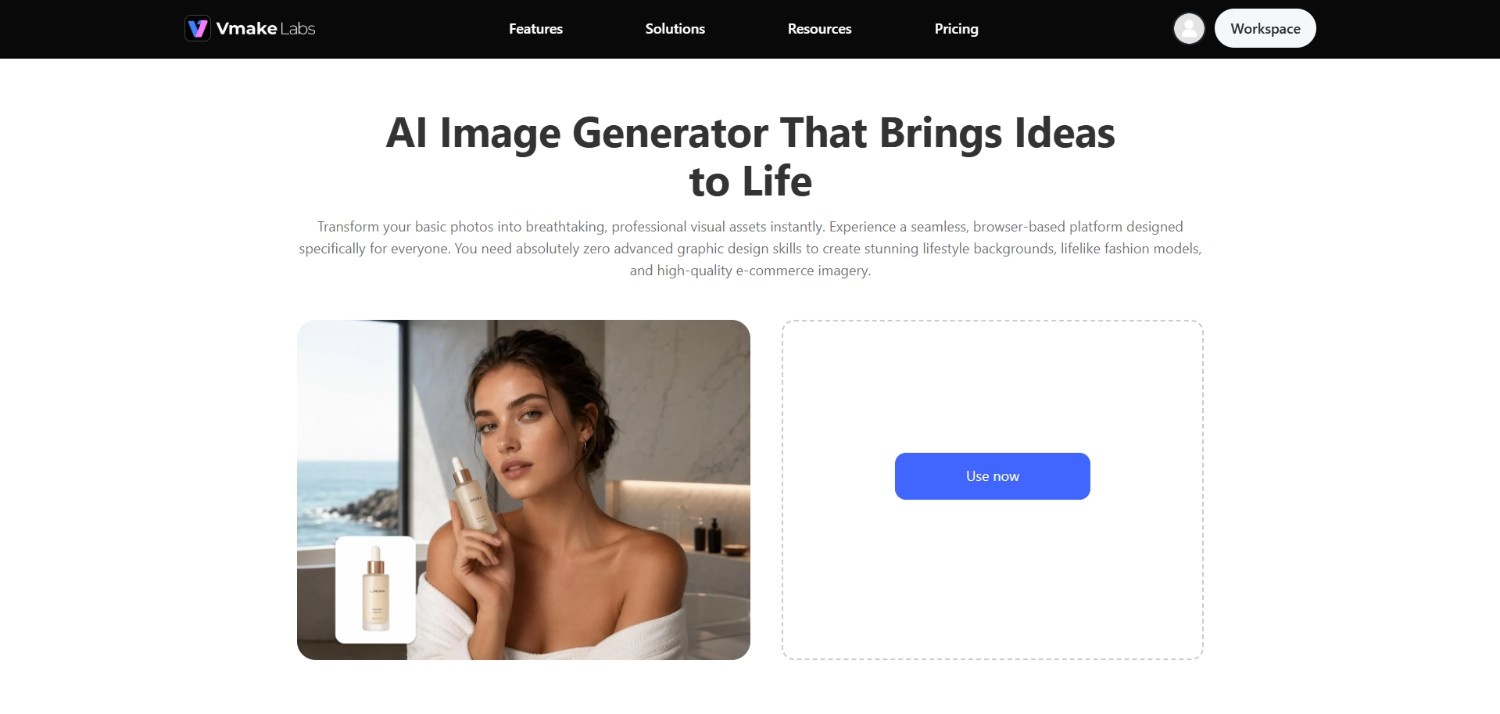
Whether you're exploring anime illustrations, cinematic realism, fantasy landscapes, or modern abstract designs, Vmake Labs AI image generator provides a simple way to transform text prompts into high-quality visuals.
Just describe your idea, select an AI model, and generate images in seconds without requiring professional design skills. The platform supports a wide range of creative styles, making it suitable for content creators, marketers, artists, educators, and hobbyists alike.
From concept art and social media graphics to marketing assets and personal projects, Vmake Labs offers a streamlined workflow for experimenting with different artistic directions while refining prompts to achieve your desired visual style.
Key features for creating diverse AI art styles
Extensive style generation capabilities
Generate artwork across numerous visual styles, including realistic, anime, fantasy, 3D, cyberpunk, oil painting, and abstract aesthetics. Simply adjust your prompt to explore different creative directions without starting from scratch.
High-quality image output
Produce detailed, high-resolution AI images with realistic textures, vibrant colors, and refined artistic details. The generated visuals are suitable for digital content, presentations, marketing materials, and creative inspiration.
Fast text-to-image creation
Convert text descriptions into AI-generated artwork within moments. The streamlined workflow reduces the time between idea and finished image, making creative experimentation faster and more efficient.
Beginner-friendly prompt workflow
The intuitive interface makes AI image creation accessible to everyone. Enter a prompt, choose your preferred AI model, generate your artwork, and continue refining ideas through simple prompt adjustments.
How to generate AI art styles with Vmake Labs?
Step 1: Access Vmake Labs "AI image generator" tool
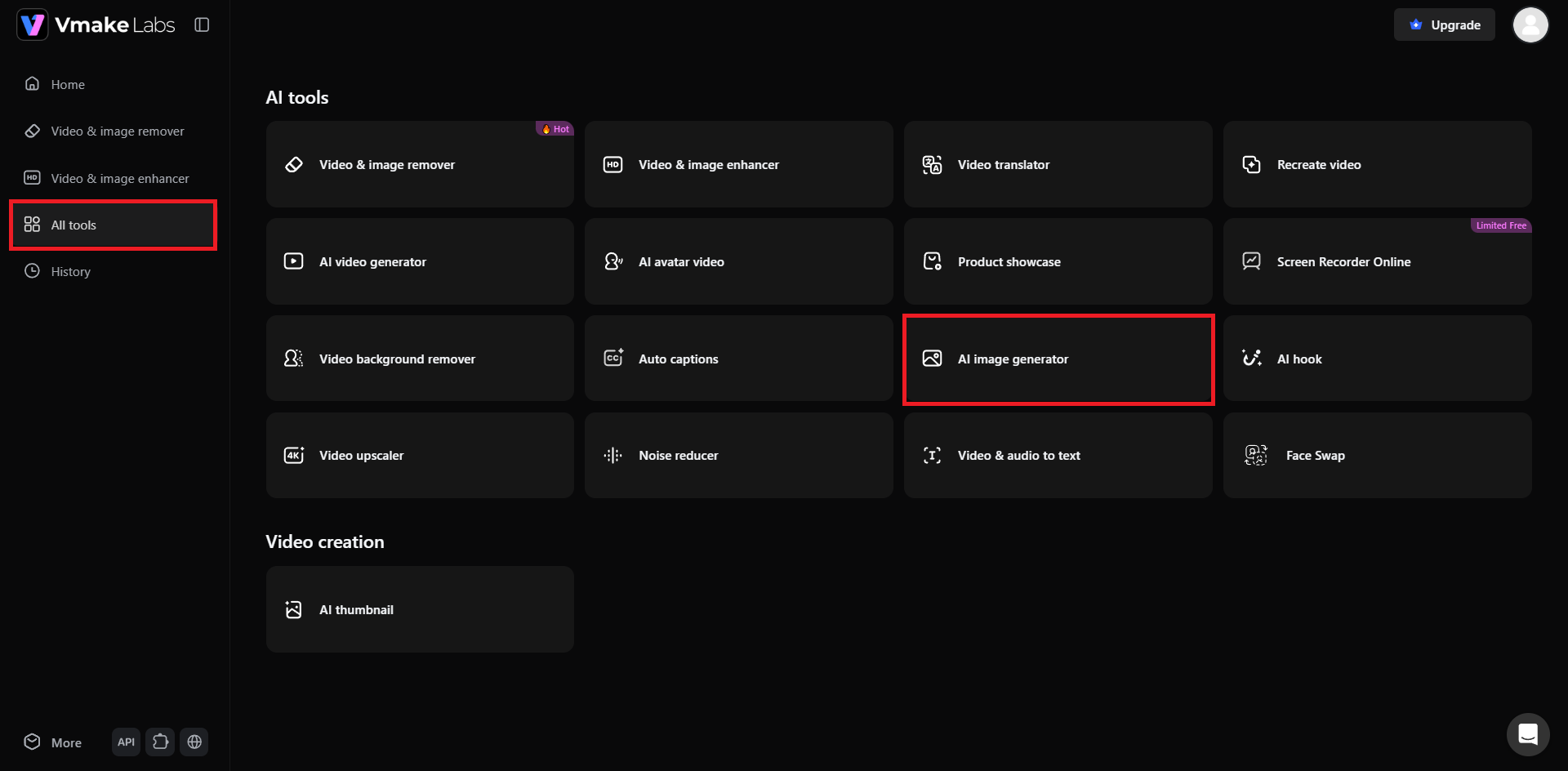
Begin your journey by first accessing the Vmake Labs official website and then signing up for a new account. Then, from your dashboard section, select the "All tools" options, and from the list of the tools, you need to choose the "AI image generator" option.
Step 2: Provide your prompt for creating AI art
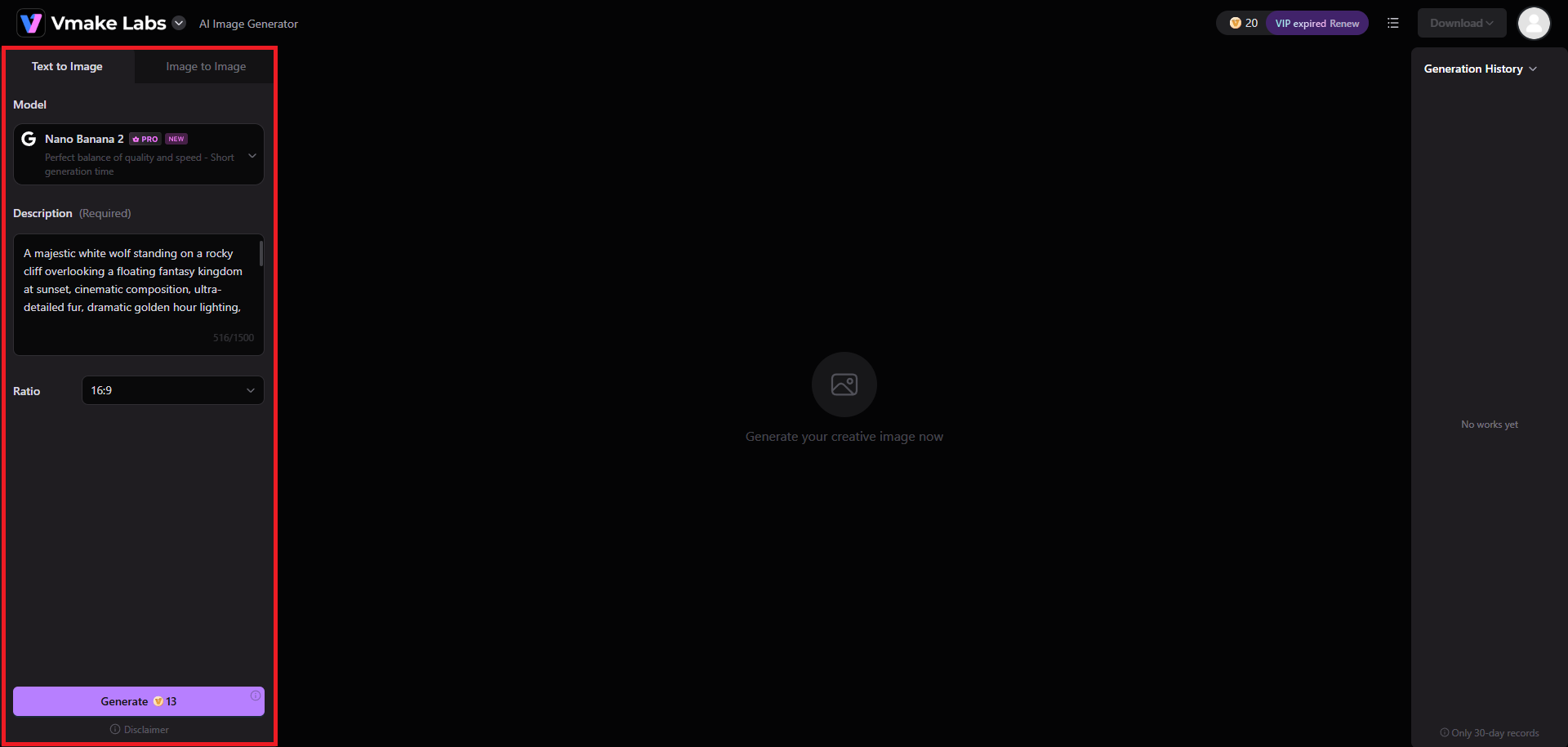
In the next step, you will need to select your preferred method of creating your AI art. Vmake Labs supports text-to-image and image-to-image AI art generation, where the image-to-image process relies on providing a reference image.
After selecting the generation process, choose your AI image generation model (we have chosen Nano Banana 2), and then provide your detailed prompt in the given box. Once done, choose your ideal aspect ratio and hit "Generate".
Step 3: Export your AI art
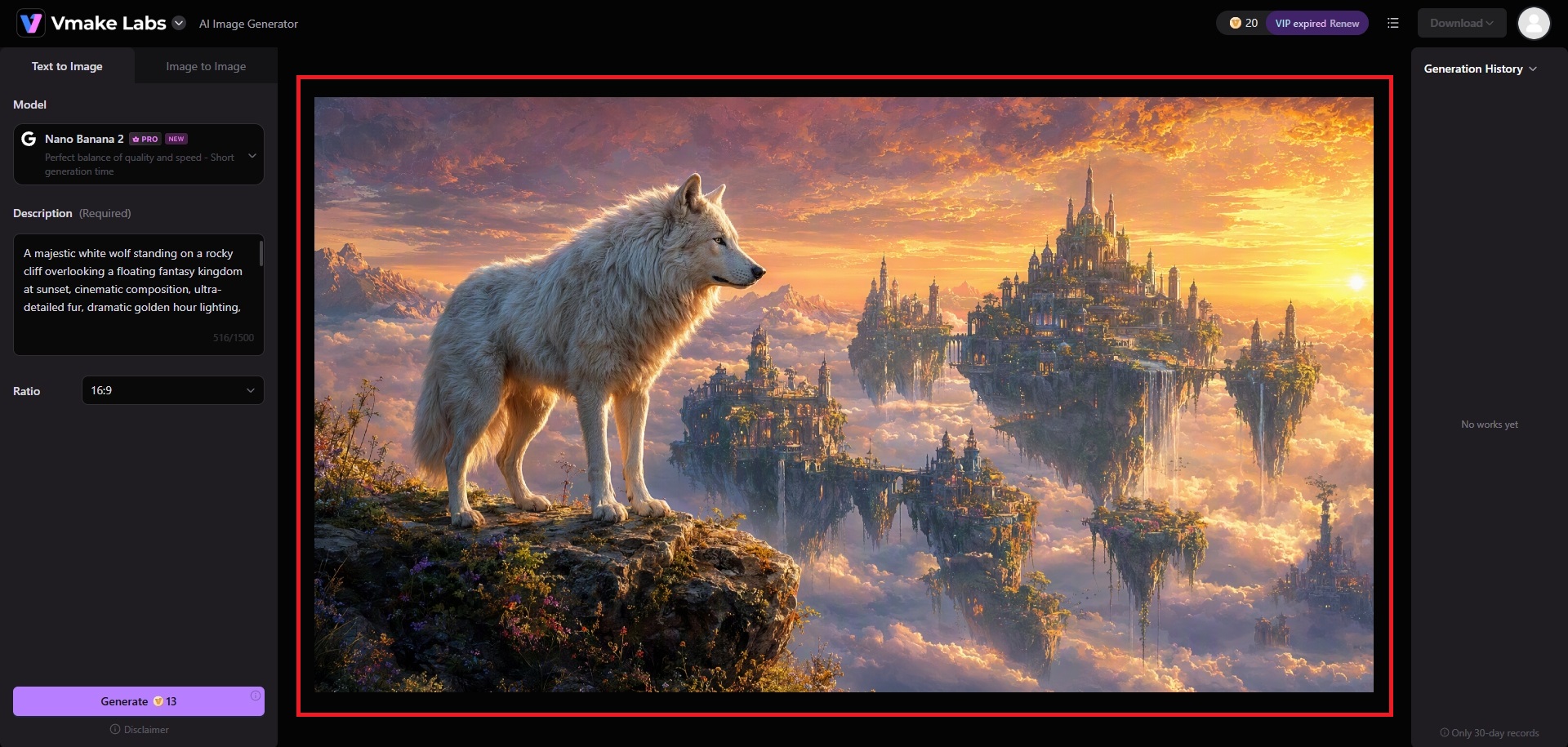
Vmake Labs will start creating your image and once that is completed, you will be able to download the same to your local device, for sharing and using it in one of your artistic projects.
Tips for experimenting with multiple AI art styles
Exploring different styles is one of the best ways to discover unique visual results. These practical tips can help you refine your prompts and expand your creative possibilities.
-
Blend different styles creatively
Try combining one primary style with subtle secondary influences, such as realistic fantasy or watercolor landscapes with modern lighting. Balanced combinations often create fresh, visually engaging artwork without overwhelming AI.
-
Iterate prompts for better results
Don't rely on your first prompt. Adjust descriptive words, lighting, colors, composition, or artistic details between generations to gradually improve the image and achieve results that better match your vision.
-
Save successful prompt templates
Keep a collection of prompts that consistently produce high-quality images. Reusing and modifying proven templates makes it easier to maintain a consistent visual style across future creative projects.
Conclusion
AI art styles give creators endless opportunities to transform simple ideas into visually distinctive artwork. By understanding how different styles influence the final image and writing clear, descriptive prompts, you can produce results that better reflect your creative intent. Experimenting with various aesthetics, refining prompts through multiple iterations, and avoiding common mistakes will further improve image quality. If you're looking for an easy way to explore diverse artistic styles, Vmake Labs AI Image Generator offers a simple workflow for generating, refining, and downloading high-quality AI artwork for creative, educational, and professional projects.
Frequently Asked Questions (FAQs)
-
What are AI art styles?
AI art styles are visual aesthetics that determine how an AI image generator interprets your prompt. They influence elements such as colors, textures, lighting, composition, and overall appearance to create a specific artistic look.
-
Which AI art style is best for beginners?
Realistic, anime, and watercolor styles are excellent starting points because they respond well to straightforward prompts. As you gain experience, you can experiment with more complex styles like cyberpunk or surreal fantasy.
-
Can I combine multiple AI art styles in one prompt?
Yes, you can combine styles, but it's generally best to use one dominant style with a few complementary influences. Too many competing styles may lead to inconsistent or unpredictable image generation results.
-
How do I make AI-generated art look more professional?
Write detailed prompts that include the subject, lighting, composition, colors, mood, and artistic style. Refining your prompt through multiple iterations and using negative prompts can also improve image quality.
-
What is the best AI image generator for trying different art styles?
The ideal AI image generator depends on your creative needs. Vmake Labs AI Image Generator provides an accessible way to experiment with various art styles, refine prompts, and generate high-quality images through a simple text-to-image workflow.

You May Be Interested
Digital Artwork: How to Create, Sell & Digitize Your Art
[2026] How to Make Background Transparent (Free & Easy)
Inspire Art AI Image Generator Review: 2026 Tests & Prices
Funny AI Generated Images: Create Hilarious AI Art Fast
Resize Videos Online Without Losing Quality: A Smarter Way in 2026