


Your Shortcut to Standout Real Estate Content

Vmake is the No.1 AI talking video editor for real estate pros. Create polished listing videos, walkthroughs, and client stories fast with auto captions, AI templates, and high-convert thumbnails. No editing skills needed—just upload your footage and get ready-to-share, high-impact videos in minutes.

1 Minute. Look Pro. Build Trust.

All-in-One Tools for Real Estate Videos That Convert

All-in-One Tools for Real Estate Videos That Convert

  • Showcase listings, share market tips, or highlight client stories — whatever the goal, Vmake gives you the tools to get there.
  • Built-in captions, AI teleprompters, visual enhancers, and clean layouts make it easy to speak with clarity, look polished, and earn buyer trust — all without hopping between different apps.
  • From sleek penthouses to family homes, you’ll look like a pro every time you hit publish.
Try it Now
Keep Content Flowing — Without the Burnout

Keep Content Flowing — Without the Burnout

  • Real estate never sleeps, but editing doesn’t have to keep you up.
  • Vmake simplifies your entire video workflow — from script to share — so you can create consistently without the overwhelm.
  • Let AI handle the cutting, cleaning, and thumbnail design, so you can focus on what matters: showing properties, meeting clients, and closing deals.
Try it Now
Videos That Feel Professional and Build Confidence

Videos That Feel Professional and Build Confidence

  • Your message matters — and Vmake helps you deliver it with clarity.
  • AI templates guide your flow, teleprompters keep you on track, and branded visuals elevate your presence on screen.
  • Whether you’re breaking down a home’s value or explaining the buying process, every video builds trust and brings viewers one step closer to reaching out.
Try it Now
Capture Attention, Earn Trust, and Convert Views into Showings

Capture Attention, Earn Trust, and Convert Views into Showings

  • Great real estate videos do more than look good — they drive action.
  • Captions help viewers stay engaged. Thumbnails grab attention in crowded feeds. Clean visuals make you look credible at first glance.
  • Whether your goal is to attract new leads or nurture loyal clients, Vmake helps you turn content into real-world results.
Try it Now

Your AI video editor built to power real estate content

AI Template & Auto Captions

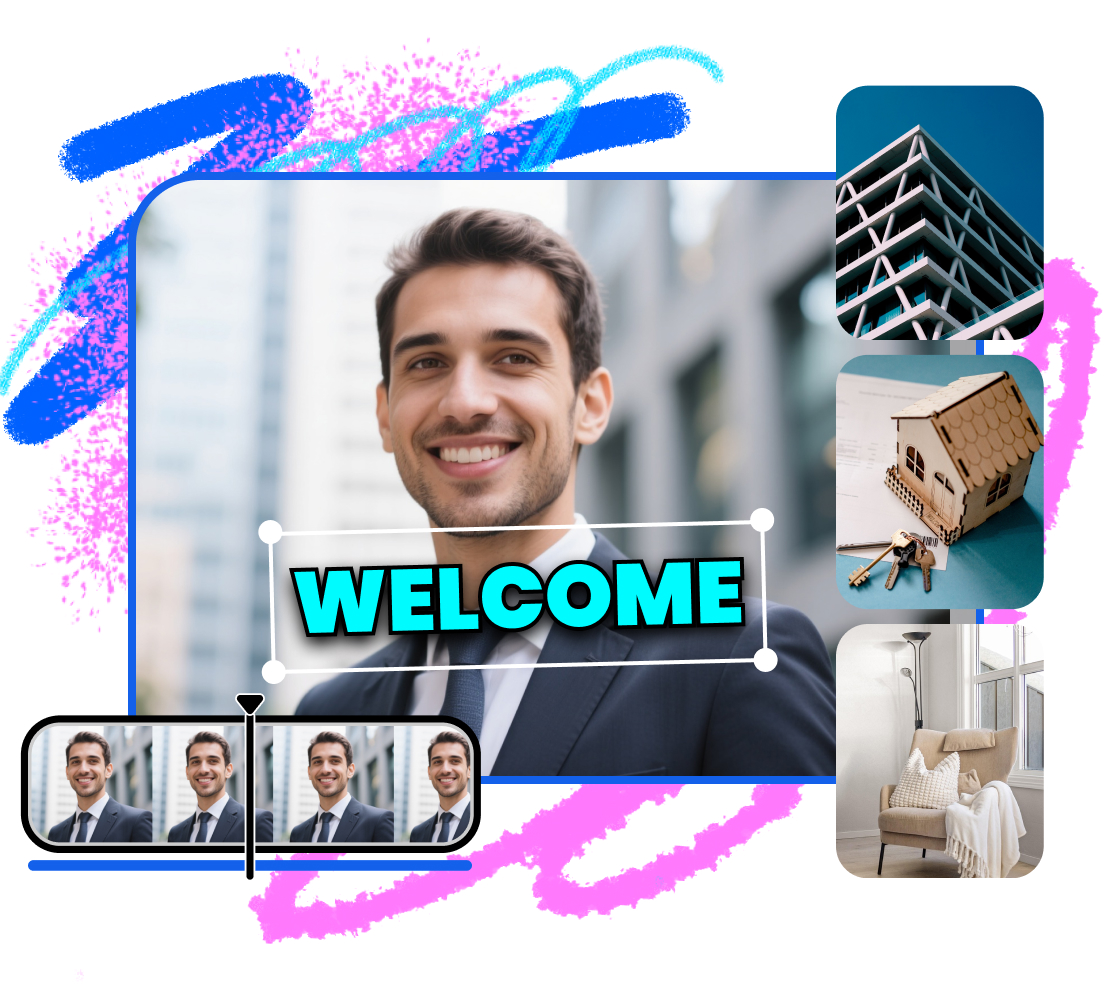
Whether you’re walking through a property or sharing a market update, Vmake’s AI Template automatically adds captions, transitions, and music to match the tone of high-performing real estate content. Auto Captions ensure every word is crisp, searchable, and easy to follow — helping you save hours while boosting clarity and credibility.
AI Template & Auto Captions

AI Thumbnail Generator

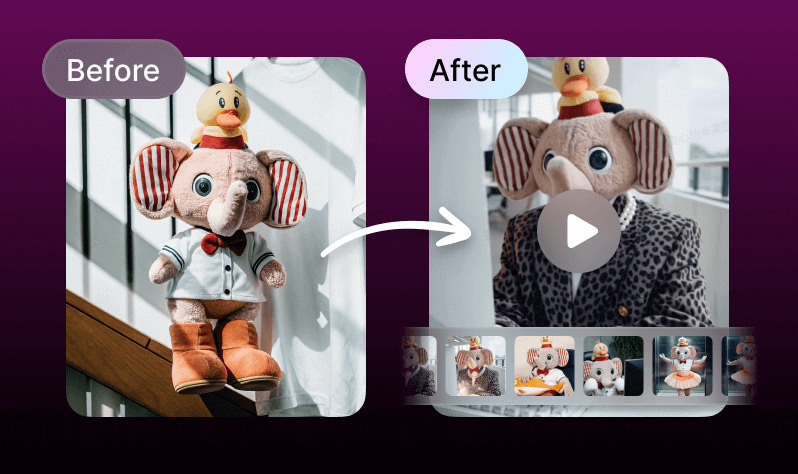
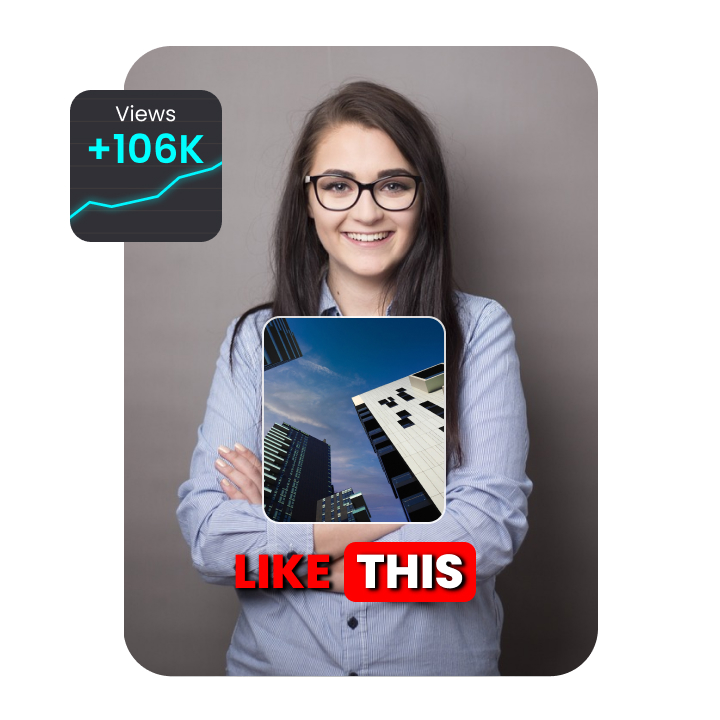
Stand out in the feed with scroll-stopping thumbnails—automatically generated to boost views and conversions. Vmake’s AI Thumbnail Generator selects the best frames and applies proven visual styles, so your videos get noticed. Want more control? Easily adjust or choose from professionally designed presets.
AI Thumbnail Generator

AI Enhancer & Noise Reducer

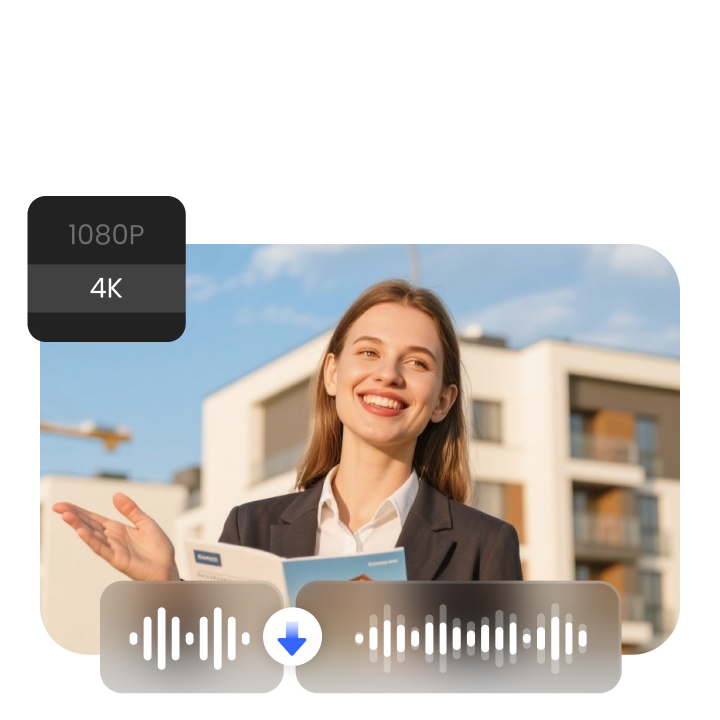
Dim lighting, echoey rooms, and noisy streets are no match for Vmake. AI Enhancer sharpens your footage and improves colors for a more vivid viewing experience, while Noise Reducer clears up audio to keep your message front and center. The result? Real estate videos that look high-end and earn trust instantly — even if they were shot on your phone.
AI Enhancer & Noise Reducer

Frequently Asked Questions

What kind of real estate videos can I create with Vmake?

Vmake is ideal for creating listing walkthroughs, neighborhood tours, agent introductions, market updates, and client testimonials. Whether you’re showcasing a luxury apartment or a family home, Vmake helps you create polished, professional videos—fast.

How does Vmake help real estate agents edit videos faster?

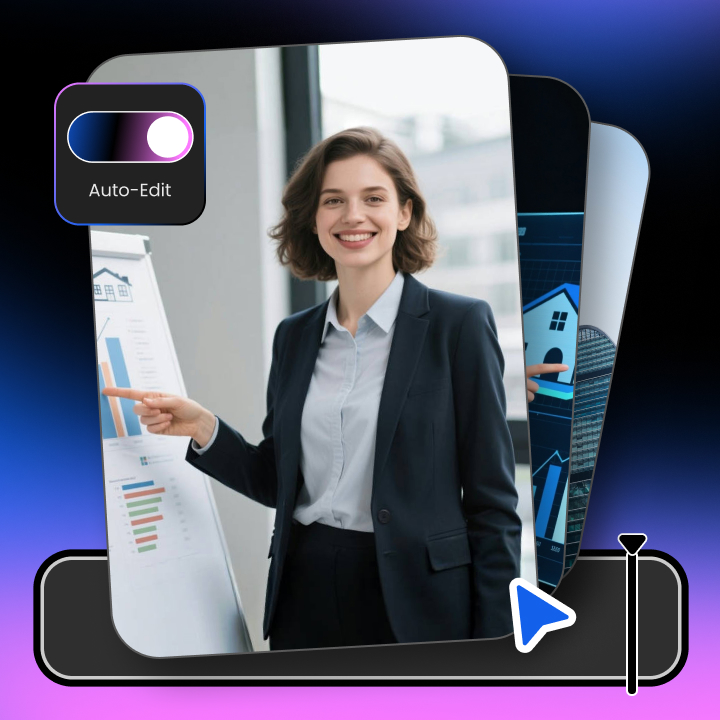
Vmake uses AI to automatically add subtitles, transitions, and split-screen effects. With AI templates designed for property content, you can go from raw footage to ready-to-post video in just minutes—no editing skills required.

Can I add captions to my real estate videos automatically?

Yes. Vmake’s AI auto-caption tool detects your speech and adds synced subtitles instantly. This not only helps with accessibility but also improves viewer retention and engagement—especially for property tours with spoken explanations.

Will my property videos look professional if I film on a phone?

Absolutely. Vmake’s AI Enhancer improves lighting, sharpens motion, and restores details—so even footage shot on your phone can look clean, clear, and professional, whether it’s indoors or on-site.

Can I use Vmake to create listing videos for platforms like Zillow or Instagram?

Yes. Vmake exports videos in formats optimized for platforms like Zillow, YouTube, TikTok, Facebook, and Instagram. You can choose aspect ratios and thumbnail styles that match your marketing channel.

How fast can I create a property tour video with Vmake?

Most real estate agents can produce a fully-edited, captioned, and thumbnail-ready video in under 5 minutes with Vmake—compared to hours using manual tools. Just upload, apply a template, and you’re done.

How can Vmake help me get more real estate leads?

Videos made with Vmake are optimized to look polished and trustworthy—helping you attract attention, increase watch time, and convert views into showings or consultations. Features like AI thumbnail generator and clean captions boost visibility and engagement.

Do I need video editing experience to use Vmake?

No editing experience is needed. Vmake handles all the technical work with AI—just upload your clips, select a template, and you’ll get a high-quality, ready-to-share video in minutes.