
Transcribe TikTok Video to Text Online


How to transcribe TikTok video to text
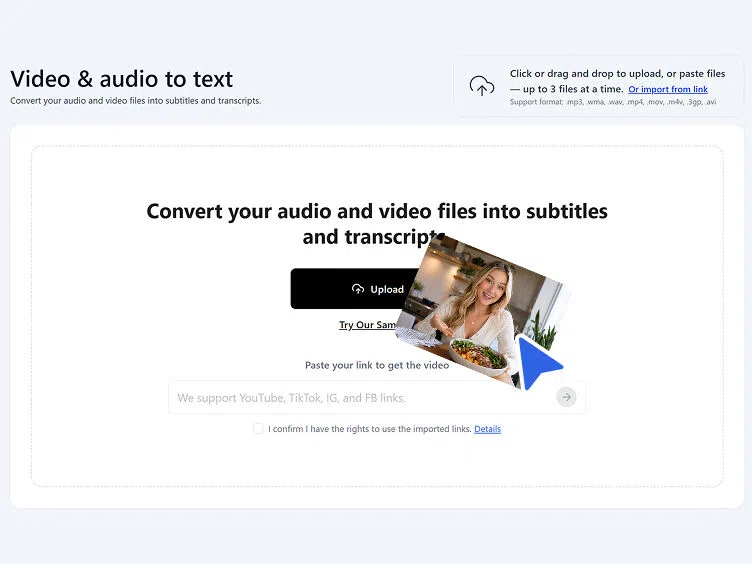
Step 1. Paste your TikTok link
Upload a downloaded TikTok video file directly, or copy the TikTok video URL and paste it into Vmake to transcribe without saving the video to your device first.
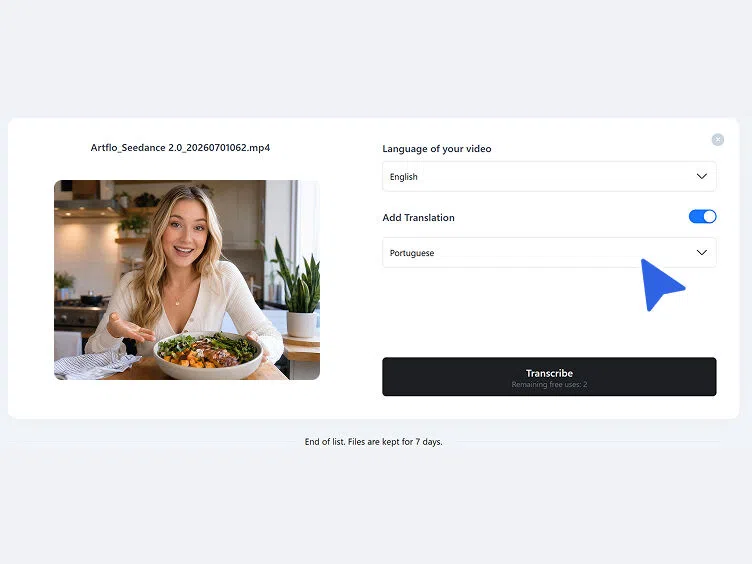
Step 2. Set language and start transcribing
Select the spoken language from the dropdown or leave it on automatic detection. Toggle Add Translation if a translated version is also needed. Click Transcribe to begin.
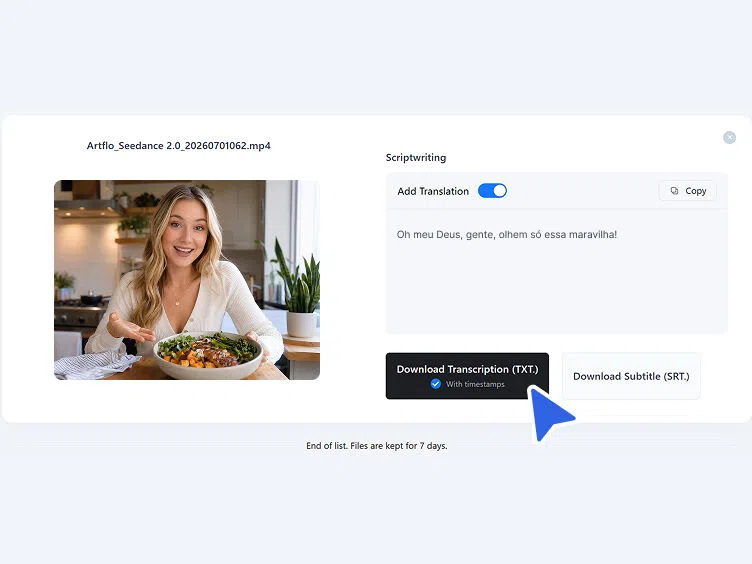
Step 3. Copy or download the transcript
The transcribed text appears in the Scriptwriting section. Copy directly for immediate use, or download as TXT with timestamps or an SRT subtitle file.
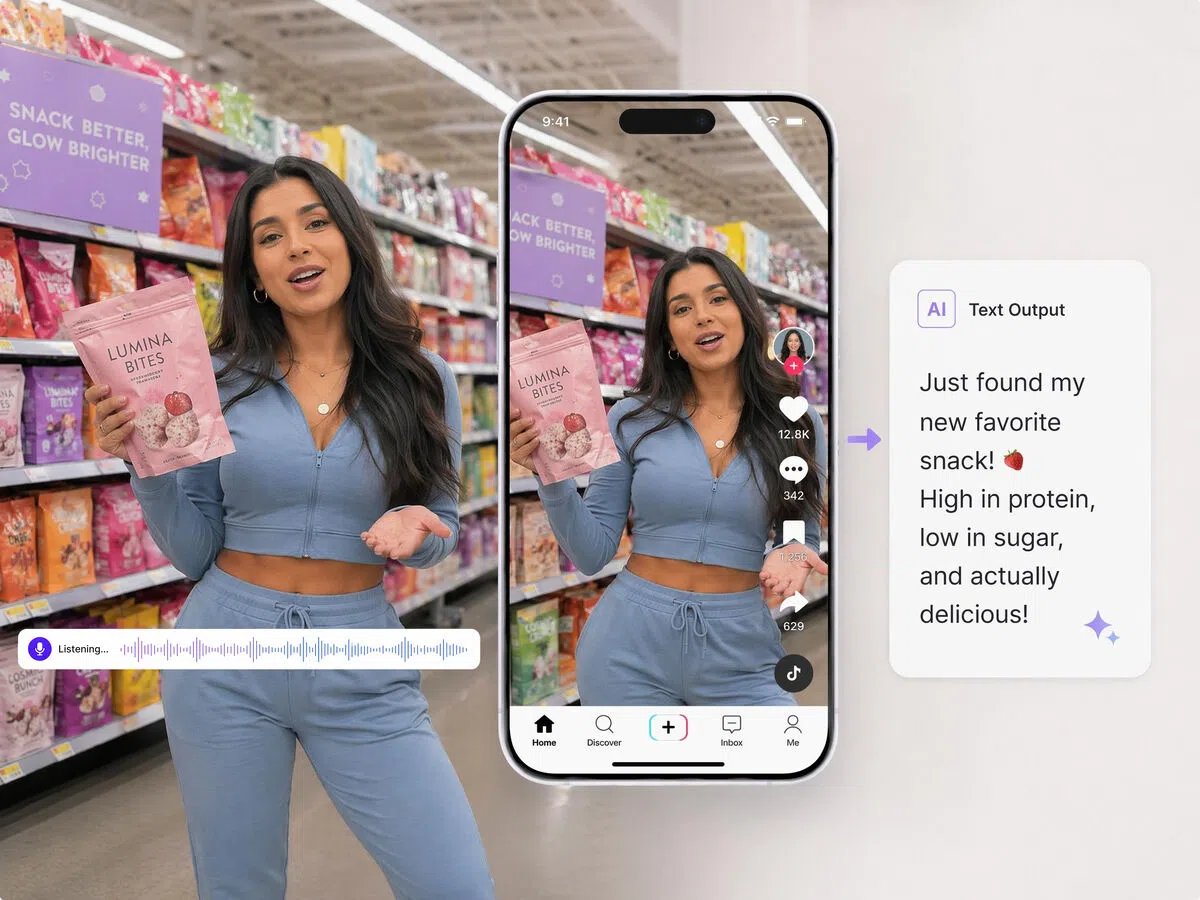
Why TikTok creators transcribe TikTok videos
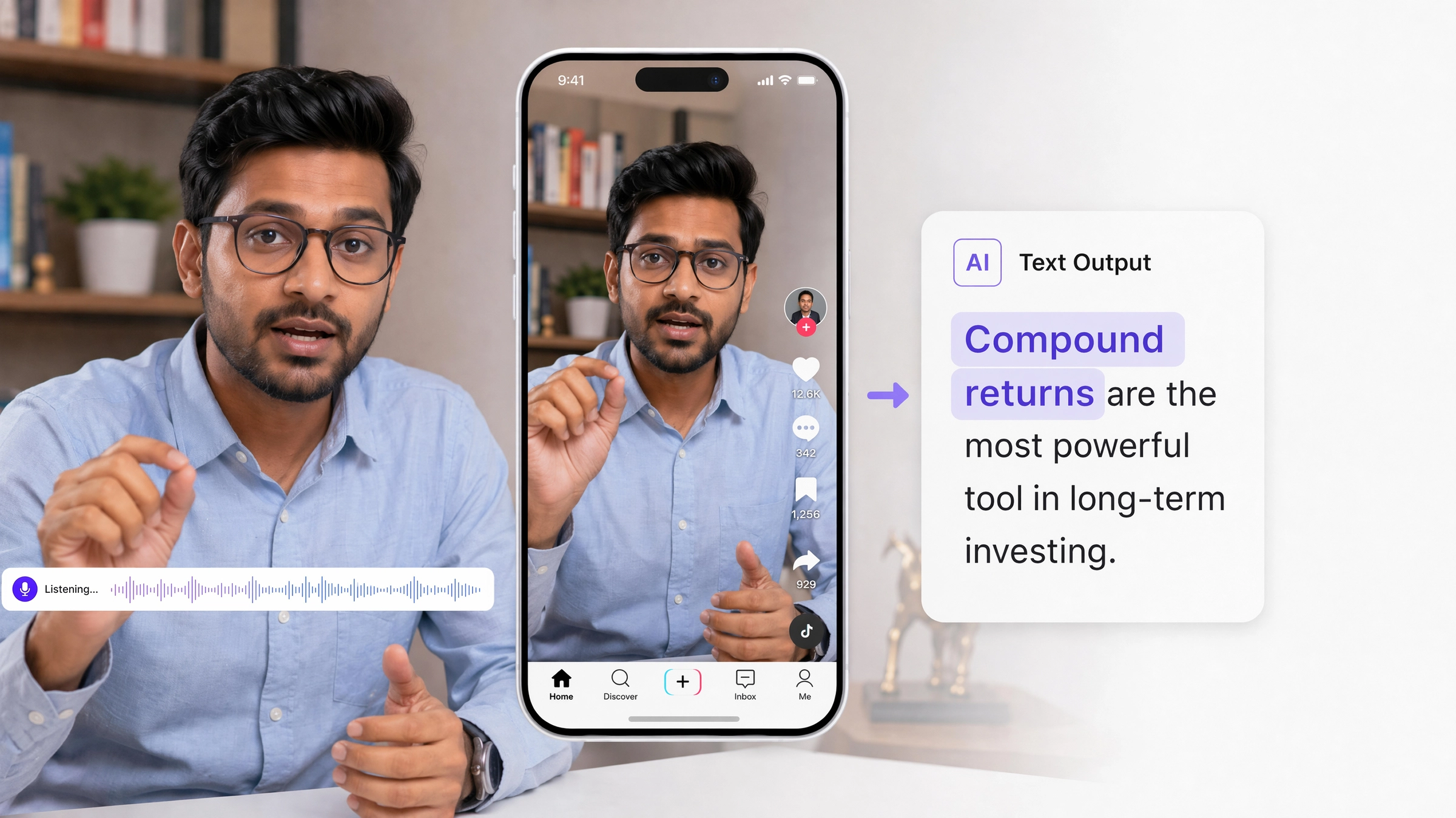
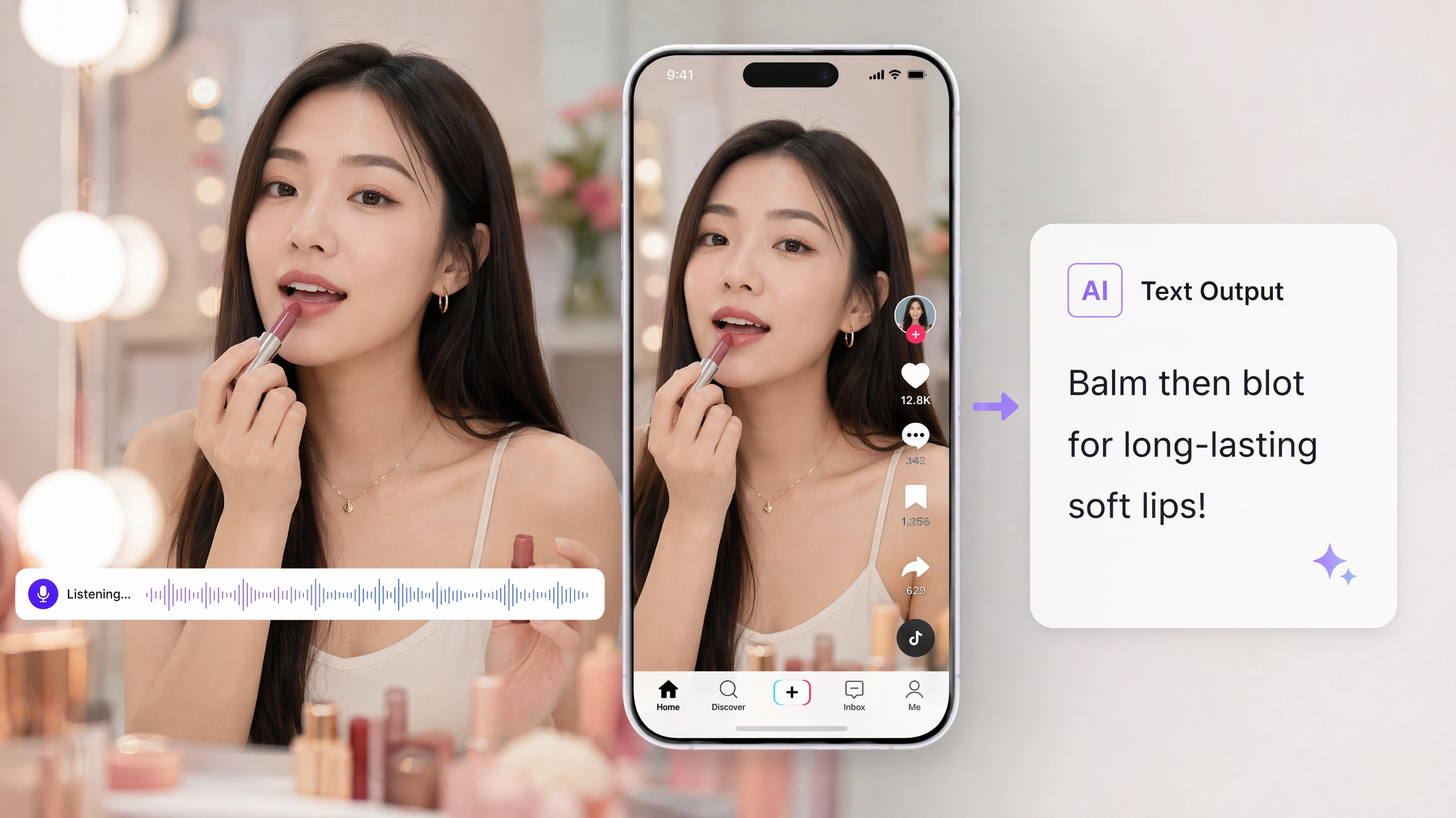
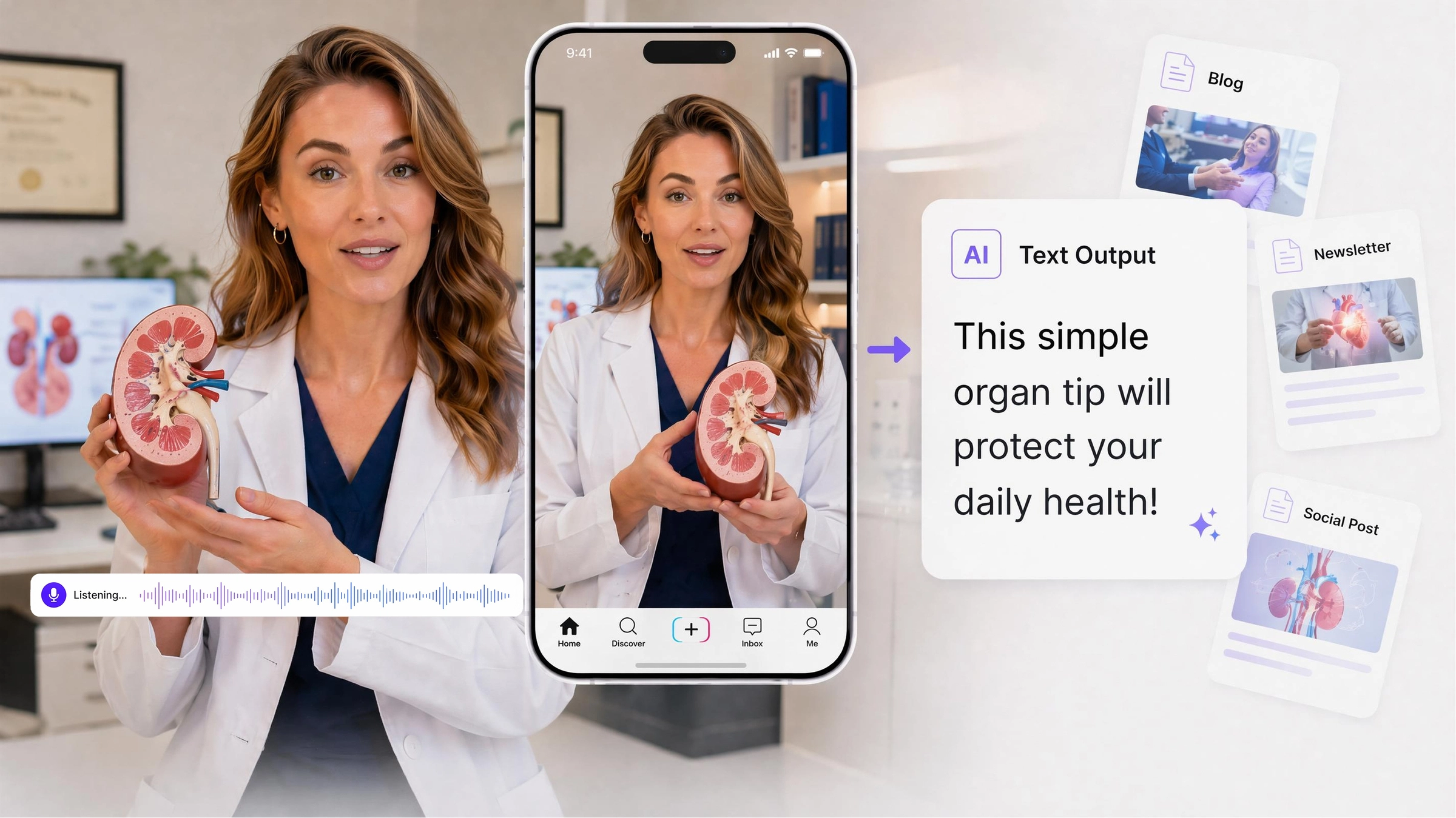



What makes Vmake the right TikTok video transcriber
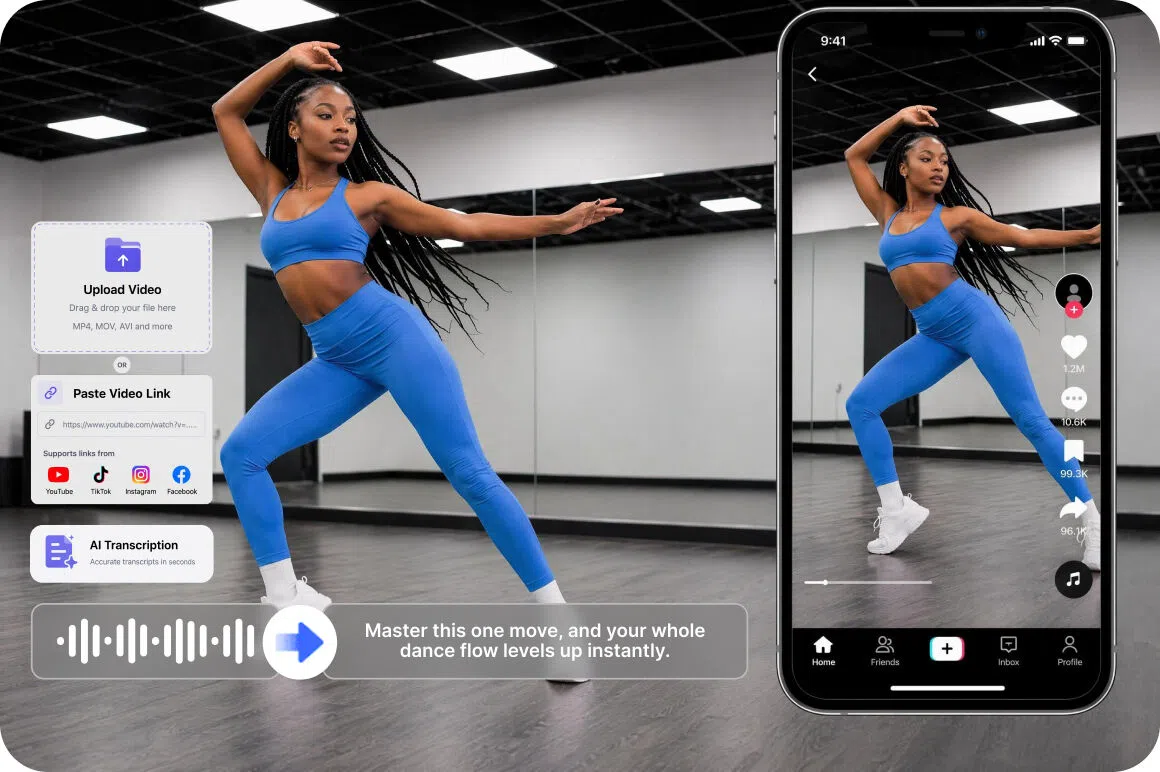
Paste TikTok link directly
Paste the TikTok video URL and Vmake fetches and transcribes it without downloading. Uploaded TikTok video files are also accepted for creators who already have the file saved to their device. The spoken content becomes a text transcript without a separate file management step.
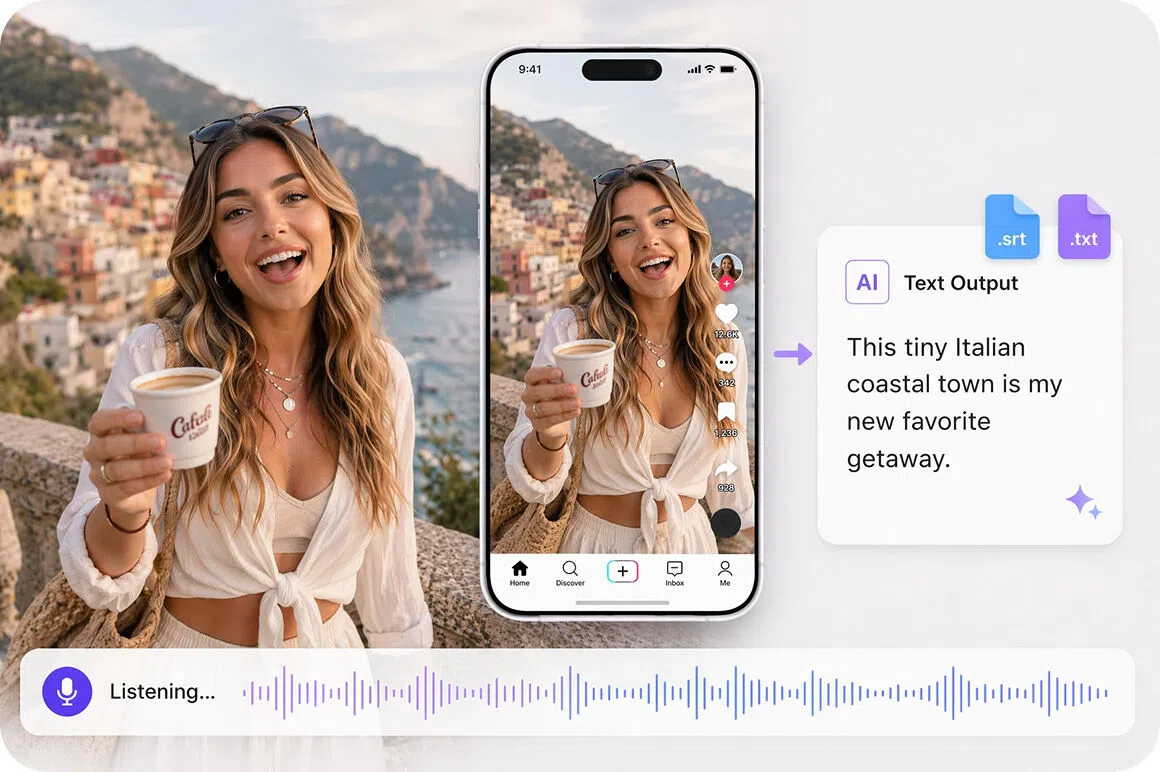
SRT ready for TikTok caption upload
The SRT file downloads ready to use in subtitle workflows. Creators who want to add captions to their TikTok content can use the SRT output as a starting point and review it before applying captions.
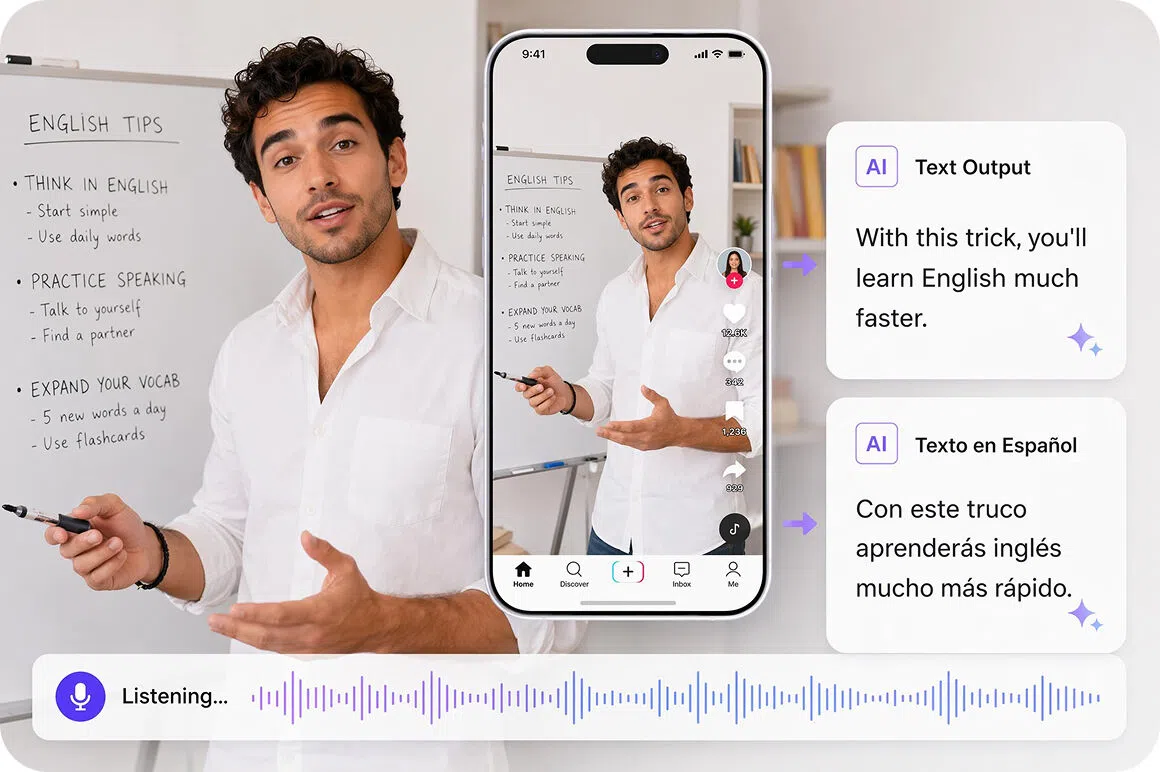
Translation for multilingual TikTok reach
Add Translation toggle generates a translated transcript alongside the original. TikTok creators building audiences across language markets get translated output from one transcription session without a separate tool. Supported languages include English, Spanish, Portuguese, Traditional Chinese and Simplified Chinese.
Who uses Vmake to transcribe TikTok videos most
TikTok creators building daily content
Fast-moving TikTok publishing schedules leave little time to manually transcribe video content for captions, repurposing or accessibility. Vmake helps transcribe TikTok videos via pasted link or uploaded file with TXT and SRT output. Spoken content becomes usable text without adding a manual transcription step to the content production schedule.
Social media agencies managing TikTok accounts
Agencies managing multiple TikTok accounts need transcripts for caption review, content reporting and cross-platform repurposing across a client portfolio. Vmake transcribes TikTok links with timestamps and SRT output. Transcript files provide a text foundation for client reporting and content delivery without manual transcription work per account.
Content researchers and trend analysts
Understanding what is being said in viral TikTok content, competitor videos and trending audio requires watching each video manually, which limits how many can be reviewed. Vmake generates a transcript from a pasted TikTok link or uploaded file. Spoken content becomes searchable text for analysis and pattern identification across multiple videos.

Frequently asked questions about transcribing TikTok videos
Can I transcribe a TikTok video without downloading it?
Can I edit the transcript before using it for captions?
Can I use the transcript to repurpose TikTok content for other platforms?
What file formats can I download after transcribing a TikTok video?
Does the TikTok video transcriber support translated output?
How long are my TikTok transcripts kept after processing?
Why TikTok creators use Vmake to transcribe their videos

Turn TikTok videos into accurate transcripts in seconds. Paste a link or upload a file, then reuse the text for blog posts, captions, scripts, and more.

Sign up to access the tool. Credits are available on registration so you can transcribe TikTok video to text free right away before deciding on a plan.

Transcripts and SRT files remain in workspace history for 30 days. Return to copy, re-download or reference the output without re-pasting and reprocessing the original TikTok link.
Discover More Features

Video & Image Enhancer

Watermark & Text Remover

Video Upscaler
AI Video Generator

Video Background Remover

Video & Audio to Text

Video Noise Reducer

AI Video Translator
Transcribe your TikTok videos today
Every TikTok you have posted contains spoken content worth capturing. Vmake transcribe TikTok video online tool by pasting a supported link or uploading a file directly. Paste a supported link or upload a file and Vmake produces a text transcript ready to copy or download.
What TikTok creators say about Vmake Labs transcription tool
pasting the tiktok link and having the transcript ready to copy across to a newsletter doc was a lot faster than i expected. the spoken content came through in text and i could copy what i needed without rewatching the video. fits into the content repurposing workflow without adding much time
Managing caption review across multiple TikTok client accounts used to mean watching every video manually. Vmake produces a text transcript from the pasted link that I can review and correct before the captions go live. The process is repeatable across accounts without rebuilding the workflow for each client.
needed to pull spoken content from a set of competitor tiktoks without sitting through each one in full. pasted the links and got text transcripts i could search through directly. much faster than watching and noting manually which was the approach before finding this tool
Financial terminology in TikTok auto-captions often comes out wrong and makes the content look sloppy. Getting a text transcript first and reviewing it before using it for captions meant I could catch the errors before they went live. The SRT download from Vmake gave me something to work from.
TikTok content that would have just stayed on TikTok is now getting repurposed into LinkedIn posts and newsletters because the transcript makes it straightforward to extract the key points. The process is simple enough that the team can do it without needing to brief anyone on how it works.
selected the source language and toggled on the translation before transcribing. got the english version alongside the original in the same session. being able to do both at once without re-uploading was the useful part for me when working across two language audiences at the same time