
Transcribe Video to Text Online Free
Manual transcription of video content takes time and slows down publishing and repurposing workflows. Vmake Labs helps AI transcribe video to text automatically. Upload a video or audio file, or paste a YouTube, TikTok, Instagram or Facebook link, and get the spoken content as text with timestamps and optional translation.
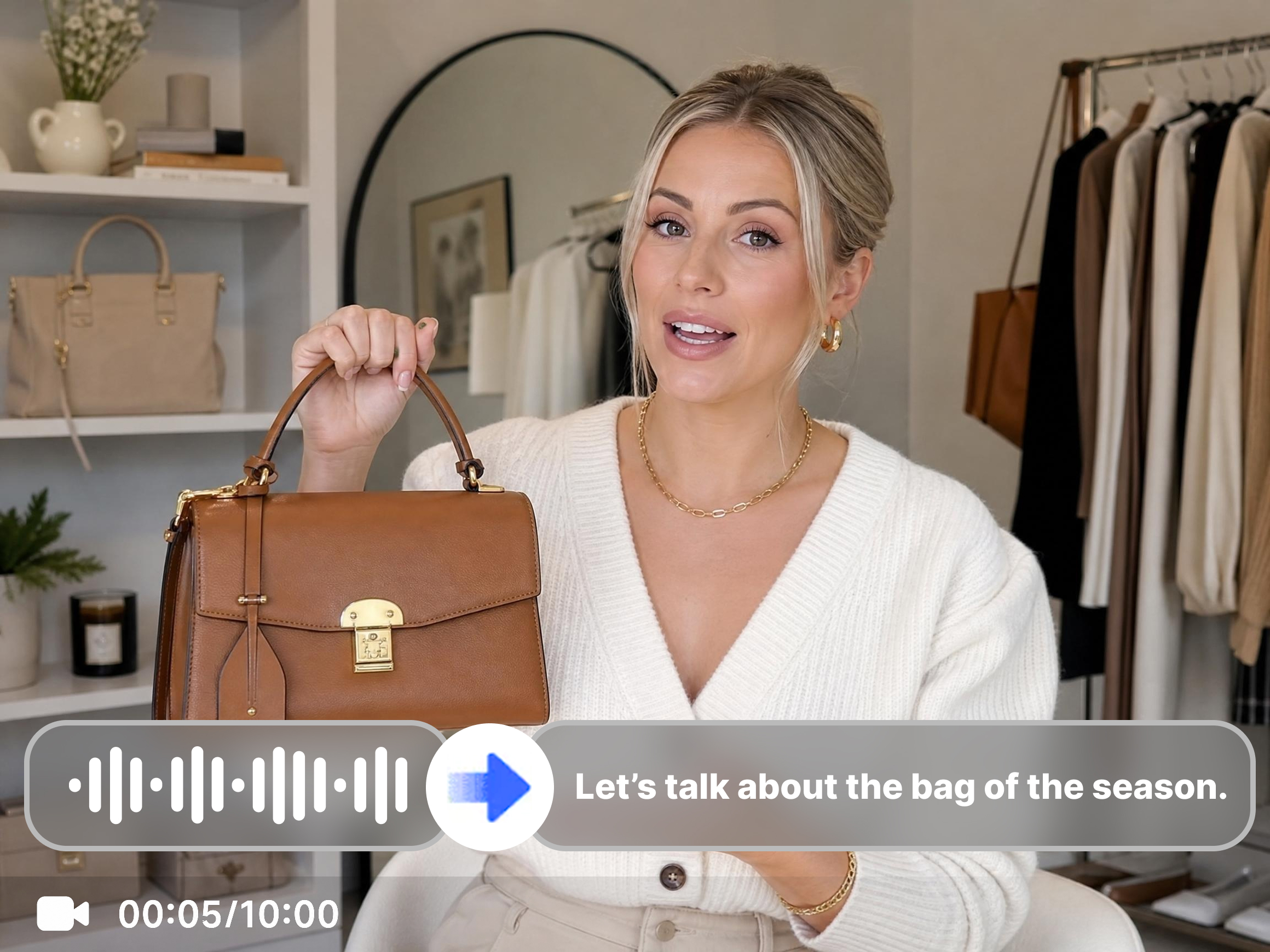


How to transcribe video to text with Vmake Labs
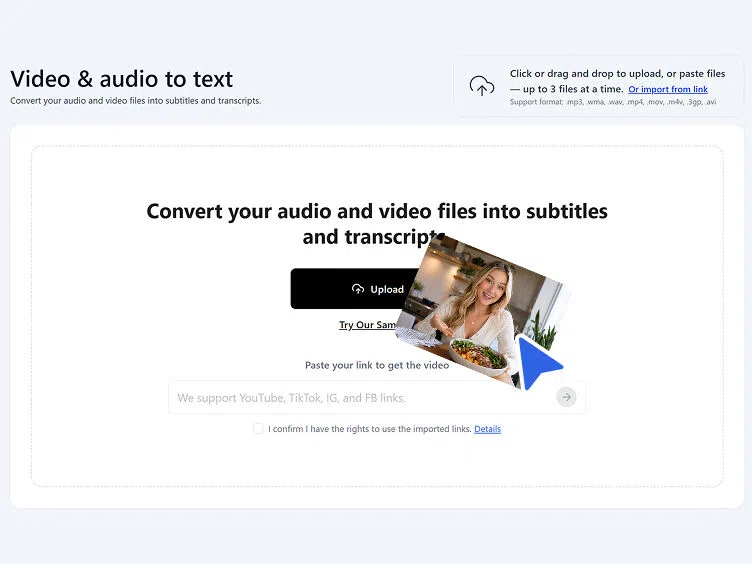
Step 1. Upload or paste a link
Click, drag or paste files to upload your video or audio directly. Or paste a YouTube, TikTok, Instagram or Facebook link to transcribe a video to text without downloading the video first.
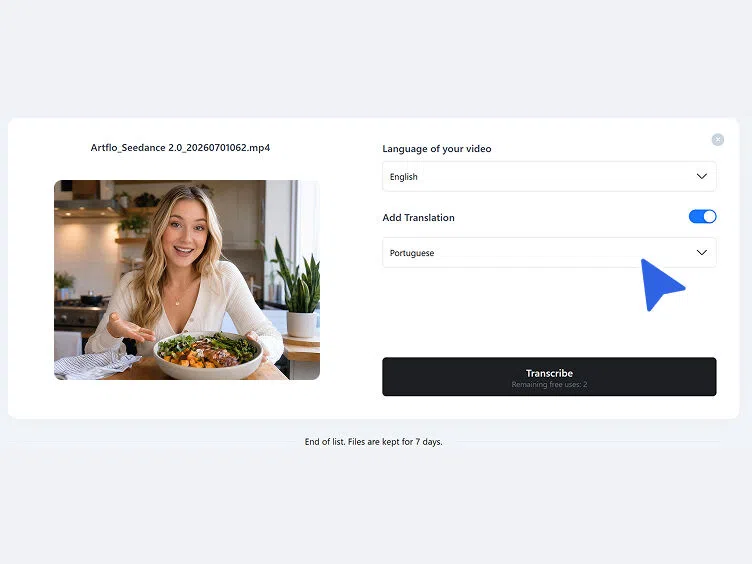
Step 2. Choose language
Choose the language of the video from the dropdown. Automatic language detection is also available. Toggle Add Translation if a translated version is needed, then click Transcribe.
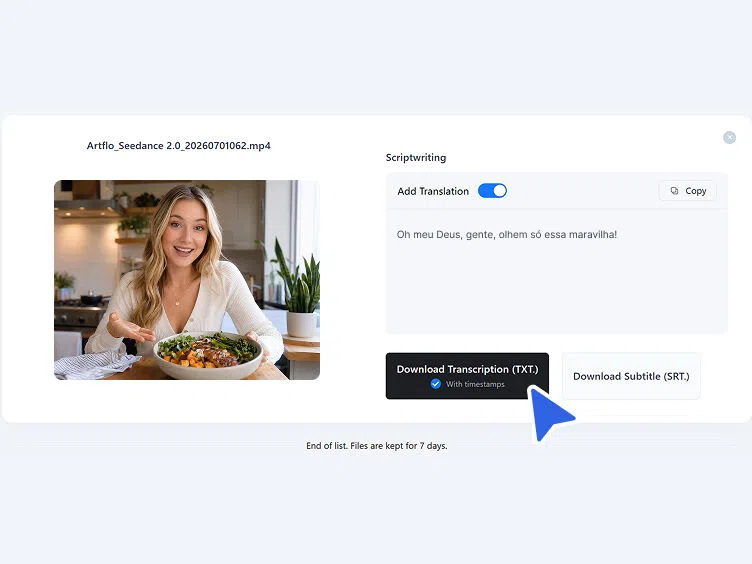
Step 3. Copy or download
Review the transcribed text in the Scriptwriting section. Copy the text directly for immediate use, or download as TXT with timestamps or as an SRT subtitle file.
When transcribe video to text changes how you work
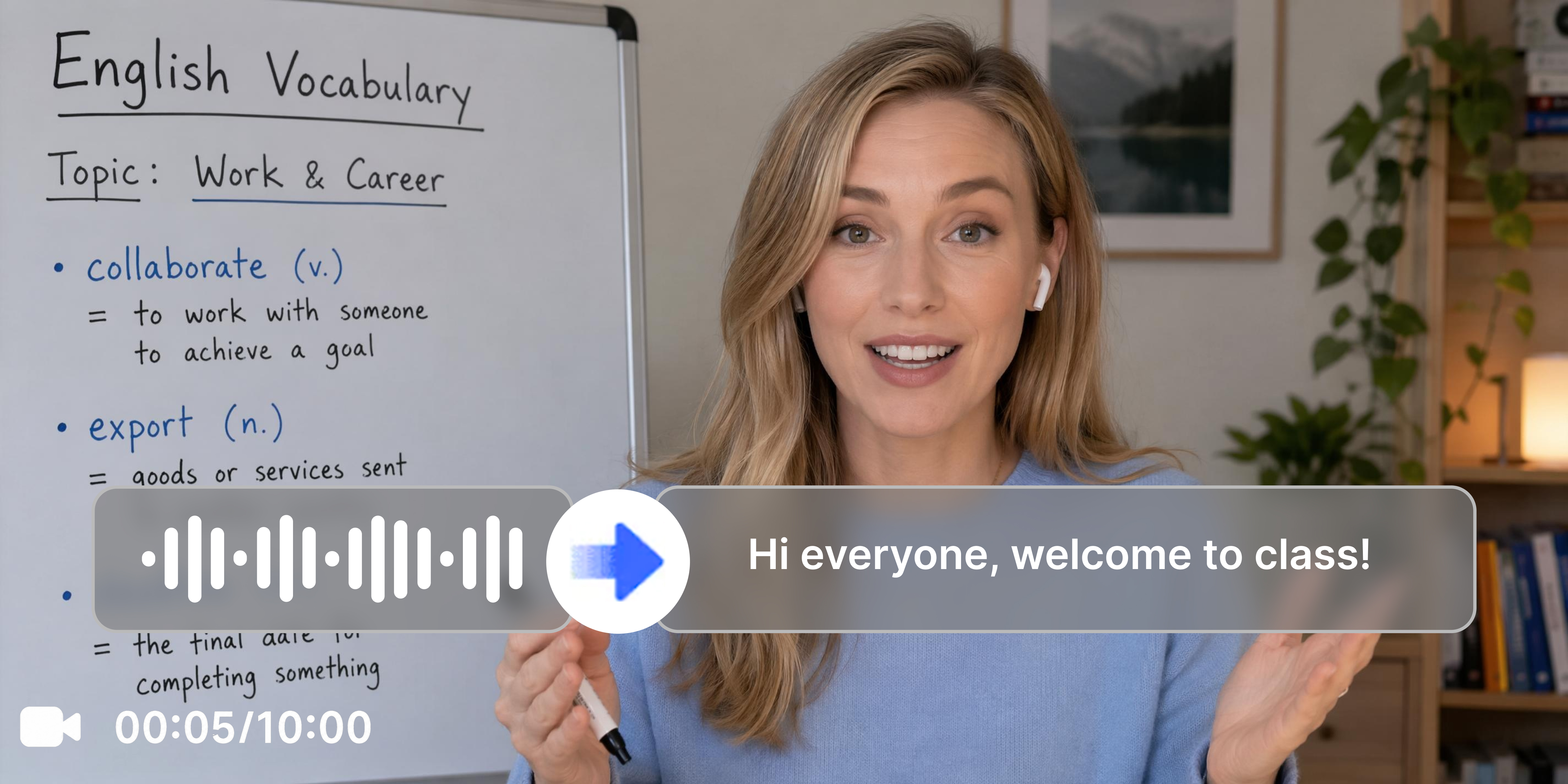
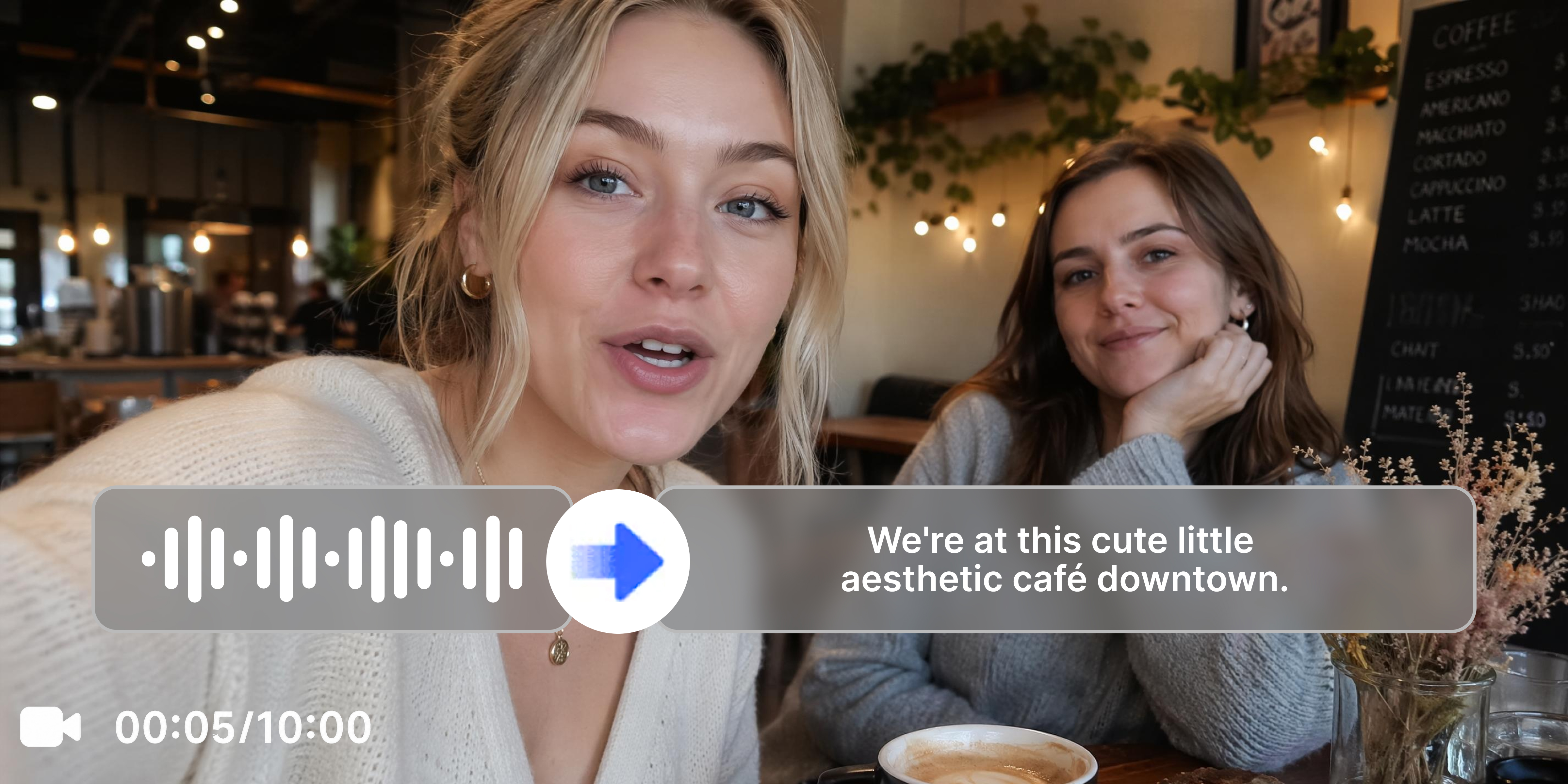
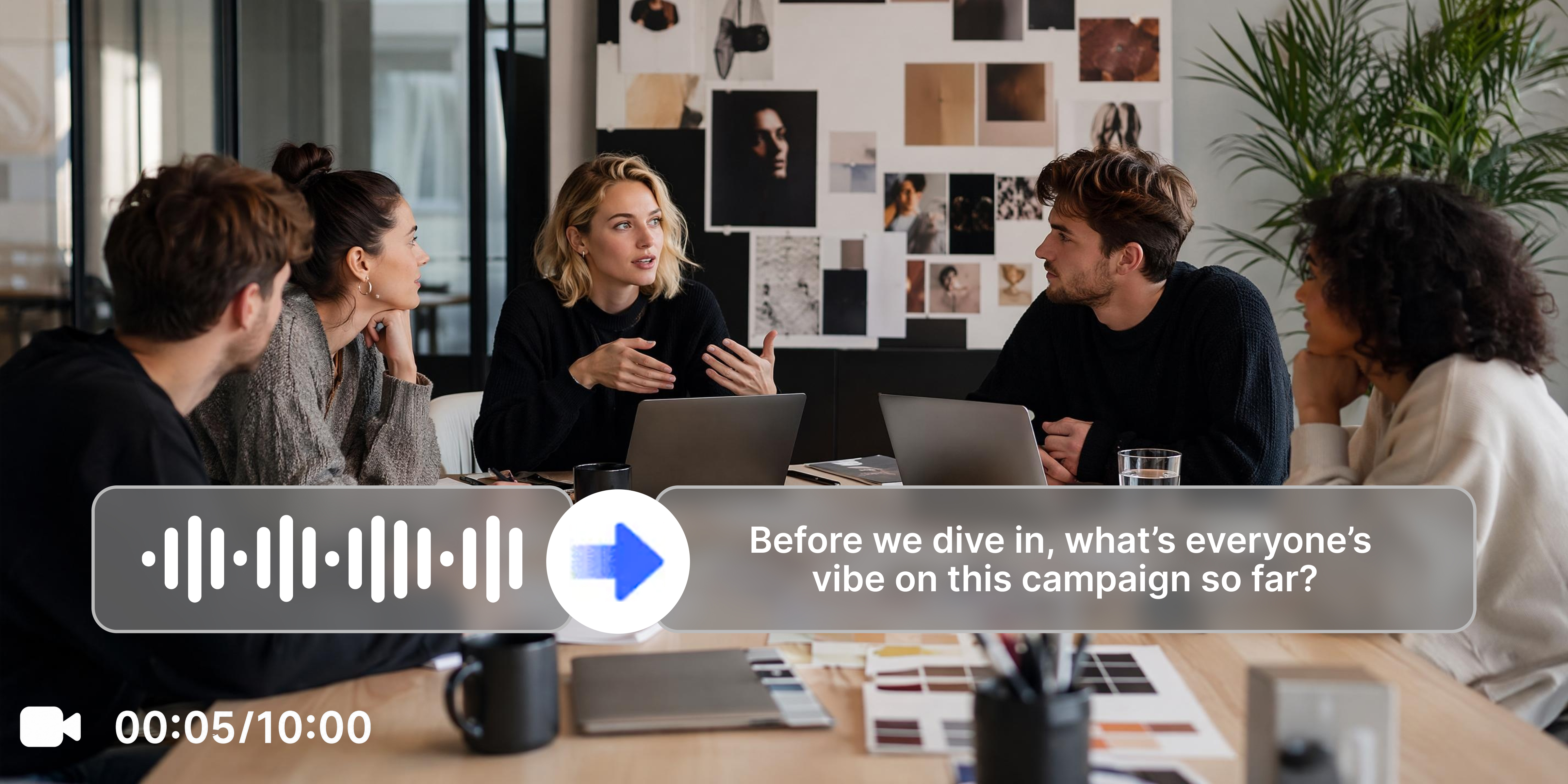
What makes Vmake Labs the right tool to transcribe video to text
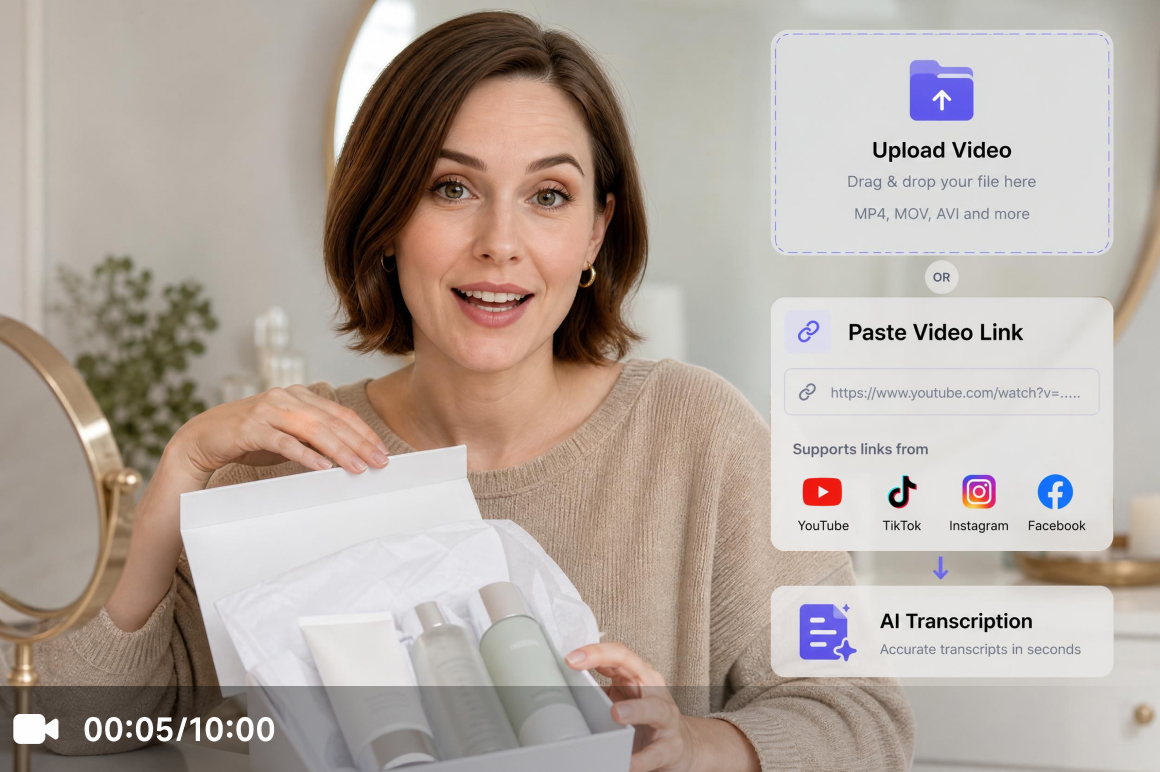
Upload file or simply paste a link
Accepts direct file upload and supports pasting links from YouTube, TikTok, Instagram and Facebook directly. No need to download the original video before transcribing. The same workspace handles both upload and link-based transcription without switching tools.
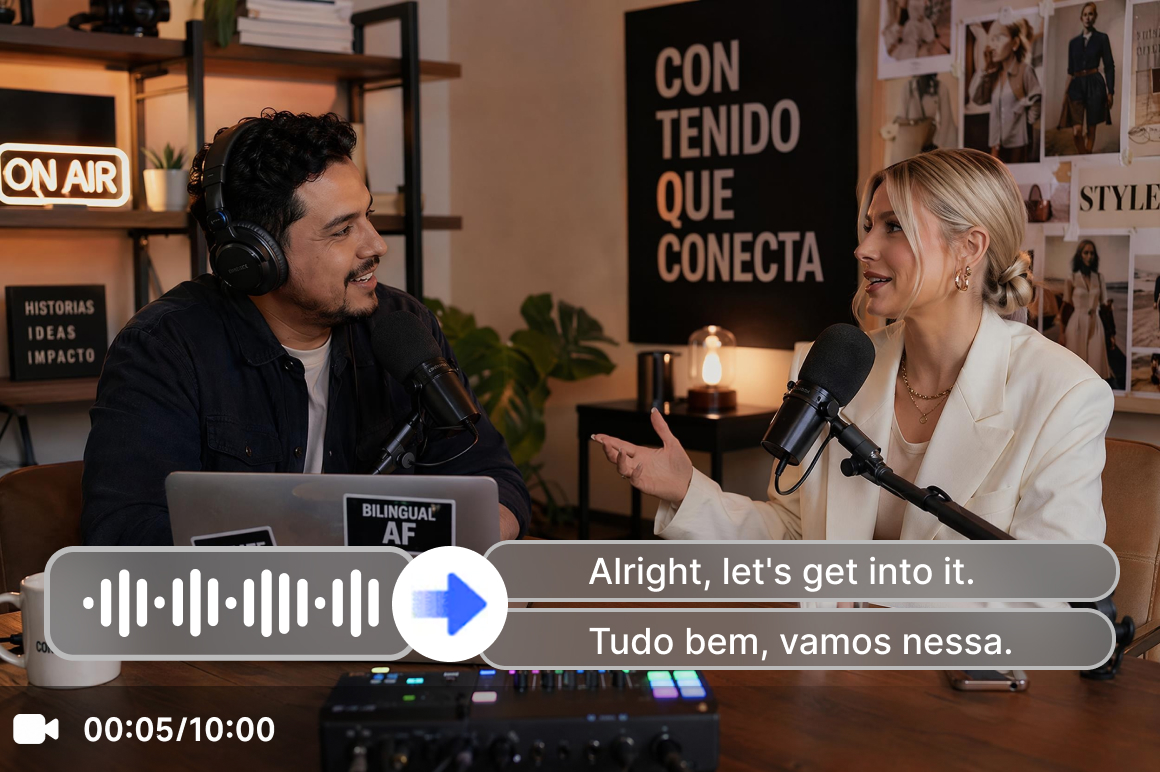
Multilingual transcription with translation
Supports English, Spanish, Portuguese, Traditional Chinese and Simplified Chinese. Automatic language detection is available. The Add Translation toggle generates a translated version in the same session without a separate tool or re-upload.
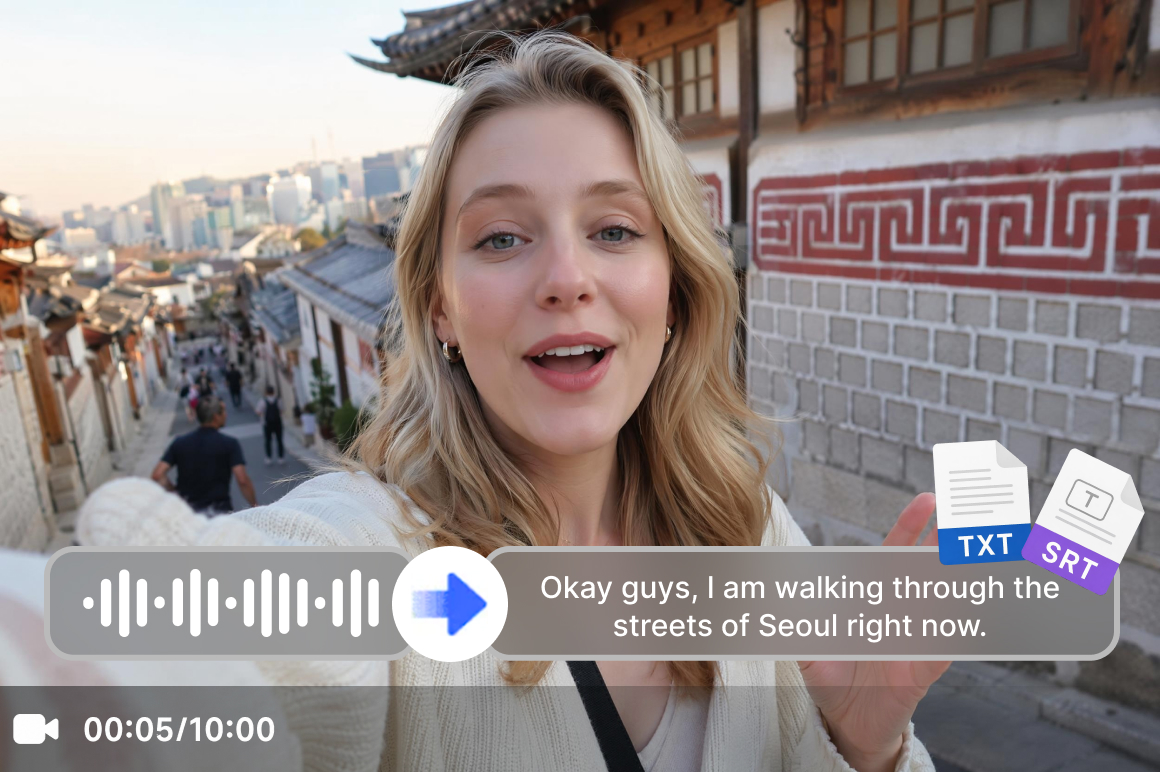
TXT with timestamps and SRT download
Download the transcription as TXT with timestamps or as an SRT subtitle file. TXT covers text editing, reporting and documentation workflows. SRT covers caption upload workflows. Both are available from the same session. For YouTube creators who also need visual assets, the YouTube thumbnail maker is available separately.
Who uses Vmake Labs to transcribe video to text most
Social media managers and content repurposers
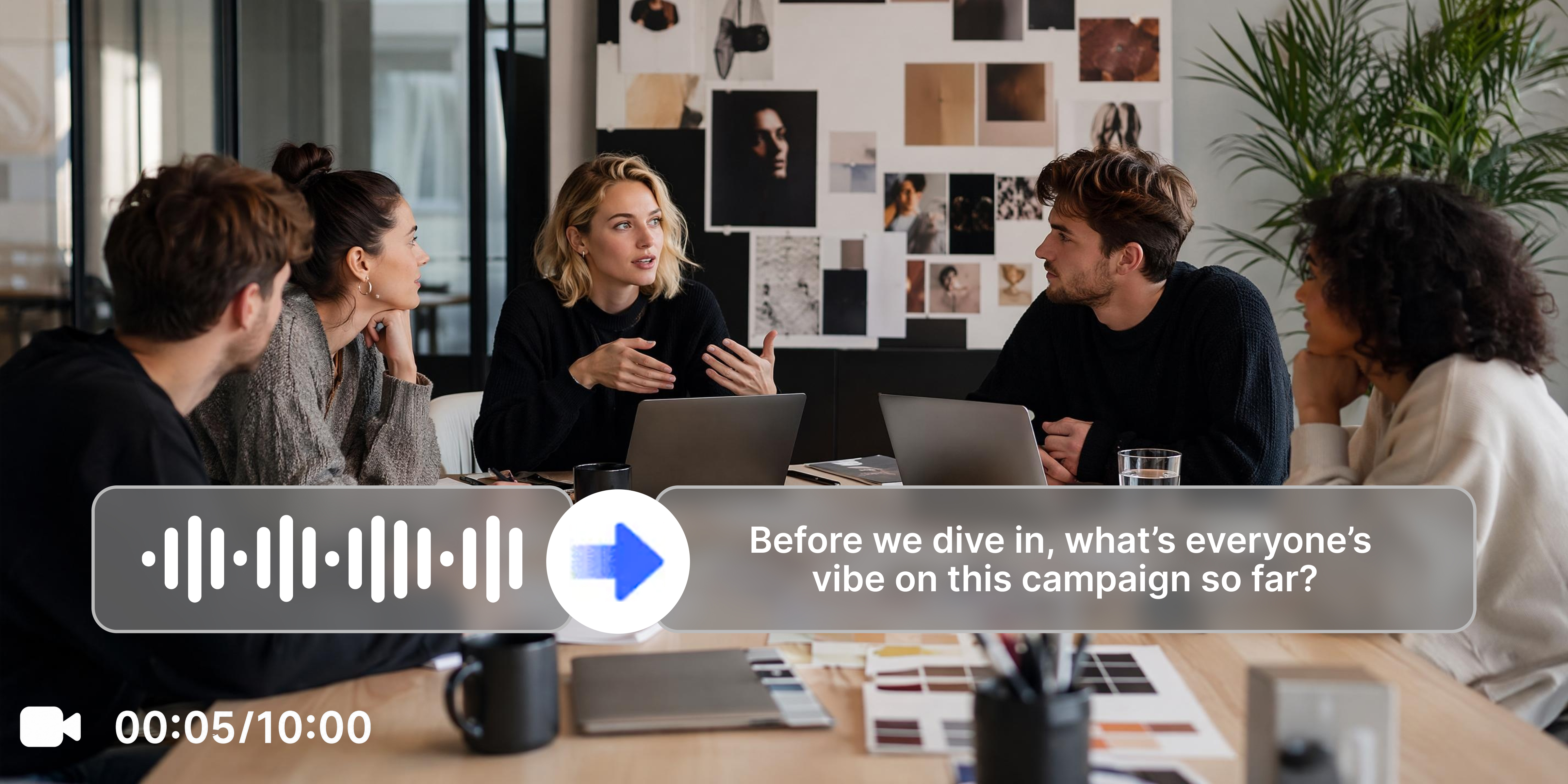
Converting social video and podcast content into text for repurposing requires a transcription step before any editing or publishing can begin. Vmake Labs helps transcribe videos to text via direct upload or pasted link with multilingual support. Spoken content becomes usable text ready for repurposing across written channels without manual typing work.
Journalists, researchers and legal professionals
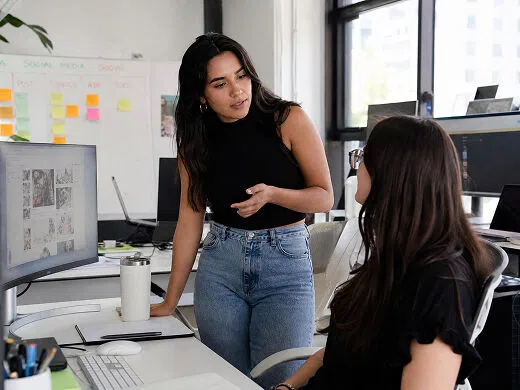
Interview, meeting and hearing recordings need the spoken content in text form before it can be cited, referenced or documented. Vmake Labs transcribes uploaded recordings with timestamps and downloads as TXT or SRT. Text output with timestamps is ready for documentation and reporting without a manual transcription step.
Educators and course developers
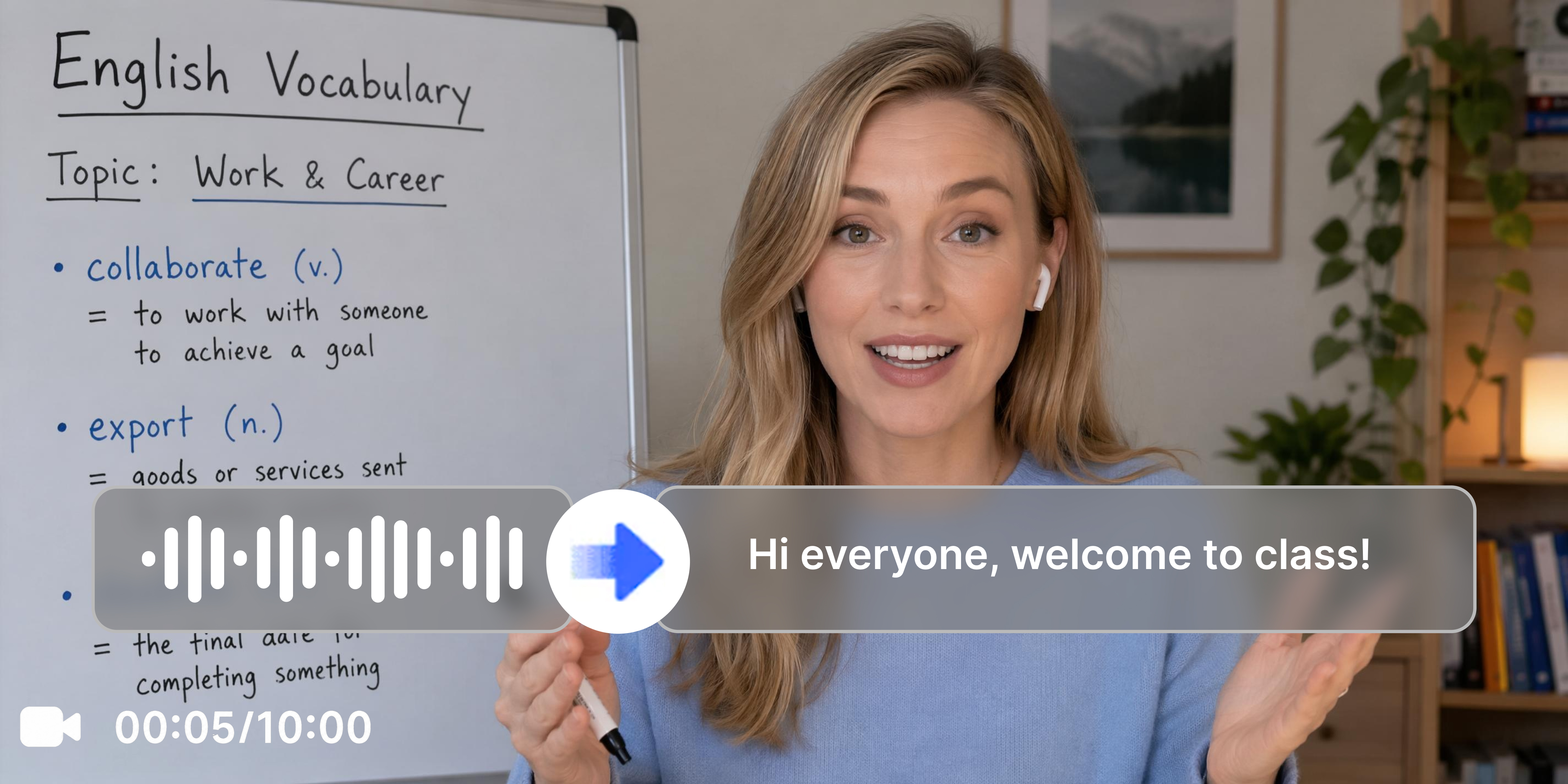
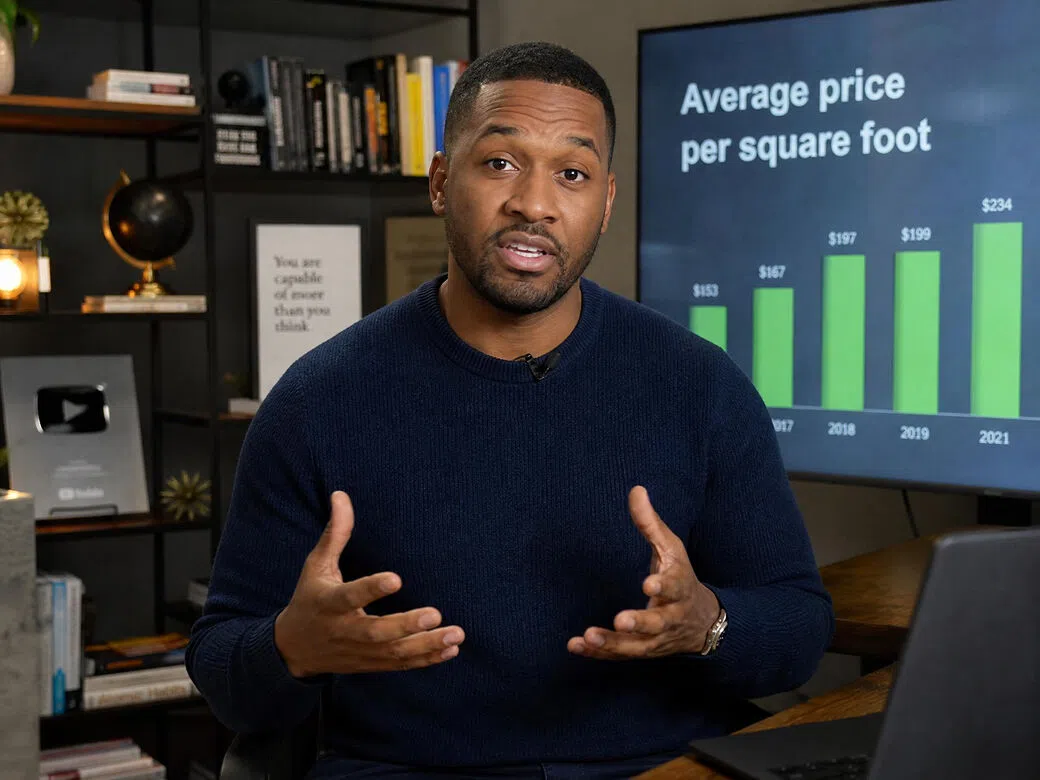
Lecture and online course video content locked in video format cannot be searched, indexed or turned into study materials without a transcript as the starting point. Vmake Labs converts video or audio to text with optional translation in one session. Course content becomes searchable text ready for notes, captions or translated versions for different learner audiences.
Frequently asked questions about transcribing video to text
Can I transcribe a YouTube video without downloading it?
What languages does the transcription tool support?
English, Spanish, Portuguese, Traditional Chinese and Simplified Chinese. Automatic language detection is also available. The Add Translation toggle generates a translated version in the same session.
What files can I download after transcription?
Download as TXT with timestamps or as an SRT subtitle file. TXT covers text editing and documentation workflows. SRT covers caption upload workflows. Both are available from the same transcription session. For converting video formats before uploading, the avi to mp4 converter handles that step.
Can I transcribe audio to text as well as video only files?
Yes. The tool is called Video and Audio to Text and accepts both video and audio file formats. Upload audio files the same way as video files.
Is the transcription output editable before downloading?
Yes. Transcribed text appears in the Scriptwriting section where it can be reviewed and copied before downloading. The Add Translation toggle is also available at this stage before the final download.
How long are transcribed files kept?
Files are kept in workspace history for 30 days. Re-download or reference the transcript without re-uploading and reprocessing the original file. Sign up to transcribe video to text free using registration credits before deciding on a plan.
Why creators and professionals choose Vmake Labs to transcribe video to text

No need to download the original video before transcribing. Paste a YouTube, TikTok, Instagram or Facebook link directly and Vmake Labs handles the rest without any file management step between the source and the transcript output.

Uploaded files and pasted links are processed securely. Content is not shared or used to train AI models. Private recordings, client material and sensitive business content stays confidential throughout the session.
YouTube, TikTok, Instagram and Facebook links all work directly in the tool. Free transcribe video to text from any of the four major platforms without leaving the workspace or downloading the original video.
Discover More Features

Video & Image Enhancer

Watermark & Text Remover

Video Upscaler

AI Video Generator

Video Background Remover

Video & Audio to Text

Video Noise Reducer

What users say about Vmake Labs
pasting youtube links directly instead of downloading and uploading separately was the thing that sold me. the transcript comes through in the spoken language and i can copy it straight into a doc for repurposing. saves a whole step that used to slow down every piece of content i worked on
Interview recordings are only useful if you can get the spoken content into text quickly. Vmake Labs handled the upload and produced a transcript with timestamps I could work from directly. The line level editing meant I could correct the odd error without regenerating the whole thing. Fit into the workflow without friction.
converting lecture recordings into text and SRT in the same session was exactly what i needed. the study material starting point and the captions came out of one upload. the process is repeatable across the whole course library which was the main thing i was looking for
Hearing recordings need to be in text form before they can be worked with in any documentation process. Vmake Labs produced a transcript with timestamps from the uploaded recording. The editing tools let me check and correct before the final file was ready to work from.
I selected portuguese as the source language and the transcript came through correctly. switched on the translation toggle and got the english version in the same session without re-uploading. handling both in one session was the part that saved the most time across a backlog of episodes
Meeting recordings were piling up with no way to get them into a usable text format without someone sitting through each one manually. Vmake handled the transcription. The team can now work from the text output directly without the manual step that was slowing everything down before.