
Free Video Transcript Generator Online
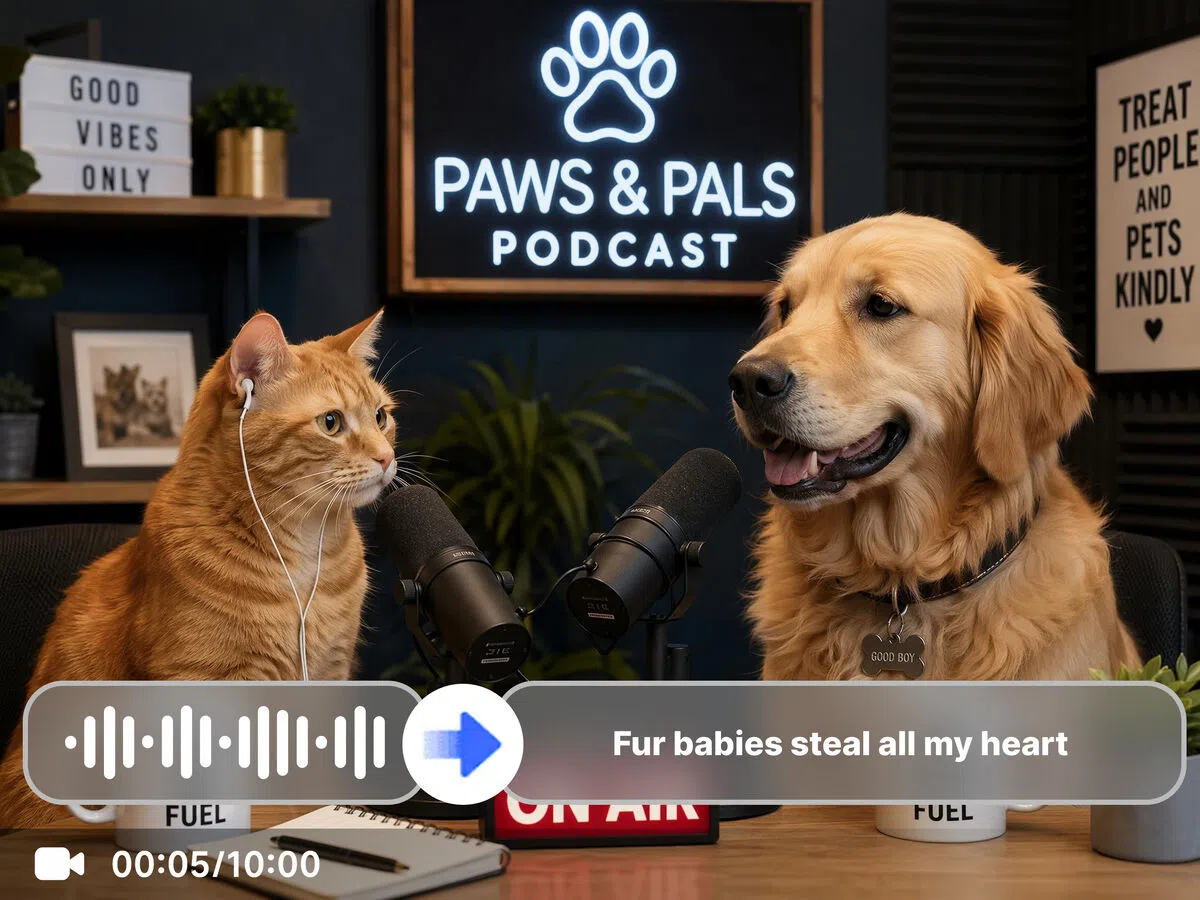
Every video holds ideas, quotes and insights that are only accessible as audio. Vmake Labs video transcript generator unlocks that spoken content as usable, searchable text. Paste a YouTube link or upload a video and download TXT with timestamps or an SRT subtitle file.


How to generate a transcript from a video or supported link
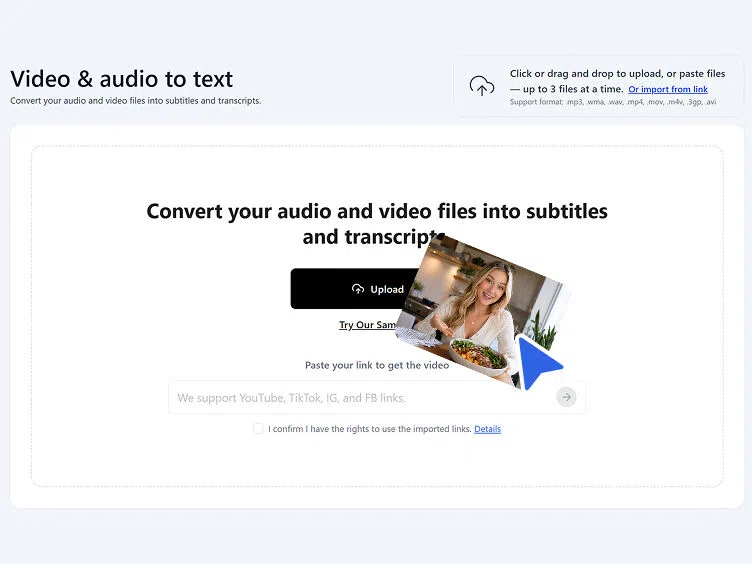
Step 1. Add your video
Paste a YouTube, TikTok, Instagram or Facebook link directly, or upload a video or audio file from your device. No file download required for link-based transcription.
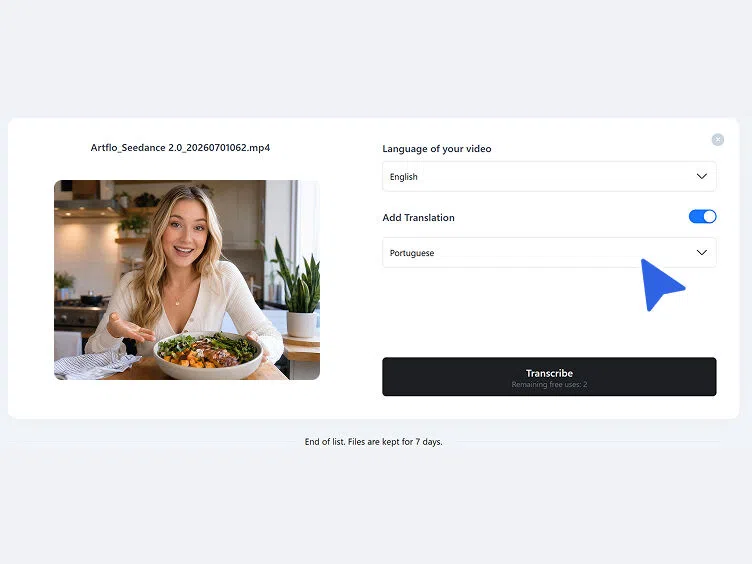
Step 2. Choose language settings
Select the source language from the dropdown or leave it on automatic detection. Toggle Add Translation to generate transcript from video in a translated version alongside the original in the same session.
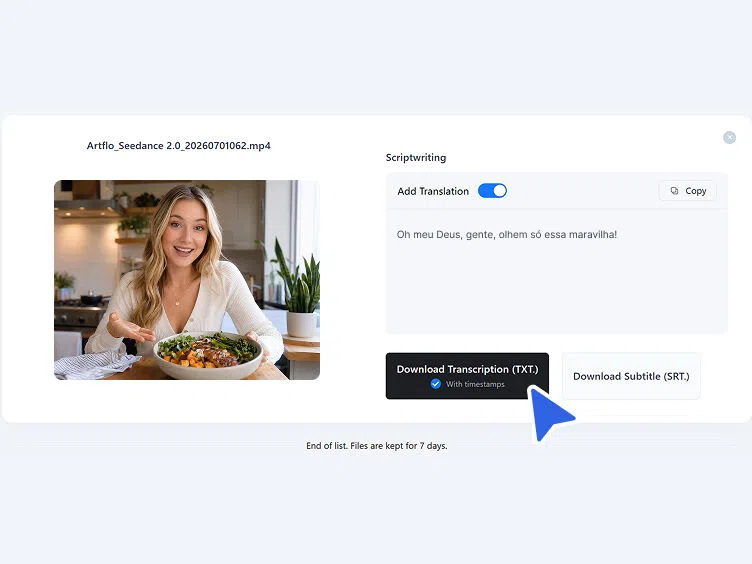
Step 3. Get your transcript
The transcript appears in the Scriptwriting section. Review and copy directly, or download as TXT with timestamps or as an SRT subtitle file depending on the downstream use.
What becomes possible when you generate transcript from video
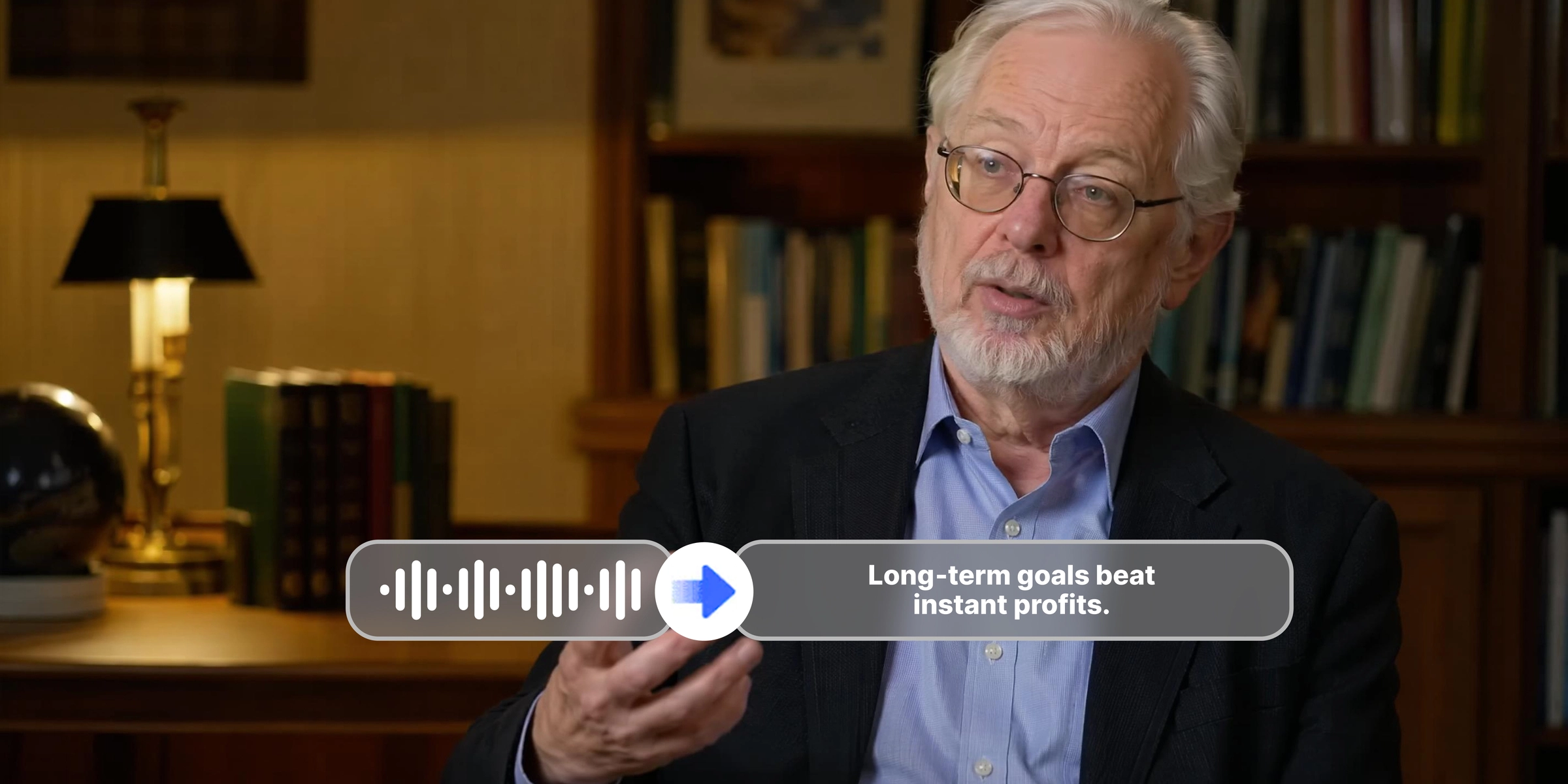
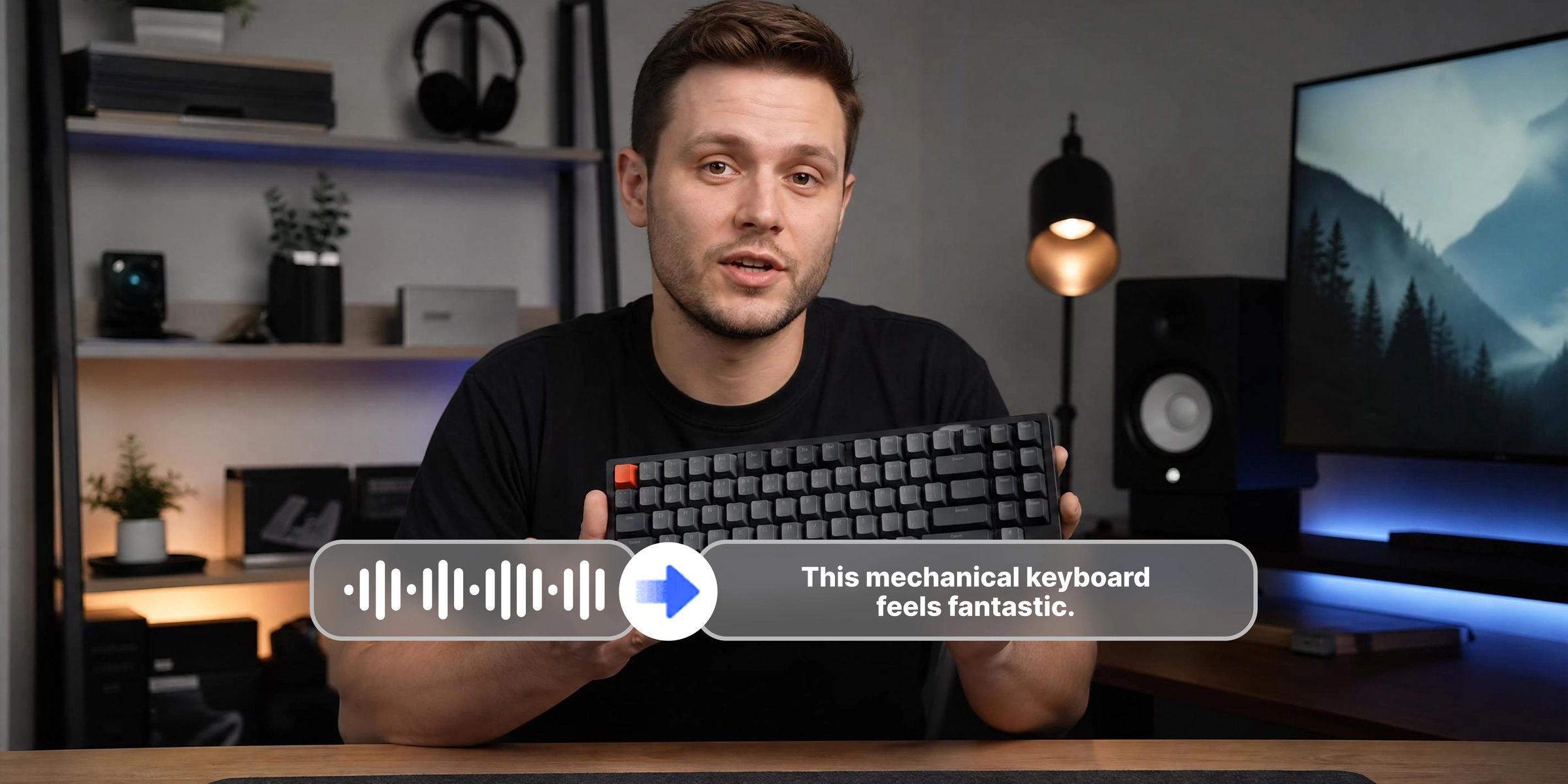
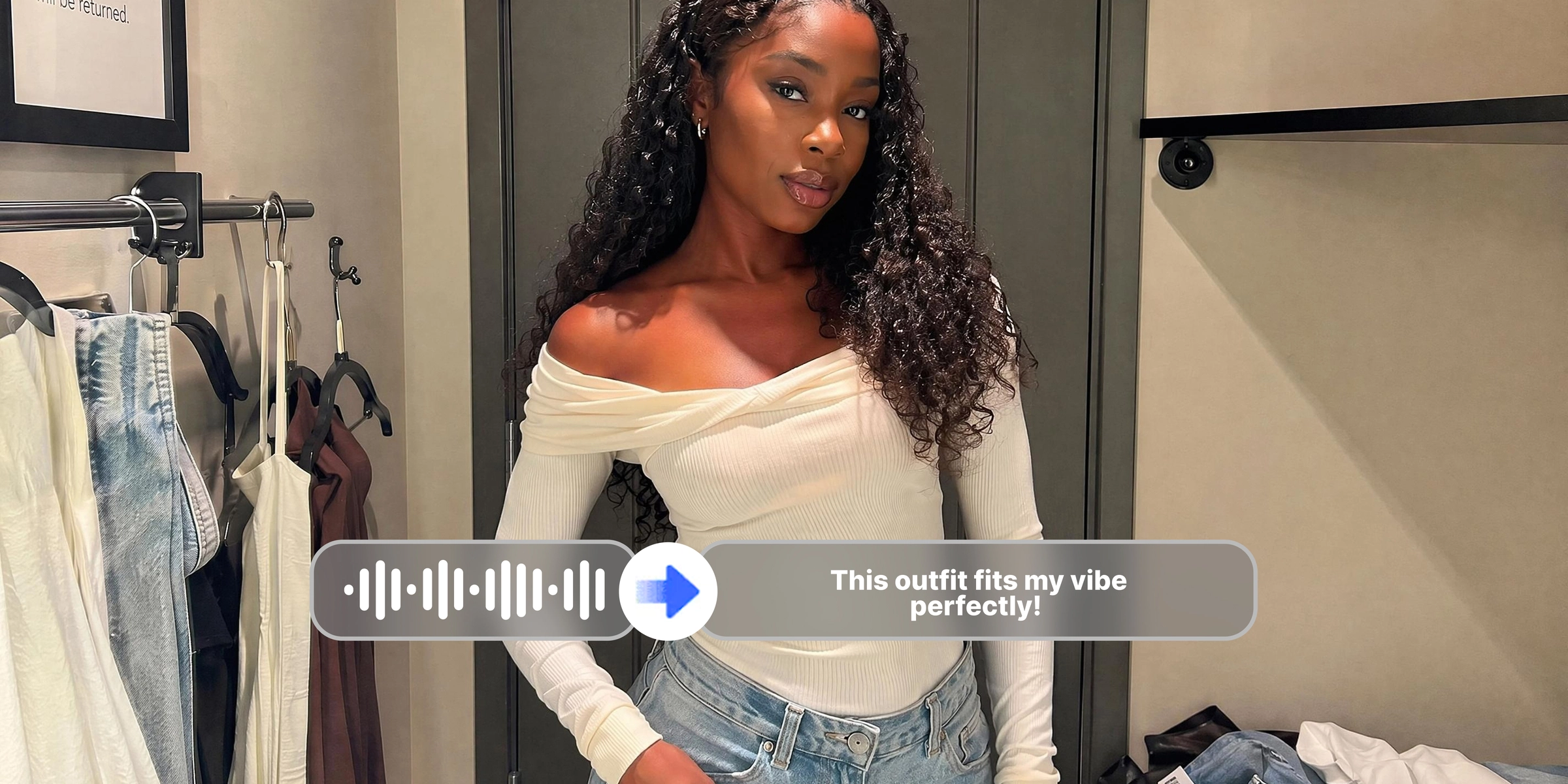


What makes Vmake Labs a reliable video transcript generator
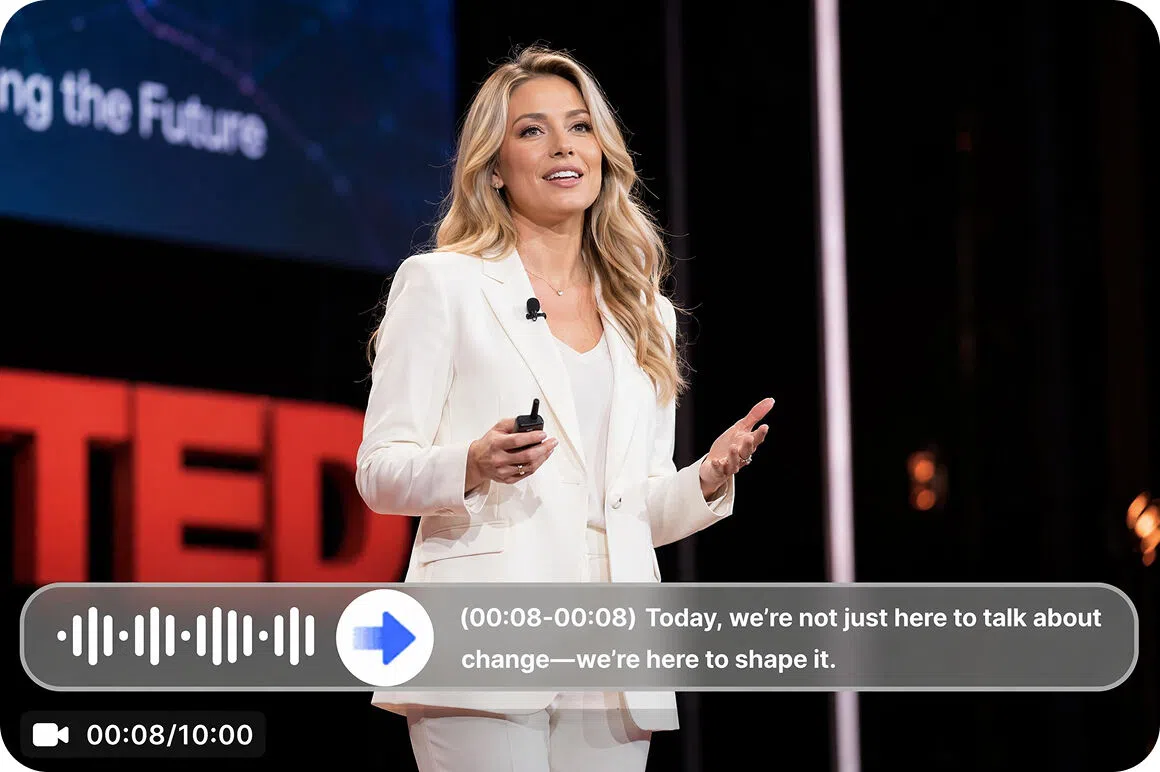
Accurate text with timestamps
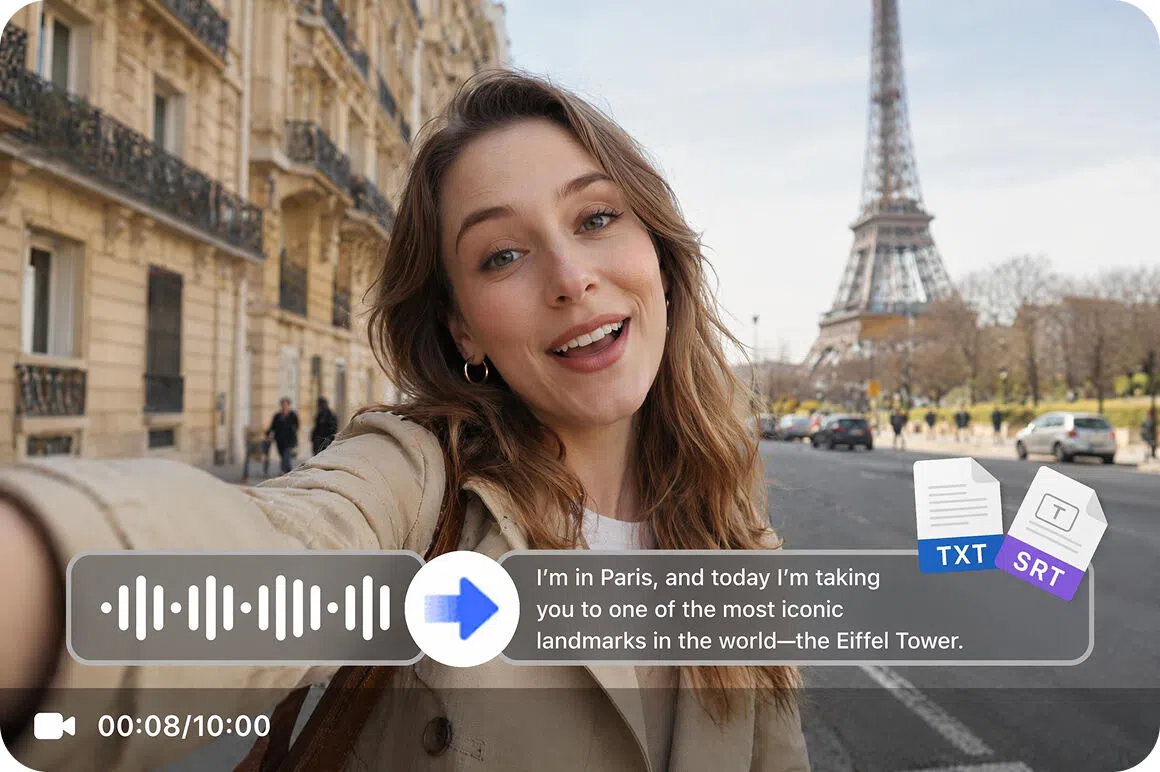
Every transcript downloads as TXT with timestamps, confirmed from the product interface. Each spoken segment is linked to its position in the video for easier citation, editing and caption alignment without manual timestamp work.
SRT subtitle file included
Alongside the TXT transcript, an SRT subtitle file is available for download in the same session. Covers both the text editing workflow and the caption upload workflow without reprocessing the same video twice.
Translation in the same session
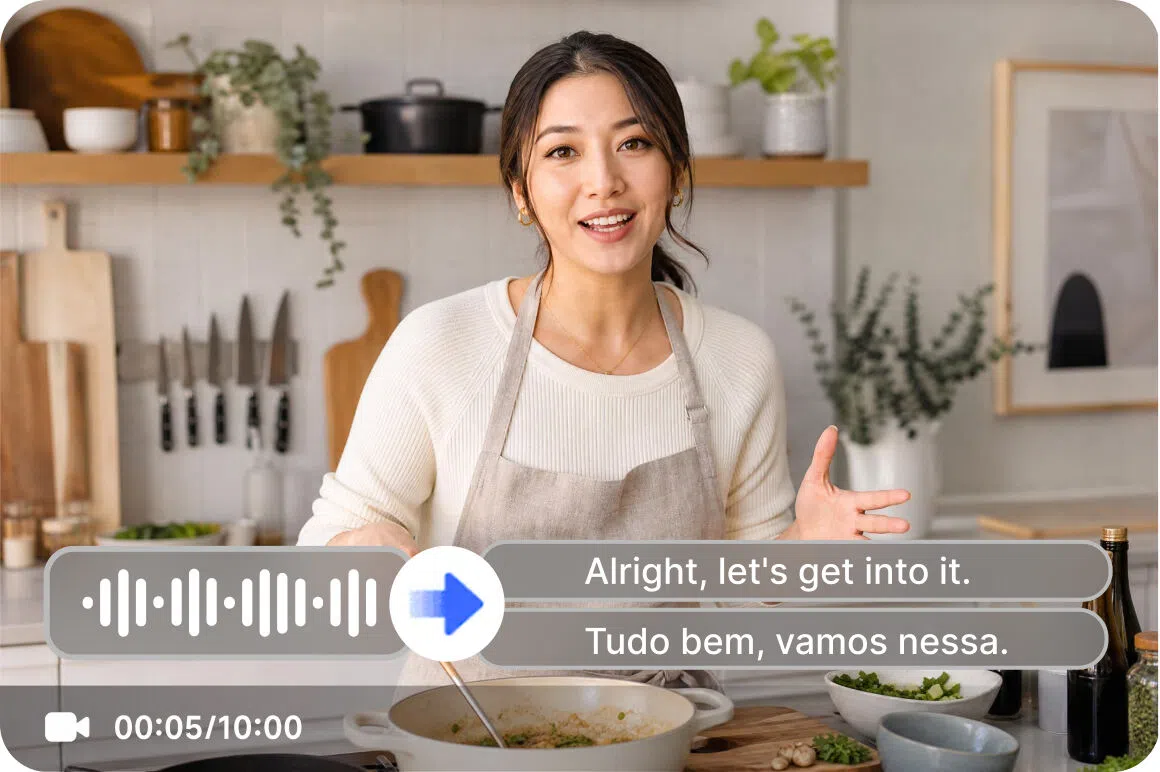
Add Translation toggle generates a translated transcript alongside the original. Supported languages include English, Spanish, Portuguese, Traditional Chinese and Simplified Chinese. Both outputs are available from one transcription run. For product and brand video creators who need multilingual transcripts, the product video workflow covers the full content production step.
YouTube and social platform links supported
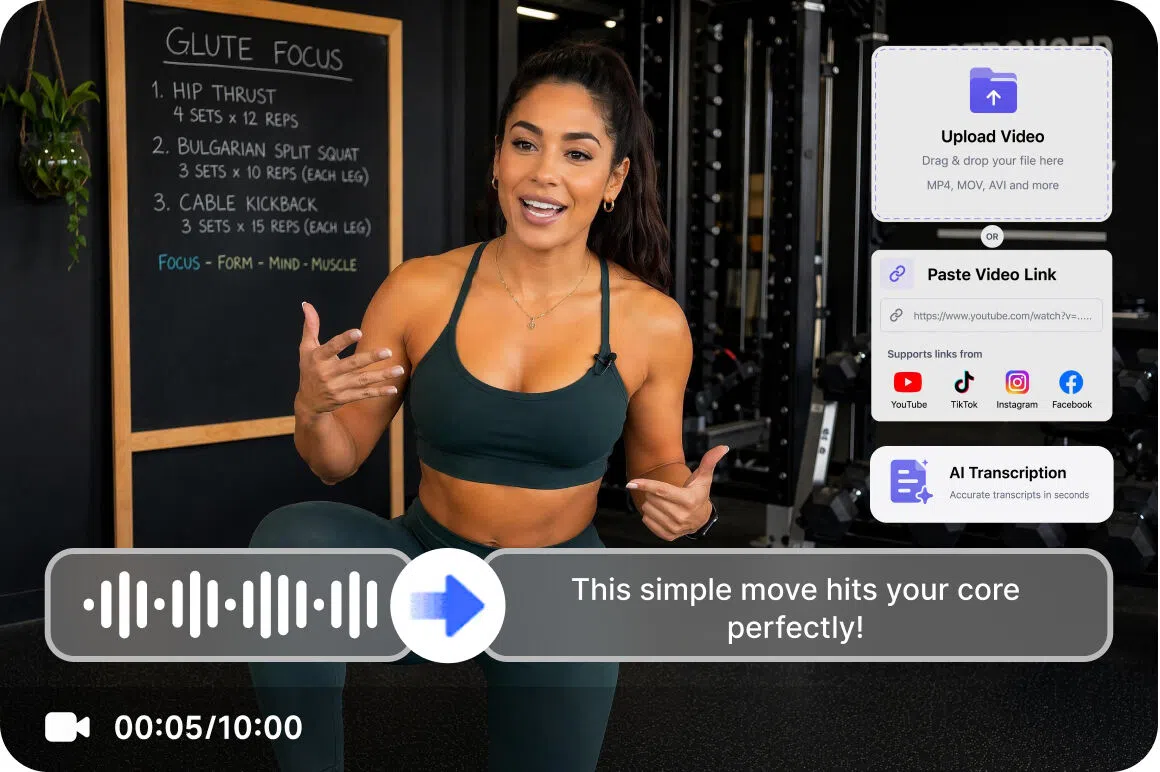
Paste a YouTube, TikTok, Instagram or Facebook link directly. The tool fetches and transcribes the video without downloading. Covers the four major platforms where video content is most commonly hosted and referenced.
Who gets the most from Vmake Labs video transcription generator
YouTube creators and video bloggers
YouTube video content cannot be repurposed into written articles, newsletters or social posts without a transcript as a starting point. Vmake Labs generates a transcript from a pasted YouTube link with timestamps and optional translation. Every published video becomes raw material for written content without manually rewatching or typing out what was said.
Researchers and content analysts
Video interviews, panel discussions and recorded presentations hold cited material that is inaccessible without a text version with timestamps. Vmake Labs produces TXT with timestamps and SRT from uploaded recordings or pasted links. Spoken insights and quotes are captured in searchable, citable text ready for analysis and documentation.
Content strategists and SEO teams
A growing backlog of video content represents untapped written content that requires transcription before it can be repurposed for search or distribution. Vmake Labs generates transcripts from video links and uploads with multilingual output in one session. Video content becomes a source library for articles, social posts and SEO content without a manual transcription step.

Frequently asked questions about video transcript generators
How do I generate a transcript from a YouTube video?
Can I generate a transcript and translate it at the same time?
Yes. Toggle Add Translation before clicking Transcribe. The translated version is generated alongside the original in the same session. No separate upload or processing step needed.
What is the difference between the TXT and SRT download options?
TXT with timestamps contains the full spoken text linked to the video timeline. SRT is a subtitle file format used for uploading captions to video platforms. Both are available from the same session.
Does the transcript generator work for audio files as well?
Yes. The tool accepts both video and audio file uploads alongside link pasting. Transcription works on supported video and audio formats regardless of whether the source is video or audio only. You can also learn about the 480p to 1080p upscaler to improve video quality before transcribing older or low resolution footage.
How accurate is the AI transcription?
Best results come from clear audio with minimal background noise. Try the video transcript generator free using registration credits to test the output quality on your own content before deciding on a plan. Automatic language detection is available. Manual language selection is available for English, Spanish, Portuguese, Traditional Chinese and Simplified Chinese for more controlled results.
How long are my transcripts kept after generation?
Generated files stay in workspace history for 30 days. Return to copy, reference or re-download the TXT or SRT file without re-uploading and reprocessing the original video.
Why creators choose Vmake Labs as their video transcript generator

The source language is identified automatically without manual selection. Upload or paste any video in a supported language and transcription begins without configuring settings first.

The full transcript generation workflow runs in the browser. No desktop application, plugin or local installation required to upload, process and download the output from any device.

Uploaded files and pasted links are processed securely and not shared or used to train AI models. Research recordings, client interviews and unreleased content stay confidential throughout the session.
Discover More Features

Video & Image Enhancer

Watermark & Text Remover

Video Upscaler

AI Video Generator

Video Background Remover

Video & Audio to Text

Video Noise Reducer

AI video translator
Generate your first video transcript today
Every video you have published holds more value as text. Paste a supported link or upload a file and Vmake Labs generates a transcript output ready to copy or download. Generate your video transcript now!
What users say about Vmake Labs video transcript generator
Pasting the youtube link and having the transcript ready to work from in one session changed how i approach content repurposing. i used to rewatch videos to pull quotes. now i search the transcript text and copy what i need. much faster and i stopped losing quotes i wanted to use in articles
Interview recordings are only useful if you can get the spoken content into a citable text form. Vmake Labs produced a timestamped transcript from the uploaded recording that I could work from directly. The timestamps made it straightforward to cross-reference quotes back to the original recording without scrubbing through the footage manually.
I had a backlog of videos sitting unused because getting the spoken content out of them manually was too slow. started using vmake labs to generate transcripts from the youtube links and the content became usable. the workflow is fast enough that i can process several videos in one session without it becoming a bottleneck
Transcripts from YouTube videos give me a starting point for articles that is much faster than writing from scratch. Vmake Labs handled the transcription from the pasted link and the TXT download was straightforward to work from. The timestamps helped me track down specific sections when I needed to go back and verify something.
I selected the source language and the transcript came through in the correct language. toggled on the translation and got the english version alongside the original without re-uploading anything. being able to do both in the same session was the part that saved time on a backlog of episodes
Executive interview recordings were sitting unused because getting usable text from them manually takes too long. Vmake produced a transcript with timestamps I could work quotes from directly. The SRT file from the same session was used to add captions to the video. Two outputs from one upload was the useful part.