Doodle AI Review 2026: Features, Pricing, Pros, Cons, Alternatives
Looking for an honest Doodle AI review in 2026? We evaluate its features, workflow, strengths, and limitations. Plus, discover how Vmake Labs helps you easily create AI-generated doodle art.

Welcome to our comprehensive Doodle AI review for 2026. Finding the right sketching tool requires looking past marketing claims to understand real-world applications. Based on extensive hands-on testing, this evaluation covers core functionalities, pricing, and why a versatile creative studio might serve as a more robust alternative for your workflow.
What is Doodle AI and How Does It Work?
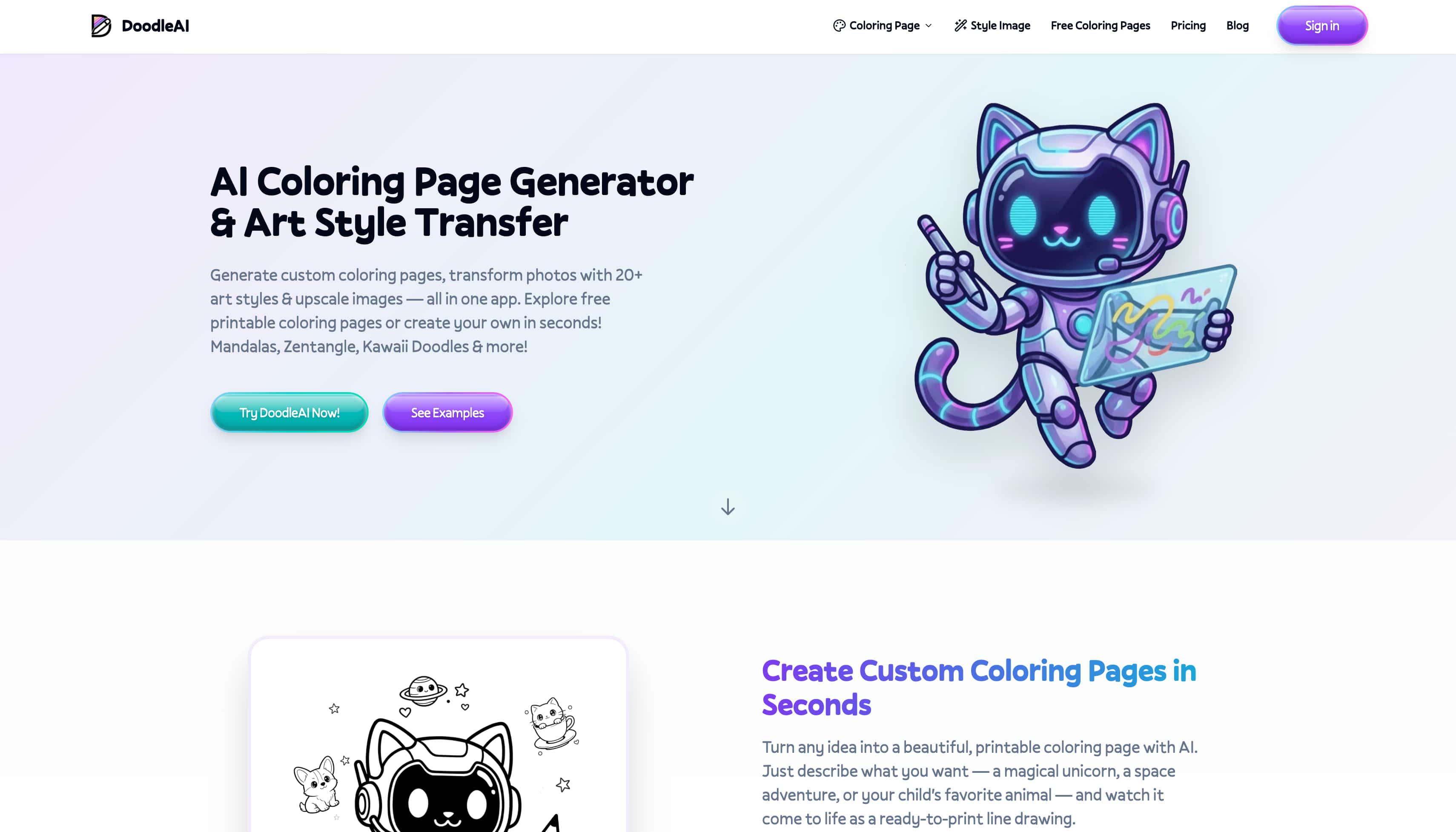
Originally built for designers and casual creators alike, this AI Doodle generator transforms simple prompts into basic line art and stylized illustrations. The generation engine utilizes basic diffusion models trained specifically on vector-style graphics, allowing users to rapidly generate conceptual sketches and social media visuals. Whether exploring mood board ideas or drafting quick experimental AI designs, the platform offers a straightforward approach to creating simple artwork.
What can you create with Doodle AI?
-
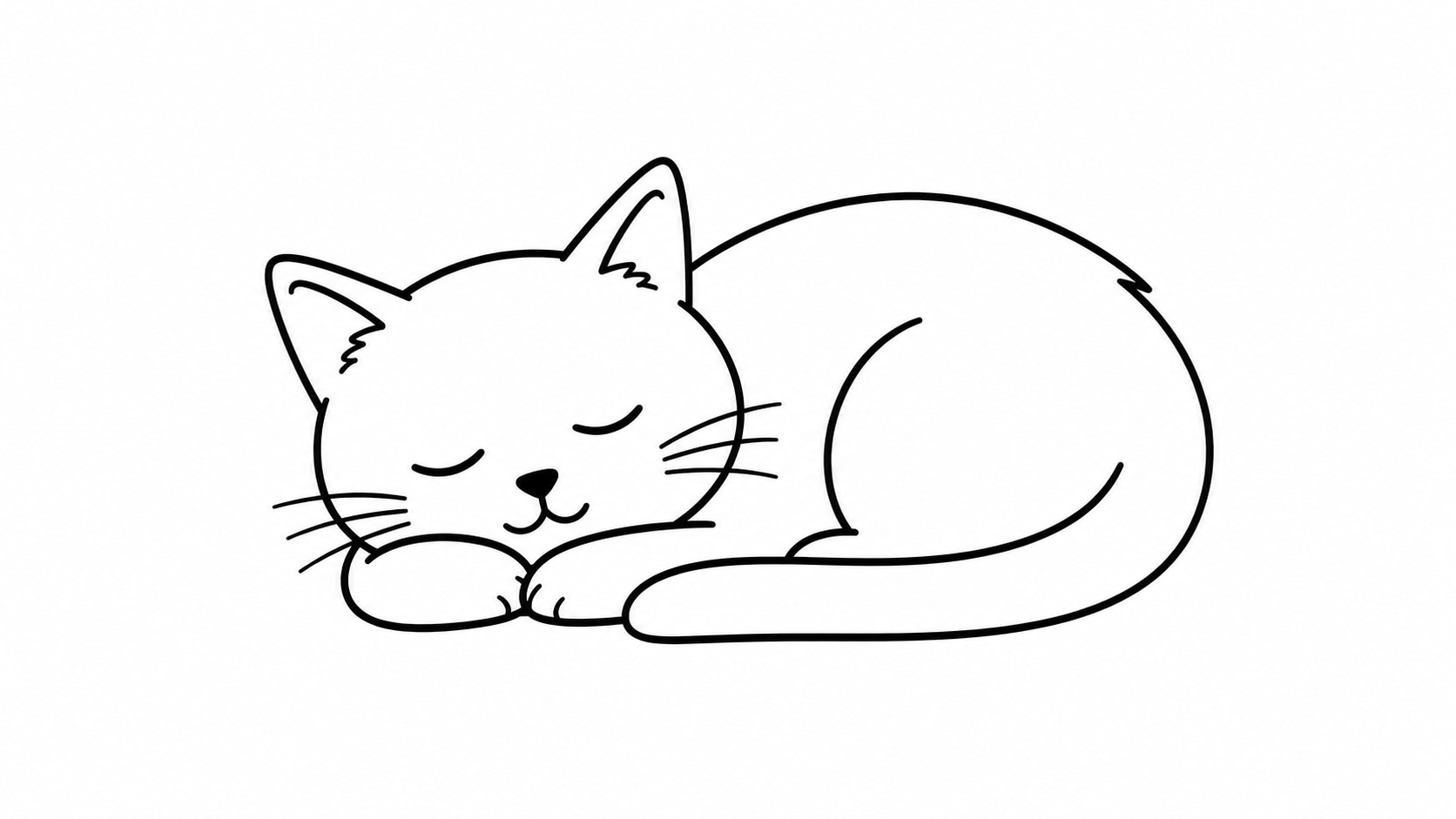
Simple Doodle artwork: Use these for clean, minimalist, and easily recognizable icons or elements.
Prompt: "A minimalist black and white line art Doodle of a sleeping cat, simple flat design, clean vector lines, solid white background."
-
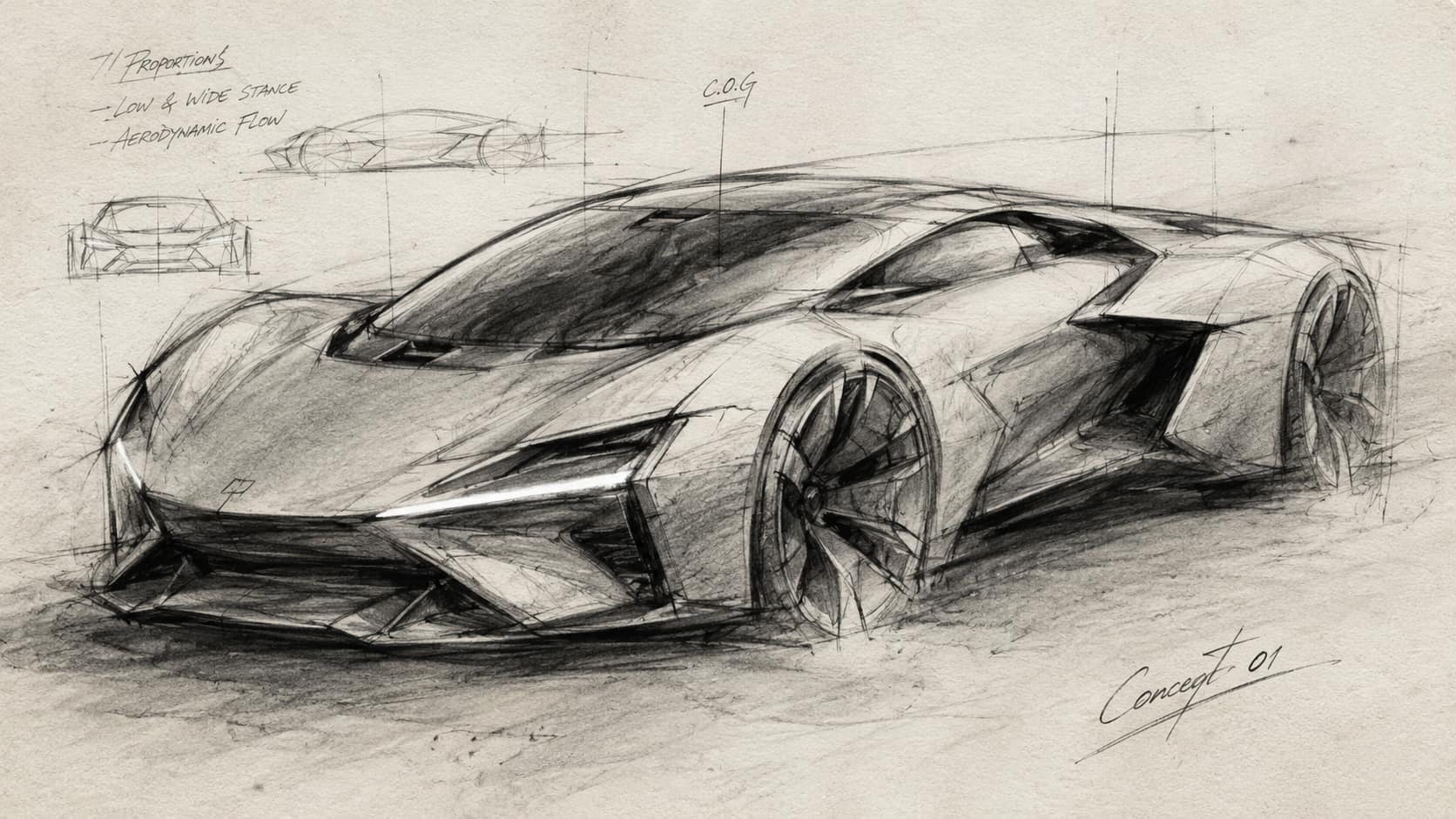
Concept sketches: Use these to mimic early-stage drafts, rough ideas, or sketchbook aesthetics.
Prompt: "A rough charcoal concept sketch of a futuristic sports car, loose lines, smudged shadows, architectural drawing style, on textured sketchbook paper."
-
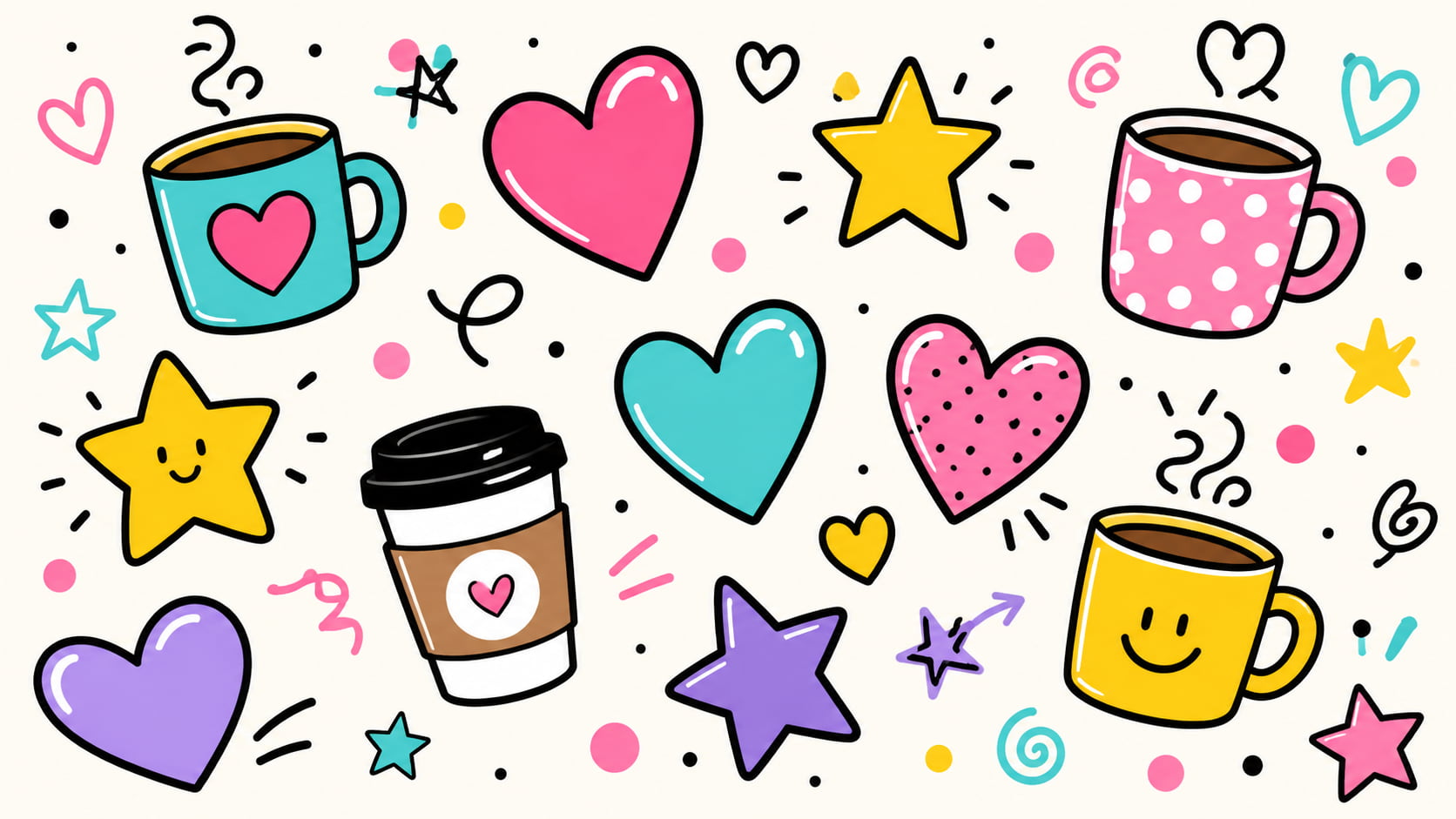
Social media visuals: Use these for colorful, engaging, and playful graphics designed for marketing or casual posts.
Prompt: "A colorful Doodle composition featuring floating hearts, stars, and coffee cups, cheerful pop art style, bright pastel color palette, clean vector illustration."
-
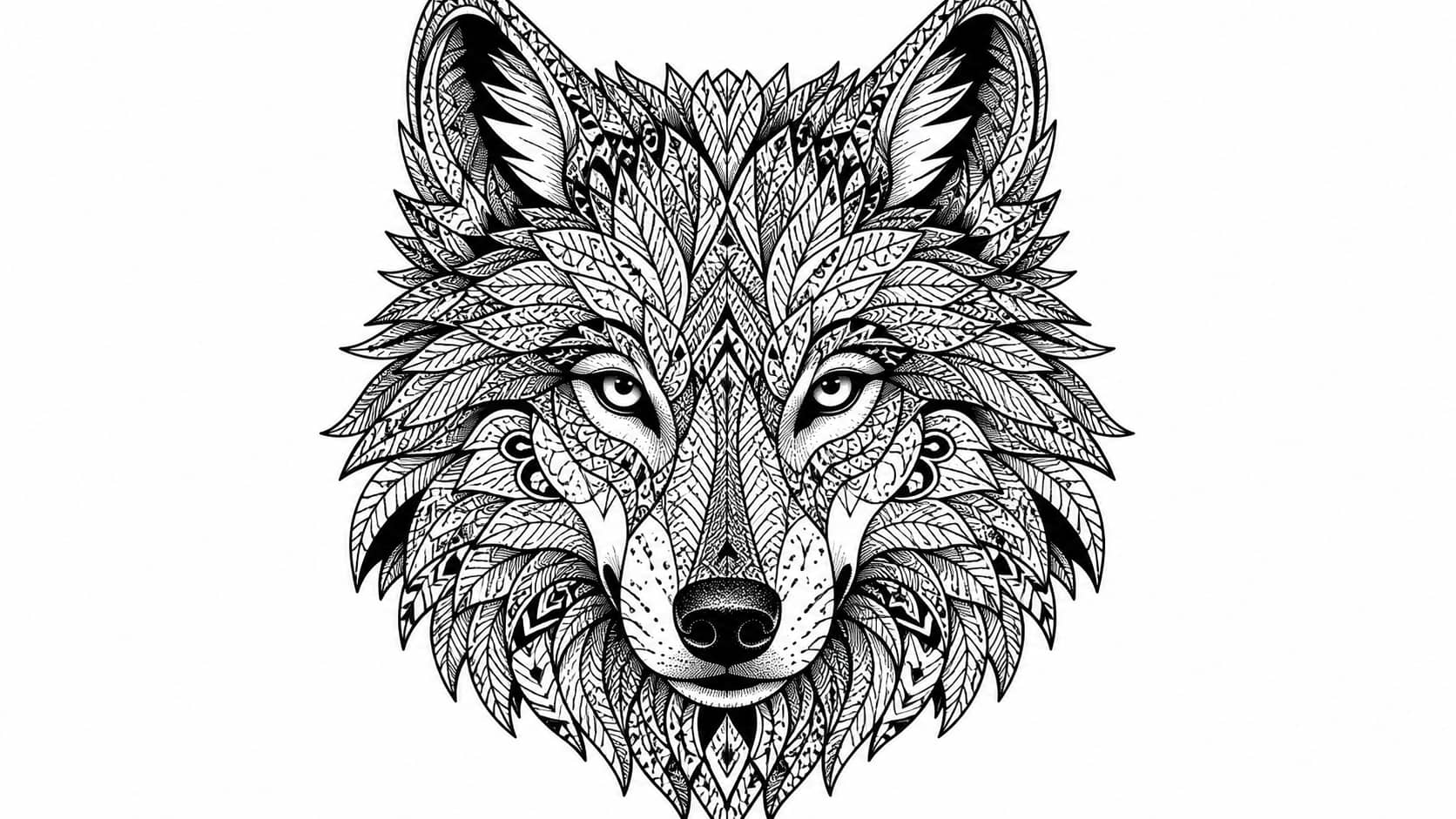
Experimental AI designs: Use these for complex, abstract, or highly detailed patterns that test the AI's rendering capabilities.
Prompt: "An intricate zentangle-inspired Doodle of a wolf's head, highly detailed geometric patterns, abstract black and white line art, high contrast."
Doodle AI Features Worth Knowing Before Using It
Based on our 2026 testing, the platform offers several core functionalities that cater primarily to entry-level design tasks.
|
Feature Area |
What to Cover |
|---|---|
|
Doodle generation |
Generates black-and-white line art, basic character designs, and abstract shapes seamlessly. |
|
Prompt-based creation |
Text-to-image accuracy is moderate; highly specific descriptions yield better structural alignment. |
|
Style options |
Offers several aesthetic presets ranging from rough pencil sketches to digital ink styles. |
|
Output quality |
Lines are generally clean, though complex compositions occasionally suffer from minor artifacting. |
|
Ease of use |
The minimal interface ensures a virtually non-existent learning curve for true beginners. |
|
Export/download |
Basic PNG and JPG formats are supported; native vector export options remain limited. |
Pricing and Free access
Evaluating the cost structure reveals that the platform operates on a one-time payment model rather than a recurring subscription. The official website explicitly offers a $0 Free Trial providing 5 generation credits, allowing immediate downloads, sharing, and commercial use. During our hands-on testing, our newly registered account did not receive the initial 5 credits upon signup.
Generating custom artwork requires a credit package. Standard outputs are retained on the servers for 48 hours, so immediate downloads are recommended.
|
Plan |
Price (One-Time) |
Key Inclusions |
Best For |
|---|---|---|---|
|
Starter |
$19 |
100 generations, personal use only |
Hobbyists & personal projects |
|
Creator |
$39 |
250 generations, upscaled downloads, commercial rights |
Freelancers & small businesses |
|
Pro |
$69 |
500 generations, exclusive styles, commercial rights |
High-volume creators |
How to create an AI Doodle with Doodle AI (testing workflow)
Generating custom artwork requires only a few clicks, making the platform highly accessible for beginners. The following process outlines the exact workflow used during testing to produce quick, stylized line art.
-
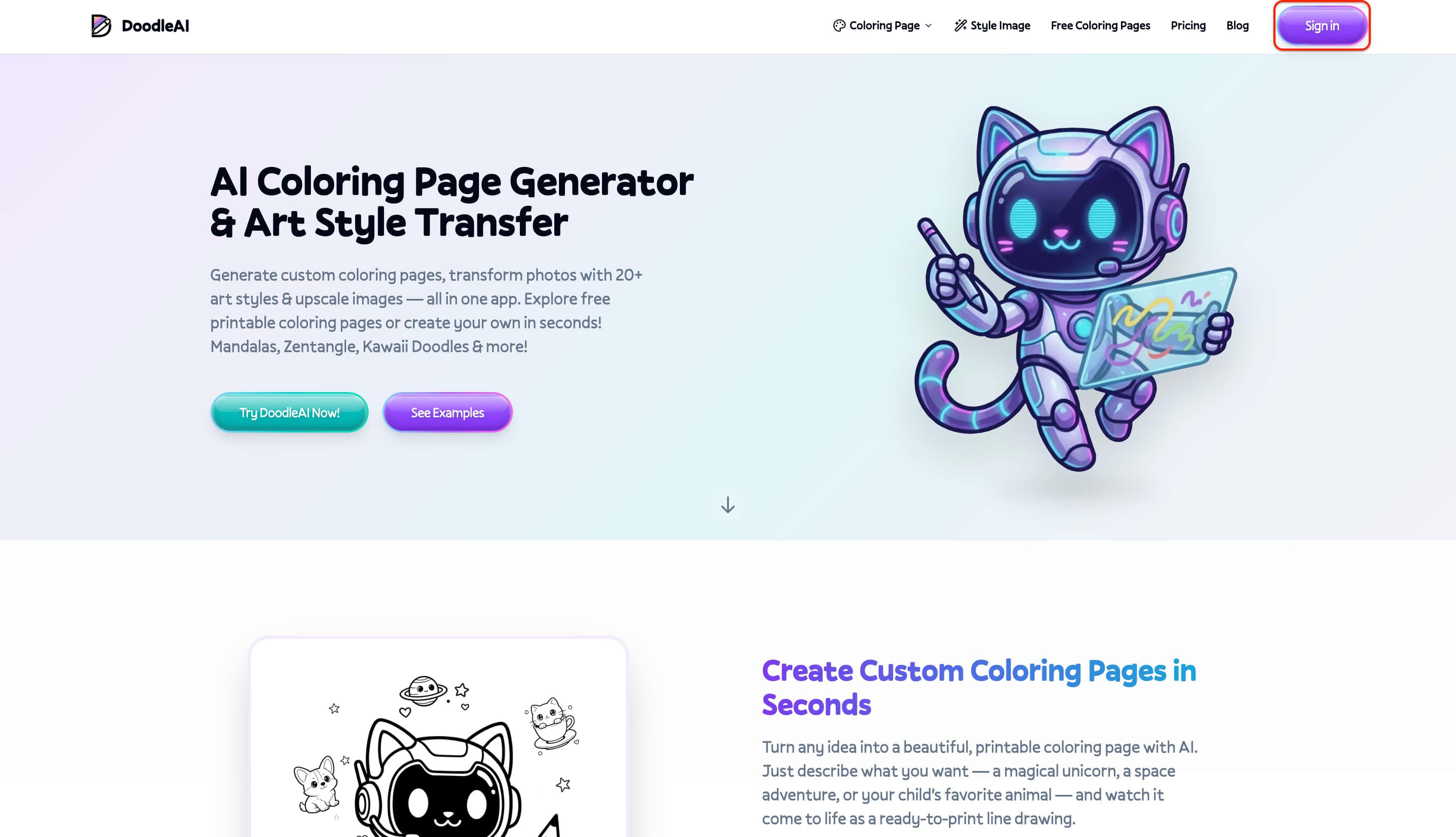
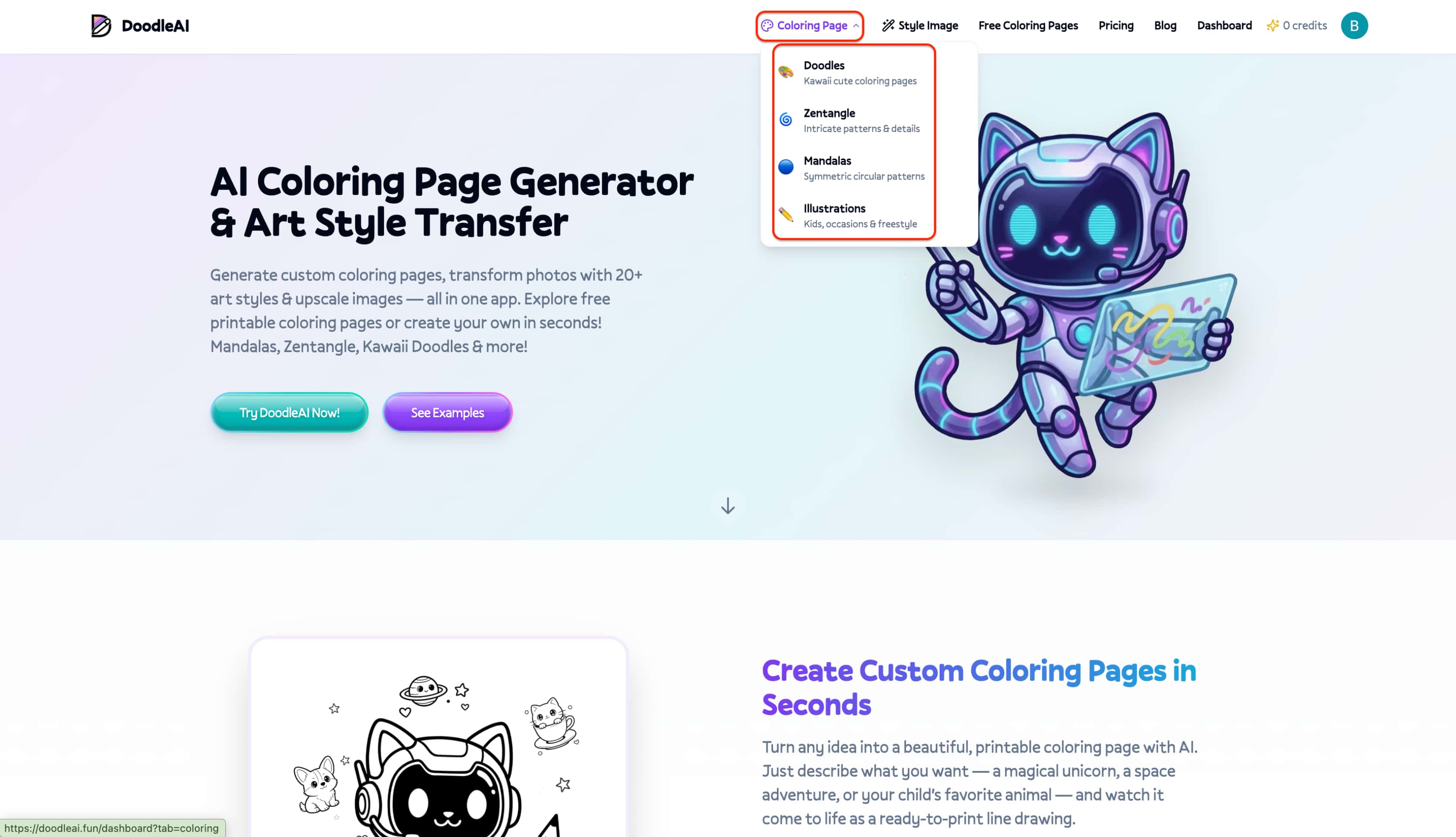
Sign in to access the studio: Navigate to the platform's official site and log in with your registered account credentials to reach the main generation interface.
-
Choose an artistic category: Select from curated aesthetic presets to establish a baseline style, choosing from options like kawaii, mandala, zentangle, kids, animals, or specific occasions.
-
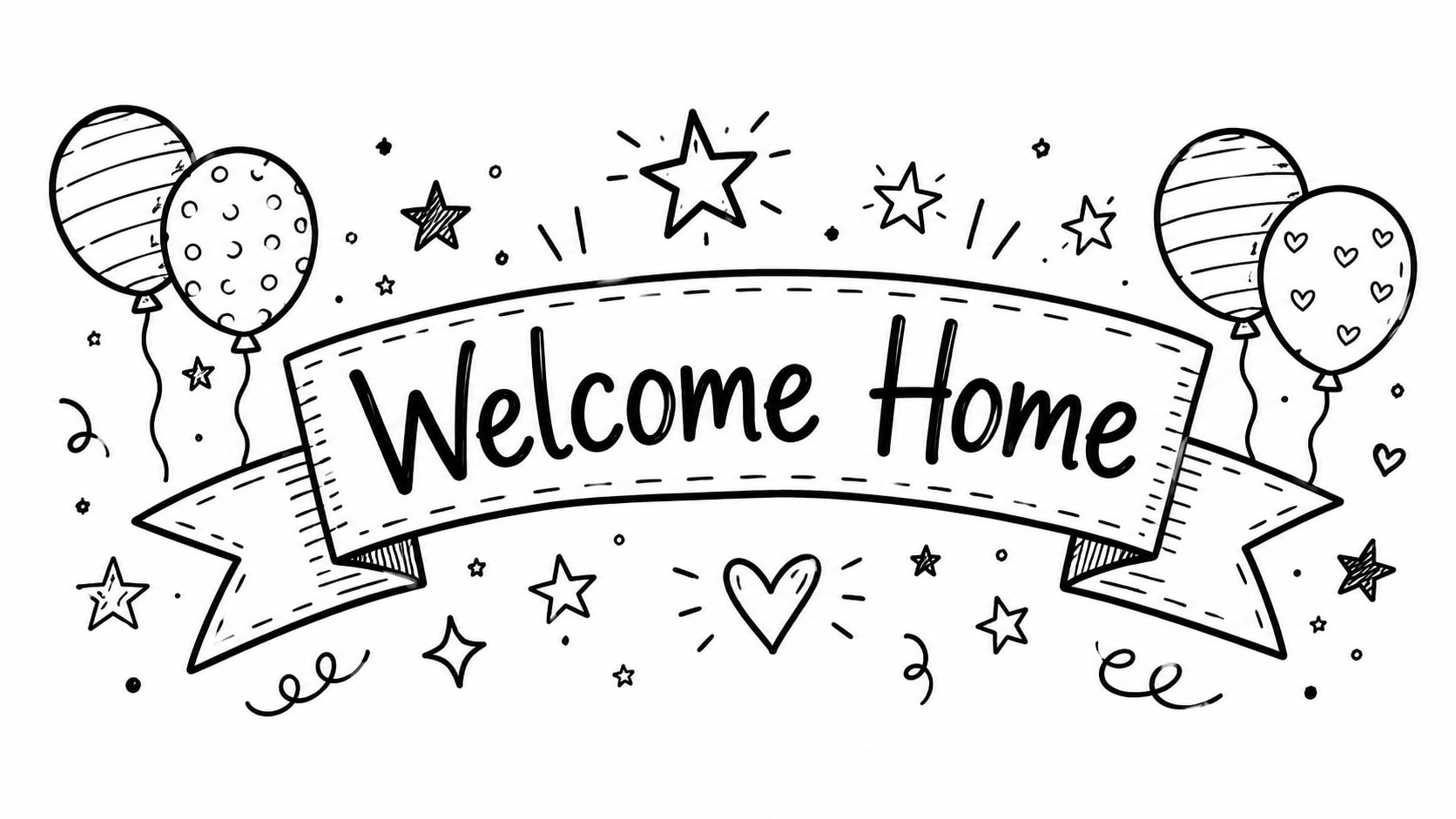
Describe the visual concept: Type a detailed prompt outlining the desired subject matter. The generation engine supports embedded text, enabling specific additions like "Good Vibes" or "Welcome Home" banner directly within the design.
Example prompt: "A festive hand-drawn Doodle banner with stars and balloons, featuring the text 'Welcome Home' inside, simple line art style, black ink on white background."
-
Generate and download: Process the input to let the AI create the artwork in seconds, then export the high-quality image file for immediate printing, sharing, or subsequent editing.
Resultant image:
Doodle AI: Pros and Cons
Our firsthand experience revealed clear advantages for quick tasks, alongside notable limitations for advanced design work.
What we liked about Doodle AI
-
Workflow simplicity ensures rapid adoption.
-
Highly accessible for non-designers.
-
Speed of rendering is impressively fast.
Where Doodle AI could improve
-
Output consistency drops during complex prompts.
-
Export restrictions limit professional graphic design use.
-
Granular control over specific image elements is lacking.
While Doodle AI is great for basic line art, broader community discussions in 2026 highlight a massive shift in what creators now expect from image generation. A widely discussed digital art forum thread recently showed how modern AI models can instantly replicate intricate rendering techniques that took artists 20 years to master. This realization has driven a growing demand for high-fidelity, professional-grade control. If you have outgrown simple sketches and want the type of advanced, multi-model workflows dominating these creator communities, relying on a basic AI Doodle generator is no longer enough. This is where a more versatile alternative steps in.
Vmake Labs as an alternative to Doodle AI
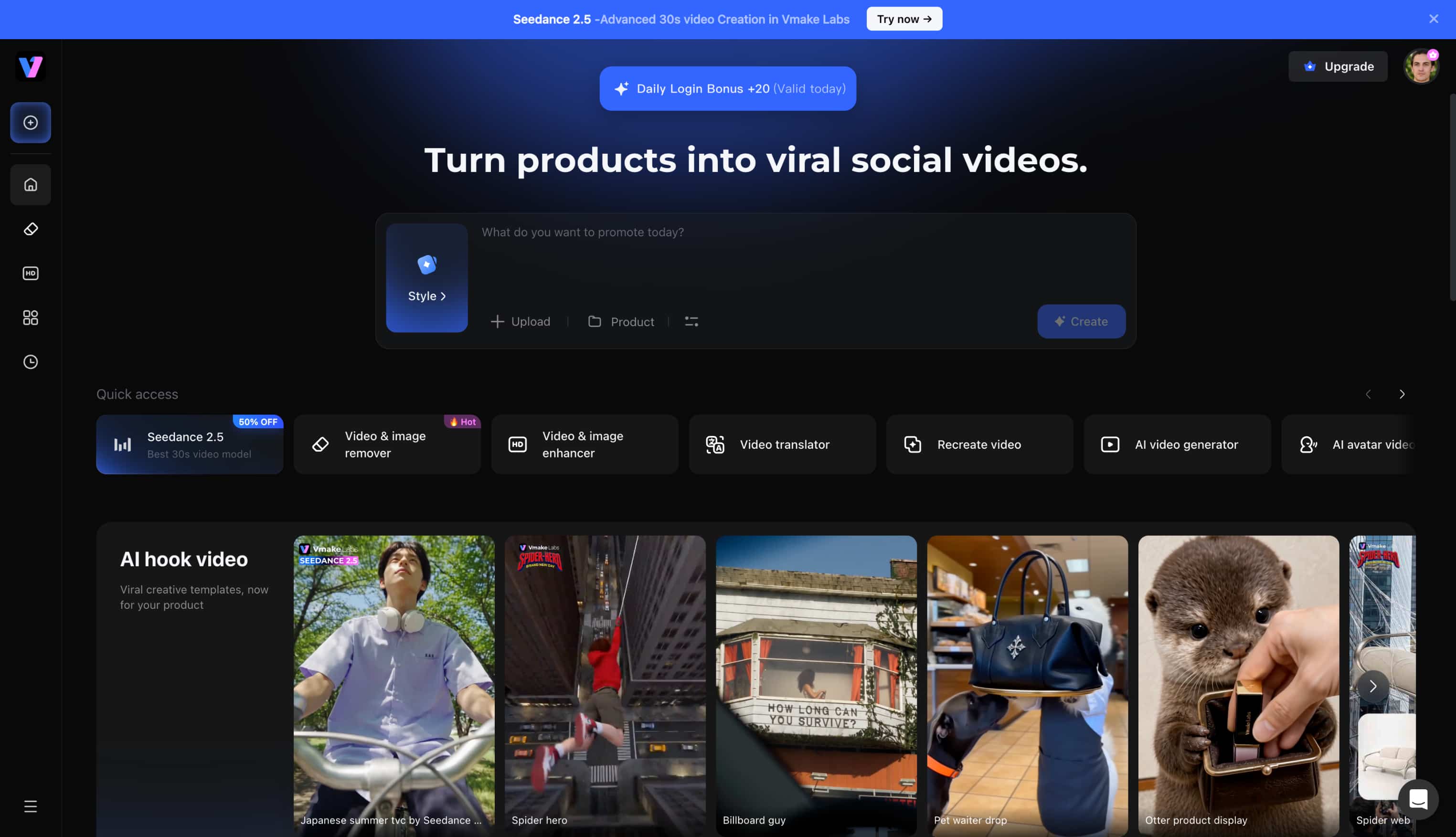
As a comprehensive creative studio, Vmake Labs offers an AI image generator that equips creators with advanced visual tools. Powered by sophisticated multi-model technology, the platform empowers teams to develop polished graphics tailored for demanding campaigns. Rather than relying on simple sketches, users leverage robust features to ensure high-fidelity results. This environment perfectly supports scalable content strategies, giving modern professionals the flexibility to produce visually striking assets efficiently.
Key features of Vmake Labs Image Generator
-
Multiple models: The platform integrates diverse engines including Nano Banana 2, Nano Banana Pro, Seedream 4.0, and GPT Image 1. This variety allows creators to match the precise aesthetic required for any specific project.
-
Text-to-image: Users can generate highly detailed visuals straight from written descriptions. The system accurately interprets complex prompts to deliver stunning, high-resolution digital artwork without extensive manual adjustments.
-
Image-to-image: Uploading one to three reference images provides the AI with strict structural guidance. This ensures the final output maintains consistent stylistic alignment, acting as a structural image converter that adapts existing brand materials.
-
Browser workflow: The entire generation process operates smoothly within a fully web-based interface. Teams can collaborate and iterate on designs without needing heavy local software installations.
-
Aspect ratios: Customizable framing options allow for immediate adaptation across various digital platforms. Whether producing vertical social media content or widescreen layouts, the exact dimensions are easily defined.
How to create AI Doodles with Vmake Labs
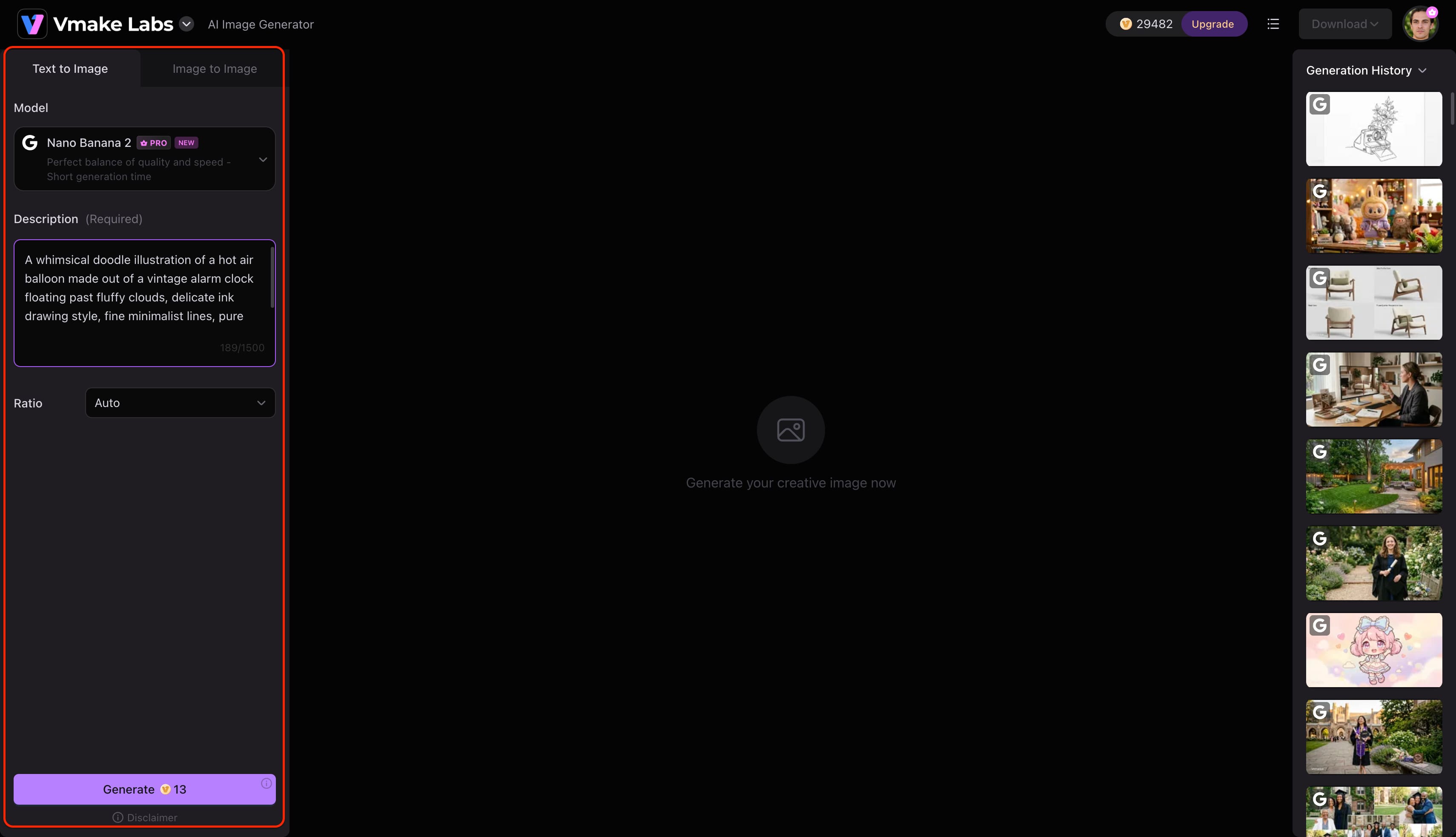
Step 1: Enter a text prompt or upload a reference image
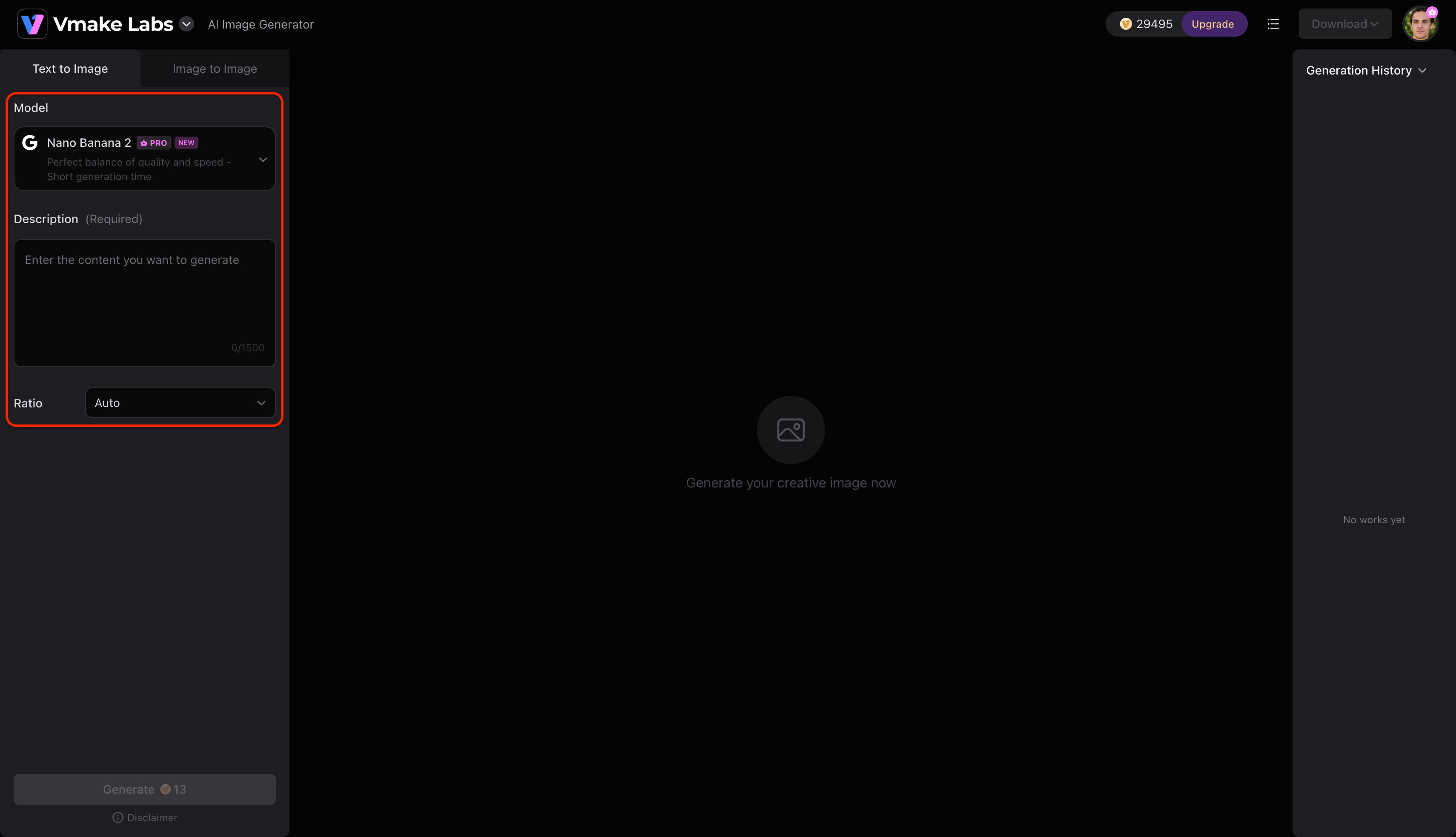
Open Vmake Labs AI Image Generator and choose either Text to Image or Image to Image. Enter a text prompt describing the image you want to create, or upload up to three reference images to guide the AI before generation.
Step 2: Choose an AI model and customise the generation settings
Select the AI model that best suits your project. Vmake Labs AI Image Generator supports Nano Banana 2, Nano Banana Pro, Nano Banana, Seedream 4.0, and GPT Image 1. Then choose your preferred aspect ratio before clicking Generate.
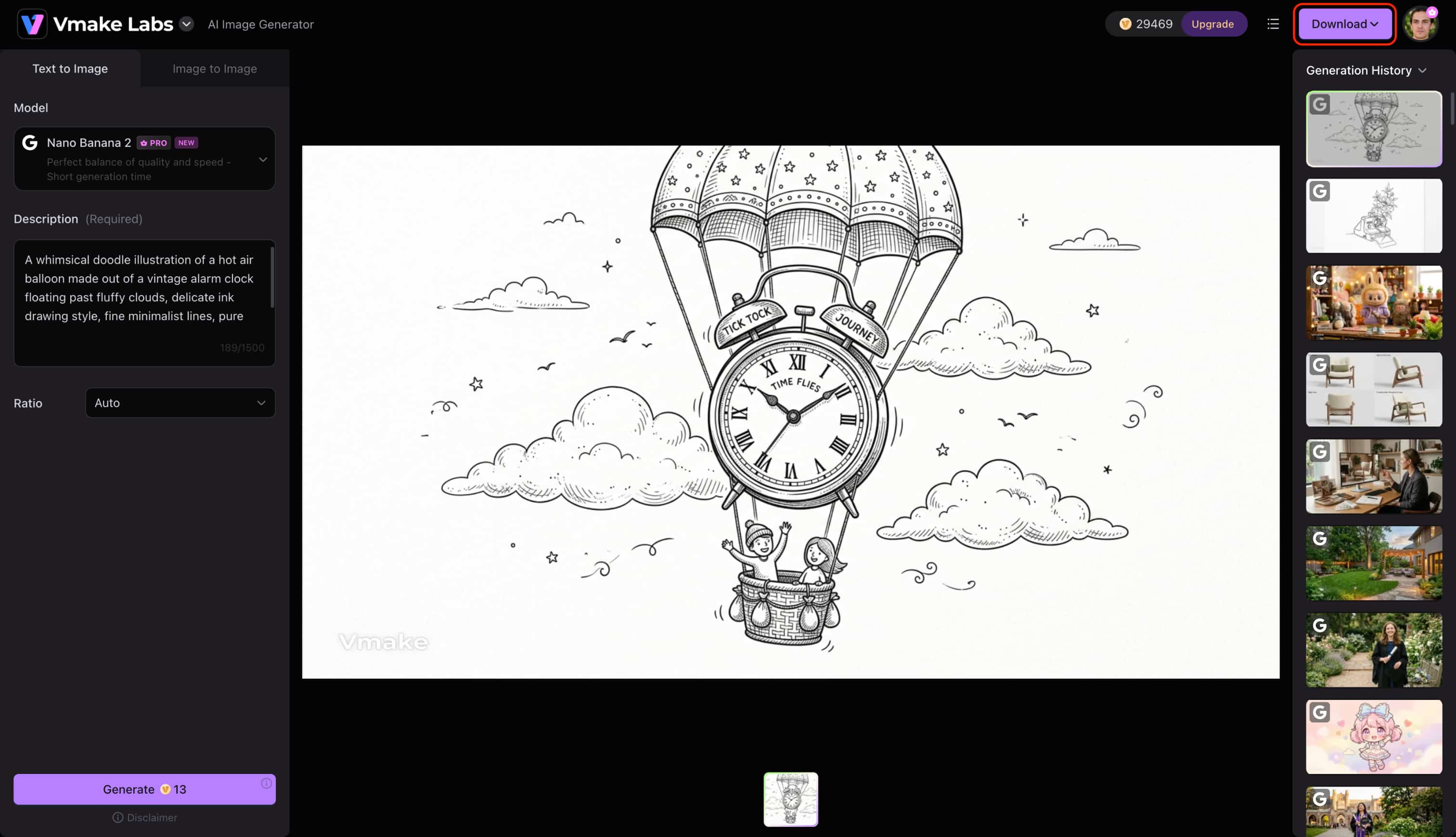
Step 3: Generate and download your image
Click Generate to create your images. Review the generated results, generate additional variations if needed, and download the image that best matches your project.
Conclusion
This Doodle AI review reveals a platform perfectly suited for beginners seeking quick, basic sketches. Its straightforward interface makes it an accessible entry point for quick sketching and casual creative projects. However, professionals requiring granular control will quickly hit limitations regarding export formats and complex prompt handling. For those ready to elevate their creative workflows beyond simple line art, leveraging a comprehensive solution like Vmake Labs ensures greater flexibility and advanced multi-model generation capabilities.
FAQs
Do I own commercial copyright for images created on the platform?
Usage rights are clear, as the platform explicitly grants commercial use across paid plans, including the initial $0 Free Trial. Creators retain full rights to monetize, share, and distribute any generated artwork without restrictions.
Can the software export vector formats like SVG for graphic design?
Current functionalities primarily support raster formats like PNG and JPG for standard downloads. Exporting true SVG files is currently unsupported, requiring third-party conversion software for scalable vectors.
How does the generator handle complex or multi-character prompts?
Generating complex scenes often results in a noticeable drop in structural consistency and detail retention. Users frequently need to simplify their prompts to achieve the most accurate and coherent visual outputs.
What is the best alternative for high-fidelity generation?
For creators needing advanced control, Vmake Labs provides a superior environment powered by multiple robust models. The platform effortlessly handles intricate details, acting as a powerful image enhancer for scalable generation.
Does the free plan place watermarks on image downloads?
The official $0 Free Trial provides 5 complimentary generation credits to test the platform's capabilities. Once those initial credits are exhausted, purchasing a premium credit tier is necessary to continue generating artwork.

You May Be Interested

Pixar AI Review: What It Is & How to Create Pixar-Style Art

Nero AI Review 2026 Explained: Is the Tool Worth Using?

Z Image AI Review 2026: Features, Performance, Pros and Cons

Supawork AI Review: Watermark Remover Tested (2026)
Artistly AI Review 2026: Is It Worth Trying for Creators?
Getimg AI Review 2026: Is It the Best AI Image Generator?