Supawork AI Review: Is the Watermark Remover Worth It?
 Vmake Labs TeamMay 12, 2026
Finding the right AI tool can be a hard process. Many platforms promise to fix everything but give poor results. We want to help you find a video cleanup tool that actually works. We skipped the flashy ads and put Supawork AI to a real test. People search for a video watermark remover all the time. So, we isolated this exact feature to see its true power. We tested how it handles moving logos, clear text, and still marks on videos. This review shows exactly what the tool gets right and where it fails. We also explain when you need a different, specialized tool for your professional work.
What is Supawork AI (and why people use it)
To understand Supawork AI, you must look at how it started. It did not begin as a video editing app. It started as a simple site to help people find jobs. It gave users tools to build resumes, make cover letters, and create office headshots. It focused only on career growth.
Then, the site grew very fast. The makers added new AI tools to the dashboard. They added video face swaps, text-to-image makers, and the famous video watermark remover. They also added tools for students. Today, in 2026, the site has over one million active users.
People like this site because it is very easy to use. You get one login and one digital coin wallet. You can use dozens of tools without making new accounts on different websites. You keep all your work in one place.
The site divides its tools into three main parts:
-
Career tools: The core items. This includes an AI resume builder, a cover letter maker, and a headshot creator.
-
Creative tools: The newer media items. This features text-to-video tools, face swaps, style makers, and the watermark remover.
-
Writer tools: Helpful items for school and office work. You get an AI detector, a humanizer, a paraphraser, and a PDF checker.
Supawork AI watermark remover tested — does it actually work?
If you are reading this, you likely want to remove a bad logo from your video. We tested this specific tool in four real situations. Removing a digital mark from moving video takes a lot of processing power. We needed to see if Supawork could handle the pressure. Here are the exact results of our tests.
Test 1: TikTok watermark (moving)

-
The Setup: We used a normal TikTok video. This type of file has a clear logo that jumps from the top left corner to the bottom right corner.
-
Result: Mixed. The tool works well when the video stands perfectly still. If the camera does not move, the logo goes away cleanly. But the tool struggles hard during fast motion. When the camera pans across a room, the tool leaves a faint, blurry ghost effect. It looks like a smudge on your screen. The software tries to guess what the background should look like, but it fails to keep up.
-
Verdict: The result is fine for simple social media posts or quick jokes. However, if you need a pristine tiktok watermark remover for professional video ads or business posts, you should look elsewhere.
Test 2: Sora watermark (static corner)

-
The Setup: AI video models like Sora put a fixed logo that is quite large on the video. We tested a high-quality video with this still logo to see how the tool handles still images.
-
Result: Solid. The logo does not move at all, so the software has an easy job. It finds the still pixels and replaces them with the right background colors. It does not have to track motion. The platform delivered a clean removal on almost every clip we uploaded.
-
Verdict: This specific tool is great for cleaning up Sora videos. It acts as a reliable sora watermark remover, removing the brand mark well. It is a simple fix for still logos.
Test 3: Kling watermark (animated)
-
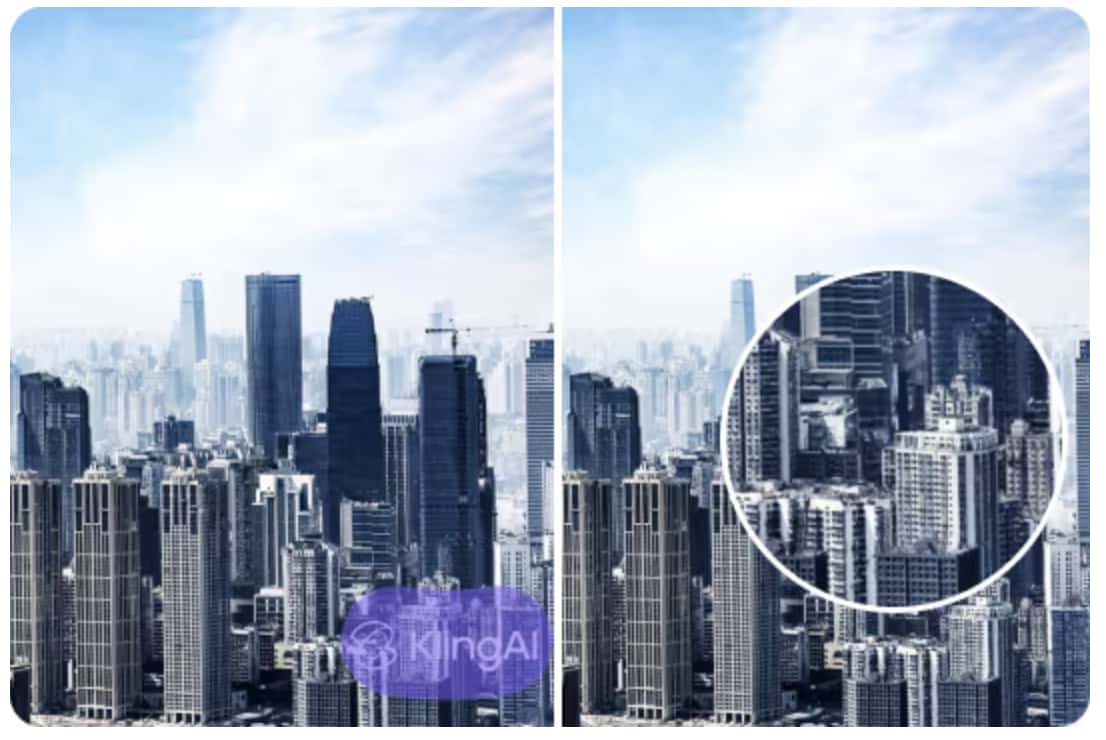
The Setup: Kling videos are much harder to clean. They use moving logos with clear text. If you need to delete text from video, it becomes a major challenge because this text sits right over moving subjects in the video.
-
Result: Weak. The software cannot handle motion mixed with clear layers. The removal attempt looked very bad. The colors bled together on the screen. The software smeared the clear text across the moving people underneath it. This completely ruined the look of the original video. It made the video look cheap.
-
Verdict: You must use a specialized kling watermark remover for moving, clear logos. Supawork clearly lacks the advanced tracking tech required for this hard task.
Test 4: Batch processing 5 videos

-
The Setup: Social media managers often need to clean many videos at once. We tried to upload 5 separate videos to clean them at the exact same time. This is a standard task for busy teams.
-
Result: Only one at a time. The site does not let you batch process files. You cannot do multiple videos at once. The site forces you to upload one file. Then you wait for it to finish. Then you download it. After that, you must start the whole process over for the next file.
-
Verdict: This workflow is much too slow for high-volume work. Content managers will find this delay very frustrating. It wastes too much time if you have many videos to post.
Supawork AI features beyond watermark remover
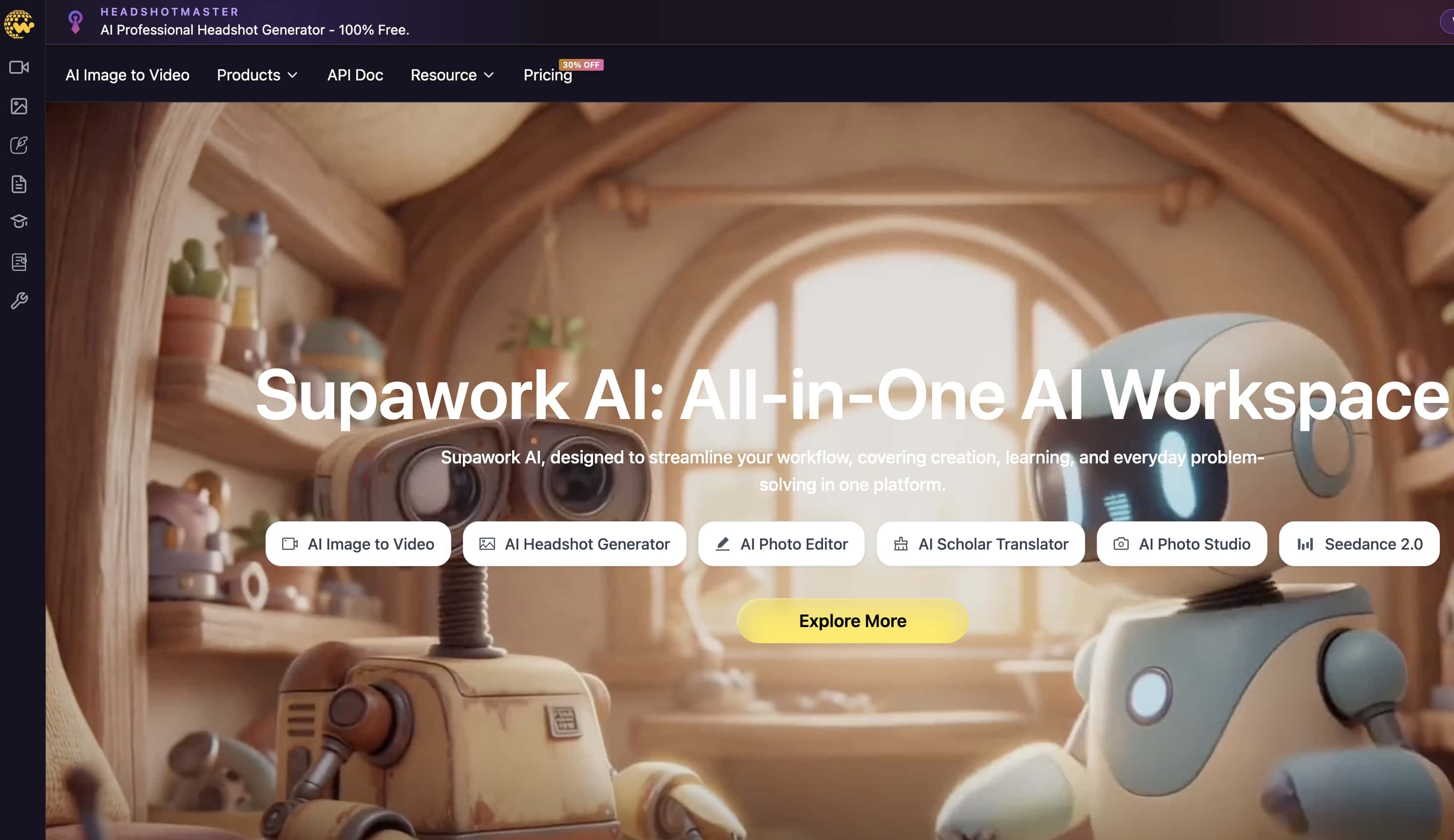
A fair Supawork AI review must look at the whole site. People who come for the video tools often miss the best parts of the platform. We want to show you everything the site offers.
Career tools: Where Supawork actually shines
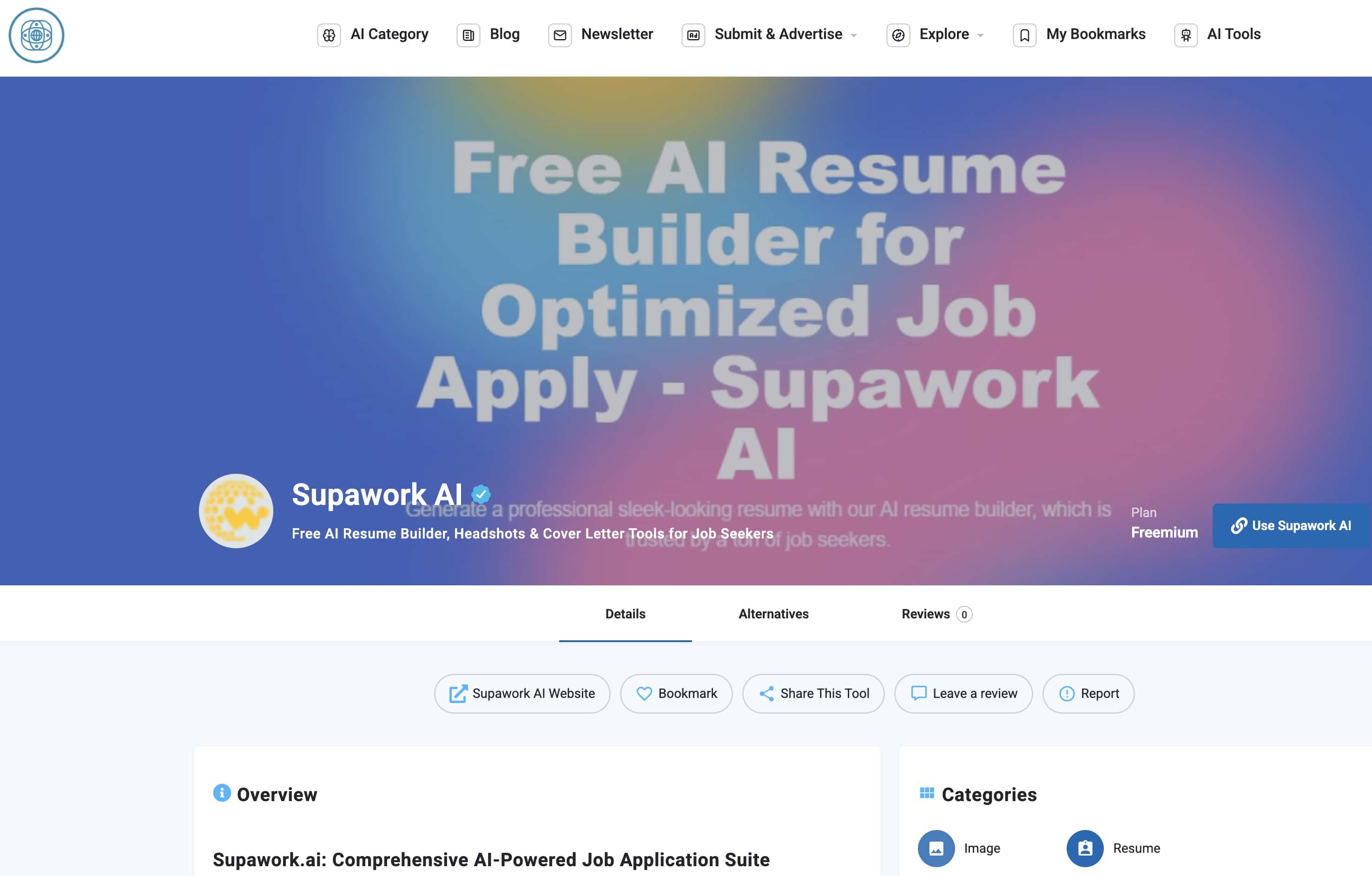
The career tools are the best reason to make an account. They work very well.
-
AI resume builder: The system gives you over 100 clean templates. These templates pass job-scanning software. Corporate software often rejects bad formatting. These free templates solve that problem perfectly.
-
Cover letter generator: It uses GPT-4 to write targeted letters at no cost. You just paste a job description. The AI writes a letter that fits the exact job. It saves hours of typing.
-
AI headshot generator: The software takes your casual phone selfies and makes 30+ professional styles. It changes the background to a nice office. It fixes the lighting to look like a studio. The whole process takes just about 3 minutes.
-
Resume translator: This is a very helpful tool. It translates your job papers into other languages in seconds. This helps people applying for global jobs.
Creative tools: A Mixed bag
The media tools do not work as well as the career tools. They are less reliable.
-
Text-to-video: The engine makes short clips for social media, acting as a basic ai video generator. However, you cannot pick from many rendering models. The choices are very limited. The video quality is basic.
-
Face swap video: This feature uses your coins very fast. The results change too much. Sometimes the new face looks perfect. Other times, the face looks warped or the lighting is completely wrong. It is a gamble every time you use it.
-
Image-to-image: The site offers basic art styles. You can change photos easily. But the art quality does not match top tools like Midjourney. It is fine for simple ideas.
-
Watermark remover: As detailed in our tests, it works perfectly well as an image watermark remover on still images. But it fails when it must track fast motion or busy backgrounds.
Writer tools
Supawork offers quite less and basic features amongst the Writer tools.

-
AI detector and humanizer: These tools spot robotic text. They fix the words to sound like a real person wrote them. This is very helpful for blog writers and editors.
-
PDF checker: This is a great scanning tool for students. It checks the format of your paper. It finds errors before you turn in your final work.
Supawork AI pricing and credit system explained
The platform uses a system with free tokens and paid coins. This can be tricky to manage if you do not pay attention. Here is a clear breakdown of how the billing works.
|
Plan Type |
Details & Cost |
Best For |
|---|---|---|
|
Free Tier |
60 tokens on signup + 30 free tokens daily. |
Unlocking career tools. Make resumes and cover letters without spending real money. |
|
Coin Packs |
Starts at $9.99 for 50 credits. Goes up to $99.99 for a large Power Pack. |
Buying access to complex video and creative tools as needed. |
|
Monthly Plan |
Flat fee for 10,000 AI credits each month. |
Heavy users who need regular, ongoing access to media generation. |
|
Lifetime Plan |
One large, single payment for 100,000 permanent credits. |
Long-term users who want to avoid monthly bills. |
-
Credits don't expire: This is a huge bonus. The coins you buy stay in your wallet forever. This is perfect for people who only edit one video a month. You do not lose your money.
-
Reality check: Video editing takes a lot of computer power. Because of this, video tools burn your credits very fast. A standard $10 coin pack can vanish in one hour. If your face swap fails, you must pay again to retry. The costs add up quickly.
Supawork AI pros and cons
Every tool has good points and bad points. Here is the direct truth about the platform compared side-by-side.
|
Supawork AI Pros |
Supawork AI Cons |
|---|---|
|
The free daily tokens offer great value for the career tools. |
The video watermark remover does not have any motion tracking tech. |
|
One simple login gives you access to more than 20 tools. |
You cannot batch process multiple videos at the exact same time. |
|
The paid coins never expire, which gives you excellent billing flexibility. |
The video quality changes far too much from run to run. |
|
The resume formats and headshots look very professional and clean. |
Review sites show some user complaints about hidden billing and privacy rules. |
|
Processing speeds for text tools and standard images remain very fast. |
The video generation tools lag far behind better platforms like Runway or Kling direct. |
Who Supawork AI is (and isn't) for
You must know if this tool fits your exact needs before you pay.
-
Best for: Job seekers, college students, and simple social creators. These users benefit from having one simple login for their daily tasks. The free tools serve them perfectly.
-
OK for: Erasing still logos and making simple media for personal pages. It handles basic needs well.
-
Not for: Professional video marketers, ad agencies, and e-commerce stores. Do not use this if you need clean, motion-tracked video edits. Anyone needing high-volume work will find the platform much too slow.
Supawork AI alternative: Vmake AI Watermark Remover
When you need a professional finish, a specialized tool is always better than a general tool. Multi-tools often sacrifice power to offer more options. Supawork relies on basic pixel tracking. It cannot track motion. It forces you to edit one video at a time. The tool is simply too weak for serious video production.
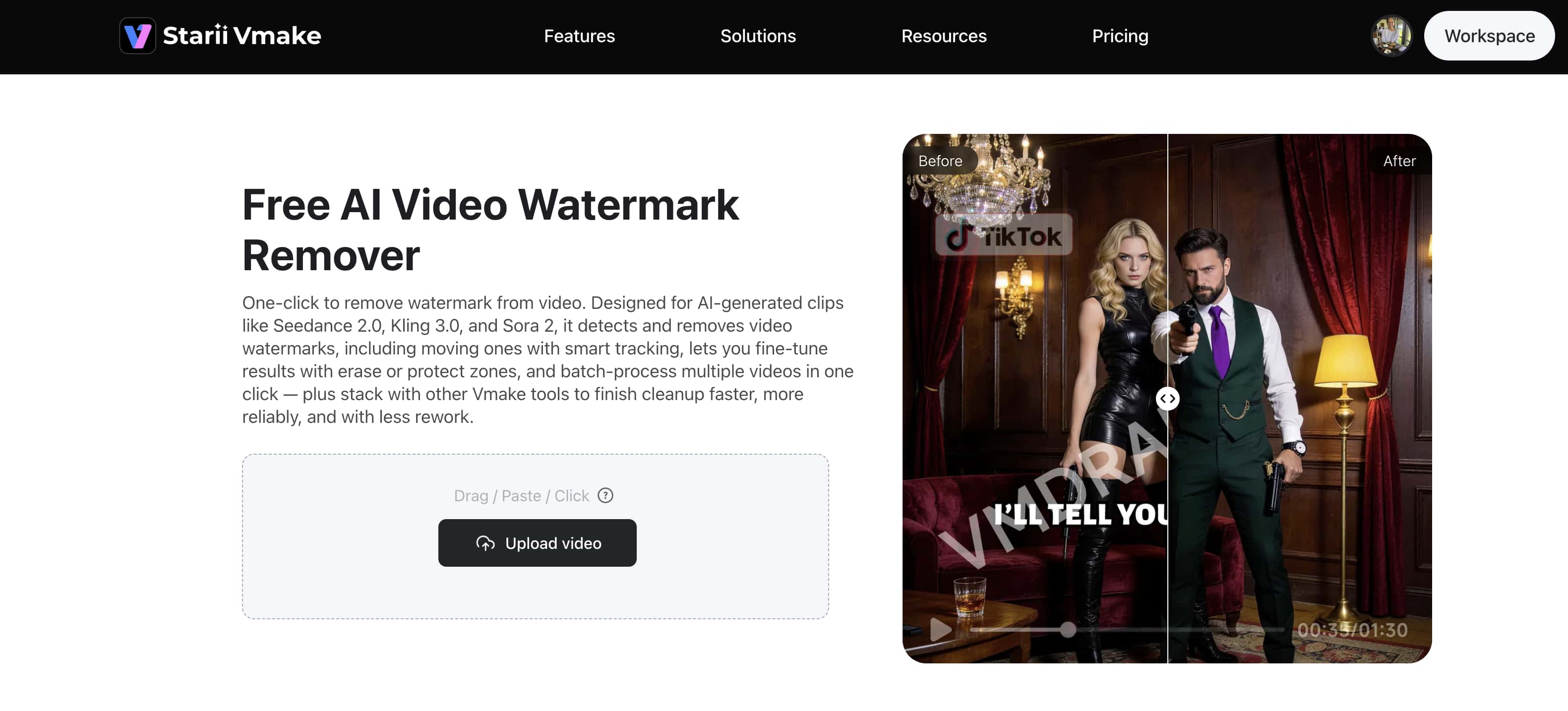
Luckily, we suggest introducing the Vmake AI Video Watermark Remover as the top alternative, built exactly for video enhancement. The system uses advanced motion tracking. It can easily follow and erase bouncing logos cleanly across a moving screen. The background stays perfect as the camera moves. Also, Vmake AI fully supports heavy batch processing. You can upload up to 30 videos at once. Crucially, it offers a free 5-second preview. You can check the exact video quality before you spend any of your credits.
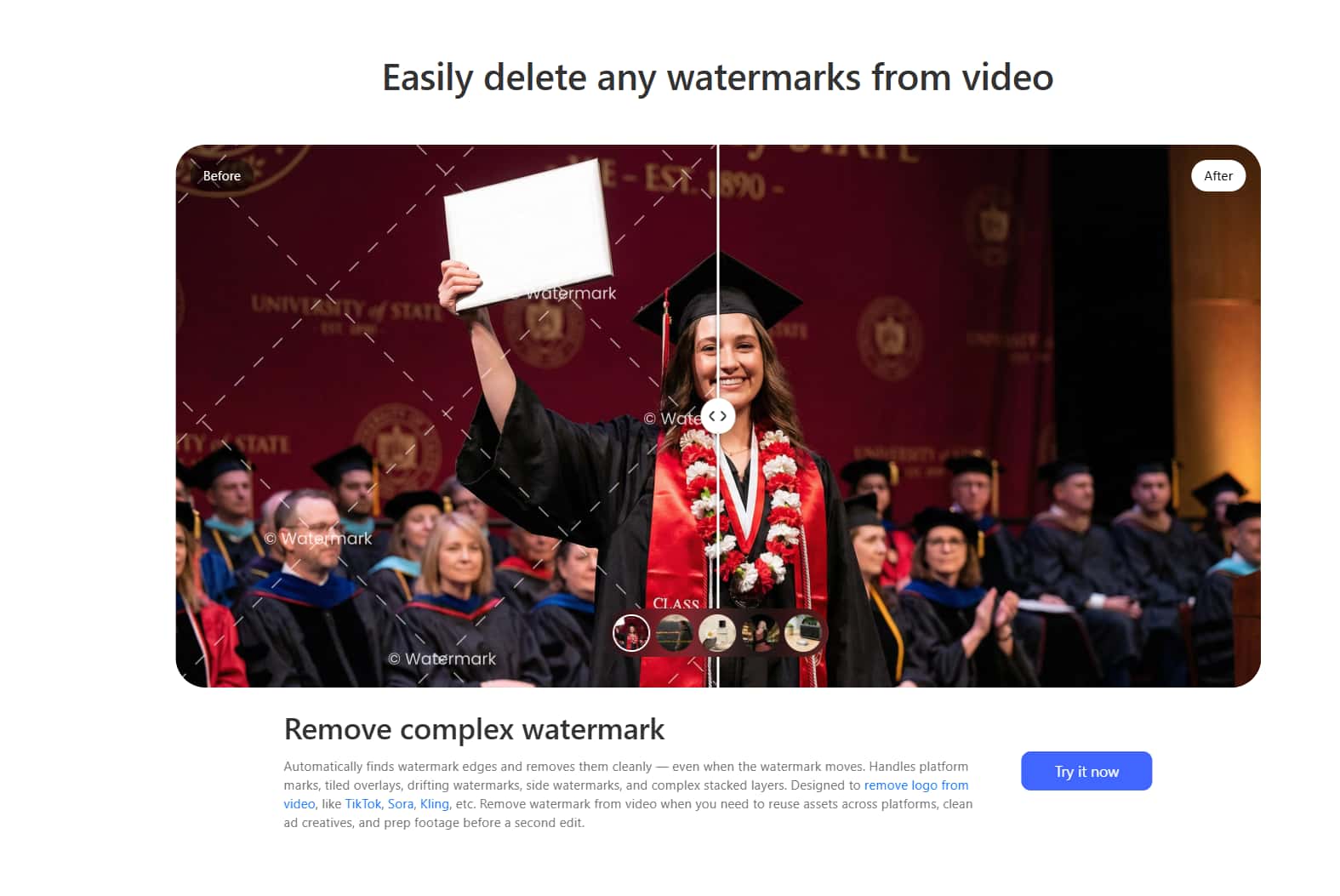
Pair strategy: You do not have to pick just one tool. Use a smart mix. Log in to Supawork for its great, free career tools to secure your next job. But when the project needs to shift to complex video cleanup, switch your workflow to the Vmake AI watermark remover. Why settle for blurry video smudges when better, dedicated technology exists
Conclusion
Supawork is a great deal for people looking for jobs. The free career tools make the initial signup worth your time. The resumes look sharp. The cover letters read well. However, for video work, the platform feels very weak. The watermark remover is handy for a quick fix, but lacks the power to produce clean outputs. Fast graphics break the system easily. You end up with blurry patches on your video. Professionals need motion tracking and fast batch processing to save time. By pairing free resume builders with a dedicated video tool like Vmake AI, you create the best possible digital workflow.
Need a watermark remover that actually handles motion? Try Vmake free and take your photo to the next level.
FAQ's
Is Supawork AI free?
Most career tools are free (resume, cover letter, basic headshot). Video and face-swap features use a coin system that starts at $9.99.
Is Supawork AI safe to use?
Standard SSL and account-based security. Some users on Trustpilot report privacy and billing concerns, so review the policy before uploading sensitive content.
Can Supawork AI remove watermarks from TikTok videos?
Yes, for static watermarks. For the animated TikTok end-screen watermark, results are weaker — a specialist tool with motion tracking performs better.
What is Supawork AI best for?
Career tools are the clear highlight. Resumes, headshots, and cover letters generate reliably. The career side forms the strongest part of the platform.
Is Supawork AI's lifetime plan worth it?
This plan only makes sense if you plan to use it heavily for years. Most normal users get better value from the smaller coin packs or the monthly subscription.
What's the best alternative to Supawork AI's watermark remover?
For video-specific work, Vmake AI. It adds motion tracking, batch processing, and a free preview — all missing in Supawork's watermark tool.

You May Be Interested

123APPS Watermark Remover Review (2026): Pros, Cons, and Pricing

Airbrush Watermark Remover Review (2026): Features and Pricing
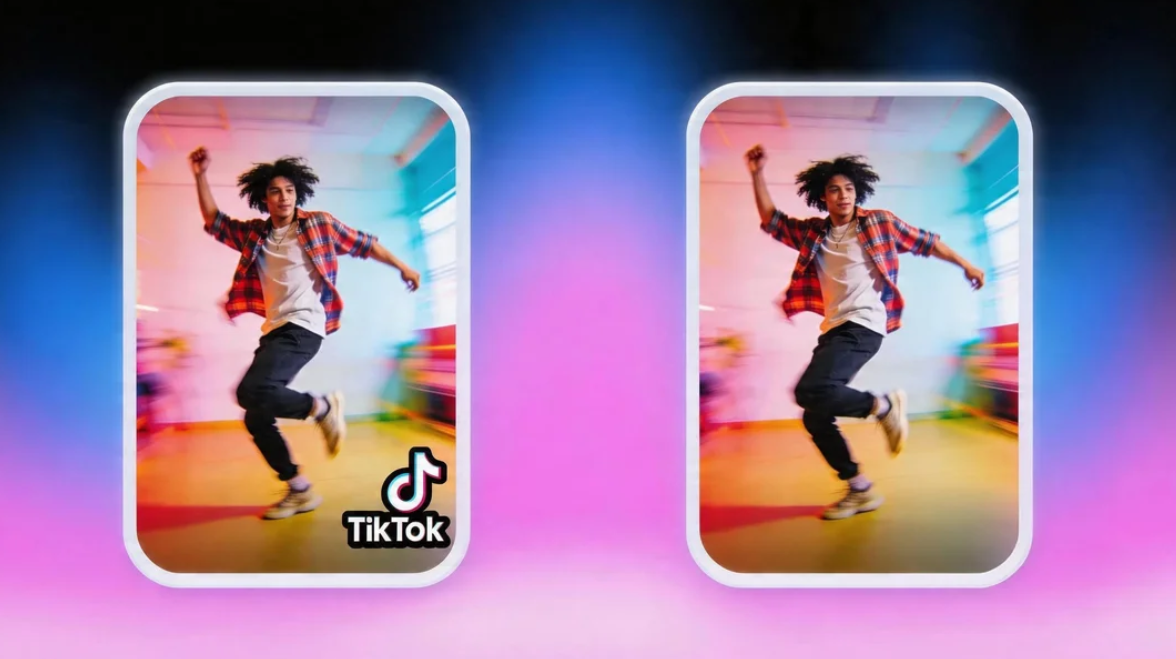
Guide on How to download TikTok videos without a watermark
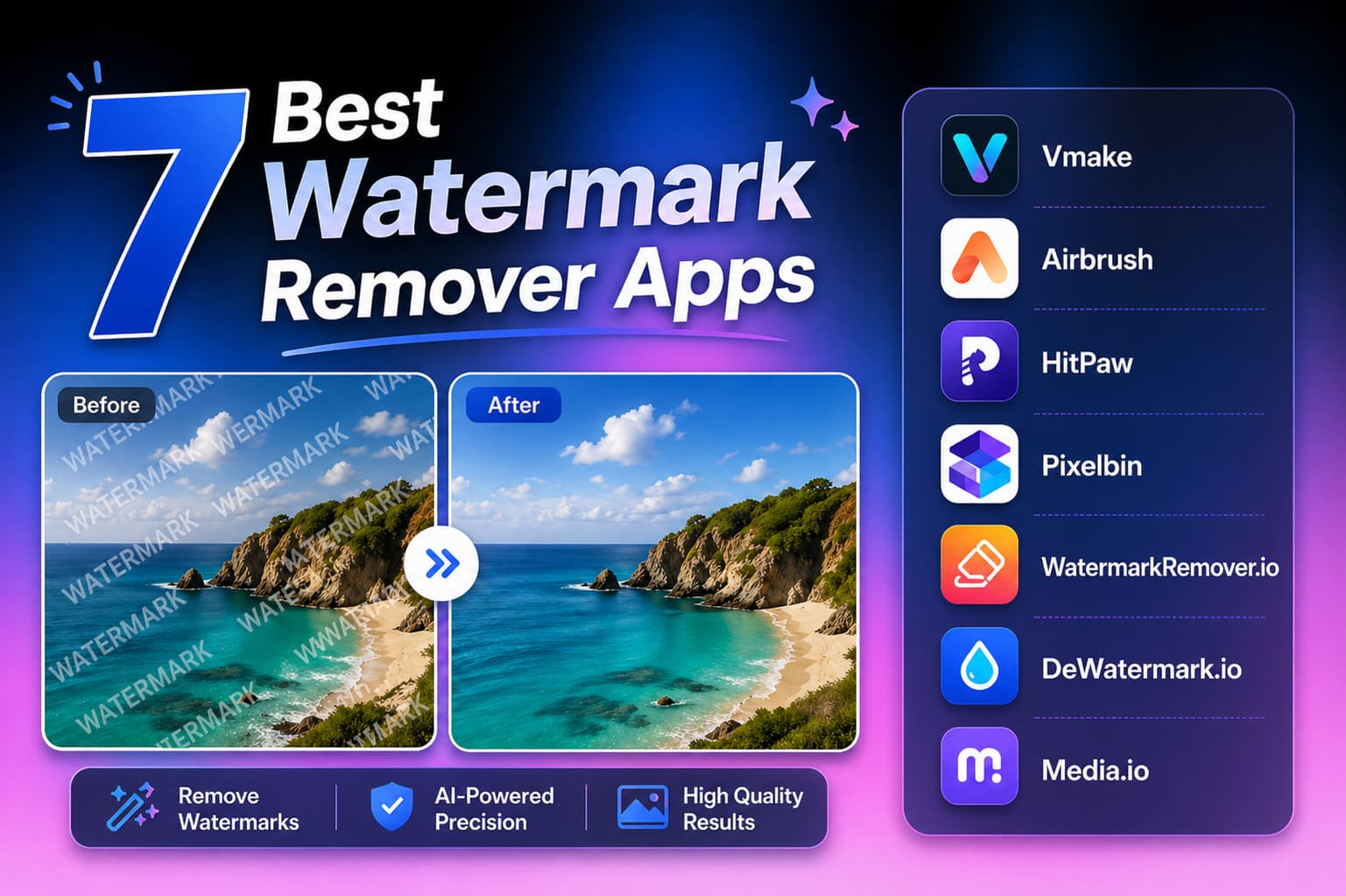
Top 7 Watermark Remover Apps That Actually Work in 2026

Batch Watermark Removal with Vmake AI