
Pixar AI Review: What It Is, How It Works & How to Create Pixar-Style Images
Curious about Pixar AI? This Pixar AI review explains what Pixar AI is, how it works, popular use cases, and how to create stunning Pixar-style images with Vmake Labs Image Generator in minutes.

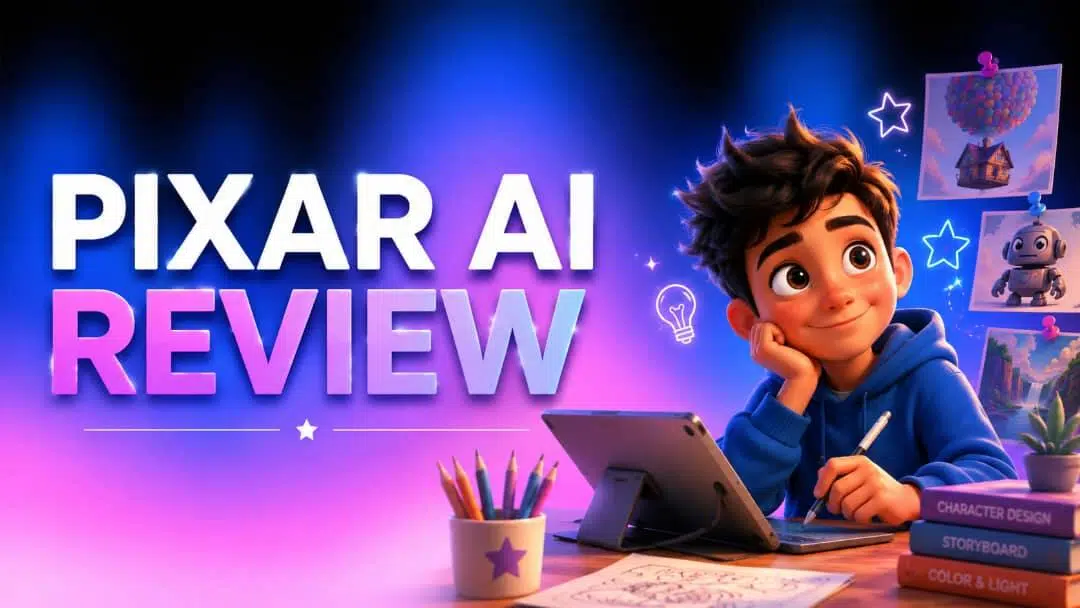
Pixar-style AI artwork has become increasingly popular among creators, designers, and social media users. This Pixar AI review explains what Pixar AI is, how it works, why it's trending, and how you can create your own Pixar-style images using Vmake Labs Image Generator.
What Is Pixar AI?
Pixar AI refers to a suite of artificial intelligence-powered image generators that create original artwork inspired by Pixar's distinctive animation style. These tools use text prompts or reference images to generate stylized characters, expressive facial features, vibrant colors, and cinematic scenes that resemble 3D animated films rather than actual Pixar movies.
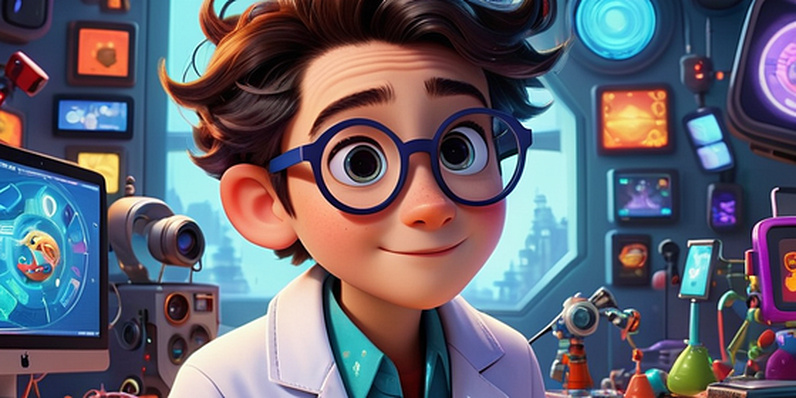
What Does Pixar AI Mean?
Pixar AI describes the use of artificial intelligence to generate Pixar-style art based on user prompts. Rather than recreating copyrighted Pixar characters, these tools function as an AI cartoon generator that creates original images capturing the visual characteristics commonly associated with Pixar-inspired animation, such as expressive characters, soft lighting, and colorful environments.
Why Is Pixar AI Trending?
The popularity of Pixar AI has grown alongside recent advances in AI image generation technology. Creators use it to produce unique portraits, illustrations, social media content, and concept art in just a few minutes.
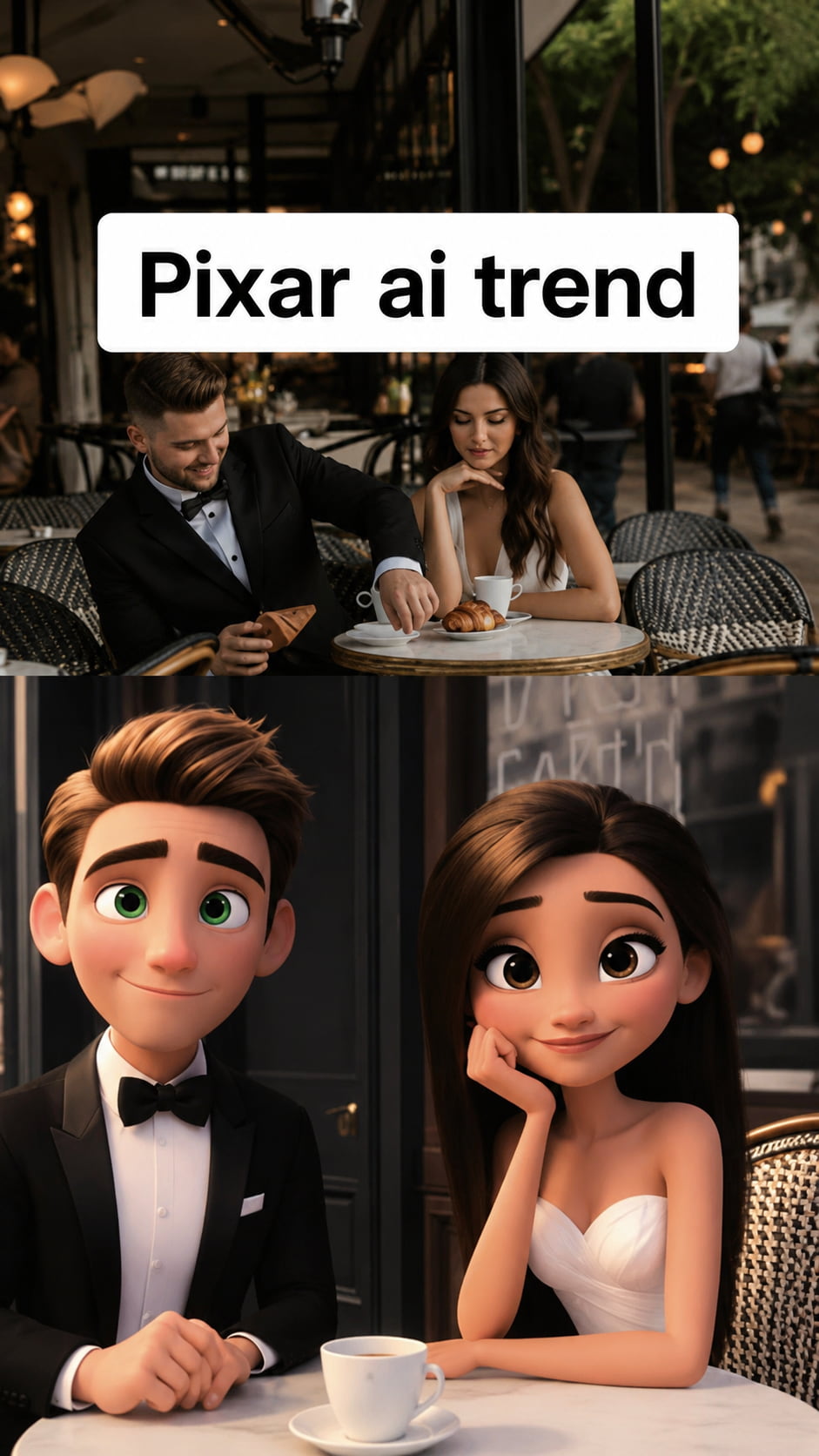
Several factors have contributed to its growing popularity:
-
Advances in AI image generation: Modern AI models can interpret detailed prompts and generate highly stylized artwork with impressive accuracy.
-
Creative storytelling: Pixar-inspired visuals help creators communicate ideas through expressive characters and cinematic scenes.
-
Growing interest among artists and creators: AI is used by designers, enthusiasts, and content producers to explore ideas, generate concepts, and expedite creative processes.
-
Brand and marketing adoption: Businesses increasingly use AI-generated illustrations for campaigns, presentations, and promotional content while maintaining a distinctive visual style.
How Does Pixar AI Work?
Pixar AI creates unique Pixar-inspired artwork from text prompts or reference photos using the latest AI image generation models. After analyzing your input, the AI determines what you're requesting and interprets the desired creative style. It then blends visual elements to produce a distinctive image with an animation style reminiscent of Pixar.
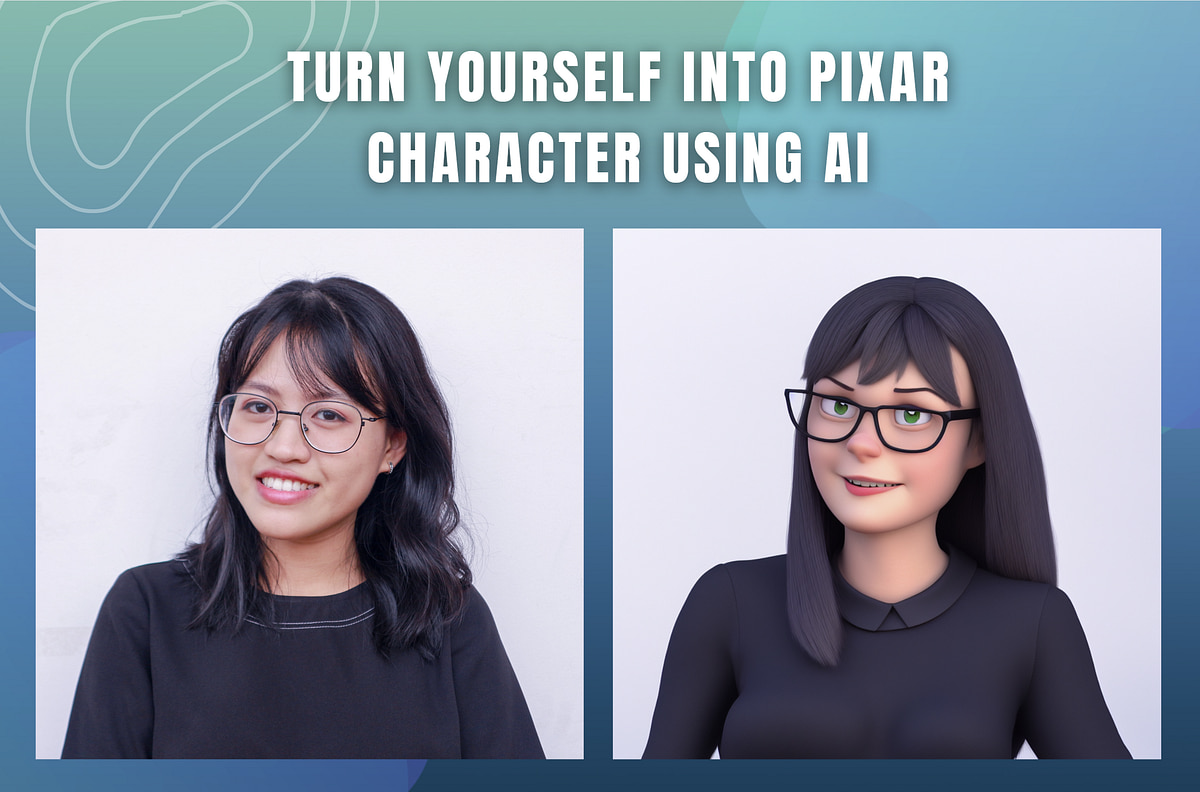
From Prompt to Pixar-Style Image
The AI image generation process follows a few key steps:
-
How AI Interprets Text Prompts: The AI analyzes your prompt to understand the subject, style, colors, lighting, expressions, and background you want to create.
-
AI Image Generation Models: Advanced AI models process your instructions using large image datasets to generate original Pixar-inspired artwork.
-
Style Interpretation: The AI applies visual characteristics such as expressive characters, vibrant colors, soft lighting, and a 3D animated appearance based on your prompt.
-
Image Generation Process: The final image is rendered by combining all these elements into a cohesive Pixar-style illustration that can be refined with updated prompts or reference images.
Pixar AI: Recent Developments and Industry Perspectives
In addition to increasing the appeal of Pixar-style image generation, recent developments in generative AI have spurred more extensive conversations within the animation sector. Disney Research and Pixar continue to employ AI primarily to improve production processes, including AI-powered render denoising, rather than replacing artists or generating full films, even though AI technologies make it simpler for creators to develop Pixar-inspired artwork.
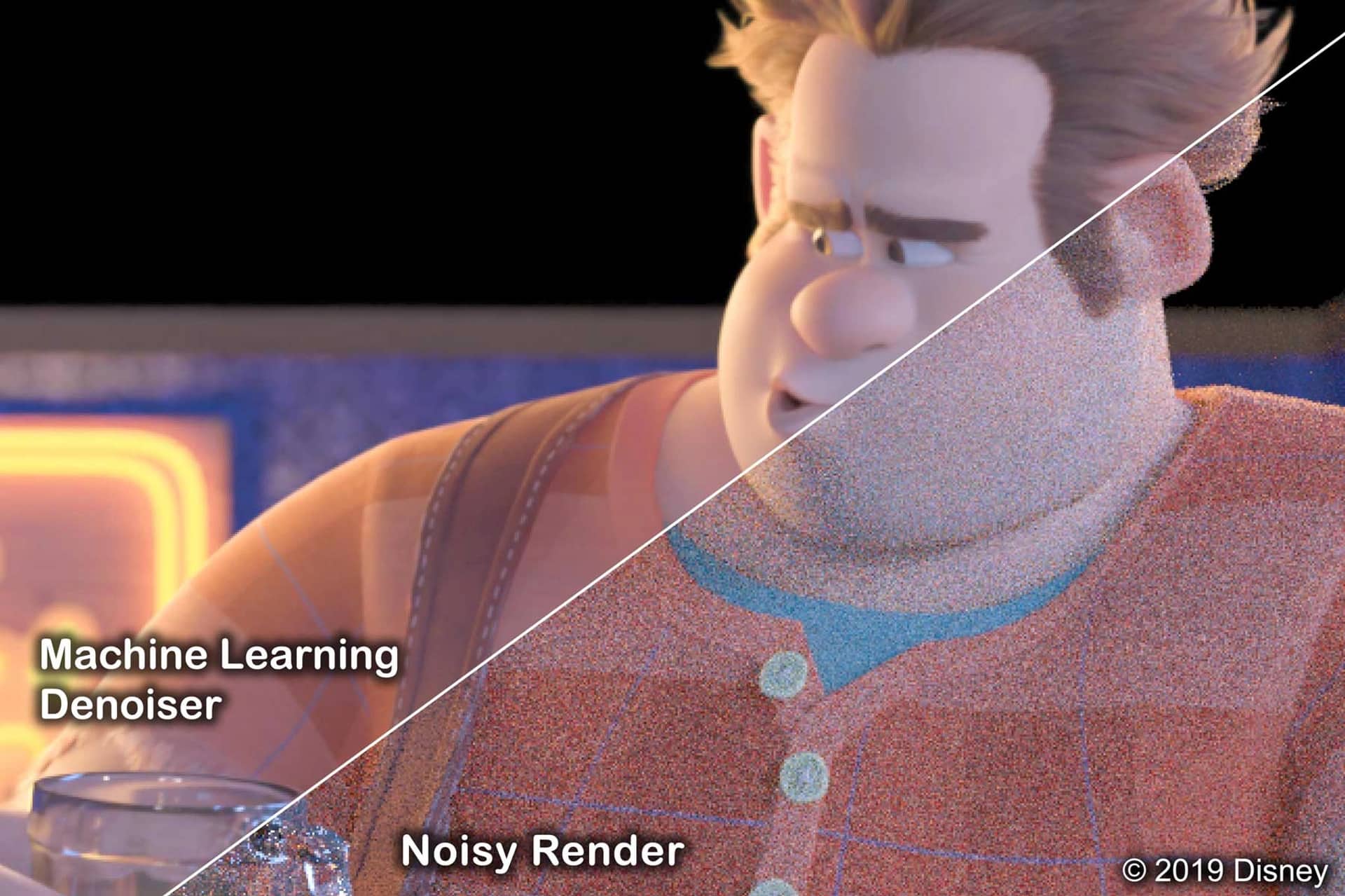
But industry experts and creative studios disagree with the role of AI in animation Channel 4 News and Machine Cinema have asked whether artificial intelligence could accurately reproduce Pixar's storyline and creative vision. Discussions on Reddit and elsewhere have shown both excitement over new opportunities and concerns about originality. Taken together, these views suggest that Pixar-style AI is not a substitute for human creativity but a way to explore creativity.
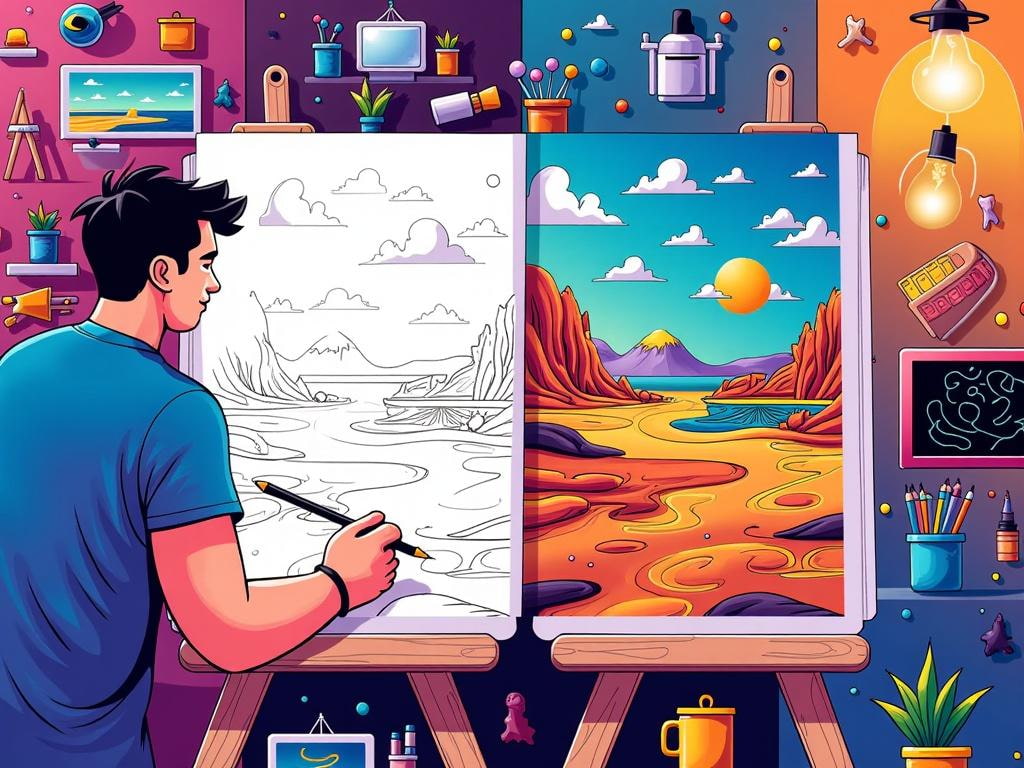
How to Create Pixar-Style Images with Vmake Labs
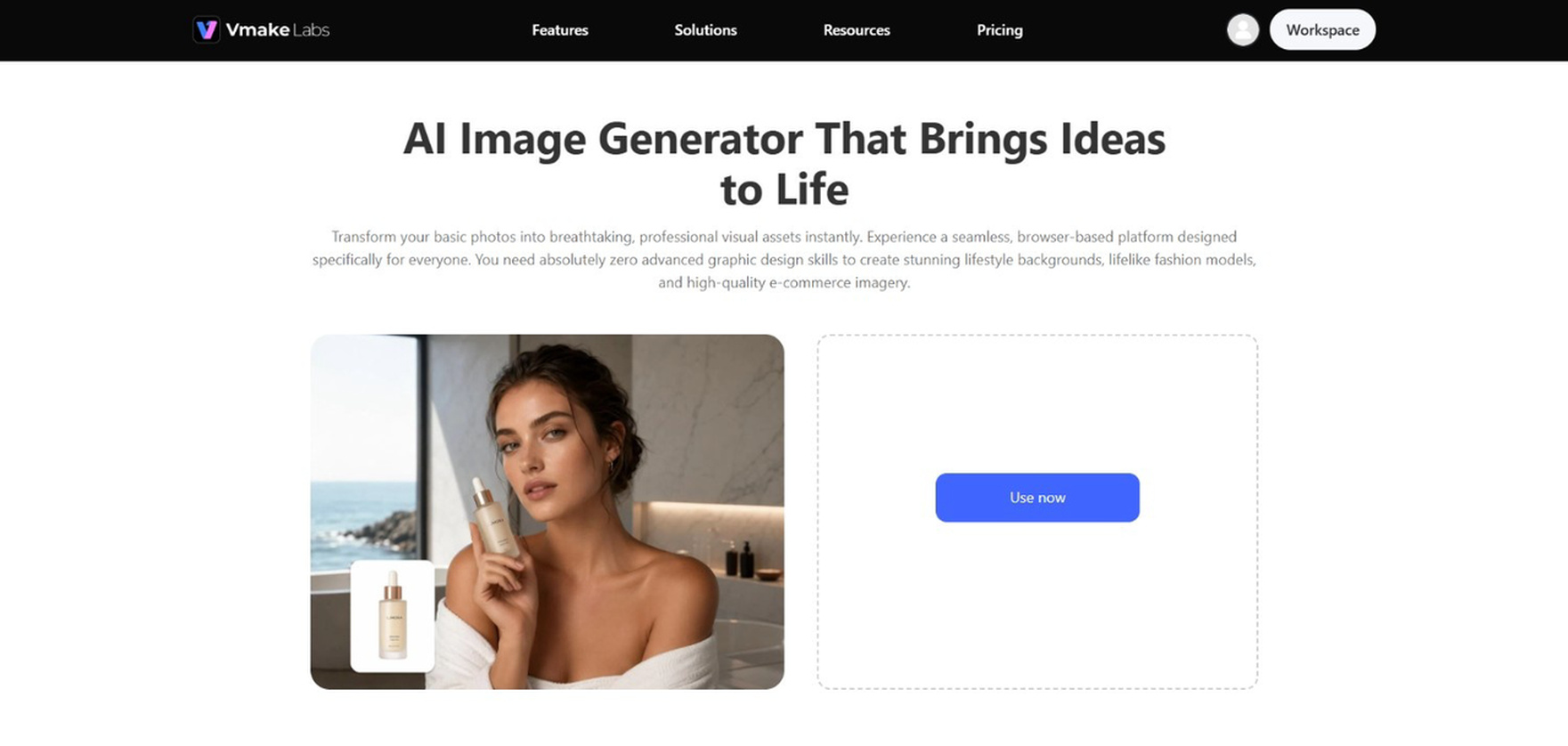
Vmake Labs Image Generator makes it easy to create original Pixar-style artwork using text prompts or reference images. With multiple AI image models and an intuitive workflow, you can generate high-quality AI images for creative projects in just a few simple steps.
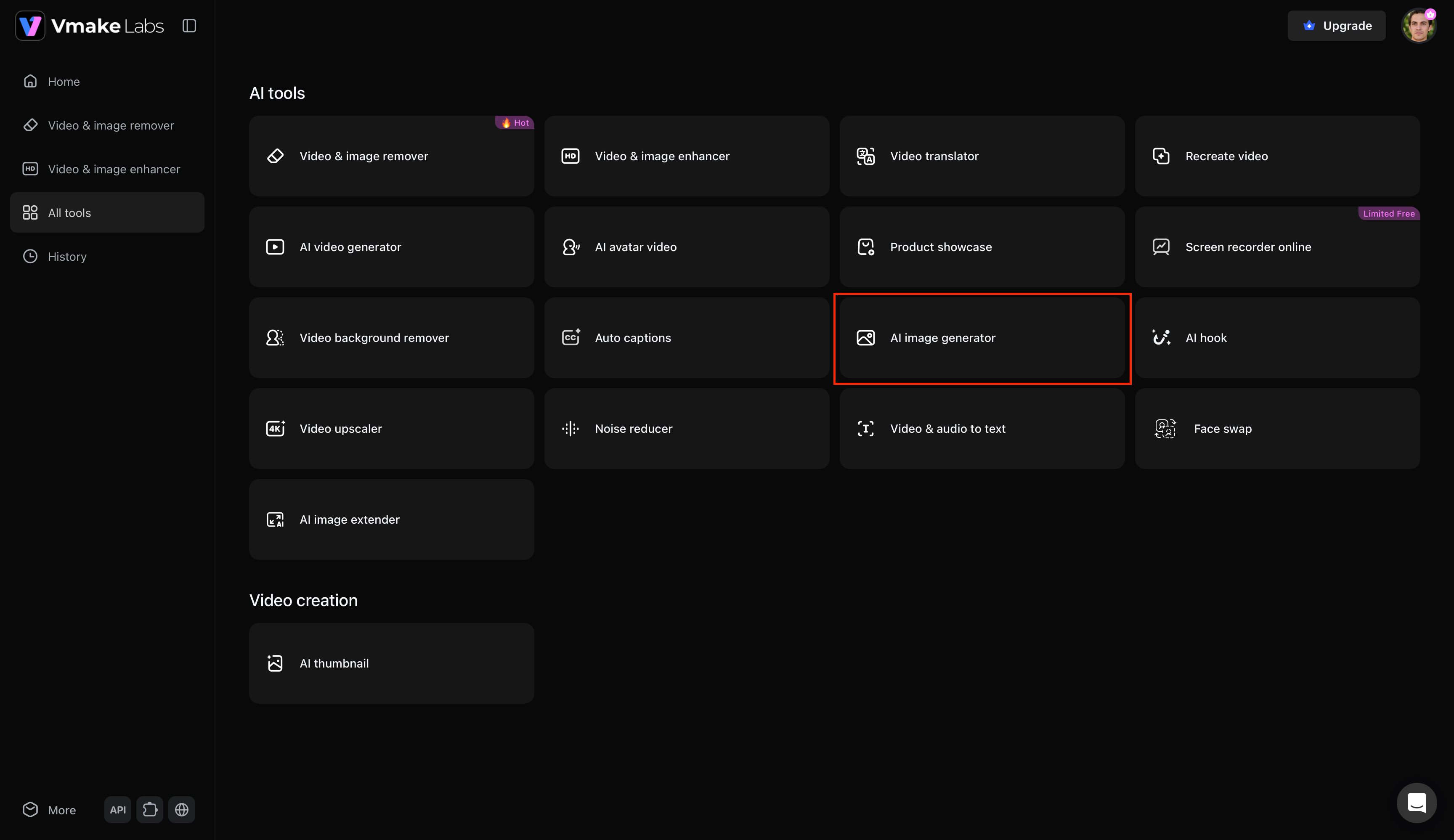
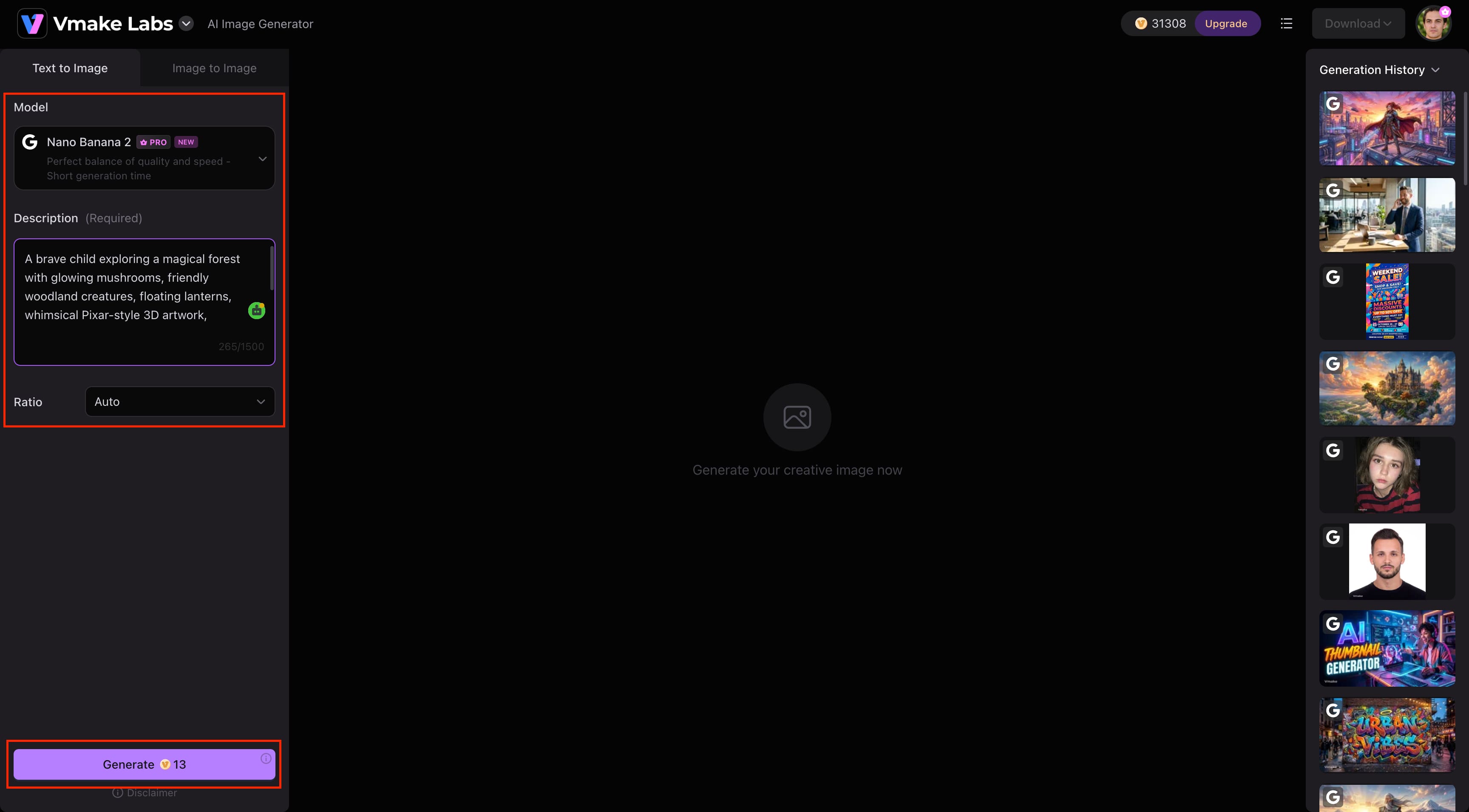
Step 1: Open the AI Image Generator
Go to Vmake Labs, open All Tools, and select AI Image Generator. This opens the workspace where you can begin creating Pixar-style AI images.
Step 2: Enter Your Prompt and Configure Settings
Choose Text-to-Image or Image-to-Image, select your preferred AI model, and enter your Pixar-style prompt. Adjust the aspect ratio if needed, then click Generate to create your image.
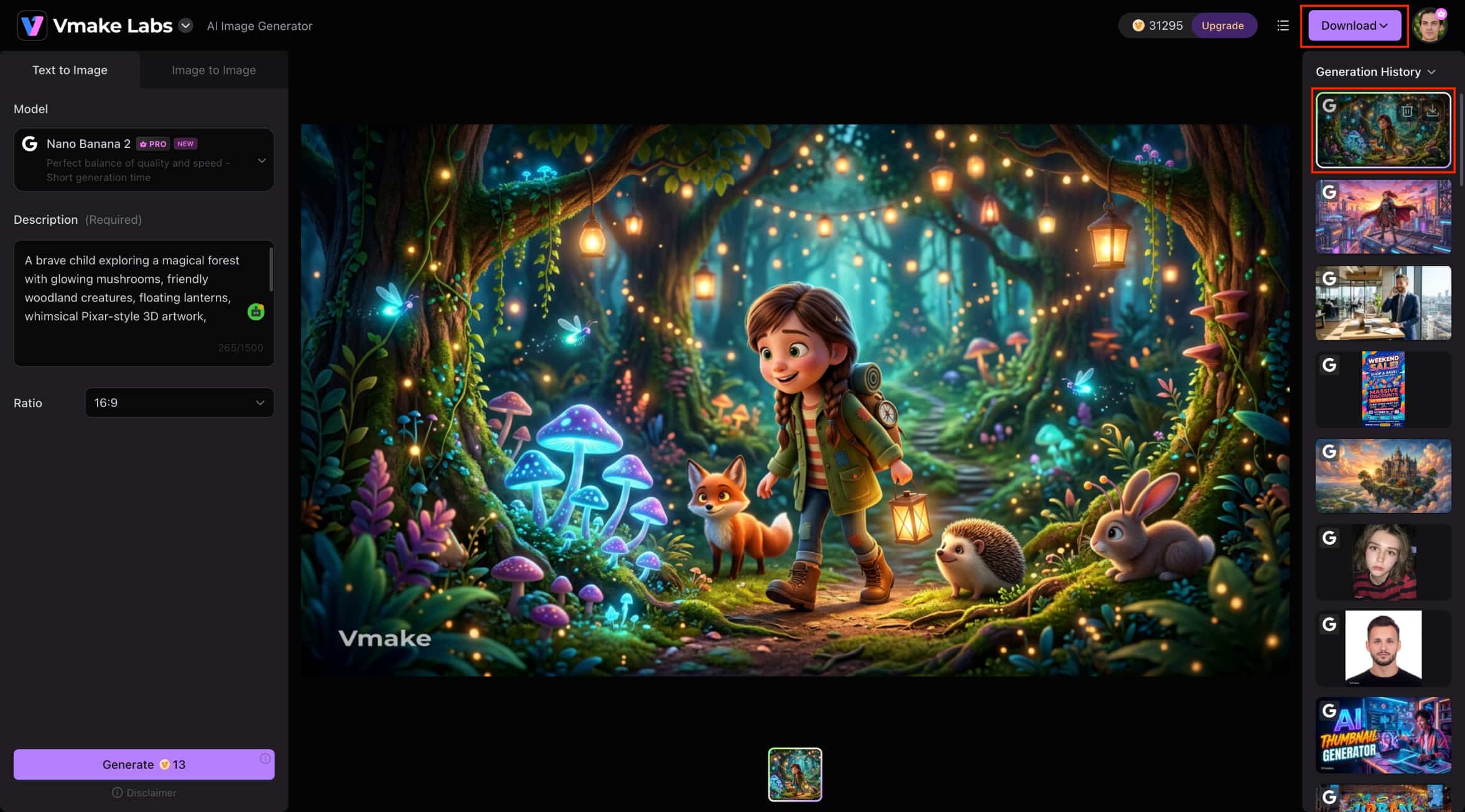
Step 3: Preview and Download Your Image
Review the generated image to ensure it matches your creative vision. Once you're satisfied with the result, click Download to save the final image to your device.
Why Choose Vmake Labs Image Generator?
-
Text-to-Image & Image-to-Image: Create original Pixar-style artwork from detailed prompts or transform existing images with AI.
-
Multiple AI Models: Choose from several AI image generation models to achieve different artistic styles and creative results.
-
Reference Image Support: Upload reference images to guide the AI and maintain a more consistent visual style.
-
Flexible Aspect Ratios: Generate images in multiple aspect ratios suitable for social media, presentations, marketing materials, and more.
-
High-Quality Image Output: Produce detailed, vibrant AI-generated images that are ideal for creative and professional projects.
-
Fast and Simple Workflow: Generate, preview, and download Pixar-style images in just a few clicks with an easy-to-use interface.
Tips for Creating Better Pixar-Style AI Images
Making good Pixar-style AI images depends on your prompt and how you guide the AI. These useful tips can assist you in creating more expressive, visually pleasing, and original artworks.
Write Clear and Detailed Prompts
A well-phrased prompt gives the AI a clear idea of the image you want to generate. Add details like the subject, facial expression, clothing, lighting, background, color palette, camera angle, and overall mood to better guide the AI. The more detailed your description, the more accurate and visually consistent your image is likely to be in the style of Pixar.
Enhance Your Image Quality
For optimal outcomes, experiment with various AI models, aspect ratios, and prompt ideas. Additionally, you may add depth of field, color harmony, cinematic lighting, composition elements, and art style to your prompts. A few tweaks to your prompt may have a significant impact on the outcome. You can also use an image enhancer to further improve clarity and overall image quality. Try a variety of choices, evaluate the outcomes, and choose the one that most closely reflects your creative vision.
Create Original Pixar-Inspired Artwork
Instead of using characters from already-released Pixar films, create your own unique characters, scenes, and narratives. You can avoid possible copyright problems, discover your own distinct artistic voice, and generate more original ideas by using original prompts. Additionally, fresh ideas enhance the uniqueness of your artwork and make it appropriate for both personal and professional endeavors.
Conclusion
Creating original artwork from simple text prompts or reference images has never been easier with Pixar AI. Whether you're designing character concepts, creative illustrations, social media content, or marketing visuals, AI image generators make it easy to bring your ideas to life. By writing detailed prompts, experimenting with different settings, and developing original concepts, you can achieve more engaging and visually appealing results. Ready to create your own AI artwork? Try Vmake Labs Image Generator to create high-quality static images using Text-to-Image and Image-to-Image workflows with multiple AI models for creators of all skill levels.
FAQs
Is Pixar AI free to use?
Many Pixar AI tools offer free plans that allow you to generate a limited number of images or use basic AI models. But premium AI models, faster image generation, and higher-quality outputs are usually paid subscription features. The features you get depend on the platform you choose.
Can I use Pixar-style AI images commercially?
Whether it is for commercial use or not is based on the licensing terms of the AI image generator you are using. Some platforms allow commercial use with certain subscription plans, while others may have restrictions. Make sure you read the terms of service of the platform you use before using AI-generated Pixar-style images for business, marketing, or client projects.
Can I turn my own photo into Pixar-style artwork?
Yes. Many AI image generators support Image-to-Image generation, allowing you to upload a reference photo and transform it into Pixar-inspired artwork. Vmake Labs Image Generator also offers this feature, making it easy to create original Pixar-style images from your own photos.
Which AI model works best for Pixar-style images?
There isn't a single AI model that's best for every project. Different models produce different artistic styles, levels of detail, and color rendering. If you're using Vmake Labs Image Generator, you can experiment with multiple AI models to find the one that best matches your desired Pixar-inspired style.
How can I improve the quality of Pixar-style AI images?
Write detailed prompts about your subject, facial expressions, lighting, colours, and background. You can also try different AI models, adjust image settings, or use reference images to refine your results. Vmake Labs Image Generator is a Text-to-Image and Image-to-Image workflow that helps create high-quality Pixar-style artwork easily.

You May Be Interested
Pixar-Level Animation Seedance 2.0: Complete Creator Guide
Goku AI Review: Is ByteDance's Video Generator Worth It?
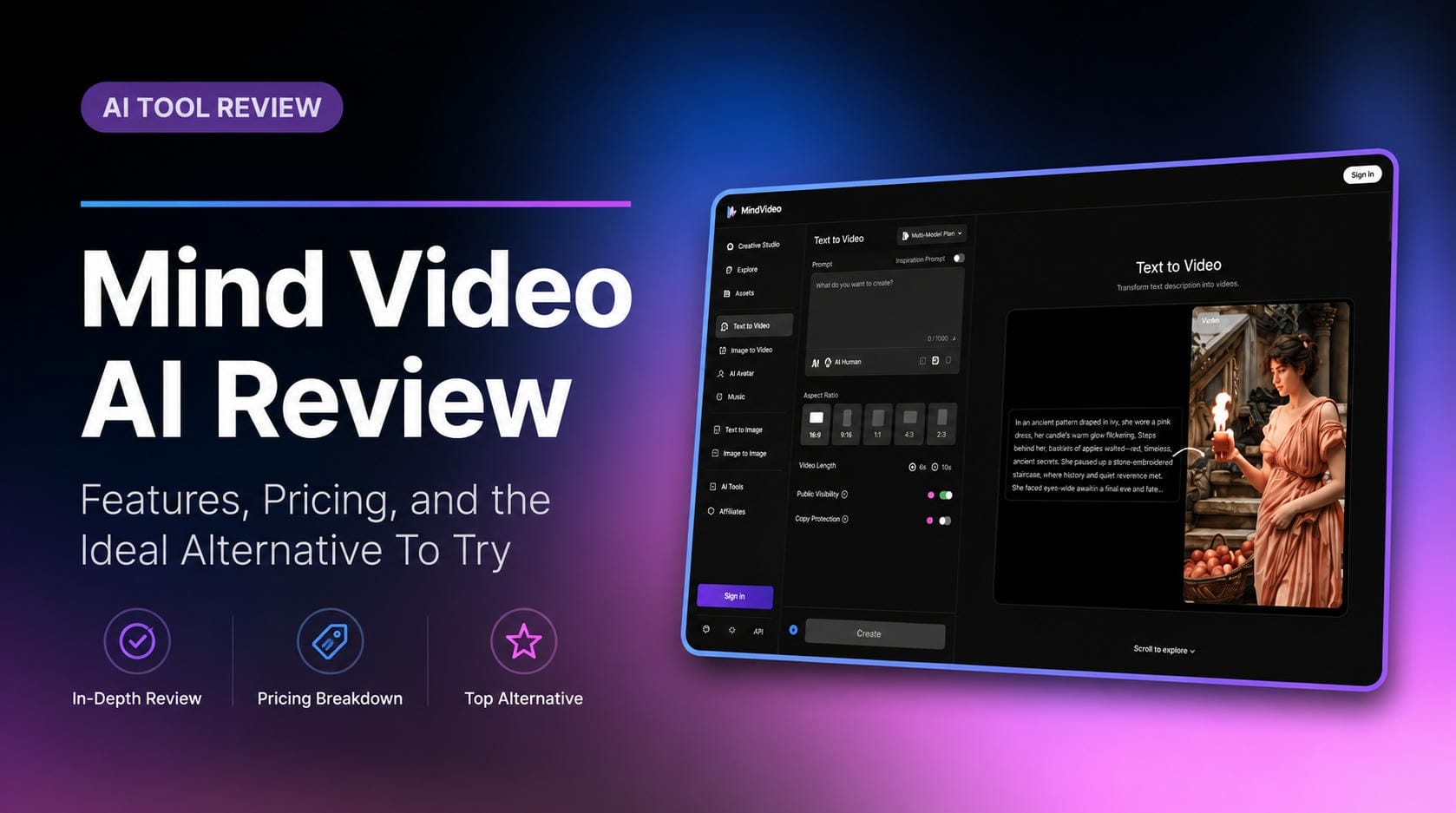
Mind Video AI Review: The Ultimate AI Filmmaking Tool?

Nero AI Review 2026 Explained: Is the Tool Worth Using?
