Getimg AI Review 2026: Features, Pricing & Alternatives
Read our Getimg AI review covering features, pricing, image quality, and credits, then compare practical alternatives before choosing an AI image generator.

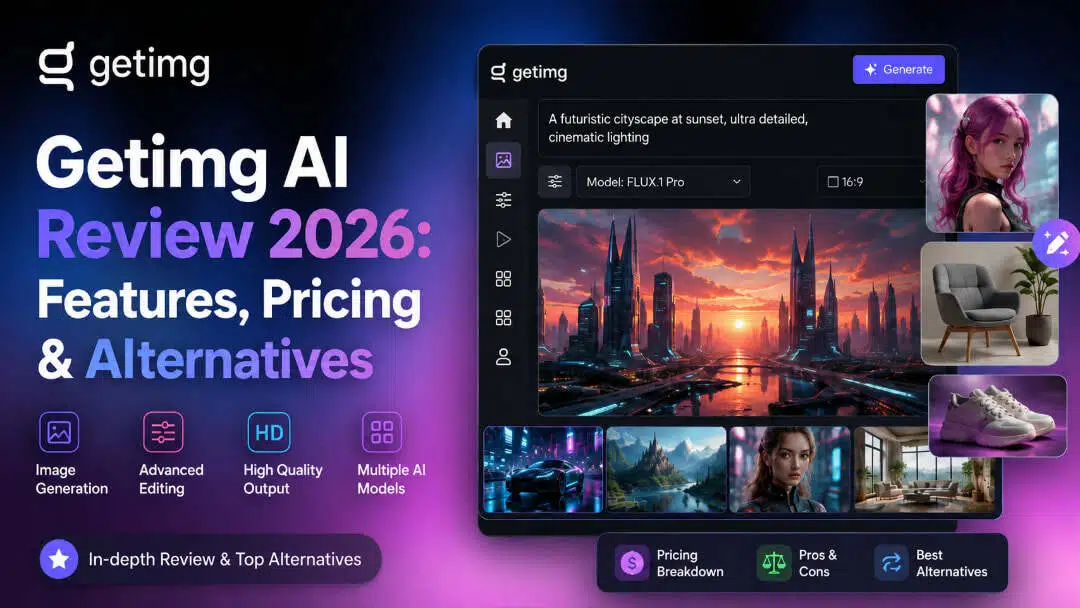
Getimg.ai bundles current AI image and video models, editing tools, and commercial rights into one paid subscription. After its 2026 overhaul, it dropped the free tier and traditional custom training. This Getimg AI review covers what the platform does well, where credits disappear fast, and which alternatives deliver better value for most creators.
What is Getimg AI?
Getimg.ai is a browser-based AI creative suite. You generate images from text, edit them with inpainting and outpainting, upscale them, and even turn stills into short videos, all without installing anything or switching between apps. The platform targets creators, marketers, and small teams who want text-to-image, light editing, image-to-video, and some developer access without juggling multiple tools. Getimg launched in 2022 on Stable Diffusion and has since rebuilt itself around a wider model lineup, including FLUX, Seedream, Nano Banana, GPT Image, and Google Veo.
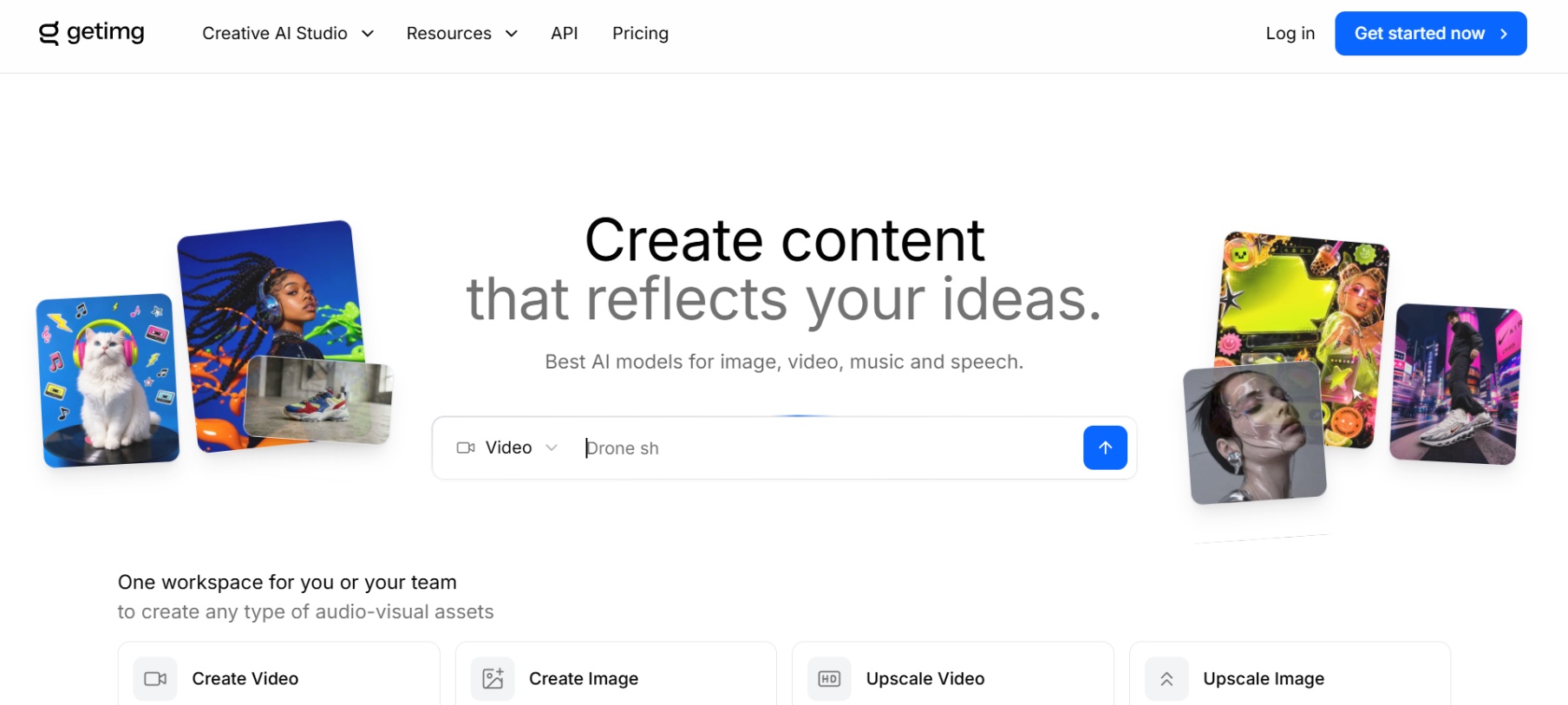
Key features of Getimg AI image generator
-
Text-to-image generation: Type a plain-language prompt and the system returns images in seconds. Choose aspect ratio and variation count. Stronger models handle detail and composition well; weaker ones still produce usable results for quick concepts or social posts.
-
Multiple AI models: Access a curated set of current models including FLUX variants, Seedream, GPT Image, Nano Banana, and Qwen. Auto mode picks one for you, or select manually. Different models favor realism, illustration, or text rendering.
-
Image editing tools: Beyond generation, Getimg provides tools for modifying existing images, including inpainting, outpainting, background removal, and other editing options. Users can fix unwanted areas, extend compositions, or prepare images without opening another editing application.
-
Upscaling/enhancement: Every plan includes AI upscaling, with resolution limits climbing from 4K on Entry to 16K on Plus and Ultra. Sharpen a low-resolution image or blow up a generation for print without losing sharpness or detail.
-
Fine-tuning/custom model training: Traditional DreamBooth training ended in March 2026. Upload reference images instead to build Elements: reusable characters, styles, or products you call with @mentions. Existing older custom models still work for some accounts.
-
API access for developers: Developers can use Getimg's API to integrate image-generation capabilities into their own applications and workflows. This makes the platform suitable for automated content production, custom creative tools, and businesses building AI-powered image features.
How does the Getimg AI image generator work?
Getimg AI turns a text prompt into a finished visual in three quick steps. Here's the workflow behind every image you create on the platform.
Step 1: Enter prompt and choose model
Type your description or upload a reference image. Select a specific model based on the style you're after, whether that's photorealism, anime, or leave Auto mode on. Set aspect ratio and number of variations.
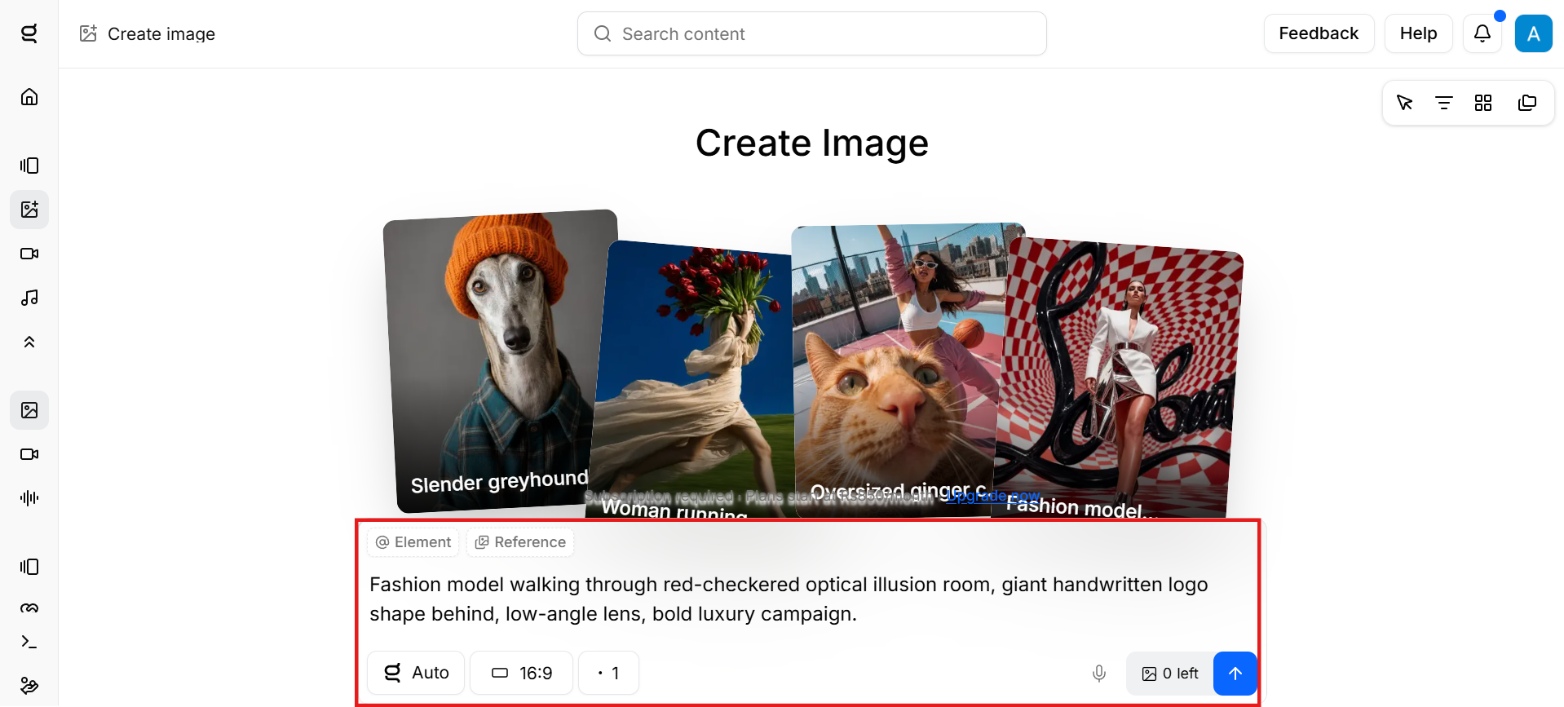
Step 2: Generate
Hit Generate. Images appear in seconds to a few tens of seconds. Credits deduct based on the model and settings you chose.
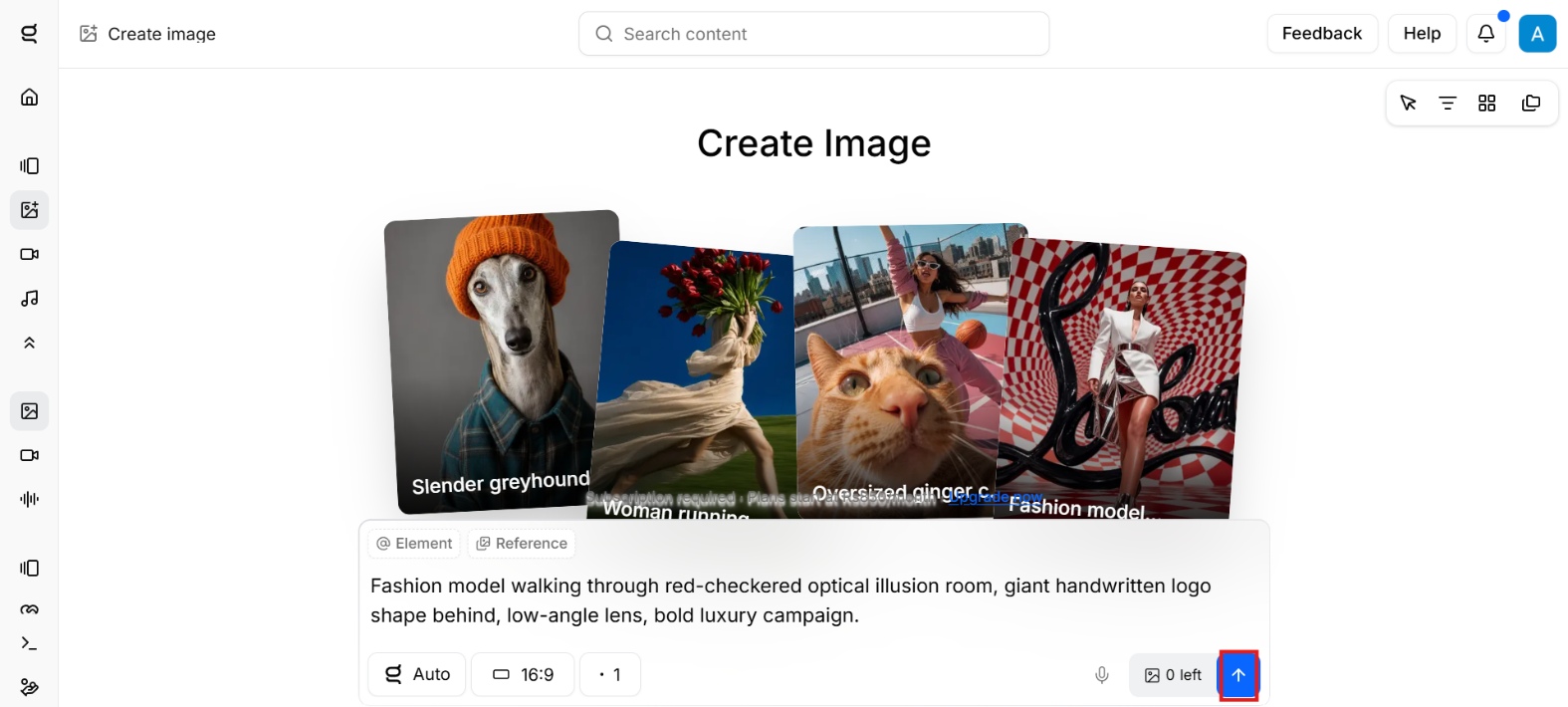
Step 3: Edit and download
Move any result into the canvas for inpainting, outpainting, background work, or upscaling. Download the final version with commercial rights included on paid plans.
Getimg AI image quality: Hands-on test
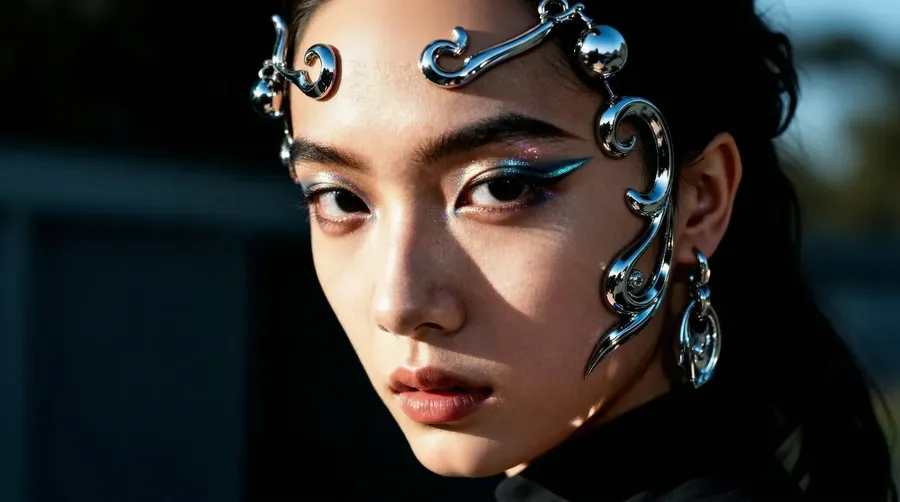
We tested Getimg with three different image-generation prompts covering a snowy mountain village, a busy restaurant kitchen, and a futuristic portrait. The results gave us a useful look at realism, consistency, and how well the generator follows detailed prompts.
Test results
Realism
At first glance, the three outputs appear convincing, with good lighting, depth, and texture. The snowy village looks like a toy, like in a tilt-shift photo, and the restaurant scene is especially good with fire, steam, food, and indoor lighting. The futuristic portrait also has believable skin texture and metallic details.
For us, the restaurant picture is the most prominent because the lighting and atmosphere look natural. The flames, smoke, and reflections add depth without making the scene look too fake. The portrait is detailed as well, but the elaborate metallic accessories make it easier to notice the synthetic quality on closer inspection.

Consistency
Over the three generations, Getimg maintained a clear visual structure and created images in which the main subjects were easy to identify. Objects remained well defined in general, and the compositions didn’t look messy with the number of elements in each scene.
But judging consistency from unrelated prompts becomes harder. More suitable for recurring characters, products, or styles is Getimg's Elements feature, which allows you to reuse reference-based concepts across generations.
Prompt adherence
Getimg performed well with prompts containing several visual details. The snow scene the mountain setting, buildings, trees, people, and houses covered with snow in warm colors. The kitchen image shows the cooking action, flames, steam, cookware, and restaurant environment. The futuristic styling is continued in metallic facial accessories, makeup, and a dark background in the portrait.
The results also show that Getimg tends to favor the overall composition and the main subject rather than each individual prompt detail. We would use a few variations for more complicated scenes, and not expect the first generation to perfectly match every instruction.
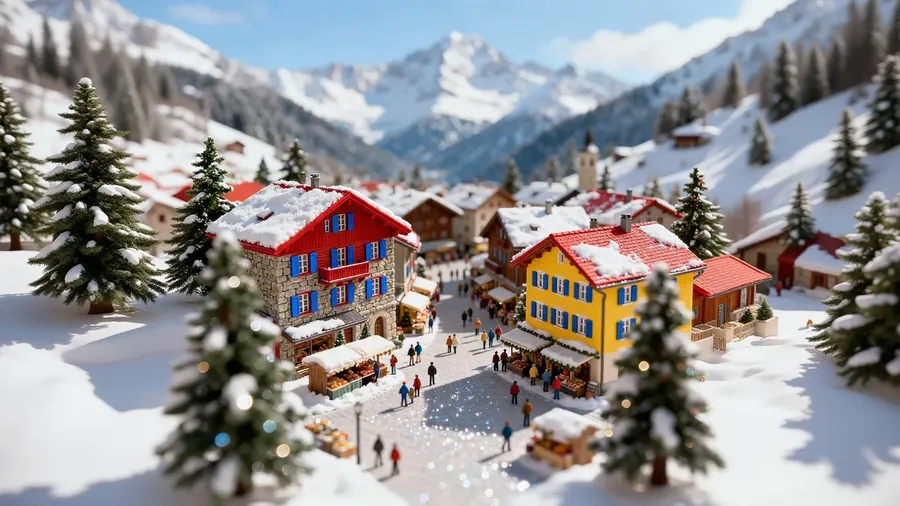
Our take: Getimg did well in all three tests, especially for atmospheric scenes, realistic lighting, and detailed subjects. The output is good enough for many creative and marketing purposes. But you may need to generate a few times for complex prompts to get the exact composition you want.
Getimg AI pricing and plans
Getimg uses a credit-based subscription model. Credits are consumed by different tools, and the number of images or videos you can create depends on the model and task you select. Credits also do not roll over to the next month.
Does Getimg AI have a free plan?
No. The free tier was retired during the 2026 overhaul. Older reviews that mention 100 free monthly credits describe a plan that no longer exists. Every current Getimg AI plan requires payment starting on day one, with no trial period. If you want to test the platform without spending money, look at a competitor with an active free tier, such as Vmake Labs, Leonardo AI, or Ideogram, three of them are covered below.
Getimg AI Paid Plans
|
Plan |
Price (Yearly) |
Credits per Month |
Batch Size |
Key Features |
|---|---|---|---|---|
|
Entry |
$8/month ($96 billed yearly) |
3,000 |
2 |
Commercial rights, 11 image models, 9 video models, 4K upscaling, Smart image resizer, Music & Speech generation |
|
Core |
$25/month/seat ($300 billed yearly) |
15,000 |
4 |
All Entry + Access to all image & video models, 8K upscaling, 2 teams |
|
Plus (Most Popular) |
$55/month/seat ($660 billed yearly) |
35,000 |
8 |
All Core + 16K upscaling, 5 teams |
|
Ultra (Professional's choice) |
$150/month/seat ($1,800 billed yearly) |
100,000 |
10 |
All Plus + 10 teams, highest concurrency |
Credit costs vary sharply by model. On the Entry plan, 3,000 credits stretch to roughly 200 FLUX.2 images, but only about 42 GPT Image generations, since GPT Image costs far more per credit. Video eats credits even faster: a single Kling or Sora clip can use the same credits as dozens of still images. Budget around the models and formats you'll actually use, not the headline credit number.
Getimg.ai review: Pros and cons
After taking a look at the features, pricing, image quality and current workflow of Getimg, we've found a number of strengths, and some limitations that may be relevant depending on how often you create AI visuals.
Pros |
Cons |
|---|---|
|
Credits burn quickly: Credit usage varies by model and task, so frequent generation can consume your monthly allowance faster than expected. Quality inconsistency: Results can vary between models and generations, particularly with complex scenes, precise details, unusual compositions, or demanding visual requirements. Content filters: Some prompts or generations may be restricted by content policies, which can limit certain creative concepts or make specific requests harder to produce. Custom training changes: Getimg has moved away from traditional DreamBooth training for new custom models, replacing it with the newer Elements-based approach. |
What users are saying about Getimg AI
No one's point of view can cover every facet of a product. Let's check out what other active users say about Getimg AI:
-
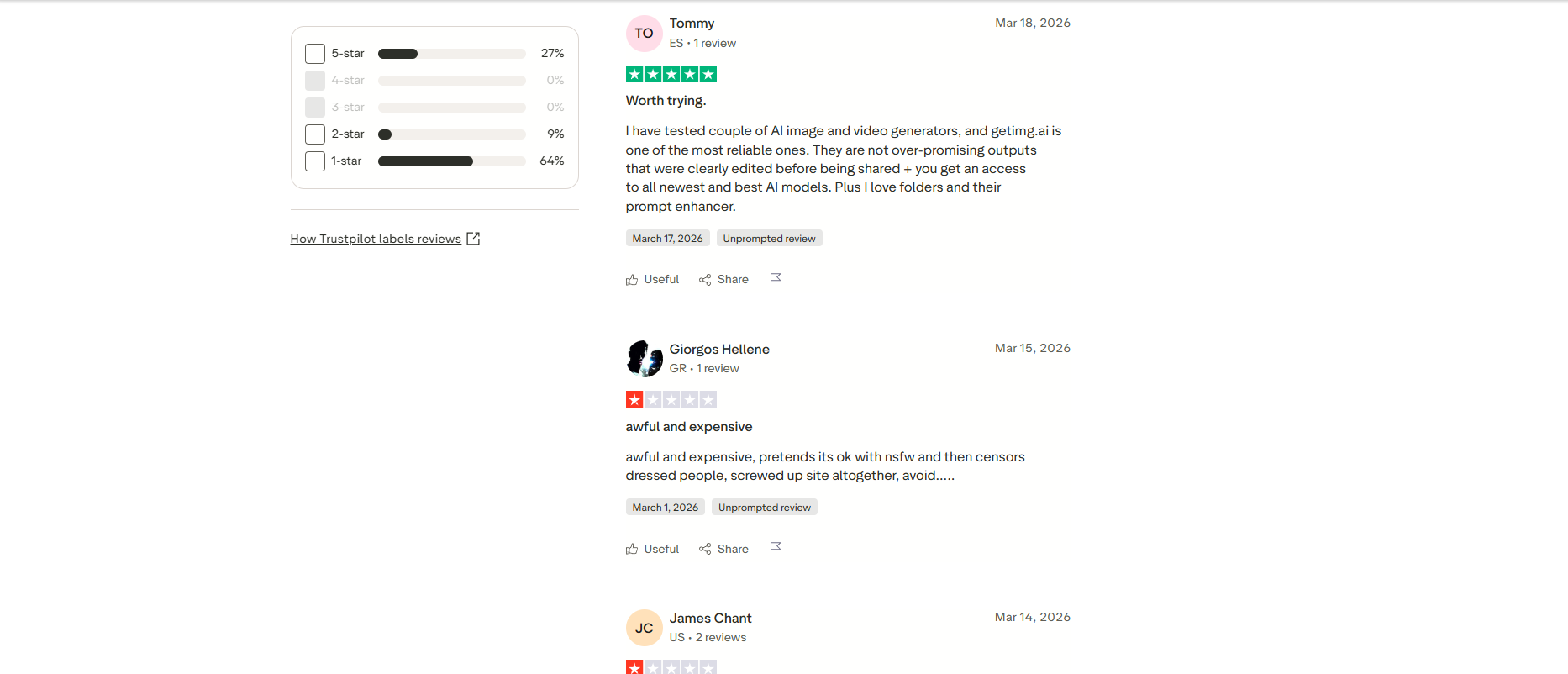
Trustpilot
Trustpilot feedback is mixed. One recent reviewer called Getimg reliable and praised its access to newer AI models, folders, and prompt enhancement. However, another reviewer criticized its pricing, content restrictions, and censorship, showing that user experiences vary considerably.
-
Reddit
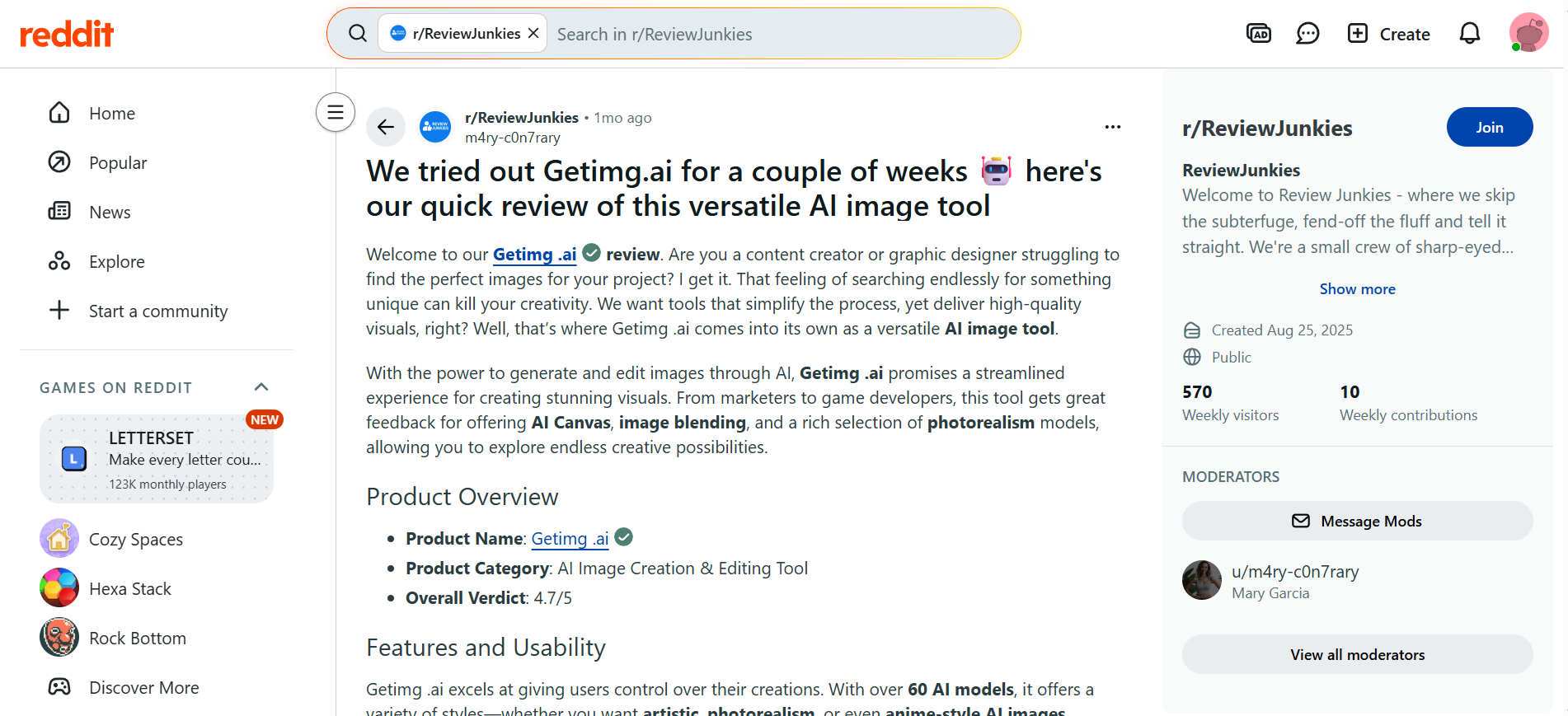
A recent Reddit review rated Getimg.ai 4.7/5 after using it for several weeks. The reviewer praised its broad model selection, AI Canvas, image blending, and photorealistic results. They also highlighted its usefulness for content creators, graphic designers, marketers, and game developers seeking more control over their visuals.
-
Product Hunt
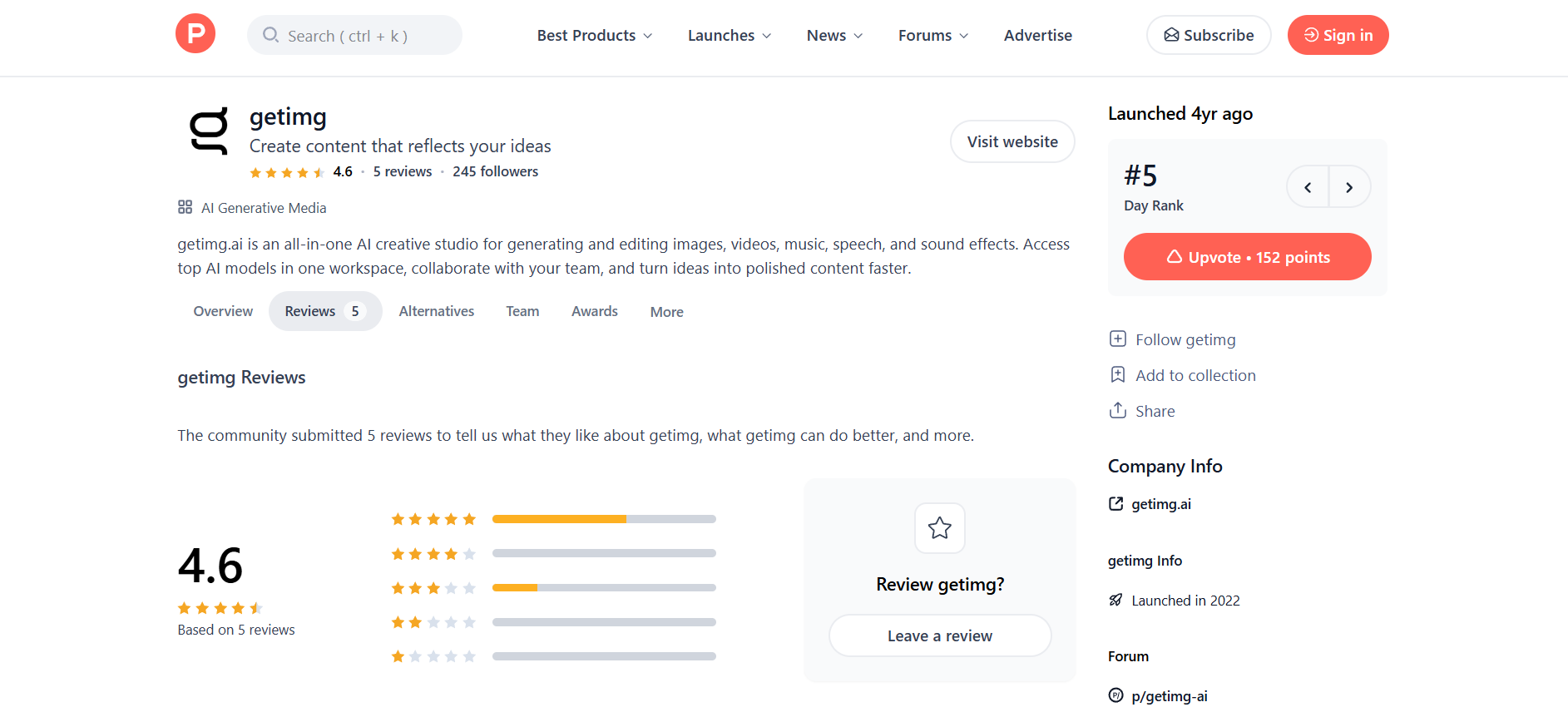
Product Hunt users praise Getimg.ai for its beginner-friendly interface and multi-model flexibility, noting it simplifies creative workflows compared to complex standalone tools. However, some reviewers note occasional discrepancies when executing precise, highly specific language instructions in complex prompts.
Our verdict
Getimg AI works best as a production tool for people who already know which model they want and don't need a free trial to figure that out. The credit system rewards planning: pick FLUX or Seedream for volume work and save GPT Image for the handful of generations where text accuracy actually matters. Teams that need shared workspaces, brand assets, and commercial rights in one place will get real value out of the Core or Plus plan.
It's a harder sell for casual users, hobbyists, or anyone who wants to test an AI image generator before paying for it. The lack of a free tier, combined with credits that disappear on failed generations, makes the platform feel riskier to try than competitors that let you generate for free first.
4 best Getimg AI alternatives
-
Vmake Labs
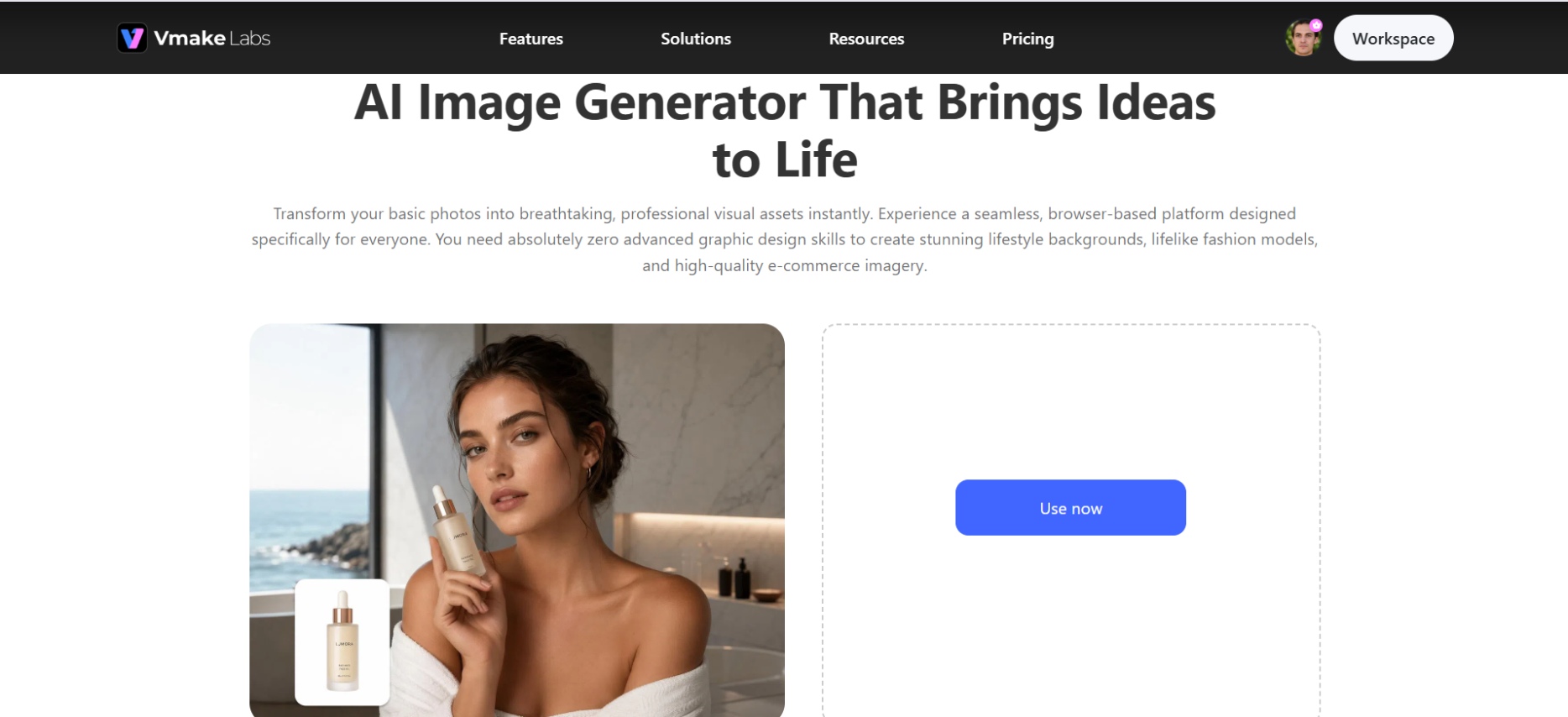
Vmake Labs AI Image Generator is a handy alternative to Getimg for marketers, ecommerce sellers, creators and small businesses. It combines text-to-image and image-to-image generation with reference images, multiple AI models and flexible aspect ratios. The workflow is simple, browser-based and enables anyone to create product visuals, lifestyle imagery, campaign assets and social content without being an experienced designer.
Steps to generate images using Vmake Labs
Follow these simple steps to generate stunning images using Vmake Labs
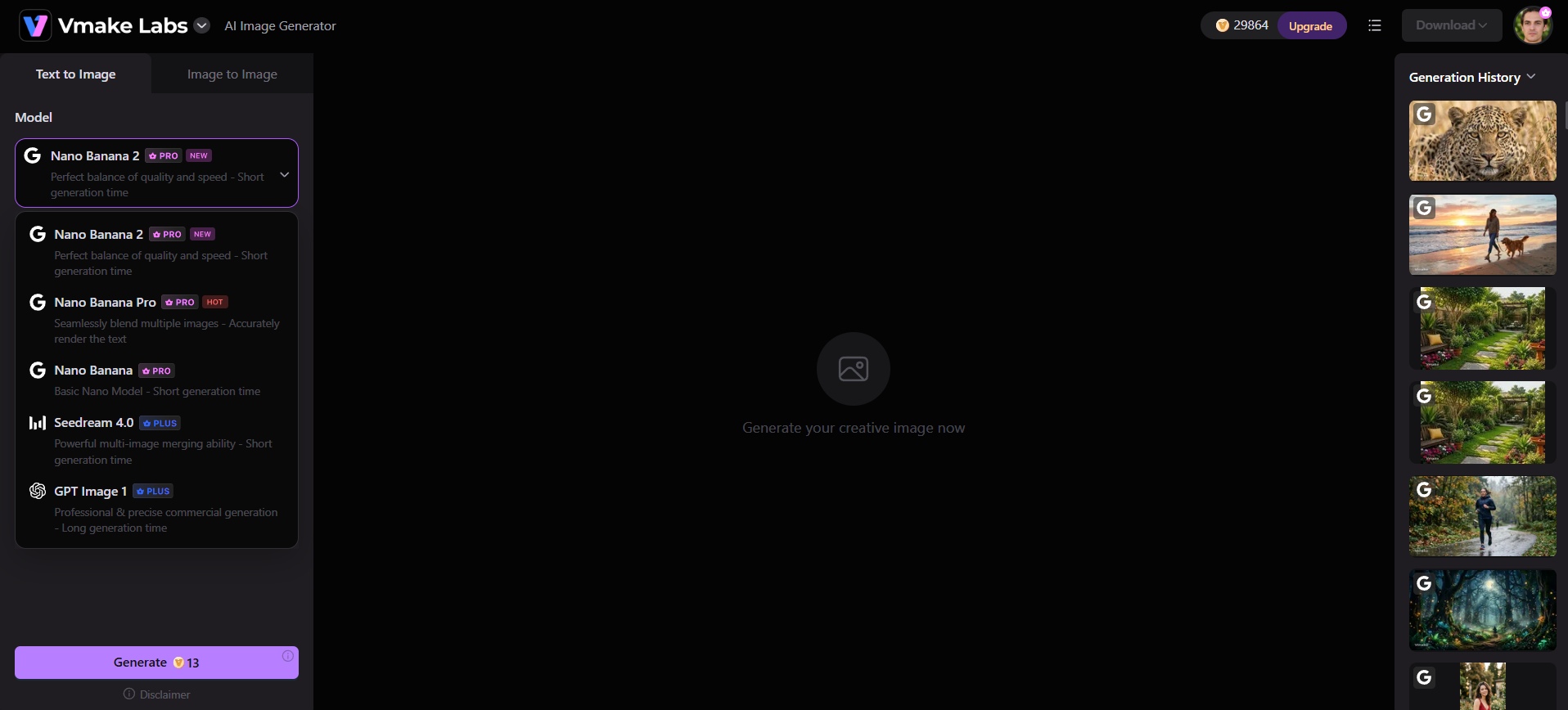
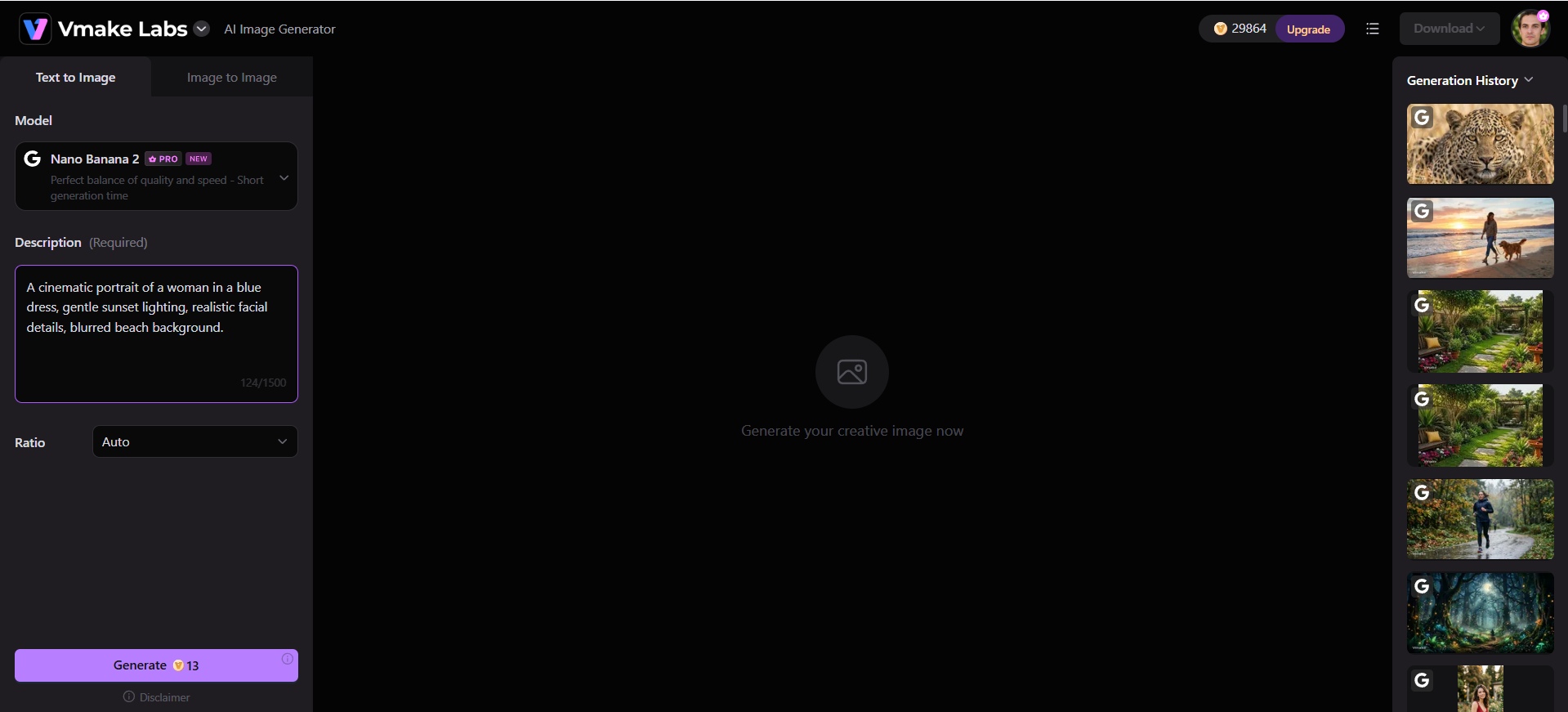
Step 1: Choose an AI image model
Go to AI Image Generator, then pick from Nano Banana, Seedream, GPT Image, or another model based on the style you want.
Step 2: Enter a prompt or upload a reference
Describe the image in plain text, or upload an existing photo to reimagine it with a new style, mood, or setting.
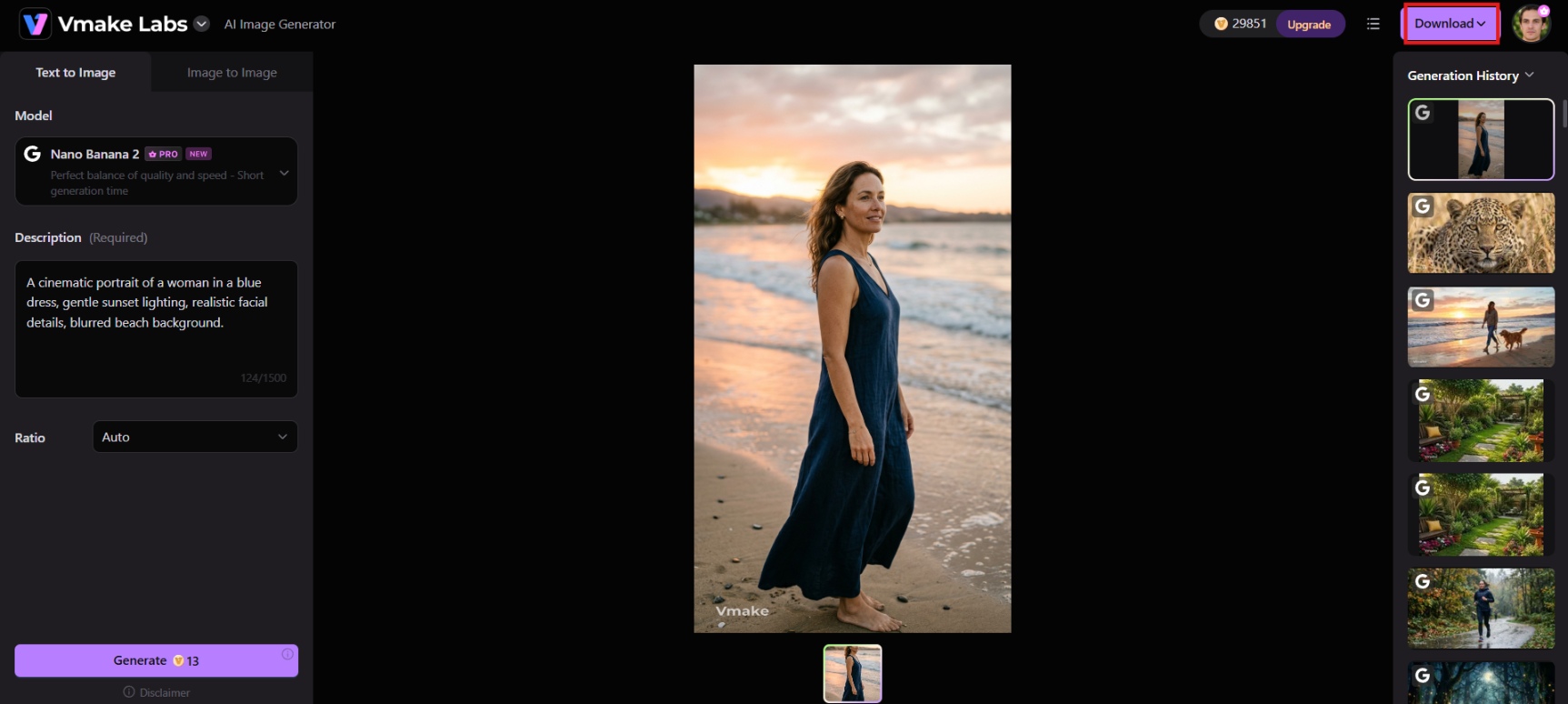
Step 3: Generate and download
Click Generate to create your image. Review the result and make adjustments if needed. Once you're happy with the output, download the finished image for your project.
Key features
-
Text-to-image generation: Describe your idea in plain text and get polished visuals instantly. This helps users skip design software entirely, letting marketers, creators, and store owners produce campaign-ready images without hiring a designer or photographer.
-
Image-to-image transformation: Upload an existing photo and reimagine it with a new style, mood, or setting. This helps users refresh old content quickly, turning basic product shots or sketches into polished, on-brand visuals without reshooting.
-
Multiple AI models: Choose between models like Nano Banana Pro, Seedream, and GPT Image for different styles and strengths. This helps users match the right model for their project, improving output quality without switching platforms or tools.
-
Reference image support & variations: Upload 1–3 reference images to generate multiple unique, restyled variations. This helps users A/B test creatives faster, keep social feeds and ad campaigns fresh, and explore different visual directions without planning new photoshoots each time.
-
Leonardo.ai
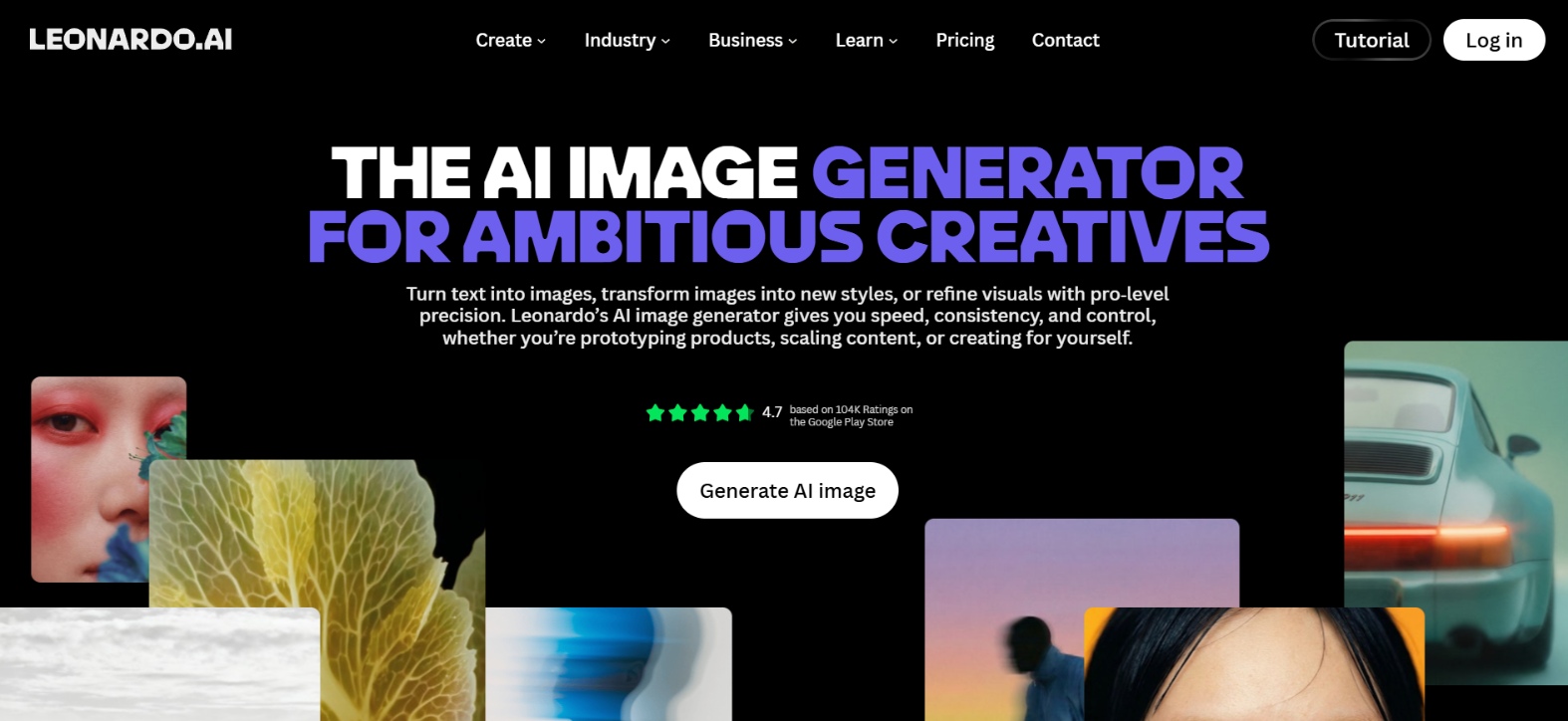
Leonardo.ai pairs a generous free tier with a control-focused workspace built for people who want to fine-tune the process, not just prompt and hope. Its AI Canvas, its own Phoenix model, and support for outside models like Flux and Nano Banana Pro make it a strong pick for anyone who wants Getimg's model variety plus more manual control over composition and consistency.
Key features
-
Daily free credits: A real free tier, not a one-time trial, lets you evaluate the platform for weeks before paying.
-
AI Canvas: An in-browser editing surface for inpainting, outpainting, and compositing that goes further than Getimg's basic editor.
-
Model training: Train custom models on your own reference images for consistent characters or brand assets, a feature Getimg dropped in 2026.
-
Broad model access: Run Leonardo's own Phoenix and Lucid models alongside outside models like Veo, Kling, and Flux.2 Pro from one interface.
-
Ideogram
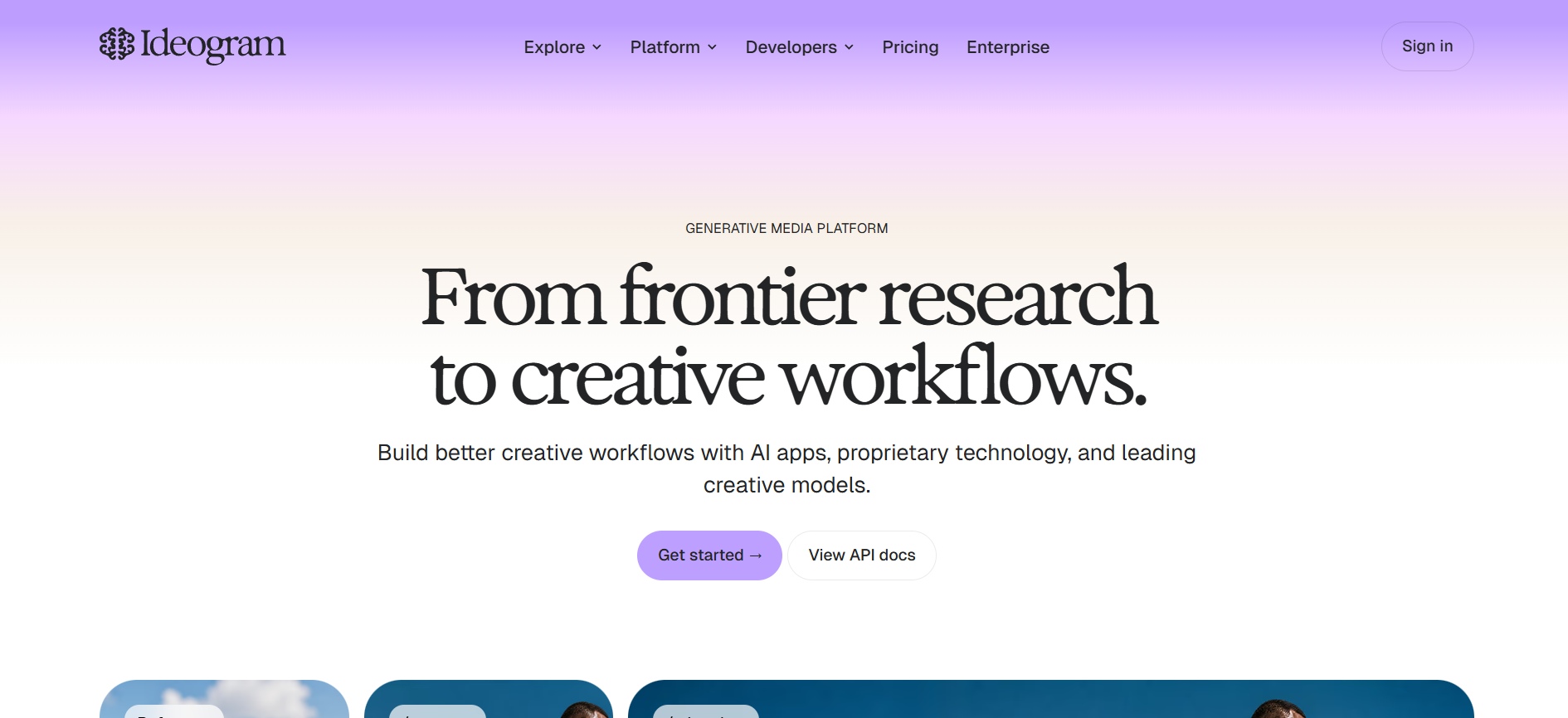
Ideogram is a specialized AI image generator celebrated for its breakthrough typography, graphic design layouts, and creative lettering. Perfect for marketing professionals, apparel creators, and social media managers, the platform seamlessly embeds coherent, legible text into complex illustrations, posters, stickers, and brand mockups without mangled spelling errors frequently seen in earlier generative models.
Key features
-
Best-in-class text rendering: Renders embedded text with roughly 90 percent accuracy, far ahead of most general-purpose image generators.
-
Free daily prompts: A free tier with a set number of daily prompts lets you try the platform with no credit card required.
-
Character and brand consistency: Upload reference images to keep a character, logo, or style consistent across generations.
-
Magic Fill and Extend: Built-in inpainting and outpainting tools for adjusting or expanding an image after generation.
-
Adobe Firefly
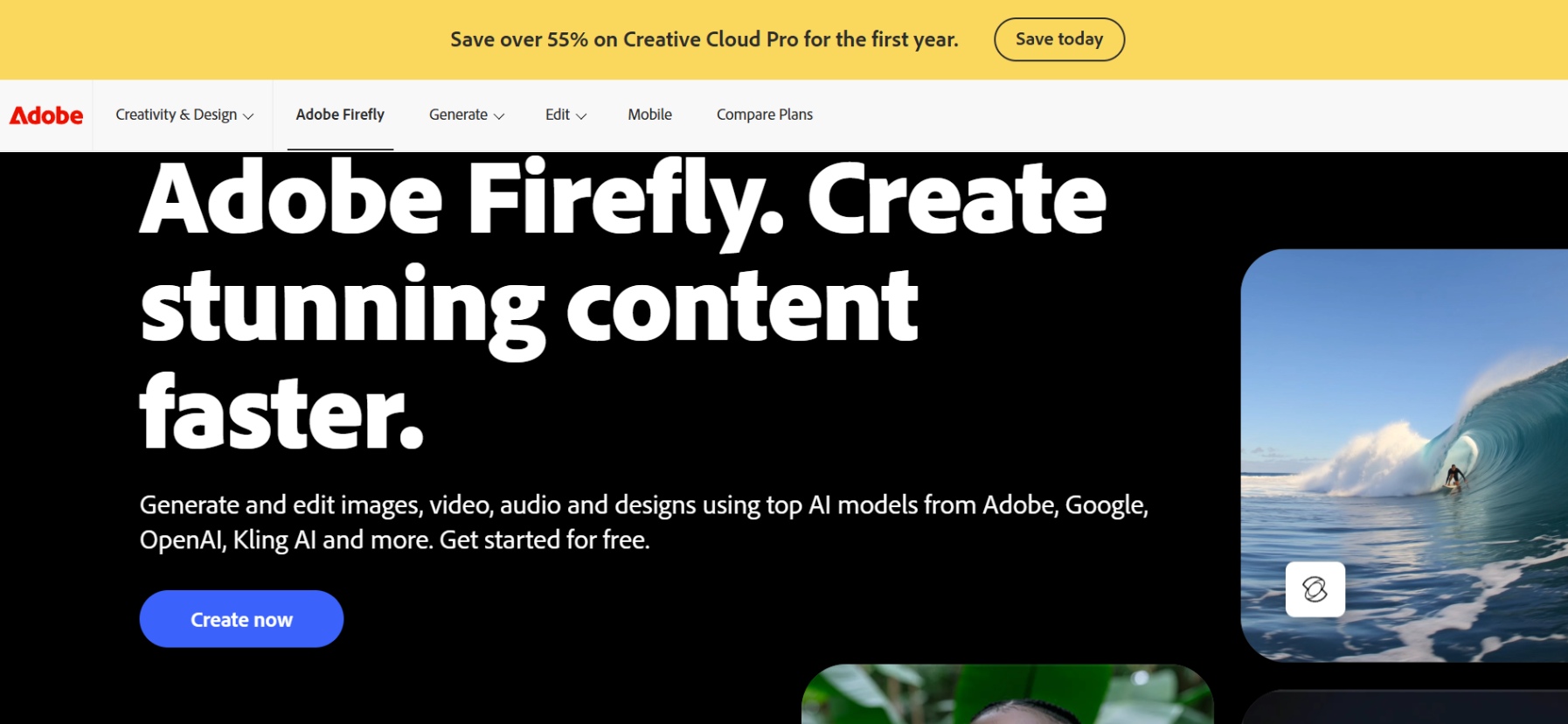
Adobe Firefly is the safest commercial choice for teams already inside Creative Cloud. It's trained on licensed Adobe Stock content, which sidesteps copyright questions that trail some competitors, and its generative tools live directly inside Photoshop, Illustrator, and Express instead of a separate app. That integration is the whole pitch: fewer exports and imports, more work done in the programs your team already uses.
Key features
-
Commercial-safe training data: Built on licensed Adobe Stock content, reducing the legal risk of AI-generated images in commercial work.
-
Native Creative Cloud integration: Generative Fill and Generative Expand work directly inside Photoshop and Illustrator, no separate app required.
-
Generative credit system: Standard generations are unlimited on paid plans, while premium features like video draw from a monthly credit pool.
-
Free plan available: A free tier with a monthly credit allowance lets you try Firefly's generative tools before subscribing.
Conclusion
-
Getimg AI earns its place for teams that want one paid workspace covering generation, editing, and image-to-video, and who already know how to manage a credit budget across different models. It's a weaker fit for anyone who wants to try before they buy, since the free tier is gone and failed generations still cost credits. If pricing risk or a specific feature, like real text rendering or custom model training, matters more to you than an all-in-one workspace, Ideogram, Leonardo.ai, or Vmake Labs are worth testing first.
FAQs
Is Getimg AI free to use?
No. Getimg AI removed its free tier during the 2026 overhaul. All current plans require payment starting from the first generation.
Is Getimg.ai safe and legitimate?
Yes, it's a legitimate, actively operated platform launched in 2022 and run by a small team based in Warsaw. Users should note that failed generations can still deduct credits and that support response times, handled by email, run slower than live chat.
Can I use Getimg AI images for commercial projects?
Yes. Full commercial usage rights are included on all active paid plans, allowing you to monetize generated assets across client campaigns, merchandise, digital advertisements, and marketing collateral safely.
Can I still train custom models (DreamBooth) on Getimg AI?
Getimg AI has moved away from traditional DreamBooth training for new custom models. Instead, it now uses Elements, which lets you upload reference images and create reusable Characters, Styles, Products, and other visual concepts without waiting for model training. Existing custom models can still be used.
What are the best alternatives to Getimg AI?
Top alternatives include Vmake Labs for marketing visuals, Ideogram for flawless in-image typography, Leonardo.ai for concept art, and Adobe Firefly for native Photoshop Generative Fill workflows.

You May Be Interested
Artguru AI Image Generator Review 2026: Is It Worth Trying?

Best AI Avatar Generators in 2026 (Compared & Reviewed)
Best AI Image Generator: 10 Top Picks for 2026 Review
OpenClaw 2026: Ultimate Guide to World-Changing Local AI

FLUX AI Image Generator Review 2026: Is It Worth Using?
Fotor AI Image Generator: Honest Review Plus Best Alternative