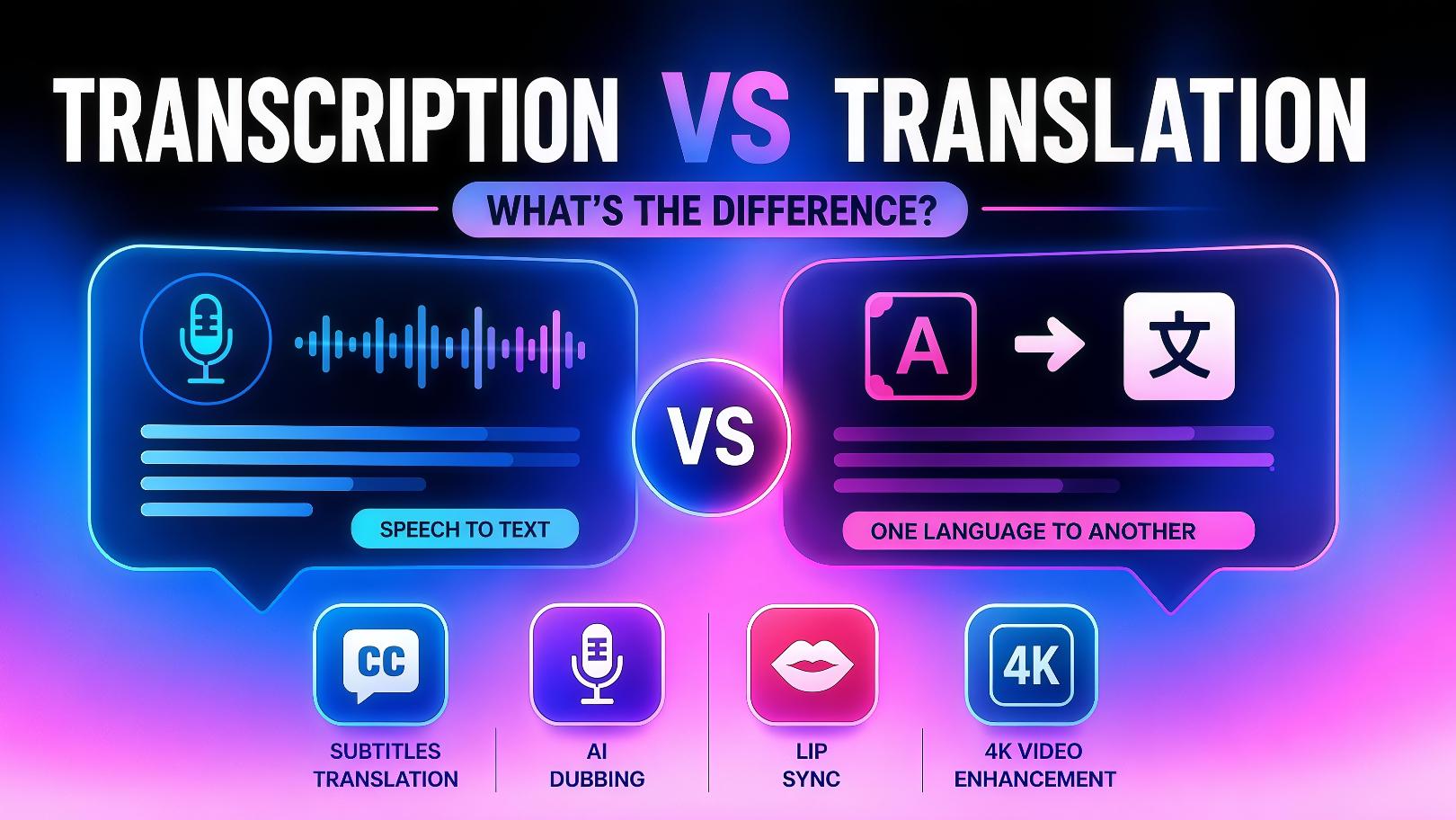
Top 5 Call Transcription Apps in 2026: Expanded Guide
Ready to automate your meeting notes? Discover the best call transcription tools of 2026, including Vmake Labs video & audio to text tool, and learn expert best practices to streamline your workflow.

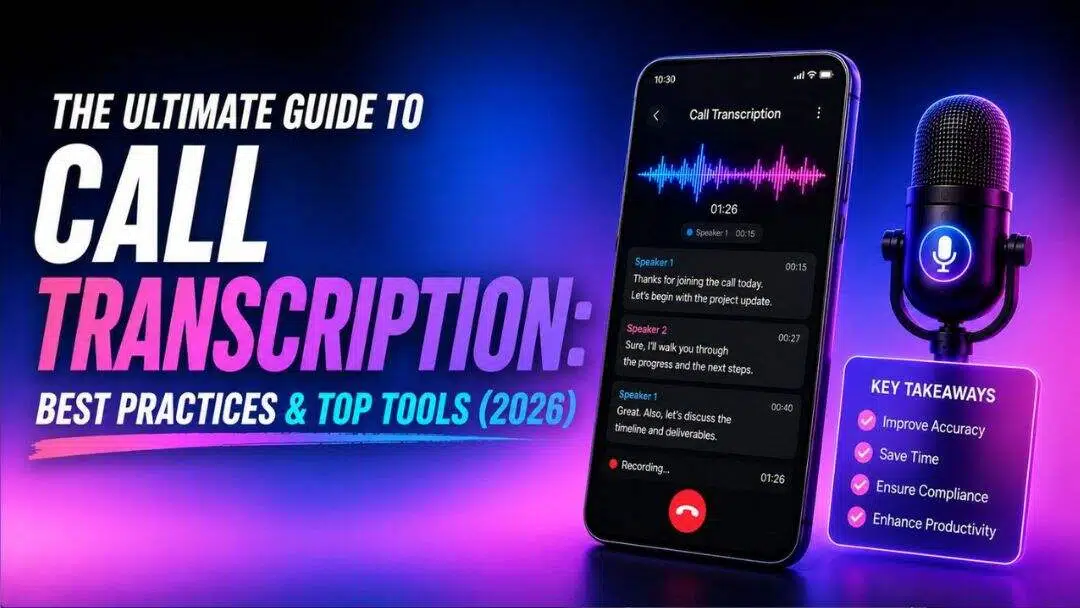
Modern businesses run on conversations, but valuable insights are often lost the moment a call ends. Manual note-taking is slow, inaccurate, and distracts from active listening. Call transcription software solves this by converting speech to text automatically. This guide explores the best call transcription apps to streamline your workflows, boost productivity, and preserve every critical detail.
What is a call transcription app?
A call transcription app is an AI-powered tool that automatically converts spoken audio from phone calls, video meetings, or audio files into written text.
Utilizing Advanced Speech Recognition (ASR) technology, these platforms listen to conversations in real time or analyze pre-recorded files to deliver accurate transcripts. Beyond simple dictation, modern tools can identify different speakers, highlight key moments, and generate searchable logs of entire conversations.
This saves businesses hours of administrative work, ensures compliance, and creates an easily searchable archive of customer interactions, internal decisions, and collaborative brainstorming sessions for future reference.
How did we evaluate the best call transcription software?
To find the absolute best options on the market, we thoroughly analyzed and compared the top transcription tools using four critical performance benchmarks.
-
Transcription workflow: We compared whether each platform supports real-time call transcription, uploaded recordings, or both, ensuring different business needs are covered.
-
File and meeting compatibility: We evaluated support for recorded audio/video uploads, meeting platforms, and business communication tools used during transcription.
-
Ease of use: We considered how quickly users can start transcribing calls, including browser-based access, setup requirements, and integration complexity.
-
Ideal use case: We assessed which users each platform serves best, from post-call documentation and meeting notes to sales intelligence and call center operations.
Top 5 AI call transcription apps and software
To help you pick the ideal call transcription software for your use case scenario, we have rounded up some of the best tools out on the market for you to try out.
|
Comparison Factor |
Vmake Labs |
Ringover |
Otter.ai |
Fireflies.ai |
Gong |
|---|---|---|---|---|---|
|
Primary use case |
Transcribe uploaded audio and video files |
Live business call transcription |
Live meetings and note-taking |
AI meeting transcription |
Sales conversation intelligence |
|
Real-time transcription |
Not available |
Available |
Available |
Available |
Available |
|
Recorded file transcription |
Supported |
Supported |
Supported |
Supported |
Supported |
|
Meeting integrations |
Not required |
Microsoft Teams, Zoom, Google Meet, and others |
Zoom, Google Meet, Microsoft Teams |
Zoom, Google Meet, Microsoft Teams |
CRM and meeting platform integrations |
|
Best suited for |
Post-call transcription and documentation |
Call centers and business phone systems |
Team meetings and collaboration |
Meeting notes and productivity |
Sales coaching and revenue teams |
-
Vmake Labs: best lightweight transcriber for recorded video/audio files
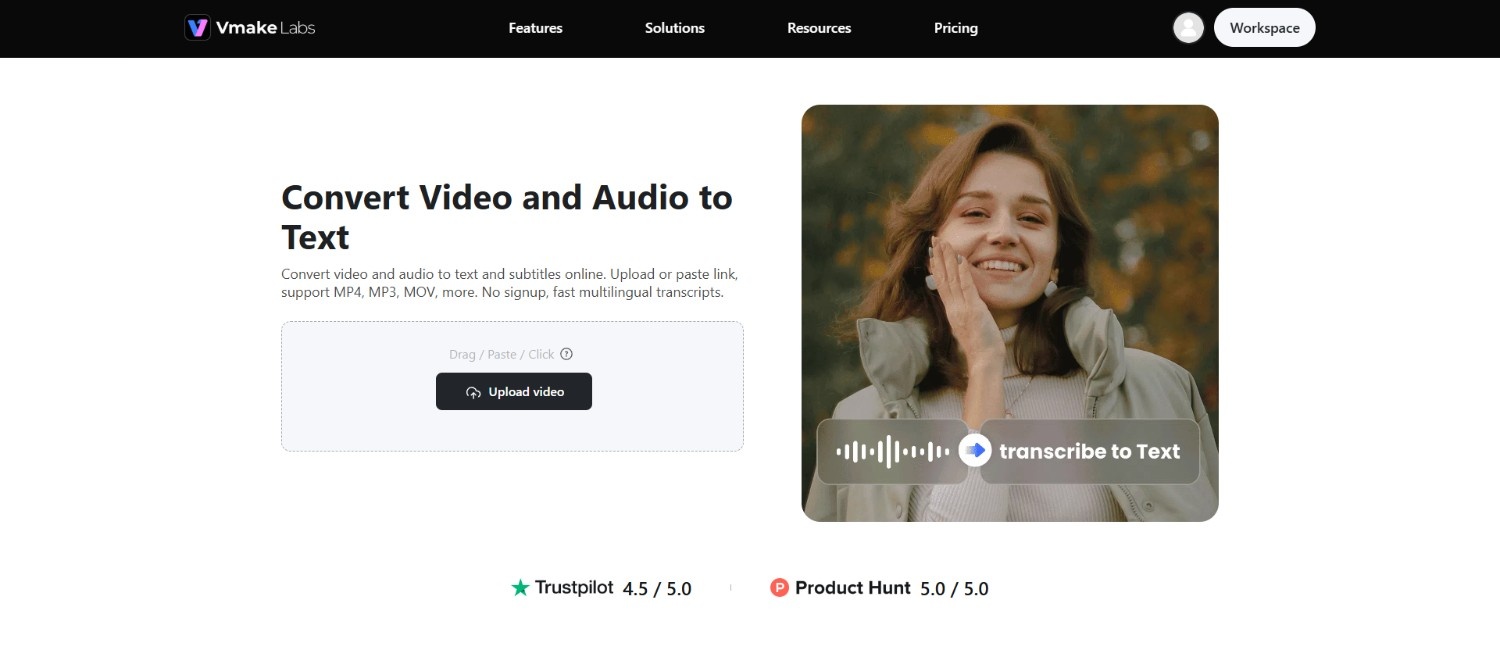
Vmake Labs is a fast, web-based tool built for users who need lightweight audio transcription without complex software setups. It focuses entirely on file-based conversion, allowing teams to upload pre-recorded meetings and instantly transform them into accurate transcripts. Supporting multiple languages, it serves as a straightforward, translation-ready alternative to other enterprise-focused platforms.
Key Features
-
Upload files or paste media links: Upload local audio and video files or paste supported media links to transcribe recordings without downloading or converting content beforehand.
-
Transcribe up to three recordings simultaneously: Upload or paste as many as three files or links in one workflow, helping you process multiple recordings more efficiently.
-
AI-powered multilingual transcription: Leverages deep learning to accurately detect and transcribe spoken audio across multiple international languages.
-
Support for multiple audio and video formats: Transcribe recordings from a wide range of popular audio and video file formats, making it easy to process content from different sources.
-
Editable transcripts with TXT and SRT export: Provides an interactive editor to correct terms, adjust alignment, and download as plain text, or properly-synced subtitle tracks.
How To Use
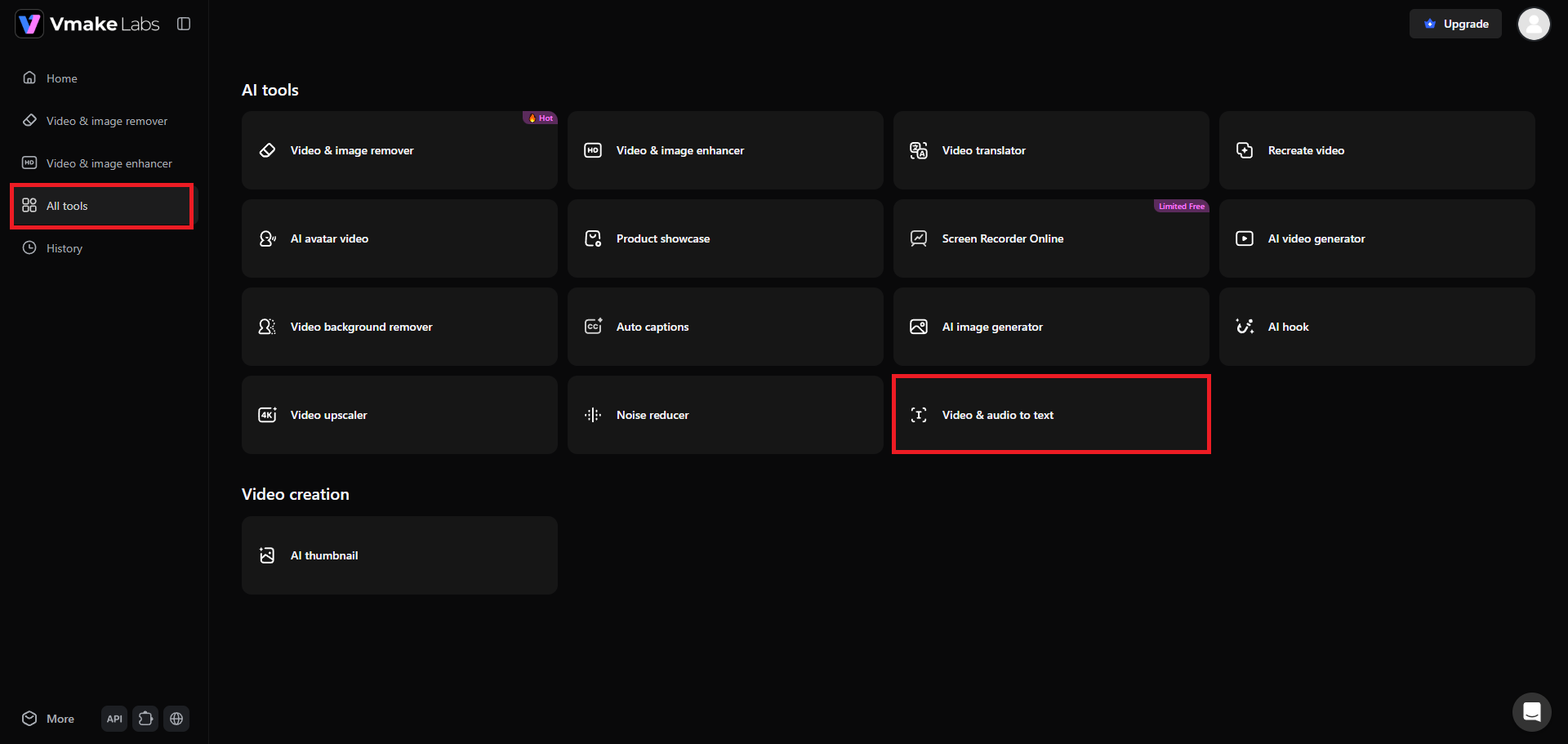
Step 1: Access Vmake Labs "Video & audio to text" tool
Begin your journey by first signing in to your Vmake Labs account. Once done, head over to the "All tools" section and from there, you need to select the "Video & audio to text" tool. This will help you transcribe your call recording.
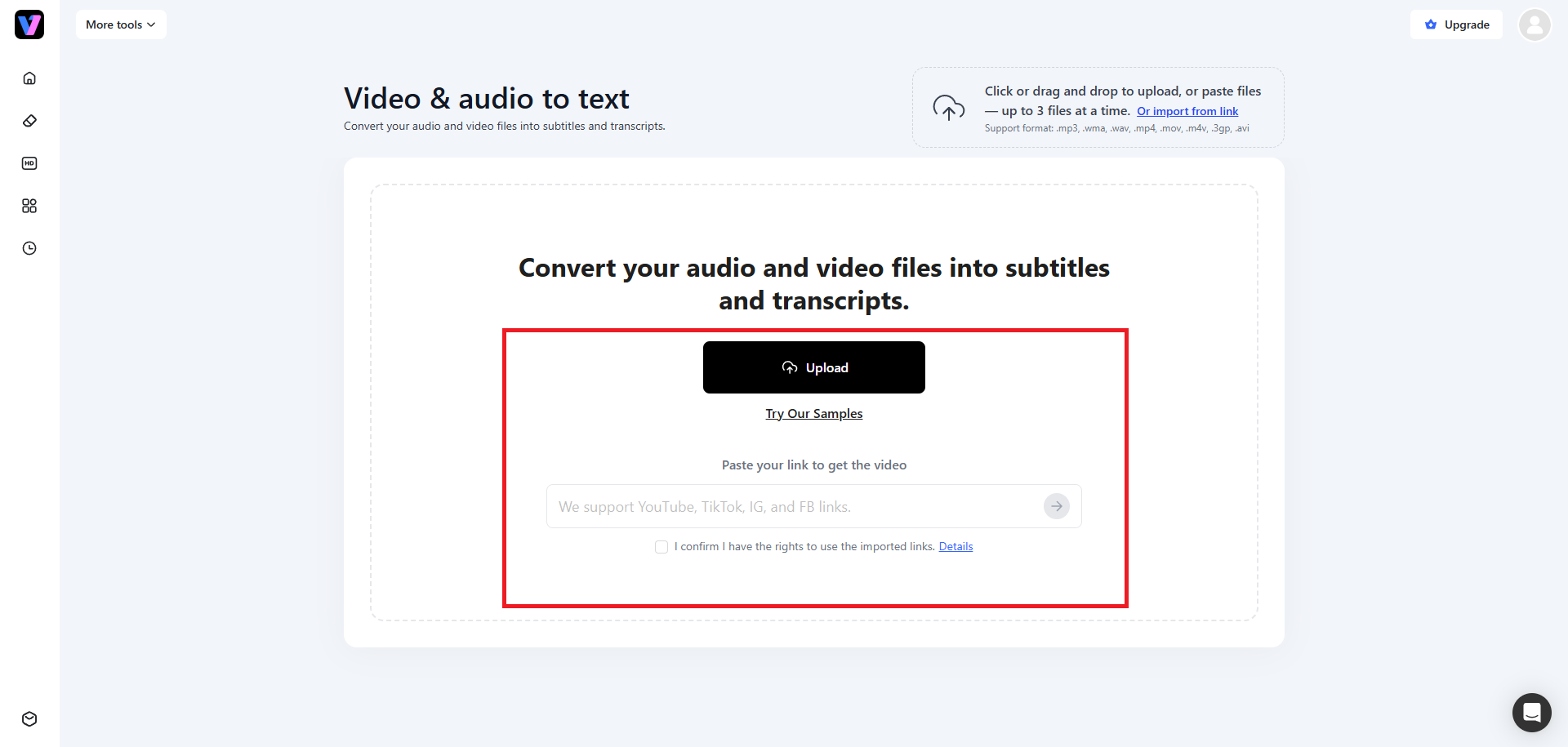
Step 2: Upload your call recording file or paste a link
In the next step, you will need to upload the call recording file you have with you. Vmake Labs supports uploading of both video and audio files, as well as the option to paste direct weblinks. Additionally, you can upload up to 3 files or paste up to 3 links.
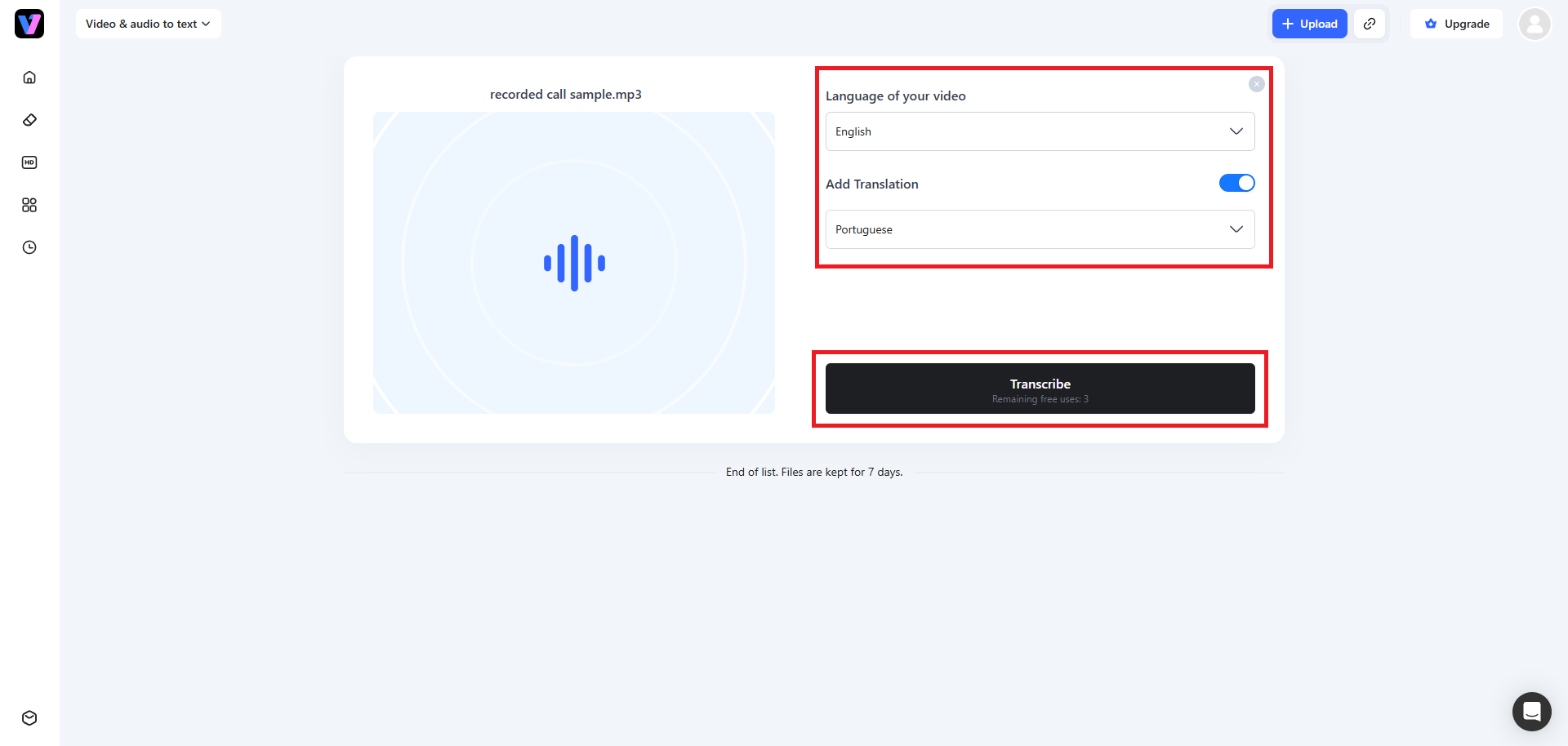
Step 3: Transcribe and export your call recording
Once the uploading process is complete, you need to select the original language your call recording is in (or keep it to "Auto") and then the target translation language. Once done, click on "Transcribe". Vmake Labs will start the phone call transcription process and once that is completed, you will be able to further edit the transcribed file, before downloading for your use.
Pros
-
Incredibly lightweight with no software installation required.
-
Handles multilingual conversations with extreme precision.
-
Saves hours of manual translation for global teams.
-
Extremely affordable compared to heavy enterprise software.
Cons
-
Currently, it does not offer real-time transcription.
-
Ringover: best for integrated business communication
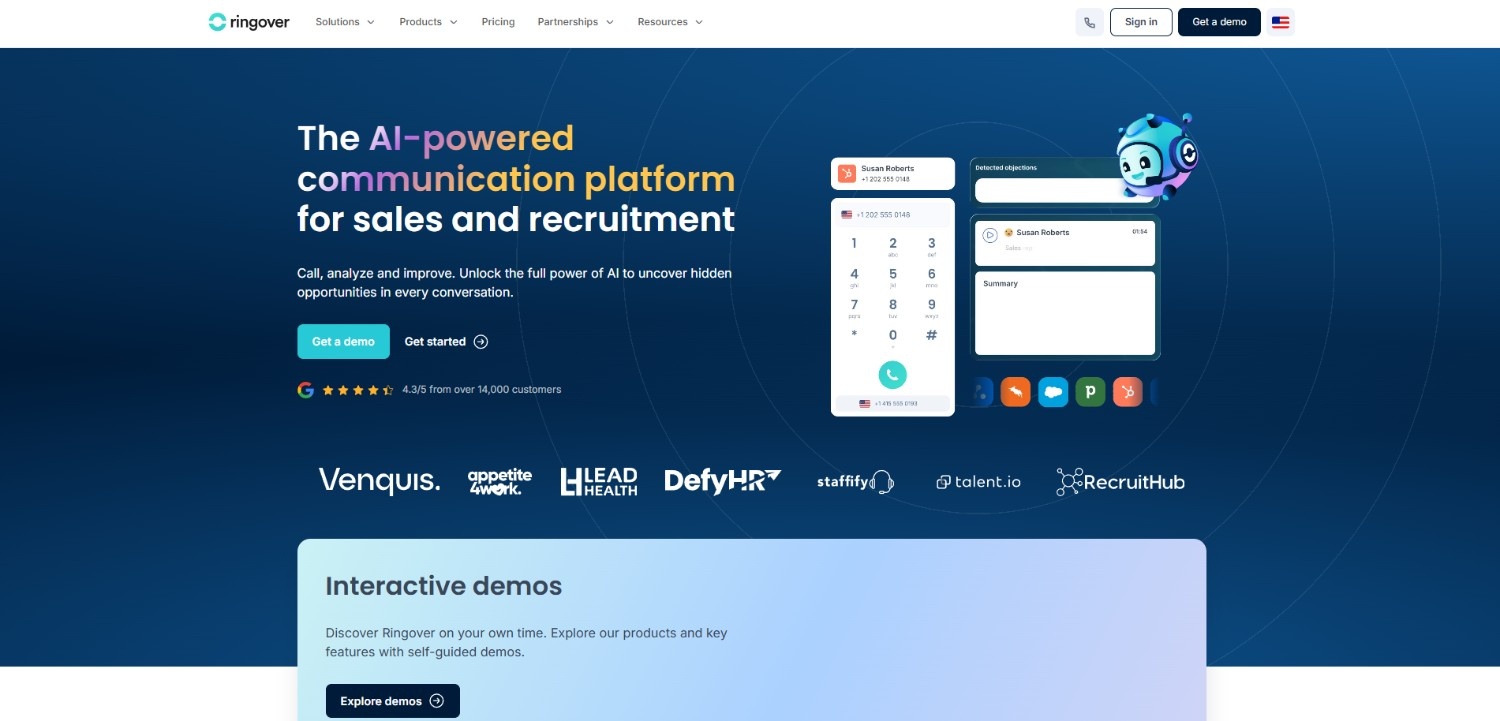
Ringover is a comprehensive cloud-based business phone system designed for modern, high-volume sales and support teams. It seamlessly integrates advanced VoIP calling with real-time conversational AI. This allows teams to instantly record, transcribe, and analyze every customer interaction directly within their calling dashboard, eliminating the need for third-party recording bots and streamlining post-call documentation workflows automatically.
Key Features
-
Browser-based calling: Manage high-volume business phone calls directly from your web browser with cloud technology, eliminating expensive traditional physical hardware setups entirely.
-
Real-time sentiment analysis: Automatically analyze customer satisfaction levels during live phone calls to accurately track agent conversation performance and regulatory compliance standards.
-
Automatic CRM syncing: Instantly logs detailed call transcripts and recordings into popular databases like Salesforce and HubSpot, completely eliminating manual data entry tasks.
-
Advanced call recording: Capture high-quality audio of every business call, enabling team supervisors to instantly replay conversations for agent training or dispute resolution.
Pros
-
No setup needed for existing Ringover users.
-
Excellent caller analytics and supervisor dashboards.
-
Seamlessly merges calling and transcription in one place.
-
Saves sales teams hours of CRM data entry.
Cons
-
Must subscribe to Ringover’s broader phone service to unlock full value.
-
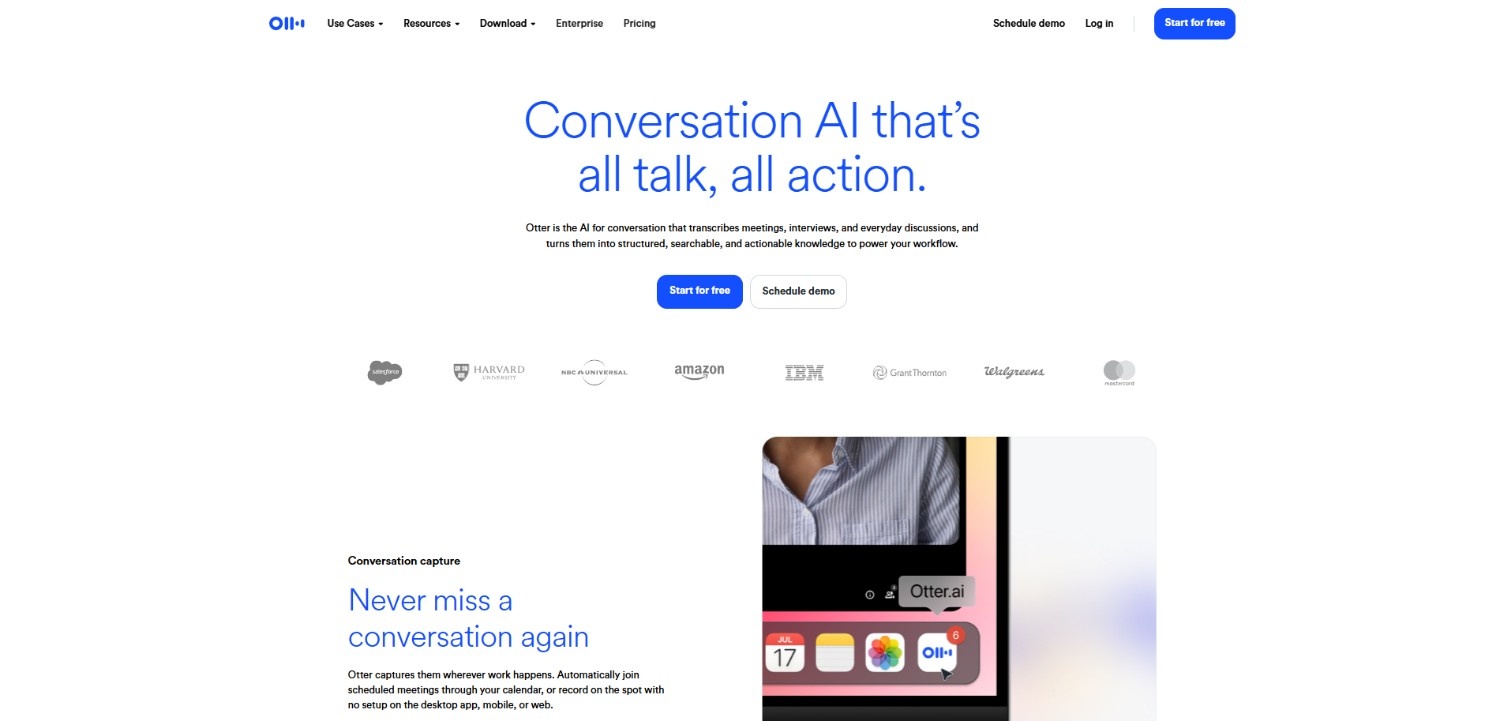
Otter.ai: best for real-time note-taking and collaboration
Otter.ai is a leading collaborative note-taking and live transcription platform built specifically for virtual meetings and remote teams. By deploying its automated assistant, OtterPilot, into Zoom, Google Meet, and Microsoft Teams, it captures spoken words in real time. It allows team members to highlight key points, leave comments, and edit transcripts together during the live call itself.
Key Features
-
Interactive Live Transcription: Generate and collaboratively edit live scrolling transcripts with your remote team while virtual meetings are still actively taking place online.
-
Action Item Tagging: Assign actionable tasks and leave comments directly inside the meeting transcript interface to keep remote team collaboration highly structured.
-
OtterPilot Automated Assistant: Connects automatically to scheduled Zoom, Teams, or Google Meet video sessions to record, transcribe, and summarize discussions entirely hands-free.
-
Smart Keyword Search: Uses artificial intelligence to highlight primary keywords, allowing users to quickly search and navigate directly to critical transcript moments.
Pros
-
Outstanding real-time speed and transcription accuracy.
-
Highly collaborative interface for remote team members.
-
Integrates flawlessly with Zoom, Google Meet, and Teams.
-
Generates excellent, highly readable meeting summaries.
Cons
-
Can struggle with heavily technical or industry-specific vocabulary.
-
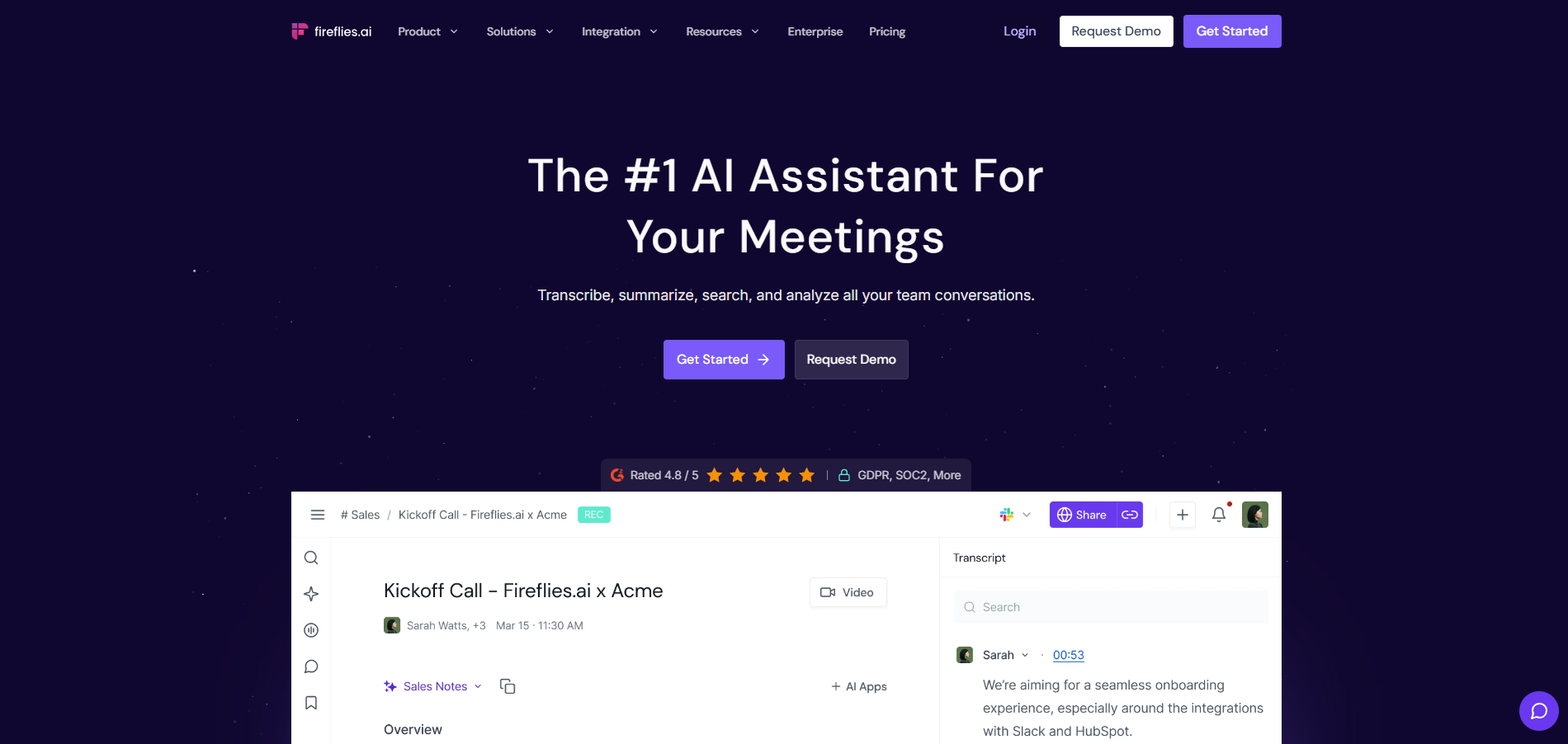
Fireflies.ai: best for automated CRM sync and post-call workflows
Fireflies.ai is an intelligent meeting assistant built to automate transcription, search, and workflow integration across all video conferencing platforms. Using its proprietary AI assistant, Fred, the platform automatically joins scheduled calendar invites to record and transcribe discussions. It stands out by organizing transcripts into highly structured action items and syncing them seamlessly to CRM databases.
Key Features
-
Automated meeting bot: Deploy a silent virtual assistant that joins your scheduled calendar, invites you to automatically record and transcribe conversations across platforms.
-
Soundbites and snippets: Select specific transcript segments to generate shareable audio snippets, which is perfect for highlighting key customer feedback to teams.
-
AI-powered search filters: Use advanced artificial intelligence to instantly scan transcripts for metrics, action items, customer objections, pricing questions, and customized keywords.
-
Extensive workflow integrations: Push meeting notes and action items directly to Slack, Asana, Trello, or other popular CRMs to automate workflows immediately.
Pros
-
Superb automated CRM syncing of summaries.
-
Excellent search function for tracking specific keywords.
-
Highly customizable post-call summary templates.
-
Saves significant post-meeting administration time.
Cons
-
The user interface can feel overwhelming for beginners.
-
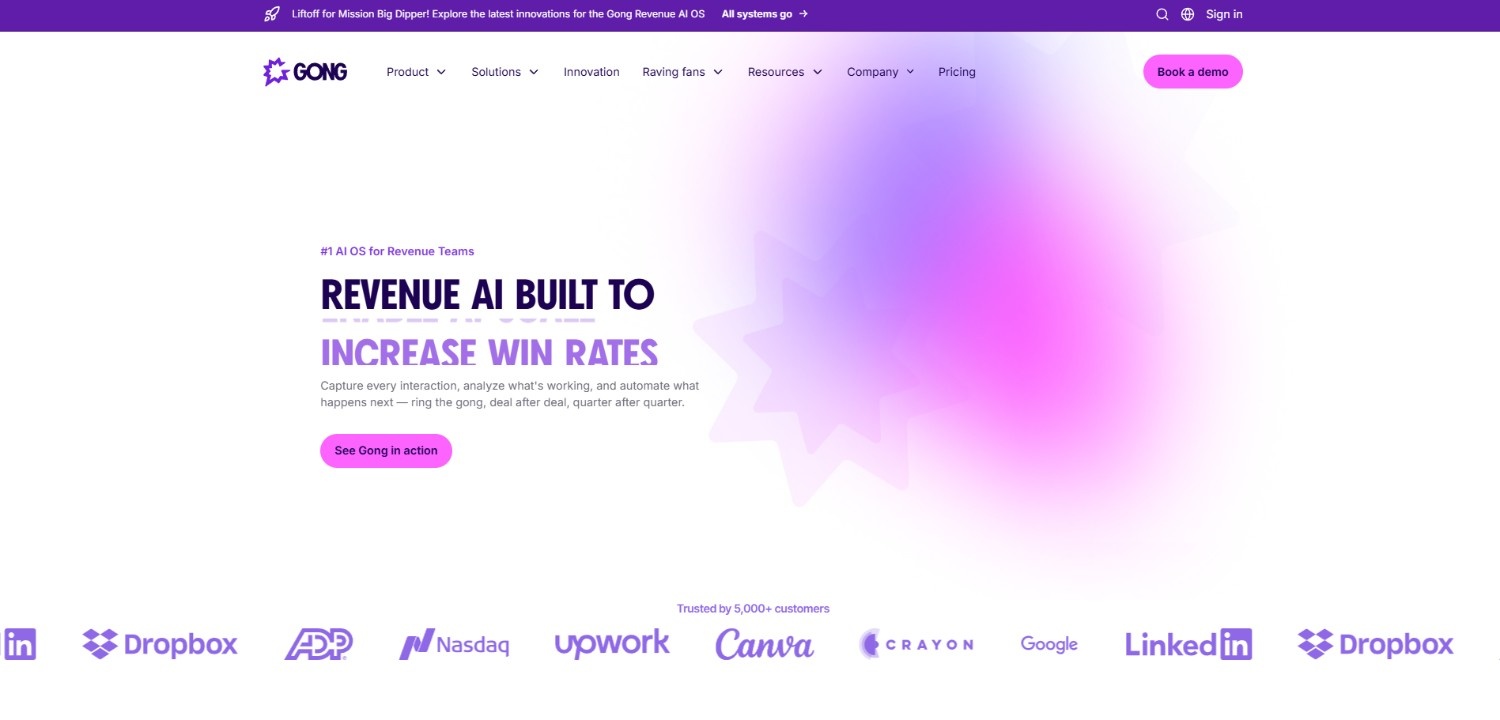
Gong: best for sales enablement and revenue intelligence
Gong is a robust revenue intelligence platform designed specifically for sales organizations, go-to-market teams, and enterprise leadership. Instead of just capturing raw text, Gong analyzes spoken sales conversations to deliver deep market insights, identify deal risks, and track customer objections. It serves as an automated coaching tool to help sales representatives refine pitches and close more deals.
Key Features
-
Interaction ratio tracking: Measure speaking time versus listening time during sales calls, helping representatives self-correct and improve customer conversational engagement metrics.
-
Competitor tracker alerts: Automatically flag instances where prospective buyers mention competitors, pricing concerns, or complex contract terms during your sales conversations.
-
Deal risk assessment: Analyzes email velocity and call frequency to identify accounts at risk of churning, helping sales representatives intervene before deals fail.
-
Structured agent coaching: Provides managers with structured feedback templates and performance metrics to easily coach sales representatives on handling tough customer objections.
Pros
-
Incredible, deep insights for sales organizations.
-
Tracks long-term market trends and customer objections.
-
Helps dramatically improve representative close rates.
-
Highly accurate sales-focused terminology recognition.
Cons
-
Very expensive, making it impractical for non-sales teams.
Key features to look for in a call transcription software
Selecting the right software requires looking beyond basic dictation. The best platforms offer advanced capabilities that make transcripts highly functional and secure. Here are five essential features to prioritize.

-
High-Accuracy Speech Recognition (ASR)
Accurate speech recognition is the backbone of any transcription tool. It ensures the software correctly captures specialized industry terminology, handles diverse speaking paces, and filters out background noise to deliver precise, readable text with minimal manual editing required.
-
Real-time diarization and speaker identification
Speaker diarization detects who is speaking and when. The system labels individual voices throughout the call, creating a structured script rather than a wall of text, making it easy to attribute specific decisions and action items to individuals.
-
Secure data handling and regulatory compliance
Transcription tools often handle highly sensitive customer information. Look for robust security measures like SOC 2 certification, data encryption in transit and at rest, and strict compliance with global privacy regulations like GDPR, HIPAA, and CCPA standards.
-
Automated meeting summarization and action items
Great software does more than transcribe; it extracts meaning. AI-driven summary features automatically generate bulleted action items, follow-ups, and concise call overviews, saving teams from having to review hours of raw transcripts to find critical takeaways.
-
Native third-party integrations and CRM syncing
To maximize productivity, your transcription app must seamlessly connect with your existing tech stack. Look for tools that automatically sync transcripts, summaries, and action items directly to your CRM, project management dashboards, and communication channels.
Best practices to follow when using call transcription software
Getting the absolute best results from your AI transcription software requires a combination of good audio habits and solid process workflows. Follow these four key practices.

-
Optimize audio input quality and reduce background noise
Always use high-quality microphones and encourage speakers to join from quiet environments. Clear, crisp audio input reduces background noise and directly improves the accuracy of the generated transcripts.
-
Establish strict speaker diarization standards
Ensure every call participant states their name or speaks clearly at the beginning. This helps the AI accurately map voices and properly separate speakers throughout the document.
-
Maintain complete legal and compliance disclosures
Always notify all participants that the call is being recorded and transcribed. Compliance with local wiretapping and consent laws protects your business from legal risks.
-
Regularly refine custom AI vocabulary and keyword search settings
Train your AI by uploading specialized company terms, acronyms, and product names. Regularly updating your custom vocabulary significantly improves transcription accuracy for technical business jargon.
Conclusion
Call transcription is no longer a luxury; it is a vital tool for driving modern workplace productivity and saving valuable insights.
Whether you need an enterprise-grade platform like Gong to analyze sales pipelines or a collaborative tool like Otter.ai for real-time team meetings, there is a perfect solution for your organization. For those seeking a fast, efficient, and lightweight tool to handle multilingual audio files without complex setups, Vmake Labs offers the perfect balance of simplicity and power. By picking the right tool and practicing good audio hygiene, you will unlock a highly efficient, fully searchable workflow.
FAQs
How secure is call transcription when handling sensitive customer data?
Top-tier transcription software is highly secure. Leading platforms protect your sensitive customer data using end-to-end encryption, strict access controls, and adherence to regulatory standards like SOC 2, GDPR, and HIPAA.
Can call transcription apps recognize multiple speakers with different accents?
Yes, modern AI transcription tools feature advanced speaker diarization and language models trained on global accents, allowing them to differentiate speakers and transcribe diverse voices accurately.
What are the legal requirements regarding consent for call transcription?
Legal requirements vary by location. Generally, you must comply with "one-party" or "all-party" consent laws, making it essential to inform and obtain permission from participants before recording.
How do I get the transcript from a Microsoft Teams meeting?
During your Microsoft Teams meeting, start recording or obtain transcription from the meeting controls. Once completed, you can easily download the full transcript file directly from the meeting chat history tab.
What audio formats can I upload for call transcription in Vmake Labs?
Vmake Labs supports all major audio and video formats, including MP3, WAV, M4A, and MP4. Simply upload your files in bulk to generate accurate, timestamped transcripts in seconds

You May Be Interested
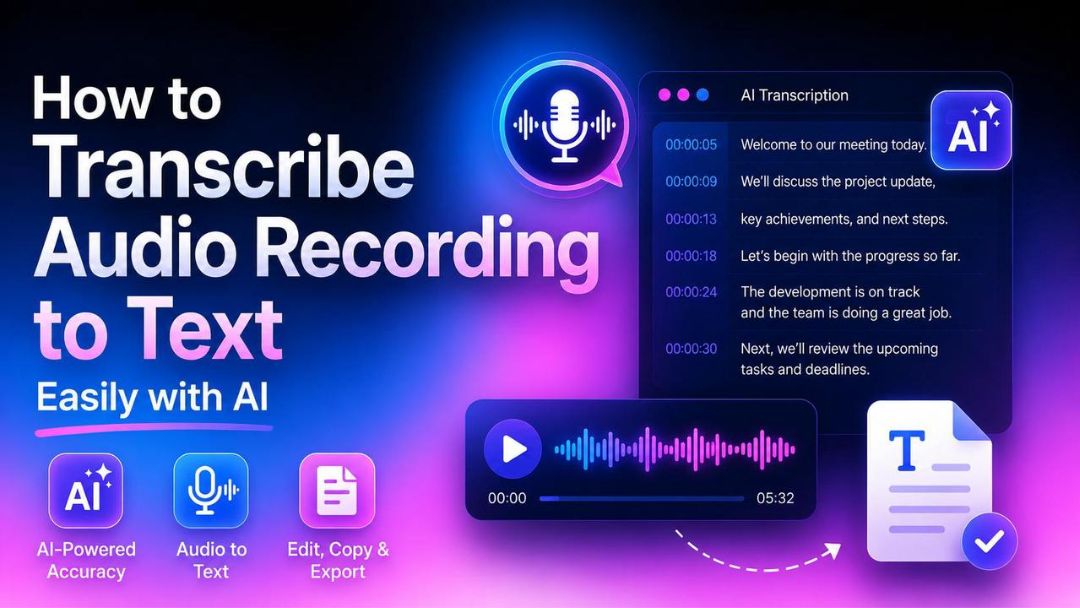
How to Transcribe Audio Recording to Text in Minutes
What Is Video Translation and How Does AI Work?
How to Transcribe a Video to Text: Guide to Accurate Transcriptions
How to Transcribe Video to Text in 2026: Free Online AI Tool
The Ultimate Guide to Transcribe YouTube Video to Text [2026]