
Free Instagram Caption Generator Online
Most Instagram Reels are watched on mute. Styled captions drive the saves and shares that grow accounts. Vmake Labs free instagram caption generator delivers on-brand instagram reels captions instantly so every post looks intentional.


How to add captions to your Instagram videos
Step 1. Upload your Instagram video
Drag, paste or click to upload your Instagram video. AI detects the spoken language and starts transcribing without any manual input.
Step 2. Pick a caption style for Instagram
Browse the Captions tab and tap any template to preview it on your video. Tweak font, color, size and position to fit your Instagram aesthetic. Save it as your personal template for every future post.
Step 3. Export or download your caption file
Select 9:16 for Reels and Stories or 1:1 for feed posts. Choose your resolution and click Export to download the captioned video ready to publish.
Where Instagram captions make the biggest impact
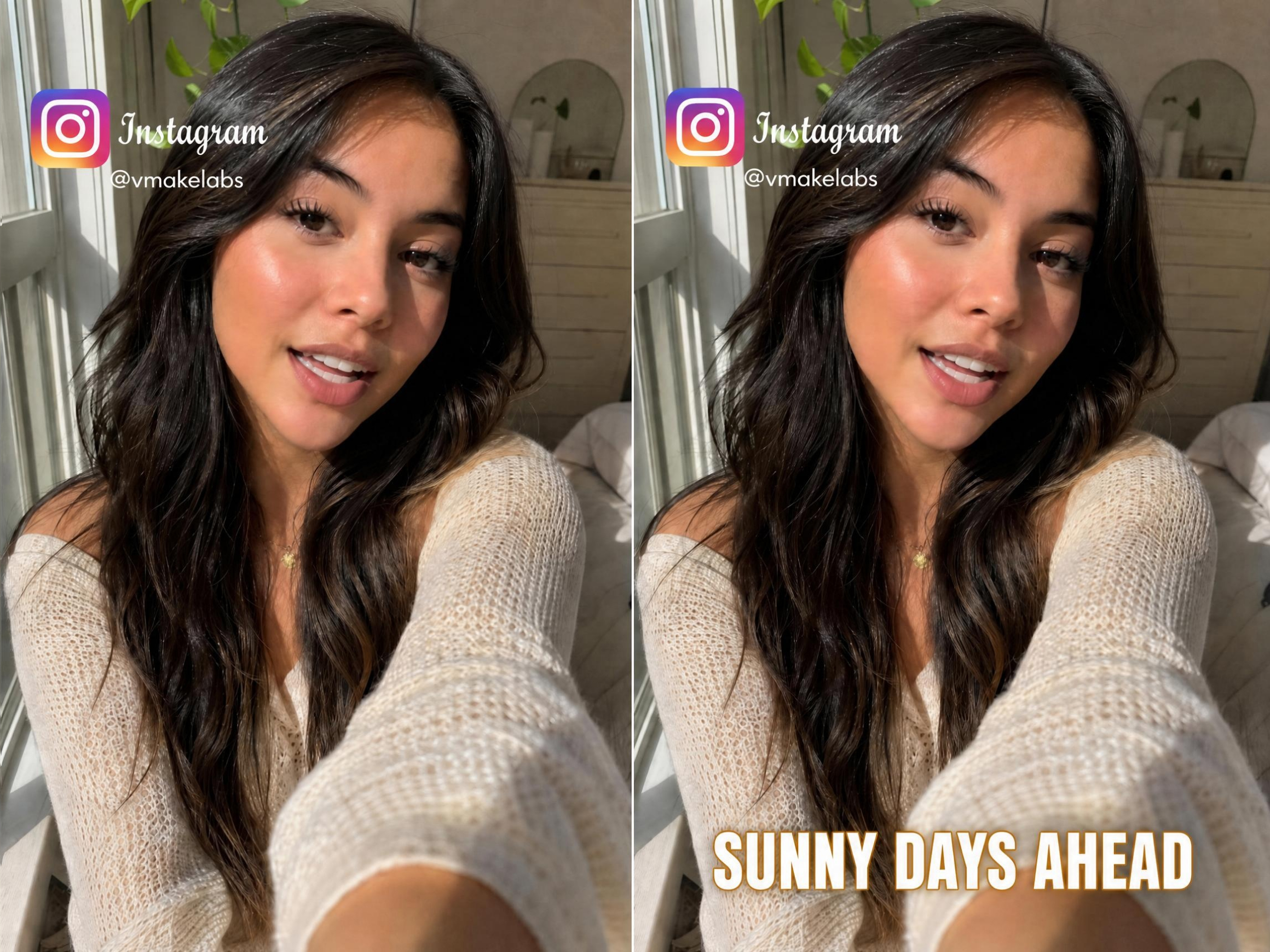
Turn first-time viewers into followers
Reels reach new audiences who scroll with sound off. If the message is not readable without audio, they keep scrolling. Styled captions carry the narrative clearly on mute so viewers understand the content and are far more likely to follow and save. Try pairing captions with UGC video content for maximum impact.
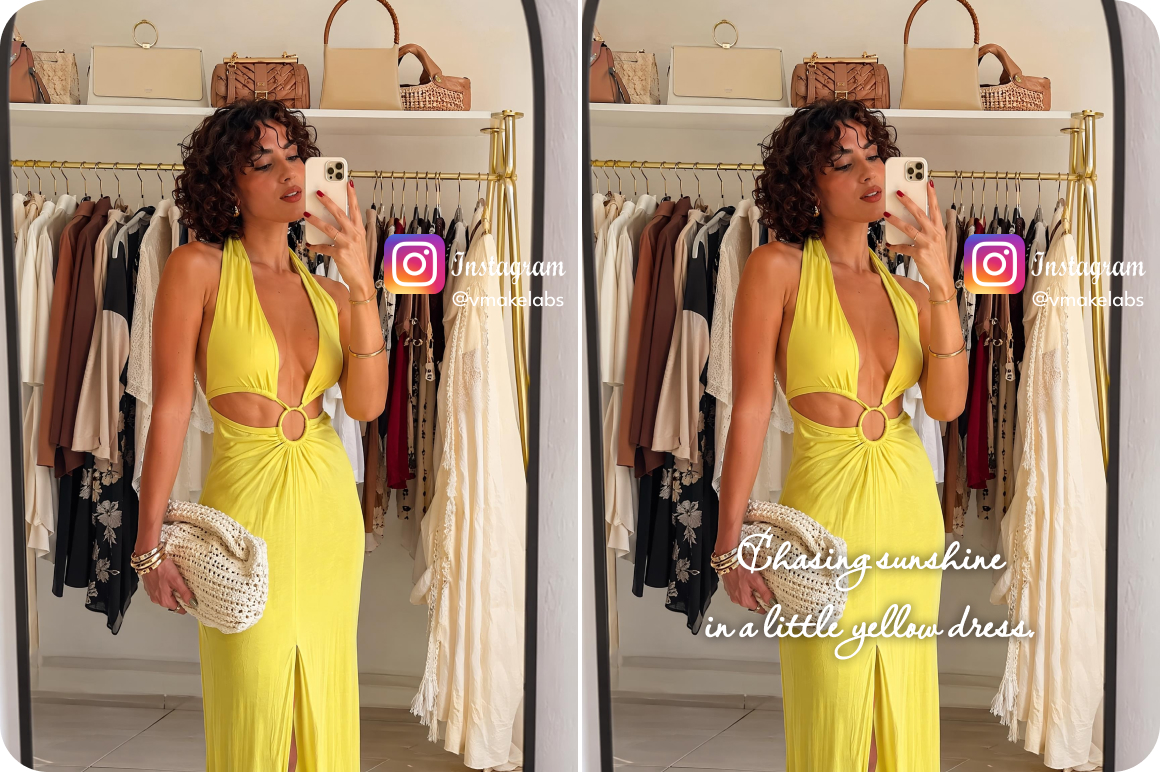
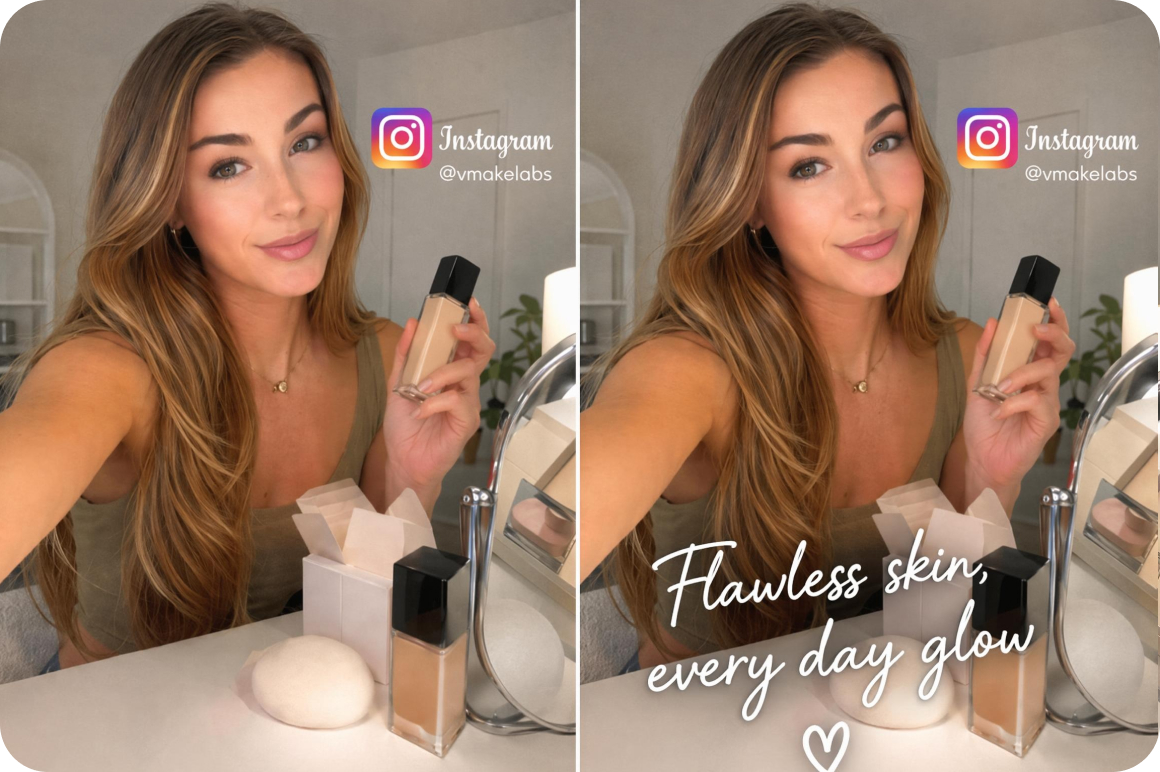
Make every post look intentionally designed
Generic white subtitle boxes undercut the premium feel of polished brand content on Instagram. Choose a template that matches your brand visual identity, save it once, and every post maintains the same professional caption generator for instagram aesthetic without manual restyling.
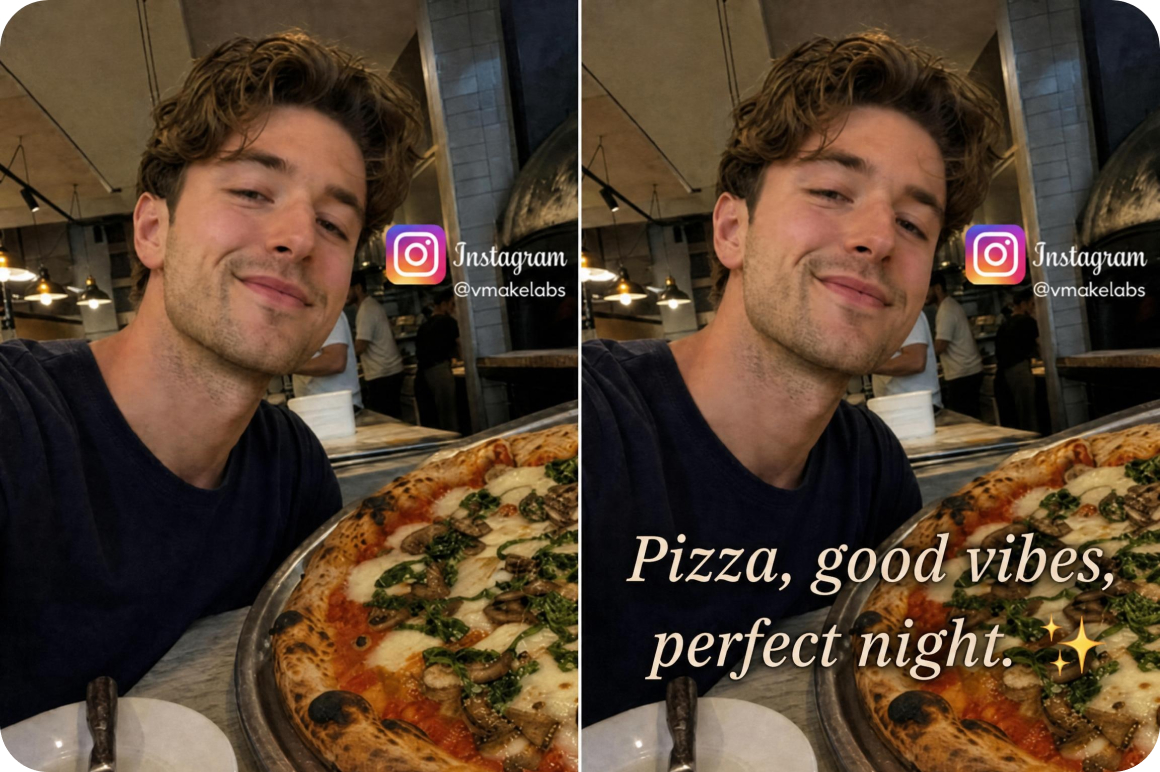
Build consistency across a high-volume content schedule
Posting daily across Reels, Stories and feed means caption quality becomes inconsistent under time pressure. The personal template applies the same styled captions to every upload instantly. Consistent look maintained regardless of how many posts go out per day.
What makes Vmake Labs the right Instagram caption generator
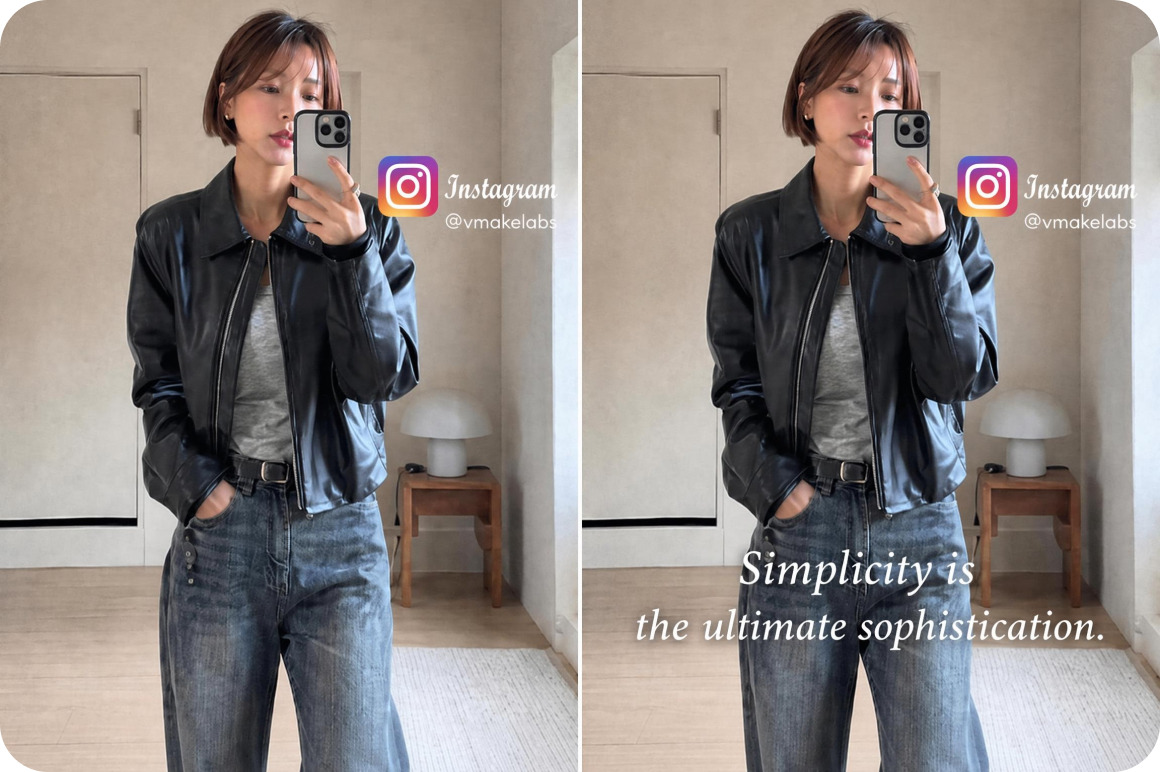
Caption styles built for Instagram's visual language
Templates match the aesthetic expectations of Instagram content. Bold, animated and minimal styles are all designed for how captions appear at Reels and Stories display sizes on mobile. The output fits naturally into the visual language of Instagram rather than looking like subtitles added as an afterthought to the content.
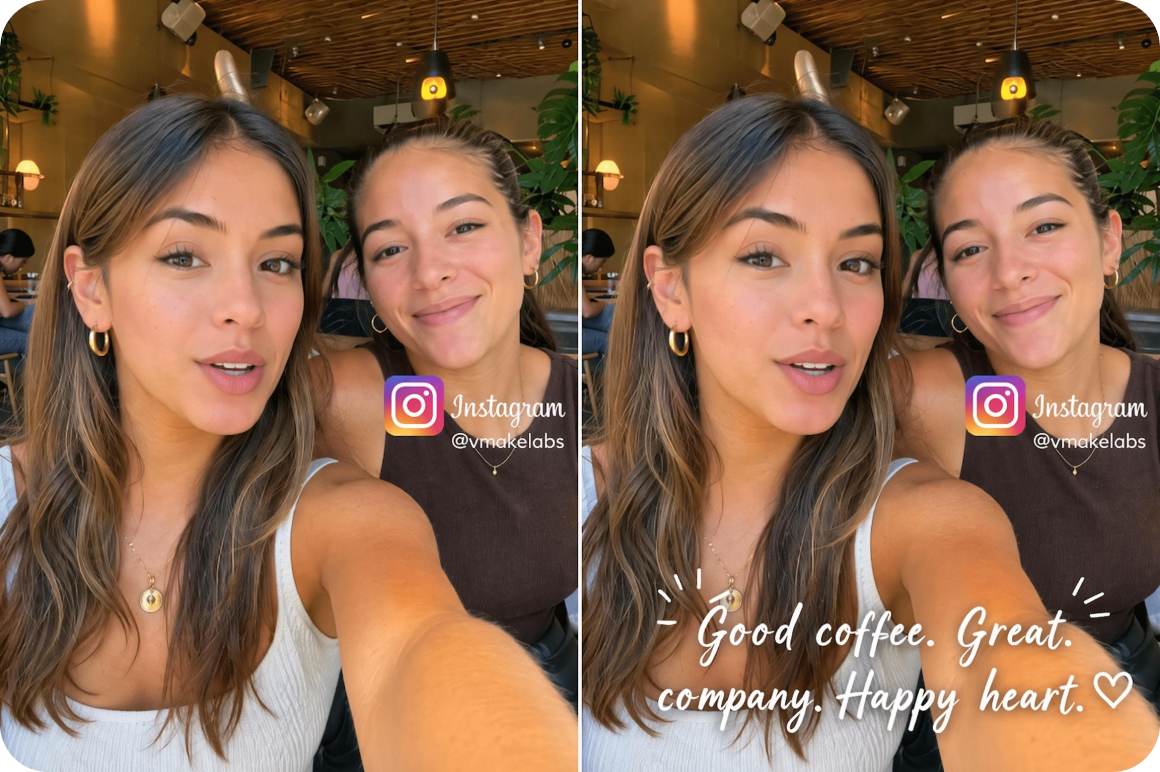
Captions help content get saved and shared
Captions make content accessible to on-mute viewers. Accessible content tends to generate more saves. Saves signal value to the Instagram algorithm and contribute to wider organic reach over time. Every captioned post has a better chance of reaching audiences beyond existing followers through the algorithm.
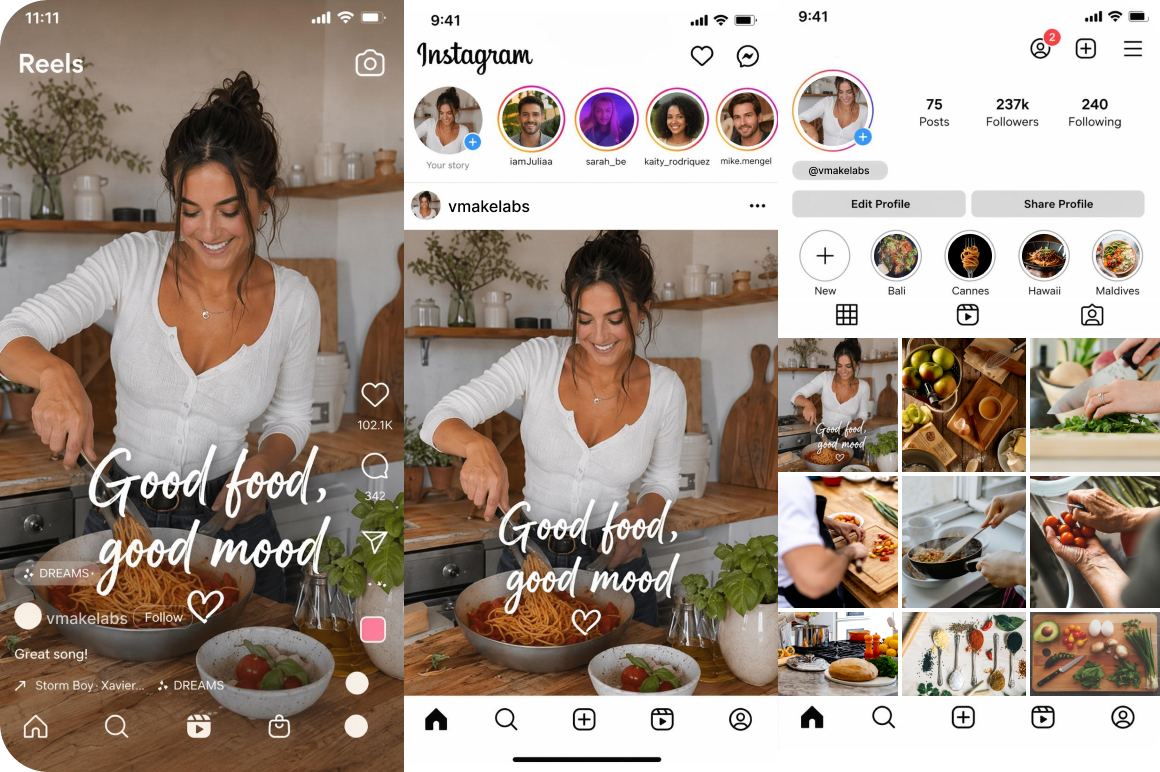
Covers all Instagram formats in one tool
Export in 9:16 for Reels and Stories or 1:1 for Instagram feed. One captioning session covers every format used on a single account without resizing or re-uploading. The same styled captions work across Reels, Stories and feed posts from a single export.
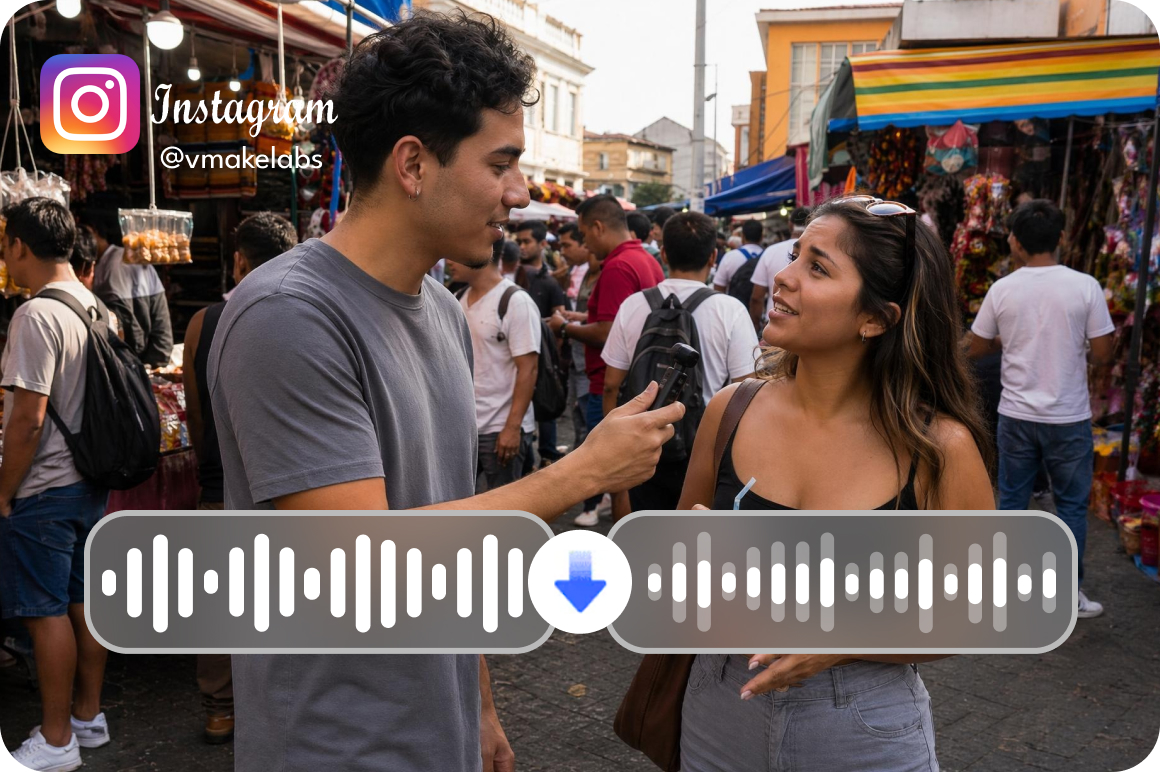
Audio cleanup for real-world recording conditions
Denoise toggle removes background noise before transcription. Critical for Reels filmed outdoors, at events or in noisy environments where audio clarity directly affects caption accuracy. Use the remove noise from video tool for standalone audio cleanup before importing into the caption editor.
Who uses Vmake Labs AI Instagram caption generator most
Instagram creators and influencers
Creators publishing Reels and Stories consistently need captions that look intentional and match their visual brand. Vmake Labs styled template library delivers on-brand captions automatically. Every post reflects the creator's aesthetic without plain auto-generated text or manual restyling between uploads throughout the content calendar.
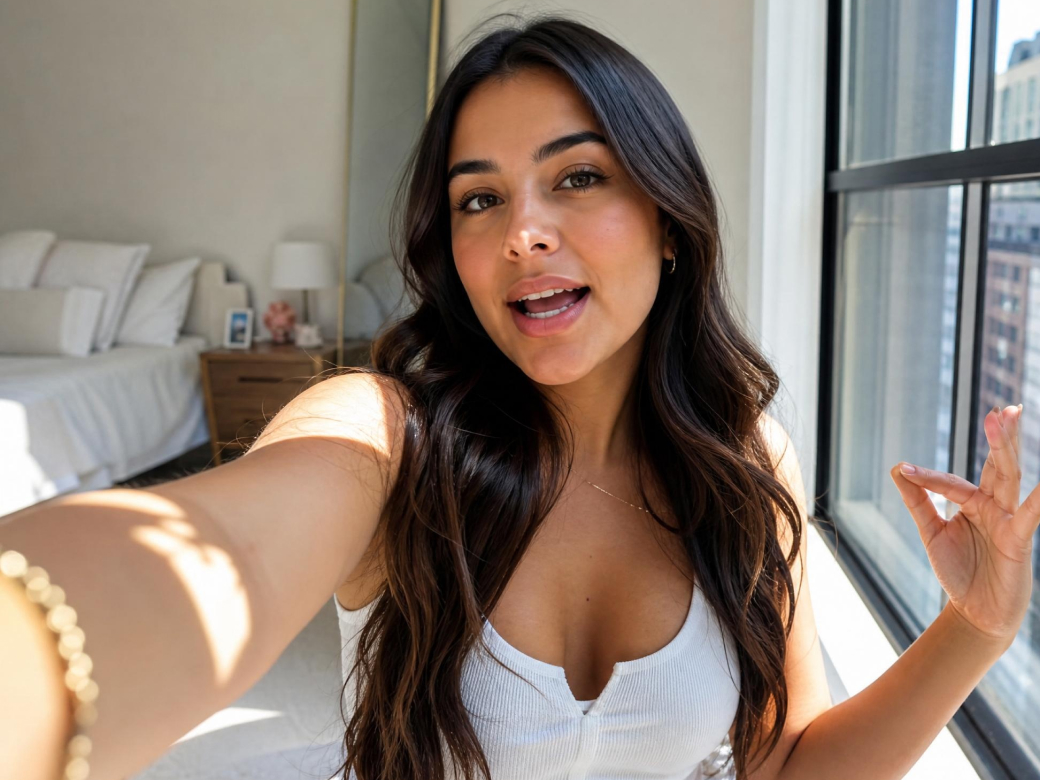
Social media managers for brands
Brand account managers across niches need a repeatable captioning workflow that maintains visual consistency without manual styling per post. Vmake Labs personal template system applies the same branded look to every upload instantly. Consistency is maintained across the full account regardless of who on the team handles the upload.

Agencies handling Instagram content production
Agencies producing captioned Reels for multiple clients with different brand guidelines need a scalable setup workflow. Vmake Labs personal template system creates a saved style per client. Per-client caption setup time drops significantly and styled output is delivered consistently across every account in the agency portfolio.

Frequently asked questions about Instagram captions generator
Do captions help Instagram Reels perform better?
What aspect ratios does Vmake Labs export for Instagram?
9:16 for Reels and Stories. 1:1 for Instagram feed. Both are generated from the same upload without re-uploading or resizing. One captioning session covers every format on a single account.
How many languages does the Instagram caption generator support?
7 languages: English, Spanish, Portuguese, Indonesian, Japanese, Korean and Chinese. Language is detected automatically from the video audio on upload. No manual language selection needed.
Can I match captions to my Instagram brand aesthetic?
Yes. Choose from styled templates, customize font, color, size and position, then save as a personal template. Applies to every future post in one click. Use the video audio enhancer to improve audio quality before generating captions for cleaner results.
Does Vmake Labs work for Instagram Stories as well as Reels?
Yes. The 9:16 export ratio covers both Reels and Stories. The same captioned video can be published to both formats without any changes or additional exports needed.
Why Instagram creators choose Vmake Labs for captions

Vmake Labs keeps caption creation focused on your content workflow. Creators can upload Instagram videos, generate captions and export finished posts without exposing their personal style files or draft assets to unnecessary manual handling.

Vmake Labs runs captions directly in the browser, so creators do not need to download unknown software or install risky plugins. This makes it safer to caption Reels, Stories and feed videos while keeping devices clean and production workflows simple.

Instagram formats, creator habits and caption styles change fast. Vmake Labs keeps improving its caption tools and templates, helping creators stay aligned with current Reels, Stories and feed post needs without rebuilding their workflow from scratch.
Discover More Features

Video & Image Enhancer

Watermark & Text Remover

Video Upscaler

AI Video Generator

Video Background Remover

Video & Audio to Text

Video Noise Reducer

What Instagram creators say about Vmake Labs
Honestly the difference between styled captions and plain white text on reels is massive and i didn't realise how much it was holding my content back. switched to vmake Labs and the saves on my posts went up within the first week. the templates actually look good at instagram's display size which sounds obvious but a lot of tools don't nail this
Managing five brand accounts means caption consistency is a constant headache. Different team members were styling captions differently across the same account which looked unprofessional. Set a template per brand in Vmake Labs and now everyone applies it in one click. Problem solved. Would have paid just for that feature alone honestly.
I post the same content to both my English and Spanish audiences and the multilingual detection saved me so much time. Used to do two separate uploads with manual captions for each. Now one upload handles both. My Latin American follower growth has picked up since I started captioning consistently in Spanish and I'm pretty sure that's why.
I tried three other caption tools before this one. the others either had terrible accuracy on fast speech or the styling looked like it was made in 2018. the cyan highlight template on workout clips looks really clean and my engagement in the first 24 hours has been noticeably better since i started using it. small thing, big difference
We produce Reels for about twelve clients. Before Vmake Labs the caption step was eating into our margins because of how long restyling took per client. Now each client has a saved template and caption delivery is maybe a fifth of the time it used to take. The accuracy is good enough that we rarely need more than a quick review pass before exporting.
I posted a reel of a recipe without captions and the same recipe with captions two weeks apart. The captioned one got three times the saves. I know that's not a controlled experiment but it was enough to convince me to caption everything going forward. The 9:16 export means it goes straight to Instagram without me resizing anything which I appreciate.