
StockImg AI Review: Features, Pricing, Performance & Alternative
Explore the honest StockImg AI review, its key features, pricing, pros, cons, and whether it's worth it. Learn how Vmake Labs AI image generator serves as a better alternative.

StockImg AI is an all-in-one AI design platform that combines image generation, logo creation, editing, enhancement and social media content tools in one workspace. This StockImg AI review guide covers everything you need to know, including the main features, pricing, pros & cons, and what real users are saying on review sites. It also compares StockImg AI with Vmake Labs, so you can choose the right AI image generation tool for your needs.
What is StockImg AI
StockImg AI is an AI-powered visual creation & social media management platform that enables users to create and customize digital content from text prompts. Instead of just general-purpose image generation, it combines a variety of design-related workflows such as logos, stock photos, illustrations, wallpapers, posters, social media posts, avatars, QR codes and product visualizations. Its current platform also features content scheduling and social media integration, so it's not just a standalone AI image generator.
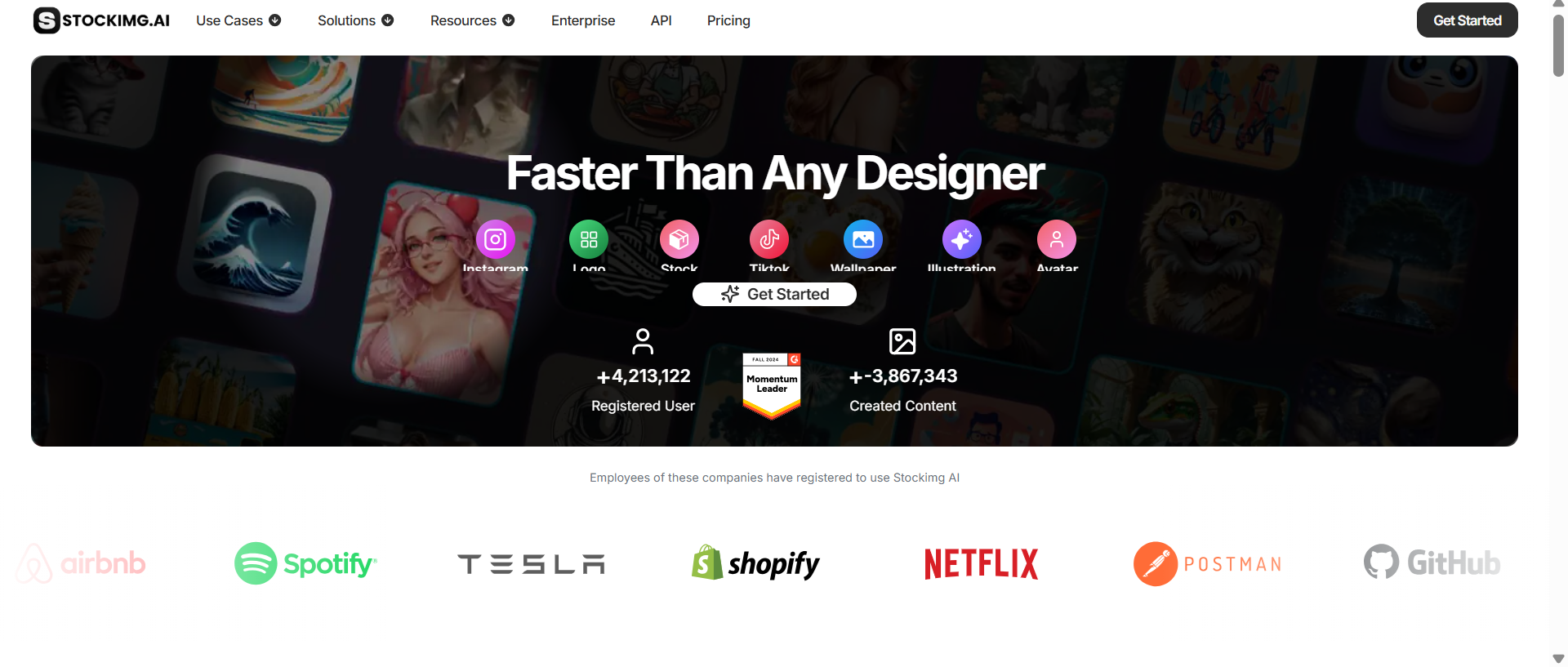
The platform is mainly for creators, marketers, entrepreneurs, small businesses and designers who want to turn ideas into visual content ready to use with less manual design work. It can be used to make:
-
Social media posts and marketing artwork
-
Logos and brand ideas
-
AI-generated stock pictures
-
Creatives and imagery for product marketing
-
Art & Illustration
-
Posters, book covers, wallpapers
-
Other Online Assets & Thumbnails
-
Special graphics, like avatars, stickers and QR codes
Key features of StockImg AI
StockImg AI brings several AI-powered creative tools together in one platform. Here's a closer look at its main features and how they performed during hands-on testing.
-
AI image generation from text prompts
With StockImg AI, users can generate an image from a text prompt in natural language. The tool is handy for anything from stock-style imagery to social media graphics, wallpapers, posters, and product visuals. Its redesigned generation workflow also offers various AI models and aspect ratios, including square, vertical, and horizontal dimensions for different creative needs.
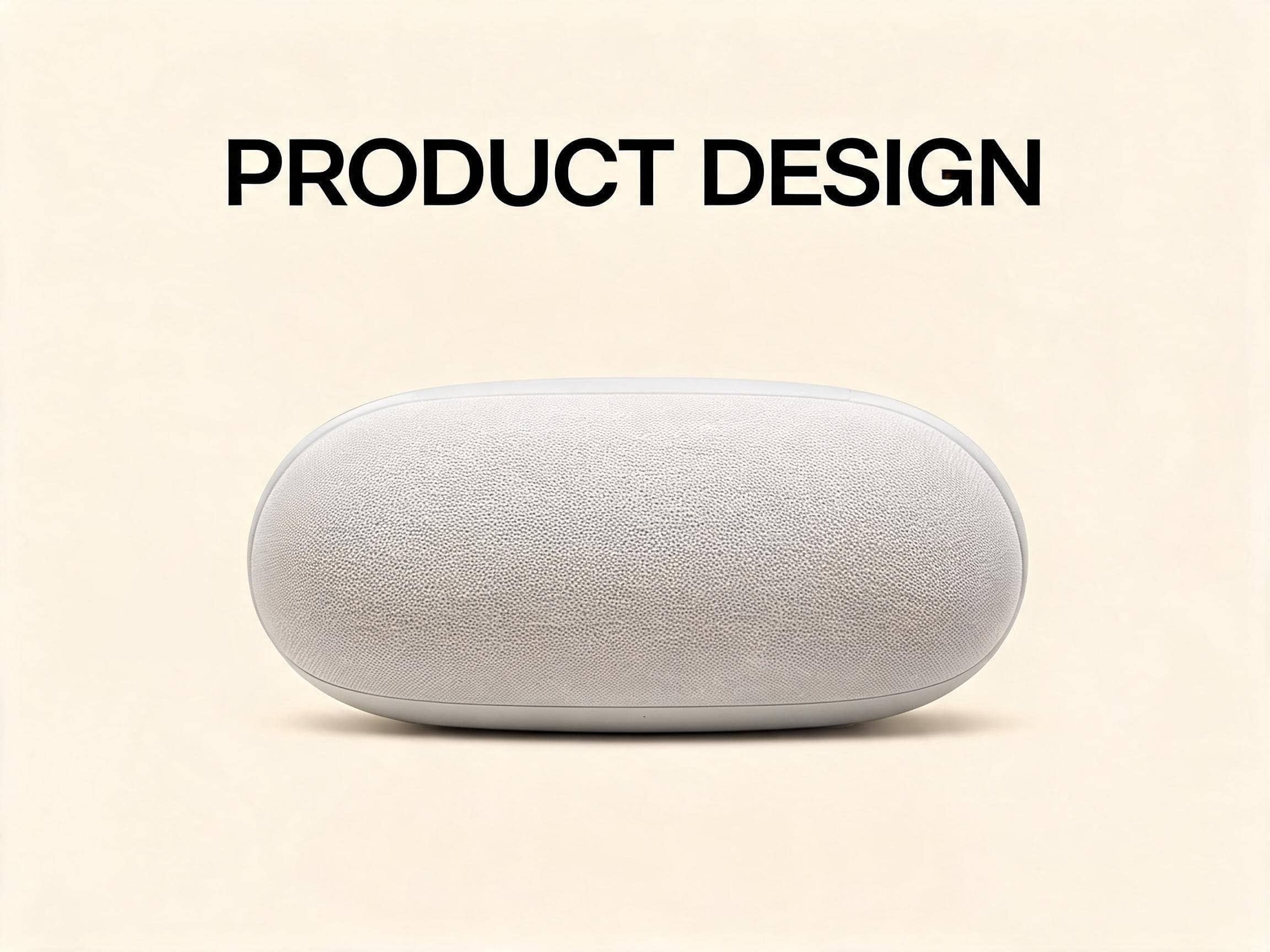
Test results: We tested StockImg AI by entering detailed prompts for various types of visuals, such as stock-style photos, illustrations, and social media graphics. The platform delivered fast, relevant results, and the category-based workflow made it easy to experiment with different visual styles.
Test samples:


-
AI logo and design generation
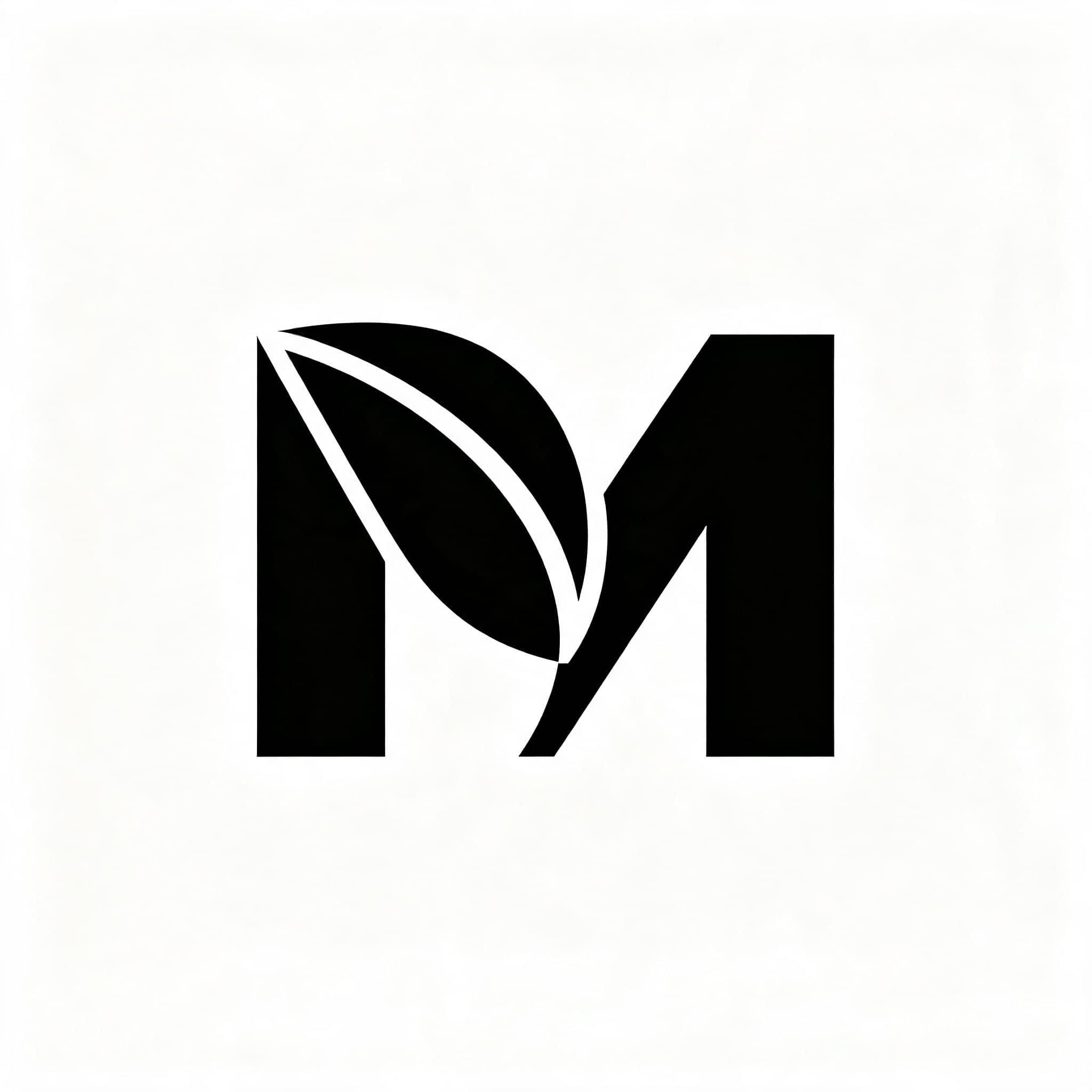
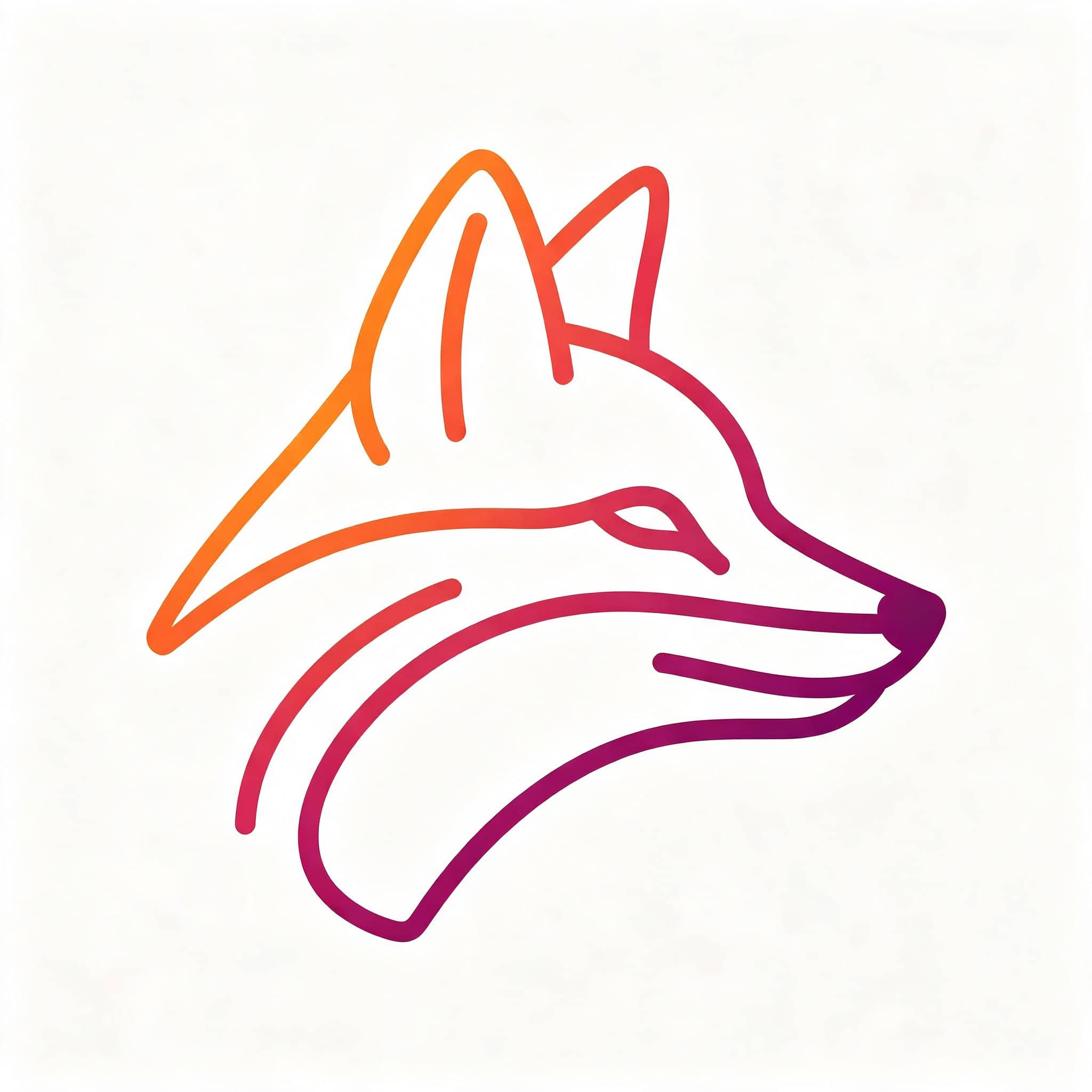
StockImg AI has dedicated logo and design-generation workflows that let users create brand concepts from a written brief. You can describe your business, the desired visual direction, colors or design style and use the generated concept as a starting point for your branding work. The platform also offers templates and customization options to alter design elements.
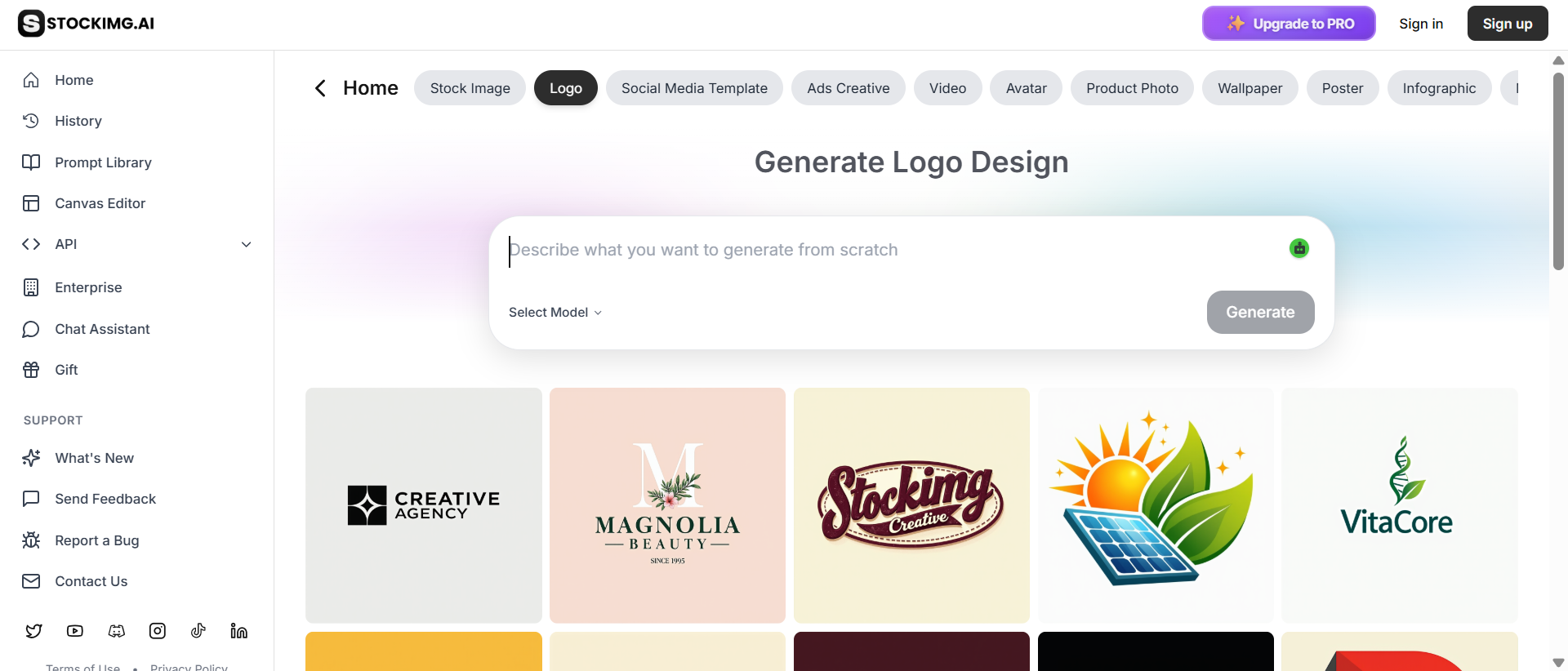
Test results: We have tested the logo generator with different business descriptions and visual styles. The tool was helpful for quickly creating concepts and exploring a lot of creative directions without a blank canvas. The generated results, however, worked better as starting points than as finished brand identities.
Test samples:

-
AI-powered image editing
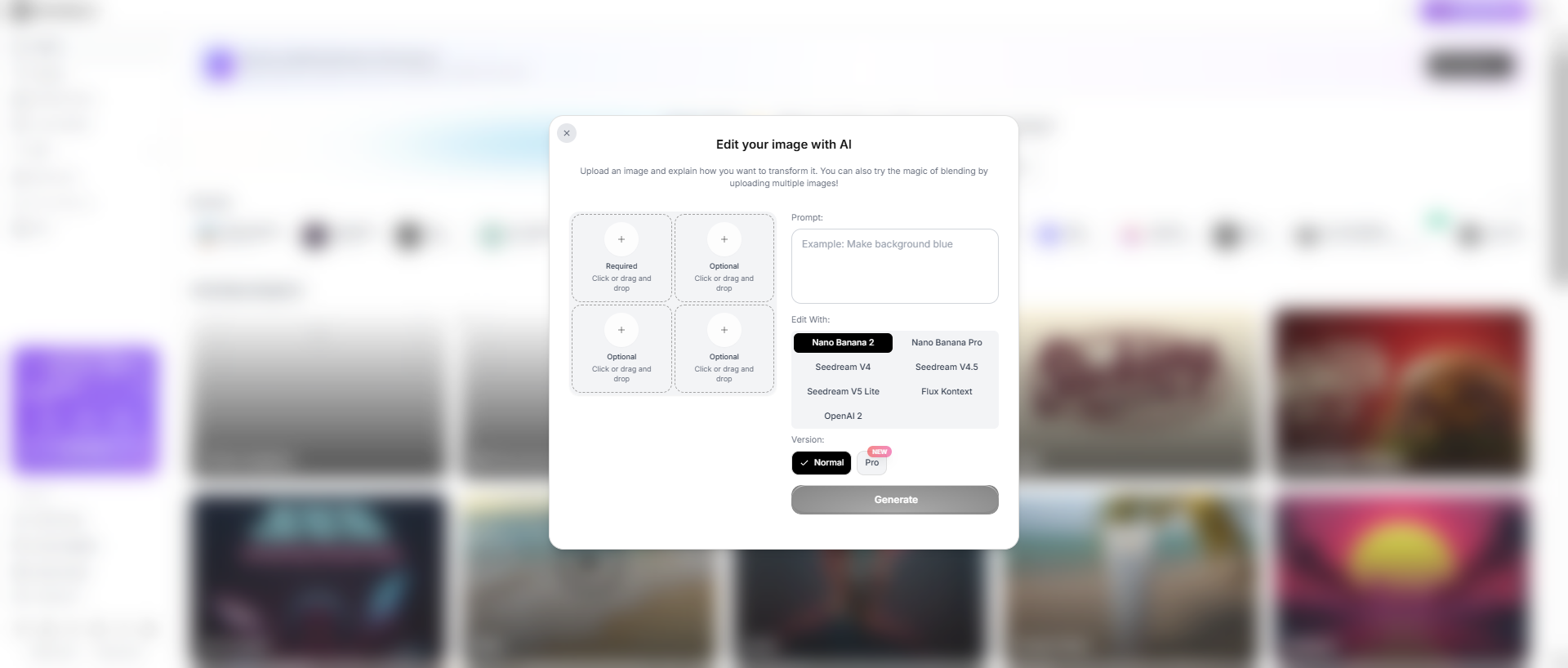
StockImg AI goes beyond just generating an image with one click and lets users change the visuals generated with AI. Its editing tools include natural language editing, element replacement, text editing, style editing, background removal, resizing and aspect ratio changes. That means users can polish something they've already built, rather than starting from scratch each time a change is required.
Test results: We tested the editing flow by changing the generated visuals. The workflow was made more practical for iterative design by customizing and polishing the assets. It is especially handy if the original photo is close to what you want, but needs to be changed before it is published. However, depending on the complexity of the changes requested, fine-tuning may still take a few tries.
-
Image enhancement and upscaling
StockImg AI also offers image-enhancement tools to help improve the quality of generated or uploaded visuals. Its current feature set includes AI upscaling to 4K, background removal, image resizing and other enhancement functions. These tools can be helpful if you need to prepare an image for a larger display, marketing material or another publishing format.
Test results: We tested the enhancement tools on lower-resolution images to see how well they improved usability for the larger format images. The upscaling feature improved the apparent resolution and resulted in cleaner-looking images suitable for digital use. However, it was unable to fully solve the basic problems of generation, such as distorted details or weak compositions.
-
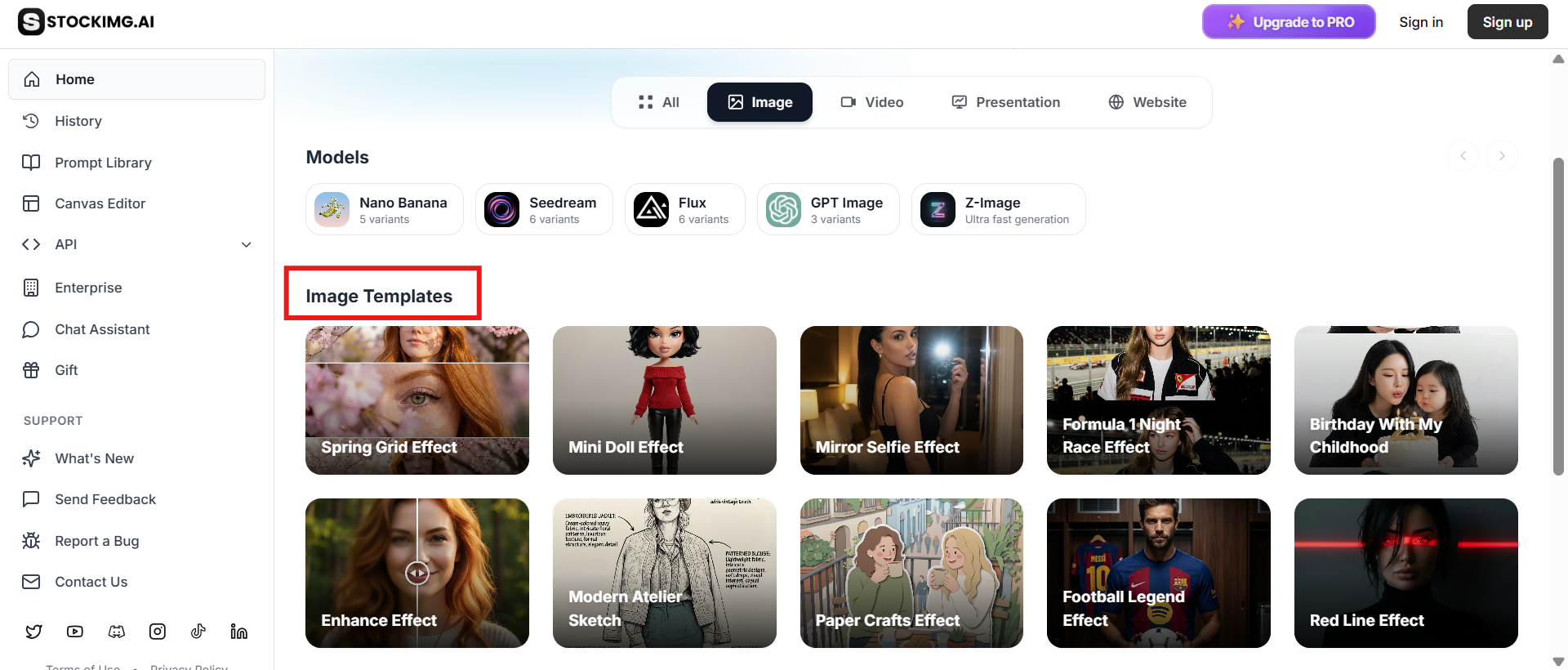
Templates and design categories
One of the strongest selling points of StockImg AI is the number of dedicated design categories available within the platform. Users can work with categories such as logos, stock images, posters, book covers, wallpapers, UI designs, QR codes, avatars, product photos, illustrations, mockups, stickers, cards, patterns, thumbnails, and social media templates depending on the workflow.
Test results: We explored the category-based workflow with different creation types and were totally satisfied with the array of options it offered. The dedicated categories provide a more specific starting point for different projects.
StockImg AI: Pricing, pros & cons
StockImg AI also offers a free option in addition to paid subscriptions, with paid plans designed for users who need more credits and access to advanced and creative features. Pricing varies based on whether you choose monthly or yearly billing, and StockImg AI has also changed its plan model from time to time.
|
Starter |
Premium |
Ultra |
Enterprise |
|---|---|---|---|
|
$12/mo |
$24/mo |
$48/mo |
Custom |
|
|
|
|
Which plan will you pick?
-
Starter ($12/month): Perfect for beginners, hobbyists, freelancers, and casual creators who need AI-generated images and designs but don't produce a lot of content.
-
Premium ($24/mo): Better suited for frequent creators, marketers, small businesses and social media managers needing more credits than the Starter plan offers. StockImg has called Premium the most popular tier in its own plan guidance.
-
Ultra ($48/mo): Best for professional content creators, agencies, and high-volume visual production. The extra capacity may be more valuable in this tier if you create lots of images often or use advanced creative features. Plan guidance published by StockImg specifically recommends Ultra for professional creators.
-
Enterprise (Custom): For larger organizations, teams and businesses that have custom requirements, support or higher-volume usage. StockImg does not list a standard monthly price, but instead has a dedicated Enterprise offering.
StockImg AI provides a wide range of AI-powered creative tools, but the sheer breadth of features comes with some trade-offs. Based on the features, hands-on testing, pricing, and recurring user feedback, here are the key pros and cons you should know beforehand.
|
Pros |
Cons |
|---|---|
|
|
StockImg AI review: What people are actually saying
StockImg AI has mixed but generally good reviews across the review sources. Ease of use is the most powerful and persistent positive theme.
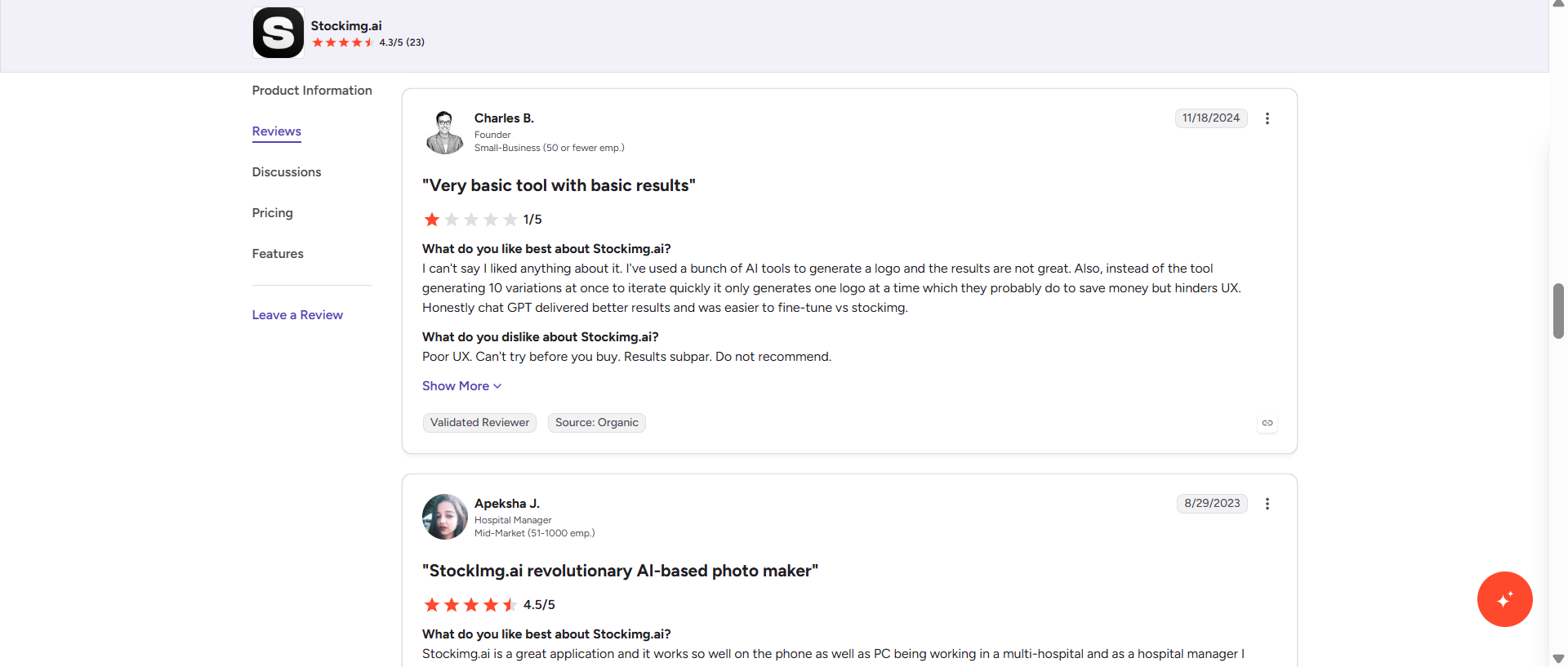
G2 review
Stockimg.ai is currently rated at 4.3/5 on G2, and reviewers praise its speed, variety of creative options, and ability to generate visuals without needing advanced technical skills. At the same time, the G2 feedback isn't universally positive. One reviewer was unhappy with the platform's UX and said the generated logo outputs were basic, while another mentioned that image generation can take several minutes depending on the prompt and image size. Others specifically mentioned pricing and the lack of access to free features as areas for improvement.
Trustpilot review
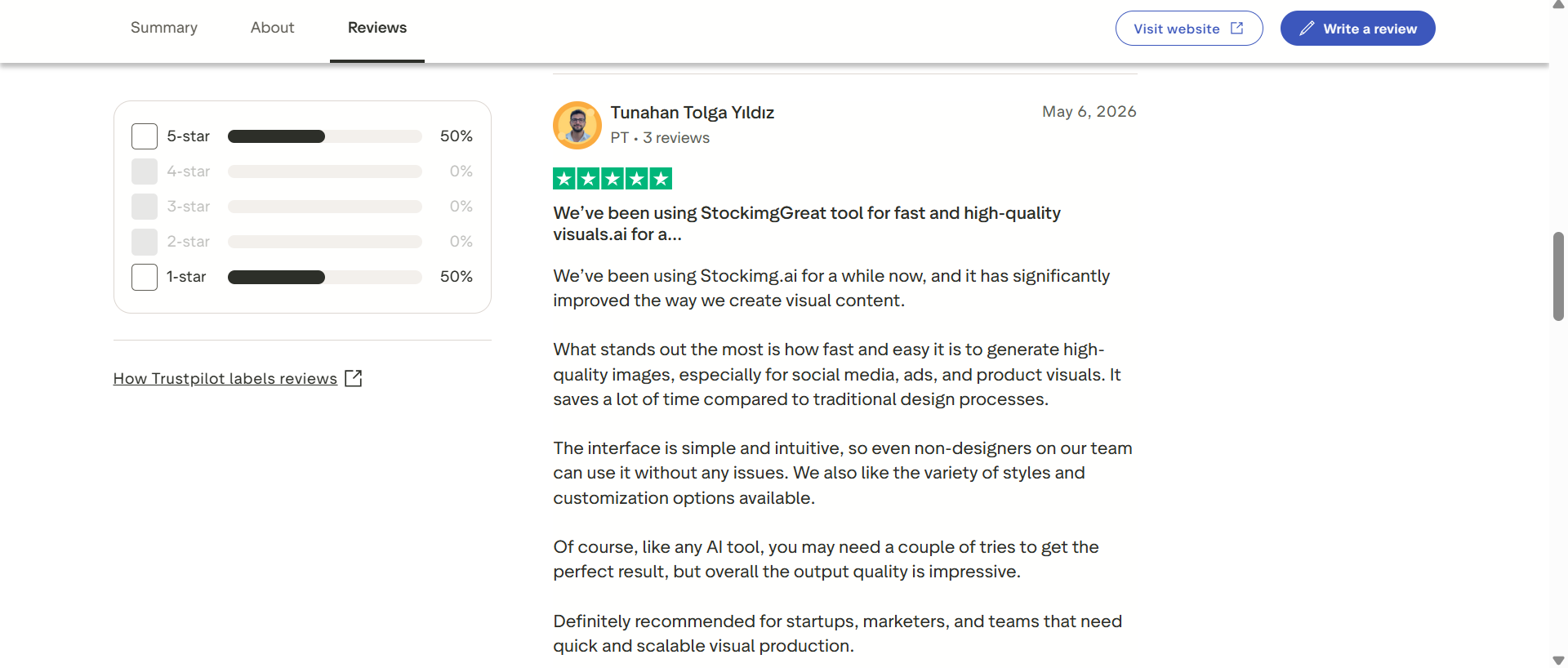
Trustpilot offers a much smaller sample, so take it with a grain of salt. At present, the Stockimg.ai profile is rated 3.9/5 TrustScore on the basis of four reviews, with the latest ones mentioning speed, ease of use, and visual quality. That said, the Trustpilot score is based on a small number of reviews, and it's hard to draw a general conclusion based on this alone.
Reddit review
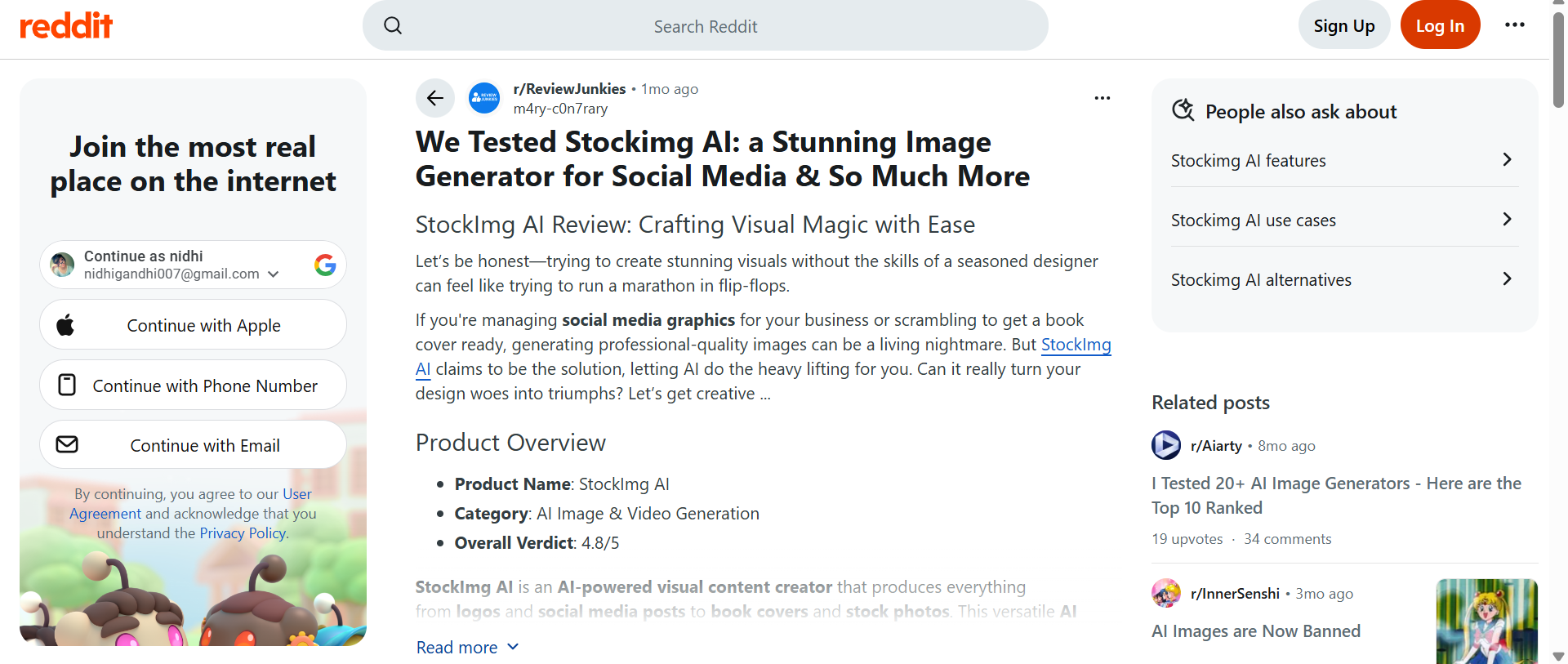
There are also some older StockImg AI discussions on Reddit. A Reddit thread suggested StockImg.ai as an alternative for AI image generation, but another reviewer later criticized its value for logo generation, stating that it was too prompt-dependent. The comments show that the perceptions are different depending on whether the user wants to have fast concepts or more control over the final design.
Final verdict
StockImg AI is best for users who want a broad design toolkit rather than a narrowly focused image generator. The merging of image generation, logo creation, templates, AI editing, enhancement, specialized design categories and social media features makes it pretty broad. StockImg AI is a powerful, all-in-one platform, but its vast feature set might not be the best fit for every creator. Its versatility can be a big benefit when you need logos, stock photos, posters, social media designs, image editing, content scheduling, and other specialized workflows all in one place. But creators looking to primarily create or modify images might find the added design and social-media capabilities superfluous.
That's where Vmake Labs can be a bit more strategic. Vmake Labs' image generation workflow focuses on Text to Image and Image to Image creation, rather than forcing users to search through a large set of design categories. It supports multiple AI models, reference-image uploads, and flexible aspect ratios, making it a fit for creators who primarily need to quickly produce or transform custom visuals.
Vmake Labs: A robust StockImg AI alternative
Vmake Labs AI Image Generator focuses on generating images from text prompts or reference visuals. Its AI Image Generator includes Text to Image and Image to Image workflows, allowing users to begin by providing an idea or an existing visual. The platform also boasts multiple AI image models and adjustable aspect ratios, making it useful for creating product visuals, marketing creatives, social media content, artwork, and other image-generation tasks.
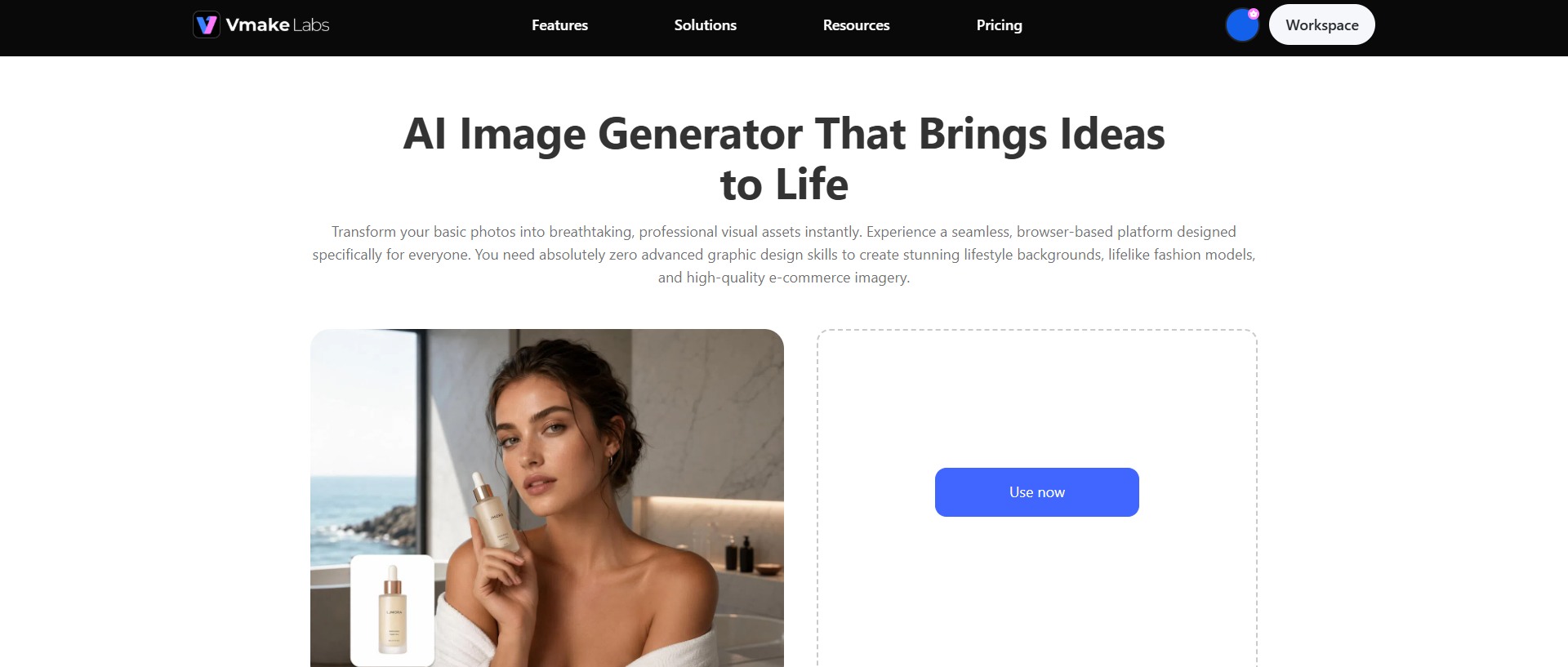
Steps to generate images using Vmake Labs
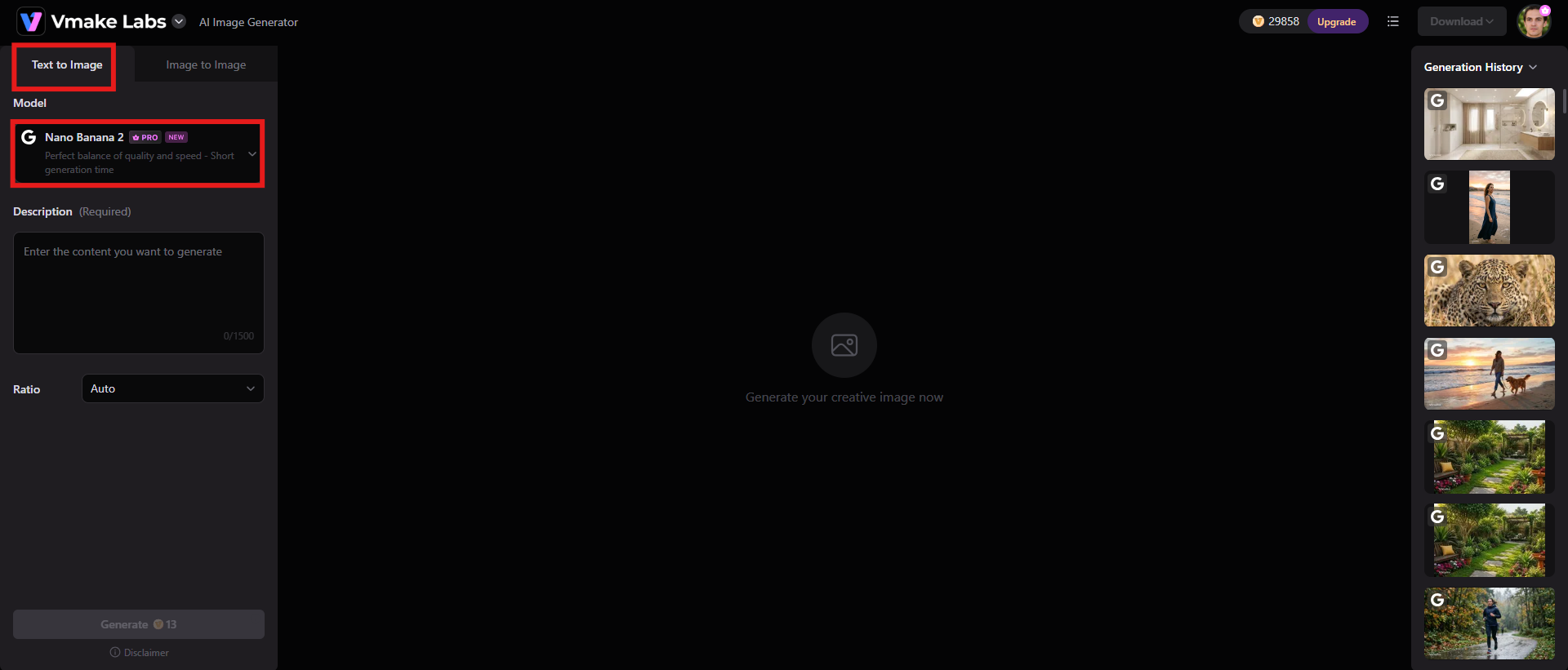
Step 1: Select Text to Image or Image to Image and choose a model
Open Vmake Labs and select the Text-to-Image option if you want to make a visual out of a written concept. Choose Image-to-Image if you have a photo, sketch, product image or other visual reference you want to transform. You can then choose a free AI model for your project.
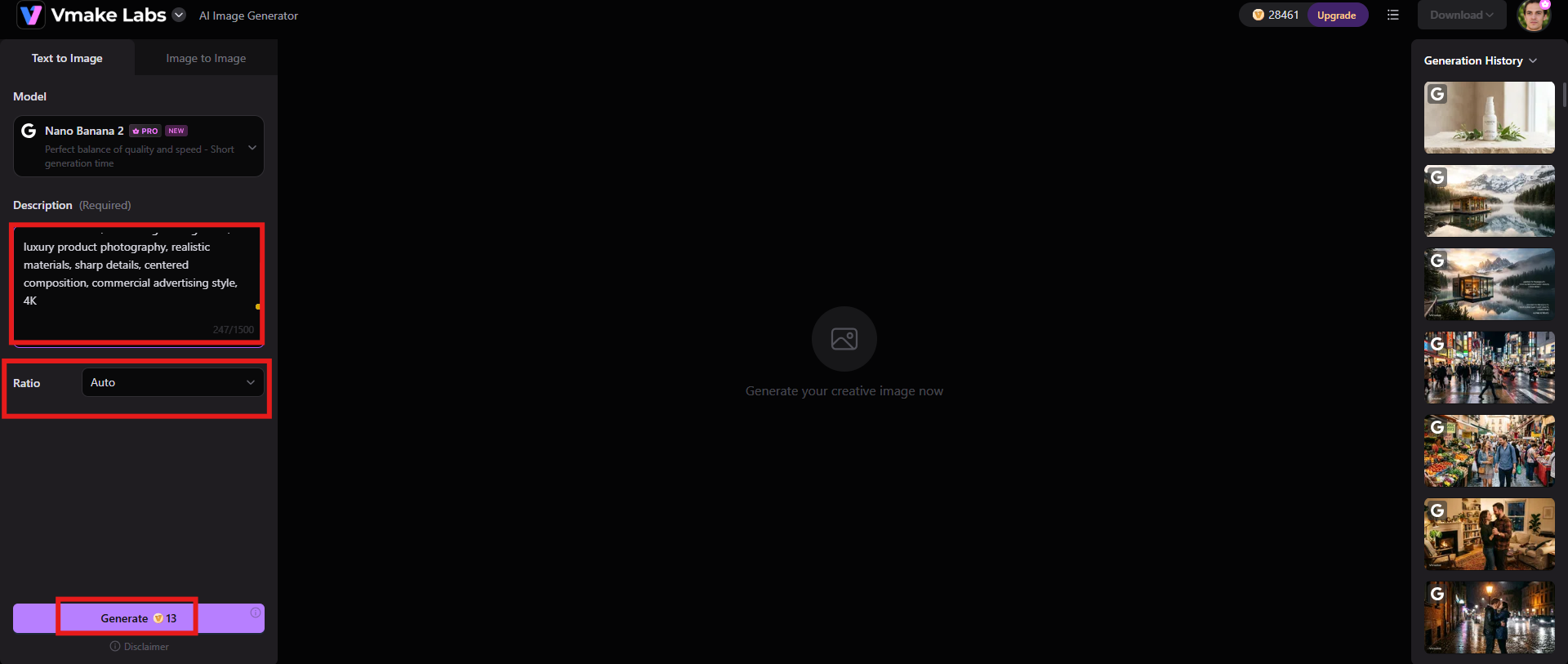
Step 2: Input a prompt or upload 1-3 reference images
For Text-to-Image, write down the subject, setting, composition, lighting, style, and anything else you want in the final image. If you have chosen Image-to-Image, upload 1-3 reference images in JPG or PNG format and describe how you want the visual to be transformed. Choose the aspect ratio and click "Generate" to begin the process.
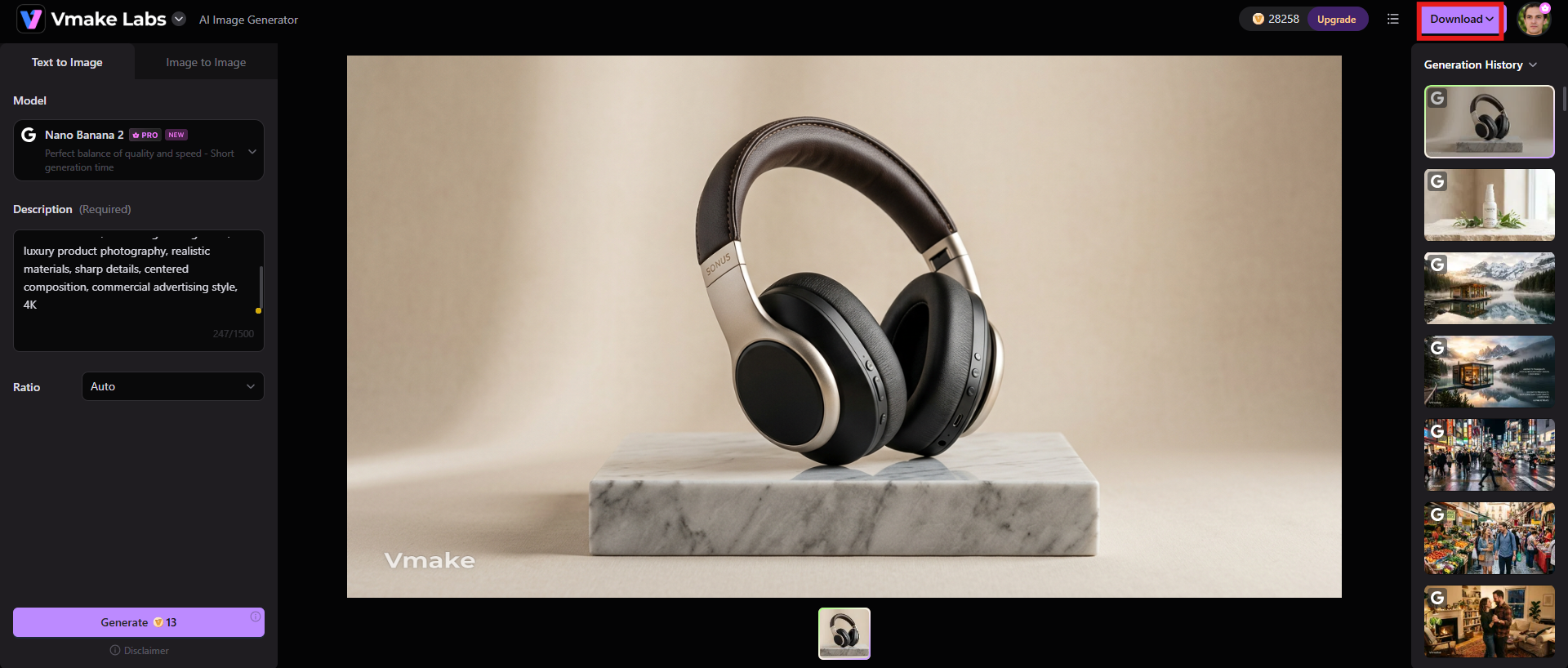
Step 3: Preview and download after generation
Generate the image and check the result in the preview area. If the composition or style isn't what you were looking for, try changing the prompt, reference image, model, or aspect ratio to a different version. If you are happy with the result, click "Download" to save the finished image.
Key features
-
Text-to-image generation for custom visuals
Vmake Labs allows you to generate images from natural language descriptions. You can specify the subject, environment, style, lighting, composition, and mood to guide the result. This is fantastic for creating marketing imagery, product ideas, social media graphics, illustrations, and other custom assets.
-
Image-to-image generation with reference images
Upload an existing image and use it as a visual starting point for a new creation. This is useful when you want to keep the overall look of a product, character, object, or composition but change its style or creative direction.
-
Flexible aspect ratios and image generation settings
Pick an aspect ratio that suits your desired output and try out different AI models and generation settings. This enables the workflow to be tailored to social media posts, ecommerce collateral, websites, presentations, product content, real estate photos, and more.
StockImg AI vs Vmake Labs: A quick comparison
Both StockImg AI and Vmake Labs are capable of generating images with AI, but they are designed for different workflows. Vmake Labs is more direct about creating and transforming images, while StockImg AI is broader, bringing together image generation with logos, templates, editing, and social media tools. Here is a comparison of their main capabilities and practical use cases.
|
Features |
StockImg |
Vmake Labs |
|---|---|---|
|
Text-to-image generation |
Generates visuals from text prompts across categories such as stock images, illustrations, posters, wallpapers, and social media content. |
Generates custom visuals from text prompts with multiple AI models and creative settings, making it suitable for general image creation. |
|
Image-to-image generation |
Supports image creation and transformation through its broader AI image and editing workflows. |
Provides a dedicated Image-to-Image workflow where users can upload reference images and describe the desired transformation. |
|
Reference image support |
Reference-based workflows are available for certain image-generation and editing tasks. |
Supports 1–3 reference images, allowing users to guide the generated result using existing visuals. |
|
Image enhancement & upscaling |
Includes AI enhancement and high-resolution upscaling for improving existing or generated images. |
Offers image-enhancement capabilities alongside its image-generation and transformation workflows. |
|
Best for |
Marketers, businesses, agencies, and creators who need multiple AI design and social-media tools in one workspace. |
Creators, marketers, and businesses that primarily need fast AI image generation, image transformation, and reference-based creation. |
|
Pricing |
Starts from $12/mo |
Starts from $9.99/mo |
Conclusion
What makes StockImg AI stand out is its breadth. According to the StockImg AI review, it brings together AI image generation with logo design, niche design categories, editing, upscaling, templates, product imagery and social media automation, making it a practical choice for creators and businesses wanting multiple visual-production tools in one place. However, the main disadvantages are that the quality of the output is not always consistent. Some designs need further refinement, and some users are concerned about the price and access to advanced features.
If you're after simple AI image creation rather than an entire design and social management suite, Vmake Labs is worth having a look at. Its Text-to-Image and Image-to-Image workflows, reference-image support, multiple models and flexible aspect ratios make it especially suited to rapidly developing custom visual concepts.
FAQs
Is StockImg AI free?
StockImg AI offers a free account with limited features, and paid plans with more credits and features. Its pricing and plan structure are subject to change, so users should check the pricing page for current pricing before they subscribe.
Is StockImg AI good for creating logos?
StockImg AI can be helpful for quickly generating logo ideas, particularly for small businesses and users who need a jumping-off point. It has special tools just for creating and customizing AI logos. User feedback, however, is mixed. While some reviewers laud the ease of use, others think the logo results are too basic and need more refinement.
Can StockImg AI generate images from text prompts?
Yes. StockImg AI allows you to describe the image you want by giving a text prompt, and then it creates an image based on that. The platform offers a variety of creative workflows with different content types, sizes and AI models.
Is StockImg AI safe to use?
StockImg AI is real, based on existing checks on website trustworthiness. ScamAdviser also thinks the domain is probably safe, given its long history and valid SSL certificate, and Gridinsoft also sees strong legitimacy signals. However, users should still check the platform's privacy, billing, and subscription terms before adding payment info.
Can I use StockImg AI images commercially?
StockImg AI allows you to keep the commercial and copyright ownership of the things you create on the platform. However, before publishing or commercially selling the generated material, users should review the latest terms of service and applicable licensing conditions for their specific plan and intended commercial use.

You May Be Interested

Pixar AI Review: What It Is & How to Create Pixar-Style Art
Artistly AI Review 2026: Is It Worth Trying for Creators?
DeeVid AI Review 2026: Features, Pricing & Top Alternative
Doodle AI Review 2026: Features, Pricing and Alternatives
Getimg AI Review 2026: Is It the Best AI Image Generator?

Vivideo AI Review 2026: Features, Pricing and Alternatives

Supawork AI Review: Watermark Remover Tested (2026)

Nero AI Review 2026 Explained: Is the Tool Worth Using?
