
Honest Renderforest Review: Is It Worth Using in 2026?
Our Renderforest review covers AI video, cartoon, logo, and animation tools, pricing, pros and cons, real user feedback, and a powerful alternative for creators.

Renderforest has grown from a template-based video maker to a wider creative platform, providing AI video, animation, cartoon, logo, website and branding tools. In this Renderforest review, we examine what the platform has in store for 2026, how its AI features work, current pricing, user reviews, strengths, weaknesses, and a solid alternative for AI-first video creation.
What is Renderforest?
Renderforest is a browser-based, all-in-one branding platform founded in Armenia in 2013. It bundles video creation, logo design, website building, and mockup generation into a single subscription, aimed squarely at people who need professional-looking output without a design background.
The platform runs almost entirely on templates. You pick a starting point, such as an intro, an explainer, a logo animation, or a landing page, and customize it with your own text, colors, and assets. In the last two years, Renderforest has layered AI on top of that template library. New additions include text-to-video, an AI logo generator, and an AI cartoon generator that route prompts to a mix of in-house and third-party models.
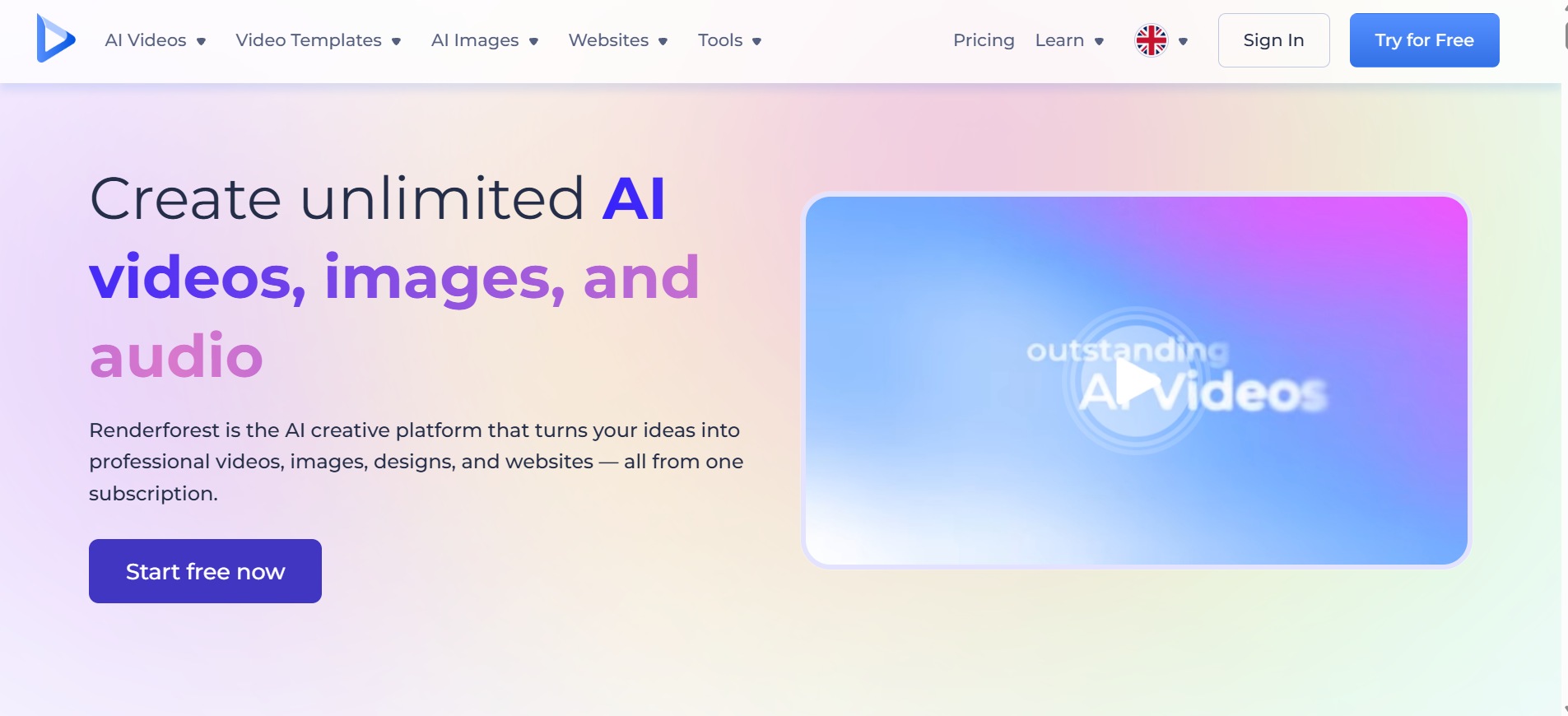
Renderforest key features
-
AI video generator
Turns text prompts, ideas, or full scripts into complete videos with scenes, visuals, voiceover, and music. Supports multiple styles, including templates, stock footage, and generative AI, plus external model integrations for varied motion and quality results in minutes.
-
AI cartoon generator
Describe your idea and Renderforest converts it into a short script, then renders it in one of several cartoon styles with an AI voiceover attached. It suits explainer content and social clips that need a friendlier tone than a standard template.
-
AI logo generator
Generate logo concepts from prompts and use them across branding projects. Renderforest also provides animated logo templates for intros, reveals, and promotional content.
-
AI animation generator
Write a script or a short idea, choose a style and speaker, and Renderforest turns the text into a fully animated video. You can adjust colors, pacing, fonts, and music afterward, giving you a working starting point instead of a blank timeline.
-
Large template library
Well over a thousand templates cover video, presentations, invitations, slideshows, and social content, spanning dozens of industries and styles. It's still the platform's real backbone: most projects start faster here than by building a video or design completely from scratch.
-
Website builder, mockups, and graphics
Beyond video and logos, Renderforest includes a drag-and-drop website builder, one-click product and logo mockups, and a basic graphic maker for social posts and simple layouts. These secondary tools round out the platform's pitch as a single home for everyday branding work.
How to use Renderforest AI video generator
Renderforest keeps the AI video workflow relatively straightforward. Follow these simple steps:
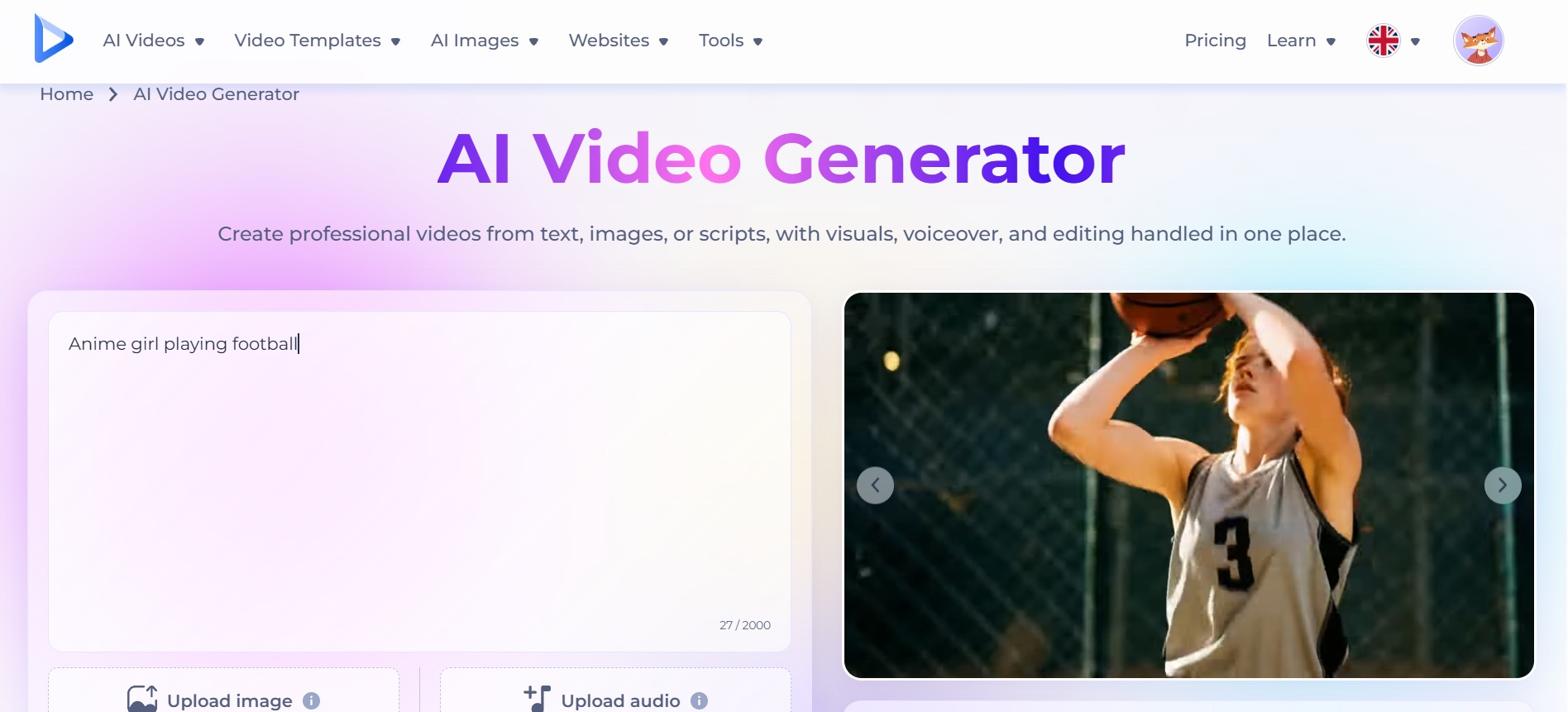
Step 1: Enter your idea or script
Open Renderforest's AI Video Generator and type a short idea or paste your full script into the text box. You can also upload an image as a reference.
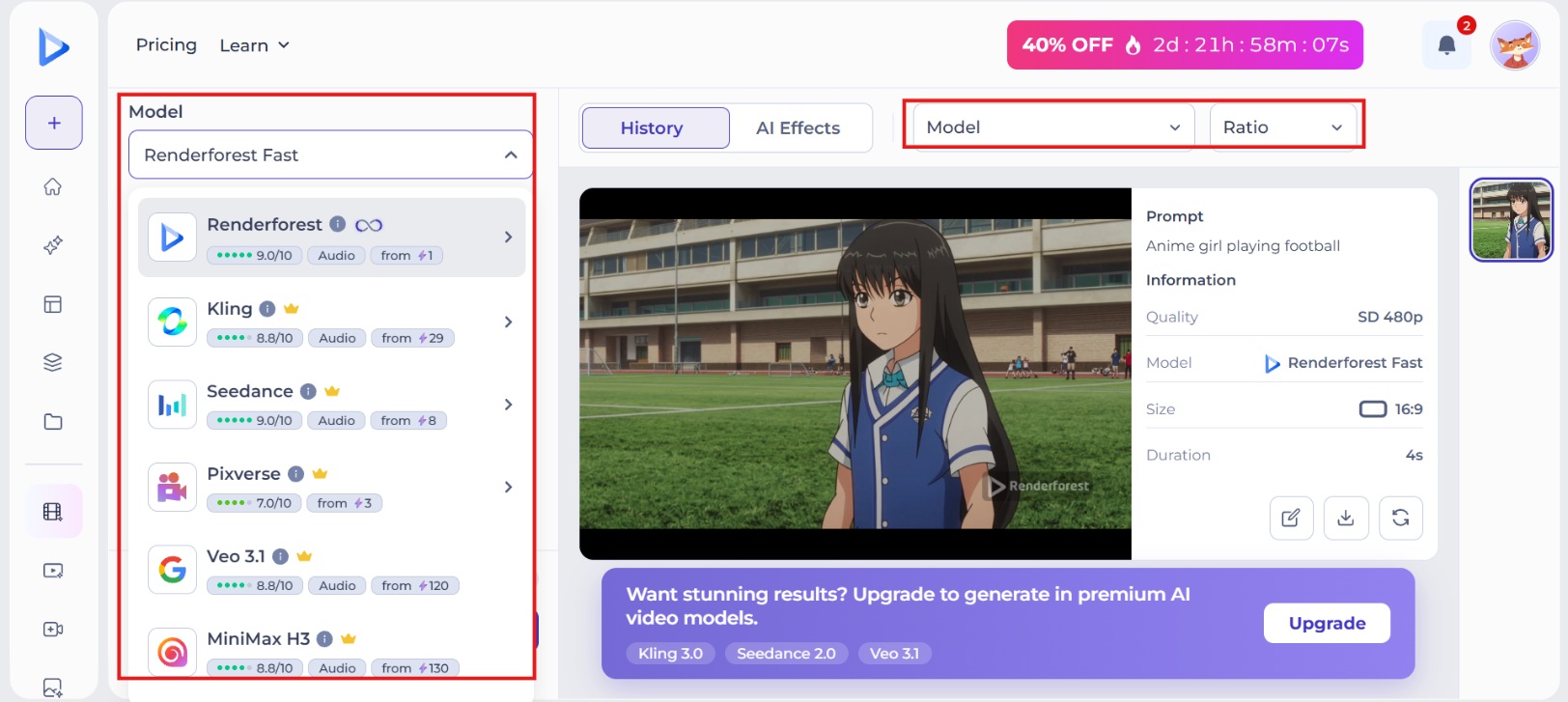
Step 2: Choose style and customize settings
Select your preferred creation method (templates, stock, generative AI, or AI images). Pick a visual style, language, voice, aspect ratio, duration, and tone. Adjust any remaining options to match your brand or content needs.
Step 3: Generate, edit, and export
Click the Generate button and wait for the AI to create your video. Preview the result, then open the built-in editor to refine scenes, regenerate parts, or add branding. Finally export in the preferred resolution.
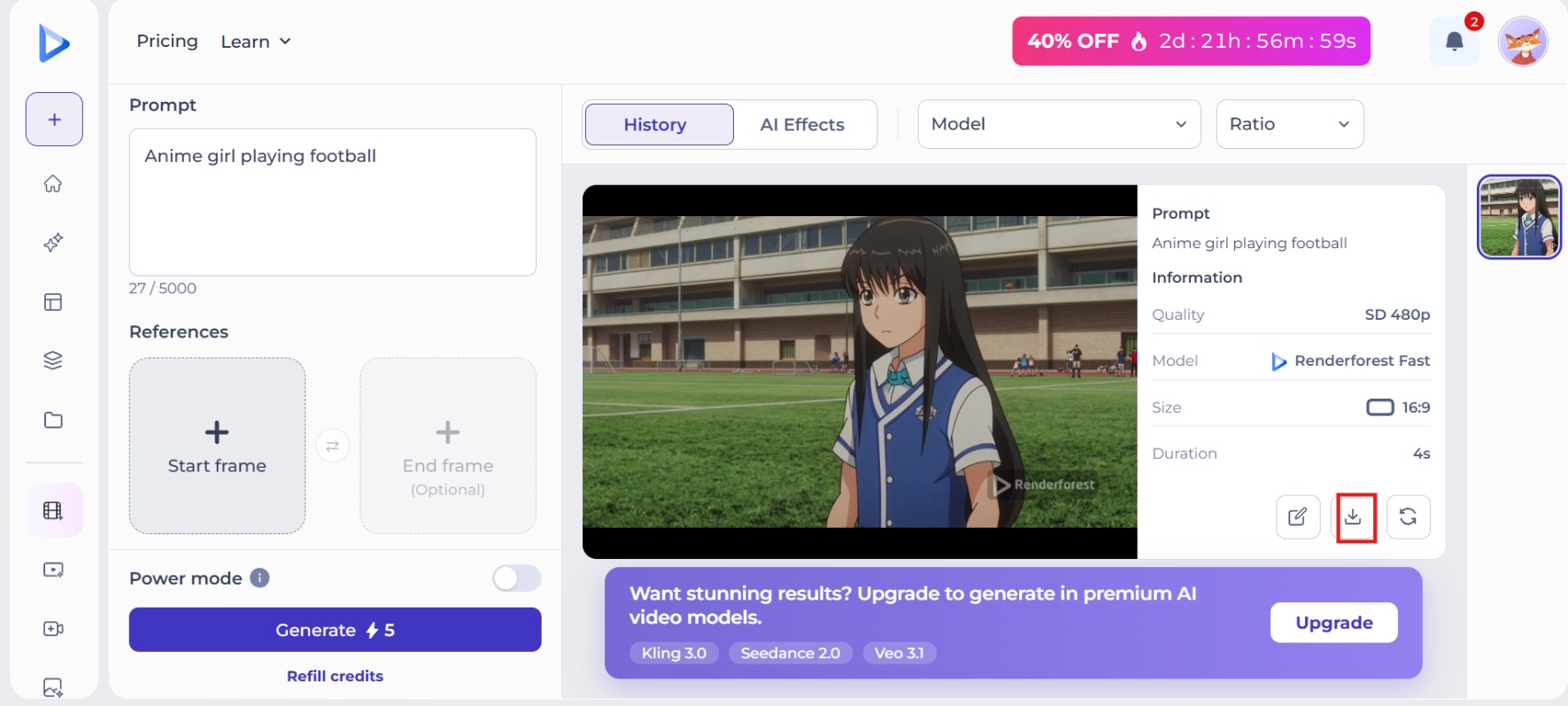
Our test result
To all appearances, it's a smooth AI-generated video. The finger close-up, natural skin tones, and a crisp, fully legible "Wait. You need to see this." captions, plus rock-solid facial consistency and cinematic ring-light depth, make it nearly indistinguishable from real footage.
Close inspection still exposes it: the swipe transition smears the subtitle into a motion blur, and the laptop keys are melted and unreadable. The clasped hands fuse into a blob, and the wall photos and mug dissolve into smudged color blocks.
Renderforest pricing & plans overview
Renderforest uses a four-tier subscription model: Free, Lite, Pro, and Business, plus custom Enterprise pricing for larger teams. The table below reflects monthly billing as published on Renderforest's own pricing materials. Annual billing typically works out cheaper, and rates can shift by region or promotion, so confirm current numbers on Renderforest's pricing page before you subscribe.
|
Plan |
Monthly Price |
Yearly Price (per month) |
Key Highlights |
|---|---|---|---|
|
Free |
$0 |
$0 |
Basic access, watermarked exports |
|
Lite |
$9 |
$8 |
400 AI credits/month, HD 720 exports, 10 GB storage |
|
Pro |
$39 |
$19 |
1,600 AI credits/month, Full HD exports, 50 GB storage |
|
Business |
$59 |
$39 |
3,000 AI credits/month, 4K template exports, team management, 100 GB storage |
A few things worth noting before you upgrade: Lite removes the watermark but still caps you at five clean exports a month, so heavy posters often need Pro anyway. Commercial use rights only kick in on Pro and above, which matters if you're producing client work. And per multiple Trustpilot reviews, unused AI credits and video allowances don't carry over once a subscription ends, so it's worth timing cancellation around your billing cycle rather than after you've stocked up on credits.
Renderforest AI pros and cons
After hands-on testing and reviewing real user feedback, here are the main strengths and limitations of Renderforest's AI tools in 2026.
Pros |
Cons |
|---|---|
|
|
Renderforest reviews: What real users say
G2
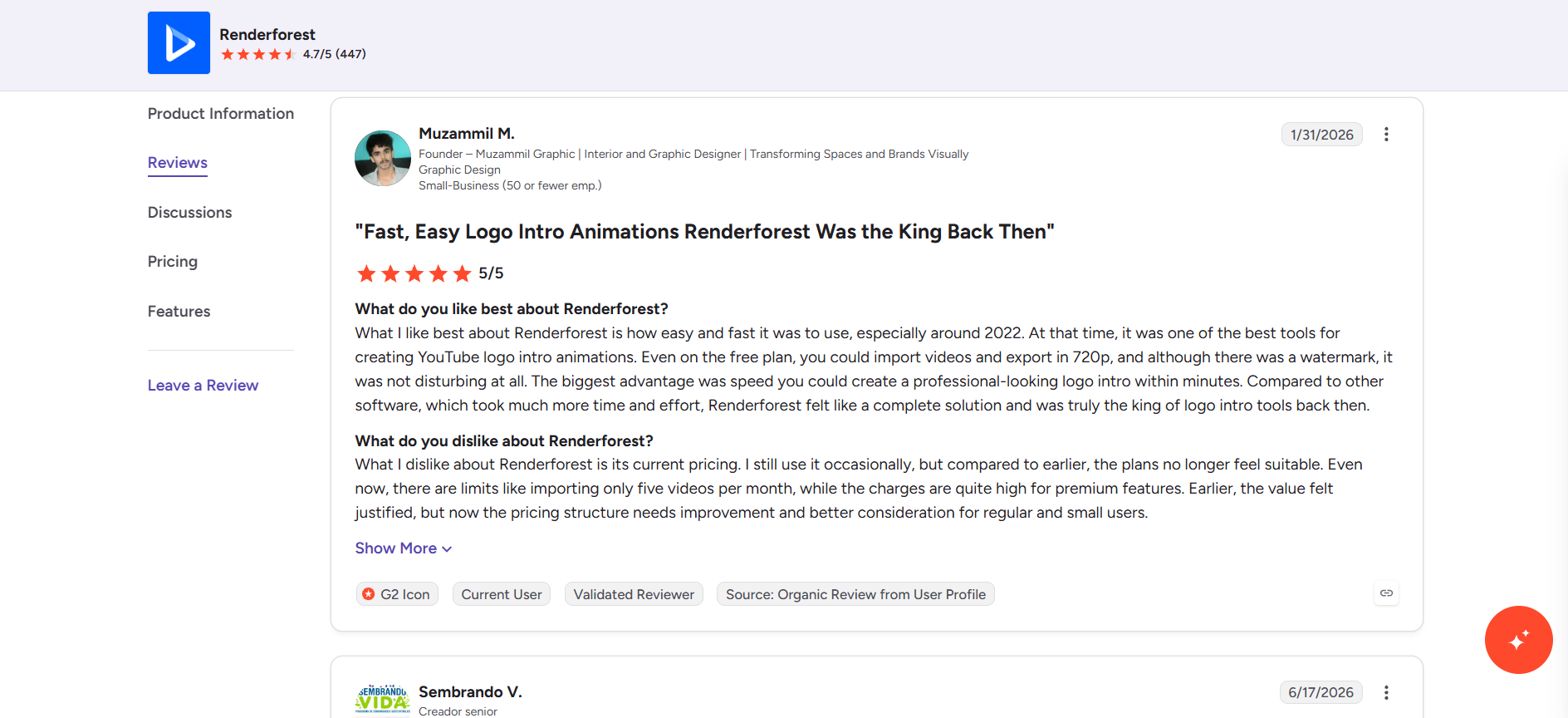
Users love how easy it is to utilize the platform, how intuitive the interface is, and how large the library of templates is. They rave about how quickly they can create professional logos, intros, and marketing videos without any design experience. Many like the responsive support team. Common cons are limited customization options, credit or export limitations on lower plans, and the impression that the pricing can be high relative to those limitations.
Trustpilot
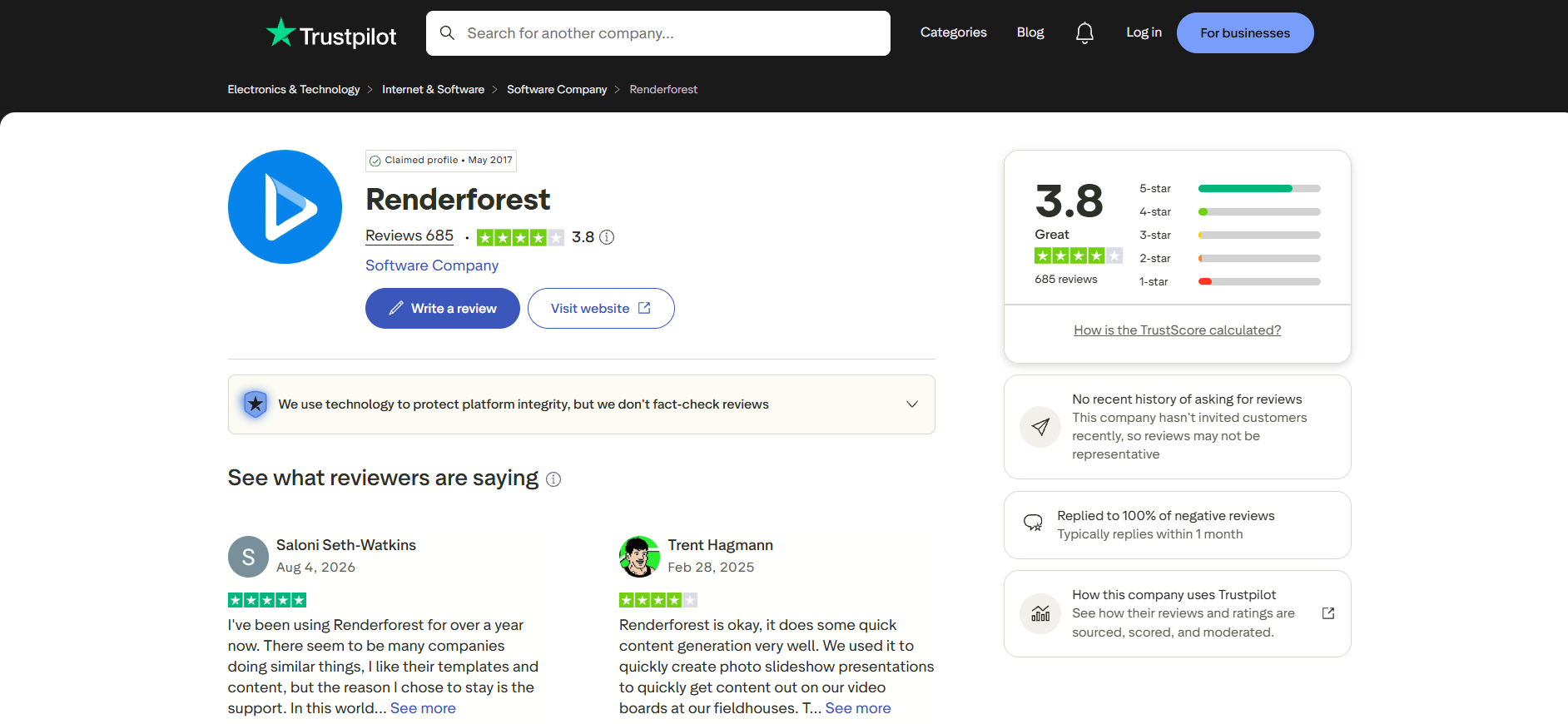
The reviews are mixed. Positive reviews often cite polished templates, beginner-friendly tools and, most especially, human customer support that resolves issues helpfully. Negative feedback often touches on subscription management problems, concerns about auto-renewals, credits lost after cancelation, and the occasional frustration with plan limitations or billing practices.
Capterra
Reviewers consistently value the ease of use, extensive template selection, and ability to create polished videos and branding assets quickly. Support quality also receives frequent positive mentions. Criticisms tend to center on restricted customization options, free-plan watermarks and limits, and the need for higher-tier plans to unlock full commercial and resolution features.
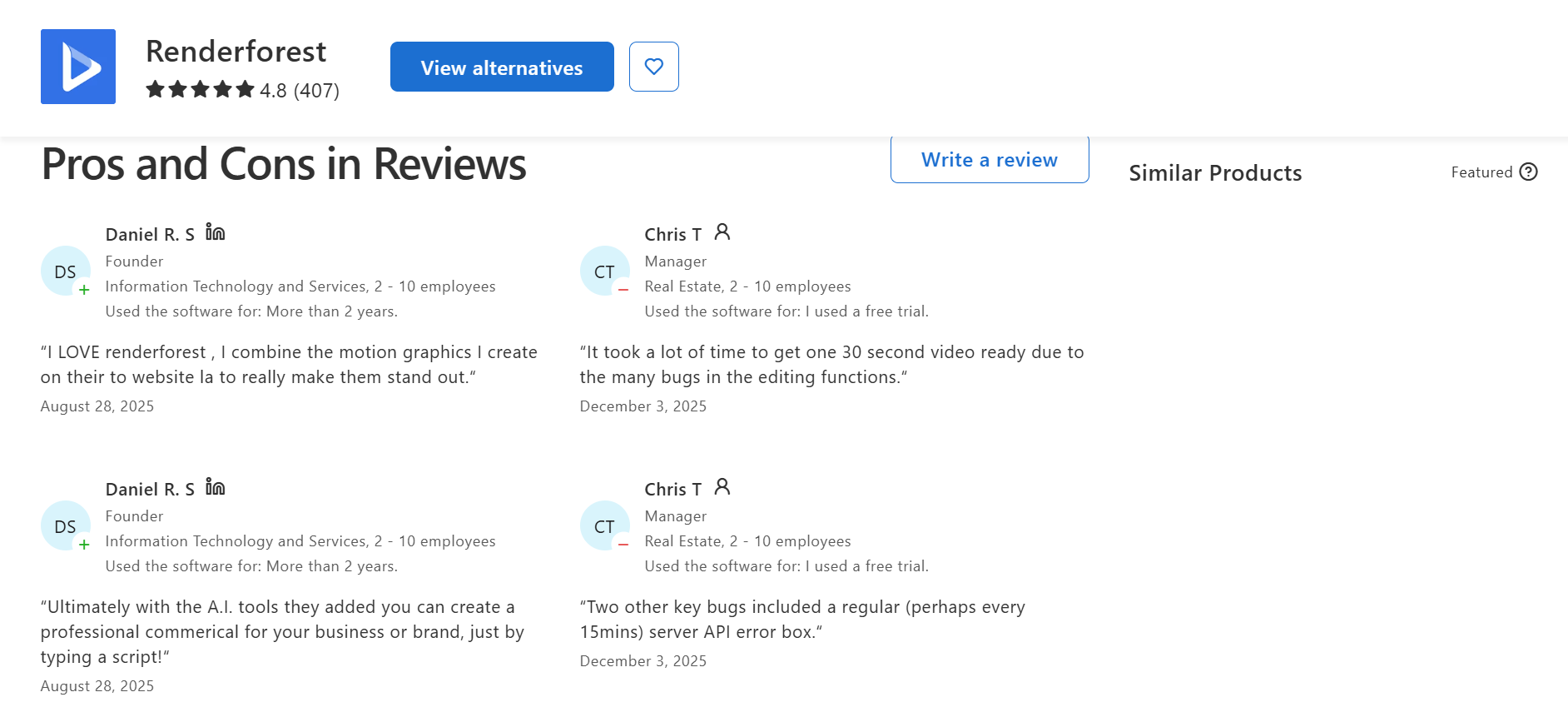
Taken together, the pattern across all three platforms is consistent: strong marks for usability and speed, weaker marks for pricing transparency and customization depth.
Who should use Renderforest
Best-fit users: Small businesses, freelancers, marketers, educators, and event organizers who need polished template-based videos, logos, and basic branding assets quickly without learning complex software.
Who should skip it: Creators and e-commerce sellers who want original, non-template generative video (especially natural UGC or viral social styles), higher resolution control, or multi-model flexibility without credit constraints.
A strong Renderforest video maker alternative: Vmake Labs
If you find Renderforest's template-based workflow constraining, Vmake Labs provides a more AI-first way to make videos. Its AI Video Generator supports text-to-video, image-to-video, multi-image references and video-to-video workflows. You can select from several AI models and generate content for social media, UGC, product marketing, and e-commerce. This means Vmake Labs is a practical Renderforest alternative for creators looking for more flexibility, faster experimentation, and greater control over how their videos are generated.
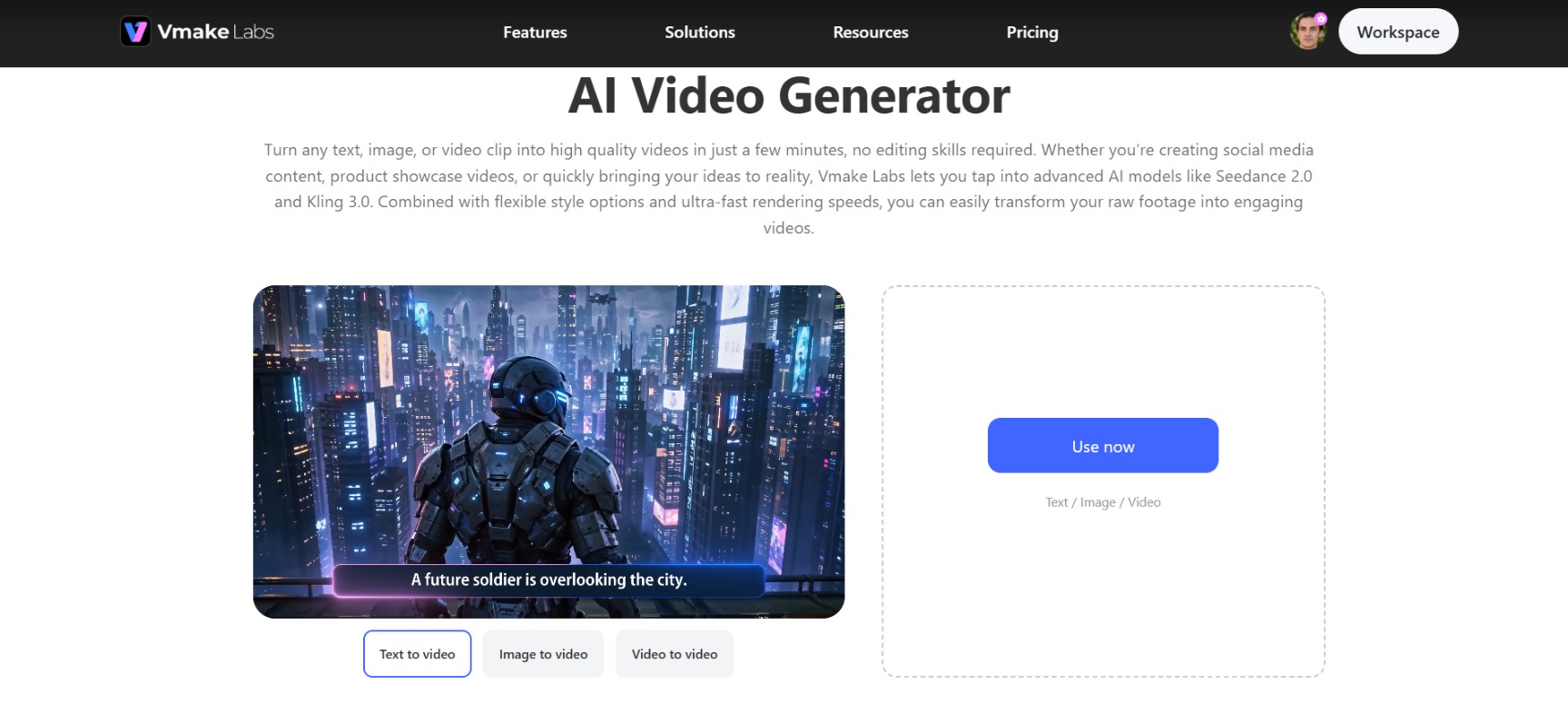
Key features of Vmake Labs AI video generator
-
Multi-model AI generation
Access leading models such as Seedance 1.0/2.0, Kling 3.0, Google Veo 3/3.1, Sora 2, Vidu Q2, Wan 2.2, and others. Switch between models to match the exact style, motion quality, or realism your project needs, giving users greater creative control and better final results.
-
Flexible generation methods
Supports Text-to-Video, Image-to-Video, multi-image reference, start/end frame control, and Video-to-Video. You can begin from a prompt, a product photo, an existing clip, or any combination, without forcing every idea through the same starting point.
-
UGC & product-focused workflows
A dedicated AI video agent turns product photos, links, or simple ideas into ready-to-post UGC-style videos, saving teams from filming from scratch. Product Showcase, AI Avatar, and Recreate Video replicate viral formats with your product.
-
High-resolution output & duration control
Export finished videos at up to 4K resolution, and set duration anywhere from 2 to 15 seconds to match a specific platform or ad slot. This gives creators sharp, publish-ready output without extra editing software.
Steps to generate videos using Vmake Labs
Generating a video in Vmake Labs takes three steps, whether you're starting from a prompt, a photo, or an existing clip.
Step 1: Add your content or idea
Open the Vmake Labs AI Video Generator and choose your starting point. Type a text prompt for Text-to-Video, upload an image or product photo for Image-to-Video, or upload an existing video clip for Video-to-Video to begin creation.
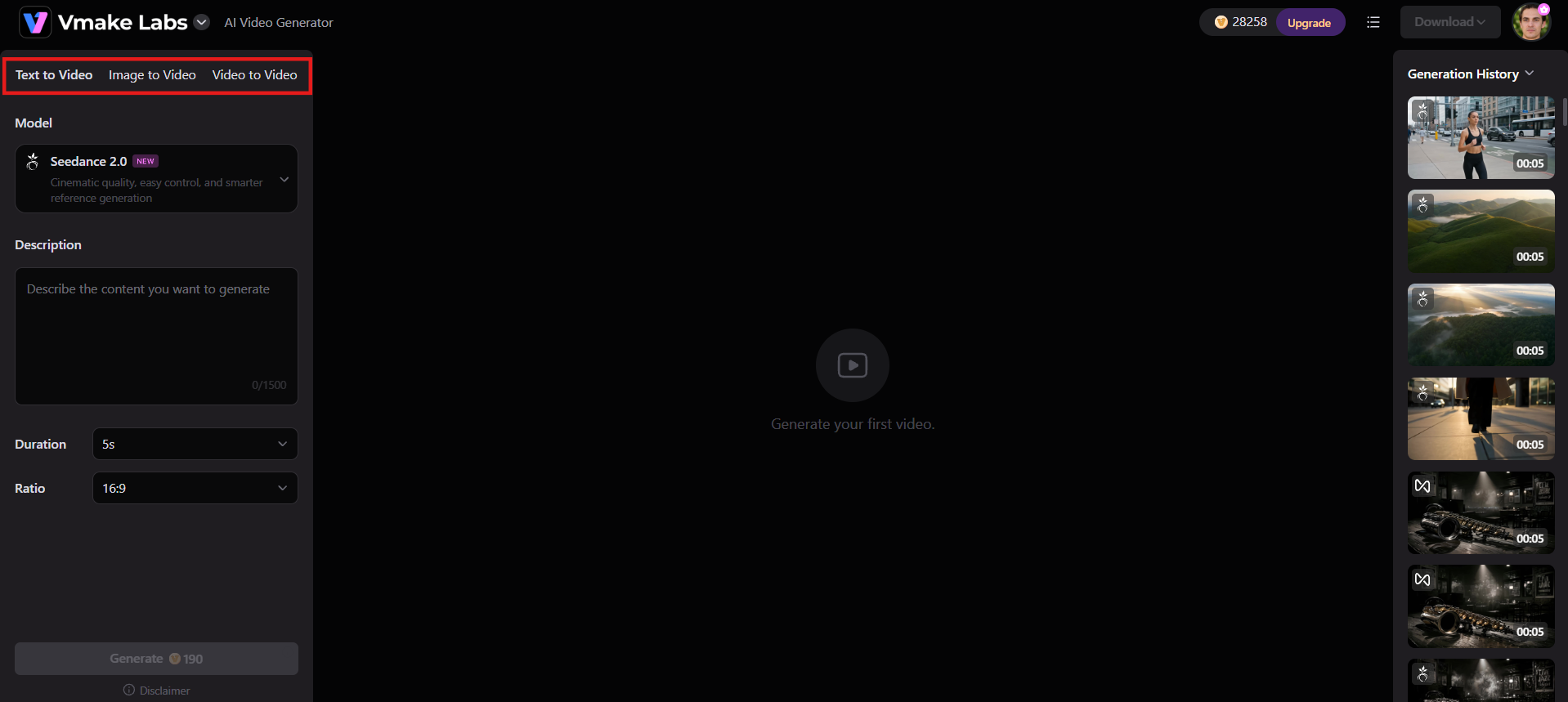
Step 2: Customize your settings
Select a visual style, set the desired video length (usually 2–15 seconds). Choose an AI model such as Seedance 2.0 or Kling 3.0. Then, adjust extra options like aspect ratio or effects to match your goal.
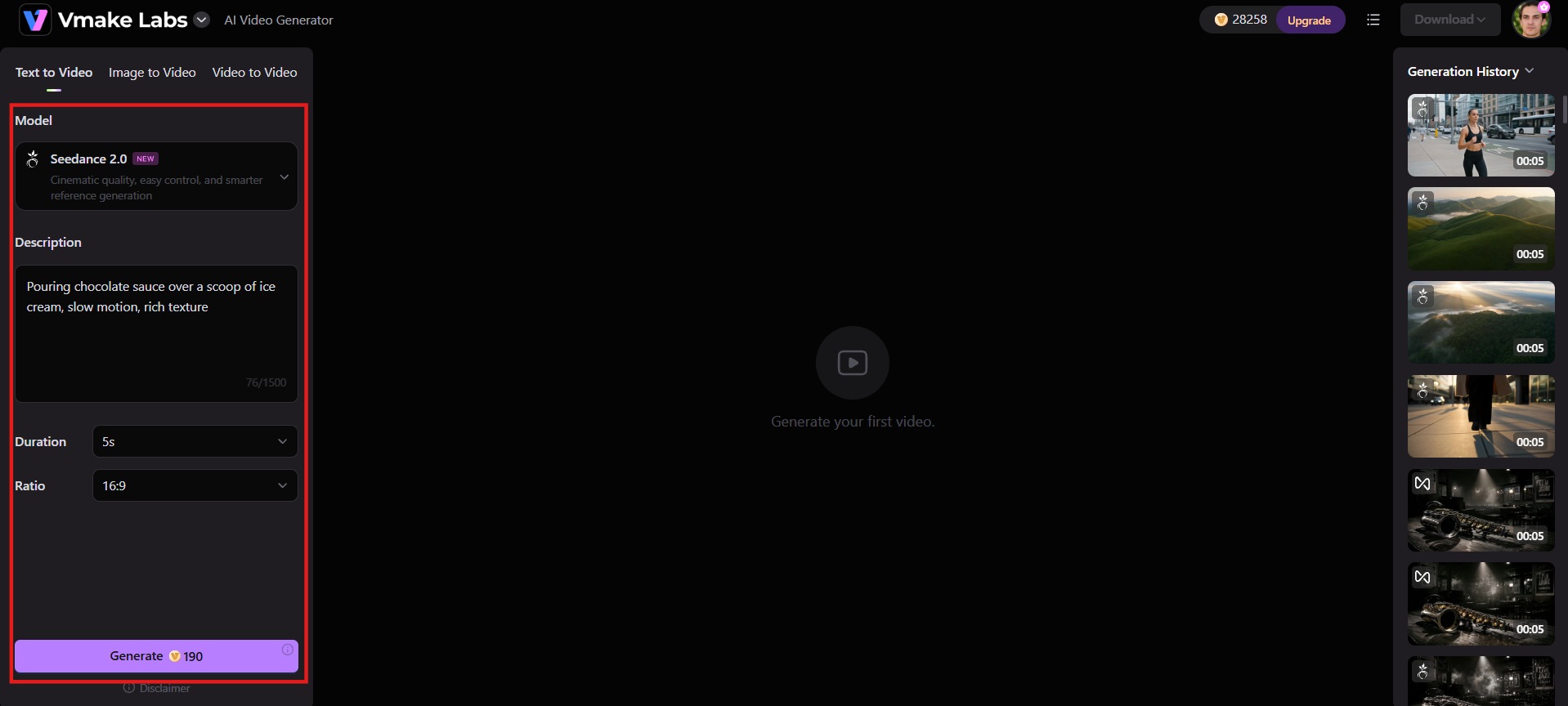
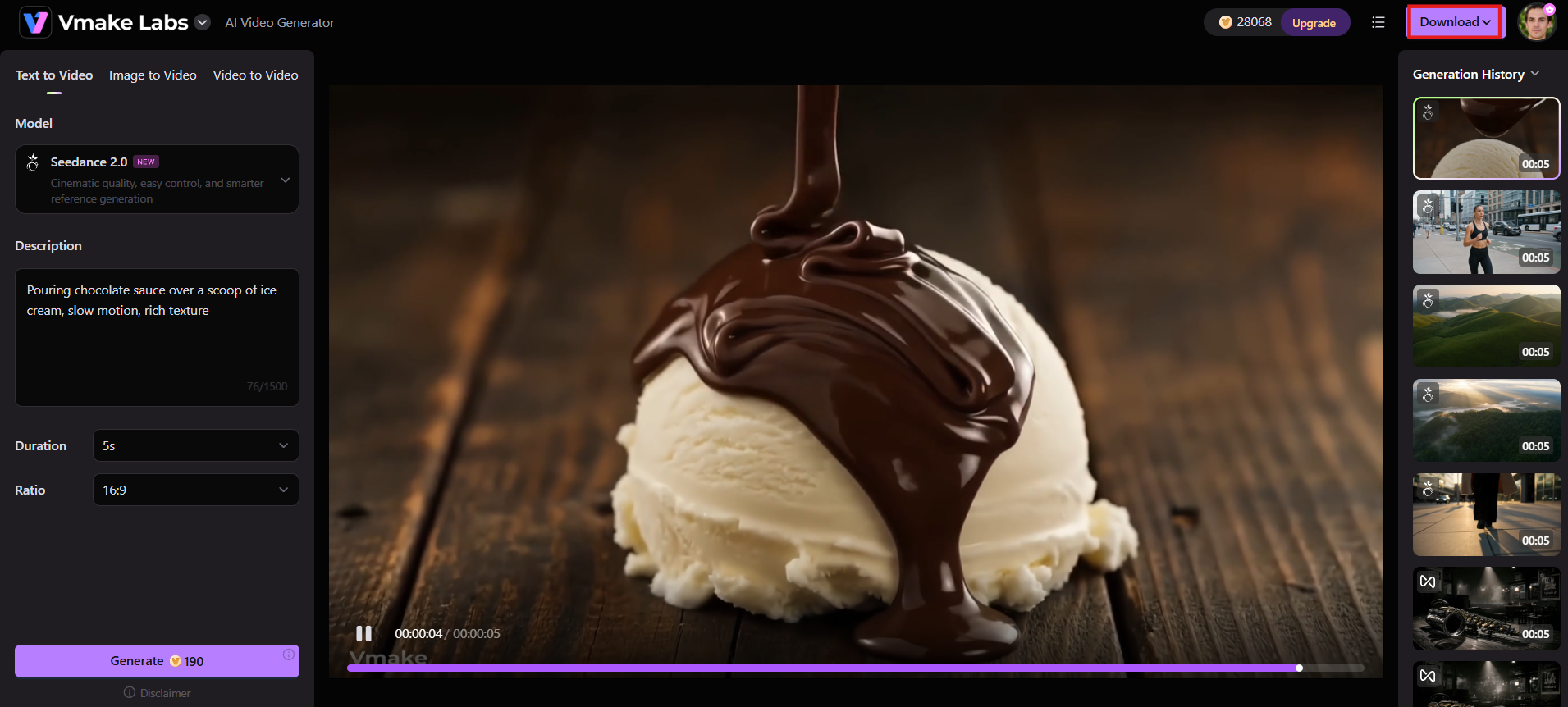
Step 3: Generate, preview & download
Click Generate and wait briefly while the AI creates your video. Preview the result, make any quick refinements if needed, then download the finished clip in high resolution (up to 4K) ready for posting.
Renderforest vs Vmake Labs
Here's a clear side-by-side comparison of Renderforest and Vmake Labs to help you choose the right tool for your video and branding needs.
|
Aspect |
Renderforest |
Vmake Labs |
|---|---|---|
|
Best For |
All-in-one branding (videos + logos + websites + mockups) |
AI-powered social/UGC videos & product marketing |
|
Core Strength |
Huge template library + beginner-friendly branding suite |
Advanced multi-model AI video generation + UGC focus |
|
AI Video Approach |
Template-driven + AI assistance (Idea/Script to Video) |
Generative AI-first (Text/Image/Video-to-Video) |
|
AI Models |
Built-in AI + some generative options |
Multiple top models (Seedance 2.5, Kling 3.0, Veo 3.1, Sora 2, etc.) |
|
Video Style |
Polished, professional templates (explainers, intros, promos) |
Natural UGC / viral social style (TikTok, Reels, Shorts) |
|
Customization Depth |
Limited by templates (can feel "templated") |
Higher originality & flexibility with generative models |
|
Ideal Users |
Non-designers, small businesses needing full branding |
E-commerce sellers, creators, marketers focused on social video |
|
Pricing Model |
Subscription tiers with AI credits + export limits |
Credit-based with free tier; focused on social volume |
|
Learning Curve |
Very easy |
Very easy |
Choose Renderforest if
-
You want video, logo, website, and mockup tools bundled into one subscription.
-
Your workflow leans on templates you can quickly adapt rather than generating from scratch each time.
-
You're a small business, educator, or event organizer producing routine branded content.
Choose Vmake Labs if
-
You want to compare output across several AI video models instead of relying on one.
-
Your content is product- or UGC-focused and you want a workflow built around that.
-
You need access to multiple top AI models and flexible input methods (text, image, or video).
Conclusion
Renderforest is still a trusted all-in-one branding platform in 2026. It's perfect for non-designers who need quick, polished video, logo and website templates. Easy to use and includes tons of tools, but output can feel limited by templates and credit limits. Creators who want more originality, access to multiple AI models, or natural-looking social and product videos will likely hit that ceiling. Vmake Labs fits that gap with multiple AI video models, flexible inputs, and workflows built specifically for UGC and product content.
FAQs
Is Renderforest free to use?
Yes, Renderforest offers a free plan with watermarks, lower resolution exports, and limited AI credits. Paid plans remove most restrictions and unlock higher-quality commercial features.
Is Renderforest good for AI cartoon or animation videos?
Yes, it works well for beginners. The AI cartoon and animation tools generate styled videos from prompts or scripts, though results stay within the platform's template and style limits.
What's the best Renderforest alternative for AI video generation?
For original generative AI video focused on social and product content, Vmake Labs is a strong alternative with multi-model access and flexible text, image, or video inputs.
Is Renderforest good for beginners?
Yes. Its clean interface, guided workflows, and large template library make it easy for users with no design or video editing experience to create professional-looking results quickly.
Does Renderforest support commercial use?
Commercial rights are included on paid plans (Pro and higher). Free-plan exports carry watermarks and usage limitations, so a paid subscription is required for full commercial projects.

You May Be Interested
Artistly AI Review 2026: Is It Worth Trying for Creators?
DeeVid AI Review 2026: Features, Pricing & Top Alternative
Doodle AI Review 2026: Features, Pricing and Alternatives
Getimg AI Review 2026: Is It the Best AI Image Generator?

Supawork AI Review: Watermark Remover Tested (2026)

Nero AI Review 2026 Explained: Is the Tool Worth Using?

Pixar AI Review: What It Is & How to Create Pixar-Style Art

Vivideo AI Review 2026: Features, Pricing and Alternatives
