What Is the Best Background Changer for Videos?
Discover what is the best background changer for videos, replace backgrounds effortlessly, create engaging content faster, and streamline every creative workflow with Vmake Labs tools online today.

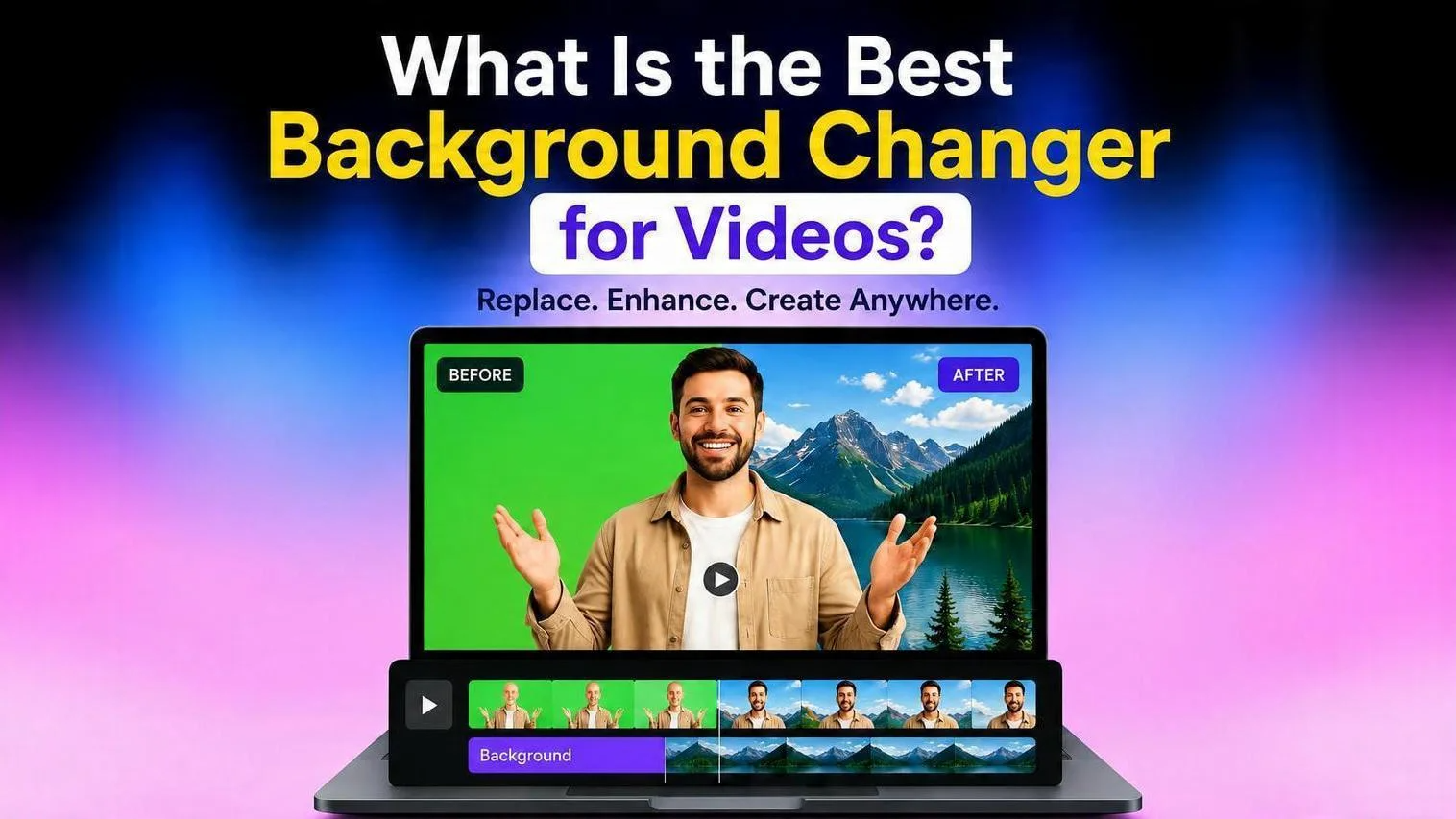
AI background changers make it easier than ever to create excellent videos. These apps can remove and change backdrops in seconds, helping creators, businesses, and marketers to create polished material without pricey equipment or expert editing abilities. This report compares the "best choices for 2026."
What makes a great video background changer?
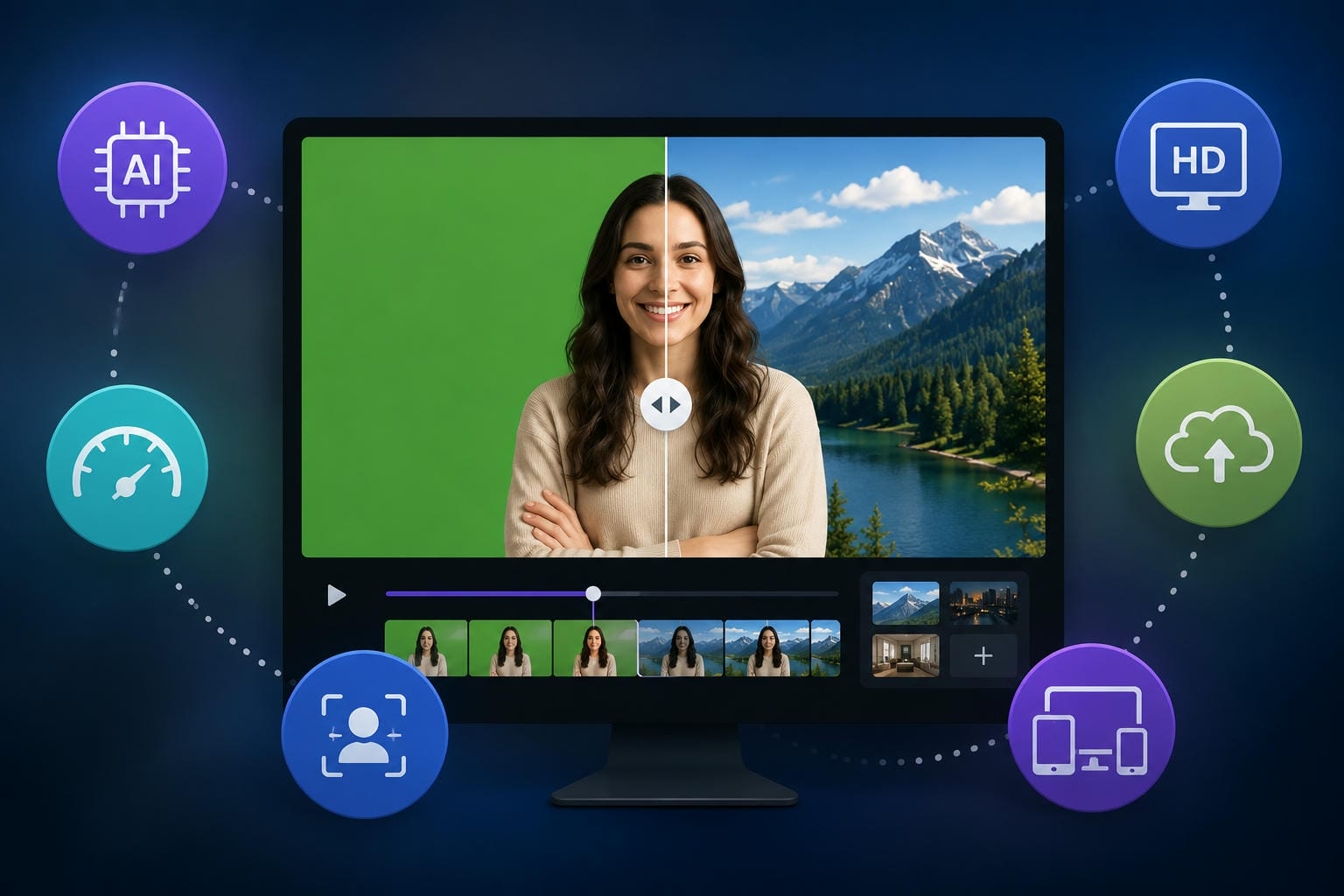
The best video background switcher should be intuitive enough for everyday use yet powerful enough to deliver professional results. Modern AI tools can automatically detect people and objects, eliminating the need for manual masking and cutting down time on complex edits. When choosing a platform, speed, export quality, and device compatibility are essential. The ideal tools are fast and user-friendly, support a wide range of file formats, and work seamlessly across both desktop and mobile devices.
How we evaluated these tools
To identify the best video background changers, we evaluated each tool based on the features that matter most to creators and businesses. The following criteria were used to ensure a fair and objective comparison.
|
Evaluation Criteria |
What We Considered |
|---|---|
|
How accurately the tool separates the subject from the background with minimal manual editing. |
|
Whether the tool supports high-resolution exports while preserving video quality. |
|
How intuitive the interface is for beginners and experienced users. |
|
The time required to process videos and generate the final output. |
|
The balance between pricing, available features, and overall value for different users. |
|
Support for popular video formats and availability across web, desktop, and mobile platforms. |
Best apps for changing video backgrounds in 2026
From beginner-friendly apps to advanced creative suites, the options below represent some of the best video background changers available in 2026.
-
Vmake Labs
Vmake Labs combines simplicity with powerful AI capabilities, making it one of the strongest choices for creators in 2026. Its built-in video background remover enables users to isolate subjects instantly, while advanced AI tools maintain natural edges and realistic results. Creators can also improve final outputs with a video enhancer or use remove noise from video tools to achieve cleaner, more professional productions without switching platforms.
Key features of Vmake Labs
-
AI video background remover: Automatically removes video backgrounds in seconds without requiring a green screen or manual editing, making content creation faster and more accessible.
-
Accurate Subject Detection: The AI precisely identifies people and objects while preserving natural edges for clean, professional-looking results.
-
One-Click Background Replacement: Instantly swap backgrounds with custom images or branded scenes to create engaging videos with minimal effort.
-
Fast Cloud-Based Processing: Vmake Labs processes videos in the cloud, so users can edit and export content quickly without needing high-end hardware or long rendering times.
Bonus: How to change video backgrounds with Vmake Labs
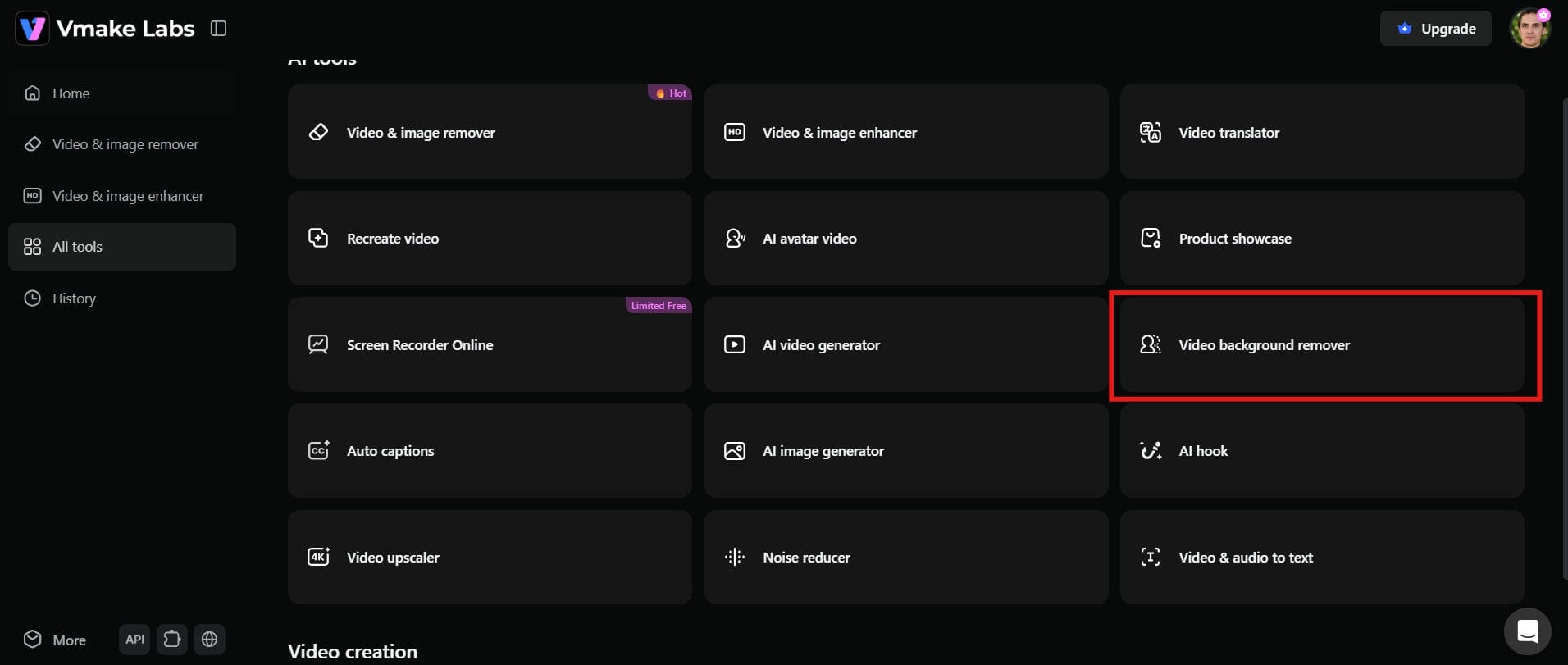
Step 1: Open the Vmake Labs video background remover
Visit Vmake Labs and open the "video background remover" tool. The clean interface makes it easy to begin editing, even if you're using AI video tools for the first time.
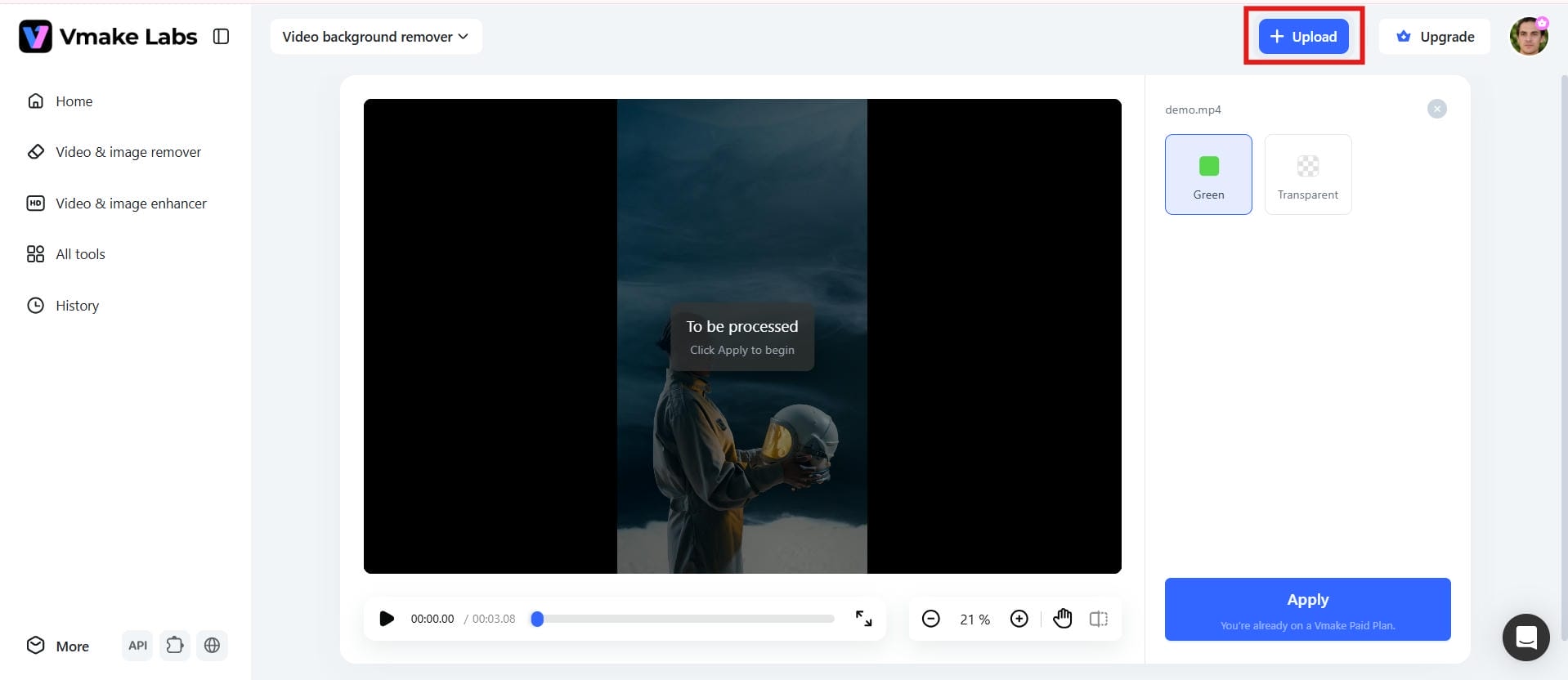
Step 2: Upload your video
Upload your video directly from your device and let the AI analyze the footage. It automatically detects people, products, and other subjects without any manual adjustments.
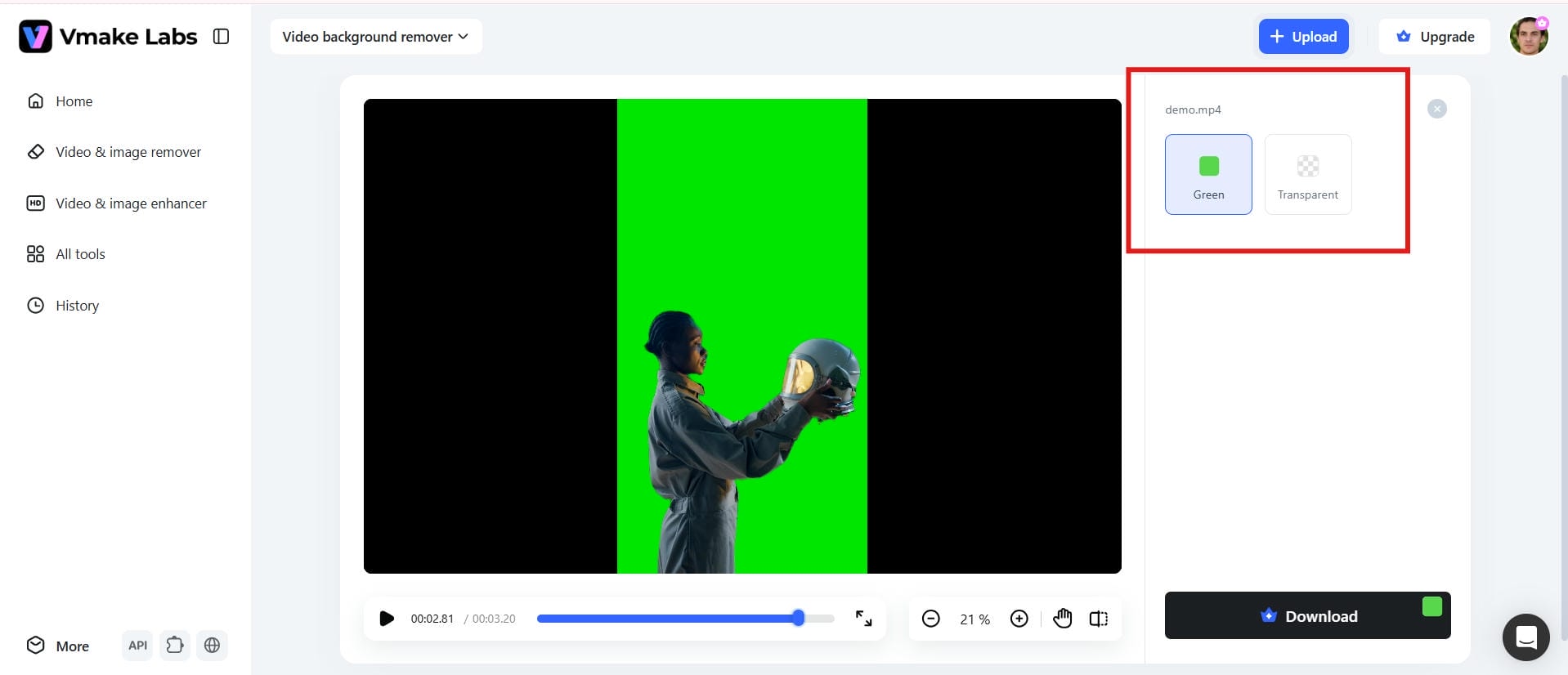
Step 3: Change your video background with AI
Choose a new background, upload your own image, or create a branded scene. The AI applies the changes seamlessly while keeping the subject natural and well-defined.
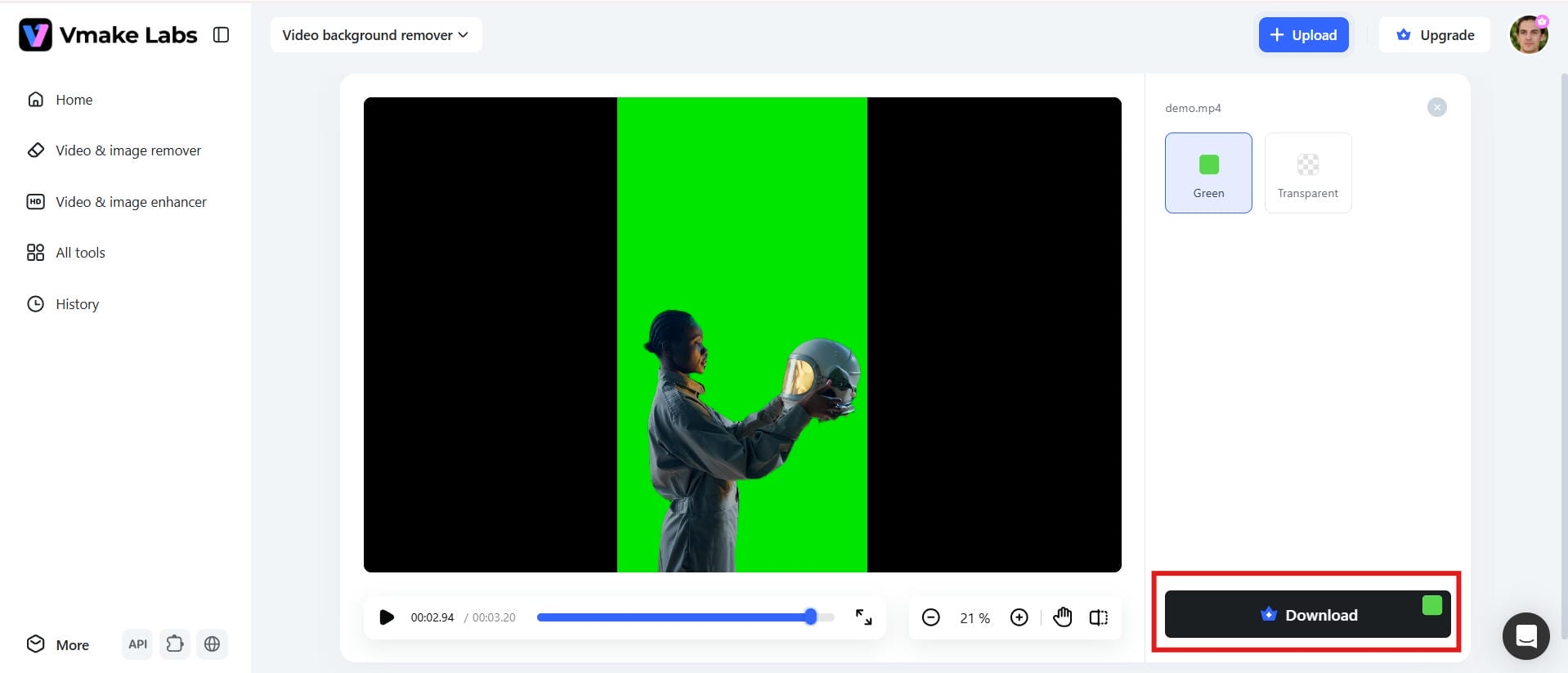
Step 4: Download your edited video
Preview your edited video, select the preferred export settings, and download the final result. Your content is ready to share across social platforms, websites, or marketing campaigns.
Pros and Cons
|
Pros |
Cons |
|---|---|
|
|
Pricing
|
Plan |
Price |
|---|---|
|
|
-
Runway
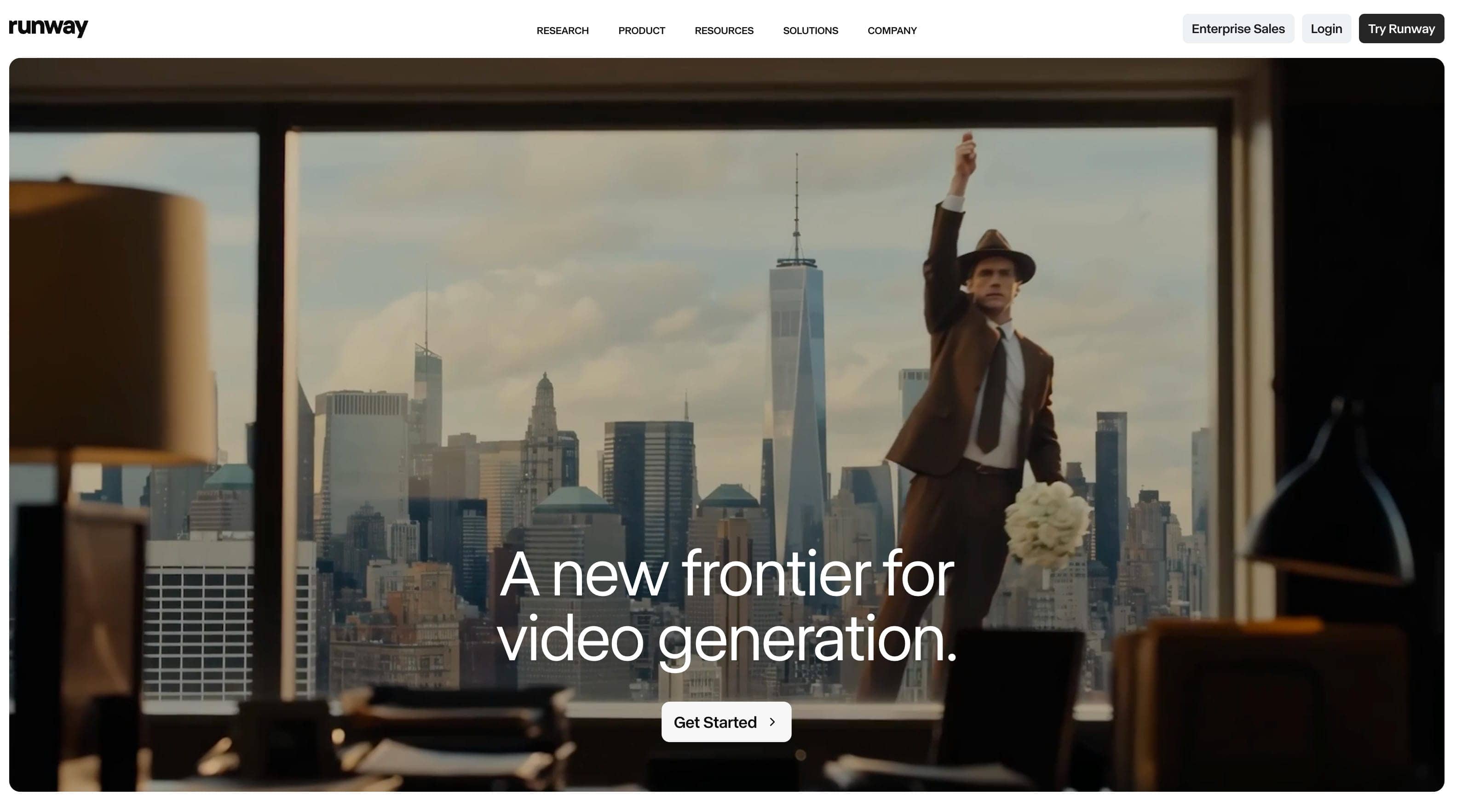
Runway is designed for filmmakers and professional creators who need advanced AI editing tools. It offers strong background replacement features, visual effects, and collaborative workflows. Many creators also pair it with an AI music video generator to produce cinematic content more efficiently.
Key Features
-
AI-powered background replacement
-
Advanced video editing tools
-
Visual effects and motion tracking
-
Collaborative team workspace
-
Text-to-video and image generation
-
High-quality video exports
Pros and Cons
|
Pros |
Cons |
|---|---|
|
|
Pricing
|
Plan |
Price |
|---|---|
|
|
-
Canva
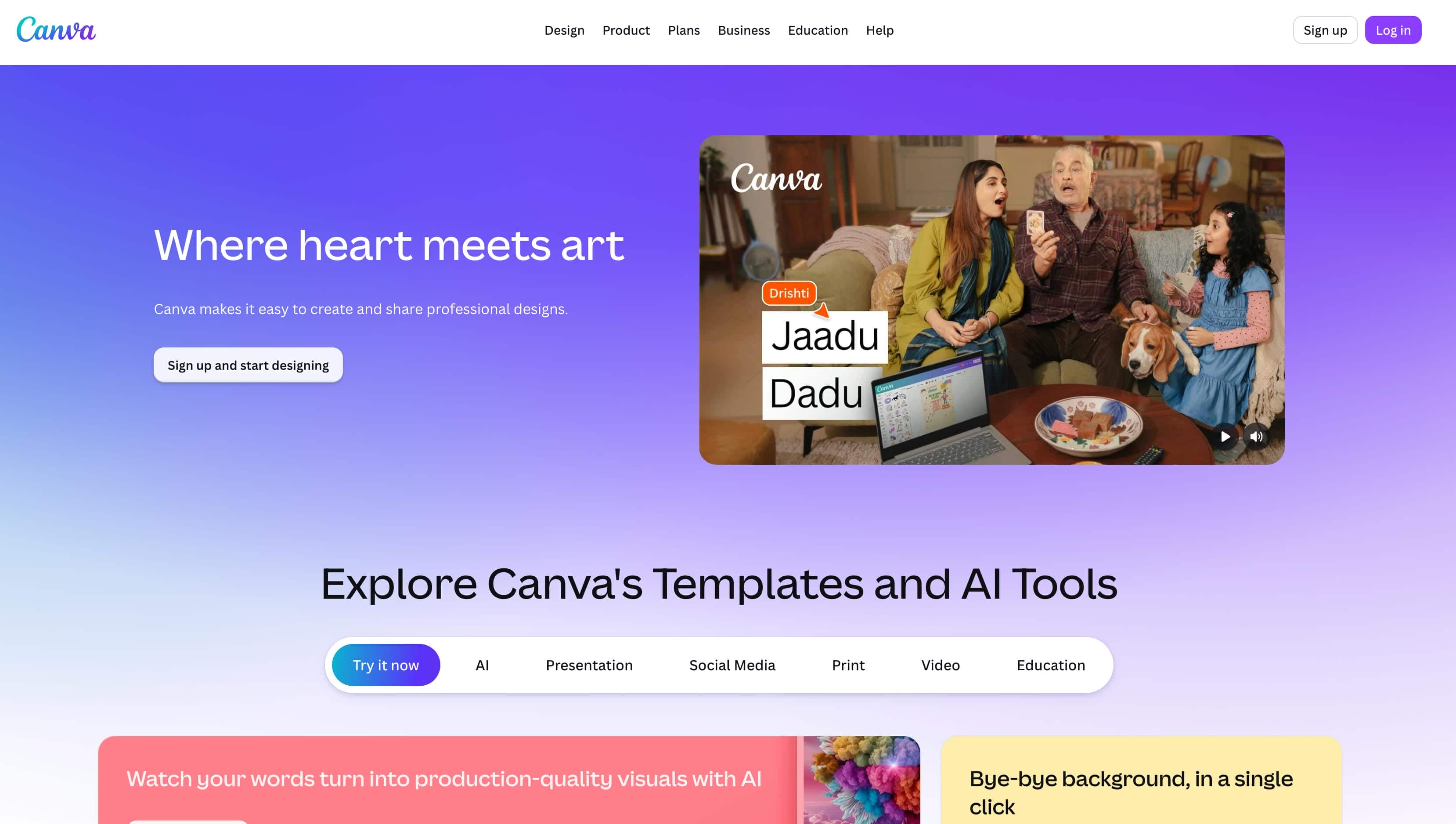
Canva makes video background editing simple and accessible for beginners. Its built-in templates and design tools help users create social content quickly. The platform works seamlessly across desktop and mobile devices. It is a practical choice for marketers, educators, and small businesses.
Key Features
-
One-click background remover
-
Drag-and-drop video editor
-
Thousands of customizable templates
-
Built-in stock media library
-
Brand Kit for consistent designs
-
Cloud-based editing across devices
Pros and Cons
|
Pros |
Cons |
|---|---|
|
|
Pricing
|
Plan |
Price |
|---|---|
|
|
-
Adobe Express
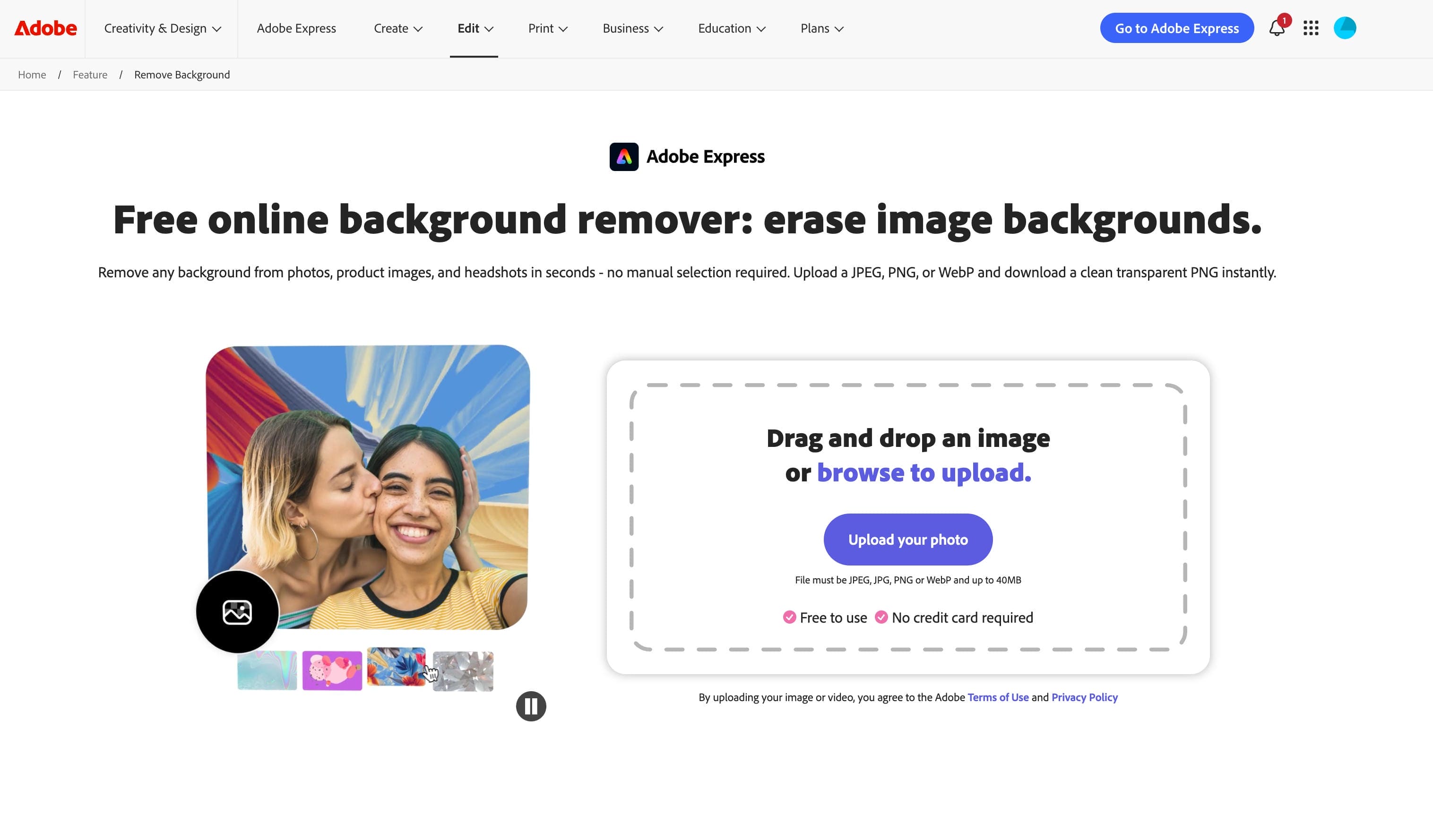
Adobe Express provides quick browser-based editing with useful branding features. Users can replace backgrounds, apply visual assets, and export content efficiently. Its connection to the Adobe ecosystem adds flexibility for existing users. The platform is ideal for business and marketing teams.
Key Features
-
AI background removal
-
Brand management tools
-
Adobe Stock integration
-
Quick social media video creation
-
Browser-based editing
-
High-quality export options
Pros and Cons
|
Pros |
Cons |
|---|---|
|
|
Pricing
|
Plan |
Price |
|---|---|
|
|
-
Wondershare Filmora
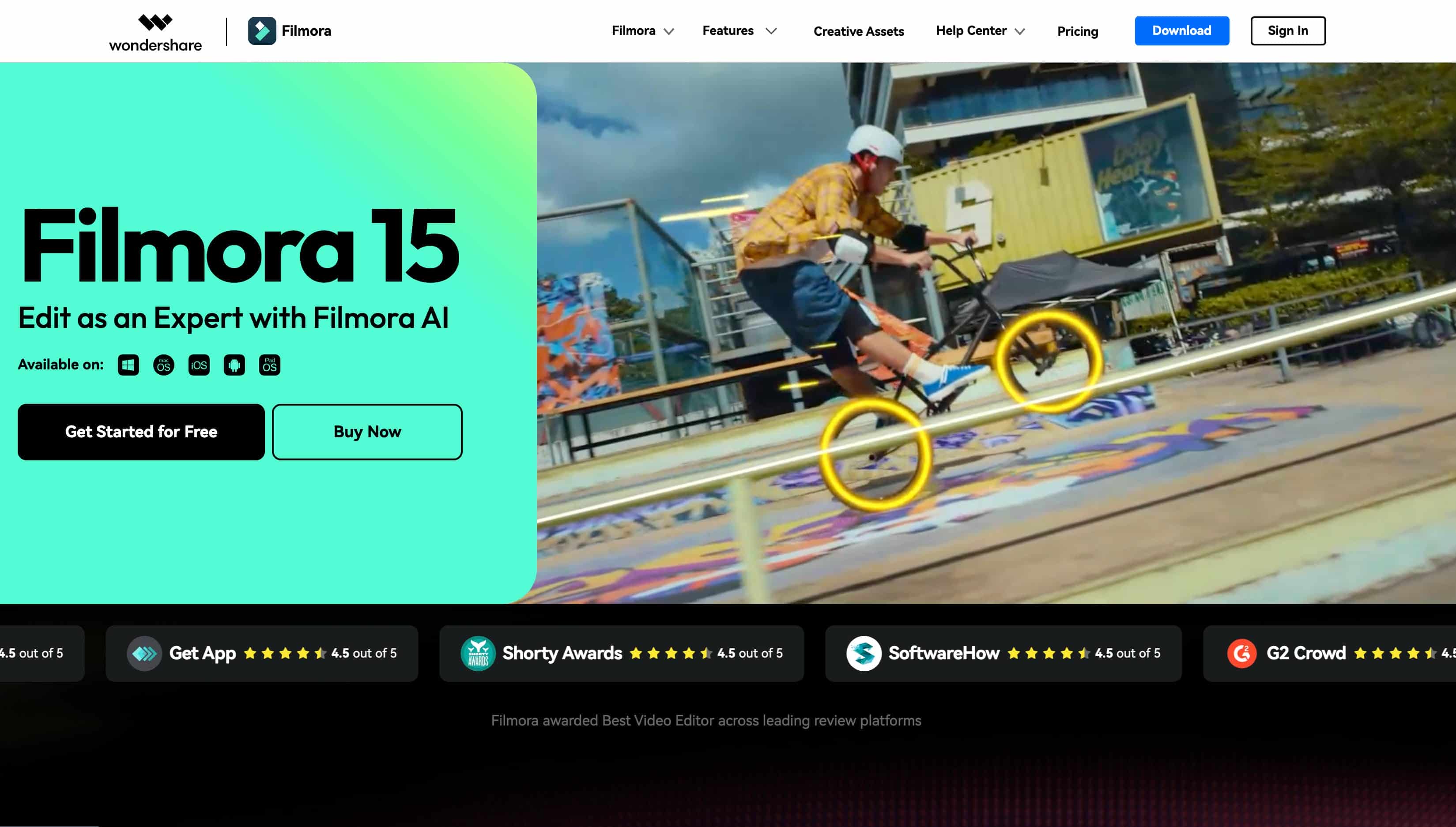
Filmora combines traditional timeline editing with AI-powered tools. It offers effects, transitions, and background editing features without being overly complex. The software gives creators more control than many online editors. It works well for both beginners and intermediate users.
Key Features
-
AI background removal
-
Timeline-based video editing
-
Built-in effects and transitions
-
Motion tracking tools
-
AI-powered editing features
-
Multi-platform export support
Pros and Cons
|
Pros |
Cons |
|---|---|
|
|
Pricing
|
Plan |
Price |
|---|---|
|
|
-
Riverside
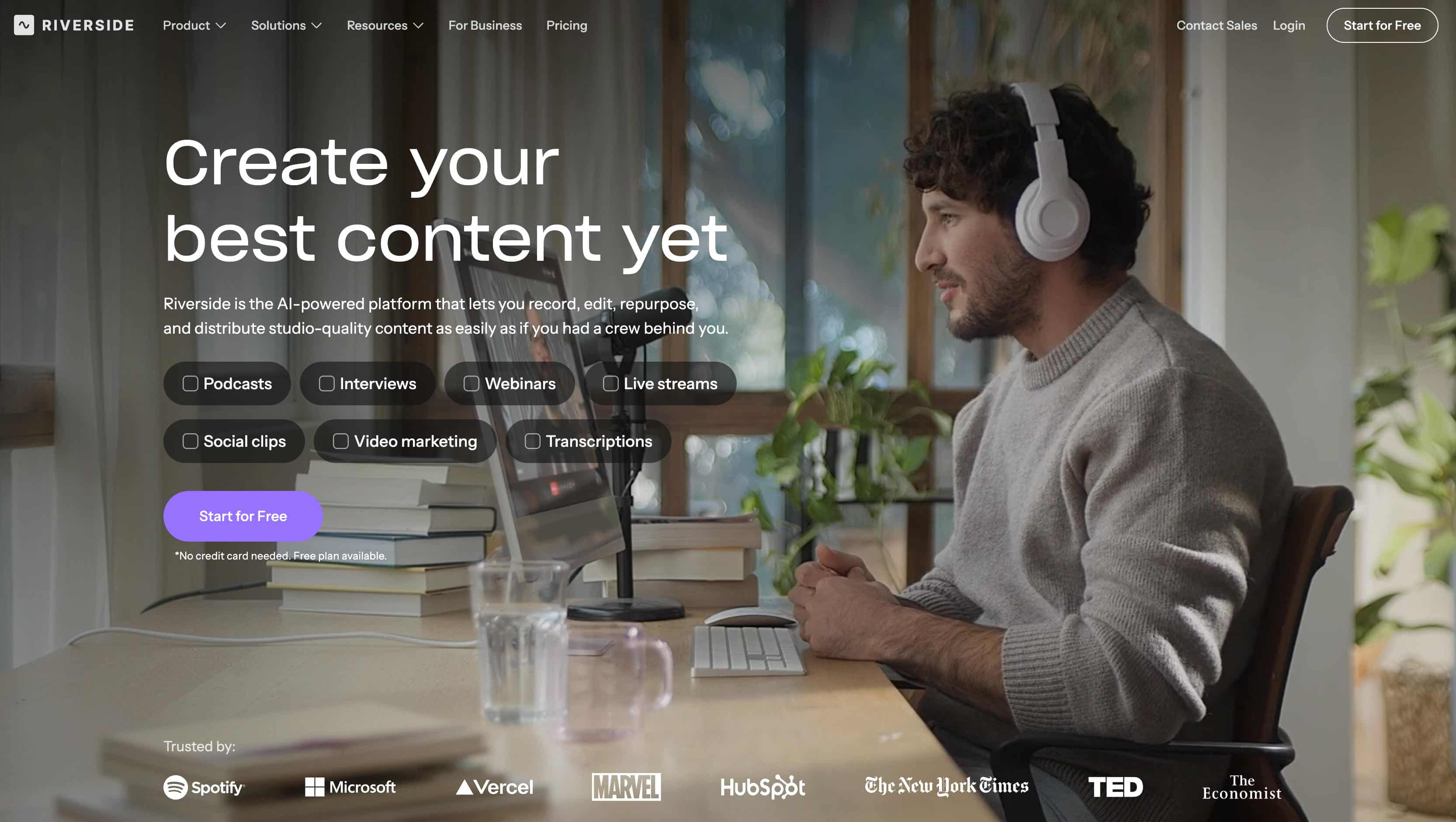
Riverside focuses on remote recording, webinars, and educational content. Its virtual background tools help users create professional-looking videos from any location. High-quality audio and collaboration features remain key strengths. The platform is especially useful for podcasters and online teams.
Key Features
-
High-quality remote recording
-
AI background customization
-
Separate audio and video tracks
-
Browser-based recording
-
Automatic transcription
-
Team collaboration tools
Pros and Cons
|
Pros |
Cons |
|---|---|
|
|
Pricing
|
Plan |
Price |
|---|---|
|
|
-
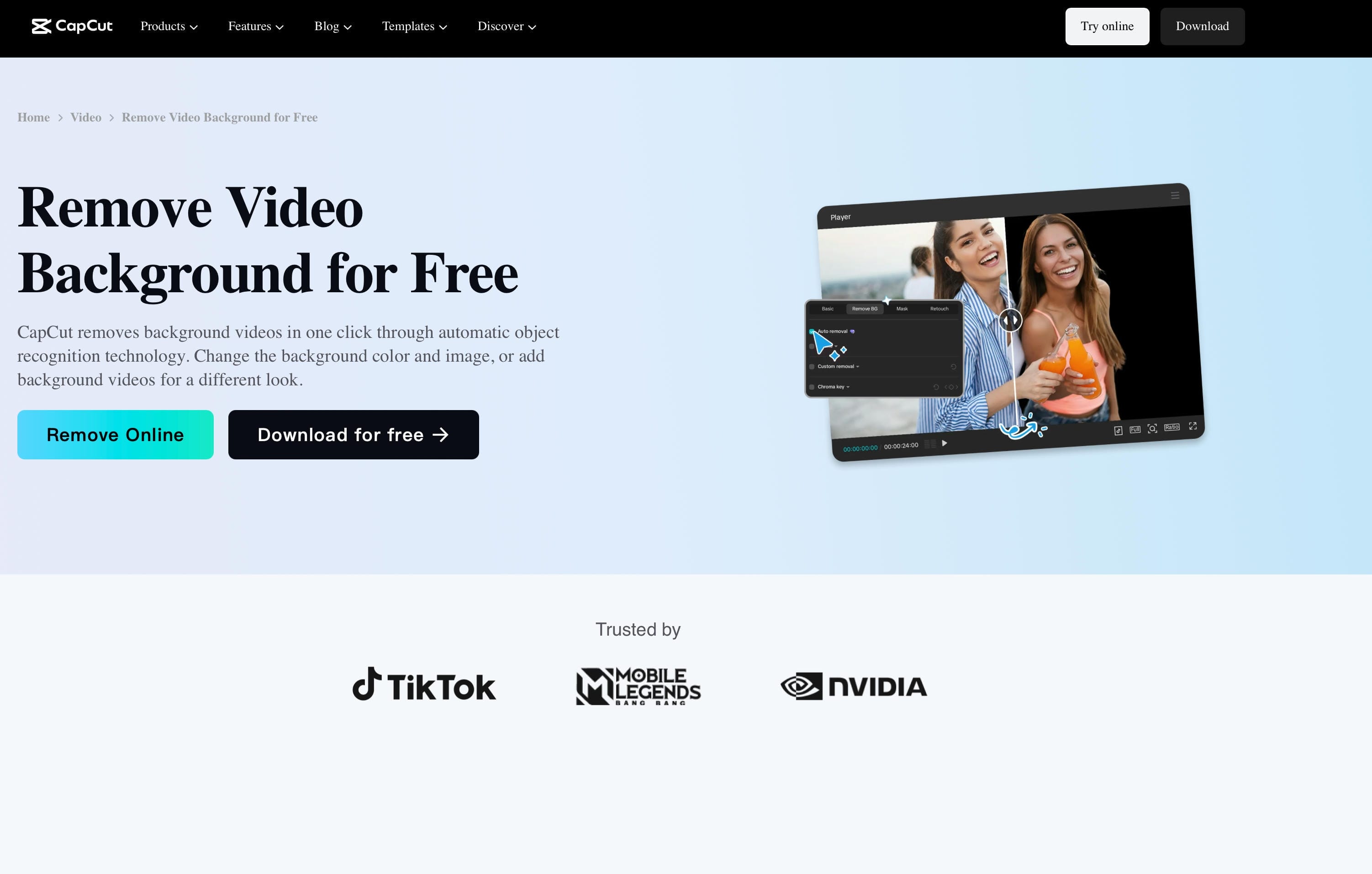
CapCut
CapCut is popular among short-form video creators and social media users. Its AI tools simplify background removal and mobile editing workflows. Direct integration makes publishing faster across multiple platforms. It is particularly well-suited for TikTok and Reels content.
Key Features
-
AI background remover
-
Mobile and desktop editing
-
Auto captions and subtitles
-
Trending effects and filters
-
Social media export optimization
-
Cloud project synchronization
Pros and Cons
|
Pros |
Cons |
|---|---|
|
|
Pricing
|
Plan |
Price |
|---|---|
|
|
-
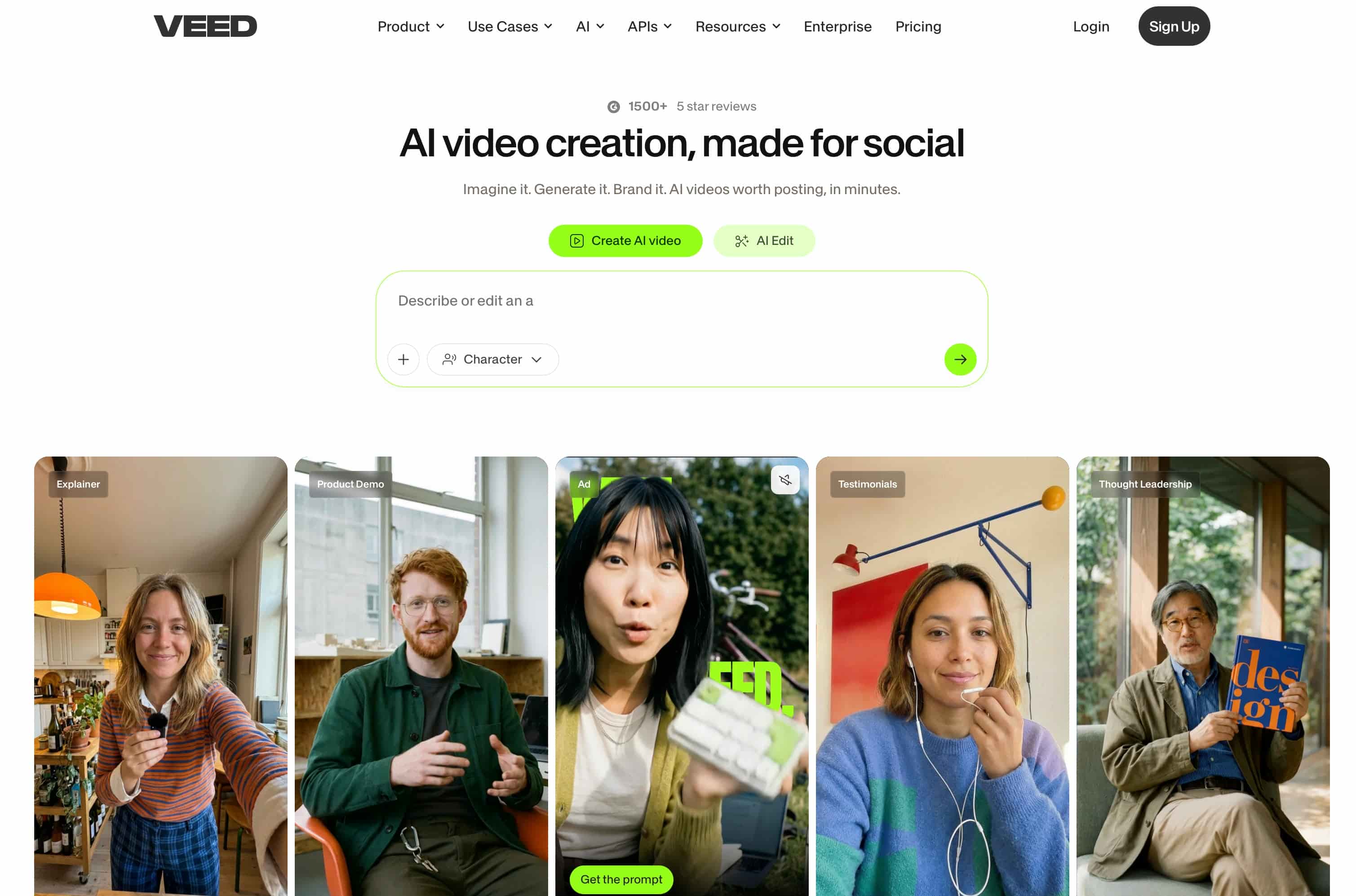
VEED
VEED offers a browser-based editing experience for businesses and educators. The platform combines background replacement, subtitles, and collaboration tools in one workspace. Its simple interface reduces the learning curve for new users. It works well for online marketing and remote teams.
Key Features
-
AI background replacement
-
Automatic subtitle generation
-
Browser-based video editor
-
Screen and webcam recording
-
Team collaboration features
-
Multiple export formats
Pros and Cons
|
Pros |
Cons |
|---|---|
|
|
Pricing
|
Plan |
Price |
|---|---|
|
|
Bonus: AI video background changers vs traditional video editors
AI video background changers simplify editing by automatically detecting and replacing backgrounds in just a few clicks. They also work as a reliable green screen remover, helping creators achieve professional results without complicated setups.
|
Feature |
AI Video Background Changers |
Traditional Video Editors |
|---|---|---|
|
Background Removal |
Automatic AI-powered detection and removal |
Manual masking, keyframing, or chroma key tools |
|
Ease of Use |
Beginner-friendly with minimal learning curve |
Requires editing knowledge and technical skills |
|
Editing Speed |
Fast, often completed in a few clicks |
Time-consuming, especially for complex projects |
|
Green Screen Requirement |
Usually not required |
Often recommended for cleaner results |
|
Customization Options |
Basic to moderate customization |
Advanced control over every editing element |
|
Export Quality |
Optimized for social and marketing content |
Professional-grade output and format support |
|
Platform Availability |
Web-based, mobile, and cloud solutions |
Primarily desktop applications |
|
Hardware Requirements |
Runs efficiently on most devices |
May require high-performance computers |
|
Best For |
"Content creators, marketers, and small businesses" |
"Professional editors, filmmakers, and agencies" |
|
Popular Examples |
Vmake Labs, CapCut, Pippit AI |
Premiere Pro, Final Cut Pro, DaVinci Resolve |
How to choose the best video background changer app
Choosing the right video background changer depends on your creative needs, budget, and editing experience. Some tools focus on quick AI automation, while others provide more customization for advanced projects. It's important to select a platform that matches both your workflow and the type of content you create.
-
Consider editing goals and experience level: Before choosing a video background changer, think about the type of content you create and how comfortable you are with editing tools. Beginners often benefit from AI-powered apps that deliver quick results, while experienced creators may prefer platforms with more customization options.
-
Evaluate automation and customization features: The best video background changers combine smart automation with creative flexibility. Look for tools that allow you to personalize backgrounds, adjust effects, and create content that aligns with your brand or creative vision.
-
Compare pricing, exports, and device support: Pricing, export quality, and device compatibility should all influence your decision. A good platform should provide high-resolution exports and support the formats you need for different channels.
Common use cases for video background changers
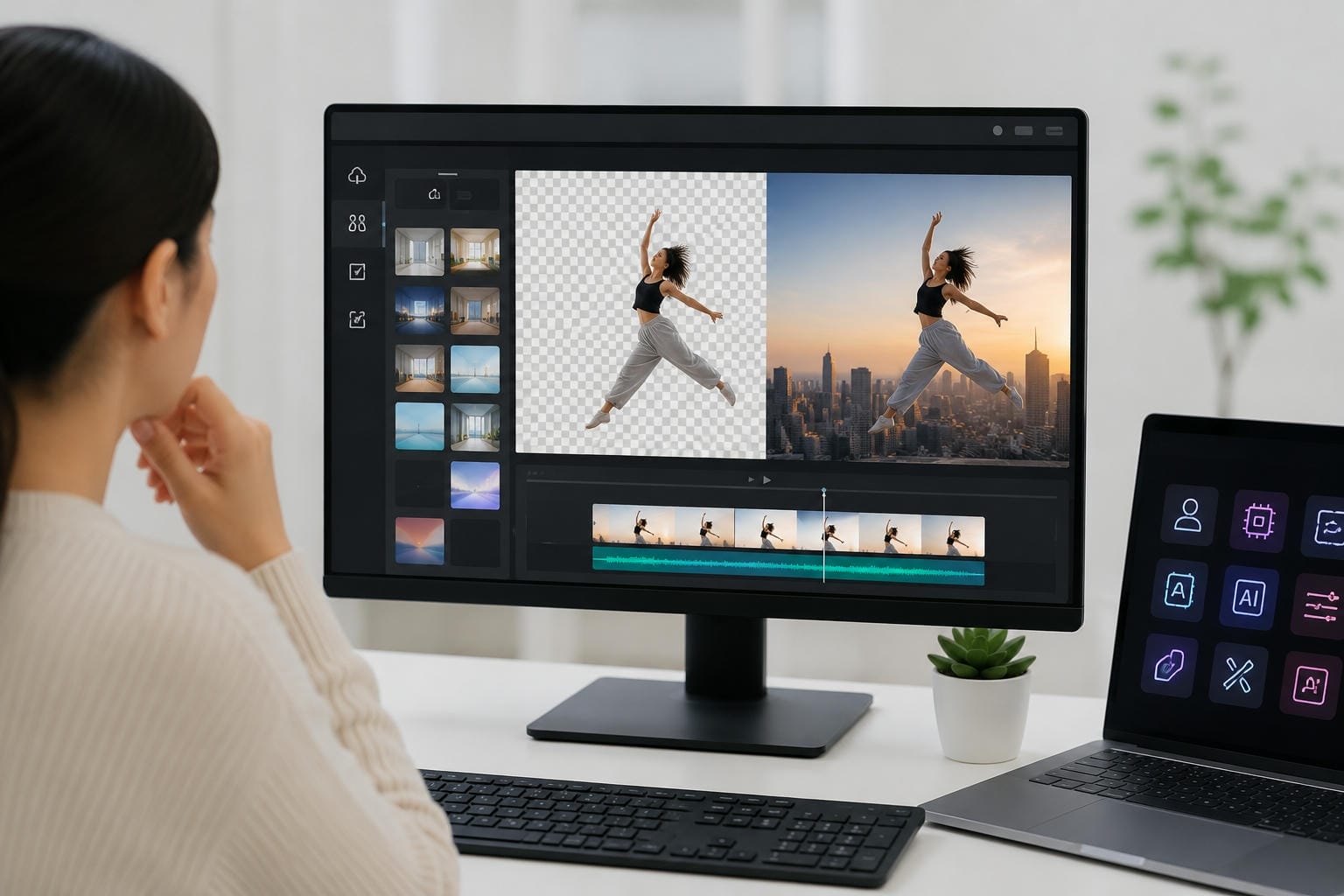
Video background changers let creators create professional material without the need for pricey facilities and intricate settings. Businesses utilise them to promote products, educators design interactive classes, and marketers develop consistent branding. More and more musicians are using these technologies in combination with an AI music video generator to produce immersive visual presentations at a fraction of the cost of traditional video production.
|
Industry |
Common Use Case |
Key Benefit |
|---|---|---|
|
Social Media |
Reels, Shorts, and promotional videos |
Faster content creation and stronger visual branding |
|
Ecommerce |
Product launches and advertisements |
Professional presentations without studio costs |
|
Education |
Online classes and tutorials |
More engaging and distraction-free learning experiences |
|
Real Estate |
Property showcases and virtual tours |
Improved visual storytelling and brand consistency |
|
Entertainment |
Music videos and creative projects |
Greater creative freedom with lower production expenses |
Conclusion
The finest video background remover is based on your creative needs, budget, and workflow preferences. AI has made it faster and easier to edit backgrounds so that anyone can create slick videos without having to deal with complicated software or expensive equipment. Vmake Labs, Runway, Canva and CapCut each have their own strengths, so the choice is yours. Taking the time to analyse features, cost and ease of use can help you choose the appropriate solution for creating compelling professional content.
FAQs
Is Vmake Labs the best background changer for videos?
Vmake Labs is a strong option for creators who want fast, AI-powered editing without a complicated workflow. Its background replacement tools are easy to use, making it suitable for marketers, small businesses, and content creators who need professional-looking results in less time.
What is the best app for changing the background of a video?
Popular options include Vmake Labs, Runway, CapCut, Canva, Adobe Express, Filmora, Riverside, and VEED. The right choice depends on your editing needs, preferred device, and whether you prioritize simplicity, advanced controls, or collaboration features.
Can Vmake Labs replace video backgrounds without a green screen?
Yes. Vmake Labs uses AI-powered subject detection to automatically separate people and objects from their surroundings. This allows users to replace backgrounds naturally without relying on traditional green screen setups or manual masking techniques.
How do I change a video's background automatically?
Most AI tools make the process straightforward. Simply upload your video, let the software detect the subject, choose a new background, review the results, and export the finished file. The entire process usually takes only a few minutes.
What features should I look for in a video background changer app?
Look for accurate AI detection, quick processing speeds, high-quality exports, and support across different devices. Tools like Vmake Labs also combine automation with simple customization options, helping creators produce polished videos without extensive editing experience.

You May Be Interested
[2026] How to Blur Background in Zoom: Desktop & Mobile
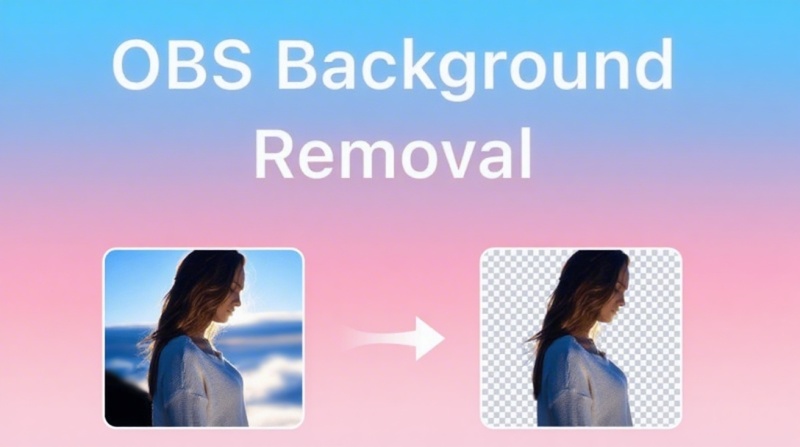
[2026 Updated] Ultimate Guide to OBS Background Removal
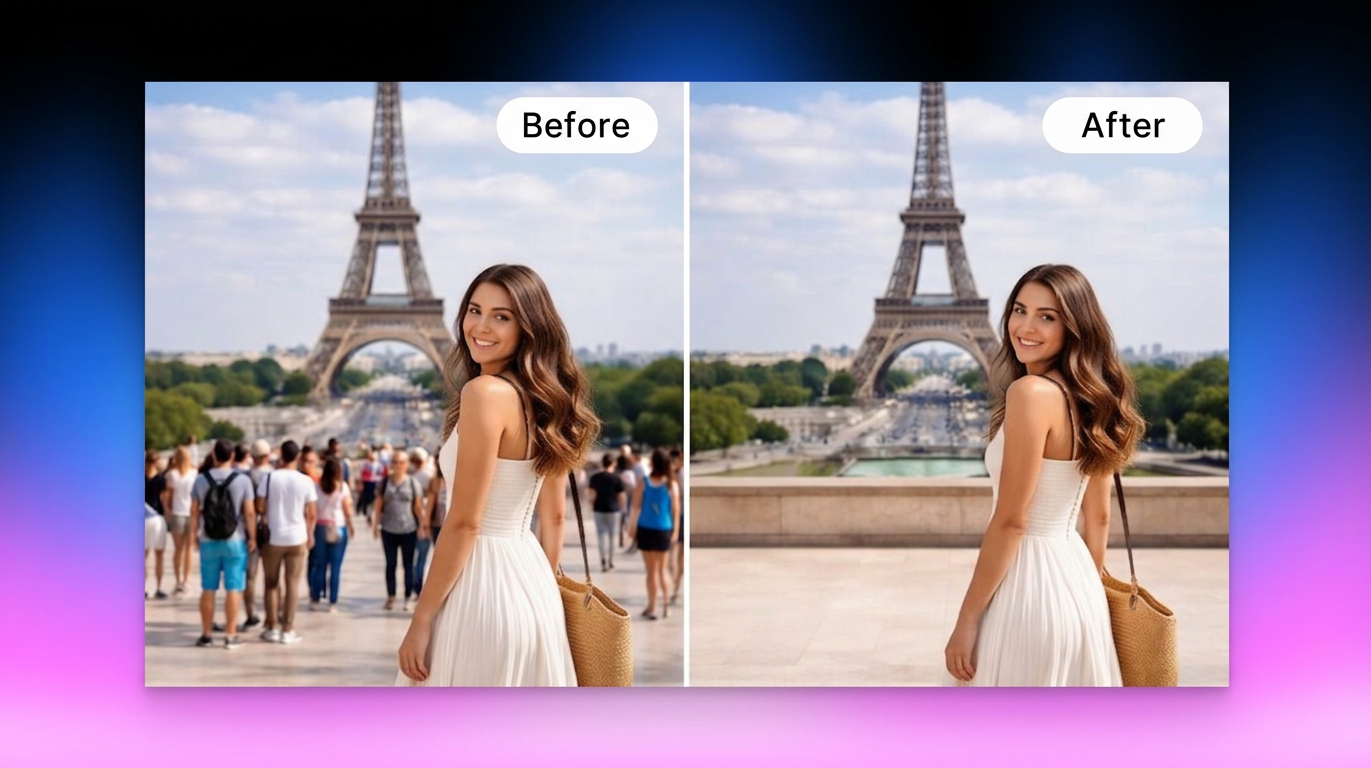
How to Remove People from Background: Fast AI Tools
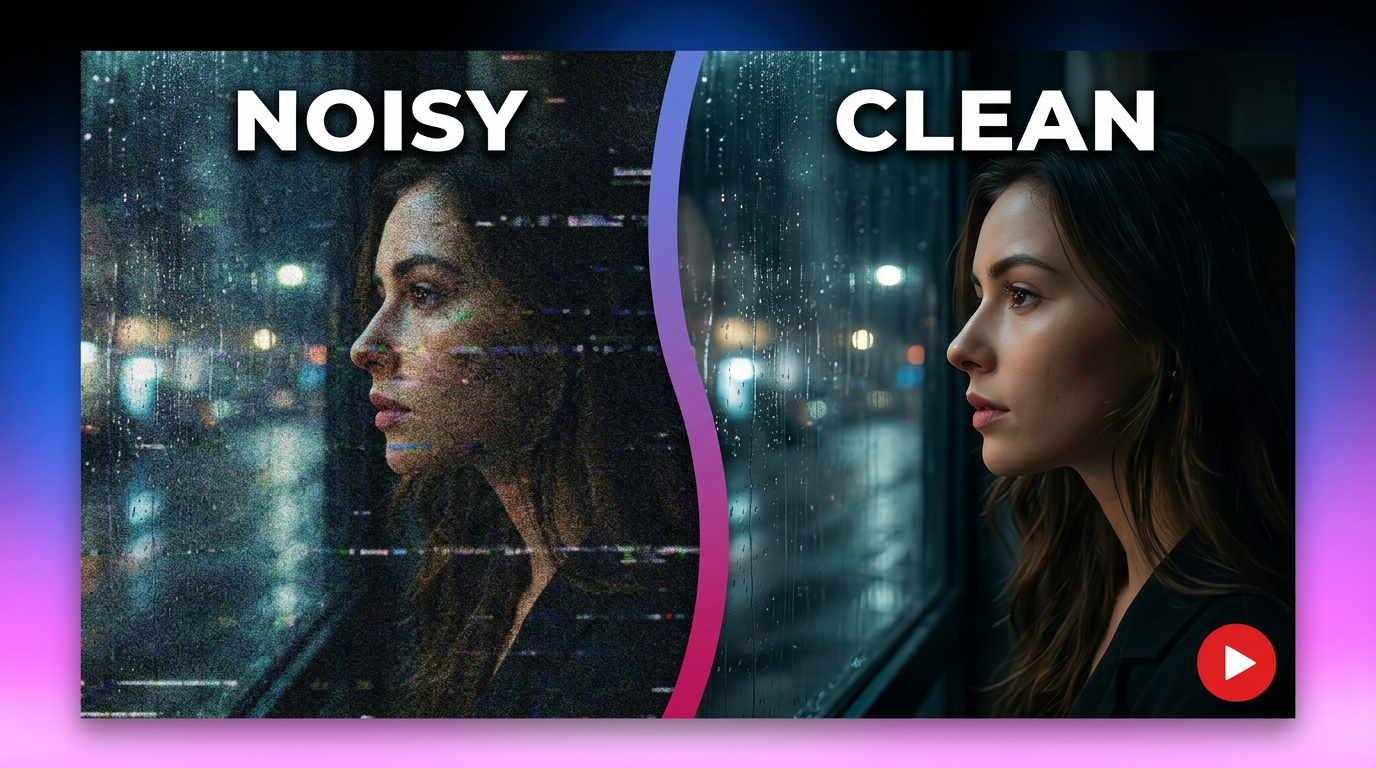
How to Remove Background Noise from Video: Best AI Tools in 2026
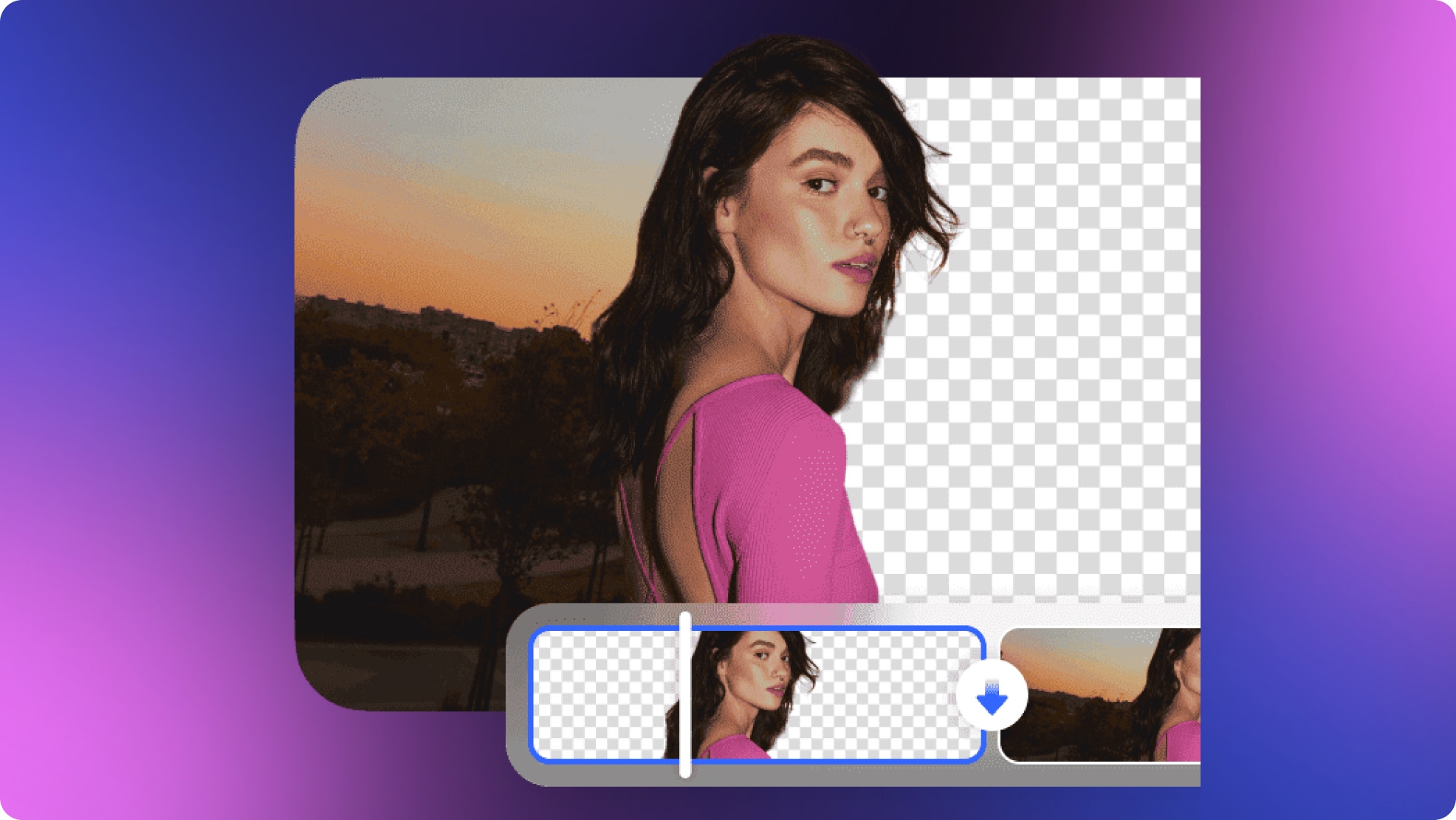
How to Remove Background from a Video: Guide to Professional Edits