
The Ultimate Guide to AI Background Noise Removal: Clear Audio for Every Video
 Ken DawsonMarch 27, 2026
Have you ever created a video only to find that the audio is awful and distracting? Removing background noise from your videos may seem overwhelming without professional-grade products or years of editing experience. Anything from wind, traffic, and even chatter will ruin even the highest quality video you've filmed. Fortunately, thanks to modern artificial intelligence software, cleaning up your audio has never been easier.

Different Types of Background Noise Removal Needs
Before choosing a tool, it’s important to understand that background noise removal can refer to two slightly different tasks.
Audio Noise Removal
Audio noise removal focuses only on the sound track. This means you extract the audio, clean it using software, and then place it back into the video.
This type of audio background noise removal is commonly used for:
- Podcasts
- Voice recordings
- Interviews
- Music recordings
- Voiceovers
Many audio editing tools offer advanced features to remove background noise from audio, adjust sound levels, and improve clarity.
Video Noise Reduction
Video noise removal tools work directly with video files. These tools process both the video and audio tracks together and remove unwanted sounds automatically.
This method is often preferred by:
- YouTubers
- vlog creators
- marketing teams
- online educators
Using a tool designed to remove background noise from video saves time and avoids the need for complicated editing workflows.
How to Choose the Right Background Noise Remover
For Removing Background Noise from Audio Only:
Below are some of the best tools specifically designed for audio background noise removal.
1.) Audacity
Audacity is an open-source audio editor that lets you edit audio and eliminate unwanted background noises without having to spend any money to do so. Audacity has a class-leading noise reduction function that will identify and remove unwanted sounds from audio recordings.
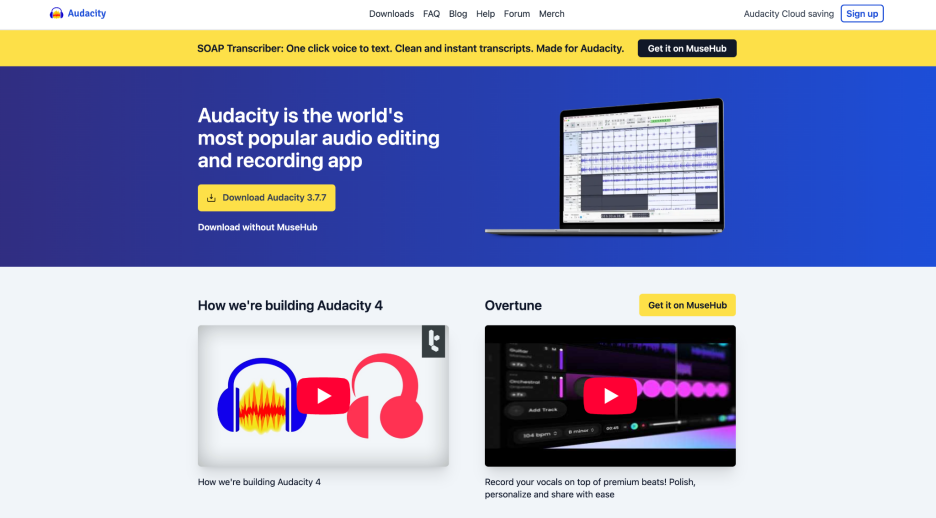
Audacity is frequently utilized by podcasters, musicians, and other content creators who want to improve the quality of their audio recordings without spending money on purchasing a professional piece of software.
Pros
- Completely free and open-source software
- Powerful noise reduction tool for cleaning recordings
- Supports many audio formats for editing and export
- Works on Windows, macOS, and Linux
- Offers additional tools like equalization and compression
- Large community with tutorials and support resources
Cons
- Interface may feel complicated for beginners
- Noise removal requires manual setup and adjustment
- Not designed for direct video editing
Free or Paid
Free.
2.) Adobe Podcast AI
Adobe Podcast utilizes AI technology to enhance and correct the quality of recorded voices, while also removing background noises. Adobe Podcast uses state-of-the-art artificial intelligence algorithms to analyze the recorded speech and will eliminate distracting sounds (echoes, hums, and voices talking in the background) from the recording.
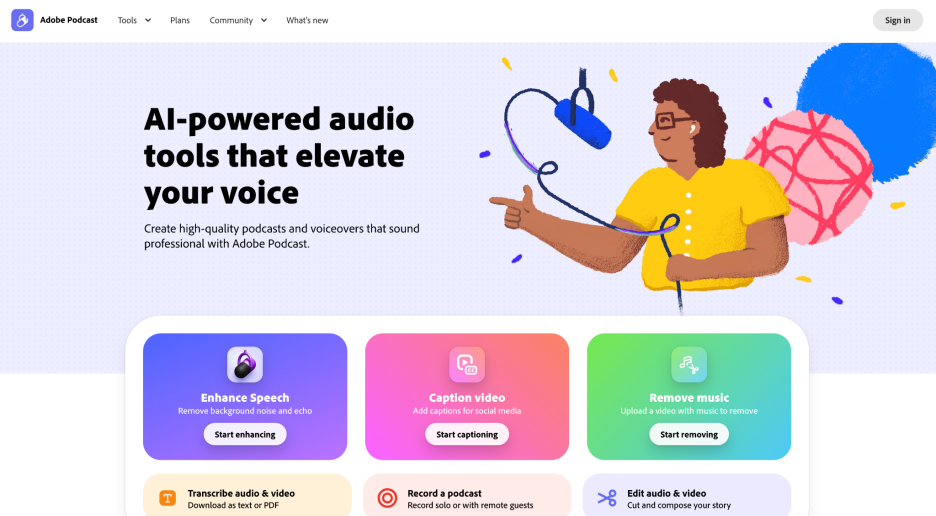
Adobe Podcast is especially useful for podcasters, YouTube creators, and interview creators who want to make their recordings sound as if they originated from a professional recording studio. Users upload their audio file to the website, and the Adobe AI automatically increases the audio’s clarity and decreases the amount of unwanted background noise in the recording.
Pros
- AI-powered automatic background noise removal
- Improves voice clarity and speech quality
- Very easy to use with simple upload workflow
- Works online without installing software
- Designed specifically for voice recordings
- Produces studio-like audio quality
Cons
- Works best for speech rather than music recordings
- Requires an internet connection to process audio
- Some advanced features require a paid plan
Free or Paid
Free version available, with premium options.
3.) HitPaw
Adobe Podcast utilizes AI technology to enhance and correct the quality of recorded voices, while also removing background noises. Adobe Podcast uses state-of-the-art artificial intelligence algorithms to analyze the recorded speech and will eliminate distracting sounds (echoes, hums, and voices talking in the background) from the recording.
 Adobe Podcast is especially useful for podcasters, YouTube creators, and interview creators who want to make their recordings sound as if they originated from a professional recording studio. Users upload their audio file to the website, and the Adobe AI automatically increases the audio’s clarity and decreases the amount of unwanted background noise in the recording.
Pros
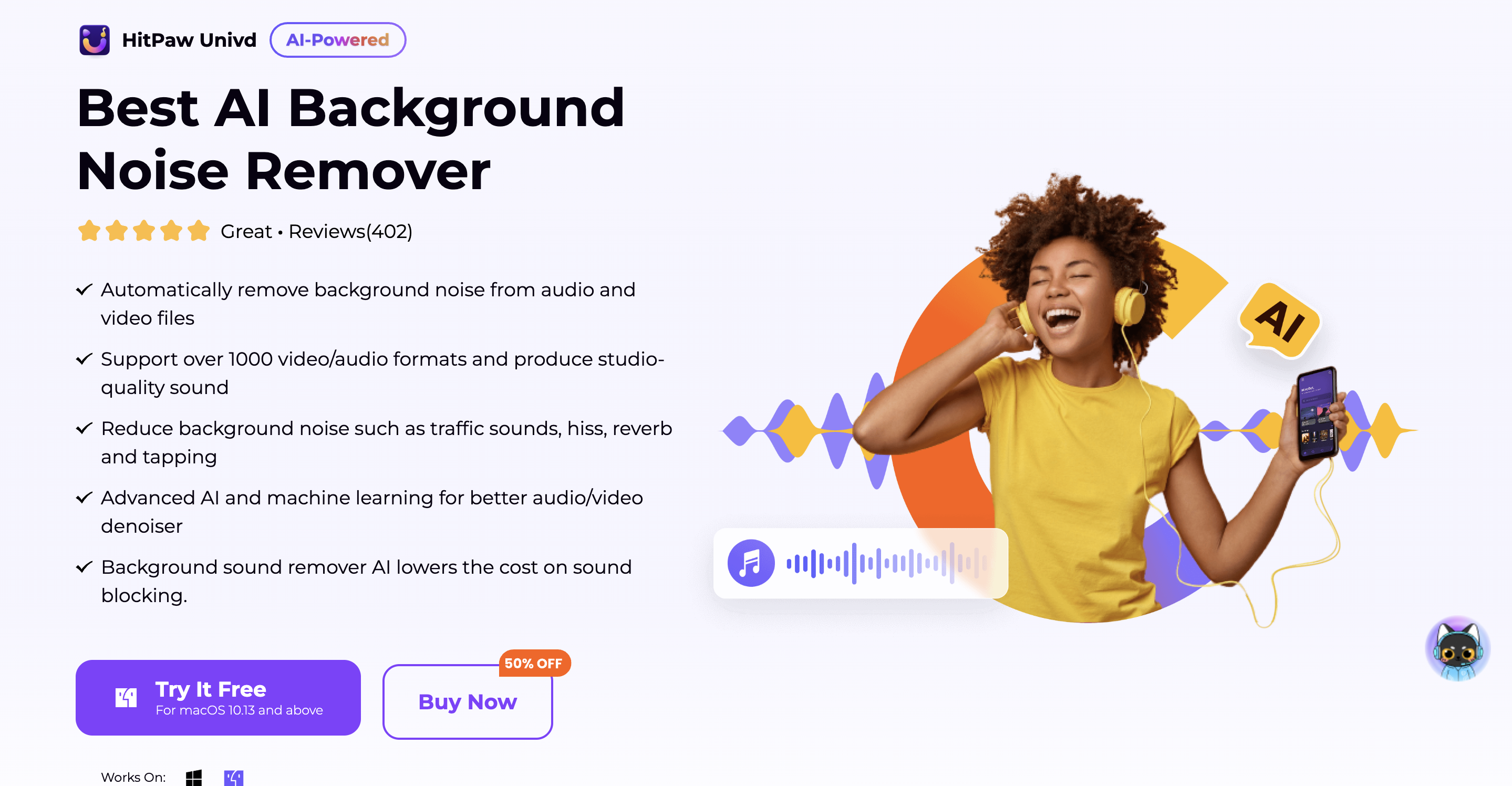
- AI automatically detects and removes unwanted sounds
- Beginner-friendly interface with simple workflow
- Works with both audio and video files
- Fast processing with quick results
- Supports multiple file formats
- Includes additional AI enhancement tools
Cons
- Requires software installation on a computer
- Full features require a paid subscription
- AI processing may slightly change audio tone in some cases
Free or Paid
Free trial available.
For Removing Background Noise from Video
Some creators prefer tools that work directly with video files. These tools automatically perform video background noise removal without extracting the audio manually.
4.) Vmake
The AI-powered online tool offered by Vmake allows users to quickly eliminate background sound from videos without having to edit each audio track individually. In addition to letting creators upload a video file, the application utilizes artificial intelligence to evaluate and process the sound.
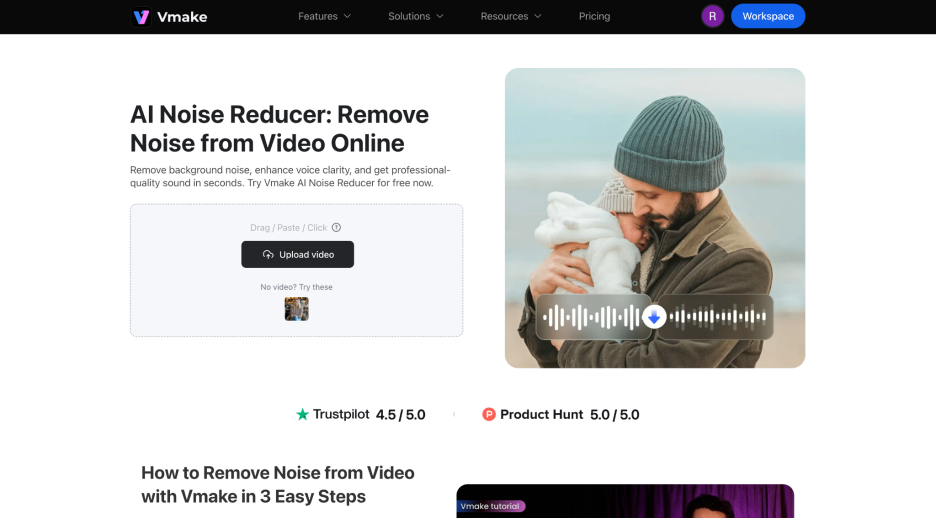
Content creators that use this program include YouTube users, marketers, and other social media creators who need clear audio without having to edit their own video files with complicated software. Since Vmake operates entirely through an Internet browser, users can also process and export video files to their computers (or mobile) in just a couple of minutes.
Pros
- Simple online tool that requires no installation
- AI automatically detects and removes noise
- Works directly with video files
- Beginner-friendly interface
- Fast processing and export options
- Suitable for social media and content creation
Cons
- Processing depends on internet speed
- Some advanced features require a paid plan
- Limited manual audio control
Free or Paid
Free trial available.
5). Topaz Labs
Topaz Labs provides an array of professional AI video enhancement and noise reduction products for filmmakers and video editors alike. The software uses advanced machine learning techniques to significantly improve the quality of both the audio and video for any video project.

Pros
- Professional-level AI video enhancement
- Advanced noise reduction algorithms
- High-quality output suitable for professional projects
- Supports high-resolution video processing
- Regular updates with improved AI models
- Trusted by filmmakers and editors
Cons
- Expensive compared to other tools
- Requires powerful computer hardware
- Learning curve for beginners
Free or Paid
Paid software.
6). Canva
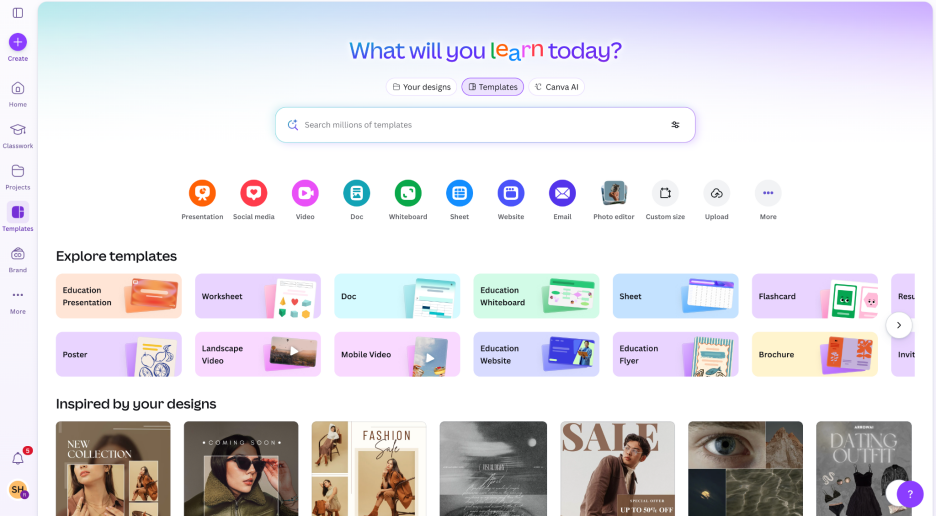
Although Canva does not primarily cater to audio editing, it is currently available for use in creating basic audio adjustments and noise reductions to audio associated with videos using its online editing platform. Many people already use Canva for social media graphic design or for additional video editing using Canva's video editing feature.
Pros
- Easy-to-use interface for beginners
- Works directly in a web browser
- Combines video editing and design tools
- Includes templates for quick content creation
- Simple export and sharing options
- Good for social media videos
Cons
- Noise removal tools are relatively basic
- Limited advanced audio editing features
- Not designed for professional audio production
Free or Paid
Free plan available.
How to Choose the Right Background Noise Remover
There are several things to consider when choosing a background noise removal tool:
1) Type of Media
Some background noise removal tools are designed specifically for audio background noise removal (audio), whereas others will do background noise removal from video files (video). This should determine which kind of tool will be most useful based on your current video/audio workflow.
2) Level of Use
If you are a beginner, you should consider using an AI-based background noise removal tool that will do all the work to remove background noise for you and save you time during the editing process. Manual editing tools are good for experienced users, but you will have more control with manual tools than with AI-based tools.
3) Quality of Processing
Higher-quality tools will maintain better clarity in the voice when they eliminate audio background noise. Lower-priced tools will eliminate too much of the audio detail and make it harder for you to hear the voice.
4) Online vs. Downloadable Software
Online tools will provide some level of convenience (because they do not need to be downloaded), but more advanced desktop-based software will provide more advanced background noise removal options.
Take the time to follow these guidelines before finding a suitable background noise removal tool that meets your needs.
FAQs About Background Noise Removal
How can I remove background noise from a video?
Yes, with current technology, there are several different ways you can remove background noise from video files. Many popular online platforms provide a service that allows you to upload your video file and will automatically identify and reduce the background noise. Those platforms typically use proprietary algorithms to automatically detect and reduce unwanted noise such as traffic, wind or chatter resulting in an audio file with clear audio without the need for extensive manual editing.
How do I remove background noise from audio?
One of the best ways to remove noise from audio files is by using an audio editing program such as Audacity. Audacity is a popular audio editing software available for free download, and allows you to analyze your audio file for background noises. Once you provide the program access to the background noise, it will automatically filter out the unwanted noise while preserving the integrity of the primary voice and/or music track, resulting in an audio file that has less noise and better sound quality.
Is background noise removal free?
Yes, there are several free online platforms that provide noise removal services. Many of these free platforms can effectively remove a significant amount of background noise and provide basic audio cleaning features; however, if you require more advanced features, such as AI enhancement, batch processing, high resolution audio export, etc. many of the free noise removal platforms require a monthly subscription.
Can AI remove background conversation?
Yes, Modern technology allows for the automatic detection and removal of background conversations from an audio file and will also isolate primary voices and/or music, remove overlapping speech from a primary voice and/or music, and significantly improve audio clarity; thus allowing the production of high-quality audio files that can be used for podcasts, interviews, or video productions.
Is AI noise removal better than manual editing?
For the average person, AI noise removal is faster and easier to perform than manual editing. Performing noise removal using AI may require little or no need for any technical skills; however, AI based noise removal typically works automatically and produces almost professional quality audio faster than working with a traditional noise reduction method.
Final Thought
When you're making a video or audio recording, background noise can affect how well those recordings look or sound. There are many different ways to remove background noise from videos and audio recordings; Vmake is one of the simplest and most effective. With Vmake, your background noise can be removed from the video/audio. There are no complicated programs or processes needed to do this for you! Vmake will work for you online, quickly, and it is easy for beginners.
If you are creating video content to post on YouTube or other social network sites, Vmake AI Noise Reducer will help you produce high-quality sound in your videos! And if you're looking for a simple, reliable way to remove background noise from your recordings, use Vmake as your first place to go.

You May Be Interested
How to Reduce Noise in Videos: Guide to Clear Audio and Visuals
