
Green Screen Remover for Videos Online
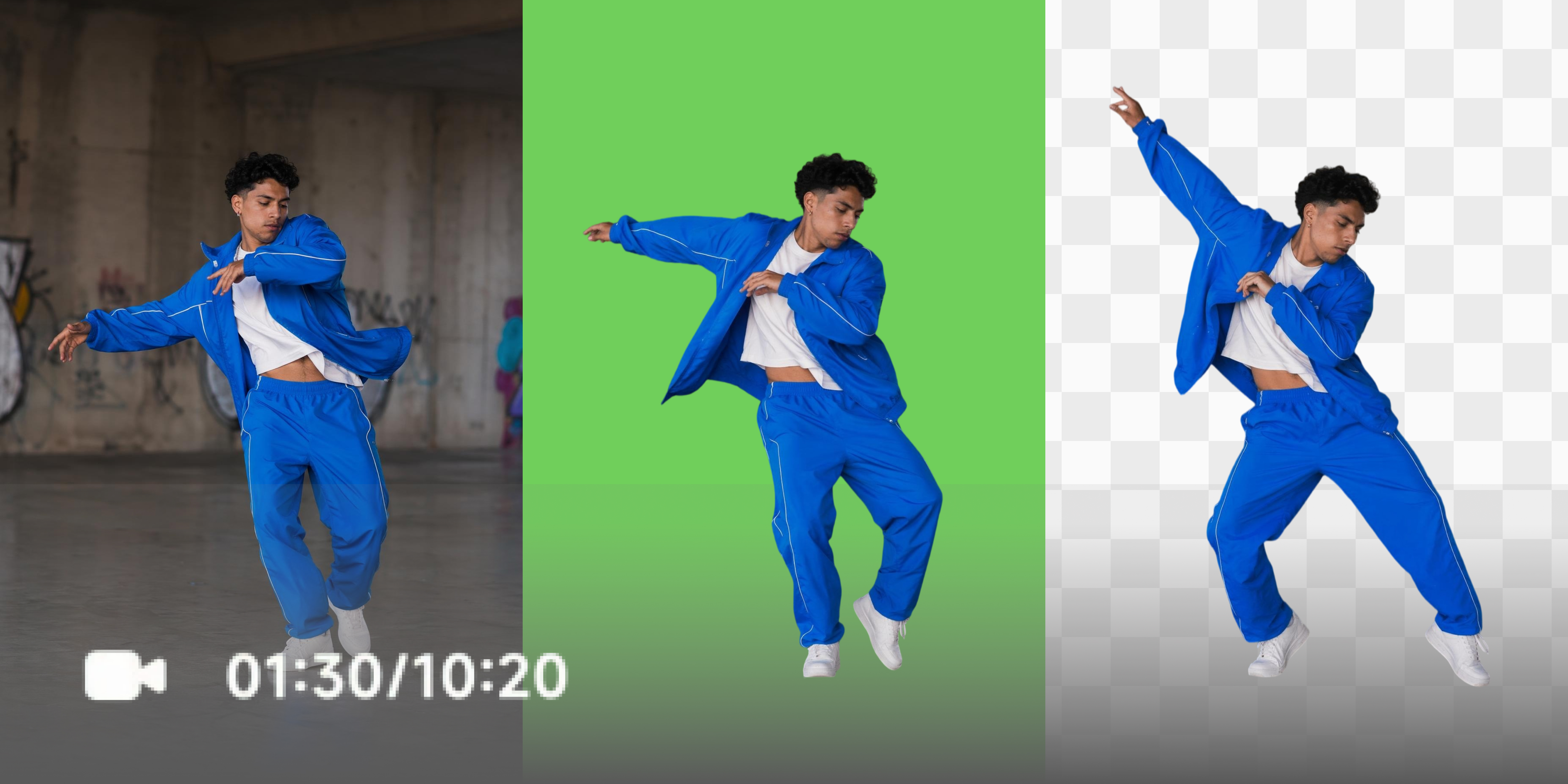
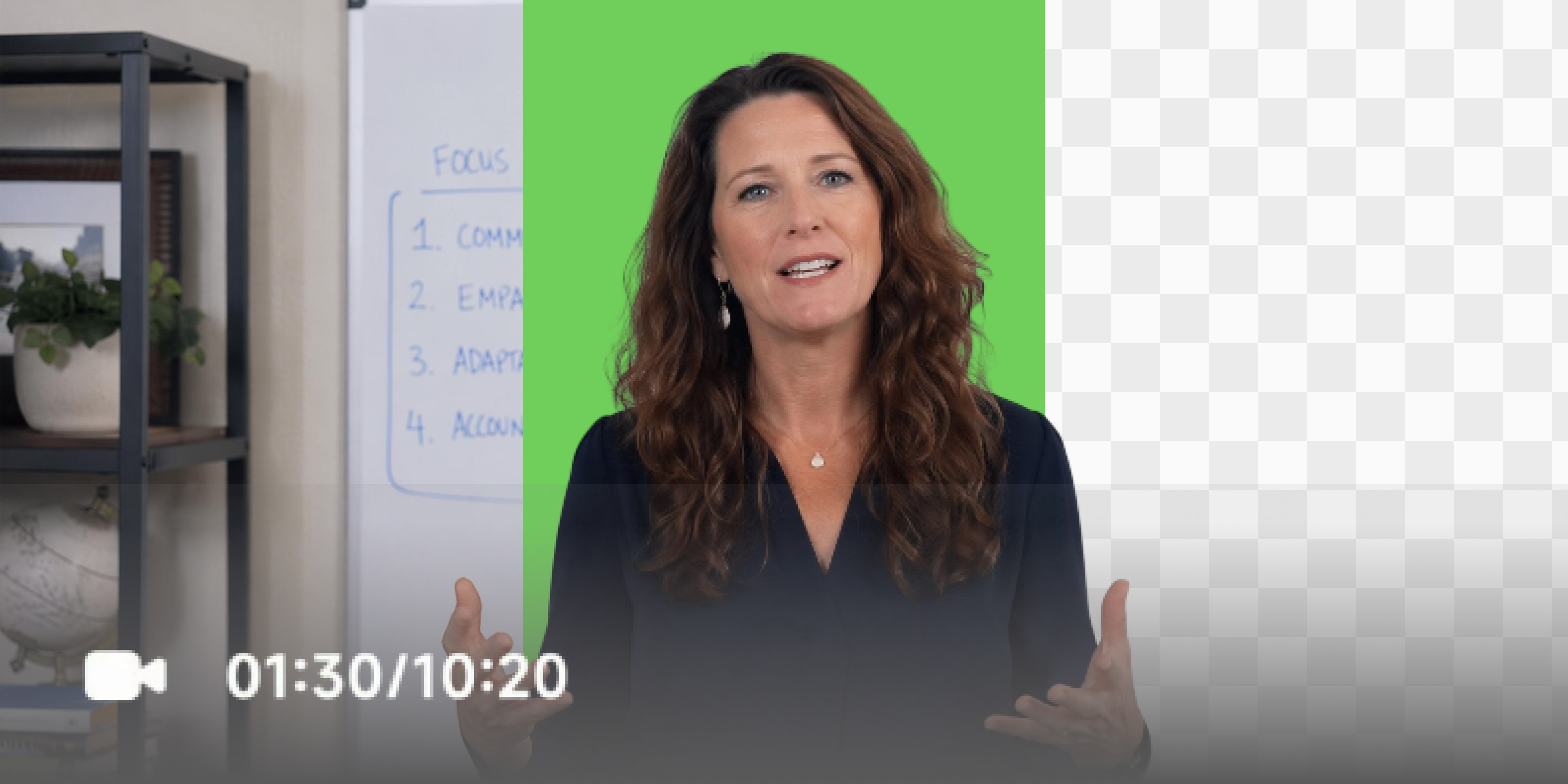
Remove any video background in one click without a physical green screen. AI detects and removes the background automatically. Choose transparent or solid green output. No chroma keying knowledge needed.
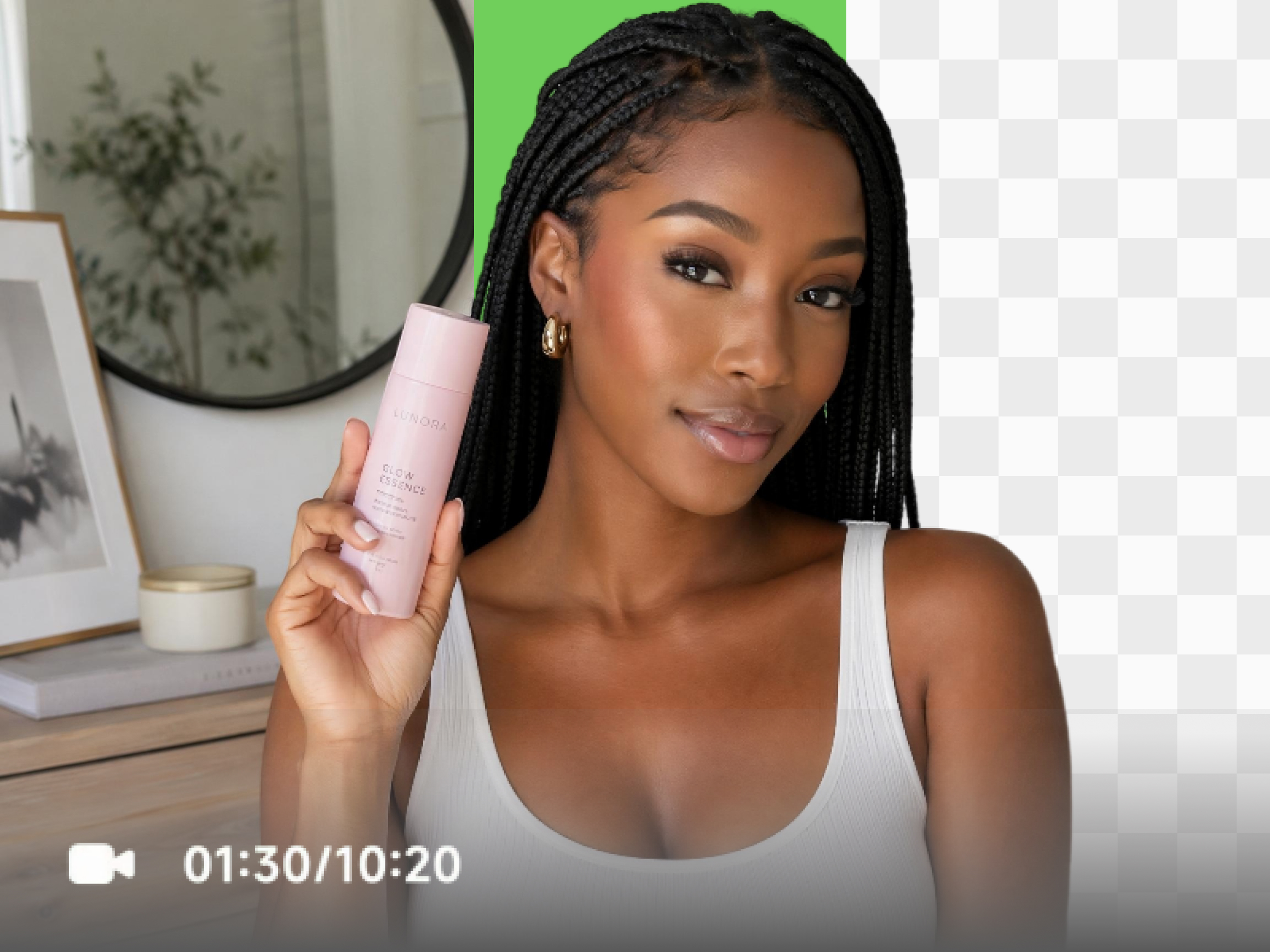


How to remove green screen from video
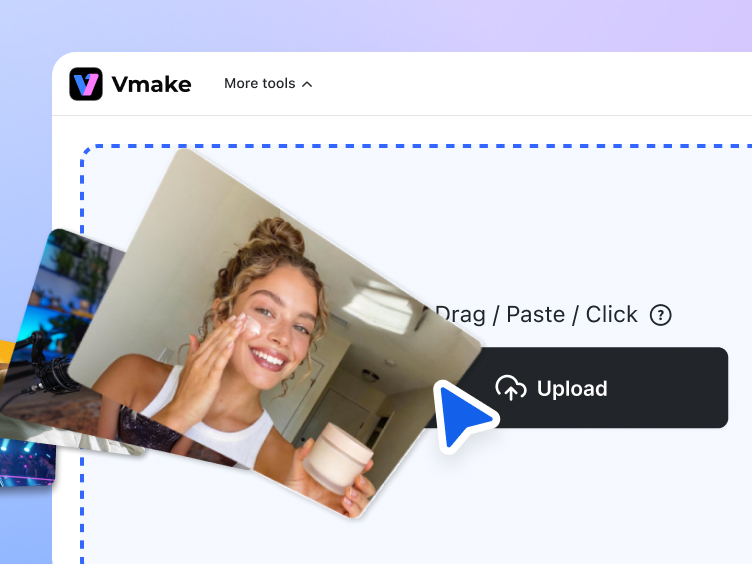
Step 1. Upload
Click, drag or paste to upload your green screen video directly into the workspace.
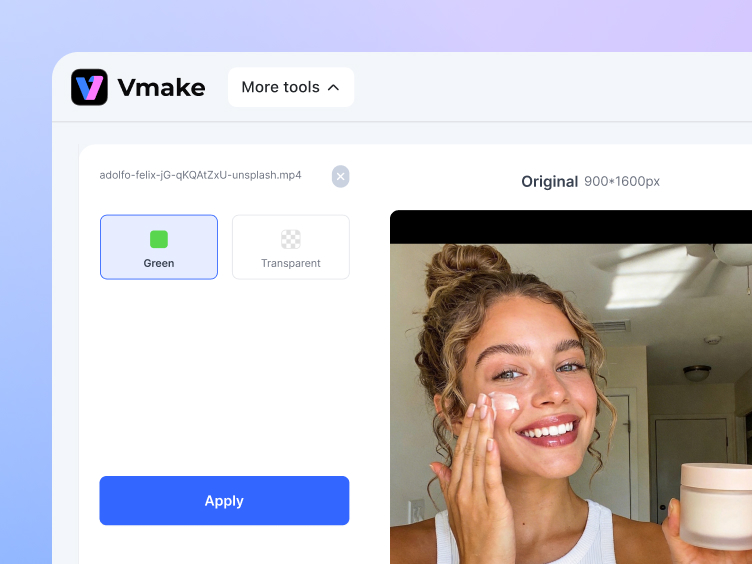
Step 2. Process
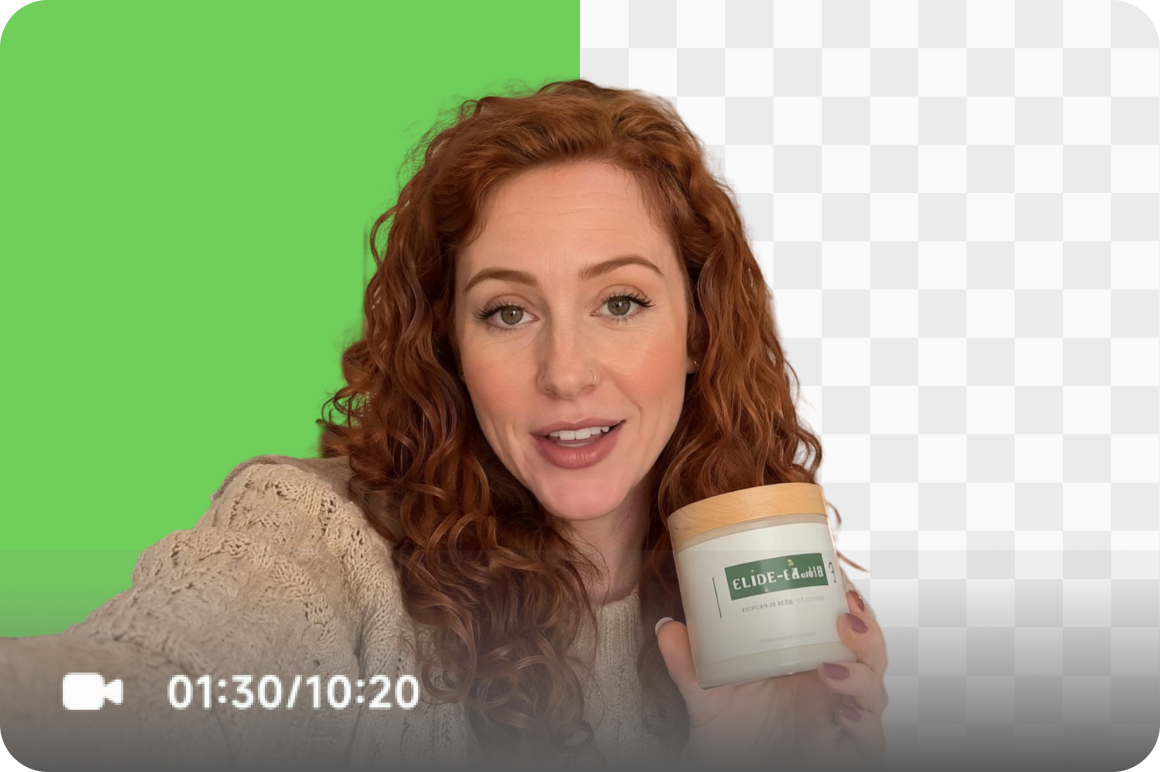
Click the or button to choose your background output. Click the compare toggle to preview the original alongside the result.
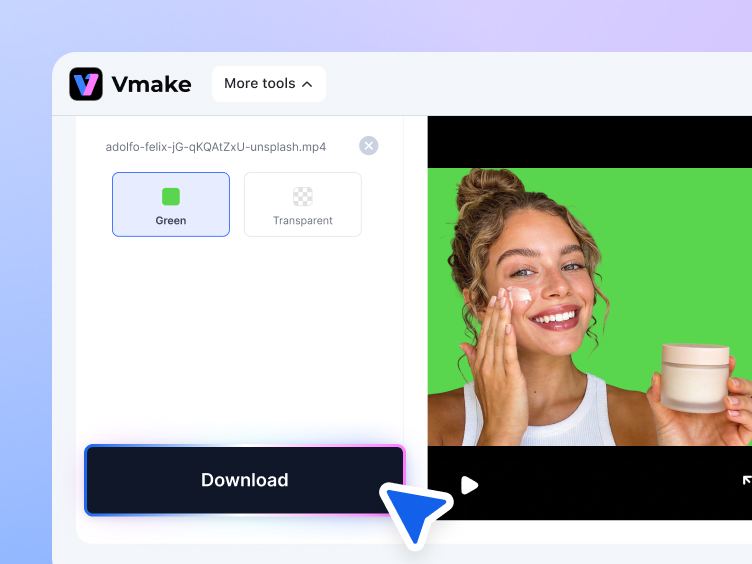
Step 3. Download
Preview the result and click when you're satisfied to save the finished video.
Where green screen removal makes the biggest difference
What makes Vmake the right video green screen remover
AI keying without a green screen
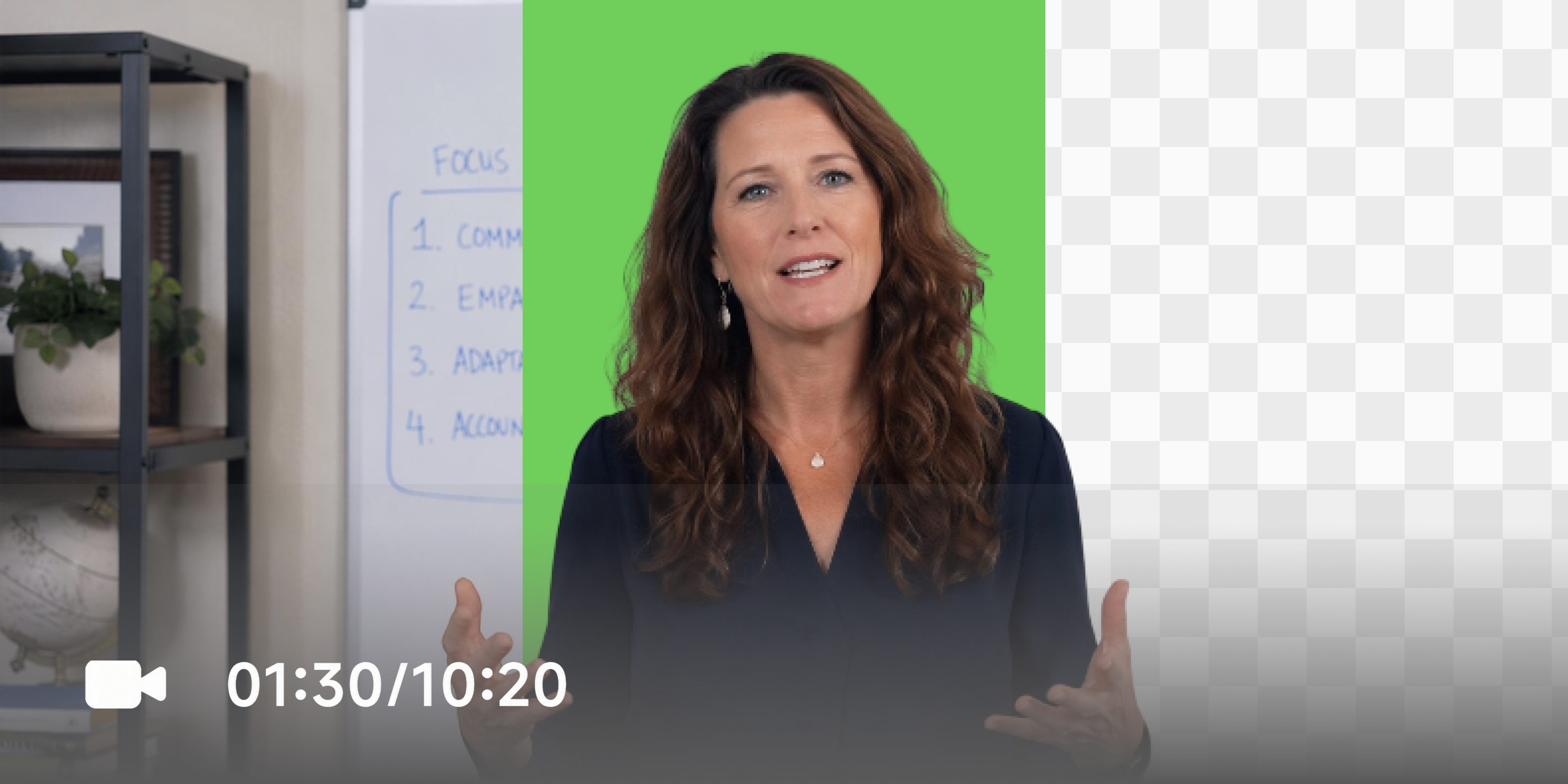
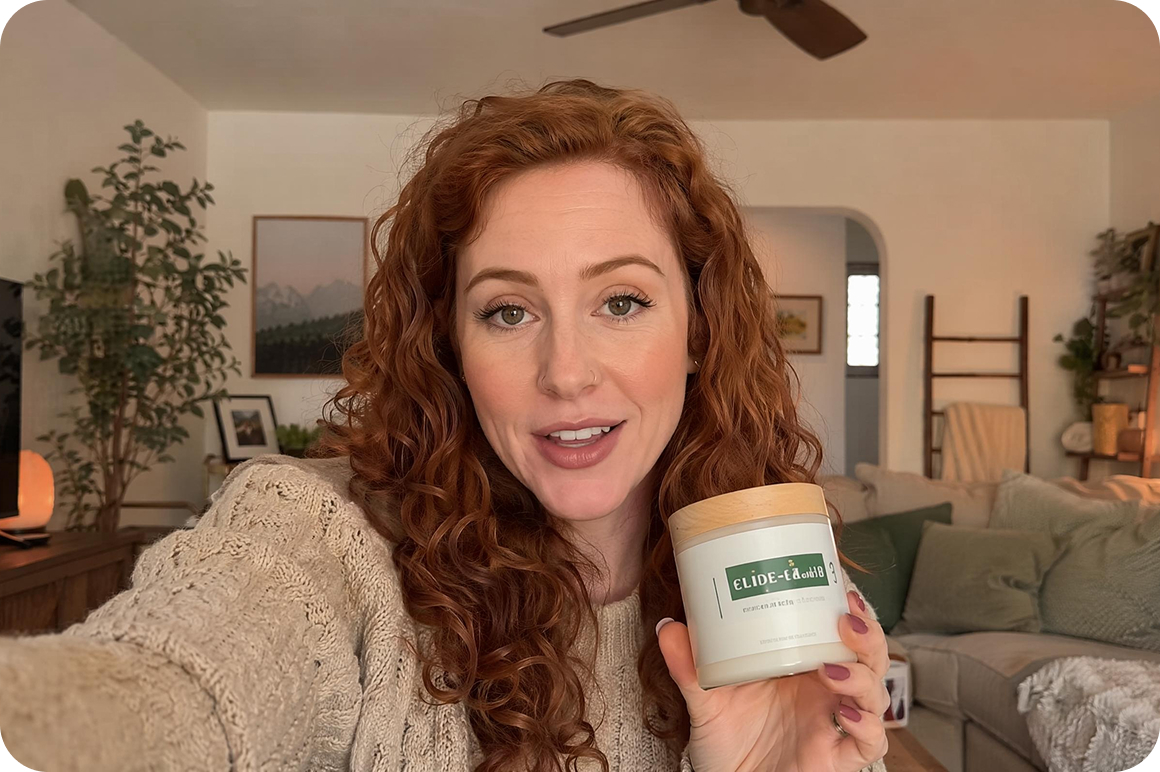
Supports AI one-click keying even without a physical green screen. AI detects the subject and removes the background automatically without manual tolerance settings, brush work or chroma key knowledge. Works on any footage regardless of how or where it was recorded.


Two background output options
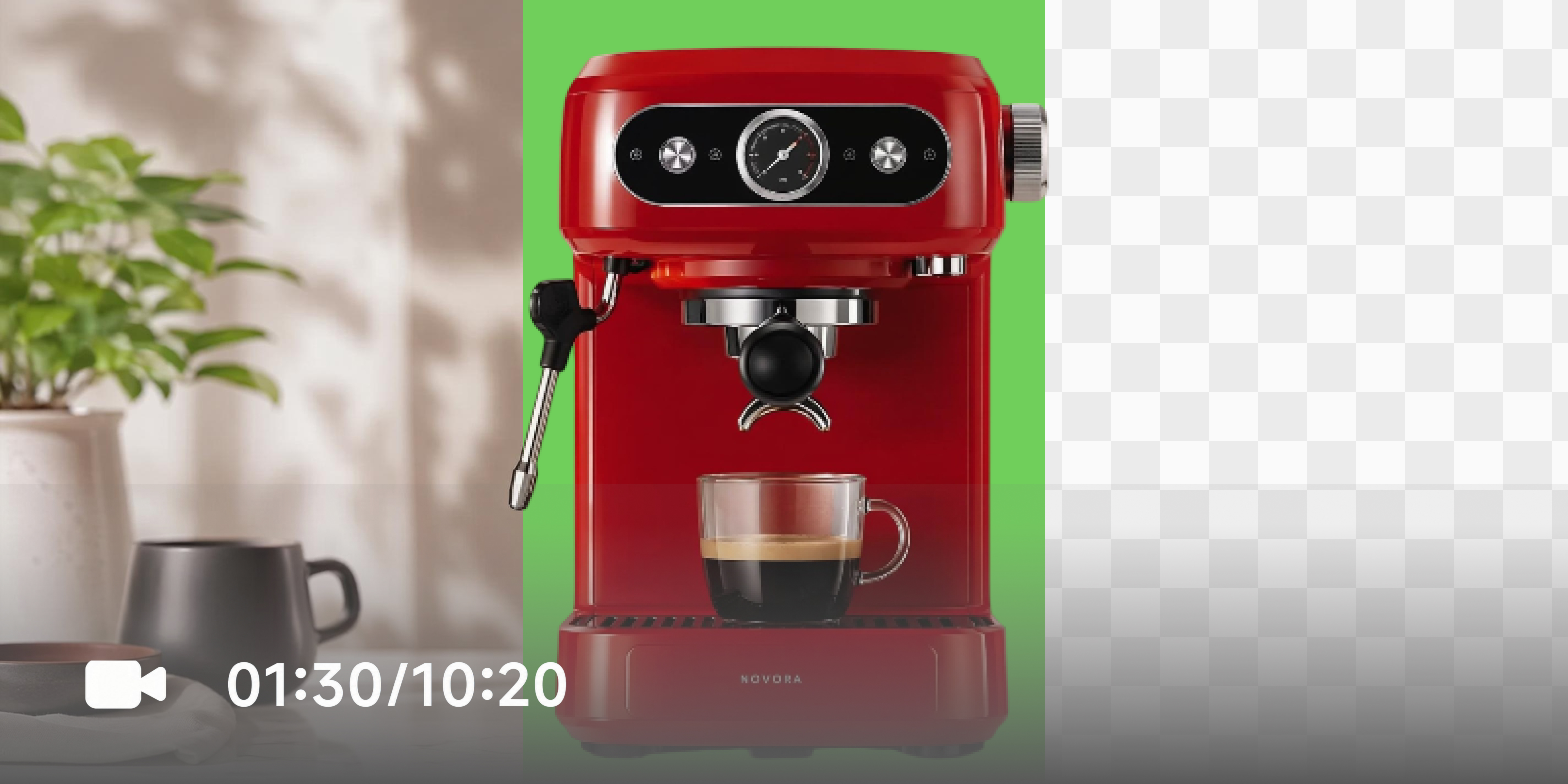
Choose the output that matches your editing plan. Export with a transparent background when you want to place your subject into any scene, or keep a solid green background when you need footage that stays easy to key in another editor or production workflow.

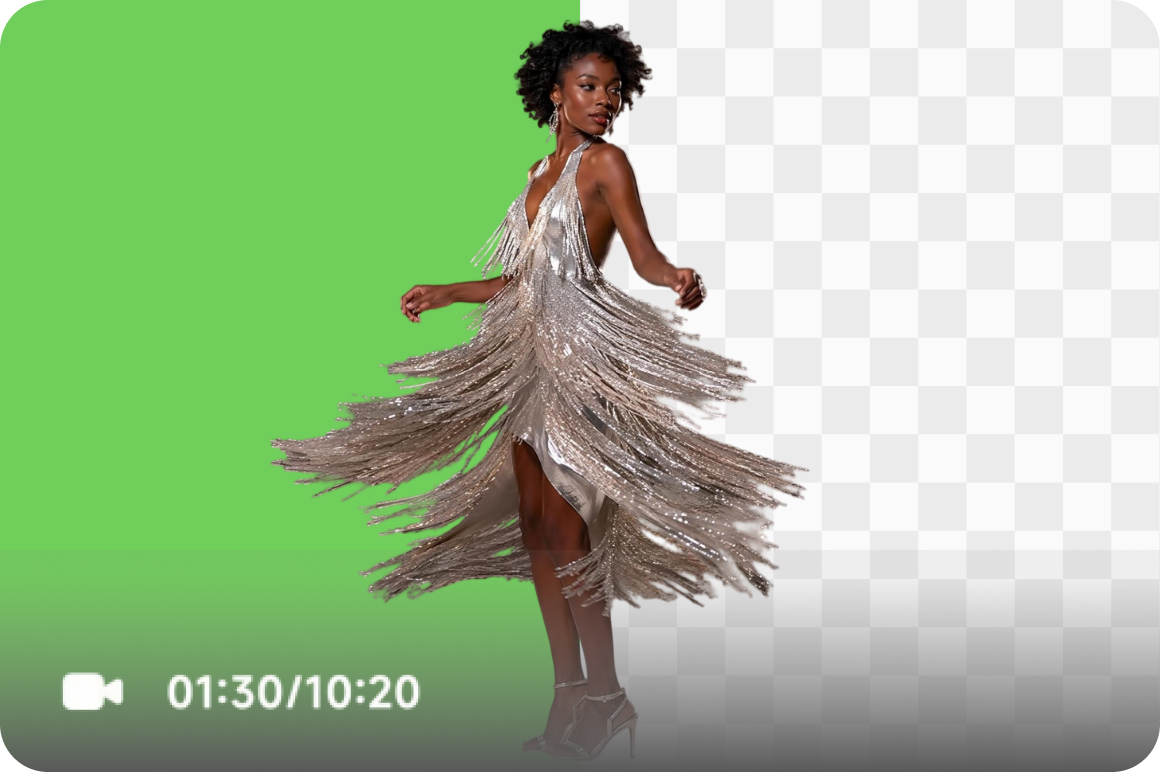
Clean edge isolation on fine detail
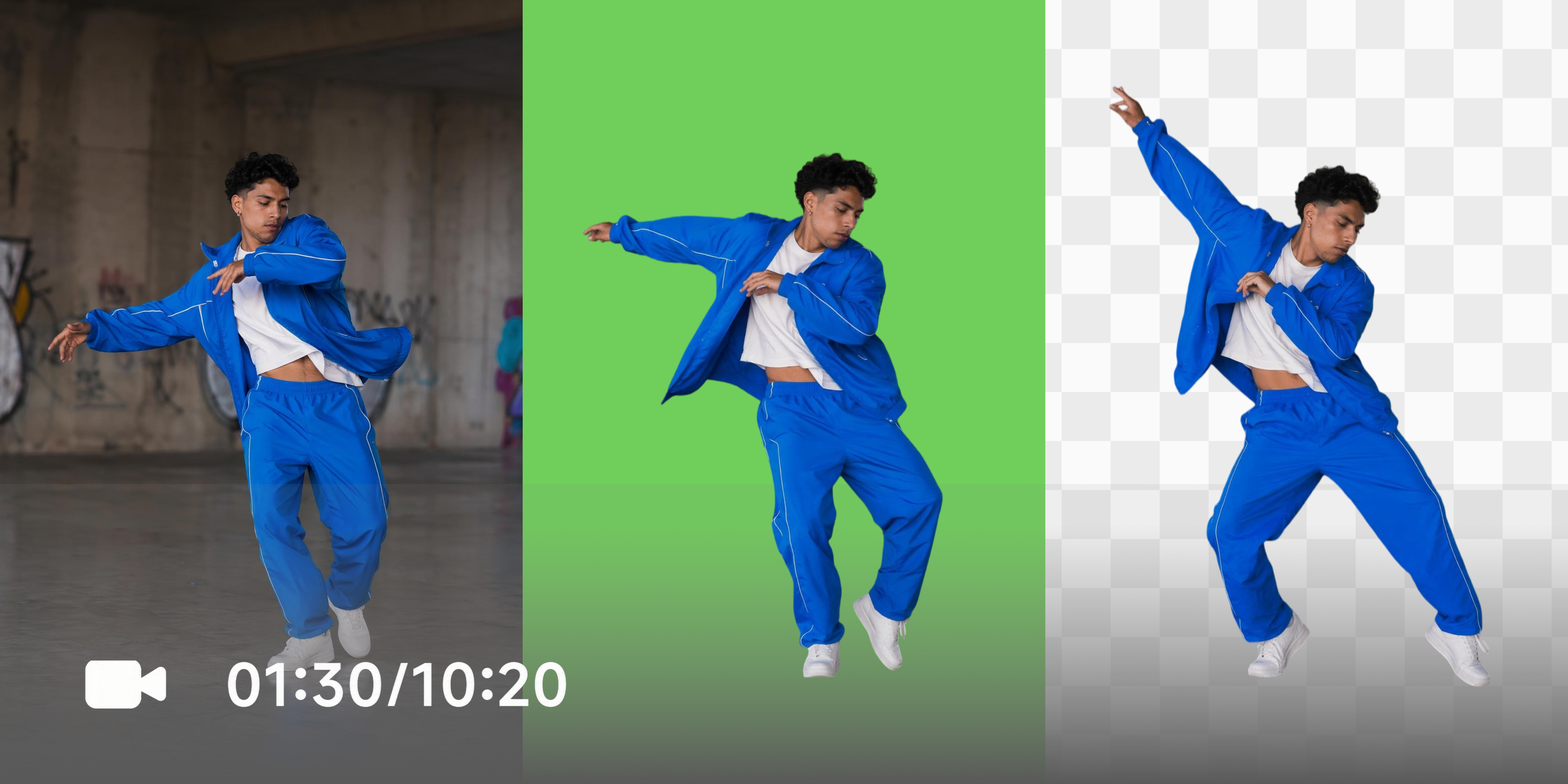
AI boundary detection handles hair strands, clothing edges and irregular subject outlines consistently across every frame. No green fringing or jagged edges around fine details. The output is suitable for professional product videos, brand content and social media publishing.
Who uses Vmake green screen remover most
E-commerce video producers
Product video teams shoot on green screen to avoid reshooting for different campaigns, but manual keying across asset libraries is slow and technically demanding. Vmake's one-click AI removal processes footage automatically so teams deliver clean product videos faster without post-production bottlenecks.

Online educators and course creators
Educators recording lessons and presentations on green screen need consistent background removal before publishing. Vmake removes the background automatically and outputs transparent or solid-background videos without frame-by-frame editing.
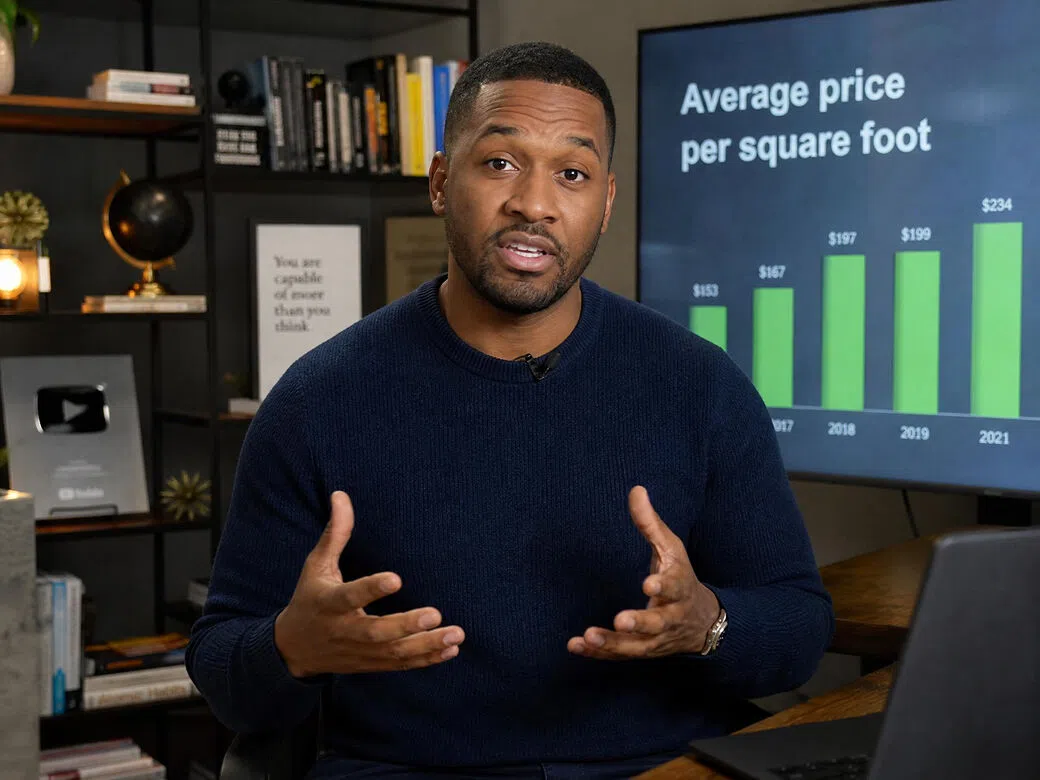
Social media video editors
Short-form content editors managing green screen footage for brands and creators need a fast and reliable workflow. Vmake processes files automatically and delivers clean keyed output ready for compositing, helping maintain consistent subject isolation across every project.
Frequently Asked Questions
Do I need an actual green screen to use this tool?
What background output options does Vmake offer?
Can I preview the result before downloading?
Does this tool support social media video formats?
Do I need chroma key editing experience?
Why choose Vmake Labs as your green screen remover

The complete green screen removal workflow runs entirely in your browser. No software downloads, plugins or desktop applications are required.

Uploaded files are processed securely and are never used to train AI models. Processed videos remain available in your workspace for 30 days before automatic deletion.

Upload, process and download in three simple steps. No technical expertise or video editing experience is needed, making it easy for anyone to remove video backgrounds.
Discover More Features

Video & Image Enhancer

Watermark & Text Remover

Video Upscaler

AI Video Generator

Video Background Remover

Video & Audio to Text

Video Noise Reducer

Video translator
Remove your green screen background now
Upload your green screen video and let Vmake remove the background automatically. Preview the result, choose your preferred output format and download when you're ready.
What users say about Vmake green screen remover
We shoot all our product videos on green screen to avoid reshooting for different contexts. The manual keying in post was the bottleneck. Vmake cut that step down significantly: upload, process, transparent output drops into the timeline. Not every clip is perfect first pass but the ones that need touching up are rare enough that it's still a net win.
I genuinely didn't expect a browser-based tool to handle the edges around my hair this well. I tried two desktop apps before this, and both left noticeable green fringing. Vmake got it right the first time. I also liked the five-second preview because I could check the result before downloading the full video and know whether it was worth keeping.
The dual output is something I use differently depending on the client. Transparent for clients who composite in Premiere, solid green for the ones who have their own keying setup downstream. The fact that both are covered without reprocessing the same file twice saves real time across a week of client work.
We onboarded three new clients last quarter who all shoot on green screen. Getting them set up on Vmake took about ten minutes and they handle their own keying now without coming back to us for post. That shift alone freed up a meaningful chunk of our team's time. Tool is straightforward enough that non-technical clients can use it independently.
our presenter videos for client pitches always had that telltale green spill around the shoulders that made everything look rushed. switched to vmake and the edge quality on clothing is noticeably cleaner. still do a quick preview check before downloading but i haven't had to reject an output and reprocess in a while now
A few things really stood out to me: I didn't have to install anything, the compare view before downloading was genuinely useful, and it still worked even though my green screen setup wasn't perfect. I ran a few badly lit clips through it, and they came out better than I expected. Since it's free to try, it ended up doing everything I needed without much hassle.