

AI-Powered Music Video Creation
Music Video Maker with AI Support

How to generate a video with AI?
Choose Creation Method
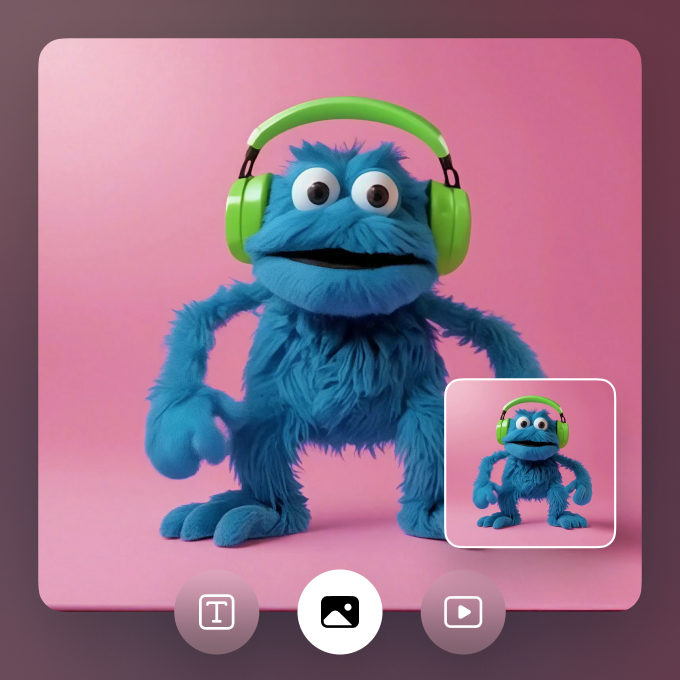
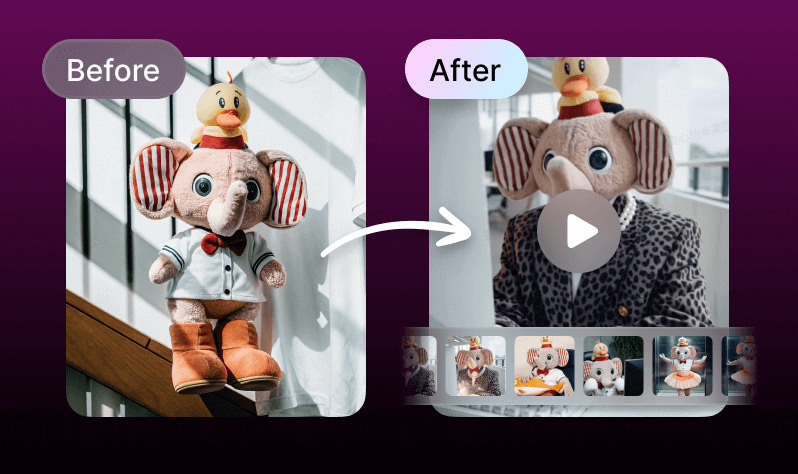
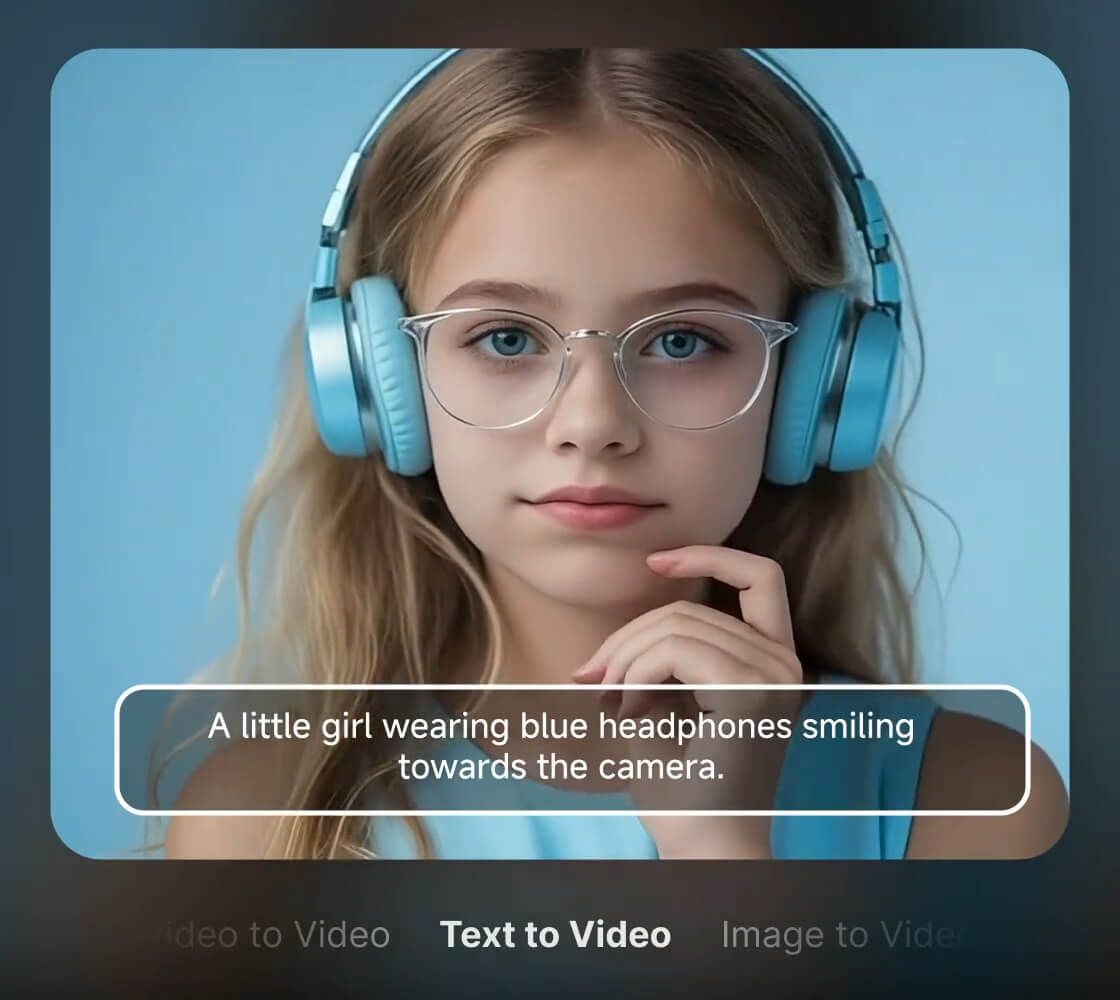
Select how to make your video: type text prompts, upload images/videos.Vmake supports 3 modes: Text-to-Video (generate from scratch), Image-to-Video (animate photos), and Video-to-Video (enhance/edit existing clips).
Customize & Generate
Upload content, pick a style (manga, cinematic, etc.), set video length (1–15 sec), and choose a generator (KLING, MiracleVision, etc.). Click “Create” to generate your video.
How to make music videos with AI?

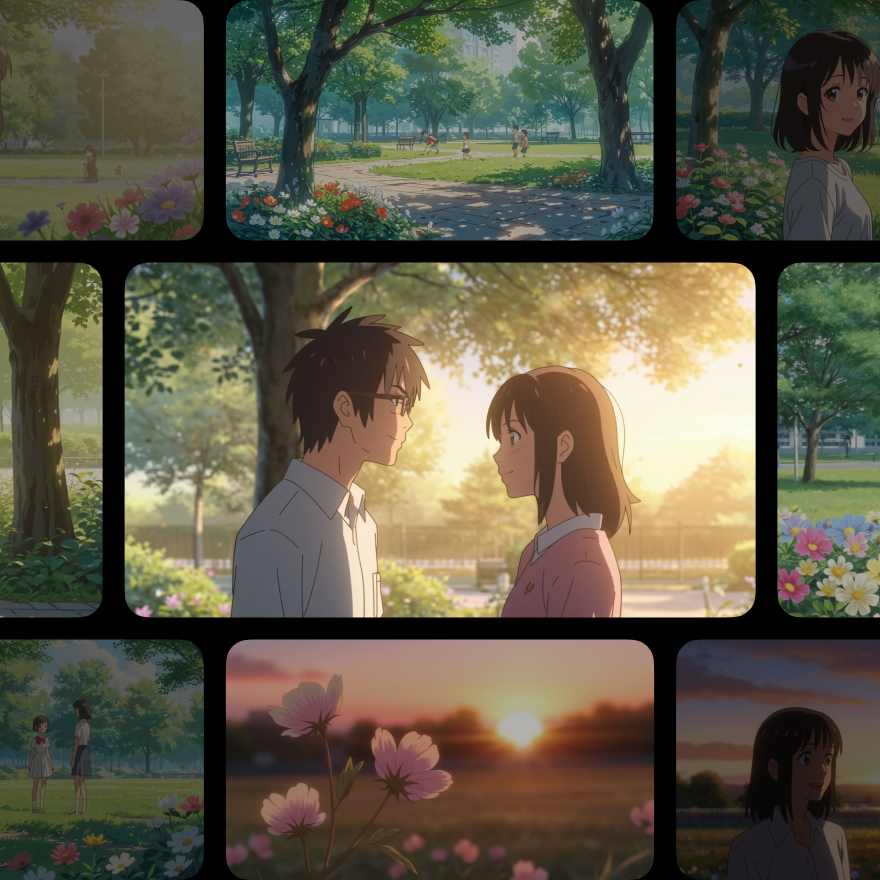
Visual Styles for Music Clips

Beginner-Friendly Workflow

FAQ
Is there a free AI music video generator available?
Can I make music videos with AI online?
With Vmake’s AI Video Generator, you can easily create dynamic music videos online. Just upload your image or video, and the tool transforms it into visually rich clips without requiring editing experience.
What is the best AI tool to create music visuals?
Vmake’s AI Video Generator is ideal for producing music visuals. It supports text-to-video, image-to-video, and video-to-video modes, making it versatile for creating visuals tailored to soundtracks or beats.
Are there any free lyric video generators using AI?
While Vmake’s AI Video Generator doesn’t support lyrics or text overlays, it can generate music-themed visuals using multi-modal input, perfect for background content in lyric videos.
How to auto-generate music clips with an AI tool?
To auto-generate music clips, use Vmake’s AI Video Generator with image or video inputs. The tool applies AI models like MiracleVision and KLING to create short, high-resolution clips suitable for any platform.
Discover More Features

Video & Image Enhancer

Watermark & Text Remover

Video Upscaler

AI Creative Ads

AI Video Generator

Video Background Remover

Video & Audio to Text