Best Speech to Text App in 2026: Top AI Transcription Apps Compared
Find the best speech-to-text app for live dictation, meetings, audio, and video transcription. Compare top features and see how Vmake Labs converts recordings and links into accurate text.

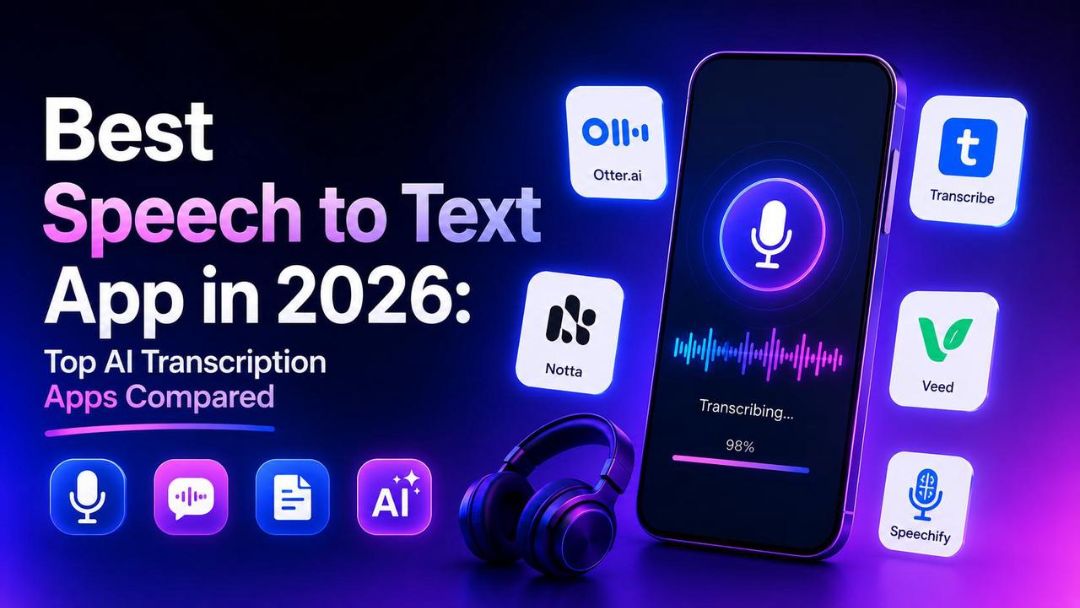
Choosing the right speech to text app can save time and improve productivity. Modern AI tools deliver fast, accurate transcription for meetings, dictation, and videos. This guide compares the best options and shows how Vmake Labs simplifies audio and video transcription.
What makes the best speech to text app?
Speech to text app uses speech recognition and artificial intelligence to convert speech to editable text. These tools are used for live dictation, meeting notes, lectures, interviews, podcasts, and video transcription. Some apps only record speech as it happens, but others can take pre-recorded audio and video, and even online links.
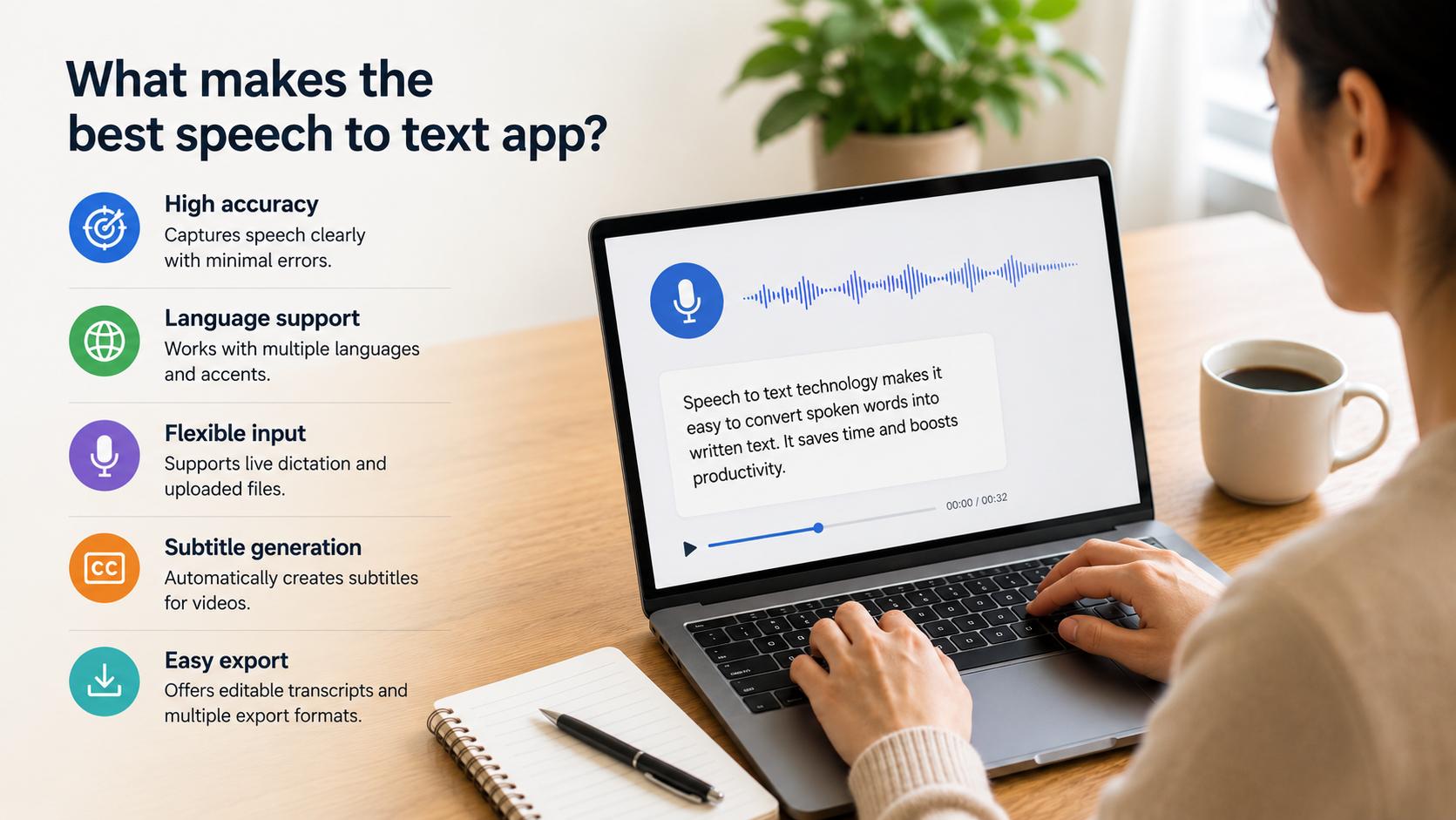
The best speech to text app should be evaluated on the basis of its transcription accuracy, supported languages, file compatibility, editing tools, export formats, and processing speed. It depends on whether you want to voice-type documents or want to transcribe recorded media with AI.
The apps in this guide are compared using these criteria, along with ease of use and pricing, to help you choose the best option for your specific transcription needs rather than identifying the single best app for every use case.
Best speech-to-text apps in 2026
The market has a lot of speech-to-text apps, but each one is geared toward different use cases. Some are good at live voice typing, others specialise in transcribing recorded audio and videos. The comparison below shows the strengths of seven popular options.
|
App |
Free Version |
Audio Transcription |
Video Transcription |
Link Transcription |
Multi-language |
Best For |
|---|---|---|---|---|---|---|
|
Vmake Labs |
Yes |
Yes |
Yes |
Yes |
Yes |
Audio, video & URL transcription |
|
Google Live Transcribe |
Yes |
Live only |
No |
No |
Yes |
Accessibility & live captions |
|
Google Voice Typing |
Yes |
Live only |
No |
No |
Yes |
Voice typing & documents |
|
Otter.ai |
Limited |
Yes |
Limited |
No |
Limited |
Meetings & collaboration |
|
Microsoft Word Dictate |
Limited |
Live only |
No |
No |
Yes |
Document creation |
|
Notta |
Yes |
Yes |
Yes |
No |
Yes |
AI meeting transcription |
|
Dragon Anywhere |
Trial |
Yes |
No |
No |
Yes |
Professional dictation |
-
Vmake Labs
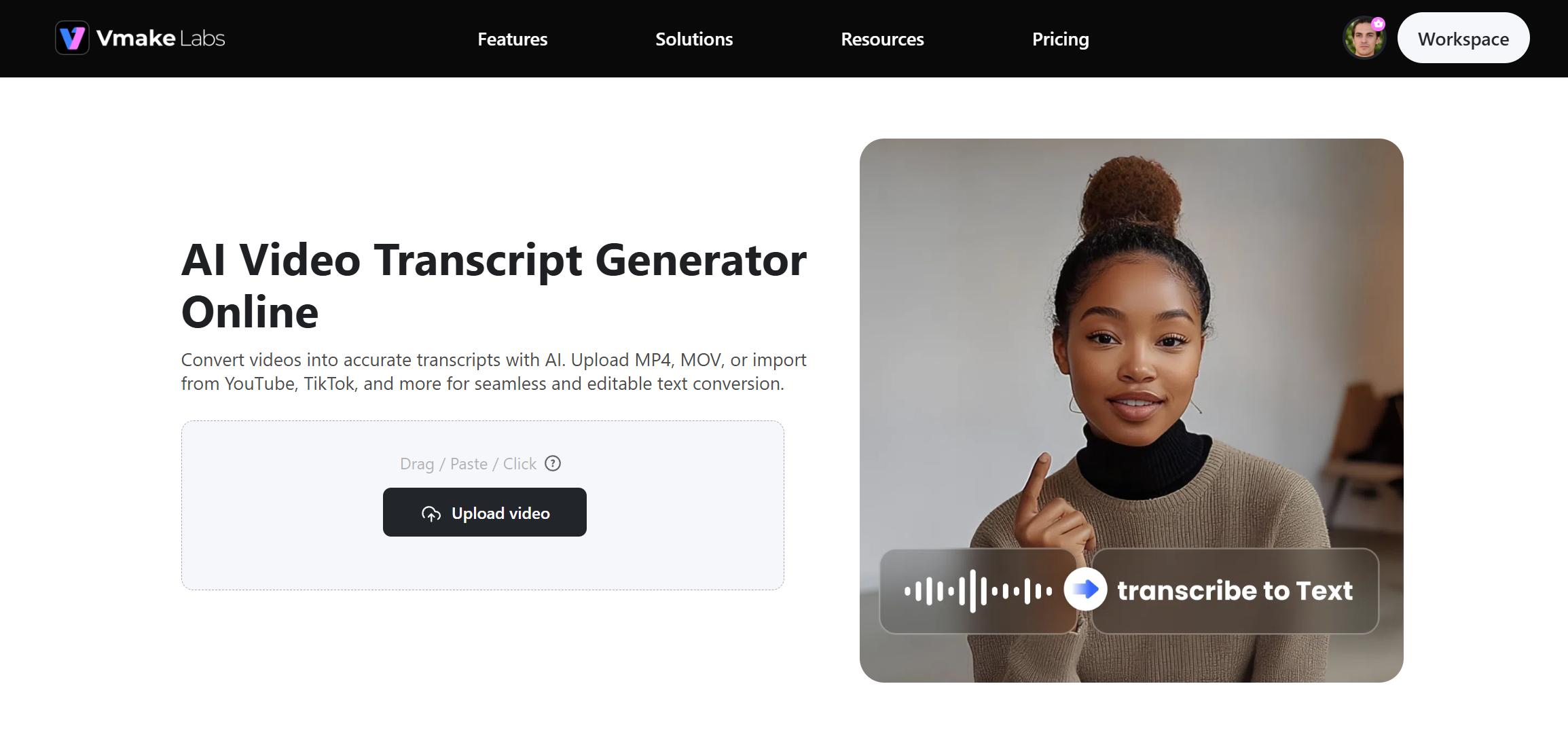
Vmake Labs is an AI-powered transcription platform designed for creators, professionals, educators, and businesses. Unlike many speech to text apps that focus on live dictation, Vmake Labs supports uploaded audio files, video files, and supported online links, making it suitable for a wider range of transcription tasks.
Key features
-
Audio, video, and URL transcription: Convert uploaded audio recordings, video files, and supported online links into accurate, editable text. This all-in-one workflow eliminates the need to switch between multiple transcription tools.
-
AI-powered multilingual transcription: Transcribe content in multiple languages with AI-powered speech recognition. This makes it easier to create transcripts for international teams, audiences, and multilingual projects.
-
Automatic subtitle generation: Automatically generate subtitles based on your transcript, so you don't have to do it manually. It helps to prepare videos for social media, online courses, and other digital platforms.
-
Editable transcripts with timestamps: Review transcripts with timestamps that make it easy to locate specific sections of audio or video. Edit text directly before exporting the final version.
-
Multiple export formats: Export completed transcripts in different file formats to match your workflow. This allows you to use the transcript for documentation, captions, or content repurposing.
|
Pros |
Cons |
|---|---|
|
|
Pricing
|
Plan |
Price |
|---|---|
|
Free |
$0 |
|
Plus |
$9.99/month |
|
Pro |
$29.99/month |
How to transcribe audio and video with Vmake Labs
Transcribing media with Vmake Labs takes only a few minutes. The AI automatically converts spoken content into editable text without requiring manual typing.
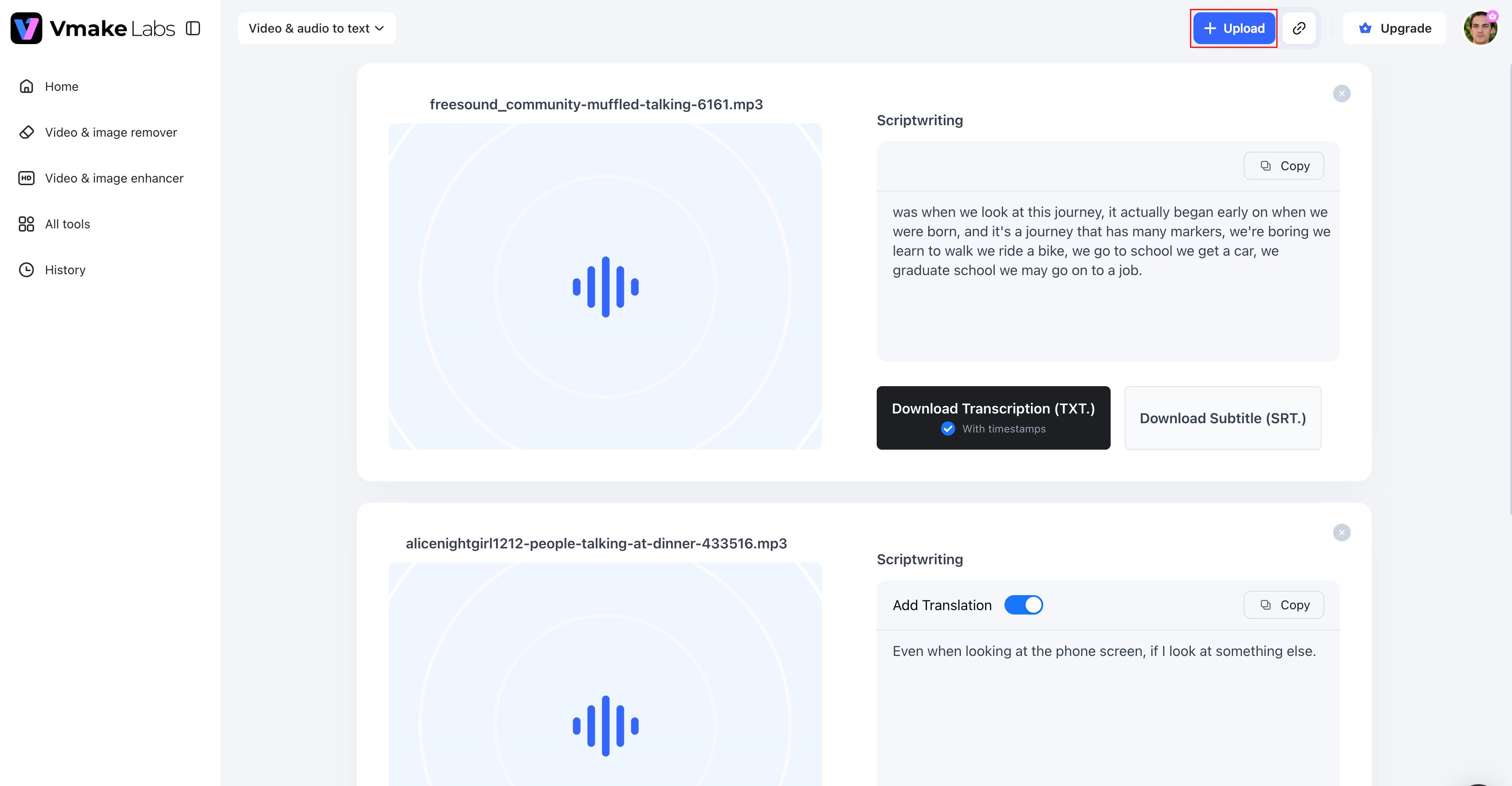
Step 1: Upload your audio, video, or supported link
Upload an audio recording, video file, or paste a supported online link. It supports popular media formats and prepares your content for transcription.
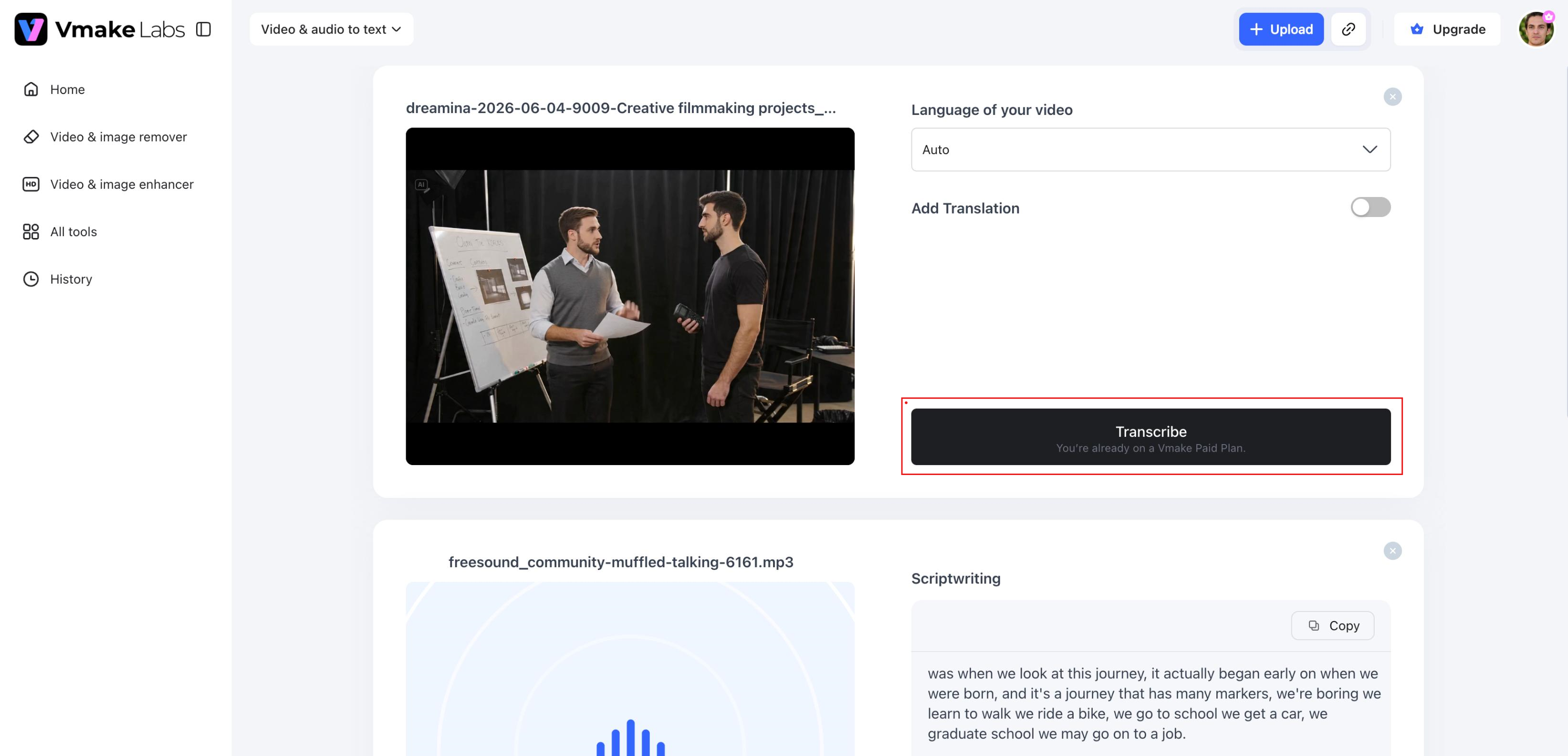
Step 2: Generate your transcript automatically
Select the transcription language and let the AI process your file. Within minutes, Vmake Labs produces an accurate transcript with timestamps that make reviewing and editing easier.
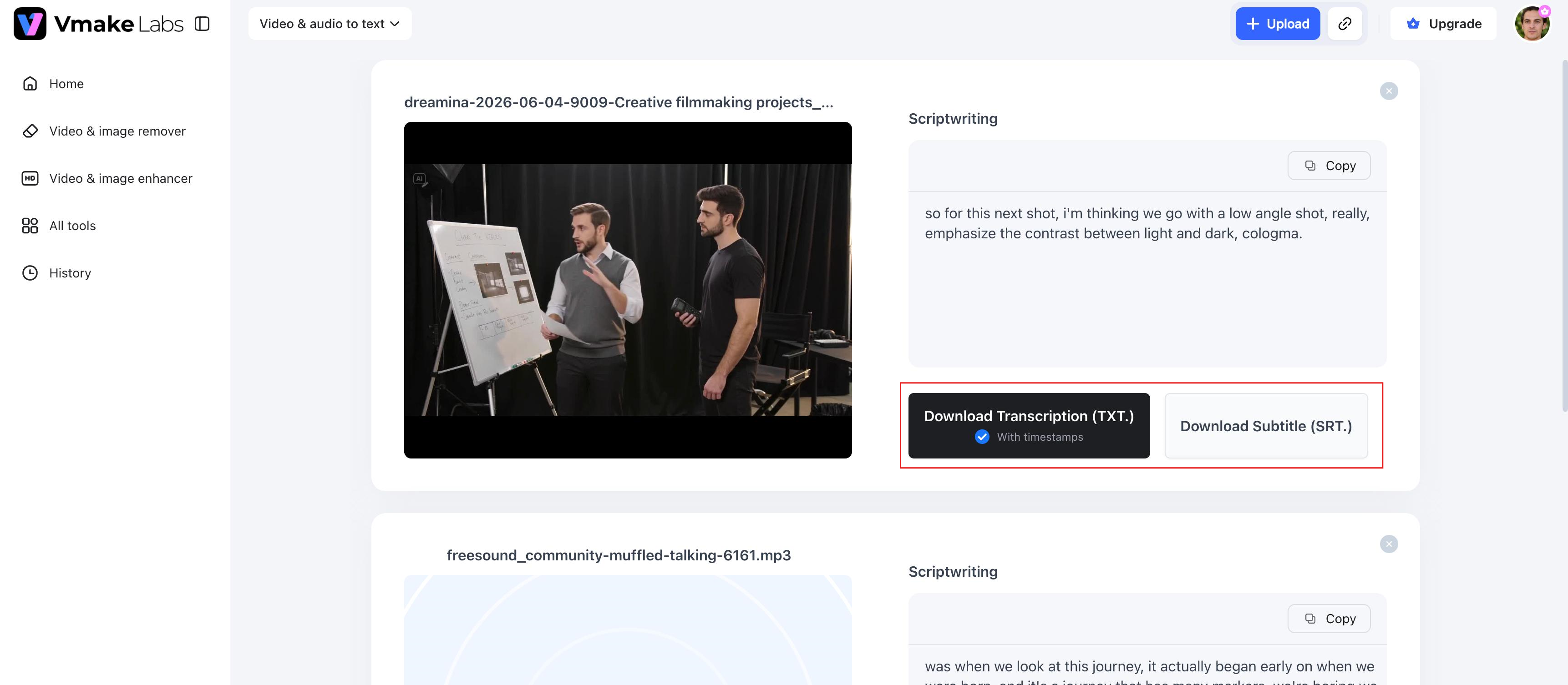
Step 3: Review, edit, and export
Proofread the transcript, make any necessary edits, and export it in your preferred format. You can also generate subtitles for videos, making content ready for publishing across multiple platforms.
-
Google Live Transcribe
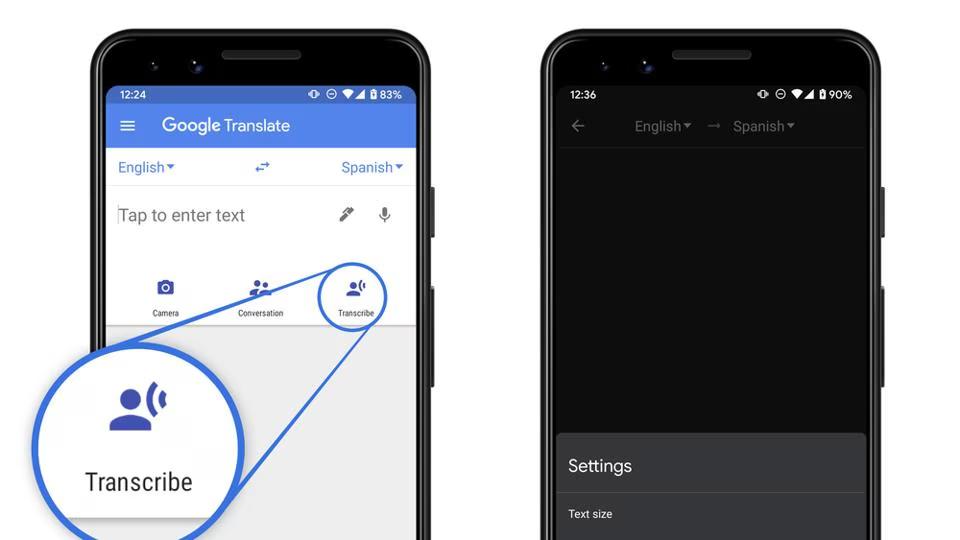
Google Live Transcribe is a free Android app from Google to improve accessibility using real-time speech recognition. It converts spoken conversations to text on your screen almost instantly, making communication easier for people who are deaf or hard of hearing. But it's meant for live conversations and won't transcribe uploaded audio or video files.
Pros and cons
|
Pros |
Cons |
|---|---|
|
|
Pricing
-
Free to download
-
No subscription required
-
Google Voice Typing
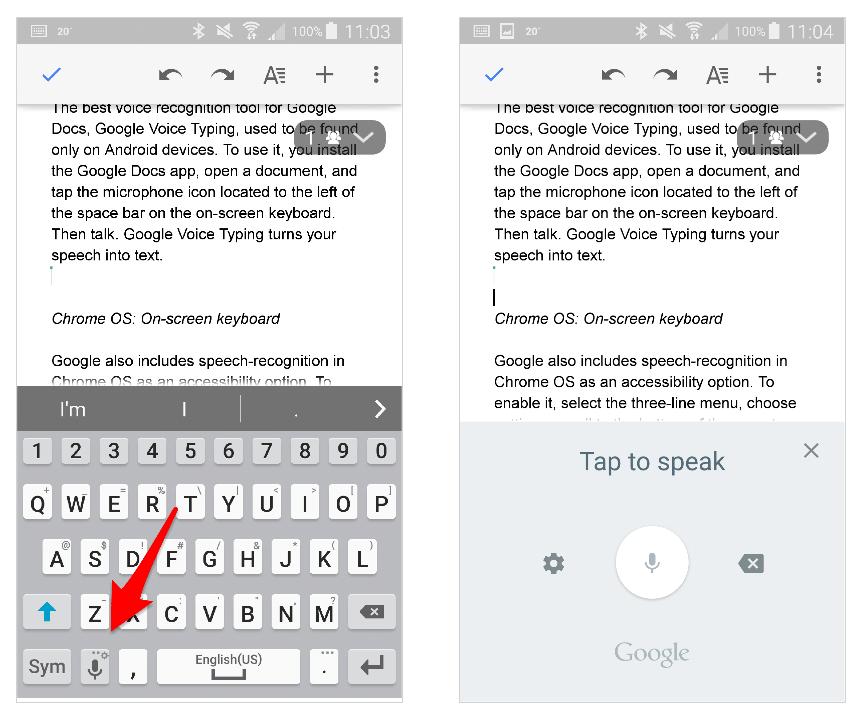
Google Voice Typing is built into Google Docs and allows users to dictate text instead of typing. It is a convenient option for creating documents, notes, and drafts using a microphone. While it performs well for live dictation, it does not support transcription of prerecorded audio or video.
Pros and cons
|
Pros |
Cons |
|---|---|
|
|
Pricing
-
Free with a Google account
-
Otter.ai
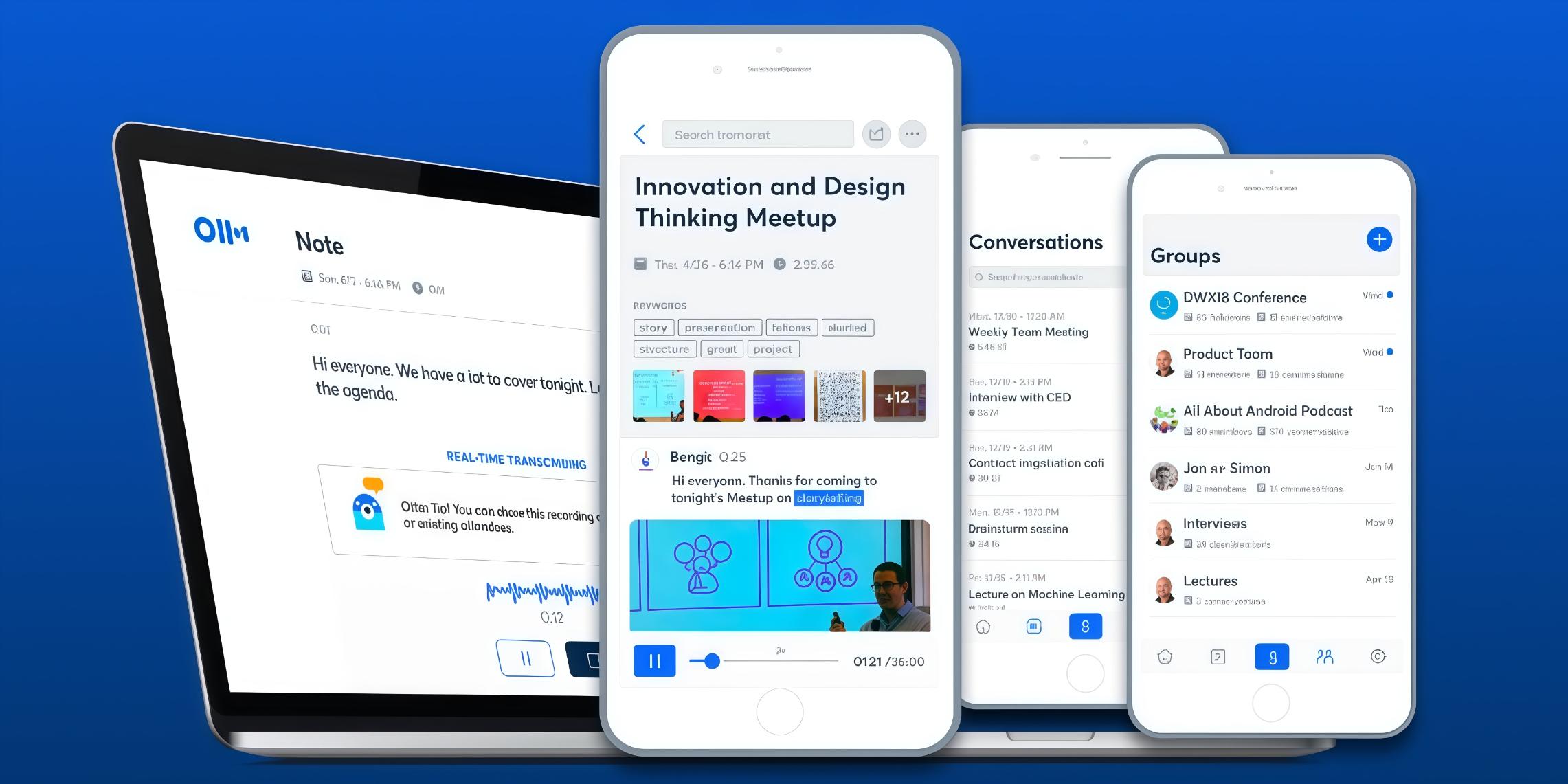
Otter.ai is an AI-powered transcription platform designed for meetings, interviews, and team collaboration. It automatically records conversations, identifies speakers, and generates searchable transcripts. Its collaboration features make it popular among businesses, although some advanced capabilities require a paid subscription.
Pros and cons
|
Pros |
Cons |
|---|---|
|
|
Pricing
|
Plan |
Price |
|---|---|
|
Free |
$0 |
|
Pro |
$4.17/month |
|
Business |
$19.99/month |
|
Enterprise |
Customize |
-
Microsoft Word Dictate
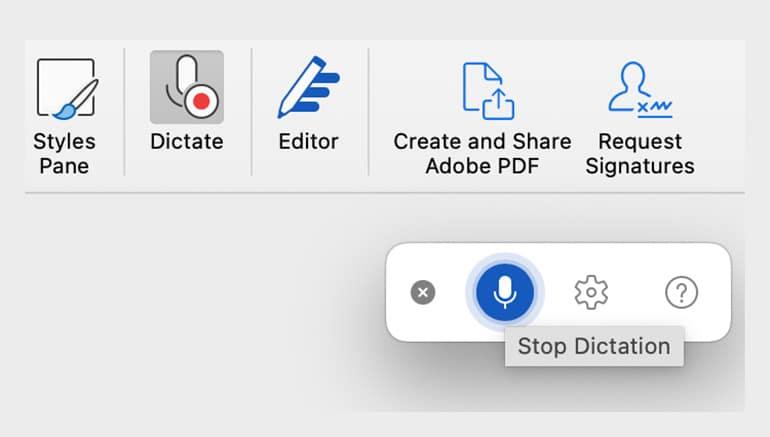
Microsoft Word Dictate is a built-in voice typing feature available in Microsoft Word. It helps users create documents by speaking naturally instead of typing. The tool works well for document creation but is not intended for transcribing prerecorded audio or video files.
Pros and cons
|
Pros |
Cons |
|---|---|
|
|
Pricing
|
Plan |
Price |
|---|---|
|
Free |
$0 |
|
Microsoft 365 Basic |
$1.67 / month |
|
Microsoft 365 Personal |
$8.33 / month |
|
Microsoft 365 Family |
$10.83 / month |
|
Microsoft 365 Premium |
$16.67 / month |
-
Notta
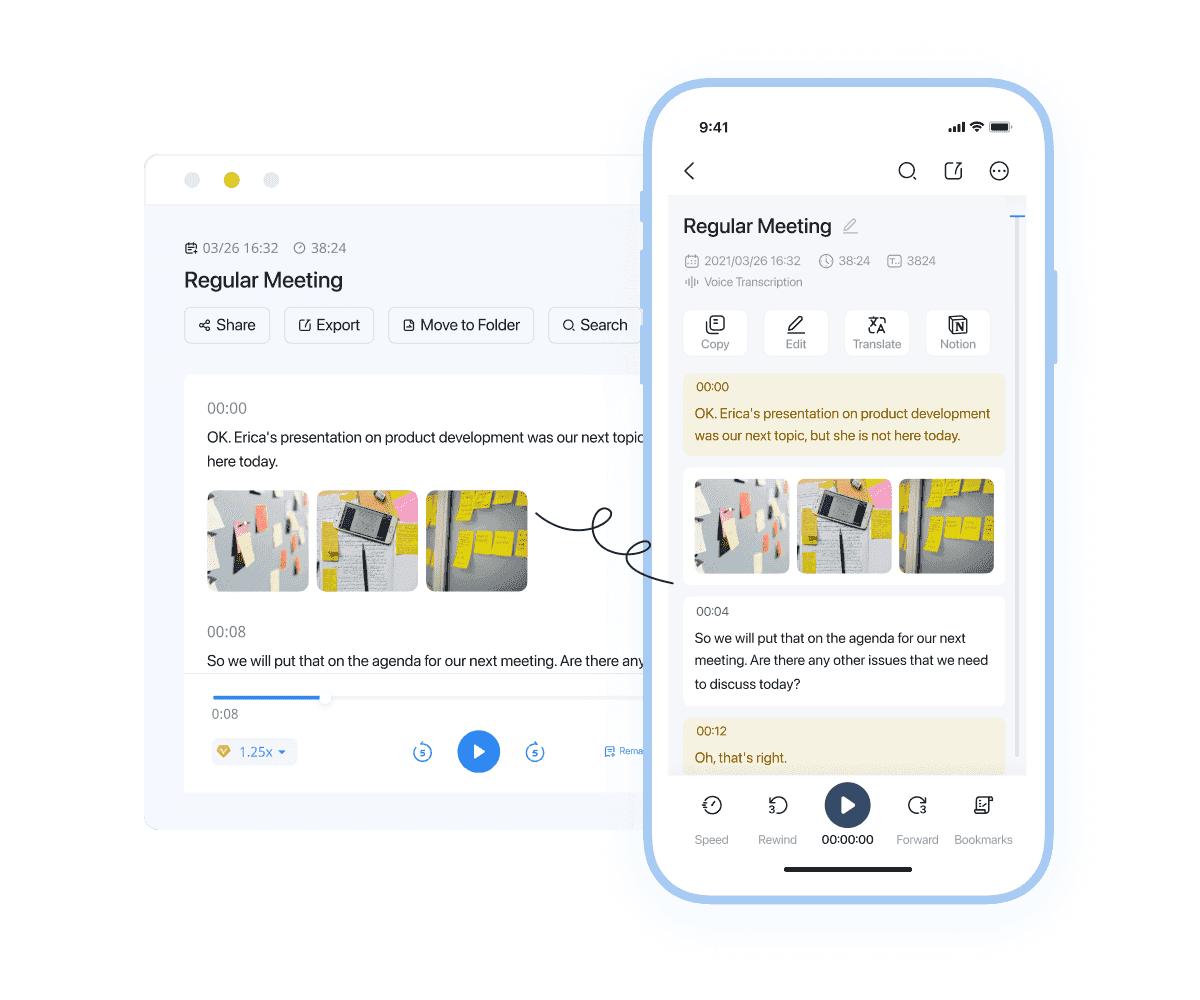
Notta is an AI transcription tool that helps users convert meetings, interviews, lectures, and recorded media into editable text. It supports audio and video transcription, speaker identification, and cloud synchronization, making it a practical choice for professionals, students, and teams that need organized transcripts.
Pros and cons
|
Pros |
Cons |
|---|---|
|
|
Pricing
|
Plan |
Price |
|---|---|
|
Free |
$0 |
|
Pro |
$8.17/month |
|
Business |
$16.67/month |
|
Enterprise |
Customize |
-
Dragon Anywhere
Dragon Anywhere is a professional dictation app designed for users who rely on voice input throughout the day. It delivers accurate speech recognition, supports custom vocabulary, and allows users to create documents hands-free. Unlike AI transcription platforms, it focuses on live dictation instead of transcribing recorded media.
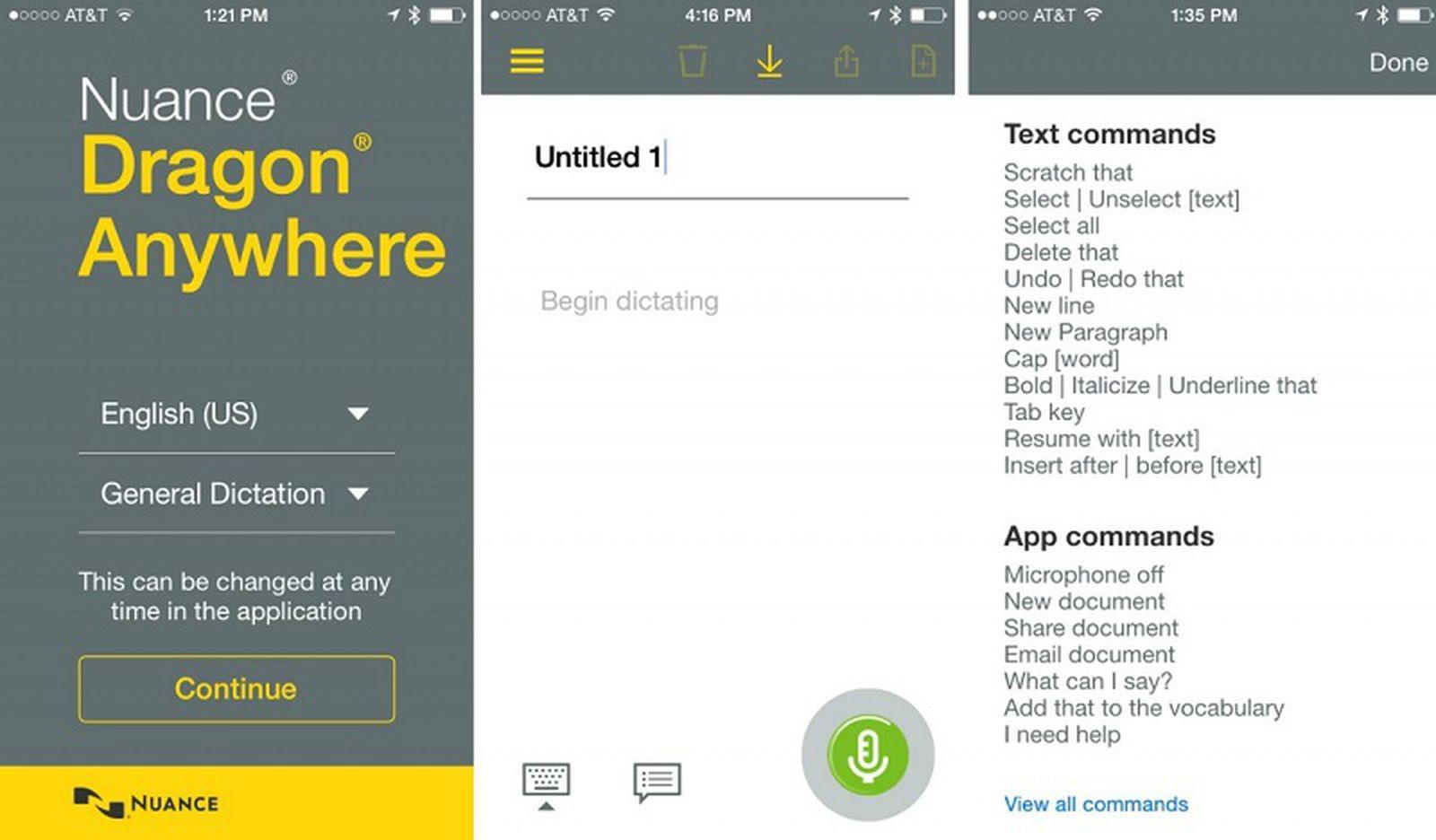
Pros and cons
|
Pros |
Cons |
|---|---|
|
|
Pricing
-
Monthly subscription at $15 per month
-
Annual subscription at $150 per year
Which speech to text app is best for your needs?
The best speech to text app depends on how you plan to use it. Some tools are designed for live dictation, while others specialize in AI transcription for recorded media. Here's a quick recommendation based on different use cases.
|
Use case |
Recommended app |
|---|---|
|
Best speech to text app for students |
Google Voice Typing |
|
Best speech to text app for meetings |
Otter.ai |
|
Best speech to text app for journalists |
Notta |
|
Best free speech to text app |
Google Live Transcribe |
|
Best speech to text app for Android |
Google Live Transcribe |
|
Best speech to text app for iPhone |
Dragon Anywhere |
|
Best speech to text app for audio and video transcription |
Vmake Labs |
Tips for choosing the best speech to text app
Choosing the right app depends on the type of content you want to transcribe and the features you need most. Keep these points in mind before making your decision.
-
Compare transcription accuracy: Look for apps that consistently produce accurate transcripts, especially when handling different accents, speaking styles, and background noise.
-
Check language support: Make sure the app supports the languages you regularly use, particularly if you create multilingual content or work with international teams.
-
Choose the right transcription type: Decide whether you need live voice dictation, transcription for uploaded audio and video files, or support for online links.
-
Look for subtitle generation: If you create videos, choose an app that can automatically generate and edit subtitles to speed up your content workflow.
-
Review editing and export options: Built-in editing tools and multiple export formats make it easier to refine transcripts and use them across different platforms.
-
Compare free and paid plans: Check what features are included in the free version and whether a premium plan offers enough value for your needs.
-
Consider device compatibility: Select an app that works seamlessly across your preferred devices and operating systems for a smoother transcription experience.
Conclusion
Choosing the best speech to text app depends on your workflow and transcription needs. If you mainly dictate documents, tools like Google Voice Typing or Microsoft Word Dictate are practical options. For meetings, Otter.ai and Notta offer collaboration features, while Google Live Transcribe improves accessibility through real-time captions. However, if you need to transcribe recorded audio, videos, or online links, Vmake Labs provides a more complete solution with AI-powered transcription, multilingual support, automatic subtitle generation, editable transcripts, and flexible export options. Compare your requirements carefully to select the app that best fits your daily tasks.
FAQs
What is the best speech to text app?
The best speech to text app depends on your needs. Google Voice Typing is ideal for live dictation, Otter.ai works well for meetings, and Vmake Labs is a strong choice for transcribing audio, videos, and supported online links.
Which is the best free speech to text app?
Several free options are available, including Google Live Transcribe, Google Voice Typing, and Vmake Labs. While free plans may include usage limits, they provide enough features for basic transcription and voice typing tasks.
What is the best speech to text app for Android?
Google Live Transcribe is one of the best speech to text apps for Android users because it offers accurate real-time captions and accessibility features. If you need to transcribe recorded media, Vmake Labs is a better option.
What is the best speech to text app for iPhone?
iPhone users can use Apple Dictation for live voice typing, while Dragon Anywhere offers professional dictation features. For AI-powered transcription of audio and video files, Vmake Labs provides a more comprehensive solution.
Can speech to text apps transcribe audio and video files?
Yes, many AI-powered speech to text apps support prerecorded media. Vmake Labs and Notta can convert uploaded audio and video files into editable transcripts, while apps focused on live dictation generally cannot.
Which speech to text app is best for creating subtitles from videos?
Vmake Labs is a strong choice for subtitle creation because it automatically converts spoken content into text and generates subtitles that can be reviewed, edited, and exported for different platforms.

You May Be Interested
How to Transcribe Video to Text in 2026: Free Online AI Tool
How to Transcribe Audio to Text: Efficient Guide

How to Remove Text from a Video: Your Ultimate Guide to Pro Edits
Best Music Video App: AI Tools & Top Editors in 2026
Best Movie Translator Apps: 7 AI Tools Compared in 2026