7 Best Watermark Remover Apps: Erase Watermarks Like a Pro
 Ken DawsonMay 2, 2026
Watermarks ruin a clean shot. You’re often left staring at a nearly good image with some stubborn logo sitting right where your eye keeps landing. And yes, most watermark remover apps now can strip out text, marks, or little stamps in just a few taps, but here’s the catch: it works best on clean backgrounds and starts to struggle when things get messy or textured.
Some tools do a decent job of blending things back together, others just smear pixels and hope you won’t notice. So you end up choosing carefully, or redoing things a couple of times, which nobody really talks about upfront. In this article, we’ll go through seven apps that handle watermark removal without making your edits look obviously patched.
Common watermarks you may want to remove
-
Text watermarks
You’ve seen them: names, copyright tags, URLs, and stamps sitting right on top of the content. They’re there for a reason, of course. Protect the work, promote the brand, make sure nobody walks off with it like it’s theirs. Video makes things trickier.

-
Logo watermarks
You’ve seen them sitting there - tiny brand marks tucked into the edge of the frame like they own the place. Stock footage does this all the time, and branded clips aren’t much better. Sometimes it’s a clean icon. Other times it’s slapped onto a faint background box that refuses to blend in.

-
Timestamps
Timestamps tell you when a video was made and what time it was. You can often find them in old videos from cameras or security cameras. In some cases, they can be helpful, but they can also make edited videos look bad. They are usually put in the same places, like the top or bottom corners.

-
Transparent overlays
These are semi-transparent marks that are layered over the video and sometimes cover a lot of the frame. They are often used in early versions of stock videos. Because they blend in with the footage, it takes more advanced tools to remove them and make the background look natural again.

-
App branding watermarks
Free apps love leaving their mark. Export a video and there it is, either a name, a logo, or sometimes both, quietly stamped onto your work like a reminder of who made the tool. You can usually get rid of these watermarks by upgrading to a paid version or using special removal tools. They are usually put in the corner or at the end of a clip.

Top 7 apps to remove watermarks from your videos
-
Vmake
Vmake goes straight to the point. It’s an AI-driven video watermark remover built for speed. You drop in your clip, pick what needs to go, and it gets to work - usually faster than you expect. It handles content from platforms like TikTok, YouTube, and Instagram without much complaining, which is honestly a relief if you’ve ever tried doing this manually. No masking. No cropping. That alone makes it appealing, especially if you don’t want to learn a full editing suite just to clean up a logo. You won’t need to trace frames or adjust layers over and over again.

Try Vmake now and clean your videos instantly.
Step-by-step guide
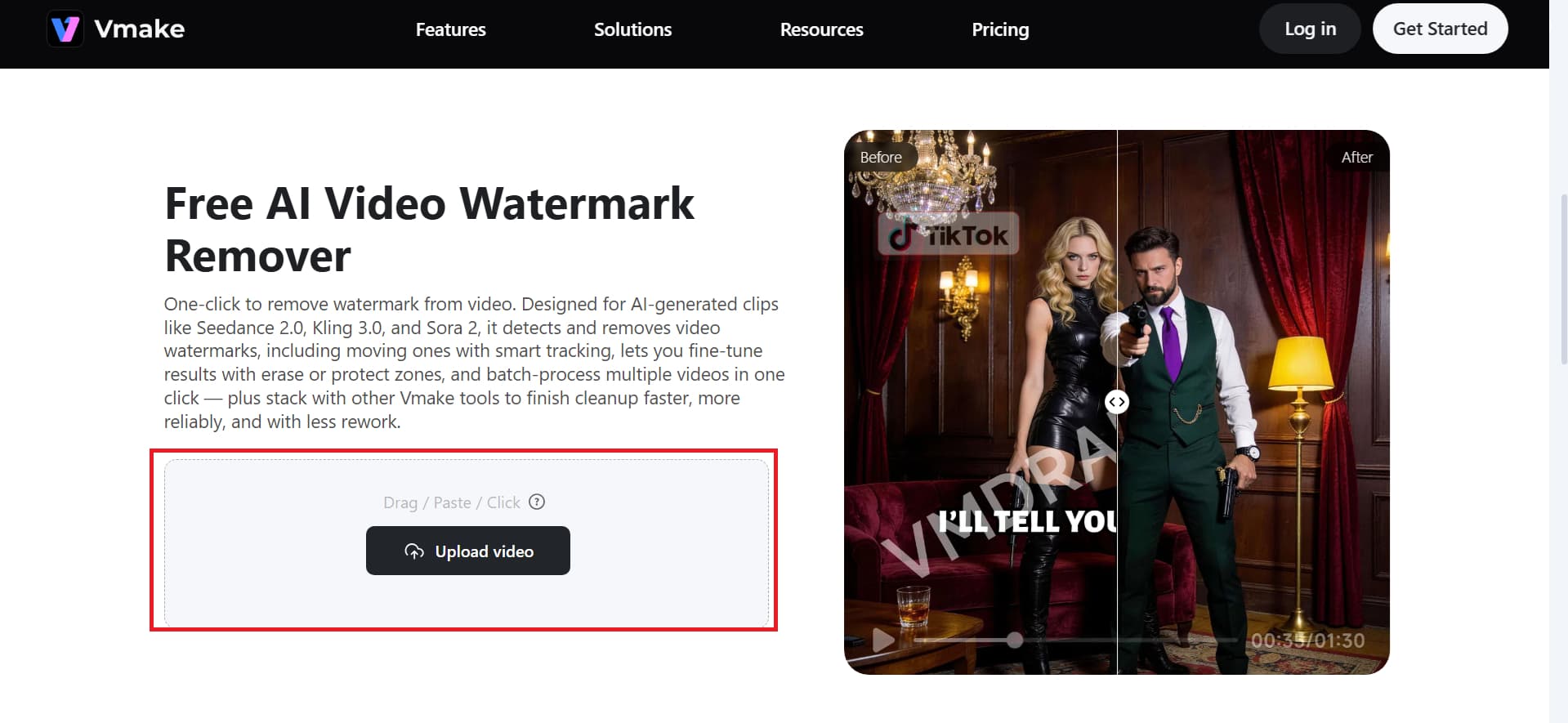
Step 1: Upload the video
Access the video watermark remover feature of Vmake and click the "Upload video" option to upload the desired video file from which you want to remove the watermark.
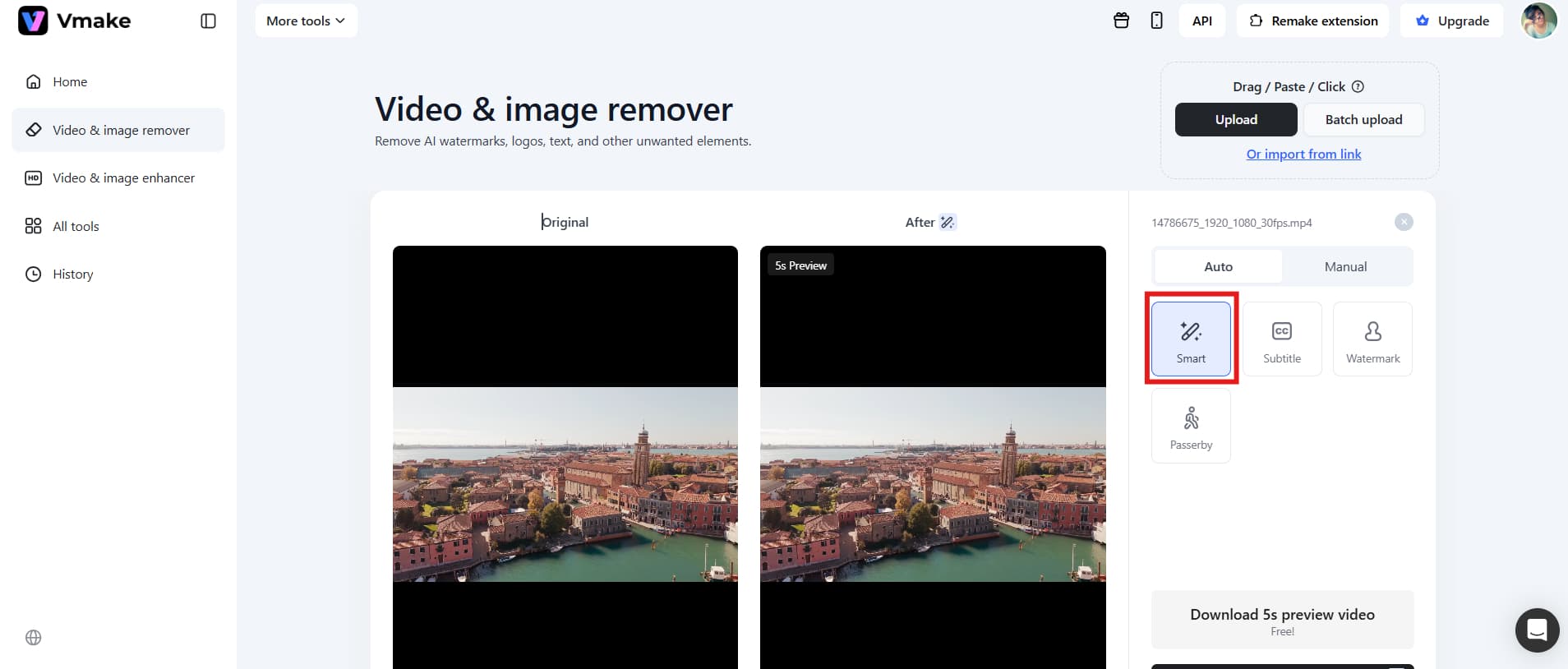
Step 2: Remove the watermark automatically
Vmake then automatically analyzes the watermark on the video and removes it instantly without any manual effort. You can then preview the final video without a watermark.
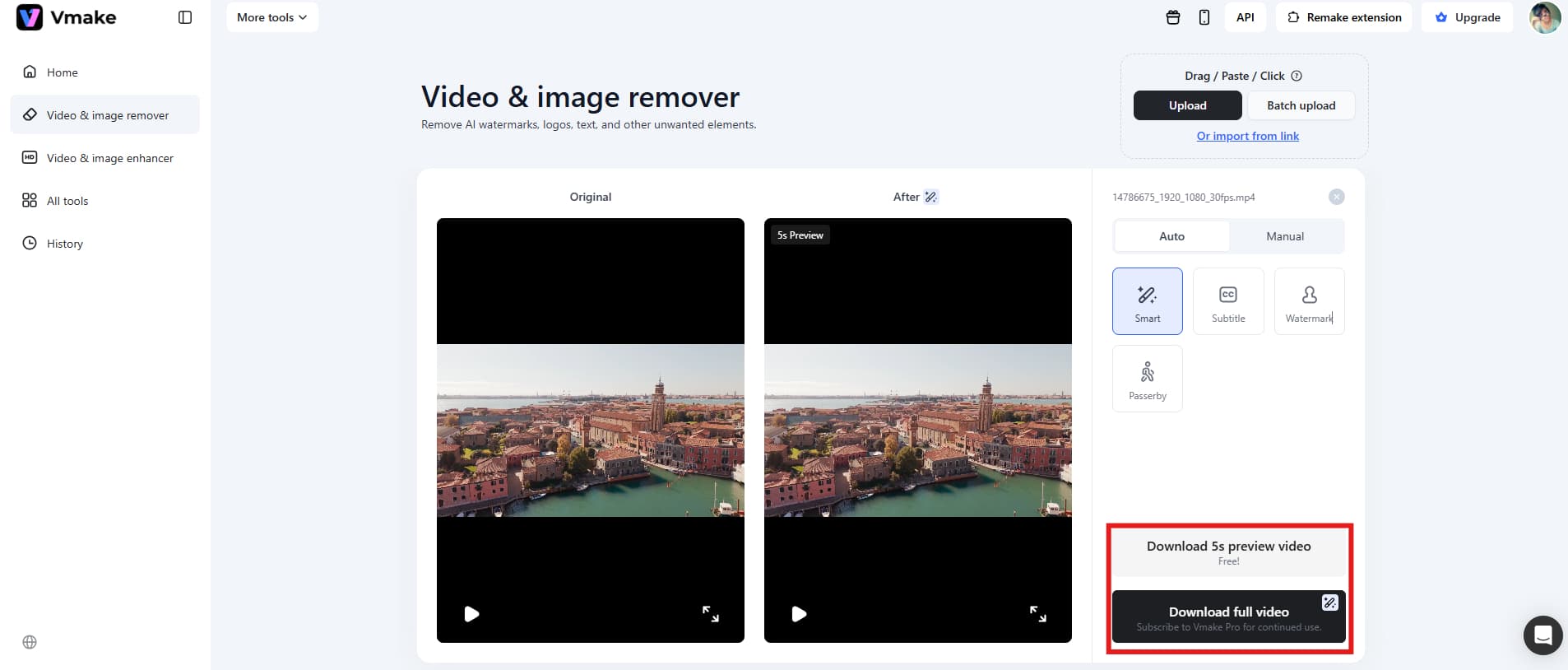
Step 3: Download HD videos
Once the tool generates a video without a watermark, you can then download it for further use. You can further download a preview video and then export the full video.
Start using Vmake video watermark remover now.
Key features
-
AI automatic detection: Vmake uses artificial intelligence to automatically identify watermark areas in videos. You don't have to manually select anything.
-
One-click removal: Users can remove watermarks instantly with a single click, making the process fast and beginner-friendly.
-
Batch processing: It has a batch processing capability, so you can run batch cleanup for instant results.
Pros
-
Beginner-friendly interface: The platform is simple enough for users with no editing experience to operate easily.
-
Fast processing speed: Videos are processed quickly due to cloud-based AI optimization.
-
No technical skills required: Users don’t need masking, layering, or advanced editing knowledge to use the Vmake watermark remover app.
Cons
-
Internet dependency: A well-established internet connection is required to use the Vmake app; hence, the speed depends on your internet connection.
-
Subscription required for advanced features: While Vmake is free to start, you'll still require a subscription for HD downloads and other advanced features.
-
Airbrush
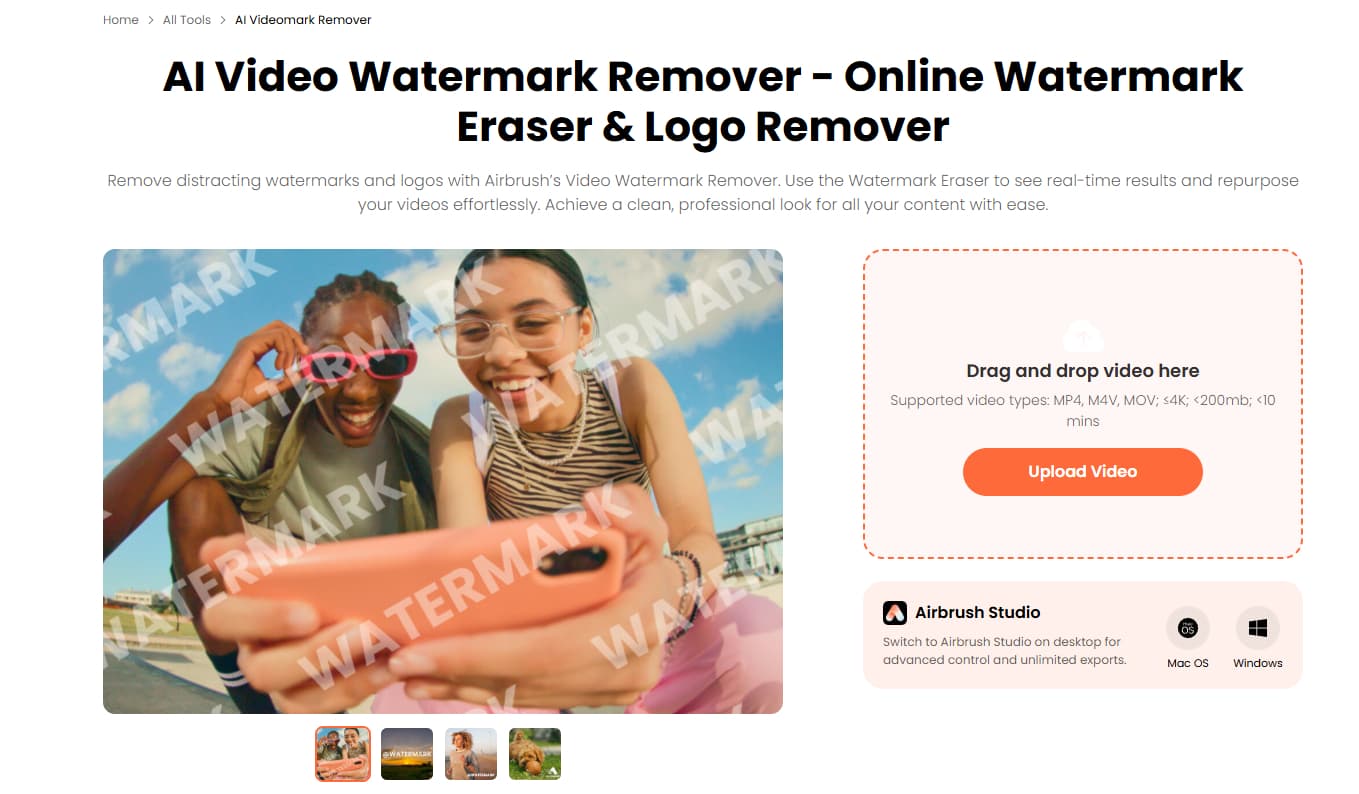
Airbrush is a flexible online video editor that content creators can use to do more than just remove watermarks. It doesn't rely on automation; instead, it lets users edit however they want. People usually remove watermarks by overlaying them, cropping out unwanted parts, or blurring certain areas.
Pros:
-
All-in-one editing suite: Airbrush offers trimming, subtitles, resizing, effects, and watermark removal.
-
Multi-device access: The app works on multiple devices, including laptops, tablets, and phones via browser.
-
Collaboration features: Teams can work together on the same project online using Airbrush's collaboration features.
Cons
-
Manual effort required: Watermark removal is not fully automated; hence, you must contribute a little to detect the watermark.
-
Free version limitations: The tool often comes with limitations on the free version. Exported videos may include Airbrush branding.
-
HitPaw
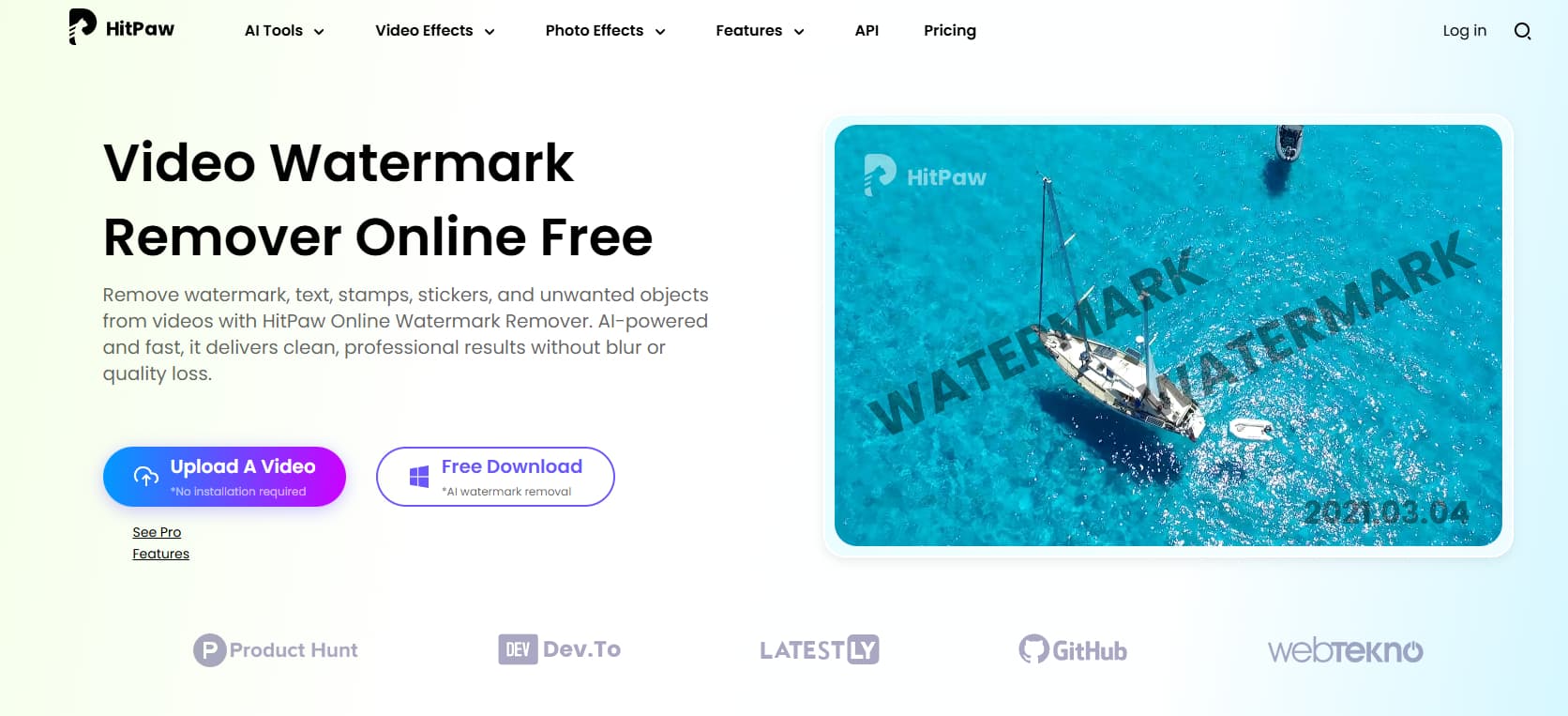
HitPaw is a semi-professional tool for removing watermarks that lets users select watermark areas and choose AI models based on the complexity of the background. It patches the gap by using nearby frames, surrounding textures, and whatever it can piece together. Sounds smart. When the watermark stays put or drifts slowly, the results can look surprisingly clean, almost like nothing was ever there in the first place.
Pros
-
High-accuracy results: HitPaw uses AI models to effectively restore background textures.
-
Flexible editing options: It is suitable for both beginners and advanced users, who want to remove watermark with this app.
-
Supports moving watermarks: You can handle dynamic watermarks in videos with HitPaw and remove them effortlessly.
Cons
-
Paid features locked: Advanced tools require a subscription, which makes this tool expensive for budget-conscious users.
-
Learning curve for beginners: The interface is not exactly beginner-friendly, at least not right away. You’ll click around, second-guess yourself, maybe watch a tutorial or two just to figure out things.
-
Pixelbin
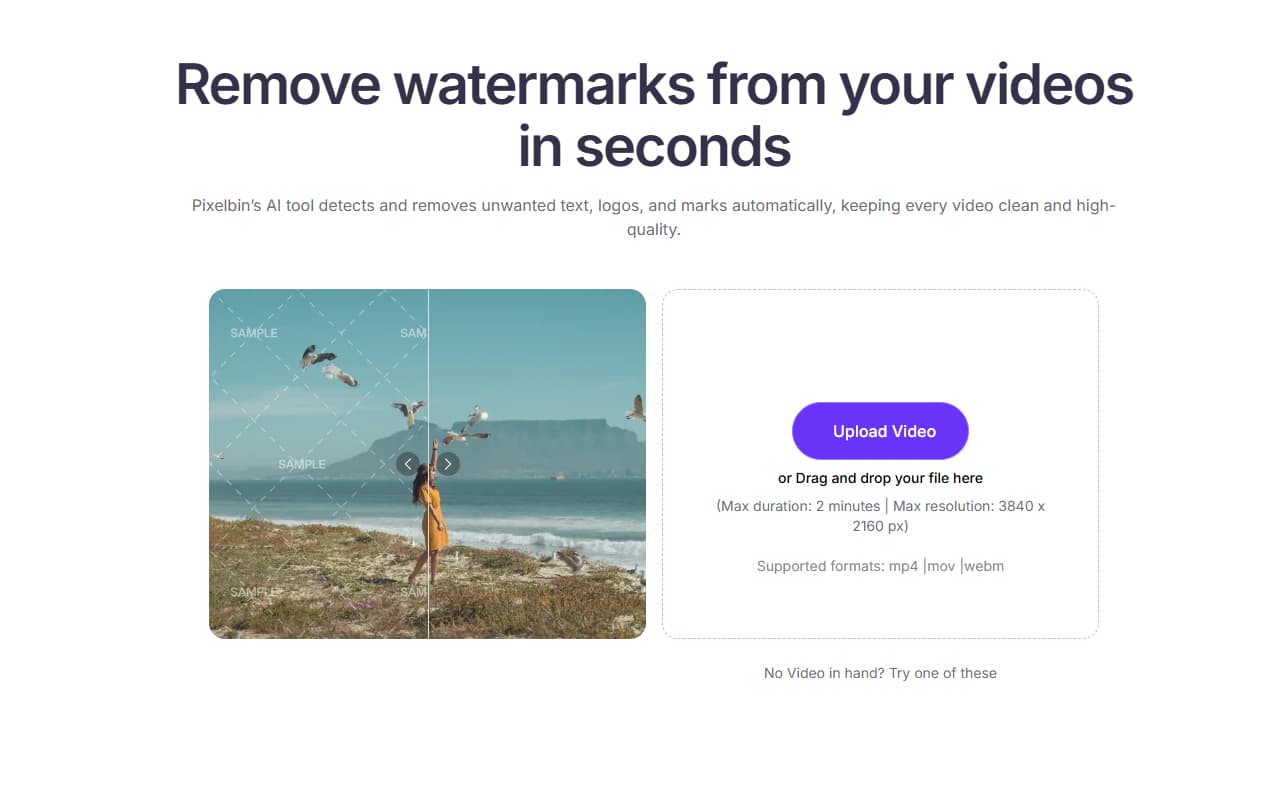
Pixelbin is made for professionals and businesses that need high-quality, scalable watermark removal. It doesn’t stop at wiping out what you can see; rather it rebuilds the missing parts using AI inpainting, trying to recreate frames so they still look sharp and believable instead of patched together. The batch processing feature is very helpful for workflows that need to be automated.
Pros
-
High-quality output: Pixelbin focuses on preserving original video clarity while removing watermarks, reducing blur, and distortion compared to simpler tools.
-
Efficient for bulk work: Its batch-processing feature is perfect for professionals who need to work on multiple videos at once, saving a lot of time in production workflows.
-
Strong AI performance: The tool performs well even on moderately complex watermarks, including those that appear across multiple frames or move slowly.
Cons
-
Limited free usage: Free users often face restrictions such as export limits, preview-only access, or reduced processing quality.
-
Requires login access: Users must create an account to access features, which adds an extra step compared to instant-use tools.
-
WatermarkRemover.io
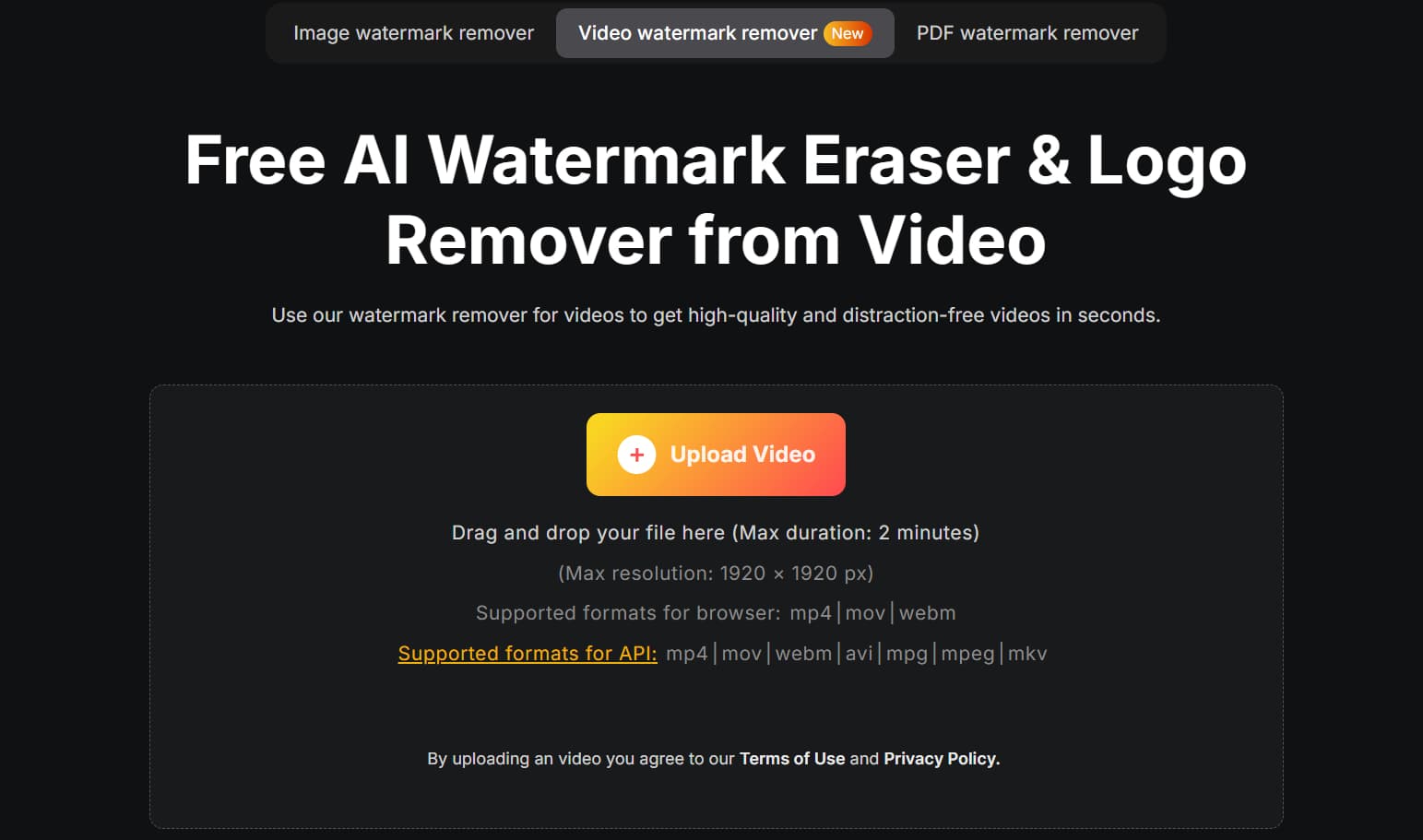
WatermarkRemover.io was made to be easy to use and fast. It handles the watermark removal process completely, so you don't need to know how to edit. When a video is uploaded, its AI detects watermark patterns, separates them, and uses predictive pixel filling to reconstruct the background. It is perfect for beginners or those who only deal with simple watermarks, such as logos or text in the corners.
Pros
-
Extremely easy to use: The platform is fully automated, requiring no manual selection or editing knowledge. Users simply upload and download results.
-
Quick processing: It's optimized for speed, so it's great for quick, easy changes when time is a priority.
-
Clean interface: It has a clean, easy-to-use interface, which further makes the tool ideal for beginners.
Cons
-
No advanced controls: There are no advanced controls, so users can't fine-tune their choices or fix AI errors, which makes it less precise when making complex edits.
-
Not ideal for complex watermarks: When watermarks overlap with detailed or moving backgrounds, the AI may leave visible artifacts or incomplete removal.
-
DeWatermark.io
DeWatermark.io is all about removing hard-to-remove watermarks that are partially see-through or layered over complex backgrounds. It uses AI reconstruction methods that look at nearby frames to infer what missing visual information is and reconstruct it. This makes it better than basic tools for watermarking stock footage or preview overlays.
Pros
-
Good for complex watermarks: It outperforms basic tools for semi-transparent overlays or blended logos.
-
Fast online processing: Since it is cloud-based, users don’t need powerful devices to process videos.
-
Easy interface: The workflow is simple, so even beginners and non-editors can use it.
Cons
-
Inconsistent results: The quality of the output varies with the video's complexity, brightness, and background motion.
-
Internet-dependent: A stable connection is required, and performance may degrade over slow networks or with large files.
-
Media.io
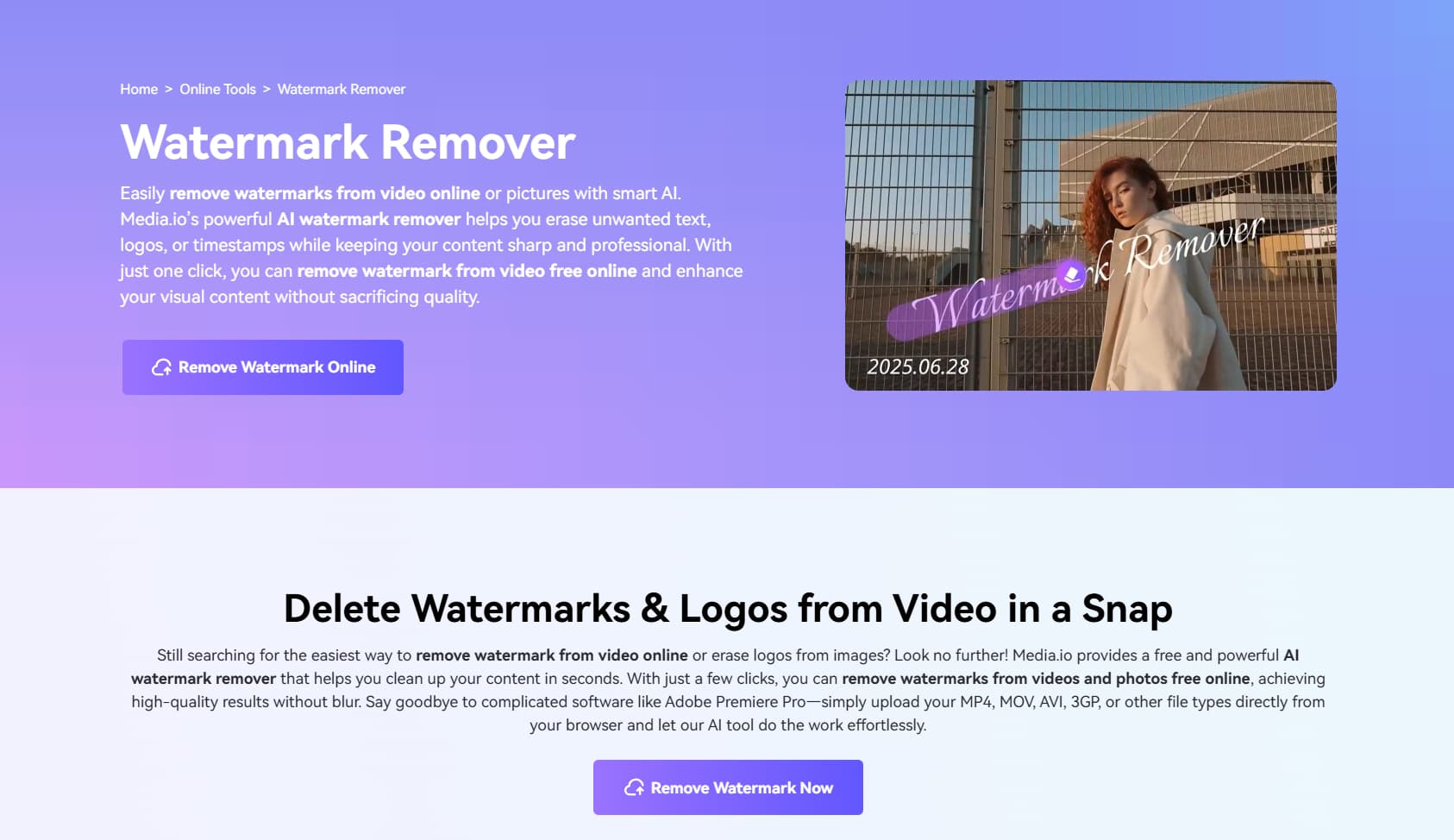
Media.io tries to do everything in one place. It leans heavily on AI to clean things up, including its watermark remover, which scans the frame, figures out what doesn’t belong, and then attempts to rebuild the background. It has more than just tools for removing watermarks; it also has tools for compression, conversion, trimming, and enhancement, making it a complete video utility suite.
Pros
-
High-quality AI output: After removing the watermark, Media.io uses advanced AI reconstruction to keep things clear and reduce distortion.
-
Supports multiple watermark types: text, logos, timestamps, and some moving objects, so it can be used in many different ways.
-
All-in-one platform: It has everything you need to edit, convert, and compress videos, as well as remove watermarks.
Cons
-
Internet requirement: Because it runs in the cloud, you’ll need an internet connection.
-
May struggle with complex scenes: Highly detailed backgrounds or fast motion can reduce the accuracy of watermark removal, leaving minor imperfections.
Pro tips to choose the best watermark remover app
-
Prioritize AI-powered detection
One of the most important things to look for is AI-powered detection. It automatically locates watermark regions without manual selection. The app analyzes each video frame and detects patterns that resemble watermarks, and remove it.
-
Check image quality preservation
A good watermark remover shouldn't hurt the quality of the original video.
Cheap tools exist.They’ll take a shot at removing watermarks, and for simple cases, the results can look surprisingly decent. Higher-end apps go a step further, rebuilding the missing areas with techniques like background reconstruction and frame inpainting, so your footage keeps its natural look.
- Batch process capability
If you’re handling more than one video, doing things one by one gets old fast. You want to drop in a bunch of files, hit go, and move on with your day. Some apps actually get this right. Others claim they do, then slow to a crawl or crash halfway, so choose wisely.
- Look for a simple and clean interface
Interface matters more than people admit. You don’t want to hunt for buttons or guess what step comes next. A simple flow: upload, process, download, is usually enough. But not every tool sticks to that. Some pile on extra options you’ll never touch, and suddenly a quick edit turns into ten minutes of clicking around. so, you must choose a tool with clean, clutter-free interface.
- Ensure multi-format support
Formats can trip you up. MP4, MOV, AVI, MKV — you’ve probably got a mix already. A solid watermark remover handles all of them without making you think about it too much, so you can focus on the edit instead of the file type. And once you start noticing how smooth that feels, it’s hard to go back.
Conclusion
There’s no one-size-fits-all approach. What clicks for you comes down to how you like to work — hands-on edits, quick AI fixes, or batching a stack of videos. Some people enjoy tweaking every detail. Others just want the watermark gone so they can move on, and honestly, both approaches have their place. If you’re just starting out, tools like Vmake keep things simple. You upload, let it handle the heavy lifting, and get your clip ready without much back-and-forth. You’ll figure out your rhythm.
FAQs
What is the best free watermark remover app?
Vmake gets talked about a lot for a reason. It leans on AI to handle watermark removal, so you’re not stuck doing everything by hand. You upload your video, let it scan for logos, text, or overlays, and it takes a pass at cleaning things up with very little input from you. Most of the time, that’s exactly what you want — quick results without digging through a bunch of controls.
Can watermark remover apps remove logos completely?
It really comes down to the tool and where that logo sits in your video. With Vmake, you’ll often get clean results, especially when the logo’s on a plain or steady background. It uses AI that can study nearby frames and rebuild the missing area in a way that fits. However, results can vary a bit depending on the clip.
Do watermark remover apps reduce video quality?
The final look depends on both the app and the original footage. Vmake usually keeps things looking sharp by reconstructing missing pixels instead of just blurring them out, which makes a visible difference in most cases. Still, the source video plays a role too, and you’ll start to notice how that affects the outcome the more you work with different clips.
Which app is best for removing watermarks on mobile phones?
There are many watermark-removal apps that work well on mobile devices, but Vmake is still the best. It can be used on mobile devices via its web-based platform, so you don't have to install any heavy software. This is a good choice for mobile users who want a quick, AI-powered way to remove watermarks from short videos.
Is watermark removal legal on licensed videos?
It comes down to permission. If you own the video, you’re in the clear. If not, you’ll need approval before removing anything, even something as small as a logo sitting in the corner. Watermarks aren’t random; they’re there to signal ownership and protect the work.

You May Be Interested

123APPS Watermark Remover Review (2026): Pros, Cons, and Pricing
[2025] Top 5 FREE Video Downloader without Watermark
AniEraser Watermark Remover by Media.io: 2026 Hands-On Review