Best Movie Translator Apps: 7 AI Tools Compared in 2026
Looking for the best movie translator app? Compare top AI tools for subtitle translation and dubbing, then discover how Vmake Labs translates movies into multiple languages quickly and accurately.

Watching movies in different languages is easier than ever with AI-powered translation tools. Whether you need subtitles, dubbed audio, or multilingual localization, the right movie translator app saves time and improves accessibility. This guide compares seven leading AI solutions to help you choose the best option for your translation needs.
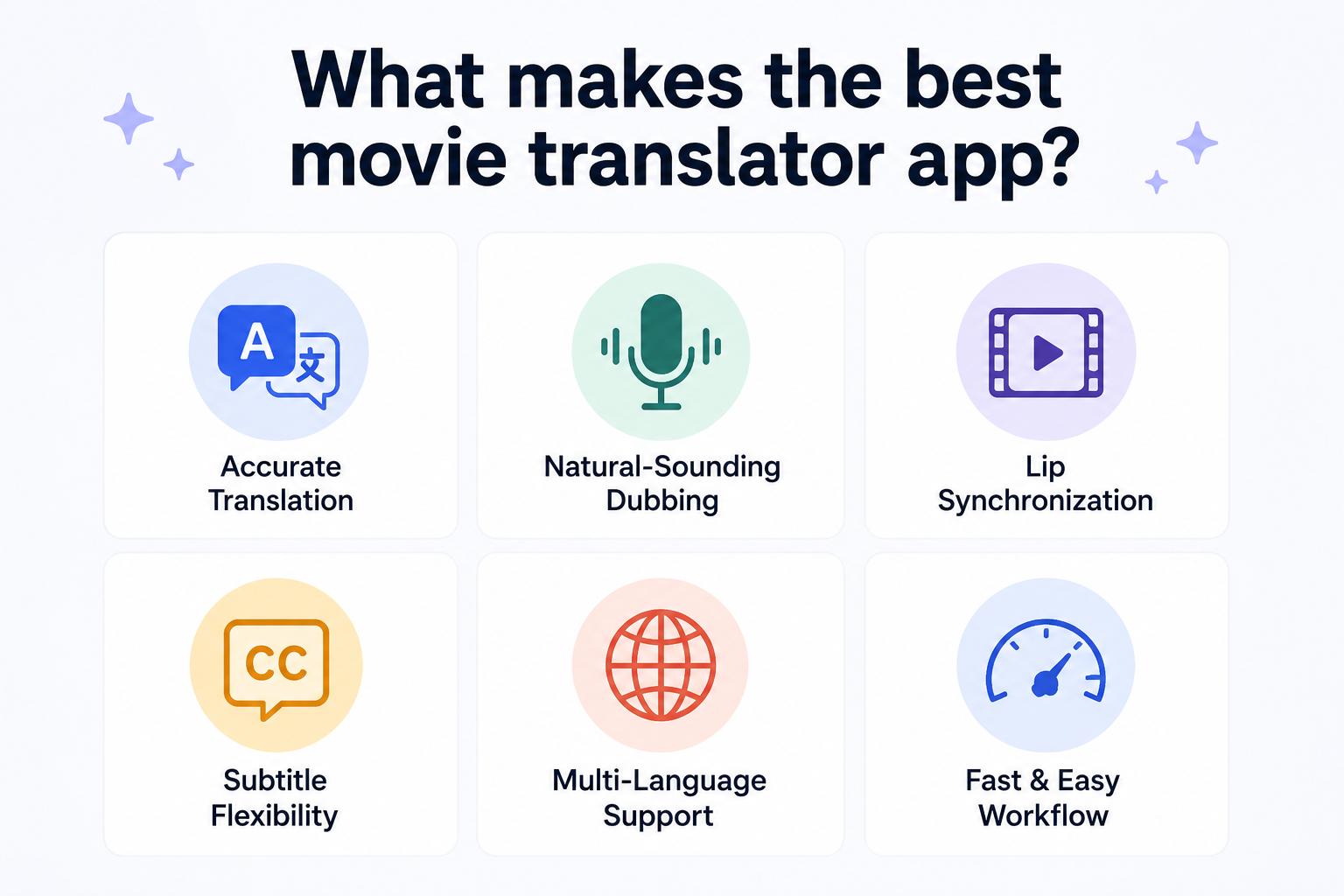
What makes the best movie translator app?
The introduction of AI has changed the game for movie translation, allowing a film to be localised into several languages more easily and quickly than ever before. A modern movie translation app can automate much of the process while maintaining quality, rather than requiring manual subtitle translation or dubbed audio recording.
When choosing the best app for translating movies, don't just look at the number of supported languages. Consider these core factors to match your workflow, audience, and content:
-
Translation Accuracy: The foundational factor that ensures your message isn't lost in translation.
-
Subtitle Editing Options: Look for control over timing, placement, styling, and formatting.
-
Voice Quality: Essential if you need clear, natural-sounding AI voices for voiceovers.
-
Export Formats: Ensure compatibility with your editing pipeline (e.g., SRT, VTT, or hardcoded video).
-
Ease of Use: The interface should save you time rather than introducing workflow friction.
-
Service Scope: Decide whether you just need basic subtitling or full dubbing and localization services.
Choosing the right movie translator app depends on your specific localization needs, budget, and preferred workflow. By evaluating the factors above, you can narrow down the options and find a solution that fits your projects. With these criteria in mind, let's compare the best movie translator apps available in 2026.
Best movie translator apps in 2026
AI has made translating movies much faster than traditional localization workflows. Whether you’re looking for subtitle translation, AI dubbing or full multilingual localisation, the right tool can save you time while delivering professional results. Here's how seven popular movie translator apps stack up and what they do best.
|
App |
AI Subtitles |
AI Dubbing |
Free Version |
Best For |
|---|---|---|---|---|
|
Vmake Labs |
Yes |
Yes |
Yes |
AI movie translation |
|
BlipCut |
Yes |
Yes |
Limited |
Video localization |
|
Immersive Translate |
Limited |
No |
Yes |
Online videos |
|
Maestra |
Yes |
Yes |
Trial |
Content creators |
|
Rask AI |
Yes |
Yes |
Trial |
Businesses |
|
Kapwing |
Yes |
No |
Yes |
Social media videos |
|
VEED |
Yes |
Limited |
Yes |
Quick subtitle editing |
-
Vmake Labs (Best AI movie translator app)
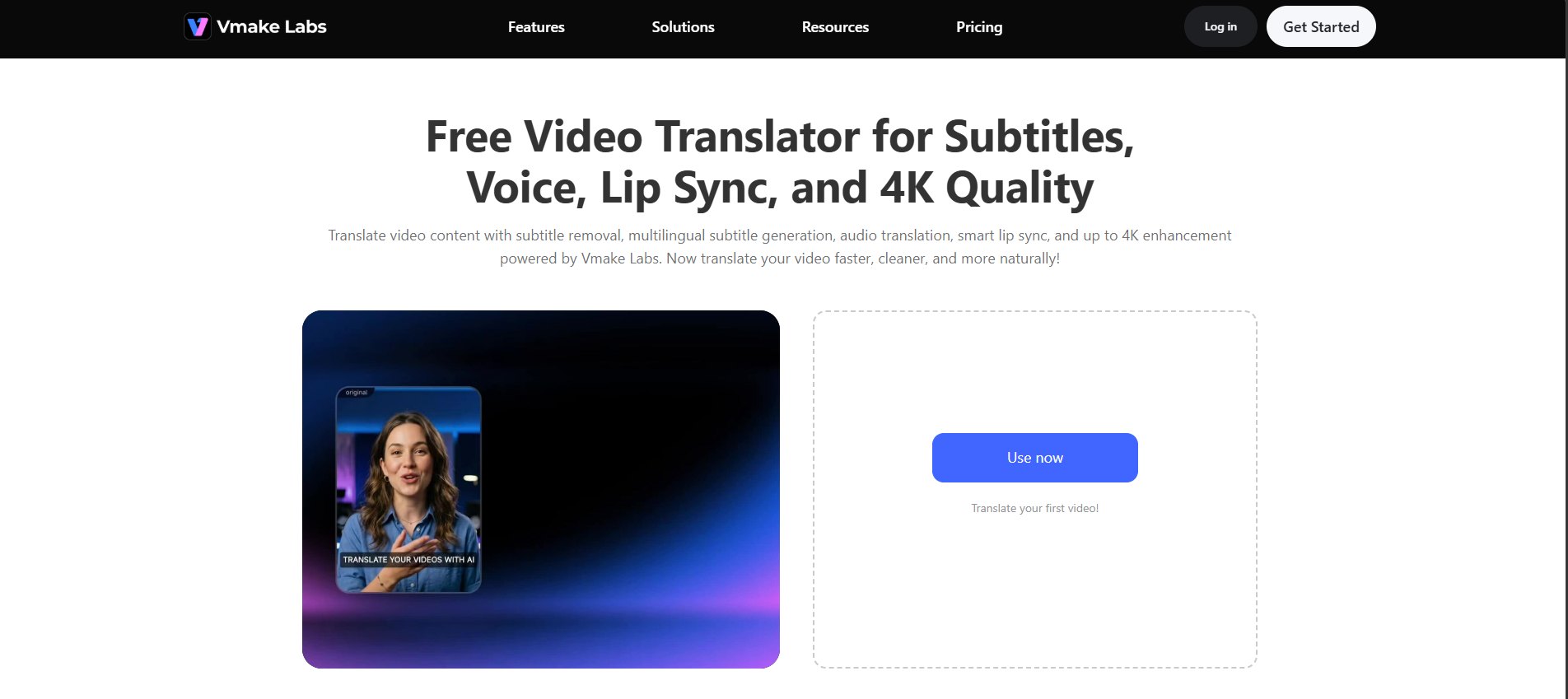
Vmake Labs is an all-in-one movie translator app designed for creators, educators, and businesses that need multilingual video localization. It combines subtitle translation, AI dubbing, voice cloning, lip synchronization, and video enhancement in one platform, making it easy to translate movies without switching between multiple editing tools.
Key features
-
All-in-one movie translation workflow: Translate movies from subtitle processing and language translation to AI dubbing, lip synchronization, and video enhancement without switching between multiple tools.
-
Flexible subtitle management: Remove original subtitles, generate translated subtitles, or add subtitles to dubbed videos based on your localization needs.
-
AI dubbing with voice translation and voice cloning: Translate dialogue, clone voices, and create natural-sounding dubbed audio while preserving the speaker's original style.
-
Intelligent AI lip synchronization: Automatically matches dubbed audio with on-screen lip movements to create a smoother and more natural viewing experience.
-
4K video enhancement: Improve translated movies with AI-powered video enhancement that upscales footage to up to 4K resolution.
Pros and Cons
|
Pros |
Cons |
|---|---|
|
|
Pricing
|
Plan |
Price |
|---|---|
|
Free |
$0 |
|
Plus |
$9.99/month |
|
Pro |
$29.99/month |
Bonus: How to Translate a Movie with Vmake Labs
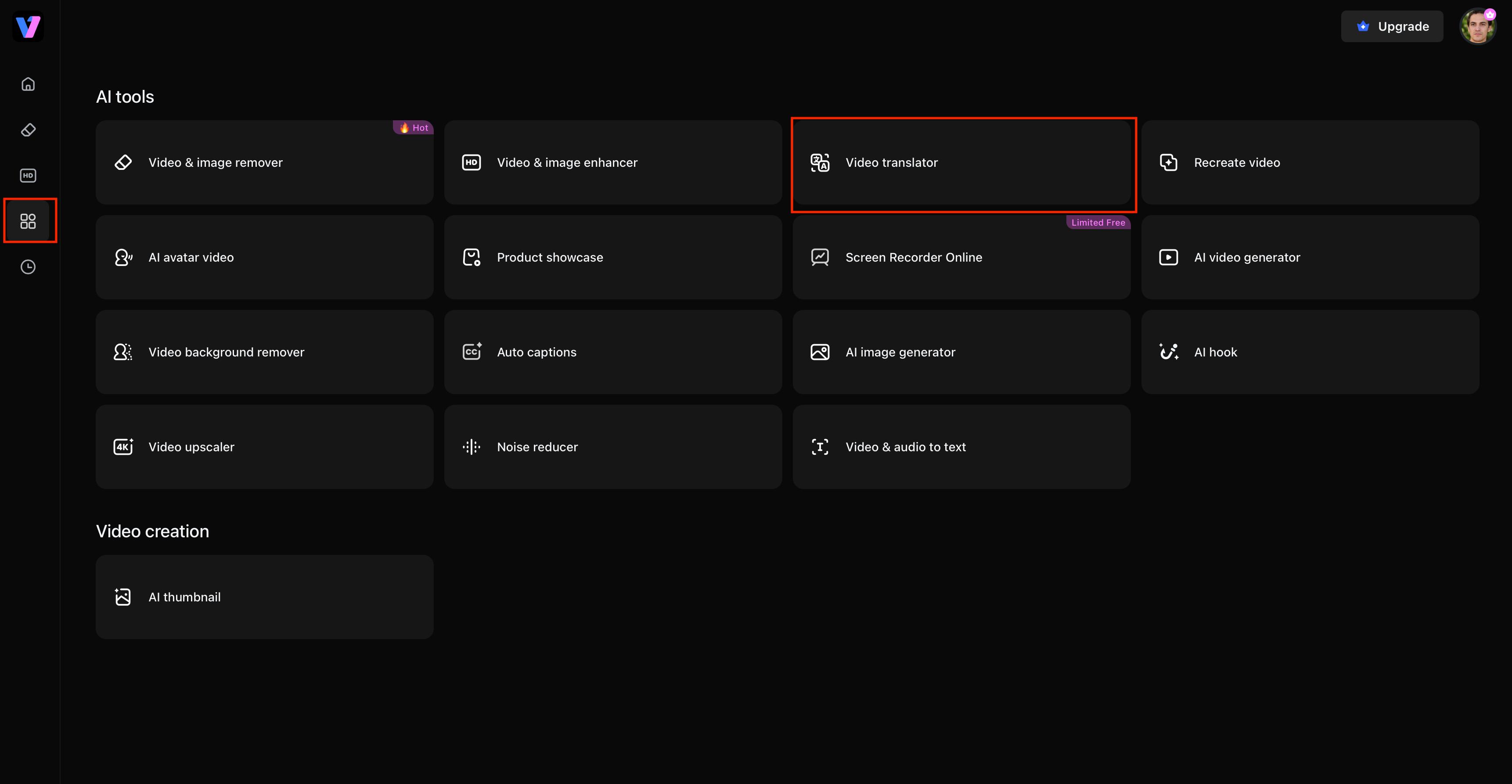
Step 1: Open Vmake Labs Video Translator and upload your video
Visit the Vmake Labs Video Translator and upload the movie or video you want to translate. The platform supports popular video formats and provides a simple interface, allowing you to begin your localization project without installing additional software.
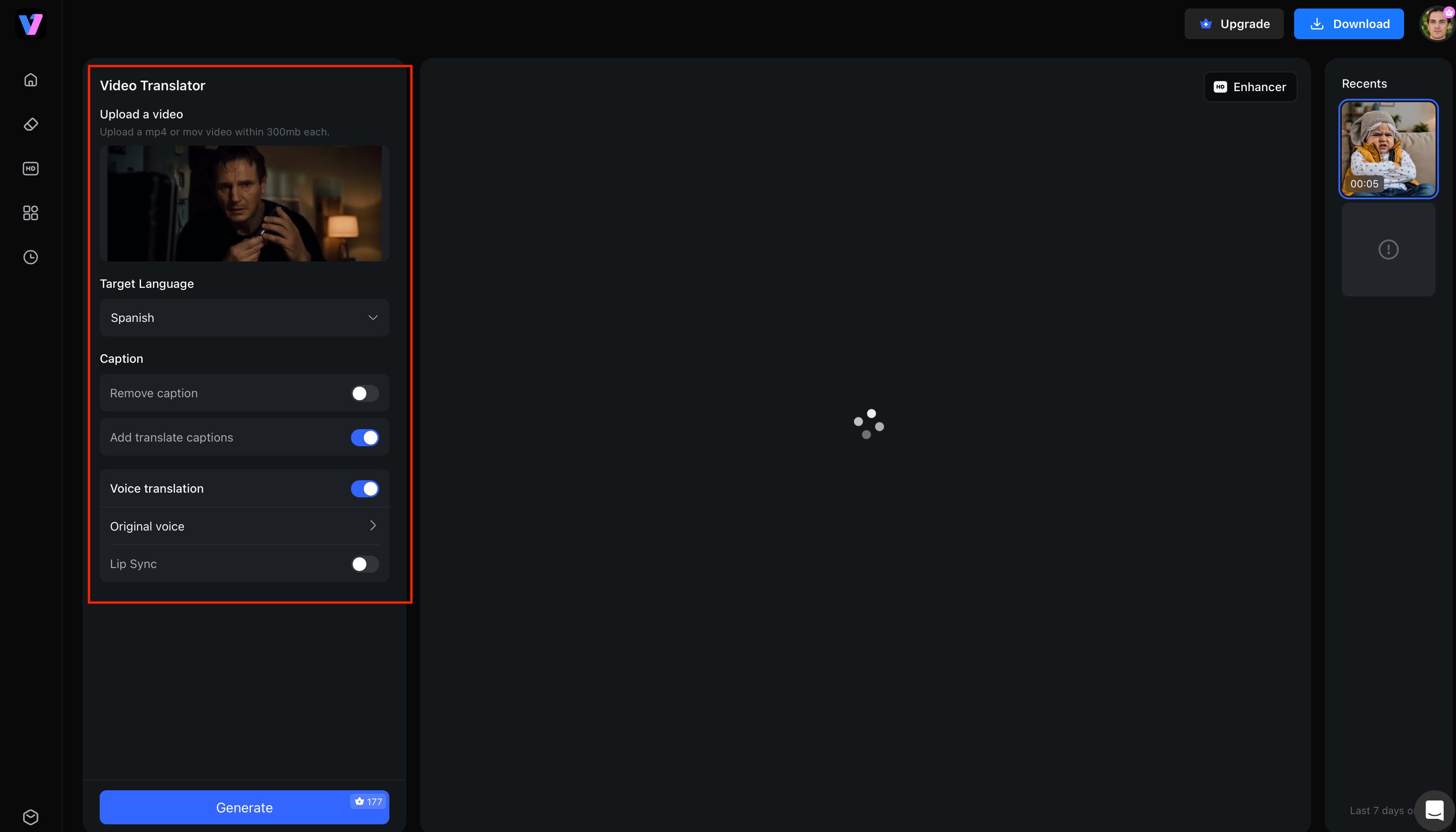
Step 2: Select the source and target language
Select the language of the video and the language you want to translate it into. You can enable subtitle translation, AI dubbing, voice cloning, lip synchronisation and more as per your project requirements.
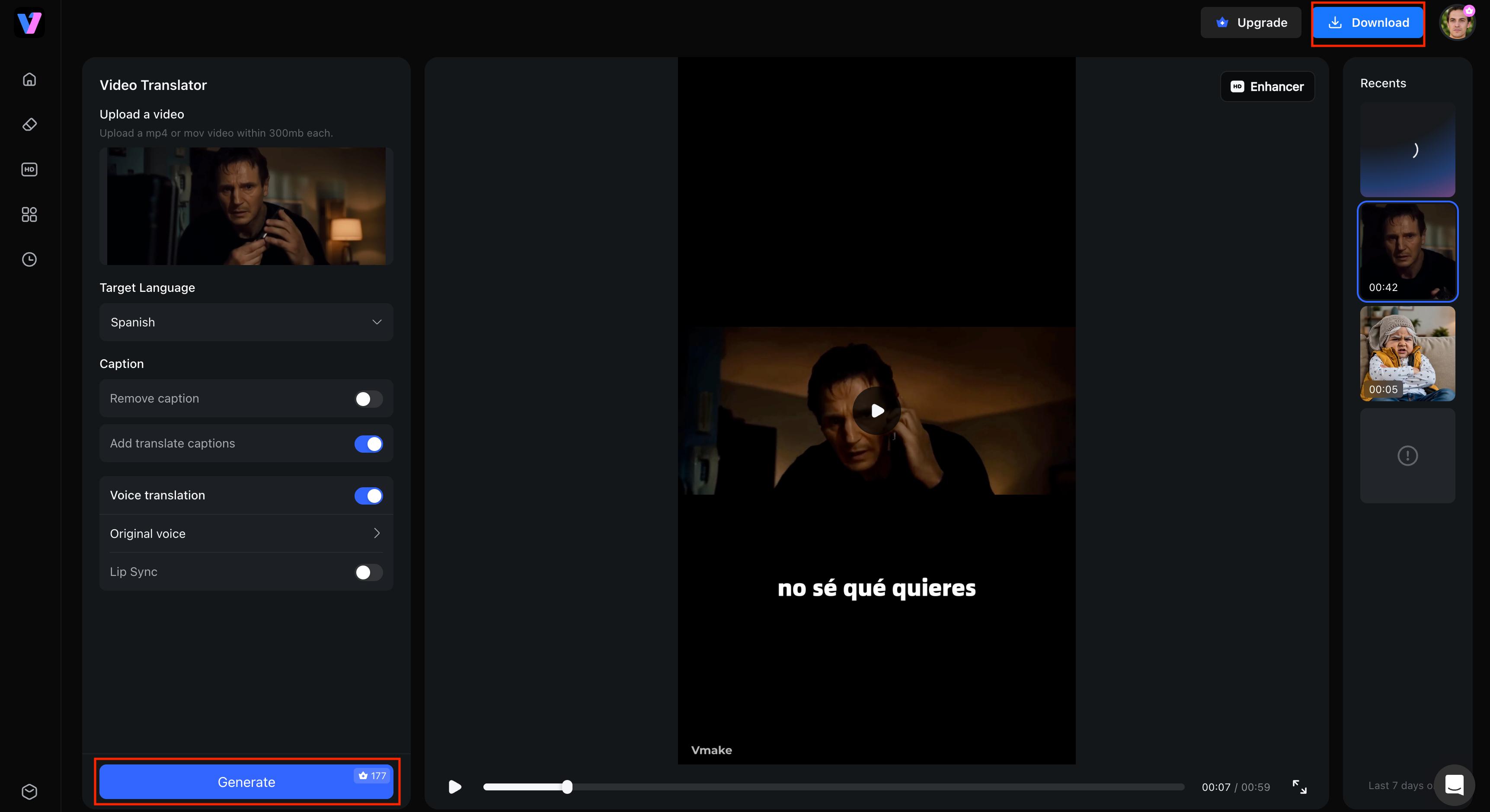
Step 3: Generate and export the translated movie
Click on Generate to start the translation. Once you have checked the translated subtitles, dubbed audio and lip synchronisation, export your localised movie in your preferred format for streaming, education, marketing or social media.
-
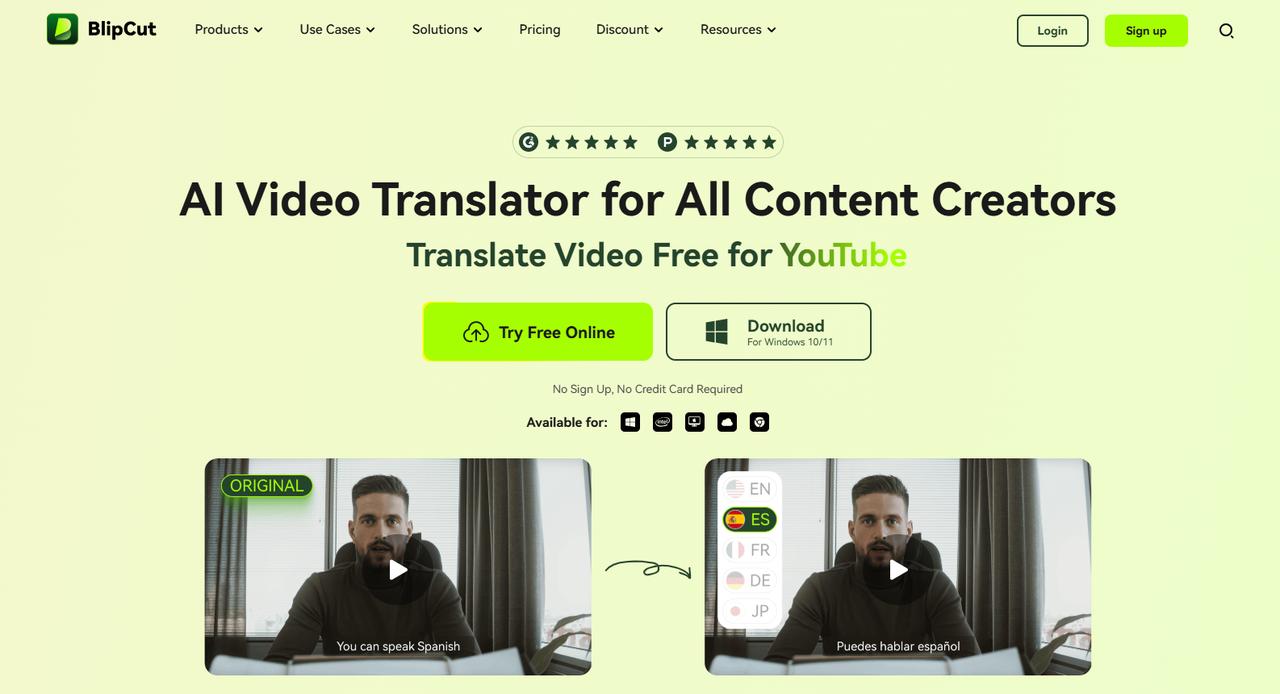
BlipCut
BlipCut is an AI-powered movie translator app that helps users to translate videos with subtitles and dubbed audio. It supports multiple languages and comes with AI voice translation, making it a practical option for creators, educators, and businesses that produce multilingual video content.
Pros and Cons
|
Pros |
Cons |
|---|---|
|
|
Pricing
|
Plan |
Price |
|---|---|
|
Free |
$0 |
|
Premium |
$25/month (billed annually) |
-
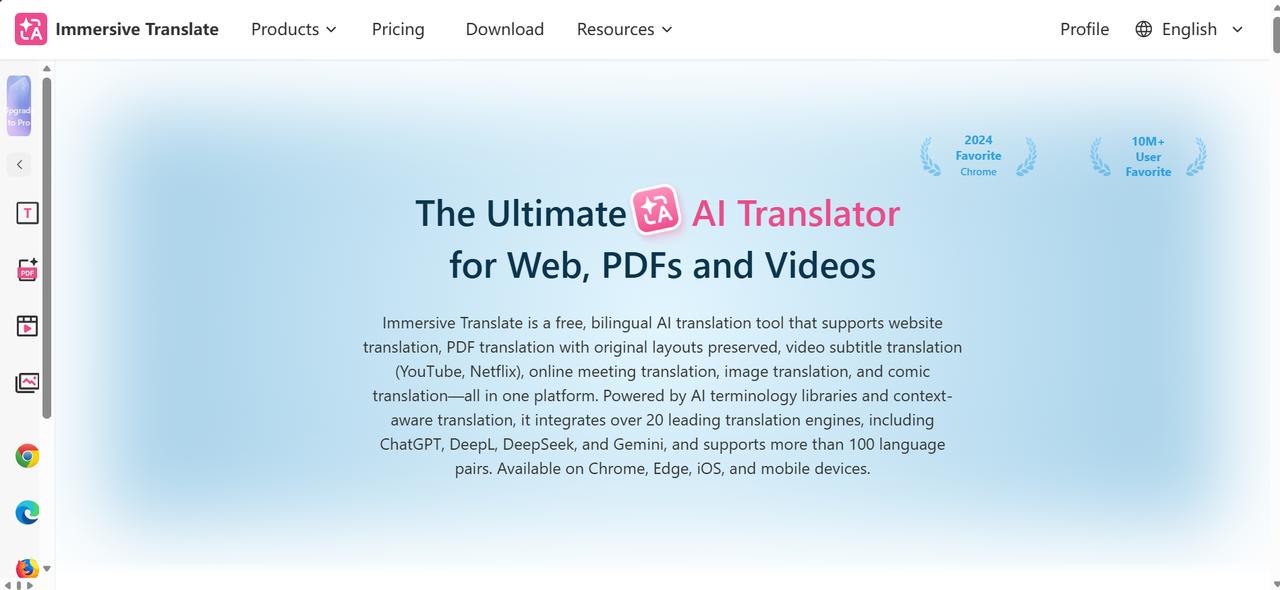
Immersive Translate
Immersive Translate is primarily designed for translating web pages, online videos, and bilingual subtitles. It’s not a full movie translator app, but it works well for users who want to understand foreign-language videos without downloading or editing them.
Pros and Cons
|
Pros |
Cons |
|---|---|
|
|
Pricing
|
Plan |
Price |
|---|---|
|
Free |
$0 |
|
Pro |
$9.99/month |
|
Max |
$19.99/month |
-
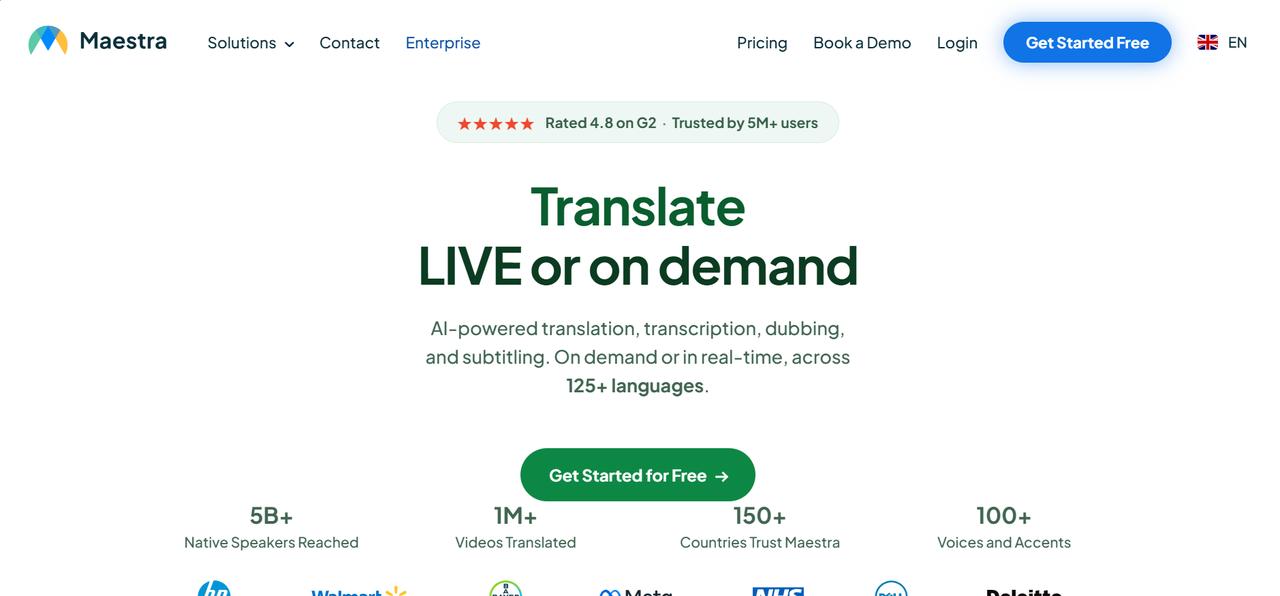
Maestra
Maestra is a cloud-based platform for subtitle generation, transcription, and AI dubbing. It is suitable for content creators, media teams, and businesses looking to localize videos with editable subtitles and multilingual voiceovers.
Pros and Cons
|
Pros |
Cons |
|---|---|
|
|
Pricing
|
Plan |
Price |
|---|---|
|
Free Trial |
$0 |
|
Pay-As-You-Go (5 hours) |
$29/month |
|
Pay-As-You-Go (10 hours) |
$49/month |
-
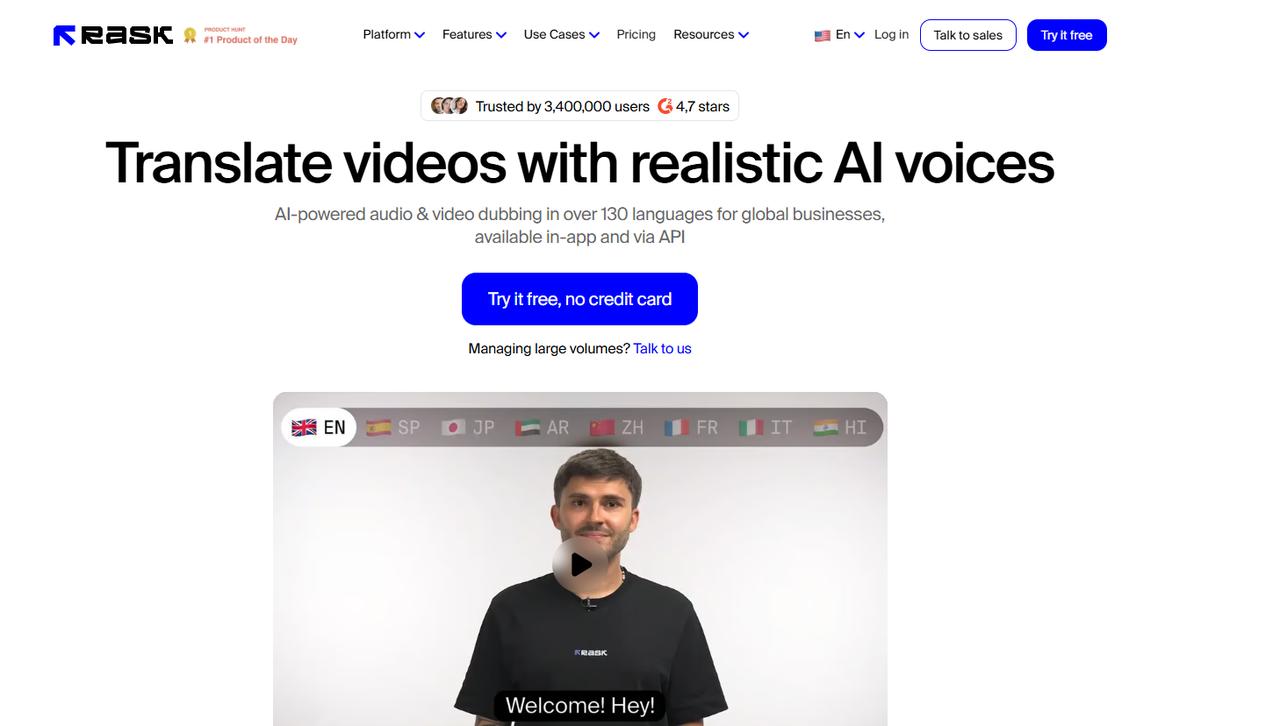
Rask AI
Rask AI is a movie translator app focused on multilingual video localization for businesses and creators. It combines AI translation, dubbing, voice cloning, and subtitle generation to help users distribute video content to international audiences.
Pros and Cons
|
Pros |
Cons |
|---|---|
|
|
Pricing
|
Plan |
Price |
|---|---|
|
Free Trial |
$0 |
|
Creator |
~$50–$60/month |
|
Creator Pro |
~$120–$150/month |
-
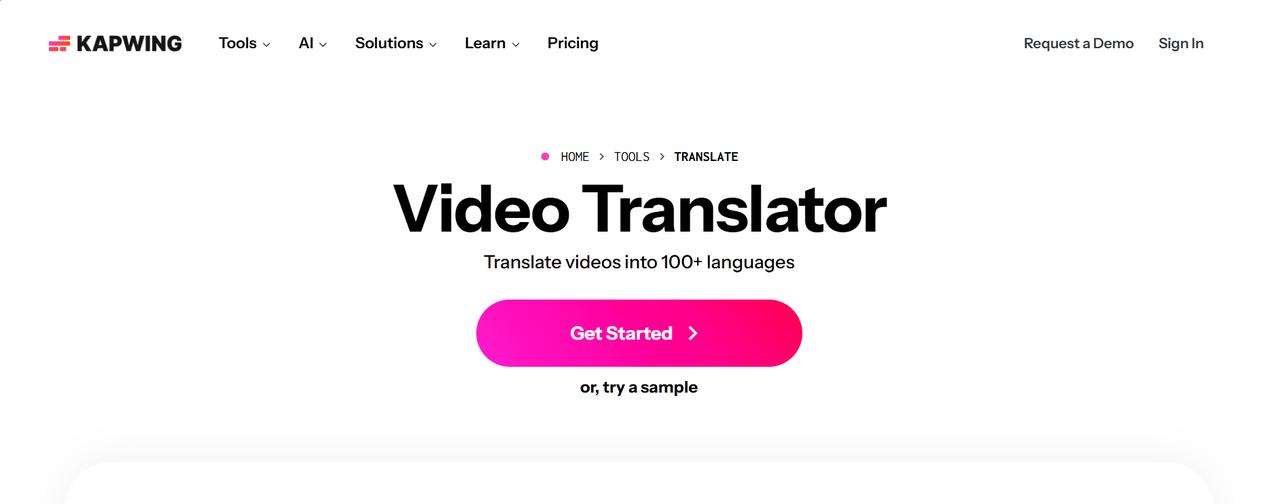
Kapwing
Kapwing is an online video editor with tools for AI-generated subtitles and translation. It’s not just a movie translator app, but it does help creators localise short films, marketing videos and social media content with editable subtitles and collaborative editing features.
Pros and Cons
|
Pros |
Cons |
|---|---|
|
|
Pricing
|
Plan |
Price |
|---|---|
|
Free |
$0 |
|
Pro (billed annually) |
$16/member/month |
|
Business (billed annually) |
$50/member/month |
-
VEED
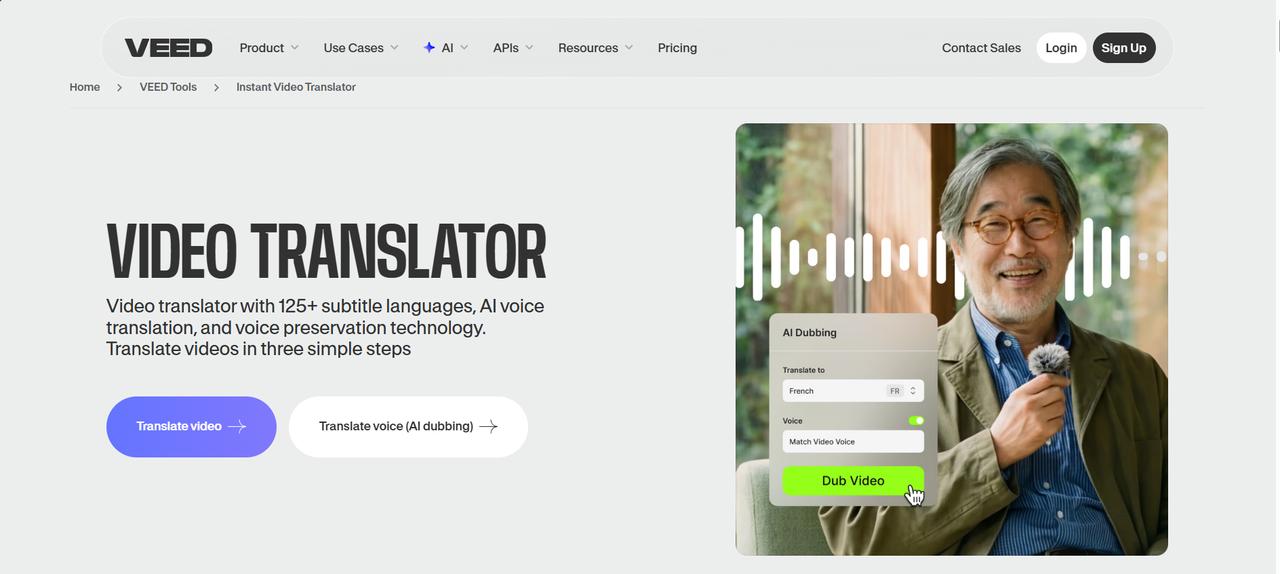
VEED is a web-based video editing platform with AI subtitle generation, translation, and basic dubbing capabilities. It is suitable for creators who want to translate videos quickly while making simple edits before publishing.
Pros and Cons
|
Pros |
Cons |
|---|---|
|
|
Pricing
|
Plan |
Price |
|---|---|
|
Free |
$0 |
|
Creator (billed annually) |
$10/user/month |
|
Pro (billed annually) |
$21/user/month |
Which movie translation app is best for your needs?
The best movie translator app depends on your workflow, budget, and localization goals. Some tools excel at AI dubbing, while others focus on subtitle translation or browser-based accessibility. Use the comparison below to find the right option for your projects.
|
Use Case |
Recommended App |
Why It's a Good Choice |
|---|---|---|
|
Best movie translator app for AI dubbing |
Vmake Labs |
Combines AI dubbing, voice cloning, lip synchronization, and subtitle translation in one workflow. |
|
Best app for translating movies with subtitles |
VEED |
Offers AI subtitle generation, translation, and easy subtitle editing. |
|
Best free movie translator app |
Immersive Translate |
Provides free subtitle translation for online videos and web content. |
|
Best app that translates movies for content creators |
Maestra |
Includes AI subtitles, dubbing, transcription, and collaboration features. |
|
Best app for movie translation for businesses |
Rask AI |
Supports multilingual video localization for training, marketing, and business communication. |
|
Best app for translating movies online |
BlipCut |
Browser-based platform with AI subtitles and dubbing for quick video translation. |
Common use cases for movie translator apps
Movie translator apps allow creators and businesses to make video content accessible to viewers everywhere. AI tools can translate dialogue, create subtitles and produce dubbed audio in multiple languages in minutes rather than creating separate versions manually.
-
Entertainment & Media: Translating foreign films for wider global distribution while preserving the original acting performances.
-
Education & Training: Localizing documentaries, educational courses, and corporate training videos for regional clarity.
-
Marketing & Branding: Adapting promotional campaigns to resonate with specific international target markets.
-
Social Media & Web: Enabling content creators to publish multilingual YouTube videos and social media content for global reach.
-
Film Festivals: Translating independent films and documentaries to make them accessible to international audiences and judges.
-
Streaming Platforms: Localizing movies and TV content with multilingual subtitles and AI dubbing for viewers worldwide.
Conclusion
The best movie translator app for you depends on your localisation goals, budget, and preferred workflow. Some are good at subtitle translation; others specialise in AI dubbing or full multilingual video production. Vmake Labs is a one-stop solution, offering subtitle translation, AI dubbing, voice cloning, smart lip-sync, and 4K video upscaling to speed up and simplify movie localisation. BlipCut, Maestra, Rask AI, Kapwing, VEED, and Immersive Translate all have their own strengths for other users too. Look carefully at the features and select the solution that best fits your content and audience.
FAQs
What is the best translation app for movies?
The best movie translator app depends on your needs. If you want an all-in-one solution for subtitle translation, AI dubbing, voice cloning, lip synchronization, and video enhancement, Vmake Labs is an excellent choice. Other apps may be better suited for subtitle-only or basic translation tasks.
Is there an app that translates movies with AI?
Yes. Many AI-powered tools can automatically translate movies by generating subtitles and dubbed audio in multiple languages. Vmake Labs simplifies this process with subtitle translation, AI dubbing, voice cloning, and lip synchronization, all from a single platform.
Which movie translator app supports AI dubbing?
AI dubbing is offered by some movie translator apps like Vmake Labs, BlipCut, Maestra, and Rask AI. Compare features like language support, subtitle editing, voice cloning, export quality and pricing to find the right fit for your localisation workflow.
Can AI translate movies into multiple languages?
Yes. Today's AI translation tools can translate movies into multiple languages, automatically generating subtitles and dubbed audio. Vmake Labs is also enhancing the localisation process with voice cloning, lip sync, and up to 4K video enhancement for better results.
What is the best app for translating movies with subtitles?
The best app for translating movies with subtitles depends on your needs. Some tools focus on automatic subtitle generation, while others offer subtitle editing, translation, and export options to help creators produce accurate multilingual videos for different audiences.

You May Be Interested
How to Transcribe a Video to Text: Guide to Accurate Transcriptions
Best AI Video Translator Tools in 2026: Compare Features, Accuracy & Pricing
Best Subtitle Translation Tools in 2026 Compared
How to Translate a Video Online for Free in 3 Simple Steps (2026 Guide)
How to Translate YouTube Videos to Any Language: 4 Easy Methods in 2026