Kapwing AI Video Generator Review: Is It Worth It in 2026?
Thinking about using Kapwing AI for content creation? This Kapwing AI video generator review explores its AI tools, pricing, feedback, and whether it's worth using over newer AI video generators like Vmake AI.

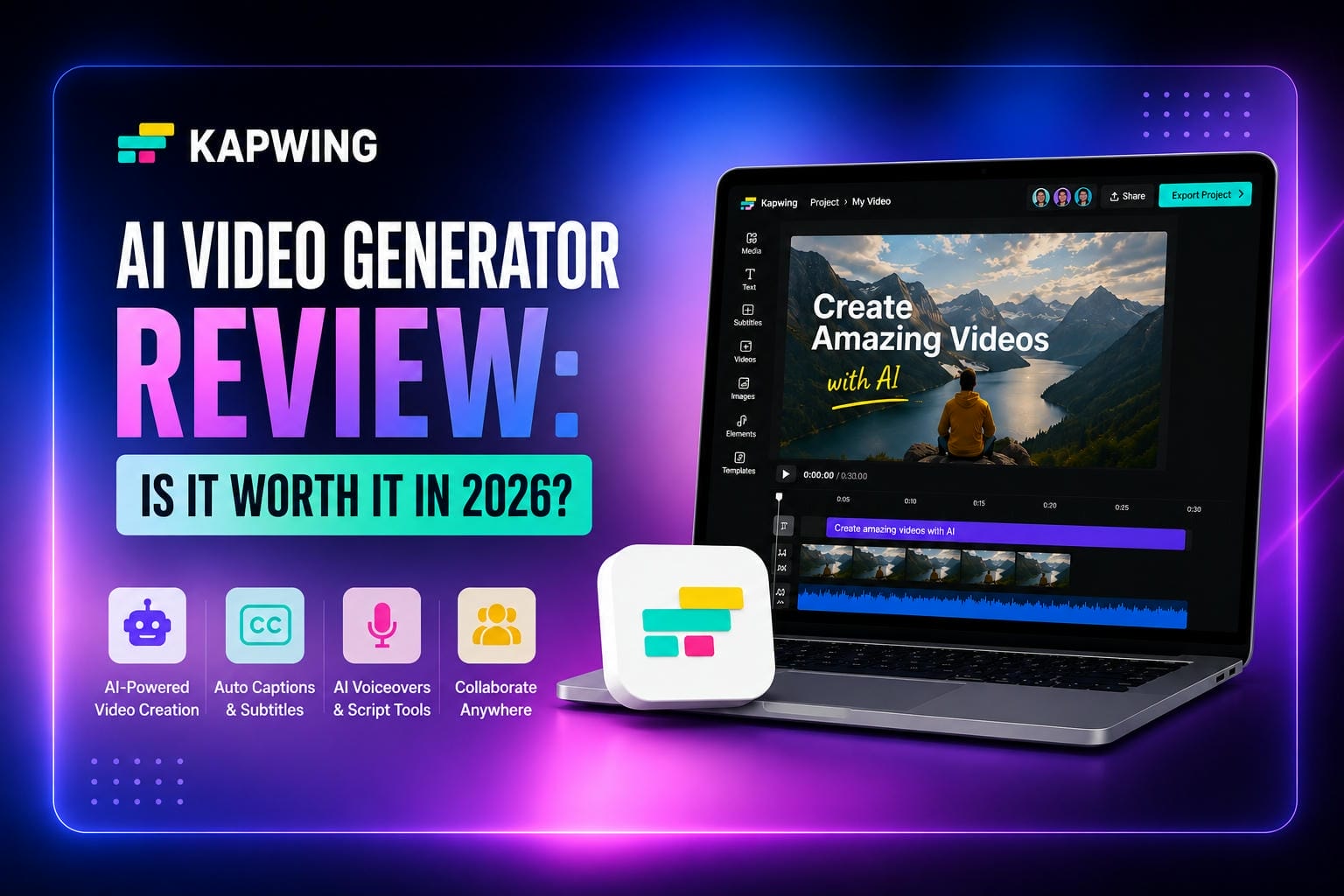
Kapwing is a popular online video editor, but how effective are its AI video generation tools? If you're considering the platform for the first time, this Kapwing AI video generator review covers its features, pricing, ease of use, strengths, and limitations to help you decide if it's worth using in 2026.
What Is Kapwing AI Video Generator?
Kapwing AI Video Generator helps users create videos from text prompts, scripts, articles, and other written content. Instead of manually searching for footage, building scenes, and adding captions from scratch, you can provide a prompt and let the AI generate an editable video draft. The platform automatically suggests visuals, scene layouts, captions, and other elements based on your input.
The biggest advantage is speed. Rather than starting with a blank timeline, users get a structured draft they can refine and customize. While Kapwing's AI generation tools aren't as advanced as some newer AI-first platforms, they can significantly reduce the time needed to create videos for social media, marketing, and educational content.
Key Features of Kapwing AI video generator
AI text-to-video generation
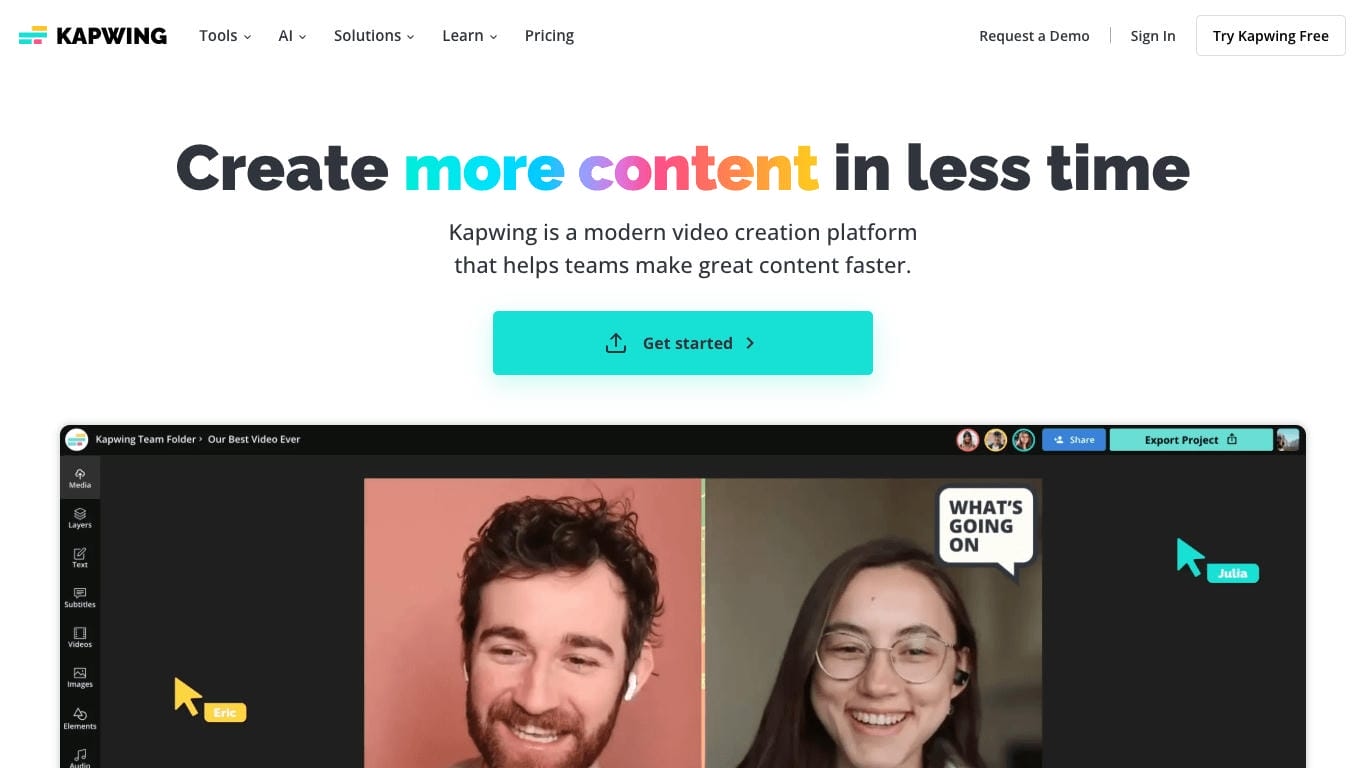
Kapwing's AI text-to-video generator can turn prompts, scripts, and articles into editable video drafts by automatically selecting visuals, generating captions, and arranging scenes. The tool helps users create videos quickly without starting from a blank timeline, making it especially useful for social media content, product promotions, and educational videos. While the generated results are generally polished and usable, they tend to follow a template-driven approach that prioritizes speed and convenience over highly customized AI-generated visuals.
AI-powered editing and automation
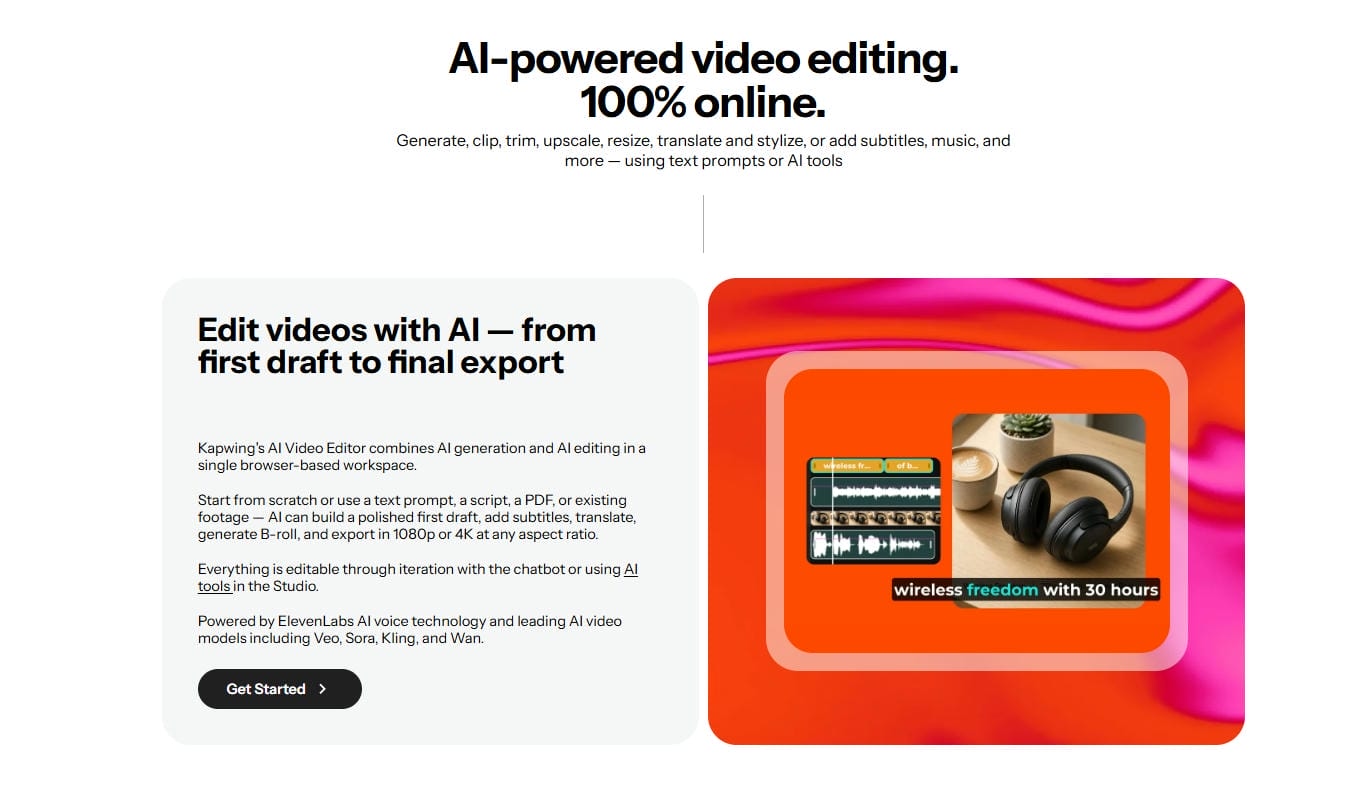
Beyond video generation, Kapwing includes AI tools designed to simplify the editing process. Features such as Smart Cut can automatically remove pauses from recordings to create tighter, more engaging videos, while AI-generated subtitles help improve accessibility and viewer retention. The platform also offers voiceover generation and audio enhancement tools that reduce background noise and improve speech clarity, helping creators produce professional-looking content with less manual work.
Content repurposing and workflow efficiency
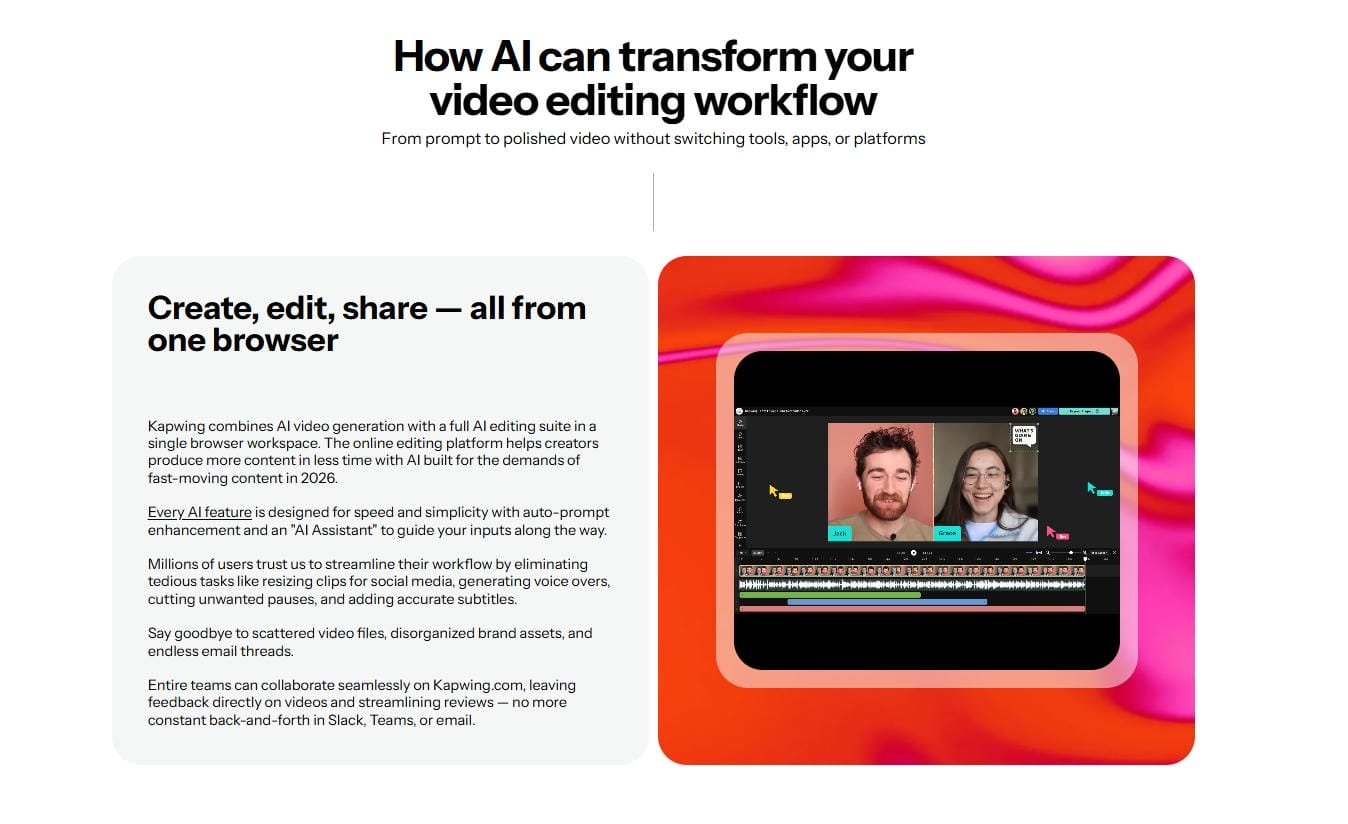
One of Kapwing's most practical AI capabilities is content repurposing. Users can transform longer videos, webinars, interviews, or podcasts into shorter clips suitable for platforms such as TikTok, Instagram Reels, and YouTube Shorts. Combined with cloud-based editing and collaboration features, this workflow makes it easier for creators and teams to produce and distribute content across multiple channels.
Typical use cases
-
Social media content creation: Create videos for TikTok, Instagram Reels, YouTube Shorts, Facebook, and LinkedIn using AI-generated drafts, captions, and templates.
-
Product and marketing videos: Turn product descriptions, promotional scripts, and marketing content into videos with stock visuals, voiceovers, and text overlays.
-
Educational and explainer videos: Produce tutorials, training materials, and educational content using AI-generated captions, voiceovers, and editing tools.
-
Podcast and long-form content repurposing: Convert podcasts, webinars, interviews, and longer videos into shorter clips optimized for social media distribution.
How to Use Kapwing AI Video Generator
Getting started is quite simple. Even users with minimal editing experience can typically work their way through the platform without too much difficulty.
Step 1: Open Kapwing AI video generator
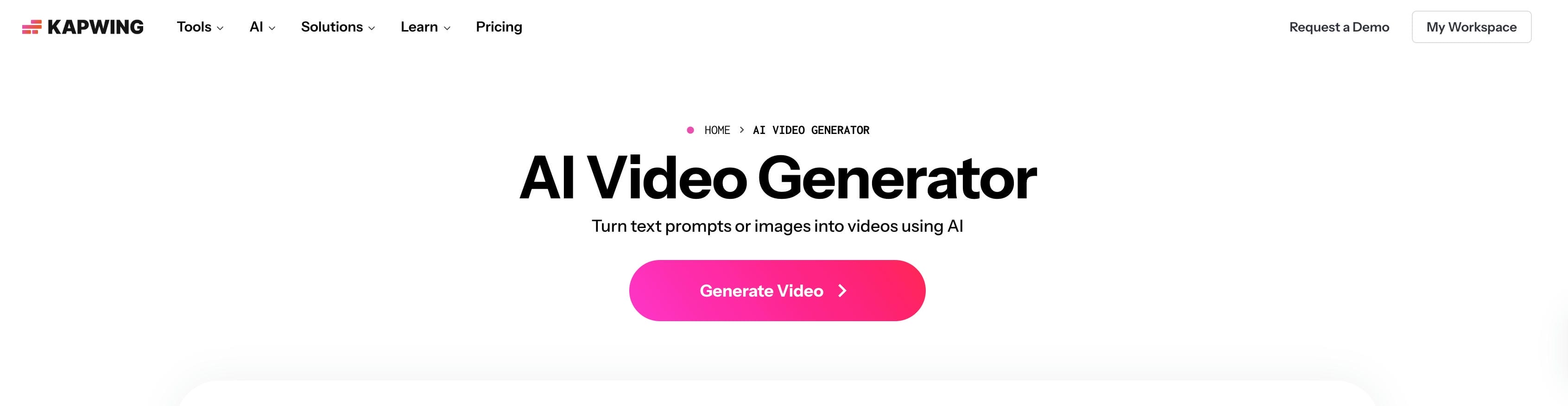
Go to the Kapwing website, sign in to your account, and open the dashboard. From there, select the AI Video Generator tool and start a new project. The platform features a clean, intuitive interface that makes it easy for first-time users to navigate and begin creating videos with minimal effort.
Step 2: Enter prompt or script
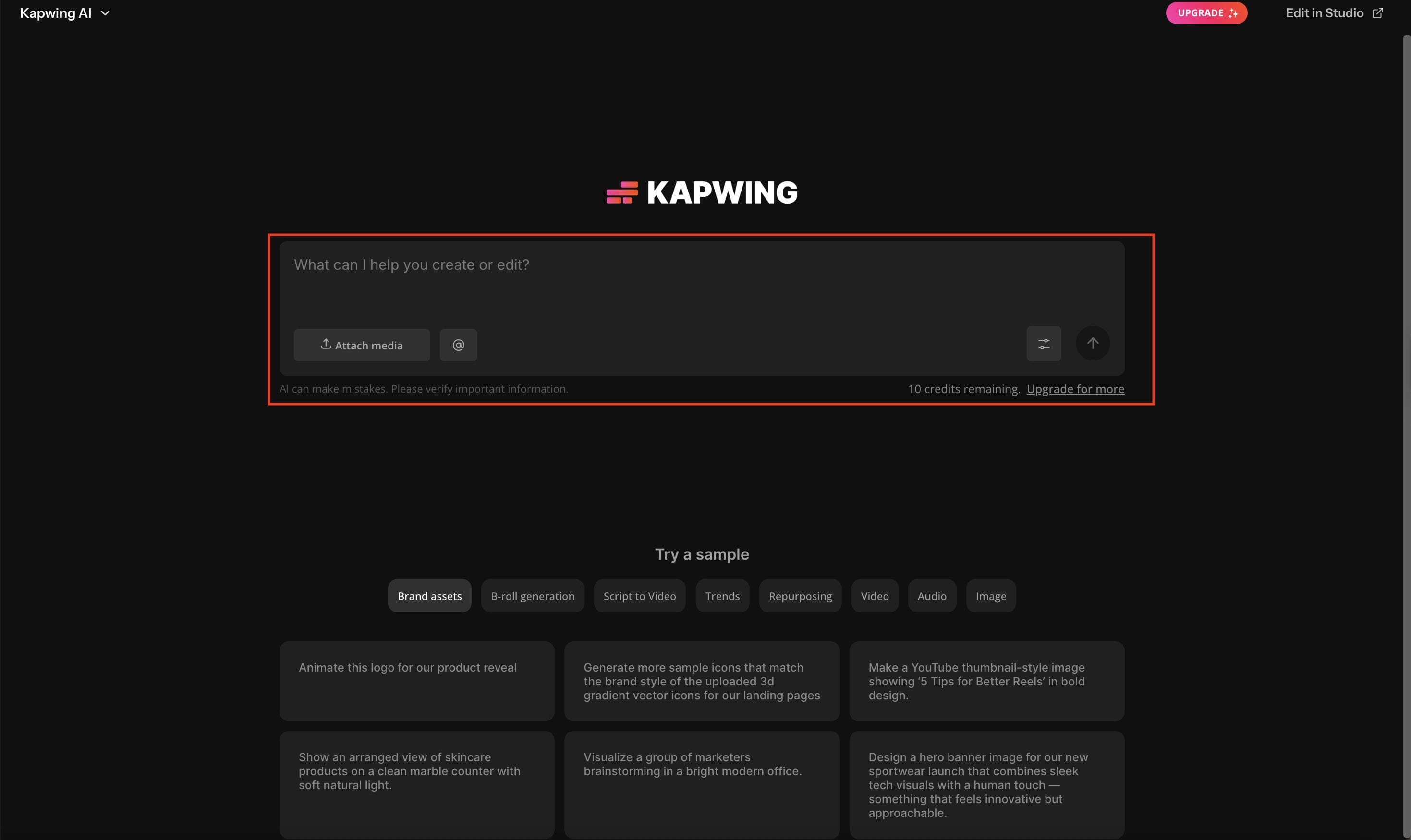
Enter a prompt, article, script, or content description, and Kapwing will analyze the text to generate a video draft automatically. The platform can suggest visuals, scene layouts, captions, and video structure based on your input, helping speed up the creation process. As with most AI video generators, providing a detailed prompt typically leads to more accurate and relevant results.
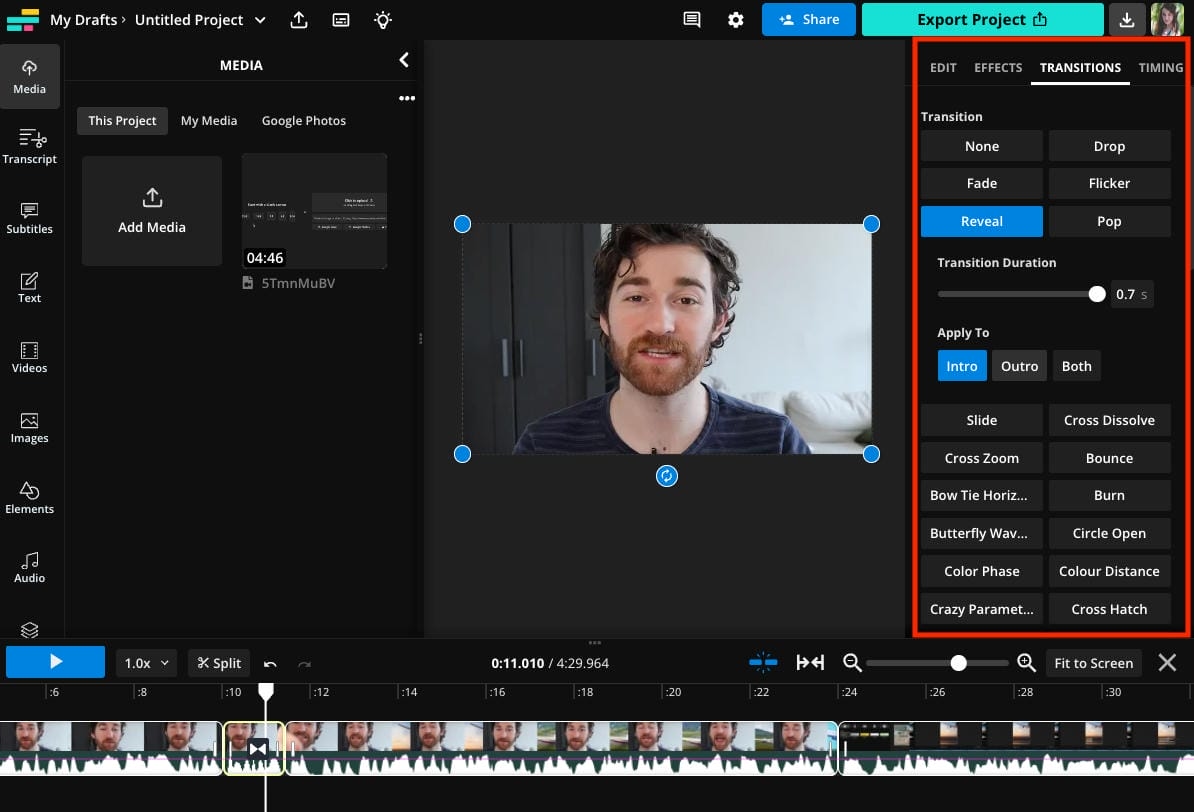
Step 3: Edit video elements
Once the draft is generated, you can refine the video by replacing media, adjusting scene timing, editing captions, updating text overlays, adding voiceovers, and reorganizing content as needed. This stage usually takes the most time, but Kapwing provides enough flexibility and control to help you create a more polished and personalized final video.
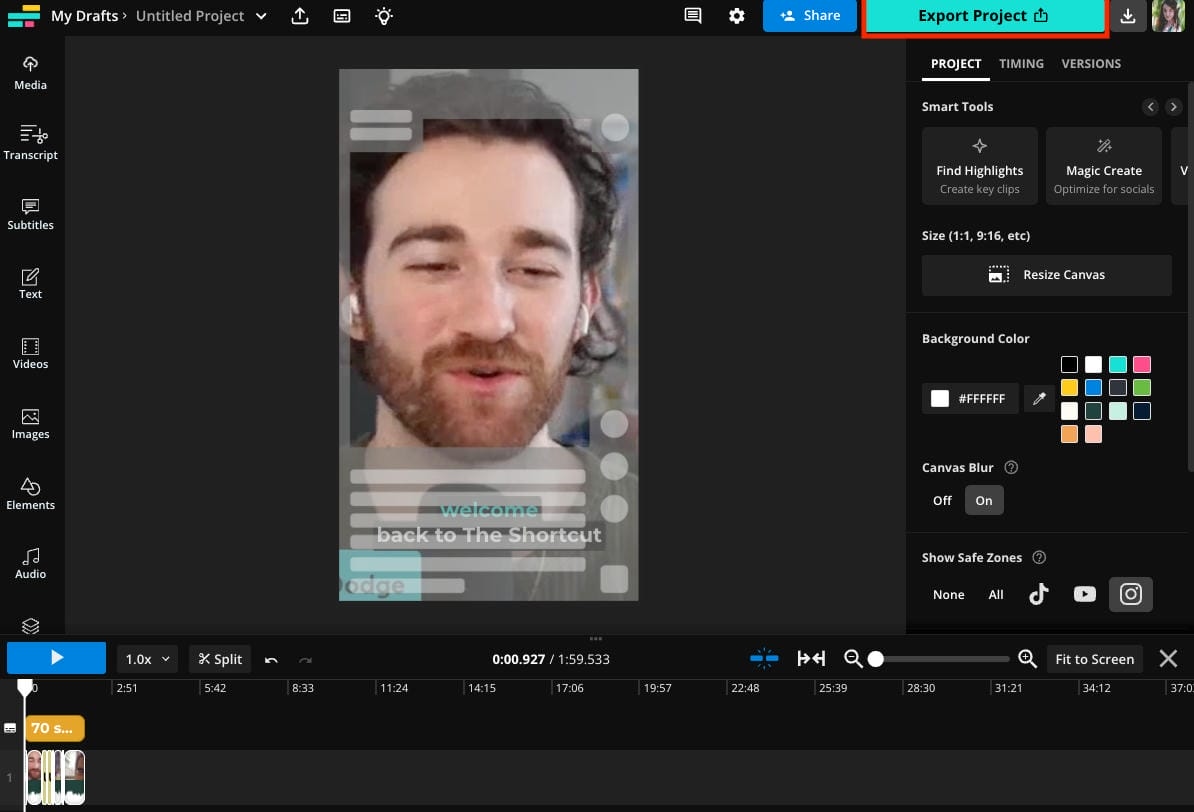
Step 4: Export final video
When you’re finished editing, export the video. The export options are determined by your subscription plan. Free users may experience watermarks or restrictions, whereas paid plans provide higher resolutions and more features.
Rendering speeds are quite reasonable overall, although, of course, bigger projects take longer to process.
Pricing, Pros & Cons of Kapwing AI Video Generator
Pricing is important before you choose any platform. Kapwing offers a variety of subscription levels for various kinds of users.
Pricing
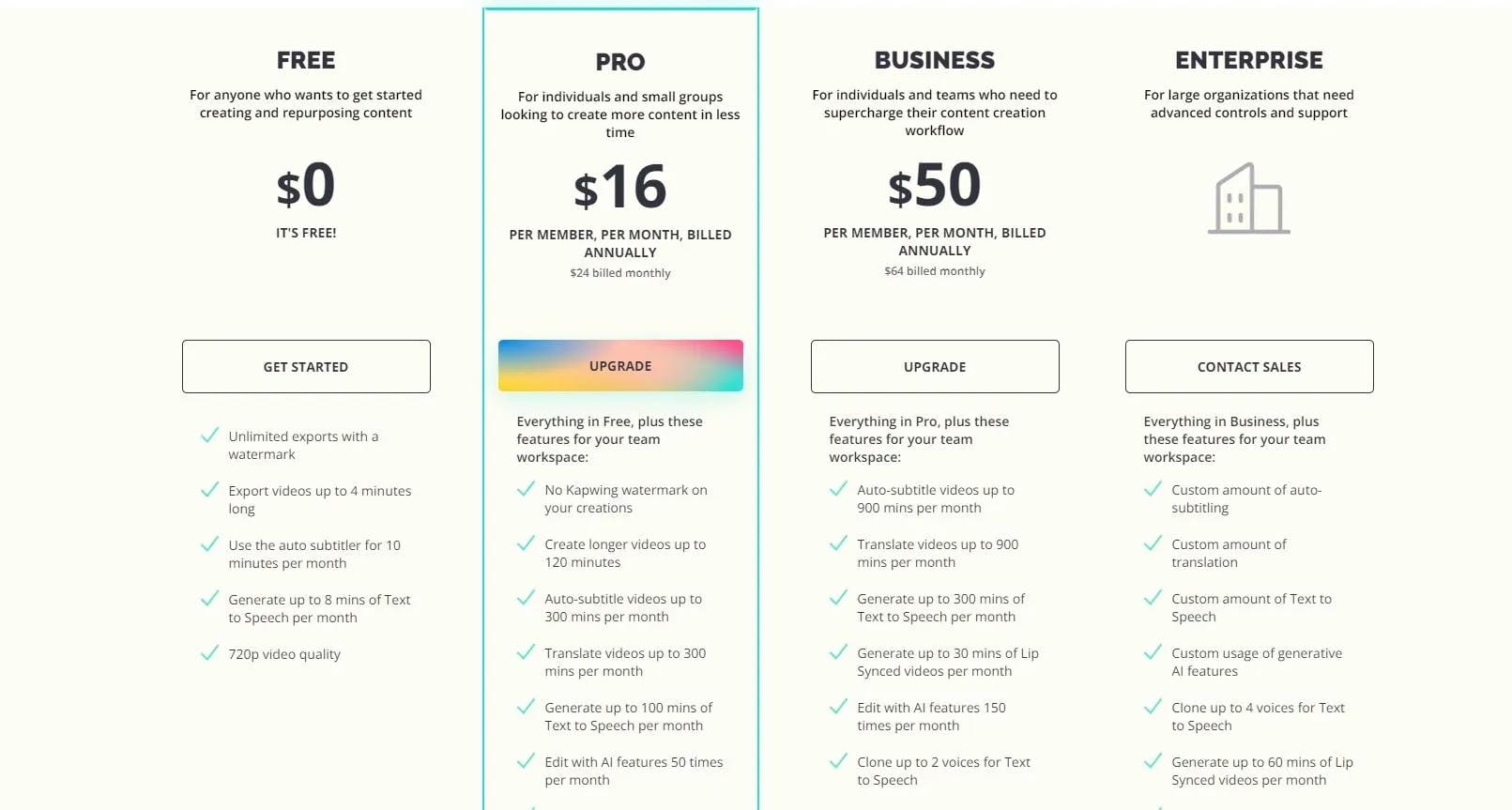
|
Plan |
Price |
Key Features |
|---|---|---|
|
Free Plan |
Free |
Basic editing tools, limited exports, and limited AI features |
|
Pro Plan |
From ~$16/month |
No watermarks, more AI tools, higher usage limits |
|
Business Plan |
Starting from $50/month per user |
Team management and collaboration tools |
|
Enterprise Plan |
Custom pricing |
Workflow controls, support, and security at the enterprise level |
Benefits
-
Easy to use for beginners: The editor is easy to understand, even for people with little previous video editing experience.
-
Fast online editing: Everything is in the browser, so users can start creating content right away without downloading any software.
-
AI captioning and script assistance: Captioning and script assistance save you from repetitive editing tasks.
-
Robust subtitle features: Captioning continues to be a much-loved feature among creators on the platform.
-
Team collaboration support: Shared workspaces make it easier to manage team projects.
-
Access Anywhere: Since the storage is cloud-based, you can access your projects from multiple devices.
Drawbacks
-
Free plan watermark: Watermarks could be a hindrance to professional content on the free plan.
-
Limited depth of AI generation: The outputs generated may not be as sophisticated as those generated by newer AI-centric platforms.
-
Credit limits: Some heavy users may reach limits periodically depending on their subscription.
-
Not great for pro editors: This platform is a bit lacking in the editing department for those looking for more detailed controls.
-
Template-heavy workflow: The output sometimes feels like it was written based on templates.
-
More expensive for higher plans: Team-based plans might not be suitable for every creator's budget.
Kapwing is easy to use and offers a good mix of editing, automation, and collaboration features. However, its AI video generation tools can feel more limited than those of platforms built specifically for AI-powered creation. If generating high-quality videos with advanced AI models is your main goal, Vmake AI is worth exploring. Unlike Kapwing, which focuses heavily on editing workflows, Vmake AI puts AI video generation at the center of the experience.
Meet Vmake AI: A powerful alternative to Kapwing AI video generator
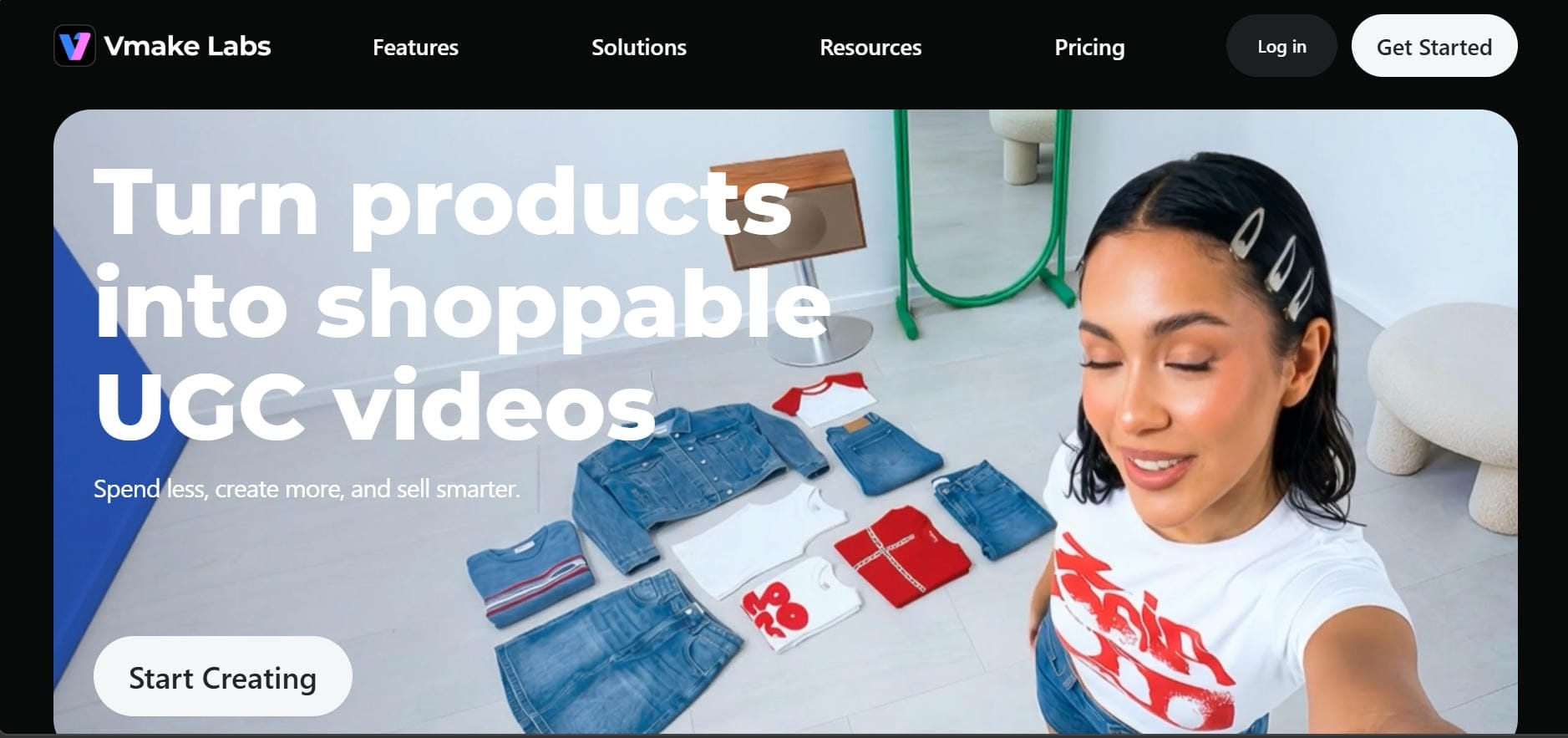
AI video platforms continue to advance, and many creators now prefer tools designed specifically for AI-powered video generation rather than traditional editing. Vmake AI focuses on helping users create high-quality videos quickly while enhancing visual quality through automated AI processing. By prioritizing generation speed, output quality, and ease of use, it offers a streamlined workflow that can be especially valuable for creators producing content at scale.
Key features of Vmake AI Video Generator
-
Multiple AI video generation modes: Create videos from text prompts, reference images, first and last frame images, built-in effects, or existing videos using text-to-video, image-to-video, and video-to-video workflows.
-
Access to leading AI video models: Choose from popular AI models such as Seedance 2.0, Sora 2, Kling 3.0, Veo 3.1, Hailuo 2.3, Vidu Q2, and Wan 2.2 to generate videos that match your creative needs.
-
Flexible duration and resolution options: Generate videos ranging from 2 to 15 seconds with support for multiple resolutions, including high-quality outputs suitable for professional projects.
-
Simple and beginner-friendly workflow: The platform is designed for ease of use, allowing users to generate videos in just a few steps without requiring advanced editing skills.
-
Versatile creative applications: Create e-commerce promotional videos, social media content, cinematic scenes, animated concepts, product showcases, and other creative video projects from a single platform.
How to generate videos using Vmake AI
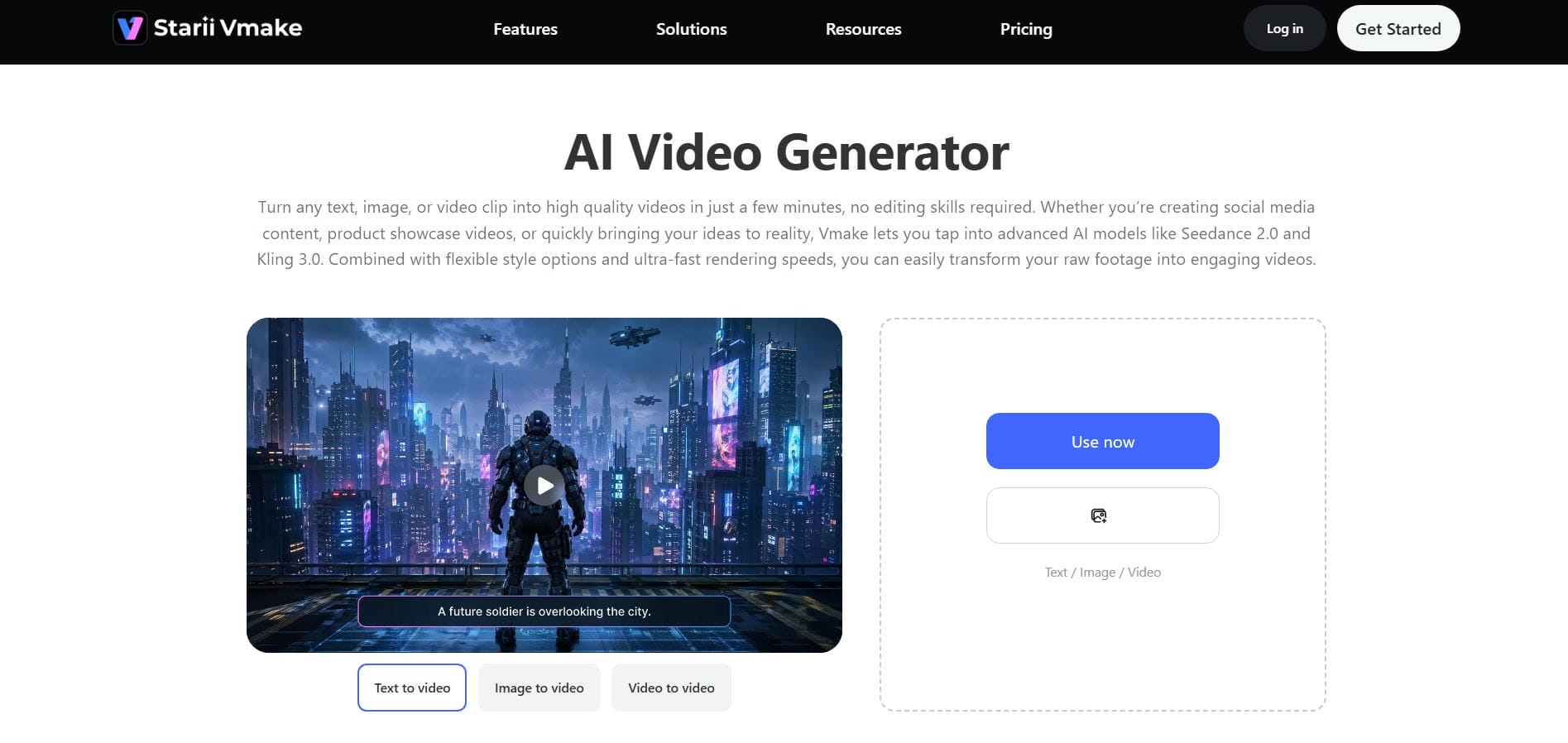
Step 1: Open the AI video generator
Go to the Vmake AI platform and find the AI Video Generator section. The interface is really about creation and generation, not traditional editing controls.
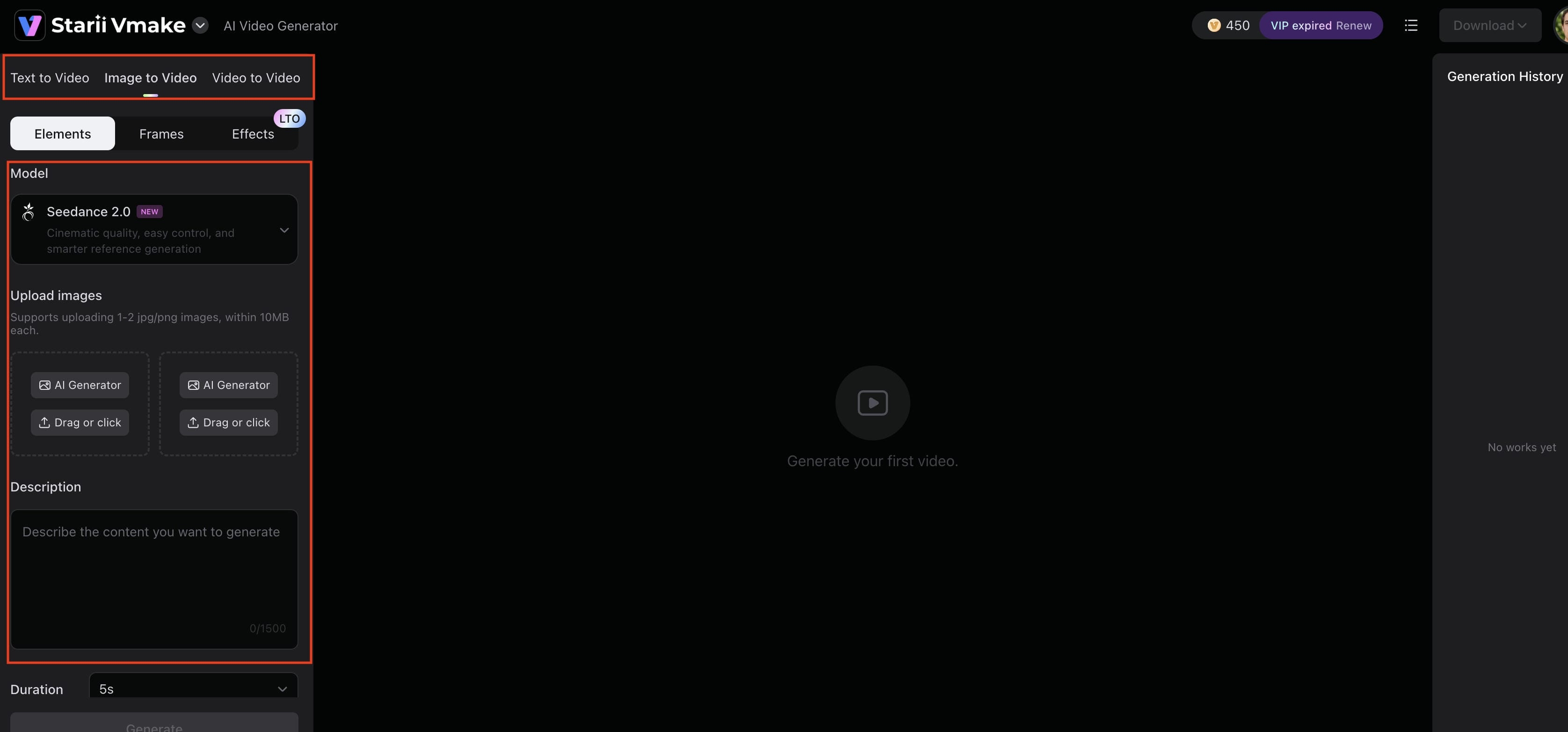
Step 2: Enter prompts and generation settings
Describe the video you would like to make. Change the settings as needed, add prompts, and select from the available style options. Good instructions usually lead to better results.
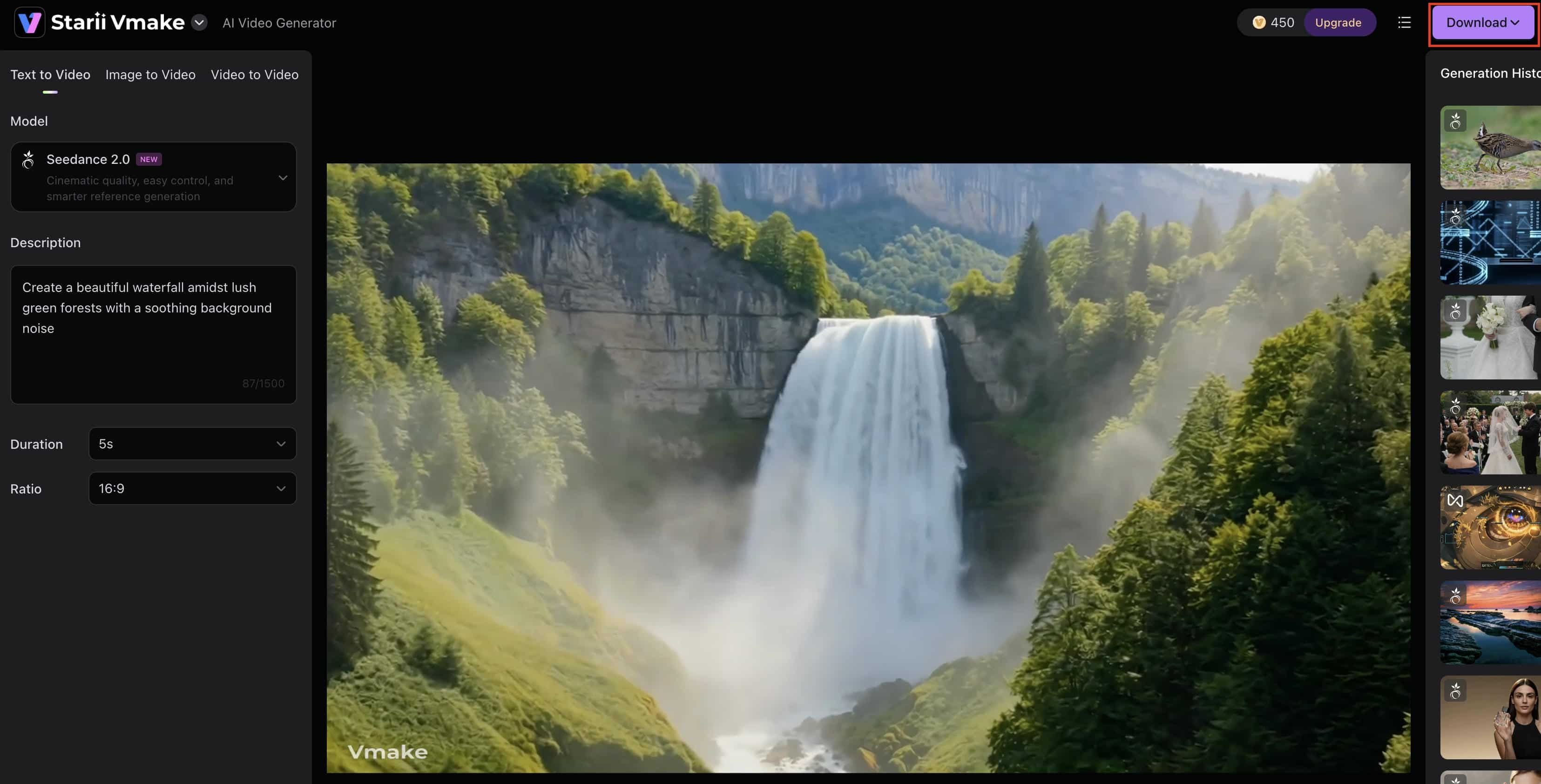
Step 3: Generate, preview, and export the final video
Generate the video using the platform. When the processing is done, review the output, make any needed adjustments, and export the finished project. This streamlined workflow helps save time and makes video production faster and more convenient.
Kapwing AI Video Generator vs Vmake AI
Kapwing and Vmake AI are often mentioned together, but they are solving different problems. Kapwing is very much a tool for editing, collaboration, and content workflows. Vmake AI is more about generation quality and AI-powered enhancement.
|
Feature |
Kapwing AI Video Generator |
Vmake AI Video Generator |
|---|---|---|
|
Core focus |
Browser-based AI video editing and simple content creation |
AI-powered video generation and enhancement |
|
Ease of use |
Beginner-friendly, template-driven workflow |
Simple but more focused on AI-driven results |
|
AI video generation |
Basic text-to-video capabilities |
More advanced AI video generation and enhancement tools |
|
Editing flexibility |
Strong traditional editing tools with AI add-ons |
Lightweight editing with a strong AI enhancement focus |
|
Output quality |
Good for social media content |
Higher-quality output with enhancement features |
|
Speed |
Depending on project complexity |
Generally faster AI processing |
|
Best for |
Quick edits, social content, teams |
Creators need better AI video quality |
In a nutshell, Kapwing is a strong choice for creators and teams that prioritize editing, collaboration, and content production within a familiar workflow. Vmake AI, on the other hand, is better suited for users who want AI-powered video generation to be the core of the creative process. The right choice ultimately depends on your workflow: Kapwing excels as an editing-first platform with AI features built in, while Vmake AI focuses on delivering more advanced AI generation capabilities and greater flexibility for creating videos from prompts and visual inputs.
Conclusion
Kapwing is still a good option for creators who want to use a browser-based editor with AI features built into their workflow. The strengths are quite evident: consistent generation of subtitles, easy-to-use editing tools, collaborative workspaces, and a low barrier to entry for beginners.
The AI generation capabilities, however, don’t always feel quite as advanced as newer platforms that are built specifically for video creation.
Kapwing still offers a lot for users who like to do hands-on editing and structured workflows. If you want more powerful AI-generated visuals, faster automation, and higher-quality outputs, Vmake AI might be a better option in 2026.
FAQs
Is the Kapwing AI video generator free?
Yes. You can try out basic editing tools and some AI features on Kapwing’s free plan. Some exports are watermarked. Usage restrictions apply. If you need an alternative, Vmake AI also offers AI-based video creation tools that come with different features and workflows.
What is Kapwing AI text-to-video generator?
Kapwing AI text-to-video generator is a tool that transforms scripts, articles, prompts, and other written content into editable video drafts. It automatically adds visuals, captions, and scene suggestions, helping creators produce videos faster with minimal manual editing.
Can Kapwing create videos from prompts?
Yes. Users enter prompts about the content they are looking for, and Kapwing automatically builds video structures, recommends media, and supplies supporting elements. Creators can also try Vmake AI for prompt-based video creation to get more AI-powered generation.
Does Kapwing add a watermark to videos?
Yes, Kapwing places a watermark on films generated and exported under their free plan. This is a limitation with free video editing and AI video production programs in general. Paid plans remove the watermark and enable extra export options and features
Is Kapwing Easy to Use for Beginners?
Yes, the user-friendly platform is an excellent choice for those with little editing expertise. Vmake AI is likewise beginner friendly but its workflow is more centered around AI powered generation and enhancement rather than traditional editing.
Is Vmake AI better than Kapwing for AI video editing?
If the user is primarily interested in the quality of AI-generated video and automation, Vmake AI has more advanced generation capabilities. If you want to edit your videos freely and use collaborative features on top of AI tools, then Kapwing is still a good option.

You May Be Interested

AI TikTok Video Generator | Create High-Quality AI Videos

Best AI Video Generator: Top Tools Tested (2026)
Viggle AI Video Generator Review & Top 2026 Alternatives
Trump AI Video Generator: 3 Best Tools to Create AI Videos
How to Remove CapCut Watermark
HeyGen AI Video Generator: Create AI Videos Effortlessly
Kapwing Meme Maker: Creating Hilarious Memes Online Fast