Kapwing Meme Maker: Detailed Review + Top Alternative
 Ken DawsonMay 29, 2026
Memes move fast; one stale format and users scroll past. While Kapwing built its reputation as the go-to, no-download browser editor, the landscape has rapidly shifted. AI automation is taking over. Is Kapwing still leading the space? Let's dive into its features, pricing, limitations, and the trending alternative.
What is Kapwing meme generator: A quick review
Kapwing started out as a lightweight online content editor aimed at people who wanted quick meme creation without dealing with complicated software. That simplicity was the whole appeal. No giant editing suite and no thirty-button timeline. With Kapwing meme maker, you can make quick social content without pretending to be a professional editor. With time, the platform added more features, more AI tools, more editing options, more collaboration systems — basically trying to become an all-purpose content workspace instead of staying in its original lane.
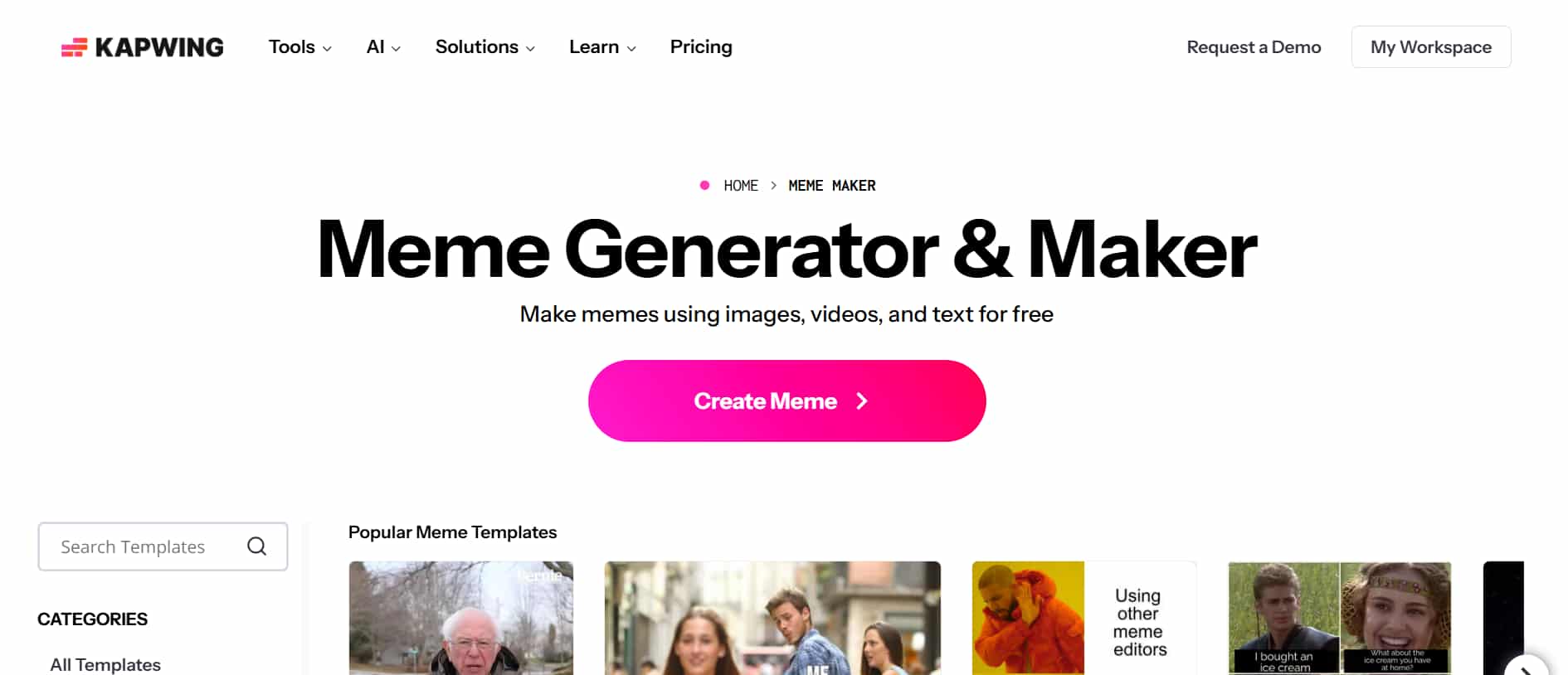
Now, Kapwing meme editor features subtitle generation, background removal, script tools, resizing features, team collaboration, and a growing list of automation tools packed into the same browser editor. However, not every AI tool lands cleanly, though. A few features feel slightly unfinished, especially when you're working with messy footage, overlapping voices, or fast scene changes. Owing to Kapwing templates, intuitive interface, and an array of features, the tool works best for students, social media teams, meme creators, YouTubers, and small business owners.
Key features of the Kapwing video meme maker
-
GIF meme support
Kapwing handles GIF creation probably better. You upload a clip, trim the exact moment you want, put text on top, and turn it into a looping GIF pretty quickly. For reaction memes or short social posts, that's usually enough. The speed of the Kapwing GIF creator helps too, especially when trends move fast and yesterday's meme already feels old by lunchtime.
-
Subtitle overlays
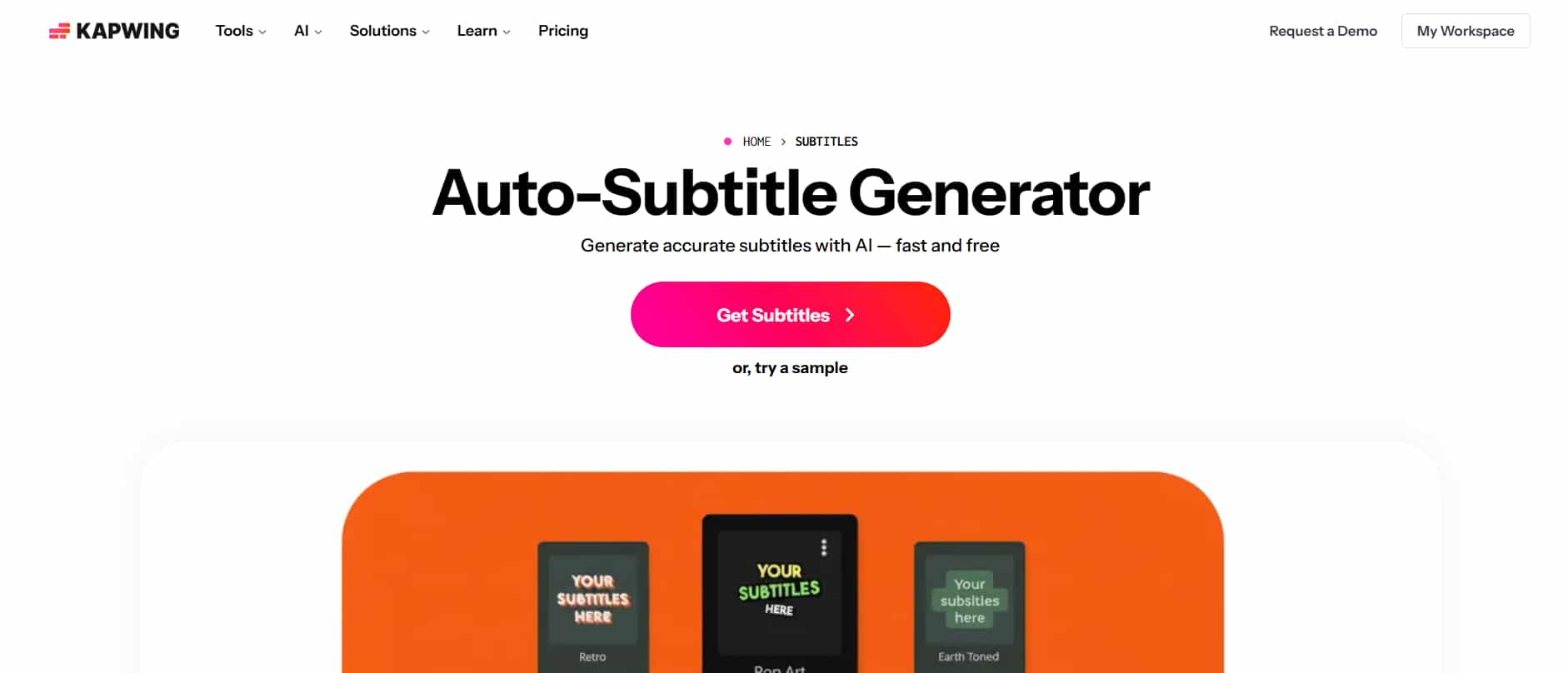
This might honestly be Kapwing's strongest feature right now. You upload a video, the AI generates captions automatically without bouncing between extra tools. For TikTok clips, Instagram Reels, or YouTube Shorts, it saves a ridiculous amount of time. This is the part that most editing platforms have finally realized matters, because people now scroll with sound off constantly.
-
Audio and music support
Meme maker Kapwing keeps audio editing simple, which honestly makes content creation much smoother for everyday users. You can add background music, sound effects, voiceovers, or imported audio clips without fighting through a maze of confusing controls first. The platform focuses on helping you move quickly, thus saving time.
-
Export options (MP4, GIF, PNG, JPEG)
Export flexibility sounds boring right up until you're trying to upload the same meme to three different platforms and suddenly one app rejects the file format for absolutely no good reason. That's when you realize how useful it is to have multiple export options sitting in the same editor. Kapwing supports MP4 for videos, GIF for animated memes, plus PNG and JPEG for image posts, so you can switch formats without rebuilding your project from scratch every time.
-
Collaboration features
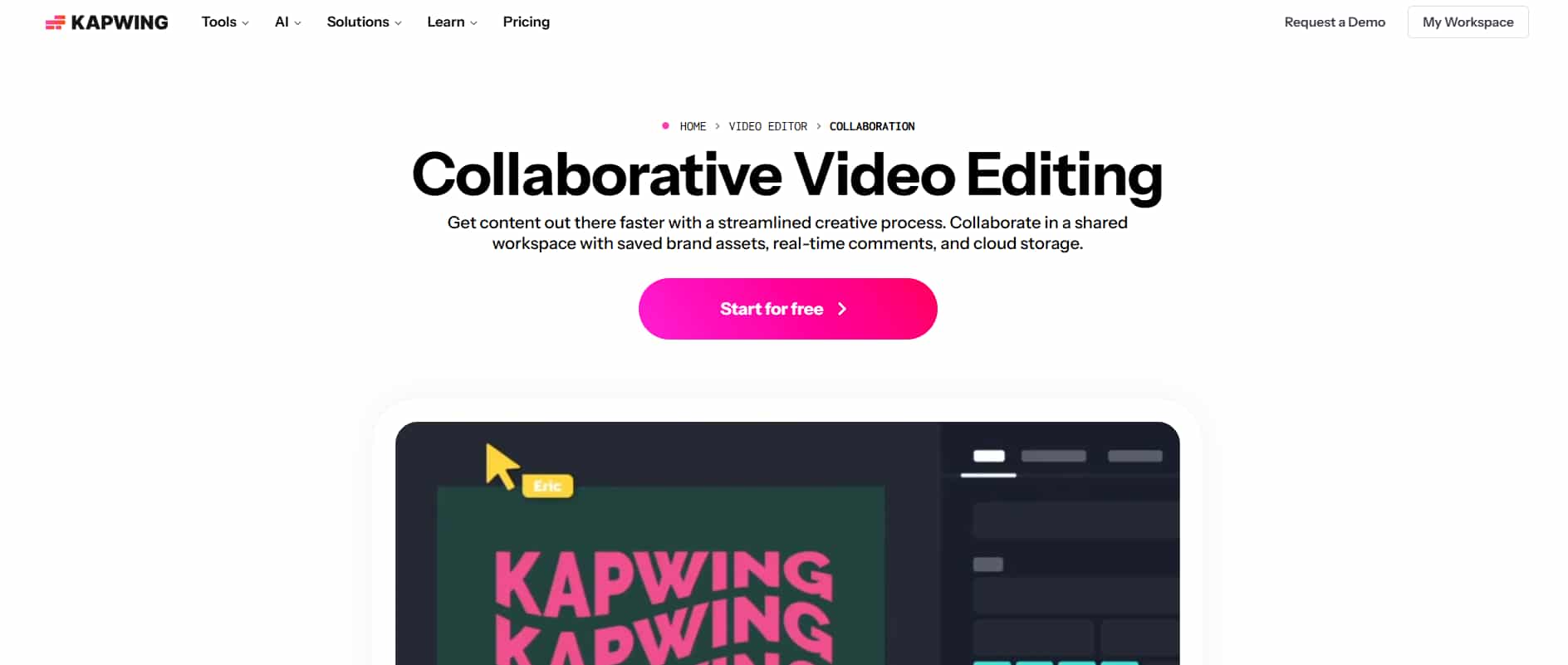
The platform also works surprisingly well for teams managing larger amounts of content together. Shared workspaces, browser-based collaboration, asset organization, comments, project editing — everything sits in one place instead of getting scattered across endless folders and confusing message threads. That makes a noticeable difference for social media teams and agencies handling large amounts of content.
Kapwing meme creator pricing review
|
Free plan |
Pro |
Business |
Enterprise |
|---|---|---|---|
|
$0 |
$16 |
$50 |
Custom pricing |
|
|
|
|
-
Free Plan - $0
The free version gives you enough room to actually try the platform before spending anything, which honestly feels fair. You can test meme creation, edit subtitles, export GIFs, and put together simple video projects without pulling out your credit card five minutes after signing up.
-
Pro - $16
The Pro plan removes the watermark and opens access to higher-quality exports, additional templates, and more AI tools. This is probably the tier most solo creators end up choosing. If you're making content consistently for TikTok, YouTube Shorts, or Instagram, the upgrade starts making sense pretty quickly.
-
Business -$50
Kapwing's Business plan leans heavily into collaboration, and you can tell that's where the platform really starts thinking beyond solo creators. Teams get shared workspaces, brand asset controls, collaborative editing, and project management tools.
-
Enterprise - custom pricing
The Enterprise option is aimed at larger organizations that need extra security, admin controls, onboarding support, and custom workflows. It is mainly useful for companies handling high-volume of content production.
Pros and cons of Kapwing meme maker
|
Pros |
Cons |
|---|---|
|
|
Kapwing still gets a lot right. The platform feels approachable from the moment you open it, which honestly matters more than people admit. You don't spend half an hour trying to understand the interface before making your first meme. Upload a clip, add subtitles, resize the frame, export it, done. software. Subtitle generation, GIF support, templates, and AI-assisted tools all sit in one place, which keeps the workflow moving instead of forcing you through five different apps just to finish one post. However, creators now want AI systems that don't just help with editing but actively speed up enhancement, automation, clean videos, and formatting across platforms.
That's exactly why Vmake AI has been getting attention lately. Instead of sticking closely to traditional editing workflows, Vmake AI pushes much harder toward AI-assisted content creation. You can feel that direction almost immediately once you start using the platform.
Know your tools: Kapwing vs. Vmake AI (2026 Edition)
Choosing between Kapwing and Vmake AI mostly comes down to how you like creating content in the first place. Some creators prefer hands-on editing with direct control over every scene, caption, and layout adjustment. Others want AI doing more of the repetitive work, so content gets finished faster and published quicker. Let's make the head-to-head comparison below.
|
Features |
Kapwing |
Vmake AI |
|---|---|---|
|
Meme creation |
Yes |
Yes |
|
Video Meme Support |
Strong support for short-form content |
Strong AI-assisted video meme creation |
|
GIF Editing |
Built-in GIF trimming and captioning |
GIF support with AI enhancement tools |
|
Subtitle Generation |
Automatic AI subtitles with timeline editing |
AI-generated captions with visual optimization |
|
Template Library |
Large collection of meme and social templates |
Modern AI-focused templates |
|
AI Tools |
Captioning, resizing, script tools |
AI enhancement, cleanup, smart automation |
|
Collaboration Features |
Shared workspaces and team editing |
More creator-focused than team-focused |
|
Browser-Based Editing |
Yes |
Yes |
|
Ease of Use |
Beginner-friendly interface |
Beginner-friendly with heavier AI assistance |
|
Export Formats |
MP4, GIF, PNG, JPEG |
Multiple social-ready export formats |
Meet Vmake: A perfect alternative to Kapwing meme maker
Vmake video generator has started gaining serious traction among creators who want faster content production without spending hours on complicated editing software. The platform focuses heavily on AI-assisted workflows, visual enhancement, meme creation, and short-form video editing, which makes a lot of sense considering how quickly social media trends move now. Instead of manually building every clip scene by scene, you can generate videos using text prompts, images, reference content, or existing footage directly inside the platform.
Step-by-step guide
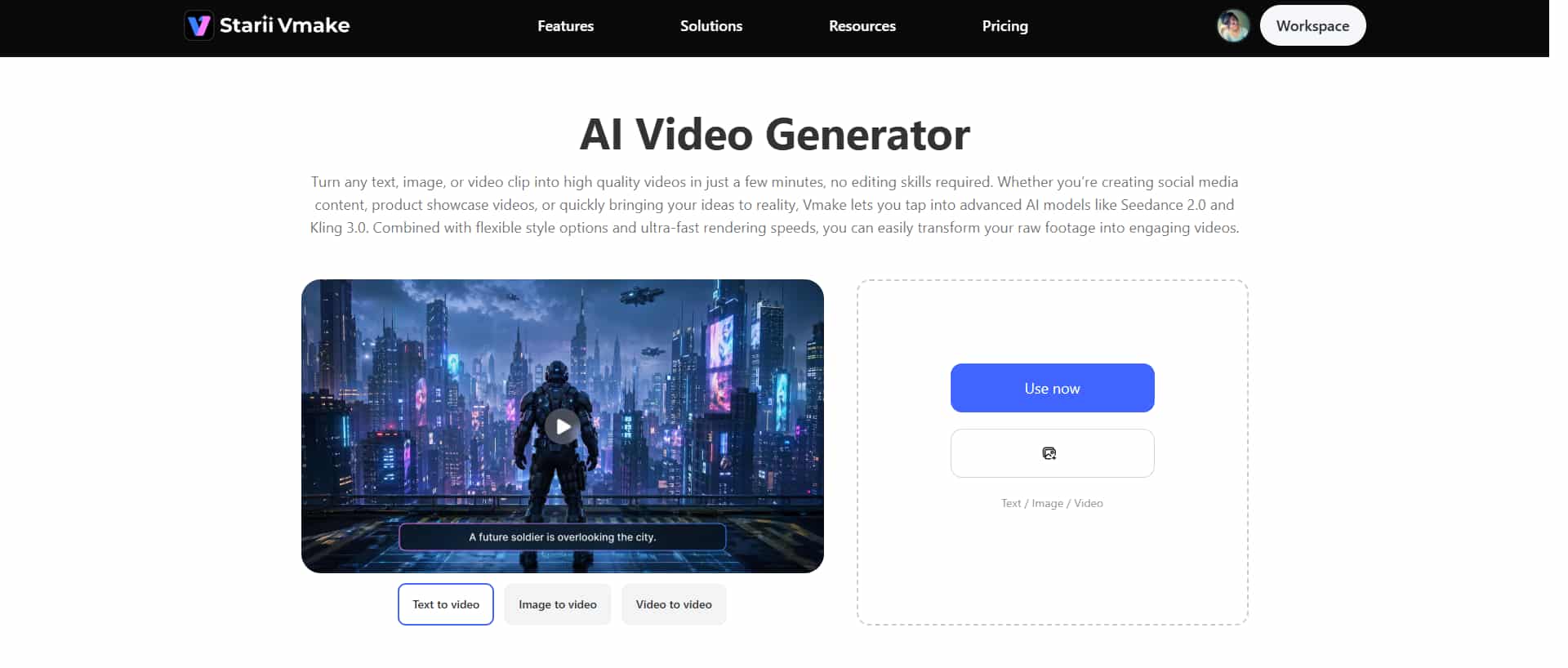
Step 1: Add your content ideas
The process starts with your idea. You can type a text prompt, upload an image, add reference material, or combine multiple inputs depending on the kind of meme or short-form video you want to create.
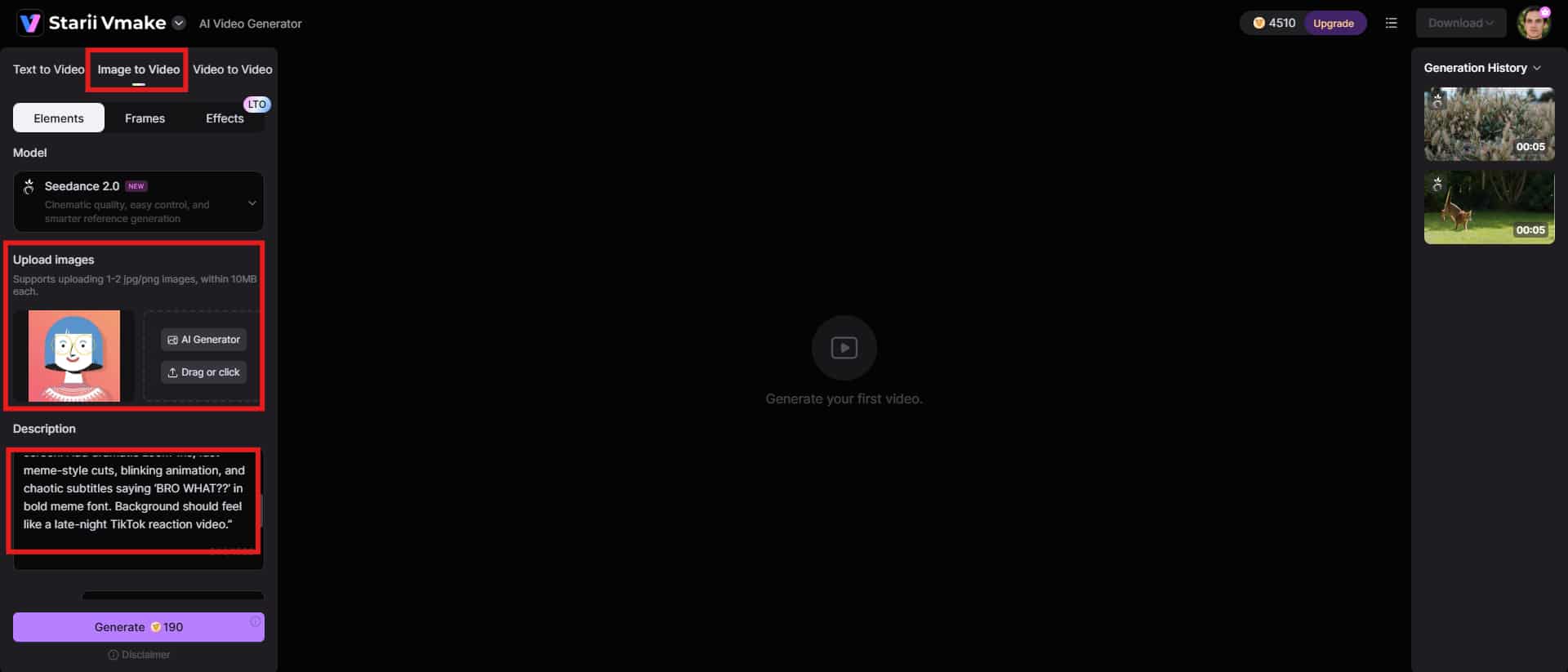
Step 2: Select your preferences
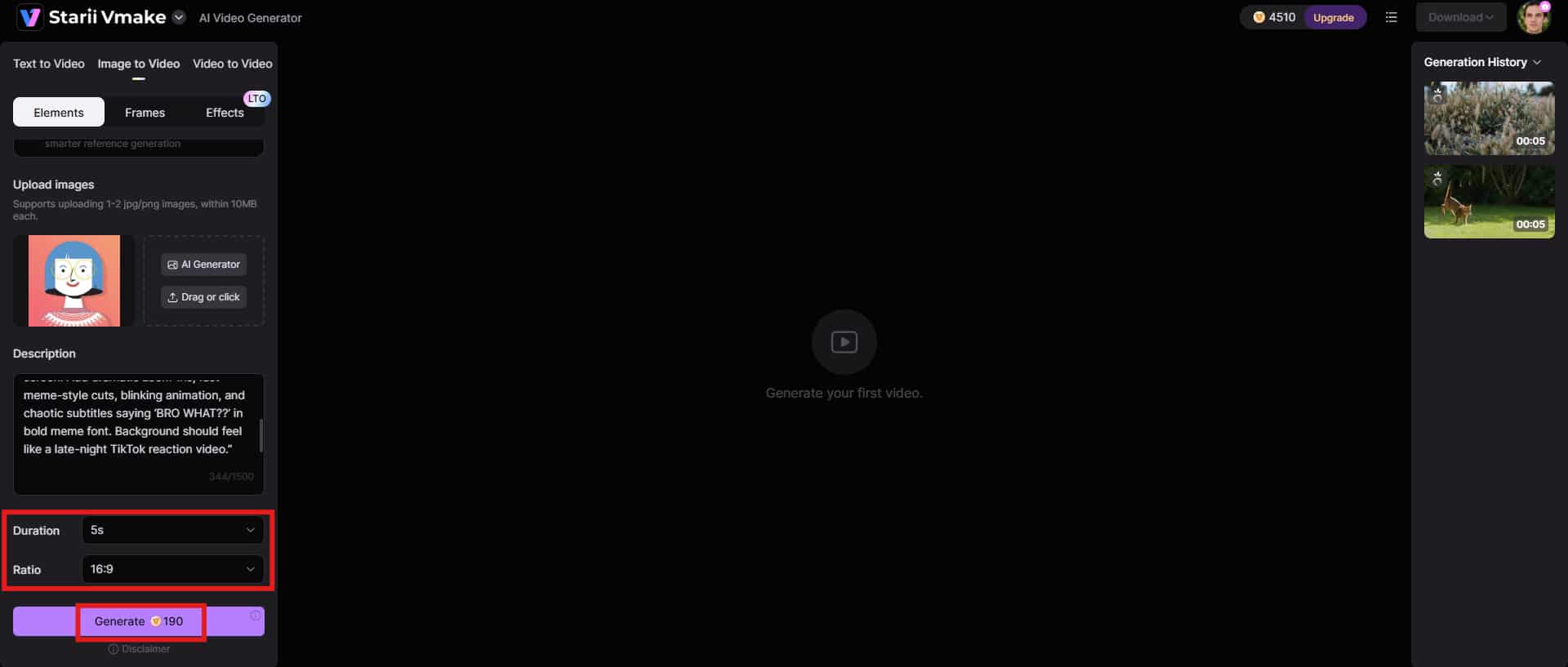
After adding your idea, you can customize how the final content should look. This includes choosing the duration and aspect ratio. Click the "Generate" button to begin.
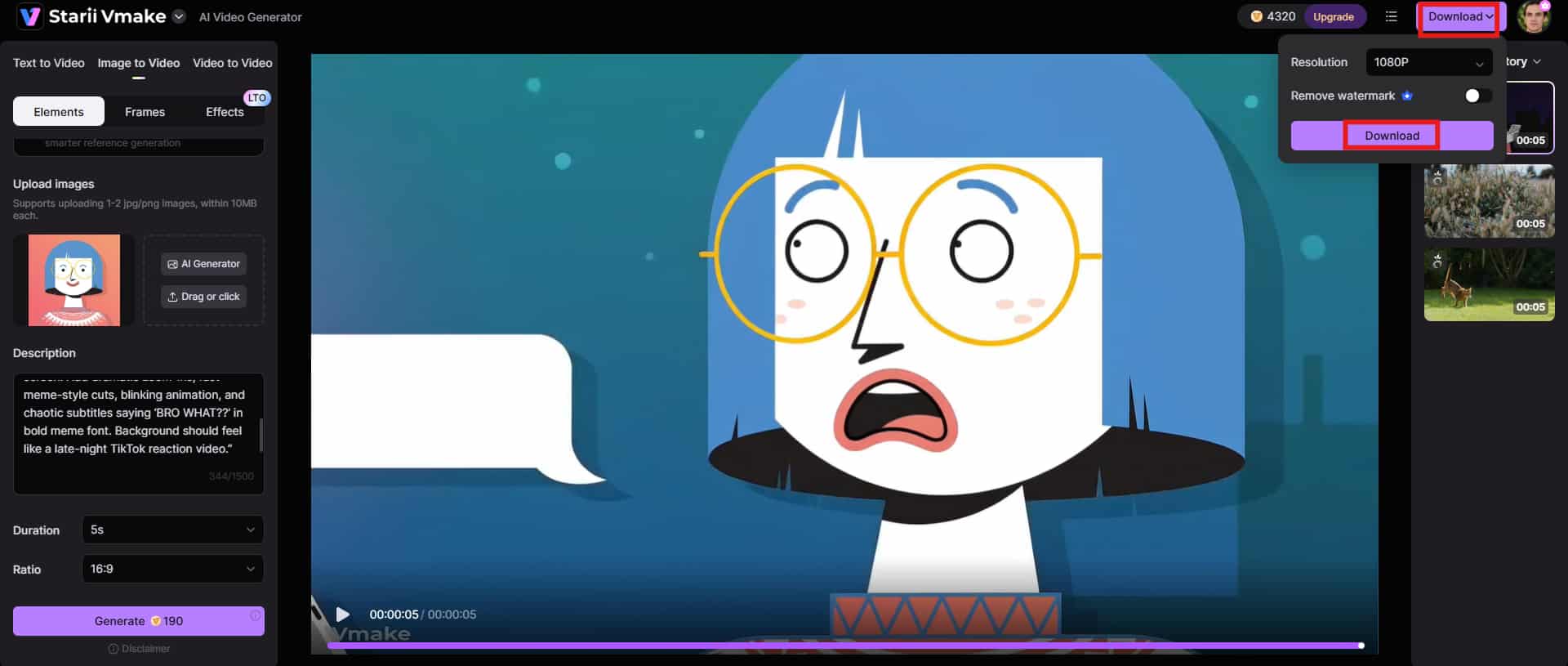
Step 3: Preview and download
Once the video is generated, you can preview the final result before exporting it. This gives you a chance to review captions, pacing, visuals, and transitions before downloading the content in your preferred format. Click the "Download" button to save the meme.
Key features
-
Multi-modal video generator
The multi-modal video generator supports different types of generation models, like Seedance 2.0, Kling 3.0, Google Veo 3, Sora 2, Vidu Q2, and Wan 2.2.
-
High-resolution output
High-resolution export support helps your memes and short videos stay sharp across modern social platforms. This becomes especially important for creators posting on TikTok, YouTube Shorts, Instagram Reels, or large desktop displays where blurry exports stand out immediately.
-
Multiple video generation methods
The platform supports several ways to generate videos depending on your workflow. You can create content entirely from text prompts, turn images into animated clips, remix existing footage, or combine AI-generated scenes with manual edits.
Conclusion
Kapwing still holds up surprisingly well in 2026. The platform keeps meme creation simple, fast, and approachable without forcing you into a complicated editing workflow right away. You don't need advanced editing knowledge just to make something that looks polished enough for TikTok or Instagram. However, pricing is still the turning point. While Kapwing features an intuitive interface, its pricing is a big turn-off for beginners and casual creators.
That's where Vmake AI starts standing out. Instead of focusing mainly on traditional editing, Vmake AI pushes deeper into automation, AI video generation, visual enhancement, and faster short-form production. Besides, it offers budget-friendly pricing to accommodate all kinds of customers.
FAQs
Is Kapwing totally free?
Kapwing offers a free version that gives you access to basic meme creation, video editing, GIF generation, and subtitle tools. A lot of creators start there first before moving into paid plans for extra features and higher export quality.
Can Kapwing create video memes and GIF memes?
Yes, Kapwing supports both video memes and GIF memes inside the same editor. You can upload clips, trim scenes, add captions, insert effects, and export content in different formats depending on where you plan to post it.
Does Kapwing work on mobile devices?
Kapwing works directly through mobile browsers, so you can edit memes and videos from phones or tablets without downloading extra software. Many creators still prefer desktop editing for larger projects, but mobile support makes quick edits much more convenient.
What export formats are available in Kapwing meme maker?
Kapwing supports multiple export formats, including MP4, GIF, PNG, and JPEG. That flexibility helps when you're creating content for platforms that all seem to want slightly different upload formats every other month.
Is Kapwing good for teams and businesses?
Yes. Kapwing includes collaboration tools like shared workspaces, cloud editing, comments, and project organization features that help teams manage content together more efficiently. Agencies and social media teams especially benefit from those shared workflows once content production starts growing.
What is the best alternative to the Kapwing video meme creator?
Vmake AI stands out as one of the strongest alternatives right now, especially for creators interested in AI-assisted editing, video generation, visual enhancement, and faster meme production workflows. The platform focuses heavily on automation while still keeping the editing process approachable for everyday creators.

You May Be Interested

5 Top Shoppable Video Generators for TikTokers in 2026
Video Compression Artifacts: Causes & AI Fixes in 2026
Apowersoft Review: Features, Pros & Best Alternative
Airbrush Watermark Remover Review (2026): Features and Pricing