
15+ Image-to-Video Girl Dancing Prompts for AI Dance Videos
Explore image to video girl dancing prompts for energetic, elegant, and creative AI dance videos. Turn your ideas into engaging videos with Vmake Labs.

A dance video starts with an idea of how the subject should move, not how she should look. Image-to-video prompts turn a reference into a moving scene by describing choreography, camera movement, expressions, and setting. These image-to-video girl dancing prompts cover K-pop, hip-hop, ballet, salsa, and cinematic dance.
What are image-to-video girl dancing prompts?
Image-to-video girl dancing prompts are text instructions that tell an AI video generator how the person in a reference image should move. The image provides the subject's visual details, while the prompt explains the dance, movement, camera direction, and scene. A good prompt can describe the dance movement, dance style, facial expression, body language, camera motion, setting, lighting, and mood. For example, instead of saying "make her dance," you could ask for an adult woman performing a fast K-pop routine with sharp arm movements, quick footwork, a confident expression, and a smooth camera push-in.
The reference image establishes how the dancer looks, while the text prompt guides what happens in the video. This lets you change the dance style, movement, or setting while keeping the main visual direction of the reference. You may also see terms such as AI girl dancing prompt, AI dance prompt, and dance video prompt, which all describe instructions for creating AI-generated dance videos.
How to write an AI girl dancing prompt
A good AI girl dancing prompt gives the video generator enough direction to create the intended movement without making the instruction unnecessarily complicated. Focus on the main action first, then add details such as dance style, expression, camera movement, and setting to shape the final video.
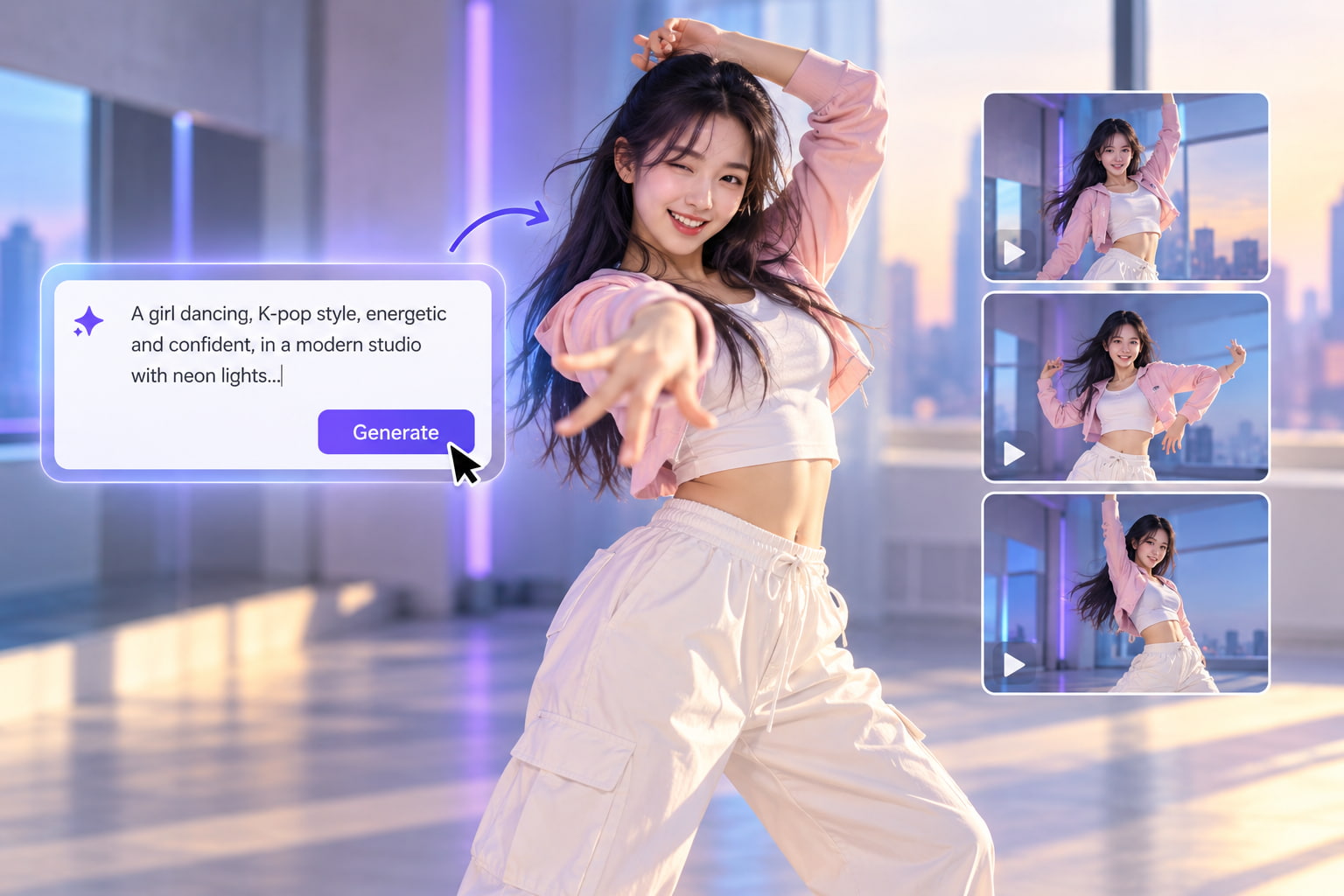
Describe the dance movement
Begin by telling what the dancer should do. Make her dance. Add quick footwork, arm movements, spins, hip movements, turns or a short choreography sequence. Make the movement realistic. Don't put too many unrelated actions into one prompt.
Choose a specific dance style
Choose the dance style you want: K-pop, hip-hop, ballet, salsa, tango or contemporary. That particular style gives the model a better idea of the kind of movement, posture and rhythm to produce. If you want a social-media-style performance, call it an upbeat viral dance routine.
Add facial expressions and body language
Tell the dancer how to present the performance in her face and posture. You can ask for a confident smile, playful expression, focused look, relaxed posture, energetic body language. This makes the generated performance more natural, more in line with the mood of the dance.
Describe camera movement
Add a camera direction when it matters to the scene. You may want a steady front facing shot. Smooth tracking. A slow push in. A gentle rotation. When using full-body choreography, make sure to mention that the dancer should be visible, so that key movements aren't cut out of the frame.
Set the scene, lighting, and mood
Tell us about the main dance, then add on the setting and the visual environment. Same choreography but different feel depending on whether it's a studio, rooftop, bedroom, stage or city street. You can also add details such as warm lighting, neon lights, sunset or dramatic stage atmosphere.
Keep the prompt clear and focused
A strong AI prompt for a dance need not describe every detail in the video. Add the most important movement, style, expression, camera direction, setting and let the video model do the smaller visual details. Don't extend the whole prompt, just change that one instruction if the first output doesn't give you something.
15+ image to video girl dancing prompts
The following prompts are written to give an image-to-video model clear instructions about the dance movement, body position, camera behavior, and setting. Each prompt focuses on one main performance, so the generated video has a better chance of keeping the dancer visible and the movement consistent. You can use them as a starting point and adjust the details to match your reference image.
Energetic and trending dance prompts
-
K-pop choreography
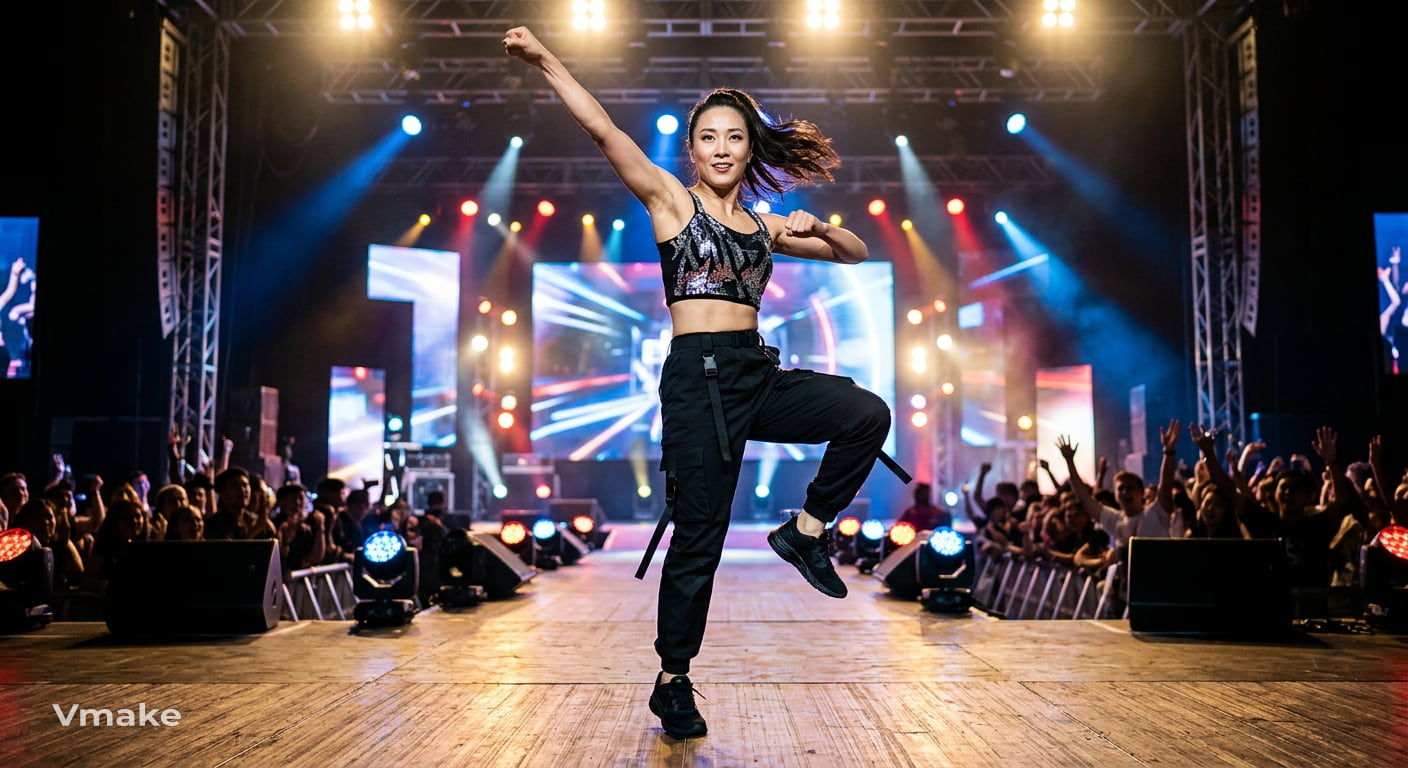
An adult woman performs a polished K-pop dance routine with sharp arm movements, quick footwork, precise turns, and confident facial expressions. Keep her full body visible as she dances, with smooth camera tracking and bright stage lighting.
-
Hip-hop street dance
An adult woman doing a hip hop street dance choreography with precise isolations, complex footwork, fast arm movements and good timing of freezes. Full body shot, low angle. Following her down a city street at night.
-
Viral social media dance
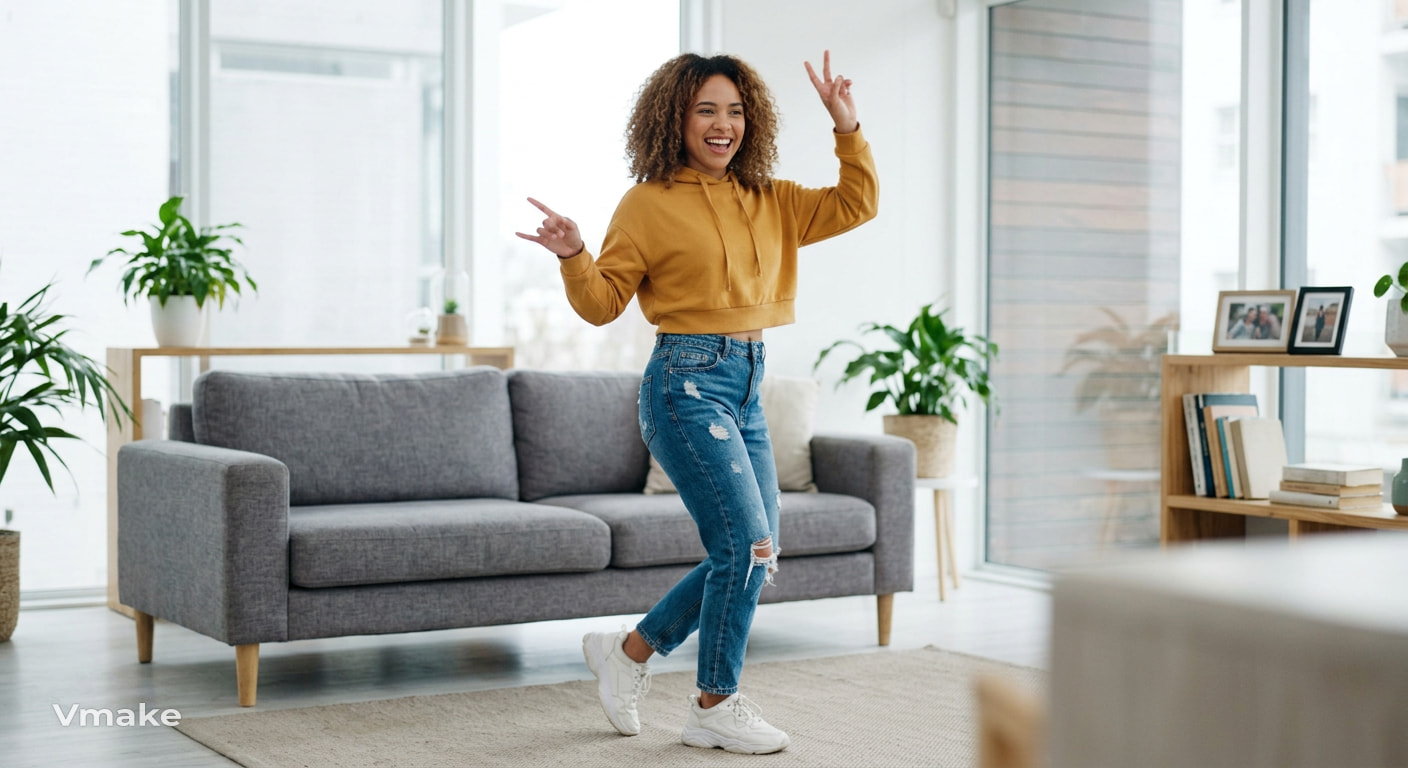
An adult female dances with upbeat social media dance with hand movements and side steps, quick turns and playful smile. Keep her centered in the frame and use a steady front-facing camera and bright indoor lighting.
-
High-energy freestyle
An adult woman dances energetically in freestyle with fast footwork, large arm movements, spins and quick direction changes. Use a full body tracking shot and make sure her movements are visible throughout the performance.
Elegant and graceful dance prompts
-
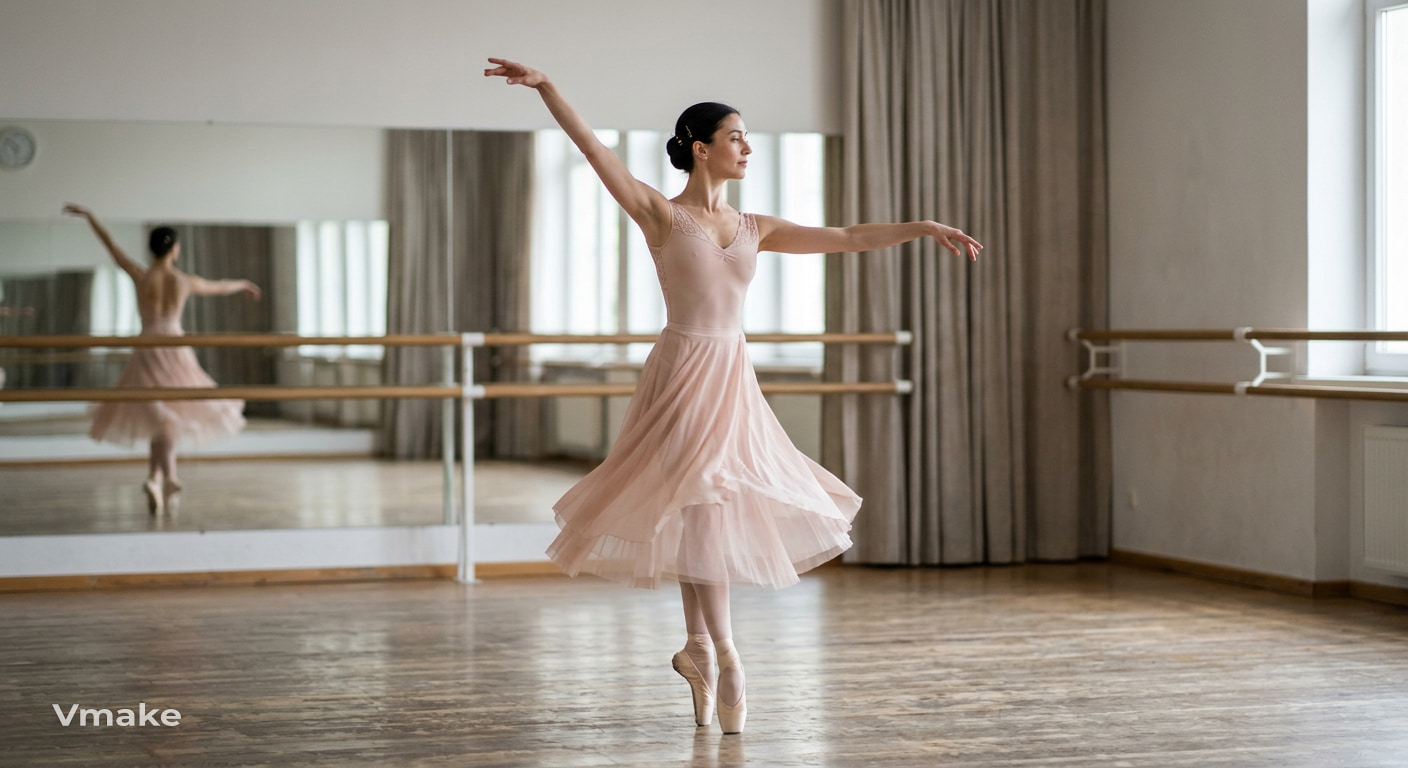
Ballet
An adult ballerina performs a graceful ballet sequence with controlled arm movements, light steps, a slow turn, and a balanced finishing pose. Keep her full body in frame with soft studio lighting and a steady camera.
-
Contemporary
An adult woman performs an expressive contemporary dance with flowing arm movements, controlled turns, graceful extensions, and a smooth transition between standing and floor movements. Use gentle camera movement and soft natural lighting.
-
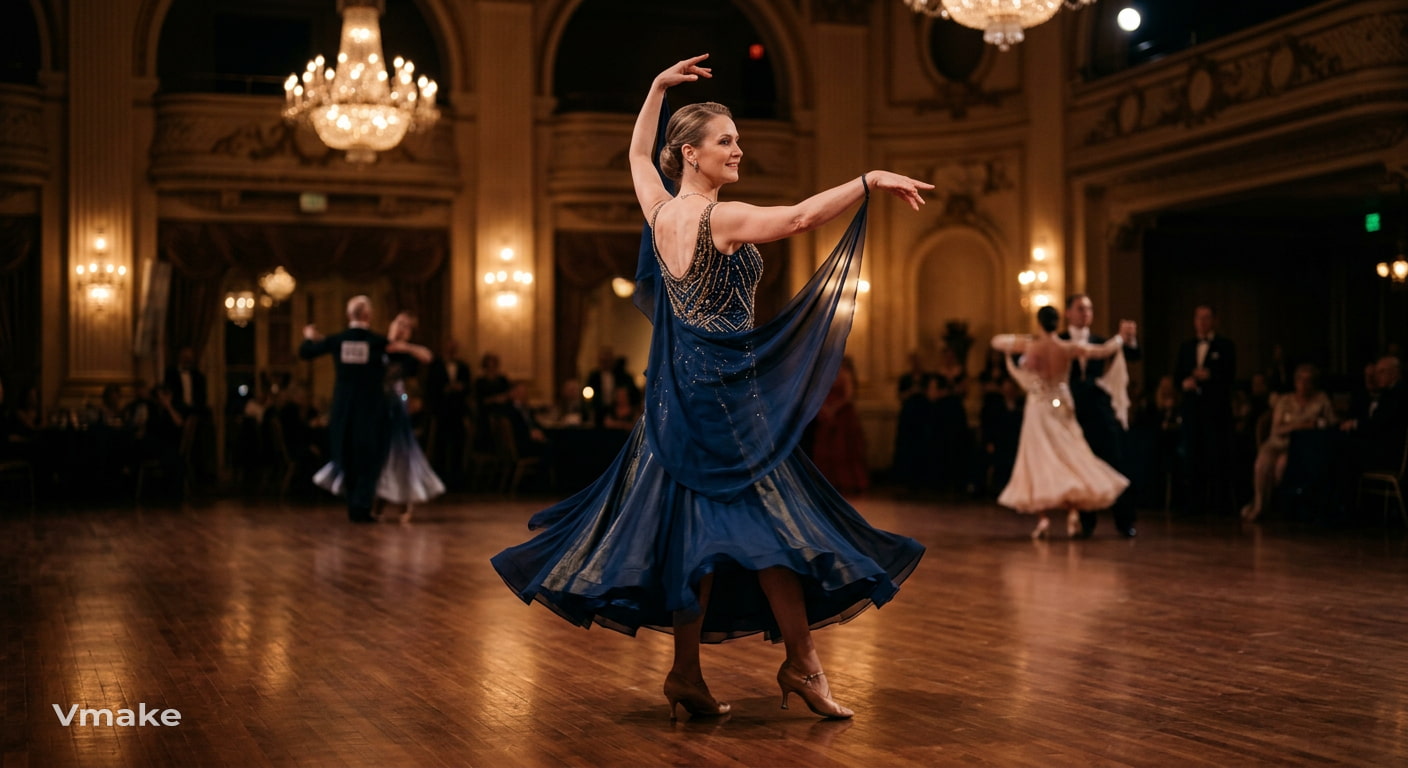
Ballroom
An adult woman performs an elegant ballroom routine with smooth steps, controlled turns, upright posture, and graceful arm movements. Slowly move the camera around her while keeping her full body visible in a warmly lit ballroom.
Latin and cultural dance prompts
-
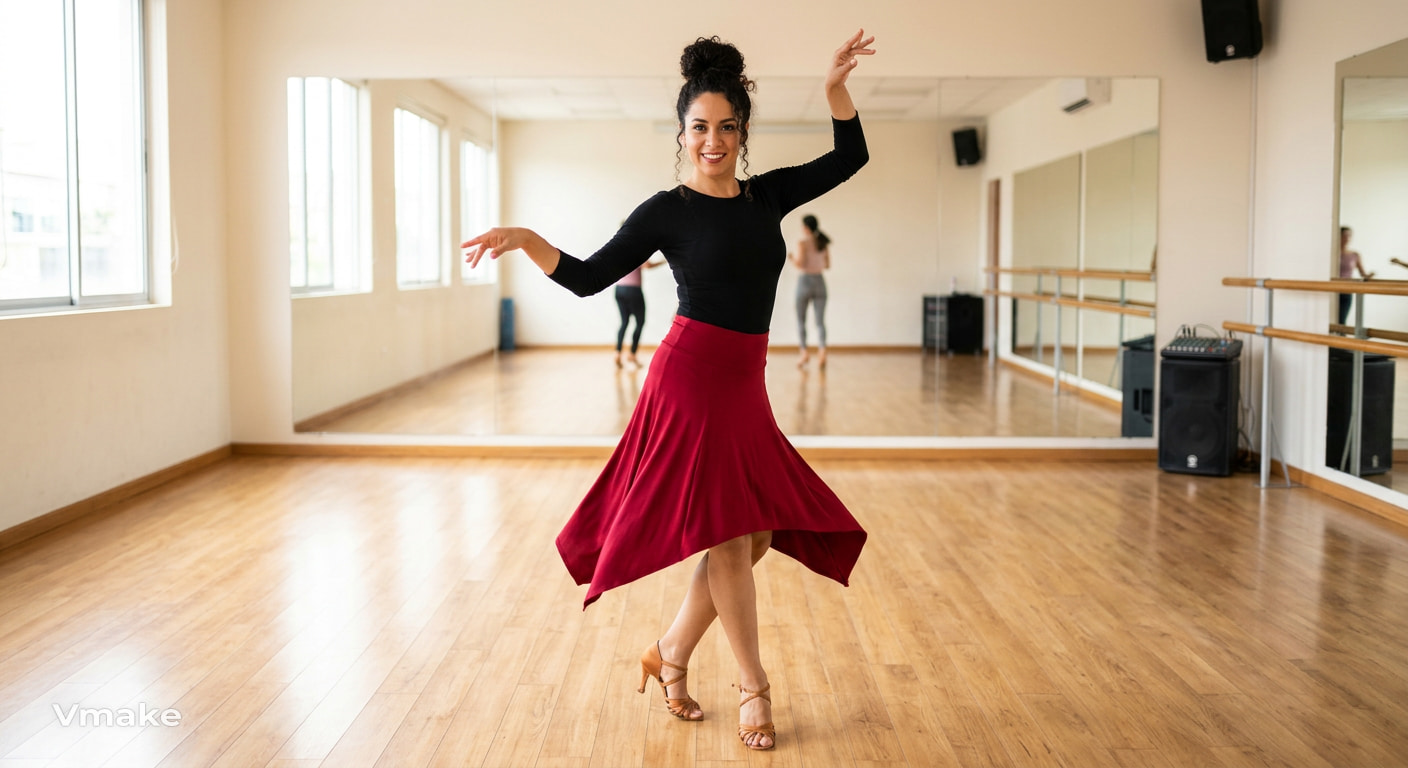
Salsa
A grown woman dances a spirited salsa, with quick footwork, undulating hips, synchronized movements of the arms and a confident smile. A steady camera shows her entire body in a well-lit dance studio.
-
Tango
An adult woman performs a dramatic tango solo with precise steps, sharp turns, strong posture, and controlled pauses. Use a slow side-tracking camera in a dimly lit room with a focused, dramatic atmosphere.
-
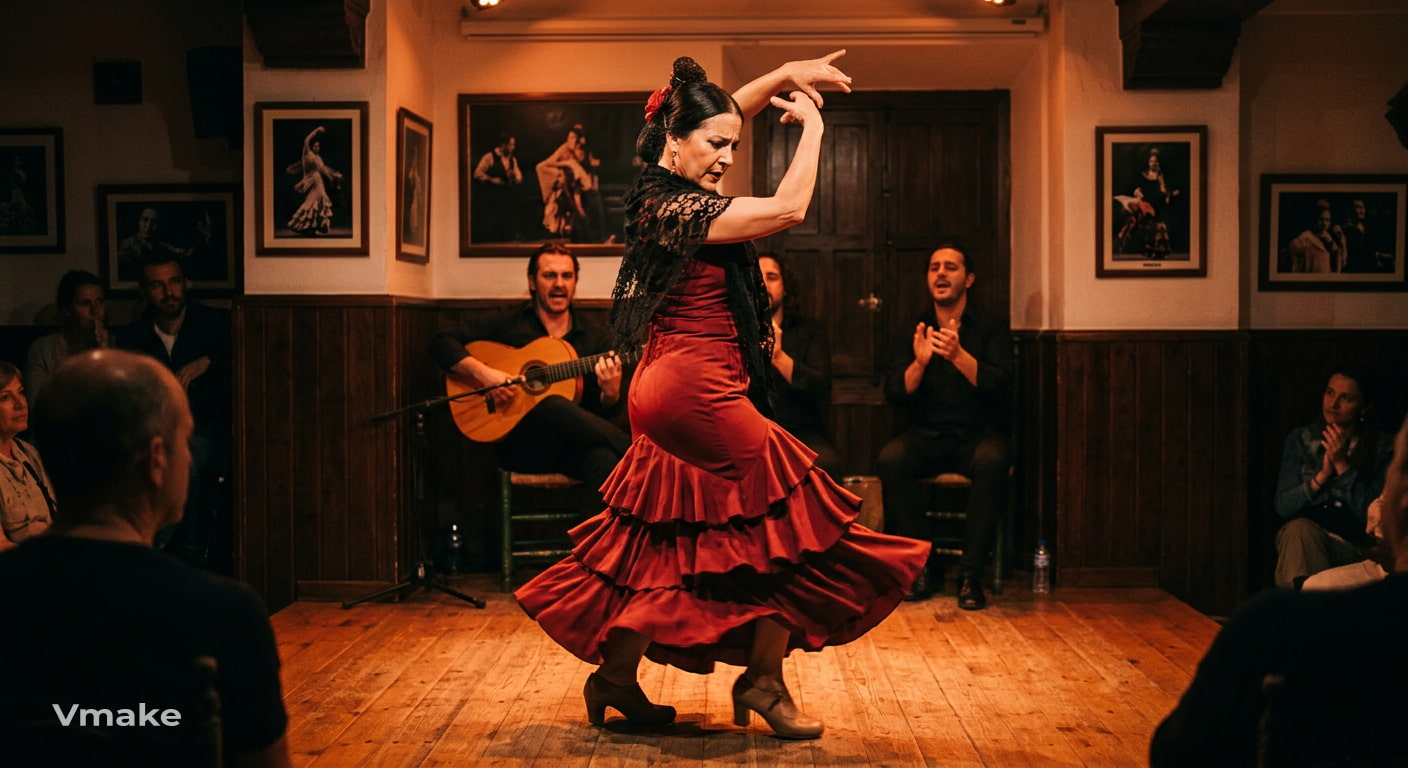
Flamenco
The mature female is dancing flamenco, her footwork energetic, her arm gestures expressive, her spins exact, her bearing assured. shoot her with a full body camera in a traditional performance setting with warm stage lighting.
Casual and social dance prompts
-
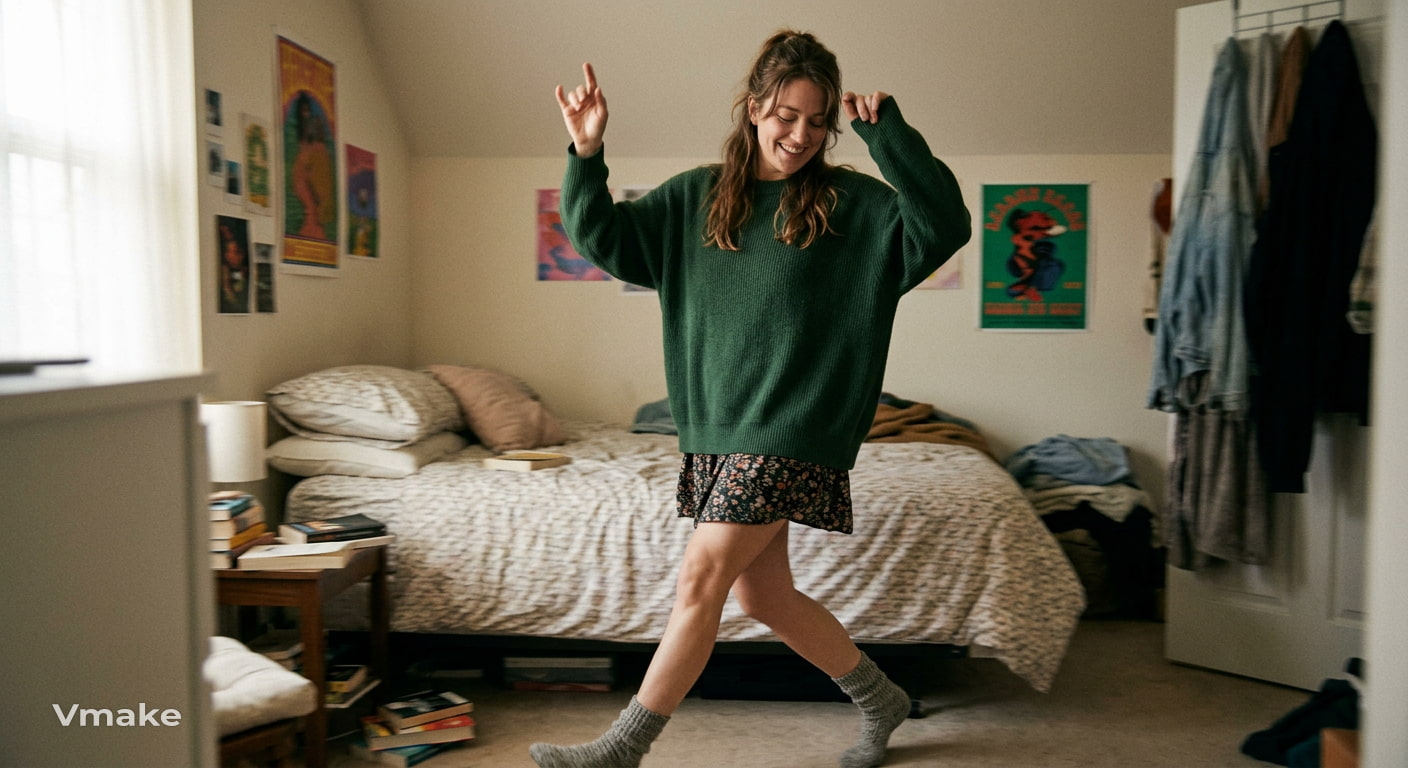
Bedroom dance
A grown woman dances casually in her bedroom, relaxed steps, playful hand gestures, rhythmic shoulder movements and a natural smile. Use a handheld style camera to follow her movements while keeping her body in full view.
-
Rooftop freestyle
An adult woman is dancing freestyle on a city rooftop at sunset. Her movements are loose and relaxed, with simple footwork and a few controlled turns. Slowly move the camera around her, making sure you get the whole body in frame.
-
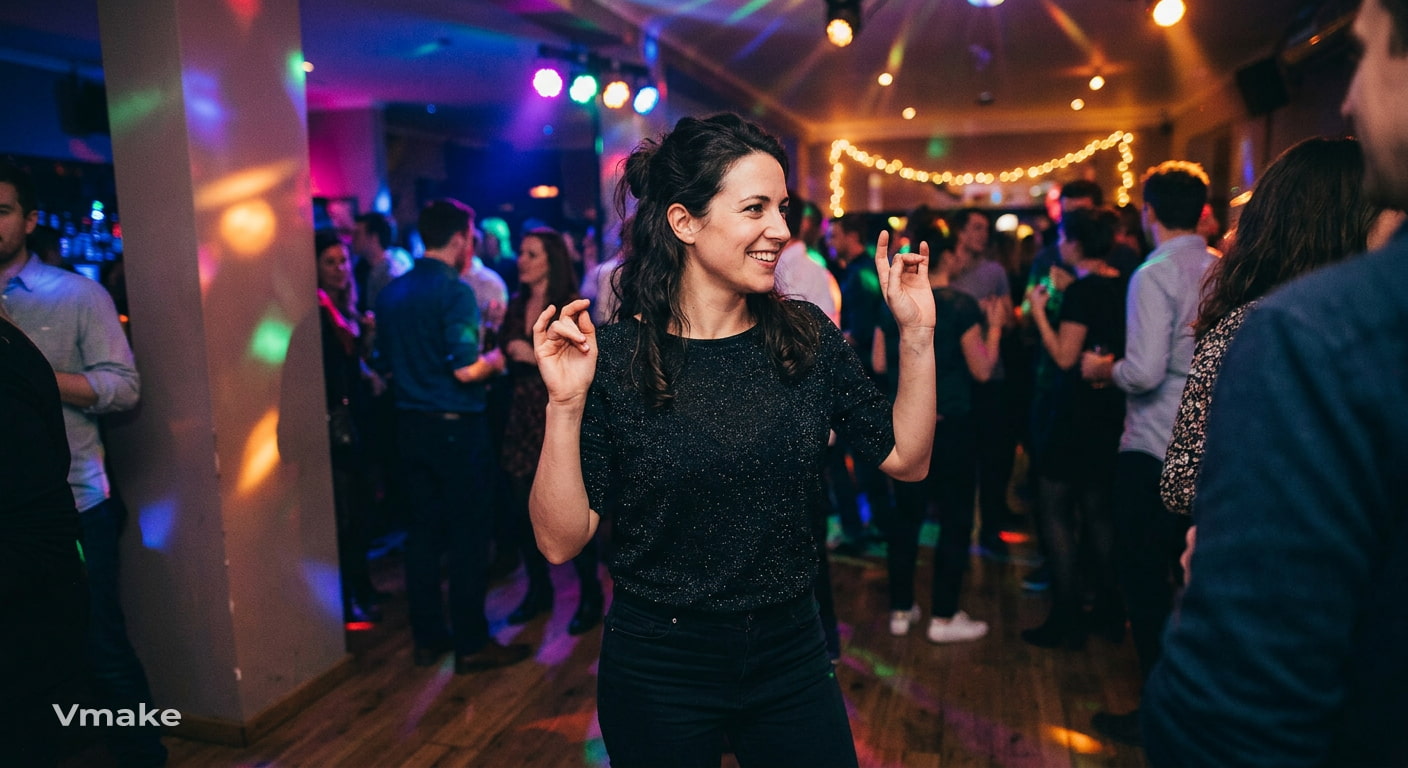
Party dance
A woman dances at an indoor party with easy steps, shoulder movements in time, and playful hand gestures. Keep your focus on her and hold the camera at her eye level with colorful lights from the party and other guests in the background.
Cinematic and creative dance prompts
-
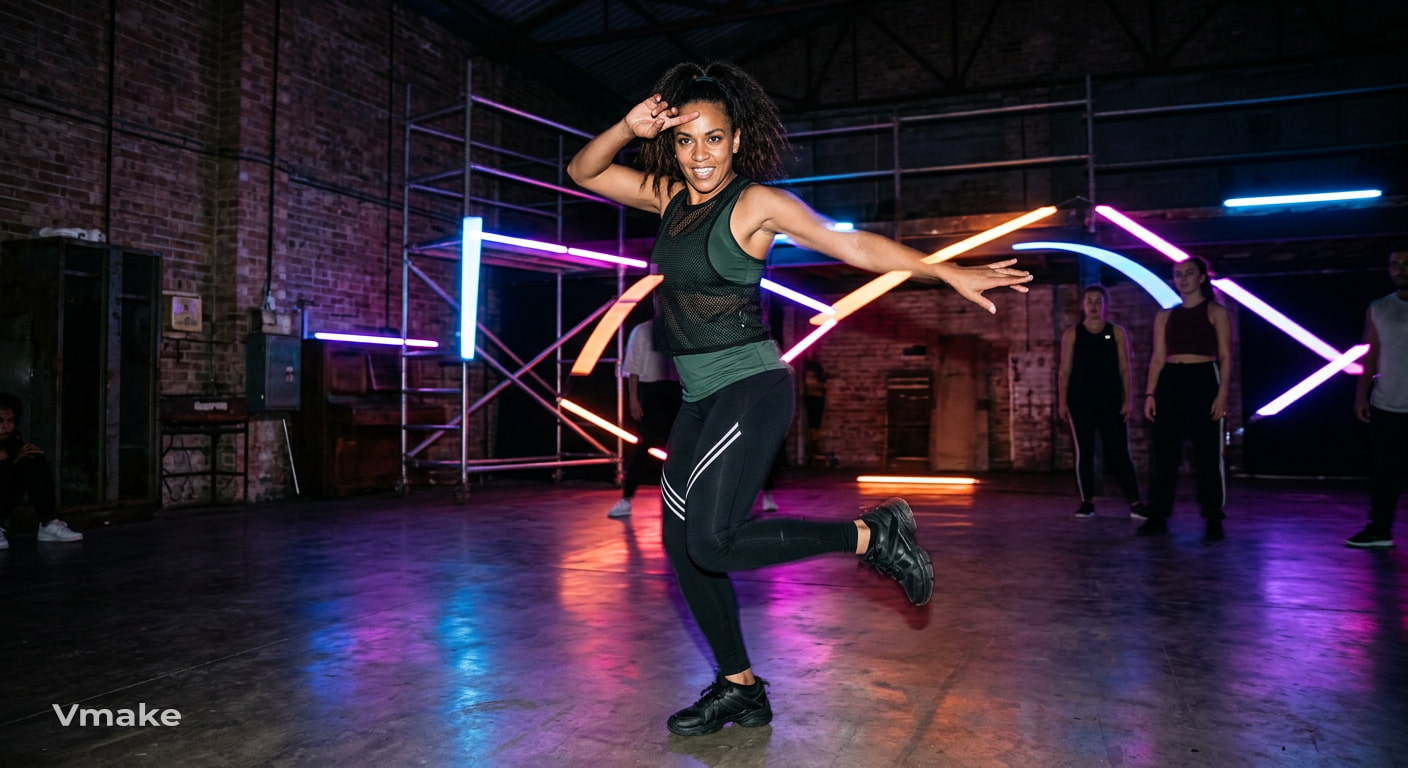
Neon music-video performance
An adult woman performs a powerful dance routine in a dark studio surrounded by neon lights. Use sharp choreography, controlled turns, and confident expressions with a slow camera push-in while keeping her full body visible.
-
Dramatic cinematic dance
A woman in her thirties dances a slow contemporary dance in an empty theater with wide arm movements, careful steps and a slow turn. Start with a wide full body shot. Slowly zoom in as she hits the last pose.
-
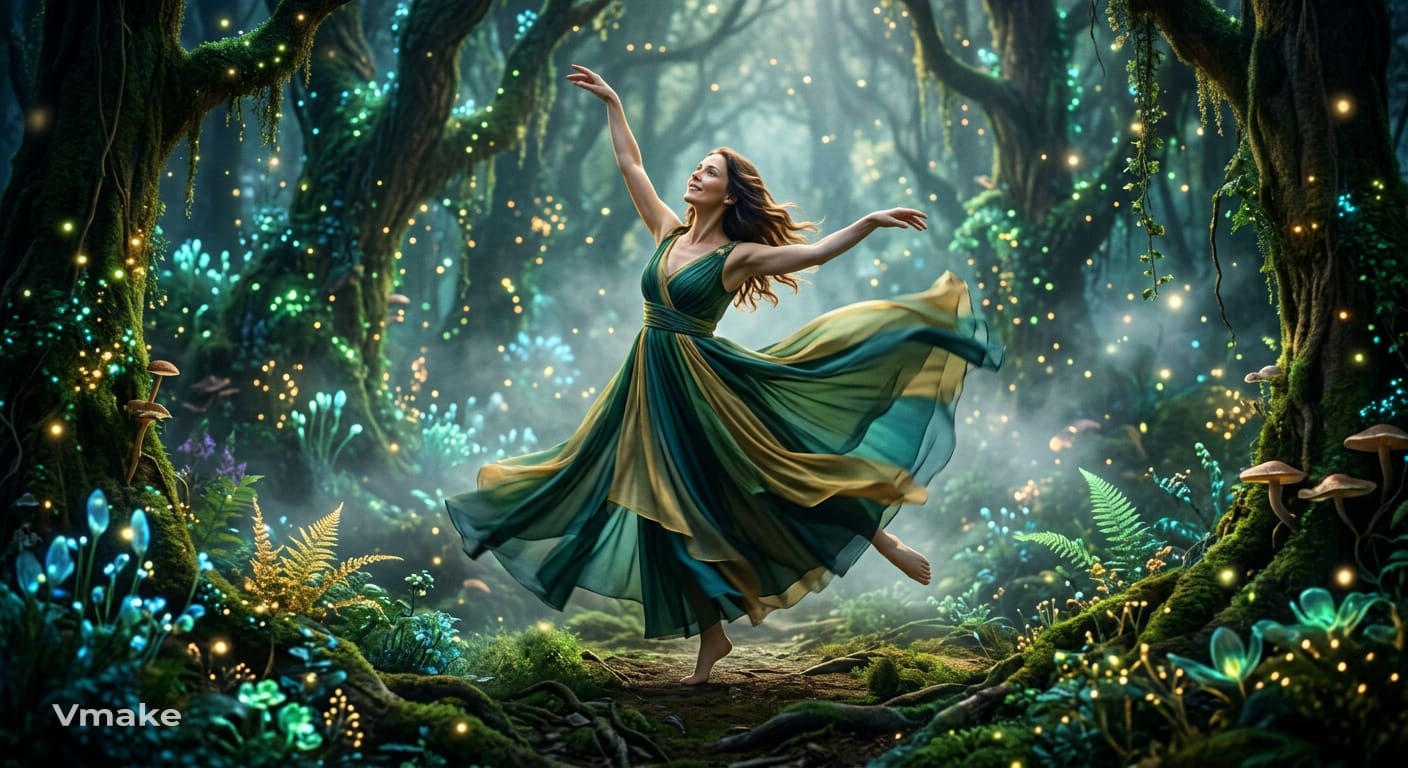
Fantasy dance
An adult woman performs a graceful dance in an enchanted forest surrounded by glowing plants and soft mist. Use flowing arm movements, slow turns, and light footwork while the camera gently circles around her and keeps her full body visible.
These prompts cover different dance styles and settings, but the result can vary with the reference image, prompt, and video model. Next, see how you can turn a still image into a dancing video with Vmake Labs.
Create an image-to-video dancing video with Vmake Labs
Vmake Labs is an AI social video studio for creators, marketers and small businesses. You can start from an idea you've written down, a still image or existing footage with AI Video Generator, which provides Text to Video, Image to Video and Video to Video. With Image to Video, you can upload a reference image and add a text prompt describing the dance and movement for this use case.
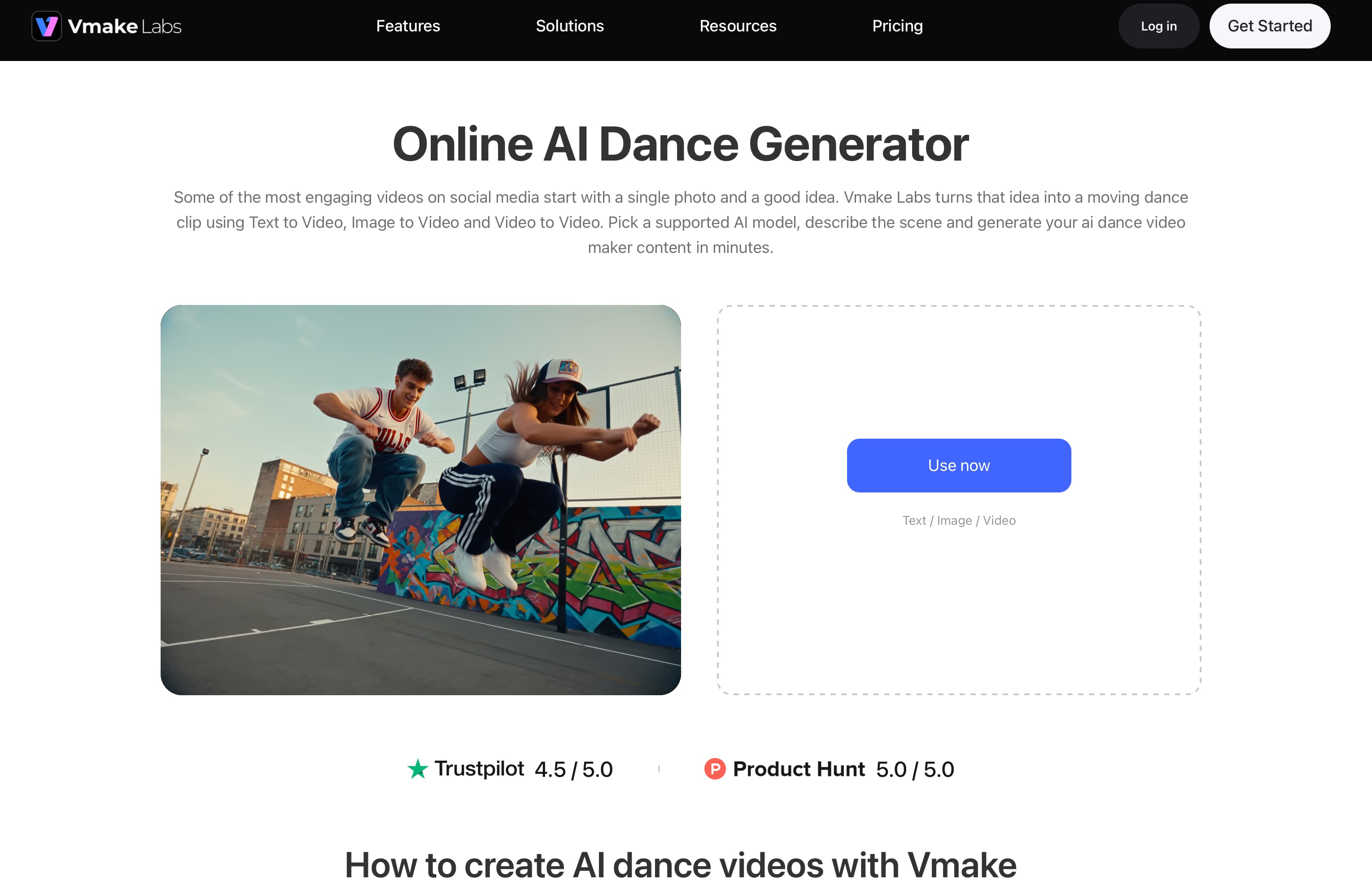
How to create a dancing video with Vmake Labs
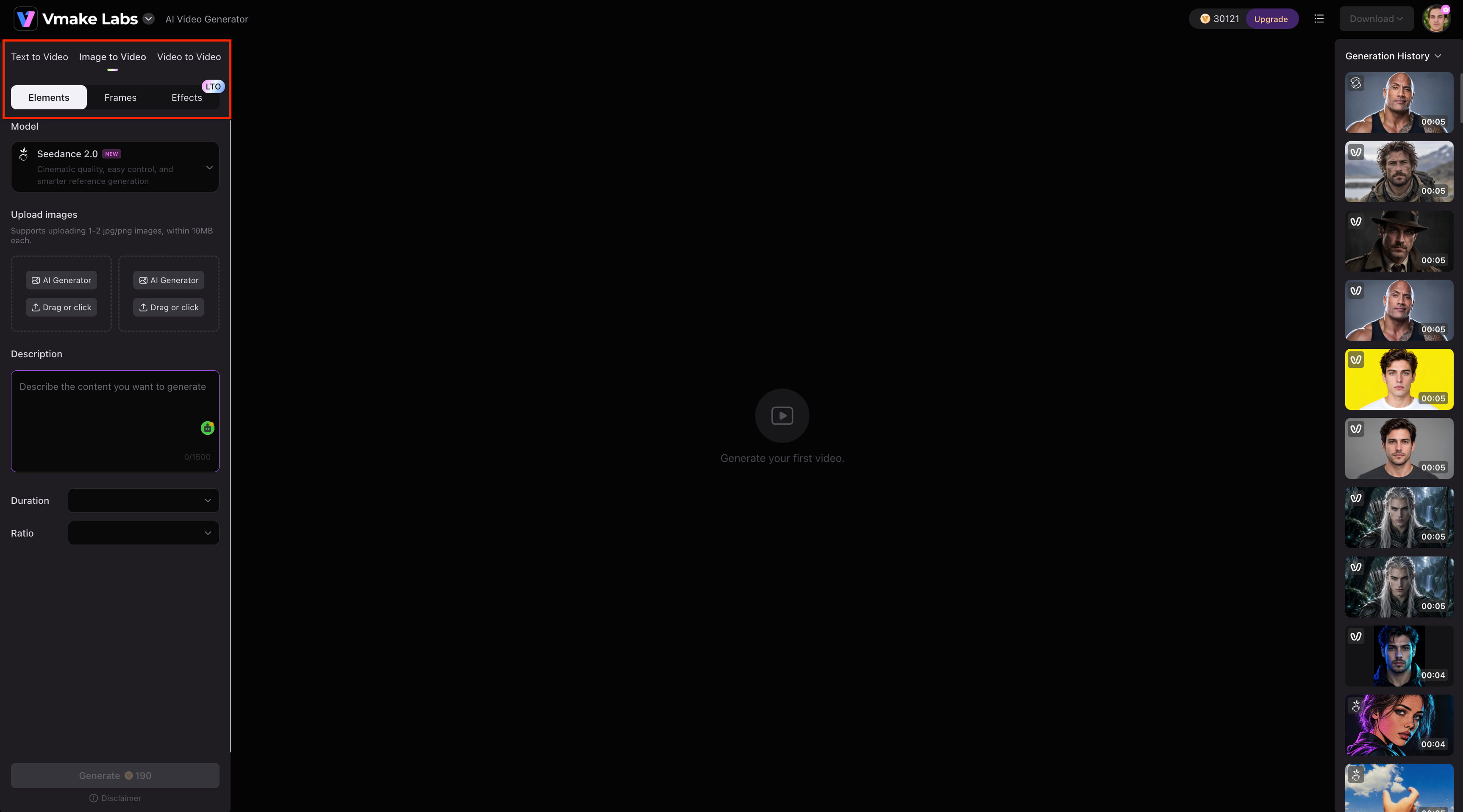
Step 1: Select a video generation method
Open the Vmake Labs AI Video Generator and choose Text to Video, Image-to-Video, or Video to Video based on the material you want to use. For the prompts in this article, select Image-to-Video.
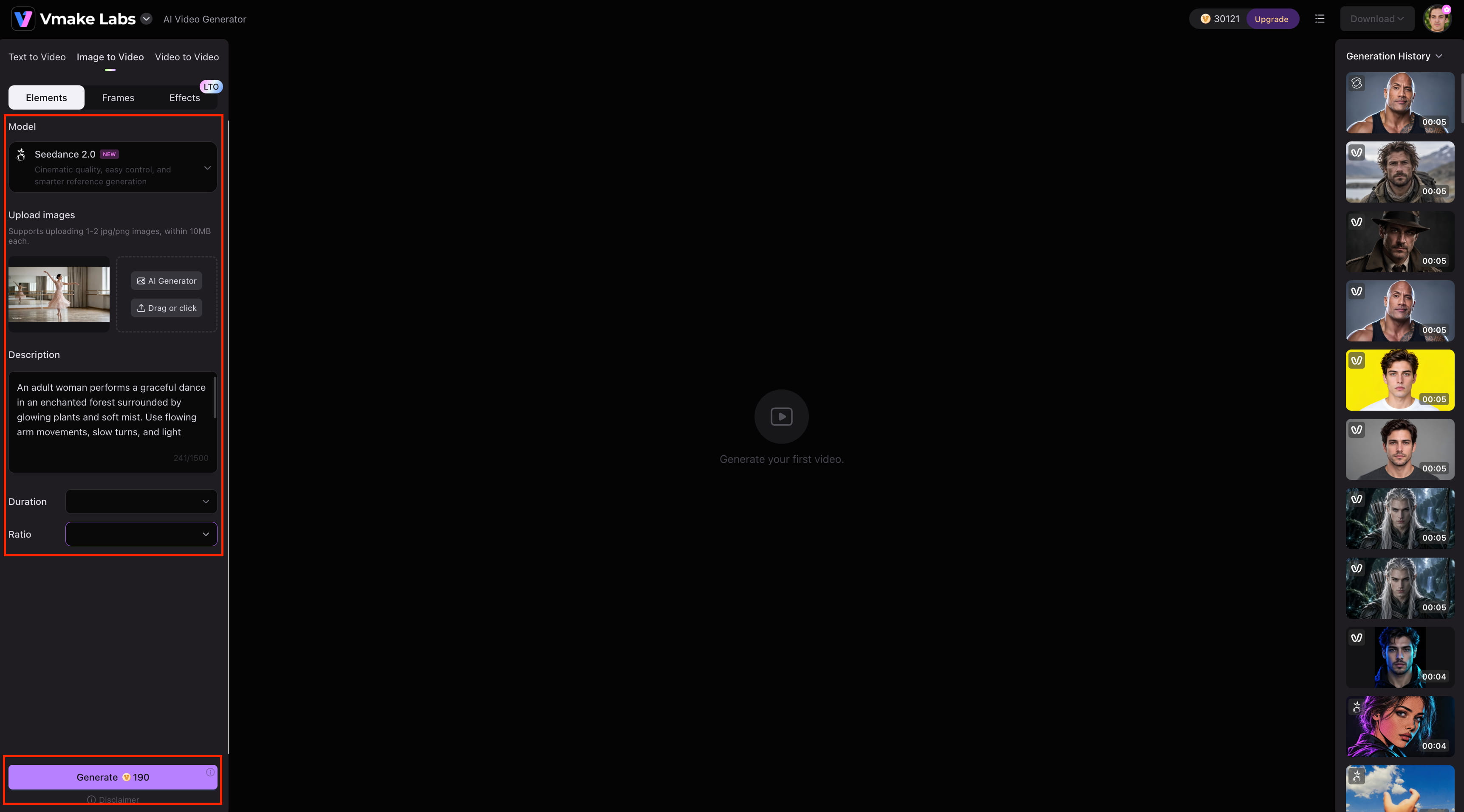
Step 2: Select a model and add your input Choose an available AI video model, then upload your reference image and enter the dance prompt. Vmake Labs supports models including Seedance 2.0, Kling 3.0, Veo 3.1, Veo 3, Sora 2, Hailuo 2.3, Vidu Q2, and Wan 2.2.
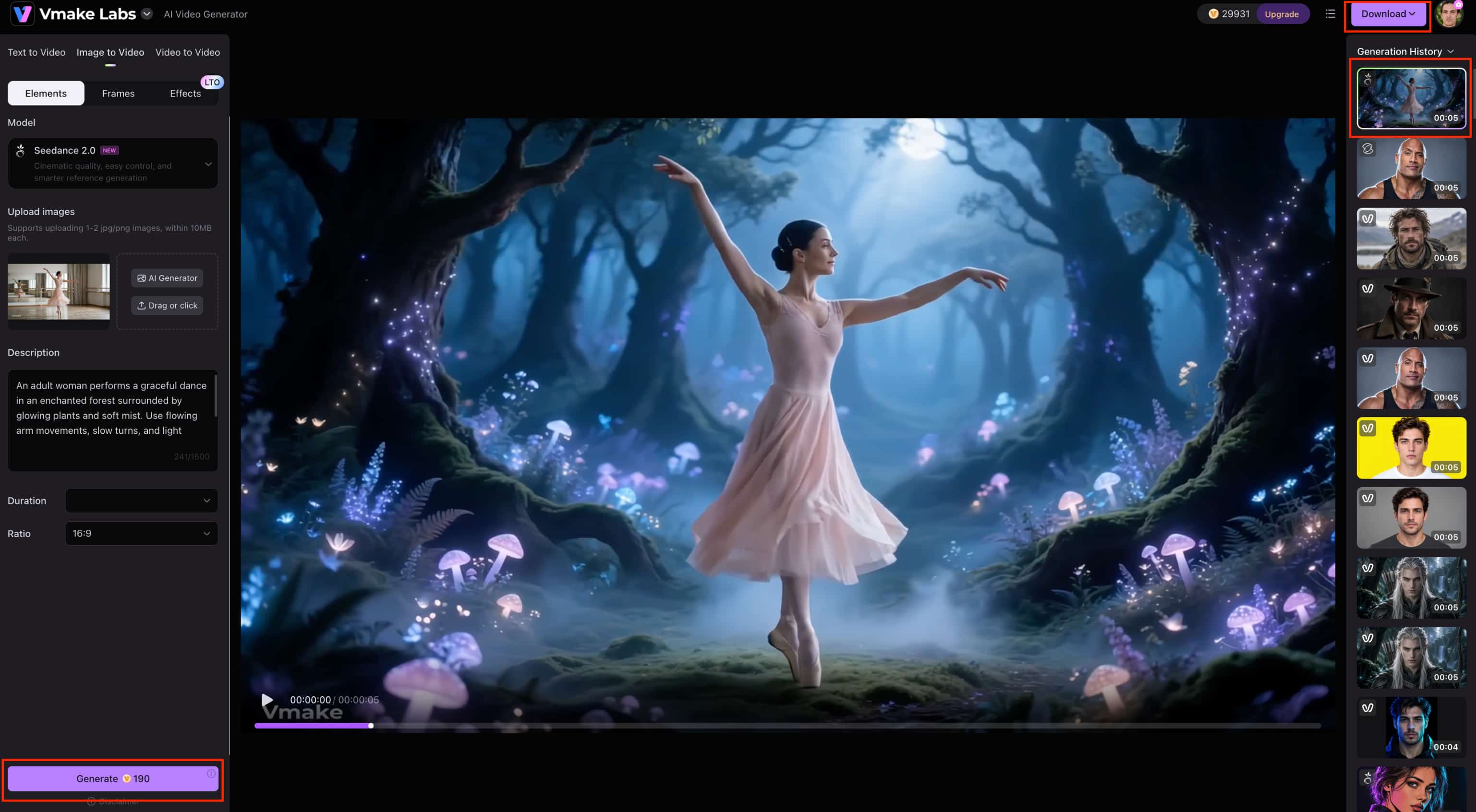
Step 3: Generate, preview, and download Generate the video, review the result, and download the version you want to use. Vmake Labs supports generated clips from 2 to 15 seconds with different resolution options.
Why consider Vmake Labs?
Vmake Labs gives you several video creation options in one platform, which can be useful when your project starts with different types of source material.
-
Multiple AI video models: Choose from several AI models to compare different approaches to your video concept.
-
Text to Video: Turn a written idea into a video scene for social content, campaign concepts, and promotional videos.
-
Image to Video: Animate a still image with a text description, making it suitable for turning reference images into short videos.
-
Video to Video: Use existing footage as the starting point when you want to create a new version of a video.
-
Multiple generation workflows: Switch between Text to Video, Image-to-Video, and Video to Video depending on the assets you have.
Tips for better AI girl dancing videos
A few choices of prompts and images can make the generated dance look more consistent. Try to give the model a clear point of reference, one main movement, and camera instructions that match the choreography.
-
Use a clear full-body reference image: Choose an image where the dancer is visible from head to toe. This gives the model enough visual information to generate arm, leg, and full-body movements.
-
Focus on one main dance action: Describe one routine or movement sequence instead of combining several unrelated actions. You can create another version with a different movement if needed.
-
Match camera movement to the dance: Use tracking for routines that move across the frame and a steadier camera for choreography performed in place. Keep the dancer visible throughout the main movement.
-
Keep character details consistent: Avoid changing the dancer's clothing, hairstyle, or other visual details in the prompt unless you want a different look. This can help maintain consistency between the reference and generated video.
-
Refine your prompt after each generation: If the movement, framing, or expression isn't quite right, change that specific instruction instead of rewriting the whole prompt. If the finished clip is too soft or lacks clarity, you can also use the Vmake Labs video enhancer to enhance the final footage.
Conclusion
The first step in making an AI dancing video is to have a clear reference image and a focused prompt. The best image to video girl dancing prompts mention the dance style, movement, expression, camera direction, and setting without unnecessary details. Play around with K-pop, hip-hop, ballet, salsa, contemporary, freestyle and cinematic dance ideas to find the right look. Begin with one main motion, check the produced clip, and refine the prompt based on what needs improvement. With the right combination of image and instructions, you'll be turning a static character into a compelling dance video that's perfect for social media, creative projects or promotional content.
FAQs
-
What are image-to-video girl dancing prompts?
Image-to-video girl dancing prompts are text instructions that tell an AI video generator how a person in a reference image should dance. They can describe the dance style, movements, facial expressions, camera motion, setting, and mood. With Vmake Labs, you can use an image-to-video workflow to provide a reference image and prompt, then generate a dancing video from it.
-
How do I make a girl dance from a picture?
Upload a good full body picture to an image to video generator and describe the dance you want in the prompt. Include specific moves such as fast footwork, arm movements, spins or a certain style of choreography. Vmake Labs has supported Image to Video, which lets you supply a reference image and a text description of the movement you want.
-
What should I include in an AI dance prompt?
An effective AI dance prompt should include the dance movement, style, facial expression, body language, camera movement, setting, lighting, and mood. You do not need to describe every detail; focus on the elements that matter most to the scene. For example, you can ask for an adult woman performing a high-energy K-pop routine with sharp movements and a smooth tracking camera.
-
What dance styles can I create with AI?
You can create AI dance videos in styles such as K-pop, hip-hop, ballet, contemporary, salsa, tango, flamenco, ballroom, and freestyle. You can also combine a dance style with different settings, camera movements, and moods to create a specific visual direction. Vmake Labs supports image-to-video generation, making it possible to animate a reference image with prompts for different dance concepts.
-
How can I make AI-generated dancing look realistic?
Start with a clear full body reference image and describe one main dance action instead of trying to combine too many movements. Keep camera direction in line with choreography, specify natural expressions and body language. The first result is not quite right? Tweak the movement or camera instruction and create another version with Vmake Labs.
-
Can I use the same dance video prompt with different AI video generators?
Yeah. A good dance video prompt can typically be used across different AI video generators, although each model may interpret movement and camera commands in different ways. The basic dance description is kept and the details are modified according to the model results. Vmake Labs has a bunch of AI video models, so you can see how different models see the same dance idea.

You May Be Interested

11 Best Image to Video AI Generators Compared in 2026
ComfyUI Image to Video: Full Guide & Best Alternative
Best AI Video Generator: Top Tools Tested (2026)

Canva AI Video Generator Review: A Complete Hands-On Test
CapCut AI Video Generator Review: Features, Pricing & Alternatives
