
Online AI Dance Generator
Some of the most engaging videos on social media start with a single photo and a good idea. Vmake Labs turns that idea into a moving dance clip using Text to Video, Image to Video and Video to Video. Pick a supported AI model, describe the scene and generate your ai dance video maker content in minutes.


How to create AI dance videos with Vmake
Step 1. Upload a photo or describe your idea
Open Image to Video and upload an authorized reference image to animate your subject. Or switch to Text to Video and type out the dancer, the vibe, the background and the movement style you want to see generated.
Step 2. Select a model and adjust settings
Pick your AI model from the model selector. Set the clip length and aspect ratio for the platform you are posting on. Then hit Generate.
Step 3. Preview your dance video and download
Watch the clip in the preview player. Not quite right? Tweak the prompt, swap the model and generate again. Once you have the shot you want, download it and you are done.
Where AI dance videos make every moment more fun

Explore powerful features of Vmake Labs AI dance generator
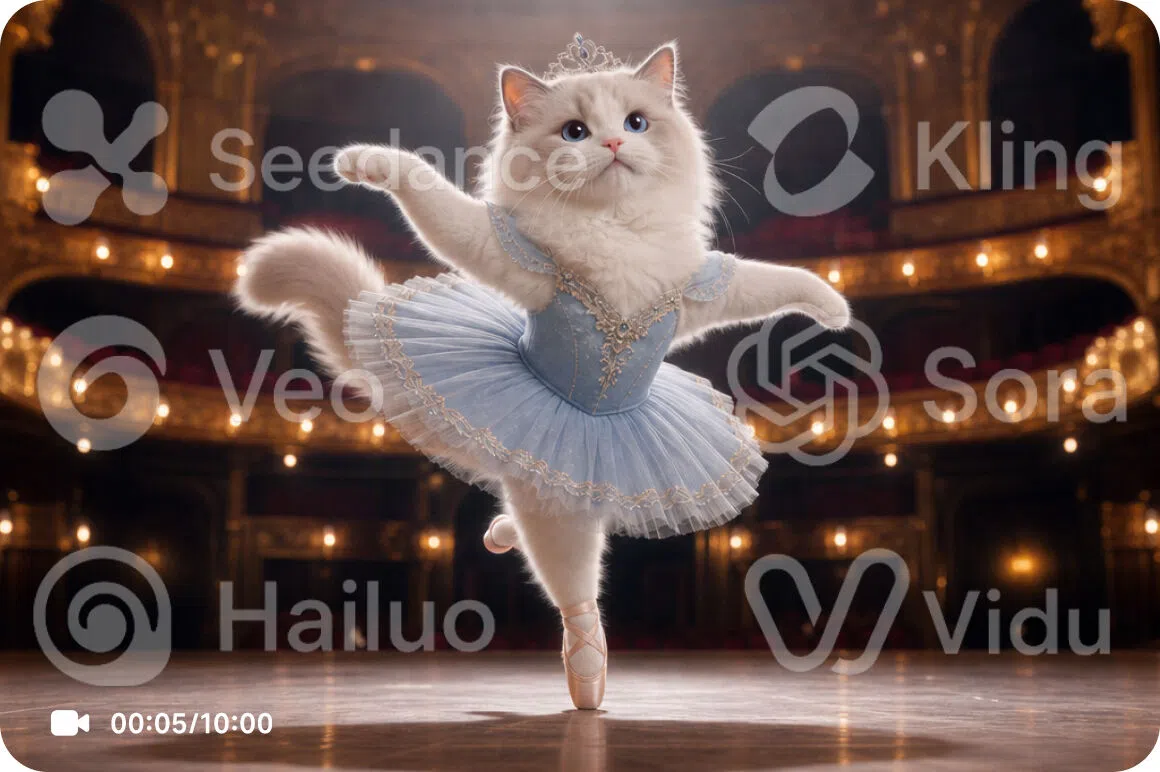
Access leading AI models for dance video generation
Seedance 2.0, Kling 3.0, Veo 3.1, Sora 2, Hailuo 2.3, Wan 2.2 and Vidu Q2 are all in the model selector. Each has its own visual signature and motion personality. Run the same dance prompt through two or three of them and see which one moves the way you imagined.
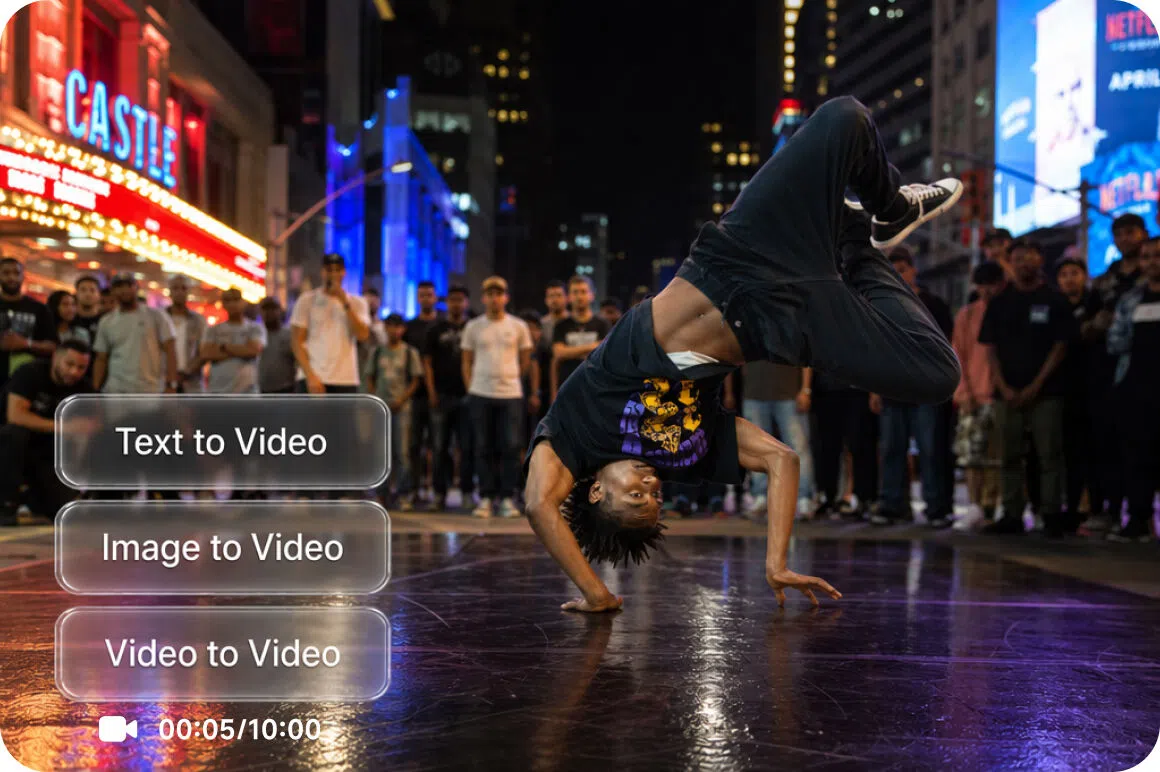
Three generation workflows for every dance concept
No reference image? Text to Video builds the whole scene from your description. Have an authorized photo or original illustration? Image to Video brings it to life using Elements, Frames or Effects modes. Want to restyle something you have already generated? Video to Video takes an existing clip and transforms it. Every workflow lives in the same Vmake Labs workspace.
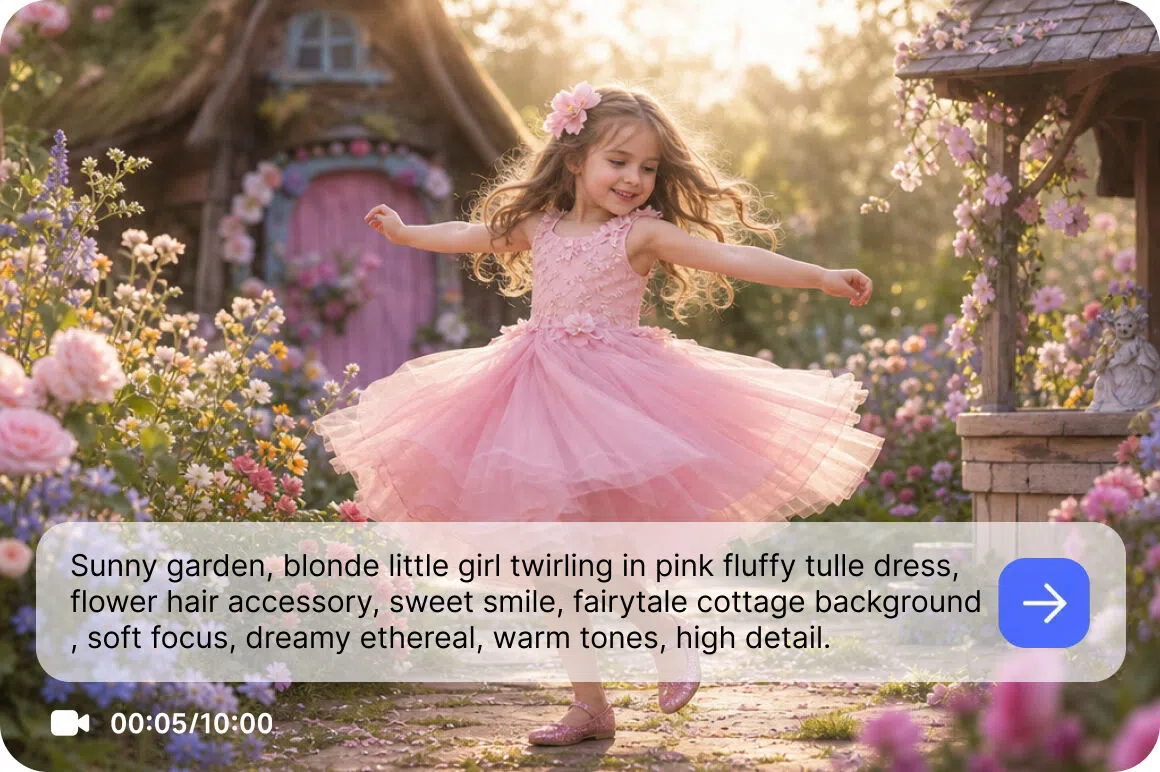
Prompt based motion guidance for dance scenes
This is where the creative direction happens. Describe the dance style, the energy level, what the dancer is wearing, what is happening in the background and how the camera frames the shot. The more specific you get, the more the AI has to work with. Try the same concept with different prompt angles and see how far the output can shift.
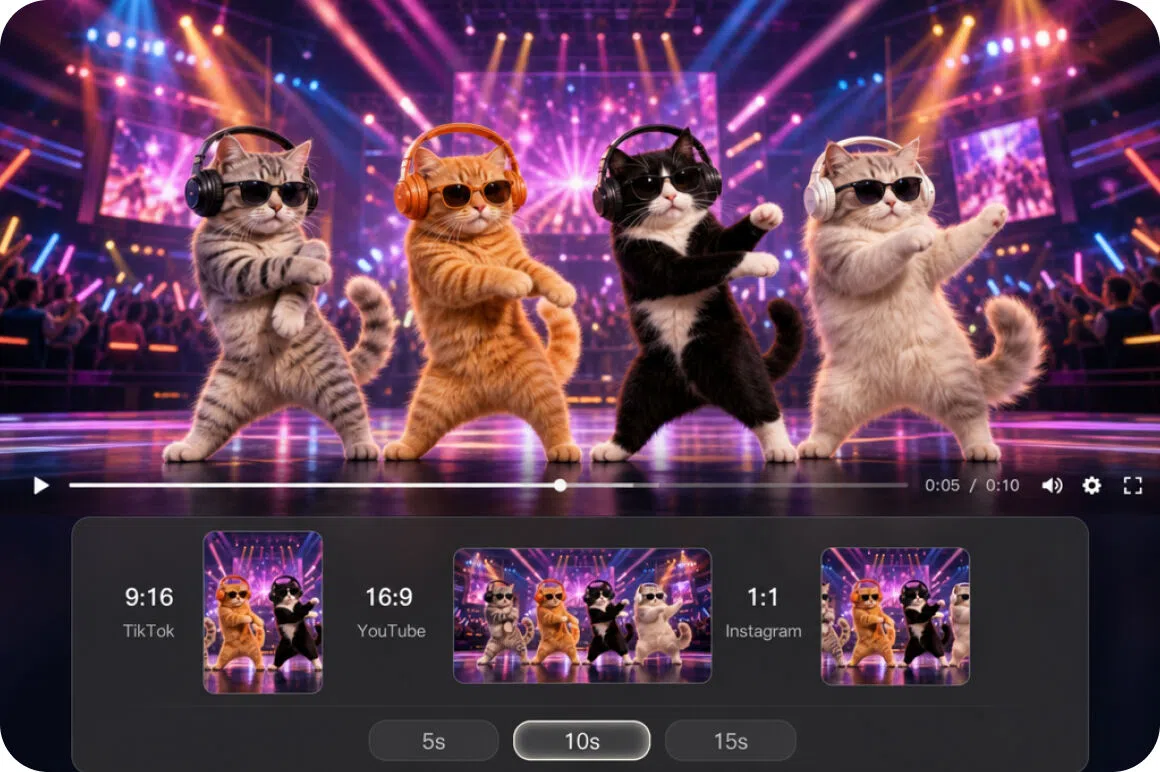
Flexible output settings for every platform
9:16 for TikTok and Reels. 16:9 for YouTube. 1:1 for the feed. Set your ratio and clip length before generating and the output comes out ready for each platform. For improving the visual quality of a source image before you generate another version, the Vmake Labs video enhancer is worth a look.
Who uses Vmake Labs AI dance generator most
Families
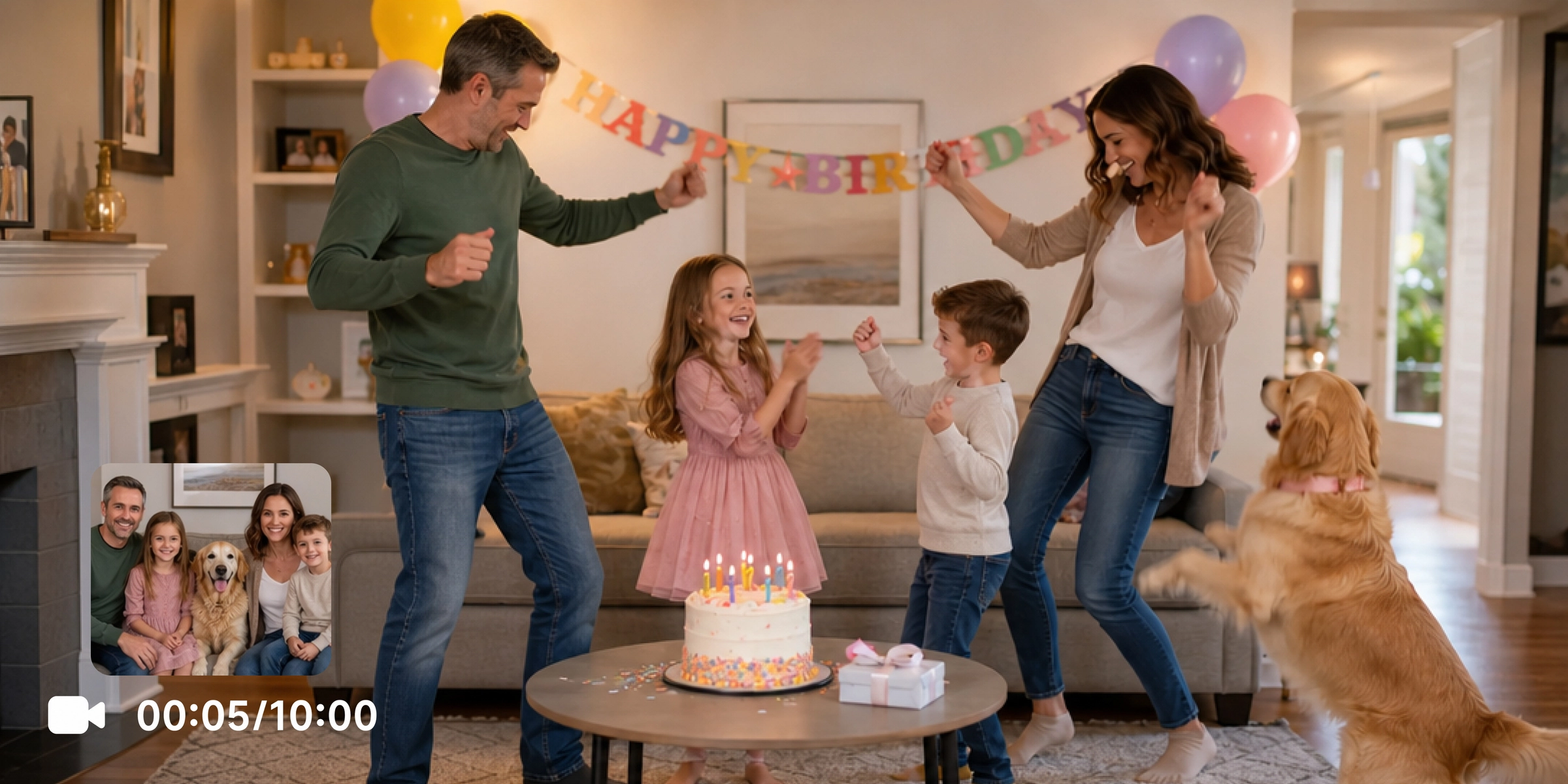
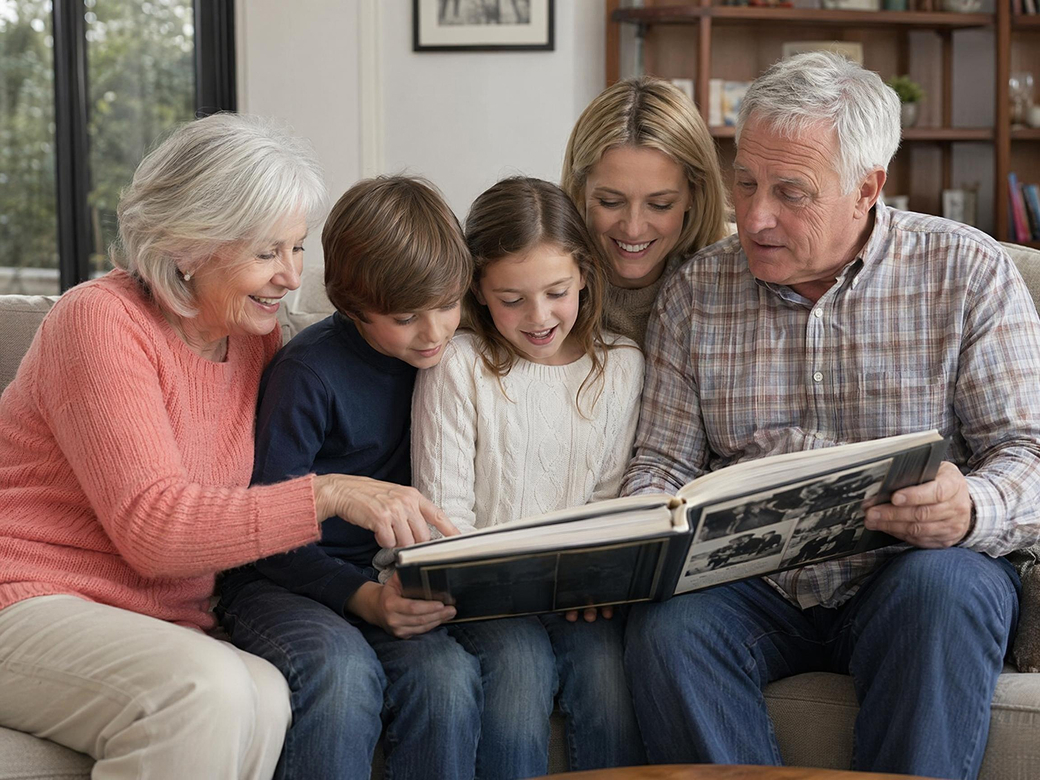
A family photo sitting in someone's camera roll has more potential than people realise. Vmake Labs turns an authorized image into a short animated dance clip that becomes the surprise of a birthday party or a keepsake people share for years. No filming. No production setup. Just a reference image, a prompt and a download.
Content creators
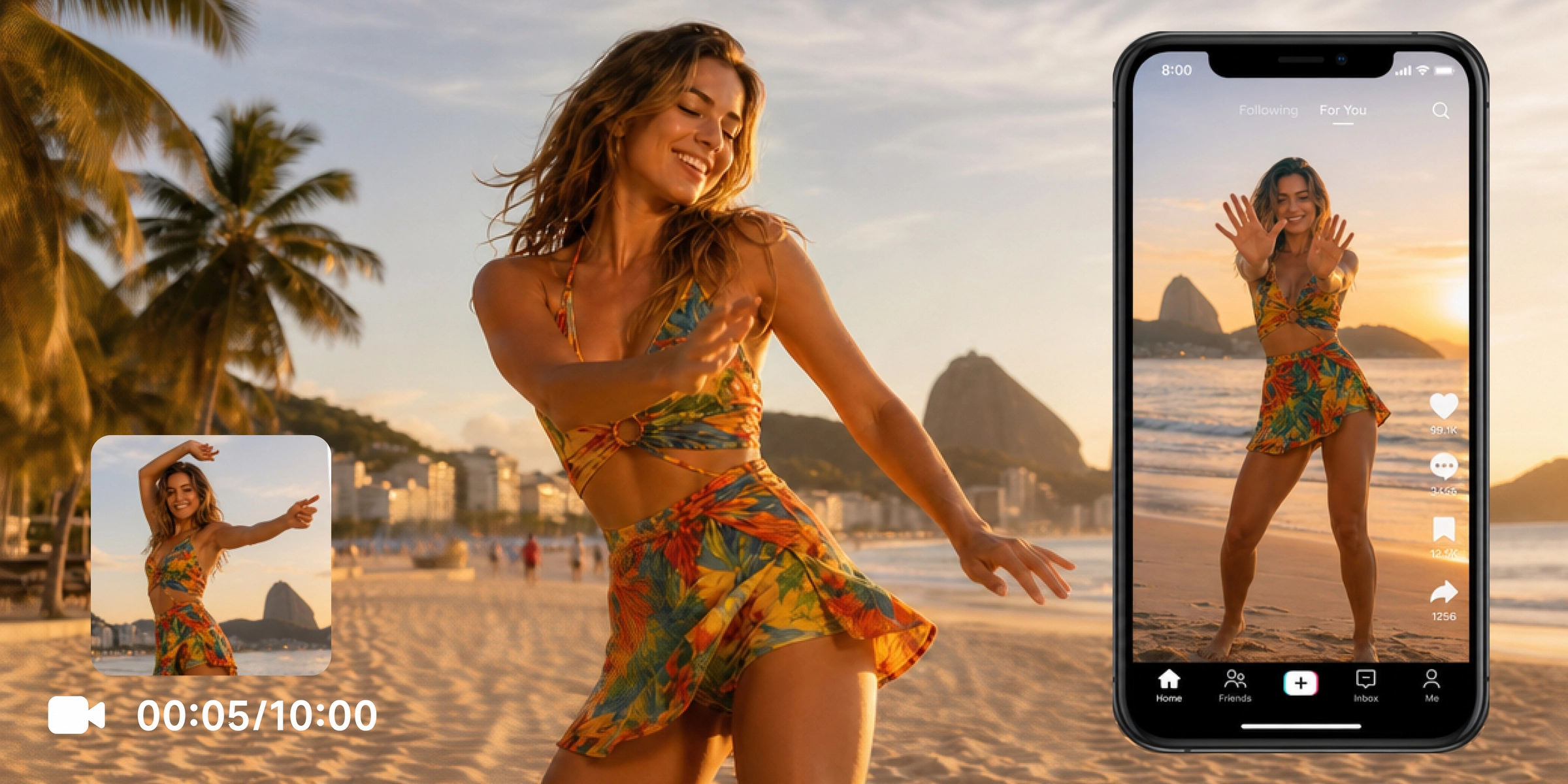
Posting five days a week with fresh content is the reality of building an audience. Vmake Labs lets creators generate original ai dance maker clips from text prompts without a camera, location or performer for every idea. More concepts, more content, less time waiting for the right conditions.

Designers and storytellers
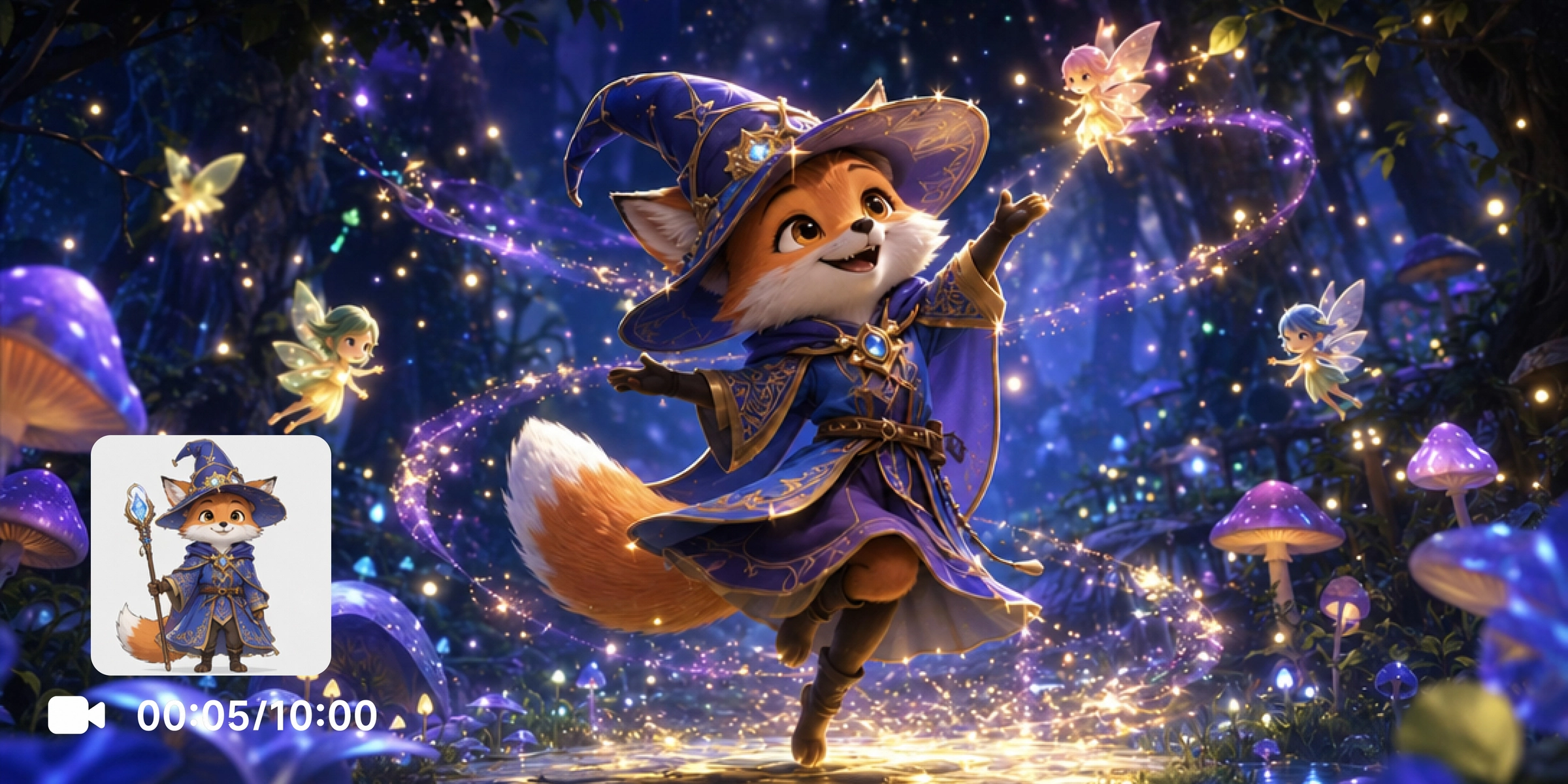
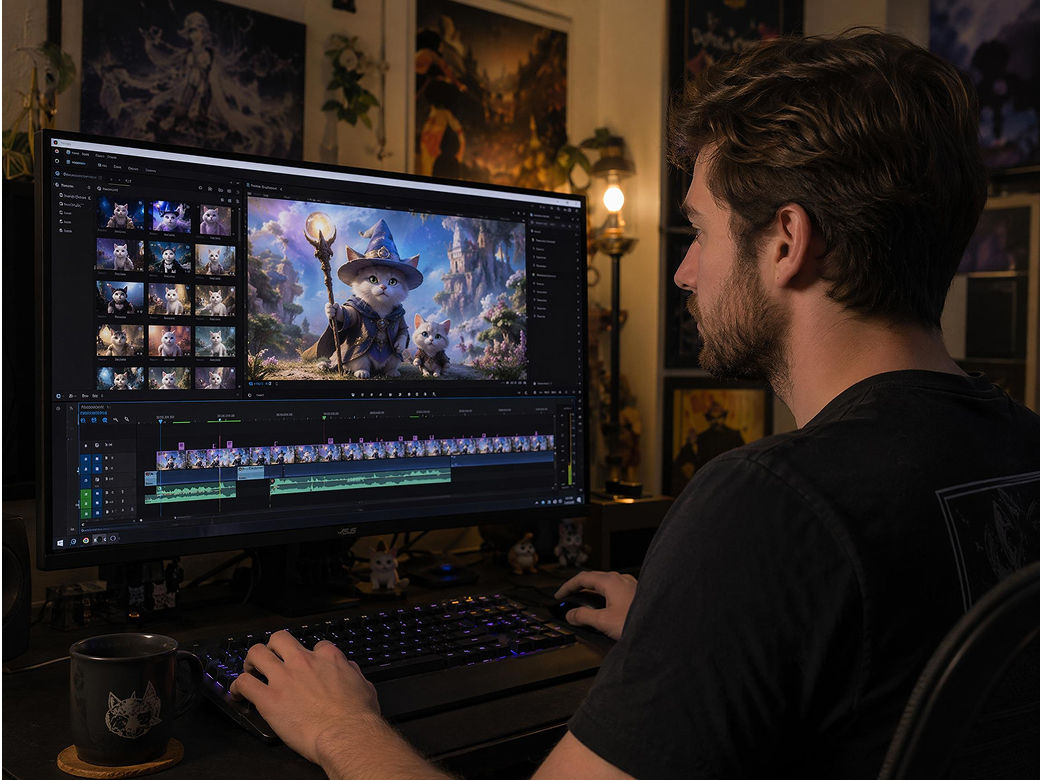
Original characters deserve to be seen in motion, not just on a static reference sheet. Vmake Labs animates original artwork and fictional character descriptions into short dance performance clips through Image to Video and Text to Video. Designers get moving concept material for pitches, portfolios and creative projects without touching an animation timeline.
Frequently asked questions about AI dance generators
What is an AI dance generator?
Can I create dance videos from photos?
Can I create AI baby dance videos?
Which AI models produce the best dance videos?
Can I customize the dance style?
Can I download and share my videos?
Why users choose Vmake Labs AI dance generator

An intuitive workspace makes it straightforward for anyone to start generating dance videos from a text prompt or authorized reference image without prior video editing experience or animation knowledge.
Experiment with different dance style descriptions, reference images and AI models to explore multiple creative directions from the same idea before choosing the output that best fits your project or platform.
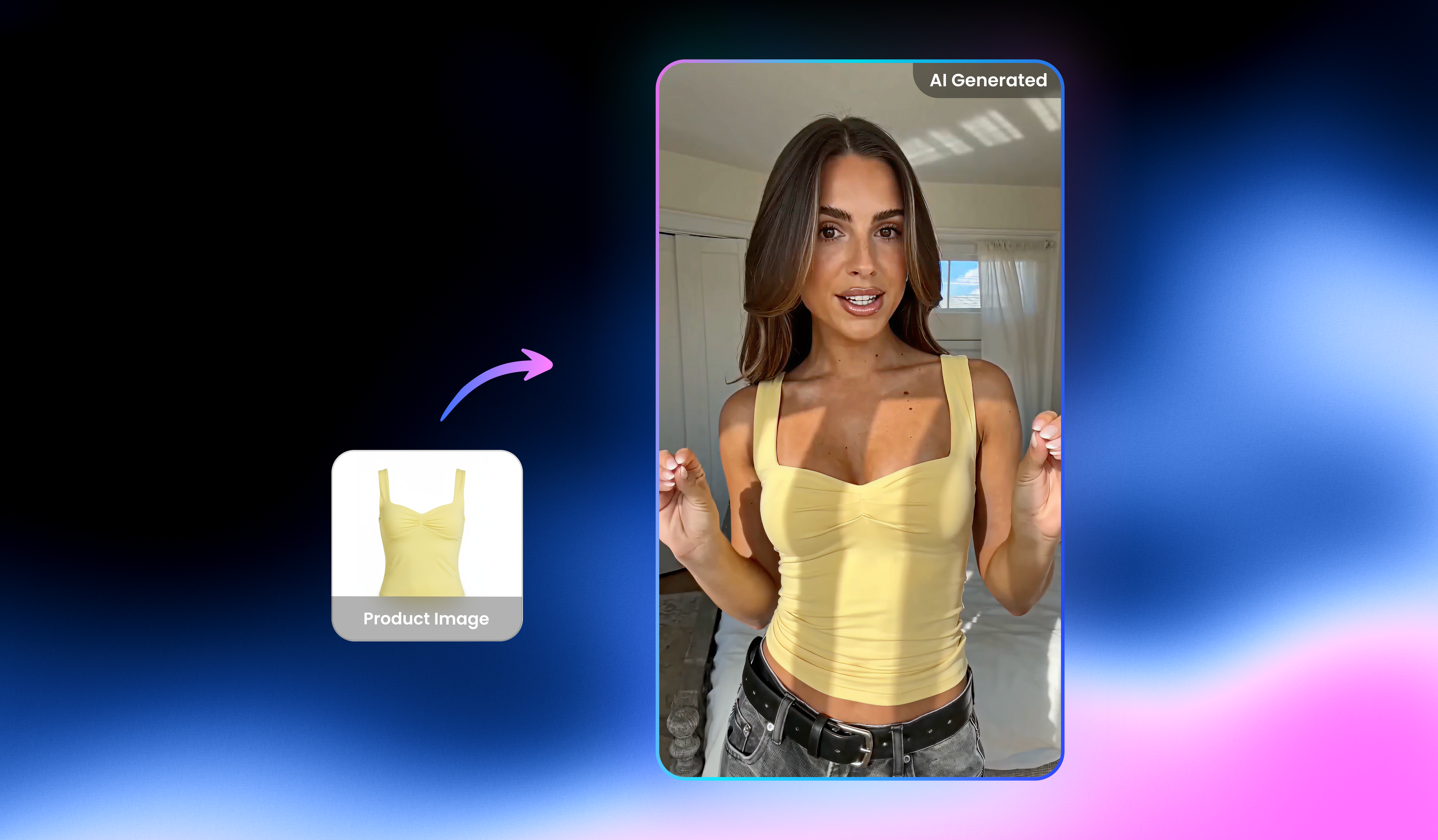
Generate, preview and download your dance video from a single Vmake Labs workspace. All three generation workflows, Text to Video, Image to Video and Video to Video, are available without switching between separate tools.
Explore more Al tools
UGC video

Video translator

Video & image enhancer

Video upscaler

Watermark & text remover

Video background remover

Video noise reducer

Video & audio to text
Create your AI dance video today
Turn authorized photos, original character ideas and creative prompts into lively animated dance clips with Vmake Labs. Upload an image or enter a prompt to start generating original content now.
What users say about Vmake Labs AI dance generator
I uploaded an authorized family photo for a birthday surprise and the dance clip came out better than I expected. Ran it through two different models first to see which one had the right energy. The second one nailed it. Everyone at the party loved it and now they all want one.
I write a dance prompt, generate a clip and post it. That is genuinely the whole workflow now for a lot of my content. I still film my own stuff but when I need filler or want to test a concept before committing to a shoot, this is what I reach for. Fast and actually fun to use.
Generated an animated dance clip from an authorized photo of my dog. I described the movement style and background in the prompt and let the AI figure out the rest. The result was ridiculous in the best way. My followers liked it more than content that took three times as long to produce.
I fed my own original character art into Image to Video to see how it would move. The AI did something interesting with the motion that I genuinely had not imagined for the character. Ended up being a useful creative reference for how the character carries itself in a scene.
Personalized dance clips have become part of my event content toolkit now. I describe the occasion, the aesthetic and the style in a prompt, generate a few versions and pick the one that fits. Clients always ask where the video came from. I tell them it is AI and they are amazed every time.
I ran the exact same dance prompt through five different models just to see what would happen. Each one came back with something genuinely different in how the movement felt. That kind of creative variation from a single idea is hard to find anywhere else. I have barely scratched what this thing can do.