11 Best Image to Video AI Generators: 2026 Review & Alternative
Looking for the best image-to-video AI generator? This guide compares top AI tools for turning photos into animated videos, cinematic scenes, and social media content with minimal editing effort.

Remember when making a photo move felt like a magic trick? Those days are over. Today, anyone can generate a video from an image, but very few tools can do it well every single time. To cut through noise, we evaluated the leading platforms based on their consistency, control features, and output quality. Let's dive in.
How We Tested These AI Image-to-Video Generators
We didn't rely on showcase videos or company demos. Every platform was tested with similar prompts and image inputs to assess performance under comparable conditions.
Some tools surprised us. Others looked great in promotional material but struggled with consistency during actual use.
-
Motion realism: Motion quality was a key evaluation factor. We assessed human movement, facial expressions, environmental interactions, and camera behavior to determine overall realism.
-
Prompt accuracy: Prompt adherence is one of the biggest differences between average and top-performing models. We evaluated instruction-following, action accuracy, and the degree to which generated scenes matched the intended result.
-
Commercial usability: We examined whether videos were suitable for real-world projects. Factors included export quality, workflow efficiency, and readiness for business or production use.
-
Value for money: Pricing was evaluated alongside performance. We compared the free plan's usability, subscription costs, and overall output quality relative to price.
Top AI Image to Video Generators of 2026 (Tested & Ranked)
|
Platform |
Best For |
Based on what we tested |
|---|---|---|
|
Vmake AI |
Commercial and e-commerce video production |
Strongest commercial usability and export quality |
|
Runway |
Advanced creative control |
Best prompt accuracy and creative flexibility |
|
Kling AI |
Realistic humans |
Most realistic human animation and motion |
|
OpenAI Sora |
Narrative storytelling |
Strong scene consistency and story generation |
|
HeyGen |
Personalized and translated videos |
Best avatar quality and multilingual capabilities |
|
Synthesia |
Business and training videos |
Most effective for corporate and educational content |
|
Luma Dream Machine |
Fast cinematic creation |
Fast generation with strong cinematic motion |
|
Pika |
Social media content |
Quick content creation and ease of use |
|
Google Veo 3 |
Cinematic realism |
Highest overall realism in motion and scene quality |
|
Adobe Firefly |
Adobe users |
Best workflow integration with Adobe products |
|
Manus |
Workflow automation |
Strongest automation and production workflow support |
Top AI Image to Video Generators of 2026 (Tested & Ranked)
1. Vmake AI: Best for automated commercial and e-commerce video production
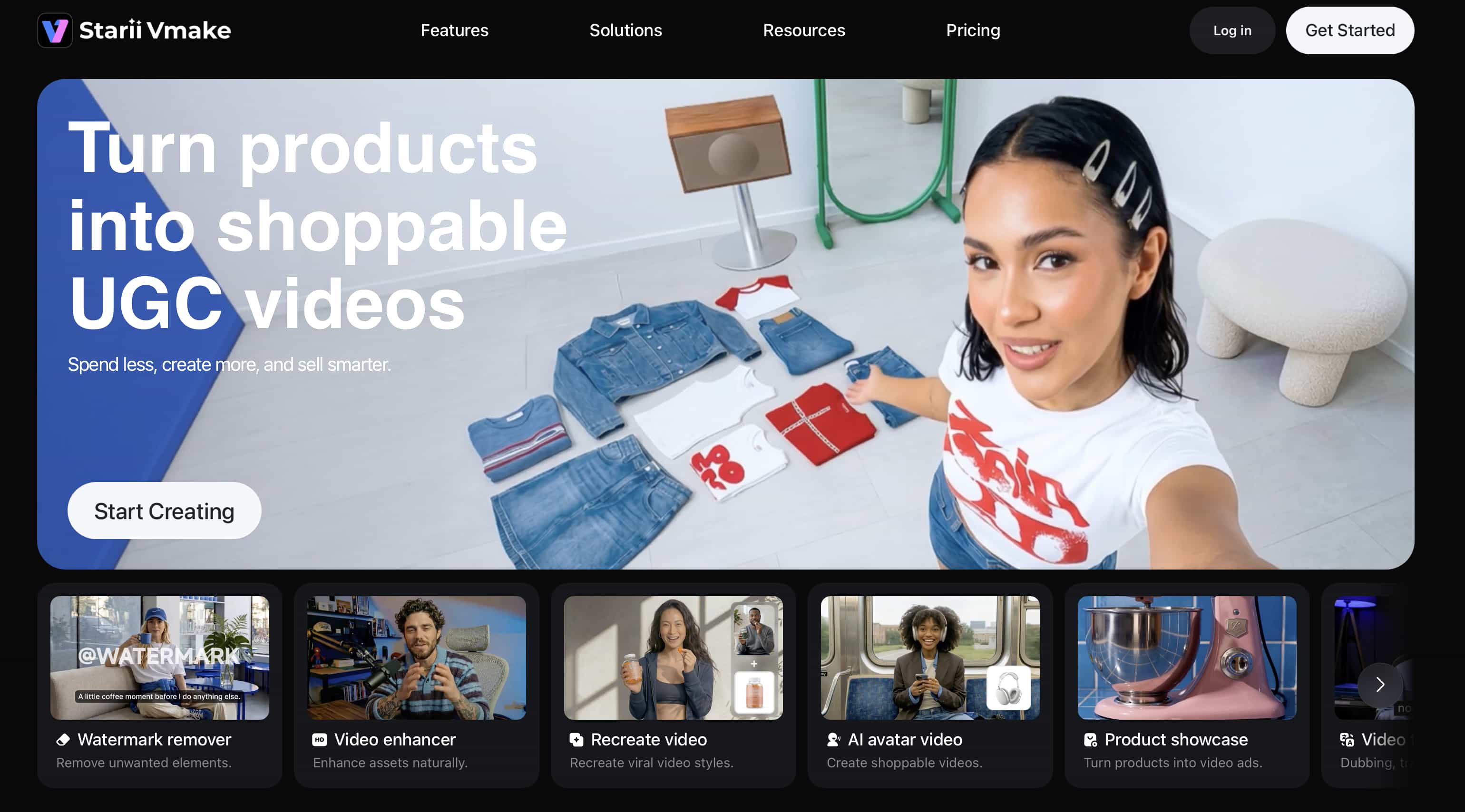
Vmake AI image-to-video generator understands a simple reality: most businesses don't need cinematic masterpieces. They need videos that showcase products and can be published quickly. The platform focuses on exactly that. You upload an image, choose a few settings, and start generating. Product photos, promotional assets, and marketing visuals are where it feels most at home.
Hands-on Performance & Evaluation
During testing, Vmake AI performed particularly well with UGC content and product-focused videos. Product details stayed consistent across scenes, even when motion became more complex, which helped maintain a professional look. Generation times were reasonable, and the workflow felt straightforward enough for marketers without video editing experience. While it doesn't aim to create cinematic storytelling experiences, it delivers reliable results for commercial use cases.
Strengths
-
Strong product consistency across generated videos.
-
Simple workflow that requires minimal setup.
-
Well-suited for marketing, advertising, and e-commerce content.
-
Fast generation process for business-focused projects.
Limitations
-
Focuses more on commercial content than experimental video creation.
Pricing
-
Free tier; Plus $9.99/month; Pro $29.99/month
Step-by-Step Generation Guide
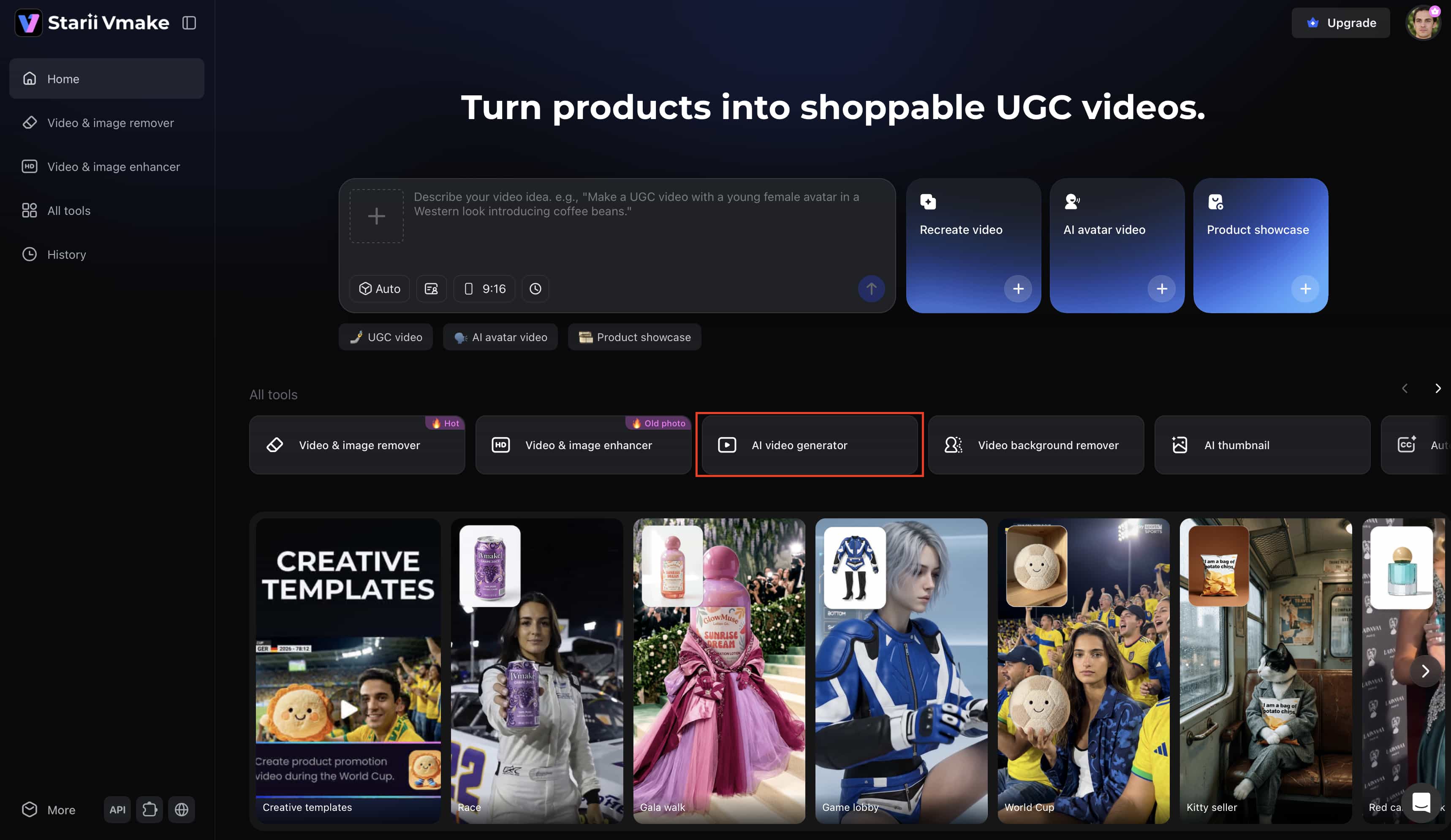
Step 1: Open the AI video generator
Go to Vmake AI and open the AI video generator from the dashboard. The tool is easy to find and gets you straight into the creation process.
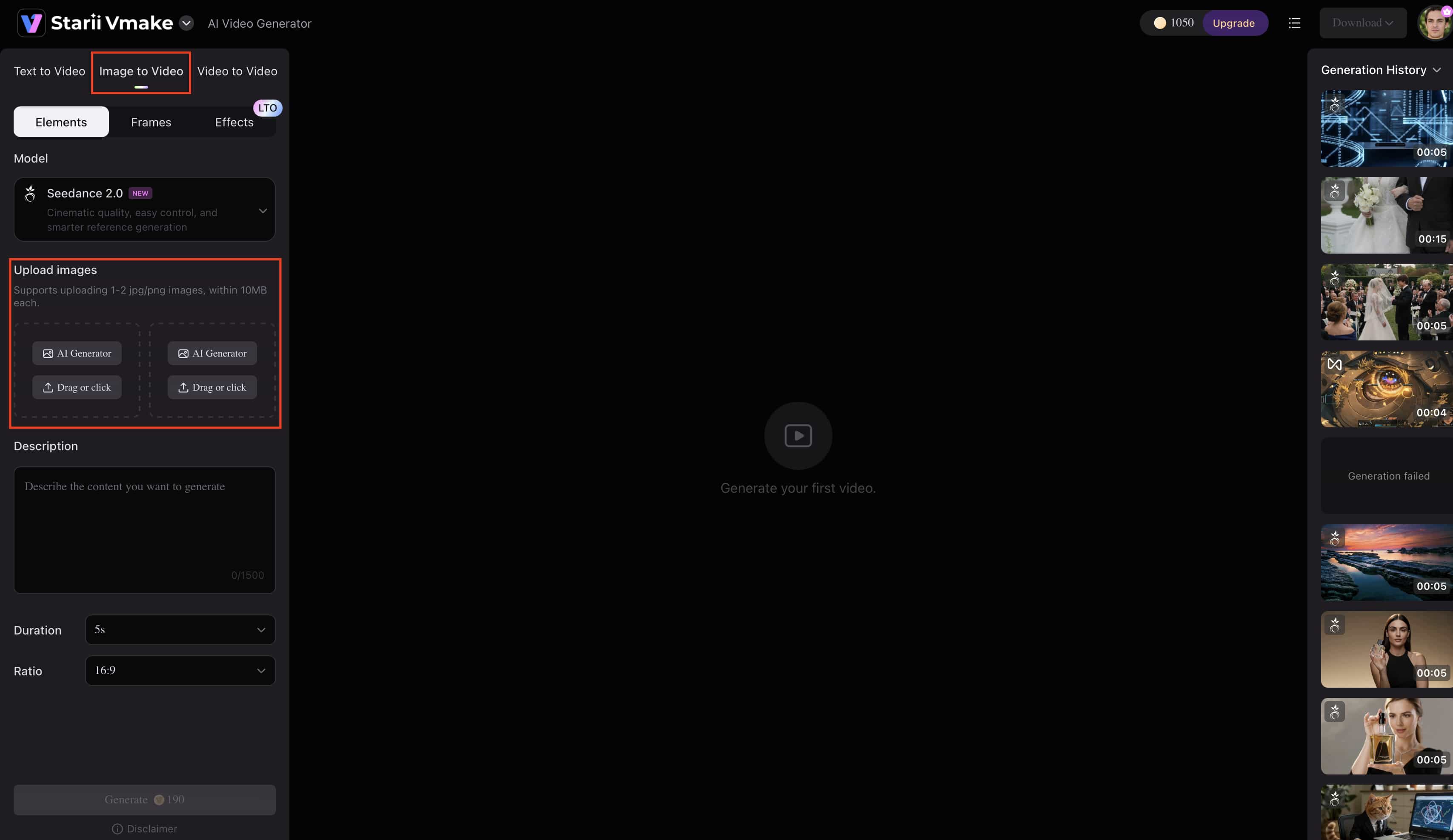
Step 2: Upload an image
Click "Image to Video" and upload the image you want to turn into a video. This can be a product photo, a fashion image, a marketing asset, or a promotional visual.
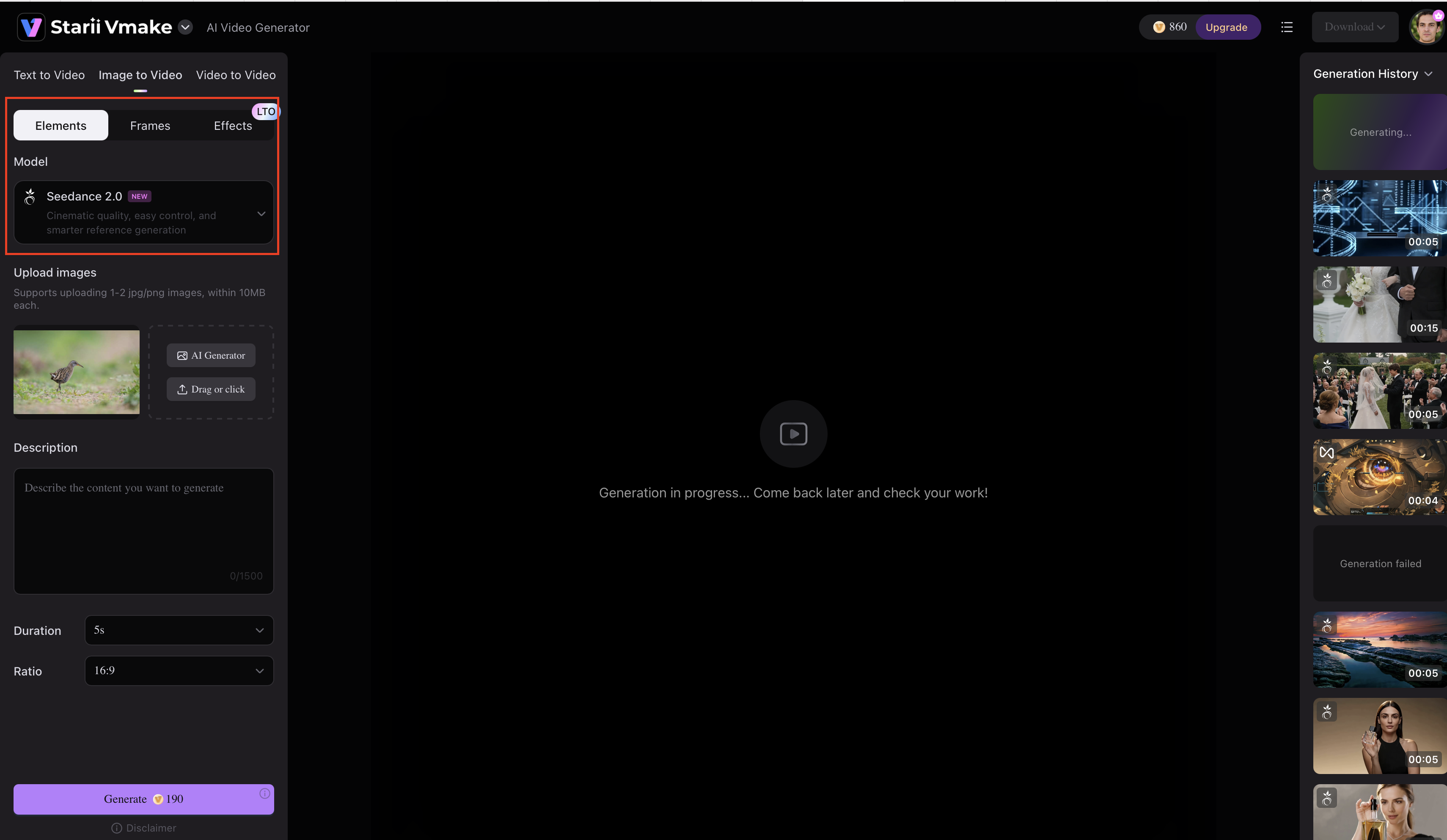
Step 3: Select the AI model and video settings
Choose your preferred functions and AI model: "Elements" focuses on image-based, prompt-driven generation; "Frames" on smooth transitions between image frames; and "Effects" on built-in effects and camera control.
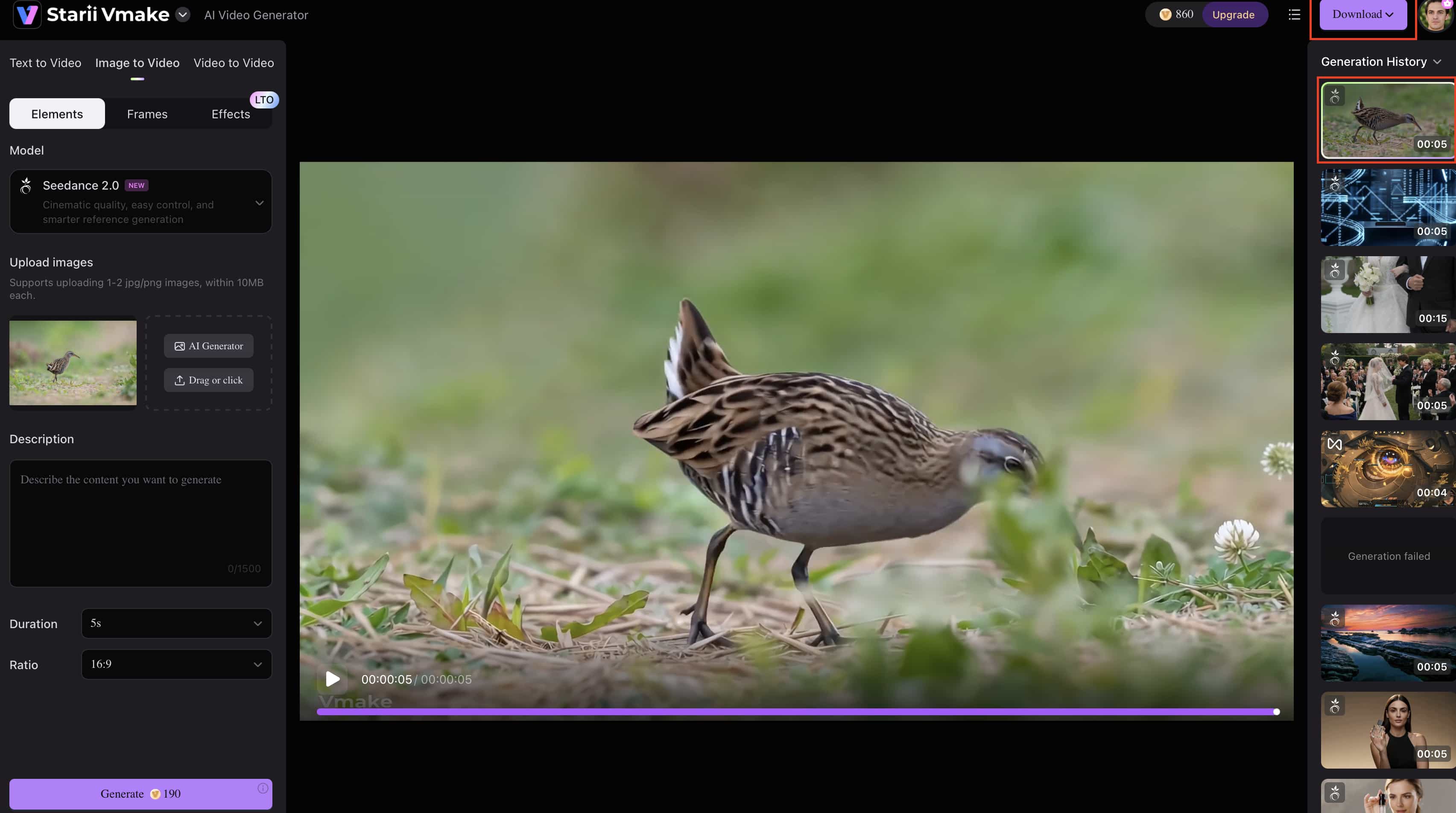
Step 4: Generate and export the final video
Enter your prompt in the box and adjust the duration and ratio. Click generate and wait for the video to be created. Once it's ready, preview the result, make any necessary changes, and export the final video for publishing.
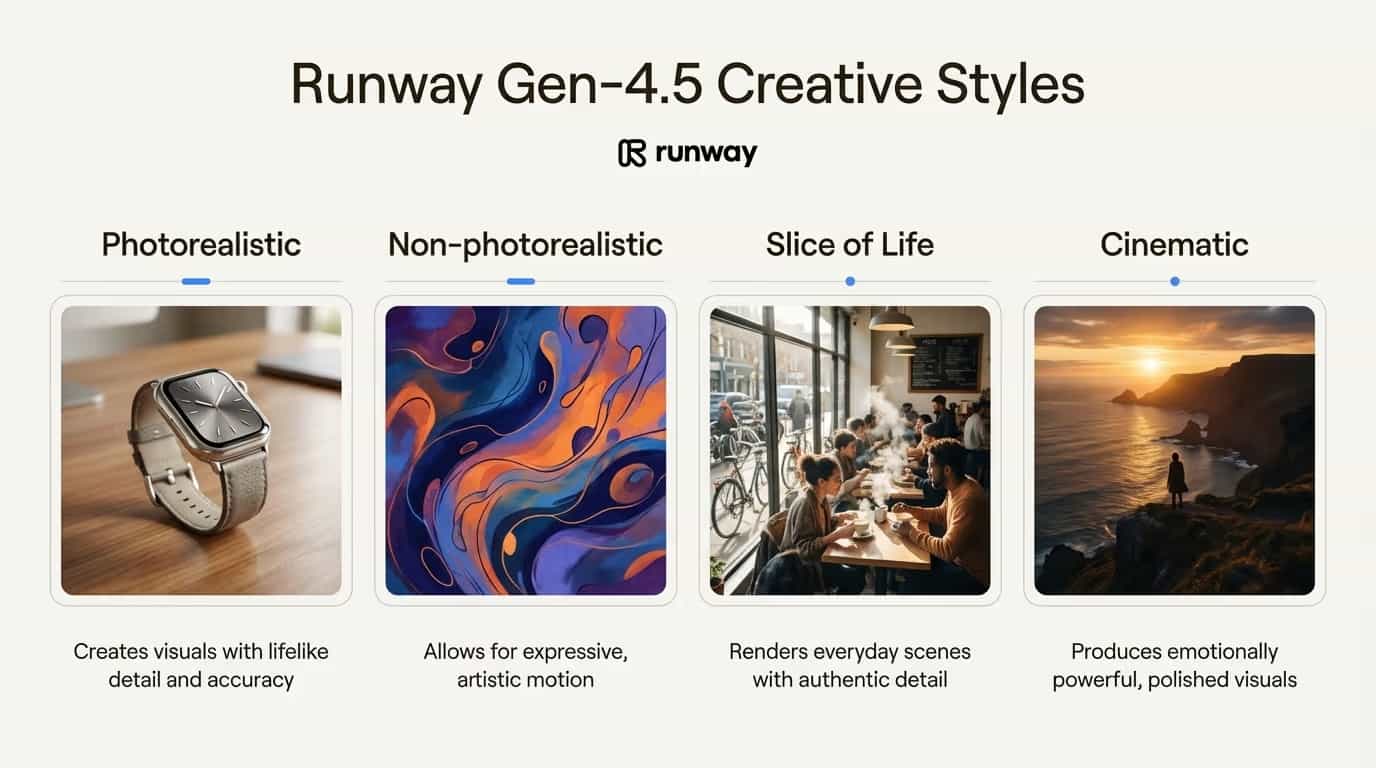
2. Runway (Gen-4.5): Best suited for advanced creative control
Runway gives creators more control than most AI video generators, which is why it remains popular with designers, filmmakers, and creative teams. Features like Motion Brush, camera controls, and advanced editing tools make it well-suited for projects that require creative direction rather than fully automated generation.
Hands-on Performance & Evaluation
During testing, Runway handled complex prompts consistently well. Camera movements felt deliberate, scene composition remained stable, and edits provided meaningful control over the final output. It was one of the strongest tools for creators who wanted to refine and direct results rather than simply generate them.
Strengths
-
Advanced creative controls: Provides tools like Motion Brush and camera controls for greater creative precision.
-
High-quality outputs: Produces detailed videos with strong visual consistency.
-
Flexible workflow: Allows users to combine AI generation with manual editing.
-
Strong prompt adherence: Follows user instructions more accurately than many competing platforms.
Limitations
-
Steeper learning curve: Advanced features may take time for beginners to master.
-
Credit-based pricing: Frequent usage can become costly for heavy users.
Pricing
-
Free tier; Standard $12/user/month; Pro $28/user/month; Max $76/user/month; Enterprise Custom
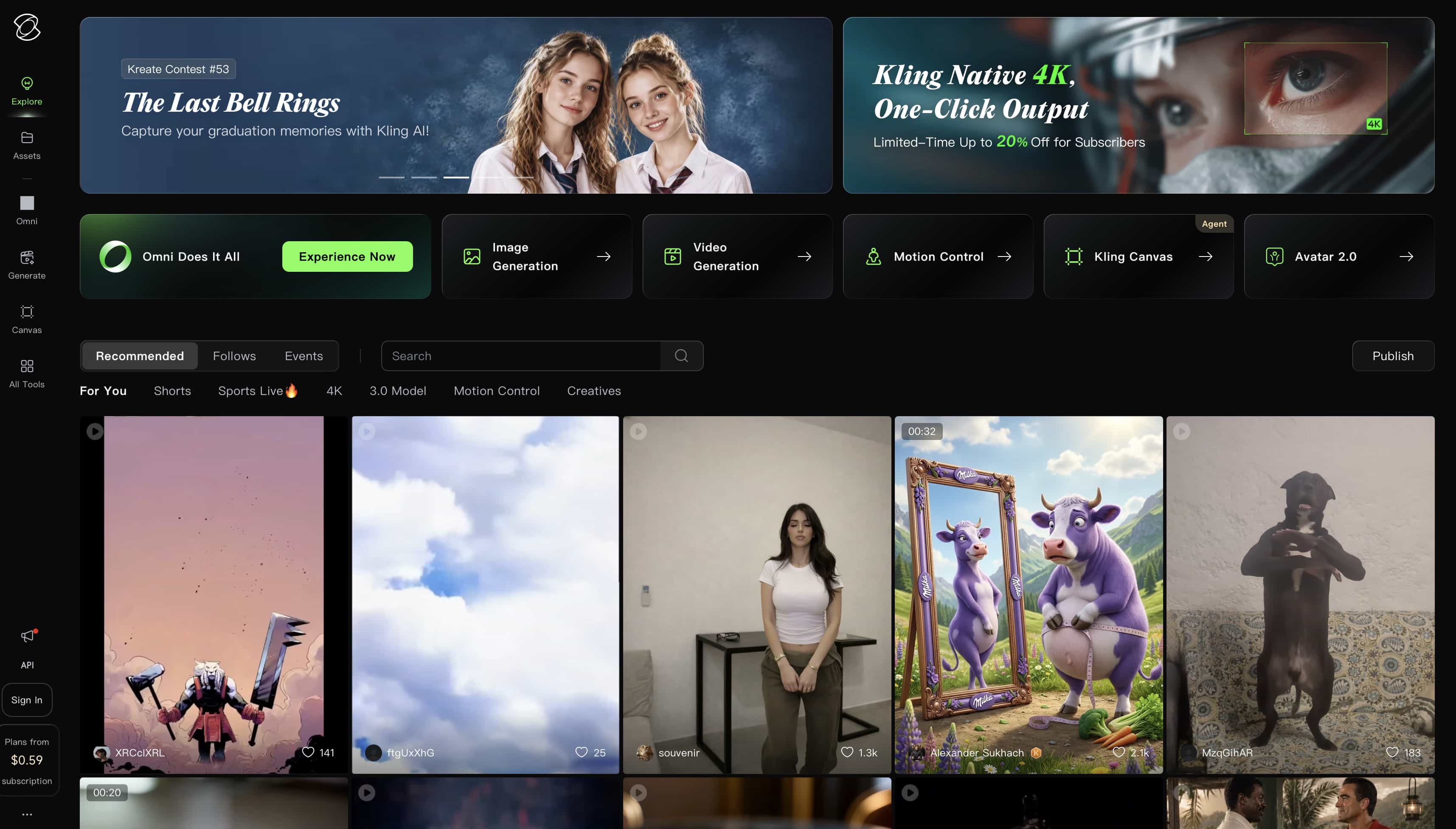
3. Kling AI (Kling 3.0): Best suited for realistic humans
Kling is designed for projects that depend on believable human characters. It focuses on realistic facial expressions, natural body movement, and maintaining character identity, making it a strong choice for portrait videos, virtual influencers, and character-driven content.
Hands-on Performance & Evaluation
During testing, Kling produced some of the most convincing human motion in this roundup. Facial expressions remained stable, movement felt natural, and character consistency held up well across longer clips where many competing models struggled.
Strengths
-
Human realism: Character movement feels more natural than many competing tools.
-
Portrait consistency: Facial identity remains stable throughout videos.
-
Detailed visuals: Generated videos contain strong visual detail and realism.
Limitations
-
Variable render times: Processing speeds can vary depending on workload and project complexity.
Pricing
-
Free tier; Standard $10/month; Professional $30/month; Premier $90/month
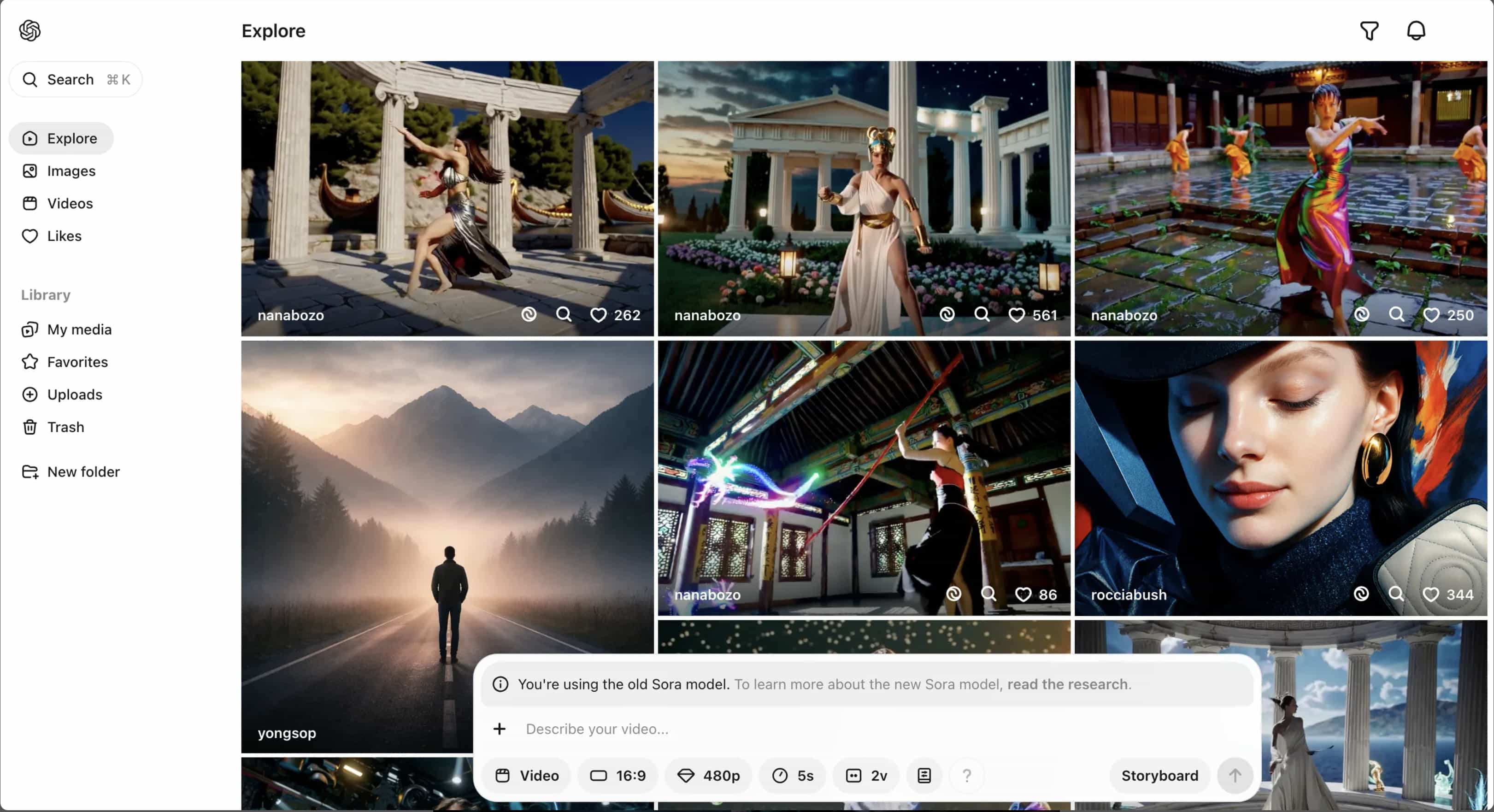
4. OpenAI Sora: Best suited for narrative storytelling
Sora is built for creators who want to generate complete scenes rather than isolated clips. Its focus on narrative structure and scene continuity makes it particularly appealing for story-driven content, concept visualization, and creative filmmaking experiments.
Hands-on Performance & Evaluation
During testing, Sora handled multi-part prompts effectively and maintained stronger scene-to-scene continuity than many competitors. The generated videos felt more cohesive, making it easier to create content with a clear narrative flow.
Strengths
-
Scene continuity: Connected scenes remain visually and contextually consistent.
-
Storytelling capabilities: The platform performs particularly well with narrative content.
-
Visual quality: Generated videos maintain a high level of detail and realism.
Limitations
-
Limited availability: Access remains restricted compared to some competitors.
-
Premium pricing: Costs can be higher depending on usage.
Pricing
-
Sora 2 Standard $0.10/second; Sora 2 Pro $0.30/second; Sora 2 Pro HD $0.50/second
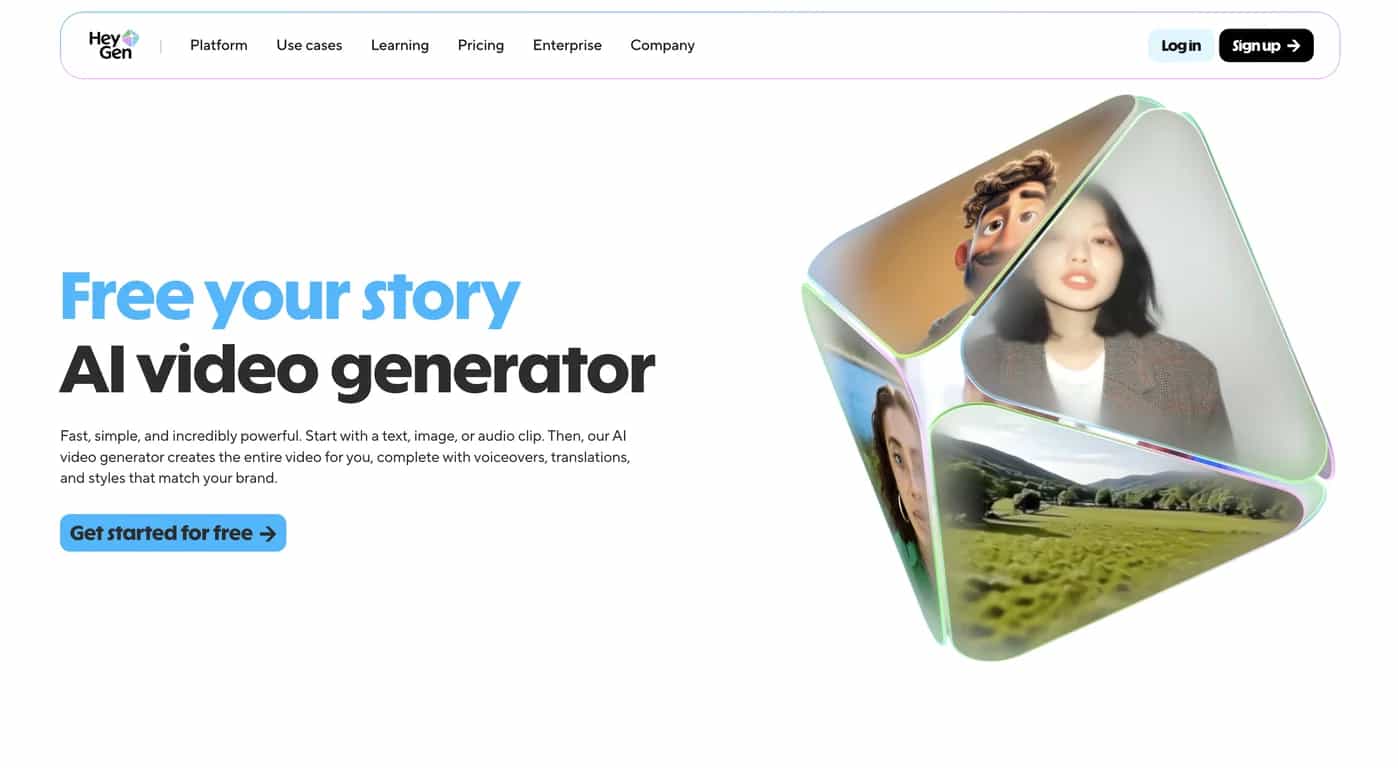
5. HeyGen: Best suited for personalized and translated videos
HeyGen is aimed at businesses and creators who need to communicate across languages and audiences. It is commonly used for marketing campaigns, training materials, customer outreach, and personalized video messages.
Hands-on Performance & Evaluation
During testing, translation quality remained strong across multiple languages, and lip-sync accuracy was impressive. The platform was particularly effective for localized content where maintaining a natural presentation was important.
Strengths
-
Multilingual support: Videos can be translated into numerous languages.
-
Voice cloning: AI voices maintain consistency across localized content.
-
Personalization features: Users can create customized communication videos.
-
Accurate lip-syncing: Mouth movements closely match translated speech.
Limitations
-
Less creative flexibility: The platform is designed more for communication than cinematic content.
Pricing
-
Free tier; Creator $29/month; Pro $49/month; Business $149/month; Enterprise Custom
6. Synthesia: Best suited for business and training videos
Synthesia focuses on business communication rather than creative filmmaking. Organizations commonly use it for onboarding programs, employee training, product education, and internal communications where speed and scalability matter.
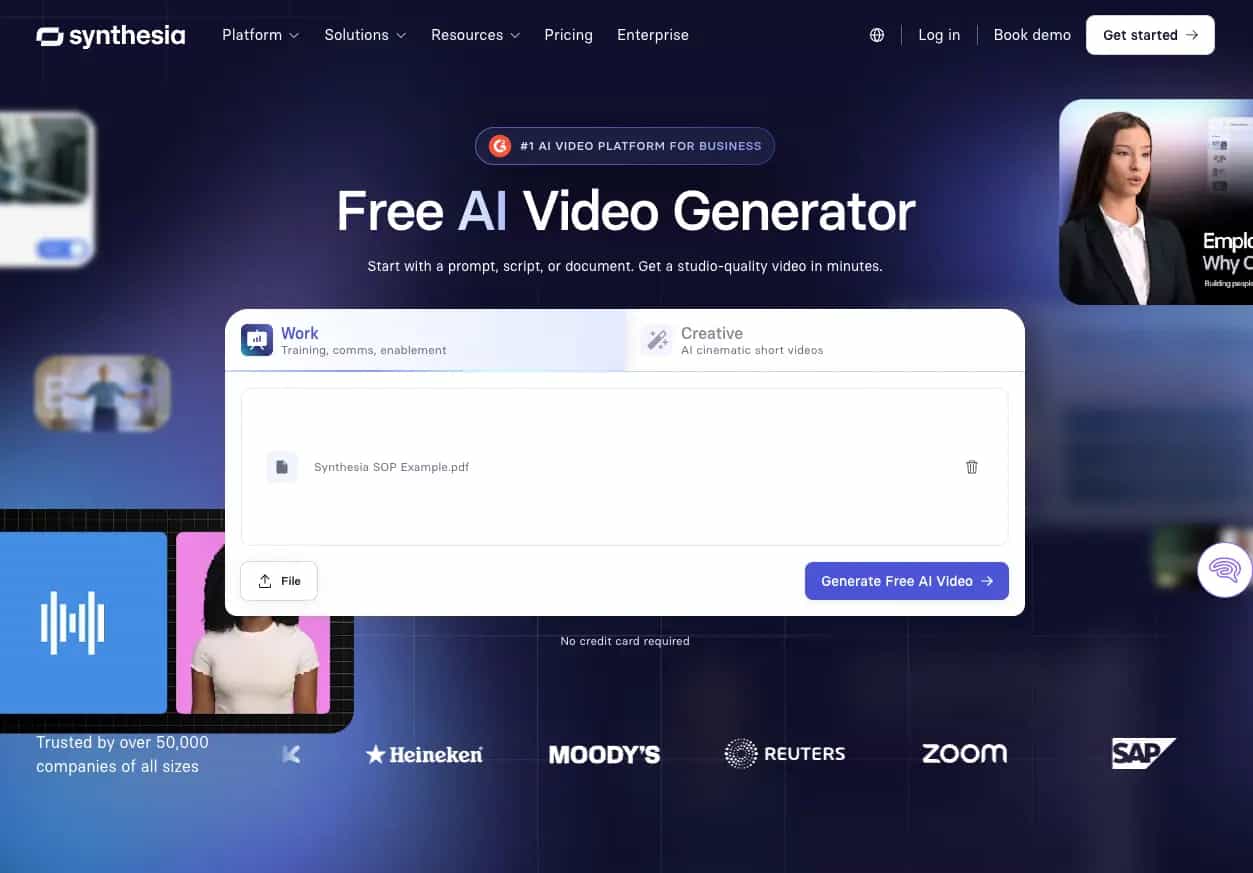
Hands-on Performance & Evaluation
During testing, Synthesia made training video production extremely efficient. Script-based generation worked smoothly, avatars were easy to deploy, and creating multilingual educational content required minimal effort.
Strengths
-
Business-focused workflow: Creating training content requires minimal effort.
-
Large avatar library: Users can choose from a wide selection of AI presenters.
-
Language support: Content can be created in multiple languages.
-
Scalable content creation: Ideal for organizations producing large volumes of videos.
Limitations
-
Limited storytelling features: The platform prioritizes education and training over creative content.
Pricing
-
Basic Free; Starter $19/month; Creator $89/month
7. Luma Dream Machine: Best suited for fast cinematic creation
Luma Dream Machine is built for rapid experimentation. The platform appeals to creators who want to test concepts quickly, generate visual ideas, and produce cinematic-looking clips without spending significant time on setup.

Hands-on Performance & Evaluation
During testing, generation speeds were noticeably faster than many alternatives. Results often looked visually striking, although consistency varied between generations, making some outputs stronger than others.
Strengths
-
Fast generation speed: Videos can be created quickly for rapid experimentation.
-
Cinematic visuals: Outputs often have a polished and creative look.
-
Creative flexibility: The platform encourages exploration of different ideas.
Limitations
-
Less predictable outputs: Results can vary significantly between generations.
-
Scene consistency issues: Visual continuity may occasionally fluctuate.
Pricing
-
Lite $9.99/month; Plus $90/month; Unlimited: $94.99/month; Pro $119.99/month
8. Pika: Best suited for creative and social media content
Pika is designed with social media creators in mind. The platform emphasizes quick content creation, visual effects, and accessible workflows that help users produce engaging short-form videos without extensive editing experience.
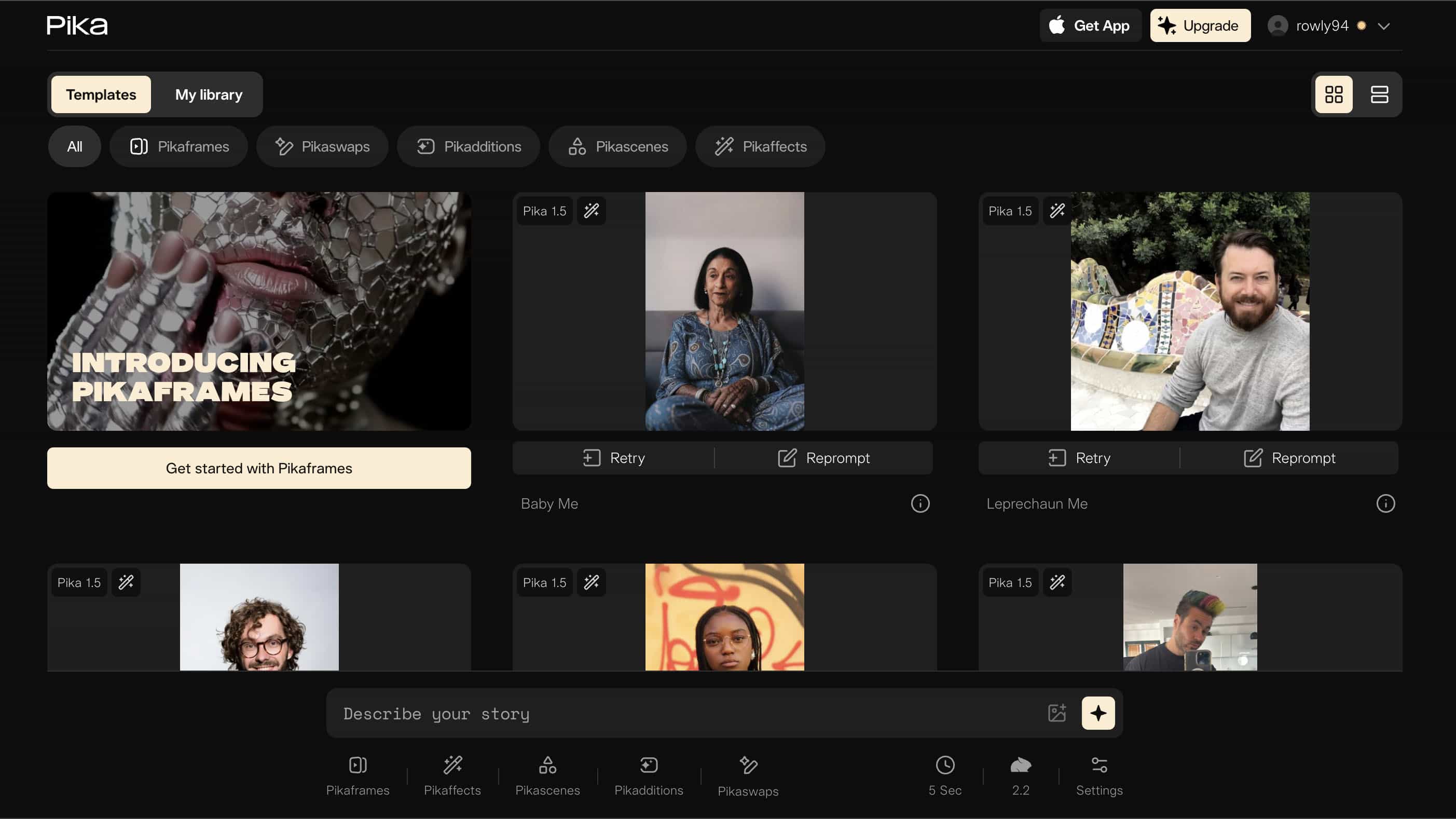
Hands-on Performance & Evaluation
During testing, Pika proved easy to learn and fast to use. Effects were simple to apply, workflows remained efficient, and the platform performed best when creating content optimized for platforms such as TikTok and Instagram.
Strengths
-
Beginner-friendly interface: New users can start creating content quickly.
-
Creative effects: The platform offers tools that enhance visual creativity.
-
Fast workflow: Projects can be generated and edited rapidly.
-
Social media focus: Content is optimized for platforms like TikTok and Instagram.
Limitations
-
Limited enterprise features: Business-focused functionality is less extensive than some competitors.
Pricing
-
Free tier; Basic $8/month; Standard $28/month; Pro $58/month; Fancy $76/month
9. Google Veo 3: Best suited for cinematic realism
Google Veo 3 targets creators who prioritize realism and visual quality. Its focus on natural environments, believable movement, and cinematic presentation makes it particularly attractive for high-end creative projects.
Hands-on Performance & Evaluation
During testing, Veo 3 consistently delivered impressive realism. Lighting behaved naturally, environmental details remained sharp, and motion quality stood out as one of the strongest among the tools evaluated.
Strengths
-
Realistic motion: Character and camera movement look highly natural.
-
Advanced scene understanding: The model handles complex environments effectively.
-
Exceptional visual quality: Outputs are among the most realistic currently available.
Limitations
-
Restricted access: Availability remains limited.
-
Premium cost: Pricing may be higher than many alternatives.
Pricing
-
Free tier ($0), Plus ($7.99/mo), Pro ($19.99/mo), and Ultra ($99.99 to $249.99/mo) plans or pay as you go via the Gemini API (averaging $0.05 to $0.40 per video)
10. Adobe Firefly: Best suited for Adobe Creative Cloud users
Adobe Firefly is most valuable for creators already working within the Adobe ecosystem. By connecting AI generation with tools like Photoshop and Premiere Pro, it helps streamline existing creative workflows.
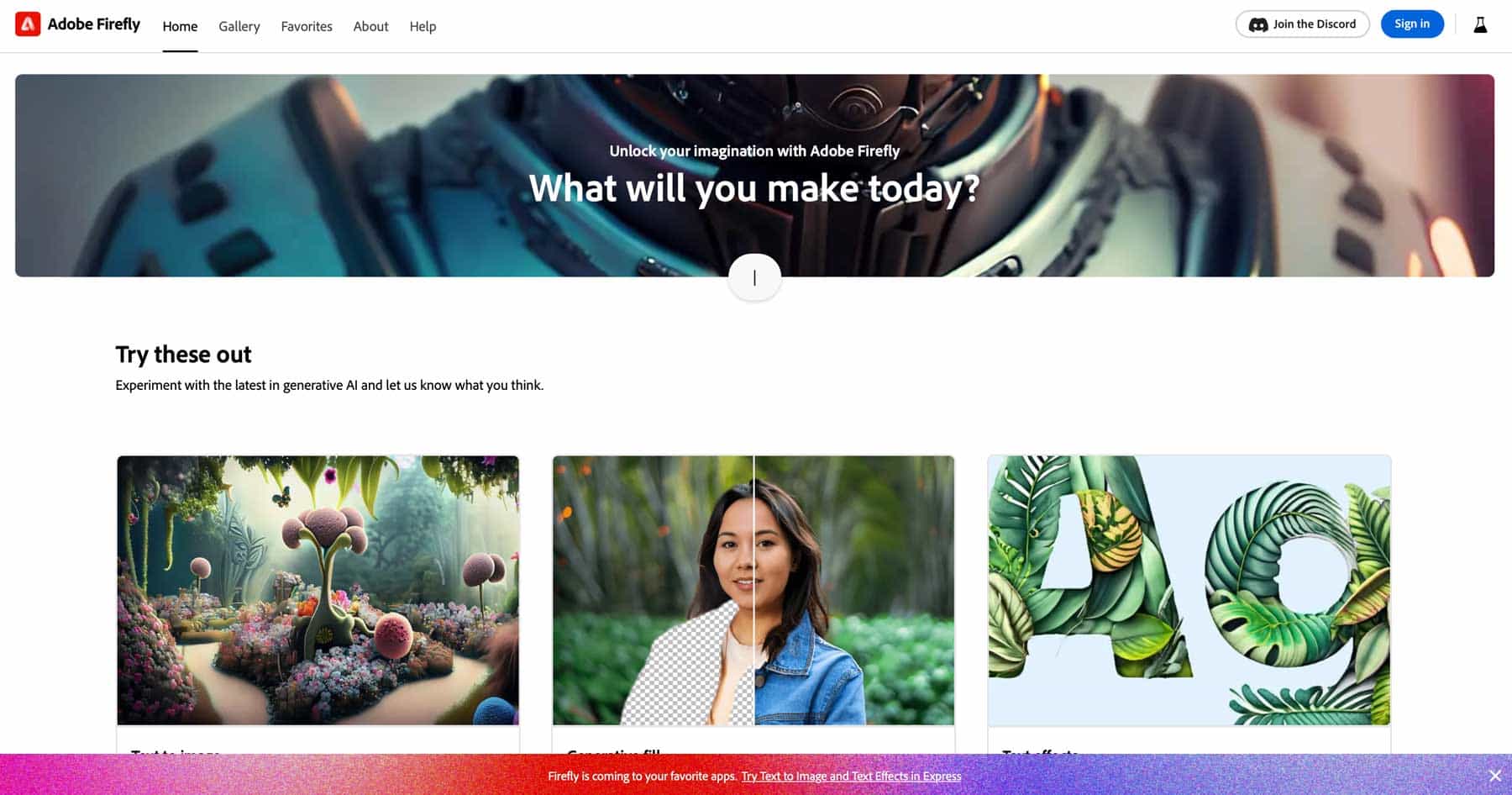
Hands-on Performance & Evaluation
During testing, Firefly felt most effective when paired with other Creative Cloud applications. Asset generation was convenient, and moving between AI-generated content and traditional editing workflows was seamless.
Strengths
-
Creative Cloud integration: Works seamlessly with Adobe's ecosystem.
-
Familiar workflow: Existing Adobe users can adapt quickly.
-
Commercial-friendly licensing: Generated content is designed for commercial use.
-
Strong ecosystem support: Integrates with widely used creative tools.
Limitations
-
Best suited for Adobe users: The biggest advantages depend on using other Adobe products.
Pricing
-
Free tier; Standard $9.99/month; Pro $19.99/month; Premium $199.99/month
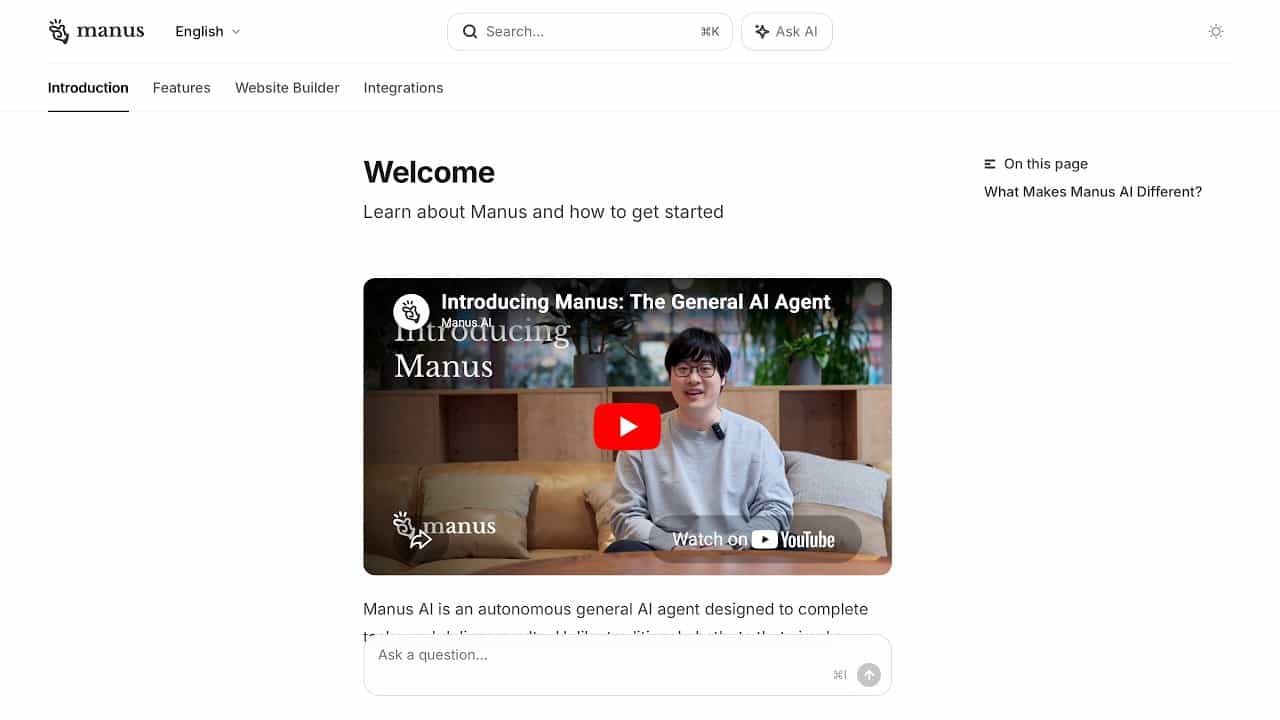
11. Manus: Best suited for AI-driven workflow automation
Manus approaches AI from a productivity perspective rather than a content creation perspective. It is designed to help teams automate repetitive processes, coordinate workflows, and improve operational efficiency across projects.
Hands-on Performance & Evaluation
During testing, Manus proved useful for reducing manual work and simplifying recurring tasks. Its biggest value came from workflow coordination and automation rather than direct video generation capabilities.
Strengths
-
Workflow automation: Reduces manual effort across content operations.
-
Productivity improvements: Helps teams complete repetitive tasks faster.
-
Broad use cases: Supports a variety of business workflows.
-
Operational efficiency: Improves coordination across teams and projects.
Limitations
-
Not video-focused: Video generation is not the platform's primary purpose.
Pricing
-
Free tier; Pro $20/month; Team $30/user/month
What makes the best image-to-video AI generator?
Looking at visual quality alone doesn't tell you much. Most AI video tools can create an impressive clip under ideal conditions. The real test is how they perform when you ask for specific movements, detailed prompts, or consistent characters. The best platforms usually get three things right: motion, prompt accuracy, and consistency.
Physics and Motion Coherence
Motion is often where problems appear first. Awkward movements, floating objects, or strange camera behavior can quickly make a video feel unnatural.
-
Natural subject movement: Facial expressions, gestures, and body language should look believable rather than generated.
-
Environmental interaction: Hair, clothing, shadows, and surrounding objects should react naturally to movement.
-
Stable camera motion: Camera pans and zooms should feel intentional and remain smooth throughout the scene.
Prompt Adherence and Multi-Modal Controls
A visually impressive video isn't very useful if it ignores your instructions. Some models follow detailed prompts closely, while others tend to improvise.
-
Accurate prompt interpretation: The final video should match the original prompt as closely as possible.
-
Creative controls: Features such as motion strength, camera direction, and scene controls provide more influence over output.
-
Reference-based generation: Additional images or references can improve consistency and accuracy.
Spatial and Temporal Integrity
Many AI video generators still struggle with consistency. Creating a few strong frames is easy. Maintaining quality across an entire sequence is much harder.
-
Character consistency: Faces, expressions, and identities should remain recognizable.
-
Object preservation: Products and visual elements should not suddenly change appearance.
-
Scene continuity: Backgrounds, lighting, and environments should remain stable from beginning to end.
Conclusion
The finest AI image-to-video generator for you will depend on your needs. Runway is perfect for people who want a bit more in-depth creative flexibility, and Kling is great for realistic human animation. Sora can tell stories and make them flow. Vmake AI is a more practical solution for marketers and e-commerce firms. It is easy to convert product photos into professional videos with a simple, quick workflow.
FAQs
What are the main characteristics of the top AI image-to-video generator for commercial marketing?
A good AI image-to-video generator should provide consistent visuals, realistic movement, high-quality exports, and clear commercial usage rights. Fast generation speeds and simple workflows are also beneficial for businesses, which is why tools like Vmake AI are often considered for marketing content creation.
Is there a free AI image-to-video generator that can create HD video assets with no watermarks?
Most free plans have watermarks, lower quality, or usage limits. Usually, you'll need to be on a premium plan to export HD videos without watermarks. Some platforms, such as Vmake AI, offer higher-quality exports and more functionality for paid subscribers.
How can popular tools ensure consistency of characters from one photo input?
The AI image-to-video producers study the original image for facial characteristics, clothing, colors, and other visual data. The model then tries to maintain those qualities throughout the video, so the character remains identifiable across scenes.
Are the video assets made by the finest free AI image-to-video generator safe for use in corporate advertising from a legal standpoint?
It depends on the license agreements of the platform. Before deploying AI-generated movies in commercial campaigns, organizations need to check ownership, usage regulations, and commercial license approvals.
Why would a business use Vmake AI over a typical generative video engine?
Vmake AI is built for real-world marketing and e-commerce workflows. It also assists companies looking to turn product images and marketing assets into usable content, making it a practical option for businesses that need to produce marketing content quickly and at scale.

You May Be Interested

AI TikTok Video Generator | Create High-Quality AI Videos

Best AI Video Generator: Top Tools Tested (2026)
Viggle AI Video Generator Review & Top 2026 Alternatives
Trump AI Video Generator: 3 Best Tools to Create AI Videos
How to Remove CapCut Watermark