AI Image Prompts: 10 Examples and How to Write Better Prompts
Transform concepts with AI image prompts and proven techniques. Discover fresh examples, sharpen descriptions, control visual elements, and create polished, captivating artwork with greater creative confidence.

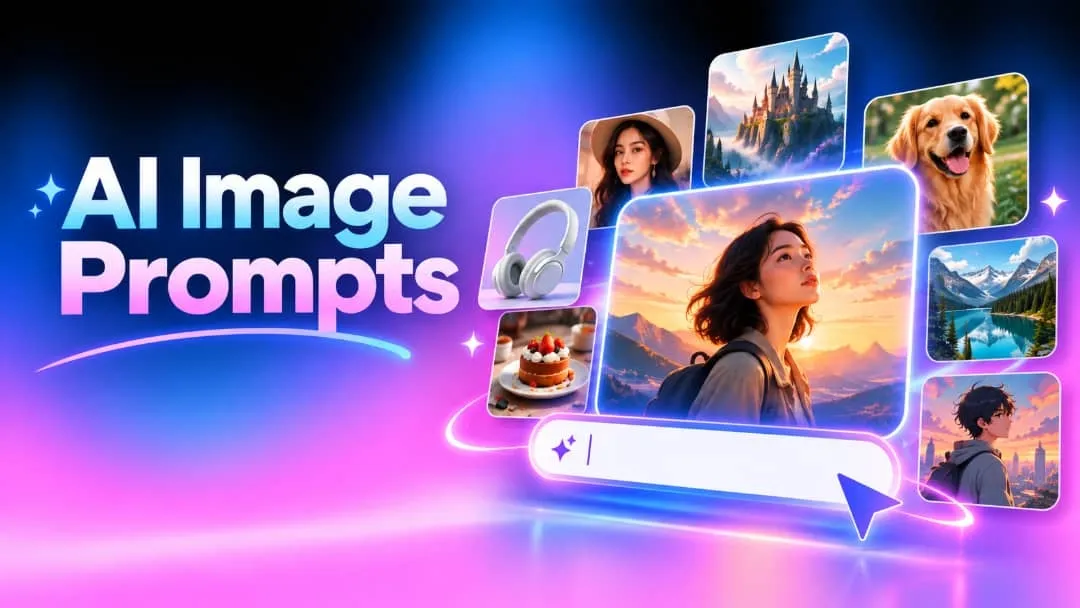
AI image prompts give image generators a clear idea of what you want to see. From portraits and product shots to fantasy scenes and landscapes, the right wording can make a big difference. Here are practical examples and simple tips for writing prompts that produce useful, appealing images.
What are AI image prompts?
An AI image prompt is simply a written description of the image you want to create. It might mention the subject, what they are doing, where the scene takes place, the lighting, colors, style, or camera angle.
For example, "a dog in a garden" gives an image generator a basic idea. Adding details such as "golden retriever sitting in a sunny garden, soft morning light, realistic photography" gives it much more to work with.
There are basically two methods used. Text-to-image uses your description to make an image, while an AI image-to-prompt is the reverse of this by using an already existing image to come up with its description.
How to write effective AI image prompts
You do not need a complicated formula to write a good prompt. Think about what you would tell a photographer, illustrator, or designer if you were explaining the image you had in mind. Start with the important information, then add details that affect the final look.
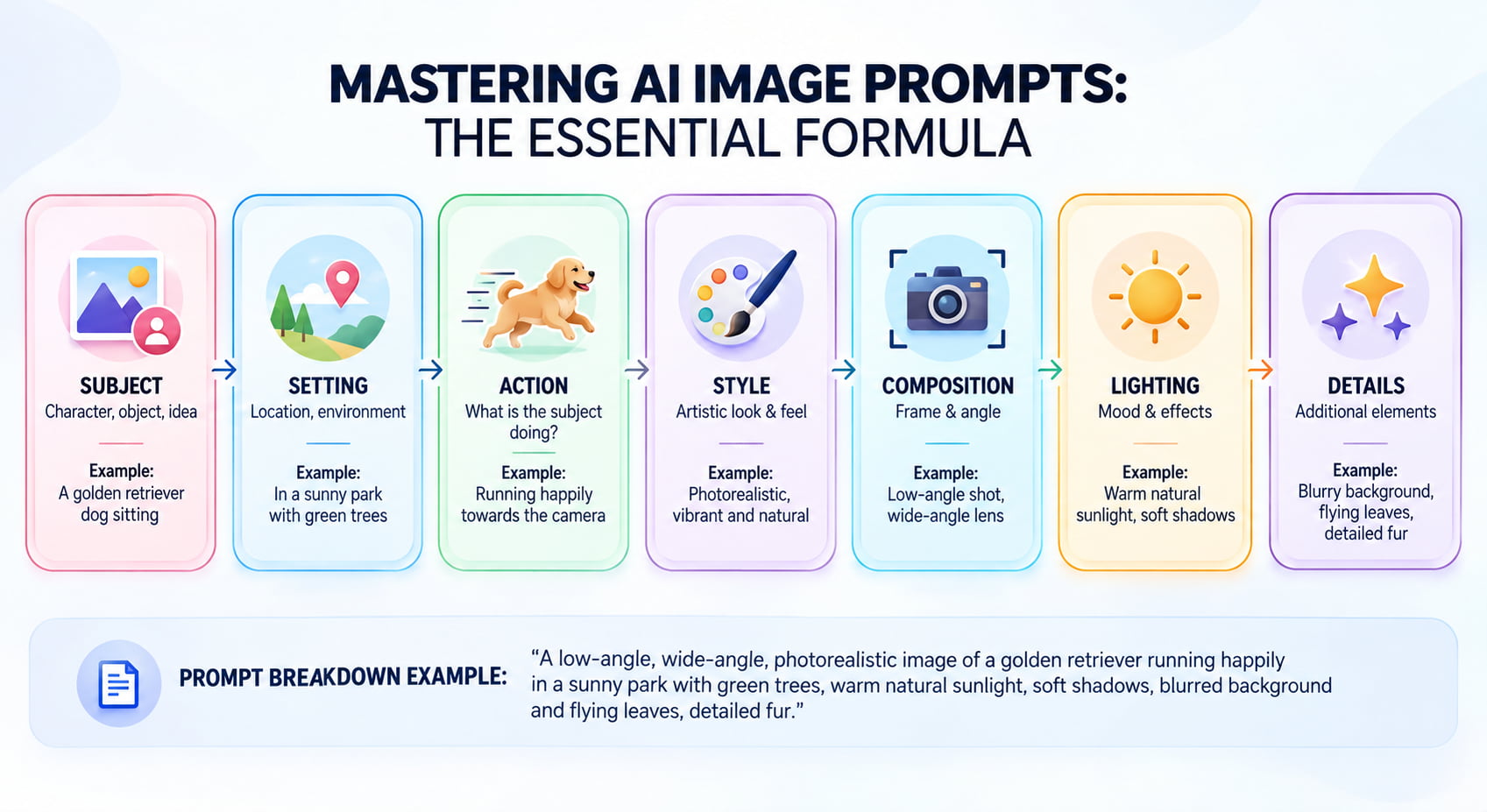
Start with the subject and action.
Start by describing the main subject of your image and what it is doing. Be specific about whether it is a person, animal, product, or object. For example, instead of "a woman," try "a woman reading beside a café window" to give the AI more context and direction.
Add the setting and background.
Think about where your subject belongs. A café, beach, city street, forest, bedroom, or studio can completely change the feel of an image. Add only the background details that matter. These AI prompts for images work best when the surroundings support the main subject rather than compete with it.
Describe the style, lighting, and mood.
Next, consider what the final picture should look like. Should the picture be in realism, watercolors, cinematic art, 3D drawing, anime, or something else entirely? Consider lighting too. Some possible lighting descriptions include soft morning light, golden hour light, dramatic shadows, and bright studio lighting.
Specify composition and perspective.
If framing matters, tell the generator by requesting a close-up, wide shot, overhead view, eye-level perspective, or centered composition. For realistic images, camera details such as a portrait lens, shallow depth of field, or wide-angle shot can also be useful. They give your AI image prompt a little more control over the final composition.
10 AI image prompt examples
These AI image prompt examples are starting points you can customize. Change the subject, environment, colors, style, or composition according to your project.
Realistic portrait prompt
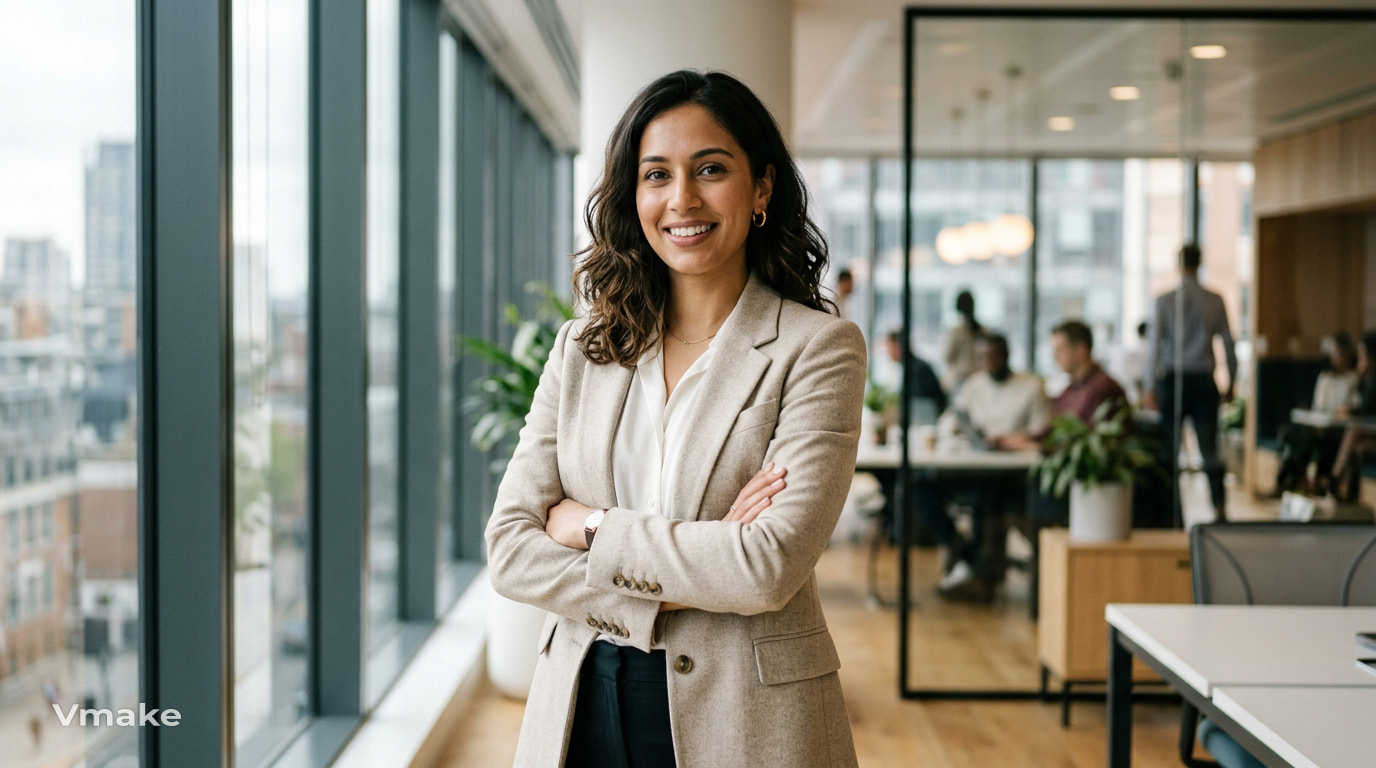
"Professional portrait of a confident young woman wearing a neutral blazer in a modern office, natural window lighting, realistic skin texture, soft background blur, editorial photography." This prompt brings together clothing, environment, lighting, and photographic style. You can modify these to produce professional portraits or lifestyle shots.
Cinematic scene prompt
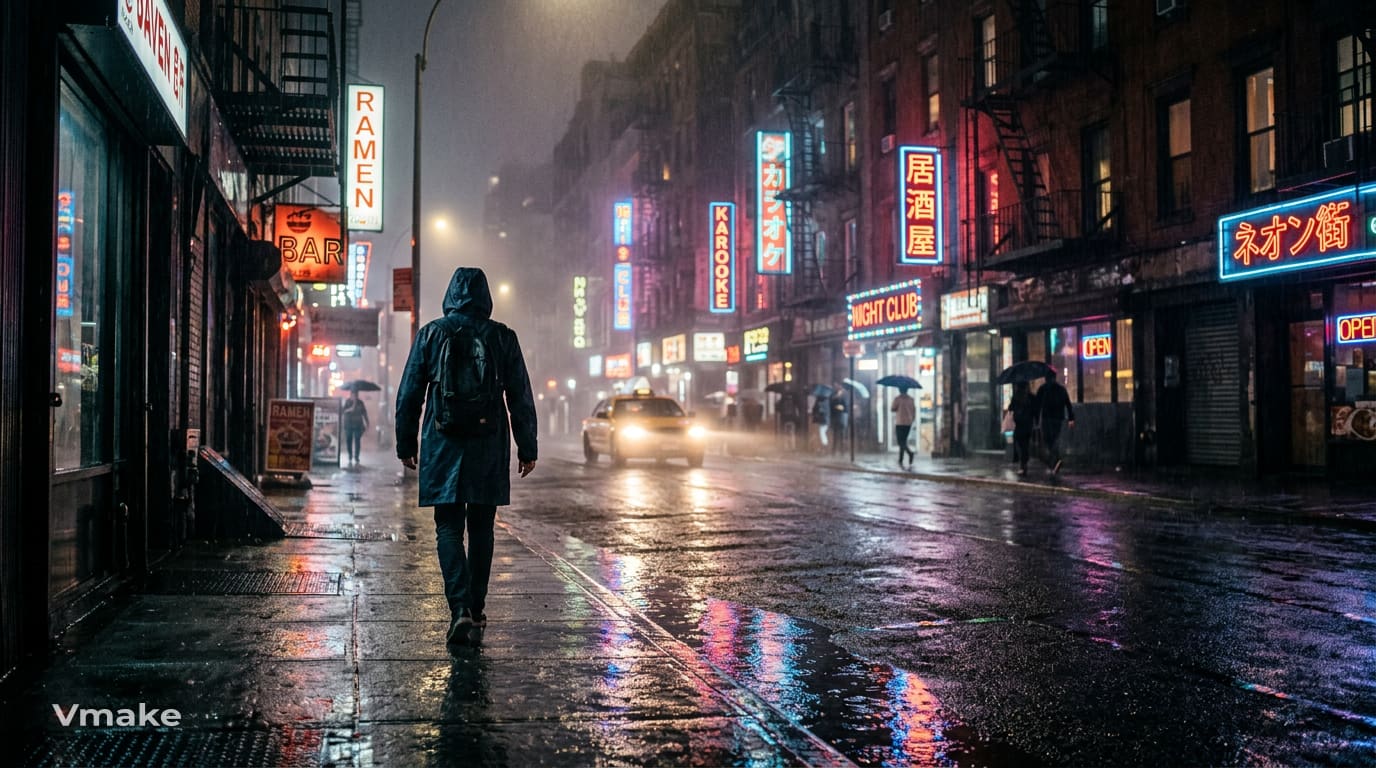
"Lone traveler on a rain-soaked city street at night, glowing neon signs reflected in puddles, cinematic lighting, atmospheric fog, shallow depth of field, dramatic wide-angle composition." Rain, reflections, fog, and cinematic lighting add to the atmosphere. Environmental elements add to the drama and immersion of the scene.
Product photography prompt
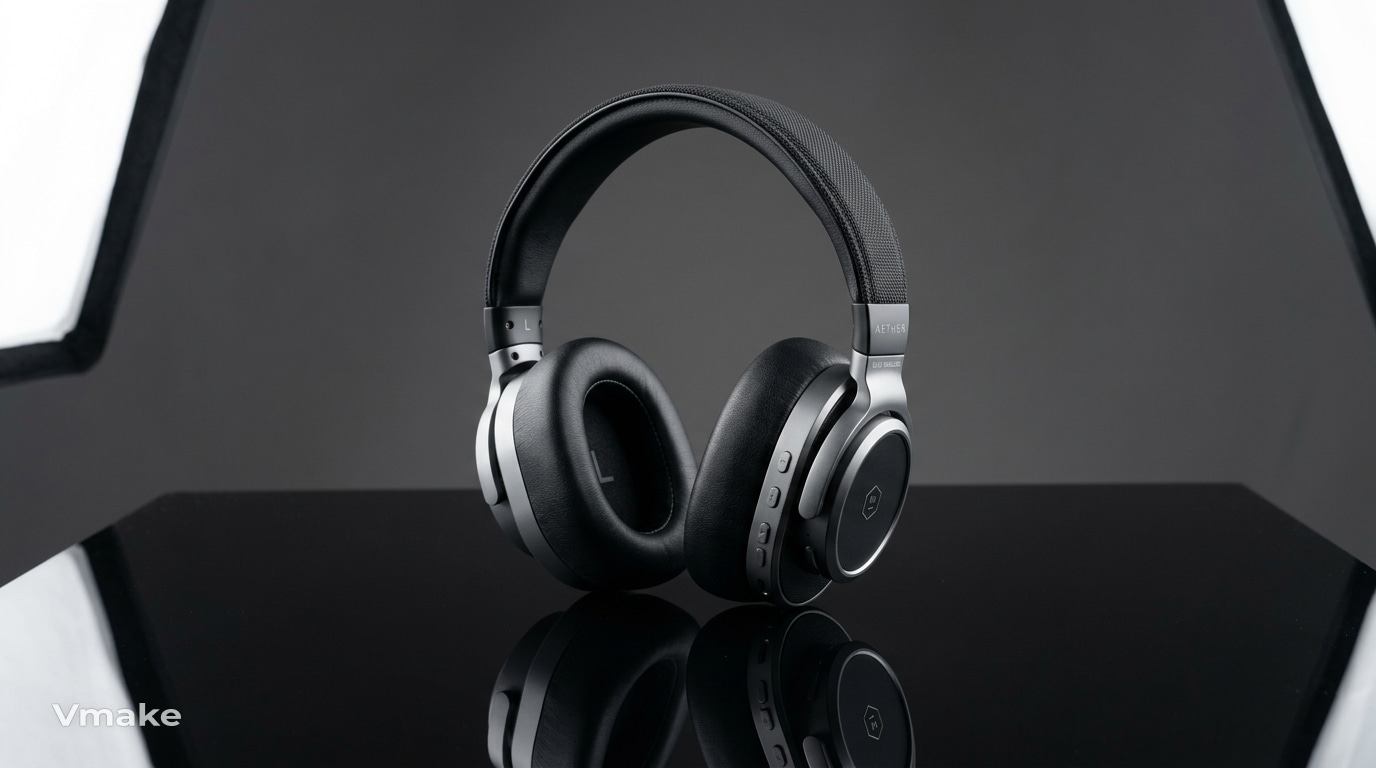
"Premium wireless headphones on a polished black surface, clean studio background, softbox lighting, subtle reflection, controlled shadows, luxury product photography, centered composition." The product prompt needs to cover the presentation, background, lighting, surface, and shadowing. These aspects can be very helpful in marketing.
Food photography prompt
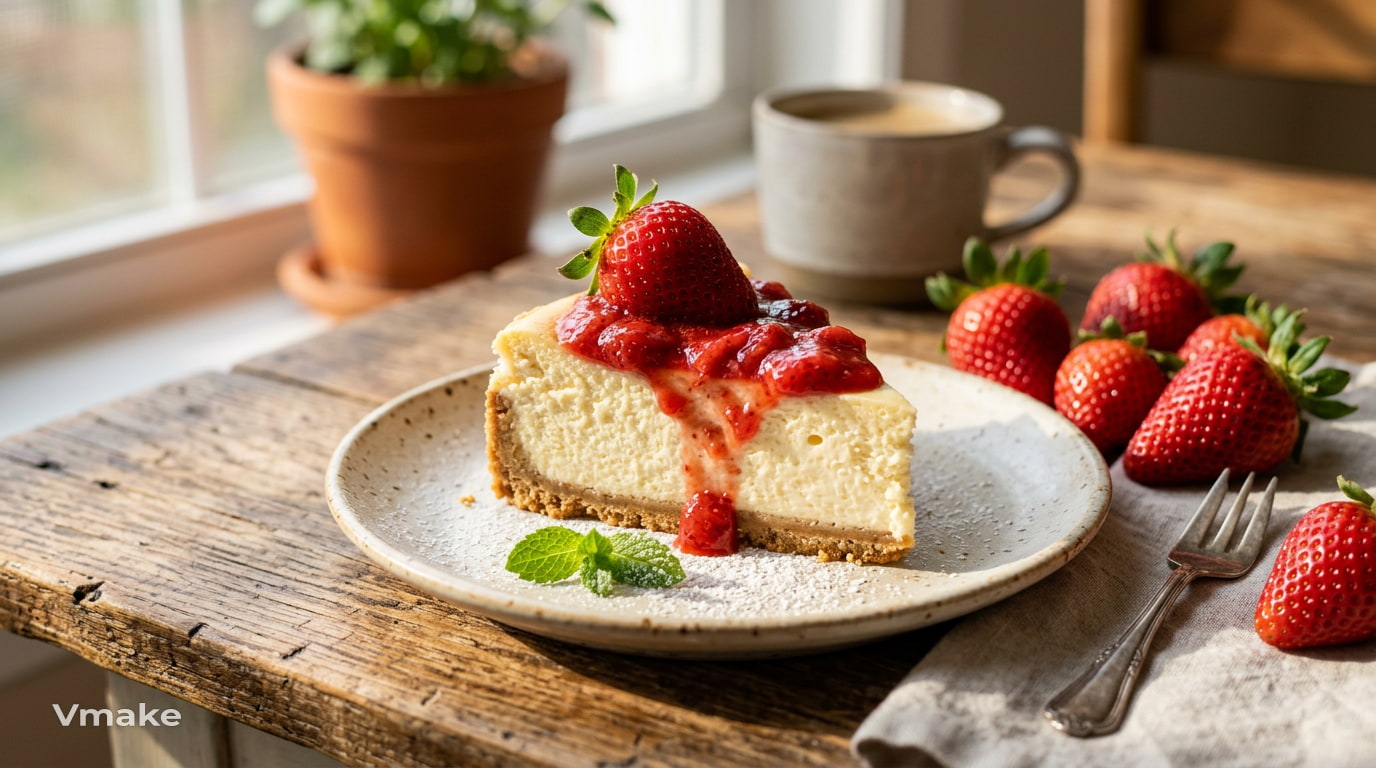
"Fresh strawberry cheesecake on a ceramic plate beside strawberries, warm morning sunlight, detailed creamy texture, rustic wooden table, soft shadows, appetizing editorial food photography." The type of food, its texture, setting, lighting, and photography techniques should be stated. Some concrete sensory details can help make AI-generated images of food more attractive.
Pet portrait prompt
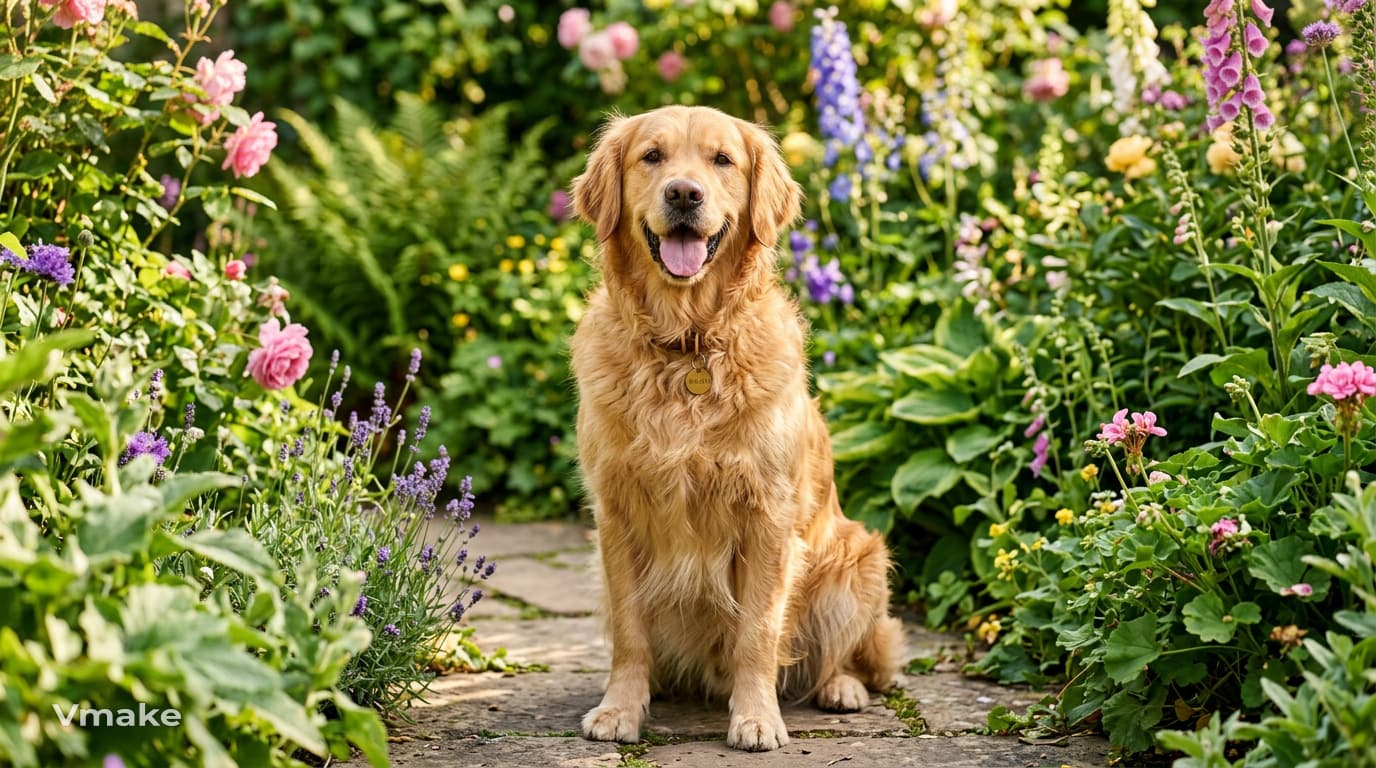
"Fluffy golden retriever sitting in a sunny garden surrounded by green plants and flowers, happy expression, detailed fur, soft natural light, realistic pet photography." Describe the animal and its physical features, posture, setting, and light. This will help you create a good basis for AI prompts to produce pet pictures.
Social media image prompt
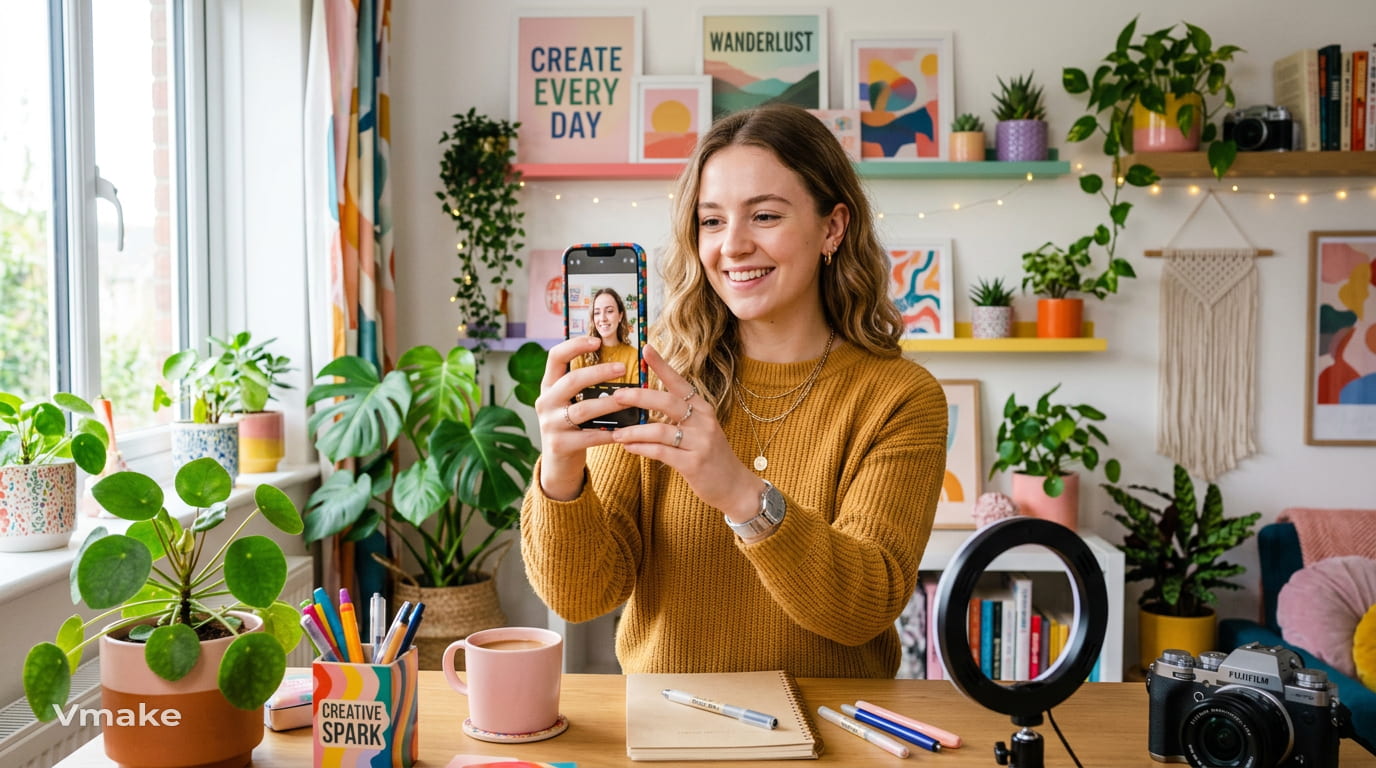
“Young content creator holding a smartphone in a colorful modern workspace, plants and desk accessories, soft daylight, clean lifestyle aesthetic, vibrant colors, vertical composition.” Social media content always needs to have a good focal point along with a good composition, making an AI thumbnail maker useful for creating attention-grabbing visuals. Reference to a vertical design will be appropriate only if the image is meant for portrait content.
Fantasy artwork prompt
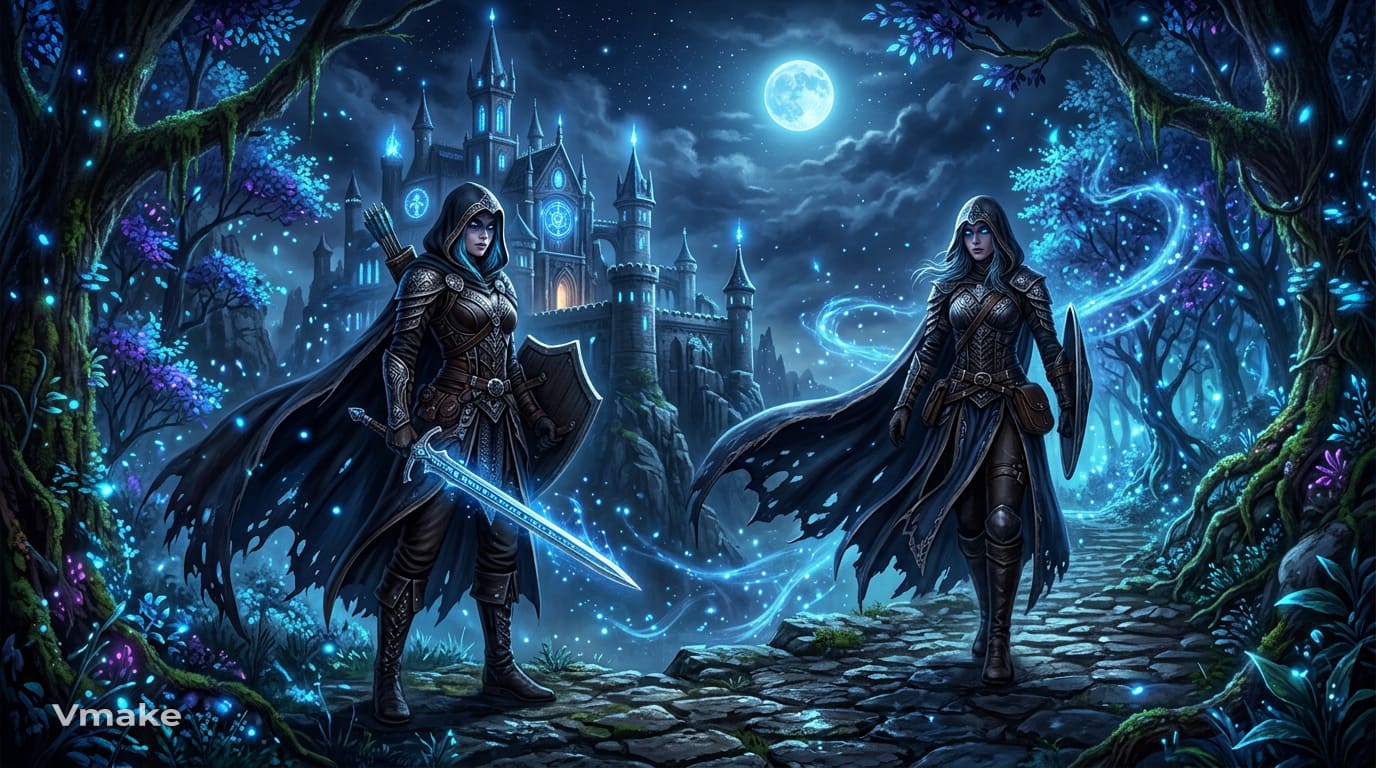
"Mysterious warrior beside an ancient enchanted castle in a glowing forest, flowing cloak, magical blue particles, moonlight through trees, dramatic atmosphere, detailed fantasy concept art." Imagination gets to go wild in the fantasy world. The characters, costumes, magic, lighting, and the whole atmosphere combine to create the world.
Nature landscape prompt
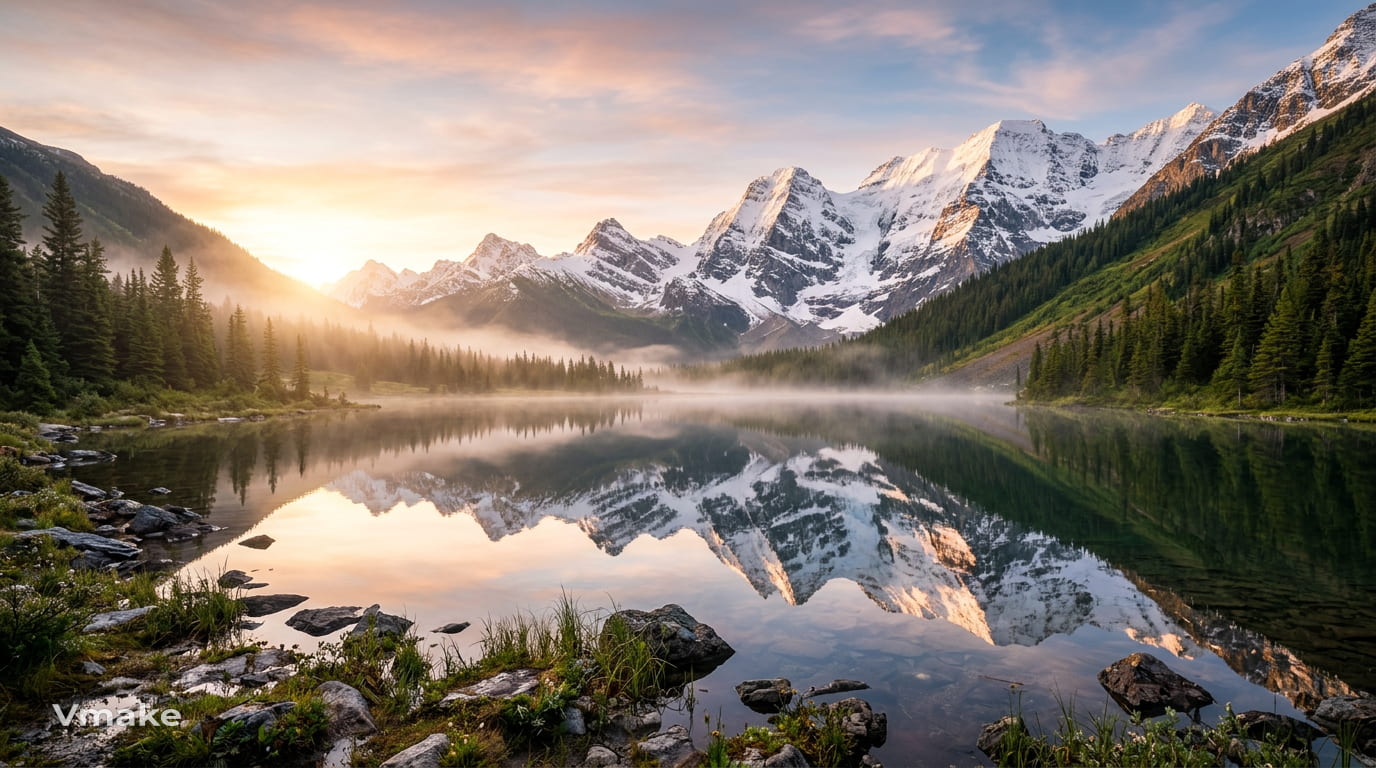
"Mountain valley surrounding a still alpine lake, snow-covered peaks reflected in the water, golden sunrise, light mist, rich natural colors, cinematic landscape photography." Talk about the setting, weather conditions, time of day, and lighting. Reflections and mist will come in handy when you need the landscape to appear deeper and more extensive.
3D illustration prompt
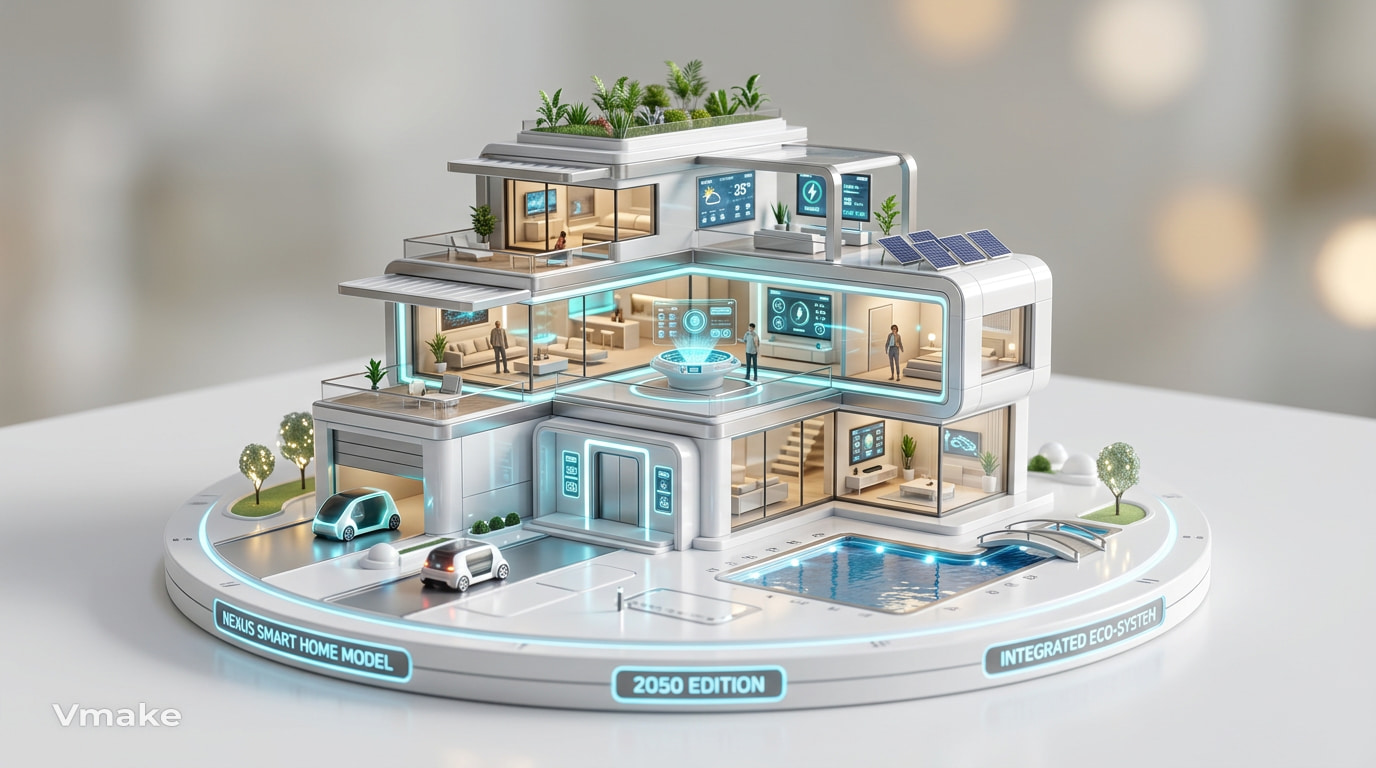
"Futuristic smart home shown as a polished 3D miniature model, white and silver materials, glowing interface elements, clean studio background, soft shadows, realistic reflections." In relation to the creation of three-dimensional images, material and lighting are important. Make sure to note the surface, colors, reflections, and design style.
Anime-style artwork prompt
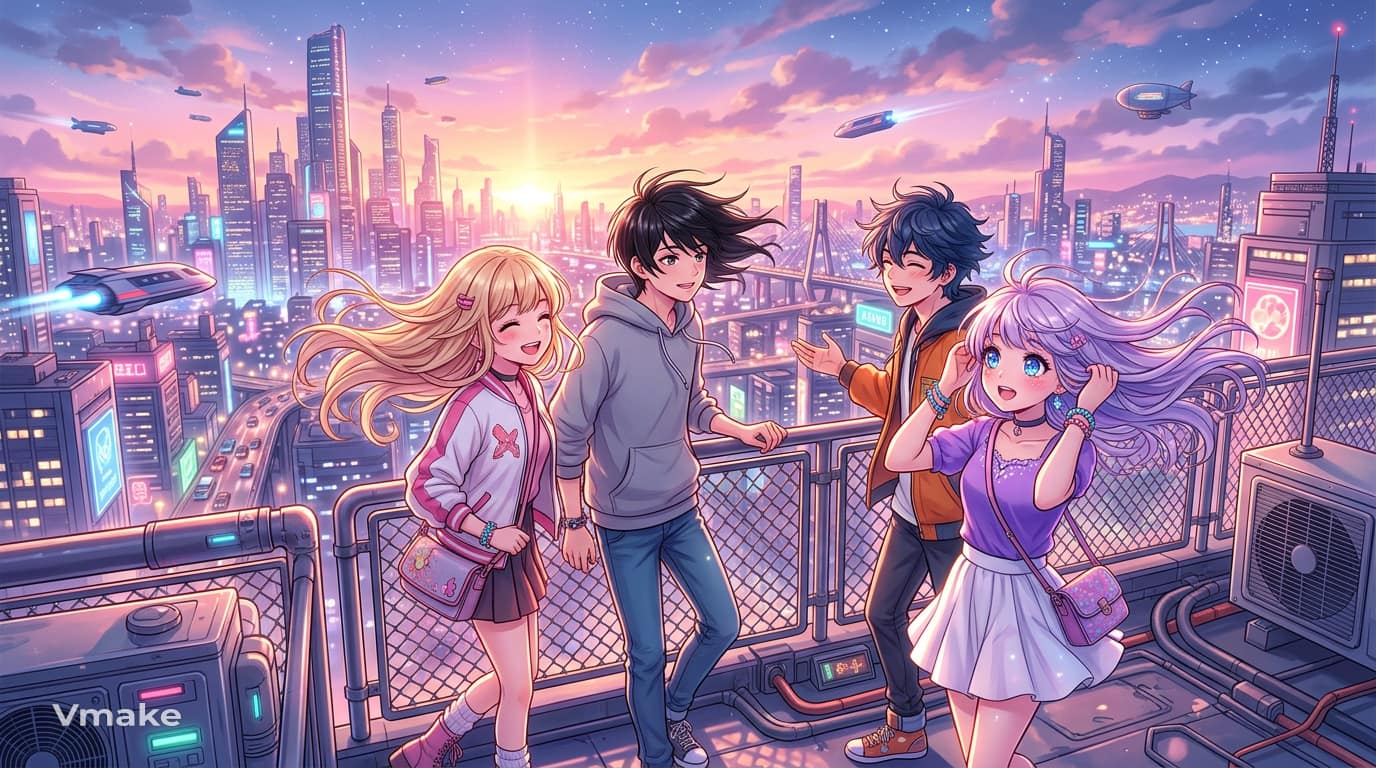
"Young anime characters on a rooftop overlooking a futuristic city, wind moving through their hair, glowing sunset sky, vibrant pastel colors, expressive eyes, detailed anime illustration." Give the character a clear setting and mood rather than describing the character alone. Colors, expression, lighting, and surroundings can make the artwork feel much more distinctive.
Vmake Labs for creating AI images
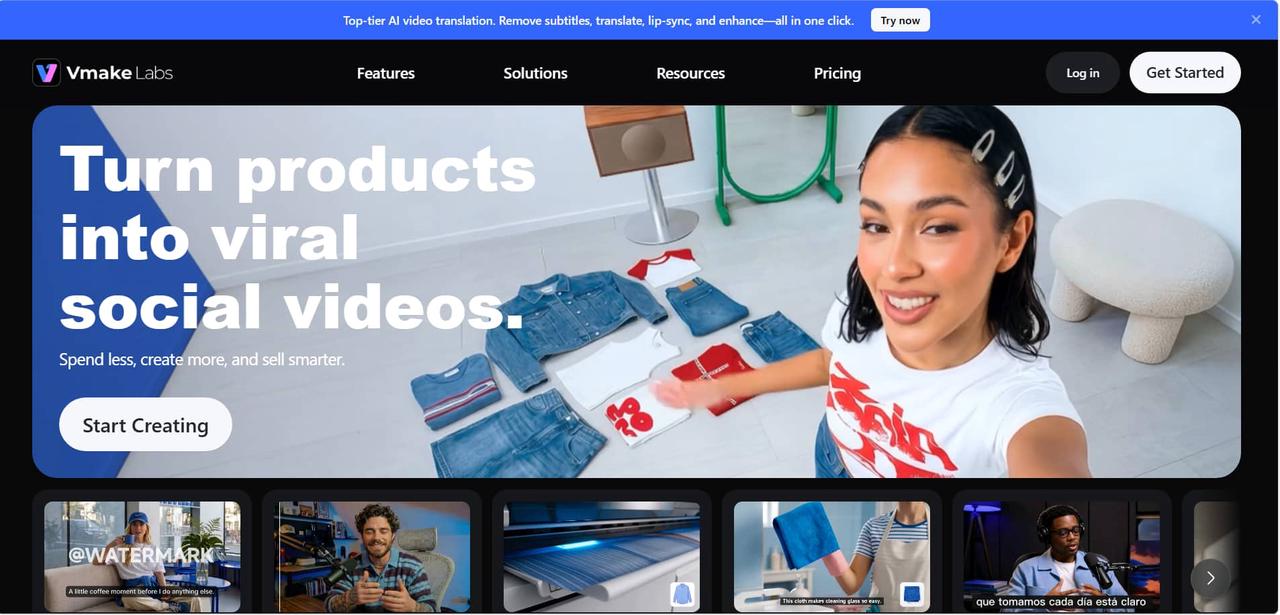
Vmake Labs is a browser-based AI Image Generator for creating visuals from text prompts or reference images. It supports creative workflows for e-commerce, marketing, product visuals, and other image-generation projects.
Key features
-
Text-to-Image: Turn a written description into a generated image.
-
Image-to-Image: Upload 1–3 reference images and describe the changes or visual direction you want.
-
Multiple AI models: Choose from Nano Banana 2, Nano Banana Pro, Nano Banana, Seedream 4.0, and GPT Image 1.
-
Flexible image creation: Choose an aspect ratio for text-to-image generation and create 1–3 images.
-
E-commerce use cases: Create product-focused visuals for online stores and marketing materials.
How to create an AI Image with Vmake Labs
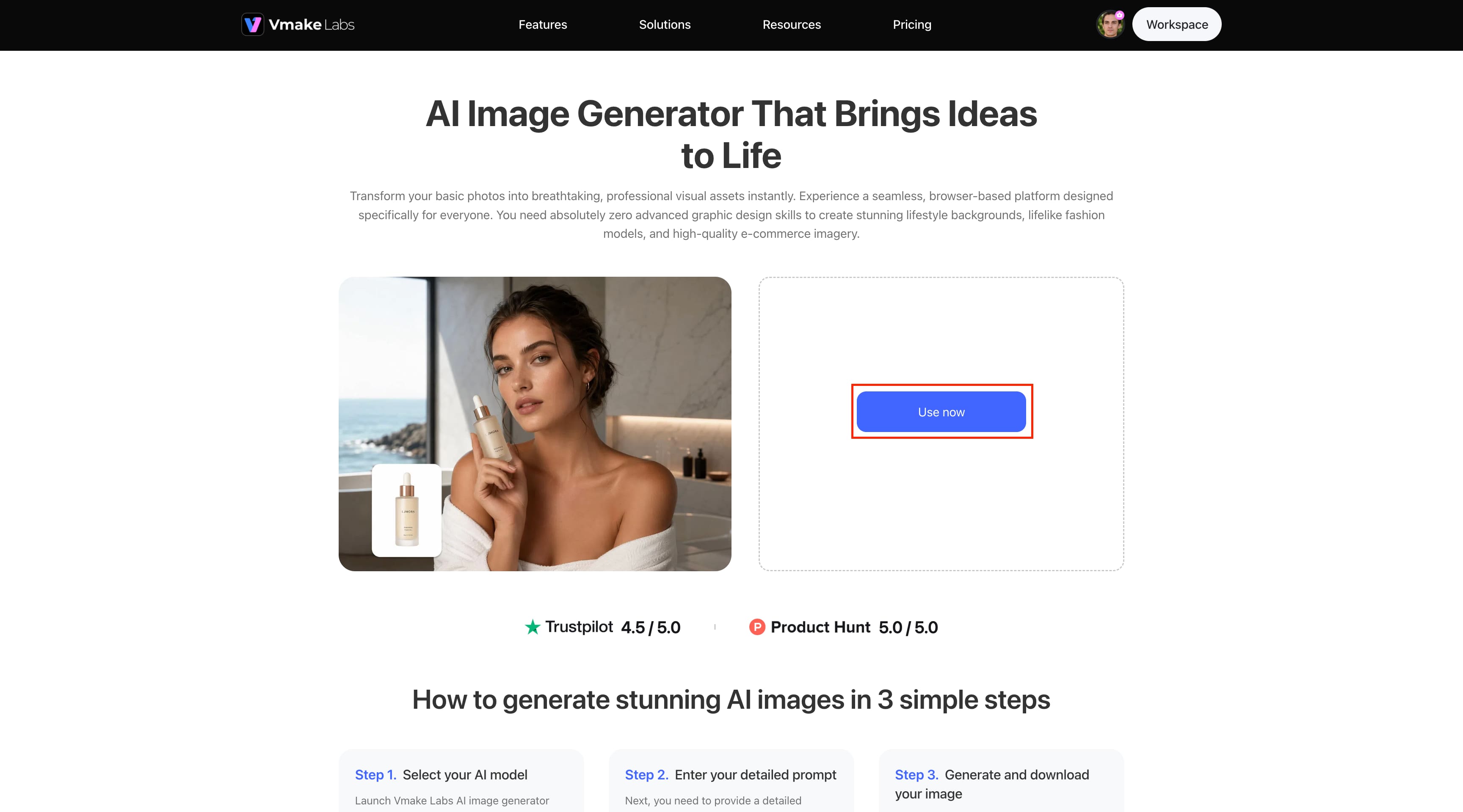
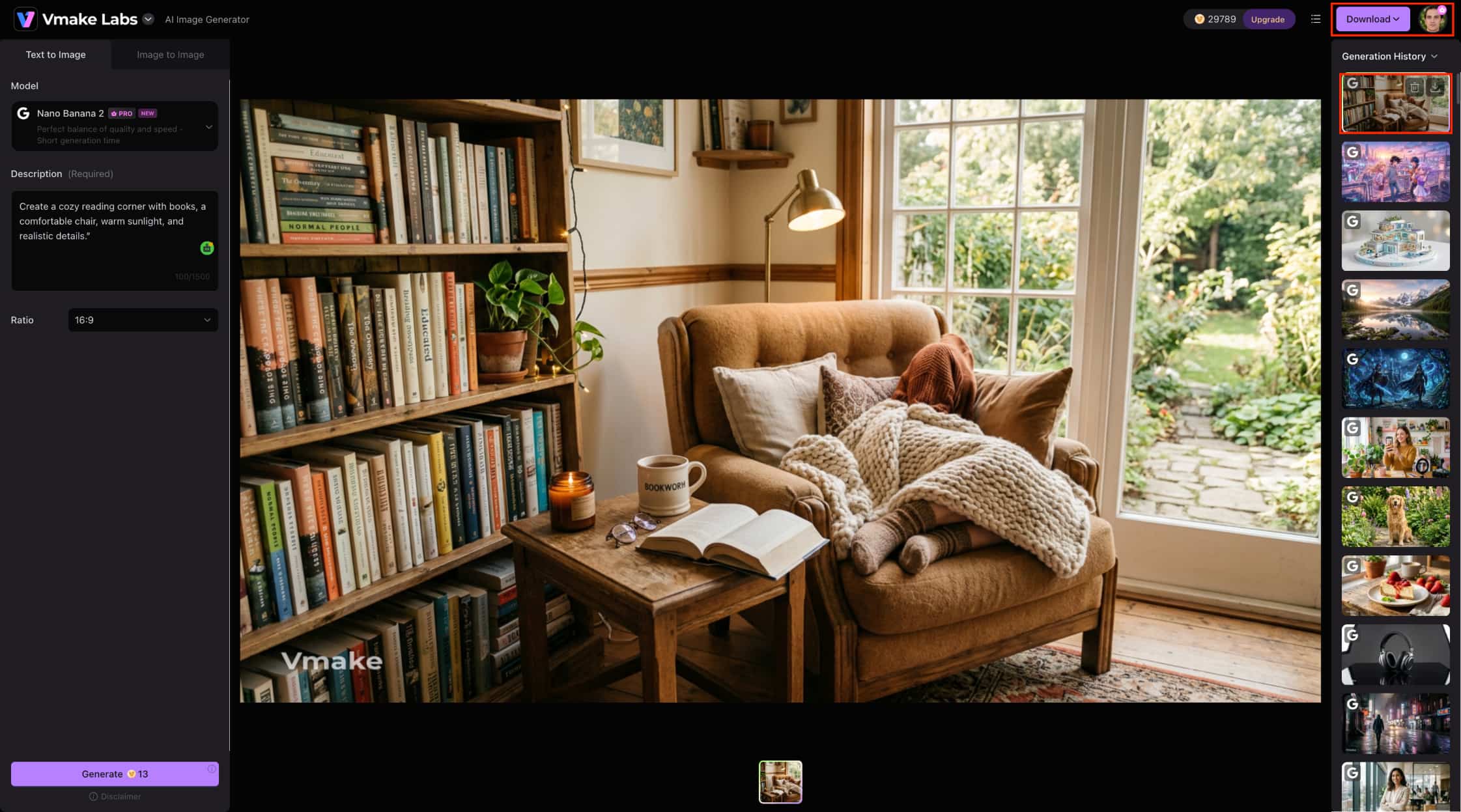
Step 1: Click "use now" to get started
On the Vmake Labs AI Image Generator page, click the "Use now" button to open the image-generation workspace. From there, you can access the available tools and start creating your AI image.
Step 2: Enter a description and choose the ratio Enter your image idea in the Description field. Then select an image ratio, such as 16:9, from the dropdown menu. Make your description specific by including the subject, setting, lighting, and style.
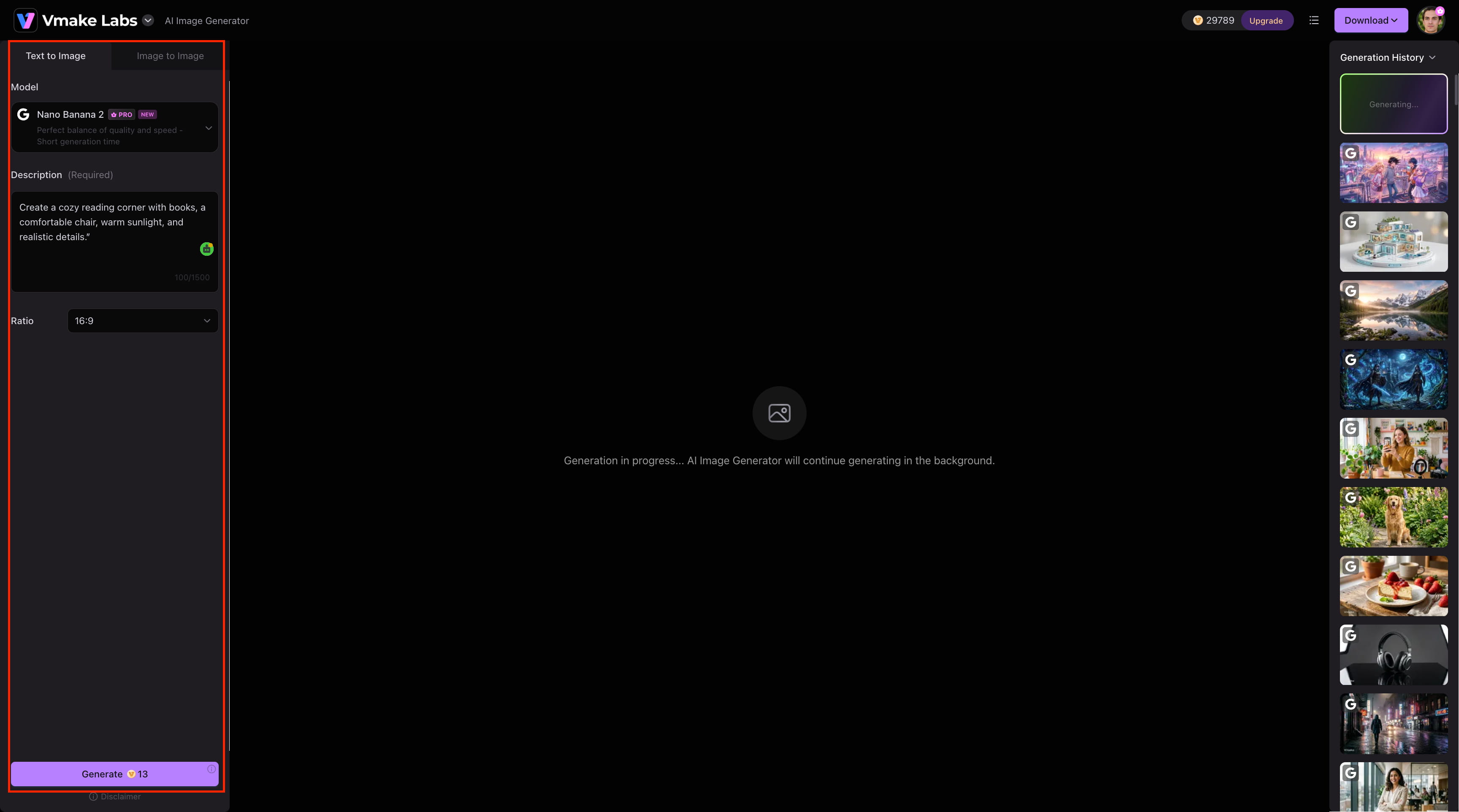
Step 3: Click generate and download your image Click the Generate button at the bottom of the panel to create the image. After generation, review your result in the main workspace or Generation History, then click Download to save the image.
How to turn an image into an AI prompt
Sometimes you have an image but aren't sure how to describe it. An image-to-prompt tool can bridge that gap by examining the picture and producing a written description. An image-to-AI prompt workflow can be useful when you want to understand a reference image, recreate a similar visual, or make several variations from the same idea.
How Image-to-prompt tools work
These tools look at visible elements such as the subject, surroundings, colors, lighting, style, and composition. They then turn those observations into a text description. The result can be used as a starting point rather than a final answer. Change anything that does not match your intention before using the prompt with an image generator.
When to use image-to-prompt tools
An AI image-to-prompt workflow is useful when you have a reference but cannot easily explain what makes it look the way it does. It can also help when you want to explore a particular visual style. After getting the description, edit it to change the subject, colors, setting, or other elements. This turns one reference into several possible creative directions.
Conclusion
Great AI image prompts are not about describing images in lengthy phrases but rather picking out the right details. Begin by describing the main object, move on to its surroundings, and then use the style, light, atmosphere, and composition only if applicable. Some examples of prompts for popular images are provided above, but the best outcomes may come through tweaking the prompt and giving it another try. For those who prefer text or references, Vmake Labs provides image generation from both text and images in a browser environment.
FAQs
Can I use the same AI image prompt more than once?
Sure, when you have found a good prompt, you can use it again later as a model for other images. You can vary the subject, environment, colors, or lighting, but keep those elements that always give you the same visual effect. You can also use Vmake Labs for creating new variants based on prompts or reference images.
How long should an AI image prompt be?
There is no optimal number of words in an AI prompt. Sometimes a brief prompt is enough for a simple concept, while in the case of a complex image, you might need more information. Include only the information that is relevant to the picture.
Should I include camera details in an AI image prompt?
Camera specifics are more helpful if you need to get a photography-like outcome. Words like close-up shot, wide-angle lens, portrait lens, camera angle, or shallow depth of field may be used to determine the composition and focal point. Such things are not so relevant to illustration and abstract art.
How can I make AI-generated images look more realistic?
Be specific about lighting, textures, materials, shadows, perspective, and photographic style. Instead of simply asking for a "realistic" image, describe the details that make the scene look natural. Review the generated result and adjust your prompt if needed to improve the image. If the final image is still slightly blurry, use an image sharpener to improve its clarity.
Can AI image prompts be used for commercial projects?
Absolutely, corporations can utilize prompts for coming up with designs for products as well as marketing campaigns. Before you use any images created by artificial intelligence software, please check out its current policies on the matter. Vmake Labs could be used for making product images and marketing images.

You May Be Interested
20+ AI Art Prompts for Stunning AI-Generated Artwork
AI Dinosaur Art: 8 Image Ideas and Prompts for AI Generation
Best ChatGPT Action Figure Prompt Guide for Custom Toys
The Best Way to Write Image Prompts for Stunning AI Images
ChatGPT Barbie Prompt to Create Your Own Barbie Box AI Doll
ChatGPT Caricature Prompt: Exploring the Viral Trend With AI
Goofy AI Images: Funny Ideas, Prompts & A Creative Guide