The Best Way to Write Image Prompts for Stunning AI Images
Discover the best way to write image prompts with simple formulas, practical examples, and creative tips for better AI-generated visuals using Vmake Labs and create stunning visuals more easily.

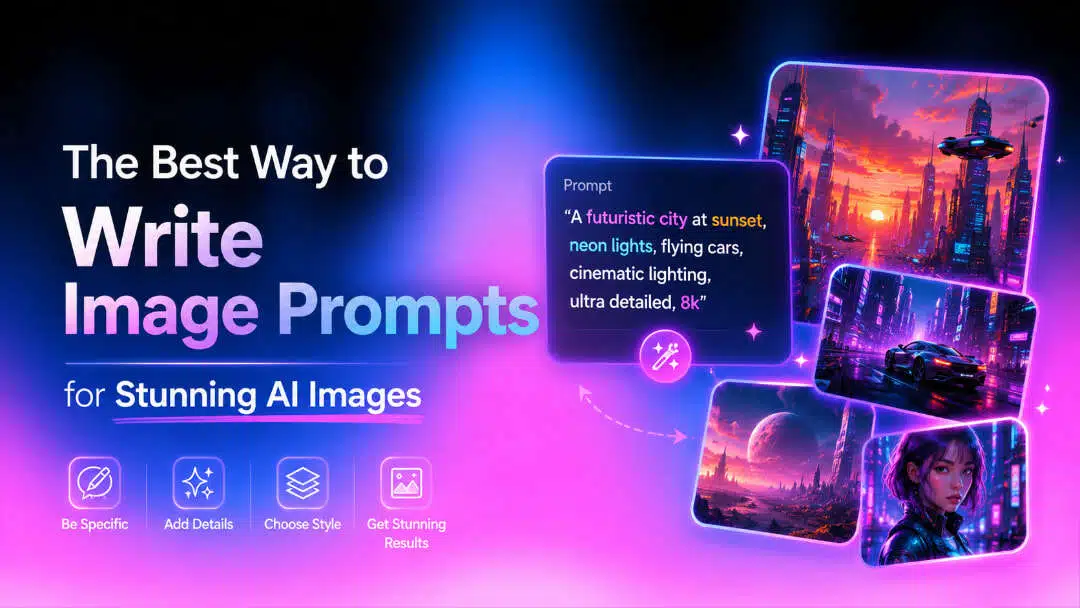
AI image generators can turn simple ideas into impressive visuals, but the quality of the result often depends on the prompt you write. A clear, detailed prompt helps the AI understand your subject, style, setting, lighting, and composition, making it easier to create images that match your creative vision.
What makes a good AI image prompt?
An AI image prompt is a written description that tells an image generator what you want to see. It can describe the subject, action, environment, visual style, lighting, colors, camera angle, composition, and other details. Think of a prompt as a creative brief. Instead of telling the AI to make something beautiful, you give it enough visual information to build the scene you have in mind. Clear instructions matter because AI has to interpret your words and translate them into visual elements. The more useful context you provide, the less the model has to guess.
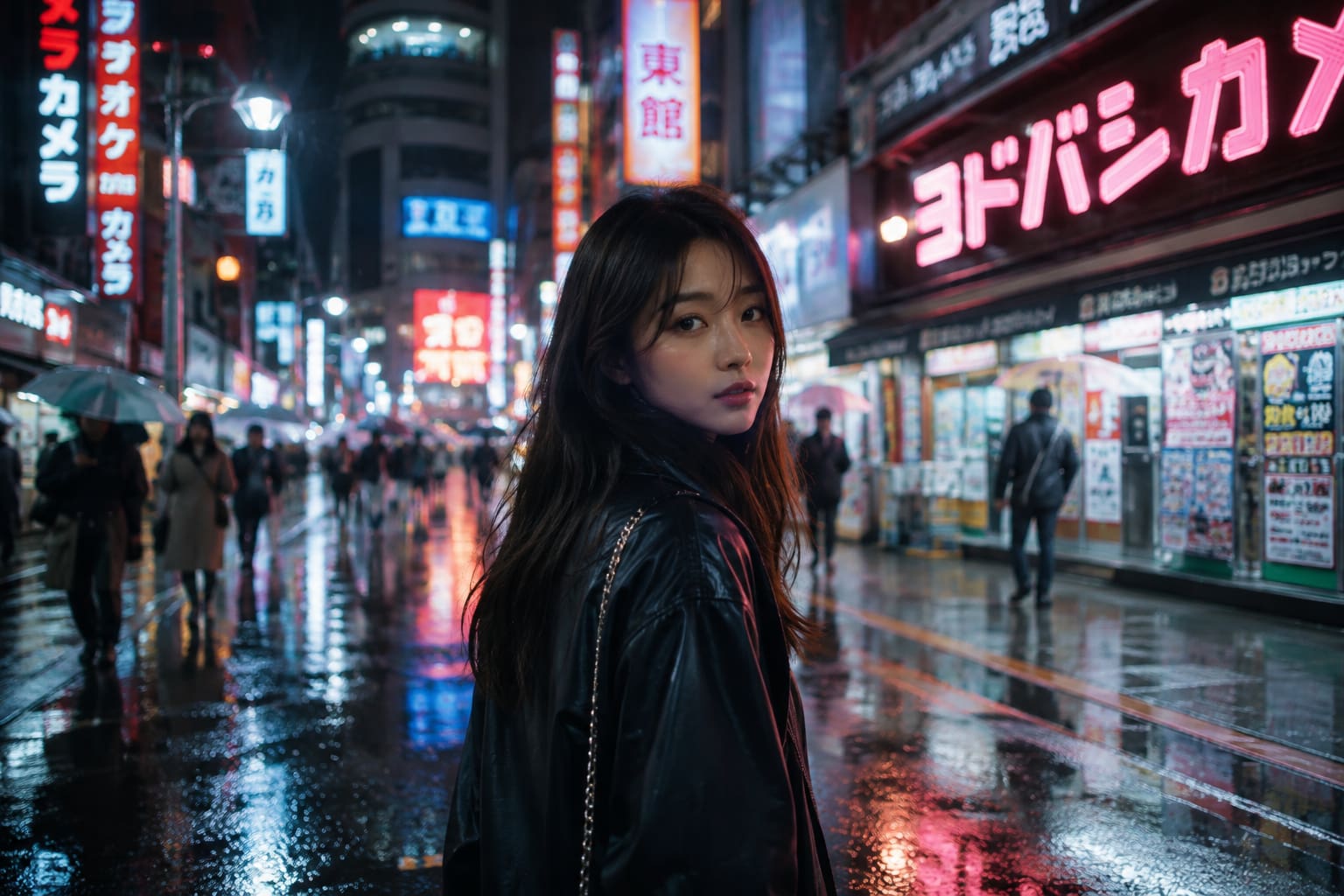
Example: Woman in a city
Prompt: A young woman walking down a neon-lit Tokyo street at night, cinematic photography, reflections from the rain, shallow depth of field, realistic skin texture.
How to structure the best prompt for an AI image generator
A good AI image prompt starts with the main subject and then the action/pose, followed by setting, visual style, lighting, mood, and composition. Add camera details or other important things only if they help your idea. This straightforward format helps the AI better grasp what you are seeing and produce a more appealing image.
-
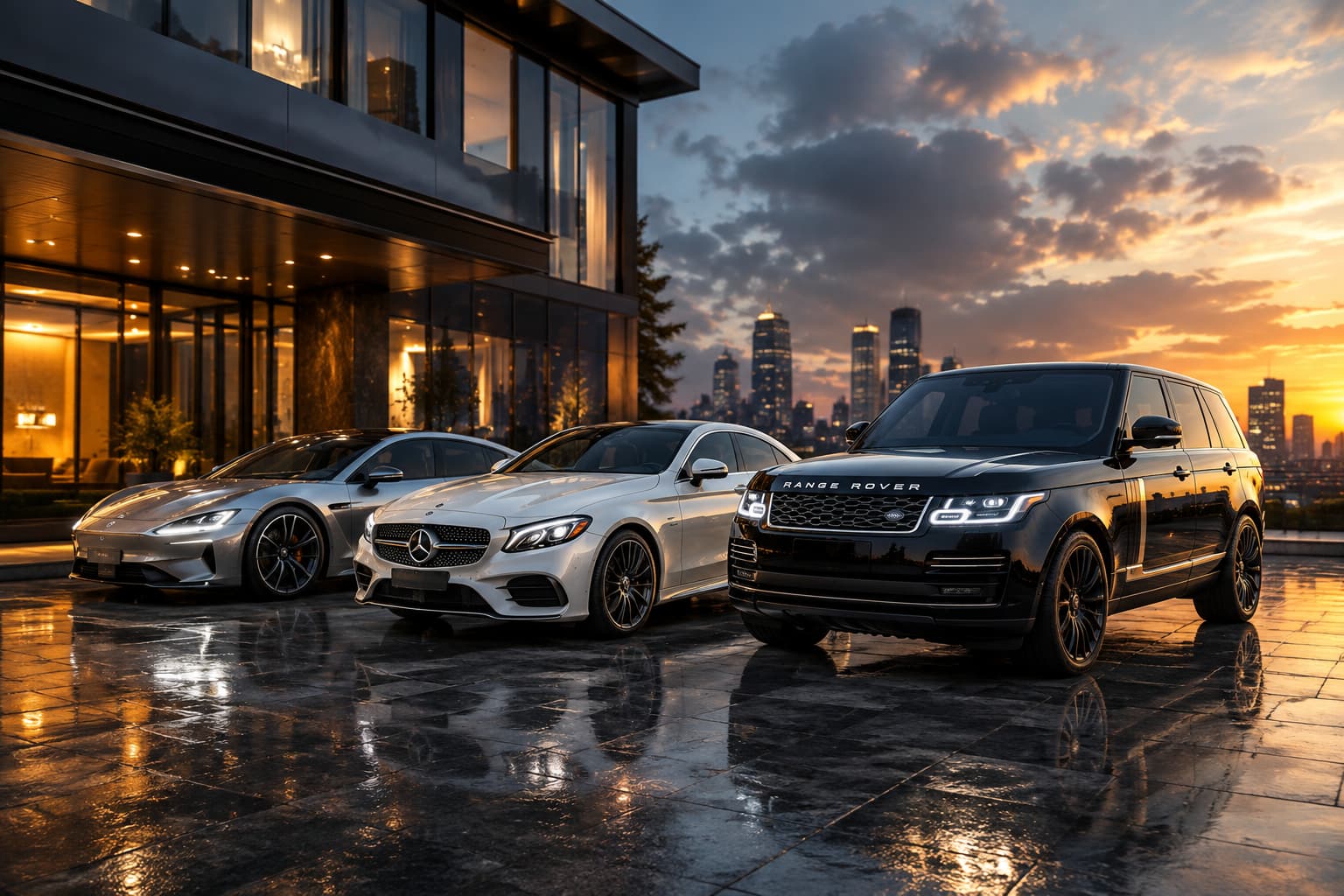
Start with the main subject: Person, product, animal, object, or landscape you want to be the main subject of the image. Outside sat a sleek silver electric sports car, a white Mercedes, and a black Range Rover.
-
Describe the action or pose: Describe what the subject is doing, e.g., walking, sitting, smiling, holding an object, looking at the camera. A clear action or pose will help the AI to create a more natural and purposeful composition.
-
Add the setting and background: Indicate the location of the scene, including pertinent background details, such as a studio, city street, beach, or contemporary office. A particular setting provides context and helps to establish the overall visual direction of the image.
-
Choose the visual style: Mention the style you want, e.g., photo-realistic, cinematic, watercolor, 3D render, anime-inspired, minimalist. The right style helps the AI achieve the desired look and creative vision.
-
Add lighting, colors, and atmosphere: Lighting and colors, such as soft golden hour light, cool blue tones, and dramatic shadows. These details influence the mood, atmosphere, depth, and overall appeal of the image.
-
Add details about composition and camera: Indicate composition or camera information if helpful, e.g., close-up, wide angle, eye-level, overhead, shallow depth of field. These directions help you with framing and with how the subject appears in the finished image.
Best AI image prompts for different creative needs
Different creative projects require different kinds of AI image prompts. A product image might need studio lighting and sharp composition, while a portrait might be more about expression, pose and realistic detail. Below are examples of how to write effective prompts for various creative needs.
Photorealistic portrait prompt
Prompt: Casual portrait of a young woman in the first light of morning by her apartment window. She has a composed, self-possessed look, catching the soft sun. She's wearing a warm sweater, and you can see the natural texture of her skin. The modern room is softly blurred behind her; she is sharp in focus.
Product photography prompt
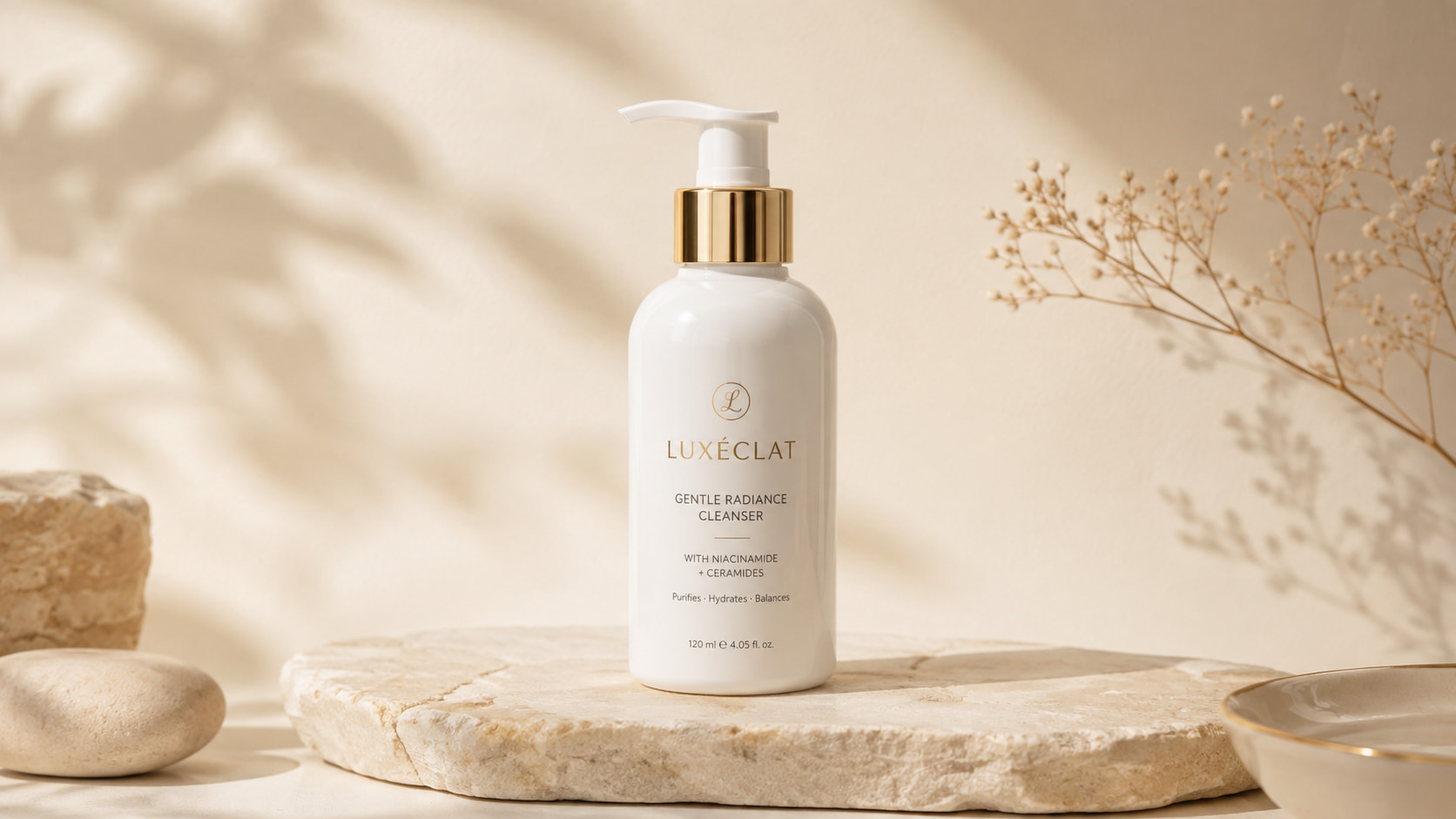
Prompt: A premium white skincare bottle placed on a smooth beige stone surface, minimal luxury studio setting, soft diffused lighting, subtle shadows, clean cream background, front three-quarter product view, sharp label details, realistic reflections, high-end commercial product photography.
Social media image prompt
Prompt: A stylish iced coffee on a small outdoor cafe table, fresh flowers and a notebook beside the drink, bright natural daylight, warm pastel colors, clean lifestyle photography, vertical social media composition, inviting summer atmosphere, space around the subject for headline text.
Fantasy or cinematic scene prompt
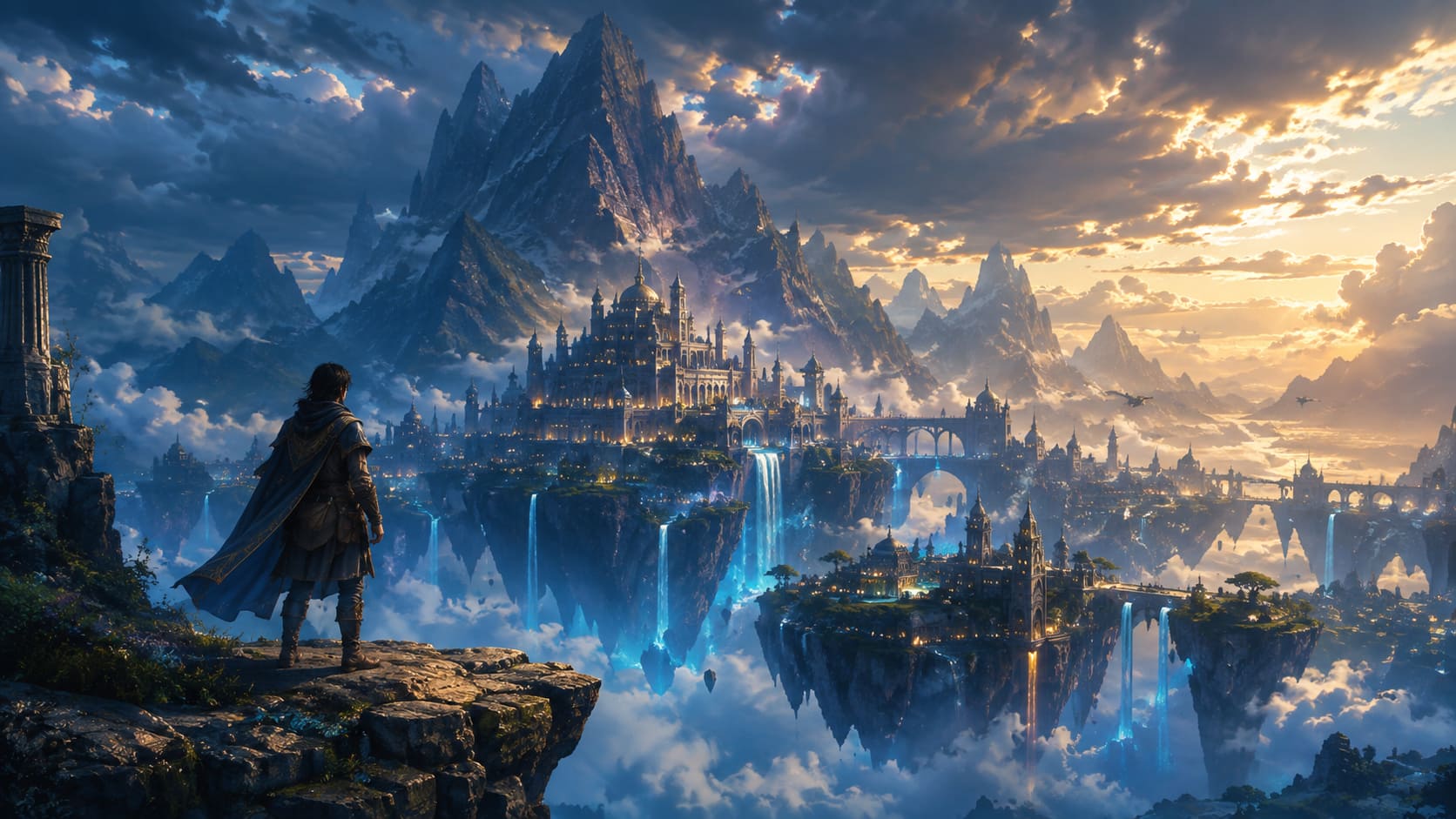
Prompt: A lone explorer standing on a cliff above an ancient floating city, enormous mountains covered in mist behind the city, glowing blue waterfalls, dramatic clouds, cinematic fantasy concept art, sweeping wide-angle composition, atmospheric lighting, deep blue and gold color palette.
Anime or illustration prompt
Prompt: A young artist sitting beside a rainy apartment window, sketchbook open on her lap, cozy room filled with plants and warm lamps, expressive anime-inspired illustration, soft linework, detailed background, gentle reflections on the glass, peaceful evening mood.
Professional marketing image prompt
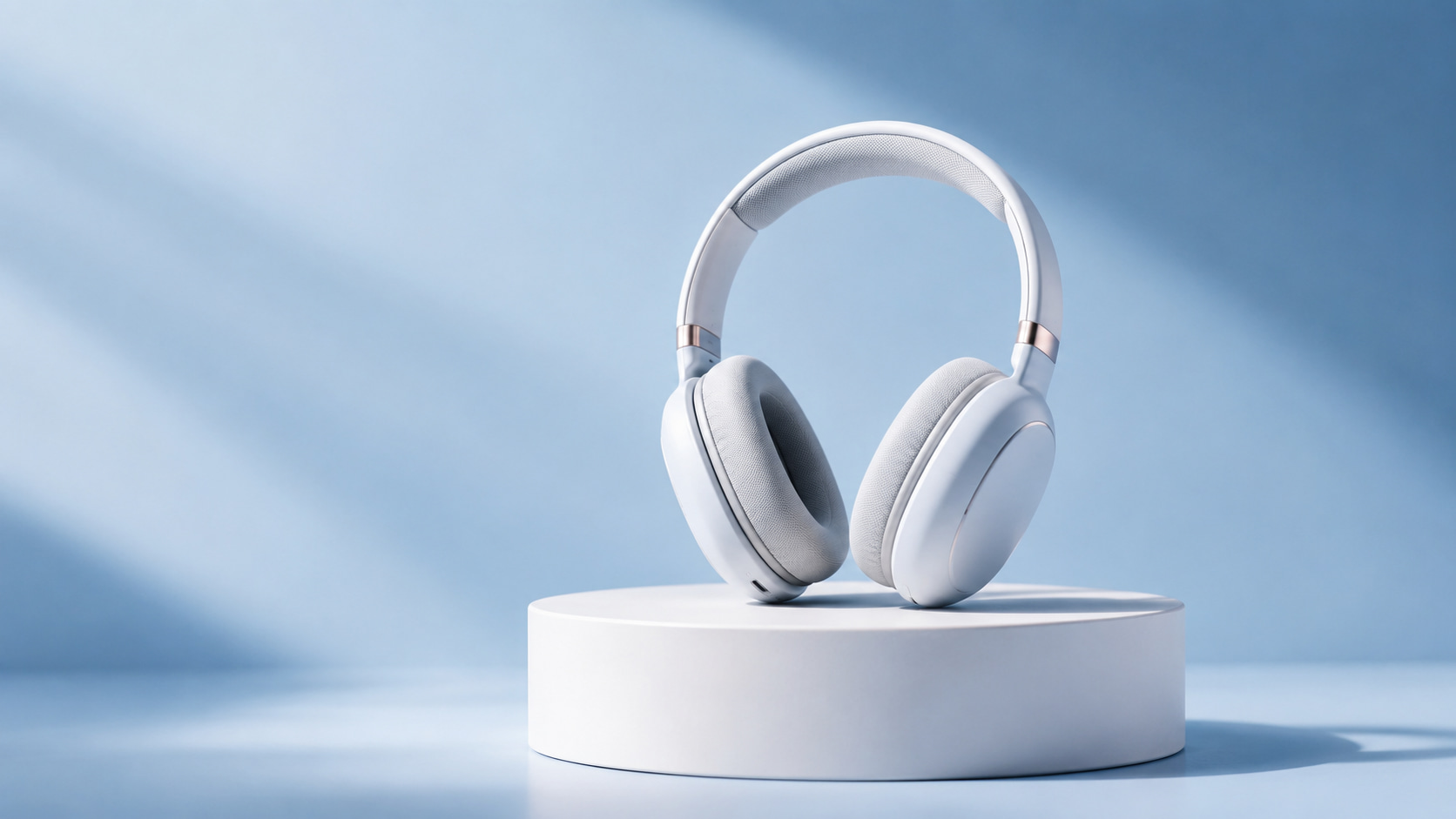
Prompt: Modern wireless headphones are displayed on a clean white pedestal, soft blue gradient background, premium studio lighting, subtle realistic shadow, polished commercial photography, centered composition, generous negative space for promotional text, sophisticated technology brand aesthetic.
What AI-avids say about writing AI image prompts
Reddit experiences
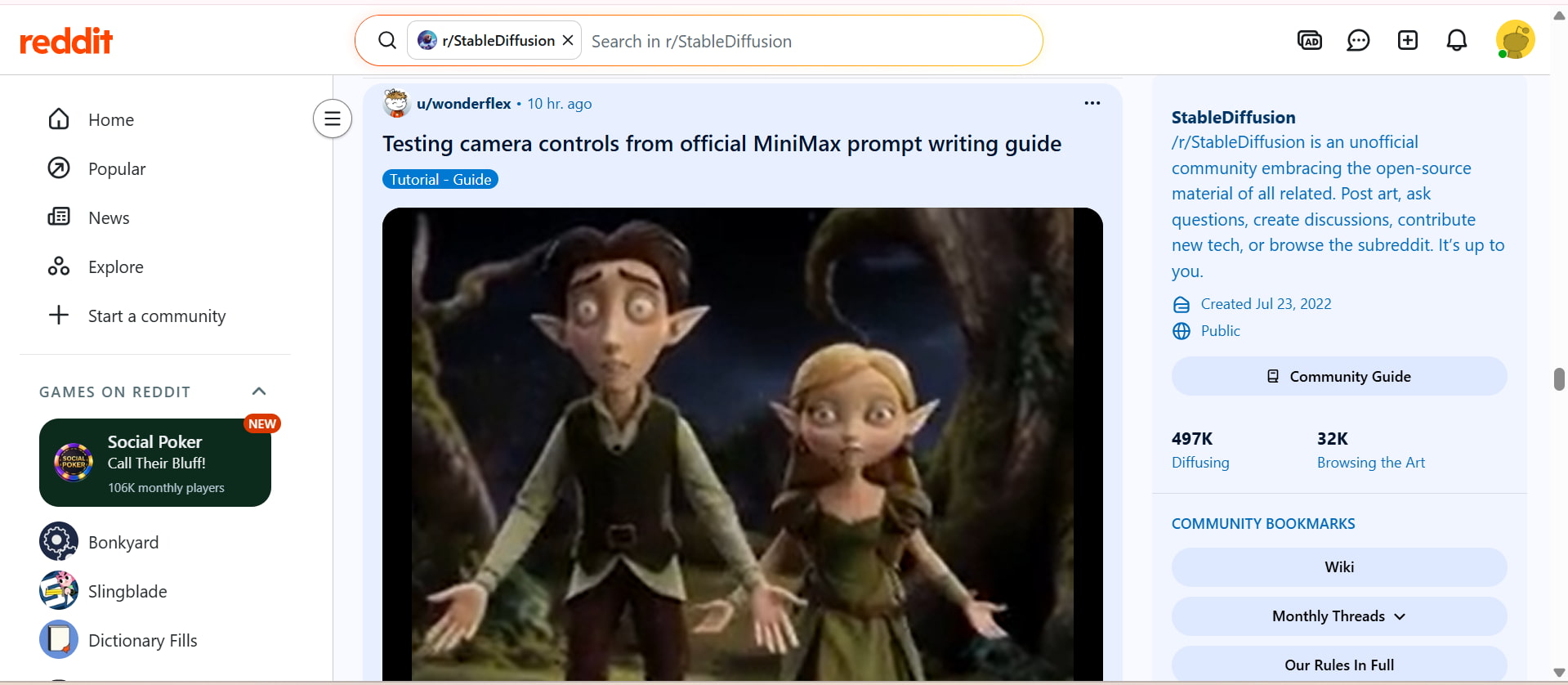
A lot of users on Reddit agree that prompt writing is a skill that can be improved through experimentation and practice. People often say that different AI image generators can respond to the same wording differently, so that's part of the process of refining prompts.
Quora discussions
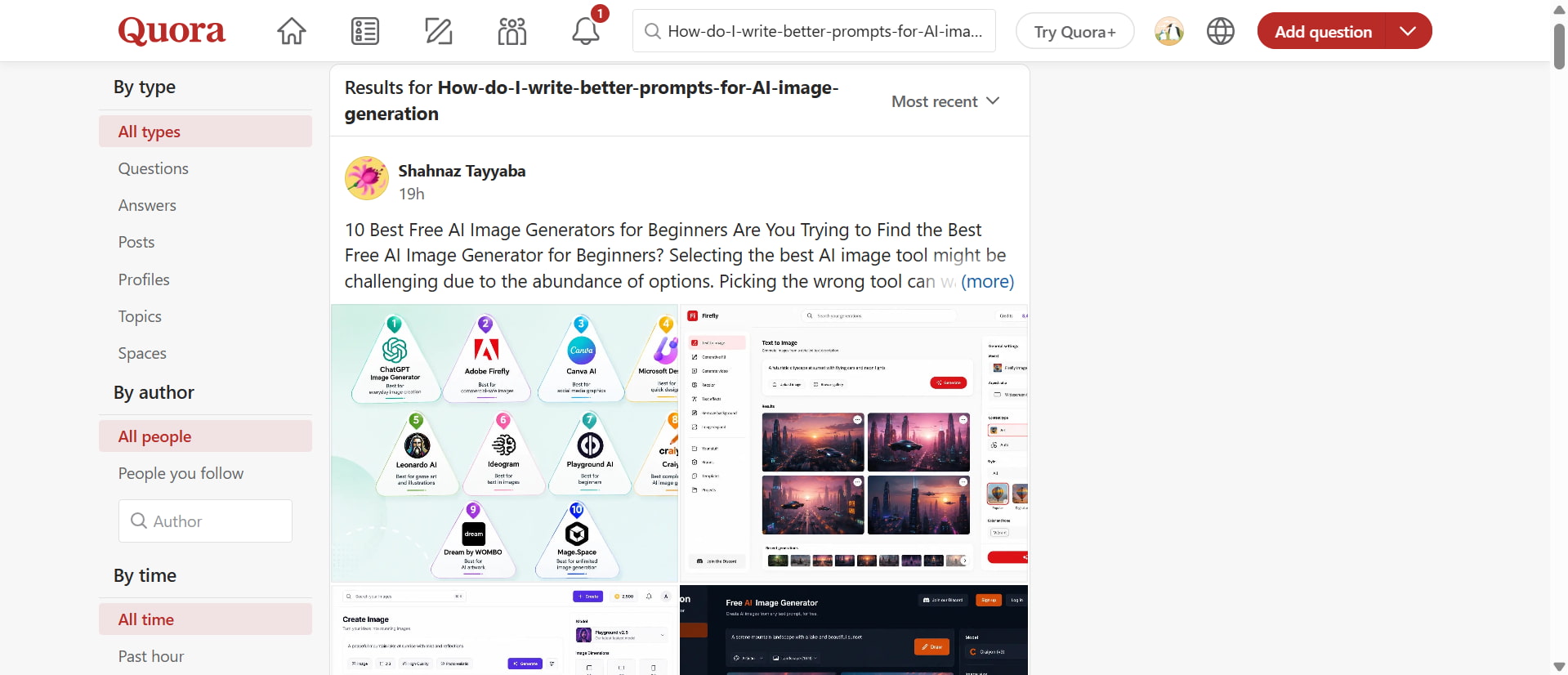
In Quora threads about AI image generation, the focus is generally on giving the generator enough context to understand the visual you want to create. Whether it's subject, setting, style, or design details, a description can go a long way to making prompts more useful than a short, vague instruction. This also makes it easier to tweak the result if the first image is not quite right.
It's all about taking your creative idea and translating it into visual instructions; that's how to write good AI image prompts. Practice will help you learn what works best, but the right image generator can make it easier and more flexible. Vmake Labs enables the conversion of detailed text descriptions into visuals, facilitating easier experimentation, idea refinement, and image creation for various purposes.
How to write image prompts with Vmake Labs
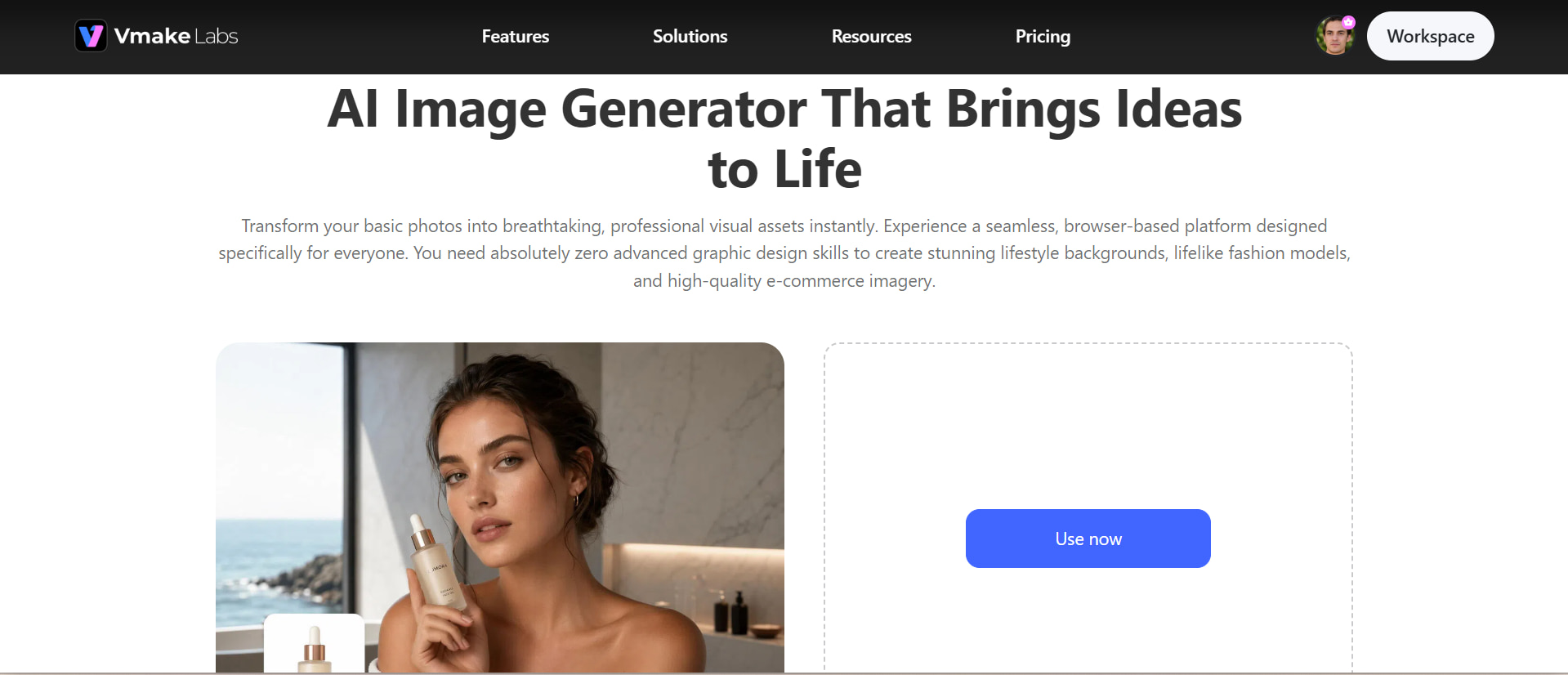
Vmake Labs AI image generator, you can easily and conveniently generate images from prompts right in your browser. Describe your idea in text and turn it into a visual without needing advanced design skills. With Vmake Labs, you can select from a range of image generation models to explore different creative styles and outputs. You can also check out Vmake Labs AI creative ads for your advertising campaigns and make engaging marketing visuals.
Vmake Labs key features
-
Text-to-image generation: Turn written ideas into AI-generated visuals and create images from simple text descriptions.
-
Prompt-based customization: Describe your subjects, scenes, styles, and visual details to guide the generated result with greater control.
-
Creative style exploration: Experiment with different artistic styles, visual directions, and concepts to find an appearance that fits your idea.
-
Idea-to-image creation: Transform rough creative concepts into visuals without needing advanced design skills or complicated editing workflows.
-
Marketing-ready visuals: Create engaging visuals for social media, product promotions, advertisements, and other marketing campaigns.
-
Image variations: Generate multiple versions of an idea, refine your prompts, and explore different results until you find the right visual. You can also use Vmake Labs AI image enhancer to improve the clarity and quality of your selected image.
How to create an image with Vmake Labs
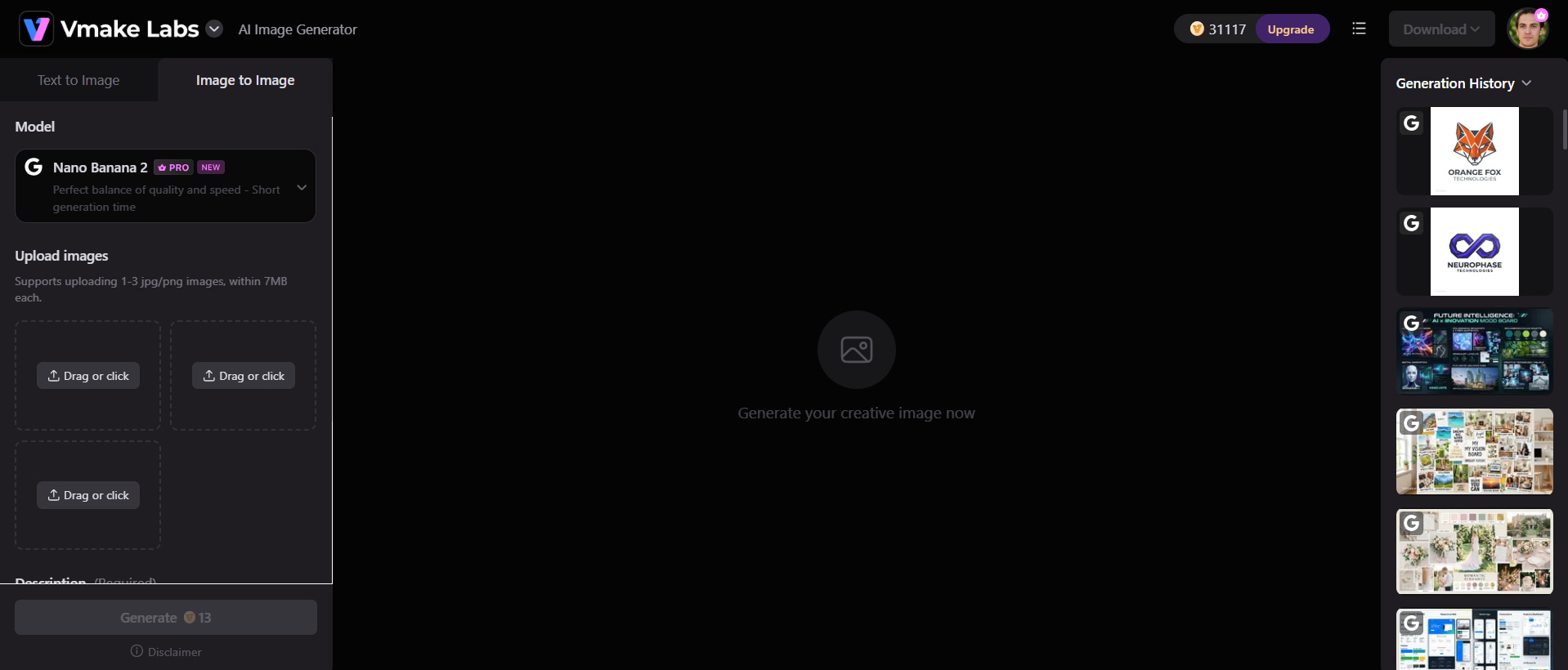
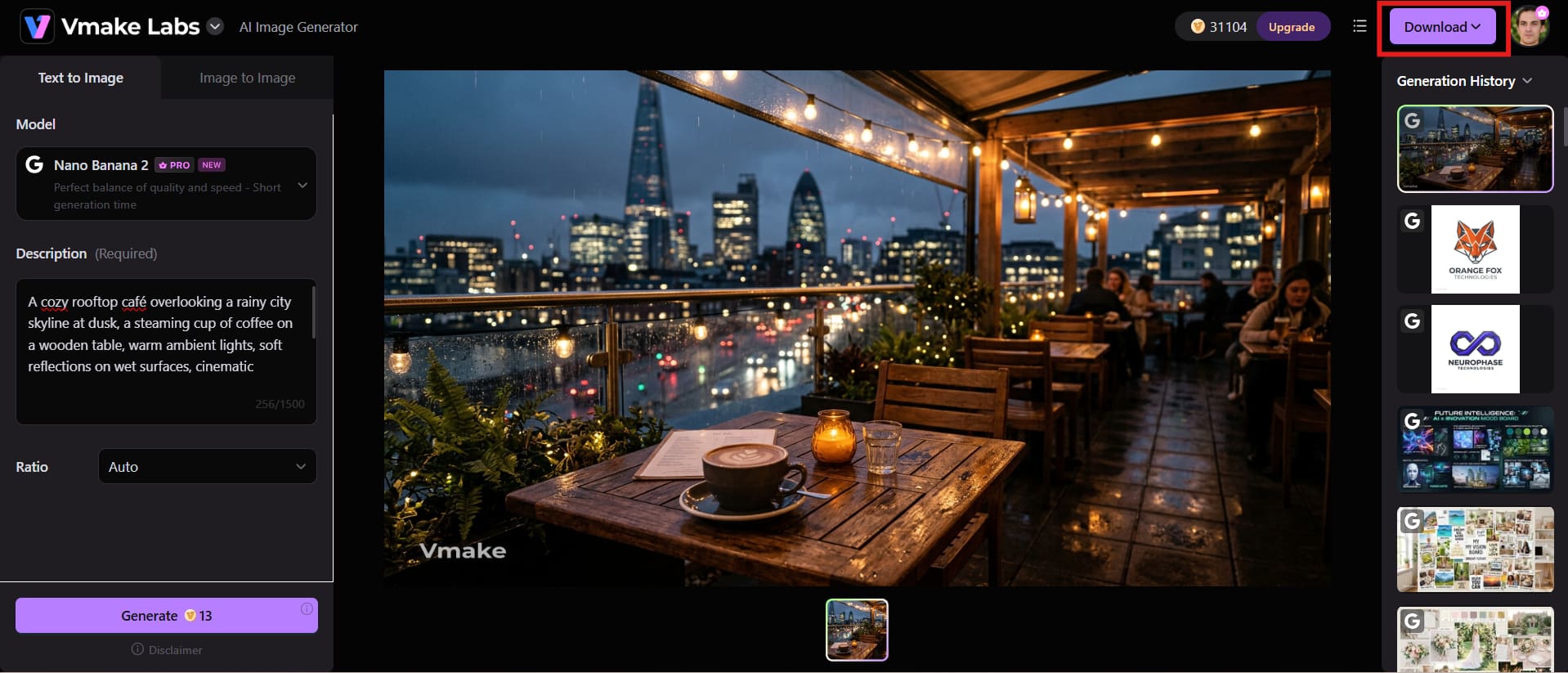
Step 1: Open the Vmake Labs AI image generator
Go to the Vmake Labs AI image generator and pick the option that fits your project best. Choose the model you want, and change the aspect ratio if needed.
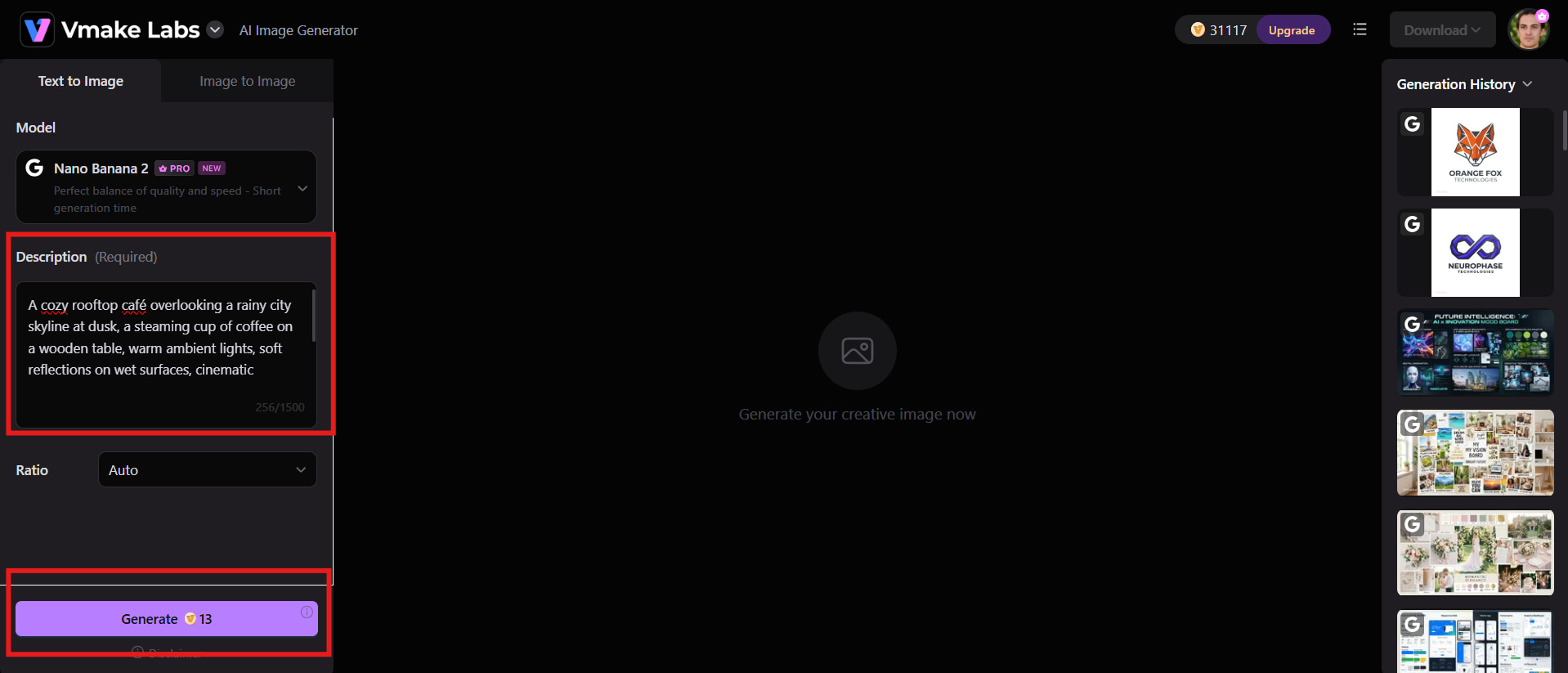
Step 2: Enter your prompt and generate the image
Write a short description of the subject, setting, style, lighting, and other important details. Create the image, look at the output, and adjust your prompt if needed.
Step 3: Download your final image
When the image that you generate matches your creative vision, study the details and composition. Download the final image and use it for your desired creative or marketing purpose.
Practical tips for writing better AI image prompts
When you are writing AI image prompts, you will write better prompts by focusing on clear and useful visual details instead of adding unnecessary words. A good prompt will guide the image generator to understand your creative vision and deliver more reliable results. These practical tips can help you refine your prompts and create visuals that better match your expectations.
-
Main subject: Be specific and clearly state who, what, object or scene you want to highlight. This helps the AI understand where the viewer should be paying attention.
-
Use descriptive words instead of vague terms: Replace vague words such as beautiful or nice with specific visual details. For instance, soft golden lighting or a minimal white studio.
-
Define one simple visual idea: This is the last day of the 365 days of the year. Don't mix unrelated subjects, settings, or styles unless they are part of the concept on purpose.
-
Specify the environment and background: Explain where the subject is, and what can be seen around it. Details about the surroundings help to create a more complete and believable image.
-
Mention the desired art or photography style: Include a style such as photorealistic, cinematic, watercolor, anime, or editorial photography. This gives the AI a clearer visual direction.
-
Control lighting and mood: Describe how you want the scene to feel using lighting and atmosphere. Terms such as soft morning light, dramatic shadows, or moody evening can significantly change the result.
-
Add camera angle and composition when relevant: Specify framing details such as close-up, wide shot, overhead view, or centered composition. These instructions help control how the subject appears within the final image.
Conclusion
Creating great AI images comes from a good idea and a well-phrased prompt. Describe what you want to see in as simple terms as possible. From the main subject and setting to the style, lighting, and mood. Don't use complex words. If the first answer isn't quite right, tweak a few things and try again. You can make visuals for portraits, products, social media, and marketing. Writing prompts become easier with practice. If you don't have advanced design skills, Vmake Labs can help you turn those ideas into engaging images.
FAQs
-
What is the best way to write image prompts?
The best way is to describe the image, starting from the most important element and then going to the smaller visual details. Start with the subject, then add the action, setting, style, lighting, mood and composition. Be specific to the details that really impact the image, not just filling the prompt with unnecessary keywords.
-
How detailed should a prompt for an AI image generator be?
A prompt should be detailed enough to communicate your creative intention but not so complicated that it becomes confusing. For most images, describe the subject, environment, style, lighting, and composition. Add camera or color details when they are important to the result.
-
What should I include in AI prompts for image generation?
Useful elements include the main subject, action or pose, background, visual style, lighting, colors, atmosphere, composition, and camera perspective. You do not need every element at every prompt. Choose details based on the type of image you are creating.
-
Can Vmake Labs generate images from text prompts?
Yes. Vmake Labs AI image generator lets users describe a creative idea with text and generate an image from that description. Its current image-generation workflow also provides model choices and supports detailed prompts for creating different visual concepts.
-
How can I improve an AI image when the first result is wrong?
First, find out what is wrong. The background is too busy, the subject needs a little more detail, the lighting doesn’t work for your idea.. Please revise the related instructions and recreate them. Small, focused changes are often easier to evaluate than a full rewrite of the prompt.
-
Can I reuse the same prompt for different AI image generators?
Yes, you can reuse the core description, but the outcomes may vary from generator to generator. Different models interpret language, styles, composition instructions, and technical terms in different ways. Use your original prompt as a basis, and modify it to fit the strengths and behavior of each tool.

You May Be Interested
How to Prompt Image Generators: Write Better AI Image Prompts
20+ AI Art Prompts for Stunning AI-Generated Artwork
Top Prompts for Music Videos: Create Better AI Videos in 2026
Veo 3 Prompt Guide: Best Veo 3 Prompts for Better Videos
20+ Best ChatGPT Image Prompts for Stunning AI Images