
AI Dinosaur: How to Create Stunning Dinosaur Images With AI?
Create unique AI dinosaur images with 8 creative prompts, practical tips, common mistakes to avoid, and a simple guide to using Vmake Labs AI image generator to create your own dinosaur art.

AI dinosaur images combine prehistoric creatures with imaginative settings, artistic styles, and cinematic details that can be difficult to visualize manually. Whether you want realistic dinosaur scenes, playful characters, fantasy creatures, or futuristic concepts, AI image generators can turn written descriptions into visual concepts. This guide explores creative dinosaur image ideas and prompts, explains how to improve your prompts, covers common mistakes, and introduces Vmake Labs for creating AI dinosaur artwork.
What is AI dinosaur art?
AI dinosaur art refers to dinosaur images created with artificial intelligence from text prompts or other visual inputs. You can describe a dinosaur, environment, pose, lighting, and artistic style, then use an AI image generator to visualize the concept. These images can range from scientifically inspired scenes to cartoon, fantasy, surreal, and futuristic artwork.
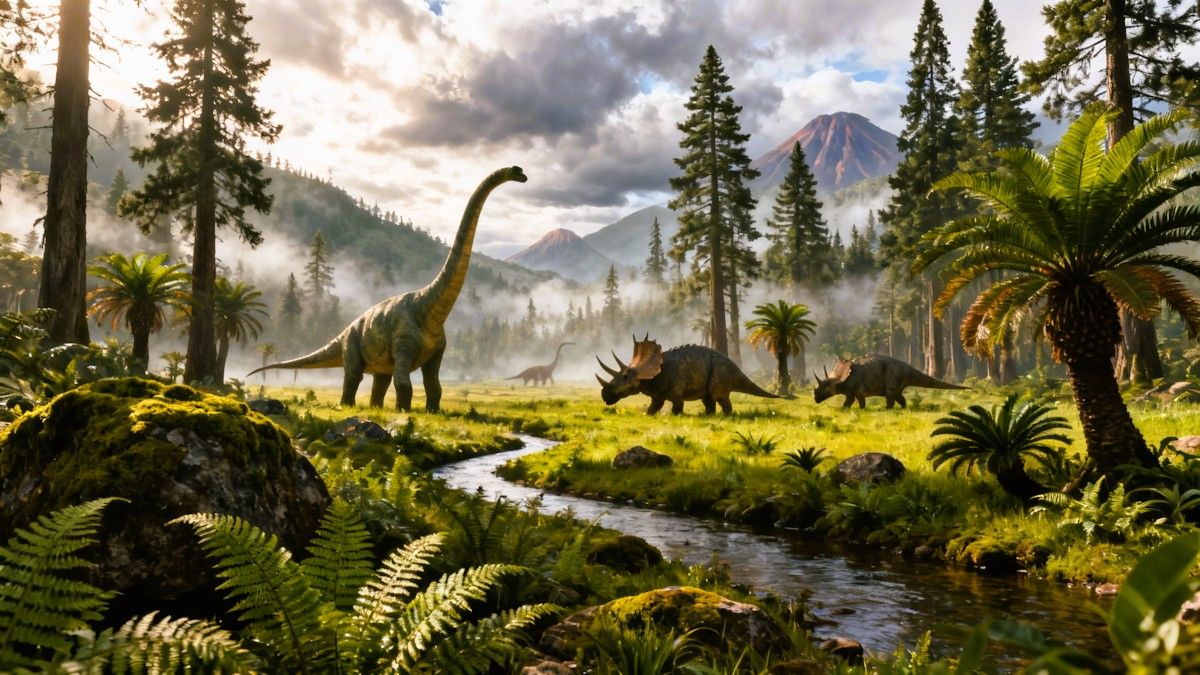
AI dinosaur image ideas and prompts
AI-generated dinosaur art can take many creative directions, from realistic prehistoric scenes to imaginative futuristic concepts. Try these eight ideas and prompts as starting points, then adjust the details to create variations that match your preferred style.
-
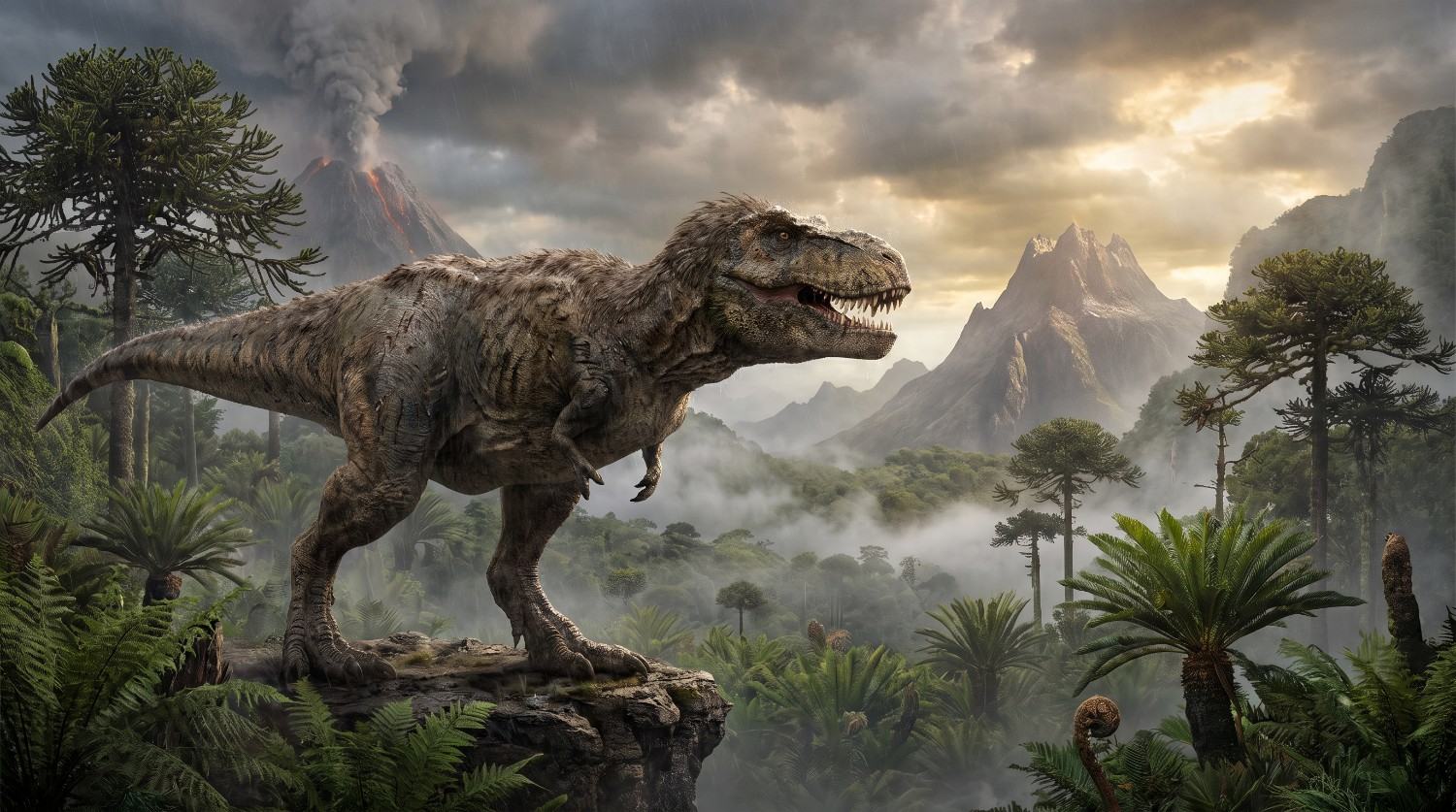
Realistic T-Rex in a prehistoric landscape
Prompt:
Create a highly realistic Tyrannosaurus rex standing in a vast prehistoric valley, surrounded by towering ferns, cycads, volcanic mountains, and dense vegetation. Add dramatic natural sunlight, atmospheric mist, detailed textured skin, accurate anatomy, cinematic composition, photorealistic wildlife photography style, and a sense of scale.
-
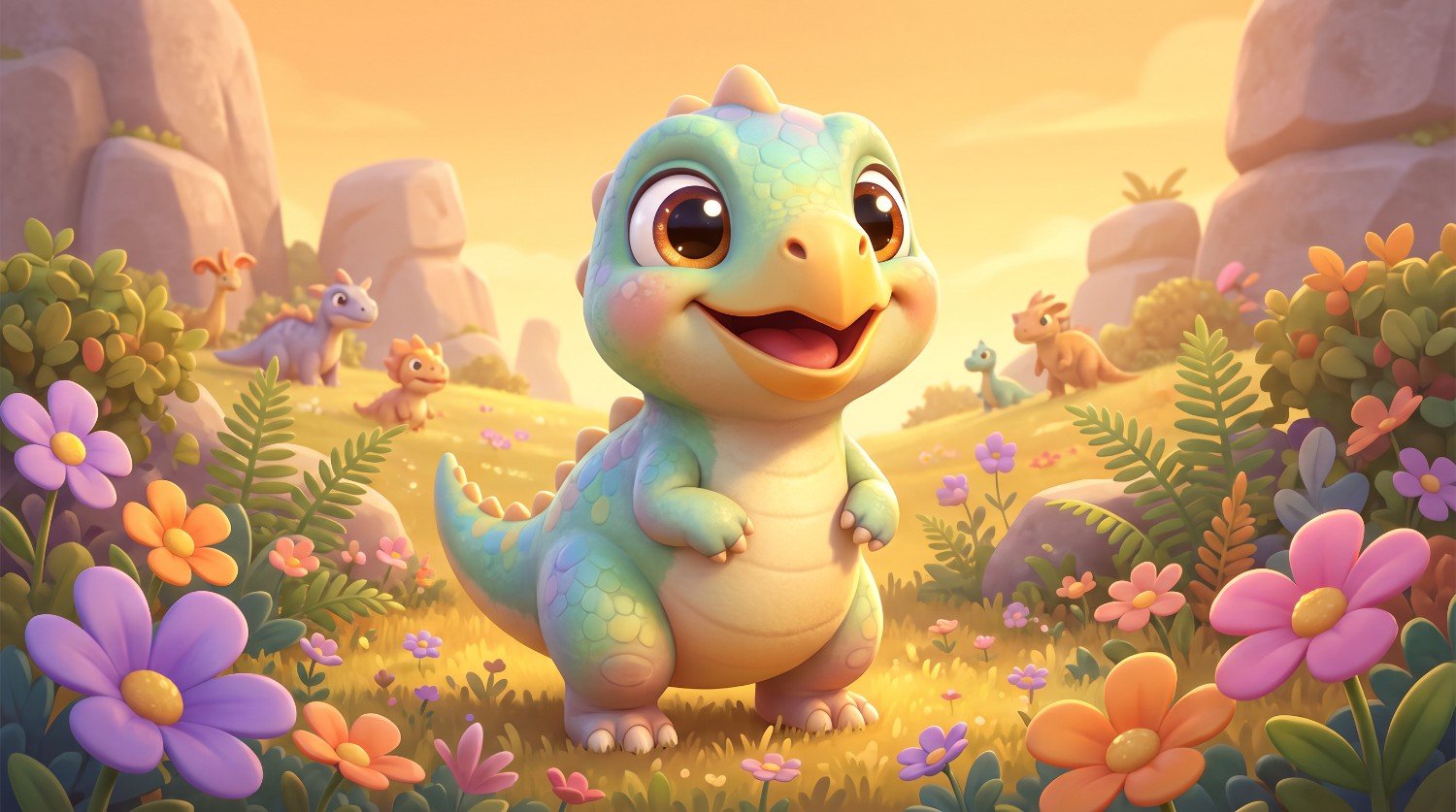
Cute cartoon dinosaur character
Prompt:
Create a cute cartoon baby dinosaur with a friendly expression, oversized eyes, tiny arms, rounded features, and colorful scales, standing in a cheerful prehistoric meadow filled with flowers and small plants. Use soft lighting, playful shapes, vibrant details, charming animated-film aesthetics, and a whimsical atmosphere.
-
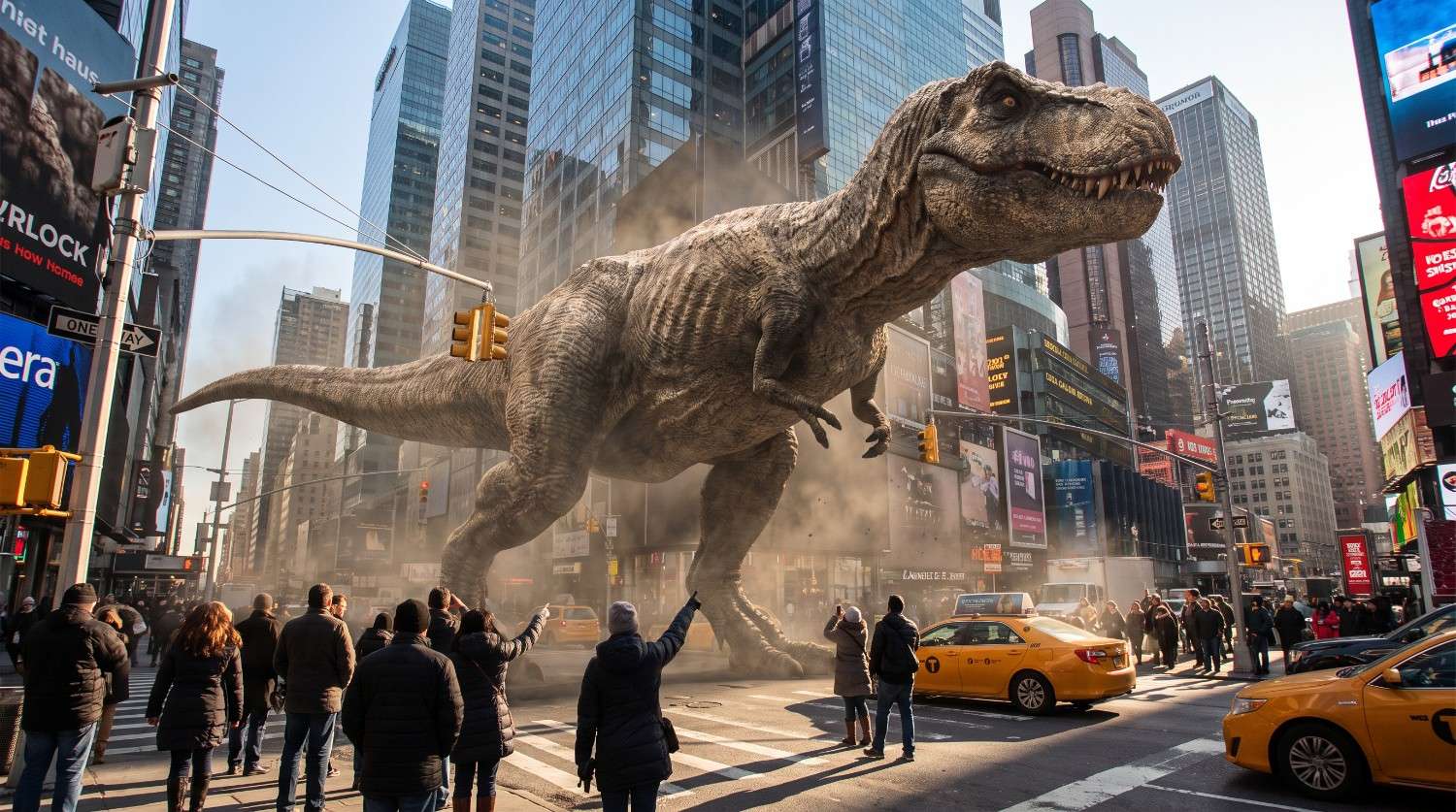
Dinosaur walking through a modern city
Prompt:
Create a massive realistic T-Rex walking through a modern downtown city, surrounded by skyscrapers, traffic lights, vehicles, and pedestrians looking upward in amazement. Show the dinosaur towering between buildings, with cinematic daylight, realistic textures, atmospheric depth, dramatic perspective, detailed urban surroundings, and a blockbuster movie aesthetic.
-
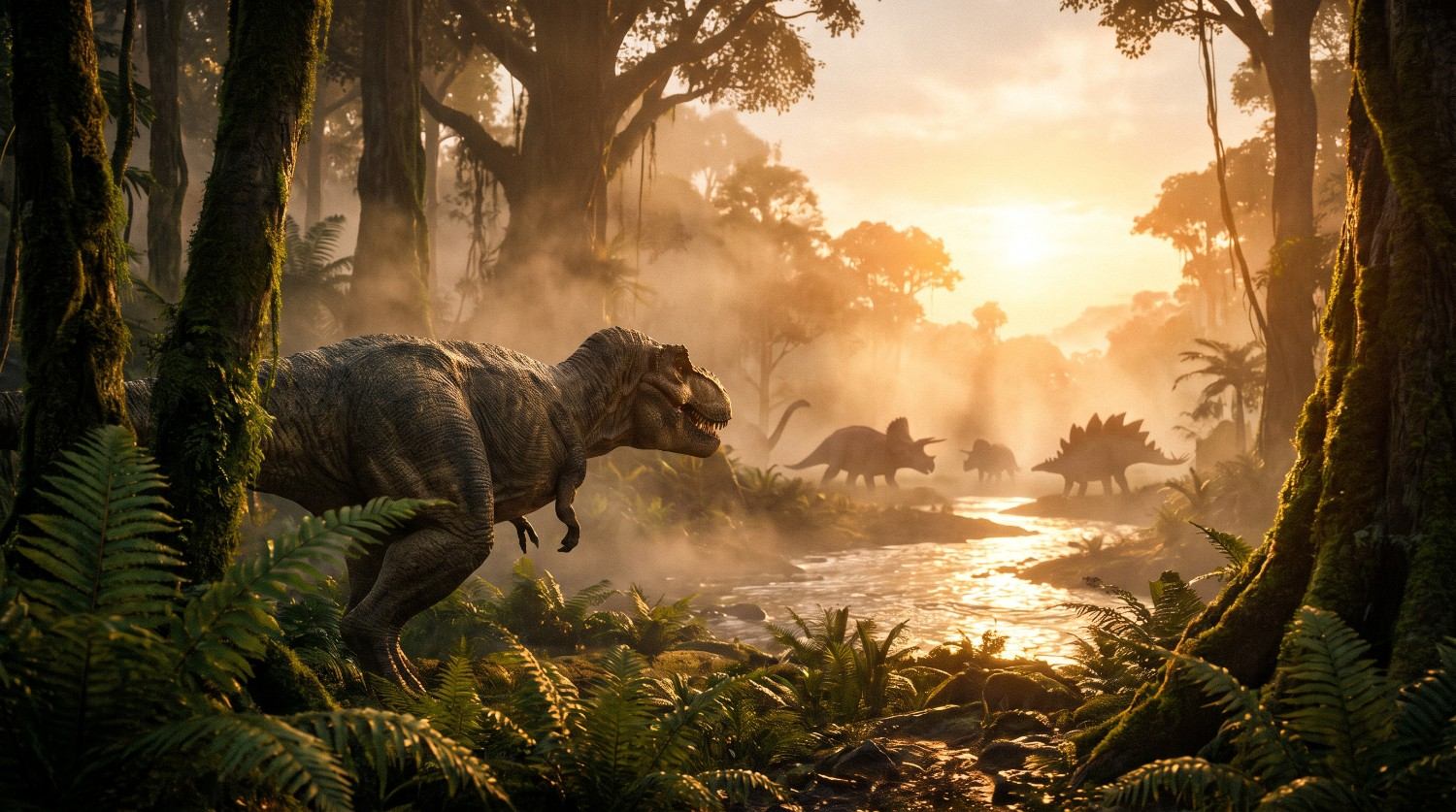
Cinematic Jurassic-era dinosaur scene
Prompt:
Create a cinematic prehistoric jungle scene featuring several dinosaurs moving through dense vegetation near a river at sunset. Include a large T-Rex in the foreground, smaller dinosaurs in the distance, warm golden lighting, atmospheric fog, realistic environmental textures, dramatic depth, and an epic adventure-film composition.
-
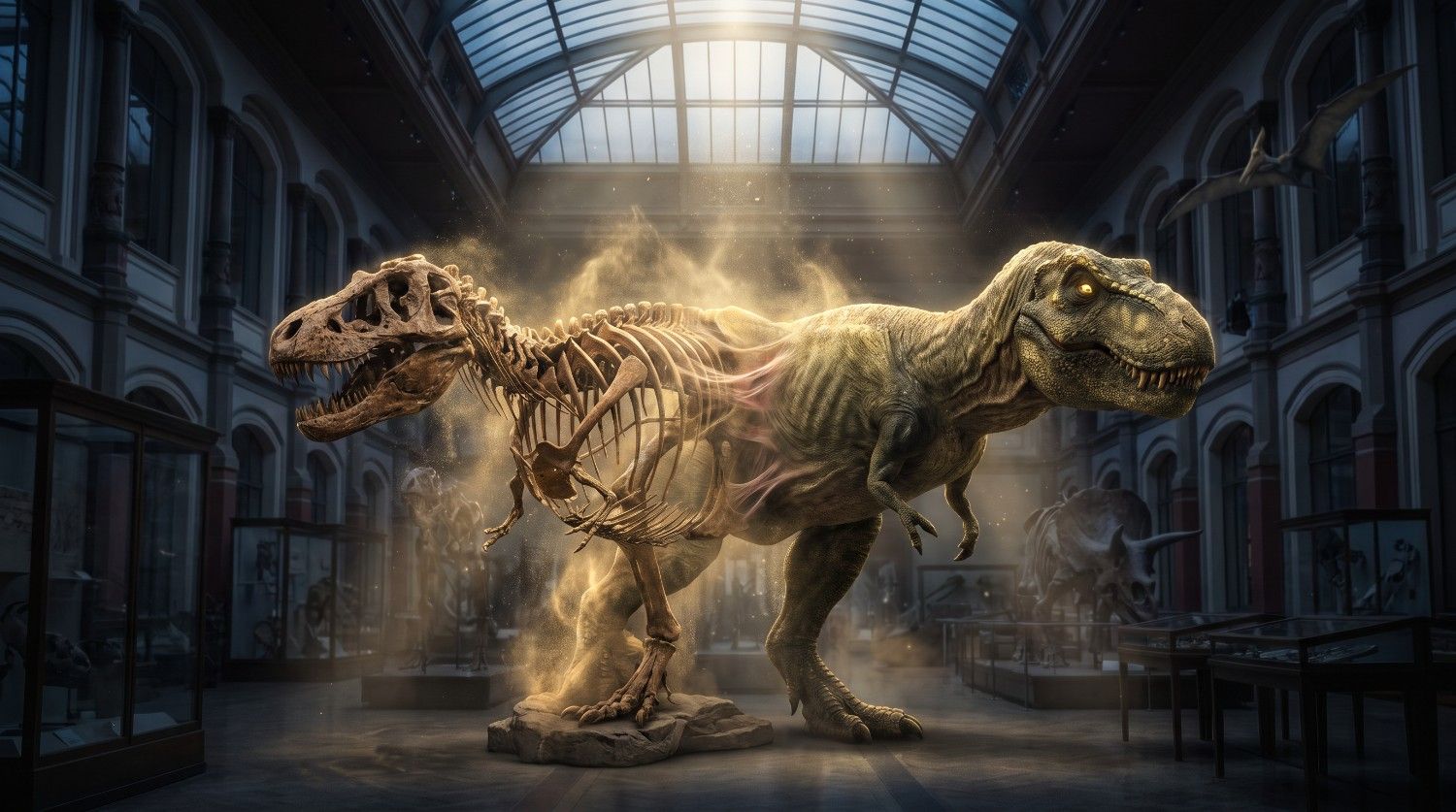
Dinosaur fossil transforming into a living creature
Prompt:
Create a surreal scene where an ancient dinosaur fossil gradually transforms into a living T-Rex, with bones becoming covered in textured skin and muscles. Place the transformation inside an atmospheric museum setting, with glowing particles, dramatic lighting, detailed anatomy, realistic textures, and a mysterious cinematic mood.
-
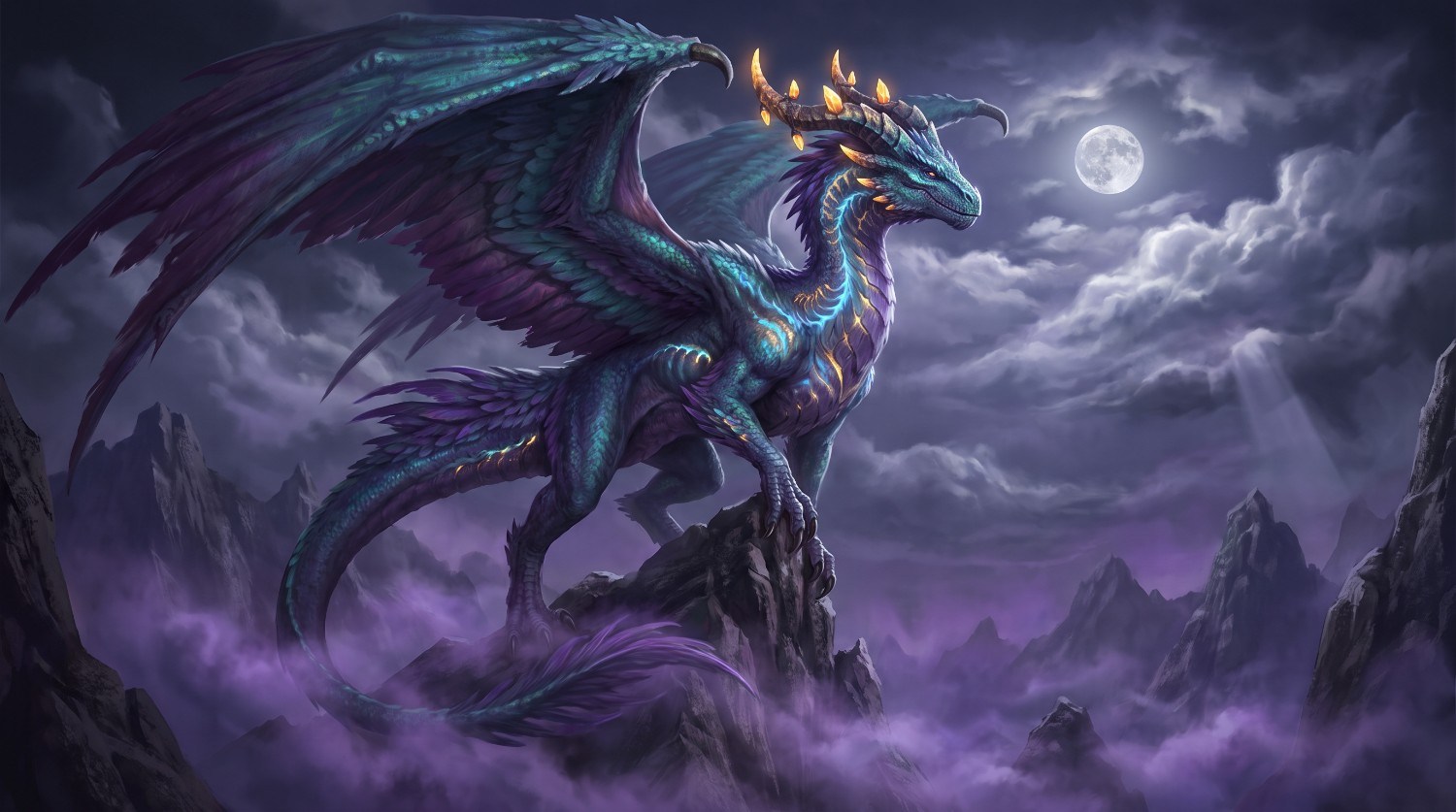
Fantasy dinosaur with mythical features
Prompt:
Create a majestic fantasy dinosaur with large feathered wings, glowing eyes, ornate horns, and subtle magical markings, standing on a rocky mountain surrounded by clouds. Use dramatic moonlight, mystical mist, detailed scales and feathers, cinematic composition, rich fantasy-world atmosphere, and highly detailed concept-art aesthetics.
-
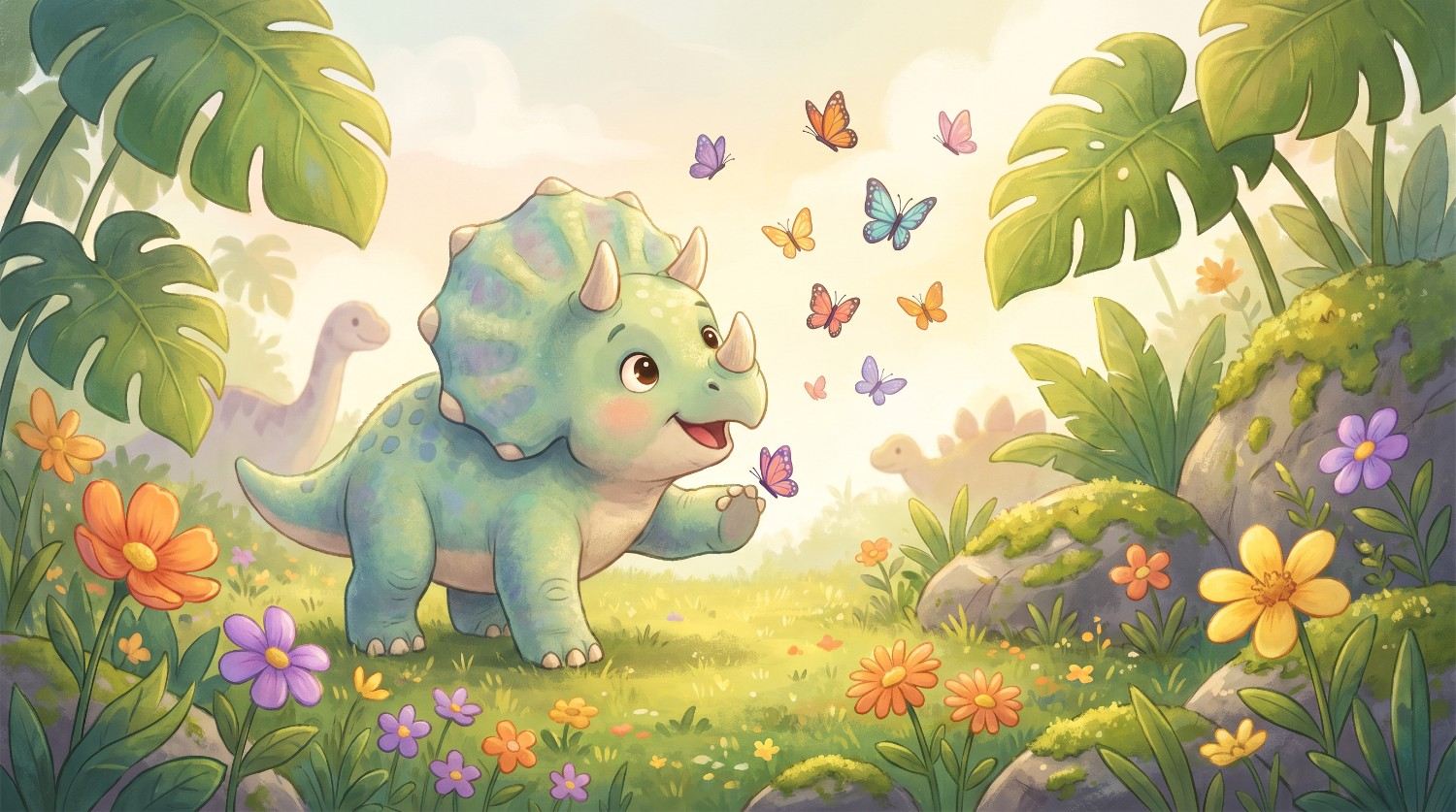
Baby dinosaur in a playful environment
Prompt:
Create an adorable baby Triceratops playing in a colorful prehistoric meadow, surrounded by butterflies, flowers, oversized leaves, and small rocks. Give the dinosaur expressive eyes, soft textured skin, and a playful pose. Use warm daylight, gentle shadows, cheerful colors, detailed surroundings, and a storybook illustration style.
-
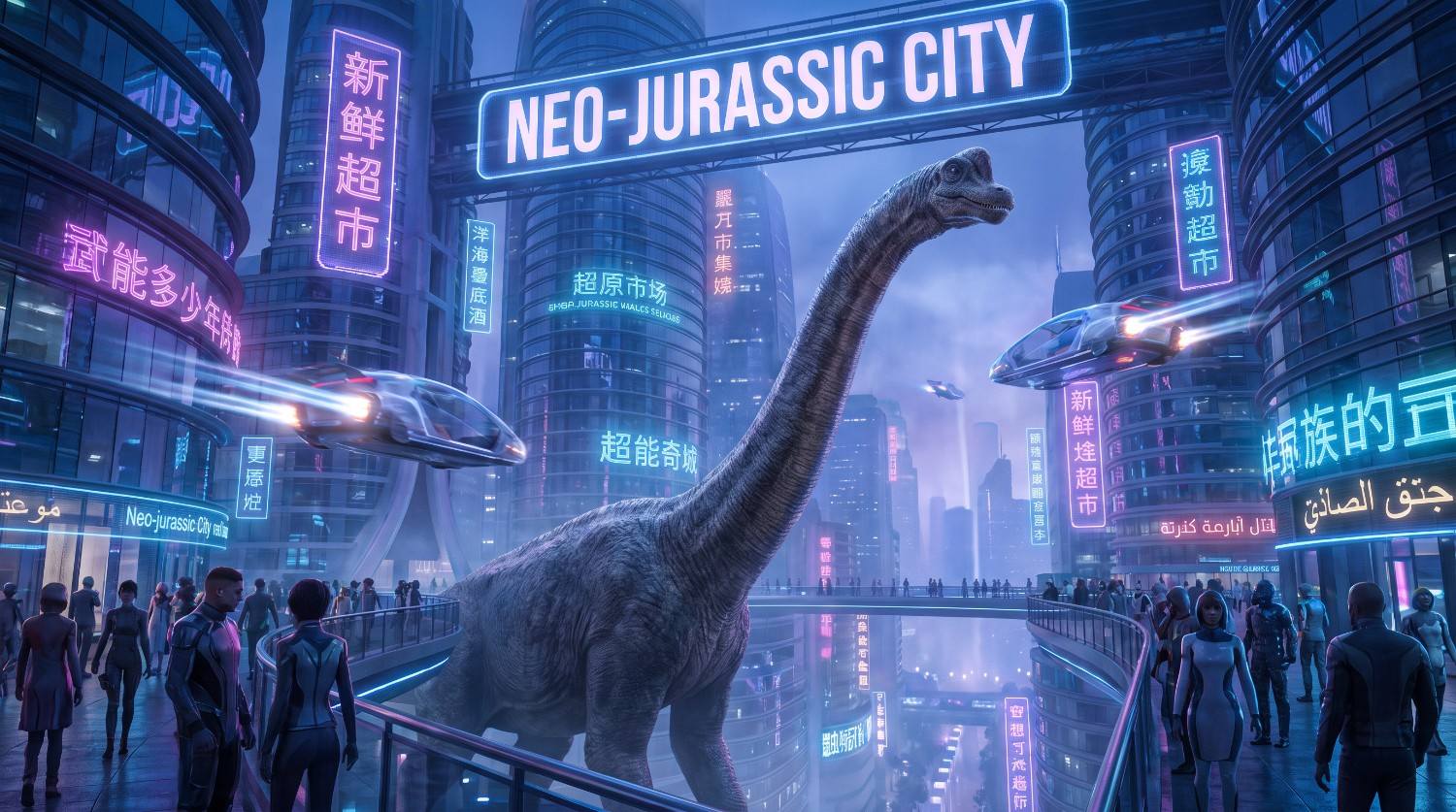
Dinosaurs in a futuristic world
Prompt:
Create a futuristic city where realistic dinosaurs coexist with humans, featuring a large Brachiosaurus walking between sleek skyscrapers, holographic signs, flying vehicles, and advanced architecture. Combine detailed dinosaur anatomy with futuristic technology, neon-inspired illumination, atmospheric depth, cinematic perspective, and polished science-fiction concept-art aesthetics.
How to write better AI dinosaur prompts?
A strong prompt gives the image generator enough visual direction without making the description unnecessarily complicated. These techniques can help you communicate the dinosaur setting, and overall visual approach more clearly.
-
Describe the dinosaur’s appearance and pose: Specify the dinosaur species, size, colors, skin or feather details, facial expression, and body position. Mention whether it is standing, running, roaring, flying, or interacting with another subject to make the composition more defined.
-
Add a specific environment and time period: Describe where the dinosaur appears and what surrounds it. Include details such as prehistoric forests, deserts, mountains, rivers, or volcanic landscapes, along with weather and time-of-day elements that establish the scene.
-
Choose a visual style and mood: State whether you want photorealistic, cartoon, watercolor, fantasy, cinematic, or concept-art imagery. You can also describe the intended mood, such as mysterious, playful, dramatic, peaceful, or adventurous.
-
Include lighting, camera angle, and composition: Add visual directions such as golden-hour lighting, soft shadows, dramatic backlighting, aerial perspective, close-up framing, or wide-angle composition. These details help define how the dinosaur and the environment should appear within the image.
Tips for creating AI dinosaur images and common mistakes to avoid
When creating AI dinosaur images, small prompt and composition choices can influence how clearly the dinosaur, environment, and artistic direction are represented. Use these tips alongside mistakes to avoid for more controlled generations.
Tips for creating AI dinosaur images |
Common mistakes to avoid |
|---|---|
|
Use specific dinosaur species: Naming a species such as T-Rex, Triceratops, Velociraptor, or Brachiosaurus gives the generator clearer subject direction. Add recognizable physical characteristics when anatomy or appearance matters. |
Using vague or overly short prompts: A prompt such as “make a dinosaur” leaves many creative decisions undefined. Include the species, setting, appearance, style, lighting, and composition when you need a more specific image. |
|
Experiment with different art styles: Try photorealism, cinematic concept art, watercolor, illustration, pixel art, or cartoon styles. Changing the visual approach can give the same dinosaur concept a completely different character. |
Mixing incompatible visual styles: Combining too many unrelated aesthetics can make the image direction unclear. Choose a primary style and add complementary visual details instead of continuously stacking different artistic approaches. |
|
Add environmental details: Describe vegetation, terrain, weather, architecture, atmospheric conditions, and background elements. These details can make the dinosaur feel more naturally integrated into its surroundings rather than appearing isolated. |
Adding too many elements at once: Overloaded prompts can create cluttered compositions and competing subjects. Prioritize the dinosaur and a few important environmental elements before adding secondary objects or decorative details. |
|
Refine prompts with small changes: Adjust one element at a time, such as lighting, pose, camera angle, or background. Comparing variations makes it easier to identify which prompt changes better match your intended dinosaur image. |
Ignoring anatomy and proportions: Dinosaur generations can sometimes contain inconsistent body structures, limbs, teeth, or proportions. Review the image carefully and refine your description when anatomical accuracy is important. |
Create AI dinosaur images with Vmake Labs AI image generator
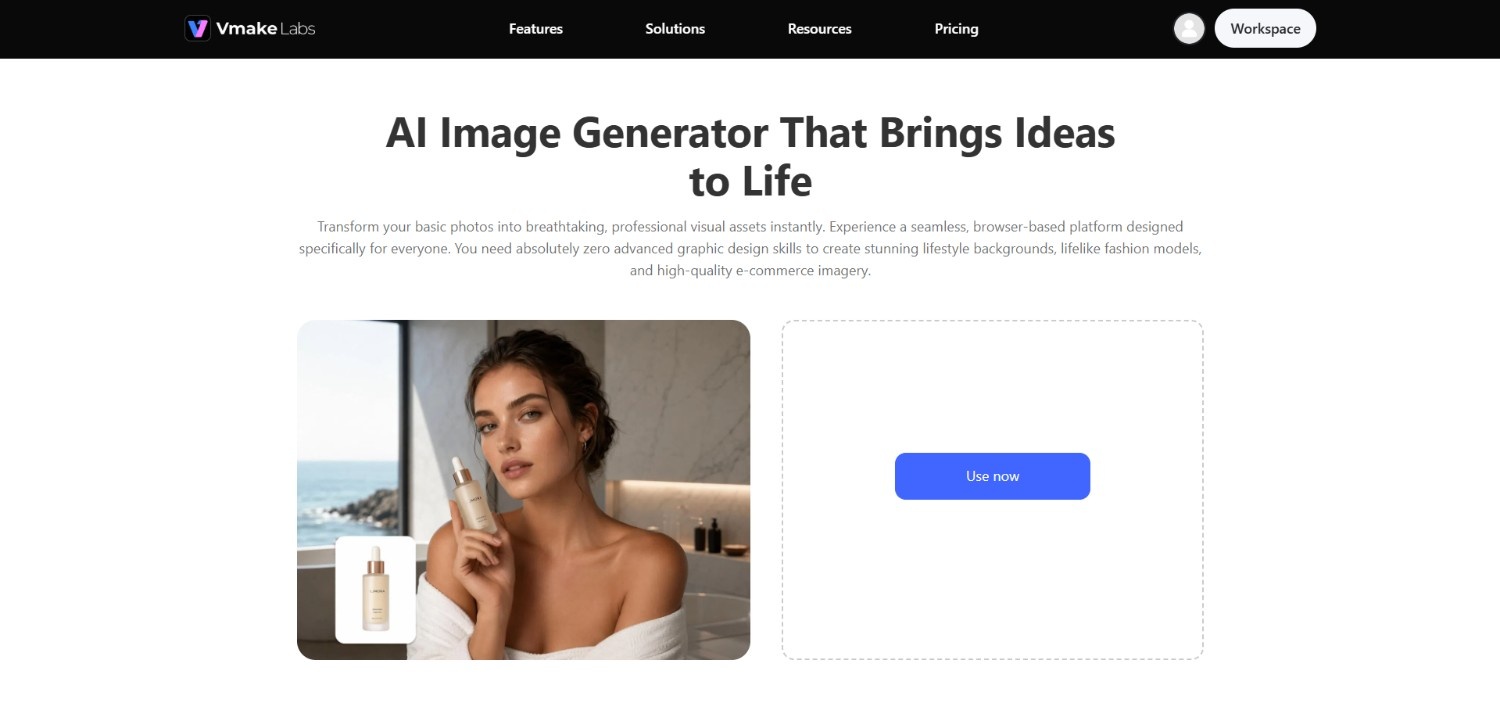
Vmake Labs AI Image Generator can be used to turn written concepts into AI-generated images without requiring manual illustration skills.
For dinosaur artwork, you can describe the species, environment, pose, visual style, lighting, and composition in your prompt, then generate an image based on those instructions. The platform also provides different creative options for developing visual concepts across various use cases.
You can experiment with realistic prehistoric scenes, cartoon dinosaurs, fantasy creatures, or futuristic environments by changing your prompts and image settings. This makes it useful for exploring different interpretations of the same dinosaur concept.
Key features of Vmake Labs AI image generator
-
Text-to-image generation: Vmake Labs lets you describe your desired dinosaur scene through text and generate an image from your written concept. Detailed prompts can specify subjects, environments, styles, lighting, and composition.
-
Different creative styles and concepts: You can explore different visual directions for dinosaur artwork by changing your prompts and creative descriptions. This allows concepts to range from realistic prehistoric scenes to cartoons, fantasy artwork, and futuristic imagery.
-
Image creation for social media and thumbnails: Vmake Labs can be used to create visual assets for content such as social media postsand thumbnails. You can tailor dinosaur concepts to different compositions and visual presentation requirements.
-
Support for multiple AI image models: Vmake Labs provides access to multiple AI image models, giving you different options for generating visual concepts. Model availability can provide flexibility when experimenting with various dinosaur styles and image-generation approaches.
-
Access to multiple image aspect ratio support: Vmake Labs supports different image aspect ratios, allowing you to adapt dinosaur images to different content formats. This can be useful when creating visuals for posts, thumbnails, banners, or other placements.
How to create an AI dinosaur image with Vmake Labs?
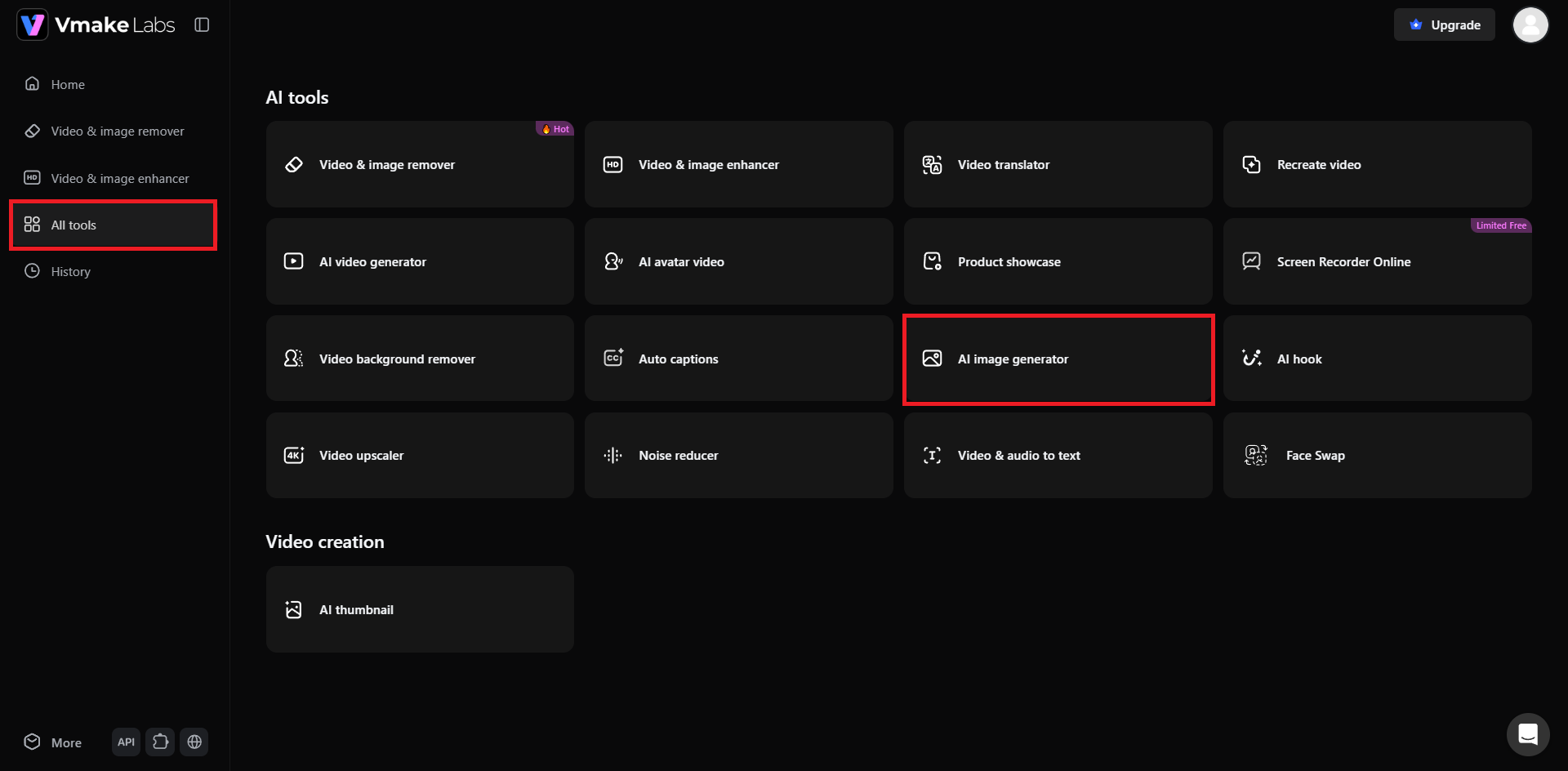
Step 1: Access Vmake Labs "AI image generator"
Start your journey by first visiting the official website of Vmake Labs and then signing in to your existing account, or signing up for a new account. After successfully logging in, access the "All tools" option from the left-hand panel, and then select the "AI image generator" option.
Step 2: Provide your AI dinosaur art prompt
In the next step, you will need to choose whether you want to generate your dinosaur art via "Text to Image" or directly via "Image to Image". After that, select your desired AI image generation model, be it Nano Banana 2, GPT Image 1, or any other. Then, you need to provide your detailed dinosaur art prompt, and once that is entered, choose your ideal aspect ratio. Finally, click on "Generate".
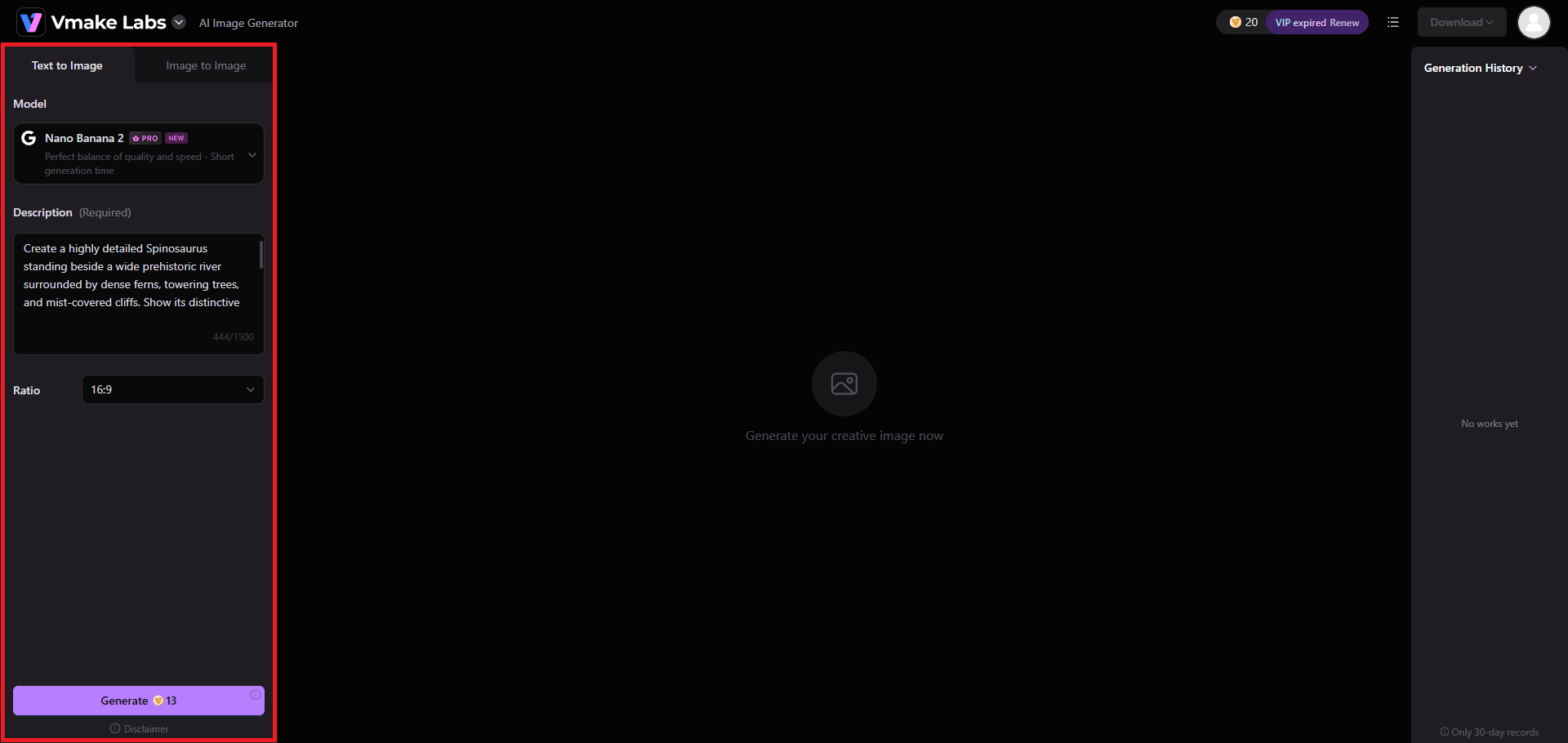
Step 3: Export your AI-generated dinosaur art
Vmake Labs will start generating your image and once that is completed, the same will be showcased on your screen. You can proceed to "Download" the image to your local device for sharing, or any other purposes.
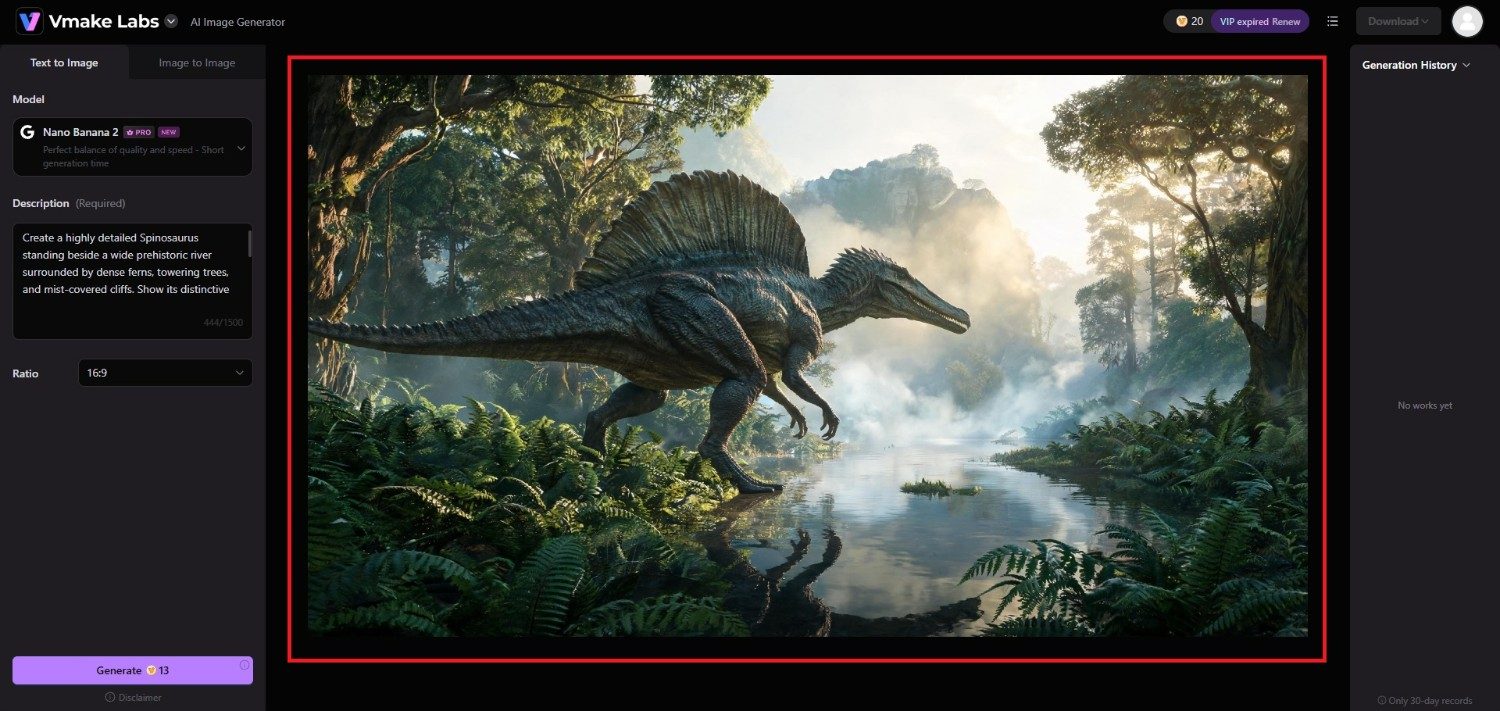
Conclusion
AI dinosaur art gives you a flexible way to explore prehistoric creatures through realistic, cartoon, cinematic, fantasy, and futuristic concepts. The quality of the final image often depends on how clearly you describe the dinosaur, setting, visual style, lighting, and composition in your prompt. Experimenting with different species, environments, and artistic approaches can help you discover new concepts while refining your preferred visual direction.
Vmake Labs AI image generator can further simplify the process by turning text descriptions into images and providing creative options for different visual requirements. With thoughtful prompts and careful refinement, you can create a wide range of AI dinosaur images for different creative projects.
FAQs
-
What is an AI dinosaur image?
An AI dinosaur image is artwork generated using artificial intelligence based on a text prompt or other input. It can depict realistic, cartoon, fantasy, cinematic, or futuristic dinosaur concepts.
-
How do I create an AI dinosaur image from a prompt?
Describe the dinosaur species, appearance, pose, environment, artistic style, lighting, and composition in your prompt. Then enter the description into an AI image generator to create the image.
-
What are the best styles for AI dinosaur art?
Popular styles include photorealistic, cinematic, cartoon, watercolor, fantasy, concept art, and science-fiction aesthetics. Your preferred style depends on the subject, mood, and intended use of the image.
-
Can I create realistic dinosaur images with AI?
Yes. Detailed prompts can describe realistic anatomy, textured skin, natural environments, lighting, camera perspective, and atmospheric conditions to guide the generator toward a more photorealistic dinosaur image.
-
Can I use Vmake Labs to generate dinosaur images?
Yes. You can use Vmake Labs AI image generator to create dinosaur concepts from text prompts. Describe your preferred species, setting, style, and composition, then refine the generated image as needed.

You May Be Interested
Best AI Image Generator: 10 Top Picks for 2026 Review
Best AI Image Upscaler Tools in 2026: Upscale Images to 4K, 8K & Beyond
AI Animal Generator: Make Realistic Animal Images with AI
Funny AI Generated Images: Create Hilarious AI Art Fast
How to Animate a Photo: Bring Your Still Images to Life

Ideogram AI Image Generator Review: Is It Worth Trying?
