
Goofy AI Images: Fun Ideas, Prompts, and How to Create Them
Explore goofy AI images, funny prompts, creative ideas, and easy ways to generate absurd visuals with Vmake Labs for memes, social posts, avatars, thumbnails, and creative projects.

Goofy AI images turn ordinary ideas into exaggerated, weird, and unexpectedly funny visuals. From animals in ridiculous situations to surreal meme-style scenes, these images are easy to create with AI. With the right prompt and an AI image generator such as Vmake Labs, you can turn almost any silly idea into a shareable visual.
What are goofy AI images?
Goofy AI images are visuals created by AI that are intentionally silly, exaggerated, or absurd. They often have odd expressions, odd proportions, unexpected combinations, and surreal situations. "Goofy ahh" is internet slang for something that is especially ridiculous, awkward, or silly. The weird details and goofy visuals aren't accidental AI errors. They are used on purpose to make you laugh. An image could show an animal acting like a human, a common object in an unlikely setting, or a figure with over-the-top features. This style has become a viral trend for memes, social media posts, profile pictures, thumbnails, and other fun creative projects.
Goofy AI image prompts to try
The easiest way to create goofy AI images is to start with a simple subject and make the situation increasingly unexpected. These prompts can be adapted by changing the character, setting, expression, style, or level of absurdity.
Goofy animal prompts
Animals are great fodder for goofy AI images because you immediately have a visual contrast when you put them in human situations.
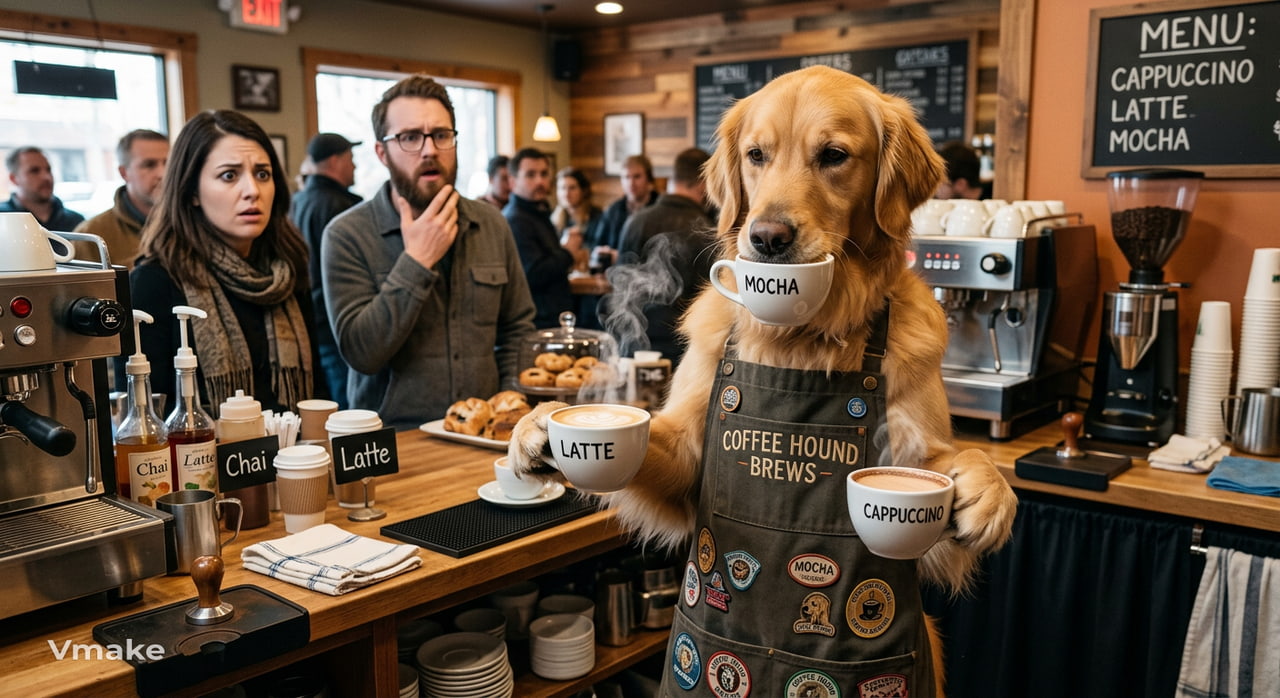
Prompt: A serious-looking golden retriever working as a busy coffee shop barista, wearing an oversized apron, holding three coffee cups at once, customers looking confused, exaggerated facial expression, funny realistic photography.
Prompt: A tiny frog driving an enormous red sports car through a crowded city, wearing sunglasses that are too large for its face, confused pedestrians, cinematic lighting, absurd comedy.
Goofy character prompts
You can make a character look goofy by exaggerating their clothing, proportions, expression, or surroundings. Try unusual outfits, oversized accessories, awkward poses, or exaggerated facial expressions to turn an ordinary character into a more memorable goofy visual.
Prompt:A tiny businessman sitting in an enormous office chair, struggling to reach his desk, oversized suit, dramatic serious expression, chaotic office background, humorous cartoon style.
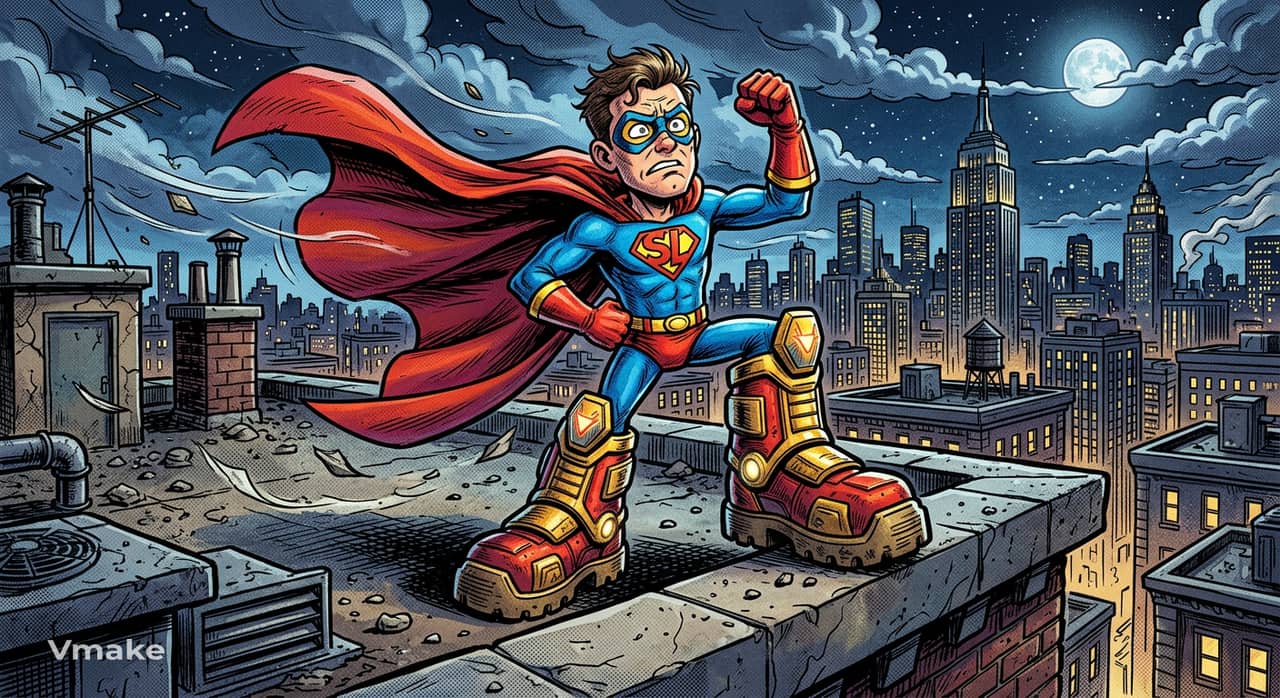
Prompt:A superhero with extremely short legs and enormous boots trying to pose heroically on a rooftop, confused expression, windy cape, exaggerated proportions, colorful comic-book style.
Goofy food prompts
Food-based concepts work especially well when familiar ingredients are given human personalities or placed in unexpected situations.
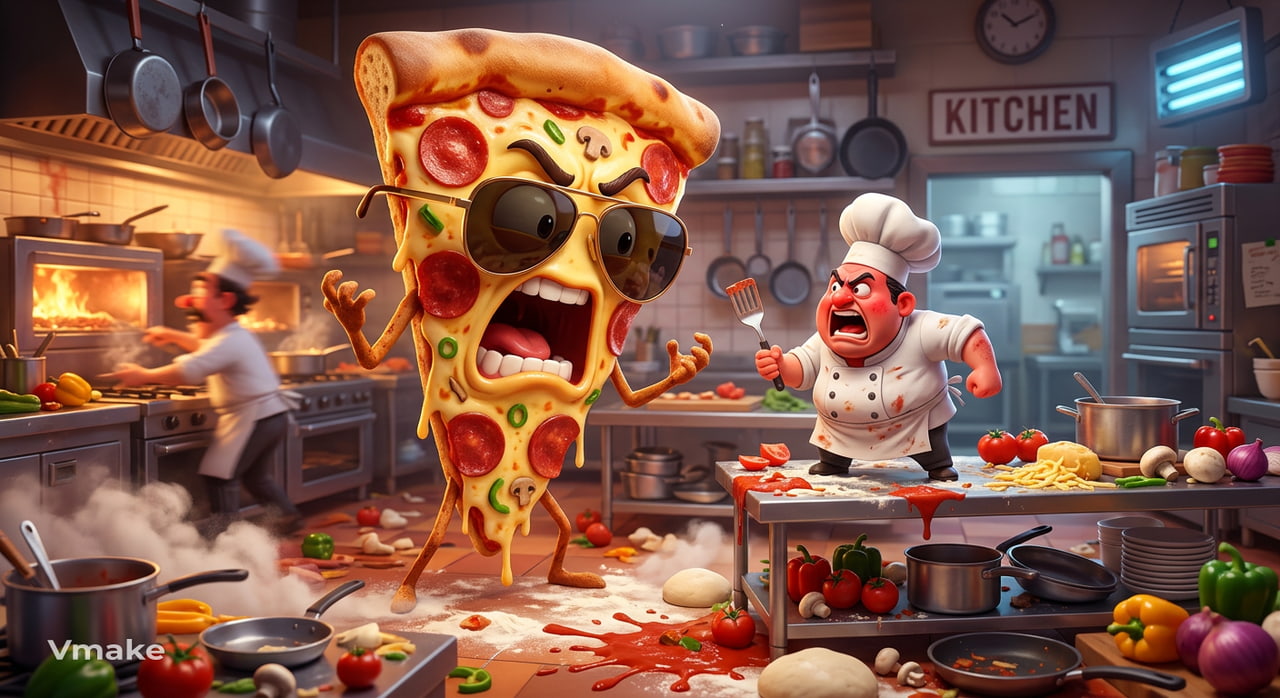
Prompt:A giant slice of pizza wearing sunglasses and arguing with a tiny chef in a restaurant kitchen, spilled ingredients everywhere, dramatic expressions, colorful 3D cartoon style.
Prompt:A hamburger running late for an important business meeting, wearing a tiny suit and carrying a briefcase, crowded city streets, humorous surreal photography.
Goofy everyday-situation prompts
Take something completely ordinary and add one element that makes the situation ridiculous. Start with familiar activities such as working, shopping, commuting, or cooking, then introduce an unexpected character, object, action, or exaggerated reaction.
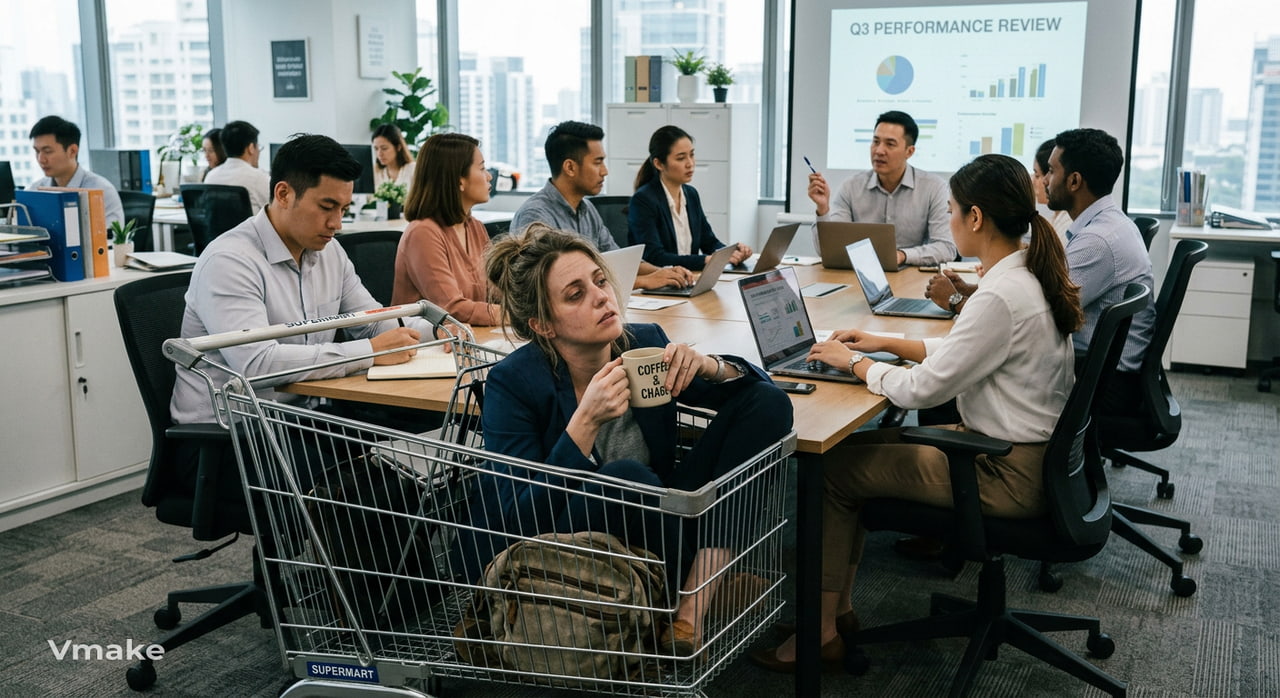
Prompt:A tired office worker attending a morning meeting while sitting inside a giant shopping cart, coworkers acting completely normal, realistic office setting, awkward comedy.
Prompt:A man tries to walk a giant snail through a busy park while the snail refuses to move, confused expression, photorealistic style, humorous scene.
Goofy surreal prompts
Surreal prompts combine elements that would never normally appear together. Pair familiar subjects with impossible settings, unusual objects, or strange situations to create unexpected combinations that make the final image more absurd and visually interesting.
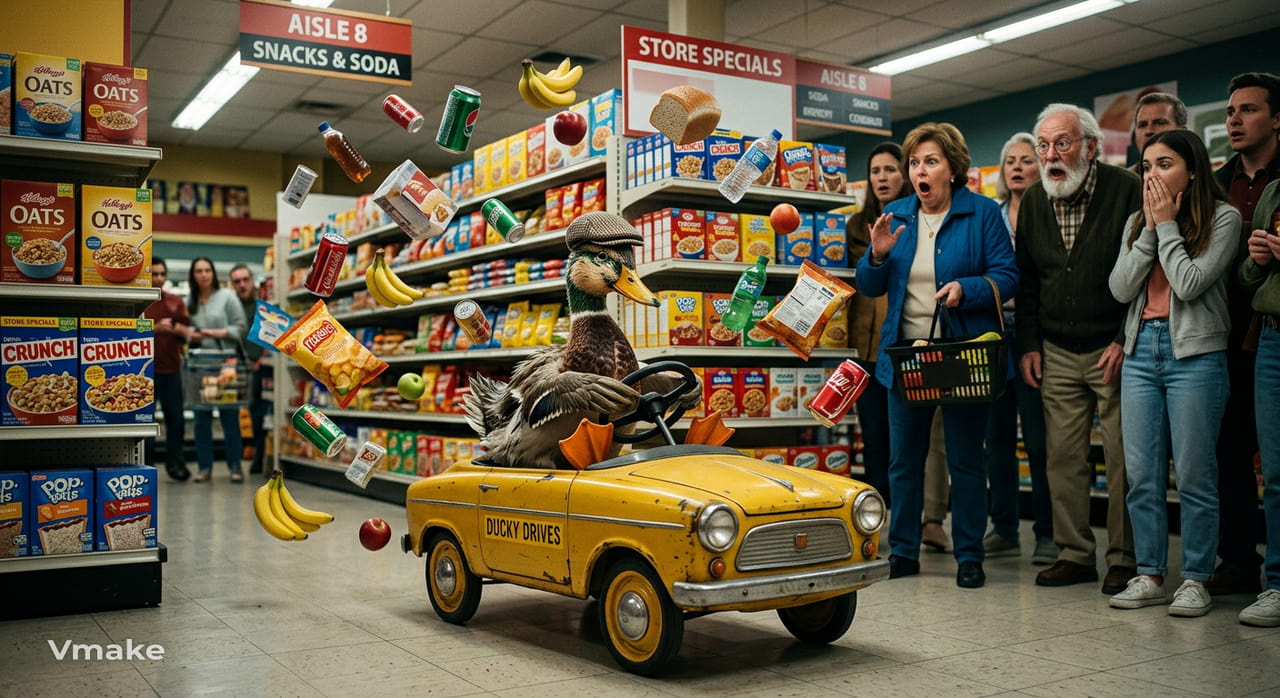
Prompt:A confused duck driving a tiny yellow car through a supermarket, shoppers staring in disbelief, floating grocery items, dramatic cinematic lighting, surreal comedy.
Prompt:A giant floating banana wearing a crown above a medieval castle while tiny knights try to capture it, absurd fantasy scene, detailed digital art.
Goofy meme-style prompts
For meme-style visuals, focus on exaggerated reactions, awkward situations, or instantly recognizable setups. Keep the concept simple and easy to understand at a glance, then add an unexpected expression or action to make the image more humorous.
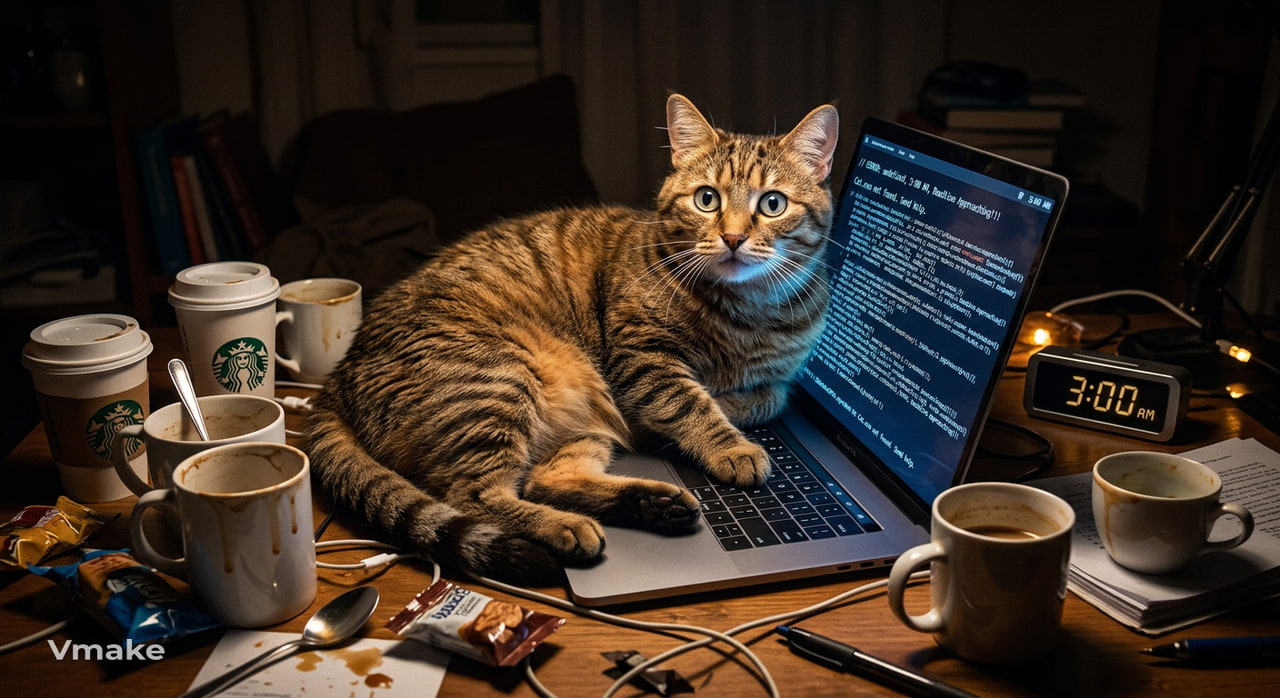
Prompt:An exhausted cat sitting on a laptop at 3 a.m., surrounded by empty coffee cups, staring at the screen in disbelief, dramatic lighting, exaggerated expression, meme-style humor.
When writing your own goofy AI image prompts, make the unusual element clear rather than relying on a single word such as "funny." Describe what the subject is doing, where it is, how it looks, and what makes the situation absurd. You can also combine unrelated subjects, exaggerate facial expressions, add unusual settings, and specify a visual style. Trying several variations of the same prompt can help you discover which combination produces the funniest result.
How to create goofy AI images with Vmake Labs
Vmake Labs AI Image Generator gives you a straightforward way to turn text descriptions and reference images into AI-generated visuals. Its built-in models and image generation options make it suitable for experimenting with playful concepts and different visual styles.
Step 1: Open Vmake Labs AI Image Generator
Open the Vmake Labs AI Image Generator and start a new image generation session. You can use a text description to create your goofy concept from scratch.
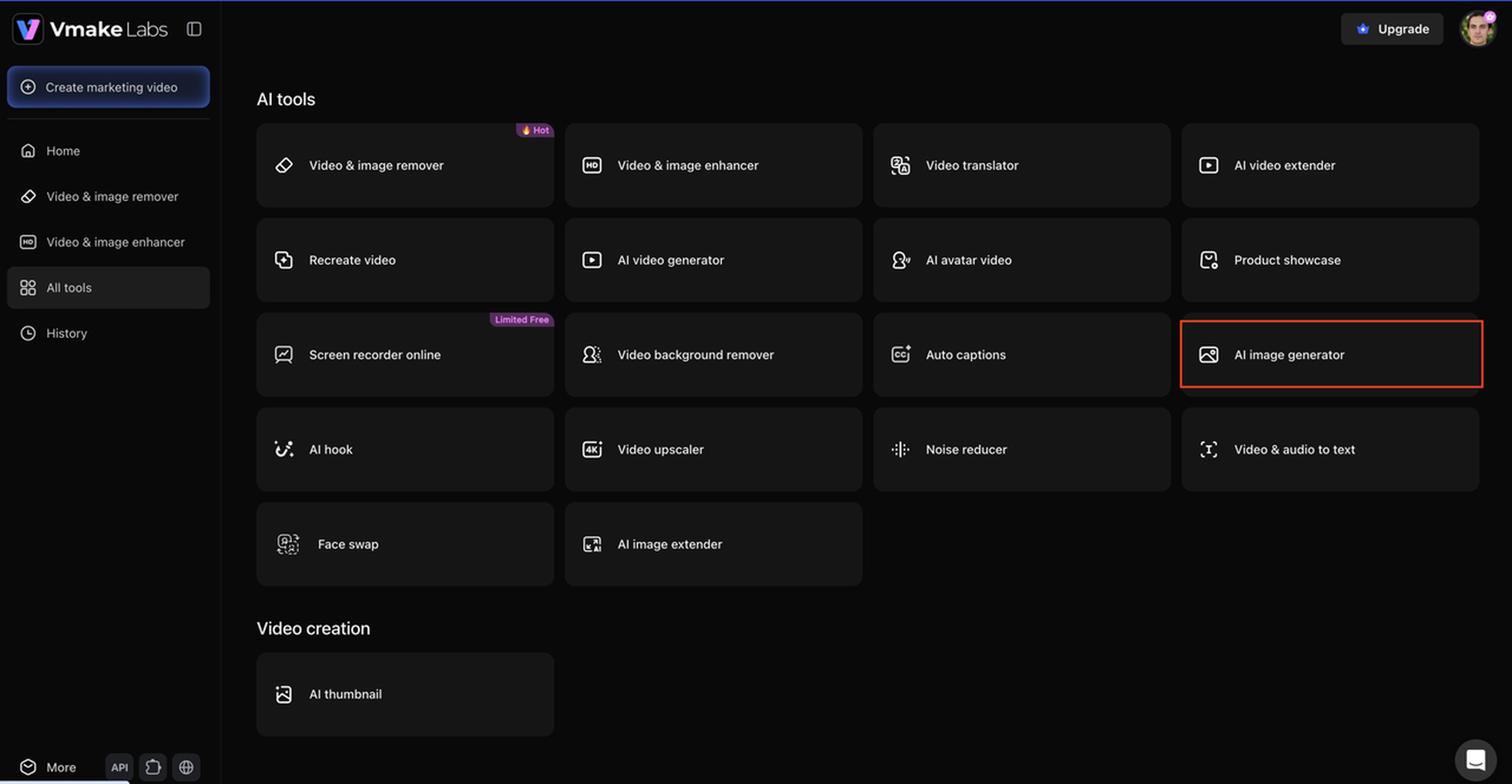
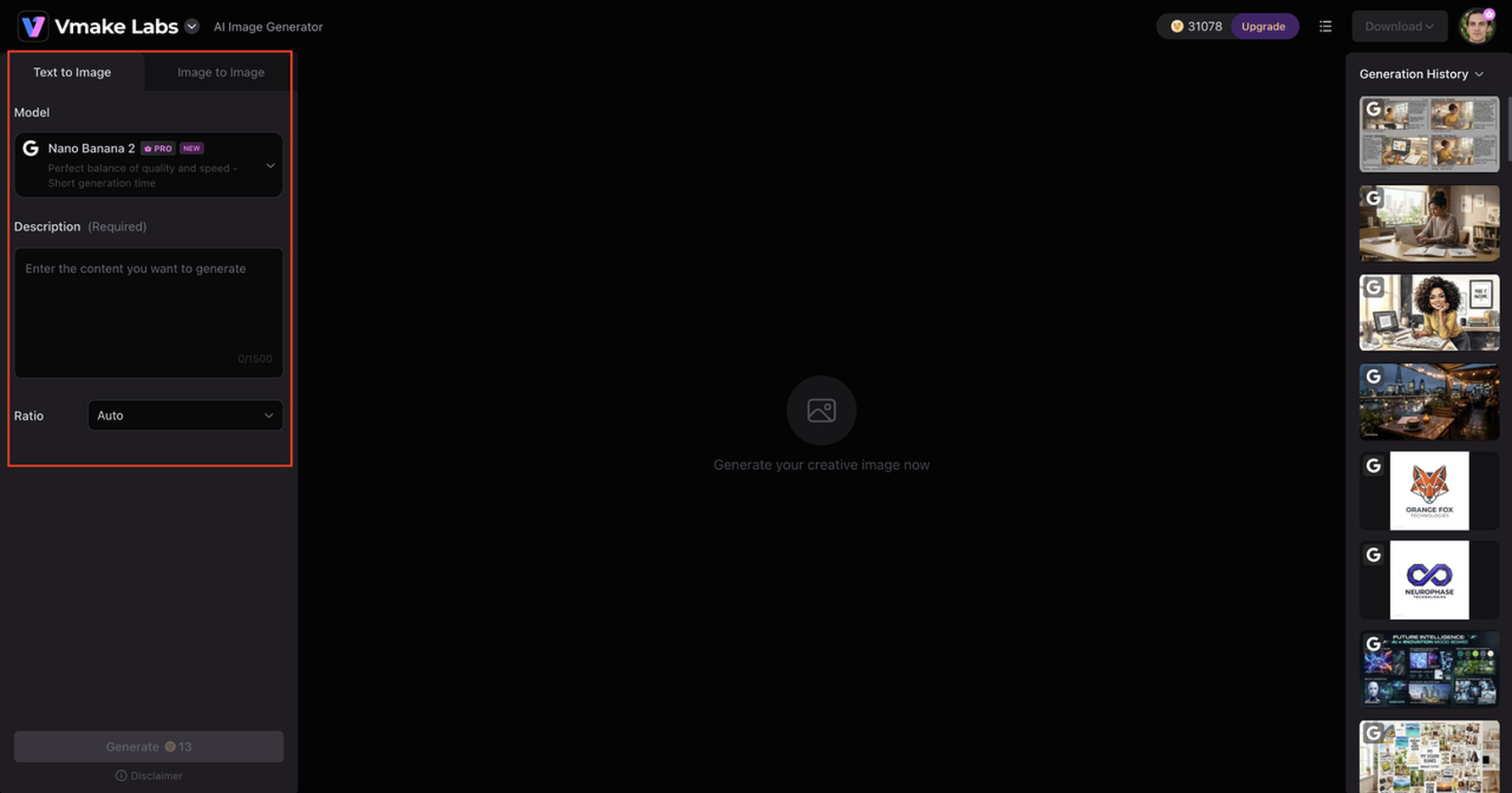
Step 2: Enter a goofy image prompt
Describe the subject, action, setting, expression, and visual style you want. The more specific your description is, the easier it is to communicate the unusual details behind your idea.
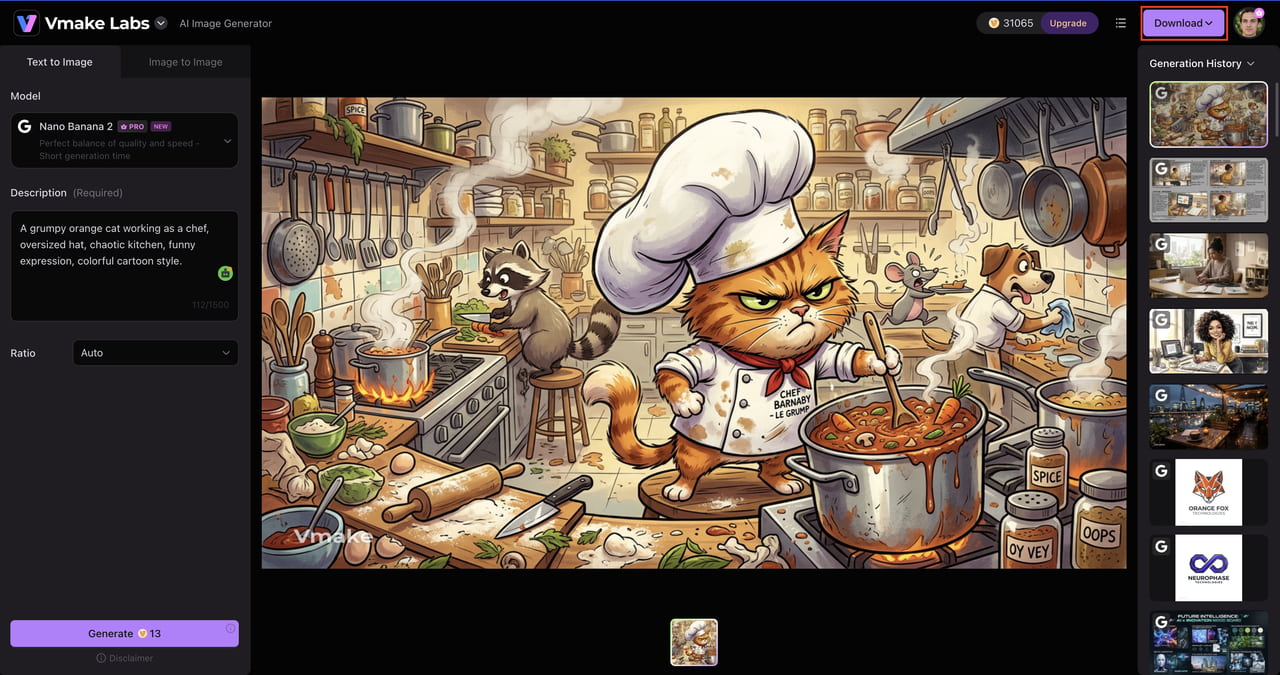
Step 3: Generate, refine, and download your image Generate the image and review the result. If it does not match your idea, refine the prompt and try another variation. Once you are happy with the result, choose your favorite image and download it for your project, social post, meme, or other creative use.
Key features of Vmake Labs AI Image Generator
Vmake Labs offers several capabilities that can help creators experiment with different types of AI-generated images.
-
Multiple built-in AI models: Vmake Labs supports models including Nano Banana 2, Nano Banana Pro, Nano Banana, Seedream 4.0, and GPT Image 1.
-
Text-to-image generation: Turn a written description into an original image without needing to create the artwork manually.
-
Image-to-image generation: Use a reference image as a starting point and create a new visual based on your concept.
-
Multiple artistic and photorealistic styles: Experiment with different visual directions depending on the type of goofy image you want.
-
Flexible image generation settings: Adjust your generation approach to explore different results from the same basic idea.
-
High-quality AI image outputs: Create visuals that can work across social media, marketing, e-commerce, and creative projects.
This combination is useful when you want to move from a quick silly idea to a polished AI-generated image without building the visual from scratch.
Tips for creating better goofy AI images
A good prompt can turn a funny image into a truly goofy one. By guiding the AI with specific visual details, unexpected combinations and exaggerations, you can give it a clear direction.
-
Use exaggerated descriptions: Push expressions, proportions, clothing, or actions beyond what would normally look realistic.
-
Combine unrelated subjects: Pair unexpected people, animals, objects, or settings to create surprising visual combinations.
-
Describe facial expressions and poses: Mention details such as confused looks, dramatic reactions, awkward poses, or exaggerated gestures.
-
Add unusual settings: Place familiar subjects in unexpected environments, such as an office, supermarket, space station, or medieval castle.
-
Specify a visual style: Try cartoon, 3D, photorealistic, surreal, cinematic, or other styles to change the overall feel of the image.
-
Experiment with prompt variations: Adjust individual details and generate multiple versions to see which combination produces the funniest result.
How to use goofy AI-generated images
Goofy AI-generated images can be used anywhere playful, unusual, or attention-grabbing visuals make sense. Being exaggerated in nature, they are particularly great for social content, entertainment, and creative experimentation.
Memes and reaction images
Mundane reactions are more memorable meme material with goofy visuals. Humor can be achieved without elaborate captions via an exaggerated or absurd character expression or situation.
Social media posts
Make goofy AI images that make posts pop in crowded feeds. Funny characters, unexpected situations, and surreal visuals can be good for entertaining or personality-driven content.
Profile pictures and avatars
A goofy AI-generated character can make your profile look different, especially when you use it as a playful AI avatar. Try a quirky costume, over-the-top expression, or some unlikely combination for a fun avatar.
YouTube thumbnails
The comedic aspect of a video can be expressed through strange or exaggerated visuals, which you can turn into an eye-catching thumbnail with a YouTube thumbnail maker.
Blog illustrations
Goofy AI images can add personality to articles, especially when the subject involves humor, internet culture, creativity, or entertainment. They can also help break up long sections of text.
Digital stickers
Turn funny characters, expressions, or objects into sticker concepts for messaging and social platforms. Simple subjects with strong expressions can work particularly well.
Character concepts
Goofy AI-generated images allow creators to explore weird characters before building them out further. Try different outfits, proportions, personalities, and environments to get interesting concepts.
Personal creative projects
These goofy visuals are perfect for invitations, presentations, digital art, personal collections, or anything else where a standard image is too serious.
Always check the copyright, trademark, platform, and commercial-use rules for publishing or monetizing AI-generated images. Be extra careful if your image contains identifiable people, branded logos, copyrighted characters, or other protected material.
Conclusion
Goofy AI images take simple ideas and turn them into funny, unexpected, and highly shareable visuals. With the right prompts, you can play with exaggerated expressions, unusual combinations, surreal settings, and different artistic styles. Vmake Labs AI Image Generator makes this easy with text-to-image and image-to-image generation, multiple AI models and flexible creative options. A well-written prompt can help you create goofy visuals that stand out, whether you are creating memes, social posts, avatars, thumbnails or personal projects.
FAQs
-
What are goofy AI images?
Goofy AI images are pictures created by AI that are intentionally silly, exaggerated, or absurd. Often they have strange expressions, strange proportions, unexpected combinations, or surreal situations to make them funny.
-
What does "goofy ahh" mean in AI images?
"Goofy ahh" is informal internet slang that describes something particularly silly, ridiculous, or awkward. It usually refers to images that exaggerate these qualities for comic effect when compared to AI-generated images.
-
How do I create goofy AI-generated images?
Start with a simple subject and add an unusual action, setting, expression, or combination. You can use Vmake Labs AI Image Generator to turn your description into an image, then adjust the prompt and generate variations until you get the desired result.
-
What should I include in a goofy AI image prompt?
Describe the subject, action, setting, expression, and visual style. Vmake Labs supports text-to-image generation, so details such as exaggerated proportions, unexpected combinations, and unusual environments can help guide the result.
-
What is the best goofy AI image generator?
The best tool depends on your needs, but look for flexible prompting, different visual styles, good image quality, and easy generation. Vmake Labs AI Image Generator offers text-to-image and image-to-image generation with multiple built-in AI models for different creative workflows.
-
Can I use goofy AI images commercially?
Commercial use depends on the terms of the generator and the content of the image. Know the usage rights for the corresponding image before you publish or sell an image. Do not use protected characters, logos, trademarks or recognizable people without permission.

You May Be Interested
ChatGPT Christmas Photo Prompts: Create Festive AI Images

Best AI Image Enhancer in 2026: Top Tools to Upscale and Fix Blurry Images
Best AI Image Upscaler Tools in 2026: Upscale Images to 4K, 8K & Beyond
How to Touch Up Photos in 2026: Best AI Tools to Retouch Images Easily

Remove Dust From Photo AI: 3 Easy Methods to Restore Images
